Customer Ratings & Reviews



- Model:
- 910-007575
- SKU:
- 12219225
Rating by feature
- Value
Rating 4.6 out of 5 stars
- Quality
Rating 4.9 out of 5 stars
- Ease of Use
Rating 4.9 out of 5 stars
to a friend

Solid Upgrade to a Great Mouse
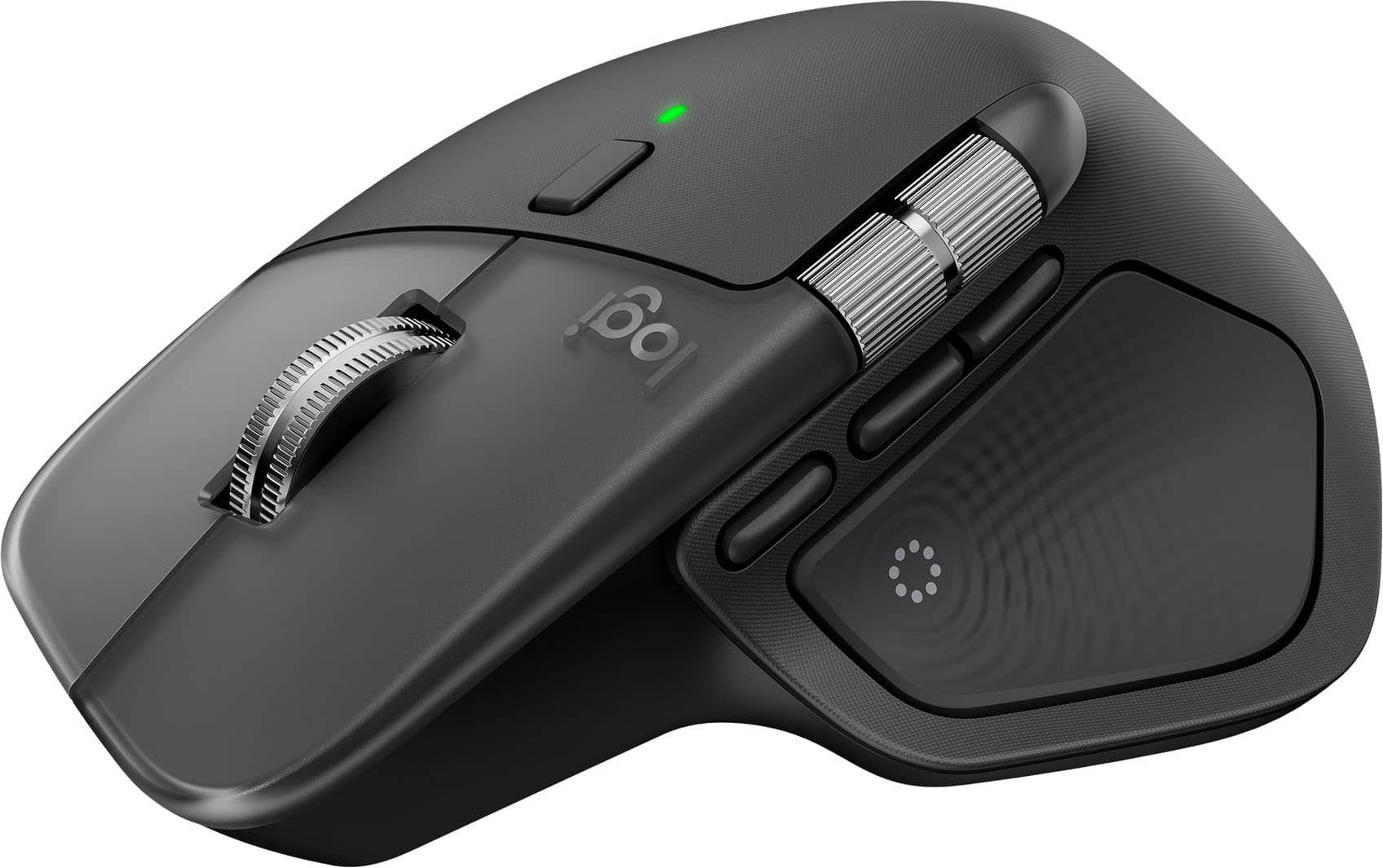
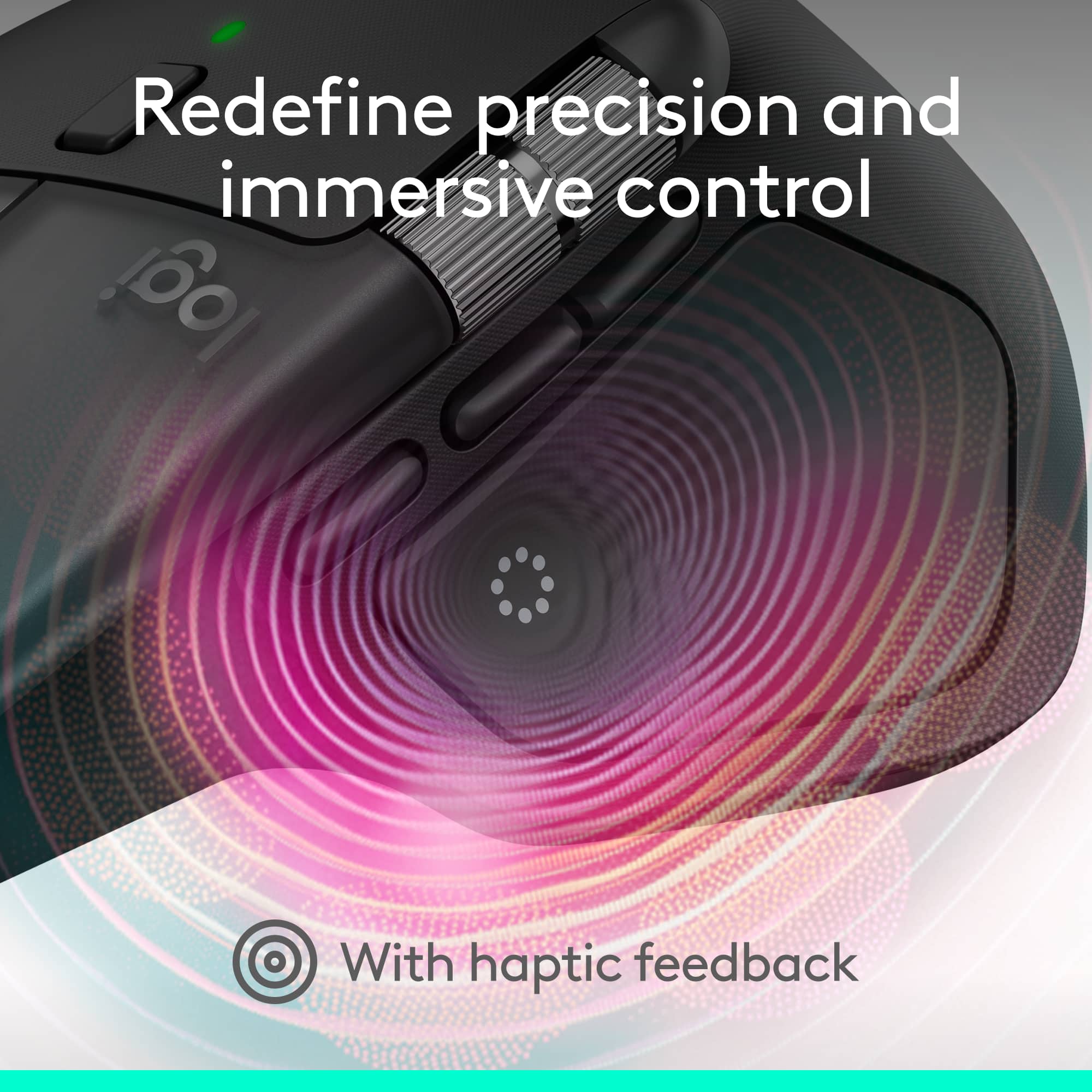
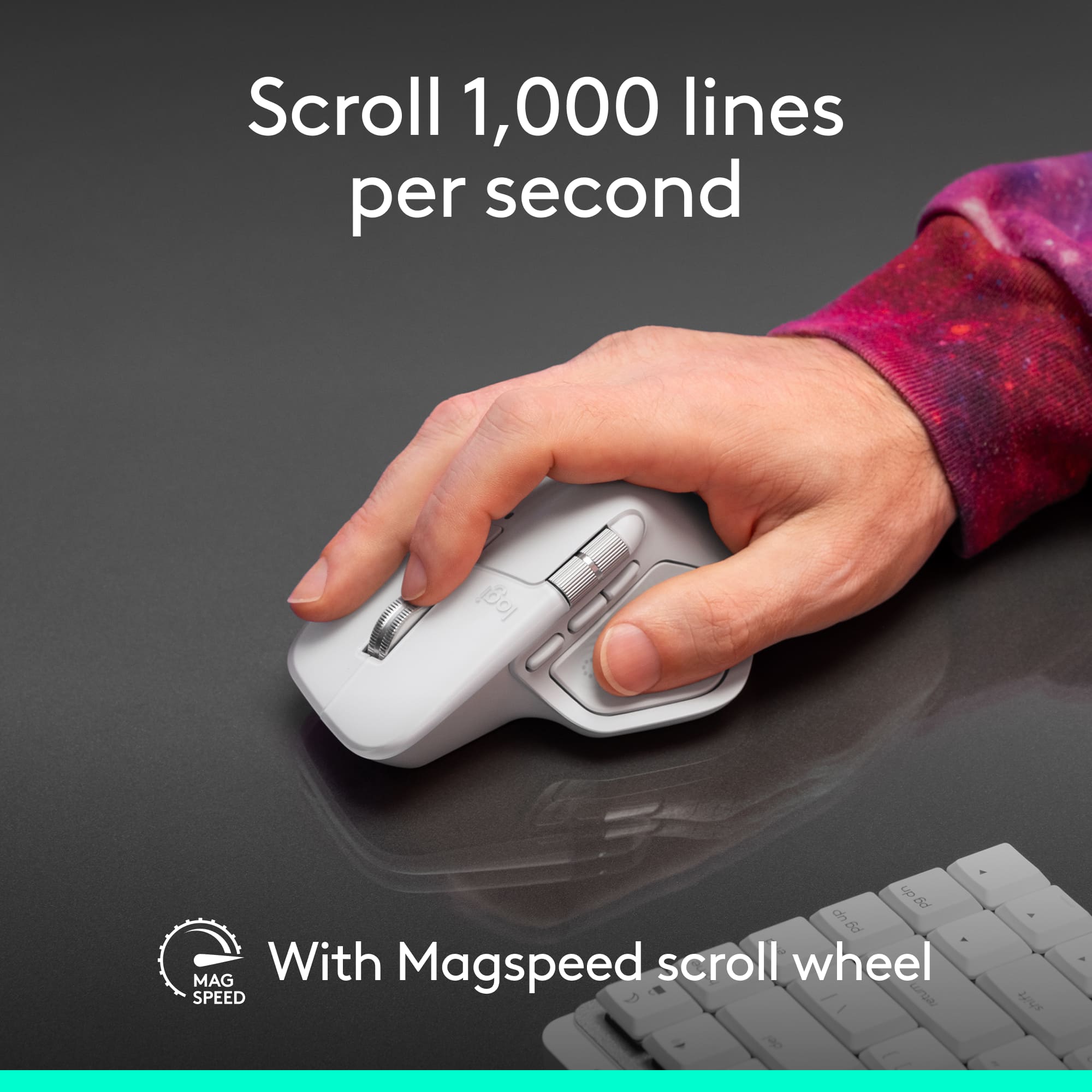
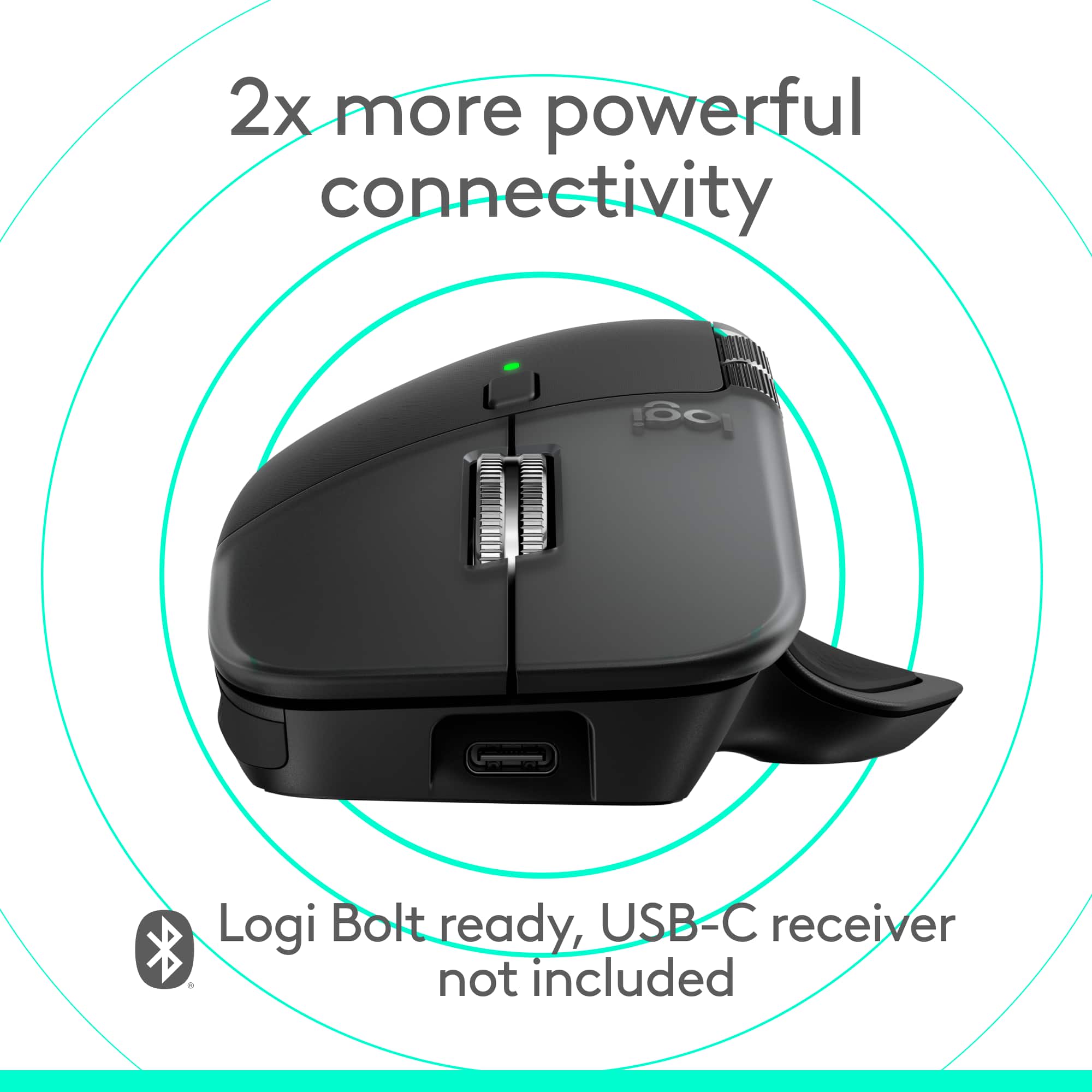
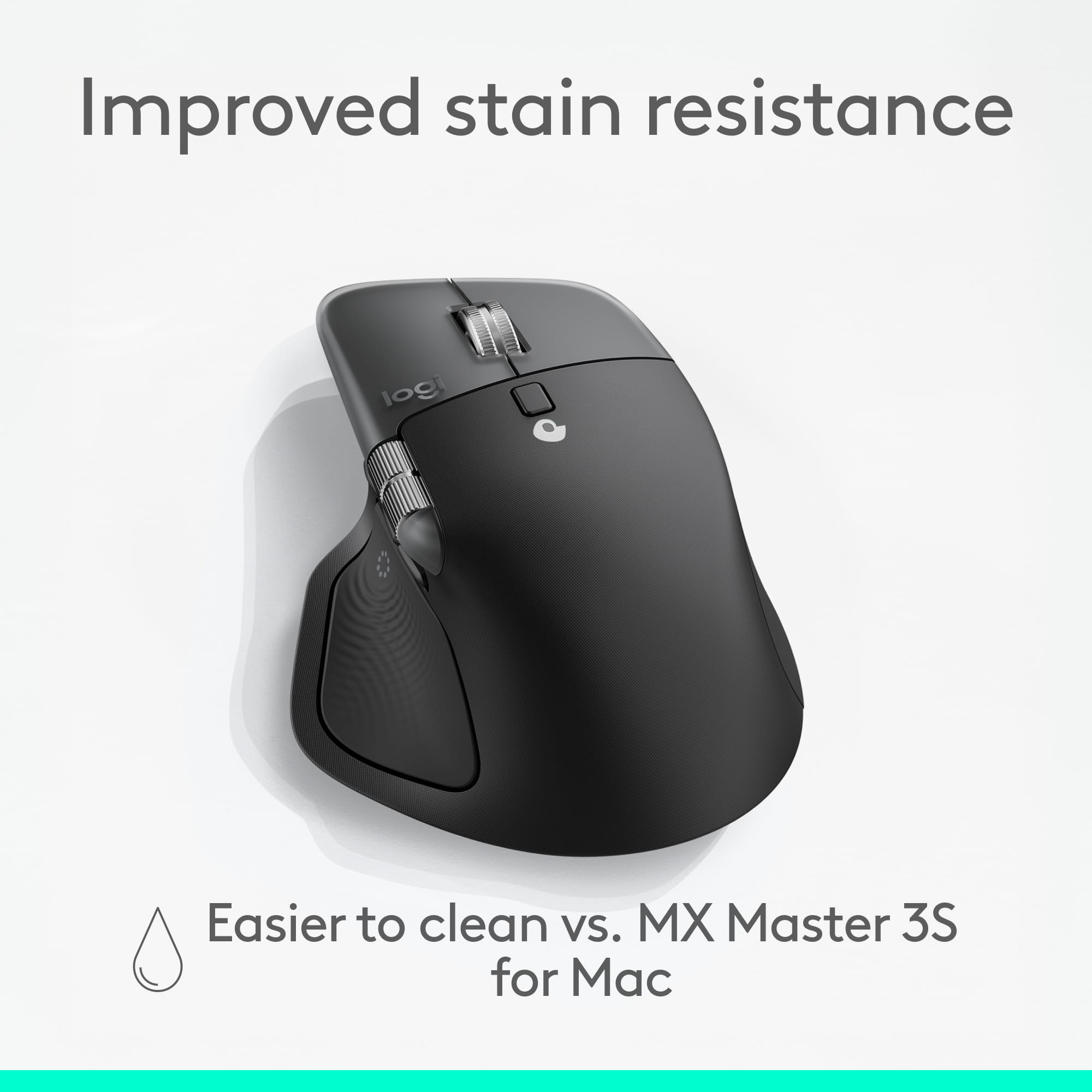
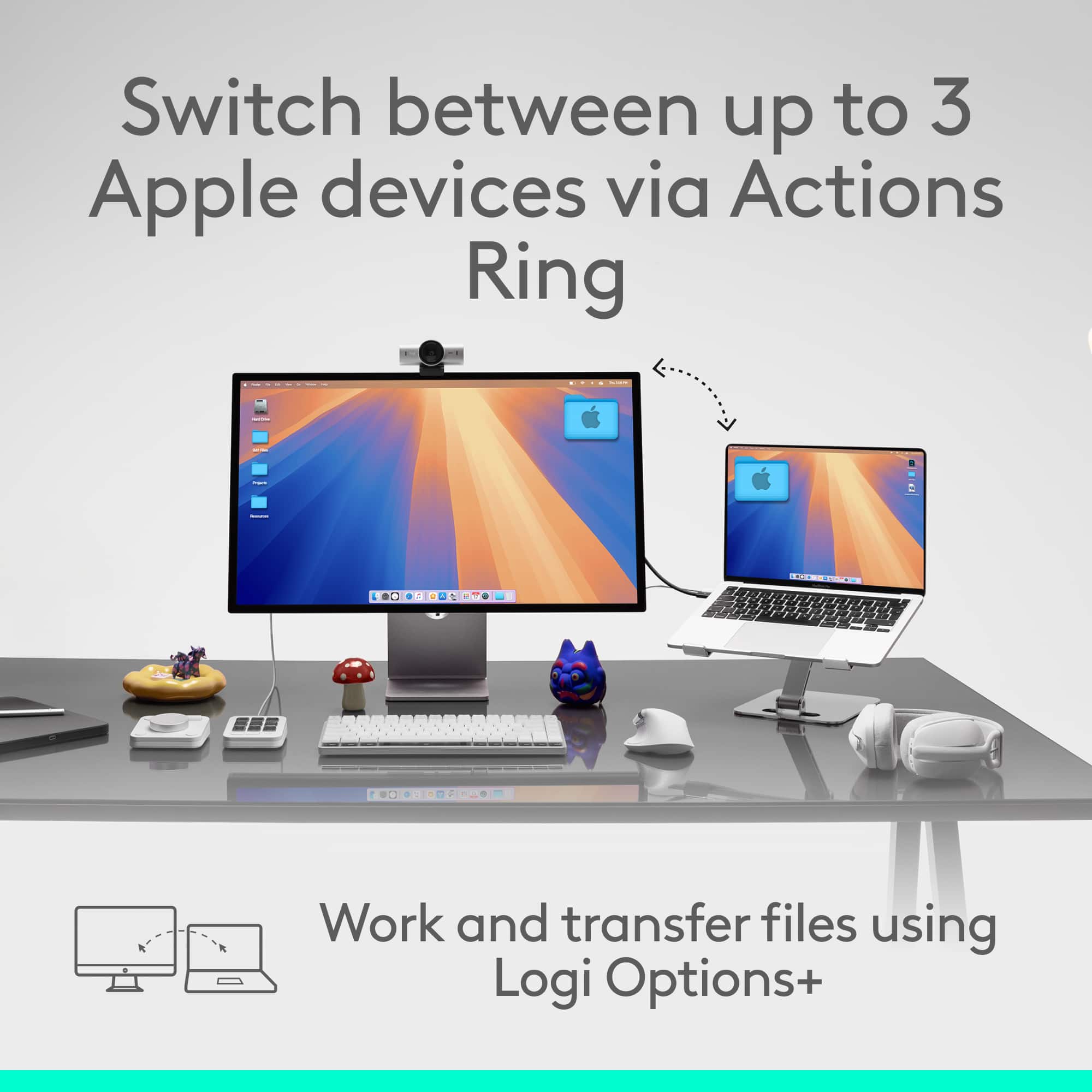
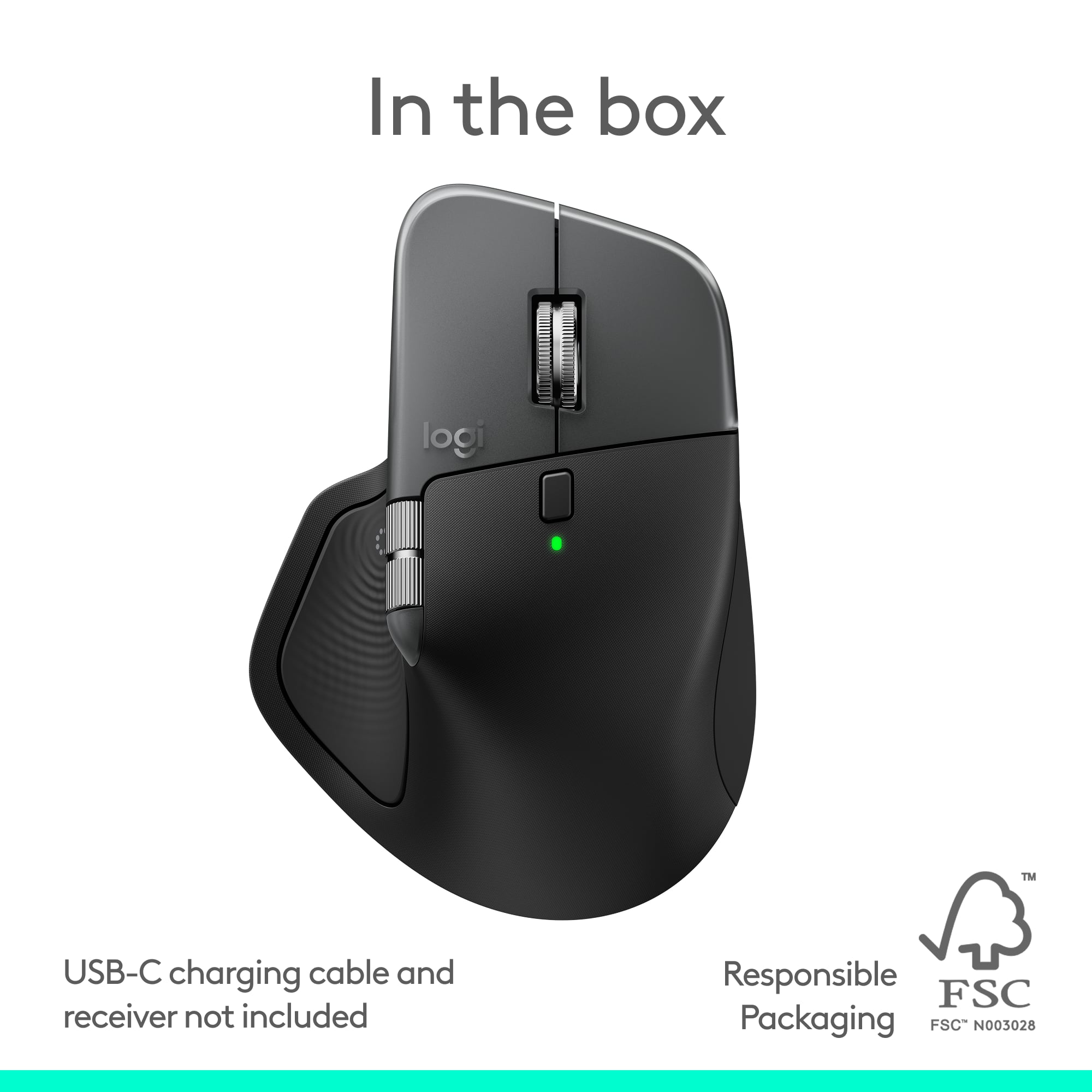
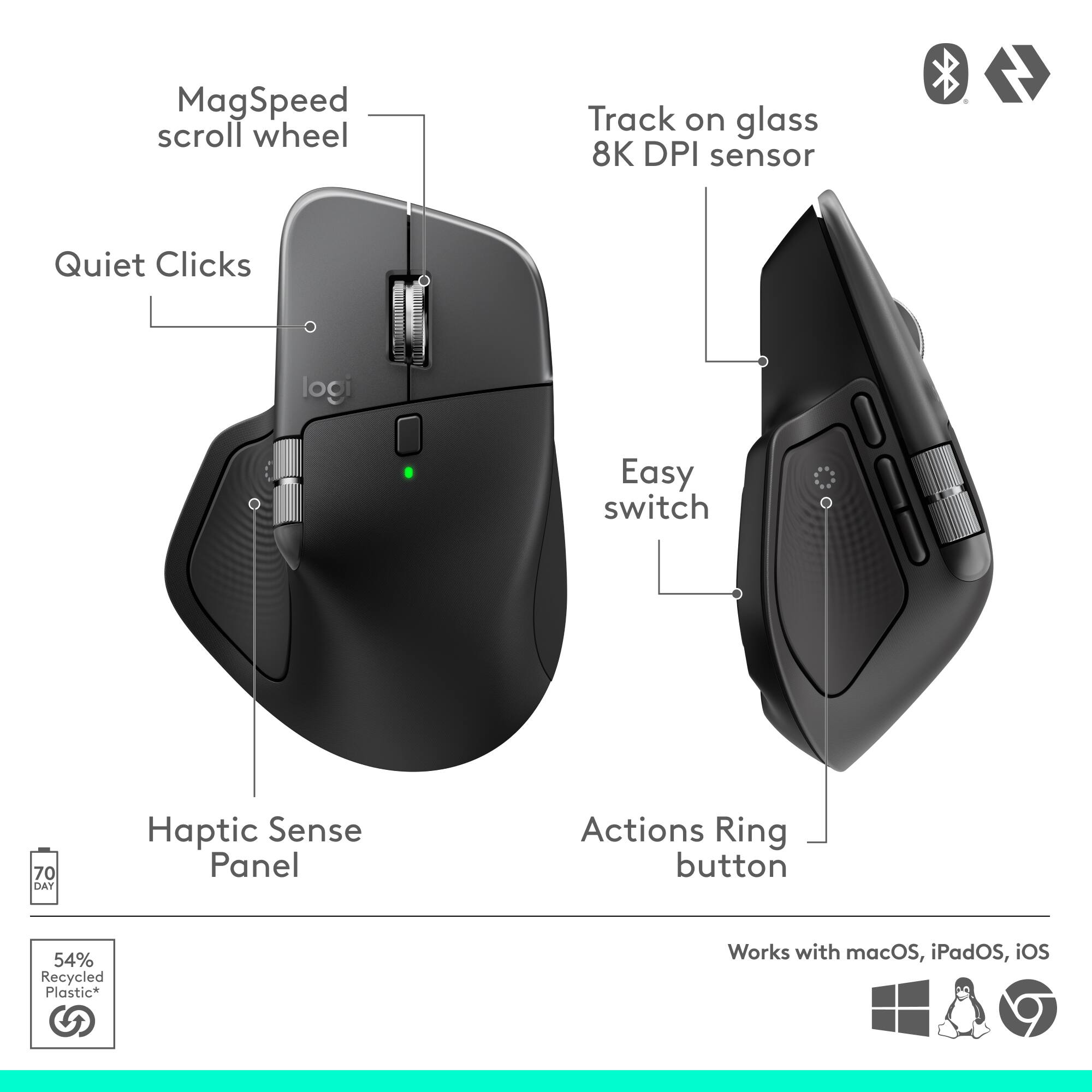
|Posted .This reviewer received promo considerations or sweepstakes entry for writing a review.Logitech makes my favorite accessories. I've used their products for years. From universal remotes, to keyboards, headset, webcams, and mice, Logitech makes solid accessories. My previous Logitech mice have been the MX Vertical, and the MX Master 3S, and I've had no complaints. So my review will be based on my experience in upgrading from the MX Master 3S to the MX Master 4. Design Impressions The MX Master 4 keeps the classic design that’s made the Master MX series popular and my favorite choice of mouse. The design feels familiar under the palm, and the side grips have a textured finish. The overall build feels a bit thicker and more solid than my 3S. Thankfully, Logitech didn’t change what made me love using my MX Master 3S. The MX 4 still fits naturally in my hand. The weight is similar to the 3S, heavy enough to feel sturdy and light enough to glide effortlessly. Battery life remains great. I’ve gone nearly two weeks with daily use and the charge indicator hasn’t budged. When it comes to connections, the MX Master 4 has the same wireless options as the MX Master 3S. You can connect using Bluetooth, or using a Logitech Bolt adapter. It’s worth noting that the Bolt adapter is not included, but the same Bolt connector that came with my MX Master 3S works for the MX Master 4. Buttons & Customization Logitech added some noticeable changes to the button layout. There’s now an additional side button near the thumb area, and the gesture button has been moved. The feeling of the clicking of buttons are quieter than other mice without feeling weird. I’m glad they kept this from the MX Master 3S because the clicking was so much nicer. The biggest change here is the addition of a haptic feedback system. It adds vibrations that cue you when switching devices, invoking gestures, or interacting with the new Action Ring menu. It’s enough not to distract, but enough to make interactions feel deliberate. The scroll wheel feels the same as the MX Master 3S, it spins easily, and is responsive. Just like previous Logitech mice, customization through the Options+ software allows for greater customization and personalization. Every button, wheel, and gesture can be reassigned by app. With the newer button layout and haptic cues, it’s now easier to design workflows with several steps. For example, you can assign the Action Ring to Photoshop for quick brush size, color picker, and layer toggles. The Action Ring The headline software ability is the Action Ring, an overlay you access with an assigned gesture or button click. It’s essentially a radial shortcut menu, and can be paired with the haptic feedback. You can configure it to launch apps, switch desktops, trigger macros, or control media. The only software powered feature that I honestly don’t use all that much is the Flow feature. It’s designed for moving between multiple distinct devices. Bottom Line The MX Master 4 is a solid upgrade from the Master 3S for people who will use the new features. It’s familiar and comfortable in form, but a packs a punch under the hood. The haptics and Action Ring make tasks feel smoother and more responsive, and the redesigned buttons expand what’s possible without adding a ton of clutter. I'm glad I upgraded.
I would recommend this to a friendBrand response from Logitech
Posted .Hey! We’re glad our product is serving you well. Your insights help us grow and refine our offerings. Thanks for being a valued customer.

Logitech Love!
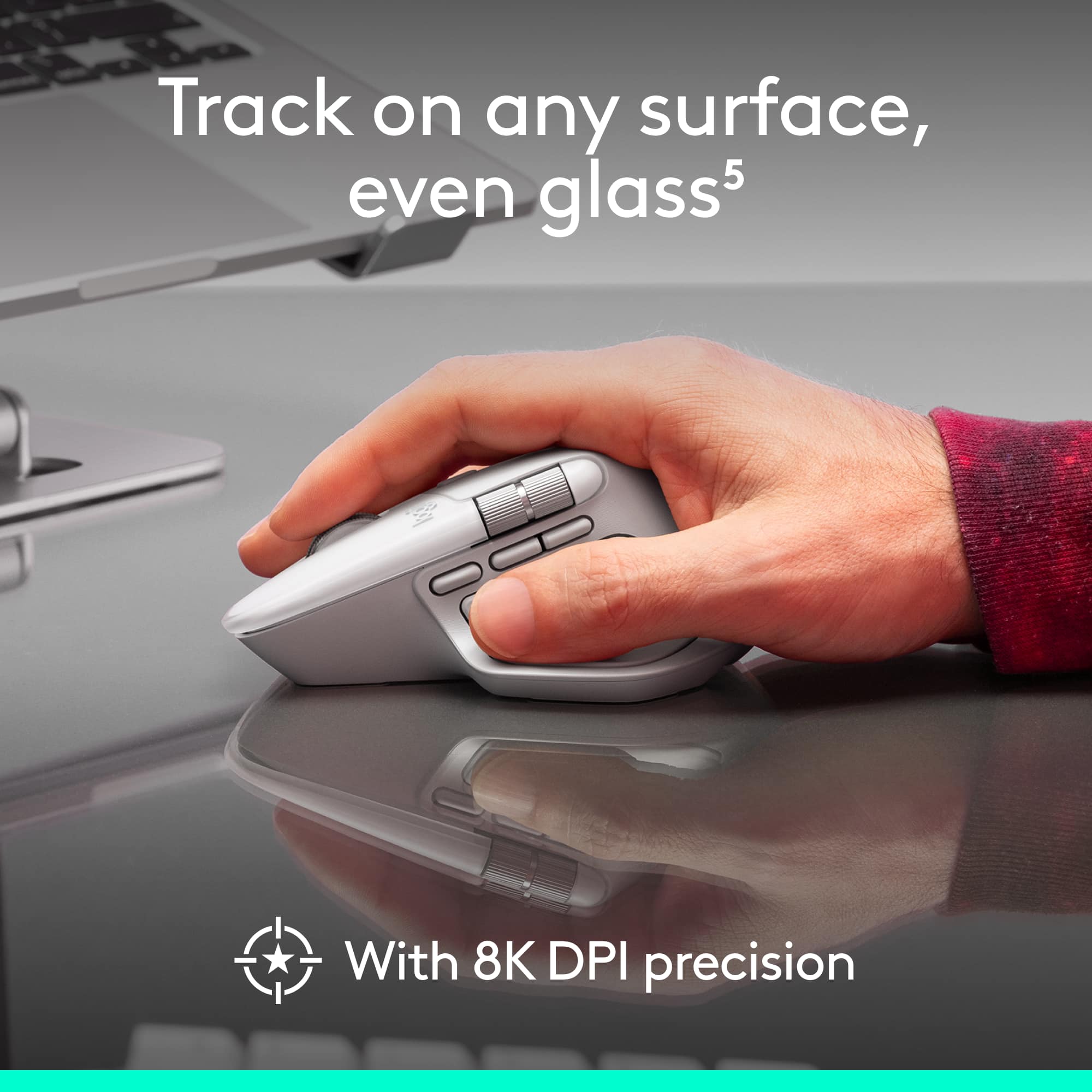
|Posted .This reviewer received promo considerations or sweepstakes entry for writing a review.Logitech produces some of the best, most enjoyable to use, and premium computing accessories on the market. This MX Master 4 for Mac is yet another example. I love the aesthetics of this device. Sure, that may not have anything to do with function, but appearances matter to some of us, and this is pleasing to the eye. But it doesn't just look nice, it has a great build quality and excellent performance. There is a premium look and feel to this mouse. Buttons are satisfying to click, scroll wheels are solid, no loose or moving parts (that shouldn't move), and it is comfortable in the hand. Speaking of mouse clicks, or lack thereof. I truly appreciate the absolute silence that Logitech has incorporated into the MX Master 4. I literally cannot hear any noise when pressing the right and left buttons. I can't tell you how much I appreciate this little touch - pun intended. Scrolling is a breeze and can be done in ratchet mode, which is more traditional, or hyper-fast mode which blasts up or down the screen. Side scrolling is also smooth and accurate. While I don't find the haptic feedback to be useful with my use cases. I love that it's there. There is just something satisfying about the gentle feedback. It's not overpowering or annoying. The haptics are just enough to let you know it's there. I have used this mouse with the latest Mac Mini, Macbook Air, and the latest iPad Pro 12.9", all with excellent results. While probably a bit more practical for a desktop or laptop use case, you'll find the MX Master 4 to function great in either scenario. Cursor accuracy is beyond excellent. I have not been able to use this on glass, so I can't speak to that surface type. My use has been on a dark wood desk, granite countertop, black plastic lap desk, and even on the armrest of my recliner. Flawless accuracy in every use case. Using the Logi Options+ software ups the game even more, allowing for button customization, adjusting the speed of cursor tracking, and so much more. While the mouse can be used without this software, I highly recommend downloading, as it adds so much more functionality and customization to the experience. Connectivity is stellar. I have used this with Bluetooth, however it can be used with Logi Bolt USB connector. I have not experienced any lag or disconnections. I have this connected to three devices and switching between them is smooth. Almost instantaneous connection is made when switching. Battery life is superb. I have used this pretty heavily for several weeks and still have right about 60% battery remaining. It does charge with USB-C and yes, you can still use the mouse while connected. I am a longtime fan of Logitech's products. The attention to detail, solid build, overall quality, and excellent performance remain evident in this MX Master 4. I have zero reservations about recommending this product. Great job once again, Logitech!
I would recommend this to a friendBrand response from Logitech
Posted .Thank you so much for your wonderful feedback on the Logitech - MX Master 4 for Mac! We’re thrilled to know it’s meeting your expectations. Your support means a lot to us.
MX Master 4 - Excellent
||Posted . Owned for 2 weeks when reviewed.This reviewer received promo considerations or sweepstakes entry for writing a review.Excellent for gaming and regular work. Loved the performance and options. Working for both windows and mac
I would recommend this to a friendBrand response from Logitech
Posted .We’re grateful for your support. Thanks for choosing Logitech and sharing your experience.
Great mouse
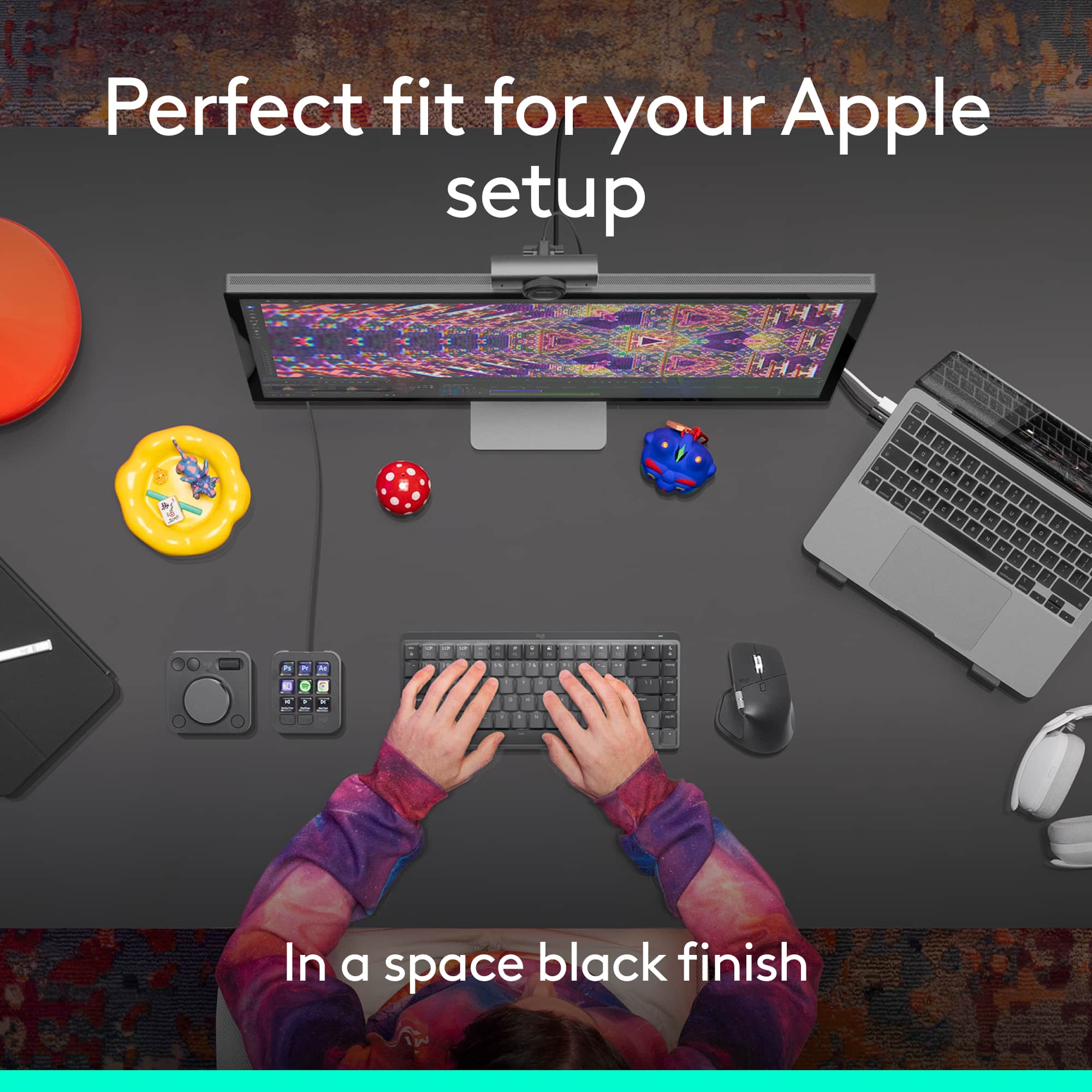
||Posted . Owned for 2 weeks when reviewed.This reviewer received promo considerations or sweepstakes entry for writing a review.I upgraded from the 3S I only upgraded because I got the new space black MacBook Pro, and one in my mouth color to match can’t go wrong with this product
I would recommend this to a friendBrand response from Logitech
Posted .It’s great to hear your experience has been positive. Your feedback helps us refine and improve our products. Thanks for choosing Logitech!
Excellent Ergonomic Mouse
||Posted .This reviewer received promo considerations or sweepstakes entry for writing a review.Really easy set up, great comfort and performance. Looking forward to figuring out how to maximize my productivity with all the options it offers
I would recommend this to a friendBrand response from Logitech
Posted .Thanks for your feedback! We’re glad you like the Logitech - MX Master 4 for Mac, and we appreciate your input to help us get even better.
Bluetooth Cordless Mouse
||Posted . Owned for 3 weeks when reviewed.This reviewer received promo considerations or sweepstakes entry for writing a review.Easy Bluetooth connection. Next to the external keyboard probably the most useful accessory.
I would recommend this to a friendBrand response from Logitech
Posted .We’re really grateful for your thoughtful review. It’s wonderful to know that our product is delivering the performance and ease of use you were hoping for. Hearing from satisfied users like you keeps us motivated. Thanks for choosing Logitech!

Mostly good
|Posted . Owned for 1 month when reviewed.This reviewer received promo considerations or sweepstakes entry for writing a review.Lots of buttons to bind to whatever you want. Scroll wheel is funky on an iPad though.
I would recommend this to a friendBrand response from Logitech
Posted .Thank you for sharing your feedback, we appreciate you taking the time to let us know about your experience, especially regarding the scroll wheel on iPad.
easy to use
||Posted . Owned for 3 months when reviewed.This reviewer received promo considerations or sweepstakes entry for writing a review.very easy to easy and comfortable for use for long periods of time.
I would recommend this to a friendBrand response from Logitech
Posted .Thank you for your kind words! We’re delighted the product is performing well for you. Your feedback inspires us to keep pushing forward.
Just buy it
||Posted . Owned for 3 months when reviewed.This reviewer received promo considerations or sweepstakes entry for writing a review.Best work and day to day mouse created, not much more else to say. Buy it
I would recommend this to a friendBrand response from Logitech
Posted .Thanks for the positive vibes! We’re thrilled you’re enjoying your Logitech device.
Comfortable
||Posted .This reviewer received promo considerations or sweepstakes entry for writing a review.First mouse that I have found that’s worth what you pay for
I would recommend this to a friendBrand response from Logitech
Posted .Thanks for taking the time to share your experience. We’re delighted the product is working well for you. Your feedback means a lot.
Wireless mouse
||Posted . Owned for 1 month when reviewed.This reviewer received promo considerations or sweepstakes entry for writing a review.Very good product, It was easy to set up and easy to use.
I would recommend this to a friendBrand response from Logitech
Posted .We’re so pleased to hear your experience has been positive. Your input helps us build better products for everyone.
Best Mouse
||Posted .This reviewer received promo considerations or sweepstakes entry for writing a review.This is the best mouse ever, don't miss this you will regret it!
I would recommend this to a friendBrand response from Logitech
Posted .Thank you for sharing your positive feedback! We're thrilled to hear you love the MX Master 4 and find it to be the best mouse ever.
Love it
||Posted . Owned for 2 weeks when reviewed.This reviewer received promo considerations or sweepstakes entry for writing a review.Excellent mouse, easy to set up, very responsive. Would recommend.
I would recommend this to a friendBrand response from Logitech
Posted .It’s always a pleasure to hear from satisfied users. Thanks for sharing your experience—it helps us keep doing what we love.
Work as described.
||Posted . Owned for 1 month when reviewed.This reviewer received promo considerations or sweepstakes entry for writing a review.Works excellent in Mac and windows, The features are great!
I would recommend this to a friendBrand response from Logitech
Posted .Thank you so much for your wonderful feedback on Logitech - MX Master 4 for Mac - Wireless Laser Ergonomic Mouse! We’re thrilled to know it’s meeting your expectations. Your support means a lot to us.
Great BIG mouse, try with your hands first!
||Posted . Owned for 3 weeks when reviewed.This reviewer received promo considerations or sweepstakes entry for writing a review.Great mouse, but be aware that is a big mouse. If you have big hands you will love it. If you have smaller hands you will still love it, but accessing some of the feature through the buttoms might be a little tricky. So try before you buy it.
I would recommend this to a friendBrand response from Logitech
Posted .Hey! Thanks for the kind words! We’re proud to know our product is making a difference. Your feedback keeps us moving forward.
Apple cannot make a good mouse logitech can
||Posted . Owned for 2 weeks when reviewed.This reviewer received promo considerations or sweepstakes entry for writing a review.Its the bees knees. All of the extra functions are so useful
I would recommend this to a friendBrand response from Logitech
Posted .Thanks for the thoughtful review! We’re glad to hear our product is delivering the quality and convenience you were looking for. Your feedback helps us keep improving, and we’re grateful for your trust in Logitech.
it is a high-end experience
|Posted .This reviewer received promo considerations or sweepstakes entry for writing a review.I found Logitech MX Master 4 a poweful addition to my office. So far after a month I have not had any problems with comfort, performance and design. It is an impressive and practical mouse Ihave ever had. I am editing apps with gestures or shortcuts and this mouse made my life easier. The design is comfortable and hold up the hand nicely. Thumb scroll is customizable and works fine for me. I can scroll smoothly and go down to pixels. It can be connected to my Mac with Bluetooth in a minute and USBC also works well if cable is accessible. It can hold up the charge up to a week. Clicking is quite and so smooth and make my job easier when i work at night while my kids are sleeping or in a meeting. The only drawback is the Logi option plus app needed to be customized which is a bit expensive. Overall, the MX Master 4 for Mac is a high-end experience that integrates extremely well with Apple hardware. It's optimally suited for creative professionals and those who value precision and comfort.
I would recommend this to a friendBrand response from Logitech
Posted .Hey! Your feedback helps us stay focused on what matters. We’re glad our product is meeting your needs. Thank you for your support.
Not as good as the 3
||Posted . Owned for 2 weeks when reviewed.This reviewer received promo considerations or sweepstakes entry for writing a review.I’m a little disappointed in this mouse for a couple reasons. First, the 3 has comfortable rubber. The 4 is hard plastic and feels run of the mill. Secondly the IOS version is the exact same price as the Adobe and Windows versions, they are all practically the same, except the iOS version does not come with a type C dongle. Yet it’s the same price.
No, I would not recommend this to a friendBrand response from Logitech
Posted .Thanks for sharing your thoughts; this input is valuable as we work to enhance the Logitech MX Master 4 for Mac.
Awesome mouse!
||Posted . Owned for 2 weeks when reviewed.This reviewer received promo considerations or sweepstakes entry for writing a review.Great mouse with great features! Logitech never disappoints!
I would recommend this to a friendBrand response from Logitech
Posted .Hey! We’re grateful for your thoughtful feedback. It’s encouraging to know our product is meeting your expectations. Thanks for being part of our journey.
Mx4 mouse
||Posted .This reviewer received promo considerations or sweepstakes entry for writing a review.I have 2s 3s and 4 very good all but new one the best
I would recommend this to a friendBrand response from Logitech
Posted .We appreciate your thoughtful review. It’s great to know our product is meeting your needs. Thanks for being a valued customer.