Customer Ratings & Reviews



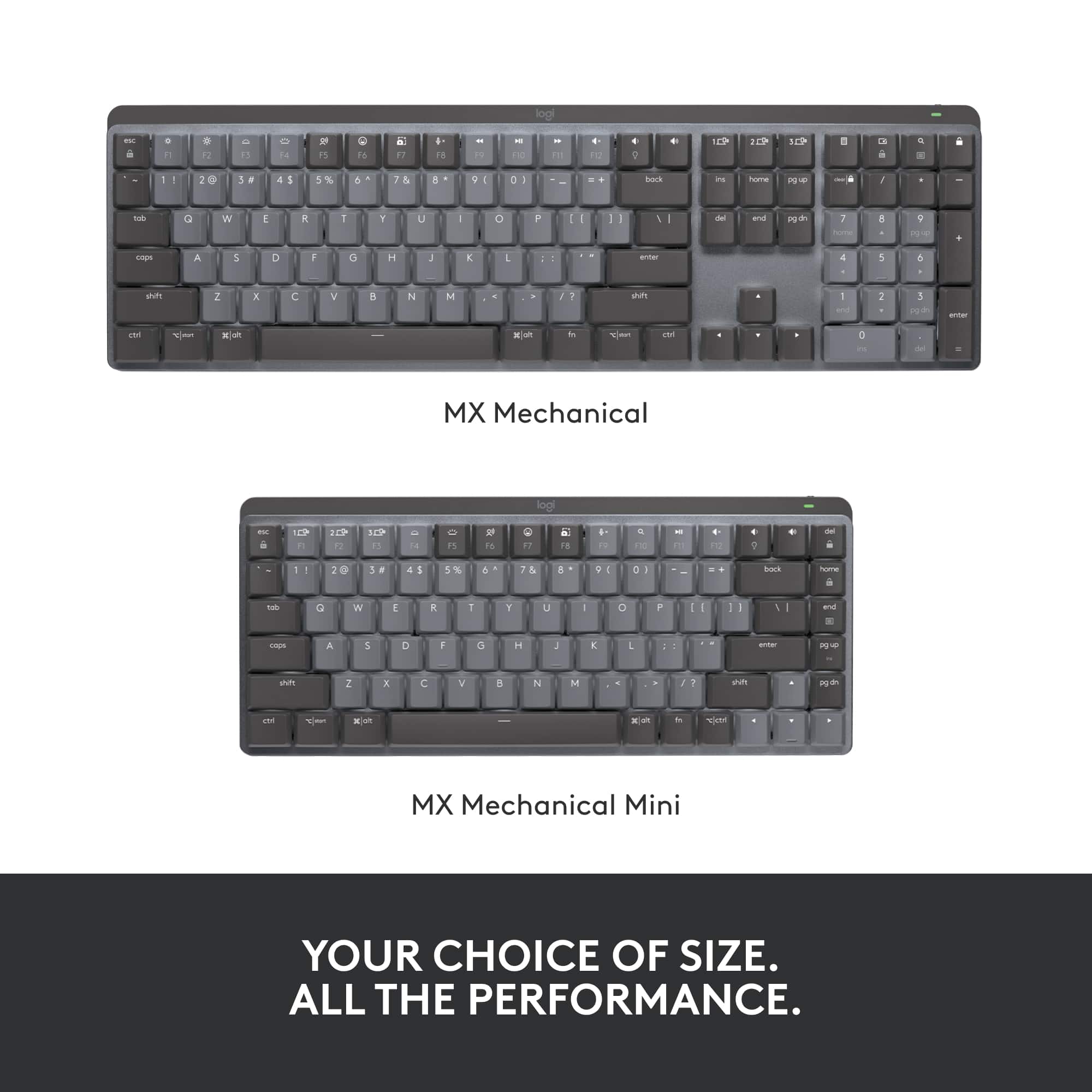
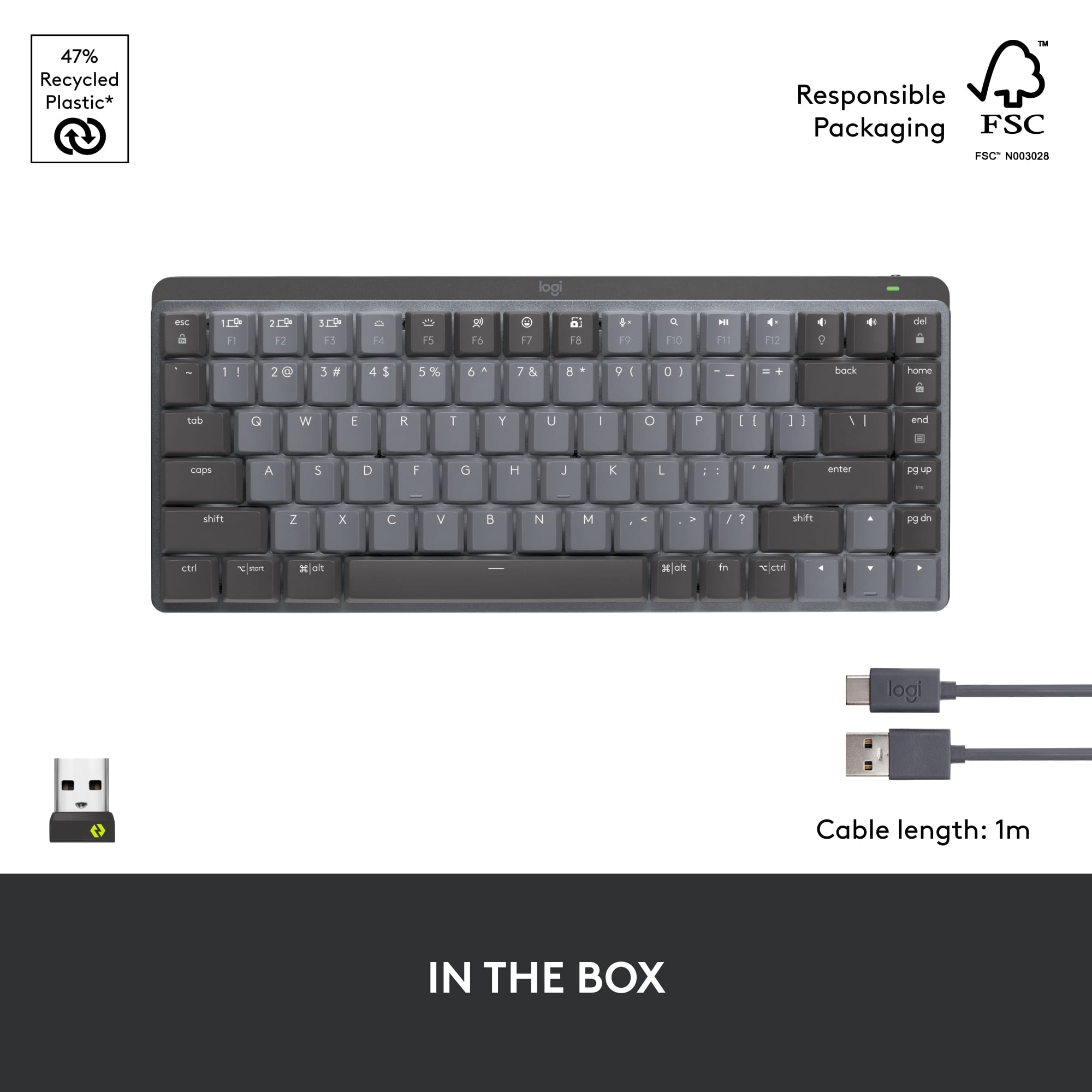


- Model:
- 920-010550
- SKU:
- 6502583
Rating by feature
- Value
Rating 4.3 out of 5 stars
- Quality
Rating 4.7 out of 5 stars
- Ease of Use
Rating 4.7 out of 5 stars
Customers are saying
Customers value the product's excellent keyboard quality, premium key feel, and impressive battery life. They also appreciate its perfect size, reliable connectivity, and ease of use. On the other hand, some customers find the product to be a bit pricey, and a few note the absence of a number pad and express minor concerns about its weight.
This summary was generated by AI based on customer reviews.
- Pros mentioned:Key feel
Awesome Keyboard in Small Package
||Posted . Owned for 4 months when reviewed.This reviewer received promo considerations or sweepstakes entry for writing a review.I really enjoy using this keyboard. Has great key something I didn't really think about but makes typing long emails and presentations enjoyable.
I would recommend this to a friend Great low profile mechanical keyboard
||Posted . Owned for 1 week when reviewed.This reviewer received promo considerations or sweepstakes entry for writing a review.Has good weight to it which makes it feel really sturdy.
I would recommend this to a friend- Pros mentioned:Keyboard quality
LOVE THE MECHANICS
||Posted . Owned for 1 month when reviewed.This reviewer received promo considerations or sweepstakes entry for writing a review.EXCELLENT QUALITY; GAME CHANGER, EVEN IF IM COMING FROM AN ALREADY GREAT KEYBOARD LIKE THE NON MECHANICAL MX
I would recommend this to a friend good feel and quality
||Posted . Owned for 2 months when reviewed.This reviewer received promo considerations or sweepstakes entry for writing a review.Great look and feel. only issues is with all mini-keyboards: usually the right shift and control are small and often missed with right pinky when fast typing.
I would recommend this to a friendGreat tenkeyless boards but not for me
||Posted . Owned for 1 month when reviewed.This reviewer received promo considerations or sweepstakes entry for writing a review.I’m basing this review on a personal preference. I thought I might like a tenkeyless keyboard but I really really need my tenkeys. I wish they come out with a 96% board and that would be ideal for me.
No, I would not recommend this to a friend- Pros mentioned:Battery life, Key feel, Keyboard quality

Great compact keyboard
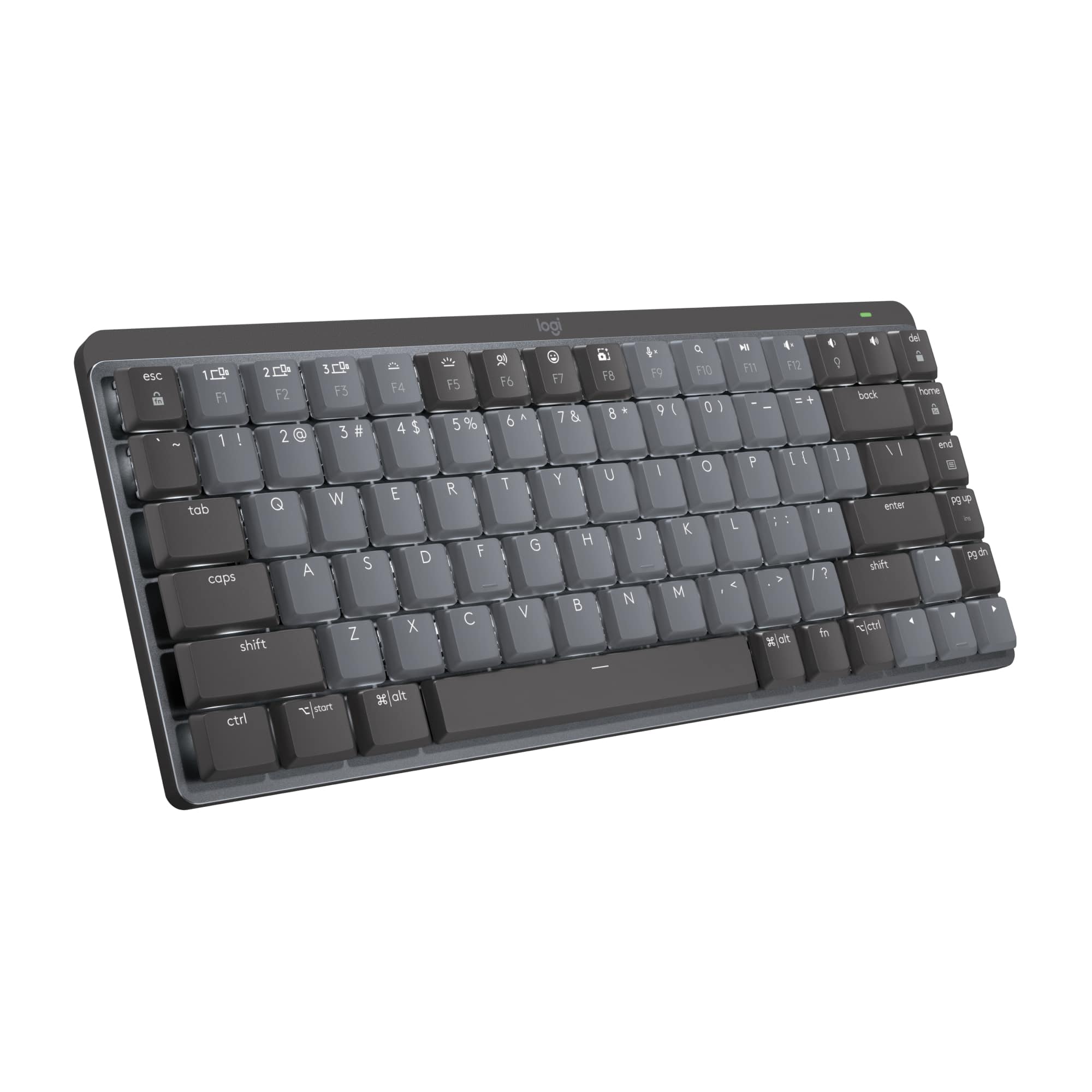
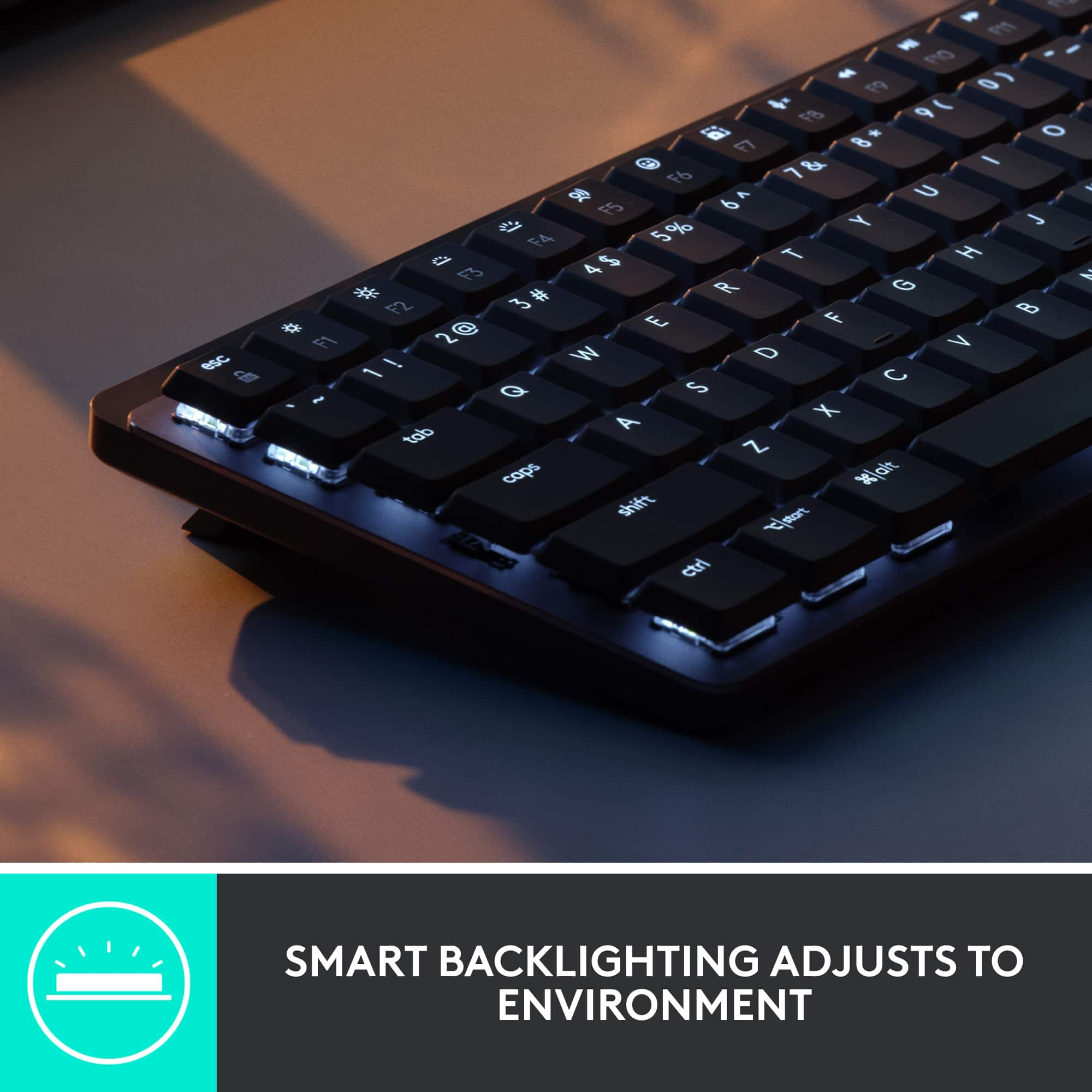
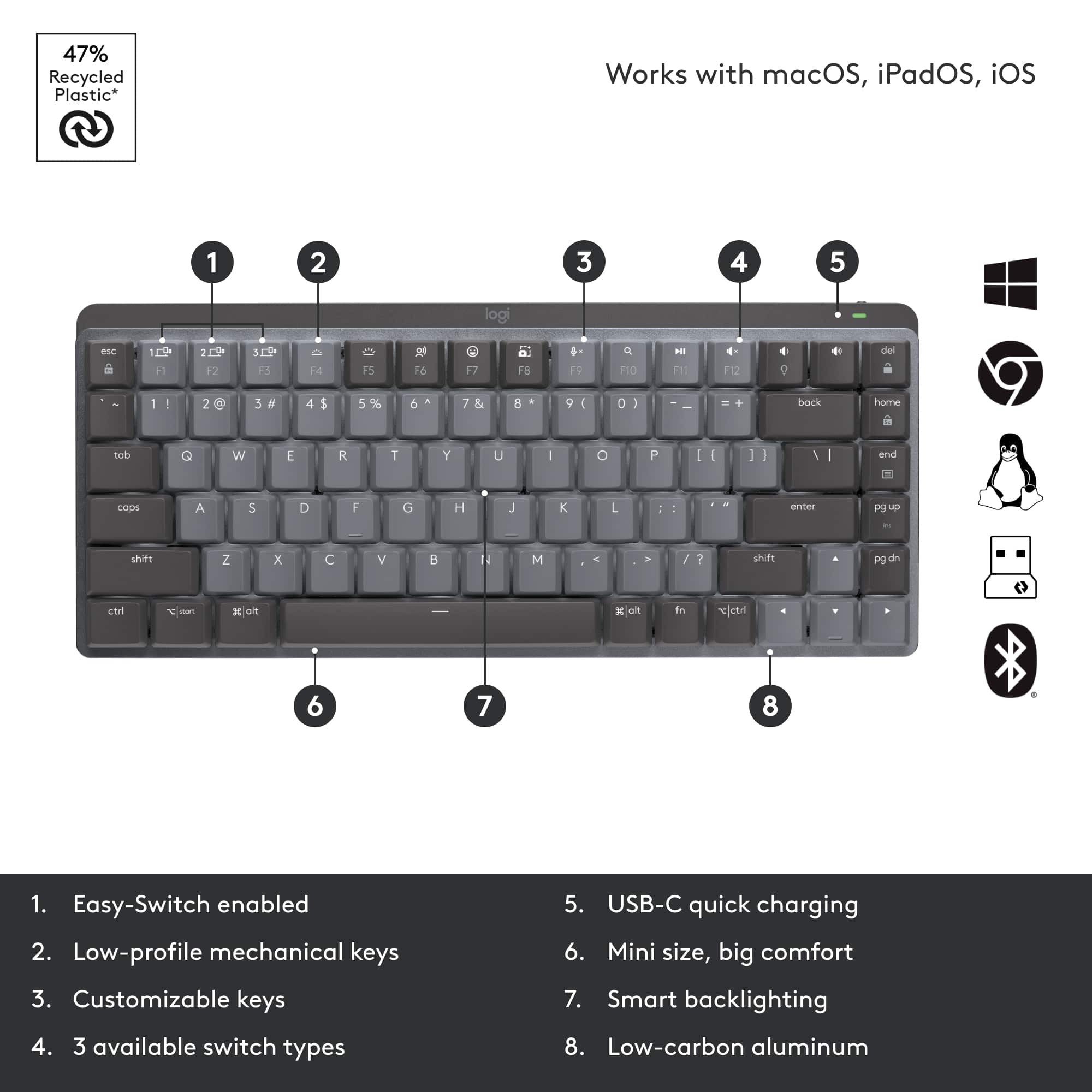
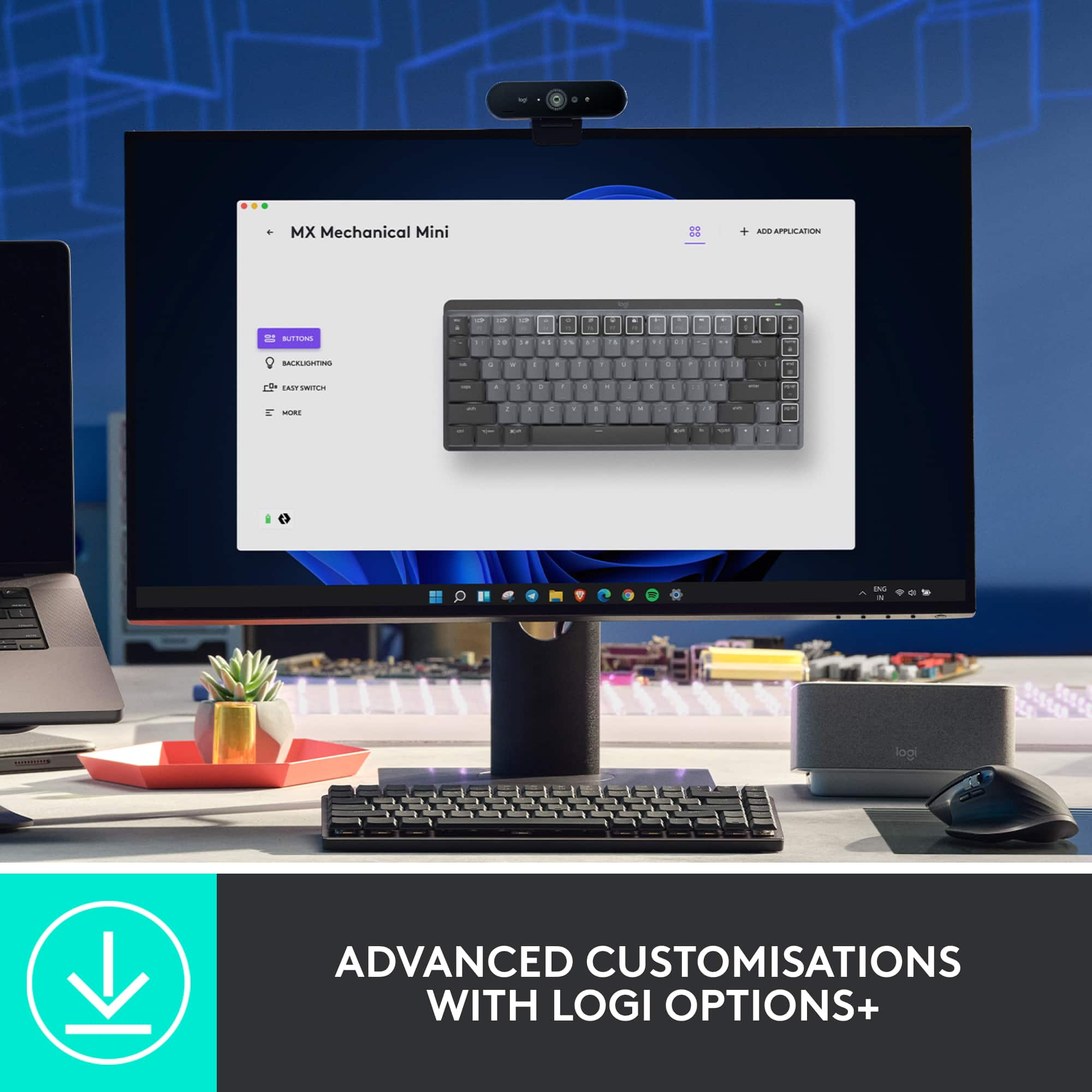
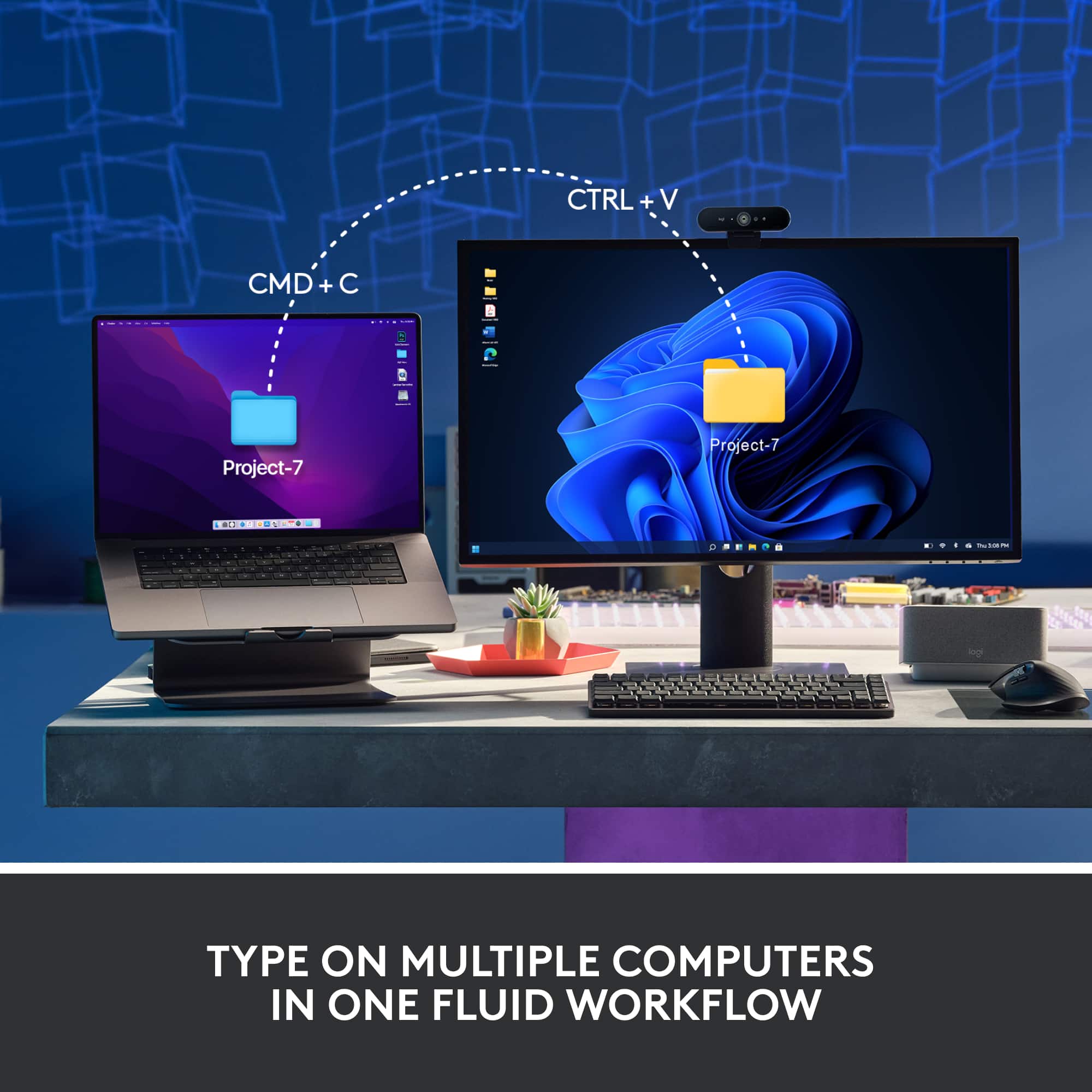
|Posted .This reviewer received promo considerations or sweepstakes entry for writing a review.This is a great compact keyboard, good for people who are lacking space or want to use this with a home theater setup. I can comfortably type with this keyboard sitting in my lap. It is definitely small, but loaded with features like backlit keys in multiple light patterns. It can easily store the wireless configurations of 3 different computers/devices and switch between them with the push of a button. It is simple to pair with Bluetooth, but also has a dongle for a device that does not have Bluetooth. The rechargeable battery life is supposedly 15 days if backlighting is on, and closer to a year if backlighting is off. It took a long time to charge, but I am guessing the battery has a significant capacity if it is made to run that long between charges. The top row of keys are primarily functions like volume controls, play/pause, and things like that which makes this even better when using it for media purposes. They can revert to F keys when needed. Typing on the keyboard is comfortable and quiet with its tactile keys. While this looks great on a desk, my primary use for this keyboard is to have it in the living room, wirelessly connected to the computer connected to the TV. With the size and backlighting, it does not take up a lot of space and it is perfect for low light environments.
I would recommend this to a friend - Pros mentioned:Keyboard quality
small but mighty
||Posted . Owned for 1 week when reviewed.This reviewer received promo considerations or sweepstakes entry for writing a review.perfect for a small keyboard, couldn't ask for more
I would recommend this to a friend Great Keyboard with Disappointing Build Quality
||Posted . Owned for 2 months when reviewed.This reviewer received promo considerations or sweepstakes entry for writing a review.Would be my favorite keyboard if there wasn't inconsistency around the key sounds and feel. My first purchase had a shift key that started to make a high pitch sound. Completed a return with Logitech, which was a smooth process. I received a replacement where the spacebar now sounds and completely different from all the other keys, which is annoying and disappointing.
No, I would not recommend this to a friend- Pros mentioned:Keyboard quality
Okay for a compact keyboard
||Posted . Owned for 1 month when reviewed.This reviewer received promo considerations or sweepstakes entry for writing a review.Generally good feel to the keys, but definitely to compact for my usage.
No, I would not recommend this to a friend SO FRUSTRATING!
||Posted . Owned for 2 months when reviewed.This reviewer received promo considerations or sweepstakes entry for writing a review.This has to be the most frustrating keyboard I have ever used. I was so excited for it, I used it fine for a couple of weeks and then it started malfunctioning. It repeats keys over and over again.. I'll type one letter and then it will just type that same letter over and over again and you can only sit there and wait for it to stop and then you have to go back and delete it all and continue typing. If you hit the delete key or backspace, it will repeat the backspace and get stuck and delete your whole message. It has been a terrible experience and I spent a lot of money on this keyboard and now i am out of the return window, so i am stuck with it. I read that when a keyboard does this, it is a motherboard issue and cant be repaired. I am so bummed and frustrated. As i am writing this review, it has done the phantom typing and repeating 6 times. i cant get through one message.
No, I would not recommend this to a friendHigh price for low design quality.
||Posted . Owned for 10 months when reviewed.This reviewer received promo considerations or sweepstakes entry for writing a review.The backlight dims after some time. Makes it frustrating finding the keyboard after it dims in the dark. The design was not well tested if you ask me.
No, I would not recommend this to a friendBrand response from Logitech
Posted .We apologize for the inconvenience caused by the dimming backlight issue on the Logitech MX Mechanical Mini. We understand how frustrating this can be, especially in darker environments. Your feedback is valuable as we strive to improve our products.
Not the best
||Posted . Owned for 3 weeks when reviewed.This reviewer received promo considerations or sweepstakes entry for writing a review.This keyboard is not great if you have ever had a brown switches or anything of that type. The switches feel extremely mushy and not premium whatsover. For productivity, stick with the apple keyboard or something of the sort. The other switches feel very cheap as well.
No, I would not recommend this to a friendBrand response from Logitech
Posted .Hello edocomarzo,
I am sorry that you are not fully satisfied with the MX Mechanical Mini. If you like the feel of the Apple keyboard, you should stick to the membrane keyboards and avoid mechanical keyboards. I suggest you try the MX Keys Mini with a membrane like the Apple keyboard. Logitech appreciates your product review. - Leo from Logitech
- Pros mentioned:Connectivity, Key feel, Size
Compact and perfect
|Posted .This reviewer received promo considerations or sweepstakes entry for writing a review.I love this mini compact wireless keyboard. It fits perfectly on my desk that already has too much stuff. My favorite thing about this keyboard is the way the keys are. Most keyboards have a flat feel to it, but this keyboard does not. It reminds me of the old school keyboards and gives me typewriter vibes, which I like and prefer. Sometimes I type so fast on the flatter keyboards that it almost feels like I'm not pressing on anything. It sounds weird, but I prefer the raised keys. Maybe it is because that is how I learned how to type, was on a typewriter so that feels comfortable. Anyways, it is very easy to connect and set-up. You connect the small usb to the back, power on the keyboard and voila, it works. I also love that there is a backlight on the keyboard. I wish all keyboards were like that because some of us do our work at night and with a backlight I do not have to turn my light on when I need to look at the keys even though most of us have the keyboard memorized. I also really like that you can power on the keyboard and power it off. For someone who has small kids, that comes in handy so my little one can't go in my room and start typing stuff on my computer. There really is not anything to not like about this keyboard. It works great, it powers on easily with no trouble and it is small and compact so you don't need a lot of space for it. I would totally recommend it.
I would recommend this to a friend Best
||Posted . Owned for 3 weeks when reviewed.This reviewer received promo considerations or sweepstakes entry for writing a review.I got for my son birthday he love it ,he be using it
I would recommend this to a friend- Pros mentioned:Keyboard qualityCons mentioned:Number pad, Weight
Solid keyboard, good mechanical sound
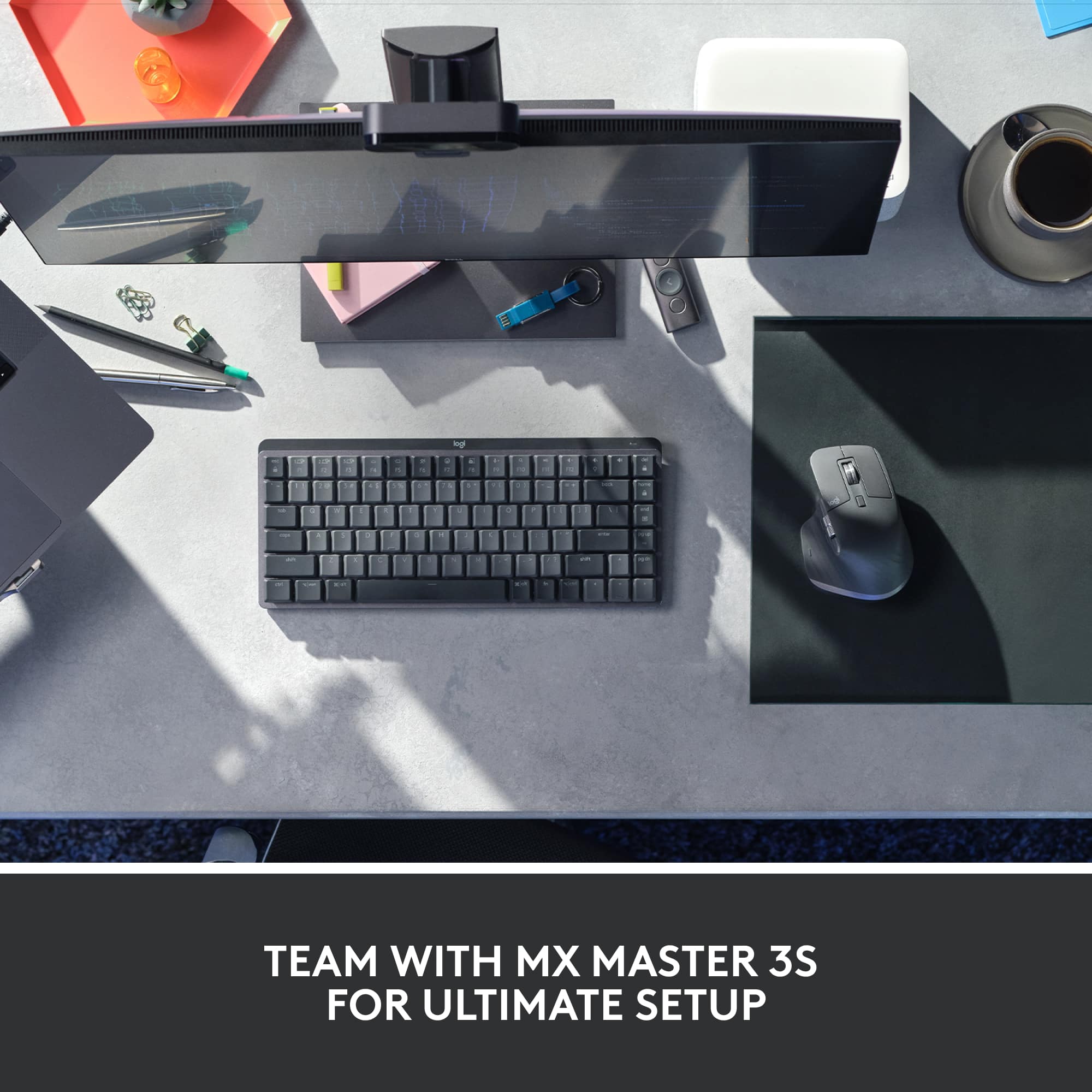
|Posted .This reviewer received promo considerations or sweepstakes entry for writing a review.The Logitech MX Mini Mechanical lives up to the Logitech name. The keyboard is compact and easy to set up. I linked it to my laptop that is on Windows 10. Once you turn the keyboard on, the icon automatically pops up on the laptop screen and within 1 minute it is ready to use. You can also use the USB dongle if you don’t want to use Bluetooth. Now, to the use of the keyboard. The keyboard has a little weight to it and feels solid in your hands without being too heavy. It is a good size to sit on a laptop desk or in your lap. It has 2 “feet” that you can open to put the keyboard at an angle that can be more comfortable. For the keys, it is supposed to have a mechanical keyboard feel and it does to a point. You can hear the click sound when hitting the keys. Since it is a mini, it doesn’t have a separate number pad, which I kind of miss. If you do a lot of number entry you might want to consider the full size version. Overall, it is a good keyboard for portability or for use at a small desk or for when want to use a computer while sitting in your easy chair. I would recommend it for this type of use.
I would recommend this to a friend - Pros mentioned:Battery life, Keyboard quality
Terrific Wireless Mechanical Keyboard!
|Posted .This reviewer received promo considerations or sweepstakes entry for writing a review.Logitech - MX Mechanical Mini Compact Wireless Mechanical Tactile Switch Keyboard for Windows/macOS with Backlit Keys - Graphite This compact keyboard is a delight to use. It fits the space I have on a slide-out tray under my desk's top very well. Like most, it offers front "legs" to lift the upper edge higher than the lower edge of the keyboard to help with typing, or the legs fold flat so the upper edge of the keyboard has less height but is still a little higher than the lower edge. I find I like the legs extended, which makes my typing experience easier. There is good key travel with the mechanical keys and no excessive noise - you can hear the clicks, but it isn't annoying or too loud, just right to let you know you're fingers are making a connection when you're not looking directly at what you are typing. Of course, you can get the Mini with Clicky and Linear switches as well. The keys are backlit, staying on while you're typing, but going off when not. When they're off, and you move your hands/fingers over the keyboard, the back-lighting comes back on very quickly. The software you download for the keyboard allows various customizations to the back-lighting as well. You can also dim or brighten the backlighting directly from the F-keys on the keyboard as well as turn on the mic so you can dictate, mute the mic, bring up emojis to use in your document, take screenshots, open the search window, video/audio controls, adjust sound, and various other things that can be done directly from the keyboard. Of course, you may customize the Fn keys for any shorcuts you use regularly. You can set the Fn keys to require holding the Function key while you click on any of the Fn keys to work, or you can set it to not require holding the Function key at all while clicking any of the Fn keys. The Mini will allow you to pair your keyboard with up to three (3) separate devices. You can easily switch between devices while using the Mini by hitting the F1, F2 or F3 key depending upon which device you've designated for each device. The Mini allows connection to your device(s) through BT or WiFi (the WiFi receiver is provided that you simply plug into a USB connection on or connected to your device). As is the case with BT in many situations, you may run into BT interference that causes erratic behavior with your keyboard, if connected by BT. In everything I've checked out, any performance problems seem to be as a result of the BT signal being corrupted by other BT signals or even WiFi signals (too many, in other words). If you set it up with BT and have any but the best performance, my suggestion is to connect through WiFi. That's what I had to do but the performance using the tiny WiFi receiver (called Logi Bolt) is faultless! The Mini has a built-in rechargeable battery. Plug in the USB cable provided to charge it. The documentation available says a charge will last about 15 days with back-lighting on or about 10 months with back-lighting turned off. All I can say is that the keyboard, with back-lighting on, only sipped juice from the battery slowly during my use. Obviously, the battery performance depends on variables such as how much steady use it gets each day. Suffice to say, the Mini will notify you when the battery gets low, or you can check it yourself through the Logi Bolt software that brings up a window showing that you are connected and the battery percentage left. If you happen to ignore the battery charge level, and it gets low, you can plug it in using the USB cable provided so it will slowly charge while you use the Mini. Or, you can plug it in at the end of your use time, and it will be fully charged the next morning. The Mini has an off/on switch if you're the type that wants to shut it down when you shut down your computer. Or, you can leave it in the On position so that when you shut your device off, it will enter a deep sleep mode on its own barely using any charge at all. The Logitech MX Mini is solidly constructed with some heft to it so that it stays where you place it without any sliding around. It's built to last! I'm glad I have the Mini. It's a joy to use in every way.
I would recommend this to a friend - Pros mentioned:Battery life, Keyboard quality
One Sweet Keyboard
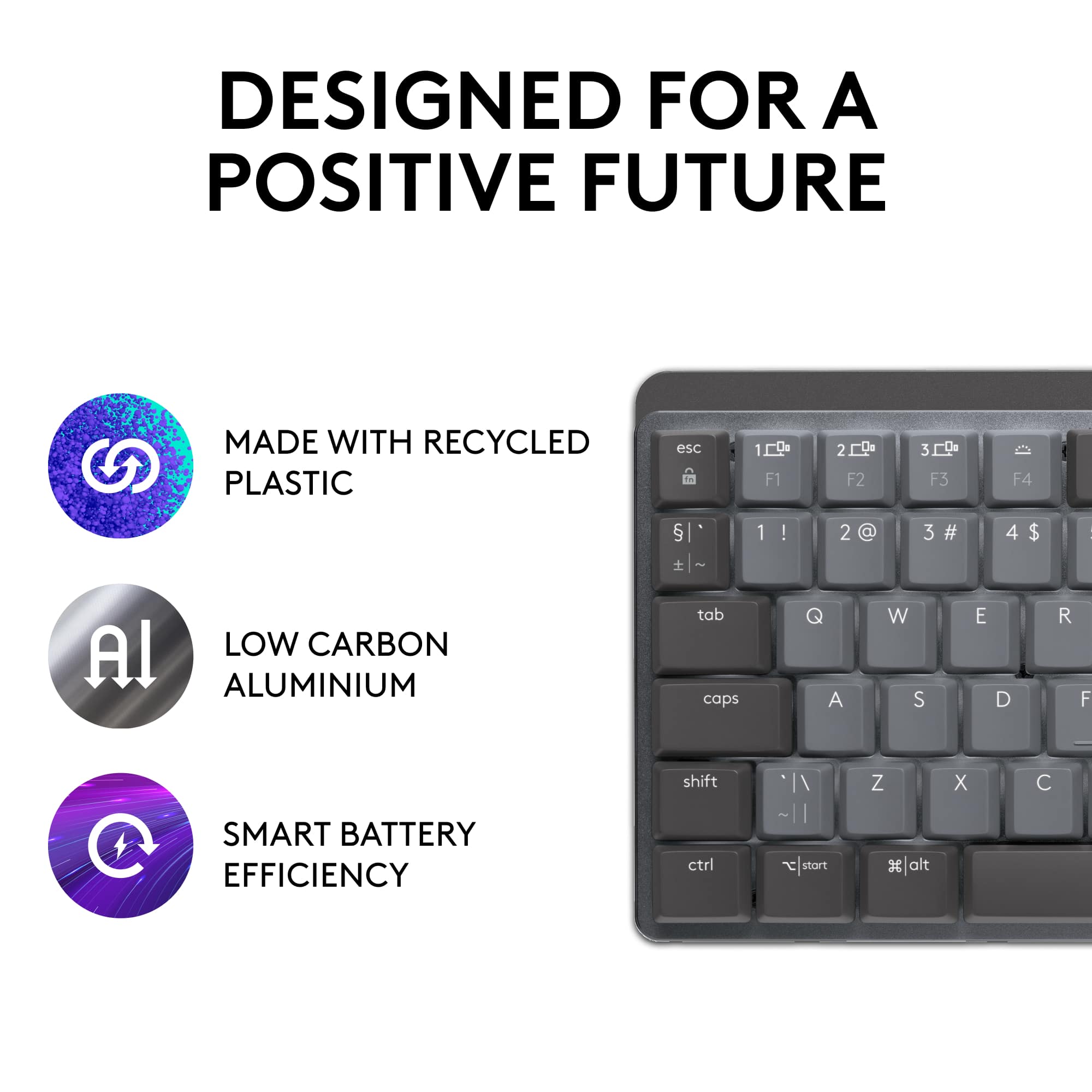
|Posted .This reviewer received promo considerations or sweepstakes entry for writing a review.Logitech MX Mechanical Mini The Logi MX comes packed nicely in minimal packaging that is easy to unpack with all recyclable materials. Instructions are provided on the inside top flap for connecting using the included USB dongle (logi bolt) or via Bluetooth. I connected via Bluetooth to my HP Laptop with no issues. As soon as you power on the keyboard using the slide switch on the back edge, the keyboard goes into pairing mode. Enter some numerical characters that showed on my Windows screen and the keyboard was connected. I am also using a Logitech Bluetooth mouse (M 650) and both devices connected via Bluetooth with no issues. I might add that the keyboard has the ability to save up to 3 computer connections and you can switch between those connections (Easy-Switch) using one of 3 keys on the keyboard that save those settings. A really nice feature if you plan on using the keyboard on other computers. I really like the “feel” of the keys. They are relatively quiet, but have a great firm feel for good tactile feedback. My keyboard is the “Tactile Quiet” version. However both “Clicky” & “Linear” versions are available. I especially like the backlighting for the keys. The amount of light is variable from off to really bright. Using the software available for download allows unique lightning patterns to be utilized. I have been using the “static” or default lighting. The keyboard lighting automatically shuts off if you move your hands away and turns back on as you move your hands back to the keyboard. It saves battery power and works quite well. If you really want long battery life (like 10months) shut the keyboard lighting totally off. With the lighting on, I like that the Caps Lock button turns off when it’s active so you can tell at a glance if it’s on or off. Since my keyboard is the Mini, it does not have the dedicated numerical keys like a calculator. But it does have a row of dedicated number keys just below the function keys that works very well for my needs. I really like this keyboard. I like the compact size, yet large key feeling in a small space. I love the feeling of the keys and especially like the great backlighting feature. The keyboard has a very solid feeling and is heavy enough it does not move around my desk as I type. It connects easily via Bluetooth and works well with my Bluetooth Logi mouse. The rechargeable internal battery is easily recharged using a provided USB-C cable which is included. Yes! I would absolutely recommend this product to all my friends.
I would recommend this to a friend - Pros mentioned:Key feel, Size
Another Logi Hit
|Posted .This reviewer received promo considerations or sweepstakes entry for writing a review.I needed a bluetooth keyboard for my 2012 Macbook Pro 13 that I have set up on a vertical stand that has the lid closed; I have hooked up the computer to a 27 inch monitor so it is as good as an iMac at considerably less invested. I have been a Logi(tech) user for decades and find them to be highly reliable keyboards. It was with this back story that I acquired this keyboard. I was really interested in seeing if such a modern keyboard could be used with a decade old (and highly upgraded) laptop running Monterey. Like magic, the computer recognized the keyboard. I hit the first of three keys that can be used to select devices (1-3) and saw the keyboard pop up on the bluetooth screen on the Mac. As this keyboard works with both Windows and Macs, this was a wise choice should I decide to move this keyboard to another Windows computer at a later date. The installation instructions are on the cover of the box on the inside, btw. After installation, I went to the website and installed the software as instructed and granted the needed permissions. Installation was about five minutes worth of effort though it took me about 15 just to make sure I was doing this correctly. I'm a Windows person who has a Mac for occasional use so this is not an intuitive install, but nonetheless I did it. The keyboard is back lit and I like that I can tap on the keyboard to wake up the monitor and to get to the lock screen on the Mac. Overall this is an amazing feeling keyboard on which to type. It is a smaller footprint so it makes a wonderful keyboard to move around as needed. It is substantial and has a good weight to it and does not appear to flex when using. I highly recommend this. The price is higher than other bluetooth keyboards but the quality of Logi products will mean it will also outlast them. You'll save money over the long haul for a better product with this unit.
I would recommend this to a friend A expensive keyboard with too many draw backs.
||Posted . Owned for 2 weeks when reviewed.This reviewer received promo considerations or sweepstakes entry for writing a review.would NOT recommend it because when I got home although they have adjustments I felt the highest adjustment was too low to type.
No, I would not recommend this to a friendBrand response from Logitech
Posted .Hello Will,
I am sorry that MX Keys Mechanical Mini did not meet your expectations. Logitech understands that everyone has different needs, which is why they offer various products. Feel free to try the other keyboards that Logitech offers to find the one that best suits your needs. Logitech appreciates your product review. - Leo from Logitech
Overpriced, poor quality
||Posted . Owned for 2 months when reviewed.This reviewer received promo considerations or sweepstakes entry for writing a review.In 2023 you can do much better than Logitech for this kind of keyboard.
No, I would not recommend this to a friend