Customer Ratings & Reviews
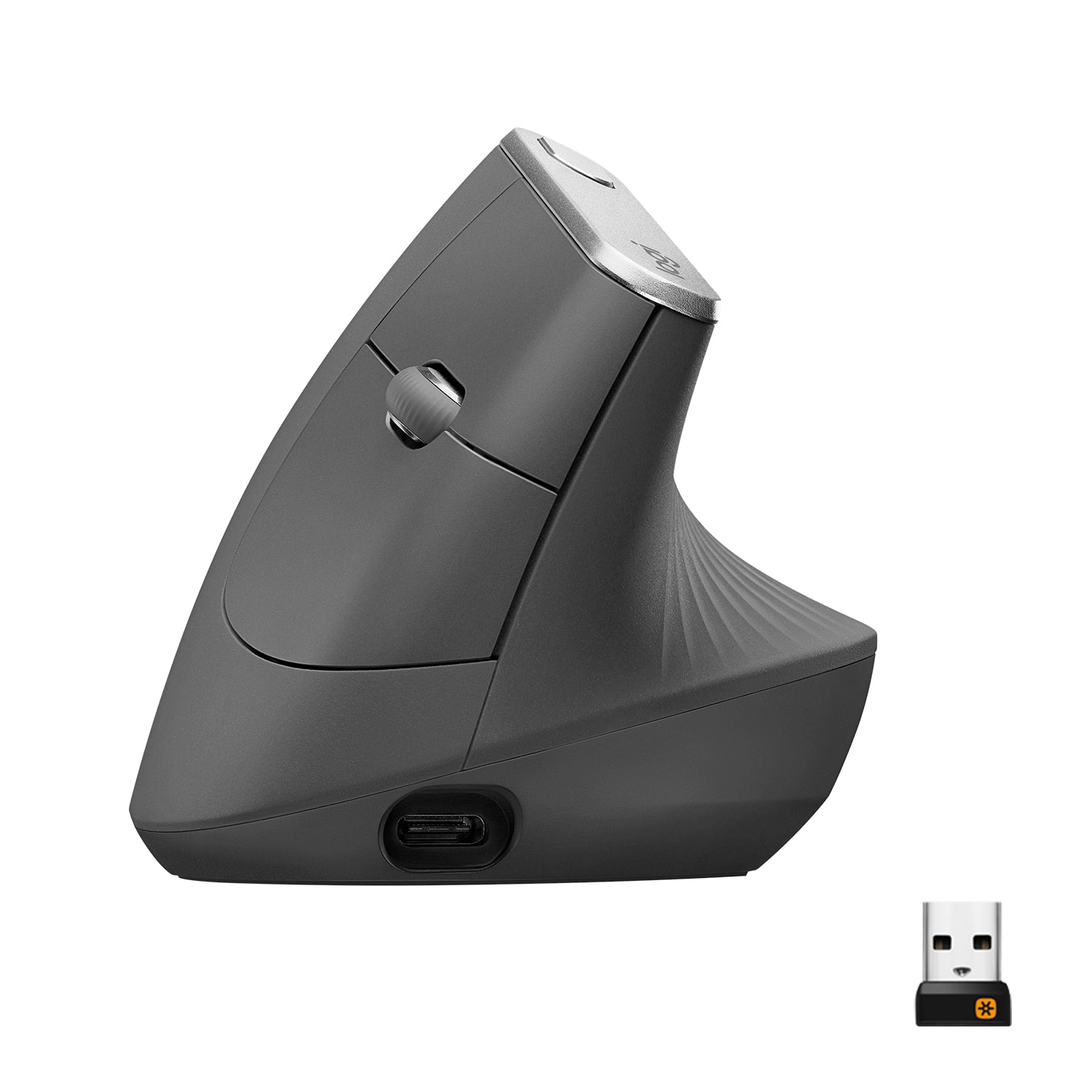
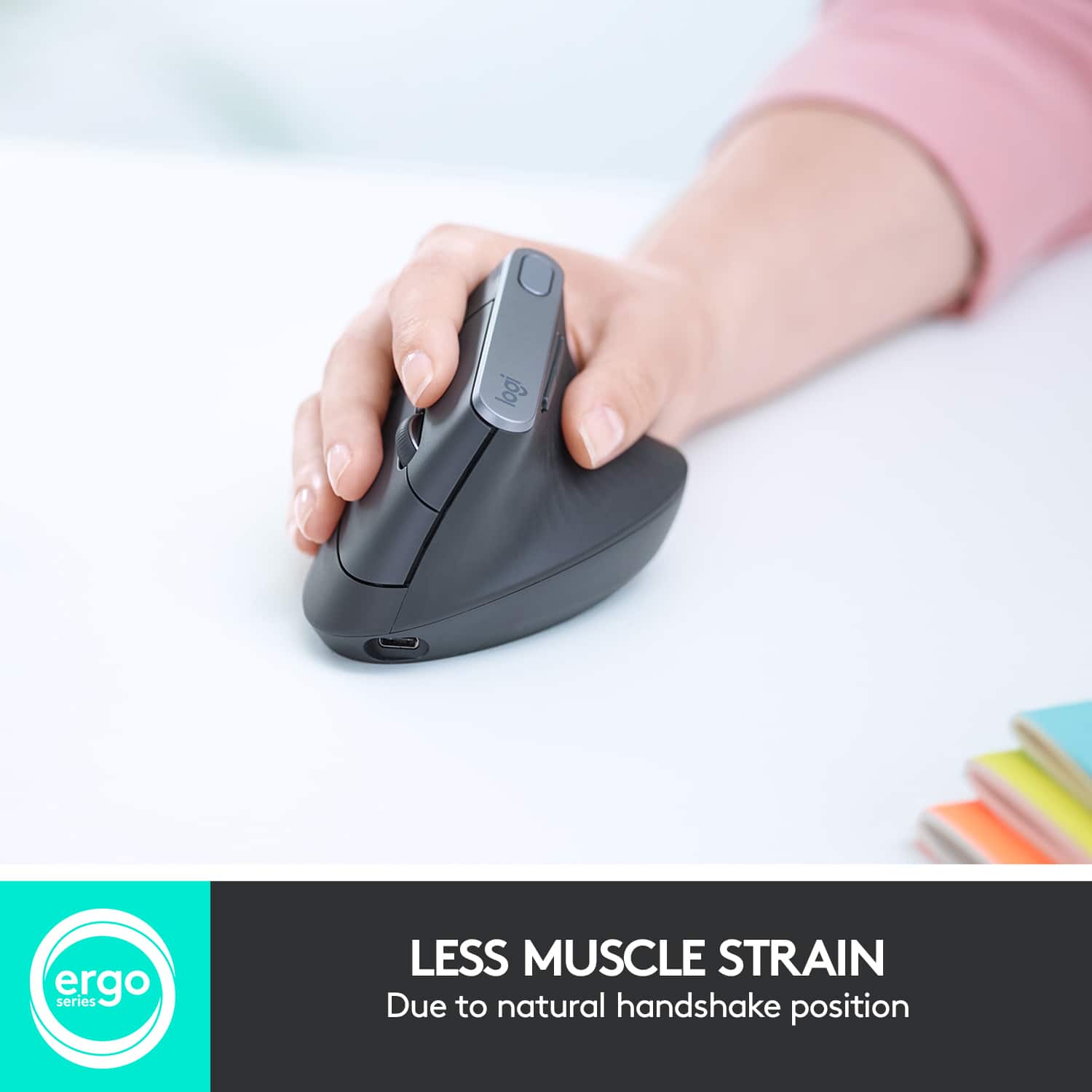
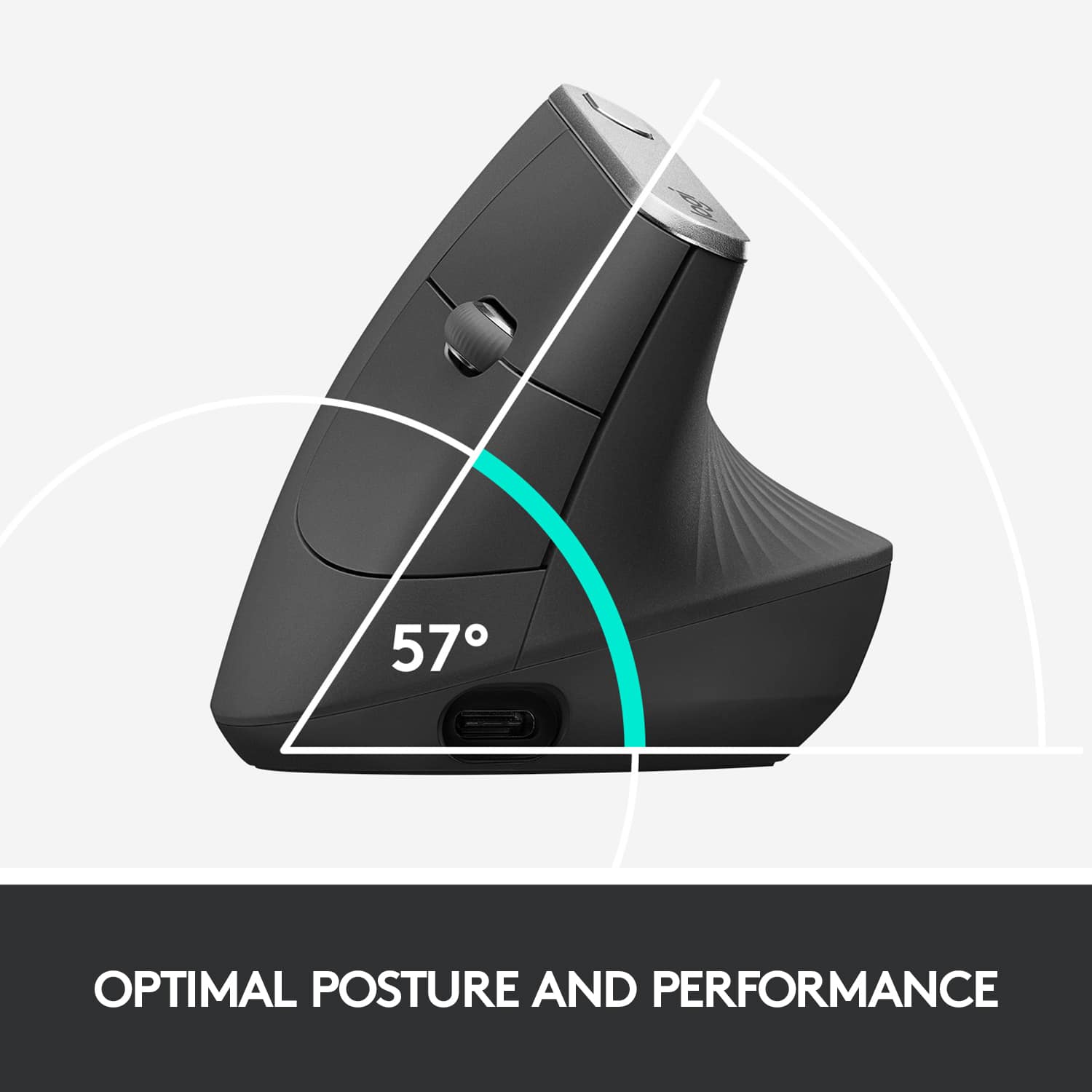
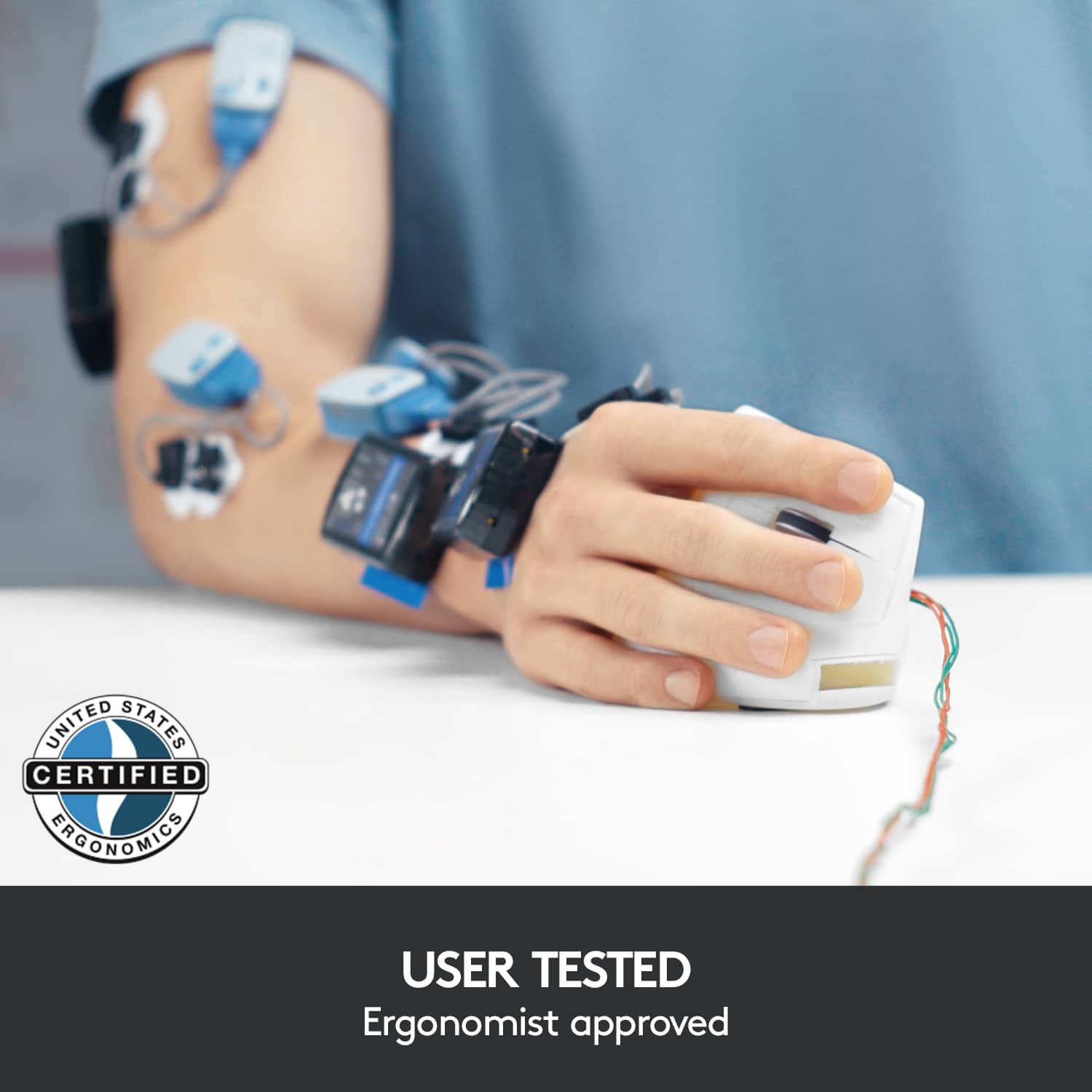



- Model:
- 910-005447
- SKU:
- 10840321
Rating by feature
- Value
Rating 4.3 out of 5 stars
- Quality
Rating 4.7 out of 5 stars
- Ease of Use
Rating 4.6 out of 5 stars
- Pros mentioned:Ergonomics, Overall performance
Expensive, high quality, eases pain
||Posted . Owned for 1 month when reviewed.This reviewer received promo considerations or sweepstakes entry for writing a review.Comfortable, helps with wrist and arm pain. High quality, though a little more expensive. Worth the purchase if you use your computer a lot and have pain.
I would recommend this to a friend - Pros mentioned:Ergonomics
The MX Verical mouse really filled the bill!
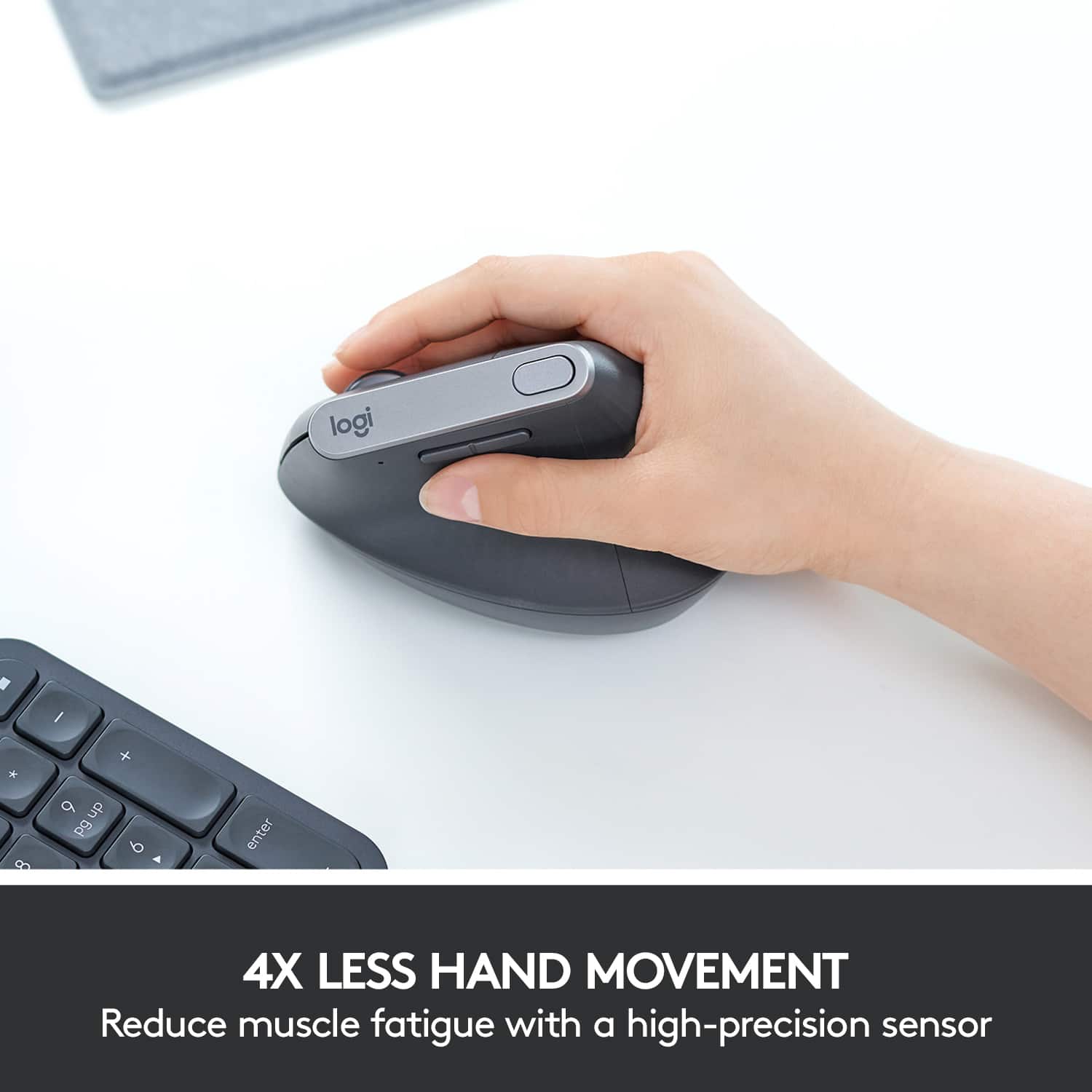
||Posted . Owned for 3 weeks when reviewed.This reviewer received promo considerations or sweepstakes entry for writing a review.I recently broke my right hand, and it’s in a cast for a month. I need to work on the computer every day anyway, but it was painful trying to use my Logitech MX Master 3, only because I had to try to turn my hand into the horizontal position. So I looked for a vertical mouse which is far more comfortable at the moment. Best Buy had the less expensive version, but that was made for smaller hands. So I ordered this, and it was here the next day! Not a full featured as my MX Master 3, but it was far more comfortable to use while my hand is in the cast. 3 weeks on, and my hand is healing well and feeling much better, so I’ve cautiously started using my MX Master 3 again. But in the meantime the MX Verical mouse really filled the bill!
I would recommend this to a friend - Pros mentioned:Ease of use, Ergonomics
Mouse like no other
||Posted . Owned for 1 week when reviewed.This reviewer received promo considerations or sweepstakes entry for writing a review.I love this mouse sooo... easy and comfortable to use I highly recommend it especially if you have any kind of wrist issues. It has a natural feel when possioning your hand. It may seem a little pricey but if it save pain and medical bills it's well worth the investment. Check it out.
I would recommend this to a friend - Pros mentioned:Battery life, Ergonomics
So great!
||Posted . Owned for 1 year when reviewed.This reviewer received promo considerations or sweepstakes entry for writing a review.This mouse is incredible. I’ve had wrist issues for a while with regular mouses, and I don’t feel any of them with this. The battery life is bonkers. I use it five days a week and I think I’ve charged it twice since I got it over a year ago. It is worth every penny.
I would recommend this to a friend - Pros mentioned:Battery life
Favorite Ergo mouse
||Posted . Owned for 1 year when reviewed.This reviewer received promo considerations or sweepstakes entry for writing a review.I have been using this model for a few years. And believe it has really helped vs a standard mouse. Suggest if you do any office work at any age, to consider an ergo mouse and keyboard depending on how much you type as well. Charge lasts a good amount of time I don't remember time frames in between charges. Bluetooth or USB. Logitech has a small mouse in this style. I tried it and like it, but connectivity issues ruined it. So I suggest this model.
I would recommend this to a friendBrand response from Logitech
Posted .Hey there! We at Logitech are thrilled to hear that the MX Vertical Advanced Wireless Ergonomic Mouse has been a game-changer for you! Ergonomics are so important, and it's fantastic that you've noticed a difference compared to a standard mouse.
- Pros mentioned:ErgonomicsCons mentioned:Wrist pain
Helped with my wirst pain
||Posted . Owned for 2 weeks when reviewed.This reviewer received promo considerations or sweepstakes entry for writing a review.I had wrist pain with a regular mouse and being a CAD designer, i have to work long hours of extensive mouse usage. This mouse is so comfortable and eased my worst wirst pain
I would recommend this to a friend - Pros mentioned:Battery life
Best Mouse I have ever owned
||Posted . Owned for 3 weeks when reviewed.This reviewer received promo considerations or sweepstakes entry for writing a review.I heard a lot of good things in reviews about these type of ergominic mice. So I opted to pick up one that had outstanding build quality. Yes this mouse is quite a bit more than a regular mouse. However, in the case of this mouse it was well worth it. I have bad nerve damage in my dominate hand and arm (mouse arm) this mouse prevented all the pain associated with a traditional mouse. I put it through its paces and worked great for my 3D software (Blender, 3D Coat). It also had no problems in games or playing videos. The drivers are always kept up to date by Logitech so there are no worries there. The charge on this mouse lasts way longer than any other wireless mouse I have had in the past. One charge almost lasts 3 to 4 days of heavy usage and to charge it back up to full is around an hour or less.
I would recommend this to a friend - Cons mentioned:Scroll wheel
Overall, very comfortable but lacks...
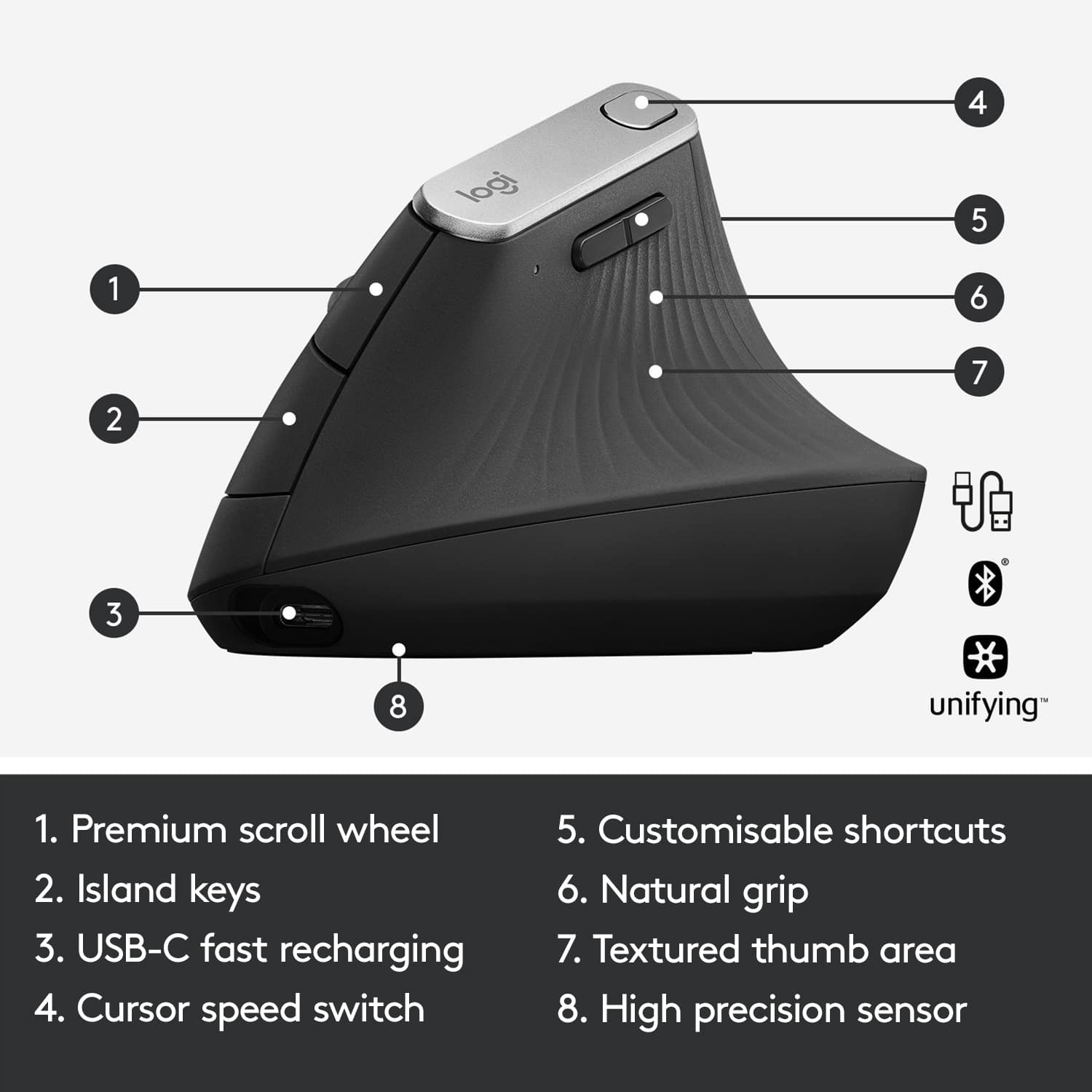
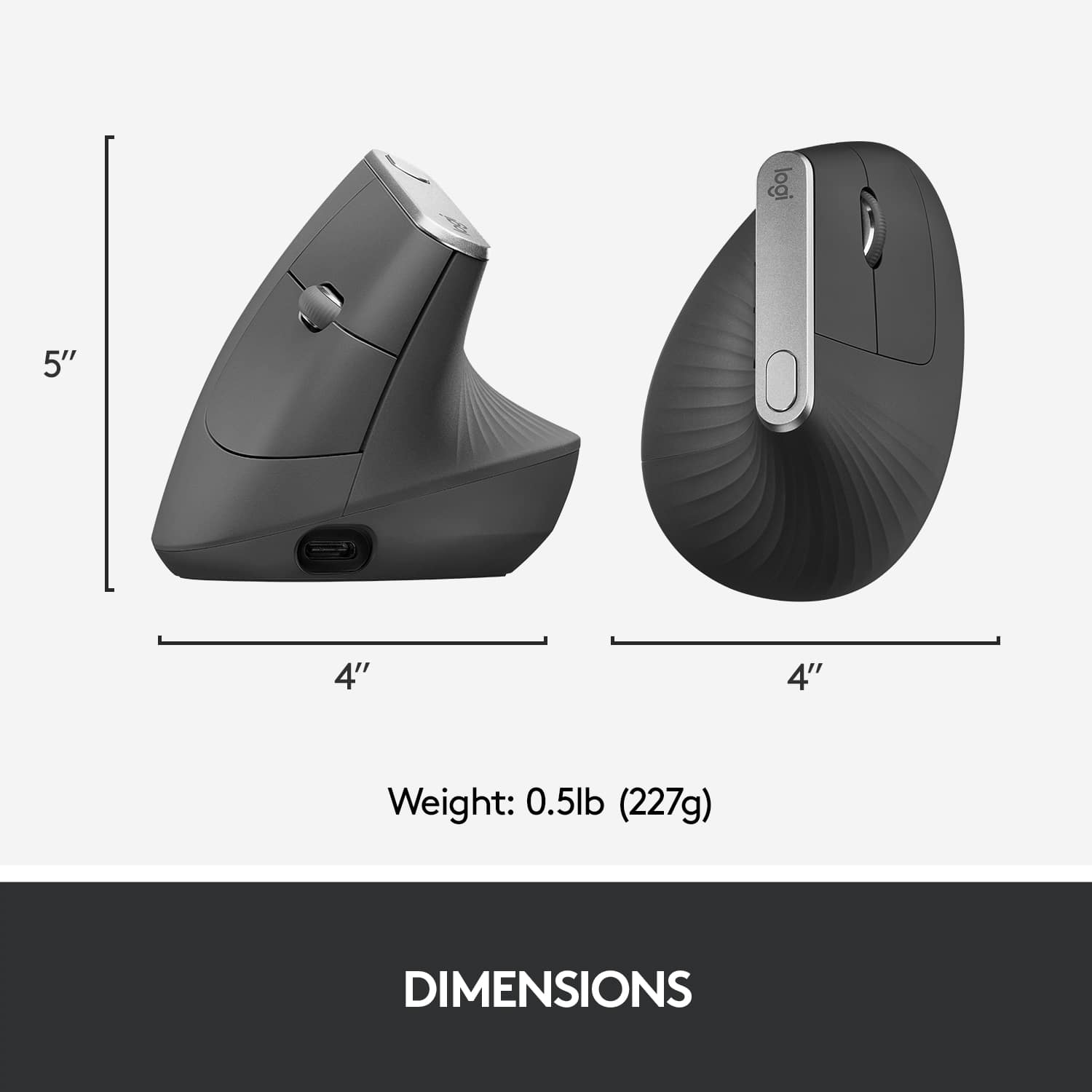
||Posted .This reviewer received promo considerations or sweepstakes entry for writing a review.This is a good mouse overall. I noticed right away a significant increase in comfort and reduced fatigue over my MX Master 3 which is awesome and a bummer as I REALLY like the MX Master series as I've had nearly every iteration of them. I only wish, I hope they revise this mouse and add it to the Master series. I think for the $100 price point, it's a bit salty. The build quality just isn't the same, the weight is less which might be good for some, there are less buttons and it doesn't seem to slide as well. I got used to having the thumb scroll wheel and the Desktop changer button which aren't present on the Vertical. The standard middle scroll wheel is also wider and more comfortable to use on the Master 3. I don't mean to dog on this, it plays a specific purpose and does it well. I've switched my entire WFH / WAH setup to better my ergonomics, so this fits right in! I would suggest it if you're already in the Logitech ecosystem or if you just want a comfy mouse. Side note, I'm a man with large hands with no issues
I would recommend this to a friend - Pros mentioned:Ease of use, Ergonomics
Funny looking, but effective mouse.
||Posted . Owned for 3 weeks when reviewed.This reviewer received promo considerations or sweepstakes entry for writing a review.Looks weird, but works good. Definitely helped with shoulder pain I was having. Very easy to se up. I found adapted to it immediately.
I would recommend this to a friend - Pros mentioned:Bluetooth
Ergonomic Mouse worth it.
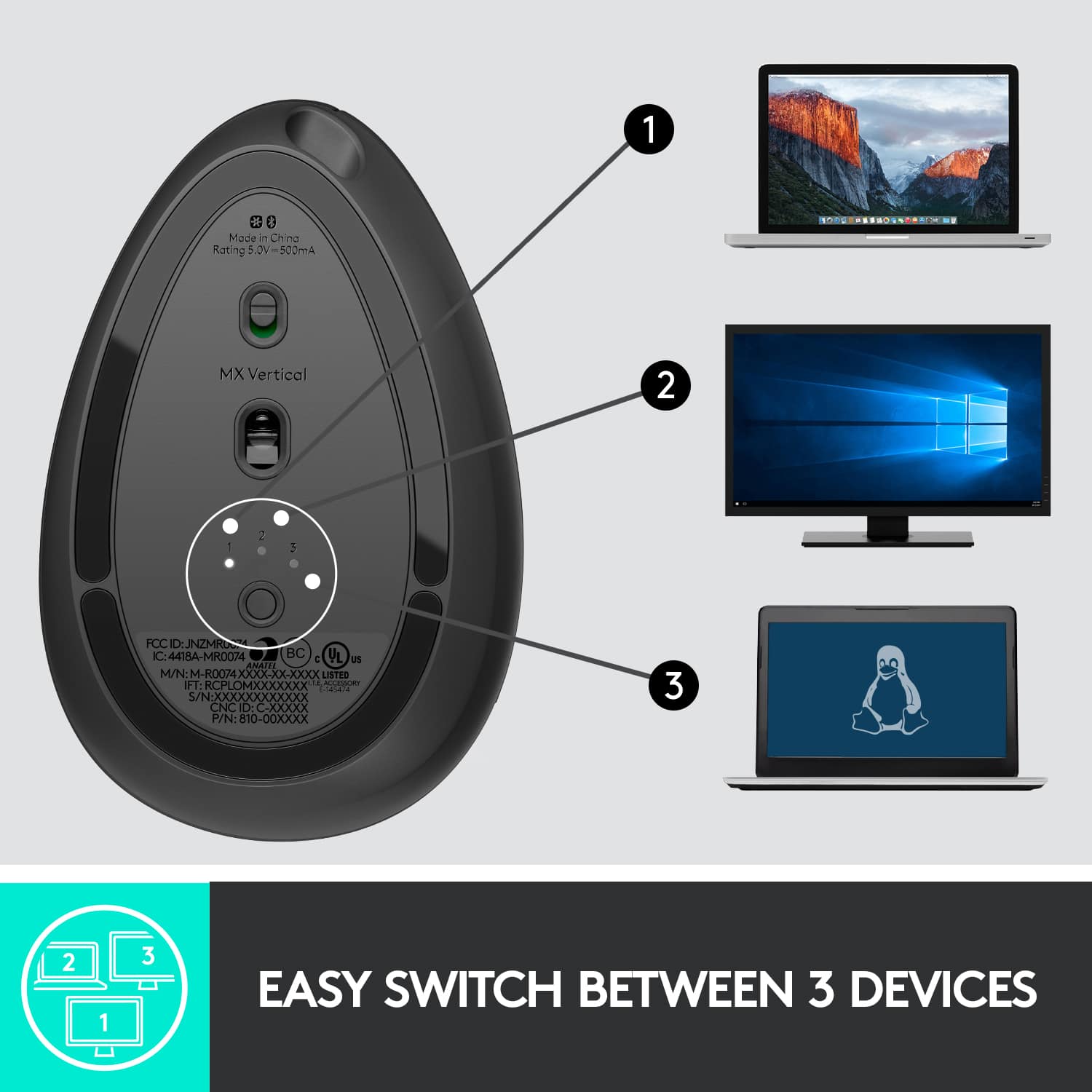
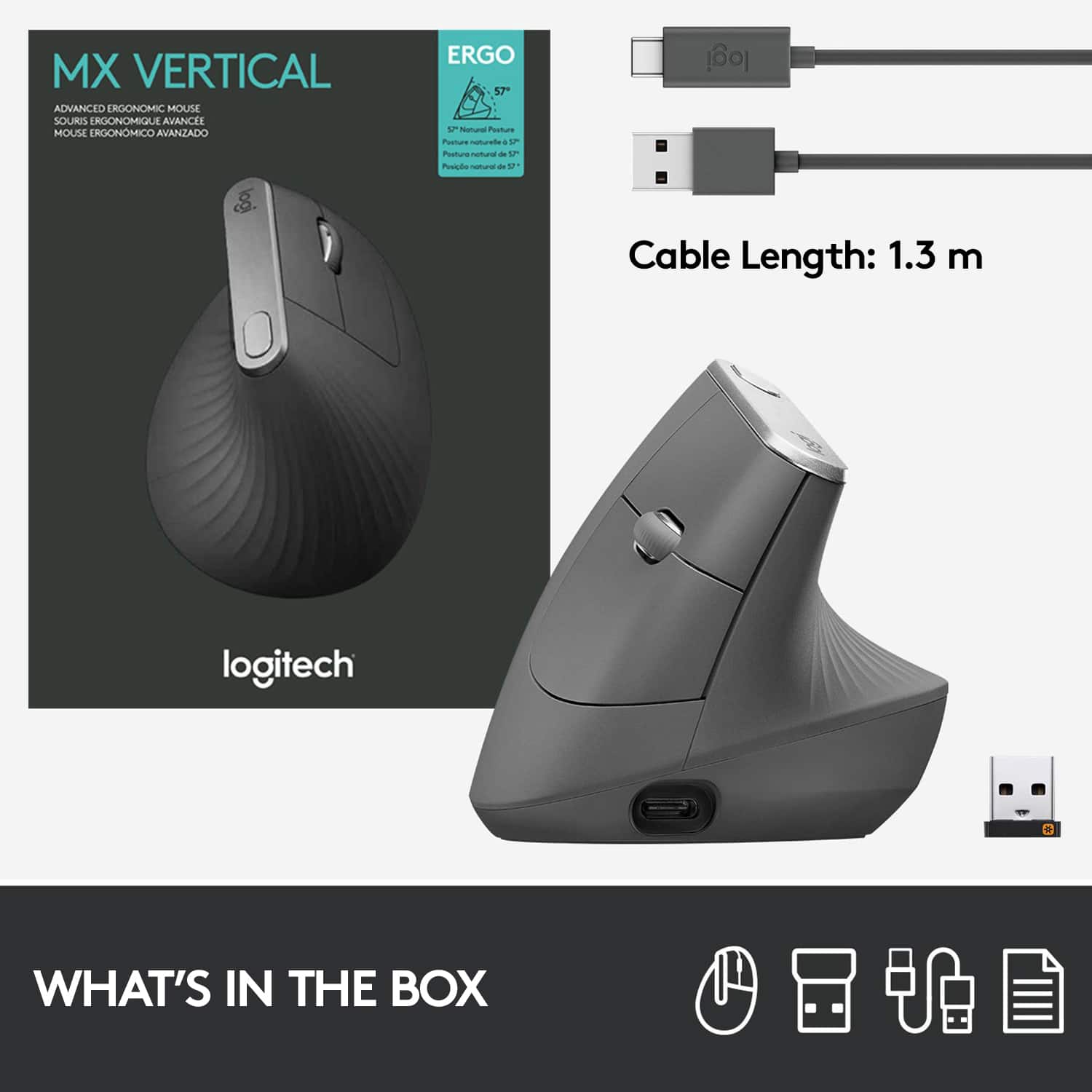
||Posted . Owned for 7 months when reviewed.This reviewer received promo considerations or sweepstakes entry for writing a review.Ergonomic mouse, a little unconvential hand placement compared to the traditional mouses. It might take a little time to get the hand adjusted to the mouse especially dragging and right clicks. It easily pairs via blue tooth. Please be wary of the charging USB C cable in the box which is sometimes overlooked when the box is tossed away
I would recommend this to a friendBrand response from Logitech
Posted .We appreciate your feedback on the Logitech MX Vertical Advanced Wireless Optical Ergonomic Mouse. While it may take some time to adjust to the vertical design, many users find it to be a comfortable and ergonomic solution for long periods of computer use. Thank you for your understanding and for choosing Logitech!
- Pros mentioned:Ergonomics, Overall performance
So glad I splurged
||Posted . Owned for 1 month when reviewed.This reviewer received promo considerations or sweepstakes entry for writing a review.I have carpal tunnel and arthritis in my dominant hand so I've been using a vertical mouse for ergonomics for years. This ones is just much more of a better fit with the way my hand wants to relax than any other vertical mouses I've used. It's sleek, comfortable and has a lot of shortcuts.
I would recommend this to a friend Great mouse to counter carpal tunnel
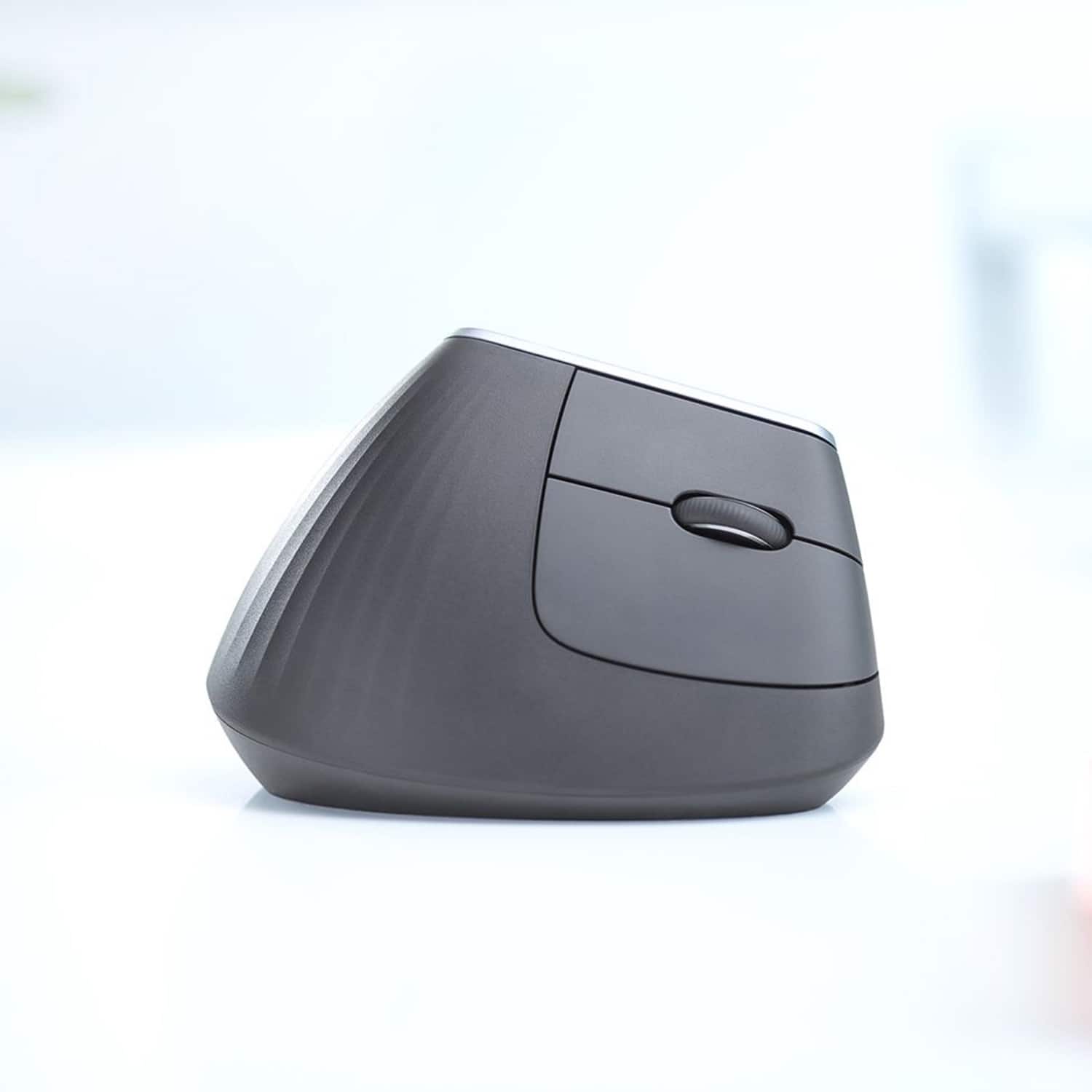
||Posted . Owned for 3 weeks when reviewed.This reviewer received promo considerations or sweepstakes entry for writing a review.I was somewhat skeptical a out this mouse at first being so different but at the same time that is what drew me to it. I have now used it for about 4 weeks and can say, Iike it and feel a clear diference in my wrist. My wrist is so much more relaxed at the end of the day compared to using my standard mouse. The only bad thing (and it's not really that bad) is when I move away from the mouse and then back again, I keep underestimating it's height and hit it. It is centered enough to not knock it down though. I do have to make sure my hand is properly centered to use the forward button as when I get relaxed with the mouse, it tends to rest over the back button. The mouse is extremely light and easy to maneuver but not too light to easily tip over. Very smooth action and response. Some features I wish it had from the MX line of mice is the "Mode Shift Button" which I used to shift from ratchet to free spin and the "Thumbwheel" which allowed for scrolling horizontally. Especially for the price your paying fir this mouse. Even with that aside, I would still say the MX Vertical mouse is worth the purchase if you are having carpal tunnel issues.
I would recommend this to a friend- Pros mentioned:ErgonomicsCons mentioned:Wrist pain
Its my favorite mouse
||Posted . Owned for 1 month when reviewed.This reviewer received promo considerations or sweepstakes entry for writing a review.I have two, thats mow much i love it. I keep one at my office, and one in my home office. I can use it for both work and gaming, and it leaves me with no wrist pain at the end of a long day.
I would recommend this to a friend - Pros mentioned:Ergonomics, Overall performance
Value for money
||Posted . Owned for 3 months when reviewed.This reviewer received promo considerations or sweepstakes entry for writing a review.No palm pain after using this vertical mouse. Very responsive. Easy to setup and works great.
I would recommend this to a friendBrand response from Logitech
Posted .Hey! Thanks for the great review of the Logitech MX Vertical Advanced Wireless Optical Ergonomic Mouse! We appreciate you mentioning the value for money, comfort, responsiveness, and ease of use. We're glad it helps you avoid palm pain!
- Pros mentioned:Ergonomics
First ergonomic mouse
||Posted . Owned for 1 week when reviewed.This reviewer received promo considerations or sweepstakes entry for writing a review.My fiancee and I both WFH and started noticing our wrists/hands becoming increasingly more sore. We stopped by besg buy to check out their ergonomic mouses and walked out with the last two on the shelf! After using it for a day we noticed a difference immediately, the pain is practically gone! Theres no lag and it fits perfectly in my hand. Ill definitely buy again. The only con I can think of is the fact that theres no place on the mous to store the 2.4 connector
I would recommend this to a friendBrand response from Logitech
Posted .Hey! That's fantastic to hear! We're so glad the MX Vertical ergonomic mouse helped reduce your wrist pain and improve your comfort while working from home. Ergonomics are so important, and it's great to hear you noticing a difference right away. Thanks for the feedback about the 2.4 GHz connector storage - that's a helpful point for future design considerations.
- Pros mentioned:Ergonomics
Great mouse!
||Posted . Owned for 3 weeks when reviewed.This reviewer received promo considerations or sweepstakes entry for writing a review.It took me 3 different mice to finally be pain free while worrying on my computer! 10/10 highly recommend! If you have wrist and/or forearm pain i highly recommend you try this out. It's worth every penny and more!
I would recommend this to a friendBrand response from Logitech
Posted .That's truly wonderful to hear! We're so thrilled the Logitech MX Vertical Advanced Ergonomic Mouse provided you with pain-free comfort after trying other options. It's fantastic to know it's been such a game-changer for your wrist and forearm pain. Thanks for the enthusiastic 10/10 recommendation!

- Pros mentioned:Battery life, Ergonomics
Great PC mouse
||Posted . Owned for 9 months when reviewed.This reviewer received promo considerations or sweepstakes entry for writing a review.The best mouse I’ve ever used. Ergonomically comfortable for my wrist no matter how many hours I find myself sitting at the PC using it. Super long lasting battery too.
I would recommend this to a friend - Pros mentioned:Ergonomics
A little unusual at first
||Posted . Owned for 3 weeks when reviewed.This reviewer received promo considerations or sweepstakes entry for writing a review.I originally received one of these at work. At first I was a little unsure on its shape. It feels very different. After about fifteen minutes of use at work, I decided I had to have one at home so I ordered. This mouse and its ergonomics are absolutely incredible!
I would recommend this to a friendBrand response from Logitech
Posted .Thank you for sharing your experience! We're thrilled you discovered the ergonomic benefits of the MX Vertical and now enjoy it both at work and home.
- Pros mentioned:Bluetooth, Ergonomics
Best. Mouse. Ever.
||Posted . Owned for 3 weeks when reviewed.This reviewer received promo considerations or sweepstakes entry for writing a review.I love the ergonomics of this mouse. The build quality is also very good and it perform very well. I also appreciate that you can use a dongle or bluetooth.
I would recommend this to a friend - Pros mentioned:Ergonomics
Great mouse with some potential driver issues
||Posted . Owned for 2 weeks when reviewed.This reviewer received promo considerations or sweepstakes entry for writing a review.This mouse is great for ergonomics and helps me not get cramps in my fingers. While connected via Bluetooth the mouse cursor refresh rate seems to be very low (15hz?) -- it jumps across the screen, albeit accurately. Plugged in, it's like any other mouse (thank you for making it USB-C!). I don't have this problem with other Bluetooth mice. There's a weird tackiness to the surface material. I've tried cleaning it, but it's always oddly sticky. I think this might be some kind of manufacturing defect / leftover glue of some kind. The "Logitech Options" driver is also buggy and will make the thumb buttons register two clicks instead of one. It's better to leave it uninstalled unless you need to configure options. Otherwise, you have to close the 3 Logitech Options EXEs and restart it to get it working properly again, or maybe reboot the PC.
I would recommend this to a friend