Customer Ratings & Reviews
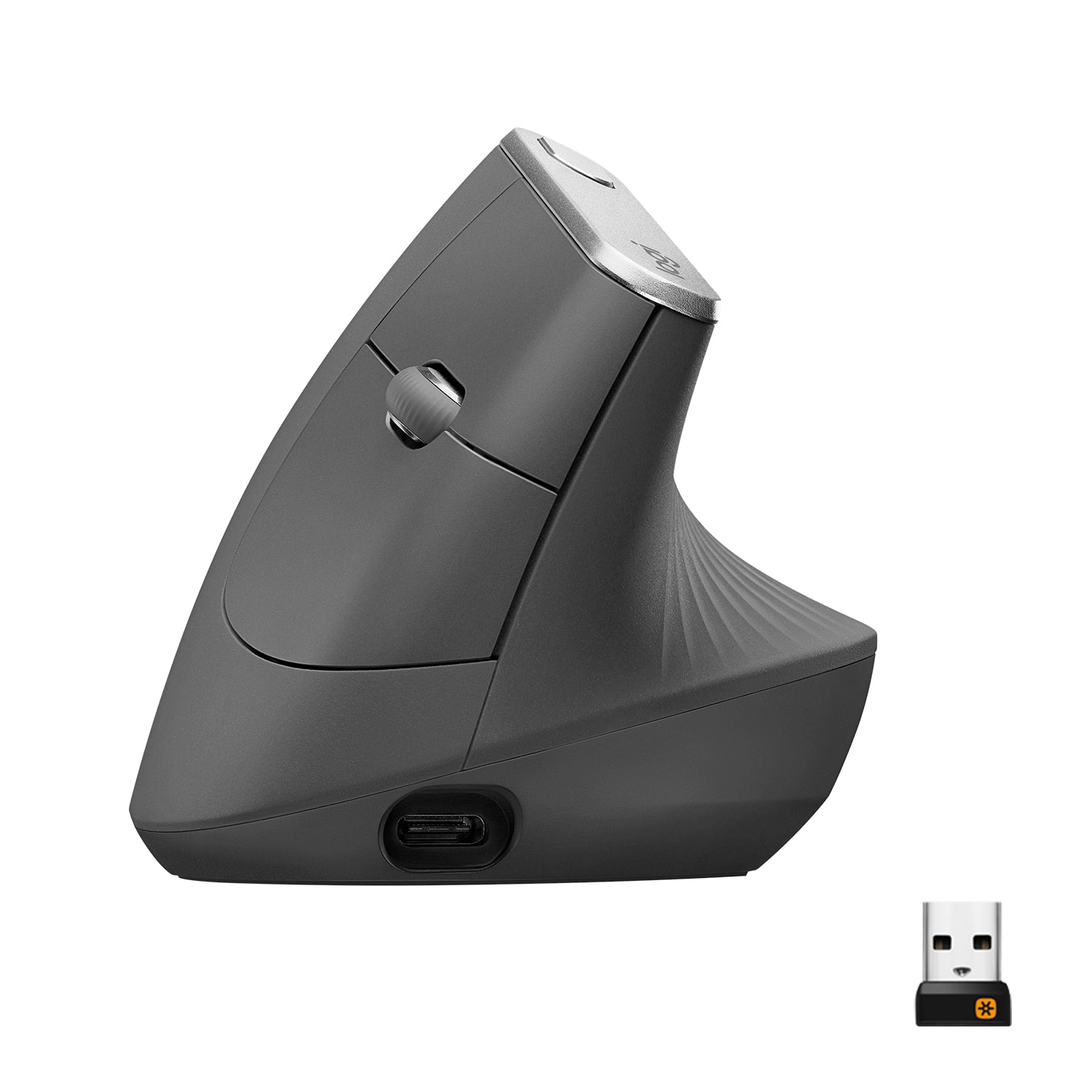
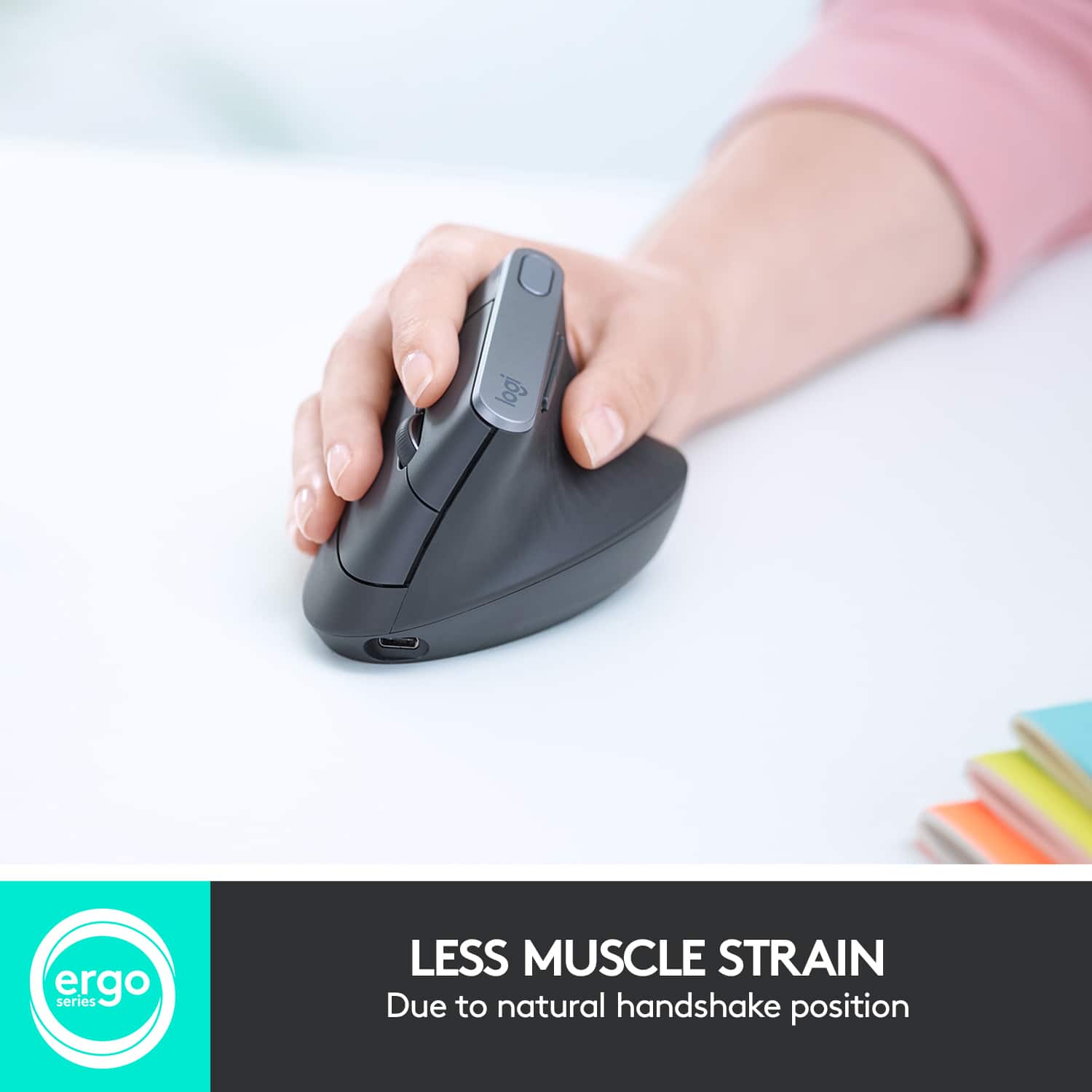
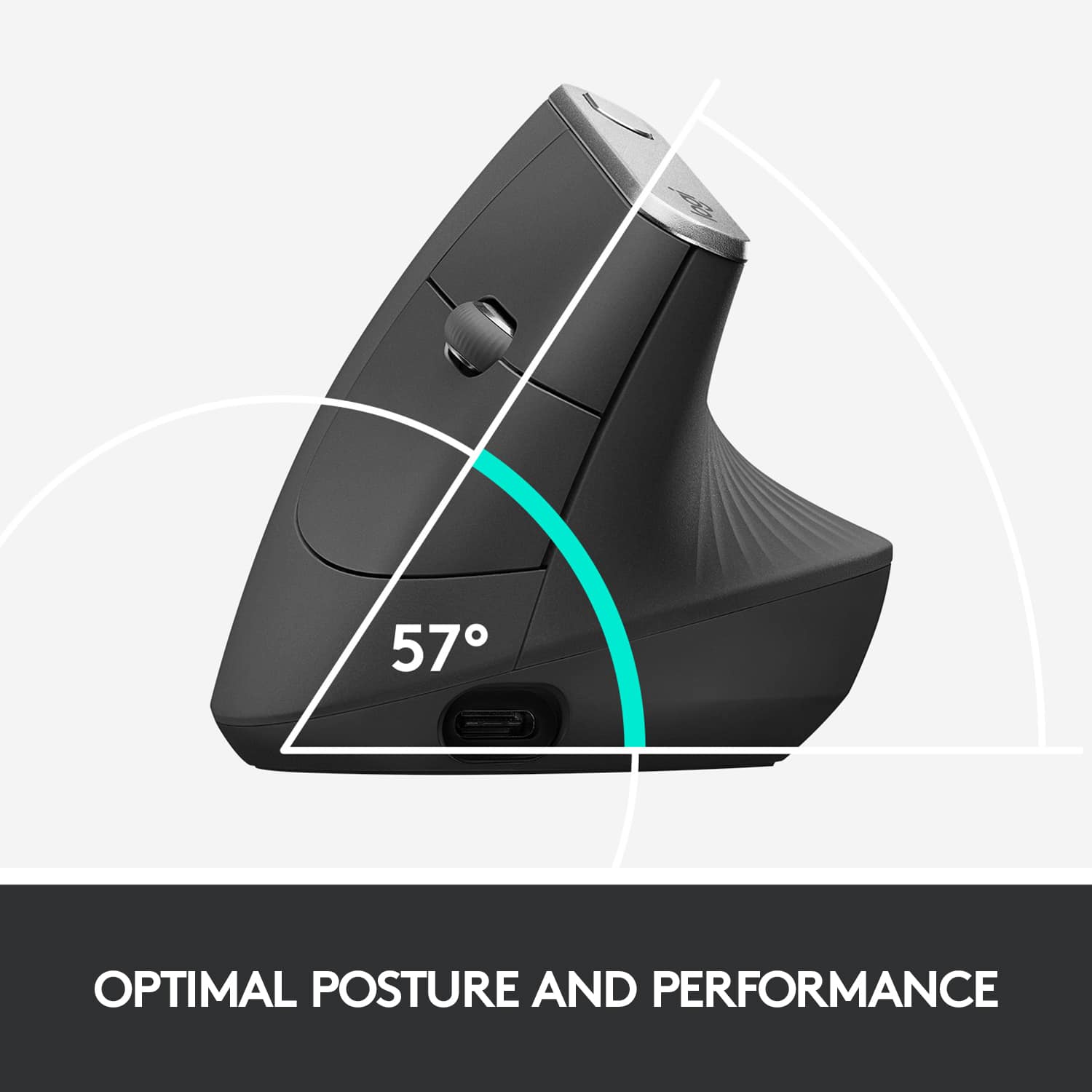

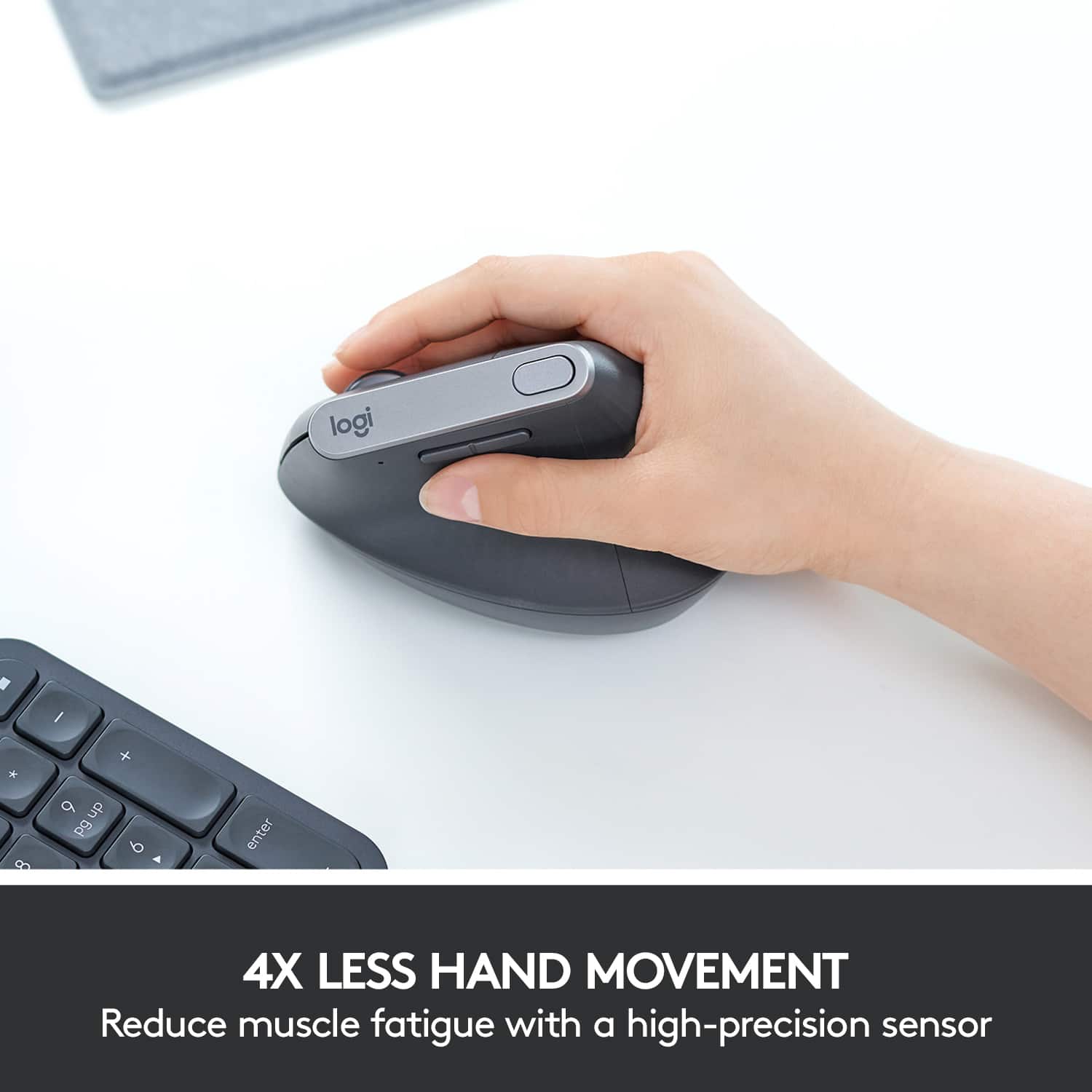




- Model:
- 910-005447
- |
- SKU:
- 6282602
Customer reviews
Rating 4.6 out of 5 stars with 1946 reviews
(1,946 customer reviews)Rating by feature
- Value4.3
Rating 4.3 out of 5 stars
- Quality4.7
Rating 4.7 out of 5 stars
- Ease of Use4.6
Rating 4.6 out of 5 stars
Customers are saying
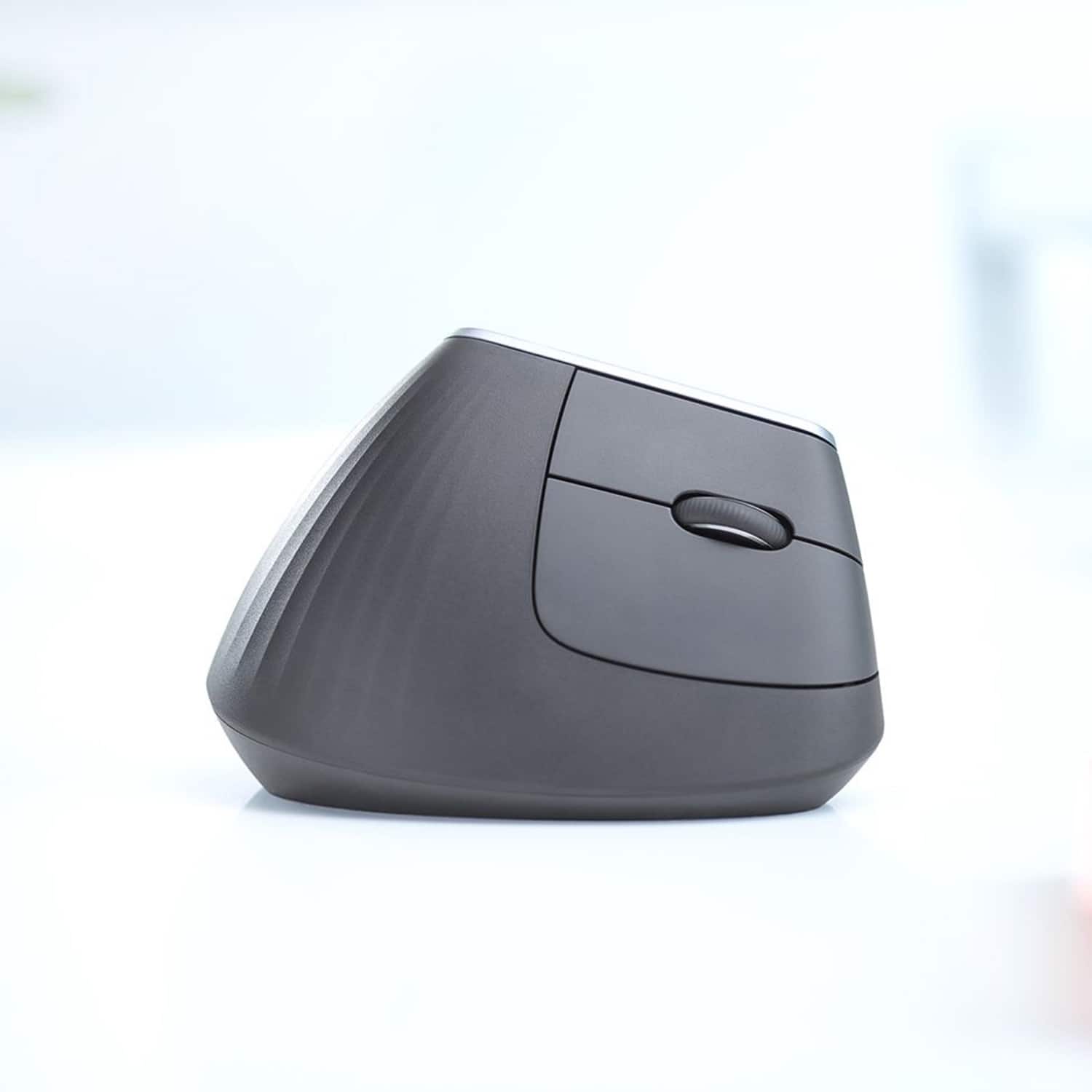
Customers are impressed with the MX Vertical Advanced Wireless Optical Ergonomic Mouse, especially its ergonomics, ease of use, and long battery life. Many appreciate its reliable performance and Bluetooth connectivity. However, some users have reported wrist pain, while others find the size unsuitable for medium-sized hands. There have also been complaints about the scroll wheel's durability and the high price.
This summary was generated by AI based on customer reviews.
- Pros mentioned:Ergonomics
Rated 5 out of 5 stars
Super Mouse!
||Posted . Owned for 1 month when reviewed.This reviewer received promo considerations or sweepstakes entry for writing a review.This is the greatest mouse ever. I had some wrist pain and decided to try this mouse. I have purchased two more and now everyone in the family wants one! This is a purchase you won't regret
I would recommend this to a friend Rated 5 out of 5 stars
Nice mouse
||Posted . Owned for less than 1 week when reviewed.This reviewer received promo considerations or sweepstakes entry for writing a review.Got it for my wife. She stated that it's comfortable and extremely fast. She likes it alot.
I would recommend this to a friendRated 5 out of 5 stars
Love it
||Posted . Owned for 4 months when reviewed.This reviewer received promo considerations or sweepstakes entry for writing a review.Excellent mouse, comfortable and reliable! Love the premium look and feel.
I would recommend this to a friendRated 5 out of 5 stars
Ergonomic and comfortable
||Posted .This reviewer received promo considerations or sweepstakes entry for writing a review.I've been using this mouse for a few days. I find it significantly more comfortable than a regular mouse.
I would recommend this to a friendRated 5 out of 5 stars
Comfortable
||Posted . Owned for 3 weeks when reviewed.This reviewer received promo considerations or sweepstakes entry for writing a review.Super comfortable to use. Uses natural range of motion.
I would recommend this to a friend- Cons mentioned:Size
Rated 3 out of 5 stars
A bit bulky
||Posted . Owned for 7 months when reviewed.This reviewer received promo considerations or sweepstakes entry for writing a review.It’s a bit too bulky. It doesn’t have unifier storage in the mouse.
No, I would not recommend this to a friend Rated 5 out of 5 stars
Super comfortable if you like a bigger mouse.
||Posted . Owned for 1 month when reviewed.This reviewer received promo considerations or sweepstakes entry for writing a review.I always feel like I need a larger mouse than the 'standard/usual' ones. This one is perfect!
I would recommend this to a friendRated 5 out of 5 stars
Logi scores another win!
||Posted . Owned for 2 months when reviewed.This reviewer received promo considerations or sweepstakes entry for writing a review.Awesome mouse!! Takes a couple days to adjust but so much more comfortable!!
I would recommend this to a friendRated 3 out of 5 stars
Not a mouse for small hand
||Posted . Owned for 2 weeks when reviewed.This reviewer received promo considerations or sweepstakes entry for writing a review.This product has the potential to be better I just didn’t like the clicking sound so I went a smaller version they have . Would recommend for those with bigger hands and that doesn’t mind the clicking sound.
I would recommend this to a friendRated 5 out of 5 stars
Great mouse
||Posted . Owned for 4 months when reviewed.This reviewer received promo considerations or sweepstakes entry for writing a review.I recommend this product. It's big enough and does exactly what is advertised.
I would recommend this to a friendRated 5 out of 5 stars
Vertical mouse
||Posted . Owned for 3 weeks when reviewed.This reviewer received promo considerations or sweepstakes entry for writing a review.More comfortable on the hand than a regular mouse.
I would recommend this to a friend- Cons mentioned:Size
Rated 2 out of 5 stars
Not a comfortable mouse
||Posted . Owned for 1.5 years when reviewed.This reviewer received promo considerations or sweepstakes entry for writing a review.Not a very good product to use if you have been having pain in your wrist. It's very heavy and bulky. I stopped using it early and waited to long to return it. If you simply want to be different and have a vertical mouse, go for it. If you want comfort . . . avoid it.
No, I would not recommend this to a friendBrand response from Logitech
Posted .Hi MrYon, we're sorry to see you're unsatisfied with the MX Vertical mouse. This mouse does take some getting used to and will be uncomfortable to start. But after some practice and long work days, your wrist will be thanking you by not being fatigued. So give it another try!
Rated 4 out of 5 stars
Really nice but not for me.
||Posted . Owned for 1 week when reviewed.This reviewer received promo considerations or sweepstakes entry for writing a review.The mouse is really nice but thought it was a bit awkward to use. Returned and purchased a regular mouse.
I would recommend this to a friend- Pros mentioned:Ergonomics
Rated 3 out of 5 stars
Kewl buy
||Posted . Owned for 1 week when reviewed.This reviewer received promo considerations or sweepstakes entry for writing a review.It felt too light for me. I easily got used to the vertical hand position.
No, I would not recommend this to a friend Rated 5 out of 5 stars
Great mouse.
||Posted . Owned for 4 months when reviewed.This reviewer received promo considerations or sweepstakes entry for writing a review.Have had no issues with this mouse. It has worked great.
I would recommend this to a friend- Cons mentioned:Price
Rated 2 out of 5 stars
Great concept but lacking in every aspect.
||Posted . Owned for 1.5 years when reviewed.This reviewer received promo considerations or sweepstakes entry for writing a review.I got this mouse thinking it would be a great gaming mouse since you hold it vertical like a pen. Unfortunately, the dpi is too high (not adjustable) and the input lag is so severe. This is would be a great office mouse for work. It just doesn't meet my needs as a gamer. Also, it's expensive.
No, I would not recommend this to a friendBrand response from Logitech
Posted .Hello, I am sorry if there was any confusion about this mouse. It is not meant for gaming. You can adjust the dpi settings on the mouse if you download the Logitech Options software. I hope this helps. Thank you for taking the time to write this review, we appreciate the feedback.
Rated 5 out of 5 stars
Mouse
||Posted . Owned for 7 months when reviewed.This reviewer received promo considerations or sweepstakes entry for writing a review.This is a computer mouse, not a rodent. It also has some buttons.
No, I would not recommend this to a friendRated 1 out of 5 stars
Sub-optimal design and induced pain
||Posted . Owned for 10 months when reviewed.This reviewer received promo considerations or sweepstakes entry for writing a review.I enjoy trying new mice and am a fan of many Logitech products. As such, I was very eager to try their new vertical ergonomic mouse. In the end I was highly disappointed. The mouse is decent to hold. . .but if you run out of desk space and need to pick up the mouse to move it back, it is a bit difficult to do on this one as there isn't much to grip to lift straight up. That, I could probably live with if the mouse was amazing in other ways. Unfortunately, due to my set up, using this mouse with my right hand caused my wrist being pressed against the desk which resulted in a pretty severe pain after just a day or two. I stopped using the mouse and the pain went away. For my arm angle and desk set up this mouse did not work for me at all. It's also rather expensive for what it does and has a limited number of mouse buttons.
No, I would not recommend this to a friend- Cons mentioned:Price
Rated 4 out of 5 stars
Pricey but solid product
||Posted .This reviewer received promo considerations or sweepstakes entry for writing a review.This is my 3rd ergonomic mouse. At the $20 price point, I have found reliable products. I went with this one for the Logitech name and the ability to have multiple channels for different devices. It does the trick, solid construction as usual with Logitech, can tell it will last a long time. 1 star off for the high price.
No, I would not recommend this to a friend - Cons mentioned:Price
Rated 2 out of 5 stars
Good mouse, poor durability
||Posted . Owned for 1 year when reviewed.This reviewer received promo considerations or sweepstakes entry for writing a review.I love this mouse but the left click stopped working 2 months outside of the warranty. Hard to justify spending $100 on a mouse that only works for a year. Anker's $20 vertical mouse offers a similar build quality for a fraction of the price.
No, I would not recommend this to a friend