Customer Ratings & Reviews




- Model:
- 910-005447
- SKU:
- 6282602
Rating by feature
- Value
Rating 4.3 out of 5 stars
- Quality
Rating 4.7 out of 5 stars
- Ease of Use
Rating 4.6 out of 5 stars
Customers are saying
Customers are impressed with the MX Vertical Advanced Wireless Optical Ergonomic Mouse, especially its ergonomics, ease of use, and long battery life. Many appreciate its reliable performance and Bluetooth connectivity. However, some users have reported wrist pain, while others find the size unsuitable for medium-sized hands. There have also been complaints about the scroll wheel's durability and the high price.
This summary was generated by AI based on customer reviews.
- Pros mentioned:Battery life, ErgonomicsCons mentioned:Scroll wheel, Size

A mouse you don’t realize you need...and you don’t
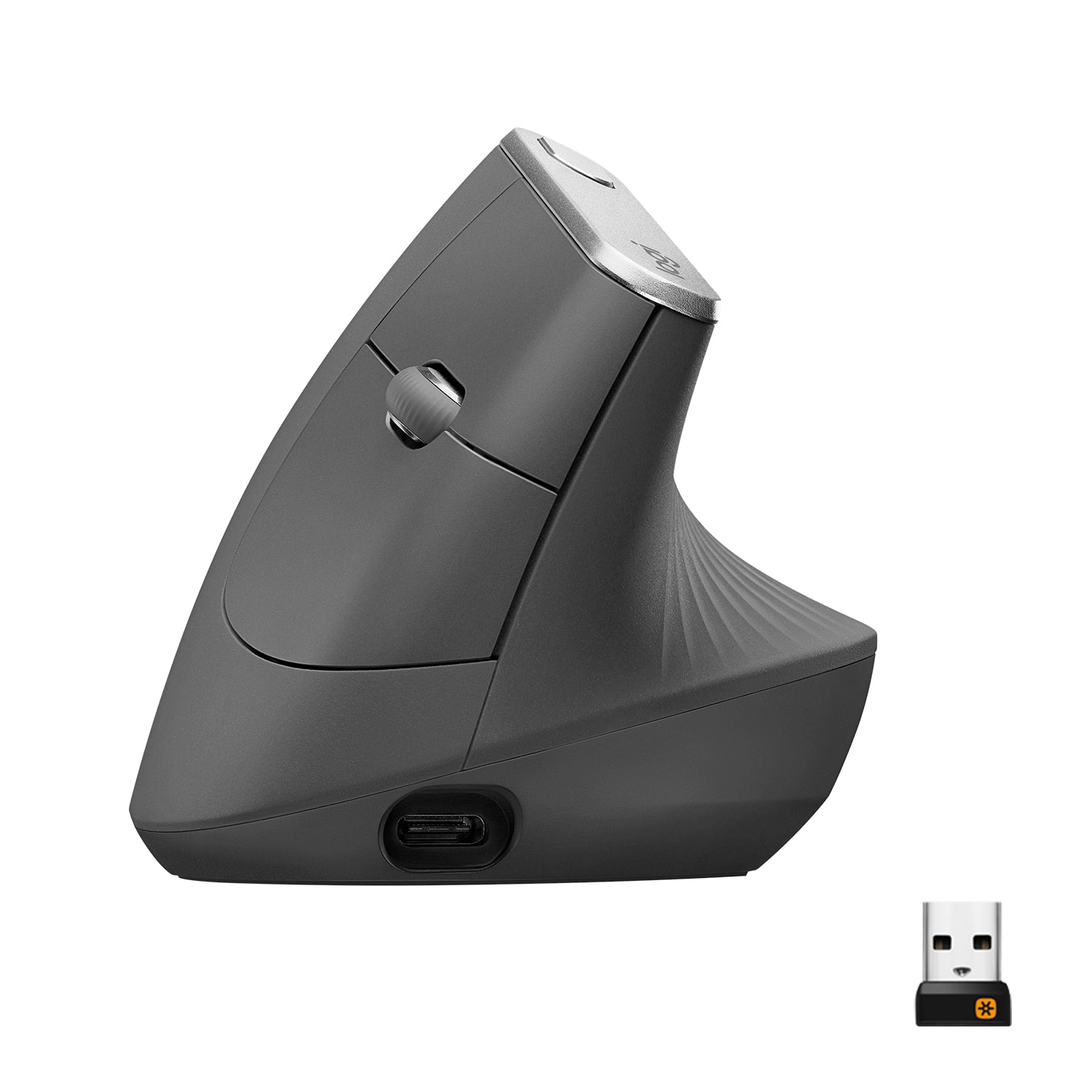
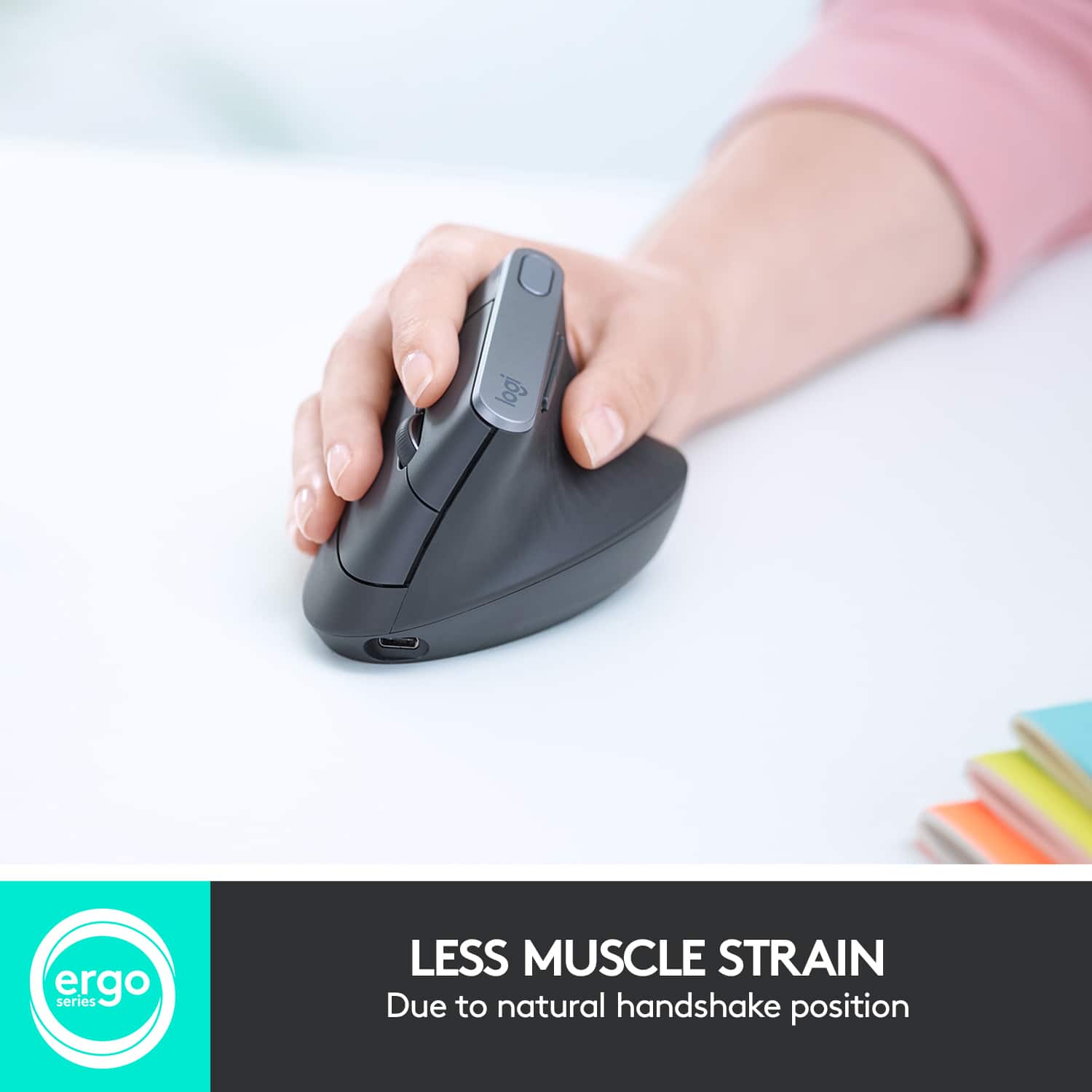
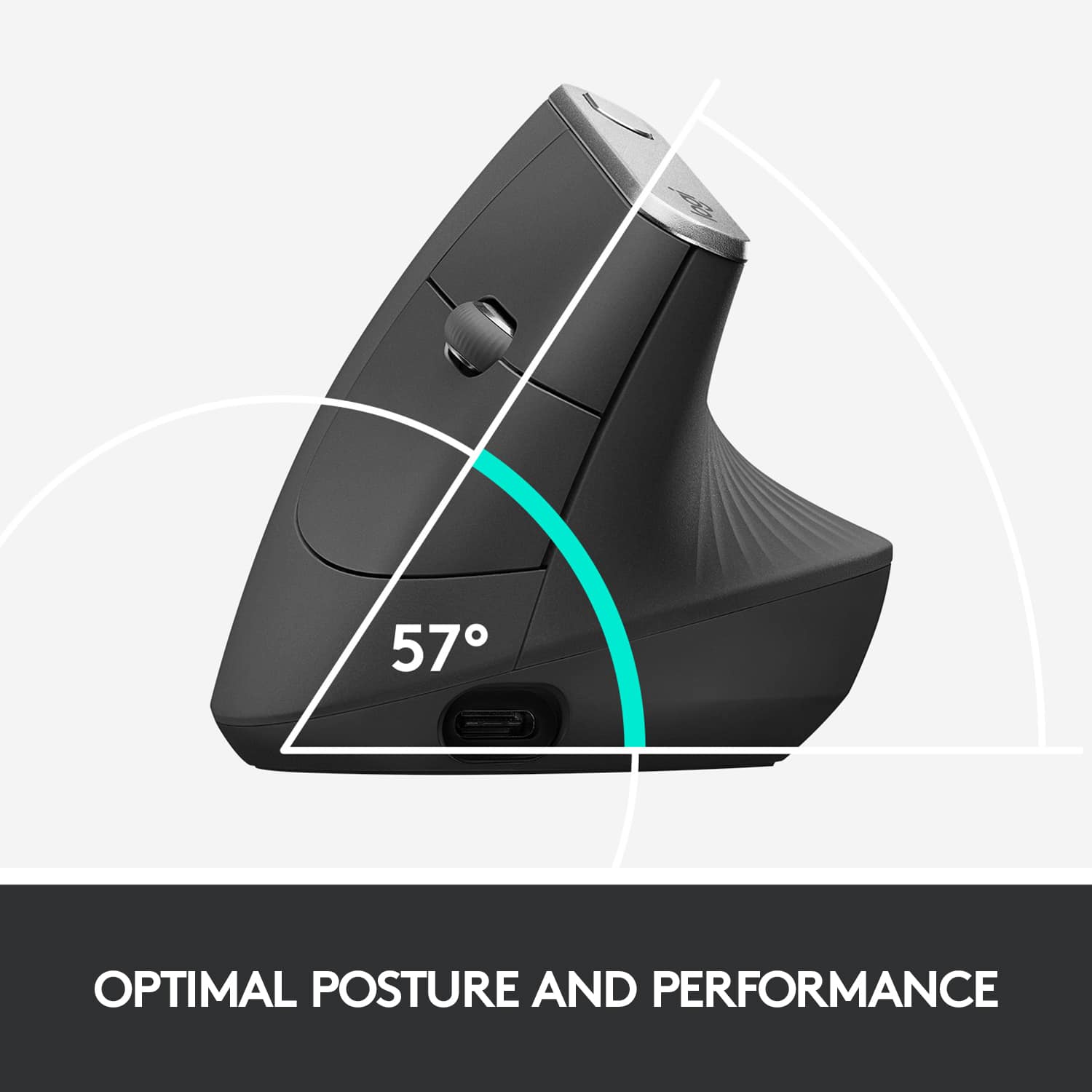
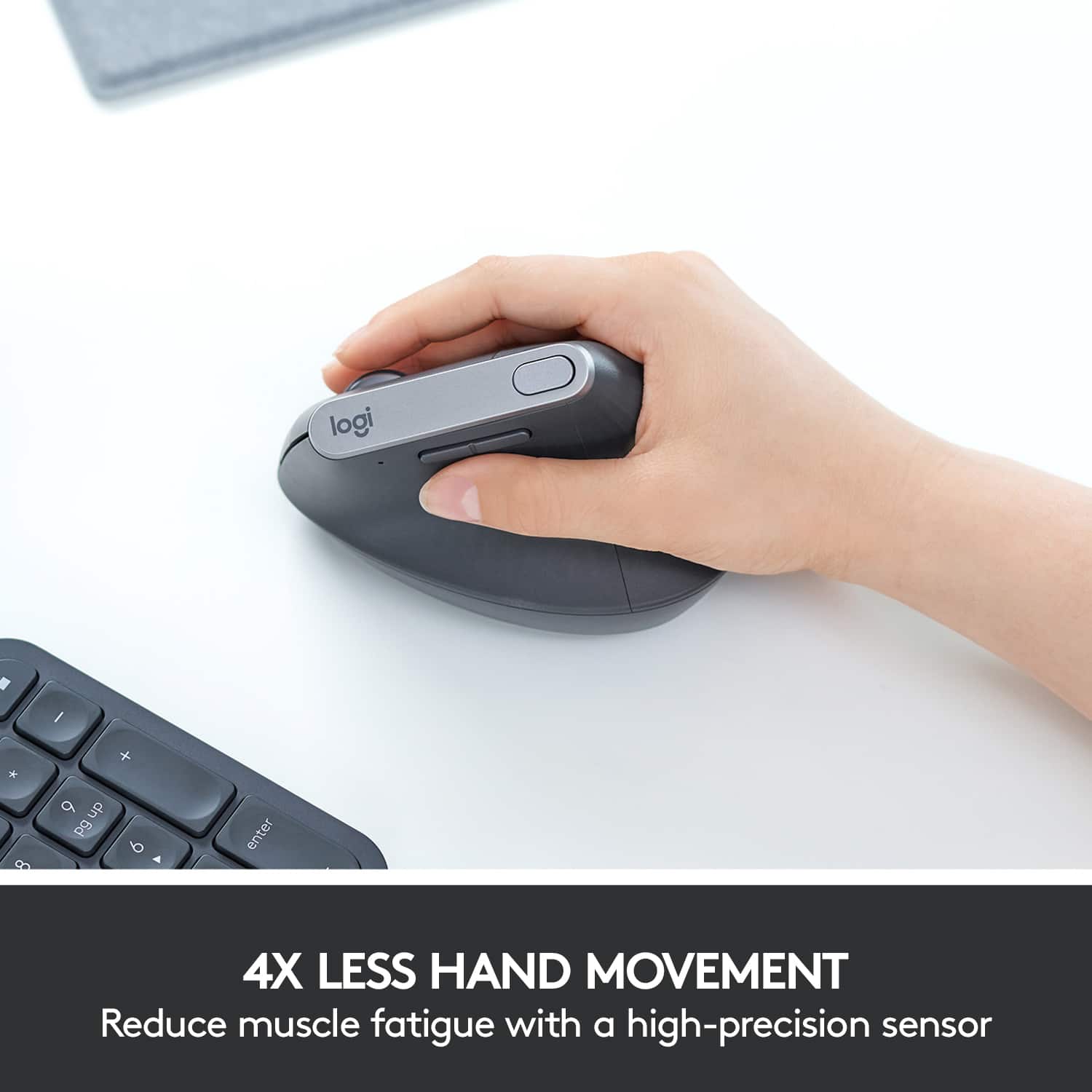
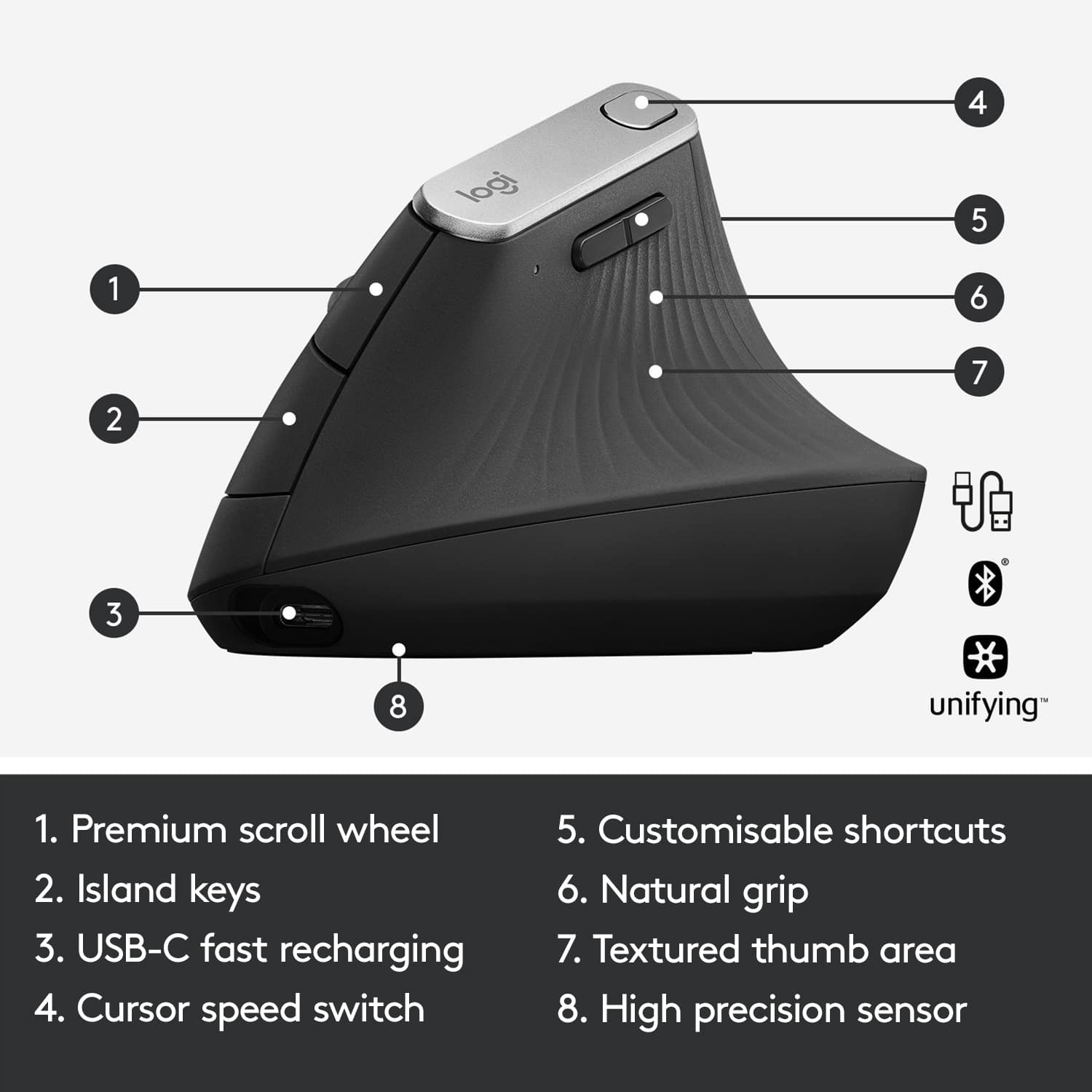
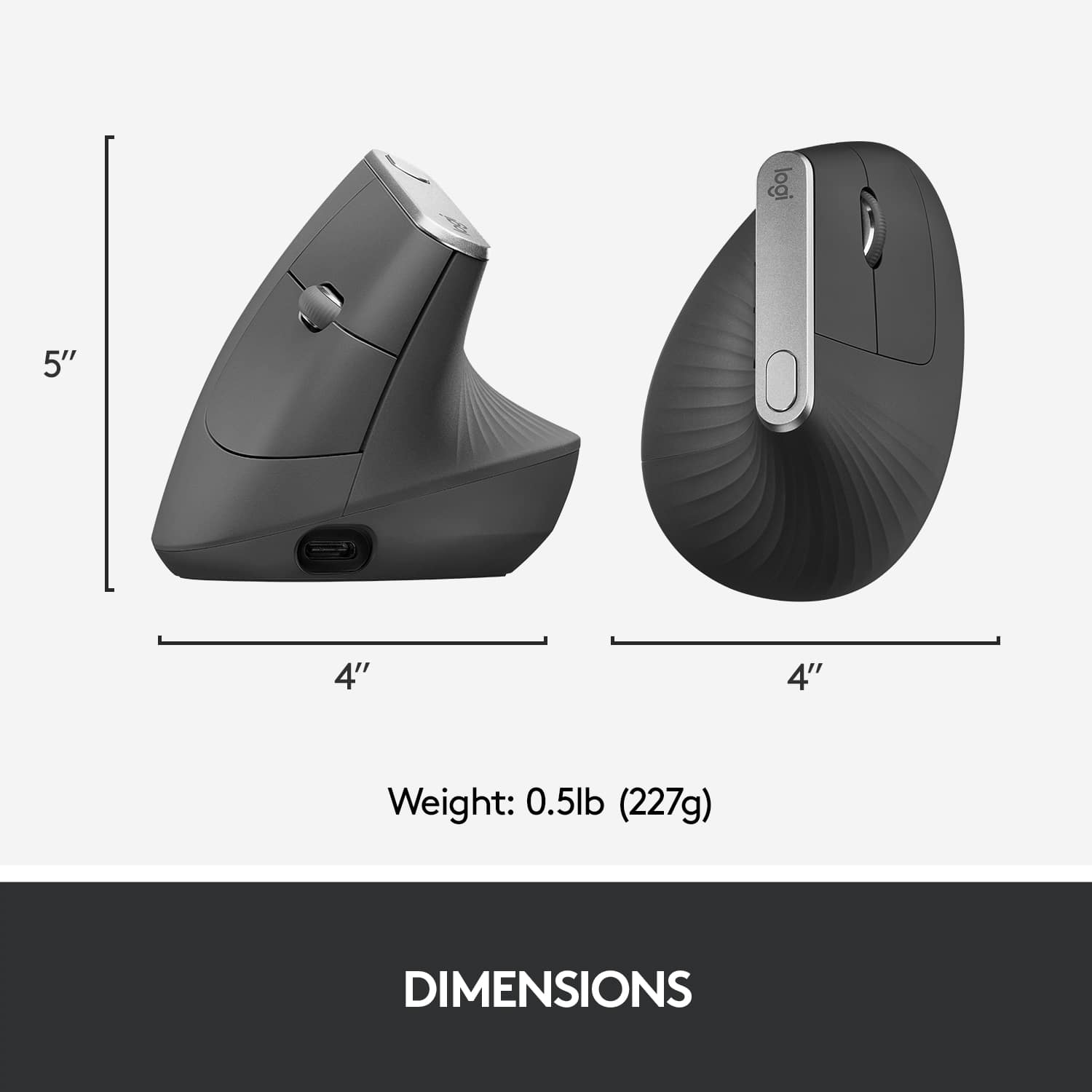
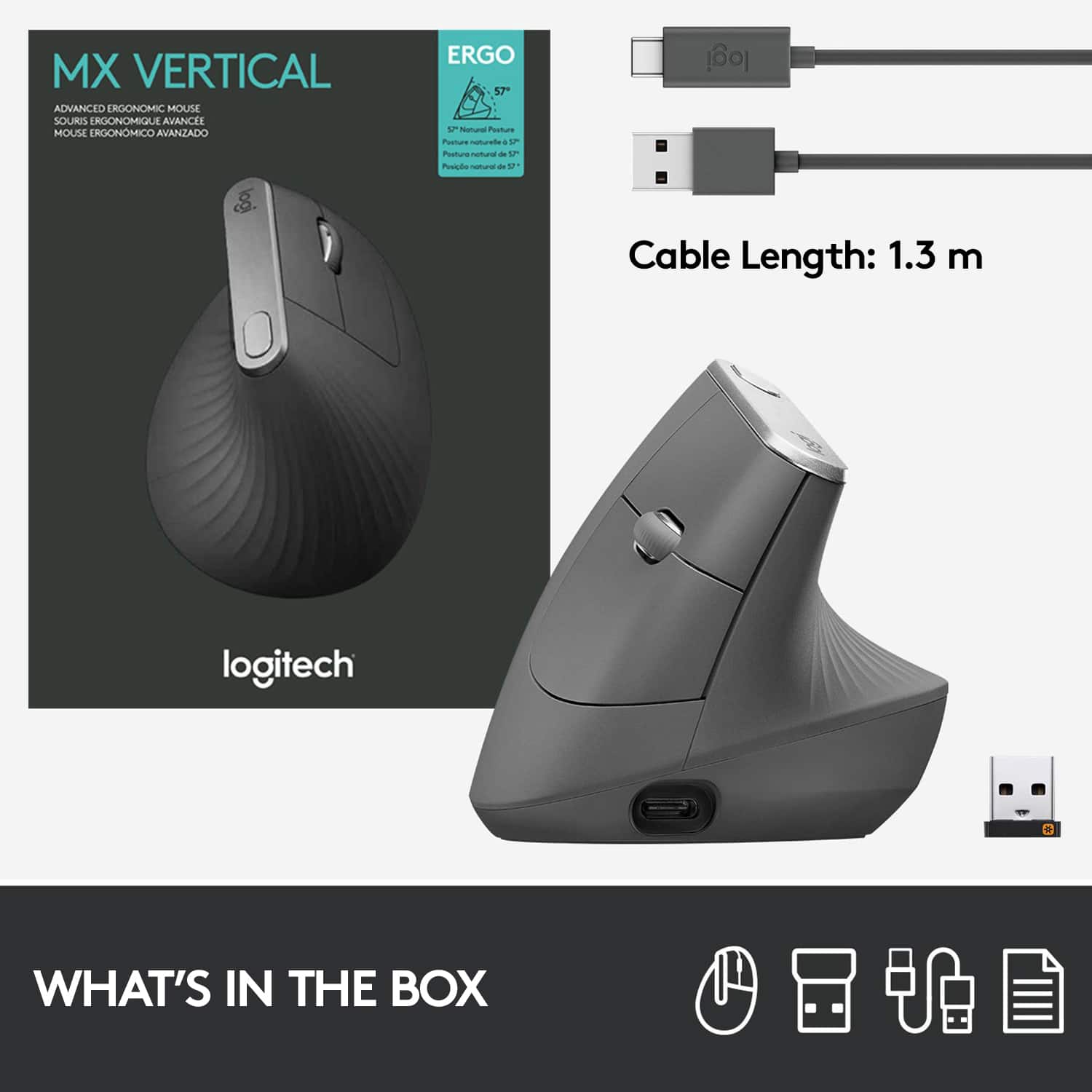
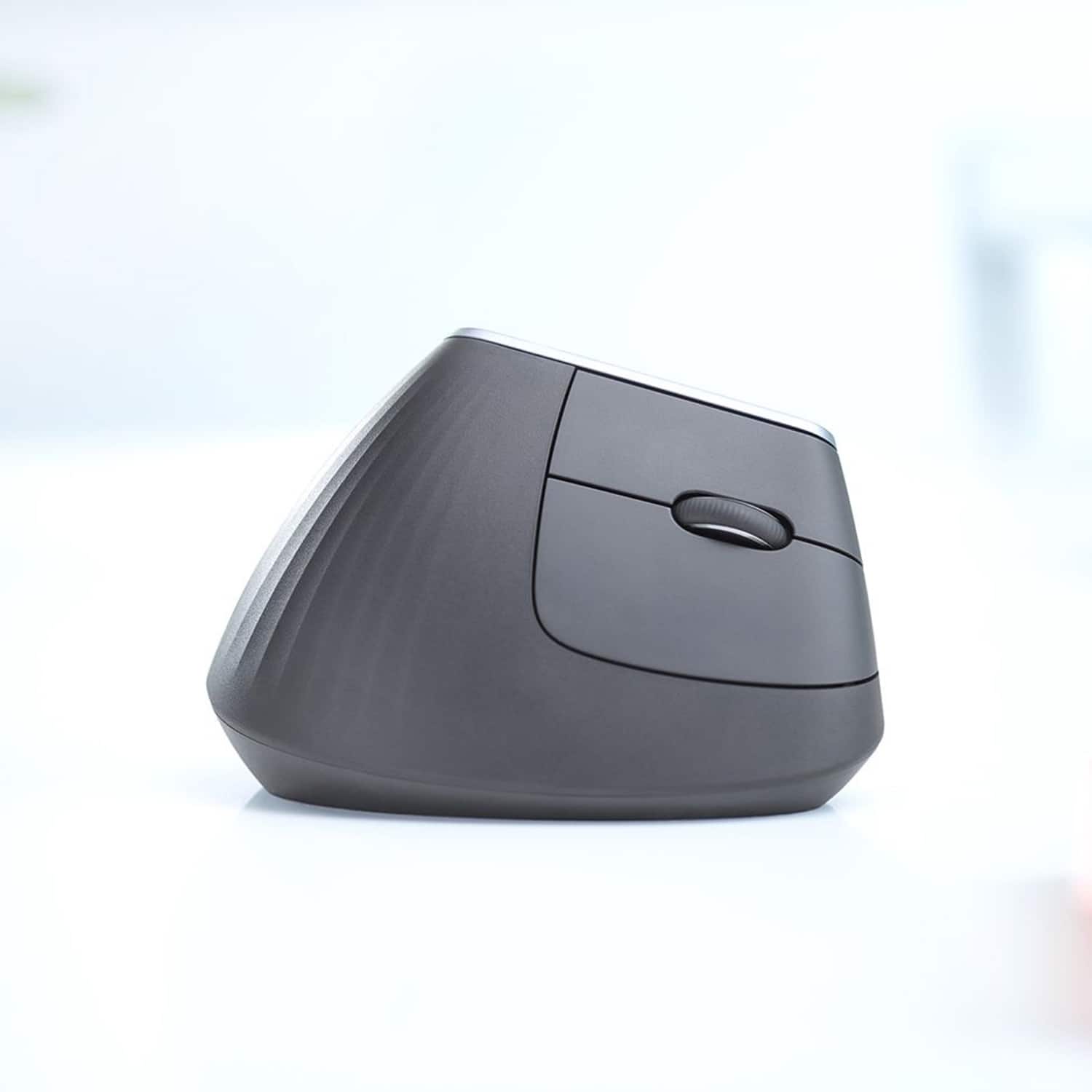
|Posted .This reviewer received promo considerations or sweepstakes entry for writing a review.Really, I blame the millennials. All this fancy, new-fangled technology that’s supposed to be nicer to us and not hurt our feelings all the time. I mean, honestly, how many times have you asked yourself, why do I even put up with this FLAT MOUSE anyway? All joking aside, I was really excited to get my hands on the MX Veritcal from Logitech because vertical mice are all the rage these days, and I wanted to see what the hype was all about. I first discovered vertical mice thanks to the insanely popular YouTube channel Unbox Therapy, where the Contour Unimouse was showcased—this vertical mouse has angle customization ranging from 35 to 70 degrees, adjustable thumb rest, but is not Bluetooth capable. In my mind, it became the defacto standard for vertical mice. Not long after I saw that Logitech was releasing a vertical mouse with a fixed angle, and getting my hands on it I was immediately skeptical (again, the millennials). The design is relatively simple—a unibody form, non-adjusting 57-degree mouse body, non-adjustable thumb rest, and only one button beyond what you’d expect a mouse to have (left click, right click, forward, back, scroll wheel/middle click). Note that I’m a long time MX Master fan; I’ve used both the MX Master and the MX Master 2S exclusively for the last few years and love them dearly because of the comfort, design and functionality that it provides…and naturally, I’ll compare the two here quite a bit from a functionality perspective. Sadly, the MX Vertical’s scroll wheel is not the same speed-adaptive scroll wheel that is found in several of Logitech’s other mice, and I think that’s a big miss here; I also think that the thumb rest could contain customizable shortcut buttons the way the MX Master series mice do. It’s also very tall, abnormally so when it comes to mice, and so moving my hands back and forth across my desk (for instance, to grab my phone) I often found myself batting the mouse across my workspace. The one additional button is a sensitivity adjustment button out of the box, but can be customized using the Logitech Options software that I’ve grown to love…honestly, setting its default to DPI control seems a bit weird, but thankfully it can be adjusted. When it came to using the mouse, at first, it was difficult to adjust to holding a mouse differently. The documentation suggests you hold your hand in a “handshake” position,” but I found that using a mouse with my hand effectively sideways, instead of palm-down, it was challenging to control the mouse cursor with the precision that I had using my MX Master 2S. Still, I stuck it out, and in a matter of a couple days, I found myself very comfortably using the MX Vertical, and specifically, noticeably more comfortably. For me, the make of a good mouse is that it’s so comfortable and functional that it becomes an extension of your hand—and in that sense, you tend to not think about it much, even sometimes forget about it. The MX Vertical didn’t give me that sensation—I found the handshake position so comfortable that I often thought about how great of a product it really was. After a full week of use, I was entirely sold on it. But then I went home, and I didn’t have my MX Vertical with me. Sitting down in my office, I fired up my computer and started to use my ridiculously non-ergonomic MX Master 2S, and I very quickly noticed wrist fatigue and discomfort. Frustratingly, the MX Vertical ruined my otherwise pleasant MX Master 2S experience, and that’s an interesting place to be. (First-world problems, am I right?) Quick note about the battery: I have several high-end Logitech peripherals and never get the advertised battery life of those devices. I appreciate that it has a USB Type-C connector, and according to the documentation it fast charges in only one minute, providing up to 3 hours of use…that’s pretty incredible…but it can also be used while plugged in as a wired mouse, so the need to fast charge is one I probably won’t take much advantage of. So in summary, I do blame the millenials…but I unfortunately am one of them, and in this case I totally understand the niche market that Logitech is aiming for. I’m disappointed in the lack of additional customizable buttons that could have been included (there’s enough room for a third “click” button), and also disappointed that Logitech’s most premium scroll wheel experience (speed adjustable plus side-scrolling) isn’t included in this otherwise premium mouse. At the price, I’d really like to have the functionality of the MX Master 2S, along with the comfort and ergonomics of the MX Vertical; that would make for a fantastic mouse. But still, the MX Vertical is a great product that I see myself using for a long time. It retails at $100, which is about what I expect from a top-of-the-line Logitech mouse, but you might consider comparing to some of the other vertical mice on the market like the Contour Unimouse, which has extra buttons and more ergonometric customization available. The Unimouse also retails for around $100, so they are certainly competitors. That said, I have always loved Logitech’s peripherals and will continue to buy them in the future.
I would recommend this to a friend - Pros mentioned:Ergonomics
Good if you have arthritis in your hands
||Posted . Owned for 1 month when reviewed.This reviewer received promo considerations or sweepstakes entry for writing a review.Help with my arthritis in my hands. Mix work not as stressful know that my hands are not hurting.
I would recommend this to a friend It's a great idea, but has issues
||Posted .This reviewer received promo considerations or sweepstakes entry for writing a review.I find this mouse uncomfortable to use, and find that when you click it it has a tendency to move from the targeted location. I find the MX Master to be a much better mouse with more functionality. Right now it's sitting in a drawer just in case my MX Master dies on me.
No, I would not recommend this to a friendNot much to my comfort and expensive
||Posted . Owned for 2 weeks when reviewed.This reviewer received promo considerations or sweepstakes entry for writing a review.I dint really like the feel of this mouse. Although it does ease on wrist I ended up raising my arm. With not much overall comfort ergonomically speaking.
No, I would not recommend this to a friend- Cons mentioned:Size
Great mouse
||Posted . Owned for 2 weeks when reviewed.This reviewer received promo considerations or sweepstakes entry for writing a review.Great mouse, just too big for my hand. I returned it but have recommended to several friends.
I would recommend this to a friend - Cons mentioned:Wrist pain
No more wrist pain
||Posted .This reviewer received promo considerations or sweepstakes entry for writing a review.Actually takes a little time to get used to it as it is not facing down if your gaming with it. But I have not had a single day of wrist pain which is exactly why I bought it.
I would recommend this to a friend - Pros mentioned:Ergonomics
Easy to use!
||Posted . Owned for 1 month when reviewed.This reviewer received promo considerations or sweepstakes entry for writing a review.Is much easier than a regular mouse! It did not take long for me to be at ease using it.
I would recommend this to a friend Nice mouse, but not comfortable for me
||Posted . Owned for 3 weeks when reviewed.This reviewer received promo considerations or sweepstakes entry for writing a review.The mouse worked perfectly fine, but it just wasn’t comfortable for me. The wrist angle just wasn’t right for me. But, I was able to return it easily and replace it with a more standard mouse which is more comfortable.
No, I would not recommend this to a friendNot as good as I hoped
||Posted . Owned for 2 months when reviewed.This reviewer received promo considerations or sweepstakes entry for writing a review.It is just not as comfortable as I hoped it would be. My hand just wants to fall off the back of it and it was straining to use.
No, I would not recommend this to a friend- Pros mentioned:Ergonomics
Perfect!
||Posted . Owned for 3 weeks when reviewed.This reviewer received promo considerations or sweepstakes entry for writing a review.Zero pain after a long day of use. Wow! Only regret is that i dod not buy it sooner.
I would recommend this to a friend - Pros mentioned:Ergonomics
Very Comfortable and light
||Posted .This reviewer received promo considerations or sweepstakes entry for writing a review.I've been using this mouse for a few weeks now. It's very comfortable to use. The hand fits and rests naturally. Very happy with it. It's worth the price.
I would recommend this to a friend still causes a bit of pain
||Posted . Owned for 1 week when reviewed.This reviewer received promo considerations or sweepstakes entry for writing a review.I really liked how responsive this mouse is, unfortunately it caused me pain because 1/4 of my wrist is still pressed against the desk, and it does require wrist bending to move the cursor. It's better than a traditional mouse, but not as good as the 3m ergonomic joystick mouse. Plus, the clicks were kind of loud.
No, I would not recommend this to a friendBrand response from Logitech
Posted .That's disappointing to hear and it's surely not what we expect to deliver. We understand your displeasure and apologize for any issues that arise. We value your input, therefore we will forward it along to the appropriate team so they can look into it.
- Cons mentioned:Scroll wheel
Scroll wheel broken after 3 months!
||Posted . Owned for 8 months when reviewed.This reviewer received promo considerations or sweepstakes entry for writing a review.Scroll wheel broke after 6 months. They only offer a measly 30 day warranty so I'm out $100. There are other reviews that mention this, and tons of people online complaining about it, but no resolution from Logitech. Don't waste your money, don't roll the dice, it's not worth it!
No, I would not recommend this to a friendBrand response from Logitech
Posted .Hello Nate,
I am sorry that the MX Vertical mouse did not perform as expected. Feel free to contact the Logitech support team to claim your device's 1-Year Limited Hardware Warranty. Logitech appreciates your product review. - Leo from Logitech
Great build quality, works perfectly..
||Posted .This reviewer received promo considerations or sweepstakes entry for writing a review.This mouse is built well, and I experienced absolutely no connectivity or communication issues via Bluetooth on my Mac. That being said, I've gone back to using my previous mouse. For me, I just couldn't get used to the "rest" of my wrist on this mouse. Now, I'm no stranger to vertical mice -- I use vertical mice exclusively, but the angle/pitch of this particular mouse I simply found uncomfortable for my uses. My wrist would drag across the mat surface, causing pain due to friction after a while. This is, of course, no fault of Logitech's nor is it a slight on the mouse. It's 100% personal preference!
I would recommend this to a friendMouse
||Posted . Owned for 4 months when reviewed.This reviewer received promo considerations or sweepstakes entry for writing a review.I absolutely love this mouse. Provided relief for wrist pain.
I would recommend this to a friend- Pros mentioned:Ergonomics
nice new mouse
||Posted .This reviewer received promo considerations or sweepstakes entry for writing a review.This vertical mouse will reduce hand, wrist and shoulder fatigue. been suing for a month and won't switch back. Love it. give it a try
I would recommend this to a friend NOT for me
||Posted . Owned for 9 months when reviewed.This reviewer received promo considerations or sweepstakes entry for writing a review.It works, as advertised - but I disliked it / returning it was no problem
No, I would not recommend this to a friendGood but shaky left click, drifting.
||Posted . Owned for 2 months when reviewed.This reviewer received promo considerations or sweepstakes entry for writing a review.Its been a month since I bought it. Loved this mouse at first. The left click is starting to get shaky like the click won't go through. I have to click several times to get it to go through and the left mouse click drifts left or right of where I'm trying to keypress. Maybe I just didn't get a good one idk.
No, I would not recommend this to a friendBrand response from Logitech
Posted .We're glad to know you loved the device. We recommend you to clean the button/key with compressed air and check if that helps to resolve the issue. Incase if it still persists, reach out to BestBuy for further assistance.
Requires Wrist Movement
||Posted . Owned for 3 weeks when reviewed.This reviewer received promo considerations or sweepstakes entry for writing a review.This mouse still requires wrist movement. Not the best fit for someone with tendinitis.
No, I would not recommend this to a friend- Cons mentioned:Price
Good product
||Posted . Owned for 3 weeks when reviewed.This reviewer received promo considerations or sweepstakes entry for writing a review.Good product but too expensive, hands feel resting while this mouth.
I would recommend this to a friend