Customer Ratings & Reviews
- Model:
- 910-006658
- |
- SKU:
- 6516294
Customer reviews
Rating 4.7 out of 5 stars with 810 reviews
(810 customer reviews)Rating by feature
- Value4.7
Rating 4.7 out of 5 stars
- Quality4.7
Rating 4.7 out of 5 stars
- Ease of Use4.7
Rating 4.7 out of 5 stars
Customers are saying
Customers are impressed with the Pebble M350's ease of use, size, and Bluetooth connectivity. Many appreciate the silent clicks and long battery life, along with its lightweight design and compatibility with various devices. Positive feedback also highlights the mouse's responsiveness. While some find the price a bit high and would prefer a more substantial feel, the overall response is overwhelmingly positive.
This summary was generated by AI based on customer reviews.
Rated 1 out of 5 stars
Not as durable as other other options
||Posted . Owned for 10 months when reviewed.This reviewer received promo considerations or sweepstakes entry for writing a review.Pro: Slim and lightweight mouse that's easy to operate. Good for travel and infrequent use. Cons: Not very durable. When the mouse is dropped, the entire cover comes off and I've noticed that after dropping it the tracking isn't as good. If you need a mouse for everyday use, Logitech has better quality mouse options than this one.
This review is from Logitech - Pebble M350 Wireless Optical Ambidextrous Mouse with Silent Click - Wireless - Graphite
No, I would not recommend this to a friendBrand response from Logitech
Posted .Hello. Thank you for taking the time to share your concerns about the M355 mouse. I'm sorry to hear that it is not living up to the quality expectations that Logitech is known for. If you are looking for a similar mouse that has a single piece construction (it won't come apart), I would recommend the MX Anywhere 3. It is a little more expensive, but it is definitely the best travel mouse available.
-Charlton at Logitech
Rated 1 out of 5 stars
Decent Mouse
||Posted . Owned for 3 weeks when reviewed.This reviewer received promo considerations or sweepstakes entry for writing a review.This mouse is decent. Would not connect via Bluetooth. Zero support information on Logitech website, or Best Buy. Works with USB receiver, but that takes up the only USB-A port on my Chromebook.
This review is from Logitech - Pebble M350 Wireless Optical Ambidextrous Mouse with Silent Click - Wireless - Graphite
No, I would not recommend this to a friendBrand response from Logitech
Posted .Hi Disappointed24, Very sorry to hear about the issues you're having with the M355 Wireless Optical Mouse. The M355 uses Bluetooth Low Energy technology. If you're not sure if your Chromebook supports Bluetooth Low Energy, click this link  https://support.logi.com/hc/en-us/articles/360023193194. In order to pair the M355 via Bluetooth, long-presss the button located on the bottom of the mouse. The LED should blink blue rapidly. Open the Bluetooth settings on your computer and add the M355 and follow the on-screen instructions. If you need more support, click this link  https://support.logi.com/hc/en-us/articles/360026246633-FAQs-Pebble-M350. Hope you found this helpful and that all is going well. - Richard from Logitech
Rated 2 out of 5 stars
Wowq
||Posted . Owned for 1 month when reviewed.This reviewer received promo considerations or sweepstakes entry for writing a review.Don’t like. The mouse freezes. Not happy with the purchase
This review is from Logitech - Pebble M350 Wireless Optical Ambidextrous Mouse with Silent Click - Wireless - Graphite
No, I would not recommend this to a friend- Pros mentioned:Wireless
Rated 5 out of 5 stars
Quick response and easy to hold
|Posted .This reviewer received promo considerations or sweepstakes entry for writing a review.Overall I really like the look and feel of my new Logitech M355 wireless optical mouse. The feel of this low profile mouse is great in your hands. Right out of the box this mouse is super easy to set up and get synced up to your device. Capable of Bluetooth or USB connection, so I feel this makes it a versatile accessory for a desktop, laptop, or tablet style device. This uses 1 AA battery and makes the claim that it can last 18 months, but I’ve only been using to for a week so far. It has a nice little storage compartment for the USB dongle that can hide away under the button where the battery is housed. The mouse has a nice feel in my hands. It’s more of a flatter mouse and not an arched mouse which is what I have always used in the past. This M355 mouse is a lower profile, so it allows for a comfortable fit in either hand. I feel like it’s a great mouse at my desktop workstation, and my home use on laptops and tablets as well. Another nice feature is the quiet sound, which is near silent for me. I can feel the clicks when I’m using the mouse, but it isn’t a loud click for feedback. This I find to be great for close proximity or quiet settings in which I want to be on my device, but not attract noise attention. The mouse tracks really accurately and precisely so it gives you level of confidence while using it. I’ve been pleased with this mouse so far. I think it’s a nice fit, and I like the graphite look because it gives it that modern look. It’s convenient to travel with and place into a computer bag or pockets.
This review is from Logitech - Pebble M350 Wireless Optical Ambidextrous Mouse with Silent Click - Wireless - Graphite
I would recommend this to a friend Rated 2 out of 5 stars
Mouse
||Posted . Owned for 3 weeks when reviewed.This reviewer received promo considerations or sweepstakes entry for writing a review.Doesn't want to work with bluetooth. So haven't gotten to use it.
This review is from Logitech - Pebble M350 Wireless Optical Ambidextrous Mouse with Silent Click - Wireless - Graphite
No, I would not recommend this to a friendBrand response from Logitech
Posted .Hi Barbie50,
Thank you for your feedback. Sorry for any inconvenience. To connect using Bluetooth,
open the Bluetooth settings on your computer and follow the on-screen instructions.
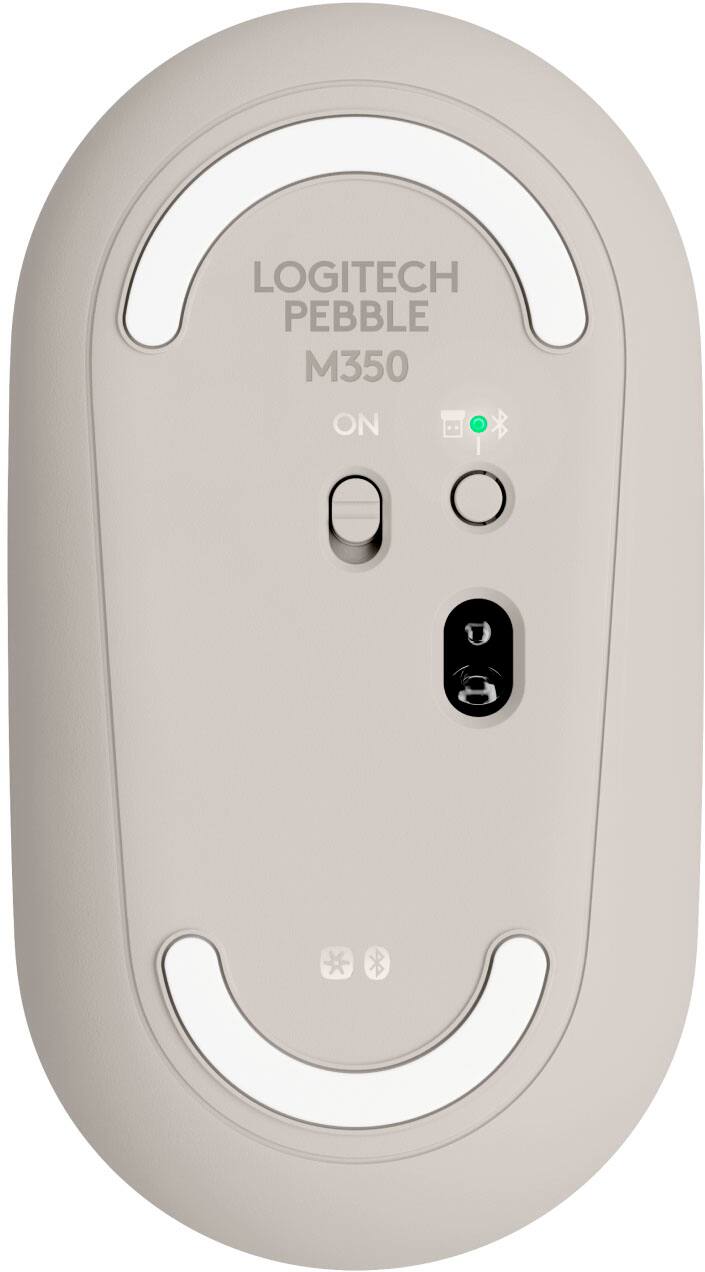
NOTE: The Logitech Pebble M350 uses Bluetooth Low Energy technology. If you’re not sure if your computer supports Bluetooth Low Energy, see Check for Bluetooth Low Energy support. If you cannot connect or reconnect Logitech Pebble M350 with Windows computers using a Bluetooth connection when the system is restarted or mouse is turned on, please follow the instructions below:
Try switching your mouse off and on. Make sure the LED on the bottom of the mouse is glowing blue. Make sure your computer is running the latest Windows 10 - October 2018 update. If you need further assistance, please contact Logitech Support on the website.
LaShonda from Logitech
- Pros mentioned:Long battery life
Rated 5 out of 5 stars
Perfect size mouse for nearly any device/computer!
|Posted .This reviewer received promo considerations or sweepstakes entry for writing a review.This mouse is the perfect portable size mouse that will work with just about any device like a Chromebook, Android tablets (those that are compatible with Bluetooth mice) or a computer. First thing I like is the fact this mouse has dual connectivity options where you can use either Bluetooth or the included USB receiver and another plus is if you are using Bluetooth and not the receiver the mouse stores the receiver inside the battery compartment so you don't have to worry about losing it. The connection with the Bluetooth is solid and responsive and the connection with the wireless receiver provides largely the same experience. What sets this mouse apart from all others I have and have tried is it is VERY quiet - wow! Most that advertise they are quiet is sorta but this one definitely is. The clicks are soft and quiet and the scroll wheel feels good and is also quiet. It's responsive and works on nearly any surface. The feel is just right and I like the overall feel/shape of it for being a low profile mouse. Battery life, Logitech claims can go for a staggering 18 months so in the time I've used it so far obviously cannot realistically test that but I would tend to believe the battery life based on other wireless Logitech mice I've had in the past though this one easily surpasses those! All in, this is like the perfect portable mouse and I'll be getting another for my work laptop to throw in my bag to have wherever I go! I'd definitely recommend it.
This review is from Logitech - Pebble M350 Wireless Optical Ambidextrous Mouse with Silent Click - Wireless - Graphite
I would recommend this to a friend - Pros mentioned:Silent click
Rated 5 out of 5 stars
Finally a Great Mobile Mouse
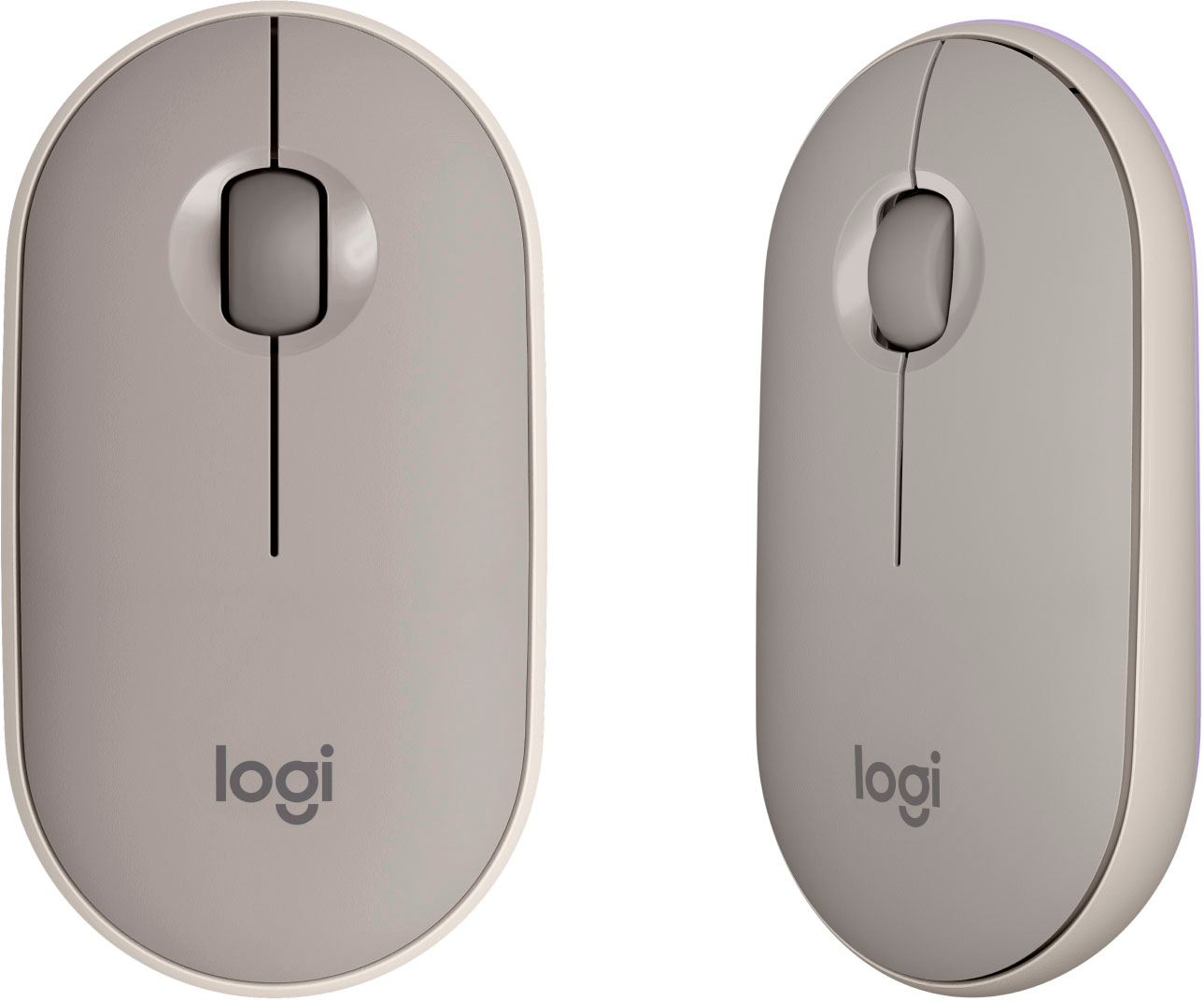
|Posted .This reviewer received promo considerations or sweepstakes entry for writing a review.For those who need a portable mouse - Microsoft has made the best products for the last several years (primarily for use with their surface line). I have owned several of these with the best being the arc touch mouse and the modern mobile mouse. Both of these have usability flaws which are improved by the Pebble Mouse. The arc touch has a non feedback touch scroll which is hard to control if moving though large sites or spreadsheets. The modern mobile has a small metallic scroll wheel which is small and not very comfortable. The Pebble mouse has a more ergonomic feel than either of these with the back of the mouse being taller than the front (like full size mice) and with a wide softer scroll wheel. The pebble mouse also has better left and right click buttons (larger surface easier press better feedback) AND is nearly silent. The modern mobile mouse click is loud and if in a quiet public space annoying. The pebble mouse (unlike the Bluetooth only Microsoft mice) has a dongle which hides under the mouse cover in case Bluetooth is not working or not configured - this is a great backup. The pebble cover is also more secure and there is the great to have physical on off switch. This mouse is obviously designed by users!
This review is from Logitech - Pebble M350 Wireless Optical Ambidextrous Mouse with Silent Click - Wireless - Graphite
I would recommend this to a friend Rated 1 out of 5 stars
Won’t recommend
||Posted .This reviewer received promo considerations or sweepstakes entry for writing a review.Waste of money for my hands I have big hands . This is gd for anyone with small hands. And the cursor movement is not accurate. I have time to return it still but just do want to do with returning business.
This review is from Logitech - Pebble M350 Wireless Optical Ambidextrous Mouse with Silent Click - Wireless - Graphite
No, I would not recommend this to a friendBrand response from Logitech
Posted .Hello Pk21, thank you so much for the honest review. We are sorry to hear that the M355 mouse did not meet your expectations. We totally agree, the M355 is not meant for people with large hands. Some great alternatives would be the M310, M510, M705, M720, or our MX Master 3. We appreciate your honest feedback, thanks for being part of the Logitech family. Have a great day! -Ricky | Logitech
- Pros mentioned:Silent click
Rated 4 out of 5 stars
Most Portable Mouse Ever
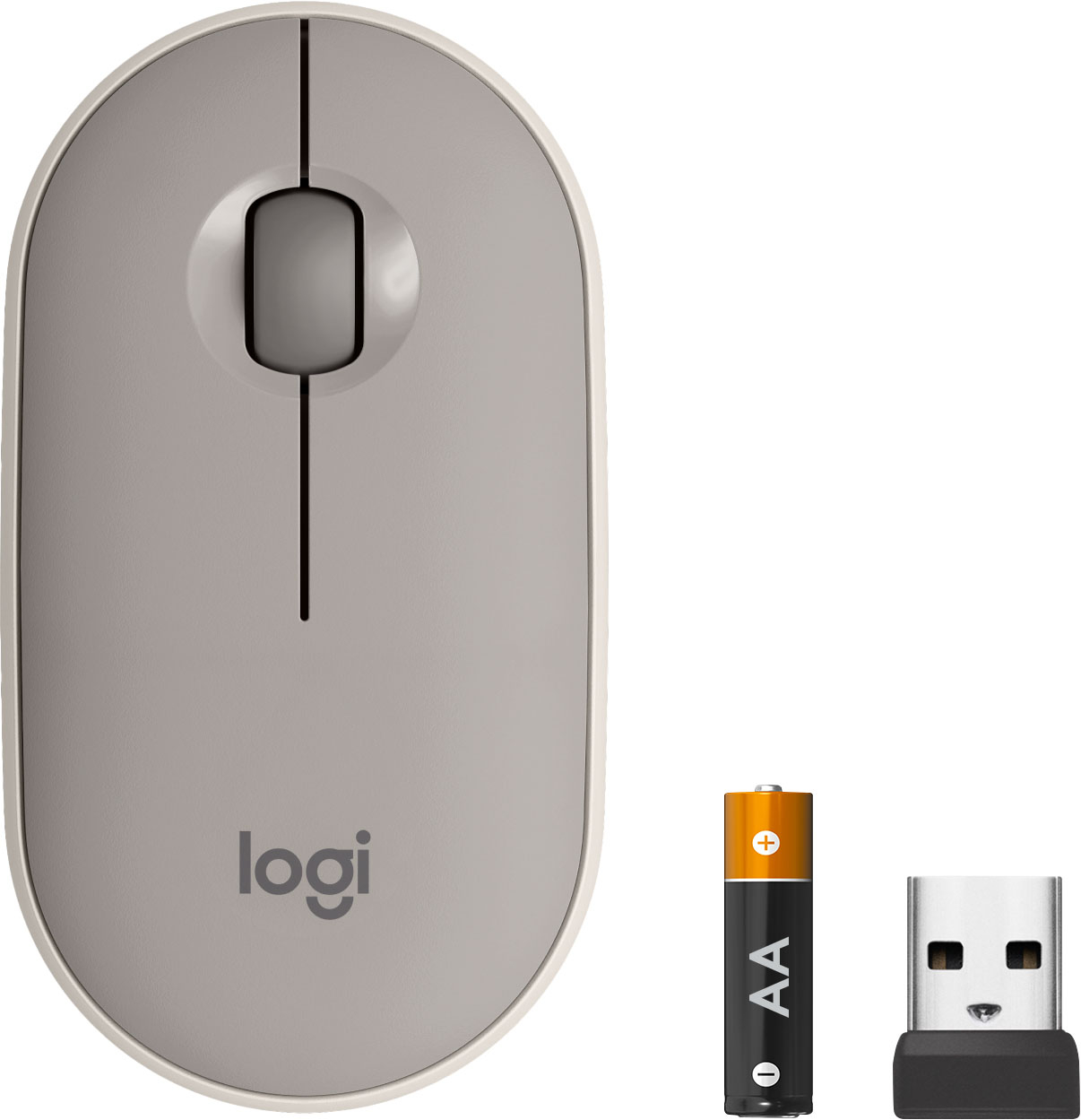
|Posted .This reviewer received promo considerations or sweepstakes entry for writing a review.This new portable Logitech mouse is perfect for carrying with you on a business or pleasure trip. Pop it in your briefcase or even in your pocket and you won’t notice it’s even there. I weighed it on my postal scale and it comes in less than 3 ounces with the battery! Now it’s not loaded with a zillion features. For less than 30 dollars you wouldn’t expect it to be, but it’s a solid performer. The two buttons were quieter than any other mouse I’ve used. When you “click” them, you get the appropriate tactile feel, but it’s almost totally quiet. If you’re working in a library, you’ll not disturb your neighbor with this mouse. It connected instantly via Bluetooth to my laptop. It also can be connected wirelessly with the included USB dongle if your computer isn’t Bluetooth capable. I have to admit I couldn’t find the dongle when I first opened up the mouse package. Reading the instructions I discovered the dongle is stored INSIDE the mouse along with the included AA battery; Very clever, because you’ll always have this dongle with you, in case you need to use the mouse on a business trip in a new computer. That AA battery should last for well over a year, since it automatically goes into sleep mode when not being used. I also loved the way it tracked perfectly on my shiny kitchen counter. I’ve used a few ‘mice’ which did not work at all on that surface. It was hard to find anything negative to mention, if I had to pick something, I find the mouse not quite as comfortable as my Logitech MS Master 2S with all its features that I’ve gotten used to, but that mouse is would be really bulky for me to take on a business trip. This one is perfect for portability and for its price you can’t find a better mouse to take along with your laptop. Just remember to turn the power switch “off” before you pop it in your pocket.
This review is from Logitech - Pebble M350 Wireless Optical Ambidextrous Mouse with Silent Click - Wireless - Graphite
I would recommend this to a friend - Pros mentioned:Long battery life
Rated 5 out of 5 stars
Logical Logitech Wireless Mouse
|Posted .This reviewer received promo considerations or sweepstakes entry for writing a review.What a breeze made simple Logitech Wireless Mouse. The package pulled open from the back was very accessible in taking out the Logitech Wireless Mouse and retrieving the USB receiver from the storage area inside of Wireless Mouse. This is what makes the Logitech Wireless Mouse a portable wireless all in one unit that you can take with you for easy setup in seconds. Once the mouse is connected with the 2.4 GHz USB receiver of my preference mode, you are ready to scroll at your hearts desire. The Logitech Wireless Mouse also have the ability to connect through Bluetooth. The Logitech Wireless Mouse felt really great with more level profile that is unique from usual design and gives your hand a more relaxed, effortless feeling. The tracking of the Logitech Wireless Mouse on my coffee table was amazing. The cursor control is speedy and efficient while being quiet as a mouse. Last but not least the 18 month battery life makes it a complete Wireless Mouse. I would not expect anything less from the Logitech brand.
This review is from Logitech - Pebble M350 Wireless Optical Ambidextrous Mouse with Silent Click - Wireless - Graphite
I would recommend this to a friend - Pros mentioned:Silent click
Rated 4 out of 5 stars
Chromebook Mouse that works with Windows
|Posted .This reviewer received promo considerations or sweepstakes entry for writing a review.The Logitech M355 is the first time I have bought a mouse (or any hardware) where there's a made for Google logo on the box. BTW, batteries are included (it runs on 1x AAAA) Both Google and Logitech position this mouse as made for Chromebooks... which is perfect as I needed it for our Acer 15" Chromebook. Setup was easy. Plug-in the Logitech dongle, turn on the mouse and it was all ready to go. So the Logitech M355 is definitely a plug-and-play Chromebook mouse. For the fun of it, I then removed the dongle and tried pairing via Bluetooth. There's an on/off button underneath the mouse which you hold to start pairing - it paired no problem and Chrome OS will make the mouse available to all profiles. Then for even MORE fun! I thought I'll go wild and see if this will pair with my Windows 10 Laptop. Again. No problem. So even though this is made for Google it works everywhere. No drivers, no download, no fuss... it just works. No, it can't pair with multiple computers at once. Which would have made this mouse perfect. But it does have some other advantages. It's whisper-quiet featuring super quiet buttons. So it's a good office or late night mouse. I also like the slim-low profile. It reminds me of a mouse Microsoft use to make that I loved. 4/5 stars. The mouse is near perfect. Quiet. No software needed. Works on Chrome and Windows 10. I would have given it 5 if it could pair with 2 computers at once (like the M585) but it's still an awesome mouse and perfect for laptops and slipping into your travel bag without taking too much room. And hey, it works with Chromebooks without the need for drivers. Gotta love that!
This review is from Logitech - Pebble M350 Wireless Optical Ambidextrous Mouse with Silent Click - Wireless - Graphite
I would recommend this to a friend Rated 1 out of 5 stars
Not the best buy
||Posted . Owned for 1 year when reviewed.This reviewer received promo considerations or sweepstakes entry for writing a review.Maybe my expectations were too high, but after 18 months I have to buy a new mouse, as this one has to be clicked multiple times. Good for about 12 months.
This review is from Logitech - Pebble M350 Wireless Optical Ambidextrous Mouse with Silent Click - Wireless - Graphite
No, I would not recommend this to a friendBrand response from Logitech
Posted .Hey there Carno, I'm sorry to hear that you had some issues with your Pebble. The warranty may be expired after 18 months, however that doesn't mean that we can't help you. If you contact us via our support site, we can provide you with direct assistance as well as troubleshooting tips and tricks. I would recommend trying to blow out the inside of the mouse with compressed air, as dust and dirt may have accumulated on the switches inside the mouse, causing the double clicking issue. -Weston from Logitech.
Rated 5 out of 5 stars
simple, solid performer
|Posted .This reviewer received promo considerations or sweepstakes entry for writing a review.Dead simple to set up and operate. Just pull the tab from the battery compartment, turn it on, and pair. Works like any other mouse, but in a compact and convenient form. The one thing that seems like a true innovation to me is how they hide the battery compartment and USB dongle. The whole top of the mouse is held on magnetically, so instead of trying to dig a plastic latch back with your fingernail, the whole thing just pops off and on, simply and securely. It seems so obvious and simple, I wonder why I've never seen it done anywhere else before now. The USB dongle is also hidden there, so there's almost zero chance of losing it while traveling. Overall, it's a good size: small enough to use when traveling, but not so small that your hand starts to hurt after five minutes. One of the best "portable" mice out there.
This review is from Logitech - Pebble M350 Wireless Optical Ambidextrous Mouse with Silent Click - Wireless - Graphite
I would recommend this to a friend- Pros mentioned:Silent click
Rated 5 out of 5 stars
Quiet...
|Posted .This reviewer received promo considerations or sweepstakes entry for writing a review.Lets be honest, it's a mouse. It does the job well. It doesn't have a lot of extra buttons for special functions or anything like that. What it does have is pretty good though. First, when clicking the right or left mouse button, there is virtually no sound made. I appreciate that for someone that likes to work with as little noise as possible. Second, I plugged it in and hit the button and it connected instantly. No waiting after the initial setup. Third, the mouse is compact but not like a mini-mouse. It's has the overall length of a regular mouse but has a very slim top down design. Makes it easy to transport and doesn't make my hand cramp like the mini-mouse does. Overall, I think this is a simple but great mouse for those that do not need anything fancy.
This review is from Logitech - Pebble M350 Wireless Optical Ambidextrous Mouse with Silent Click - Wireless - Graphite
I would recommend this to a friend Rated 1 out of 5 stars
bad purchase
||Posted . Owned for 1 month when reviewed.This reviewer received promo considerations or sweepstakes entry for writing a review.This mouse died on 11/18/21. It is now non-returnable. Bad purchase on my part.
This review is from Logitech - Pebble M350 Wireless Optical Ambidextrous Mouse with Silent Click - Wireless - Graphite
No, I would not recommend this to a friendBrand response from Logitech
Posted .Hello! I'm sorry to hear about your experience with the M355 mouse! I would recommend reaching out to our support team here https://support.logi.com/hc/en-us/requests/new?ticket_form_id=360000621393 to file a warranty claim. The M355 has a 1-year limited hardware warranty. Thank you so much for the feedback! I will be passing this along. - Maggie from Logitech
- Pros mentioned:Long battery life
Rated 5 out of 5 stars
Compact portable mouse
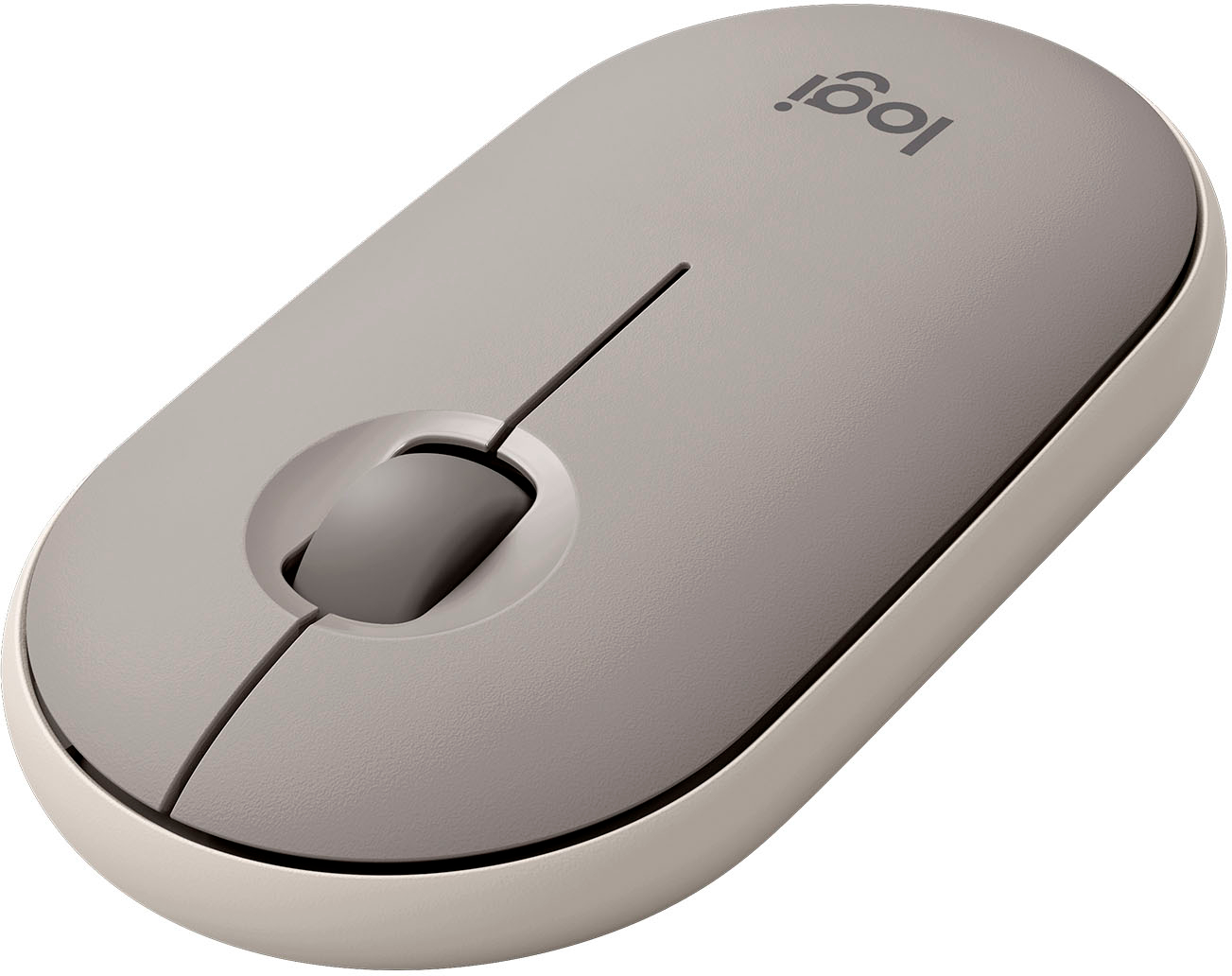
|Posted .This reviewer received promo considerations or sweepstakes entry for writing a review.The first thing that jumps out for me on this mouse is how thin it is. I love it, its perfect for packing away and traveling. The next thing that I like about it is how it works on any surface. Right now as I'm writing this review I'm using it on my leather couch, moving the mouse across the soft leather arm of with perfect responsiveness. To get to the single AA battery the cover pops off with little effort and you shouldn't need to get to it often as its supposed to last 18 months. Also under the cover is the storage for the USB receiver if you don't have bluetooth. This is a very lite, slim, quiet little mouse for a great price that I would recommend to anyone that is looking for a universal mouse to travel with.
This review is from Logitech - Pebble M350 Wireless Optical Ambidextrous Mouse with Silent Click - Wireless - Graphite
I would recommend this to a friend Rated 4 out of 5 stars
Good Smaller Mouse
|Posted .This reviewer received promo considerations or sweepstakes entry for writing a review.The Logitech M355 is a good smaller mouse. It is best suited for use as a travel mouse paired with a laptop. The design is a bit interesting. It has a bit more length than other compact mice (I guess that's still the plural in this context) but has more of a flat top. I missed the curved top a bit. The scroll wheel is functional but feels and sounds like lower quality when compared with my other mice. Logitech did a pretty cool thing by storing the USB dongle inside the mouse. You pop the top off, remove the dongle, plug the dongle into a standard USB port on your computer, and the mouse instantly is paired. I appreciate the design touch, so you won't lose the dongle while traveling. The mouse seems to track well enough. Again, it's built for travel, so don't expect it to keep up with a high-end gaming mouse. Overall, it's a solid performer. I wish the quality felt a little better and that there was more of a hump to the top of it, but it works well. And the USB dongle storage is a very nice touch.
This review is from Logitech - Pebble M350 Wireless Optical Ambidextrous Mouse with Silent Click - Wireless - Graphite
I would recommend this to a friend- Pros mentioned:Wireless
Rated 5 out of 5 stars
Great travel sized mouse!
|Posted .This reviewer received promo considerations or sweepstakes entry for writing a review.I am really impressed with this little, lightweight mouse. I have used it with both a Windows 10 computer and my Samsung S6 tablet and it works perfectly with both. It has both Bluetooth and USB connectivity but I just use it with Bluetooth. As a travel mouse it is small. But not so small that it is uncomfortable to use. I am really amazed with how quiet it is. Scrolling and even clicks are very quiet. It is small and thin and would easily fit in your front pocket. I will use it mostly with my tablet. Really can't think of a single complaint I would have about it. If you are thinking about getting one I would do so without hesitation.
This review is from Logitech - Pebble M350 Wireless Optical Ambidextrous Mouse with Silent Click - Wireless - Graphite
I would recommend this to a friend Rated 1 out of 5 stars
Mouse
||Posted . Owned for 1 month when reviewed.This reviewer received promo considerations or sweepstakes entry for writing a review.This mouse I bought to go with my chrome book and the first day I used it within an hour it stopped working.
This review is from Logitech - Pebble M350 Wireless Optical Ambidextrous Mouse with Silent Click - Wireless - Graphite
No, I would not recommend this to a friendBrand response from Logitech
Posted .Hi Tiffany,
Thank you for your feedback. Sorry you are having issues with your mouse. Here are possible solutions:
If your mouse is not working, the problem is likely to be a lost connection. The connection between the mouse and Unifying USB receiver can be lost for several reasons. Make sure you have fresh batteries in your mouse and is turned on. Make sure the Unifying USB receiver is securely plugged directly into a working USB port on your computer. Turn your computer on. Finally, download the correct version of Logitech SetPoint mouse and keyboard software. If you need further assistance, please contact Logitech support on the website.
LaShonda from Logitech
Rated 5 out of 5 stars
Terrific and ergonomic multi-device mouse
|Posted .This reviewer received promo considerations or sweepstakes entry for writing a review.Disclaimer - I received this product in exchange for my fair and unbiased review. The Logitech M355 Pebble Wireless Optical Mouse is a good bargain for the price. You get a flag, ergonomic design that's still comfortable to hold, both Bluetooth and USB dongle connection options, and a wide range of compatibility to different computers. Unboxing and setup: Opening the package was a straightforward affair, with a blister pack designed to be easily opened by anyone (my 7 year old is the one who opened the package this time, and he had no issues). Everything you need to use the mouse is under a magnetically-attached cover on top of the unit; pull the paper tab from the battery to power it on and either plug the USB dongle in (if you don't have Bluetooth 4.0 or later) or pair over Bluetooth and you're ready to go. It easily paired with my Windows 10 and Mac computers, an Android tablet, an Android Smart TV, and a ChromeBook. Usage: It's a typical Logitech mouse, but it's so quiet. Quieter than my other mice, quieter than clicking the touchpad on my Apple TV 4k's Siri remote, quieter than clicking the trackpad on my Sony's touch remote. My kid didn't realize the mouse was clicking when he took it out of the package, at least until he sat it down and could feel the feedback of the click. My wife used it while working this morning and told me it took some getting used to it being quiet. I had also ultimately set it up where it's paired with her personal laptop via Bluetooth 4.0 and her work laptop via it's dongle in a USB port. Switching between the two devices is super easy - you press the pairing button to switch up how the mouse connects. A green light means it's using the dongle and a blue light means it's using Bluetooth. Please note that Bluetooth pairing requires Bluetooth 4.0 or later in your computer or device you're pairing with. If there's a drawback to the mouse, I'd say its a lack of a touch scrolling/clicking surface. But at this price point, I wouldn't expect it either. All in all, this is another great mouse from Logitech.
This review is from Logitech - Pebble M350 Wireless Optical Ambidextrous Mouse with Silent Click - Wireless - Graphite
I would recommend this to a friendBrand response from Logitech
Posted .Hi BillFromKC, glad to see you're enjoying the super simple and portable M335 mouse! If you want to customize the mouse even more, download the free Logitech Options app! But if you have any questions, check out the Logitech support page at https://support.logi.com/hc/en-us/articles/360024327673--Getting-Started-Wireless-Mouse-M335. Continue to enjoy!

![The text on the image reads "E G ARCHITECTURE logi back - I [enter shift]." This text is likely related to the computer mouse and keyboard setup, possibly indicating a specific function or setting for the keyboard.](https://pisces.bbystatic.com/image2/BestBuy_US/images/products/6516/6516294cv11d.jpg;maxHeight=54;maxWidth=54;format=webp)