Customer Ratings & Reviews



- Model:
- 910-007024
- SKU:
- 11522477
Rating by feature
- Value
Rating 4.8 out of 5 stars
- Quality
Rating 4.8 out of 5 stars
- Ease of Use
Rating 4.8 out of 5 stars
Customers are saying
Customers often highlight the product's excellent portability, compact size, and lightweight design, making it easy to carry. Its overall performance, reliable Bluetooth connectivity, and impressive battery life are also frequently praised, along with its comfortable and silent operation. While many appreciate its quietness, a few users note that the click sound is not to their preference, and some find the scroll wheel to be small.
This summary was generated by AI based on customer reviews.
- Pros mentioned:Size

Love the ease and setup for multi-device use
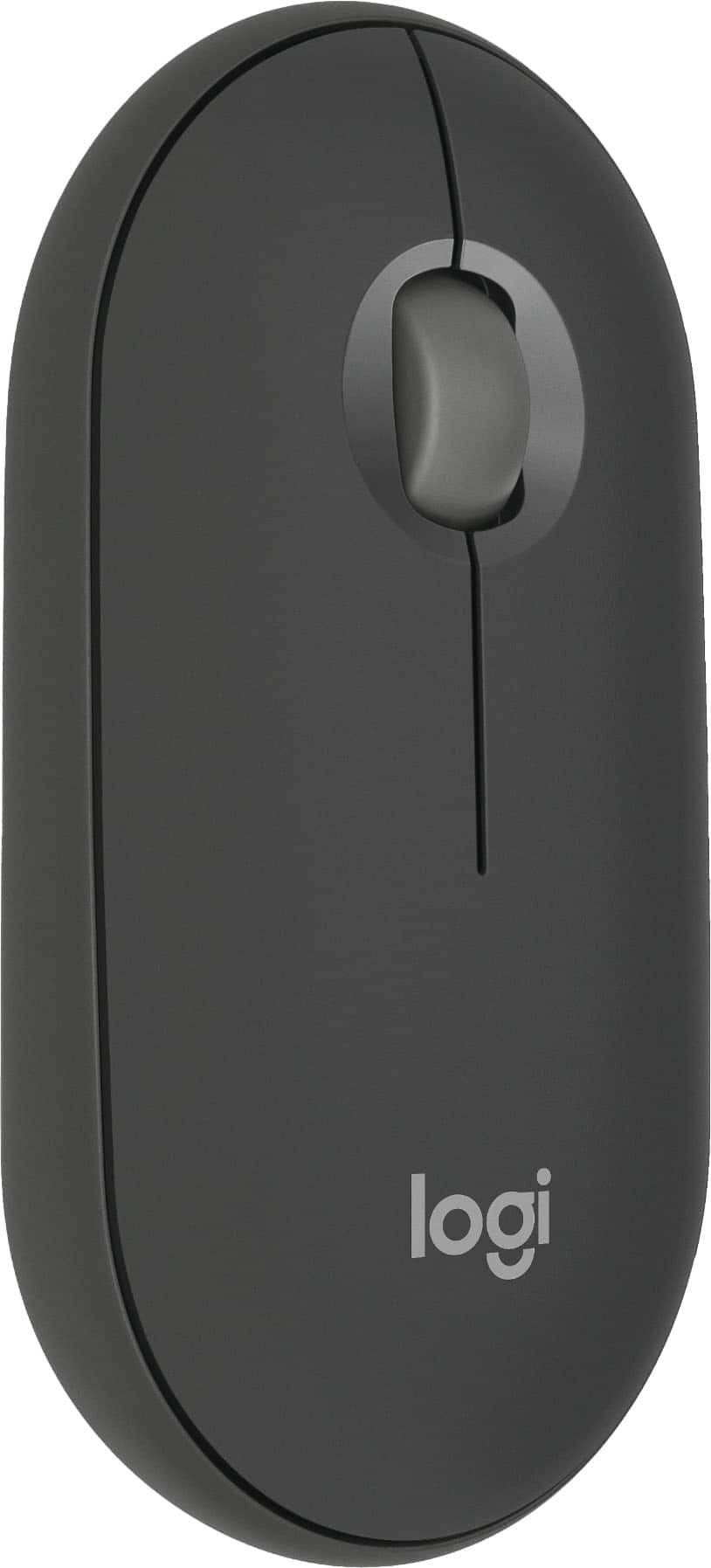
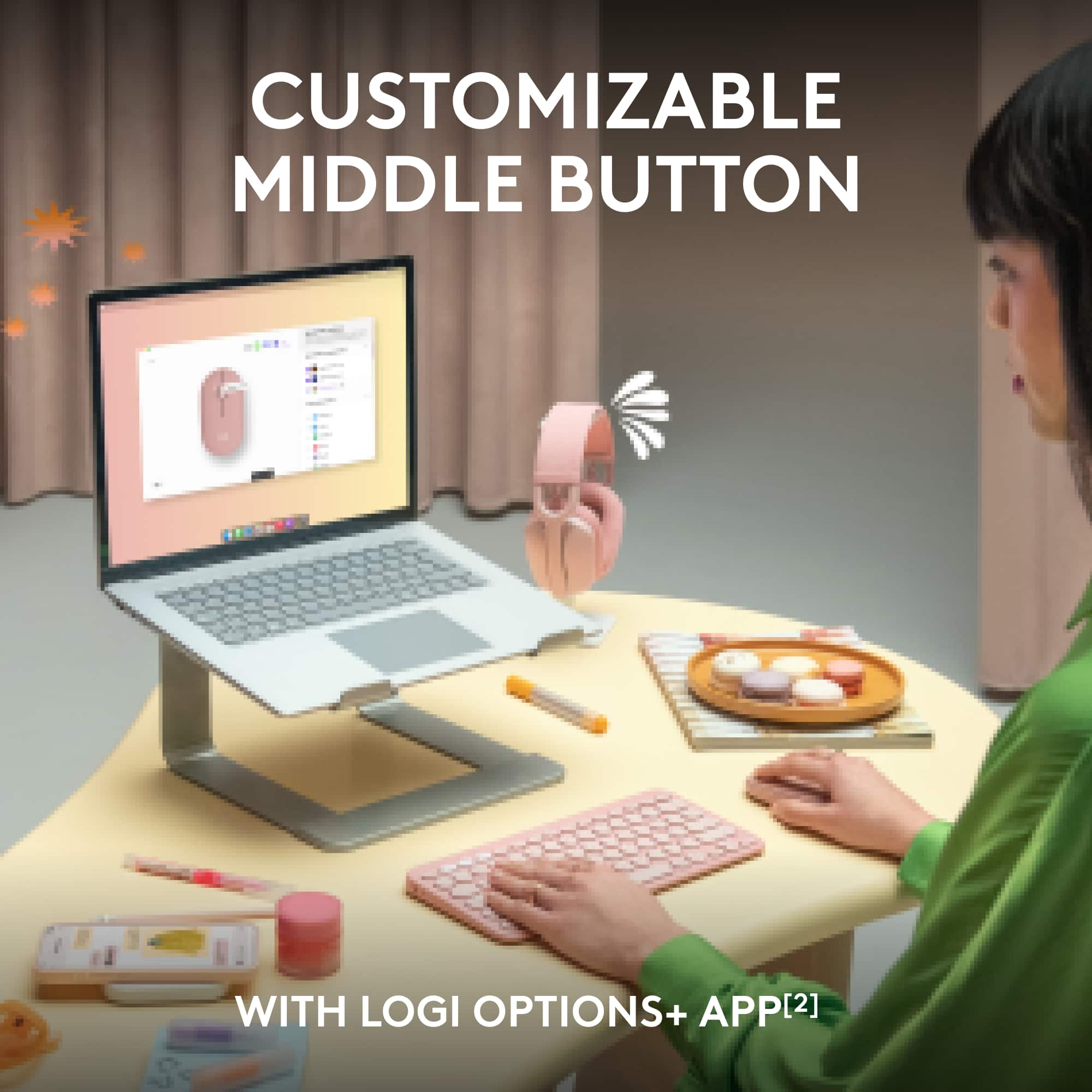
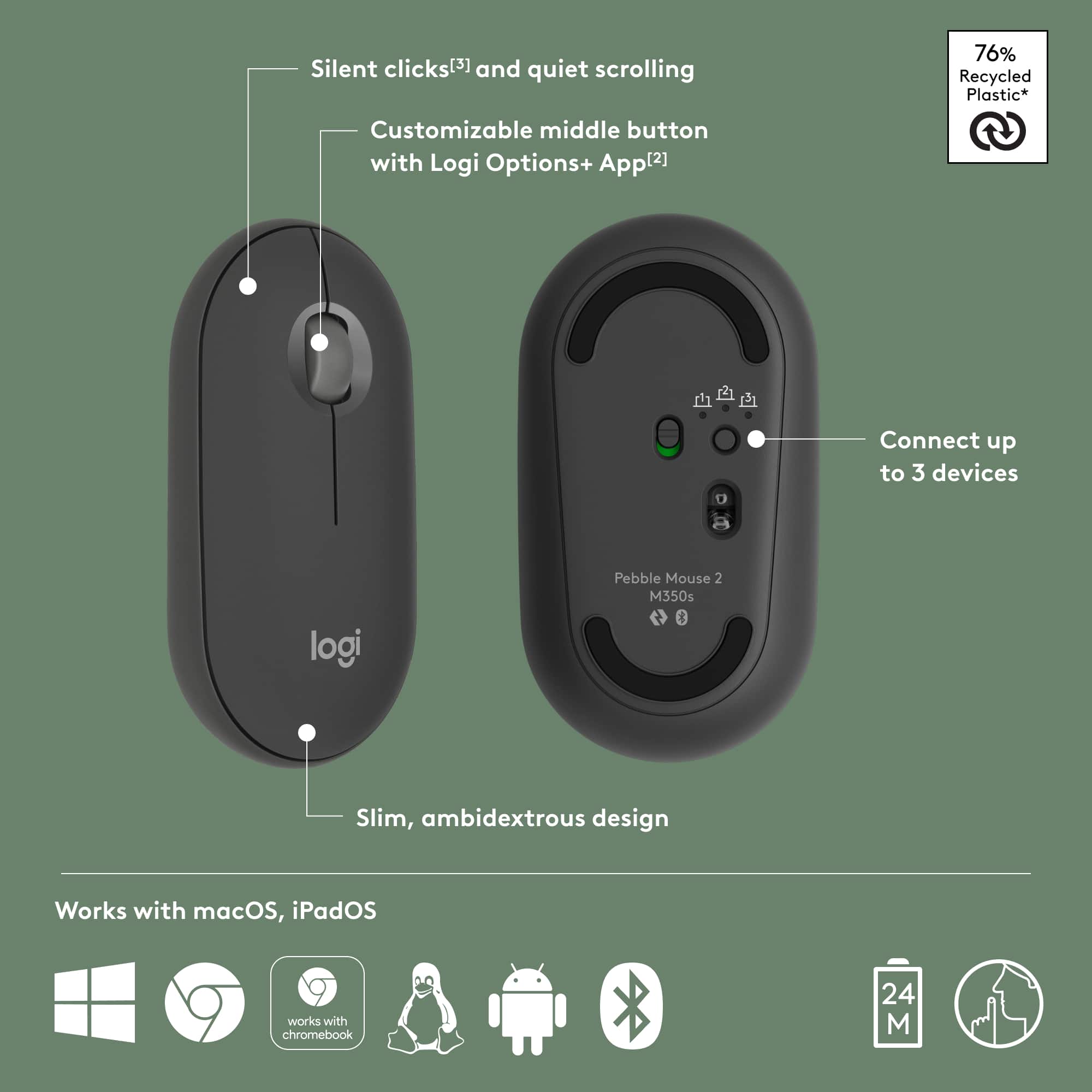
|Posted .This reviewer received promo considerations or sweepstakes entry for writing a review.I have a Pebble and was excited to try the Pebble 2 for the ability to have one mouse for multiple devices. The small form fits my petite hand well and is great for packing around for travel. You still hear the mouse moving on surfaces but the clicking is super quiet! The scroll wheel works smoothly and the mouse moves around easily. Connecting/pairing and switching it between different devices has been easy. I have my work laptop set to use the mouse left-handed (I'm having an elbow issue), but have the mouse set with my personal computer for right-handed use. I love the personalized handed-ness setup by device! With the push of a button I can switch between devices and it remembers the setup for each device. I'm having trouble with the customizations for the middle button working in all locations, so I'll have to trouble-shoot on that. Maybe it's because I have a Mac? Quite a few options are available to customize the middle button. Overall, even without the middle button options, I recommend this mouse. Pairs easily with more than once device (you can do up to three!), switches between them simply, is lightweight, and quiet. I now don't have to take two mice for two computers if I take my work computer with me when I travel - one mouse does the job!
I would recommend this to a friend - Pros mentioned:Design
Great design, keeps getting better
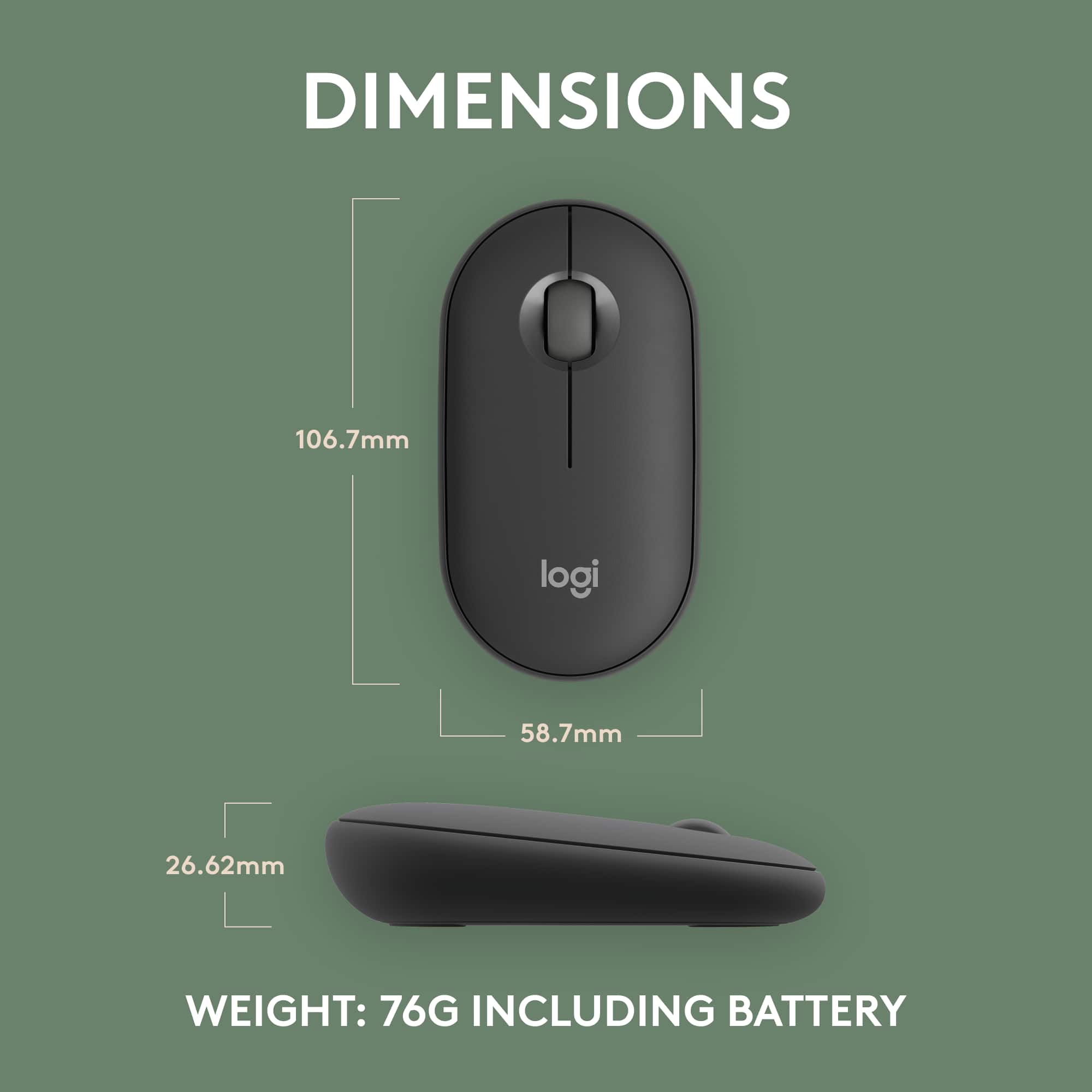
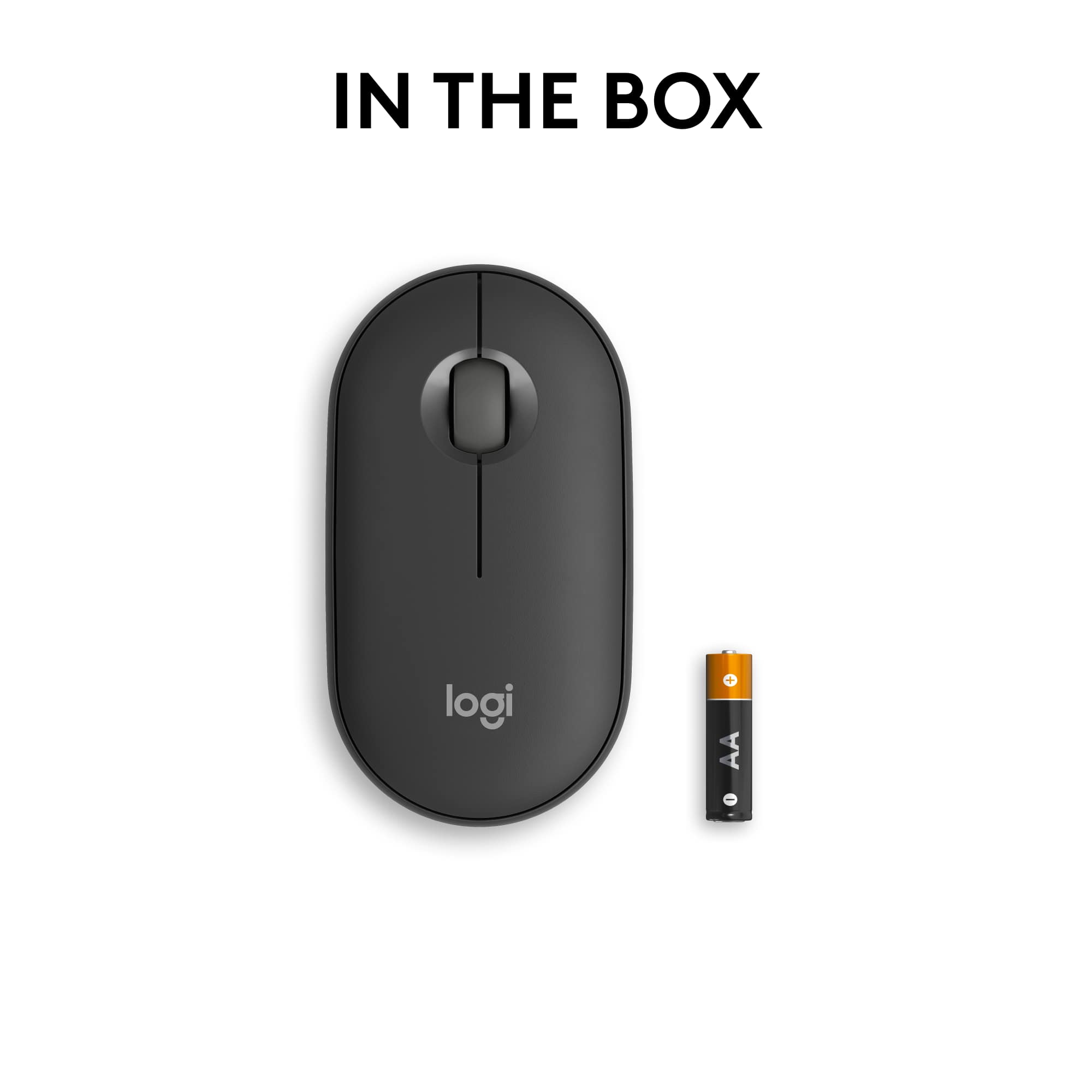
|Posted .This reviewer received promo considerations or sweepstakes entry for writing a review.This mouse is easy to recommend. I already own 2 similar Logitech mice (an original pink M350 and a i345) and they have been working perfectly for a few years. This new model takes the same compact design and quiet operation as those models but adds the ability to connect to and switch between 3 devices. I will be using this one for my daughter's new Chromebook, but I am glad she can also easily switch to using it with her Windows laptop. Pros - Perforated packaging is easy to open without scissors and as soon as you pull the battery tab the mouse is ready for pairing. - Paired quickly via Bluetooth with a Chromebook (running ChromeOS 64-bit Version 116.0.5845.168) and 2 PCs running Windows 11. It also allows you to quickly switch between 3 devices using the same button on the bottom of the mouse (quick press to switch and hold until the light flashes to pair). - Quiet buttons and click wheel with good feel. - Rounded edges and satin finished plastic make it comfortable to use. The symmetrical shape also means it works equally well for left or right-handed users (important, because 2 of the 6 people in my house are left-handed). - Magnetic top panel comes off easily to change the disposable AA battery (included and already installed). Logitech claims battery life is around 2-years, which means it will probably be a while before you need to do this. - I appreciate Logitech using recycled plastic and responsibly sourced materials. Things to Consider - This mouses is compact and flat (designed to be portable), so some people with bigger hands might have an issue using it for long periods. - Bluetooth (or a special Bluetooth USB receiver - not included) is the only connection option so this might not work with some older desktops. - This mouse has a more accurate 4000dpi sensor (compared to the old ones 1000dpi), which beats a lot of other portable mice, but you will still need a mousepad for glass (I tried it on my wife's glass-desk and it was a no go).
I would recommend this to a friend - Pros mentioned:Design
Smooth as an ocean pebble.
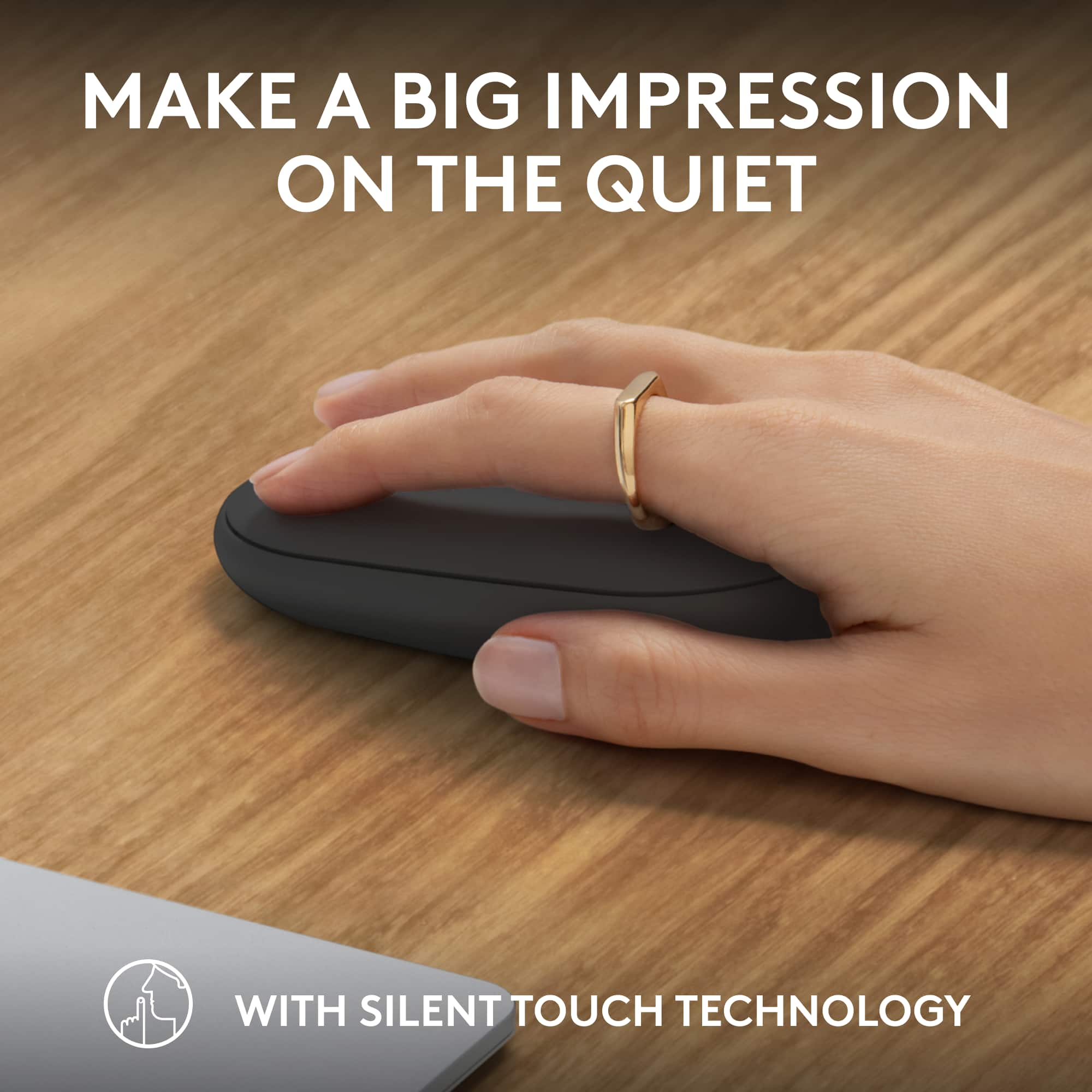
|Posted .This reviewer received promo considerations or sweepstakes entry for writing a review.Right off the bat the Pebble Mouse 2 is by far the most comfortable experience with a mouse for casual computer usage I can remember having. Its flat, minimally raised, and subtle curve lets my palm and fingers come to a natural resting position on the device. High marks for ergonomics as my laptop battery ran low with prolonged usage and not even the slightest discomfort crept in. And this is from playing computer games with heavy mouse usage (Civilization 6). This device is as quite as a church mouse (pun intended). You feel the click of the buttons and scroll wheel rather than hear them. And they are sturdy enough to let your index and middle finger rest comfortably on the buttons without fear of accidental presses, thus reducing strain. Presses are responsive and never overly sensitive. Connectivity is a breeze. There is no dongle to plug in. And not once in my hours of usage did it lose Bluetooth connection. And the mouse is able to be synced to up to three devices. With a simple and minimalistic design comes some drawbacks. There are no other options besides left-right click and a scroll wheel that can press inward. And if this is all that a mouse is going to offer, well it better do it well. Luckily the pebble does.
I would recommend this to a friend - Pros mentioned:Size
Good Travel mouse that can work with all devices
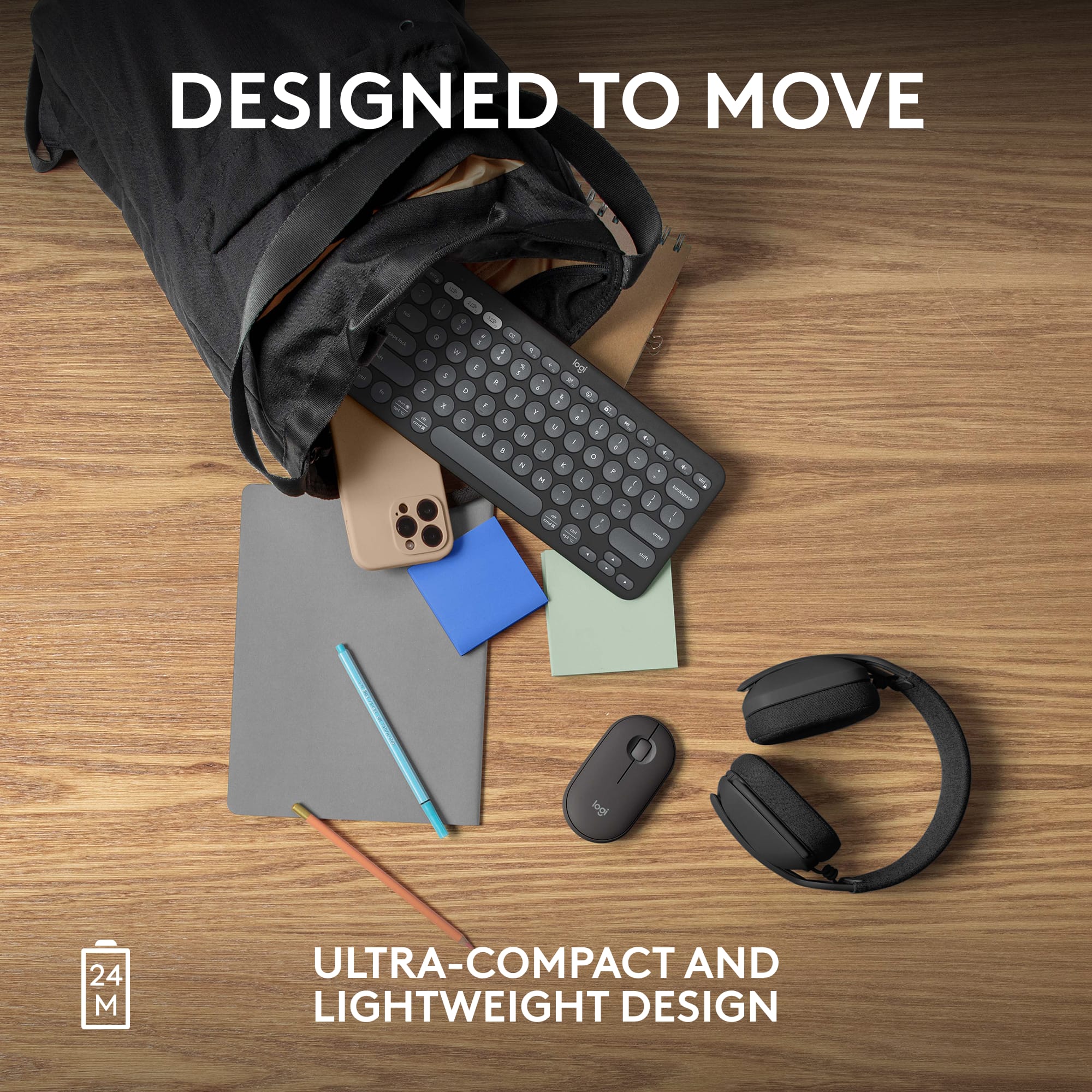
|Posted .This reviewer received promo considerations or sweepstakes entry for writing a review.I like this mouse as a travel mouse due to its size. Its pretty slim and can fit into a bag without issues or taking up to much space. The buttons are soft click so they do not make any noise when pressed. The scroll wheel is easy to use and I like the fact its wider than most scroll wheels. Scrolling is also smooth and easy to use. I do like that you can connect this to three different devices like a phone, computer, tablet, etc. However it is not easy to switch devices. My older Logitech mouse had the button on the side to cycle through the three devices which made it super easy to use. I usually have my laptop and tablet next to each other. It was nice just clicking the button on the side to navigate between the two. This mouse you have to turn it over and click the button to change the device. So this isn't as useful for my situation. The other downside to this mouse is you can only connect via bluetooth. If your work computer is locked like mine you cannot use bluetooth to connect this mouse. I had to order the logi bolt adapter to be able to use on my work computer. I also have the older K380 keyboard that I thought I could use with this mouse, I was wrong as that one can only be connected via Bluetooth and not with the logi bolt. I love Logitech stuff but currently they have three different usb connectors. These USB connectors can only be used with certain devices. I thought the Logi Bolt adapter (the newest) would be backwards compatible with other devices, I was wrong and found this to be a little frustrating. I do like this mouse and it is now my go to travel mouse. I did buy the Logi Bolt so it can be used with my work computer. The mouse does have a built in spot to store the Logi Bolt so I can now use this with any computer. It also looks nice with the K380 series keyboard, which is also nice to type on.
I would recommend this to a friend - Pros mentioned:Size
For Me More Comfortable Than Apple Magic Mouse
||Posted . Owned for 1 month when reviewed.This reviewer received promo considerations or sweepstakes entry for writing a review.Wanted to find a mouse that was compact, lightweight, connect via Bluetooth and affordable for my Mac. This mouse checked all the boxes. It was very simple to connect via Bluetooth. Logitech has a long history of producing quality products and this mouse was no exception. It uses a regular AA battery, so no issues with finding replacement power. This mouse was very comfortable to use and accurate.
I would recommend this to a friendBrand response from Logitech
Posted .That's great to hear! We're thrilled the Pebble Mouse 2 M350s is meeting your needs for a compact, lightweight, and affordable Bluetooth mouse for your Mac. We're especially glad you find it more comfortable than the Apple Magic Mouse and appreciate you noting the easy Bluetooth connection and convenient AA battery use. Thanks for sharing your positive experience!

- Pros mentioned:Design
Pebble Mouse 2
||Posted .This reviewer received promo considerations or sweepstakes entry for writing a review.Logitech M350 vs. M350S (Pebble 2) Review I’ve been happily using the Logitech M350 Pebble mouse for quite some time, but recently I started experiencing an issue where the right-click wasn’t working properly. Since I was so satisfied with the M350, I decided to buy its successor, the M350S—also known as the Pebble 2. Packaging and First Impressions The M350S comes simply packaged, with the mouse tucked into a thin pouch. I don’t recall the original M350 having this kind of inner packaging. The setup instructions are printed directly on the paper box, which feels like a nice eco-friendly touch since there’s no separate manual. As expected from a minimalist portable mouse, the design remains sleek and uncluttered. What’s Different Between M350 and M350S? • Receiver: The biggest change is that the M350S no longer comes with a receiver. The M350 supported Logitech’s Unifying receiver, but the M350S has switched to the newer Logi Bolt standard. This addresses some of the security and reliability issues of Unifying, but it means you need to buy the Logi Bolt receiver separately if your device doesn’t have Bluetooth. • Exterior: From the top, the two mice look identical, and even the covers are interchangeable. On the underside, though, the button and sensor placement are slightly different, and there’s more engraving on the M350S. • Bluetooth Pairing: The M350 supported Bluetooth but could only pair with one device. The M350S supports Easy-Switch with up to three devices, and you can toggle between them with a button press. • Battery Life: Both use a single AA battery, but the M350S boasts an extra six months of usage thanks to improved power efficiency. • Indicators: On the M350, the indicator lamp showed different colors for wireless vs. Bluetooth. On the M350S, the lamp is always white, regardless of connection type. Everyday Use In terms of grip and overall feel, the two are identical. The click sound is also essentially the same—both are marketed as “silent” mice, and in practice, they’re equally quiet. For daily use, I couldn’t find a meaningful difference in comfort or responsiveness. The main advantages of the M350S—multi-device pairing and longer battery life—are features you may not notice day-to-day unless you frequently switch between devices. Conclusion If both models are sold at the same price, the M350S (Pebble 2) is the obvious choice thanks to its small upgrades. But if you find the original M350 at a lower price, it’s still an excellent option.
I would recommend this to a friendBrand response from Logitech
Posted .Thank you for sharing your thoughts on the Pebble Mouse 2 M350s Slim Lightweight Wireless . We’re glad to hear what you liked, and we’ll definitely work on the areas you mentioned.
- Pros mentioned:Connectivity, Size
Logitech Mouse
||Posted .This reviewer received promo considerations or sweepstakes entry for writing a review.“Really like this mouse. It’s slim, quiet, and super easy to connect with Bluetooth. Comfortable to use and the clicks are silent, which I appreciate. Great everyday mouse.”
I would recommend this to a friendBrand response from Logitech
Posted .Thanks for the thoughtful review! We're glad the Pebble Mouse 2 is delivering that sleek, silent, and seamless experience—perfect for everyday comfort and productivity.
- Pros mentioned:Connectivity, Design, Portability
Sleek, Quiet, and Super Portable
||Posted . Owned for 2 months when reviewed.This reviewer received promo considerations or sweepstakes entry for writing a review.The Logitech Pebble Mouse 2 M350s is a fantastic little device. It’s ultra-slim and lightweight, making it perfect for my minimalist desk setup. The clicks are quiet but still feel responsive, and the overall design is modern and stylish. Setup was quick and easy, and it works smoothly with both Bluetooth and the USB receiver. Great value for a compact, reliable mouse!
I would recommend this to a friendBrand response from Logitech
Posted .Hey! We’re grateful for your thoughtful feedback. It’s encouraging to know our product is meeting your expectations. Thanks for being part of our journey.
- Pros mentioned:Connectivity, Portability
Minimalism in the Palm of Your Hand
||Posted . Owned for 3 weeks when reviewed.This reviewer received promo considerations or sweepstakes entry for writing a review.I like how the mouse 2 is so quiet and compact. You can click withou noise. The mouse syncs seamlessly with 3 of my devices too.
I would recommend this to a friendBrand response from Logitech
Posted .We’re grateful for your kind words. It’s wonderful to know our product is helping you out. Thanks for choosing Logitech!
- Pros mentioned:Connectivity, Design, Portability
Cute, compact, & useful
||Posted . Owned for 3 weeks when reviewed.This reviewer received promo considerations or sweepstakes entry for writing a review.I bought this for my HP work laptop, as the touchpad was difficult for me to get used it. This mouse is small and fits easily in my backpack. It was easy to pair and easy to use. The ergonomics and shape of the mouse was something I was not used to, but I quickly adjusted to it. I really enjoy using this mouse and it serves its function.
I would recommend this to a friendBrand response from Logitech
Posted .Thanks for the thoughtful review! We're glad the Pebble Mouse 2 made your work setup more comfortable and travel-friendly. It’s great to hear how quickly you adapted to its shape and that it’s delivering exactly what you needed.
- Pros mentioned:Portability
Full feature mobile mouse with multidevice support
|Posted .This reviewer received promo considerations or sweepstakes entry for writing a review.Since COVID hit back in 2019/2020 , I went through a process of setting up my perfect home office. I went through at least 2 or 3 trackpads, a couple of keyboards and thankfully only 1 mouse until lI found my perfect combination. Fast forward to 'back to normal' and I'm going through the same process again, but now to put together my 'go bag' for on the road working and creativity. There are 2 main things I look for when it comes to peripherals (1) does it feel comfortable and (2) what cool bells and whistles can I configure to streamline my workflow. The Pebble Mouse 2 is pretty good on both of these points - and probably the best I've found from the minimalist , portable range. Lets be clear - you're never going to get a perfectly ergonomic designed mouse and still have something small and lightweight that you can throw in your bag - I use a Logitech MX Master 3S as my primary office mouse and its awesome , and the Pebble Mouse 2 is a good compromise for on the road. If you've used the original Pebble Mouse - you won't see much difference. However now the updated mouse supports the Logitech Bolt connection method as well as bluetooth (I used mine in both modes depending on in the office or on the road). The other major update is that the Logitech Options+ app now provides support for th Pebble Mouse 2, which means you can customize actions (middle button, scroll speed, cursor speed etc) and incorporate into larger workflows with Logitech Smart Actions. So that hits the second requirement for functionality - what about comfort. Well - it's 'ok'. I've happily used it for a couple of hours connected to an external monitor in the office without any issues. I did try using on a plane and more down to the lack of physical space (I don't have th luxury of first class tickets!). the physical position you have to put your hand in to both orient the mouse and click the buttons can get a little tiring. Again, this isn't a critique of the design, I think it just is-what-it-is, for a mobile peripheral - and what you might lose in long term comfort, you more than make up for in embedded functionality and portability. The Pebble Mouse 2 also lets you pair with multiple devices (using bluetooth or bolt and then physical press the button on the underside to flip between them). This is invaluable for me as someone how has 2 laptops sharing a single 4K monitor, and I'm also going to add an iPad soon so I'll be using the 3-device support to the maximum. If you're already a Logitech user and leverage the Logitech Options+ functionality - look no further. This will fit right into your existing workflow.
I would recommend this to a friend - Pros mentioned:Size
Great portable low profile mouse for a laptop
|Posted .This reviewer received promo considerations or sweepstakes entry for writing a review.It’s a great portable low profile mouse for a laptop (MacBook in my case); I though have a pebble mouse of an older model (i345 for ipad) for which I use with my iPad Pro which is every now and then, so I have used a closely similar model. What sets this apart for the Pebble 2 M350s is the 3 devices this can be paired to wirelessly via Bluetooth. This has USB radio connectivity and Logi bolt receiver (I see the two icons of usb and Logibolt embossed), but no usb receivers which are usb-a (old school connector) which my laptop doesn’t have unless I get a usb-c adapter to usb. But rather I’m connected wirelessly and dongle-lessly using Bluetooth. As I read AND also took the time having downloaded the software Logi-options+; which you can customize the scroll wheel.. I launch the app, nothing is showing.. I clicked the supported mice list, the M350s doesn’t show; zero nada nothing. The back of the packaging says something about still otherwise “Logitech options +” that you can download for Mac/win (Mac in my case) and “customize” the device… and reading down further on then back of the packaging there’s more to it - Logi options + app is currently not supported. So I don’t get it, and I dont care about the middle wheel anyways so I just deleted the Logi software as it’s useless. I think, IMHO this was misprinted.. or otherwise I’m just not doing the install of the correct Logitech software because there’s Logi options and Logi options + but clearly it says logi options plus… nothing happens when I click on Bluetooth which brings me back to the settings screen. Though as I said earlier that I don’t have a need for it, It’s cringe to me that something noted on paper instructions or documentation that it can, you cannot and this depends on different consumers expectations. Some wires are crossed here in the explanation but I’m just going to move on forgetting about customization and just use i as a travel mouse when I work remotely in different locations whether Starbucks or a brewery or a hotel. Just simple plug and play after paring Bluetooth or getting either usb radio adapter in the long run as mentioned before. The feel is nice and I like the on off switch displaying slider colors of red being off and green being on. Fits easy in pocket or laptop bag to carry around.
I would recommend this to a friend - Pros mentioned:Size
Works but has glaring shortcomings..
|Posted .This reviewer received promo considerations or sweepstakes entry for writing a review.The Logitech - Pebble Mouse 2 M350s Slim is touted as a silent mouse. With respect to the scroll wheel and buttons, this is true. But the choice to use low-budget feet/slide pads that are rough and loud as heck during movement - even on smooth glass surfaces - appears to be a complete oversight by the Logi design team. Another issue encountered was with the new-fangled Logi Options+ Windows app. Apparently this device isn't supported fully so there is no "current" way to patch in a firmware based, performance update over Bluetooth.. and there isn't an onboard USB port or secondary wireless trans/receiver included that might provide a "link" path. The Options+ software will just sit there and not time-out. There should be an easy fix for that by the Logitech team. We'll just have to wait and see.. The light weight feel, the diminutive size and the quiet yet solid feeling switches are great attributes for an affordable mouse. Perfect for traveling! But the underneath pads are simply horrible and should be changed. The top plate is held in place magnetically and has good retention force. There's no way of telling if the battery life is as good as they state but ease of replacing the AAA battery is a bonus nonetheless. There is a slide switch on the bottom to completely turn off the sensor which will obviously aid in extending the battery life. Overall - I can confidently give this device 2 stars because it functions better than using a touch pad on a laptop. But the software and slide pad oversights are glaring mistakes and prove this device was rushed in its release.
No, I would not recommend this to a friendBrand response from Logitech
Posted .Thanks for providing us with detailed feedback; we appreciate every form of feedback. Your feedback is important to us, and we'll make sure to share it with the right team.
- Pros mentioned:Portability
Good Quiet Travel Mouse
||Posted .This reviewer received promo considerations or sweepstakes entry for writing a review.The Logitech Pebble Mouse 2 (M350s) is a sleek, compact, and quiet wireless mouse that’s perfect for travel or minimalist setups. It connects easily via Bluetooth, works with multiple devices, and boasts an impressive 2-year battery life. The silent clicks are great for shared spaces, and the eco-friendly design is a nice bonus. While it’s not ideal for large hands or users needing extra buttons, it’s a stylish, reliable option for everyday use.
I would recommend this to a friendBrand response from Logitech
Posted .Thanks for the fantastic review of the Logitech Pebble Mouse 2 M350s! We're thrilled to hear you appreciate its sleek, compact design and quiet clicks, making it perfect for both travel and shared workspaces.
- Pros mentioned:Connectivity
Very quiet and smooth.
||Posted . Owned for 2 weeks when reviewed.This reviewer received promo considerations or sweepstakes entry for writing a review.I bought this as a gift for a friend. They really like how quiet it is and how easy it is to connect to his computer.
I would recommend this to a friendBrand response from Logitech
Posted .We sincerely appreciate you taking the time to share your experience with the Logitech - Pebble Mouse 2 M350s. It is gratifying to learn that the product is performing satisfactorily and fulfilling your expectations. Your feedback is invaluable in helping us enhance and innovate our offerings. We are truly grateful for your continued support of Logitech.
- Pros mentioned:Connectivity
The perfect mouse!
||Posted . Owned for 2 weeks when reviewed.This reviewer received promo considerations or sweepstakes entry for writing a review.The perfect mouse for using in my home office every day! Very quiet as the normal mouse clicking noise tends to irritate me. The mouse was able to be identified by my computer and connect via Bluetooth instantly. I would highly recommend this mouse!
I would recommend this to a friendBrand response from Logitech
Posted .Thank you for your wonderful feedback! We’re thrilled to hear the Pebble Mouse 2 fits perfectly into your home office setup and that its quiet clicks and instant Bluetooth connection make your daily work smoother.
- Pros mentioned:Connectivity, Portability
wireless mouse
||Posted . Owned for 1 month when reviewed.This reviewer received promo considerations or sweepstakes entry for writing a review.Light and compact. Good connectivity. There is no way to charge, but it does take batteries, just a heads up.
I would recommend this to a friendBrand response from Logitech
Posted .Thanks for the kind words! We’re proud to know our product is making a difference. We will share your feedback with the team for future consideration. Your feedback keeps us moving forward.
- Pros mentioned:Connectivity, Portability
Great mouse
||Posted . Owned for 1 month when reviewed.This reviewer received promo considerations or sweepstakes entry for writing a review.Very easy to connect. It is compact and quiet. Great mouse for the price
I would recommend this to a friendBrand response from Logitech
Posted .Hey! We’re thrilled to hear that our product is working well for you. Your feedback helps us continue to innovate and improve.
- Pros mentioned:Portability
Good mouse
||Posted . Owned for 2 months when reviewed.This reviewer received promo considerations or sweepstakes entry for writing a review.Works well with my MacBook neo. Compact and easy to stuff in my laptop bag.
I would recommend this to a friendBrand response from Logitech
Posted .Thanks for your review! It’s great to know our product is living up to your expectations. Your support helps us stay focused.
- Pros mentioned:Overall performance, Size
Logitech - Pebble Mouse 2 M350s Slim
||Posted . Owned for 1 month when reviewed.This reviewer received promo considerations or sweepstakes entry for writing a review.Like everything about it the size, the proformance,
I would recommend this to a friendBrand response from Logitech
Posted .Thank you for sharing your thoughts! We truly appreciate your positive feedback on the Logitech Pebble Mouse 2 M350s Slim — it’s wonderful to hear you enjoy both its size and performance. Your recommendation means a lot to us.