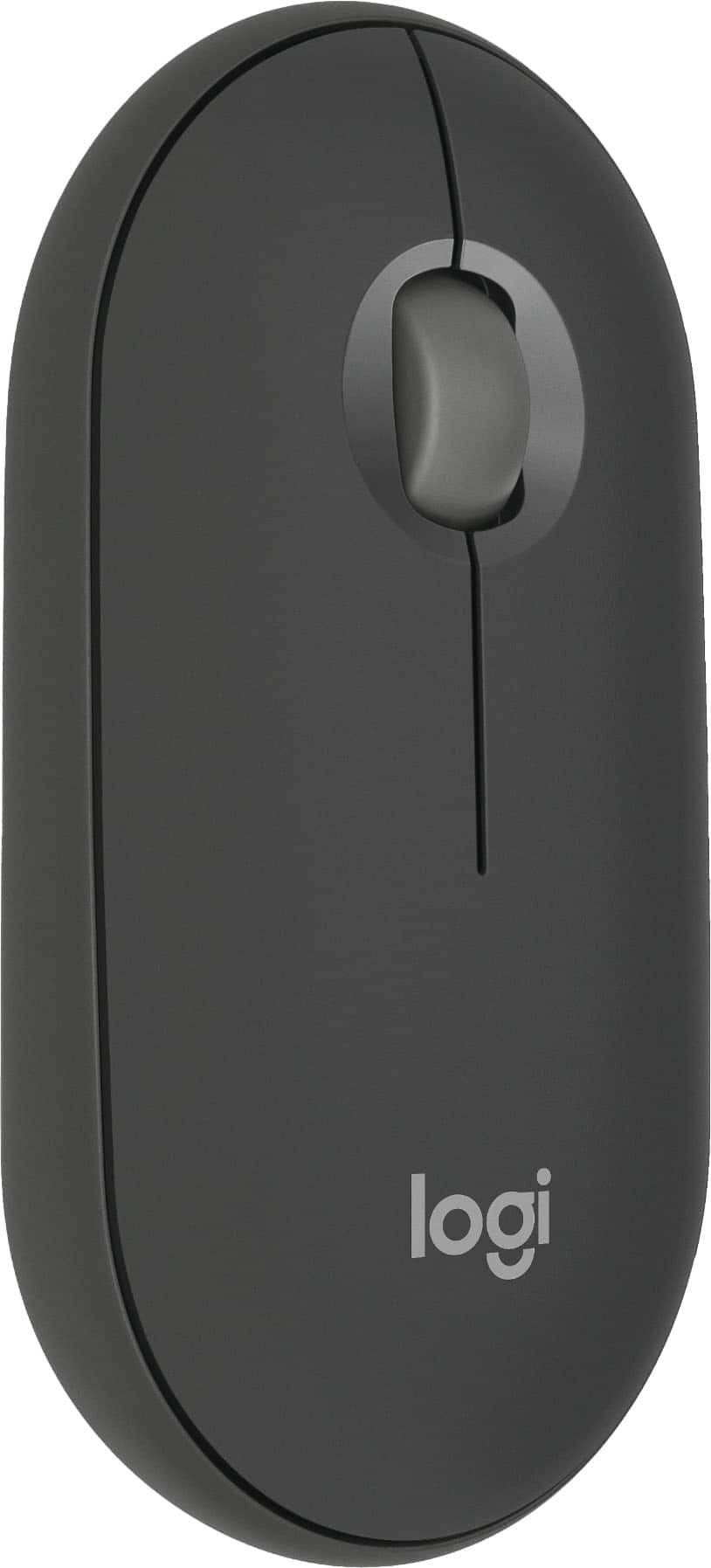
Logitech - Pebble Mouse 2 M350s Slim Lightweight Wireless Bluetooth Optical Silent Ambidextrous Mouse with Customizable Buttons - Wireless - Graphite
Customers are saying
Customers express satisfaction with the mouse's exceptional portability, sleek design, and lightweight construction, which make it highly convenient for daily use. Users frequently praise its reliable Bluetooth connectivity, impressive battery life, and quiet operation, noting that it performs better than expected. While the vast majority of feedback is positive, a few users noted that the scroll wheel is somewhat small. Overall, the device is highly regarded for its comfort and seamless compatibility with various laptops.
Color
GraphiteFeatures
Defy boring
With a slim design, multiple colors and smarter tech, this Bluetooth mouse from the Pebble 2 Collection lets you express your vibe and make your statement.
Never made ordinary, made to go places
Pebble Mouse 2 M350s’ minimalist round design is made with recycled plastic – it's slim, lightweight and portable.¹
Easily hop across 3 devices
Use Bluetooth to connect up to 3 wireless devices across OSs (Windows, macOS, iPadOS, ChromeOS), and switch between them with the mouse’s Easy-Switch button.
Save time
Personalize the middle button with Logi Options+ app to do more with Pebble Mouse 2; add shortcuts for your favorite apps, including WhatsApp and Spotify. ²
Make a big impression on the quiet
Let your work speak louder than your clicks; Pebble Mouse 2 M350s is a quiet mouse with Silent Touch Technology that removes 90% click noise.³
Go for longer
The wireless mouse gives you hours of use, 2 years of battery life and auto-sleep power-saving mode for worry-free usage; battery included.⁴
A design choice you’ll feel good about
Plastic parts in Pebble Mouse 2 M350s Bluetooth Mouse includes minimum 58% certified post-consumer recycled plastic.¹
Compatible with MacBook Neo laptops
Instant Bluetooth connection, seamless & color-matched
Specifications
- Lighting TypeNoneMaximum Sensitivity4000 dots per inchNumber of Buttons (Total)3Connection TypeWireless
Reviews
Rating 4.8 out of 5 stars with 618 reviews
- Portability (210)
- Overall Performance (91)
- Size (80)
- Connectivity (76)
- Design (64)
- Scroll Wheel (4)
- Click Sound (3)
Customer Images
The vast majority of our reviews come from verified purchases. Reviews from customers may include My Best Buy members, employees, and Tech Insider Network members (as tagged). Select reviewers may receive discounted products, promotional considerations or entries into drawings for honest, helpful reviews.





Compare similar products

Defy Boring with Pebble Mouse 2 M350s wireless mouse made with recycled plastic. Its minimalist round shape and compact mouse design make it as iconic as you and super portable. Hop across 3 devices with the Easy-Switch button on the Bluetooth mouse. With Logi Options+ app, you can assign shortcuts to the mouse’s middle button for your favorite apps, like WhatsApp or Spotify. Work, browse, and chat with Silent Touch Technology that removes 90% of click noise. Pebble Mouse 2 M350s Bluetooth mouse comes with a 24-month battery and auto-sleep power-saving mode, to keep you going for longer, worry-free.

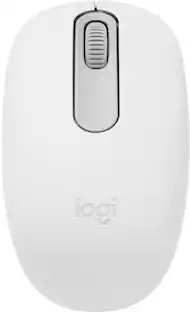
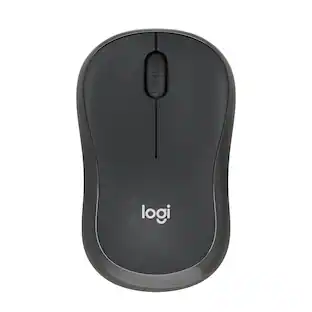
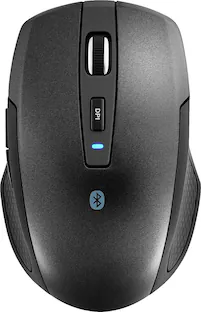
Discover the reliable Logitech M196 Bluetooth Wireless Mouse and declutter your workspace. This convenient portable mouse pairs to your laptop or tablet in seconds via Bluetooth—no dongle or port required. Enjoy up to 12-month battery life and auto sleep feature to help you go longer between AA battery changes. Small enough to toss in a bag, this comfortable Bluetooth travel mouse has an ambidextrous design that guides either your right or left hand into a natural position. The Logitech M196 Wireless Bluetooth Mouse is made to last with recycled plastic.

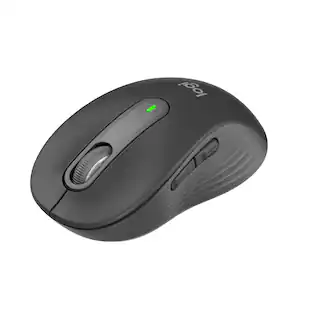
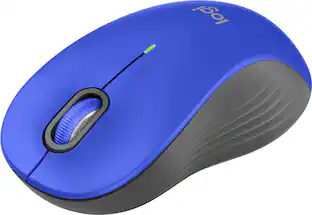
Upgrade to smarter scrolling, better comfort, and more productivity with the Signature M650 L. The versatile mouse features an adaptive scroll SmartWheel that delivers line-by-line precision, and auto-switches to super-fast free spin mode with the flick of a finger. A choice of sizes for smaller, larger and left hands means there's a perfect fit for anyone. Seamless wireless connectivity, customizable side buttons, and a comfort shape keep you comfortably and productive hour after hour. Logitech’s SilentTouch technology delivers silent clicks to keep you focused – while the up to 24-month battery life and universal operating system compatibility ensure hassle-free performance.

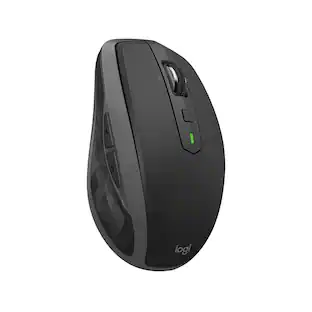
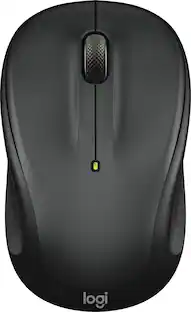
The advanced mobile mouse for power users. Harness the power of Logitech Flow and seamlessly move content between three devices. Scroll through documents and web pages faster and easier with the hyper-fast scroll wheel. Powers up for an entire day in just three minutes. A compact, sculpted shape crafted to fit your hand and provide the control you need anywhere.
| Pros for Logitech - Pebble Mouse 2 M350s Slim Lightweight Wireless Bluetooth Optical Silent Ambidextrous Mouse with Customizable Buttons - Wireless - Graphite | |||
|---|---|---|---|
| Portability, Overall Performance, Size, Connectivity, Design | Overall Performance, Connectivity, Ergonomics, Ease of Use, Weight | Overall Performance, Ergonomics, Size, Ease of use, Noise Level | Overall Performance, Connectivity, Portability, Design, Battery Life |
| Cons for Logitech - Pebble Mouse 2 M350s Slim Lightweight Wireless Bluetooth Optical Silent Ambidextrous Mouse with Customizable Buttons - Wireless - Graphite | |||
| Click Sound, Scroll Wheel | Noise Level | There were no cons for this product— | Click Sound |
Specs
Customers often buy these together
Computer Keyboards

![logi esc 1 F1 2 F2 3 F3 F4 F5 F6 F7 F8 x F9 NI F10 x F11 F12 ins del ~ ! 1 2 # 3 $ 4 % 5 ^ 6 & 7 8 ( 9 ) 0 e - + = backspace tab Q W E R T Y U I O P { [ } ] I / caps lock A S D F G H J - K L : ; " enter shift Z X C V B N M < > ? / shift ctrl fn L start opt H alt cmd alt cmd ctrl opt](https://pisces.bbystatic.com/image2/BestBuy_US/images/products/6478/6478163_sd.jpg;maxHeight=232;maxWidth=233?format=webp)
![esc ~ ! 1 tab caps lock shift ctrl F2 Fl # 2 3 Q W A S Z start opt L F3 $ 4 E D X alt cmd3 ) FS F4 A % 5 6 R T F G V C logi 44 HI & F9 FID FB F7 F6 * ) - - & 0 8 9 7 O P U I Y K L H J > < N M 1 B PM + = { [ : I ; ? I alt cmd D 2 4 300 3 1 F12 . * page I insert home up clear backspace 8 9 + 7 page A pg up end down home } I delete ] / 6 4 5 4 enter 2 3 enter 1 dn Pg end shift = 0 del ins etrl fn opt](https://pisces.bbystatic.com/image2/BestBuy_US/images/products/6539/6539505_sd.jpg;maxHeight=232;maxWidth=233?format=webp)

![The text on the image is a list of keys on a keyboard, grouped by their corresponding functions. Here is the corrected and grouped list:
1. Esc: * 1 2 * 3
2. Navigation:
a. Up arrow: +
b. Down arrow: -
c. Left arrow: [
d. Right arrow: ]
e. Home: I
f. End: O
g. Page Up: P
h. Page Down: N
i. Home: I
j. End: O
3. Numeric keys:
a. 1: 1
b. 2: 2
c. 3: 3
d. 4: 4
e. 5: 5
f. 6: 6
g. 7: 7
h. 8: 8
i. 9: 9
j. 0: 0
4. Function keys:
a. F1: F1
b. F2: F2
c. F3: F3
d. F4: F4
e. F5: F5
f. F6: F6
g. F7: F7
h. F8: F8
i. F9: F9
j. F10: F10
k. F11: F11
l. F12: F12
5. Modifier keys:
a. Shift: Shift
b. Ctrl: Ctrl
c. Option: option
d. Alt: alt
e. Command: cmd
f. Windows key: Windows key
This list is organized by the primary function of each key, with navigation keys grouped together, numeric keys grouped together, and function keys grouped together.](https://pisces.bbystatic.com/image2/BestBuy_US/images/products/f9e64973-a017-4542-8380-47a50bec4083.jpg;maxHeight=232;maxWidth=233?format=webp)







More to consider
 $35.08The price was $37.49
 $46.99The price was $59.99




Explore tech essentials Sponsored
 $69.99The price was $99.99
 $80.99The price was $99.99




Discover related products
 $12.99The price was $13.99
 $8.98The price was $12.99