Customer Ratings & Reviews


- Model:
- 910-006232
- SKU:
- 10840973
Rating by feature
- Value
Rating 4.8 out of 5 stars
- Quality
Rating 4.8 out of 5 stars
- Ease of Use
Rating 4.8 out of 5 stars
Customers are saying
Customers appreciate the product's strong overall performance, ease of use, and comfortable size and ergonomics. They also value its reliable connectivity, silent clicks, and long battery life, noting its quiet operation and attractive color. However, a few customers have noted concerns regarding the scroll wheel becoming loud and the product's price.
This summary was generated by AI based on customer reviews.
- Pros mentioned:Size

A Great Mouse For Any Office
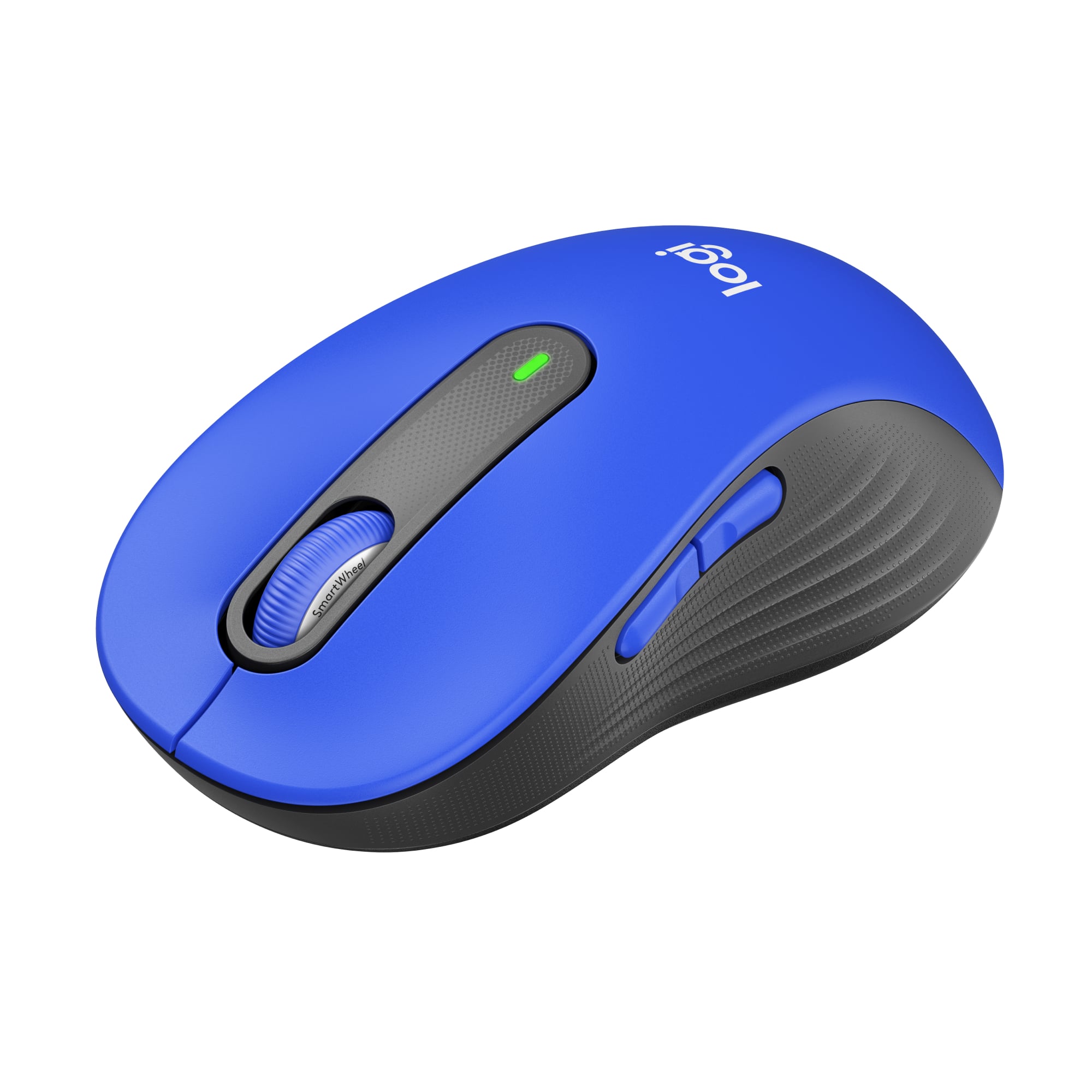
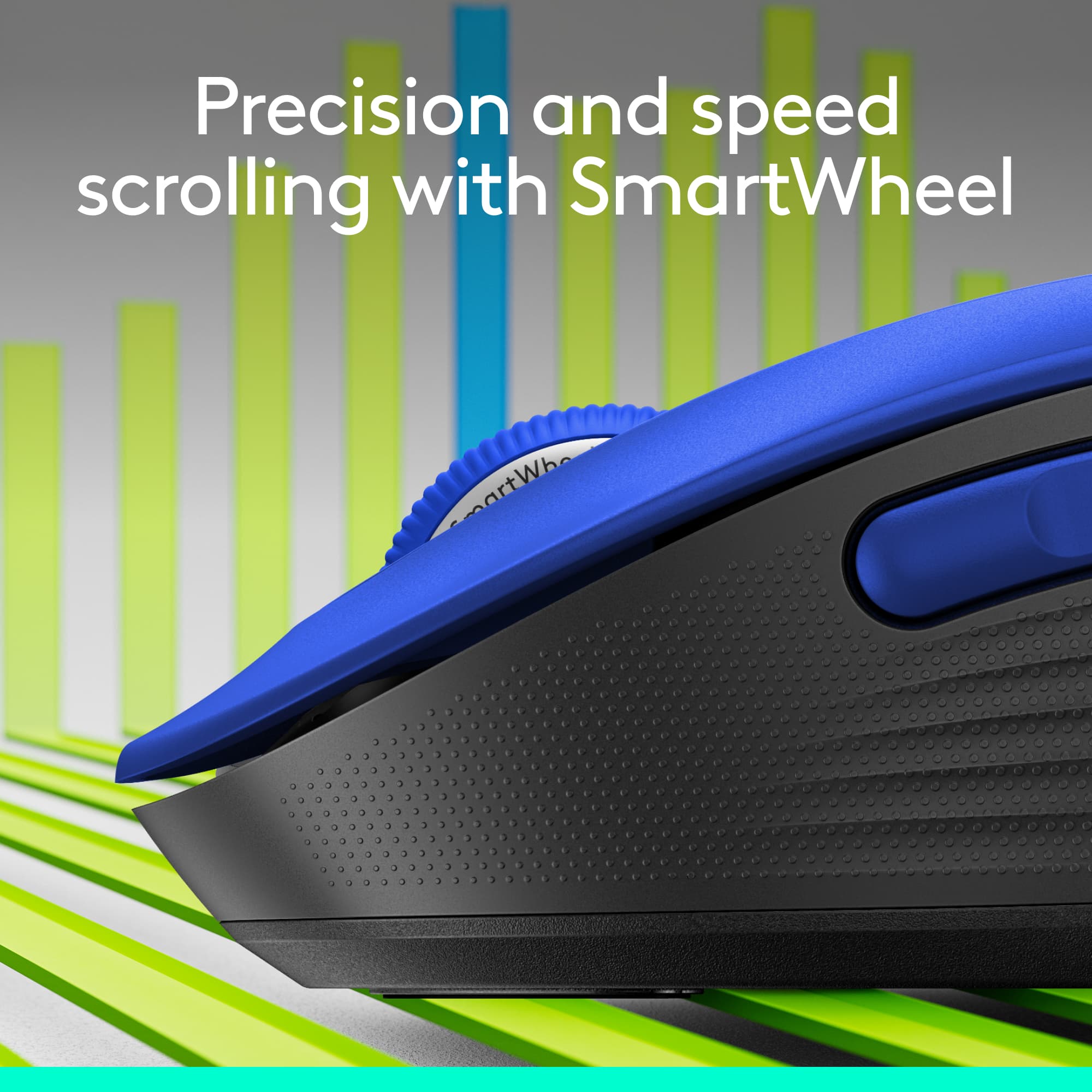
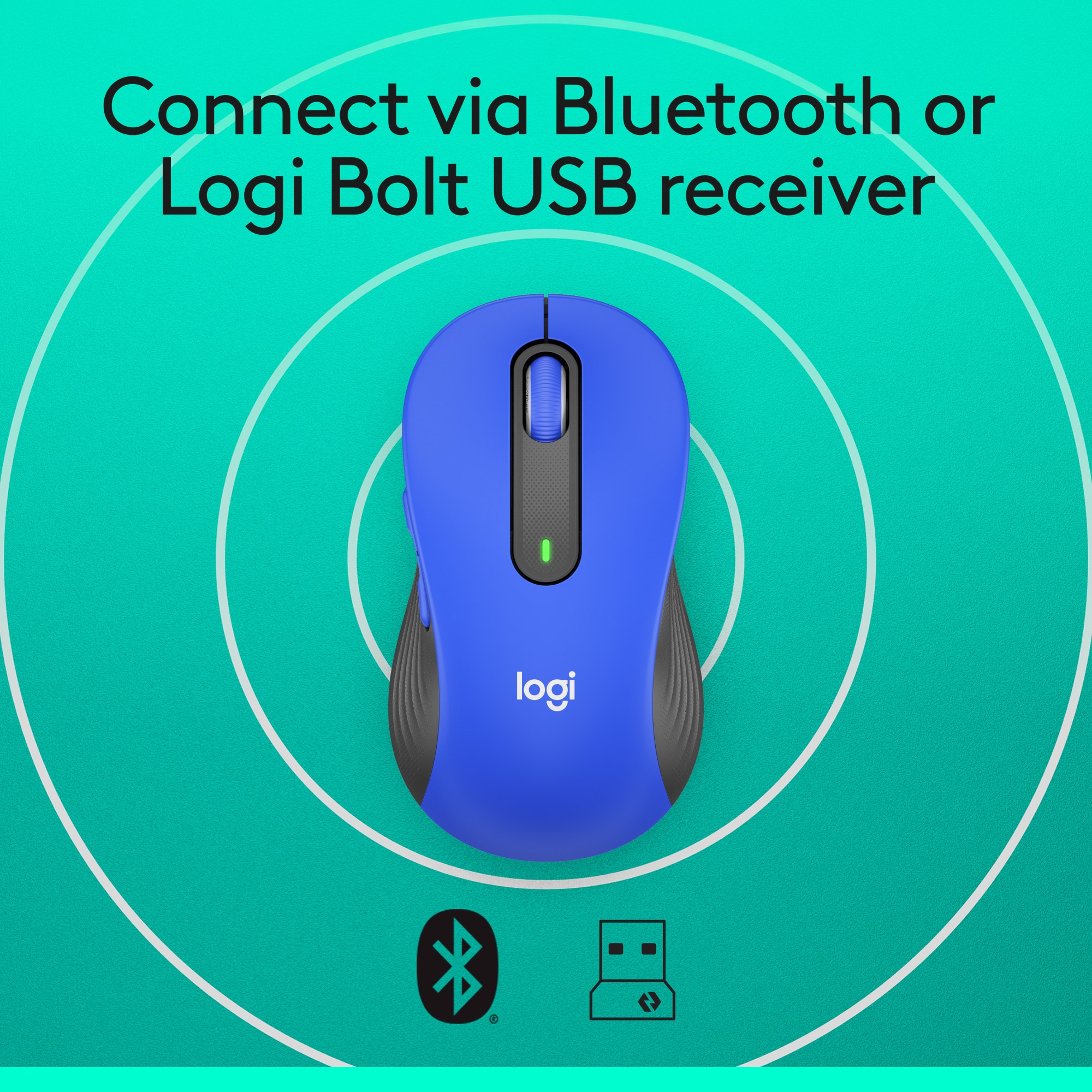
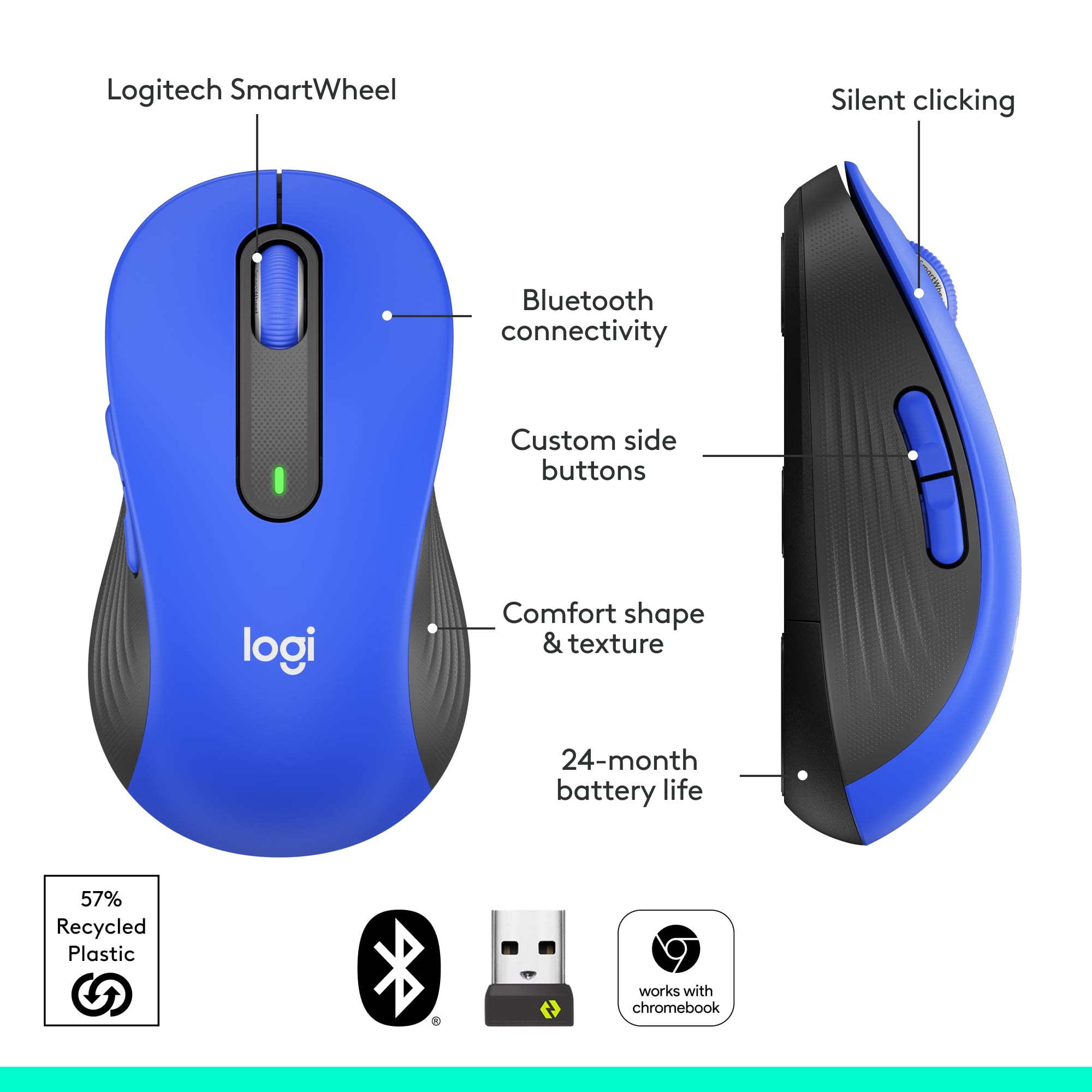
|Posted .This reviewer received promo considerations or sweepstakes entry for writing a review.The Logitech Signature M650L is a simple, but elegant mouse that would be a welcome addition to any desktop. Upon first glance, it doesn’t appear to be anything special. However, it feels terrific and performs well once out of the package. It connected quickly via Bluetooth and even notified my PC that it was ready. Of course, the USB receiver connects easily as well. Let’s start with the appearance and comfort of the M650L. The graphite coloring is a nice change from your standard black and the contrast in the color between top and sides. The button placements as well as the side contours really add to the design. Those same features add to the comfort as well. The size of the Logitech Signature M650L is just right for my hands and adding in these other pieces make it a great fit for long use. As far as the performance of the Logitech Signature M650L goes, I was pleasantly surprised by the silence that it brings. The buttons and scroll are super quiet, but also perform well. The ability to scroll quickly or precisely is a nice feature. With the addition of the programming for the other buttons, this mouse can hold its own when it comes to productivity and efficiency. The one thing that would improve the M650L is a DPI button. It’s a decent speed, but it would be nice to toggle it to be a tad faster. All in all, the Logitech Signature M650L is a good mouse for general computing and office work. With its design, one will definitely not have any issues with it. The advertised 20-24 month will be great too. That means comfort, function, and not having to worry about a battery for around 2 years. That’s a solid package.
I would recommend this to a friend Ok for the money...
||Posted . Owned for 3 weeks when reviewed.This reviewer received promo considerations or sweepstakes entry for writing a review.Because I have a big hand it's hard to find a mouse I like. This is about the best mouse I've found, but still does not fit my hand.
I would recommend this to a friendQuiet as advertised!
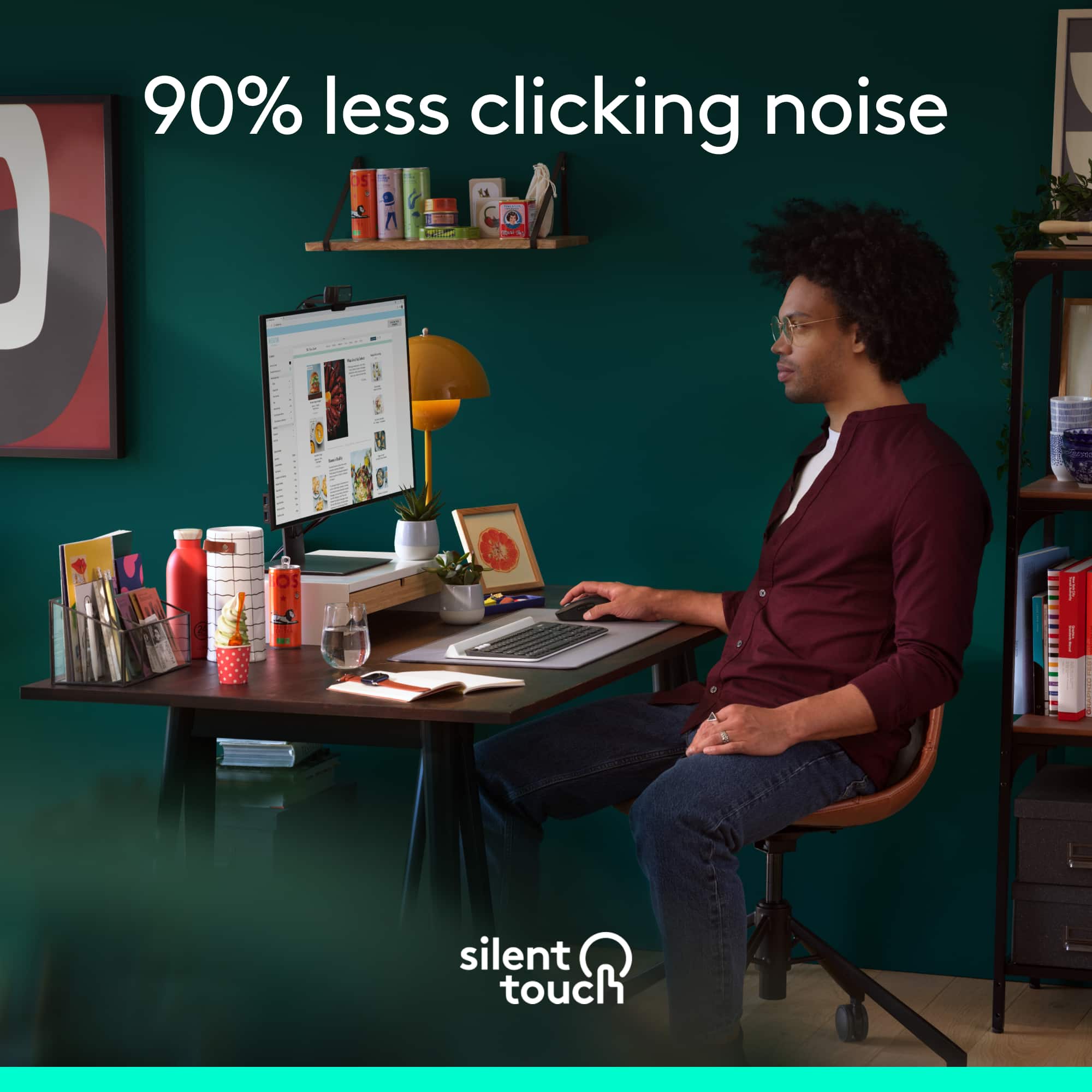
||Posted . Owned for 2 months when reviewed.This reviewer received promo considerations or sweepstakes entry for writing a review.Quiet as a mouse after a hard night of a house party! It truly is very quiet and it's Bluetooth! No need for a dongle for usb but it does have it if your pc doesn't have Bluetooth. I love it!
I would recommend this to a friendWas ok, for a little bit
||Posted . Owned for 7 months when reviewed.This reviewer received promo considerations or sweepstakes entry for writing a review.was alright for a couple of months then the right click got diminished, and didn't work as well
No, I would not recommend this to a friendBrand response from Logitech
Posted .We're sorry to hear that the right-click functionality on your mouse diminished after only a couple of months of use. To address this issue, we recommend reaching out to our social care team via email at socialcare@logitech.com with your
- Name:
- Email Address:
- Country:
- Product Name:
- Brief description of issue:
Great wireless mouse
||Posted . Owned for 3 weeks when reviewed.This reviewer received promo considerations or sweepstakes entry for writing a review.Easy to use product and simple packaging. I unpacked and it paired with my laptop immediately. Super easy to set up and I found it easy to use and transport. Needs a mouse pad though.
I would recommend this to a friend
Not fitting on hand buyers beware
|Posted . Owned for 2 months when reviewed.This reviewer received promo considerations or sweepstakes entry for writing a review.[Employee of bestbuy] The mouse works great but the organisms are a little poor.
I would recommend this to a friendGood upgrade
||Posted . Owned for 3 weeks when reviewed.This reviewer received promo considerations or sweepstakes entry for writing a review.I like it very much. It is comfortable around my hand.
I would recommend this to a friendA decent mouse
||Posted . Owned for 1 month when reviewed.This reviewer received promo considerations or sweepstakes entry for writing a review.This is a decent mouse. Perfectly capable. Not good for gaming.
I would recommend this to a friendGreat product - No issues.
||Posted .This reviewer received promo considerations or sweepstakes entry for writing a review.It was very easy to setup using Bluetooth and works flawlessly on my MacBook Air. I've been buying Logitech mice for years and have never had an issue with any of them.
I would recommend this to a friendComfortable
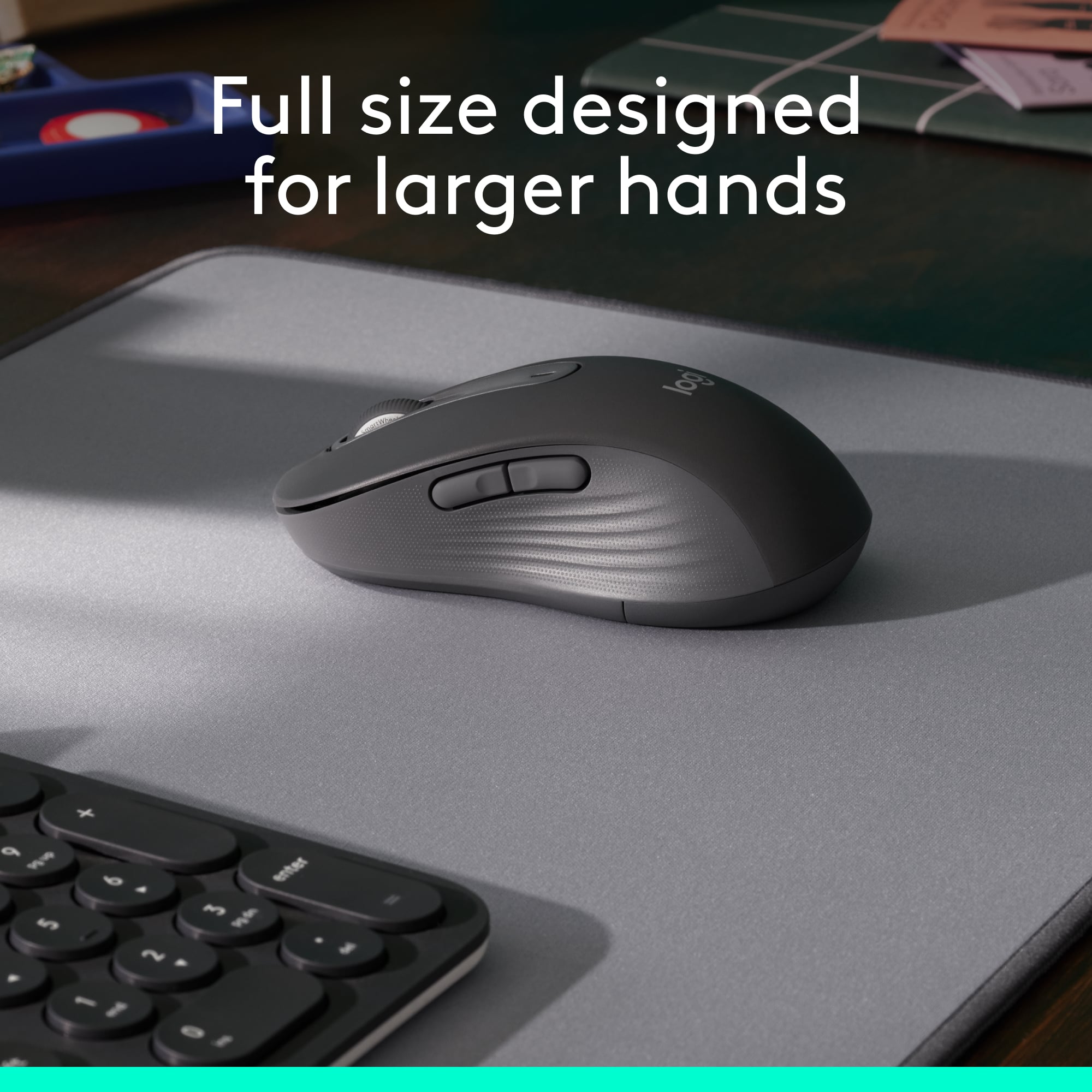
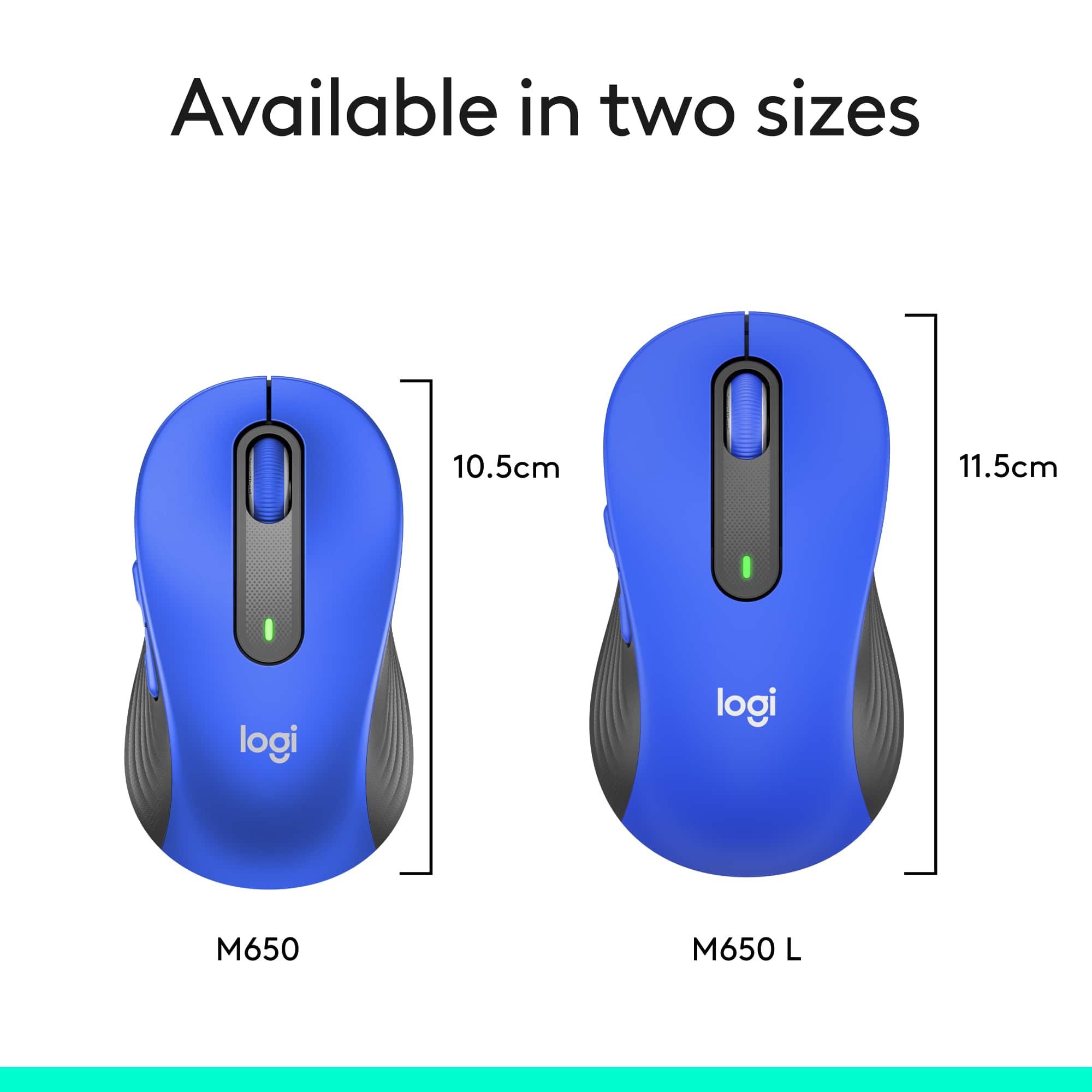
||Posted . Owned for 3 weeks when reviewed.This reviewer received promo considerations or sweepstakes entry for writing a review.I like that they make a regular size and a long size, I have both. My hands total length is 7” and the long version of the mouse is much more comfortable for me.
I would recommend this to a friendStay in your lane, you're a mouse
||Posted . Owned for 3 months when reviewed.This reviewer received promo considerations or sweepstakes entry for writing a review.This mouse tries to do too much. Why does a mouse need AI capability. I just needed a simple wireless mouse, but this thing connects via Bluetooth by default, simultaneously screwed up my Bluetooth settings so that I could not connect to my speakers. Tech support told me it only connects via bluetooth, WRONG. In trouble shooting my speaker I discovered it was this thing screwing with my settings. Do Not recommend.
No, I would not recommend this to a friendBrand response from Logitech
Posted .We apologize for the inconvenience caused by the Bluetooth connectivity issues with the Logitech Signature M650 L mouse. To address this issue, we recommend reaching out to our social care team via email at socialcare@logitech.com with your
- Name:
- Email Address:
- Country:
- Product Name:
- Brief description of issue:
- Pros mentioned:Connectivity, Size
Silent Clicking For Large Hands
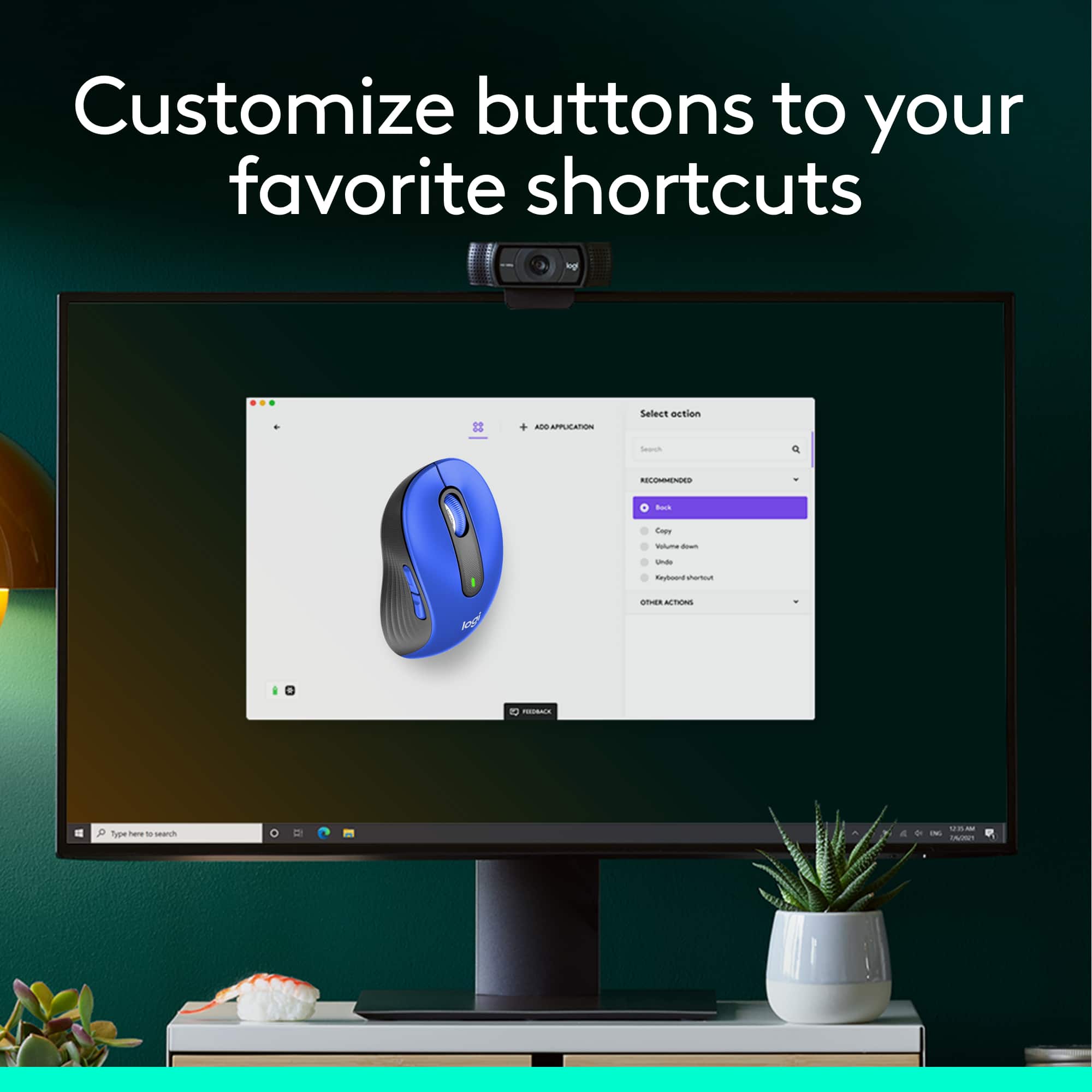
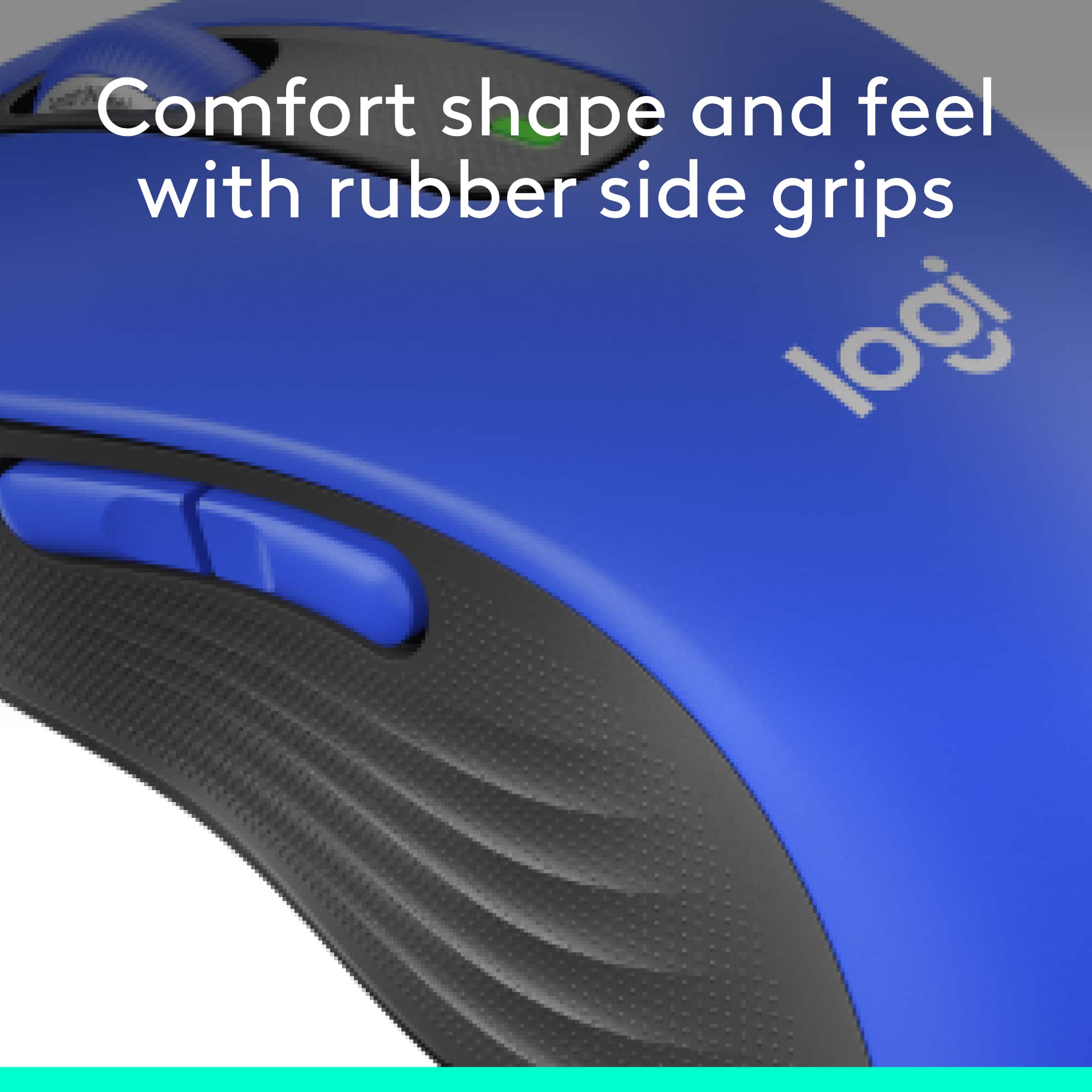
|Posted .This reviewer received promo considerations or sweepstakes entry for writing a review.This is great for people with larger hands. I have often felt that I couldn’t find a mouse that was comfortable for my hands, but this mouse fits like a glove. There are rubber sides on the mouse making it easy to keep a grip and feels good to the touch. There are two ways to wirelessly connect the mouse to your computer. You can connect via Bluetooth or with the dongle that comes with it. I connect via the dongle, as I use this for both my laptop and desktop computer. The mouse runs on one AA battery and Logitech says that the battery life is 24 months. I haven’t had it long enough to find out the longevity, but would be happy with the extremely long battery life. In the spot where you change the battery, you can store the dongle for the mouse. I love this because if I go somewhere and take my laptop, I have a storage spot for my dongle. I don’t know how many times I have almost lost one of those because of not having a good place to keep it. This stays right with the mouse. This is brilliant! Have you ever been playing a game or using your computer when the whole house is quiet and all you hear is click, click, click and it drives you crazy? Well this mouse solves that problem. It has SilentTouch technology and you hardly hear any sound at all, if any. Logitech has a program called Logi Options+. With this program, you can customize the buttons on your mouse to what you are comfortable with. I found everything about this mouse great, including the price. This is great for people with larger hands. I have often felt that I couldn’t find a mouse that was comfortable for my hands, but this mouse fits like a glove. There are rubber sides on the mouse making it easy to keep a grip and feels good to the touch. There are two ways to wirelessly connect the mouse to your computer. You can connect via Bluetooth or with the dongle that comes with it. I connect via the dongle, as I use this for both my laptop and desktop computer. The mouse runs on one AA battery and Logitech says that the battery life is 24 months. I haven’t had it long enough to find out the longevity, but would be happy with the extremely long battery life. In the spot where you change the battery, you can store the dongle for the mouse. I love this because if I go somewhere and take my laptop, I have a storage spot for my dongle. I don’t know how many times I have almost lost one of those because of not having a good place to keep it. This stays right with the mouse. This is brilliant! Have you ever been playing a game or using your computer when the whole house is quiet and all you hear is click, click, click and it drives you crazy? Well this mouse solves that problem. It has SilentTouch technology and you hardly hear any sound at all, if any. Logitech has a program called Logi Options+. With this program, you can customize the buttons on your mouse to what you are comfortable with. I found everything about this mouse great, including the price.
I would recommend this to a friend Not enough feedback
||Posted . Owned for 2 months when reviewed.This reviewer received promo considerations or sweepstakes entry for writing a review.There is not enough feedback on the clicks when pressing both left and right buttons
No, I would not recommend this to a friendBrand response from Logitech
Posted .We apologize that you found the click feedback on your mouse insufficient. We understand that tactile feedback is important for a comfortable and efficient user experience.
Mouse
||Posted . Owned for 3 months when reviewed.This reviewer received promo considerations or sweepstakes entry for writing a review.A great mouse for my new computer. I like that it also works by Bluetooth. It was easy to hook up and start using
I would recommend this to a friendMouse problems
||Posted . Owned for 1 month when reviewed.This reviewer received promo considerations or sweepstakes entry for writing a review.Had this product for one month. The mouse stopped working. I changed the battery and it still doesn’t work. I’ll be returning this today.
No, I would not recommend this to a friendBrand response from Logitech
Posted .I am very sorry to hear that your Logitech Signature M650 mouse stopped working after only one month of use. Thank you for sharing this feedback. To address this issue, we recommend reaching out to our social care team via email at socialcare@logitech.com with your
- Name:
- Email Address:
- Country:
- Product Name:
- Brief description of issue:
Perfect laptop mouse
||Posted . Owned for 3 weeks when reviewed.This reviewer received promo considerations or sweepstakes entry for writing a review.Perfect blue tooth mouse for my new laptop. Easy hook up and works great. Very good price. Thanks
I would recommend this to a friend- Pros mentioned:Size
Great connectivity, very comfortable
|Posted .This reviewer received promo considerations or sweepstakes entry for writing a review.Wow... finally. I remember when wireless mice came out and you always had to use a plug in dongle and response was slow and they had low DPI on top of that. The newer gen wireless mice are more adaptable. Yes, many still have the wireless dongle but response and DPI has improved. Bluetooth connectivity kicks it up a notch. With the new Logitech M650 you get both Bluetooth and also 2.4hz with an included USB wireless dongle for any devices that don't currently have Bluetooth capability. By far Bluetooth is the best way to connect if your computer is capable. With my Bluetooth enabled on my Windows laptop I turned on the M650 and my computer asked me if I wanted to connect the mouse… automatically… I didn’t have to go into settings and scan for device. This is the first Bluetooth device that I’ve owned that was recognized simply by turning it on. Bravo Logitech!!! While I haven’t tried it yet connectivity to different operating systems is supported and easy to connect. I love the quiet switches so clicking isn’t as pronounced as traditional mice. Much less annoying! Scrolling is a breeze as it seems to be proportional controlled between one line to more lines. It has the standard regiment of buttons: left, right, middle scroll and a couple of side buttons which can be programmed with the optional downloadable software. Logitech says an AA battery can last up to 2 years… very stingy on power. I have the M650 L which would be a great choice if you have a catcher’s mit for a hand like I do. The larger size has a great feel in my hand. The grip is very comfortable and I don’t have to crunch up my hand to access all of the buttons. It’s light weight so it zips quickly across my mouse pad. The M650 L is now my go to mouse for work. It’s perfect for what I need and at the end of the day I can grab my laptop off it’s dock, toss it in my backpack and toss the mouse in along with it. Highly recommended for most use.
mouse
||Posted .This reviewer received promo considerations or sweepstakes entry for writing a review.works fine. haven't had long enough to know if it goes through batteries quicker then expected.
I would recommend this to a friendNice mouse
||Posted . Owned for 3 weeks when reviewed.This reviewer received promo considerations or sweepstakes entry for writing a review.Nice little mouse. I got the large sized one and it's very comfortable in my hand. No issues.
I would recommend this to a friendGreat Mouse
||Posted . Owned for 1 month when reviewed.This reviewer received promo considerations or sweepstakes entry for writing a review.Great replacement for my old M-510 mouse, which I loved. This mouse is more precise and smooth.
I would recommend this to a friend