Customer Ratings & Reviews


- Model:
- 910-006358
- SKU:
- 6491144
Rating by feature
- Value
Rating 4.8 out of 5 stars
- Quality
Rating 4.8 out of 5 stars
- Ease of Use
Rating 4.8 out of 5 stars
Customers are saying
Customers frequently mention the product's excellent usability. They highlight its ergonomic design and how comfortable it is to use.
This summary was generated by AI based on customer reviews.
Logi comfortable hand cursor
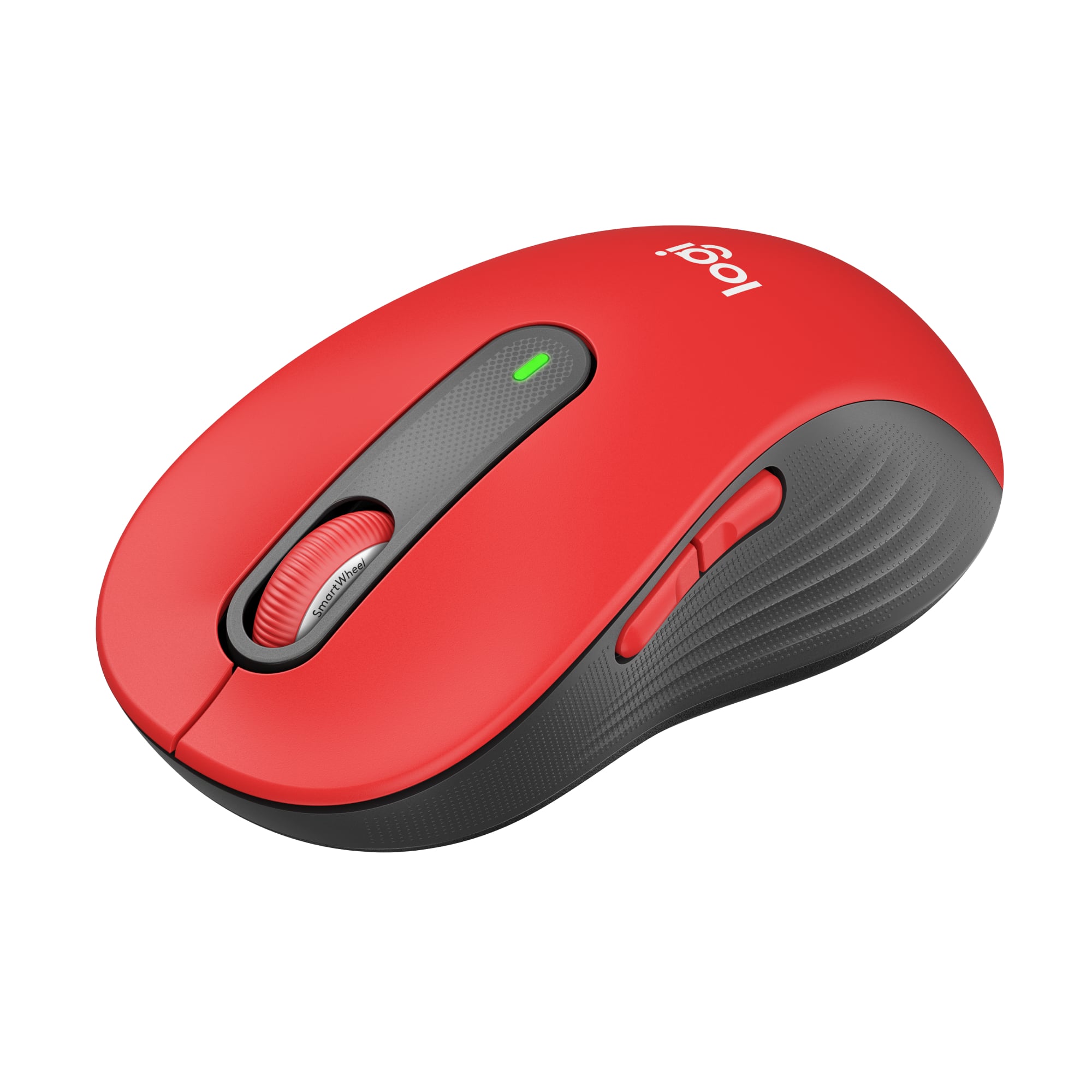
||Posted . Owned for 3 weeks when reviewed.This reviewer received promo considerations or sweepstakes entry for writing a review.Very comfortable, and I like the bright color of red very easy to find it. I also like the way it shaped, and the wheel turns very easily.
I would recommend this to a friendPerfect size mouse works perfectly
||Posted . Owned for 1 week when reviewed.This reviewer received promo considerations or sweepstakes entry for writing a review.Perfect size and works really well with my new laptop. Fits the hand and feels good when using it a lot.
I would recommend this to a friendBrand response from Logitech
Posted .Hello, we are so happy to hear that the M650 L mouse is meeting all your needs! At Logitech, it is our goal to ensure you are completely satisfied with your Logitech purchase. We take pride in the products and services we offer, and want our customers to enjoy them just as much as we do. Thank you so much for the 5-star review! Don't miss out on all the extra features the mouse has to offer by downloading our free Logi Options plus software. If you ever need help with your mouse, don't hesitate in reaching out to us on our support page. I'll attach the link at the end of this message. Thank you for being part of the Logitech family, have a great day. -Ricky from Logitech. https://support.logi.com/hc/en-us/articles/4414458320663-Getting-Started-Signature-650L
Wireless Mouse
||Posted . Owned for 3 weeks when reviewed.This reviewer received promo considerations or sweepstakes entry for writing a review.Affordable and best mouse I have used. Bluetooth and the USB chip both work quick and precise.
I would recommend this to a friendBrand response from Logitech
Posted .The Logitech Signature M650 L is a popular ergonomic mouse with great value. Users love its comfort, quiet clicks, and long battery life. It's a full-sized option with Bluetooth or USB.
Wireless Mouse
||Posted . Owned for 3 weeks when reviewed.This reviewer received promo considerations or sweepstakes entry for writing a review.Replaced a cord mouse with wireless and this mouse is awesome. Doesn’t skip and jump around like the hard wired did. Excellent item!!
I would recommend this to a friendGreat mouse!!
||Posted . Owned for 3 weeks when reviewed.This reviewer received promo considerations or sweepstakes entry for writing a review.Love this mouse! Instantly connected to my PC and was ready to use in seconds!!
I would recommend this to a friendBrand response from Logitech
Posted .It's great to hear that you love your Signature M650 L! It's designed to provide comfort, efficiency, and a quiet workspace. We're glad you've experienced the ease of its instant connection.
Great Combo USB Bolt Dang works with 3 devices!
||Posted . Owned for 3 weeks when reviewed.This reviewer received promo considerations or sweepstakes entry for writing a review.This combination USB Bolt Dangle for Mouse, Wireless Keyboard & Printer module works great!
I would recommend this to a friendEasy to use
||Posted . Owned for 1 month when reviewed.This reviewer received promo considerations or sweepstakes entry for writing a review.Superb functionality. Easy install and even came with new batteries.
I would recommend this to a friendBrand response from Logitech
Posted .We're glad to hear you found the Logitech Signature M650 L easy to set up and use! Enjoy the convenience of silent clicks and smooth scrolling.
Quiet Buttons, Not Super Clicky Though
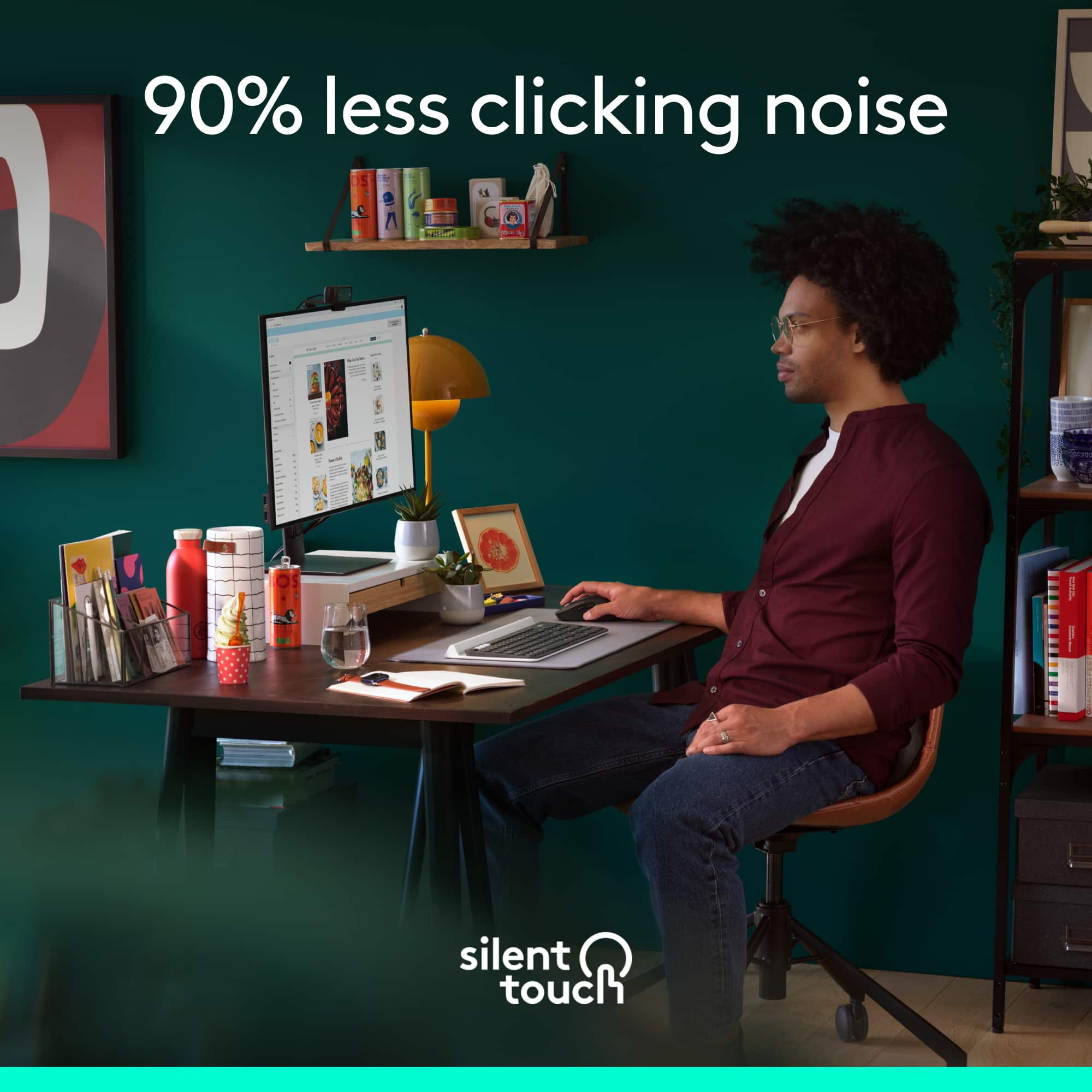
||Posted . Owned for 3 weeks when reviewed.This reviewer received promo considerations or sweepstakes entry for writing a review.Decent mouse, performs as expected. The buttons aren't as clicky as I would have liked, but it is nice and quiet, so perfect if you need to work around people without being too distracting.
I would recommend this to a friendMousy mouse
||Posted . Owned for 3 weeks when reviewed.This reviewer received promo considerations or sweepstakes entry for writing a review.It's a mouse, it does mouse things. I click it and it opens the things I click on.
I would recommend this to a friendworks great
||Posted .This reviewer received promo considerations or sweepstakes entry for writing a review.This mouse is great,I've had a logi mouse before but stooped working this one is good the speed and how smooth it rolls.
I would recommend this to a friendGreat Mouse
||Posted . Owned for 3 weeks when reviewed.This reviewer received promo considerations or sweepstakes entry for writing a review.This mousevworks great. Smooth riding and feels good in the hand.
I would recommend this to a friendAwsomeness
||Posted . Owned for less than 1 week when reviewed.This reviewer received promo considerations or sweepstakes entry for writing a review.This priduct i found to be an excellent purchase aooth and soundless.
I would recommend this to a friendSilent at a budget
||Posted . Owned for 3 weeks when reviewed.This reviewer received promo considerations or sweepstakes entry for writing a review.M650 L full size is an excellent mouse for the price. I mainly purchased this because I work at night, and loud clicks started to get on my nerves; I looked for a silent mouse, and this was the best option at this price point. Cons: the scrolling wheel is noisy - which defeats the purpose! Not rechargeable. Pros: Comfortable and quiet. Easy to use. Two customizable buttons and a rubbery grip.
I would recommend this to a friendnice a big O_O
||Posted . Owned for 1 week when reviewed.This reviewer received promo considerations or sweepstakes entry for writing a review.I had trouble getting the unifying receiver to work but all I had to do was download Logitech options+
I would recommend this to a friendIt's good for normal work
||Posted . Owned for 1 month when reviewed.This reviewer received promo considerations or sweepstakes entry for writing a review.It is a little hard to move on the bottom and move it around, especially if you're trying to game really fast it can be annoying. But it clicks nice and is silent so I can work at night, and it feels nice under my hand and has custom controls. I do not regret my purchase.
I would recommend this to a friend- Pros mentioned:Overall performance
Mouse
||Posted . Owned for 3 months when reviewed.This reviewer received promo considerations or sweepstakes entry for writing a review.Needed a mouse for my laptop as keyboard hard for me to use
I would recommend this to a friend - Pros mentioned:Battery life

Logitech Signature M650 L, the right mouse
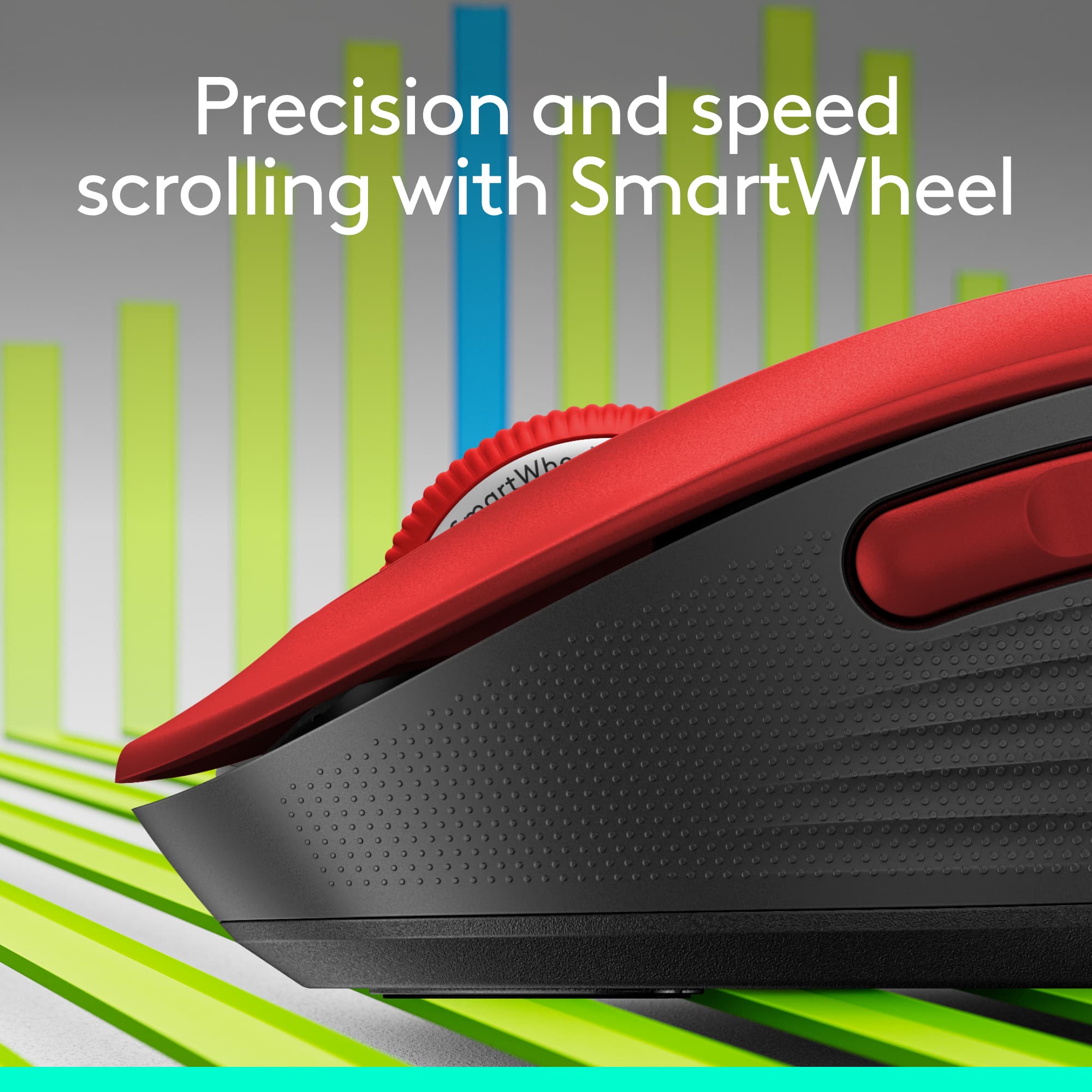
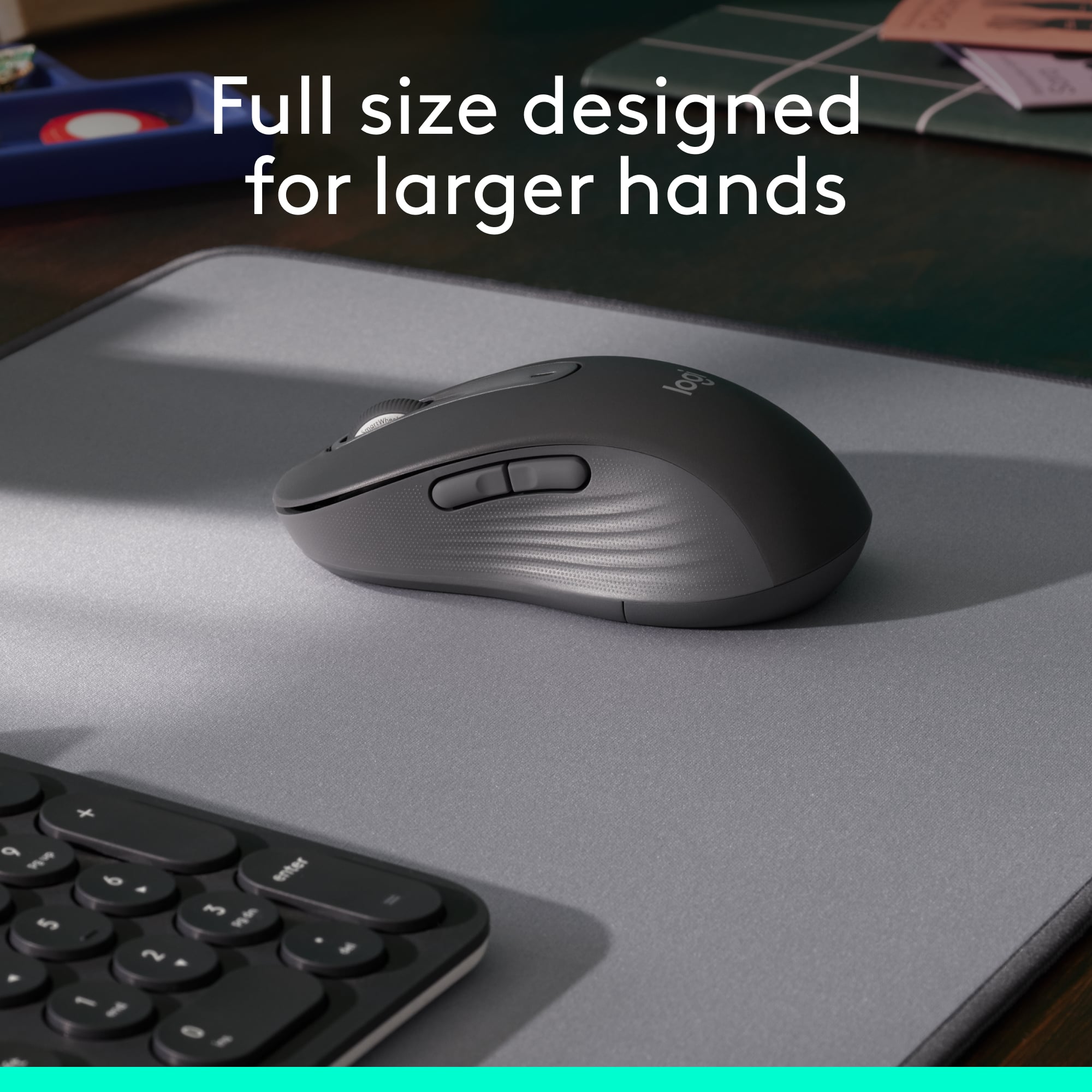
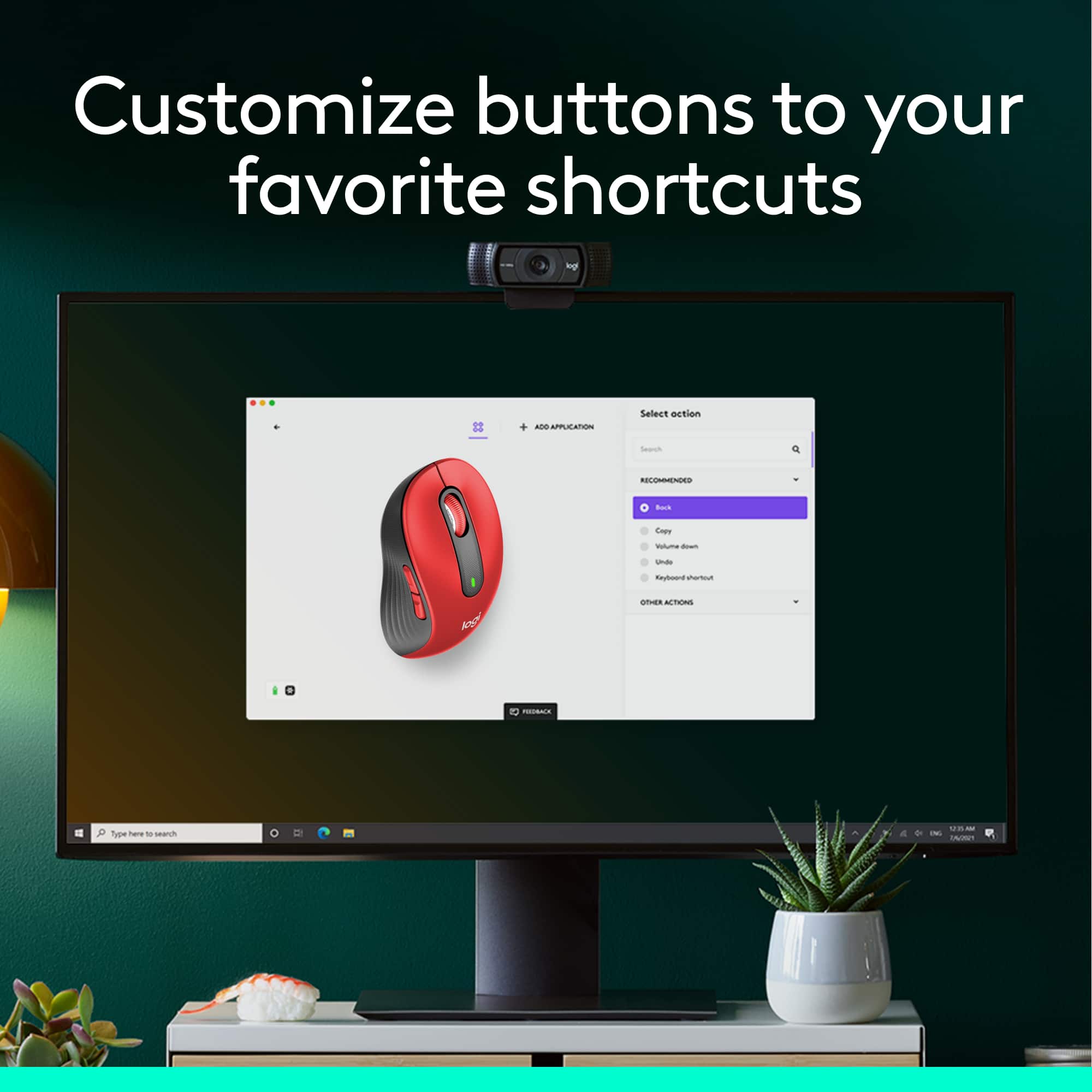
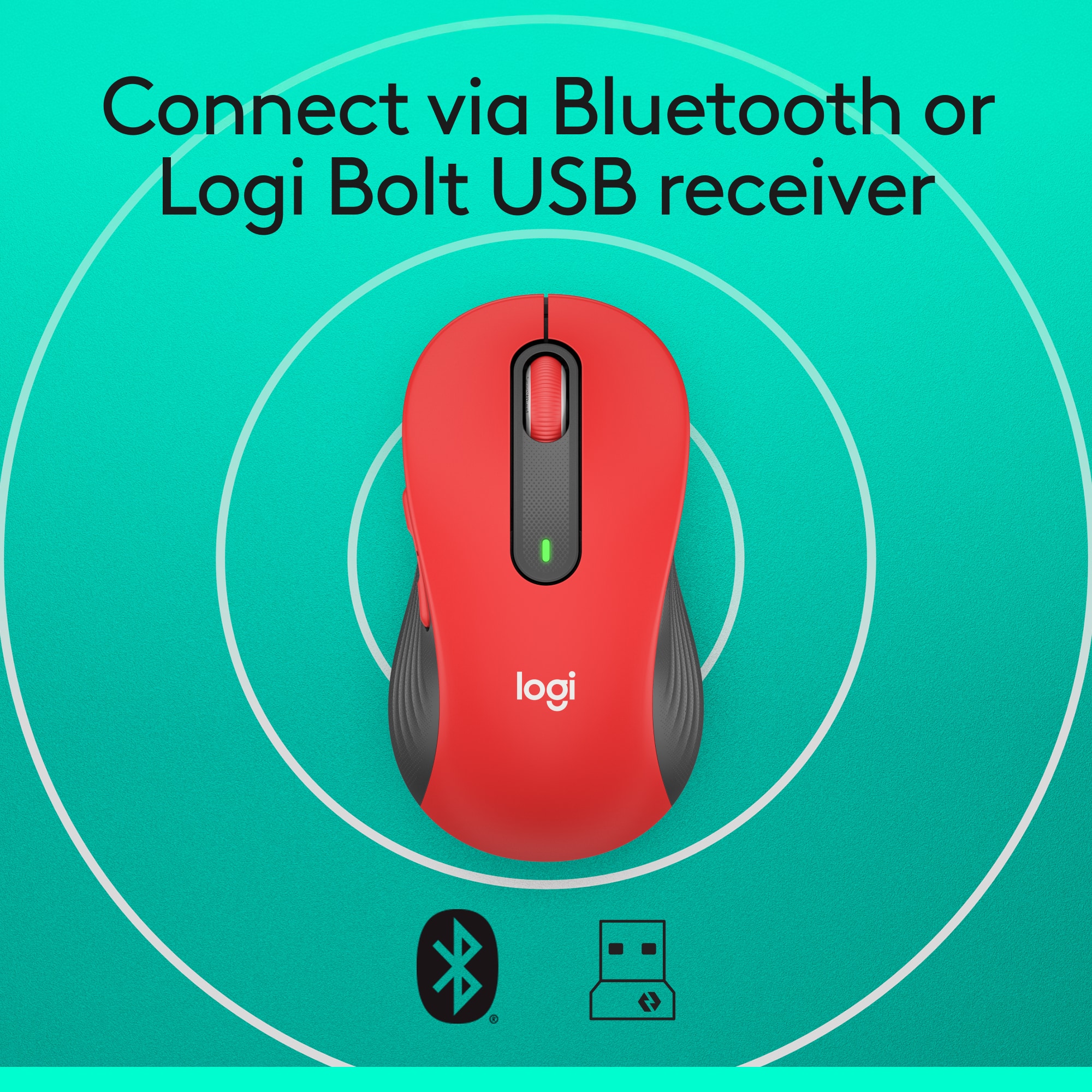
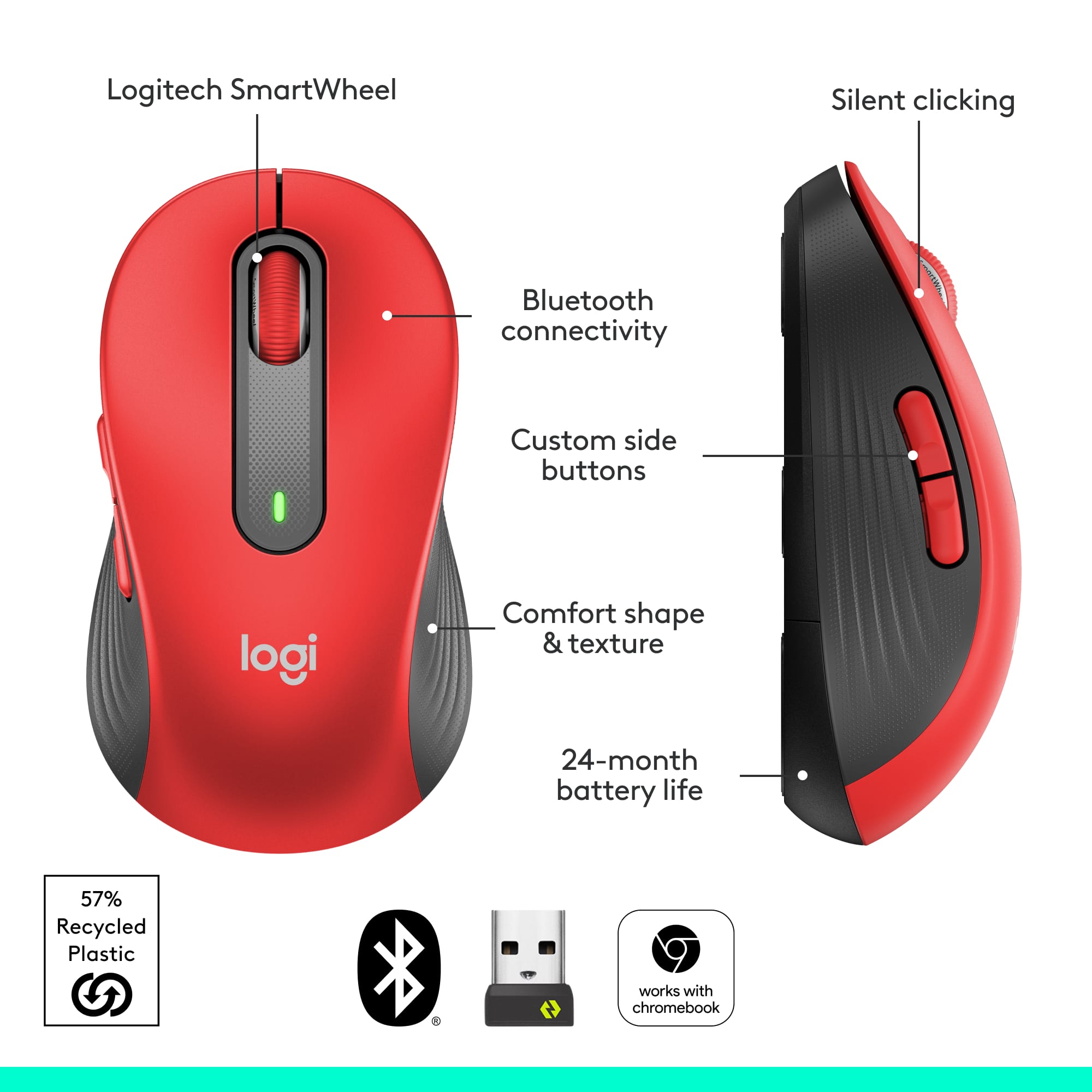
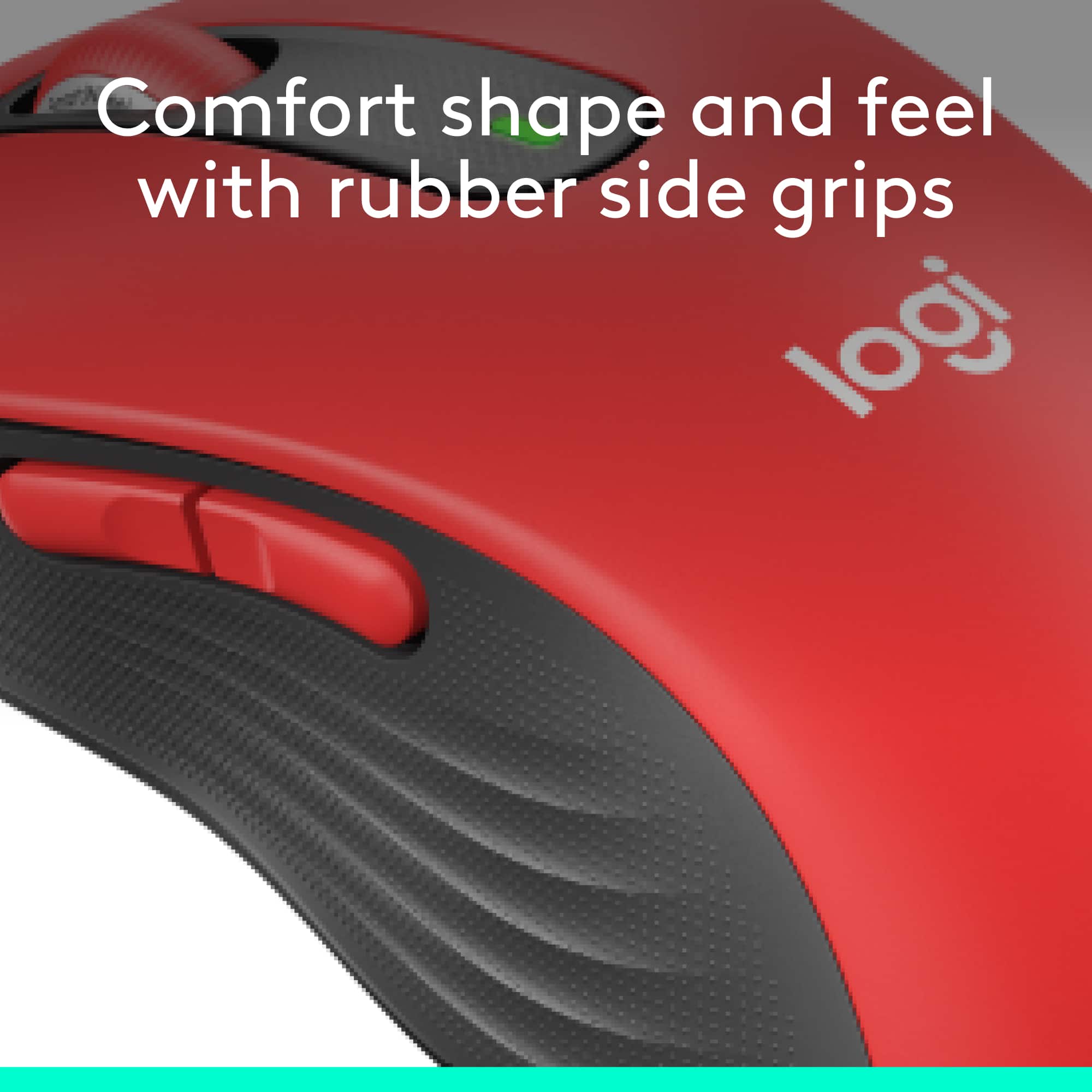
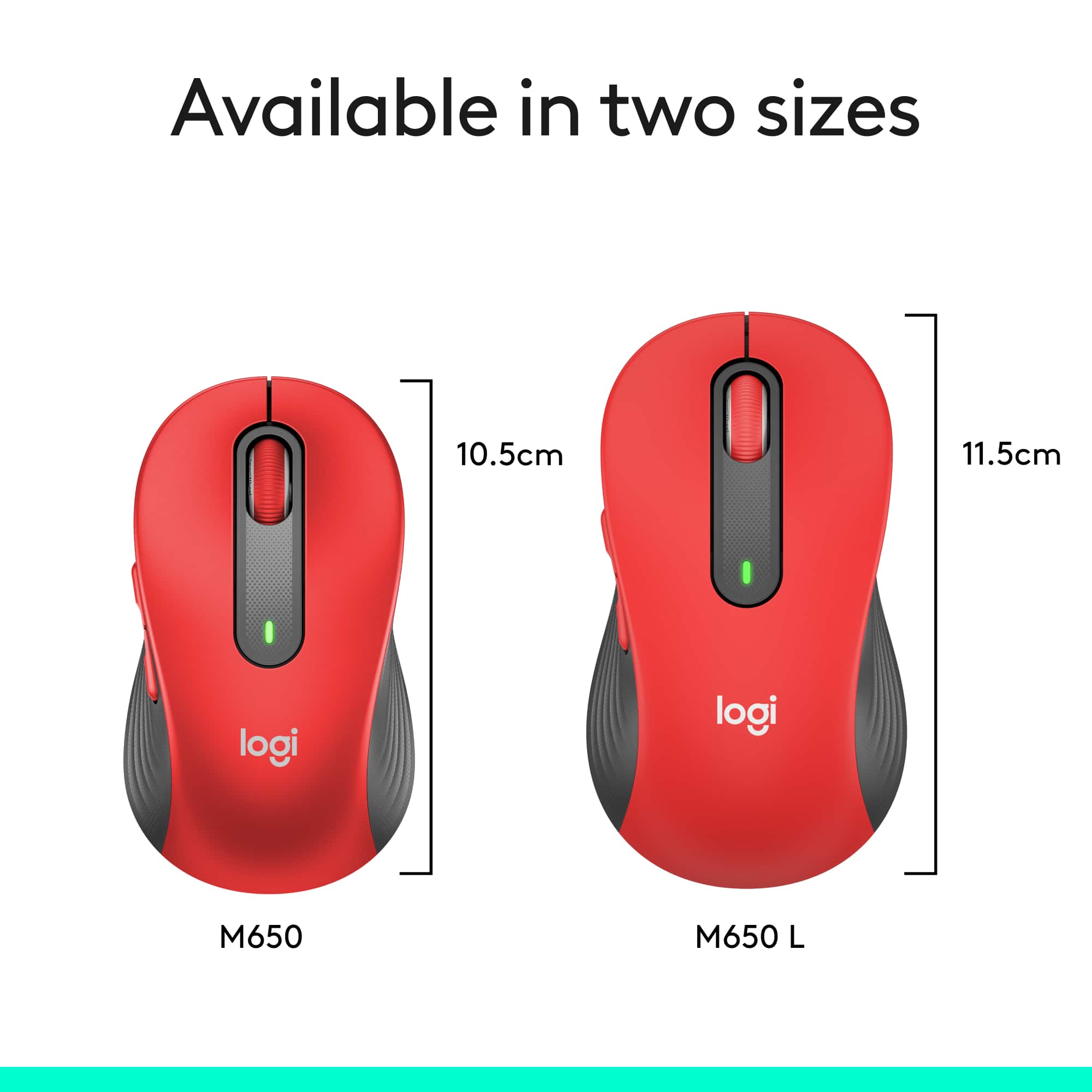
|Posted .This reviewer received promo considerations or sweepstakes entry for writing a review.No messing, er, mousing around, the Logitech M650 L is the right fit for everyday use for most hands. Why do I mention its size? Logitech pitches this model, the “L” is for Large, for large hands, but I must respectfully disagree. My hands are not gargantuan. In the hands of two male friends and two female friends, none commented that this mouse is too large. On the contrary, everyone commented on its just-right size. Compared with others in my Logitech mouse collection, some are tagged as portable, in that they are smaller and said to be ideal for travel. Travel mice lack some of the features and technology of larger mice in addition to the size differential associated with their lower cost. This M650 L features typical Logitech all-day comfort with its contoured shape and soft area where the thumb rests on the left side along with rubber side grips on the opposite side. As ports are at a premium on many newer PCs and laptops, it features dual connectivity options via Bluetooth Low Energy wireless technology as well as conventional plug-in dongle. In fact, the supplied Logi Bolt USB dongle is Logitech’s unified one so it can serve a dual role with both this mouse and a compatible Logitech keyboard. In other words, there would be no need for two dongles if the user has such a compatible keyboard. Another word about the “L” for large. Logitech offers this wireless mouse for righties as well as southpaws AND a smaller model for more dainty sized hands. With one for just about every user, Logitech has another winner. The side buttons are customizable for a variety of the user’s favorite shortcuts, including Copy/Paste and app launch, all through downloadable Windows and Mac software called Logitech Options Plus. Device basic functions are supported without software on Chrome OS and most popular Lunux distros. The Logitech SmartWheel scroll wheel is also newly designed. Unlike other models that feature a click to release the line-by-line motion in favor of freewheeling spin, the M650 works as follows. Scroll slowly, silently, line-by-line or flick to spin for super-fast scrolling up or down. With up to two years use on one AA alkaline battery (supplied) it is easy to see how well Logitech engineers designed this mouse to squeeze every ounce of performance out of the least amount of energy. **WHAT’S IN THE BOX** • M650 L, with included battery and USB dongle • Documentation **THE SETUP** Open the blister pack along perforated lines and remove the cardboard backing and the mouse. Remove the paper tab from the battery well. Read the simplified instructions, directing the user to remove the battery cover. Here, users have the choice to remove the dongle and insert it into a USB-A spot on the desktop or laptop, Windows, Mac or Linux computer OR connect using low-voltage Bluetooth. Using Bluetooth, this mouse is also compatible with iPad OS 13.4 and later and Android 5.0 and later. Download the and install Logitech Options Plus software using the provided link. Connect the mouse. Customize the buttons, if interested. Start mousing. Now, it’s time to . . . **PUT IT TO THE TEST** The Logitech M650 L is, at once, as easy to use as any other mouse, even easier, and can be customized with side button special features. Operation is as smooth and quiet as promised. It fits quite comfortably in the hand with no sign of fatigue the entire first day of use. On subsequent days the M650 L has been just as comfortable. The buttons are pre-programmed to jump forward and back in a browser. No modifiers were employed. The scroll wheel’s operation and the R and L clicker are virtually silent. Though the mouse is largely plastic, there is no feeling that this mouse is cheaply made. **CONCLUSION** Using the Logitech M650 L has been without any finding of, “I wish . . .” Logitech has delivered as expected, a modestly priced, full featured and high quality new mouse that is sure to please users for many years. Logitech’s excellent reputation in this category is well deserved. Highly recommended! **WARRANTY** One year manufacturer’s warranty.
I would recommend this to a friend - Pros mentioned:Battery life
Quiet and comfortable
|Posted .This reviewer received promo considerations or sweepstakes entry for writing a review.## Design Although this particular mouse is labeled as “Large - for large-sized hands”, it seems like a “regular” sized mouse to me. Many wireless mice are too compact and uncomfortable for me to use as a permanent fixture on my desk. Therefore, I was happy to find that this supposedly “large” mouse is the same size as the Logitech M190 (which does not have a “large” designation). Please refer to the picture attached to this review for a size comparison of the m650 and m190. ## Performance This mouse is very quiet! Clicking any of the buttons on the mouse makes almost no sound. The scroll wheel is also fairly quiet and smooth to use. You can download software to customize the side buttons, but I found that the basic functions of the mouse work without the software, and, by default, the side buttons work as forward and back buttons while browsing through web pages. Since I’m fine with this functionality, I didn’t load the software. The wireless signal works fine and I've had no issues with skipping or lag when it is plugged in directly to my laptop, but depending on your computer, you may find that your WiFi or Bluetooth chipset is too close to the USB port. In that case, I've found that using a USB 2.0 extension cord solves any issues caused by interference from internal wireless chips and USB 3.0 ports. So if you run into trouble with the mouse pointer jumping across the screen or hesitating, try using a USB 2.0 (note the “2”) extension cord with the nano receiver. You can find them fairly cheap online. The mouse can also connect via Bluetooth if your laptop has Bluetooth built-in and you don’t want to lose a USB port to the nano receiver. Also worth noting that the included nano receiver is USB-A. If your laptop only has USB-C ports, you’ll either need to use Bluetooth or a USB-C to USB-A adapter. ## Battery Life Logitech claims that this mouse can last up to 2 years on a single AA battery, which is included! I have yet to use the mouse that long, but I like the fact that it only requires one AA battery as this keeps the mouse lightweight and it glides easily across my desktop. Logitech notes that Bluetooth somewhat shortens battery life from 24 months down to 20. ## Summary Overall, the M650 L (for “Large”, not to be confused with the left-hand version) is full-sized and comfortable to use as your everyday mouse. The mouse buttons are very quiet and would be ideal for late-night clicking.
I would recommend this to a friendBrand response from Logitech
Posted .Hello, TechnicallyWell! I'm happy to hear that you're enjoying the M650 L mouse! Feel free to reach out to our support team here https://support.logi.com/hc/en-us/requests/new?ticket_form_id=360000621393 if you ever need any assistance or if something happens in the 1-year limited hardware warranty. Thank you for the in-depth review and for shopping Logitech! - Maggie from Logitech
- Pros mentioned:Ergonomics, Overall performance
Great Find
||Posted . Owned for 3 weeks when reviewed.This reviewer received promo considerations or sweepstakes entry for writing a review.The Logitech M650 L full-size mouse in graphite delivers solid performance and excellent ergonomics. Bluetooth pairing was fast and seamless, with an immediate and stable connection. Cursor tracking is smooth and accurate, and the scroll wheel provides consistent, fluid movement that works well for both productivity and general use. The larger form factor offers comfortable support for extended sessions, and overall responsiveness feels precise and reliable. A well-designed mouse that performs exactly as expected for everyday computing.
I would recommend this to a friendBrand response from Logitech
Posted .We appreciate your feedback and are glad to hear the product is working smoothly. Thanks for being part of the Logitech family.

- Pros mentioned:Ergonomics
nice mouse
||Posted . Owned for 1 week when reviewed.This reviewer received promo considerations or sweepstakes entry for writing a review.it fits my hand very well and the side buttons are not very easily turn on by mistake works good with my lap top, the wheel is real good no so senative
I would recommend this to a friendBrand response from Logitech
Posted .Thank you for your feedback! We’re delighted the Signature M650 L Wireless Mouse fits your hand comfortably, with well‑placed side buttons and a smooth, reliable scroll wheel that works great with your laptop.