Customer Ratings & Reviews


- Model:
- 910-006250
- SKU:
- 6491140
Rating by feature
- Value
Rating 4.8 out of 5 stars
- Quality
Rating 4.8 out of 5 stars
- Ease of Use
Rating 4.8 out of 5 stars
Customers are saying
Customers are enthusiastic about the product's ease of use, strong overall performance, and comfortable size, often highlighting its ergonomic design, impressive battery life, and silent clicks. While generally well-received, some users have noted minor concerns regarding the click noise of certain buttons, particularly the side buttons, and the scroll wheel's functionality. Additionally, a few customers mentioned the price and the absence of Android software as slight drawbacks.
This summary was generated by AI based on customer reviews.
- Pros mentioned:Silent clicks, Size

Checks all the boxes
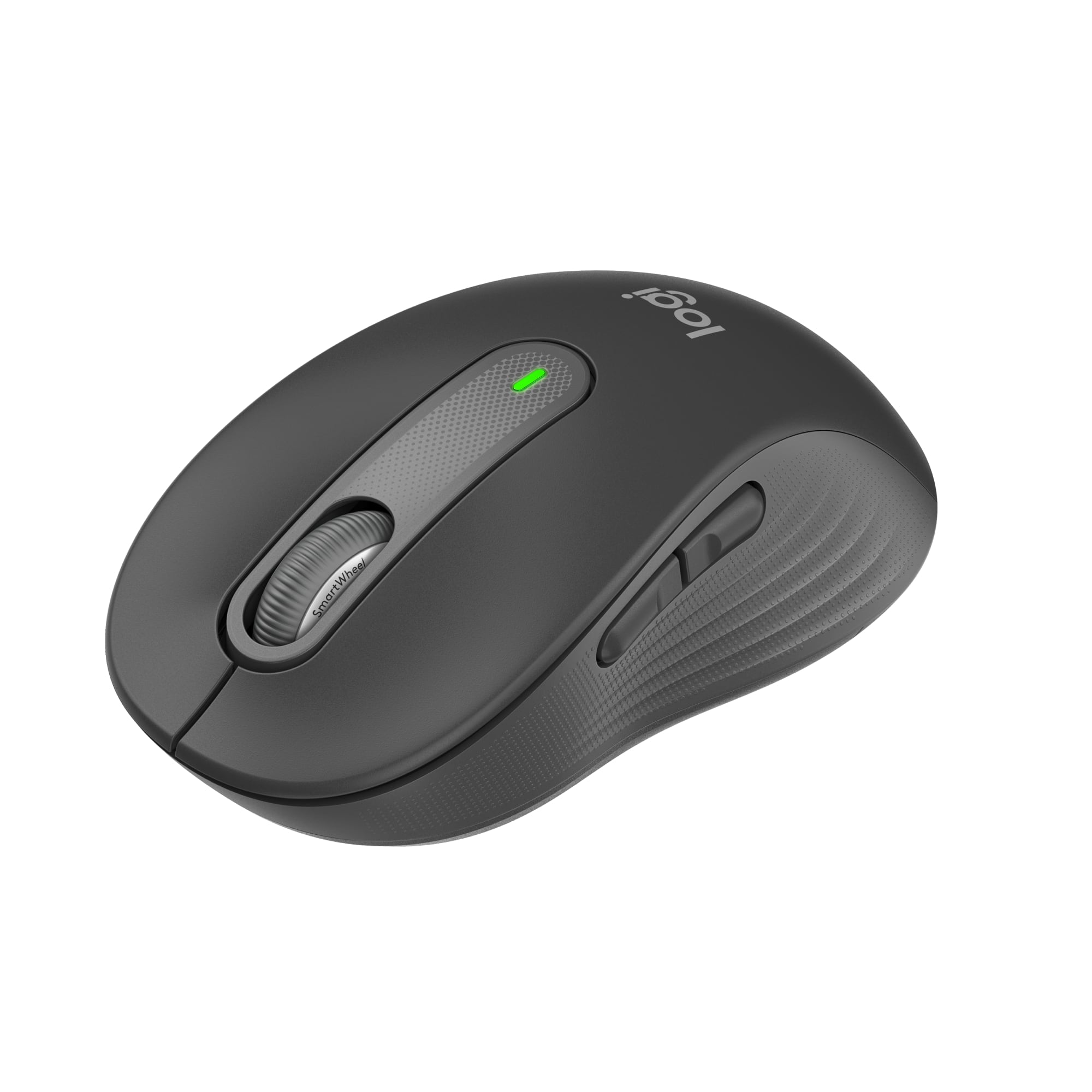
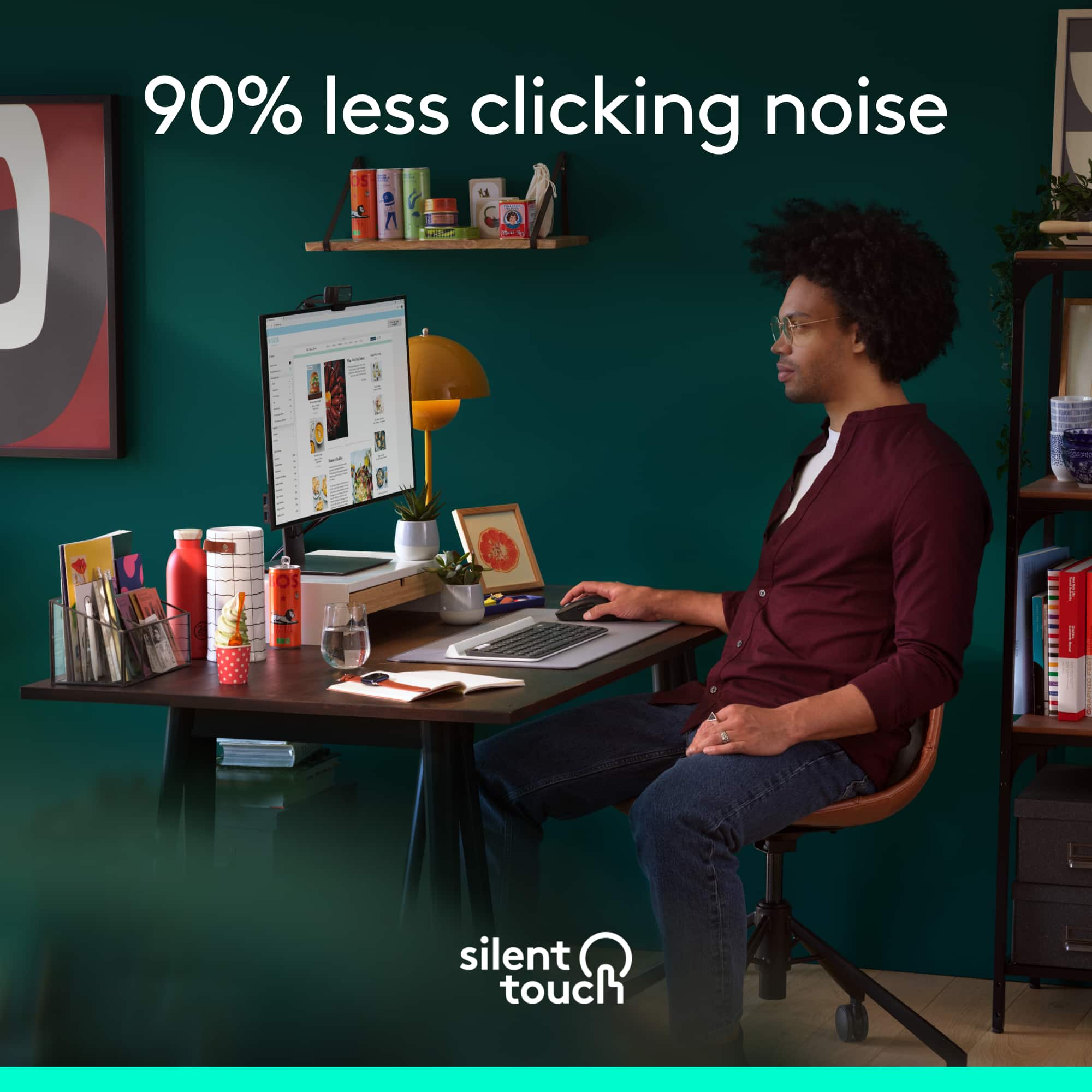
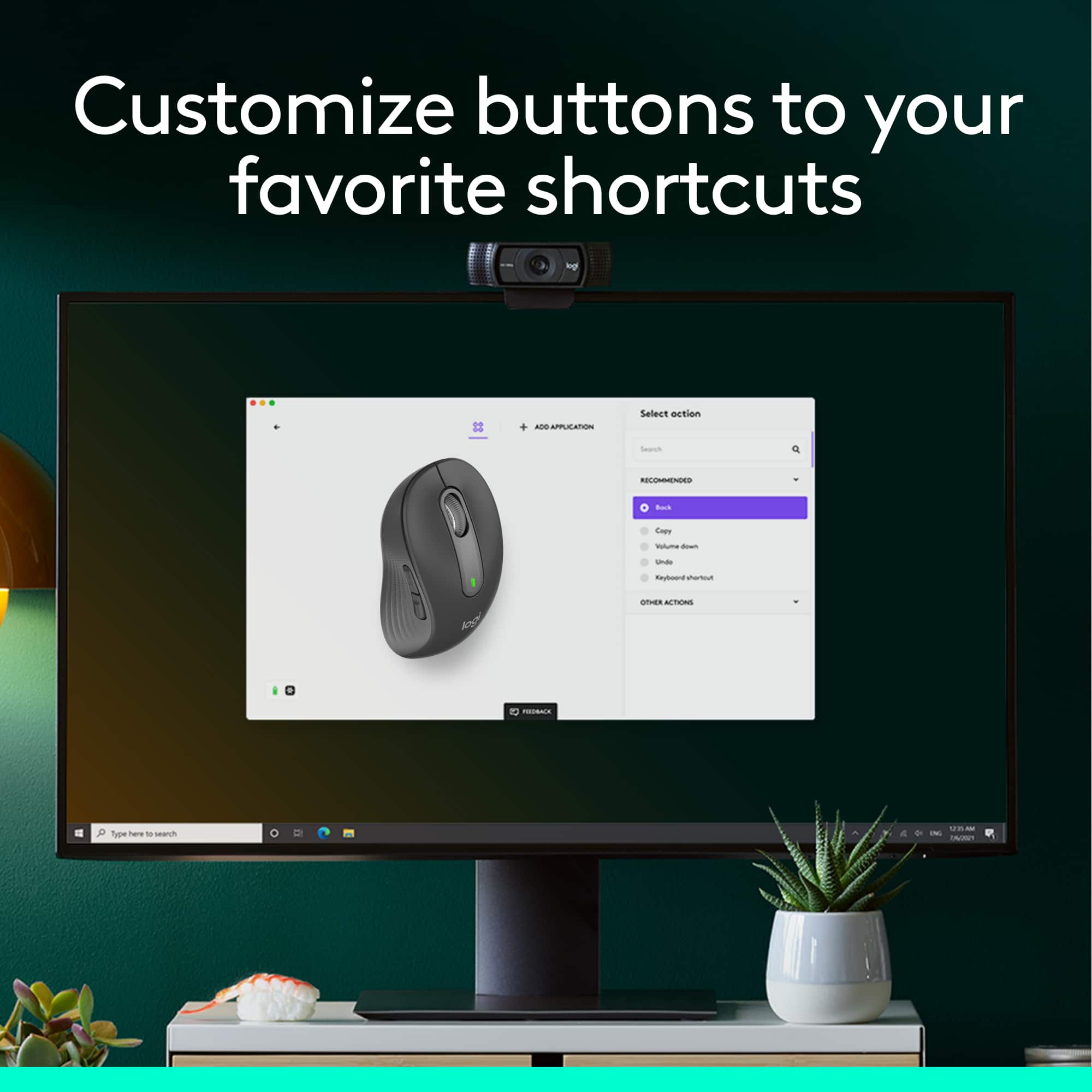
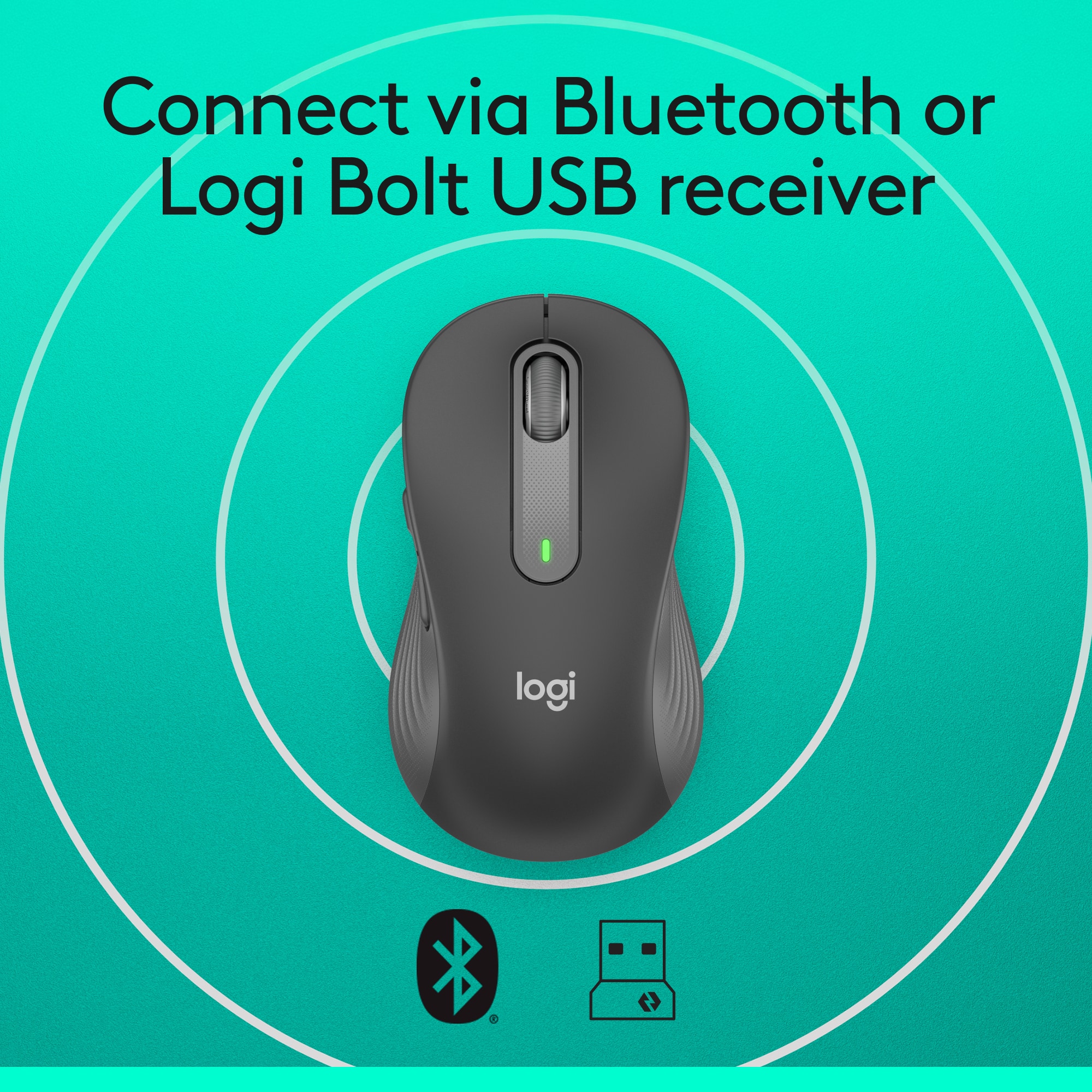
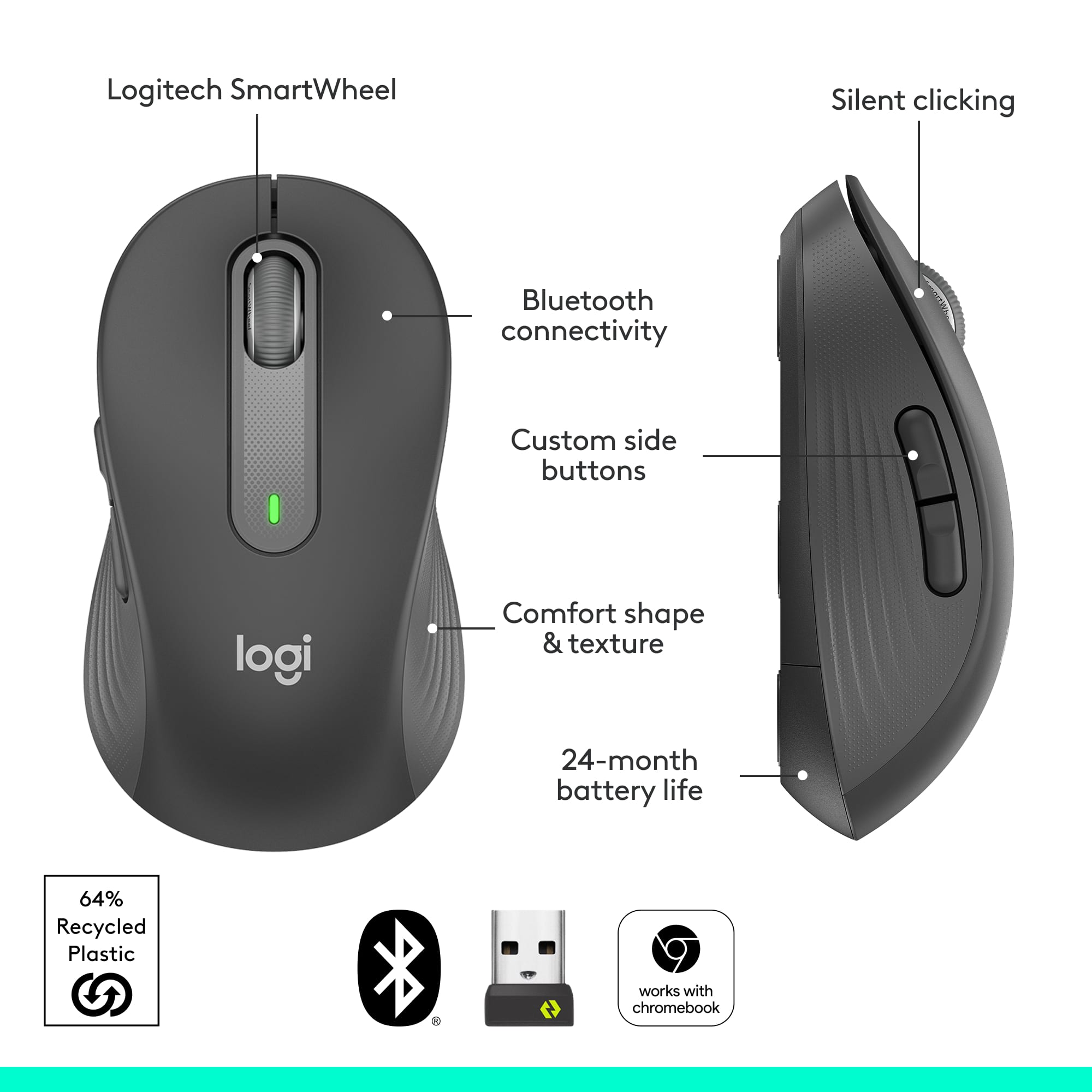
|Posted .This reviewer received promo considerations or sweepstakes entry for writing a review.When looking for a mouse for my wife there were a number of requirements she had. First the size, it had to fit comfortably in her hand. Second the buttons had to be responsive and lastly the mouse had to work without any delays or lag. The Signature M650 met all of these and more. The M650 allows you to connect it wirelessly with the included USB dongle or through Bluetooth. Both worked very well. All of the buttons have the "silent click" to minimize the sound when pressing the buttons. There are two configurable buttons on the left side that you can assign functions to by using the optional software that you can download from Logitech. This is a great feature that allows you to assign often used functions to speed up processes. I set the two buttons to copy and paste and it worked great. The scroll wheel on the mouse provides the ability to go line by line on long pages and is very convenient. This is a solid mouse addition to any set up.
I would recommend this to a friend - Pros mentioned:Ease of use, Ergonomics, Overall performance
Good mouse
||Posted . Owned for 1 month when reviewed.This reviewer received promo considerations or sweepstakes entry for writing a review.Operates fine. Battery good so far. Easy to use.fits hand well.
I would recommend this to a friendBrand response from Logitech
Posted .Thank you for your feedback on the Logitech Signature M650 Wireless Optical Mouse. We’re glad to hear it operates well, has reliable battery life, and fits comfortably in your hand—your input is truly appreciated.

- Pros mentioned:Size
Smooth Operator
|Posted .This reviewer received promo considerations or sweepstakes entry for writing a review.The first thing I noticed about this mouse is how comfortable it is to use, and how naturally it fits in my hand. The quality and attention to detail is immediately noticeable. The performance and size of the Logitech Signature M650 wireless mouse makes it suitable for everyday use, while being compact enough to be easily put in a bag and taken on the go. The sharp optics make operating it smooth and precise. Tracking is spot on, and the scroll wheel operates perfectly. The comfort and precision make this Logitech mouse a distinct improvement over using a basic mouse. As advertised, the button clicks are silent. Logitech designed this mouse to work wirelessly by Bluetooth or with a USB receiver. There is a software App that allows the extra mouse buttons to be customized, but the App is not necessary to use the mouse. The USB receiver fits into a USB-A size port. After inserting the receiver, it took a few seconds for the computer to recognize and configure it. I tested the USB receiver in a few different docking stations and USB expansion adapters, and found the performance to be flawless whether it was connected directly or indirectly to my computer. The USB receiver can be stored in the body of the mouse under the battery cover. This mouse also works over Bluetooth. This is especially useful because more and more laptops are being equipped with USB-C ports only. Pairing this mouse via Bluetooth was simple and once done the connection was stable and reliable. The pairing process is similar to headphones or speakers. Simply select the mouse from the device list and you are done. I was able to use this mouse with Windows and Chromebooks laptops so I can confirm that it is fully compatible with both operating systems. The mouse is right hand oriented, so left handed users can get the left handed version, or use this one and compensate for the differences.
I would recommend this to a friendBrand response from Logitech
Posted .Hello, Kotor! I'm happy to hear that you're enjoying the M650 mouse! Feel free to reach out to our support team here https://support.logi.com/hc/en-us/requests/new?ticket_form_id=360000621393 if you ever need any assistance or if something happens in the 1-year limited hardware warranty. Thank you for the in-depth review and for shopping Logitech! - Maggie from Logitech
- Pros mentioned:Ease of use, Overall performance, Silent clicks
Great Mouse
||Posted . Owned for 1 month when reviewed.This reviewer received promo considerations or sweepstakes entry for writing a review.Works great! love the soft clicks! Easy to use and long battery life!
I would recommend this to a friendBrand response from Logitech
Posted .So glad you’re enjoying it! Your feedback helps us keep improving. Thanks for being part of the Logitech community.
- Pros mentioned:Ergonomics, Size
Smooth, Quiet Ergonomic Mouse
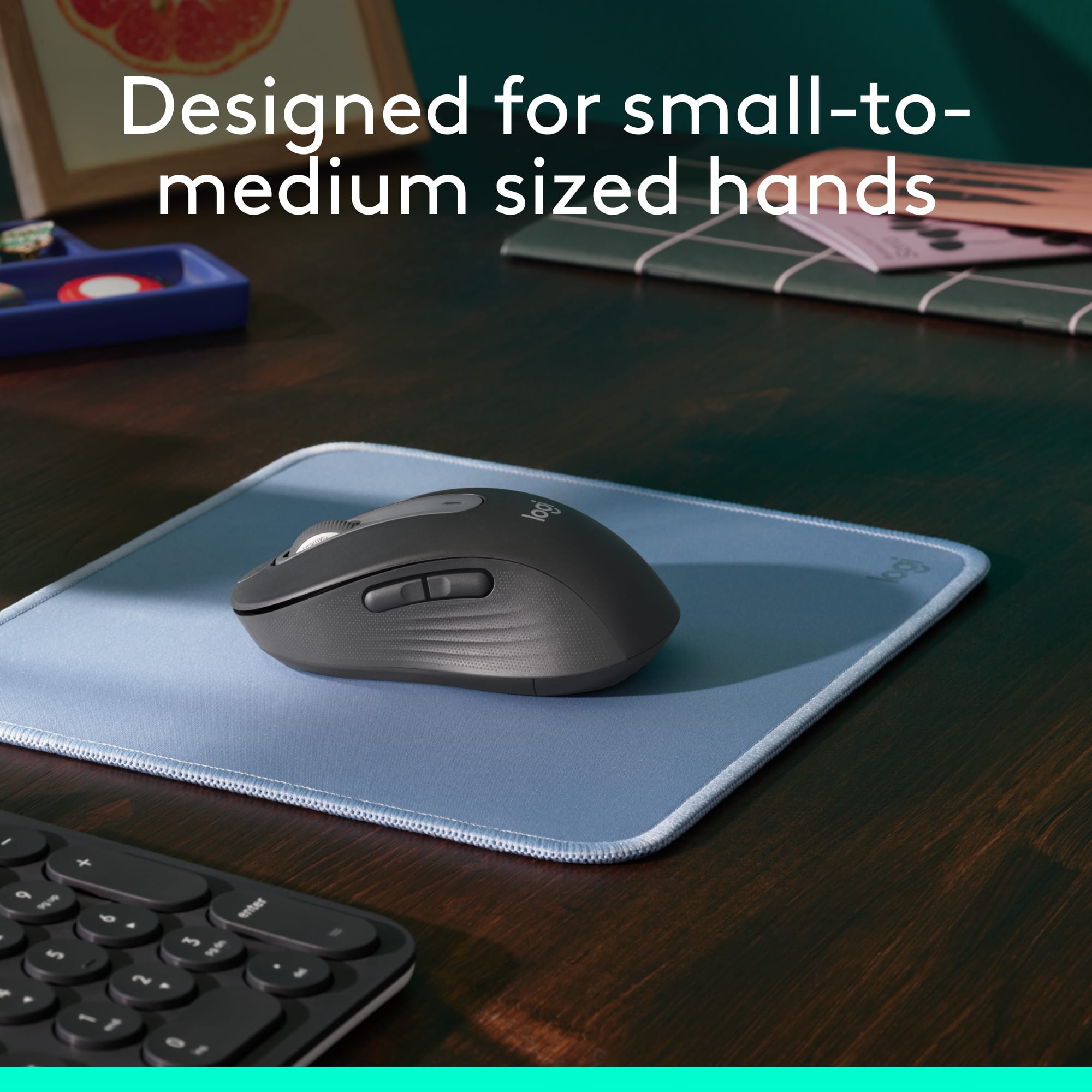
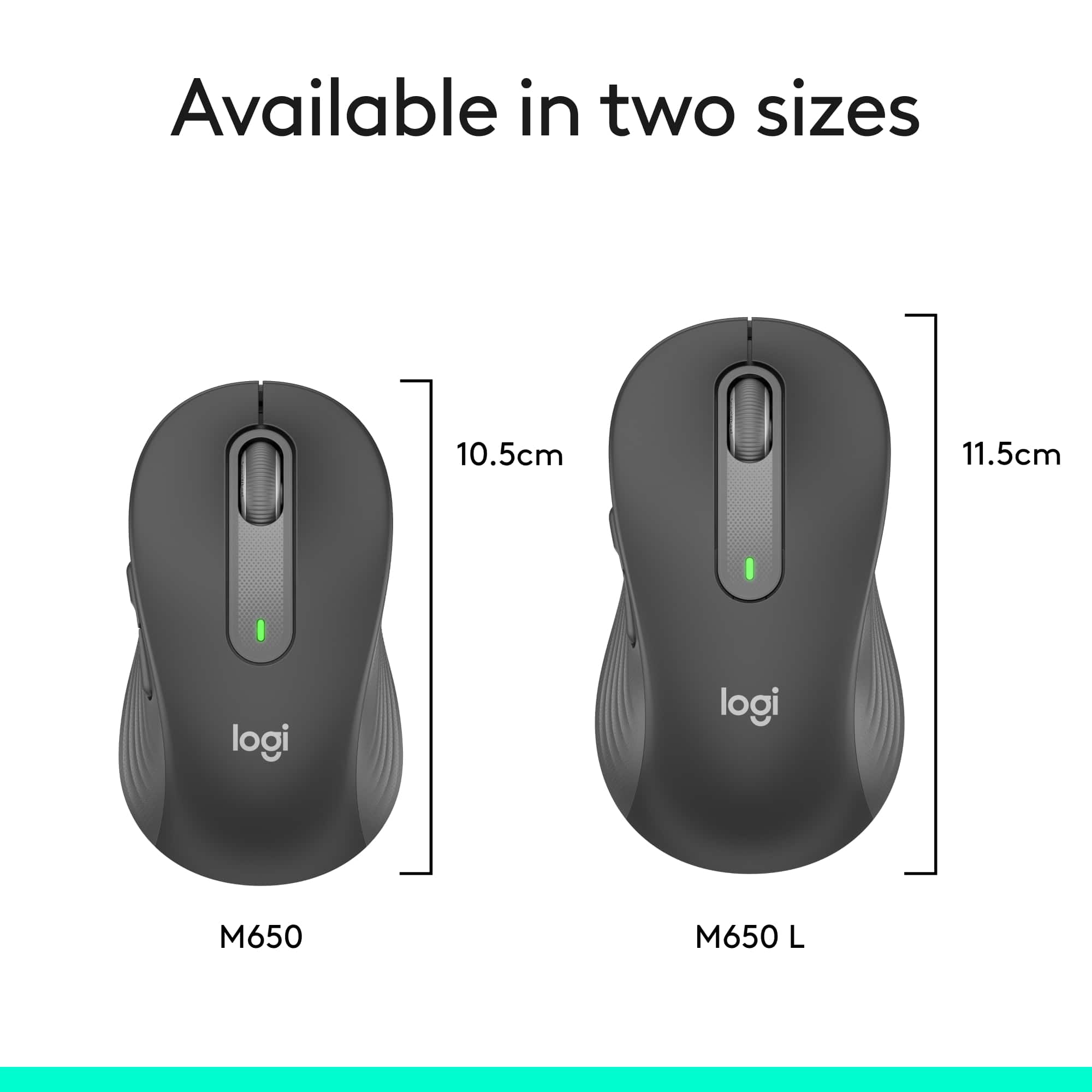
|Posted .This reviewer received promo considerations or sweepstakes entry for writing a review.I needed to replace a failing wired mouse on a deskside Windows system and decided to go wireless. The Logitech Signature M650 mouse is a wireless mouse that can be connected via Bluetooth or dedicated wireless dongle. The dongle is stored inside the battery compartment if not used. I disconnected the wired mouse and connected via Bluetooth. The transition was seamless, it took about 30 seconds to connect the mouse and it has worked flawlessly. Motion is very precise and smooth, the buttons are quiet, and life is very good! The real beauty of the M650 line are the number of ergonomic options available. It comes in two sizes and a left handed variant. There are two 'extra' programmable buttons on the side that sit high enough up on the side to prevent accidental clicks. The two side buttons and the 'roller' button are programmable via the Logi Options+ software along with the scroll and pointer speed. I think The large mouse is better for larger hands, or if you prefer more of a palm grip. I have medium large hands but prefer more of a 'claw' grip on the mouse so I opted for the smaller M650. It will be easy to find an Signature M650 mouse family member that will work well for you, check it out!
I would recommend this to a friend - Pros mentioned:Ergonomics
Logitech-Signature M650 Wireless Optical Mouse
||Posted . Owned for 1 month when reviewed.This reviewer received promo considerations or sweepstakes entry for writing a review.Love this product. Have had more than a month now and it lives up to it's description. Quiet, ergonomically pleasing, no issues with connectivity, smart wheel scrolling and seamless wireless set up. I recommend the logitech M650 to anyone struggling with a touch pad or trackpad or just looking for an updated mouse.
I would recommend this to a friendBrand response from Logitech
Posted .We’re grateful for your kind words. It’s wonderful to know our product is helping you out. Thanks for choosing Logitech!
- Pros mentioned:Overall performance
Quiet, Comfortable, and Reliable Mouse
||Posted . Owned for 1 month when reviewed.This reviewer received promo considerations or sweepstakes entry for writing a review.I’ve been using this mouse for work and everyday browsing, and it has been excellent. The silent clicks are a great feature, especially in quiet environments. It feels comfortable in the hand, tracks accurately, and the battery life is impressive. The wireless connection is stable, and switching between devices is convenient. Overall, it’s a well-built mouse that offers great performance and value for the price.
I would recommend this to a friendBrand response from Logitech
Posted .We’re so glad to hear you’re enjoying your Logitech experience. Your input helps us continue to deliver quality and reliability.
Logitech M650 wireless Optical Mouse
||Posted . Owned for 1 month when reviewed.This reviewer received promo considerations or sweepstakes entry for writing a review.Great wireless mouse and it was on sale $10 off the regular price, Fast and accurate and I like the silent clicks.
I would recommend this to a friendBrand response from Logitech
Posted .We’re so glad you’re enjoying your Logitech product. Your feedback helps us stay on track and continue delivering great experiences.
Great travel mouse
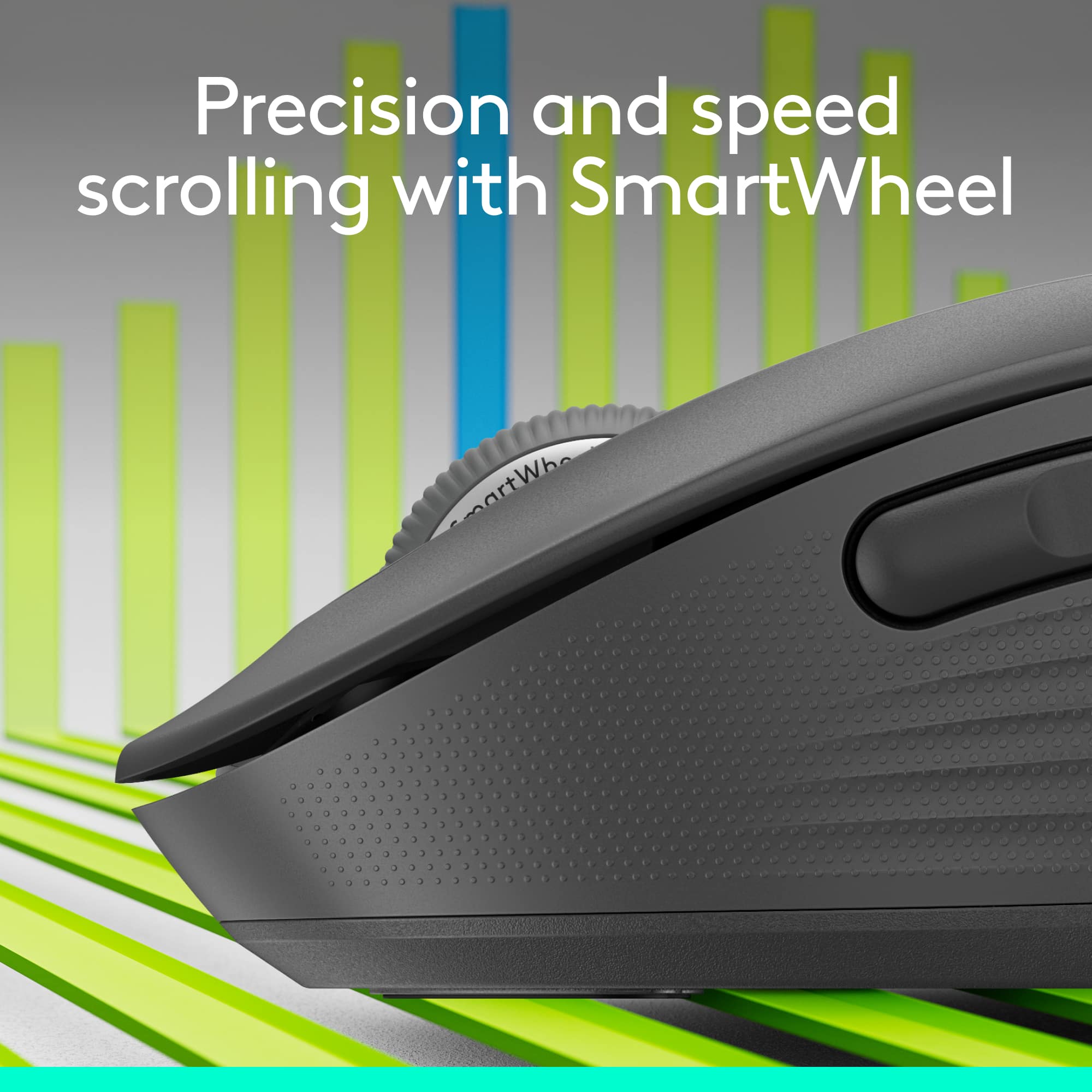
||Posted . Owned for 2 weeks when reviewed.This reviewer received promo considerations or sweepstakes entry for writing a review.I’ve been really happy with the Logitech Signature M650. It’s comfortable to use for long work sessions and the soft side grips make it feel secure without being bulky. The SmartWheel scrolling is smooth and automatically switches between precise and fast scrolling, which is great for long documents. The clicks are quiet, and it connects easily via Bluetooth or the USB receiver. Battery life has been excellent so far. Overall, it’s a reliable, comfortable mouse that feels premium without being expensive. Highly recommend.
I would recommend this to a friendBrand response from Logitech
Posted .Thank you for your detailed feedback! We’re thrilled to hear the Signature M650 Wireless Mouse delivers comfort, smooth SmartWheel scrolling, quiet clicks, and excellent battery life, making it a reliable companion for work and travel. Your recommendation and support mean a lot to us!
- Pros mentioned:Ergonomics, Overall performance
Wireless mouse
||Posted . Owned for 3 weeks when reviewed.This reviewer received promo considerations or sweepstakes entry for writing a review.Very happy with the product. Easy to install and working fine. Very nice design and ergonomic.
I would recommend this to a friendBrand response from Logitech
Posted .Thank you for your wonderful feedback! We’re delighted to know the Logitech Signature M650 Wireless Mouse is easy to install, ergonomic, and working smoothly for you. Your satisfaction and appreciation mean a lot to us!
- Pros mentioned:Ergonomics
Quiet, Reliable, and Smooth
||Posted .This reviewer received promo considerations or sweepstakes entry for writing a review.The Logitech Signature M650 Wireless Mouse is a great everyday mouse with a surprisingly quiet design — the silent click feature really makes a difference if you work in shared spaces or late at night. The scroll wheel is smooth and responsive, and the Bluetooth connectivity is quick — it pairs almost instantly without fussing around in the settings. Ergonomically, it’s comfortable for most users and feels well-built for its price. However, if you have larger hands, you might find it a bit on the smaller side after extended use. One small drawback I noticed is a bit of lag when my laptop is connected to an external monitor over Wi-Fi — not a dealbreaker, but noticeable. It also doesn’t glide perfectly on very smooth surfaces, so having a mouse pad helps. The extra side buttons are convenient but not necessarily game-changing for productivity. Overall, the M650 delivers solid reliability, great silence, and easy connectivity — an excellent value for everyday work or home use, especially if you’re looking for a quiet and minimalist mouse.
I would recommend this to a friendBrand response from Logitech
Posted .Thank you for your detailed feedback on the Logitech Signature M650! We’re delighted you value its quiet design, smooth performance, and everyday reliability—your insights help us continue improving the experience.
- Pros mentioned:Size
Great Mouse!
|Posted .This reviewer received promo considerations or sweepstakes entry for writing a review.I've got a general issue with being overly effusive in my praise of simple objects (e.g. mouse pads, reading glasses, computer mice...), but this little Logitech - Signature M650 Wireless Scroll Mouse impressed me from the very first moment I took it out of the box! I also have a general issue with popularity of "unboxing". That said, Logitech actually took the time & energy to make the normally horrendous clamshell packaging really easy to open (see picture); maybe I'm too easily impressed, but this says to me that a manufacturer spent at least a few minutes to get the little stuff right- which makes me hopeful for the more important items. I've been a long-time user of Logitech wireless mice & keyboards for both my old office & new work from home (WFH) set-ups. As such, I wasn't sure how much one could improve a mouse. Logitech did a great job making a couple key improvements that stand out: - The dual USB/Bluetooth connectivity meant that I was able to test the Logitech - Signature M650 Wireless Scroll Mouse on my most-used WFH laptop. Had it not been for the BT option, I don't have any extra USB ports to support both my keyboard and another mouse because I can't install the software that would allow pairing a new mouse to my existing USB receiver :( Side note: I HAVE done this on my personal computer with other Logitech products and it's a very easy process to un-pair/re-pair new devices to a Logitech USB receiver- it simply requires downloading a simple tool & following a few easy steps. - I wasn't sure why "silent clicks" would be an advantage, but I really like it! Primary reason? Stealth multi-tasking on conference & video calls- no more clicking to give you away. The Logitech - Signature M650 Wireless Scroll Mouse is available in regular, Large & Left-Handed varieties. I got the regular size because I'm generally a size-medium sort of person. Upon receipt, I realize that I must have been using larger options all along, so pay attention to the size of what you're used to before you rush out to get a new Logitech - Signature M650 Wireless Scroll Mouse when you next need this most critical interface device!
- Pros mentioned:Ergonomics, Overall performance
comtable mouse
||Posted . Owned for less than 1 week when reviewed.This reviewer received promo considerations or sweepstakes entry for writing a review.This mouse is a nice comtable mouse for a any user that would like to have a device lighter and ergonamic. this mouse is economic and it works as intendied without breaking the bank, since i go onsale. i use this mouse to trave with it
I would recommend this to a friendBrand response from Logitech
Posted .Thank you for sharing your thoughts on the Logitech - Signature M650 Wireless Optical Mouse. We’re thrilled to know it’s meeting your expectations. Your support means a lot to us.
- Pros mentioned:Overall performance
A great device for use with my laptop.
||Posted . Owned for 2 months when reviewed.This reviewer received promo considerations or sweepstakes entry for writing a review.I purchased this device for use with my HP laptop, and it works great. I have never like using the built-in touchpad on any of the laptops that I've had and have always used a wireless mouse instead. It was not that expensive either. I only use my laptop occasionally since I prefer using my HP desktop. I am using a HP MX Master on the desktop, and it works great also. I would recommend the M650 mouse to anyone who wants a basic type of device at a reasonable cost. I have always been well pleased with Logitech products.
I would recommend this to a friendBrand response from Logitech
Posted .Thanks for the encouraging feedback! We’re glad the product is working well for you. Your support helps us keep innovating.
- Pros mentioned:Silent clicks
Gift hit – She absolutely loved the Logitech Signa
||Posted . Owned for 2 months when reviewed.This reviewer received promo considerations or sweepstakes entry for writing a review.I got the Logitech Signature M650 for my girlfriend, and she’s been using it every day since—she absolutely loves it. The feel is really comfortable in her hand, the clicks are quiet (perfect for when she’s working late), and the dual-connection (USB receiver or Bluetooth) gives her flexibility with whatever setup she’s using. She also mentioned how smooth the scroll wheel is—easy to switch between fine precision and fast scrolling, which makes browsing and working so much better. Overall: great fit, high comfort, and a smart gift that turned out to be a real winner. Full 5/5 stars from both of us.
I would recommend this to a friendBrand response from Logitech
Posted .We’re so happy to hear that our product is working well for you. Your review helps us understand what we’re doing right and where we can grow. Thank you for being part of the Logitech community and for taking the time to share your thoughts.
- Pros mentioned:Ease of use, Ergonomics
Perfect mouse
||Posted . Owned for 3 weeks when reviewed.This reviewer received promo considerations or sweepstakes entry for writing a review.Easy to use, very comfortable in the hand, and surprisingly a good gaming mouse with excellent tracking.
I would recommend this to a friendBrand response from Logitech
Posted .Thanks for taking a moment to share your experience. We’re so glad the product is working well for you. Your support means a lot and helps us keep improving.
- Pros mentioned:Ergonomics, Overall performance
Happy
||Posted .This reviewer received promo considerations or sweepstakes entry for writing a review.Works super well. Fits my hand perfectly. Love the white color. Battery lasts forever.
I would recommend this to a friendBrand response from Logitech
Posted .Thanks for your thoughtful review. It’s great to know our product is living up to your expectations. Your support helps us keep delivering quality.
- Pros mentioned:Ease of use, Ergonomics
Mouse
||Posted . Owned for 1 month when reviewed.This reviewer received promo considerations or sweepstakes entry for writing a review.Solved problem of moving around on the computer screen. It is much easier than using the keypad to move around on the screen. We have not plugged it in yet as the battery is working fine and our desk is crowded. It fits nicely in the hand whether left or right handed.
I would recommend this to a friendBrand response from Logitech
Posted .It’s fantastic to hear that you’re satisfied with your Logitech product. We strive to deliver quality and reliability, and your feedback reassures us that we’re on the right path. Thanks for your continued support—we’re lucky to have you with us.
Most comfortable mouse ever
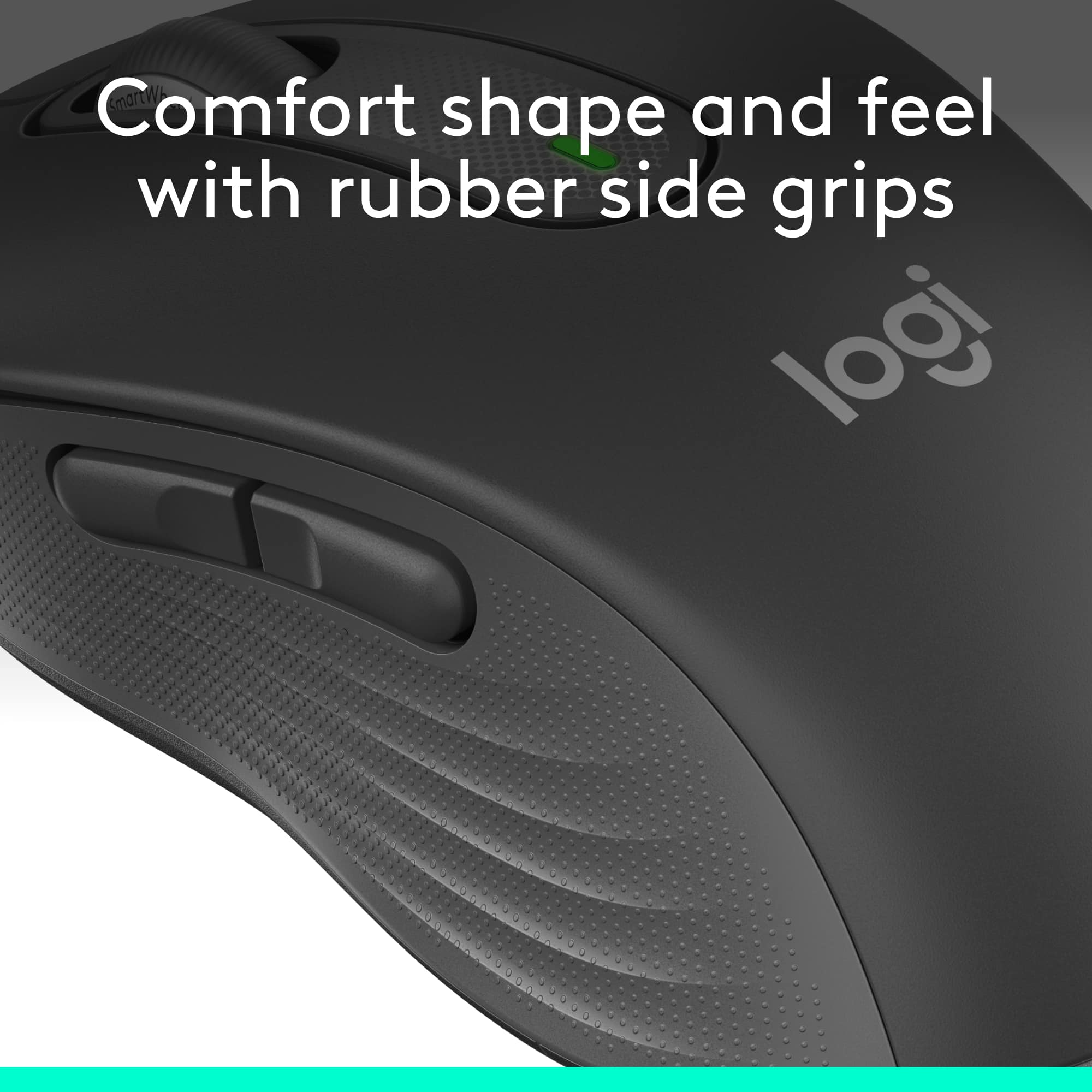
|Posted .This reviewer received promo considerations or sweepstakes entry for writing a review.The Logitech Signature M650 wireless scroll mouse with silent clicks comes in a typical clamshell package. You open the clamshell and remove the mouse. Open the battery compartment to retrieve the Bluetooth transmitter and pull the tab for the Duracell batteries. Plug the Bluetooth transmitter into your device and you are ready to go. The first thing I noticed is how light and smooth it is moving the mouse. It is near effortless. And it is the quietest mouse I have ever owned. There are two customizable side buttons. They defaulted for me to switch a window which is a good choice for me. It is very nice to hold and the sides are soft and not hard plastic feeling. It is the most comfortable mice I have ever had. It is now my go to mouse for work. You can download the Logitech Options+ software if you want to customize the side buttons. The one AA Duracell battery is included. This is rated to last 2 years. The SmartWheel scrolling is a nice touch. You can move one row at a time or whiz through lots of information. I got the standard option. This fits fine in my hand. There is a large option and a left option. I rate this as 5 out of 5 stars. I would recommend this to anyone wanting the next level of comfort with a mouse device.
I would recommend this to a friend- Pros mentioned:Ergonomics, Silent clicks
Great Mouse: Performas as marketed
||Posted . Owned for 1 month when reviewed.This reviewer received promo considerations or sweepstakes entry for writing a review.I really like this Logitech Signature M650 Wireless Mouse. It is truly silent when clicking. It slides and moves perfectly and is ergonomic. However, I could see someone with a larger hand perhaps wanting a wider mouse. It is perfect for my purposes (work) and the price is right. Highly recommend.
I would recommend this to a friendBrand response from Logitech
Posted .Thanks for letting us know how things are going. We’re happy the product is performing as expected. Your support means everything.