Customer Ratings & Reviews
![COMPATIBILITY [TWITCH, YOUTUBE GAMING, DISCORD, STREAMLABS OBS]](https://pisces.bbystatic.com/image2/BestBuy_US/images/products/ee9315b5-1599-482f-ae74-63216a2773d3.jpg)
- Model:
- 960-001280
- SKU:
- 10939254
Rating by feature
- Value
Rating 4.2 out of 5 stars
- Quality
Rating 4.6 out of 5 stars
- Ease of Use
Rating 4.5 out of 5 stars
to a friend
Great
||Posted . Owned for 3 weeks when reviewed.This reviewer received promo considerations or sweepstakes entry for writing a review.great camera best one ive had so far., better than razer
I would recommend this to a friendWorks like a charm!
||Posted .This reviewer received promo considerations or sweepstakes entry for writing a review.Works like a charm! I don't have any complaints as of now.
I would recommend this to a friendBetter Quality but Cost too High
||Posted . Owned for 1 week when reviewed.This reviewer received promo considerations or sweepstakes entry for writing a review.Good webcam but cost is higher than improvements from c920 or c922.
I would recommend this to a friendExcellent
||Posted . Owned for 2 weeks when reviewed.This reviewer received promo considerations or sweepstakes entry for writing a review.Very nice camera. Love the smart focus that follows you.
I would recommend this to a friendGreat for Work
||Posted . Owned for 8 months when reviewed.This reviewer received promo considerations or sweepstakes entry for writing a review.Very helpful for providing teletherapy. Used for work.
I would recommend this to a friendGood value
||Posted . Owned for 2 weeks when reviewed.This reviewer received promo considerations or sweepstakes entry for writing a review.Nice camera - good value. Would buy again. On time delivery.
I would recommend this to a friendPerfect picture
||Posted . Owned for 4 months when reviewed.This reviewer received promo considerations or sweepstakes entry for writing a review.I love this camera. It is very clear and perfect for home
I would recommend this to a friendNeeds Privacy Cover Included
||Posted .This reviewer received promo considerations or sweepstakes entry for writing a review.Would have been perfect if it came with a privacy cover.
I would recommend this to a friendLove it
||Posted . Owned for 1 month when reviewed.This reviewer received promo considerations or sweepstakes entry for writing a review.Love this item this is a must buy, highly recommended
I would recommend this to a friendLove it
||Posted . Owned for 4 months when reviewed.This reviewer received promo considerations or sweepstakes entry for writing a review.Love this item this is a must buy, highly recommended
I would recommend this to a friendNope
||Posted . Owned for 3 months when reviewed.This reviewer received promo considerations or sweepstakes entry for writing a review.The image appears to contain a lot of contrast and sharpness trickery that makes it appear to be a better image than the C920 at first glance. But, its a very unflattering look for 99.9% of people.
No, I would not recommend this to a friend
Really oddly branded. Decent camera.
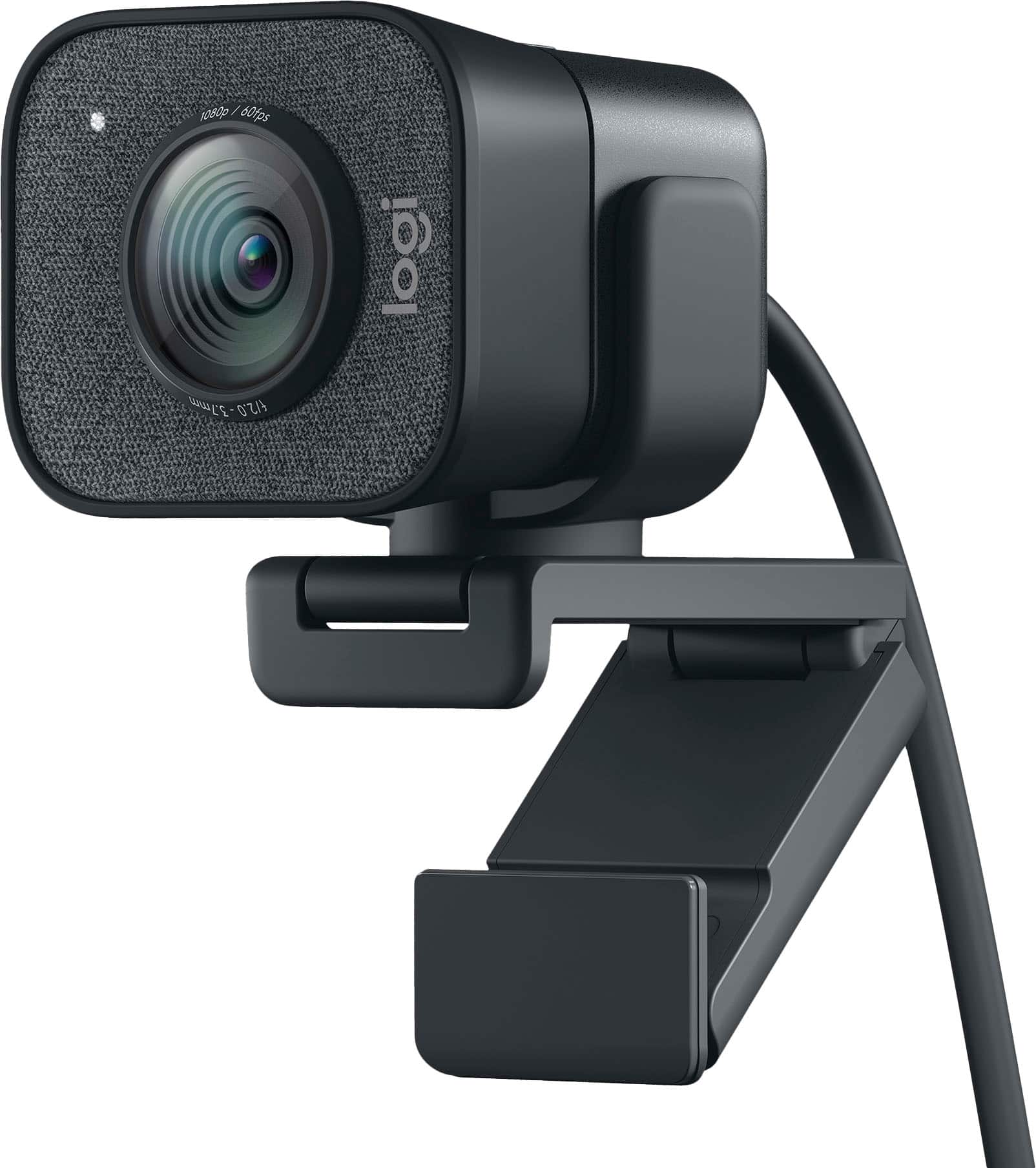
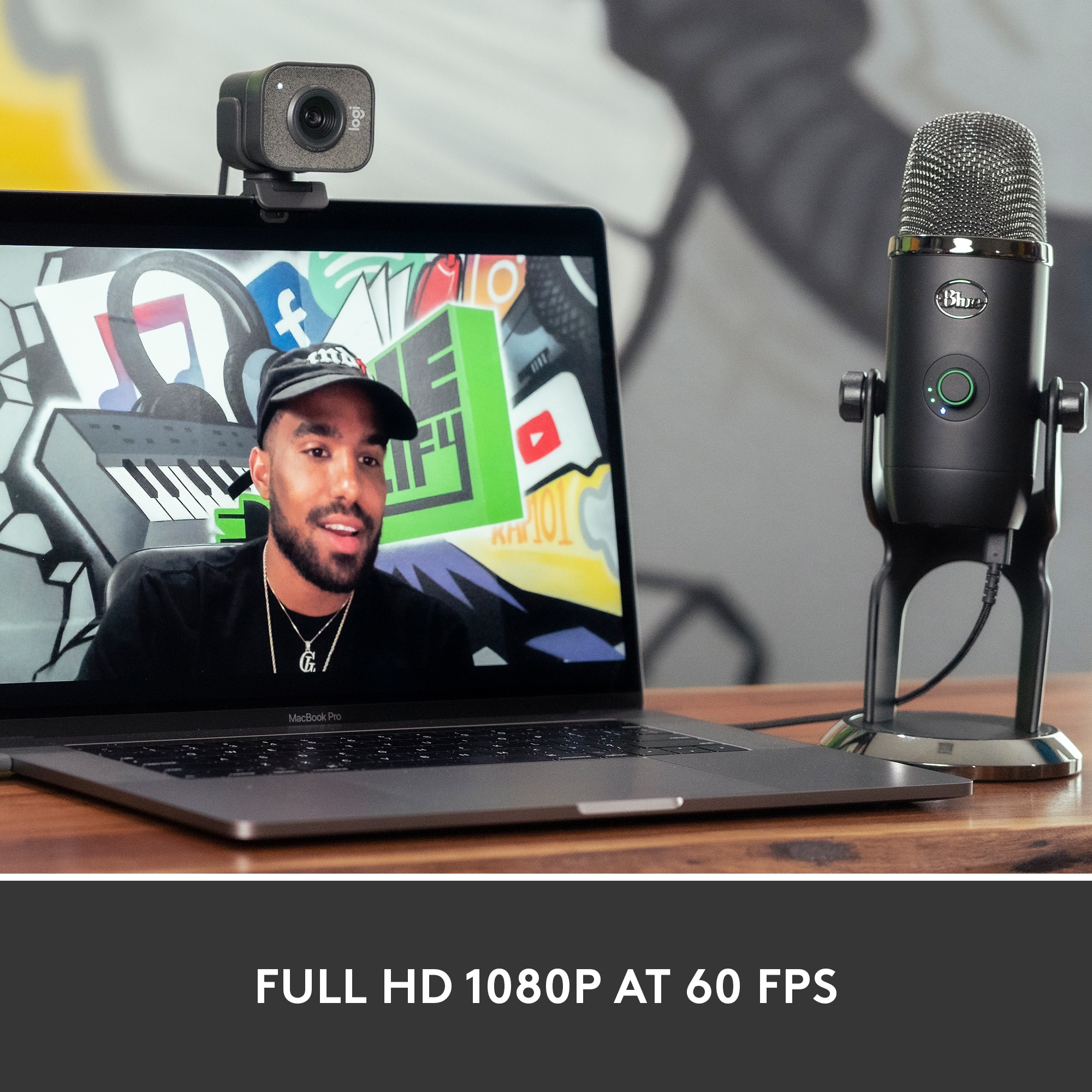
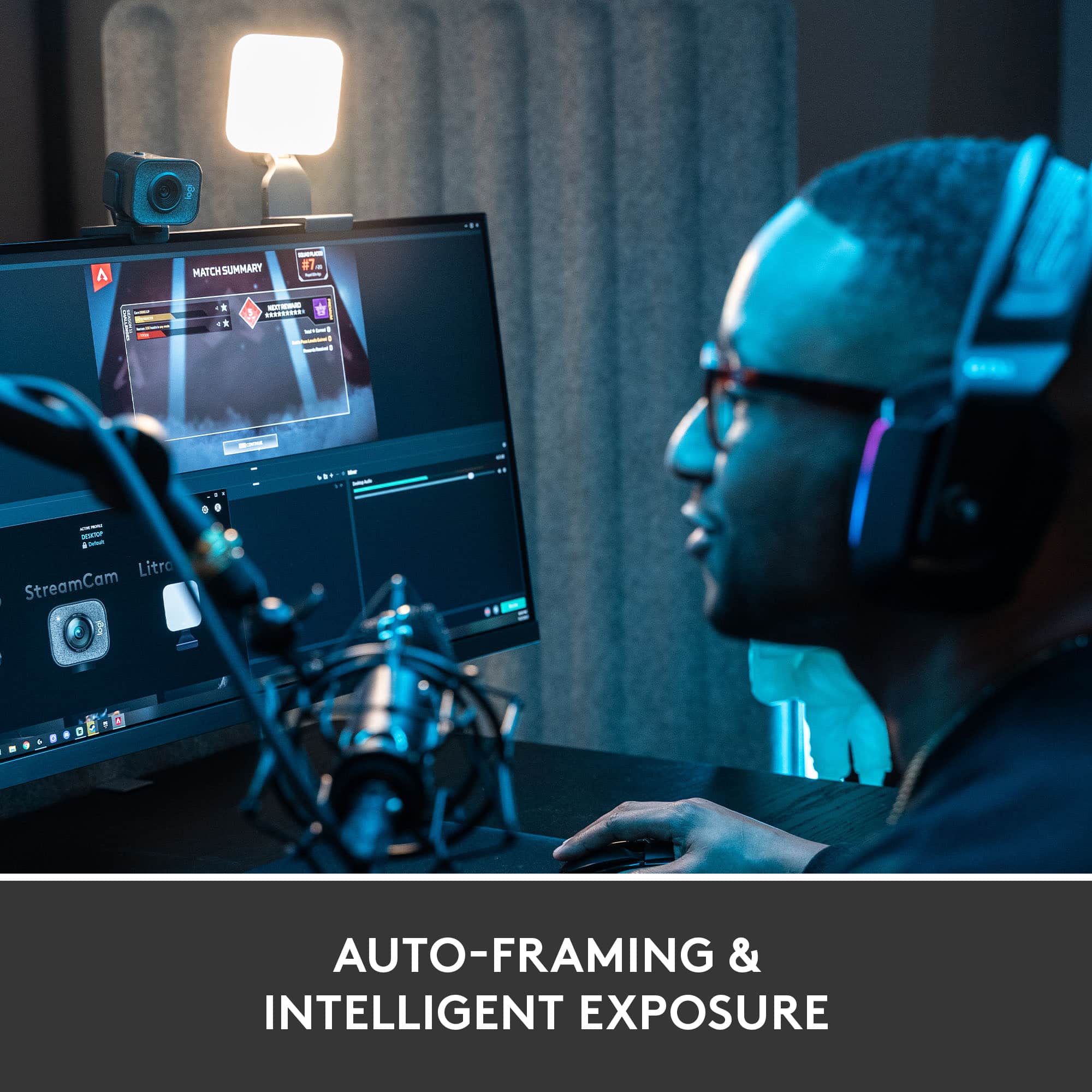
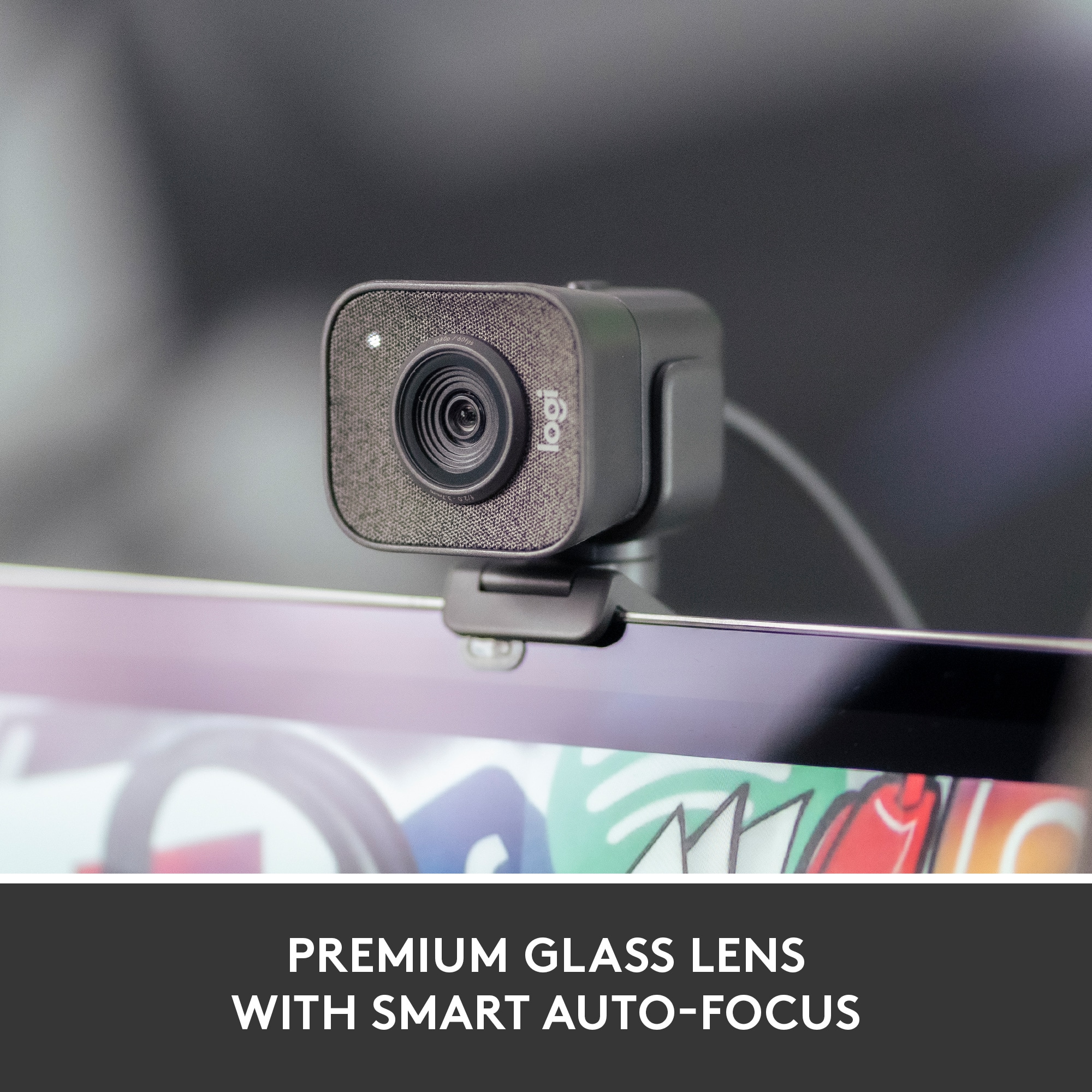
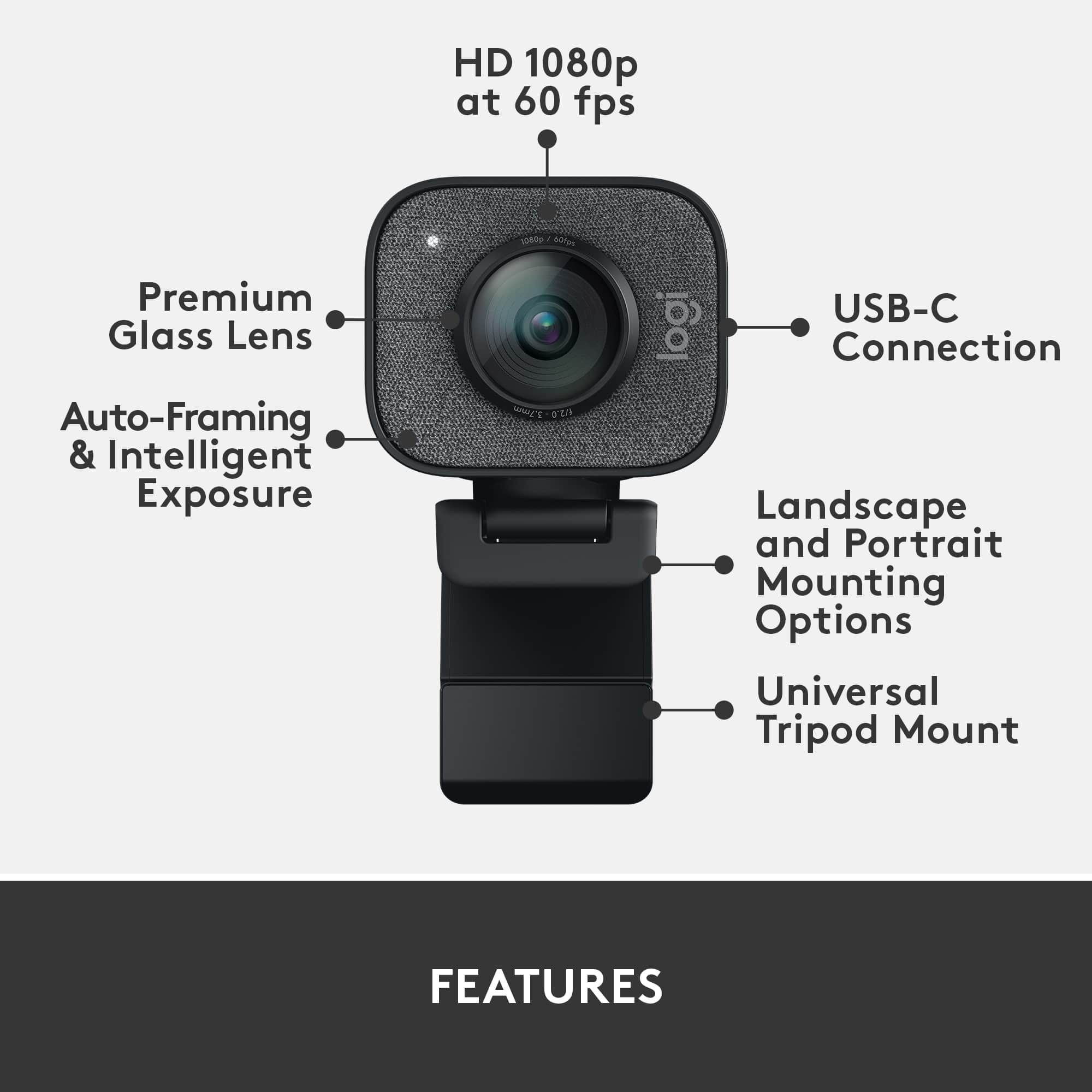
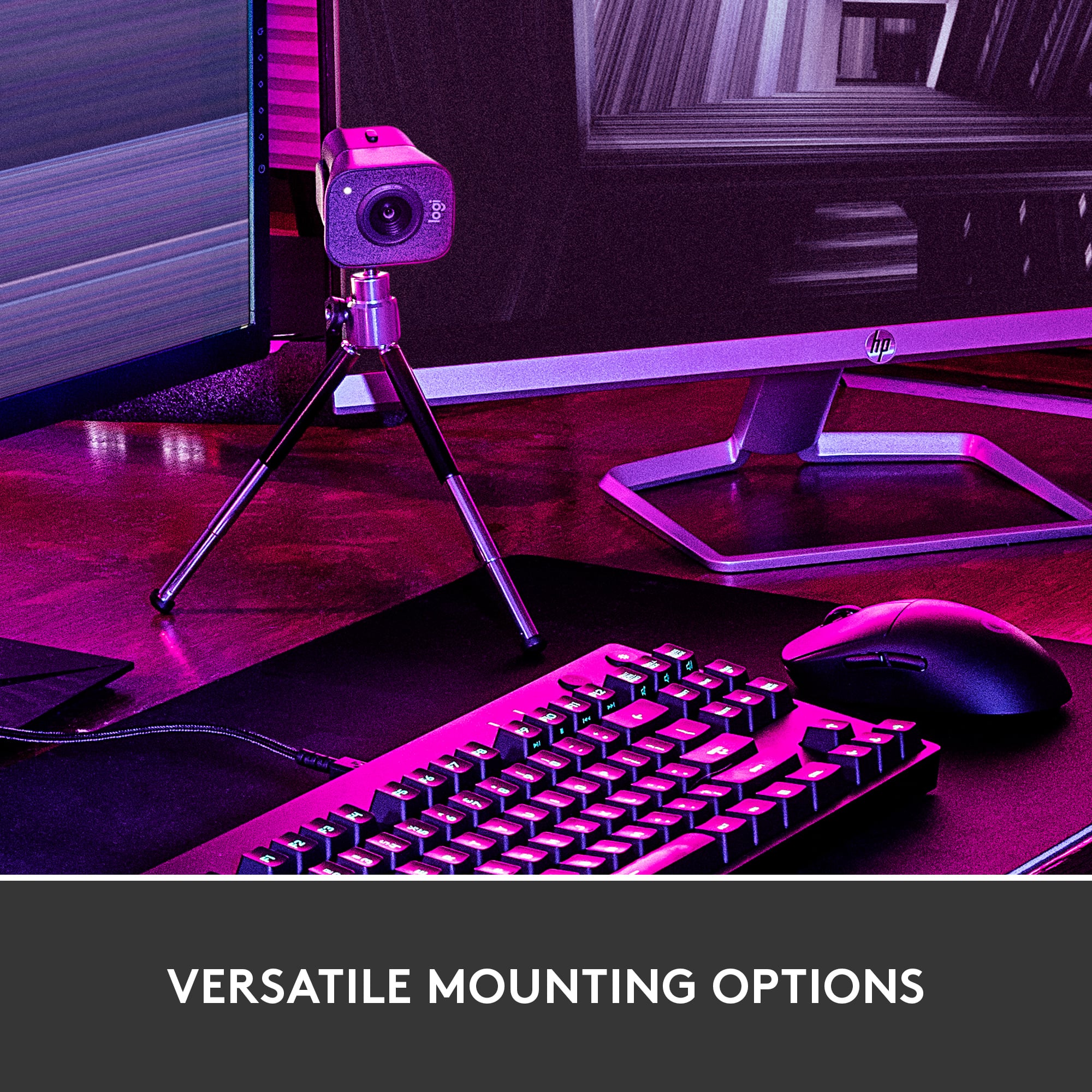
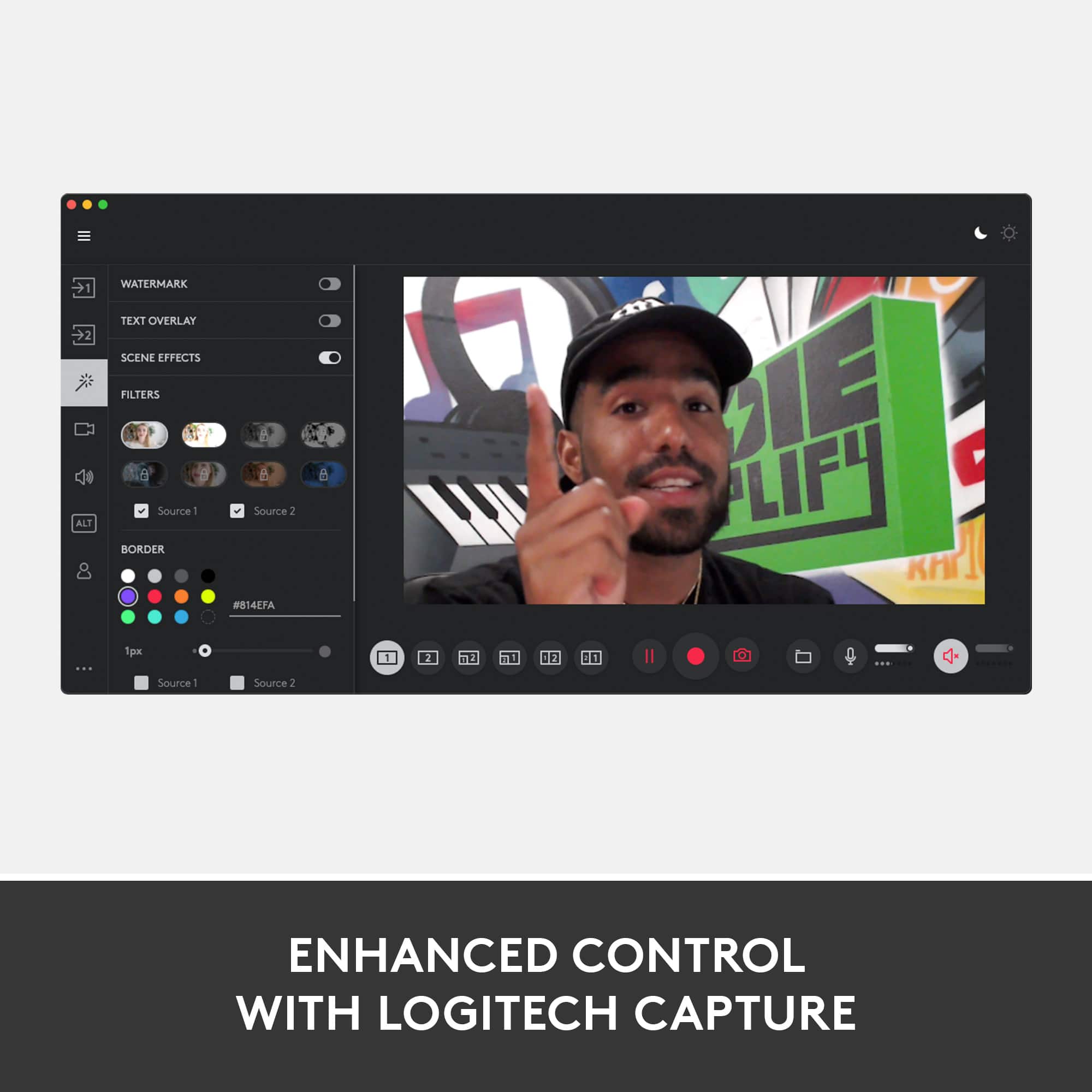
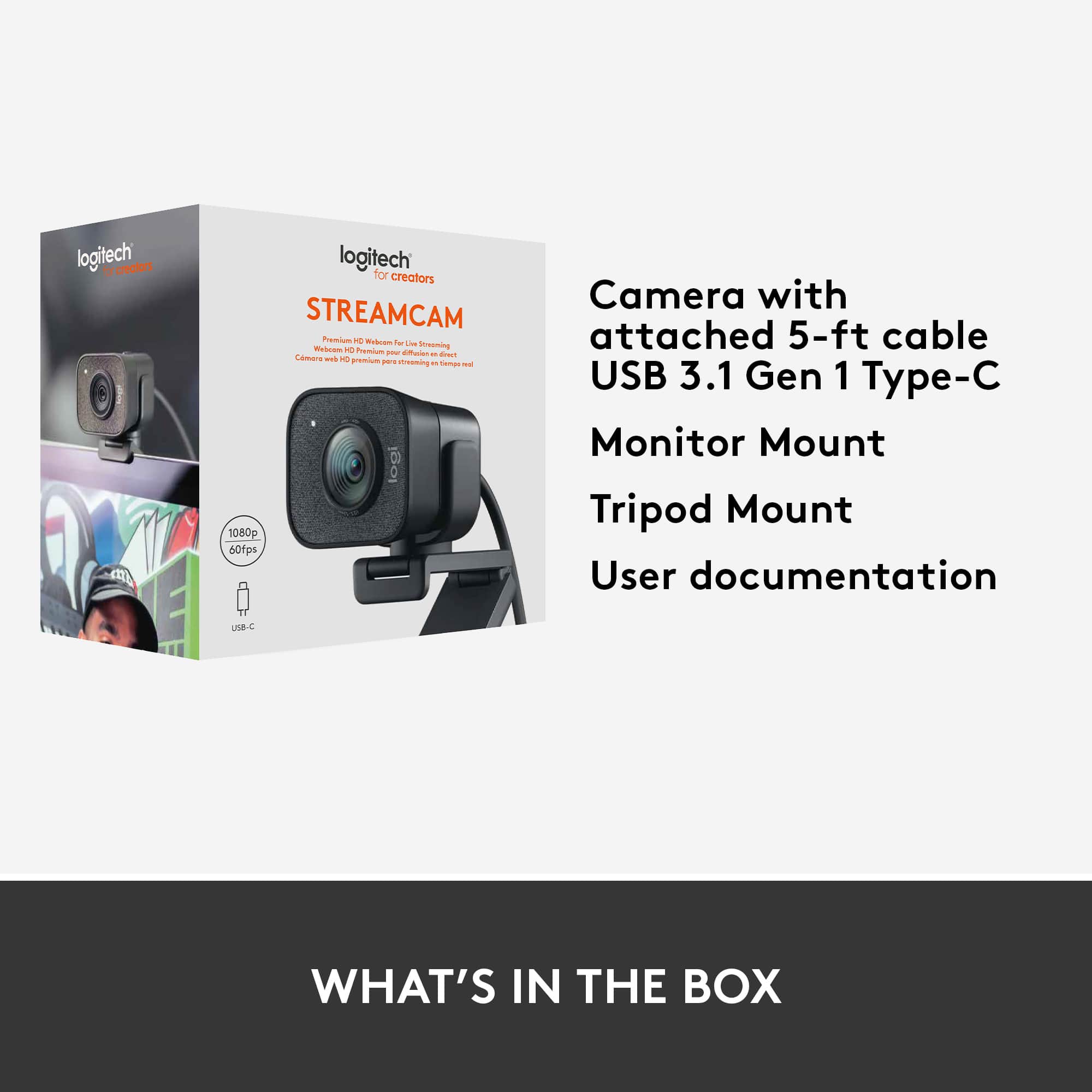
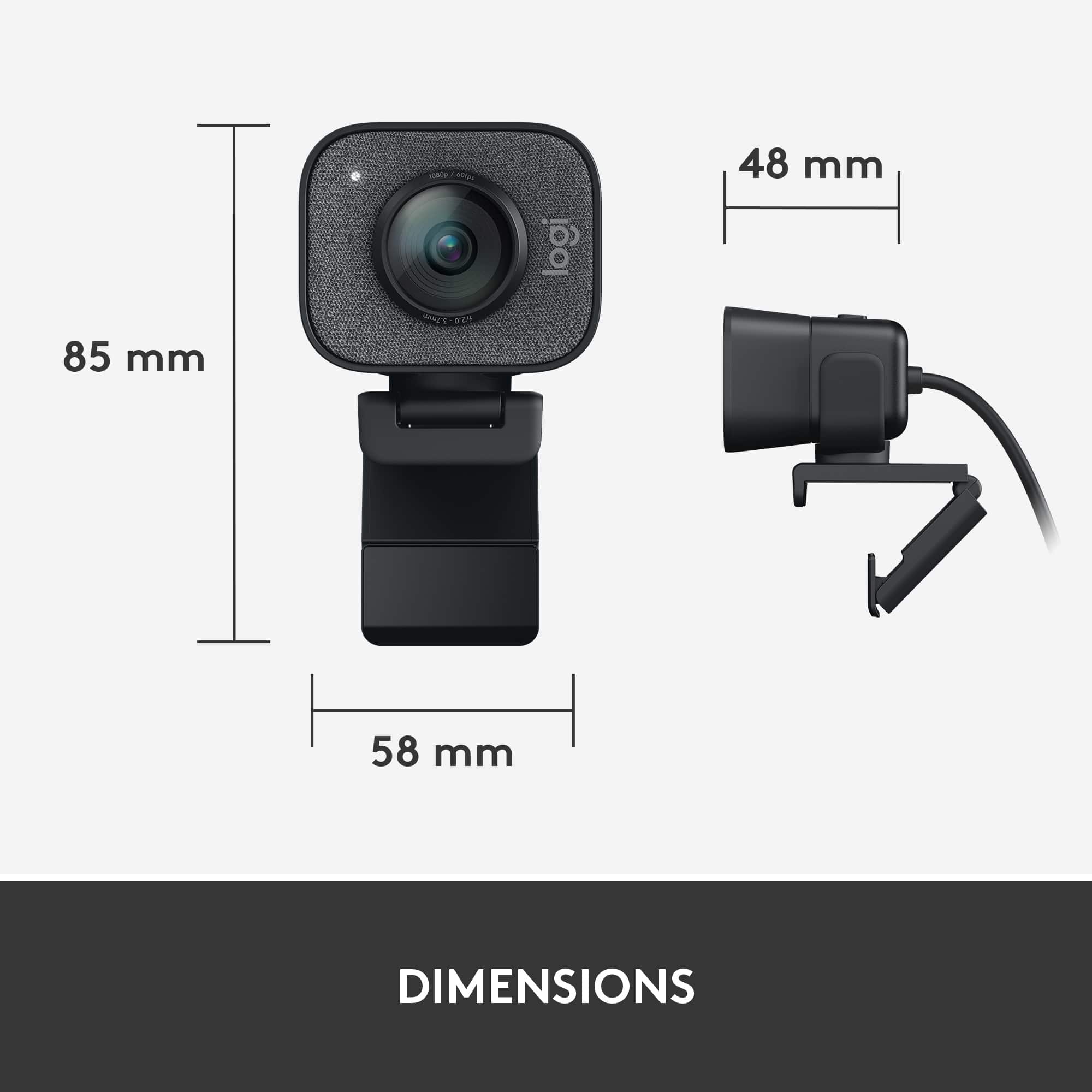
|Posted .This reviewer received promo considerations or sweepstakes entry for writing a review.I replaced a Logitech C920 with this camera. I only mention this because it may be a pretty common case where you bought a C920 (or C922) as a webcam to stream with because it's pretty cheap and maybe now you're looking to upgrade. This camera costs almost 3 times as much as the C920 so it must be so much better, right?! Let's start with the positives. The picture quality of the camera is pretty nice. It should be for the price. I would never recommend using auto focus and auto white balance on the C920 but the StreamCam handles is incredibly well. Depending on your lighting, I found it very hard to really over expose my face with the StreamCam. You can use the Logitech Capture software to adjust details if you feel like you want to enhance your picture or tweak some values. I found the default setup to be pretty OK. I may tweak it a little here and there if I adjust some lighting conditions but the auto white balance improvement is really immense here. The ability to be able to capture 1080p at 60fps is also great if you're streaming at 60fps. I mentioned the Logitech Capture software. This software may be useful to you. You can use the Logitech Capture as a device as well so whatever picture the software gets will output to your streaming software like OBS. You can use it to add chroma key or simple overlays. I'd rather just use the Logitech Capture software to adjust settings and then keep using the actual device in OBS, though. One thing that either the camera is doing itself or the Logitech Capture software is doing in the background is the StreamCam actually saves settings between reboots! The C920 was notorious for resetting settings after your rebooted your computer and this feature alone almost makes it worth the steep price to me. Do I think the picture quality is worth triple the price? I'm torn. To me, I feel like it is. I've been streaming for a while and the only place to go from here would be a full, mirror-less DLSR camera which would cost me so much more. This was a good enough upgrade to my C920 for me with the picture improvements and not having to worry about verifying my settings every time I go live. I would have liked to see a larger field of view for this price but it's not the end of the world. If you're looking for a larger field of view, this isn't the camera for you. If you want a pretty good camera that will hopefully last you until you're ready to upgrade to the big time cameras AND you just have extra budget to blow, then I'd say go for it. But if you're just getting started and need something cheap that will look good enough, the C920 is still your best bet. My biggest real issue with this camera is the branding. It feels like a cash grab without any real research going into it. To me, it feels like Logitech knows absolutely nothing about streaming or they're focusing on streaming that can't really take advantage of this webcam anyways. To me, Logitech sees that streaming is becoming a more popular thing and that people are using their webcams for it so they just slapped the StreamCam title on it to try and sell it as a premium. I think this camera would be a must buy closer to the $100 price point, but it feels like Logitech jacked up the price to try and sell it to streamers as "THE" camera to use for streaming. The issue is, nothing about the camera is something a streamer wants or needs. Literally nothing aside from the image it creates is usable by a streamer. Some of the big features that this camera talks about are completely useless to streamers. Let's go over these real quick. 1. You can turn the camera sideways. The docking clip they have allow you to use the camera in landscape and portrait orientation. This isn't something I've ever seen in any streaming setup. The only thing I can think of for this is maybe mobile streaming setups... but you can't really do those with a webcam so it baffles me. A lot of their marketing material has a girl painting her face with the camera in portrait mode. It's great if you're going to film a short Instagram or Tik Tok video to post later, but that's not really called "streaming" anymore. 2. Image stabalization. Why? I don't understand this at all. The camera comes with two mounting options. It has the standard monitor mount that just hangs on the top of your monitor (a very stationary object) or a small tripod you can also mount the camera one.. Tripods are also very well known for being stationary. Not once have I EVER thought "Huh... Sure wish my webcam had some image stabalization. That would surely make my stream a lot better today." It's just another out of touch feature that probably could have been ditched to bring the price point down to something a little more reasonable. 3. Dual microphones with some noise cancelization. Face, meet palm. You know who uses the microphone in their webcam for streaming? No one. Exactly zero people. If you're thinking about buying this camera because of the microphone, please just buy a C920 and then get yourself a decent microphone for that extra $100. The single time I think someone might use a microphone built in their webcam is when grandma is using it to Skype their grandkids. Webcams should no longer contain microphones and any camera that states that it's made for "streamers" should be ditching the microphone to try and lower the price of the object because NO ONE is going to use it. I guess my final conclusion is that I was really excited to see a product that was being marketed towards streamers but I was immediately disappointed when I figured out that Logitech doesn't know what streamers are or do. So should you buy one? I'd say if you have a little bit of extra money burning a whole in your pocket and want a slight upgrade in picture quality on your stream, yes. Go for it. I think this camera is overpriced but without a lot of options filling in the $75-$150 range for webcams, this might be your best bet until you can afford a "real" camera. I wish Logitech would have talked to actual streamers and would have left out a lot of the useless features to make this a more affordable option. If it was closer to the $100 price range, I'd tell everyone to buy it as their first camera. As it is now, it's only an expensive camera you should buy if you really want to spend some extra money right now.
I would recommend this to a friendEasy setup!
||Posted .This reviewer received promo considerations or sweepstakes entry for writing a review.Great camera for distance learning classes and meetings.
I would recommend this to a friendGreat camera for beginners
||Posted . Owned for 1 week when reviewed.This reviewer received promo considerations or sweepstakes entry for writing a review.Tripod was a nice bonus. Used it for a guest speaker
I would recommend this to a friendvery good camera
||Posted . Owned for 1 week when reviewed.This reviewer received promo considerations or sweepstakes entry for writing a review.nice resolution, light weight, nice tripod included
I would recommend this to a friendOverpriced
||Posted . Owned for 5 months when reviewed.This reviewer received promo considerations or sweepstakes entry for writing a review.Over priced for the picture quality. Other wise, pretty decent.
No, I would not recommend this to a friendBrand response from Logitech
Posted .We apologize for the disappointment regarding the picture quality of the StreamCam Plus relative to its price. We understand that meeting customer expectations for image quality is crucial. Your feedback is valuable as we continually strive to improve our products.
Typical Logitech
||Posted . Owned for 3 months when reviewed.This reviewer received promo considerations or sweepstakes entry for writing a review.Does what it says it does....but nothing special. Honestly I try to stay away from the Logitech Brand but at the time of purchase this was the only usb-c webcam available.
I would recommend this to a friendGreat webcam
||Posted . Owned for less than 1 week when reviewed.This reviewer received promo considerations or sweepstakes entry for writing a review.Great webcam. It has a nice image. Microphone picks up nicely, and has a lot of different mounting options.
I would recommend this to a friendSay NO to the the Logitech StreamCam
||Posted . Owned for 4 months when reviewed.This reviewer received promo considerations or sweepstakes entry for writing a review.Wanted to like this webcam, but the price and lack of privacy cover make it not worthwhile. Also, the webcam's placement can be adjusted (landscape vs. portrait), but this seems unnecessary for a desktop webcam.
No, I would not recommend this to a friendLogitech - StreamCam Plus Webcam Graphite
||Posted . Owned for 3 weeks when reviewed.This reviewer received promo considerations or sweepstakes entry for writing a review.Lacks installation and user information. 2021 Oct 2: waiting to use it for the first time. Need to visit the store for help. The included clamp doesn't seem to fit anything useful.
No, I would not recommend this to a friend