Customer Ratings & Reviews
![COMPATIBILITY [TWITCH, YOUTUBE GAMING, DISCORD, STREAMLABS OBS]](https://pisces.bbystatic.com/image2/BestBuy_US/images/products/ee9315b5-1599-482f-ae74-63216a2773d3.jpg)
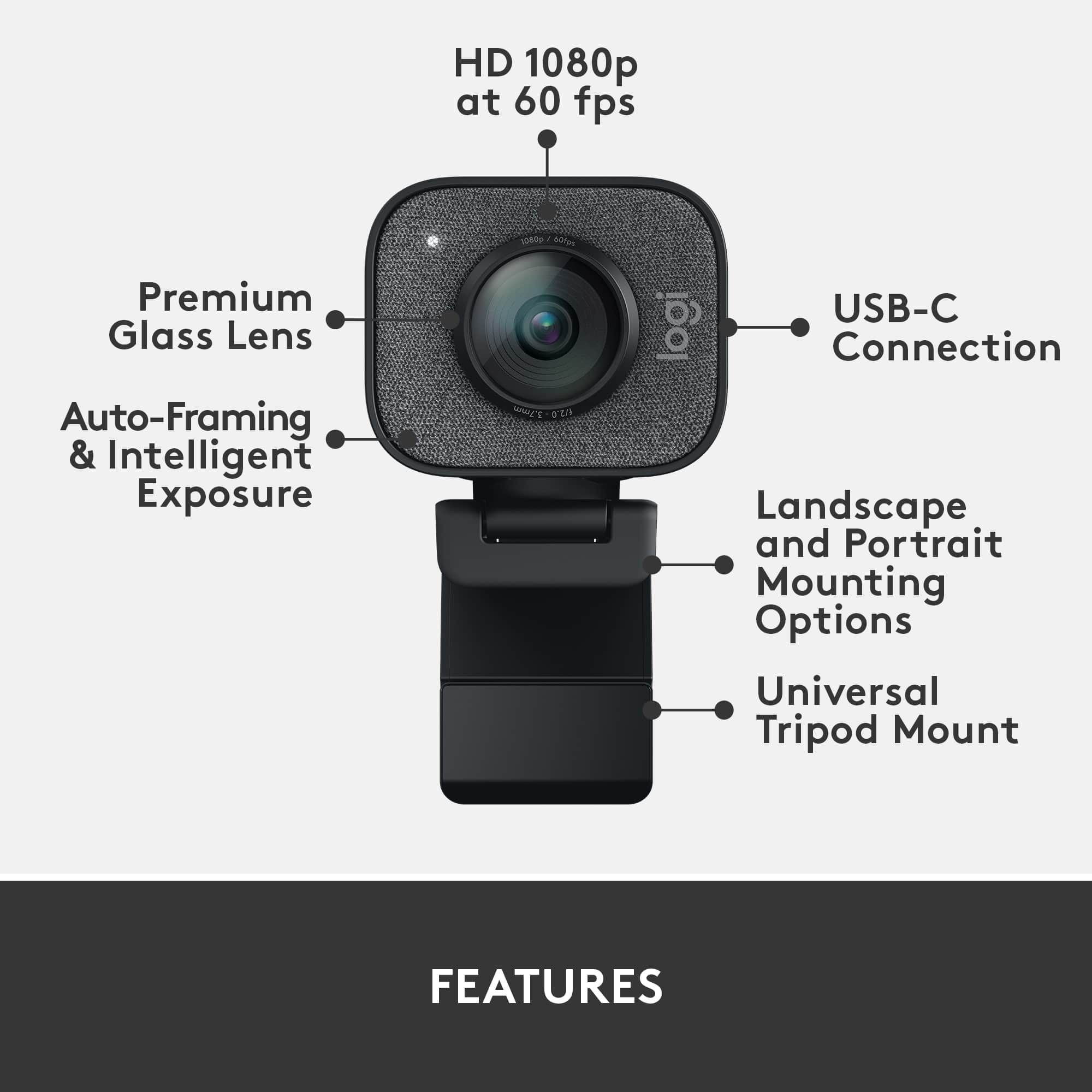
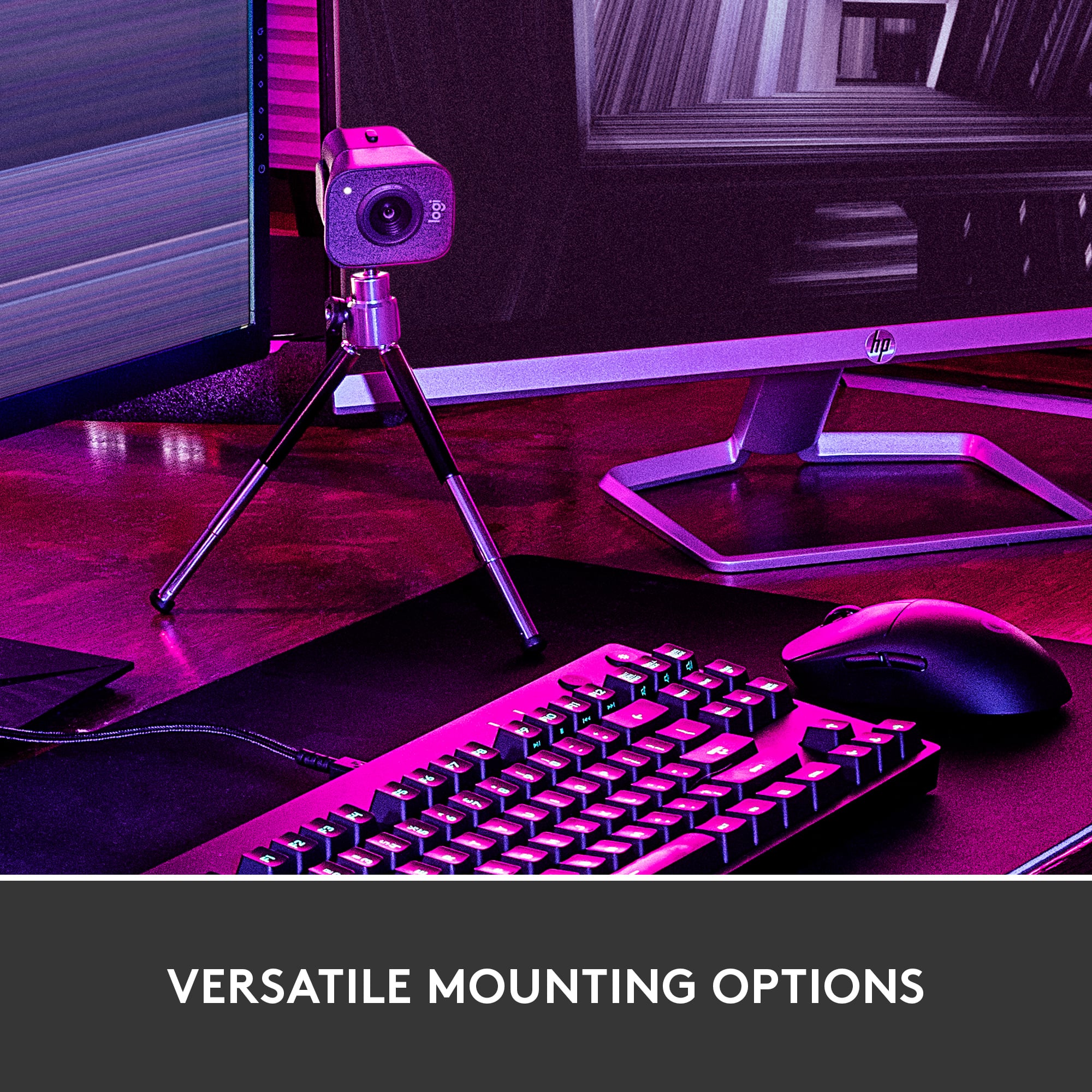
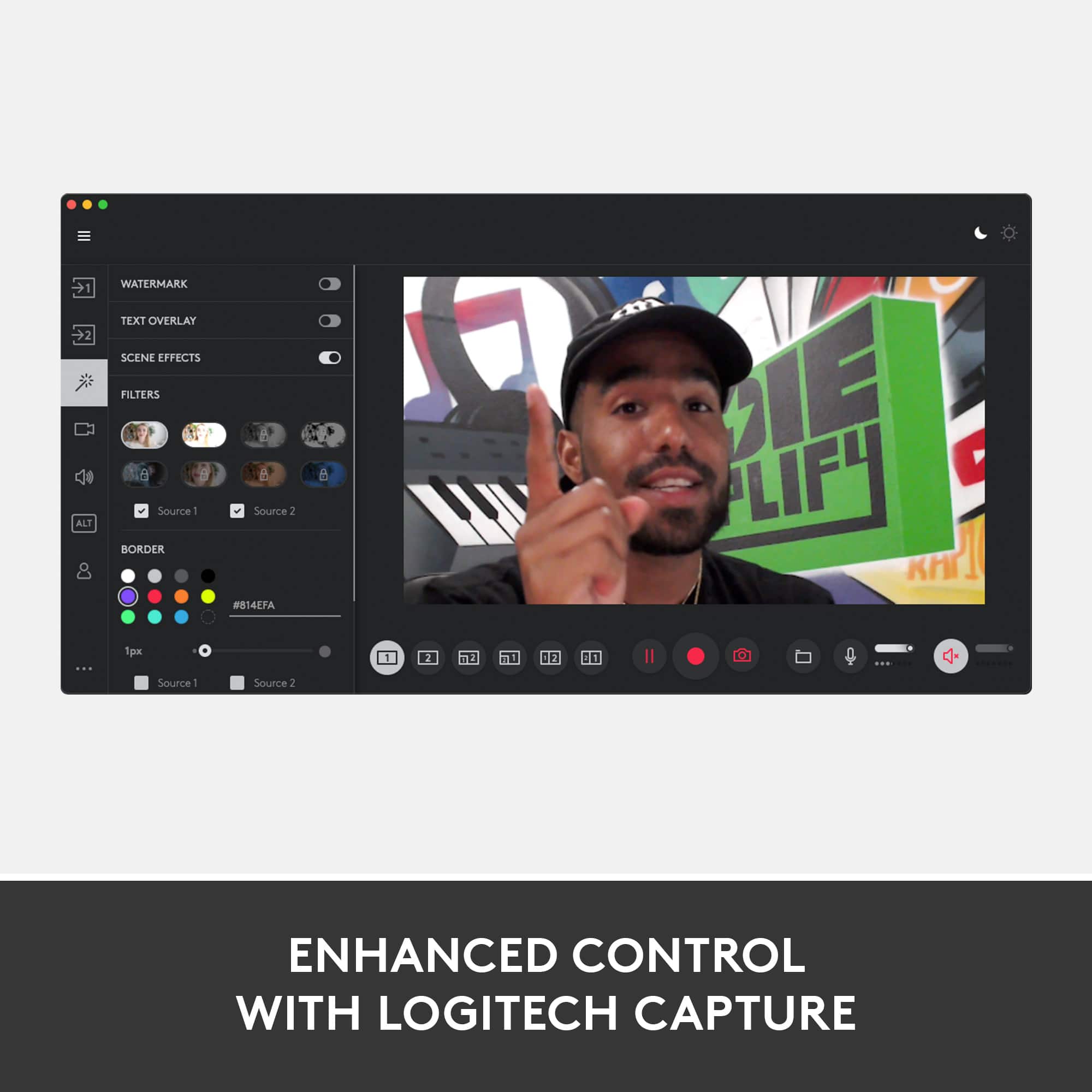
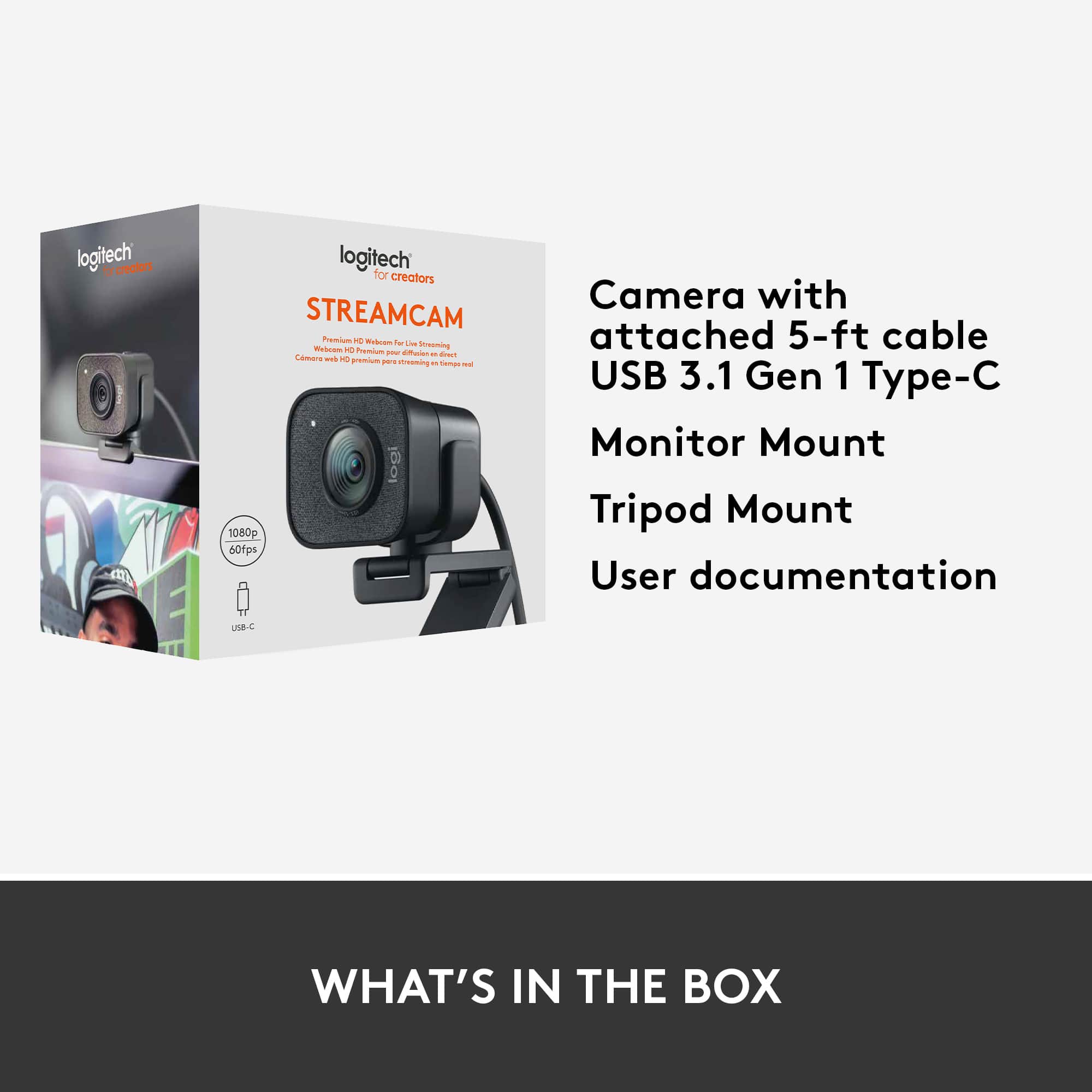
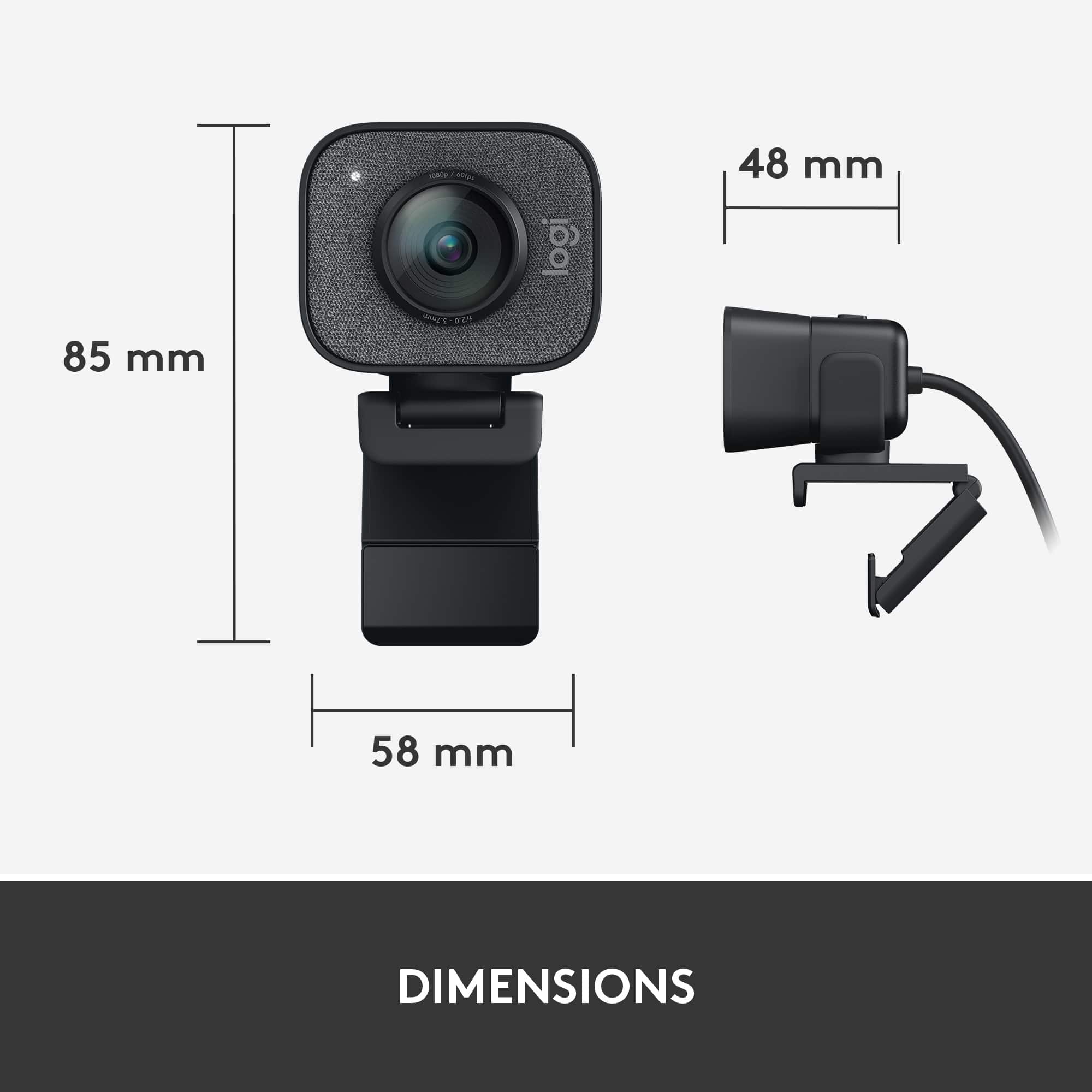
- Model:
- 960-001280
- SKU:
- 6366565
Rating by feature
- Value
Rating 4.2 out of 5 stars
- Quality
Rating 4.6 out of 5 stars
- Ease of Use
Rating 4.5 out of 5 stars
Customers are saying
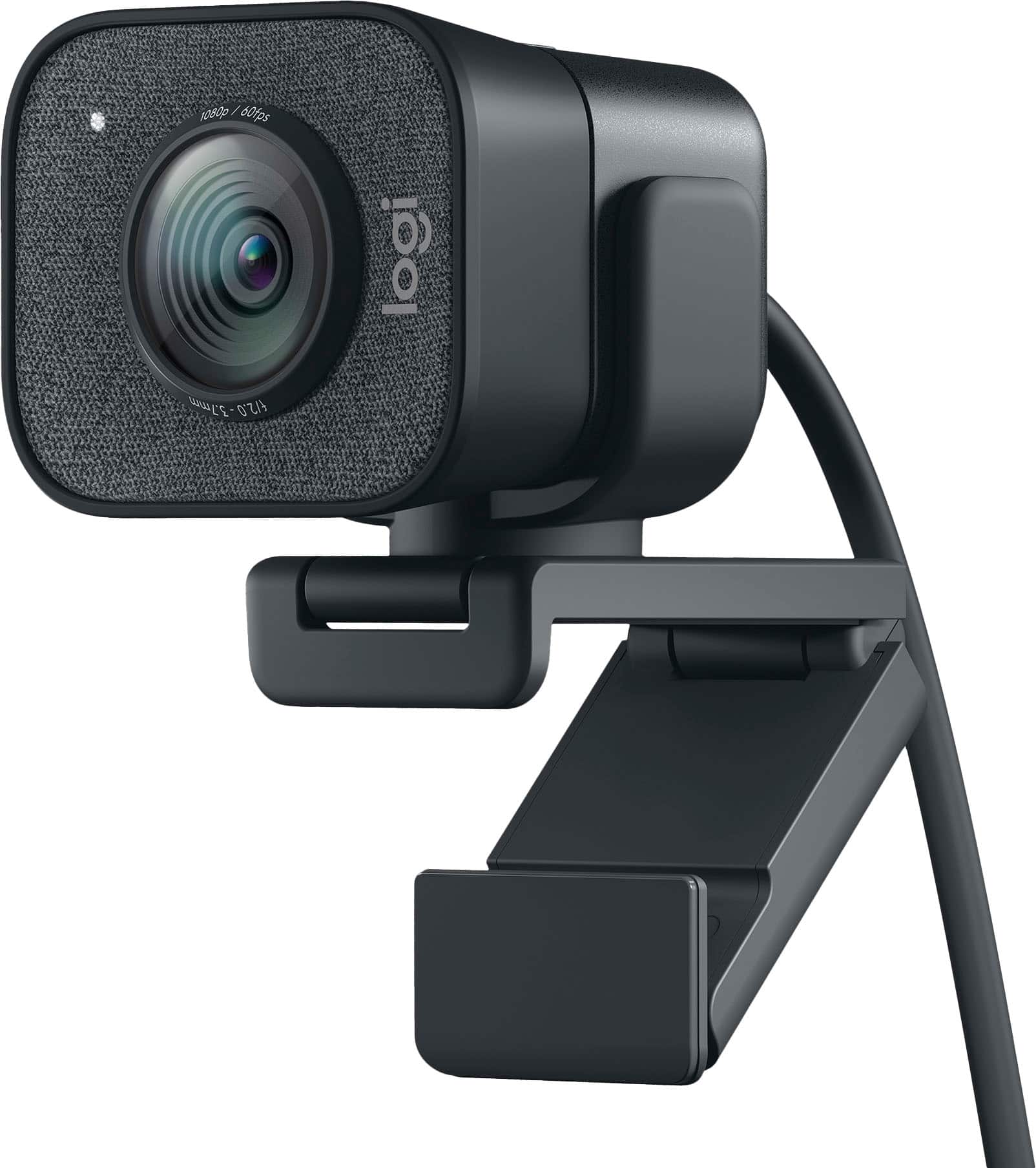
Customers are pleased with the StreamCam Plus's excellent image quality and its ease of use. Many reviewers mention the simple plug-and-play setup. Some customers find the USB-C connectivity limiting, the cable length a bit short, and the size a little bulky. A few also commented on the software and field of view.
This summary was generated by AI based on customer reviews.
- Pros mentioned:Image qualityCons mentioned:Size
1080P @ 60 frame = magic!
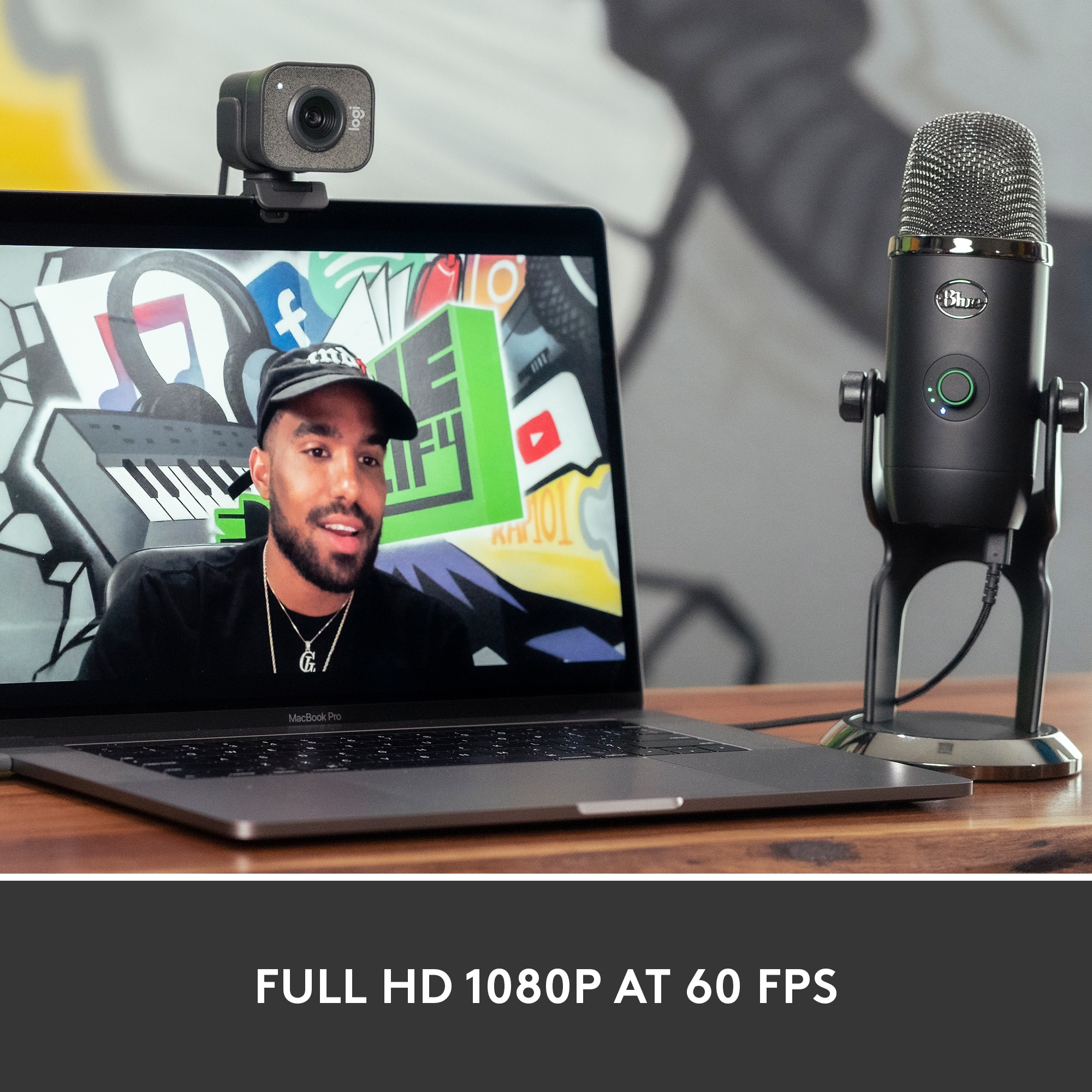
||Posted . Owned for 3 weeks when reviewed.This reviewer received promo considerations or sweepstakes entry for writing a review.Crisp video, my coworkers instantly noticed the difference. Even the microphone is on par with some of the higher end cameras I've used, it's a little bulky but I highly recommend this camera!
I would recommend this to a friend - Pros mentioned:Image quality
Great Value
||Posted . Owned for 1 year when reviewed.This reviewer received promo considerations or sweepstakes entry for writing a review.Easy software, great quality for the price. No issues. Only wish it was a little easier to mount on a monitor.
I would recommend this to a friendBrand response from Logitech
Posted .Hello! Thanks for your review of the Logitech StreamCam 1080 Webcam! We appreciate you highlighting the easy software, great quality for the price, and mentioning no issues encountered. We'll also forward your feedback about the mounting process to the development team.
- Pros mentioned:Image quality
Excellent alternative to your PC's built-in
||Posted . Owned for 1 month when reviewed.This reviewer received promo considerations or sweepstakes entry for writing a review.I frequently do business video meetings, and am an on-camera talent. When COVID hit and I started getting asked to appear on streaming webinars, I knew I needed a better camera than the ones in my PC or laptop. So, I'm so glad my Best Buy tech recommended this Logitech model. We ordered it online at the store and had it delivered to my door. What an improvement on my H-P Envy laptop's camera -- and that's a brand new laptop I bought a few months ago. Light your room with decent lighting and this Logitech will generate images far sharper than you've probably seen on screen before. With crisp high-def quality: 1080p, 60 frames per second. The camera has enough cable you can position it away from your computer if you'd like -- not just sit it on top of the box. And here's another bonusthe camera has a built in microphone too. So of your laptop or PC's built-in mike makes you sound like you're underwater this is an alternative option that shows up in your PCs audio controls once you set it up. I'd rate this a great purchase. Certainly glad I purchased it!
I would recommend this to a friend - Pros mentioned:Image qualityCons mentioned:Connectivity
Trouble to set it up but Ok now
||Posted . Owned for 1 month when reviewed.This reviewer received promo considerations or sweepstakes entry for writing a review.Took time to get this to work properly. It flickers a lot when connected to the USB-C directly in my hub. Bought a usb c to usb 3 adapter and connected it to the hub. Still flickered. Then connected it to the laptop directly and problem solved. Quality is very good. Audio is very good.
I would recommend this to a friend - Pros mentioned:Ease of use, Image quality
Great quality and easy to use
||Posted . Owned for 1 week when reviewed.This reviewer received promo considerations or sweepstakes entry for writing a review.Bought this for all of the Zoom calls and YouTube videos I've had to make during the COVID-19 crisis. I've been thrilled with the ease of use and quality of the camera. The only note that I'll make is that you need to make sure you have a USB C input on your laptop or PC. Otherwise, you'll need an adapter.
I would recommend this to a friend - Pros mentioned:Image qualityCons mentioned:Cable length
GOOD QUALITY, but......
||Posted . Owned for less than 1 week when reviewed.This reviewer received promo considerations or sweepstakes entry for writing a review.The webcam is what you expect of a basically $200 webcam. It has good quality. If you want good quality video, but dont want to spend money on a dslr & cam link... this is the next best option BUT I was VERY disappointed with the cable. The cable is so short because of this im forced to place it in an unfavorable spot that doesnt get good lightening & is on my bad side. Pros: Good quality Sturdy Cable quality: Good Cons: Pricey CABLE IS WAY TO SHORT Stands out cable is not detachable, so you cant even extend it with an adapter
No, I would not recommend this to a friend - Pros mentioned:Ease of use, Image quality
Great Beginning Stream Cam
||Posted . Owned for 3 weeks when reviewed.This reviewer received promo considerations or sweepstakes entry for writing a review.Easy webcam to plug in and start using. Wish it had better software that came with it but it's really good quality for what it is - and it comes with a little tripod stand!
I would recommend this to a friend - Pros mentioned:Ease of use, Image quality
User friendly and clear picture
||Posted . Owned for 3 weeks when reviewed.This reviewer received promo considerations or sweepstakes entry for writing a review.The app was really easy to download and operate. The picture is very clear especially when you change some settings. Great product!
I would recommend this to a friendBrand response from Logitech
Posted .Thank you for your positive review of the Logitech - StreamCam Plus. We're glad to hear that you're enjoying the app's user-friendliness and the camera's image quality. Your feedback is valuable to us.
- Pros mentioned:Image quality
I love this camera.
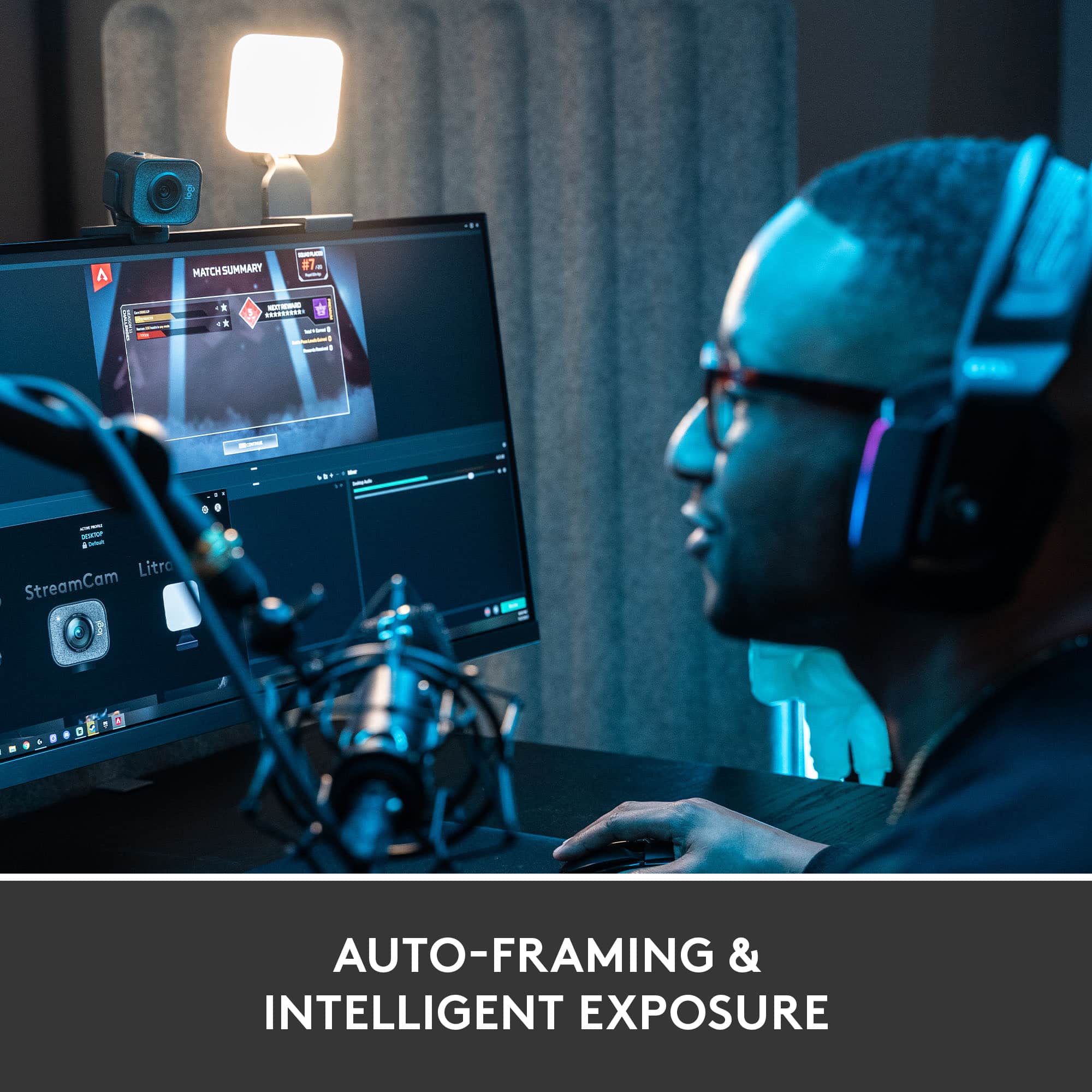
||Posted . Owned for less than 1 week when reviewed.This reviewer received promo considerations or sweepstakes entry for writing a review.First thing's first: If you're not using the Logitech Capture software with this thing, you're missing out on a lot. So many of the features and image improvements are handled in there. That being said, this is an amazing camera and so much better than the piece of junk I had before. The auto-focus and image stabilization features are so much more useful than I originally anticipated, and the field of view, while not as good as the Brio, is still better than I expected. Worth every penny. The only problem I've had so far has been compatibility with some other applications like Zoom and OBS. The camera works great, but if you opt for the virtual camera with the added features instead, you might have some trouble getting it to appear properly. It's hard to say whether this is the fault of Logitech, Zoom, OBS, or a little bit of everyone, but it's nothing that can't be circumvented with a little trial and error or a google search.
I would recommend this to a friend - Pros mentioned:Image quality
Perfect WebCam for Everyone!
||Posted . Owned for 1 month when reviewed.This reviewer received promo considerations or sweepstakes entry for writing a review.I got this for the rare occasion that I'll need to use a webcam for class or work meetings, but it is a really impressive product compared to its competition. I got is discounted, but I would've expected a higher price for such an amazing webcam. I love the ability to tinker with the video settings and adjust the quality, and a 1080p 60fps webcam is more than enough for any streamer, white-collar worker, or student.
I would recommend this to a friendBrand response from Logitech
Posted .Wow, thank you for such a glowing review of the StreamCam Plus! We're thrilled to hear it exceeded your expectations. Your feedback about the video quality and features is incredibly valuable to us. We appreciate you sharing your experience!
- Pros mentioned:Ease of use, Image quality
Good product
||Posted . Owned for 5 months when reviewed.This reviewer received promo considerations or sweepstakes entry for writing a review.Great quality and easy set up. Have purchased a total of 3 of these across my steaming set ups.
I would recommend this to a friendBrand response from Logitech
Posted .We're glad to hear the Logitech StreamCam Plus has become a staple in your streaming setup! Its quality and ease of use make it a great choice. Thanks for the positive feedback and for choosing Logitech!
- Pros mentioned:Image quality
Great but the cable can't be replaced (yet).
||Posted .This reviewer received promo considerations or sweepstakes entry for writing a review.This webcam is great if you're wanting to stream or record videos in 1080p 60fps however the cable isn't replaceable. I broke my USB-C cable and Logitech doesn't sell new cables, it was my fault how I broke it but with an item costing that much, I'd like to be able to buy a replacement cable which you can't I tried. At least with the Logitech Brio, you can newer cables and even with the Logitech C920 there are cables for sale, I think that's something to consider if you're wanting to take it here and there. With that in mind I lost out on $169.99 and ended up buying a Logitech Brio while I wait to hear back from Logitech about the Streamcam, they haven't given me an answer on if they will just replace the camera or if they won't.
No, I would not recommend this to a friendBrand response from Logitech
Posted .Hi Yazzsanity, So glad to hear how much you loved using your StreamCam Plus Webcam before breaking the USB-C cable. Since the cable is integrated with the StreamCam---just as it is with the C920---there is no way to just replace the cable, unlike the BRIO which isn't. You should be able to file a warranty claim to get a replacement relatively quickly since the StreamCam does have a 1-year limited hardware warranty. Here's a link to File a Claim: https://support.logi.com/hc/en-us/articles/360043221253-Warranty-Logitech-StreamCam. Hope that this helped and that all is going well. Thank you for being a Logitech customer. - Richard from Logitech
- Pros mentioned:Image quality
Nice camera with a crisp, clear picture.
||Posted . Owned for more than 2 years when reviewed.This reviewer received promo considerations or sweepstakes entry for writing a review.Nice camera that helped me through the pandemic while working from home with a clear picture and good contrast. On the downside the white balance could be a bit off when used with warm LED lighting mixed with natural sunlight. The image would shift to the red side and I'm not aware of any way to adjust that. Not a show stopper,
I would recommend this to a friendBrand response from Logitech
Posted .Thank you for your review of the Logitech StreamCam Plus. It's a great webcam for remote work and content creation, offering excellent video quality and ease of use.

- Pros mentioned:Image quality, Setup
Great Camera
||Posted . Owned for 2 weeks when reviewed.This reviewer received promo considerations or sweepstakes entry for writing a review.Super easy to set uo and use. Just select the camera you want and it comes up. The picture us really clear and the sound is really good as well.
I would recommend this to a friend - Pros mentioned:Image quality, Setup
Great mid range option
||Posted . Owned for 1.5 years when reviewed.This reviewer received promo considerations or sweepstakes entry for writing a review.Easy set up, great picture quality and settings for the price. Doesnt have a privacy cover, doh.
I would recommend this to a friendBrand response from Logitech
Posted .Hey! We appreciate your feedback on the StreamCam Plus! We're glad to hear you find it easy to set up, delivers great picture quality, and offers a variety of settings at a competitive price.
- Pros mentioned:Image quality
Great camera quality
||Posted .This reviewer received promo considerations or sweepstakes entry for writing a review.Excellent quality and the settings are perfect for any setup
I would recommend this to a friendBrand response from Logitech
Posted .Thanks for the thoughtful review! We’re glad to hear our product is delivering the quality and convenience you were looking for. Your feedback helps us keep improving, and we’re grateful for your trust in Logitech.
- Pros mentioned:Image quality
Great camera with a clear picture and high FPS
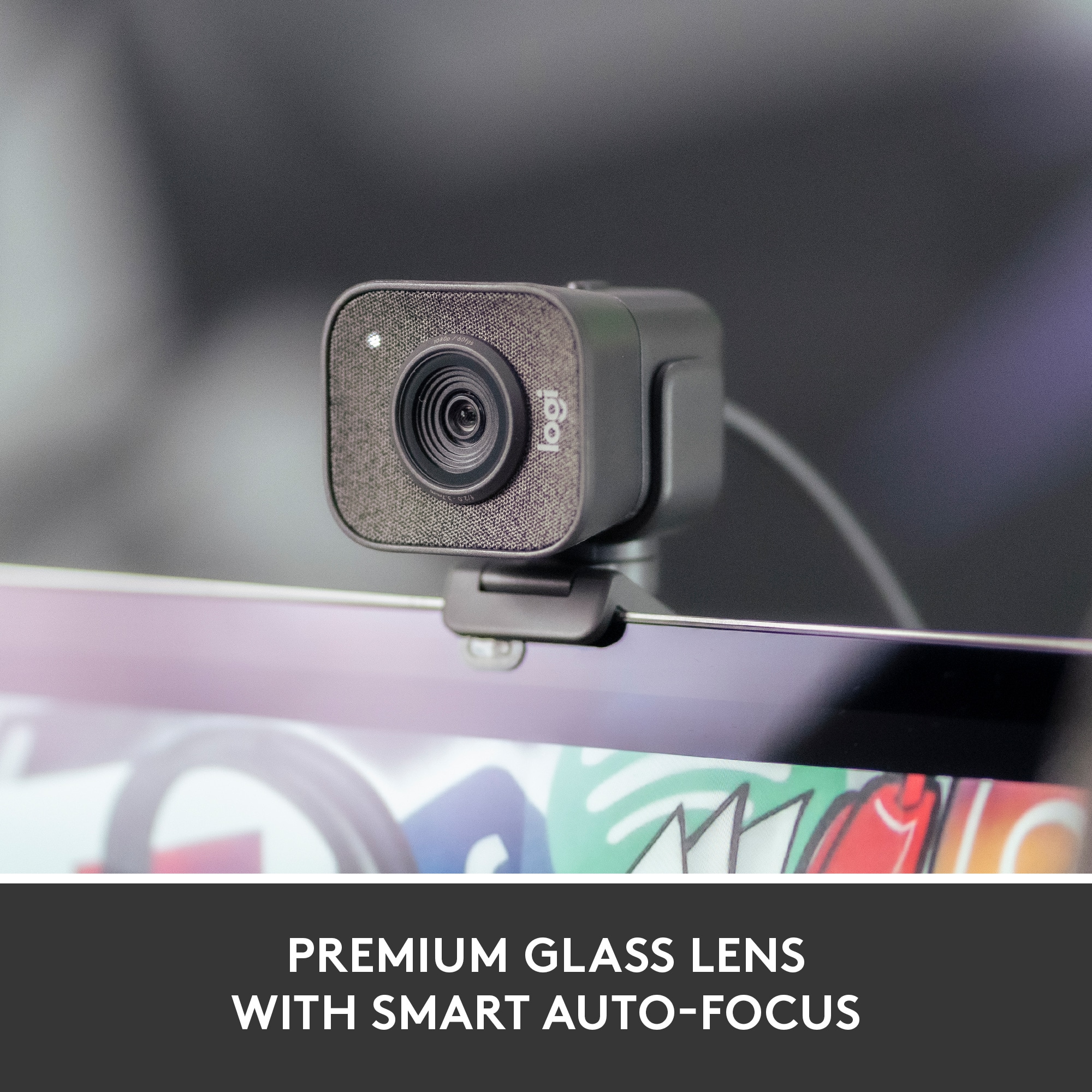
||Posted . Owned for 1 month when reviewed.This reviewer received promo considerations or sweepstakes entry for writing a review.I bought this camera to replace a cheaper webcam that I was having problems with and so far it has worked fabulously. The picture looks excellent and works well in both bright light and low light environments as well as having a very clear focus on up-close objects (sometimes the auto-focus is a tad on the slow side for doing this) I don't currently stream at 60 FPS or the full 1080 resolution, but both look excellent in tests and I expect this camera will last me a few years before technology outpaces it. I did have to buy a USB-C to USB 3.2 converter dongle because my computer doesn't have a USB-C input, but this isn't a design flaw on Logitech's part - only my current setup. That being said, I'd love if the camera cable was removable from the camera side as well and could be changed out with longer or shorter cables/other cable types.
I would recommend this to a friend - Pros mentioned:Ease of use, Image quality
Good product
||Posted . Owned for 3 weeks when reviewed.This reviewer received promo considerations or sweepstakes entry for writing a review.Pretty good! One of the better ones that I have tried so far, and very easy to setup. Much better than the other more basic logi cams.
I would recommend this to a friend - Pros mentioned:Setup
Nice value for the money
||Posted . Owned for 7 months when reviewed.This reviewer received promo considerations or sweepstakes entry for writing a review.Works very well. Plug and play. Has a mount for a tripod.. Only knock: the bracket for hanging the camera on a monitor or whatever needs a bit of rework.
I would recommend this to a friend - Pros mentioned:Image qualityCons mentioned:Cable length
GREAT CAM!!
||Posted . Owned for 2 months when reviewed.This reviewer received promo considerations or sweepstakes entry for writing a review.Great camera for work, high quality, my only complaint would be that the cord is a little short so have your settup close bye.
I would recommend this to a friend