Customer Ratings & Reviews
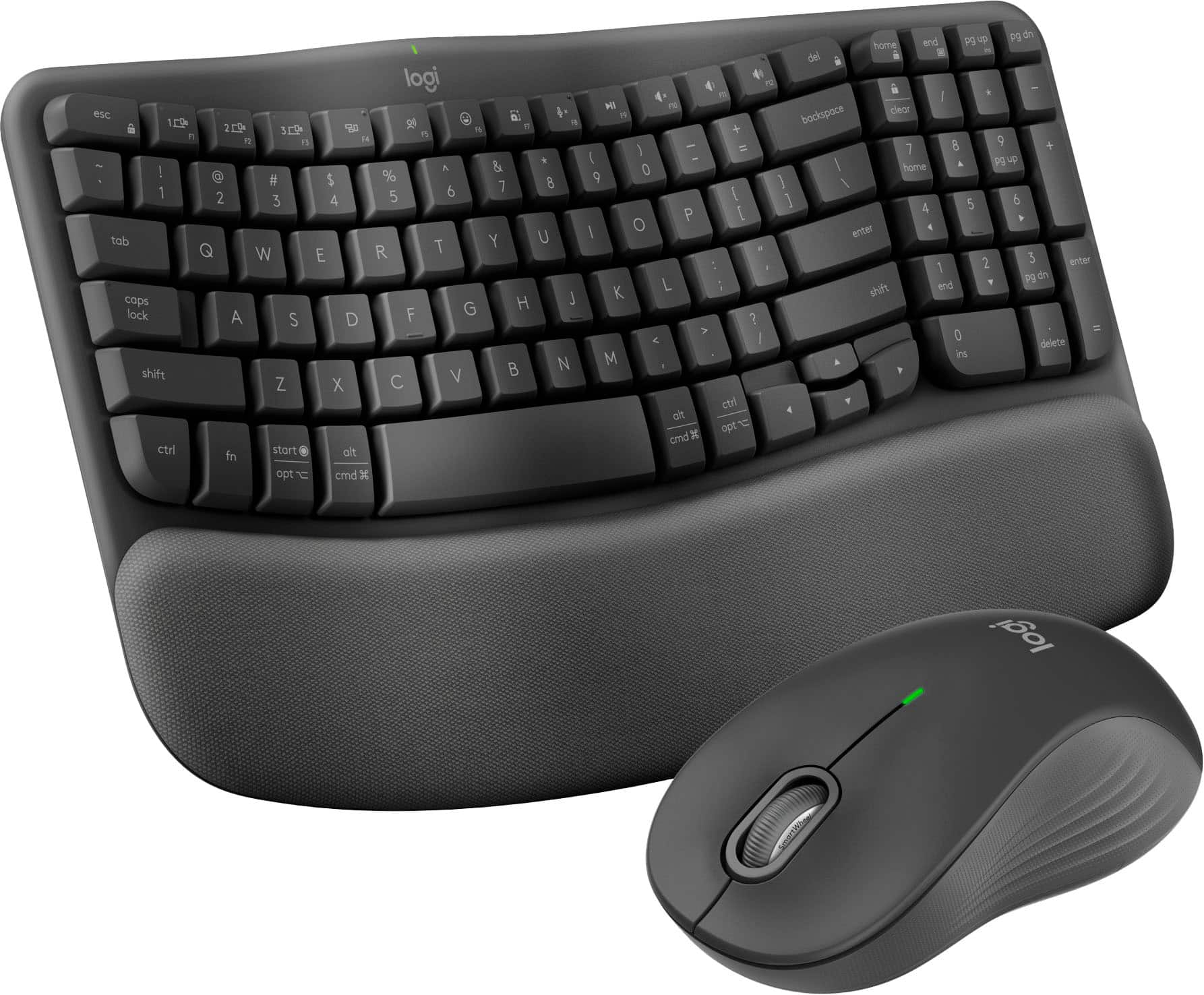
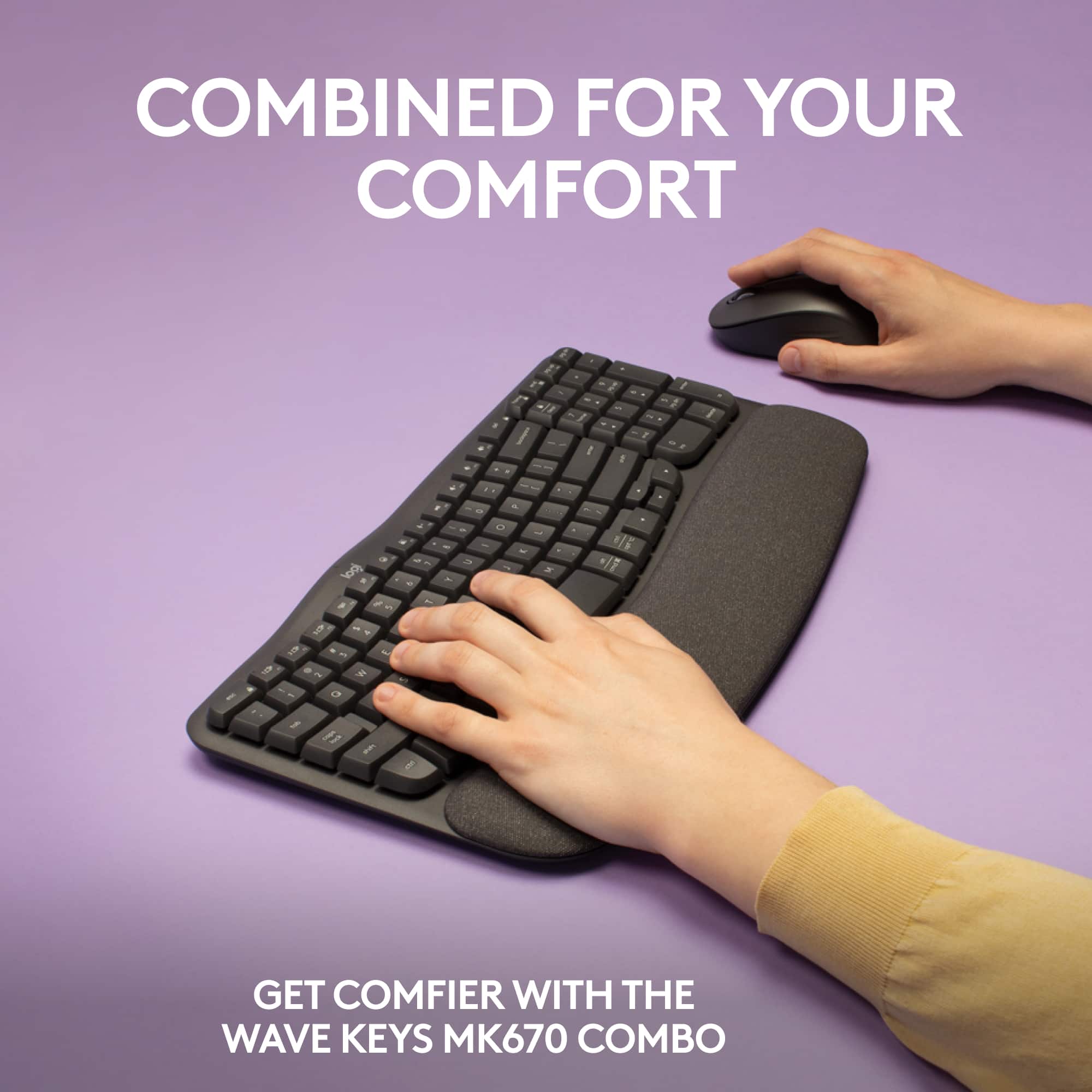
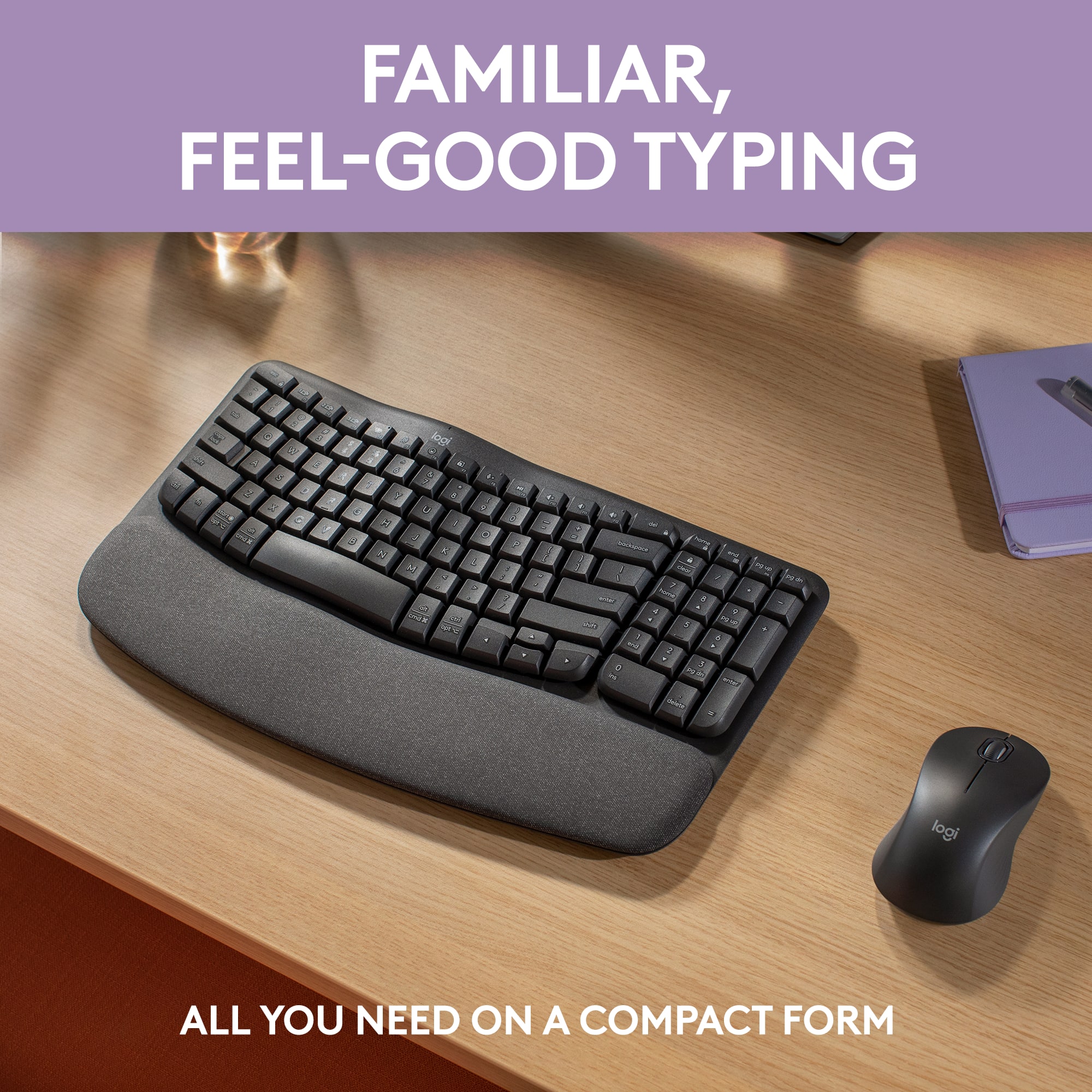
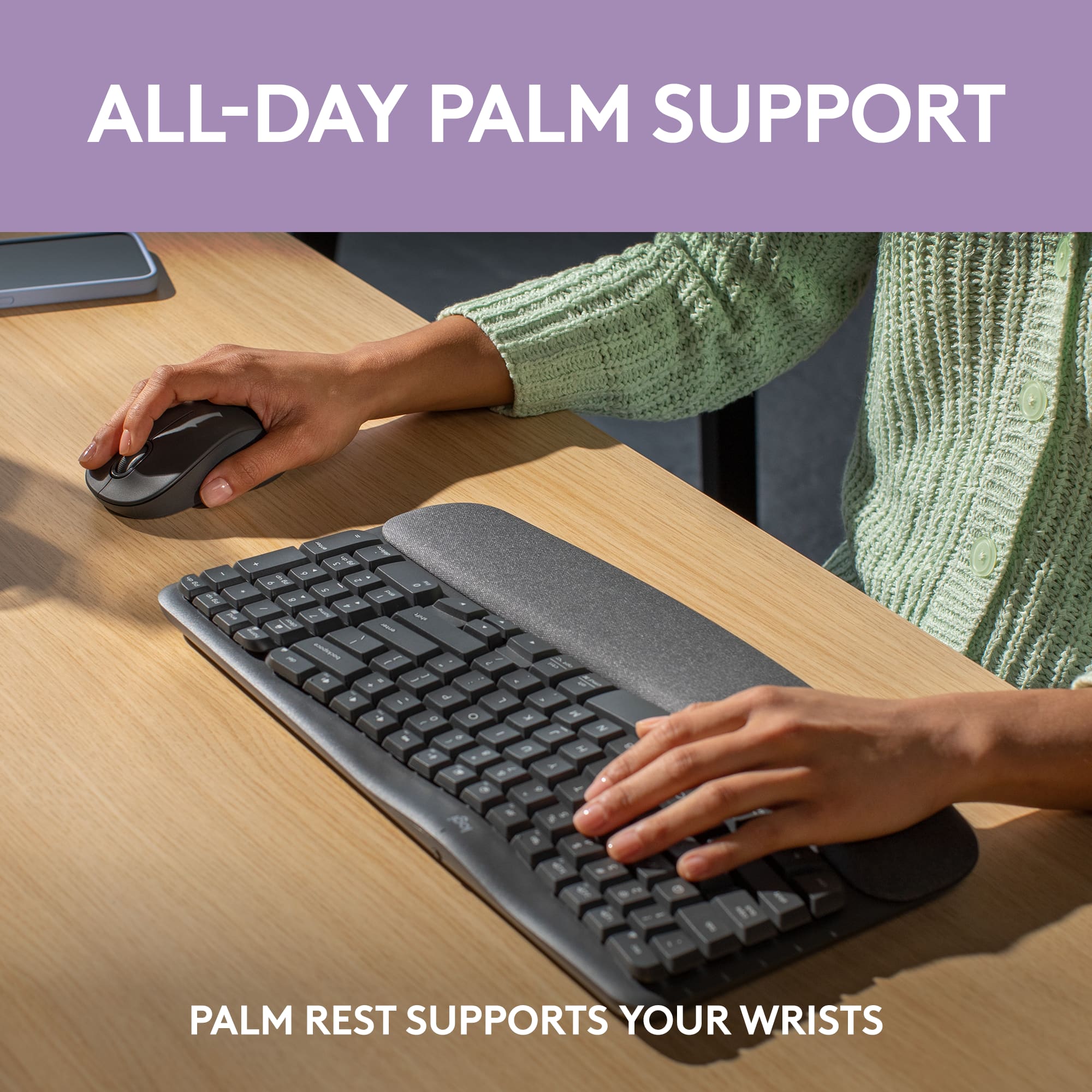



- Model:
- 920-012059
- SKU:
- 6554353
Rating by feature
- Value
Rating 4.6 out of 5 stars
- Quality
Rating 4.7 out of 5 stars
- Ease of Use
Rating 4.6 out of 5 stars
Customers are saying
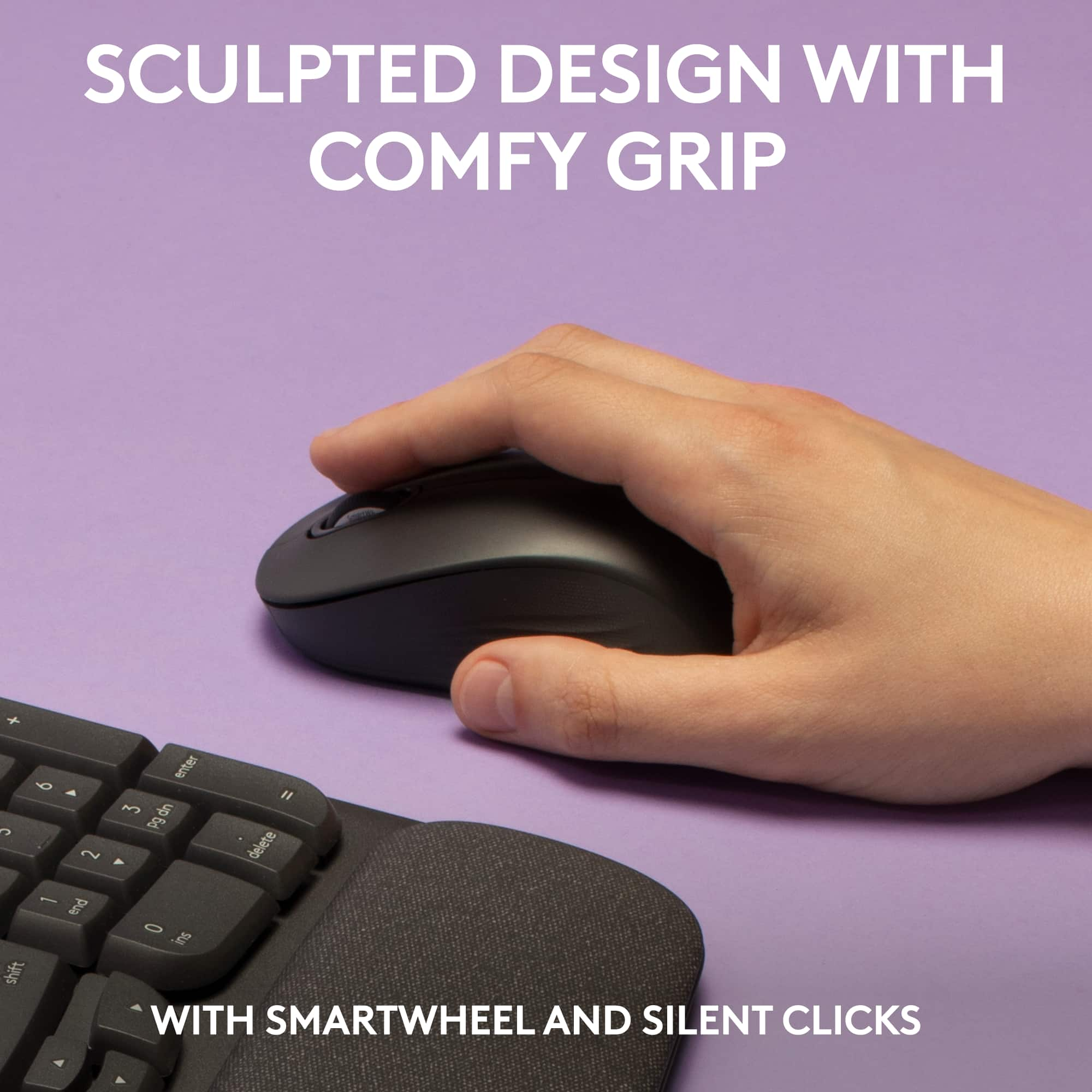
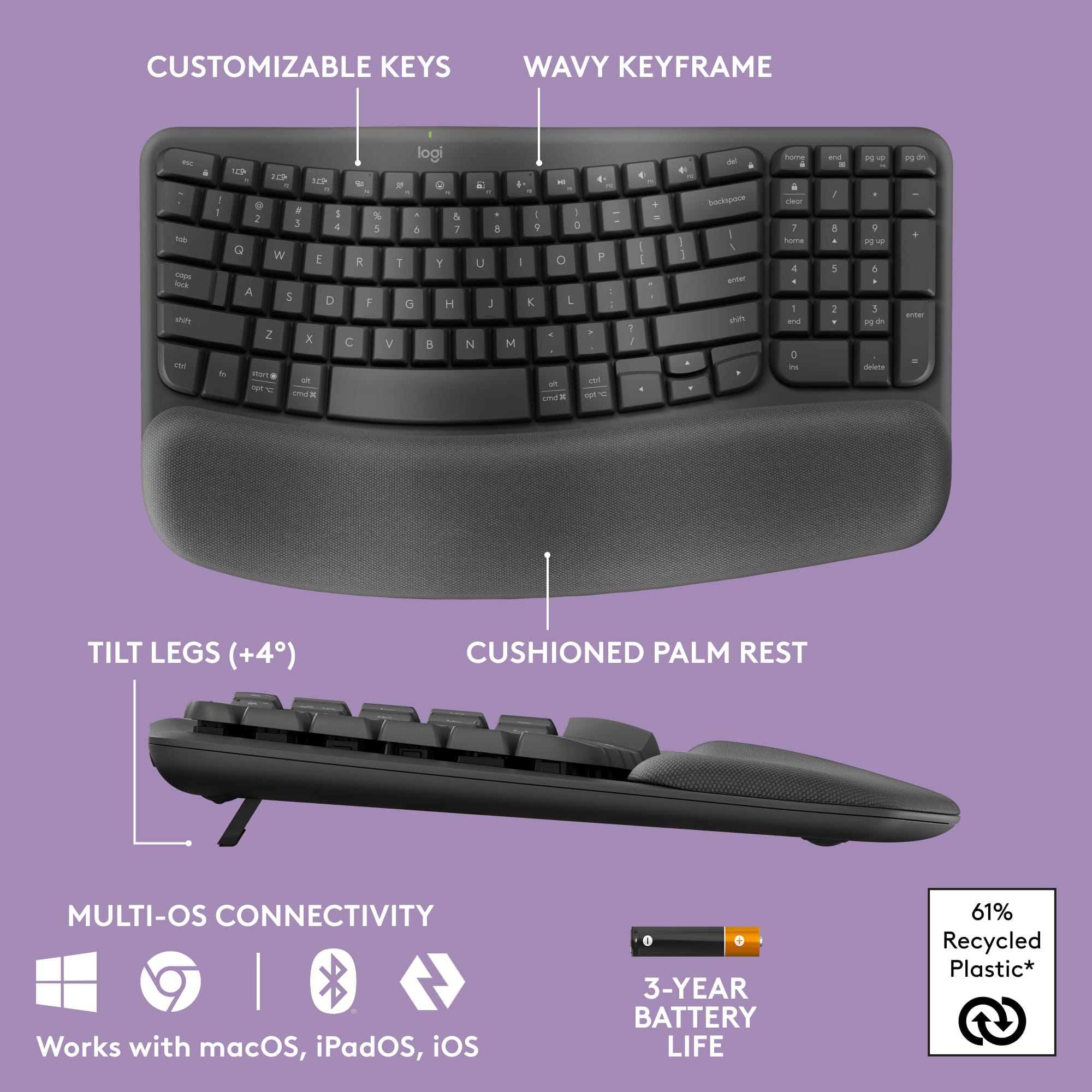
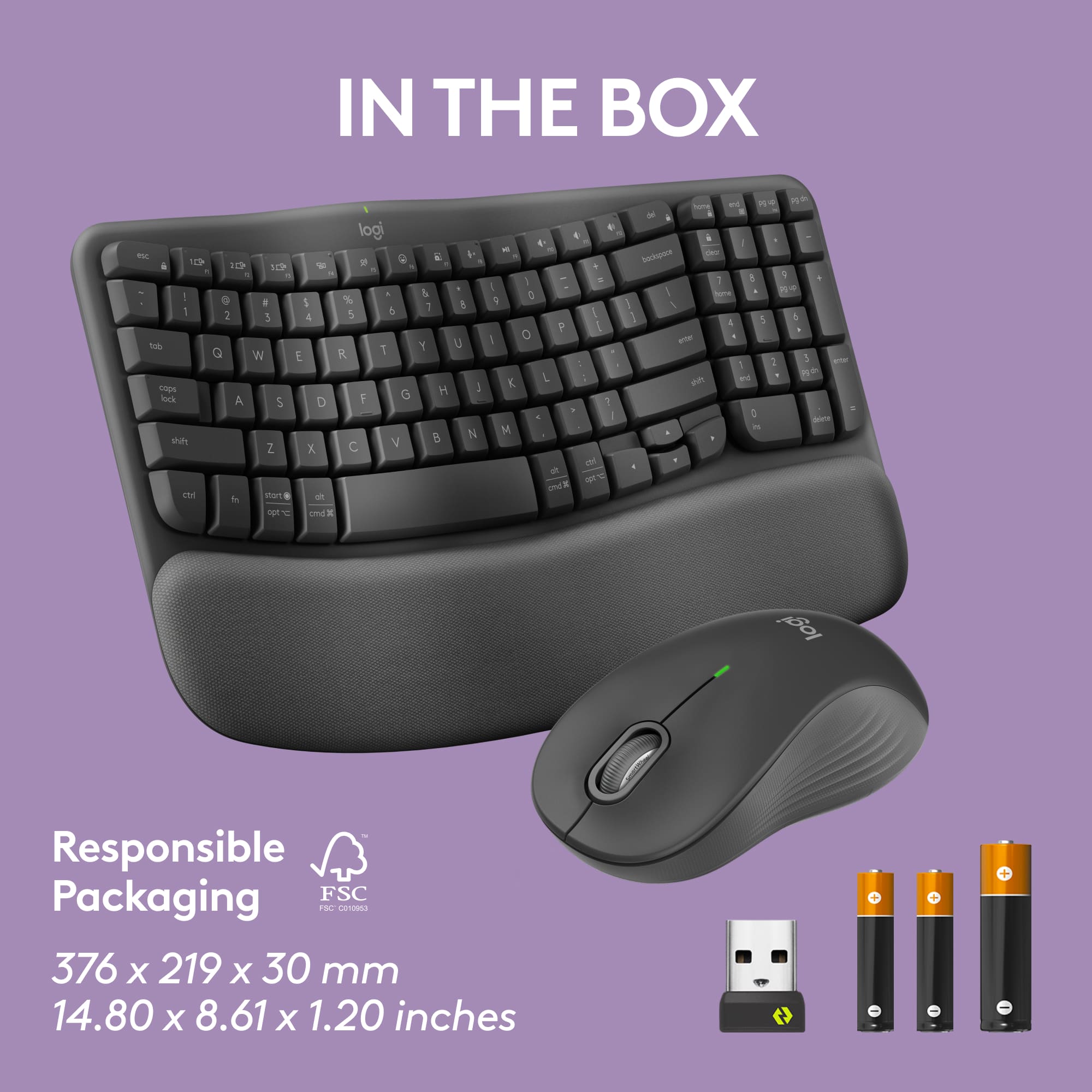
Customers find value in the Wave Keys MK670 Combo's ergonomic design, ease of use, and overall performance, with many appreciating the integrated palm rest, reliable connectivity, and quiet operation. However, some users have noted that the keyboard size is smaller than expected, and a few have concerns about key spacing and battery life. Overall, the keyboard and mouse combo seems to be well-received for its comfort and functionality.
This summary was generated by AI based on customer reviews.
Fantastic
||Posted . Owned for 7 months when reviewed.This reviewer received promo considerations or sweepstakes entry for writing a review.This keyboard and mouse are fantastic for the office. Both were able to sync via bluetooth without issue and the keys and buttons are virtually silent.
I would recommend this to a friendBrand response from Logitech
Posted .We appreciate you sharing your positive feedback on the Wave Keys MK670 Combo. We're glad you find it fantastic for the office, especially the seamless Bluetooth pairing and the virtually silent keys and buttons.

- Cons mentioned:Keyboard size
Short keyboard
||Posted . Owned for 3 weeks when reviewed.This reviewer received promo considerations or sweepstakes entry for writing a review.felt a little short in length, felt a little cramped
I would recommend this to a friendBrand response from Logitech
Posted .Thank you for taking the time to share your feedback on the Logitech Wave Keys MK670 Combo. We appreciate your input as it helps us improve our products.
- Pros mentioned:Palm rest
Works fine
||Posted . Owned for 1 month when reviewed.This reviewer received promo considerations or sweepstakes entry for writing a review.It is a keyboard and mouse and does what it is supposed to do.
I would recommend this to a friendBrand response from Logitech
Posted .Thank you for your feedback. We appreciate you taking the time to share your experience. We're glad to hear that the Logitech - Wave Keys MK670 is meeting your expectations for a keyboard and mouse.
M
||Posted . Owned for 1 month when reviewed.This reviewer received promo considerations or sweepstakes entry for writing a review.The product is operating as expected. I'm having to get accustomed to the Wave Keys. It takes a while.
I would recommend this to a friendBrand response from Logitech
Posted .We appreciate you sharing your experience and are glad to hear that the combo is operating as expected. We hope that with continued use, you'll find the Wave Keys provides you with a more comfortable and natural typing experience.
OK ok
||Posted . Owned for 2 weeks when reviewed.This reviewer received promo considerations or sweepstakes entry for writing a review.It was OK types. Ergonomics curve didn't help me too much so I returned it.
No, I would not recommend this to a friendBrand response from Logitech
Posted .We’re sorry the Logitech Wave Keys MK670 Combo didn’t meet your expectations. We apologize for the inconvenience caused and appreciate your feedback.
Replacement for another set
||Posted . Owned for 4 months when reviewed.This reviewer received promo considerations or sweepstakes entry for writing a review.I bought to replace one I had. I love it. Finger placement is perfect for me. Mouse works great. I would buy again.
I would recommend this to a friendBrand response from Logitech
Posted .That's fantastic! We're delighted the Wave Keys MK670 Combo is providing you with perfect finger placement and that the mouse is working great. We appreciate your intention to buy again!
Combo
||Posted . Owned for 3 weeks when reviewed.This reviewer received promo considerations or sweepstakes entry for writing a review.This combo is perfect. It's quiet and easy to use.
I would recommend this to a friendBrand response from Logitech
Posted .Thank you for your wonderful feedback! We're thrilled to hear that you find the Logitech Wave Keys MK670 Combo perfect, quiet, and easy to use.
Best keyboard ever
||Posted . Owned for 1 month when reviewed.This reviewer received promo considerations or sweepstakes entry for writing a review.I love this keyboard. The wave keys are easier on my wrist. I should have bought it years sooner
I would recommend this to a friendBrand response from Logitech
Posted .It's wonderful to hear the Wave Keys keyboard is providing you with the wrist comfort you need! We appreciate your feedback and are glad you're enjoying the ergonomic design.
WORKS WELL
||Posted . Owned for 3 weeks when reviewed.This reviewer received promo considerations or sweepstakes entry for writing a review.The keyboard worked well for my work needs. It was light weight.
I would recommend this to a friendBrand response from Logitech
Posted .It's great to hear the Logitech Wave Keys MK670 keyboard is working well for your professional needs! Its lightweight design sounds like a significant benefit for your workflow.
Super comfortable
||Posted . Owned for 2 weeks when reviewed.This reviewer received promo considerations or sweepstakes entry for writing a review.This keyboard is great for use if you have a little bit of carpal tunnel very comfortable. I love it.
I would recommend this to a friendBrand response from Logitech
Posted .The Wave Keys MK670 Combo seems like a fantastic fit for comfort during long typing sessions! Its thoughtful ergonomic design really shines, especially for addressing carpal tunnel symptoms. Your appreciation highlights just how well it balances both usability and comfort!
Good Keyboard
||Posted . Owned for 1 month when reviewed.This reviewer received promo considerations or sweepstakes entry for writing a review.Pretty good keyboard. So familiar with the regular keyboard that the ergonomic design takes a while to get used to.
I would recommend this to a friendBrand response from Logitech
Posted .We appreciate you taking the time to share your experience with the Wave Keys MK670 Combo! It's fantastic to hear you're finding it to be a pretty good keyboard.
Odd but comfortable
||Posted . Owned for 1 month when reviewed.This reviewer received promo considerations or sweepstakes entry for writing a review.Took a little to get used to but after time it's really comfortable to use.
I would recommend this to a friendBrand response from Logitech
Posted .Thanks for sharing your experience. It's good to hear that the Wave Keys combo became comfortable for you over time. We appreciate your feedback!
Padded keyboard
||Posted . Owned for 1 week when reviewed.This reviewer received promo considerations or sweepstakes entry for writing a review.wanted the comfort of the padding on the keyboard, taking a little time to get used to it.
I would recommend this to a friendBrand response from Logitech
Posted .Thanks for your feedback! It's understandable that adjusting to a new ergonomic design, like the integrated palm rest on the Wave Keys MK670 Combo, can take a little time. We're confident you'll appreciate the long-term comfort it provides.
Keyboard and mouse
||Posted . Owned for 3 weeks when reviewed.This reviewer received promo considerations or sweepstakes entry for writing a review.I should have pulled the plug eariler on this upgrade. I wish they would have made an upgrade on the mouse.
I would recommend this to a friendBrand response from Logitech
Posted .We're glad you're enjoying the ergonomic keyboard with the integrated palm rest. We designed it with comfort and productivity in mind, and we're happy to hear it's making a positive difference for you.
- Cons mentioned:Keyboard size
Returned! Can't Program a Key for Calculator
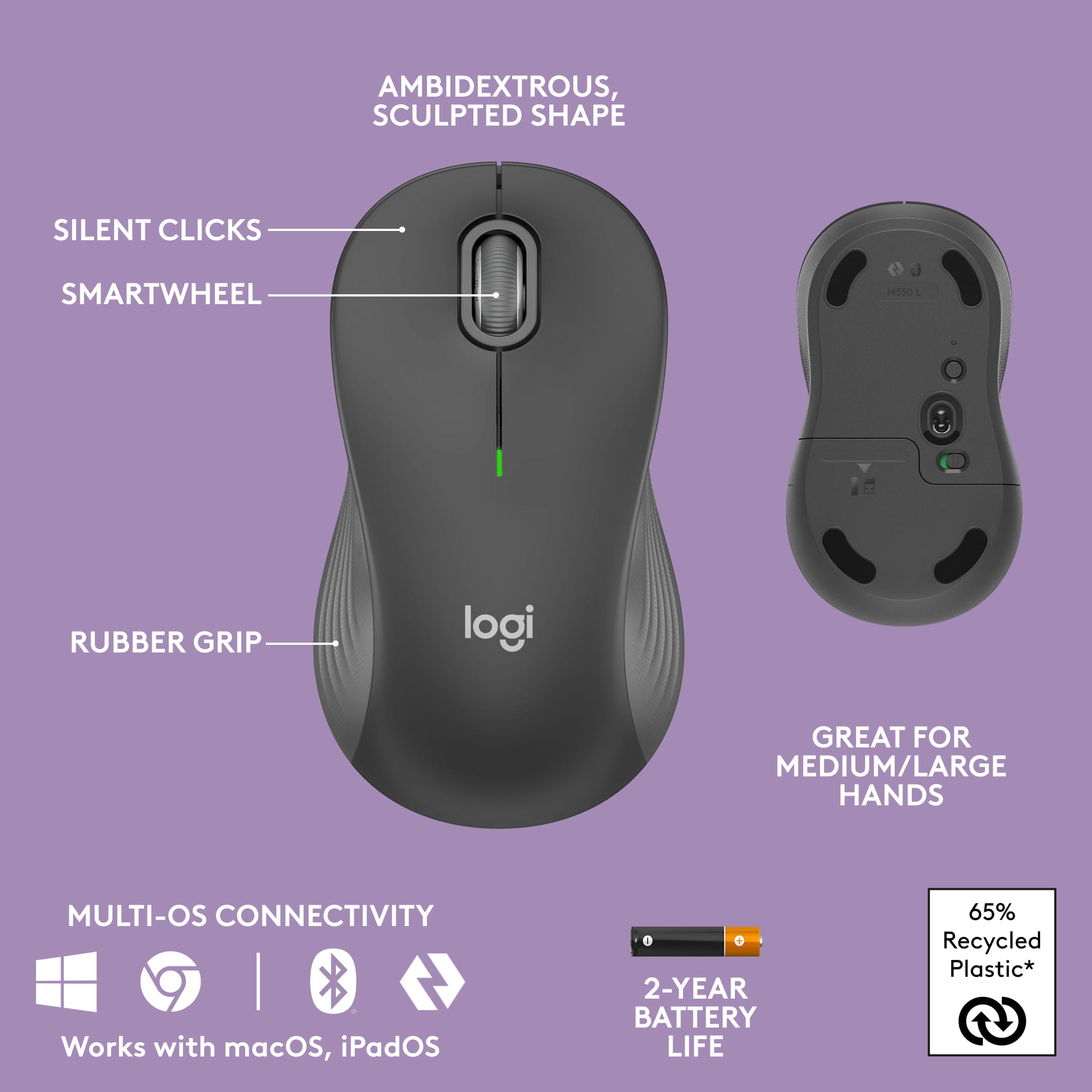
||Posted . Owned for 1 week when reviewed.This reviewer received promo considerations or sweepstakes entry for writing a review.You cannot program a key for a one-touch Calculator prompt. Research and Best Buy guy led me to believe that I would be able to do this. I replaced a 2 year old Wave that had worn keys (like the one prior to it that only lasted about 2 years or so) and bluetooth/usb signal totally died at work in a financial role. Unfortunately, most keyboards/combos now sold have limited keys....so they design them to be programmed--which can take time before using. If you work in an office, you most likely need to use the one-touch key for the calculator, so this keyboard will not work. I will also note that the mouse is not a good fit or size for normal or large adult hands; making the right click activate in error alot....to small to be comfortable for my small to medium size female hand. This could be ok for kids. The legs prompted also do not tilt the keyboard enough for me to have comfort and be in a natural typing position. I had to return and the office has now ordered the new Staples-brand wireless ergo combo for me.
No, I would not recommend this to a friendBrand response from Logitech
Posted .Thank you for your detailed feedback on the Wave Keys MK670 Combo. We're sorry to hear it didn't meet your needs, especially regarding the programmable calculator key and the mouse size. We apologize for the inconvenience this caused, and we appreciate you sharing your experience so we can consider it for future product development.
Logitech FTW!
||Posted .This reviewer received promo considerations or sweepstakes entry for writing a review.Quick, easy and efficient typing. Cheaper than the MS version
I would recommend this to a friendBrand response from Logitech
Posted .This is wonderful to hear! The team is glad you're experiencing quick, easy, and efficient typing with the Wave Keys MK670 Combo. Your feedback is truly appreciated and helps other customers.
keyboard and mouse combo
||Posted . Owned for 1 month when reviewed.This reviewer received promo considerations or sweepstakes entry for writing a review.This keyboard and mouse is awesome! It's very quiet! We love it! Just bought another one! Thank you!
I would recommend this to a friendBrand response from Logitech
Posted .We appreciate you taking the time to share your enthusiasm for the Wave Keys MK670 Combo. We're delighted to hear that you and your family are enjoying the quiet operation and that you've already purchased another set. We strive to create products that enhance your everyday experiences, and we're glad this combo is meeting your needs.
Sweetness
||Posted . Owned for 3 weeks when reviewed.This reviewer received promo considerations or sweepstakes entry for writing a review.works smooth as whipped cream, with a cherry on top.
I would recommend this to a friendBrand response from Logitech
Posted .We're absolutely thrilled to hear you're enjoying the smooth experience of the Wave Keys MK670 Combo! It's fantastic to know the ergonomic design and integrated palm rest are working well for you. Thanks for the delightful "whipped cream with a cherry on top" analogy – it made our day! We strive to create products that feel effortless and comfortable, and your feedback confirms we're on the right track. Thanks for being a part of the Logitech family!
Better Than Expected
||Posted . Owned for 3 weeks when reviewed.This reviewer received promo considerations or sweepstakes entry for writing a review.Excellent devices and support was very good as I was trying to use on an old laptop with Windows 7 and the Logitech representative was extremely patient and professional.
I would recommend this to a friendBrand response from Logitech
Posted .Thanks for the kind words about our support team! We're happy to help with compatibility for older systems like Windows 7. Our support is always here to assist.
nice product
||Posted .This reviewer received promo considerations or sweepstakes entry for writing a review.quiet and comfortable, has helped my wrists a ton!
I would recommend this to a friendBrand response from Logitech
Posted .We're glad to hear the Wave Keys MK670 combo is providing comfort and relief for your wrists! It's fantastic to know the ergonomic design is making a positive difference in your experience.