Customer Ratings & Reviews
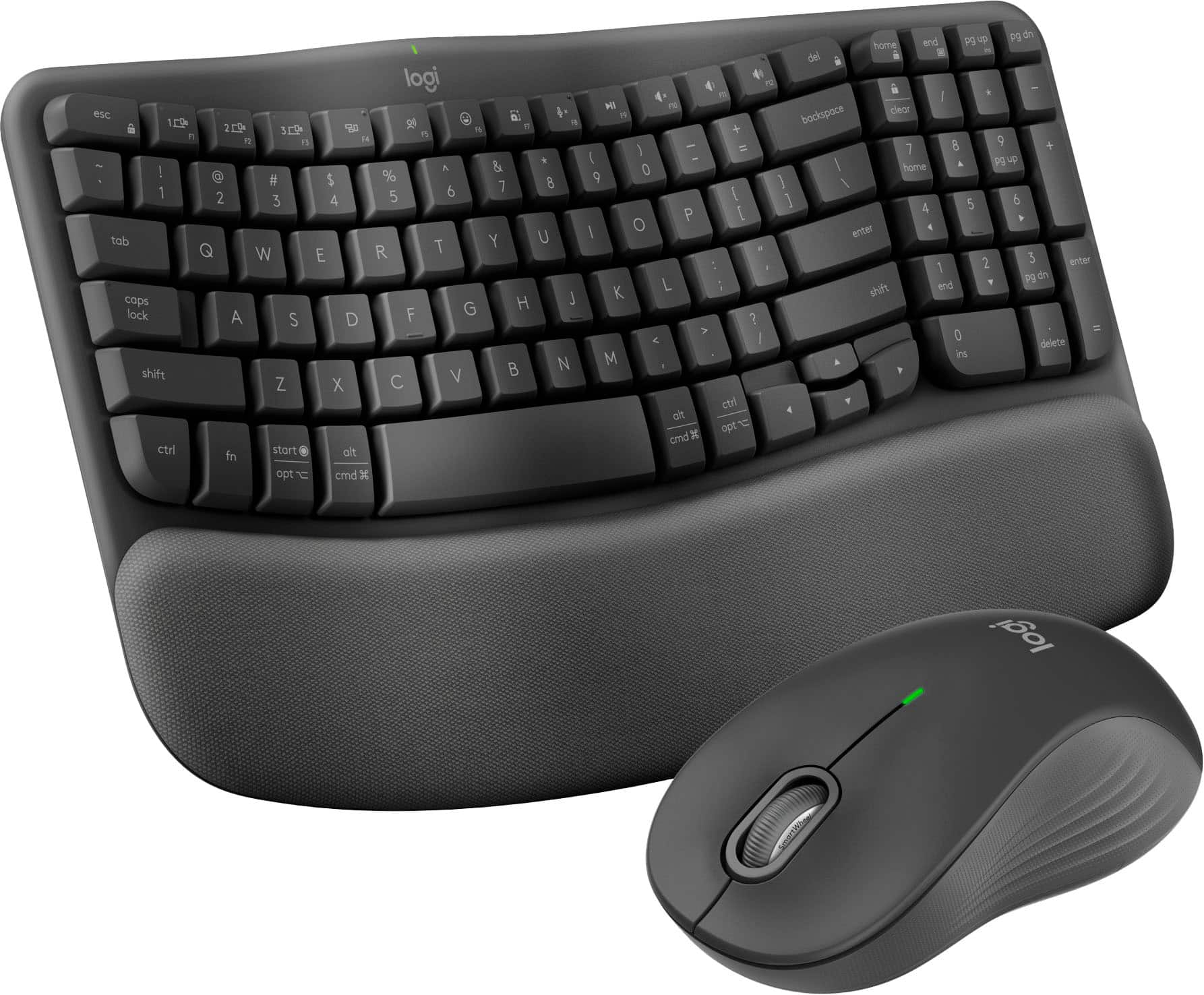
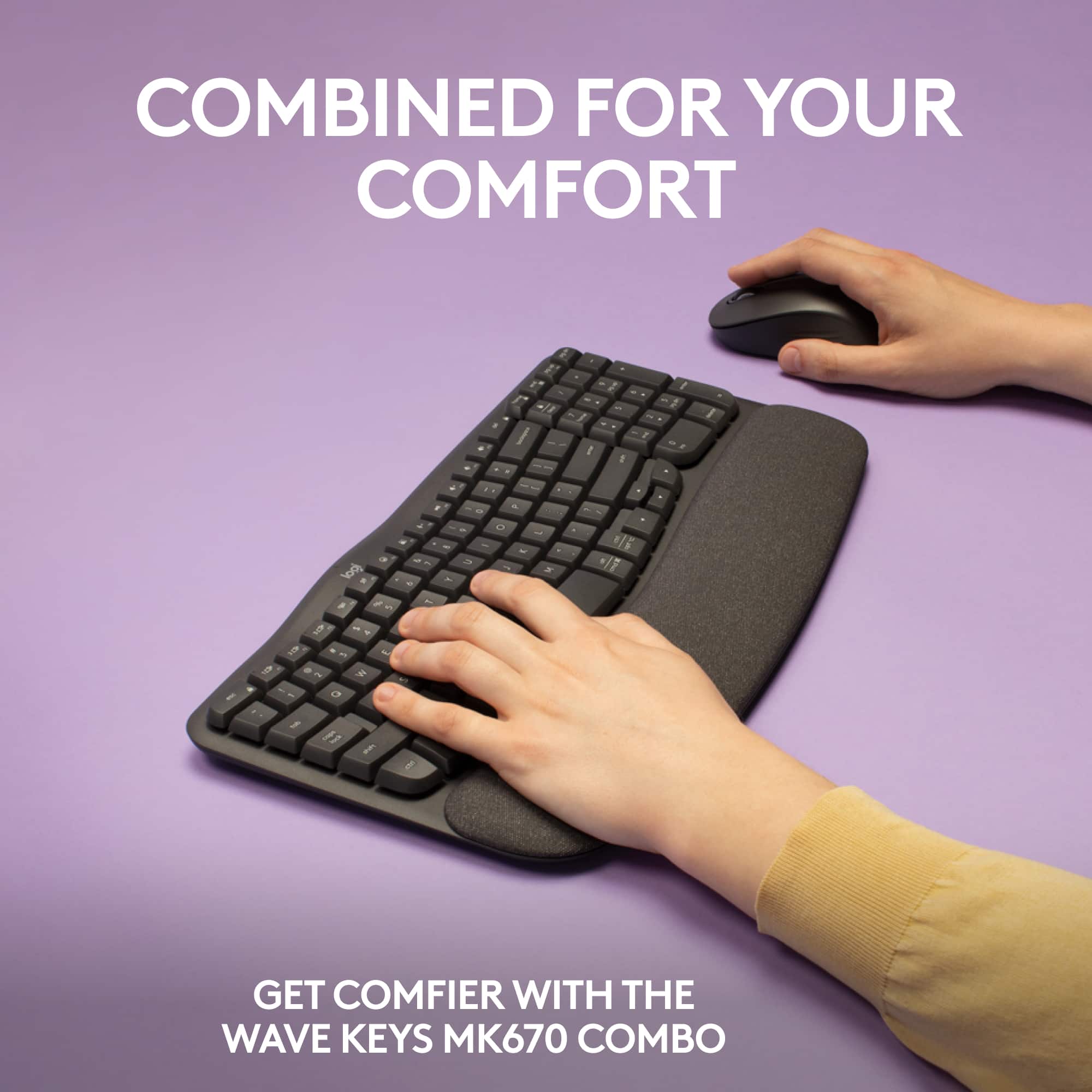
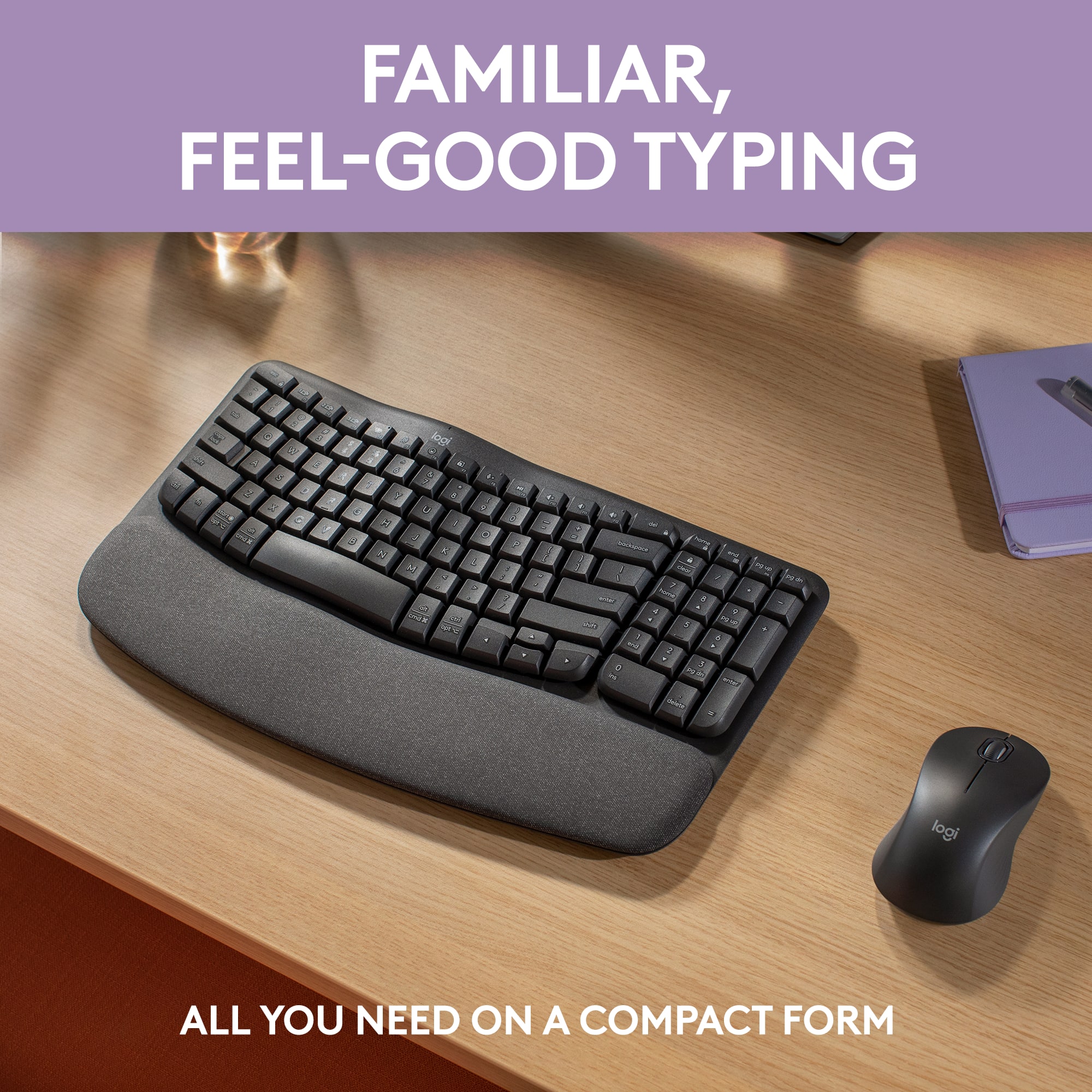
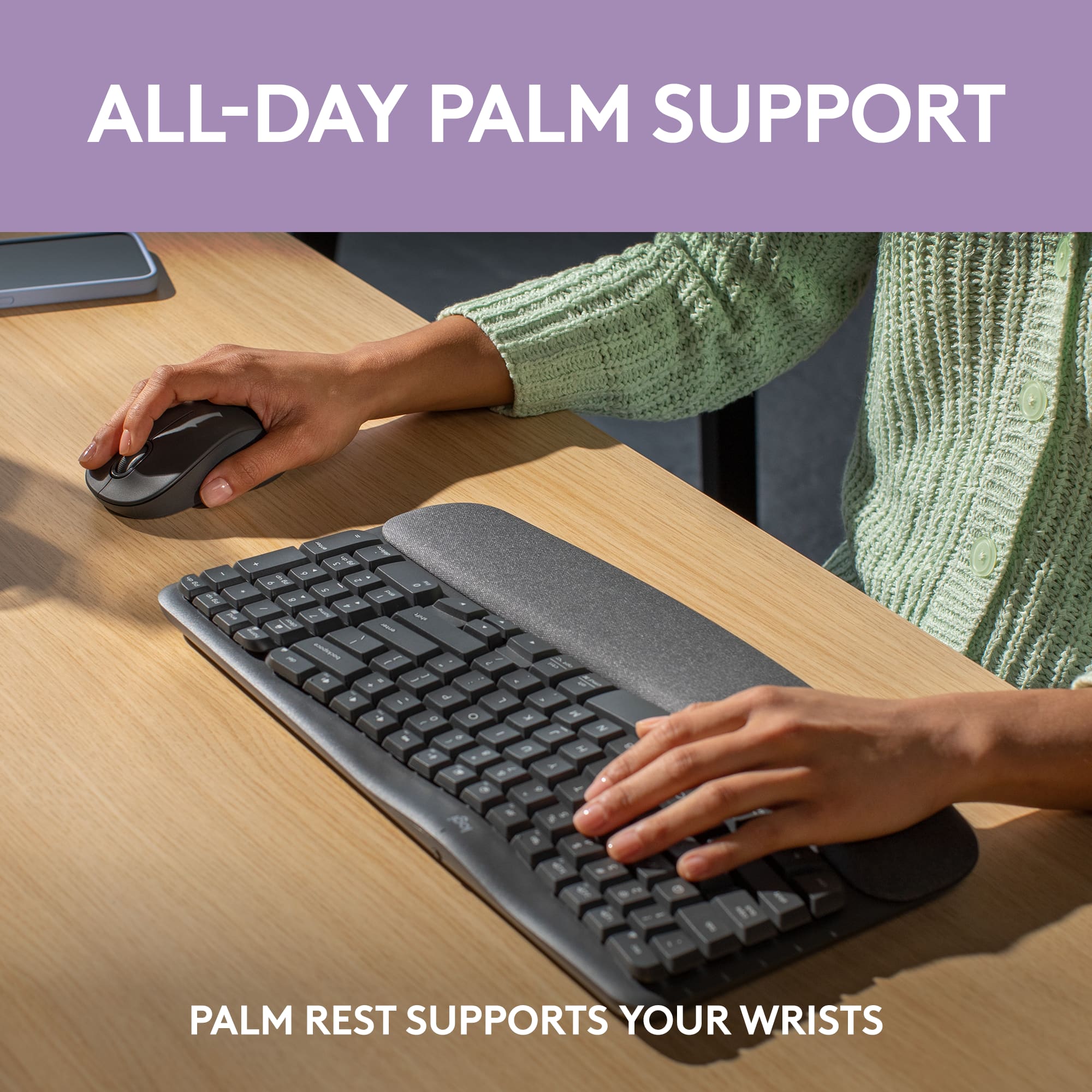



- Model:
- 920-012059
- |
- SKU:
- 6554353
Customer reviews
Rating 4.6 out of 5 stars with 483 reviews
(483 customer reviews)Rating by feature
- Value4.6
Rating 4.6 out of 5 stars
- Quality4.7
Rating 4.7 out of 5 stars
- Ease of Use4.6
Rating 4.6 out of 5 stars
Customers are saying
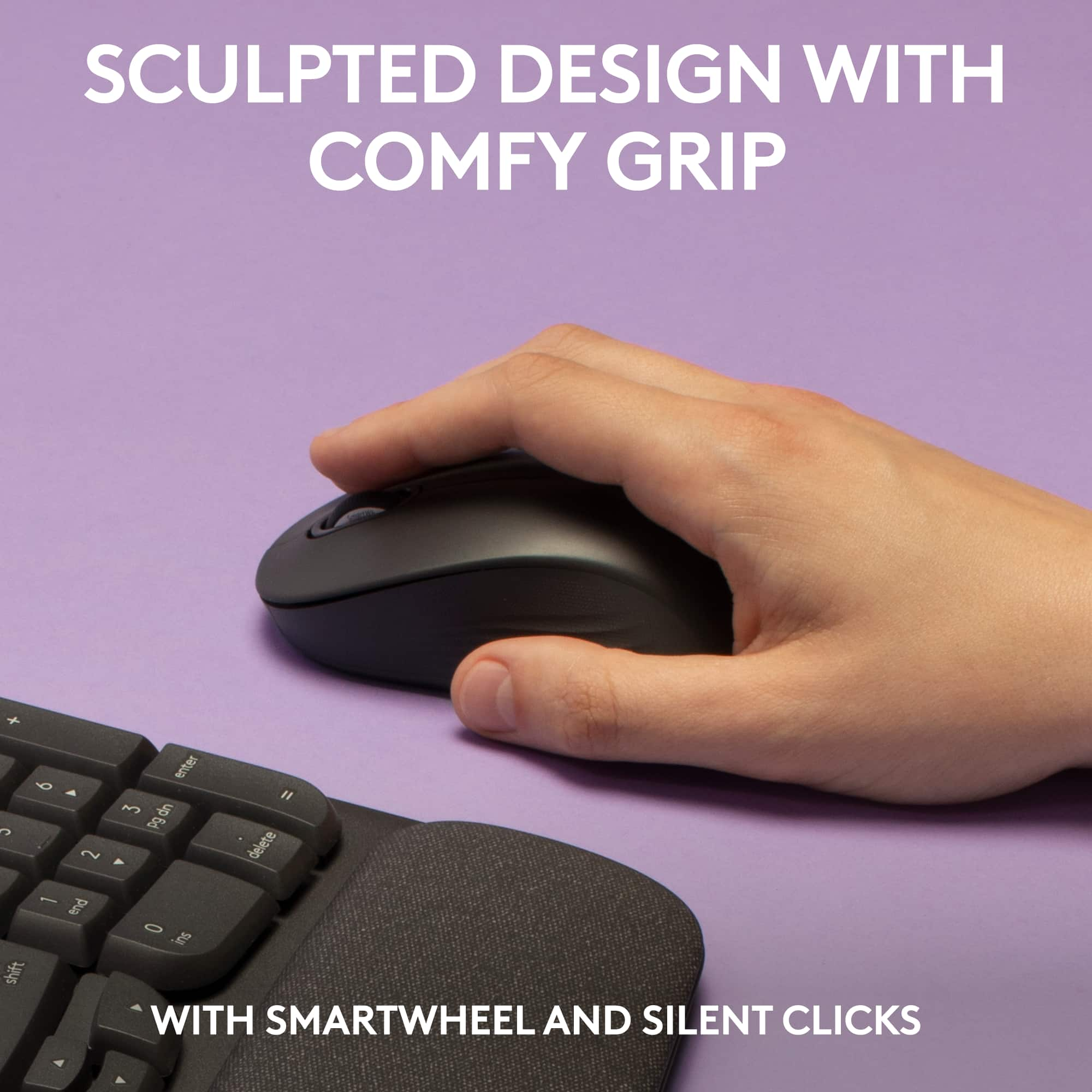
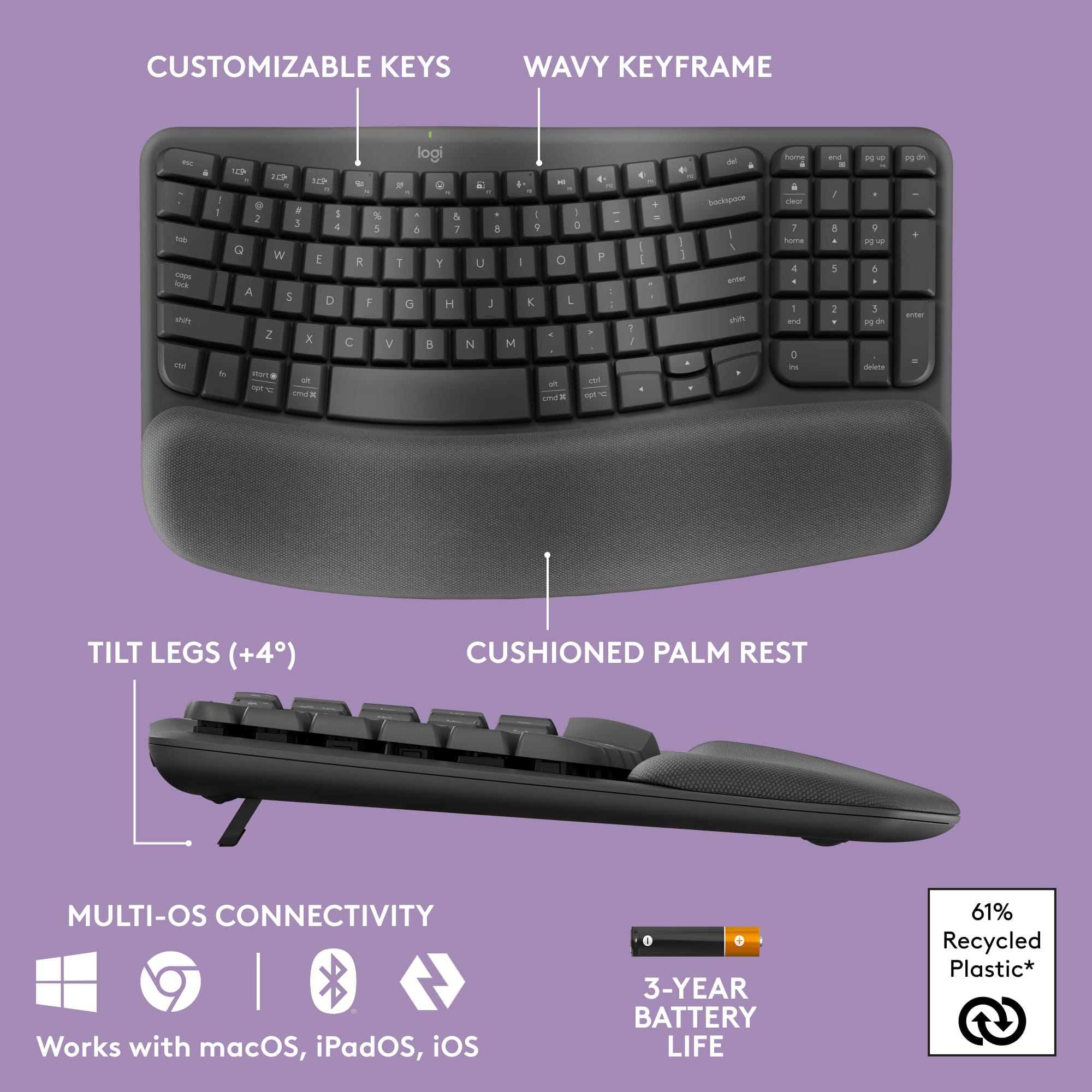
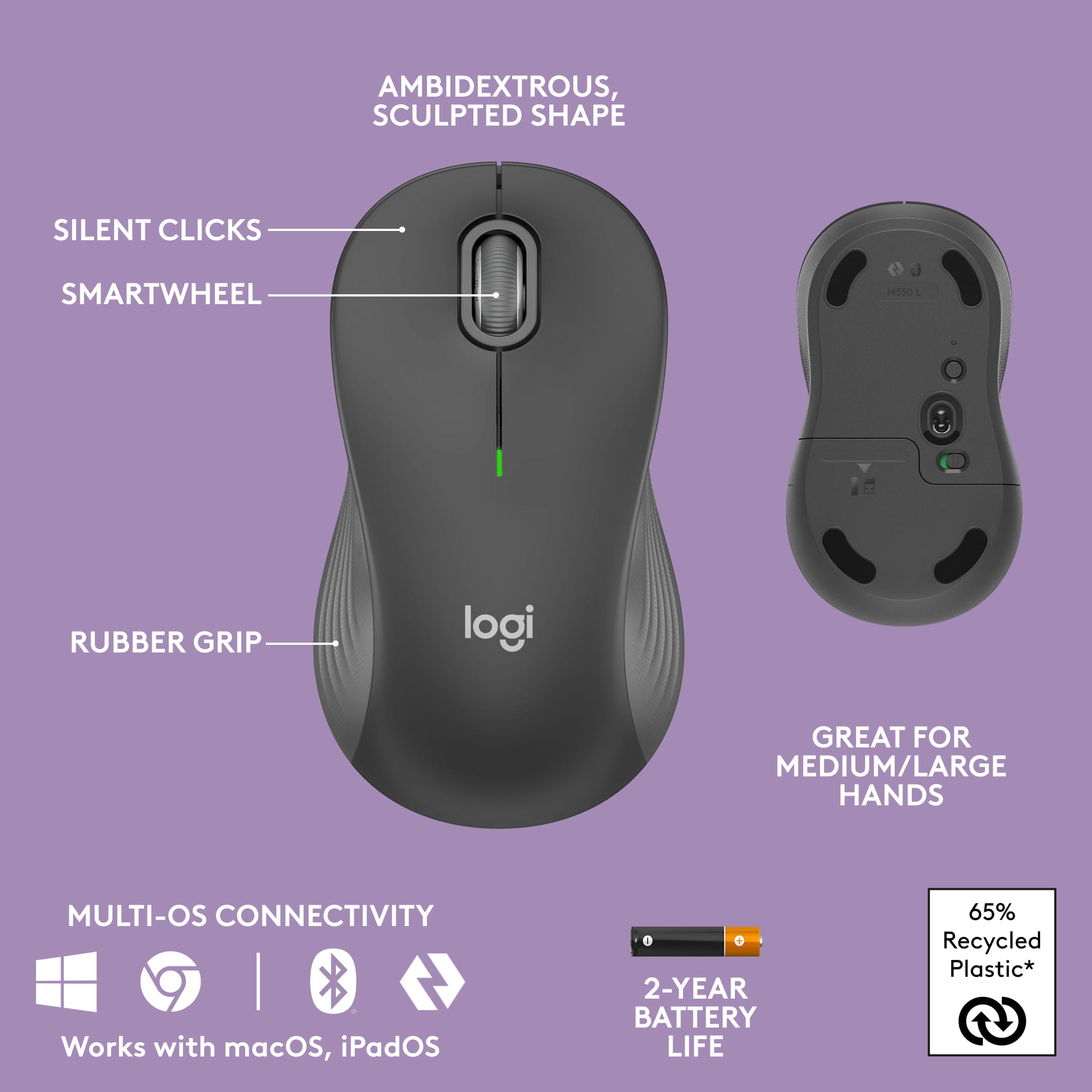
Customers find value in the Wave Keys MK670 Combo's ergonomic design, ease of use, and overall performance, with many appreciating the integrated palm rest, reliable connectivity, and quiet operation. However, some users have noted that the keyboard size is smaller than expected, and a few have concerns about key spacing and battery life. Overall, the keyboard and mouse combo seems to be well-received for its comfort and functionality.
This summary was generated by AI based on customer reviews.
Rated 5 out of 5 stars
Best combo
||Posted . Owned for 1 month when reviewed.This reviewer received promo considerations or sweepstakes entry for writing a review.Perfect product and price. My coworkers love using it as well. I look forward to using it every day.
I would recommend this to a friendBrand response from Logitech
Posted .Thank you for your fantastic review of the Logitech - Wave Keys MK670! We're thrilled to hear it's a hit in your office and that you enjoy using it daily. Happy typing!
- Cons mentioned:Keyboard size
Rated 3 out of 5 stars
to small keyboard.
||Posted . Owned for 2 weeks when reviewed.This reviewer received promo considerations or sweepstakes entry for writing a review.I don't like how small the keyboard is. I was hoping it to be like the old wave.
No, I would not recommend this to a friendBrand response from Logitech
Posted .Hello! Thanks for letting us know about your preference for a full-sized keyboard! The Wave Keys MK670 is designed for a more compact footprint, but we understand it might not be the perfect fit for everyone. We appreciate you sharing your feedback - it helps us create even better products in the future.
Rated 5 out of 5 stars
Excellent keyboard
||Posted . Owned for 1 month when reviewed.This reviewer received promo considerations or sweepstakes entry for writing a review.Great purchase! I haven’t had any issues since my purchase and it operates perfectly
I would recommend this to a friendBrand response from Logitech
Posted .Hey, That's fantastic to hear! We appreciate you calling the Logitech Wave Keys MK670 an "excellent keyboard" and having a perfect experience since your purchase. At Logitech, we strive for reliability and functionality, so your feedback is music to our ears.
Rated 5 out of 5 stars
Keyboard
||Posted . Owned for 4 months when reviewed.This reviewer received promo considerations or sweepstakes entry for writing a review.Love the keyboard, is very comfortable for me specifically because I had a hand surgery
I would recommend this to a friendBrand response from Logitech
Posted .We're glad the ergonomic design of the Wave Keys MK670 is a perfect fit for you, especially after hand surgery! A comfortable keyboard can make a big difference for wrist and hand health.
Rated 5 out of 5 stars
Keyboard review
||Posted . Owned for 3 weeks when reviewed.This reviewer received promo considerations or sweepstakes entry for writing a review.I have enjoyed using this keyboard and mouse. It is for work and the ergonomic design has been wonderful.
I would recommend this to a friendRated 5 out of 5 stars
Trybit
||Posted . Owned for 9 months when reviewed.This reviewer received promo considerations or sweepstakes entry for writing a review.I love this keyboard. The price was high, but it’s worth it.
I would recommend this to a friendBrand response from Logitech
Posted .We're glad you're loving the Logitech Wave Keys MK670 Combo! It's an investment in comfort and productivity, and we appreciate you recognizing its value. Enjoy your improved typing experience!
Rated 5 out of 5 stars
Practical and ergonomic
||Posted . Owned for 1 month when reviewed.This reviewer received promo considerations or sweepstakes entry for writing a review.Truly excellent! Works perfectly for me, ergonomically and practically.
I would recommend this to a friendBrand response from Logitech
Posted .Thanks so much for the valuable feedback. We are grateful that you took the time out to leave us a review. At Logitech, our goal is to ensure that our customers enjoy the products as much as we do.
Rated 5 out of 5 stars
Keyboard & mouse replacement for HP desktop
||Posted . Owned for 1 month when reviewed.This reviewer received promo considerations or sweepstakes entry for writing a review.Works great with my HP the HP All-in-One 27 PC 27-cb0000a desktop computer.
I would recommend this to a friendBrand response from Logitech
Posted .Great to hear the Wave Keys MK670 Combo works perfectly with your HP All-in-One 27 PC! The ergonomic design and comfortable palm rest can help improve typing comfort and productivity.
Rated 5 out of 5 stars
New keyboard and mouse
||Posted . Owned for 3 weeks when reviewed.This reviewer received promo considerations or sweepstakes entry for writing a review.Very useful, responsive, and worked well in my system. Had all the features I need!
I would recommend this to a friendBrand response from Logitech
Posted .That's great to hear you're enjoying the Logitech Wave MK670! It known for its ergonomic design, responsiveness, and having all the keys you need for a productive typing experience.
Rated 5 out of 5 stars
Sturdy Keyboard
||Posted . Owned for 1 week when reviewed.This reviewer received promo considerations or sweepstakes entry for writing a review.This keyboard and mouse are sturdy and well-built; vey good value for the price
I would recommend this to a friendBrand response from Logitech
Posted .Thank you for your insightful review of the Logitech - Wave Keys MK670. We're delighted to hear you find it both study and a great value. We prioritize quality and affordability, and your feedback is appreciated.
Rated 5 out of 5 stars
Great for both
||Posted . Owned for 3 weeks when reviewed.This reviewer received promo considerations or sweepstakes entry for writing a review.Great for comfort and long hour's. I use it for gaming and work.
I would recommend this to a friendBrand response from Logitech
Posted .Thanks for the feedback! We're glad the Wave Keys MK670 keeps you comfortable during long gaming and work sessions. The ergonomic design really helps reduce wrist strain, and it's great to hear it's working well for you!
Rated 3 out of 5 stars
Good for multi-device switches. Causes wrist pain.
||Posted . Owned for 3 weeks when reviewed.This reviewer received promo considerations or sweepstakes entry for writing a review.The best part about this keyboard is that a function key is used to switch beteen computers. The downside is wrist pain because there is not enough lateral angle on the keyboard. And the mouse that comes with is NOT a multi-device mouse, so I had to buy another mouse. And it is not backlit. I would gladly pay twice the price if these things were fixed. I am actively shopping for a replacement keyboard.
No, I would not recommend this to a friendRated 5 out of 5 stars
Wireless keyboard
||Posted . Owned for 3 weeks when reviewed.This reviewer received promo considerations or sweepstakes entry for writing a review.I like all of the different features of the keyboard and being wireless
I would recommend this to a friendBrand response from Logitech
Posted .The Logitech Wave MK670 is a wireless keyboard with a comfy wave design for your wrists. It connects to multiple devices and has a long battery life.
Rated 4 out of 5 stars
Good and Comfortable
||Posted . Owned for 1 month when reviewed.This reviewer received promo considerations or sweepstakes entry for writing a review.This keyboard is a very nice design and is comfortable to use. Mouse is typical with no special features
I would recommend this to a friendBrand response from Logitech
Posted .Thanks for your feedback! We're glad to hear that you appreciate the ergonomic design of the Wave Keys MK670 keyboard. We'll take your feedback about the mouse into consideration for future improvements.
Rated 4 out of 5 stars
Good keyboard
||Posted . Owned for 3 weeks when reviewed.This reviewer received promo considerations or sweepstakes entry for writing a review.I don't like the mouse, so I don't use it. Have gone back to my original Logitech mouse.
I would recommend this to a friendBrand response from Logitech
Posted .Hey there! Thanks for reaching out about the Wave Keys MK670 combo. We're glad to hear you're enjoying the keyboard for its ergonomic design.
Rated 5 out of 5 stars
Easy set up
||Posted . Owned for 2 months when reviewed.This reviewer received promo considerations or sweepstakes entry for writing a review.Works great and aet up process was easy! I recommend it to anyone
I would recommend this to a friendBrand response from Logitech
Posted .That's great to hear! The Logitech Wave Keys MK670 is a popular choice for its comfort and ease of use.
Rated 4 out of 5 stars
Keyboard
||Posted . Owned for 2 months when reviewed.This reviewer received promo considerations or sweepstakes entry for writing a review.Love the product, however, will not let me use the F2 key or the F8 key
I would recommend this to a friendBrand response from Logitech
Posted .We appreciate your feedback on the F2 and F8 keys. We understand this is frustrating. Our support team is available to assist you in troubleshooting this issue. Please visit our support page for assistance.
Rated 5 out of 5 stars
Excellent combo
||Posted . Owned for 3 weeks when reviewed.This reviewer received promo considerations or sweepstakes entry for writing a review.Love it and works excellent with my dell computer.
I would recommend this to a friendBrand response from Logitech
Posted .We're thrilled to hear that you're loving the Wave Keys MK670 Combo! It's designed to provide a comfortable and efficient typing experience, and we're glad it's working seamlessly with your Dell computer.
Rated 5 out of 5 stars
Smooth!
||Posted . Owned for less than 1 week when reviewed.This reviewer received promo considerations or sweepstakes entry for writing a review.Love the smoothness and touch of my new keyboard and mouse!
I would recommend this to a friendBrand response from Logitech
Posted .Great to hear! We're glad you're enjoying the Wave Keys MK670 Combo Ergonomic Wireless Keyboard and Mouse Bundle. Thanks for the feedback on the smoothness and touch.
Rated 5 out of 5 stars
Keyboard
||Posted . Owned for 1 week when reviewed.This reviewer received promo considerations or sweepstakes entry for writing a review.This keyboard is very comfortable to use. Reduces my wrist pain
I would recommend this to a friend