Customer Ratings & Reviews
- Model:
- 980-001347
- SKU:
- 11234377
Rating by feature
- Value
Rating 4.5 out of 5 stars
- Quality
Rating 4.5 out of 5 stars
- Ease of Use
Rating 4.5 out of 5 stars
Customers are saying
Customers praise the product's excellent sound quality, reliable Bluetooth connectivity, and impressive bass. Many also appreciate its ease of use, quick setup, convenient wireless volume control, and ideal size, often highlighting its great value and good design. The only minor concern noted by a few customers is that the setup instructions could be improved.
This summary was generated by AI based on customer reviews.
- Pros mentioned:Bass, Bluetooth, Ease of use

Excellent speakers for the price
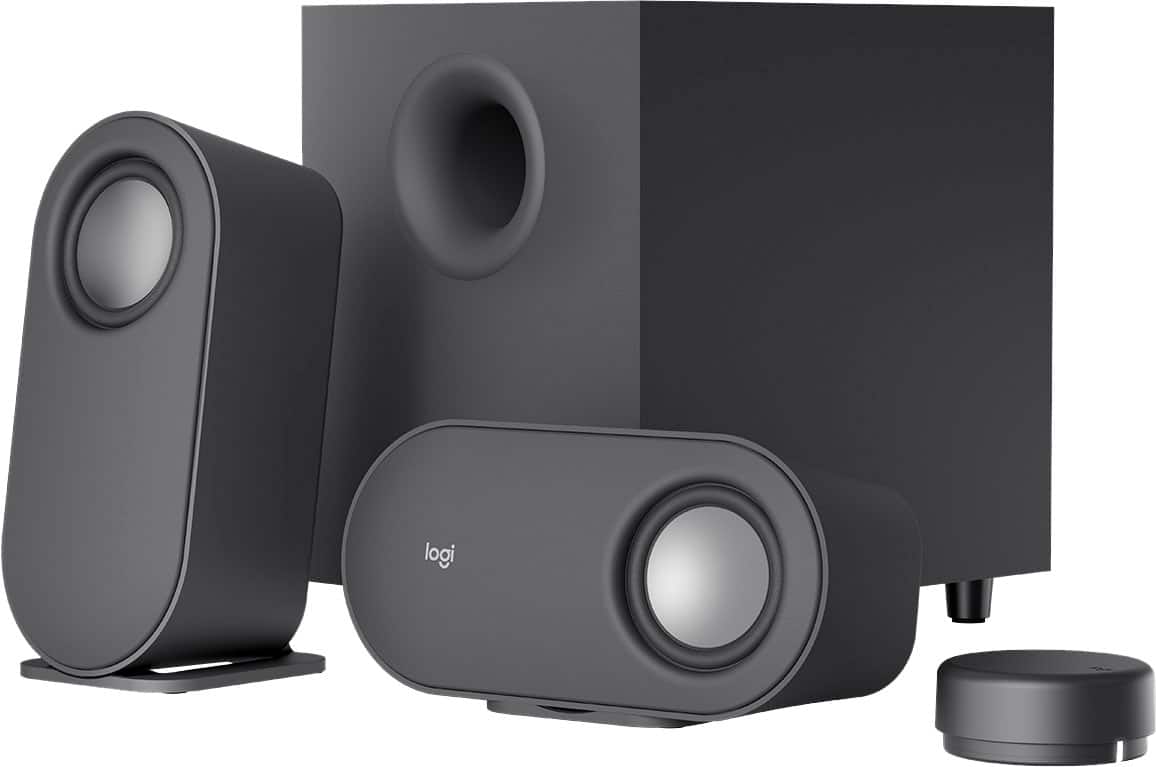
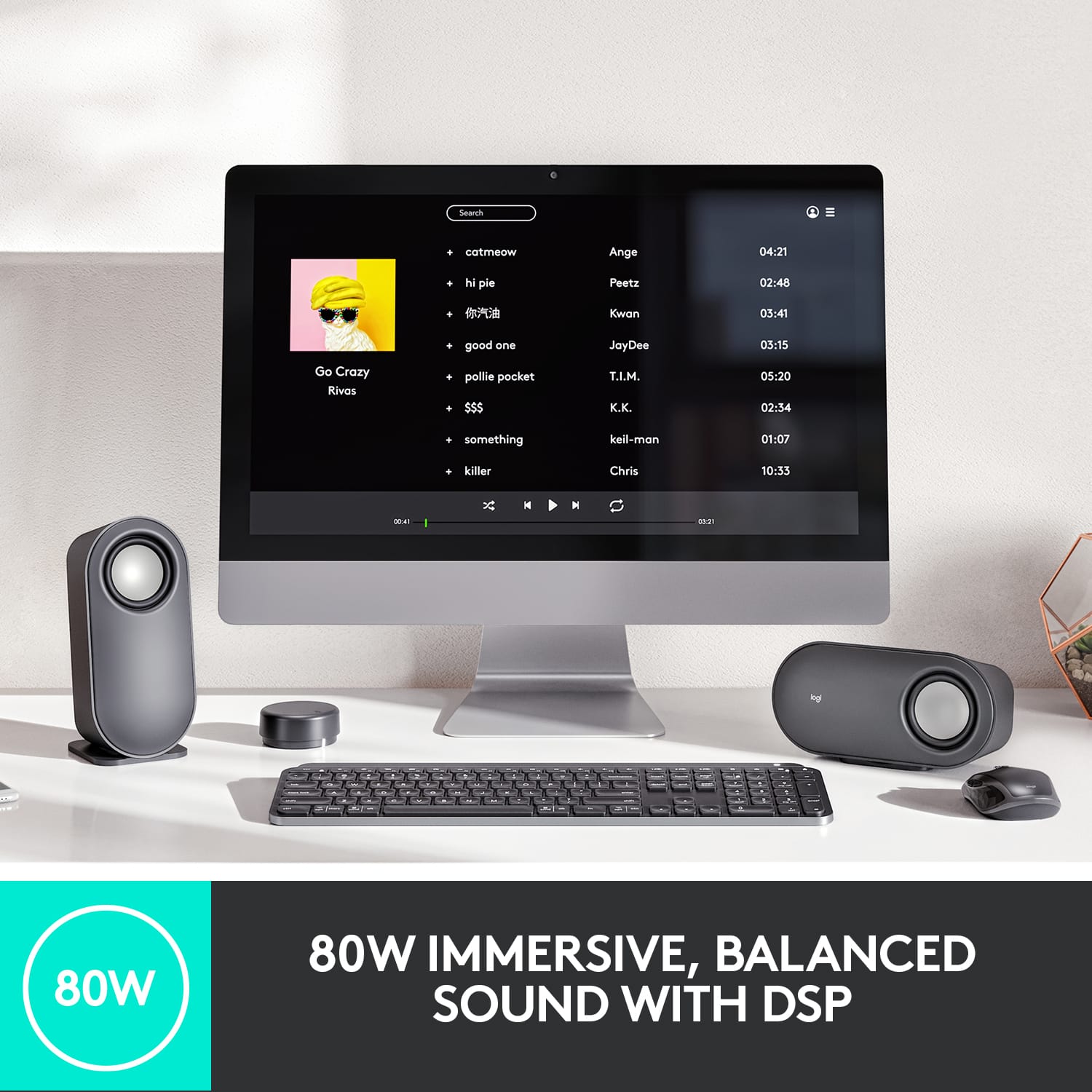
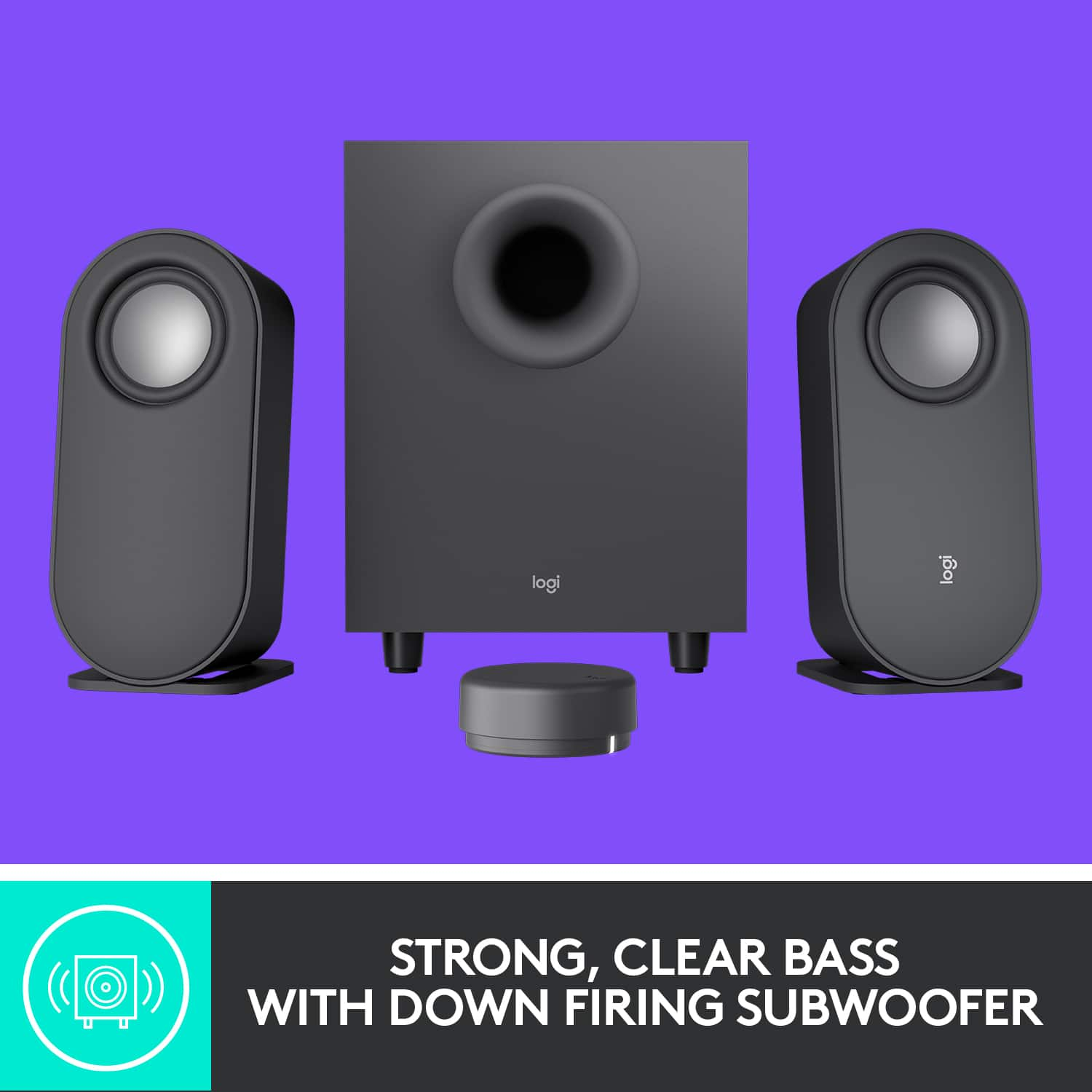
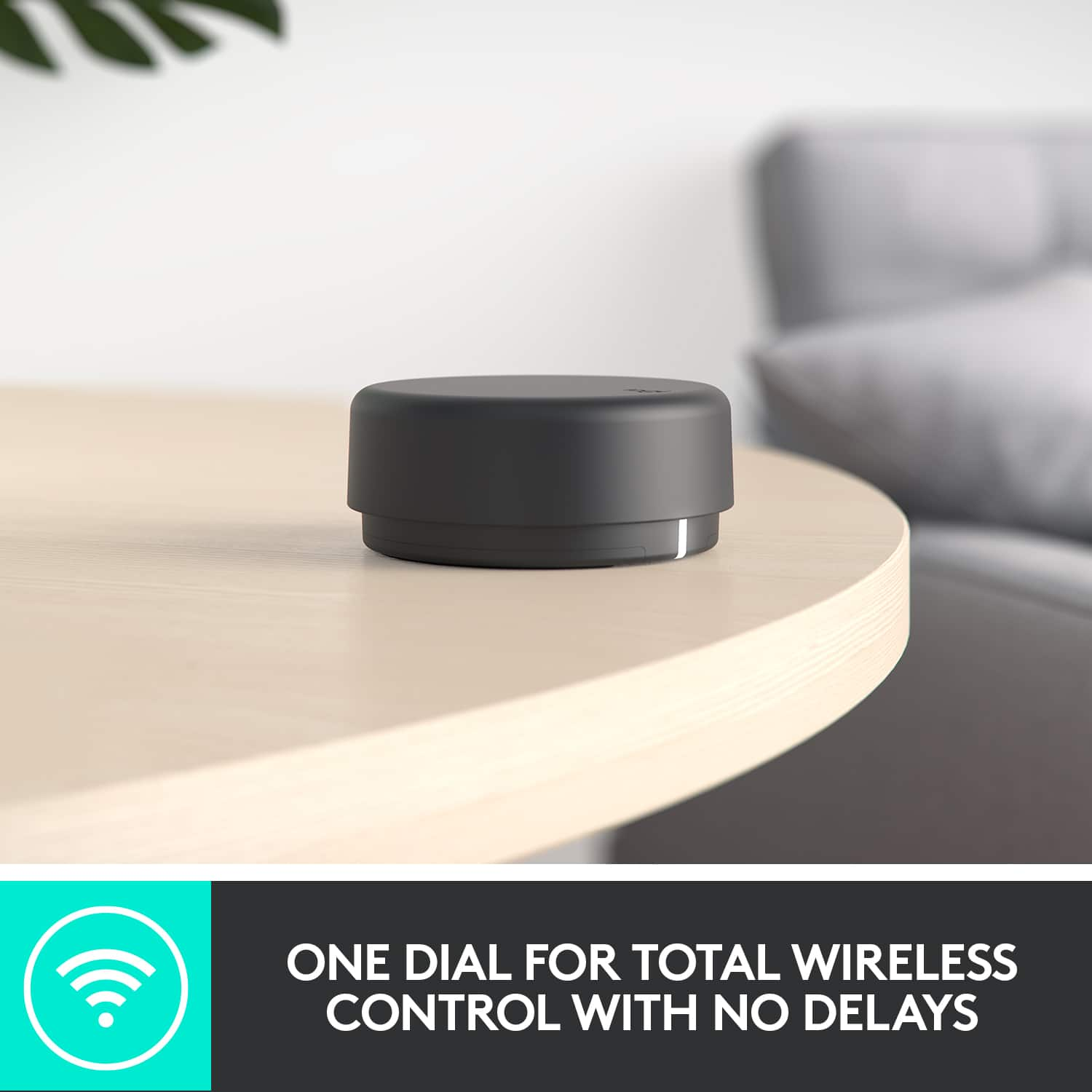
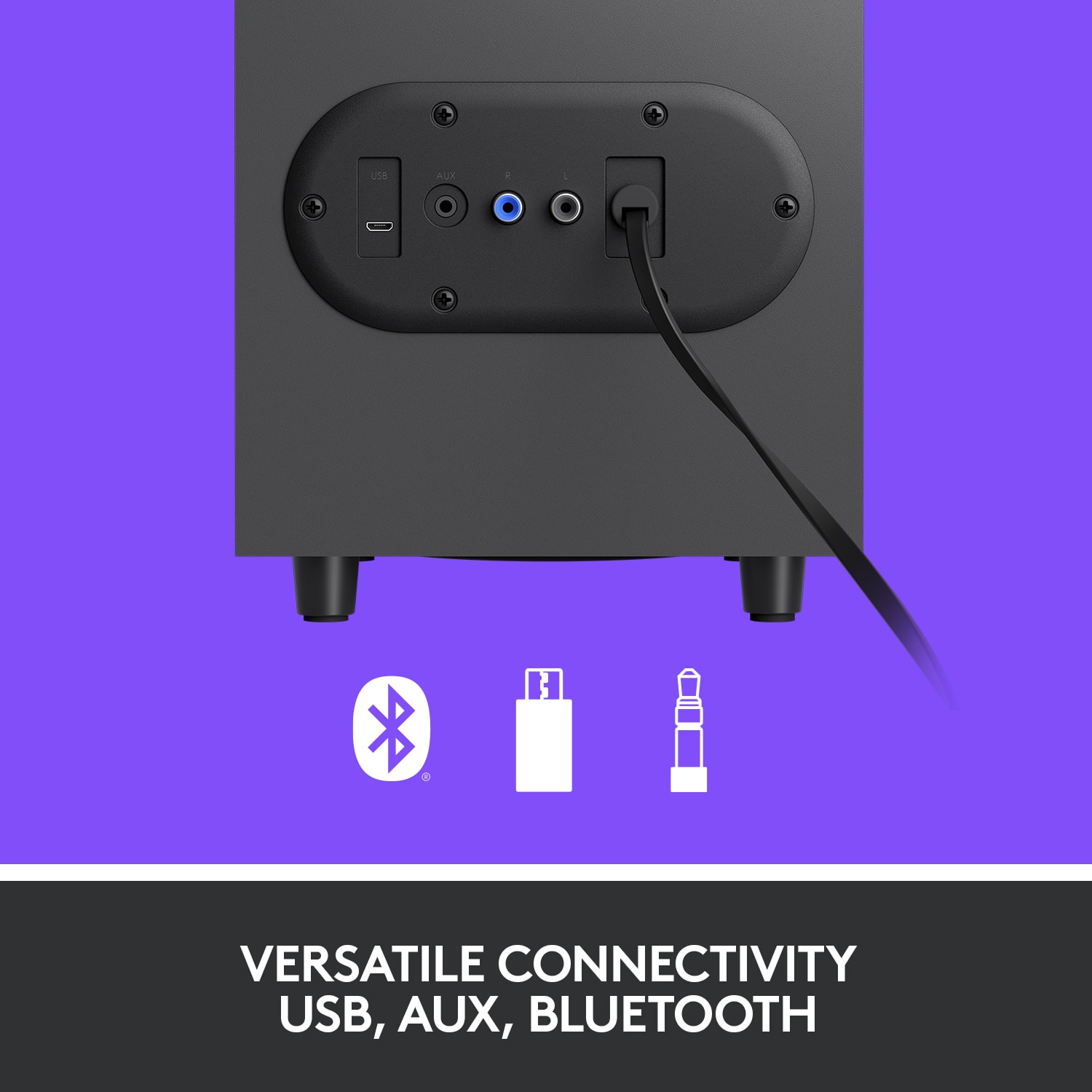
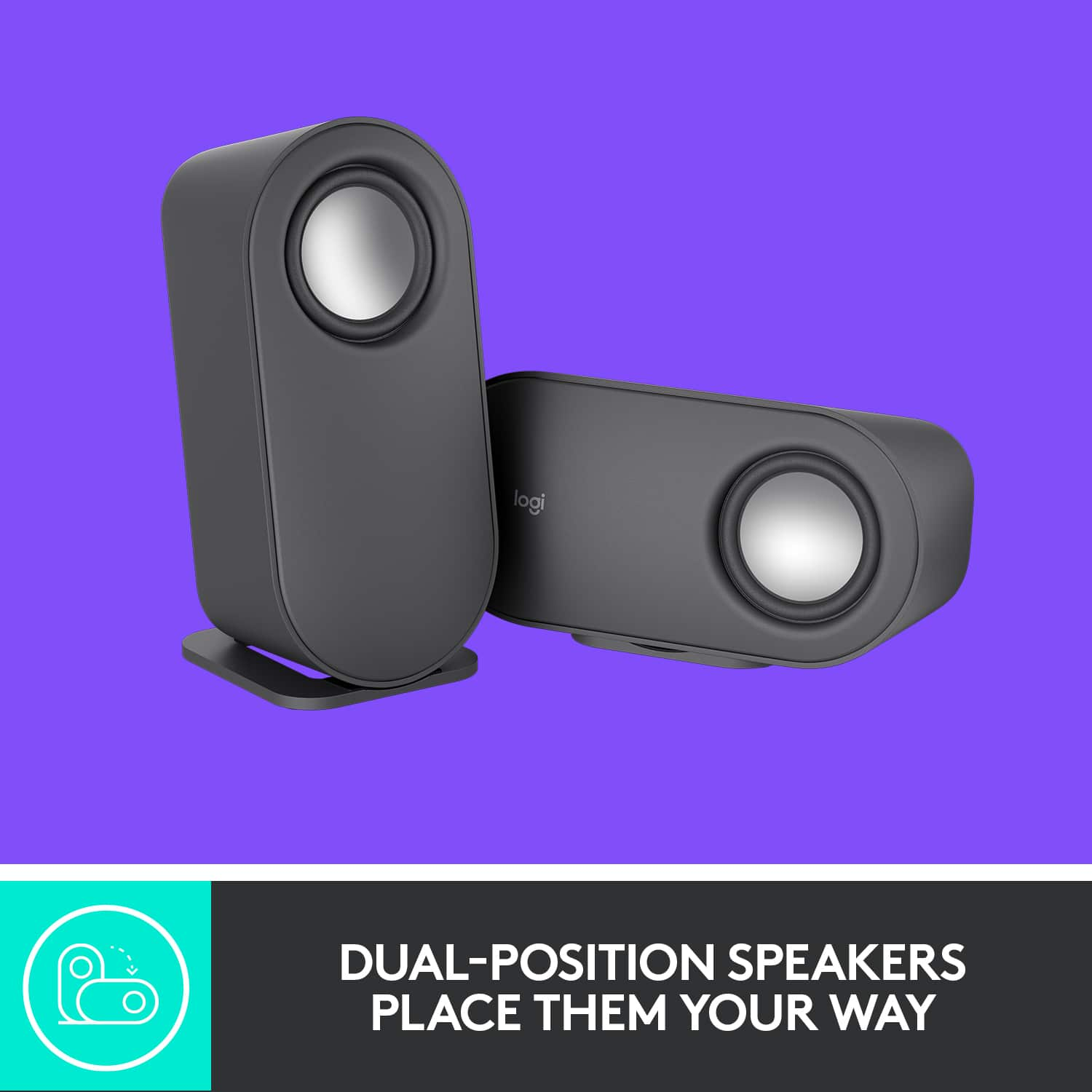
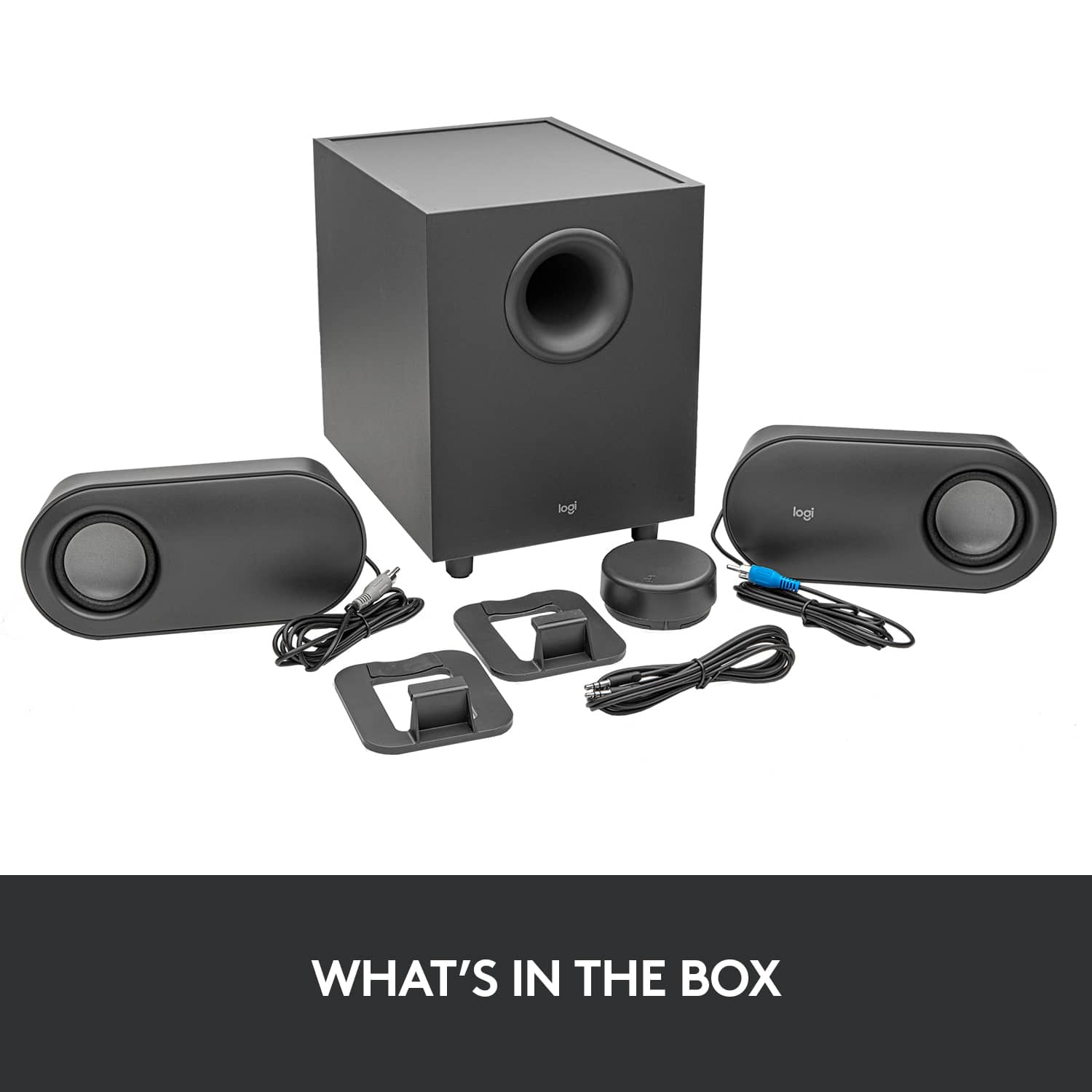
|Posted .This reviewer received promo considerations or sweepstakes entry for writing a review.These are so easy to setup with the exception of putting the batteries into the Wireless Control Dial. I just couldn’t get the cover off. The trick is to press very lightly and the cover will come off. Very lightly. Other than that issue, the speakers were setup and connected to 2 Bluetooth devices within 4 minutes. I tested playing all types of music and the sound was great. Bass lows were excellent and so were the high notes. You can adjust the base via a button on the dial. Specs: 80 watts of peak power, 40 continuous watts and 20 watts of base. The speakers can be placed horizontally or vertically (with enclosed stands). I chose vertically so they take up less space. Bluetooth setup was a breeze. Just push the Bluetooth connection button on the bottom of the dial for 2 long pushes and it will be in pairing mode. You can connect up to three devices via Bluetooth, micro USB or 3.5 mm input. These are excellent for the price point and highly recommended. My one complaint is pictorial directions. Why can’t they just write a caption?
I would recommend this to a friendBrand response from Logitech
Posted .Hello customer, thank you so much for this fantastic review of the Z407 Bluetooth speaker system! If you ever have any issues with the speakers in the future, please feel free to visit our support site where you can find troubleshooting tips and tricks as well as warranty information. Thank you for being a Logitech customer!
Decent PC Speakers
||Posted . Owned for 3 weeks when reviewed.This reviewer received promo considerations or sweepstakes entry for writing a review.Decent PC Speakers. Bought it for $75 on sale and works as expected.
No, I would not recommend this to a friendSave your money
||Posted . Owned for 10 months when reviewed.This reviewer received promo considerations or sweepstakes entry for writing a review.Battery life is horrible. Connection is annoying. They go in and out then stop working til i turn volume up and down. Nothing like being in the middle of a game or watching a video and the sound is going in and out. I usually end up switching over to headphones
No, I would not recommend this to a friendBrand response from Logitech
Posted .Hello Belgaram,
I am sorry that the Z407 is not meeting your expectations. I am not sure what you mean by saying that the battery life is bad since this is not a portable speaker and must be connected to a power outlet. Anyway, If you feel you received a defective product, contact Logitech's support team to claim your device's 1-Year Limited Hardware Warranty. Logitech appreciates your product review. - Leo from Logitech
Work speakers
||Posted . Owned for 1 month when reviewed.This reviewer received promo considerations or sweepstakes entry for writing a review.Wish it had a Bass adjustment. Other then that it works great.
I would recommend this to a friendSound is okay but startup/shut down sounds ruin it
||Posted .This reviewer received promo considerations or sweepstakes entry for writing a review.The speakers play a VERY loud startup and shutdown sound that is not able to be turned off. It scares you often. How this is not an option is appalling
No, I would not recommend this to a friendBrand response from Logitech
Posted .We sincerely apologize for the startling startup and shutdown sounds on your Z407 speakers. We understand how disruptive and frustrating this can be, and it's definitely not the experience we want our customers to have. Your comments are extremely valuable and have been passed on to our product development team for future consideration.

Great sound, faulty speakers
||Posted . Owned for 7 months when reviewed.This reviewer received promo considerations or sweepstakes entry for writing a review.These speakers have worked great outside of the flaw that they have. Every hour or so, a "clink" sound will come from the subwoofer and the sound will cut off. I then have to adjust the volume or mute and unmute them to turn back on. Its very frustrating
No, I would not recommend this to a friendBrand response from Logitech
Posted .Hello there Jayjay. I'm sorry to hear that you had some issues with your Z407 speaker system. If you haven't done so already, I would recommend navigating to our support site to try and get a replacement cable for your speakers, as it sounds like that may be the issue. -Weston from Logitech
Too much bass for the given volume
||Posted . Owned for more than 2 years when reviewed.This reviewer received promo considerations or sweepstakes entry for writing a review.A mediocre speaker which would otherwise be a good speaker if it has bass control. Not loud enough for decent listening experience. Volume up increases the bass rather than sound
No, I would not recommend this to a friendBrand response from Logitech
Posted .Your feedback has not gone unnoticed, we will forward it along to the right team. Thanks so much!
Audio lag with USB connection
||Posted . Owned for less than 1 week when reviewed.This reviewer received promo considerations or sweepstakes entry for writing a review.One of the coolest feature of these speakers is the wireless control wheel; you must use a USB connection to get media control. Unfortunately there is a noticeable sound delay (audio lag) with video playback. There are reports of this problem but no official answer from Logitech. Tech support doesn't get back to you either. I'm returning the speakers.
No, I would not recommend this to a friendBrand response from Logitech
Posted .Hello BattleCat, we are so sorry to hear that the Z407 speakers did not meet your expectations. At Logitech, it is our goal to ensure you are completely satisfied with your Logitech purchase. We take pride in the products and services we offer, and want our customers to enjoy them just as much as we do. We appreciate the honest feedback and look forward to hearing from you again in the near future. Have a great day. -Ricky | Logitech
Speakers
||Posted . Owned for 1 week when reviewed.This reviewer received promo considerations or sweepstakes entry for writing a review.Good but the controller tends to get disconnected at times.
I would recommend this to a friendNot worth it.
||Posted . Owned for 2 weeks when reviewed.This reviewer received promo considerations or sweepstakes entry for writing a review.Ease of connection is great. Poor sound quality, bass quality is worse than cheaper speakers in my experience.
No, I would not recommend this to a friendBrand response from Logitech
Posted .Hi! We're sorry to hear you're not satisfied with the sound quality, especially the bass, of the Logitech Z407 speakers. We appreciate you acknowledging the ease of connection and value your feedback. Your insights are valuable for us as we continuously strive to improve our offerings.
- Pros mentioned:Sound quality
Constant lagging issues
||Posted . Owned for 2 months when reviewed.This reviewer received promo considerations or sweepstakes entry for writing a review.Great sound, but DO NOT buy. Constant lagging issues after trying everything to resolve it. I should have read the reviews online before purchase.
No, I would not recommend this to a friend Bluetooth only device
||Posted . Owned for 1.5 years when reviewed.This reviewer received promo considerations or sweepstakes entry for writing a review.Size and audio quality is great, but volume controller stopped working after a month, and aux plug in doesn't receive from any windows PC, HAS to be used via bluetooth.
No, I would not recommend this to a friendBrand response from Logitech
Posted .That's disappointing and we understand how aggravating this can be. Reach out to Logi support and the team will surely look into the matter and come up with the best possible solution.
- Pros mentioned:Bass, Bluetooth, Sound quality
Superb in All Aspects
Posted .This reviewer received promo considerations or sweepstakes entry for writing a review.I wanted to upgrade my basic 2 speaker system connected to my PC. My plan was to just use it for my PC, so I did not need anything outrageous. But, I did want to treat myself to a 2.1 system and see how the subwoofer would sound. I thought the Z407 would be a good middle of the road choice. Wow, was I surprised by the quality. I came across a review saying the bass was not adjustable. This is not the case, but I can see how some of the capabilities of the system could go without being known if one were to set up simply by following the graphics on the box flaps. When making a tech gadget purchase, I always go to the manufacturer's support website and download the detailed description manual. Anyway, I love the ease of adjusting via the wireless remote wheel. There are a few reviewers who stated this has broken on them, so time will tell with my purchase. I have an AVR surround sound system, three sound bars (one with rear speakers and subwoofer... 5.1), and a Bose Bluetooth portable speaker. Seriously, in many aspects the Logitech Z407 speaker system sounds better than any one of those others. Very rich, clear and nice subwoofer range. I no longer connect my cell phone to my Bose portable if the Z407 is within range, because the Z407 sounds better. I have connected my PC to the Z407 via USB, then Bluetooth for my phone. Never checked the sound using the 3.5 mm jack cable, because USB digital is always known to be better the 3.5 mm cable analog for audio. More than a happy camper!
I would recommend this to a friendBrand response from Logitech
Posted .Thank you for your amazing review of the Logitech Z407 speaker system! We're thrilled to hear that it has exceeded your expectations and outperformed your other audio systems. Your positive feedback means a lot to us as we continue to create exceptional products that elevate your listening experience.
Lackluster.
||Posted . Owned for 1 year when reviewed.This reviewer received promo considerations or sweepstakes entry for writing a review.Music quality was decent, it wasn't anything to rave about, ended up returning it since it was really lackluster.
No, I would not recommend this to a friendBrand response from Logitech
Posted .Truly sorry to hear about your experience and we regret to know that you had to return the product. This is not what we want to deliver and we apologize for any inconvenience. We'll definitely make sure that this is communicated with the relevant team for them to check it out. Thanks so much!
Good value
||Posted . Owned for 2 weeks when reviewed.This reviewer received promo considerations or sweepstakes entry for writing a review.Pretty good sounding speakers, only annoyance is having to do Bluetooth then switching to aux instead of it working instantly but other than that it works perfect and would recommend to anyone.
I would recommend this to a friendDon't recommend
||Posted . Owned for 5 months when reviewed.This reviewer received promo considerations or sweepstakes entry for writing a review.The sound quality wasn't all that. I currently have some Klispch 2.1 speakers and THX 2.1 Logitech speakers. If you can pony up the xtra dollars and are looking for PC speakers, get better ones than these.
No, I would not recommend this to a friendBrand response from Logitech
Posted .Hello, we truly appreciate your honest feedback! We are so grateful for your review. At Logitech, it is our goal to ensure you are completely satisfied with your Logitech purchase. We take pride in the products and services we offer, and want our customers to enjoy them just as much as we do. At the end of this message, I attached a link to our support page to get that issue sorted out. We apologize for the inconvenience. Thanks for being part of the Logitech family, have a great day. -Ricky | Logitech.
https://support.logi.com/hc/en-us/articles/360055951534
crap
||Posted . Owned for 1.5 years when reviewed.This reviewer received promo considerations or sweepstakes entry for writing a review.Just found out the remote puck controller breaks randomly and there is no replacement. You're screwed if that breaks. you will no longer to be able swith inputs or change your bass levels. Ive replaced the batterys and dif a hard reset of the speakers. dont waste your money
No, I would not recommend this to a friendBrand response from Logitech
Posted .We sincerely regret if our product provided you with a inferior experience. We understand your displeasure and apologize for any issues that arise. We value your input, therefore we will forward it along to the appropriate team so they can look into it.
- Pros mentioned:Bass, Bluetooth, Sound quality
For the price, almost perfect
|Posted .This reviewer received promo considerations or sweepstakes entry for writing a review.The bottom line: For the price, the sound quality and functionality is on point. You won't be disappointed with this $80 speaker set. The Pros outweigh the cons: I've been waiting to get a hold of new computer speakers for my WFH setup - I had gone through months just using my laptop speakers while connected to my external monitor, which worked but having dedicated external speakers makes the entire experience a little more wholesome. Out of the box: Well packaged, directions are right on the box as well. The subwoofer is definitely smaller than my first set of Logitech speakers years ago, though the actual speakers are larger than I had originally imagined. I had hoped that it would have been thinner/ smaller and heavier. For the size of the speakers, you'd think that it would have some weight to it - but it's pretty lightweight, you can place it anywhere but you could just as easily knock it down. But I do like that you can style it the way you want: lay them vertically or horizontally. I personally laid one vertically and one horizontally. The wireless control automatically is paired with the speakers and easily pairs via Bluetooth with my laptop, tablet, and phone without issues. It also has the ability to connect via AUX and USB. Controlling the knob is seamless though I wish there was more of a touch feature rather than pressing the knob in order to pause, skip, and rewind. Sound quality is excellent for my intended use, I'm not using it to turn my desk space into a surround sound experience but for everyday work and occasional media usage - it satisfies my needs as an average user. Whenever I'm watching a movie or listening to music the sound is immersive with strong, deep, rich, and clear bass. Overall, sound quality is excellent for its price range. Though I wish that there was a software interface to control the EQ using the dial, as of now it's only used for simple control: play/pause, rewind, forward, and increase/decrease volume.
I would recommend this to a friendBrand response from Logitech
Posted .Hello customer, thank you so much for this fantastic review of the Z407 Bluetooth speaker system! If you ever have any issues with the speakers in the future, please feel free to visit our support site where you can find troubleshooting tips and tricks, direct assistance with your issue, as well as warranty information. Thank you for being a Logitech customer!
Okay not the best
||Posted . Owned for 3 weeks when reviewed.This reviewer received promo considerations or sweepstakes entry for writing a review.Can’t control base volume there’s only one setting for all volume.
No, I would not recommend this to a friendBrand response from Logitech
Posted .Hey! We hear you, and apologize that you can't control the bass level on the Logitech Z407 speakers. Your insights are valuable for us as we continuously strive to improve our offerings.
- Pros mentioned:Sound quality
Remote is garbage
||Posted . Owned for 1 year when reviewed.This reviewer received promo considerations or sweepstakes entry for writing a review.Honestly love the sound of the speakers, but good luck if the wireless remote goes out because they are useless without it.
No, I would not recommend this to a friendBrand response from Logitech
Posted .Hi Will, we're sorry to see you're having some durability related issues with your Z407 Bluetooth Speakers. You do have a 1-year limited warranty that can be used to have a replacement sent out to you. You can do that here: https://support.logi.com/hc/en-us/articles/360055951254-Warranty-Z407-Bluetooth-Computer-Speakers-with-Subwoofer-and-Wireless-control. Hope that helps. -N from Logitech