Customer Ratings & Reviews
- Model:
- 980-001347
- SKU:
- 12129165
Rating by feature
- Value
Rating 4.5 out of 5 stars
- Quality
Rating 4.5 out of 5 stars
- Ease of Use
Rating 4.5 out of 5 stars
Crackle pop pop
Posted .This reviewer received promo considerations or sweepstakes entry for writing a review.Terrible. I've had these since they came out. Would be fine if the sub didn't crackle and pop all the time and ruin the sound. Do research it's a common defect with these. You might get lucky, buy at your own risk. I'm giving mine away. I liked the puck, sound is decent when it's not crackling. Disappointed in the quality control. Not worth the full price, wait for a sale.
No, I would not recommend this to a friendBrand response from Logitech
Posted .We apologize for the inconvenience caused by the crackling and popping sounds you're experiencing with the Logitech Z407 speakers. To address this issue, we recommend reaching out to our social care team via email at socialcare@logitech.com with your
- Name:
- Email Address:
- Country:
- Product Name:
- Brief description of issue:
Power Issues Sends, Constant Popping
Posted .This reviewer received promo considerations or sweepstakes entry for writing a review.Google Z407 popping before buying theses; eventually the power supply will fail and will cause feedback to be sent over to the USB cable interfering with your computer as well as a loud popping sound on the speakers themselves. There's an apparent design issue not being addressed by Logitech on these.
No, I would not recommend this to a friendBrand response from Logitech
Posted .We understand your concerns about the Logitech Z407 speakers, particularly the power supply issues and popping sounds. To address this issue, we recommend reaching out to our social care team via email at socialcare@logitech.com with your
- Name:
- Email Address:
- Country:
- Product Name:
- Brief description of issue:
Garbage
Posted .This reviewer received promo considerations or sweepstakes entry for writing a review.Purchesed these speakers brand new and un opened, took me an hour to set up and the cords suck the connection is constantly cutting in and out because these BRAND NEW CORDS DONT WORK will be returning absolute waste of your money dont bother
No, I would not recommend this to a friendBrand response from Logitech
Posted .We're very sorry to hear you're experiencing connection issues with your brand new Logitech Z407 speakers due to faulty cords. We understand your frustration after spending time setting them up, and we apologize for this inconvenience.
Decent sound, awful design
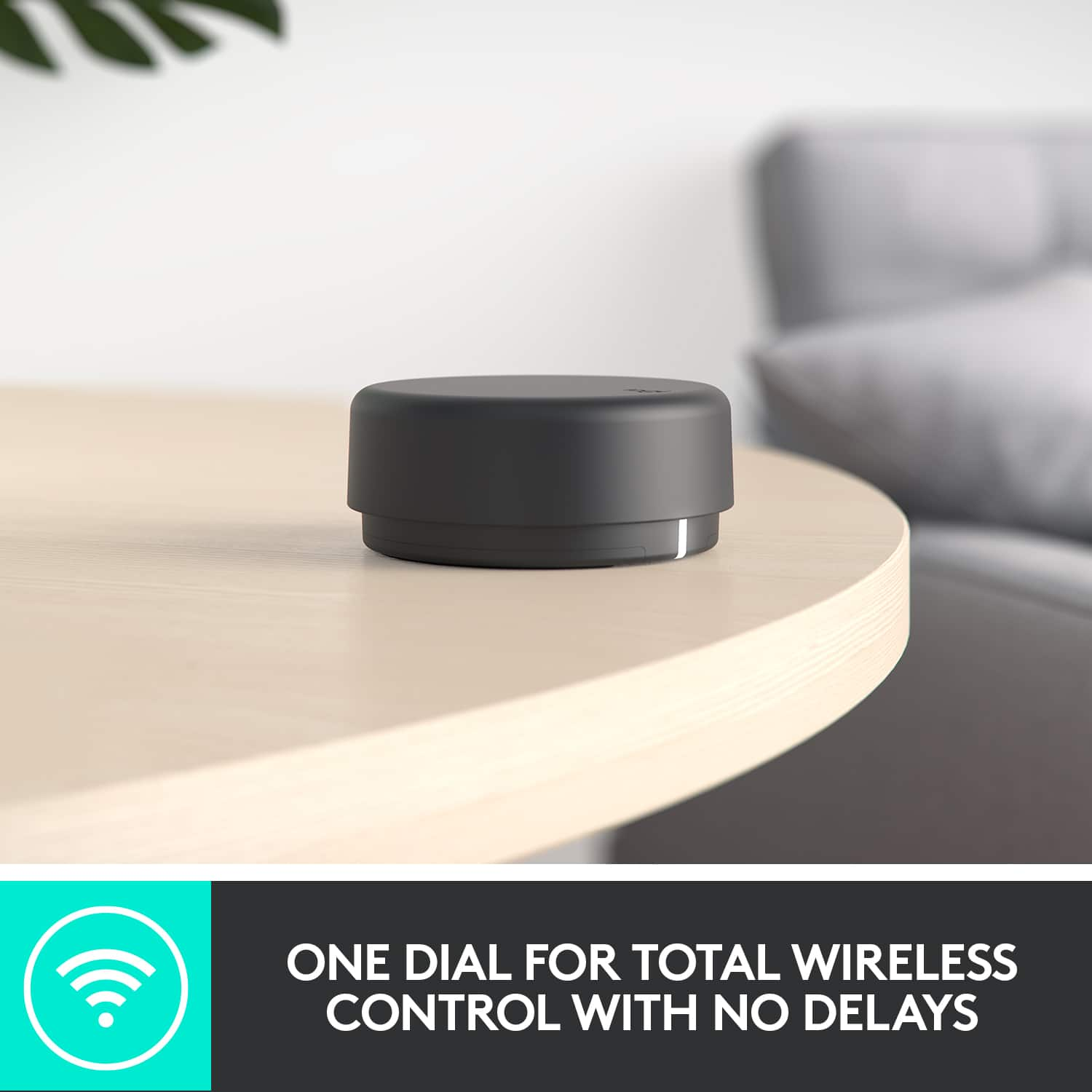
Posted .This reviewer received promo considerations or sweepstakes entry for writing a review.These speakers are really held back by how awful the cheaply made puck is the only thing that can control the volume and the fact that they go into some hibernation mode after not receiving any audio signals for a time. Every morning now I need to blast something out of the speakers to get them to "wake up" and they will still turn off during the middle of me working at the computer unless I have constant audio. Not considering logitech as a series brand of pc speakers going forward.
No, I would not recommend this to a friendBrand response from Logitech
Posted .We're sorry about the experience you've had. Try resetting the speakers, to restore the default settings, long-press the Bluetooth button and the wired input button at the same time for eight seconds until you hear the reset tone — the LED will blink twice and then glow solid. Your speaker and dial are now connected.