Customer Ratings & Reviews
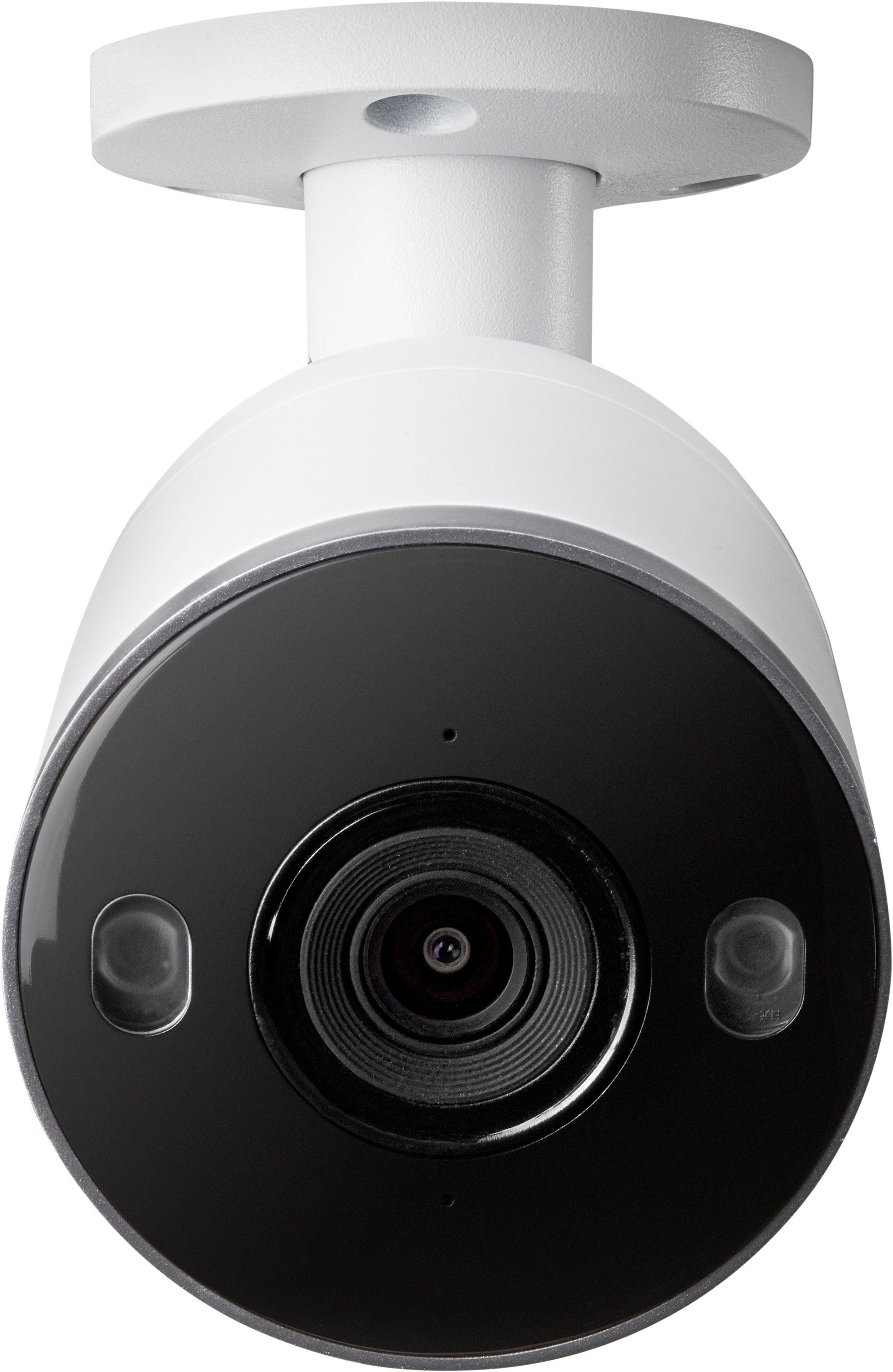
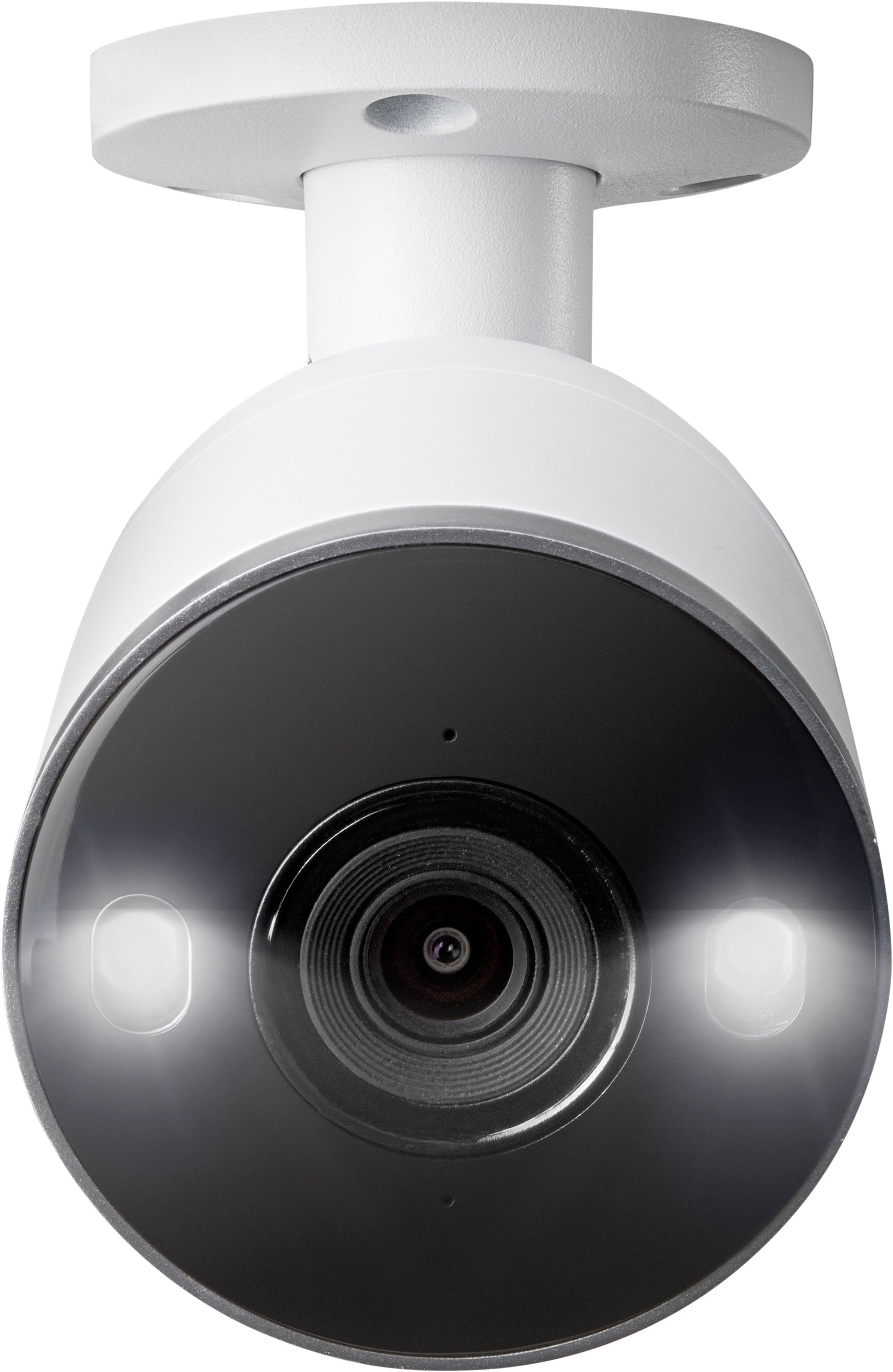
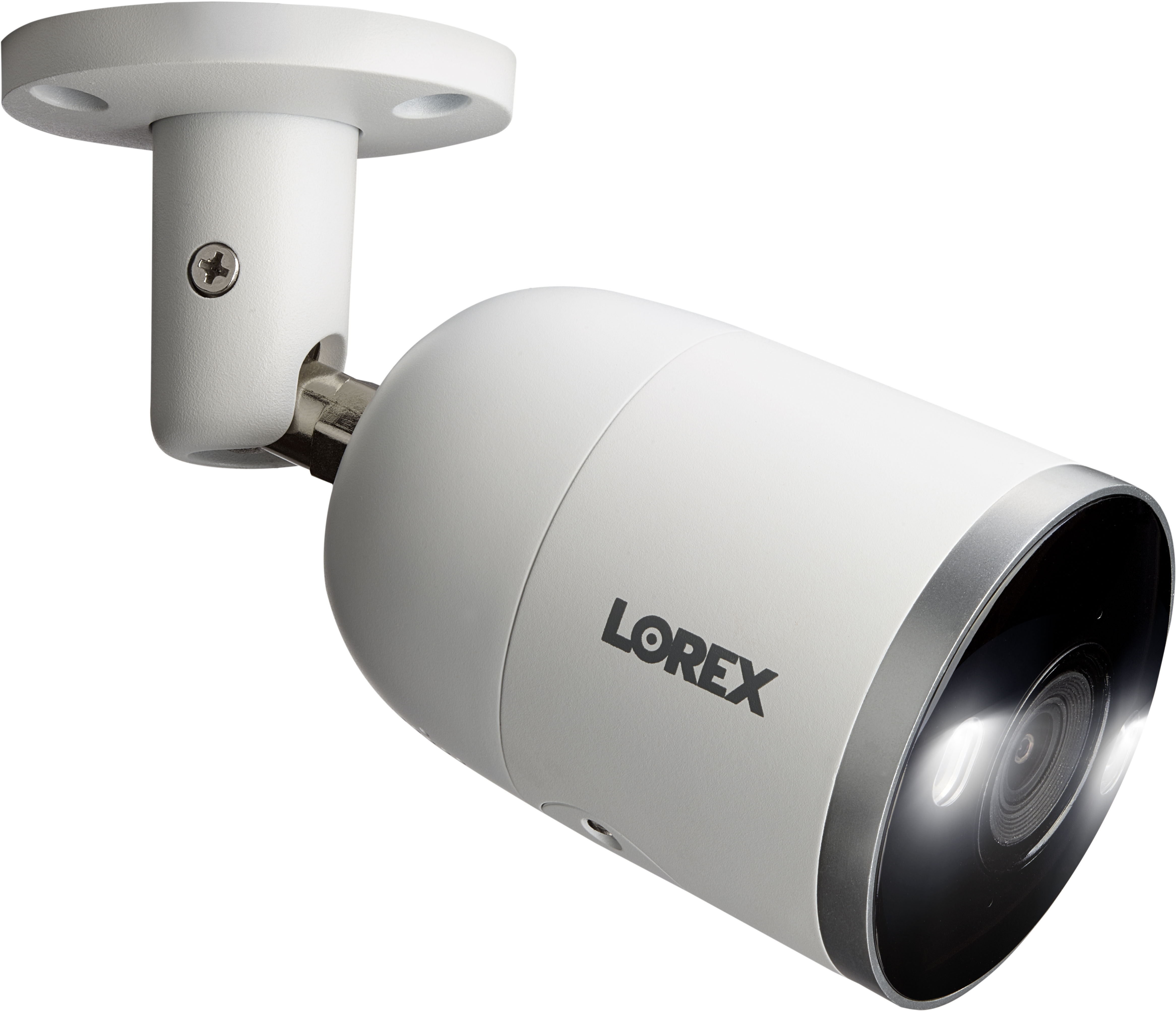
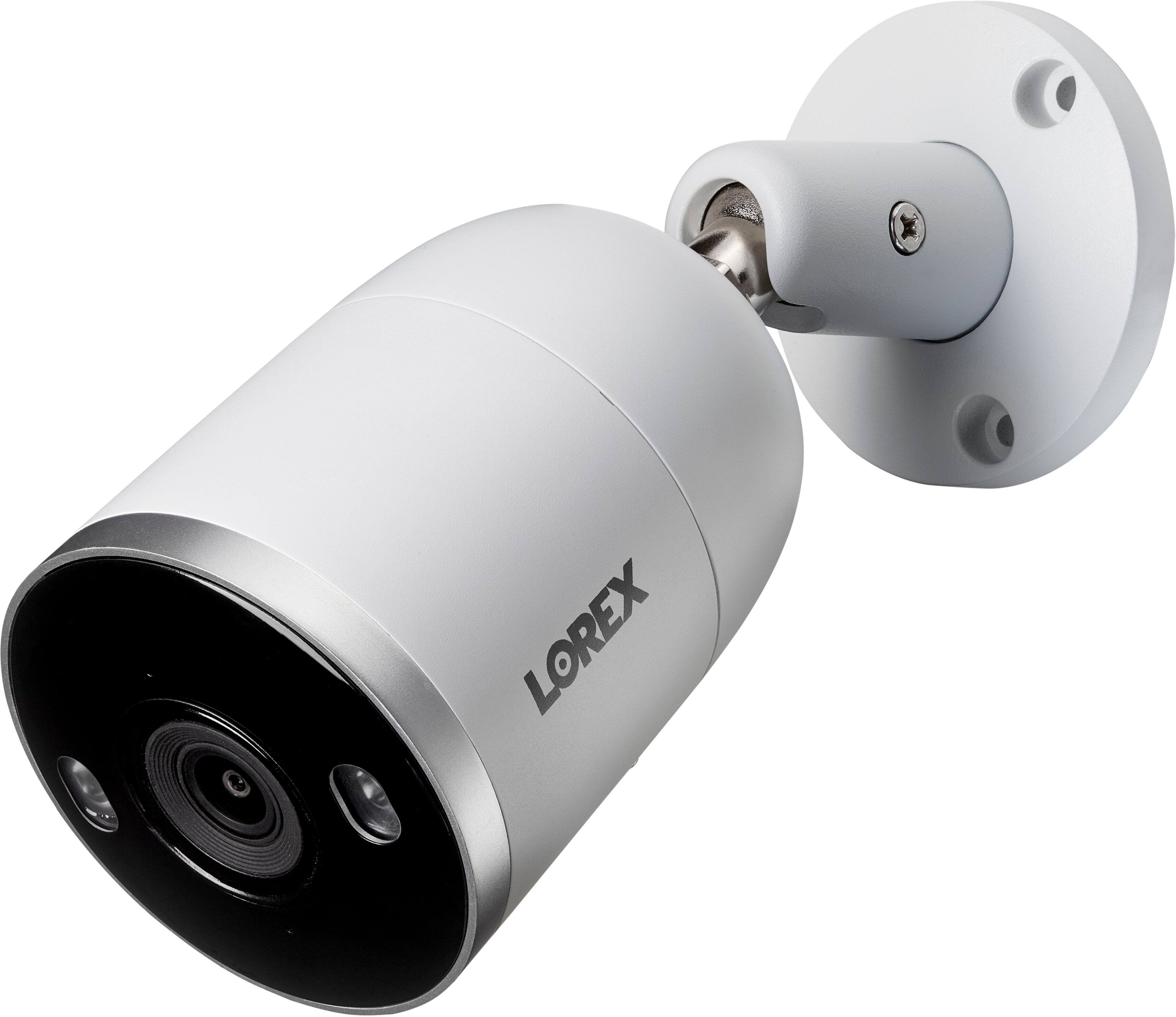

- Model:
- YN843A82-8AB6-E
- SKU:
- 6454203
Rating by feature
- Value
Rating 4.3 out of 5 stars
- Quality
Rating 4.5 out of 5 stars
- Ease of Use
Rating 4.3 out of 5 stars
Customers are saying
Customers regard the 4K NVR Security System's camera quality as exceptional, with many praising the clear picture quality, even at night. The system's night vision capabilities are also highlighted for their ability to capture detailed images, even in low-light conditions. Furthermore, users find the system easy to set up and use. Overall, the feedback points to a positive user experience.
This summary was generated by AI based on customer reviews.
- Pros mentioned:Camera quality

Great system, weak PC software.
|Posted .This reviewer received promo considerations or sweepstakes entry for writing a review.Lorex - 8-Channel, 4-Camera Indoor/Outdoor Wired 4K UHD 2TB NVR Surveillance System The Lorex 4K security system comes with 4 cameras but will accept up to 8. I have installed it and added in my Lorex Doorbell as well so it shows 5 devices. The Lorex app for the phone shows all devices and will stream the main stream without issue. On Android the app is extremely slow to send notifications at times. Sometimes it’s within a few seconds, and sometimes it’s 30 minutes later, if at all. This is similar on IOS devices although not as delayed. This issue seems to be mainly with the added doorbell. The cameras have the Lorex dual lens system where you can hear the cameras change from normal to night vision with an audible mechanical click. The night vision is ok but not as good as I would have liked. The closest street lamp is to far away to offer any real light to be used. Night vision is about normal from what I see. The cameras are well built with solid materials and carry a weight about double the normal camera systems. The cameras have 2 very bright LED lights on them that can be programmed for various functions. The cameras are full real IP cameras. They can be installed directly to the NVR or installed on a separate POE switch and then added to the NVR. If no POE switch is used there is a wire on each camera for and added power supply. Neither the additional POE switch or added power supplies are included.As for the NVR usability, it is fully functional when attached to a monitor. To give it the best possible picture I have it attached to a 4K 27” monitor. It’s not really convenient to have it attached to a TV like they request, it is controlled by an included mouse and therefore not really usable to view on a TV if you want to make any changes. I could see it as just another HDMI input to your TV, so you could switch over to it and view the cameras. That’s not really how I use it. I let it record events at night and then in the morning I go through them. This would require way too much work setting next to the TV. I have downloaded the Lorex Cloud application for my PC (Windows 10). Although it looks good from a simple interface, it has a ton of functions. With that said, the PC application is anything but finished. I couldn’t get it to do certain things I wanted to do, that my very old systems does. I made a call to the help desk to ask about the application because all the videos I watched looked different from what I downloaded. I found out the all the videos are from the previous version that they no longer use because of crashes. The new version doesn’t crash, but also some functionality has been changed, and not for the better. There is 1 really glaring change they made that they just didn’t finish doing. Once you set up the cameras on your screen how you want them, you can save that “Monitor Plan” to a named view. However it asks for the name of the monitor plan but will not allow you to name it. When I asked about how to get that to work I was informed they removed that. But they forgot to remove it from the menu. Now you still save your screen layout, but that saved layout is now shown under the view menu. Well that makes sense so even with an hour lost trying to get it to work, I can understand the logic. They just didn’t finish the software. It’s the same for the timeline while looking at playback. The timeline at the bottom used to be each camera, now all cameras are in one muddy timeline. To see the timeline for a camera you need to click on the window for that camera. Not the camera name on the left side, the window the camera is in. When you click on each window you see the timeline change. Unfortunately, this is the worst possible timeline to be shown. What is so much more useful to anyone using this as a night security system is separate timelines so you can identity events with just a single look at the timeline. As it stands you get a muddy mess and have to click on each camera to see that cameras timeline. The previous software showed a separate timeline for each camera. I can give you an example. I have a few areas that I know what time the wildlife is going to be walking thru. With the timelines separate I can ignore those events. With a muddy timeline I have to click on each camera to see if there is anything I need to look at. As a side note, when using playback on the NVR you do get separate timelines, too bad that won’t be usable because of the mouse/password/search selections at your TV. I’m not saying this doesn’t work, it does, it’s just not user friendly. Downloading an even is easy once you find it in the timeline. You can choose what format to download it in and where to put it. Bottom line is this. The NVR and cameras are top of the line with all the functions you could want. The phone app is a little sketchy but does work. The PC application is just not finished, and when they were in the process or the re-write they removed things people could really use, and forgot to remove things they took away. For me the system is usable as a security system just a little aggravating to use on the PC side. If you’re just using it to view the cameras in live mode on your TV then you will not encounter any of these issues I have.
I would recommend this to a friend Good...But Lorex Give Me Great Again Plz?!?!?!
|Posted .This reviewer received promo considerations or sweepstakes entry for writing a review.I bought my first Lorex Camera System about 2-3 years ago now. It was a Lorex 1080p Wire-Free system & I absolutely loved it. I still use it at our home along with a Lorex 2K (1440p) Wire-Free System. I have become such a fan of Lorex that I have advised multiple family members who were wanting a camera system to get a Lorex brand whether going wired or wire-free because of how great they are. I was afforded the opportunity to try this system & when I saw the Lorex name in the product offering I was excited to try a new product of theirs. Installation & Setup The install & setup of this 8-channel, 4-camera 4K Wired Lorex system is very easy. Since I have installed wired & wireless security camera systems before it was very straightforward for my sons & I to complete, which we did in no time. Every system I have bought or been offered in order to review it has been getting progressively better & better each time. The major jump for me from my previous Lorex systems is the 4K resolution, use of ethernet cable for POE (Power Over Ethernet) & the ability to use the new Lorex Fusion which allows me to combine my wire-free & wired cameras all under one app-the Lorex Home app. I am super impressed with the system thus far. Detection There are a lot of great features in this Lorex 4K system, but a camera system is only as good as how accurate it is-so, how accurate is this system? So far it has done pretty good. It has picked up moving trees, wind chimes, and stray animals as everything from people (face) to vehicles to abandoned objects. However, I am pretty used to our systems being super sensitive until I am done dialing them in as I have personally set up all of our current & previously installed camera systems so it is nothing too major. I am still finetuning our system to get it exactly to our liking. Each home & camera placement are going to be unique so there is no one size fits all for how to set up the system. I generally only want my systems to alert me when we are not at home & when we are indeed not at home I want every alert possible from inside the home & only from the front door if it detects a person. I should be able to get this result fairly quickly but wanted to post this review as I had done some extensive testing. The night time detection is much less than the day but that is to be expected. It still does a great job for what we want it to do. Out of the box the system did pretty good with detection in case you want to set & forget it but you will get alerted probably too much sometimes based on just movement of vehicles if you have it set towards your property line & it ends at a roadway. So, just be prepared to finetune the settings just a little bit. Recordings This system does 15fps which is decent but man I really wish it was at least 30fps. Being a gamer I am annoyed to no end by the low frames per second this system can record at. However, I think 4K at 15fps is, for right now, going to do ok for our home. Again, 30fps would have been great, 60fps would have been amazing-yes, I know either of those would have greatly increased the price of the included cameras' components for Lorex to manufacturer and then for us the consumer but it would have been worth it. During the night we had something try to eat our outside pets' food which I just happened to catch on camera. I walked to the front door, shining my phone's screen toward the food bowl (I was simply testing the cameras & had no idea what was going on out there on the front porch) to test the camera & if it would pick up my phone. I reviewed the footage, it showed me doing that & then some very odd looking animal went zooming across the screen. I have screen recorded the video on my phone & slowed it down in my media playing software but because the FPS is so low I only have a couple of frames of it. Super annoyed by that because this thing looks SO CREEPY! So, leaving the FPS aside how do the recordings look? They look pretty decent, maybe I am spoiled from 4K UHD because holy cow this isn't even remotely close. It is better than my 2K system from what I am seeing in my testing but wow, not by a whole lot like I would have thought. Fast moving objects are not on screen long so move very quickly & aren't crisp nor clear. If someone is trying to walk up to your home normally, or even just slightly briskly, you can make them out fairly well. My 1080p, 2K & now 4K Lorex are really doing an awesome job at our home to get every angle inside and out that I could possible want. My family jokes our home is more wired for audio & video recording than Fort Knox or a casino! Conclusion In conclusion, for my family & I the 4K Lorex is a nice addition to our already beefy home security camera system. I feel it is a good system that has great features, integrates well with a smart home, meshes well with other Lorex wired & wireless systems (Lorex Home compatible ones) & is 4K so if that is what you are looking for, then look no further. However, if you need crystal clear images, during night & day, at a fast FPS then this system is not for you as the 15fps will limit you from what you want & once they achieve at least 30fps in a 4K system, then you should give that system a look. But you, dear review reader, should you buy this system? You read my review, you know I like most of the system and only really dislike the 15fps limit, so if you know that & like the feature set like I do then definitely give it a try! It really is a nice 4K system that won't break the bank while allowing you to keep an eye on your home!
I would recommend this to a friendSpend more - get less
||Posted . Owned for 3 weeks when reviewed.This reviewer received promo considerations or sweepstakes entry for writing a review.This is a terrible product. We have (4) cameras on a dedicated 500Gb internet circuit and cannot get a quality image. We have low noise on the line and NO other devices attached, yet all we can manage is broken up and frozen images, no zoom, no 2-way audio. This system appears to be junk! Save money and buy a different system!
No, I would not recommend this to a friendBrand response from Lorex Technology Team
Posted .Dear customer,
Thanks for sharing your feedback. We're sorry to hear about your experience. As this is an uncommon occurrence, we're confident our Tech Support Team will be able to assist you to resolve the issue. Please get in touch with them at tier3support@lorextechnology.com or you may call at 1-888-425-6739.
Thank you,
Lorex Customer Experience team
Superior mobile app and ease of use
|Posted .This reviewer received promo considerations or sweepstakes entry for writing a review.Lorex has a really great thing going with this Fusion NVR system and their Lorex Home app for mobile. This system uses POE network connections to connect cameras directly, and the "Fusion" capability means that it works with several other Lorex security products which use Wifi. While I have not had the opportunity to test the Lorex wifi cameras in conjunction with this NVR system, I can't wait to try it. One of my hesitations with adding a doorbell camera to my home has been the inability to integrate it into my security camera system. Setup wise, the Lorex system was about what I would expect for a security camera system. The system includes 4 spools of 100' ethernet cable, screws, and little stick on templates for drilling to mount the cameras. I really appreciated the 100' length vs the 50' cables my last two security systems have included. My home is not massive but 50' required some questionable routing in my attic and now the wires are much cleaner up there. The only criticism I have of the setup process is that you must actually connect the NVR to a display and then use a mouse (no keyboard support) to complete initial setup. I tried multiple keyboards with no success, the only way to enter names and passwords was to use a mouse (a small wired one is included, and I've also been using a logitech wireless mouse). Hopefully something is in the works to make it possible to do initial setup using the Lorex app, which is very impressive. Quality of recordings is exceptional and retrieving them using the mobile app is extremely easy. The included cameras record at 4k resolution and 15 fps and use the h265 codec to maximize space on the NVR's 2TB drive. One feature that I've seen becoming more common is the Active Deterrence feature - which allows you to program a siren response if the camera(s) detect an intruder. This feature also works with a 'panic' button on the front of the NVR. One press of the button causes all of the cameras to start going off at once. In a pinch this could be a great way to scare someone off your property before they gain entry. Another significant feature of Lorex is the Color Night Vision capability. When used in an area with minimal lighting, the Lorex cameras are sensitive enough to not require switching to full IR night vision in black and white. Since the range of Color Night Vision is not as good as the IR version, this might take some planning to get the right angles and lighting to be useful. Fortunately, my porch and front walkway are lit perfectly to be able to use this feature - I now have color video 24/7 of my front walkway. I've mentioned it already, but the Lorex Home app is the defining feature of this product. I used a home brewed camera system for years running a software package called Zoneminder. From there I switched to a competitor of Lorex. Neither the home brew or competitor systems had an app that worked nearly as well as Lorex Home. It's outstanding and really inspires confidence that I'll be able to get full use of the cameras when I need them most. I can't wait to add more Lorex cameras to my system to take full advantage of the app.
I would recommend this to a friendNot woth the money
||Posted . Owned for 1 year when reviewed.This reviewer received promo considerations or sweepstakes entry for writing a review.Cameras work great, software to view at home not great. Online even worse.
No, I would not recommend this to a friendDO NOT RECOMMEND
||Posted . Owned for 3 months when reviewed.This reviewer received promo considerations or sweepstakes entry for writing a review.Absolutely terrible! My husband and I have had these cameras for only 3 months. They already don’t work. We are not for sure what went wrong with them, but called the company itself and you have to have a Microsoft computer to actually fix it. A MAC computer will not work.
No, I would not recommend this to a friendBrand response from Lorex Technology Team
Posted .Hello Kaitlynne,
Thank you for sharing your concern and we apologize for your recent experience. Your feedback matters to us as we strive to deliver the best possible customer experience. We would like to better understand the situation and help to resolve the issue, so please contact us at feedback@lorex.com. One of our customer experience team members will be happy to assist you in this matter directly. Also, please make sure you reference the title of the review in the 'Subject' line, so that the history of your case can be referenced and managed with consistency.
Thank you,
Lorex Customer Experience Team
STINKS!!!
||Posted .This reviewer received promo considerations or sweepstakes entry for writing a review.NVR stopped working. Lorex refuses to replace. Warranty stinks. They won't honor it. DON'T BUY THIS PRODUCT!!!
No, I would not recommend this to a friendBrand response from Lorex Technology Team
Posted .Hello Steve,
Thank you for sharing your concern and we apologize for your recent experience. Please understand that depending on the time of day, you may experience higher than average call/wait times. We would like to better understand the situation and help to resolve the issue, so please contact us at feedback@lorex.com, and add in any details you might have missed on your review. One of our customer experience team members will be happy to assist you in this matter directly. Also, please make sure you reference the title of the review in the 'Subject' line, so that the history of your case can be referenced and managed with consistency.
Thank you,
Lorex Customer Experience Team
Security Camera
||Posted . Owned for 2 weeks when reviewed.This reviewer received promo considerations or sweepstakes entry for writing a review.A lot technical problems with nvr and the apps System needs to be update , and it’s complex instructions to complete the update , I don’t recommend Lorex
No, I would not recommend this to a friendBrand response from Lorex Technology Team
Posted .Hello Defense,Thank you for sharing your concern and we apologize for your recent experience. Your feedback matters to us as we strive to deliver the best possible product and customer experience. We would like to better understand the situation and help to resolve the issue, so please contact us at tier3support@lorex.com. One of our highly trained support team members will be happy to assist you in this matter directly. Also, please make sure you reference the title of the review in the 'Subject' line if you choose to communicate with us through an email, so that the history of your case can be referenced and managed with consistency. Thank you, Lorex Customer Experience Team
Terrible technicians
||Posted . Owned for 1 month when reviewed.This reviewer received promo considerations or sweepstakes entry for writing a review.could not be installed by techs they sent out one guy too big to get up in crawl space no knowledge terrible communication skills
No, I would not recommend this to a friend- Pros mentioned:Camera quality
Great closed system
|Posted .This reviewer received promo considerations or sweepstakes entry for writing a review.This system is an NVR system, which in layman’s terms means it’s a walled-off garden, a la Apple iOS. If you have a Ring doorbell for instance, or an Arlo camera, already, they won’t be compatible with this system. However, if you’re aware and ok, then Lorex has their own Fusion-friendly cameras, video doorbells, etc. Hiring a local contractor to install the outdoor cameras around my house was not bad, and installation only took a few hours. Camera quality is superb, the casings are IP67 rated so great for Texas sudden rain. Images are sharp enough to read license plates around 40 ft from the setup, which came in handy tagging solicitors. Very secure, inherently, since other brands and systems can’t be piggybacked on.
I would recommend this to a friend - Pros mentioned:Camera quality
Absolutely Awesome Picture Quality!!!
|Posted .This reviewer received promo considerations or sweepstakes entry for writing a review.The video quality is amazing on these cameras. I am giving this a 5 star review largely because of how easy it is to install. I had a IP based camera setup before and had it managed through a POE switch. I was able to remove the old cameras and plug in the new ones and the DVR/NVR was able to pick it up from the switch while not directly connected to the NVR. The App is super easy. The only recommendation I have for those that have some technical background with routers is to reserve the local IPs for the cameras so that the addresses don't change. It appears if the LAN ip changes, the NVR has to manually re-find the cameras.
I would recommend this to a friend Awesome Security System
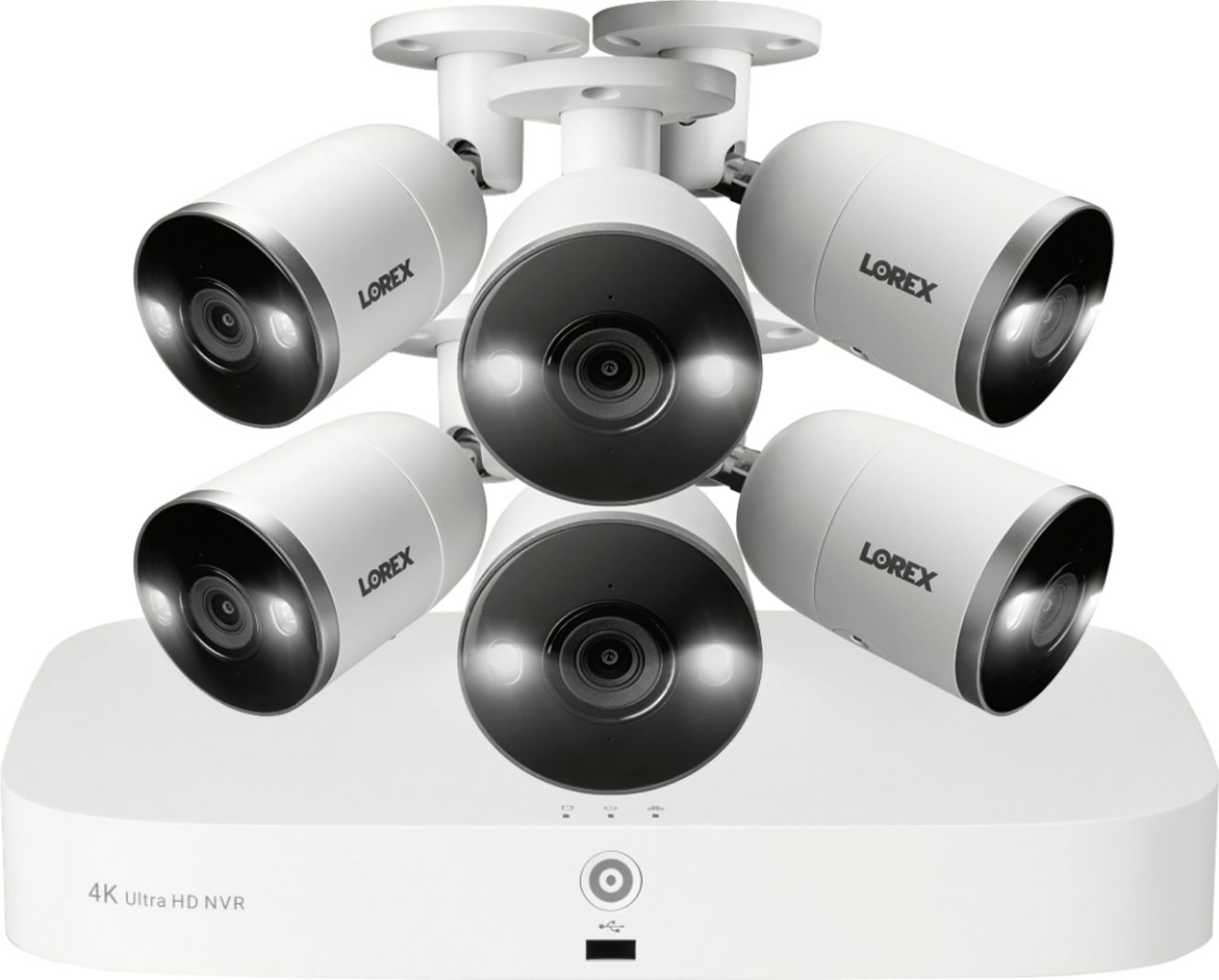
|Posted .This reviewer received promo considerations or sweepstakes entry for writing a review.What is in the box. Quick Start Guide English, French, and Spanish Limited Warranty brochure FCC required brochure Box 1 Containing Quick Setup Guide Remote Access Guide 4K Ultra HD NVR 4 feet 8-inch electrical cable Switch Mode power supply with 4 feet cable Optical mouse 39 Inch HDMI Cable 39 Inch CAT 5e Cable Box 2 Containing 4 Camera’s Box 3 Containing 4 rolls of CAT5e Network Cable (30 meters) 98.4 feet The set up Step 1. Plug in 1 camera for testing. Step 2. Connect to Router Step 3. Connect Mouse Step 4. Connect Monitor. You have 2 choices Supplied HDMI cable or purchase a VGA cable and install. Step 5. Connect power. After a few moments, the Setup Wizard started. We first upgraded the firmware. We next verified the system worked. Completed installing all cameras. Set up date and time zone formats. Set up Recording schedule. Set up Deterrence schedule for each camera. Could not set up the Facial Recognition system. Would not allow me to click on it. Next download the Lorex app and set up Remote Access using the guide. It was quick and easy. The complete system. The Lorex Smart 4K Deterrence NVR Security System was the quickest and easiest system I have used to date. The quality of the recordings is outstanding. The ease of playback was also good and quick to find. The menus are very user friendly. I was immediately notified when someone entered my deterrence zone, and again when a vehicle entered my driveway. The color low light pictures were better that any I have seen so far. I like the siren and light built into each camera. Just a push of a button from the app or main console activates the siren and lights. Each camera is also equipped with a microphone and speaker, allowing for a two-way conversation from the app. The manual recording button on the app allows you to record at the push of the button. Also, a PTZ camera is available if needed for coverage of larger areas. I would recommend this system to my friends and family.
I would recommend this to a friendCamera and setup is a breeze, bad app
|Posted .This reviewer received promo considerations or sweepstakes entry for writing a review.First I set this up in under two hours only because I was replacing an existing POE 8 camera setup because that camera manufacturer went belly up during covid as well as their web based viewing software. So I just used removed them and fished those old cables out while fishing in the Lorex cables, easy as pie. The various customization options are fantastic, the alarm features rock, color night vision is so so but still not bad, bw night vision is rocking as does daylight vision. The images are very clear and a big improvement over my replaced 1080 cameras. The Lorex app is good but only allows one user to logged into a device for viewing, so you and others can not both utilize the app on different devices at the same time.
I would recommend this to a friendFantastic product
|Posted .This reviewer received promo considerations or sweepstakes entry for writing a review.This is the best surveillance system that I have ever owned hands down. Unfortunately there was a small dent but it did not affect the product at all. That shows how sturdy and reliable this is! Set up takes some time but it's not rocket science. The quality is fantastic. You really can't skimp out on quality when it comes to security because if you have bad quality cameras where you can't even capture a potential robber's face, then what's the point? The 2TB is a nice touch as it shows they're not skimping out on space. It could've been 1TB but they went with 2TB which is appreciated, especially since 4K does take up more space. Really super solid system that I would recommend to anyone. For security, it's worth the price. Don't second guess.
I would recommend this to a friend- Pros mentioned:Camera quality
Lorex
Posted .This reviewer received promo considerations or sweepstakes entry for writing a review.Great quality !!! Highly recommend I’ve had them installed for multiple years won’t regret
I would recommend this to a friend Great system, LOVE IT
|Posted .This reviewer received promo considerations or sweepstakes entry for writing a review.I have two of these and this one went into my vacation home out on the beach. Install was good, got some friends to help me out. Works with my Google Nest and Google set up I have created in my house and is amazing. Can't say enough. On the box says works with Alexia too so good to know if that ever becomes a thing. All you need is in the box, just a good tool box and a ladder will be all you need to get this going.
I would recommend this to a friend- Pros mentioned:Camera quality, Overall performance
Good set up
Posted .This reviewer received promo considerations or sweepstakes entry for writing a review.I enjoyed the set up of these and I have been pleased with the cameras so far. They work well and the app is easy to manage. I like the different deference options and I have not had any connectivity issues.
I would recommend this to a friend - Pros mentioned:Camera quality
A1
Posted .This reviewer received promo considerations or sweepstakes entry for writing a review.Picture quality is great. Notifications are instant. My biggest issue with this system is the zones you create. I've created zones more than once and still get notifications for movement outside of the zone. Other than that, system is A1.
I would recommend this to a friend Lorex - 4K NVR Security System
Posted .This reviewer received promo considerations or sweepstakes entry for writing a review.We have these mounted to the front of our building. The street is about 50' away and these camera's Motion Detection "reached out" far enough we had to lower them to keep them from constantly turning on.
I would recommend this to a friendlorex security
Posted .This reviewer received promo considerations or sweepstakes entry for writing a review.The best surveillance system i ever owned , Great quality and price
I would recommend this to a friend