Customer Ratings & Reviews






- Model:
- 899-00129-01
- SKU:
- 6480060
Rating by feature
- Value
Rating 4.4 out of 5 stars
- Quality
Rating 4.6 out of 5 stars
- Ease of Use
Rating 4.4 out of 5 stars
Customers are saying
Customers commend the Portal Go's sound and picture quality, ease of use, and convenient touch screen. Many appreciate its portability and good battery life, along with the added benefit of the Bluetooth speaker. While some found the price to be a bit high, the positive feedback on the core features outweighs this concern.
This summary was generated by AI based on customer reviews.
Had problems with voice recognition commands
||Posted . Owned for 3 months when reviewed.This reviewer received promo considerations or sweepstakes entry for writing a review.We really wanted to like the Portal device, the idea is great, it was going to be a gift for my mother in law, she has a sight problem, so this device would have solved her connection problems in making calls thru whatsapp. Good thing that we tested it beforehand, not sure what was the problem, but the device would not even recognize "hey Portal" (the most basic voice command). Reset it, re-configured several times with no luck, simply the device will not recognize our voice commands, the touchscreen worked but the voice commands didn't. Returned it to BestBuy. Will most likely wait for a newer version to see if an updated version works better recognizing voice commands.
No, I would not recommend this to a friendBrand response from Portal Support
Posted .Hi there! Thank you for that feedback. You can always reach out to Portal Support with any issues you have in the future. We do hope you find this information helpful!

I love it
||Posted . Owned for 1 month when reviewed.This reviewer received promo considerations or sweepstakes entry for writing a review.Excellent product, I love it I used the before version
I would recommend this to a friendGreat product
||Posted . Owned for 1 week when reviewed.This reviewer received promo considerations or sweepstakes entry for writing a review.Great product and works well. Will worth the price.
I would recommend this to a friendFacebook portal
||Posted . Owned for 1 week when reviewed.This reviewer received promo considerations or sweepstakes entry for writing a review.Good and enjoying my Facebook portal, easy to use d
I would recommend this to a friendChris
||Posted . Owned for 1 month when reviewed.This reviewer received promo considerations or sweepstakes entry for writing a review.Great product for the price and so far im loving it
I would recommend this to a friendLove the Portal!
||Posted . Owned for less than 1 week when reviewed.This reviewer received promo considerations or sweepstakes entry for writing a review.Great product. Best Buy always has the best stuff.
I would recommend this to a friend- Pros mentioned:Touch screen
Won’t work for Zoom as I was told.
||Posted . Owned for 1 month when reviewed.This reviewer received promo considerations or sweepstakes entry for writing a review.Bought because salesperson said I could use for Zoom. Apparently not. It’s probably okay but not what I wanted and what I was told it would do.
No, I would not recommend this to a friendBrand response from Oculus Support
Posted .Hello JoMarie,
Thank you for sharing your experience, and thank you for your preference.
It is our understanding that you have been well advised and instructed by the sales representative.
Your Portal Go device allows for Zoom app in the following countries: US, Canada, UK, France, Spain, Italy, Australia and New Zealand.
We'd like to welcome you to our customer support team, so that we can assist you. You may reach us through the below link
https://store.facebook.com/help/support/portal/
Kind Regards.
- Pros mentioned:Sound quality

More awesome than expected
|Posted .This reviewer received promo considerations or sweepstakes entry for writing a review.I approached the Portal Go with some skepticism about whether a portable device made primarily for video chatting had a place in a world where every tablet and phone has a decent front facing camera, not to mention laptops and webcams. I came away from my first week with the Portal Go really enjoying it as a product and happy to have one in my home. I'll be recommending Portals for my friends and family this Christmas. First, the technical aspects of the video chat through FB Messenger are really cool. The Portal Go uses a 12 megapixel camera with some machine learning capability to automatically pan and zoom on people in its field of view. It starts with a VERY wide field of view - at one point on a video call, one of my twins was almost completely off the side of the Portal, from just inches away, and the video kept him in frame for his cousins. This smart tracking alone makes the Portal Go miles better than any phone, tablet, or laptop camera we've tried to have family video chats through. It just "works" to keep kids in frame as they bounce around the room. The smart camera really makes you re-examine how video chat can work and I think that's where the Portal really shines. Rather than being something that is just a gimmick for occasional video calls, you can position the Portal on your kitchen counter and just walk around the room naturally while talking to someone. With Portals on each end of the connection, it really does become a "portal" into the other person's space. Before actually using one I did not understand this at all and now I am really onboard with the idea. The Portal Go has some added value that really makes it worth a look beyond its utility for video calling. I have created a private photo album on facebook with family added as contributors, so the Portal Go acts as a super-nice digital picture frame cycling through the photos as it sits on our sofa table. Our family can beam photos right into our living room. Decent quality, connected digital picture frames are not much less expensive than the Portal Go so I really think this is a huge boon for it. In addition, it has native apps for Spotify and Pandora, and I was able to easily play Youtube Music through the browser app. The browser app even continues to play your YT Music if the browser isn't on the screen - really nice! The sound quality is excellent as well. The Portal Go even supports Plex, which was really surprising and very cool for music and video playback. Since I have our home server set up as a live TV DVR, we can stick the Portal Go on the kitchen counter and watch live OTA TV as we are prepping dinner or doing dishes. Finally, it has both "hey portal" and Alexa for voice assistance, and I found it to be very responsive for either wake phrase. Checking the weather with "hey portal" is particularly nice. General facebook privacy concerns aside, I like that you can slide a cover over the camera or mute both the mic and video with a press of a button. Given the surprising utility of the Alexa and Portal voice assistant features, I don't think I'll be cutting the mic off, but I have been sliding the cover when we aren't video chatting. Overall, the Portal Go was kind of a shock to me in how well executed it is both for its primary purpose and the additional value it offers. Definitely worth thinking about getting one for your family and any relatives you want to chat with.
I would recommend this to a friend Buggy software
||Posted . Owned for 1 month when reviewed.This reviewer received promo considerations or sweepstakes entry for writing a review.Photo frame functionality is buggy. It gets stuck at one photo and doesn't display the others anymore. WhatsApp calling is the only saviour.
No, I would not recommend this to a friend- Pros mentioned:Battery life, Sound quality, Touch screen
Nice screen and portability
|Posted .This reviewer received promo considerations or sweepstakes entry for writing a review.The Facebook Portal Go is nicely built and super-convenient with a built-in handle and rechargeable battery. The screen is large and sharp, and the camera pans away to include other people that may come into the room. My one complaint is that I can't figure out how to turn that feature off. If i'm talking to a coworker, I really don't need that feature of a family member walks into the room. I don't really use Facebook Messenger or Whatsapp, but thus does work really well with Zoom, and the camera is a nice upgrade from my company laptop, and it's nice to be able to take it anywhere in the house and not be tethered to my desk. It also works well as an Alexa device. I've had it set up in my kitchen to view recipes while cooking.
I would recommend this to a friend none
||Posted . Owned for 3 months when reviewed.This reviewer received promo considerations or sweepstakes entry for writing a review.Portal stopped working saying thers issue with account, even a factory reset cannot get it fixed. im stuck
No, I would not recommend this to a friend- Pros mentioned:Battery life, Sound quality
The Best Video Conferencing Device Goes Portable
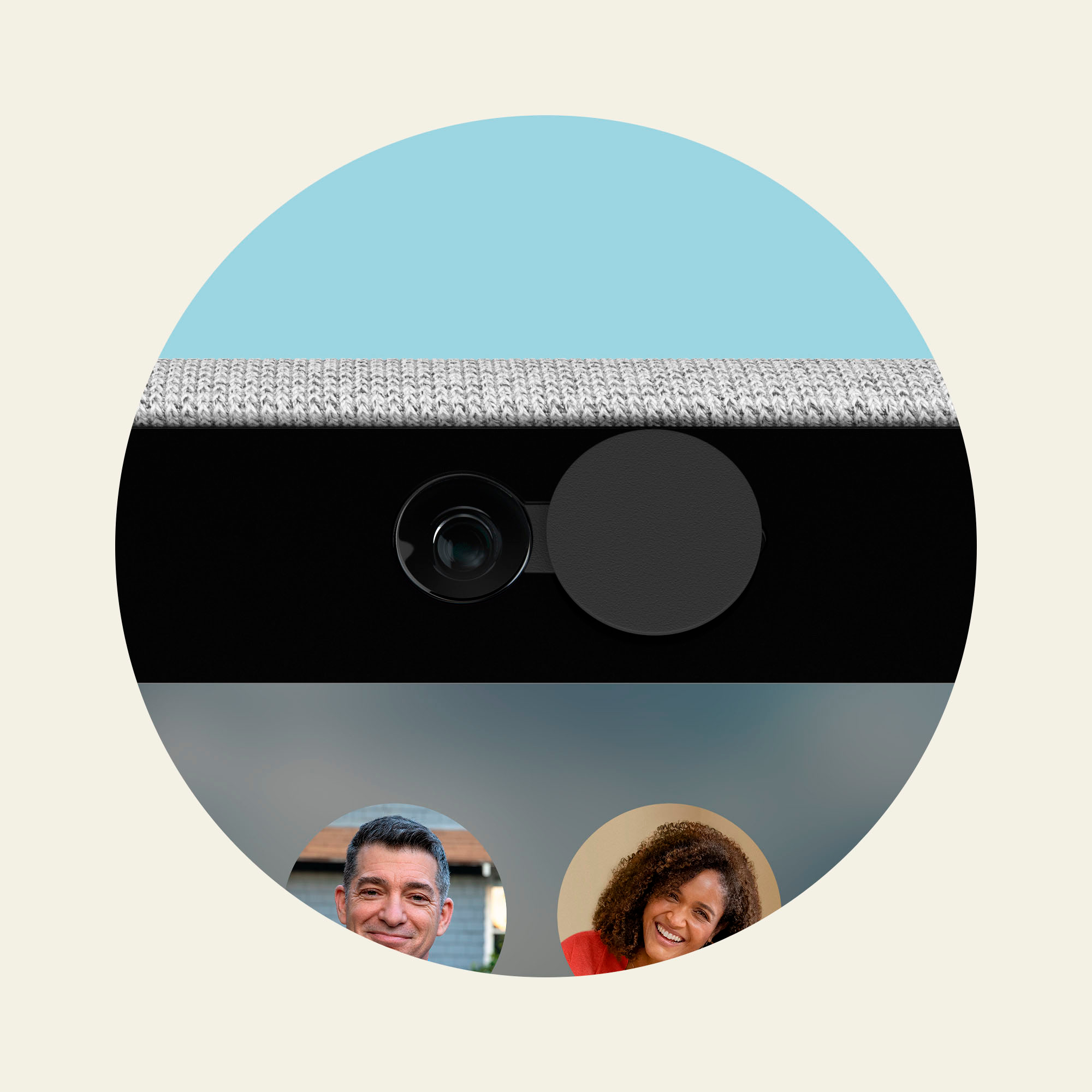
|Posted .This reviewer received promo considerations or sweepstakes entry for writing a review.The Portal Go is a portable take on my favorite video conferencing device. Facebook Portals are easy to use and set up. They work well. The video tracking technology does a great job keeping subjects in frame. The microphone does a good job picking up voices. The Facebook Portal truly makes you feel like you are talking with someone in the same room. The Portal Go builds on what came before, but now it's portable. In my opinion, the only thing holding the Portal Go back is the proprietary power adapter and the lack of downloadable apps. Still, I really like many of the new features with the Go and I recommend it. Unboxing Experience: So, right away, I like the soft edges and backing to the Portal Go. This is my first Portal (I have purchased 5 of them as gifts or for family) that has a power button on the back. For privacy, the camera slider is still there. Moving the slider all the way to the left will block the camera. A toggle on the top of the Portal will completely turn off the camera and microphone. Facebook has also included a 45w USB-C wall charger and a proprietary wireless charging dock. Experience with the Portal: Speaking of the proprietary charging dock, I am not a huge fan. The charging dock isn't magnetic. So, you have to line it up properly every time you seat the Portal. It doesn't always make contact. In my case, I received a faulty 45w USB-C wall adapter. I've been told Facebook is sending me a replacement. In the meantime, I am using a 47w USB-C wall adapter meant for a laptop. Because this adapter is proprietary, a replacement of both the dock and the wall adapter costs $50. 45w is a higher power draw than a typical phone charger, so I understand some control over charging options. But, I think I would have preferred a USB-C power port to this wireless charging pad. Either that, or the charging pad needed to be bigger and flatter. The Portal Go does charge fast. Battery life off the charging pad is pretty good. In a video call lasting over an hour and a half, I only lost about 50% of the battery. Unlike other Portal devices that can be rotated to be used in either portrait or landscape mode, the Portal Go only works in landscape mode. Picture and audio have been great. As a portable blue-tooth speaker or as a portable Spotify or Pandora player, the Portal Go sounds really good. Videos look really good. Photos look good. I feel like there is less glare on this screen than I had with my other Portal devices. Then there are the apps. Portal app selection has always been spotty in my opinion. There just aren't many applications. Facebook has a dozen apps and then a decent amount of websites that the Facebook Appstore treats as apps. But, they're just bookmarks for a website. I wish there were more video streaming apps. As it is, there is a Plex app for people interested in streaming from their home libraries. But, where is the Hulu, the Disney+, The Sling, or the Netflix app? It still feels to me like Facebook integration on the device could be stronger. Integration with my Facebook groups and overall news feed would be appreciated. As it is, I have access to live videos from pages I follow and I can broadcast live video to my news feed, but that's it. The nice thing about using Facebook Messenger for video conferencing is that Facebook Messenger works on nearly anything. I can have video conference with people on their phones, their computers, or their tablets in addition to other portal users. In conclusion, despite charger difficulties, the Portal Go is my new favorite Portal. I really like the image quality, the audio quality, and the portability of the device. Hopefully more apps are developed to take advantage of the device. Recommended 4/5
I would recommend this to a friend - Pros mentioned:Sound quality
Grerat for video calls, not much else.
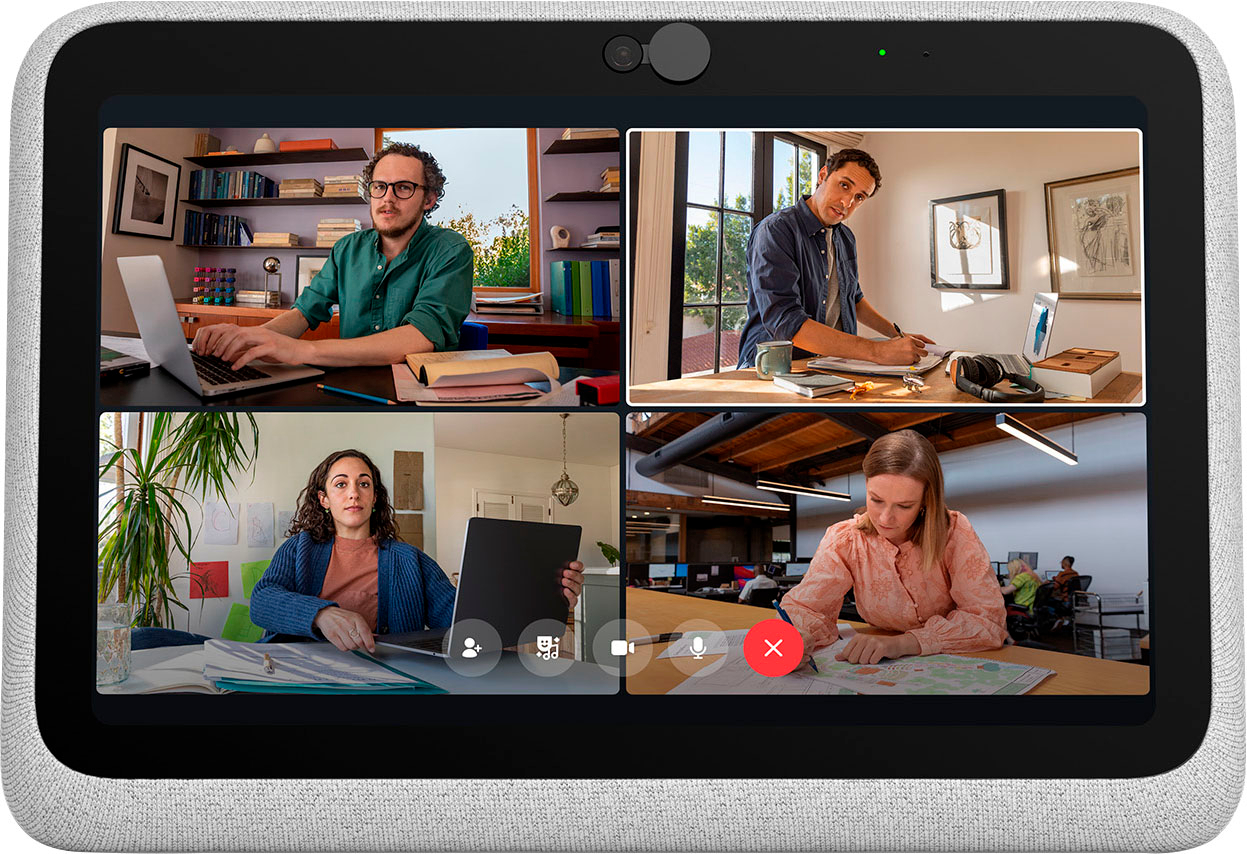
|Posted .This reviewer received promo considerations or sweepstakes entry for writing a review.Pro: -Good dynamic camera -Speaker sounds good -Alexa hub Neutral: -Battery life Con: -Limited apps The Portal Go is great for portable video calls, but doesn’t excel at anything else. It’s not a smart hub and doesn’t have as many features and apps as a tablet. Most of the apps available are video calling, music, and the web browser apps. It does have Alexa, but it’s a cut down version compared to the Echo Show. It also has some cool AR effects for storybook and photo booth apps but nothing beyond picture overlays. Video calling and Audio Camera and video call quality is excellent. The camera is much better than a typical webcam, having a warmer color and works well in low light. During calls, the dynamic camera will track faces, panning and zooming to keep everyone in center and focused. The speaker is impressive for its size. The audio is clear and full, with a good amount of bass. It’s great for listening to music on the go. Apps and Features The apps available are mostly video calling apps, including Messenger, Zoom, WhatsApp, and Workplace. The other majority are music apps, Spotify, Pandora, iHeartRadio, and Tidal Music. There’s a few live channels like Facebook Live, CBS News, and Food Network. Other services like YouTube and Netflix can be done through the web browser, but it’s buggy. YouTube repeatedly crashed the browser on startup and needed a factory reset to fix. It does have AR effects that work with Story Time and Photo Booth. Story Time has 28 short stories to choose from, while Photo Booth has backgrounds and interactive overlays. There’s Alexa built in, but even though it has a screen, it only functions as voice commands. It doesn’t have the on screen menus and buttons like those found on their Echo devices. It’s also weird that the Portal also has its own voice commands rather integrating both to work together. You can also set up Household Mode to keep certain contacts and apps inaccessible without a password. This will prevent a child from accidentally calling someone. Battery Battery Life is alright. An hour of video content/call will drain the battery by 20%-25%. A mix of calls and music will last most of the day. A day of standby will drain 20%. It takes about 2 hours to fully charge. If you want something that does video calls well, either for business or for family members, then the Portal Go is great for that. It’s easy to carry around or place on your desk while you work on a laptop. The camera and speakers are both great, but that’s about it. It’s not really good at anything else, and other devices you already have can probably do more.
I would recommend this to a friend Not impressed
||Posted . Owned for 3 weeks when reviewed.This reviewer received promo considerations or sweepstakes entry for writing a review.Not what I was expecting. Hard to figure out what it can do and hard to maneuver between apps and home etc.
No, I would not recommend this to a friendGood if you get one that works
||Posted . Owned for 3 weeks when reviewed.This reviewer received promo considerations or sweepstakes entry for writing a review.Was amazing but lasted only 3 days and had to return it because mic stopped working and also speaker
No, I would not recommend this to a friendIt will follow you around the room.
||Posted . Owned for 2 months when reviewed.This reviewer received promo considerations or sweepstakes entry for writing a review.Bought for daughter, she used it a couple times. She like the "follow me" feature.
I would recommend this to a friendAdd camera
||Posted .This reviewer received promo considerations or sweepstakes entry for writing a review.Would like to have seen a camera added in a switch to turn off the camera
No, I would not recommend this to a friendPortal
||Posted . Owned for 1 month when reviewed.This reviewer received promo considerations or sweepstakes entry for writing a review.It’s ok for messenger calls. It’s kind of difficult to set up other apps like what’s app. It doesn’t satay on or charged. It has to sit on the charger. Not very happy with it.
No, I would not recommend this to a friendNot worth it
||Posted . Owned for 1 month when reviewed.This reviewer received promo considerations or sweepstakes entry for writing a review.No decent instructions to set up not worth the money was purchased for elderly
No, I would not recommend this to a friend- Pros mentioned:Sound quality
Great for video chatting
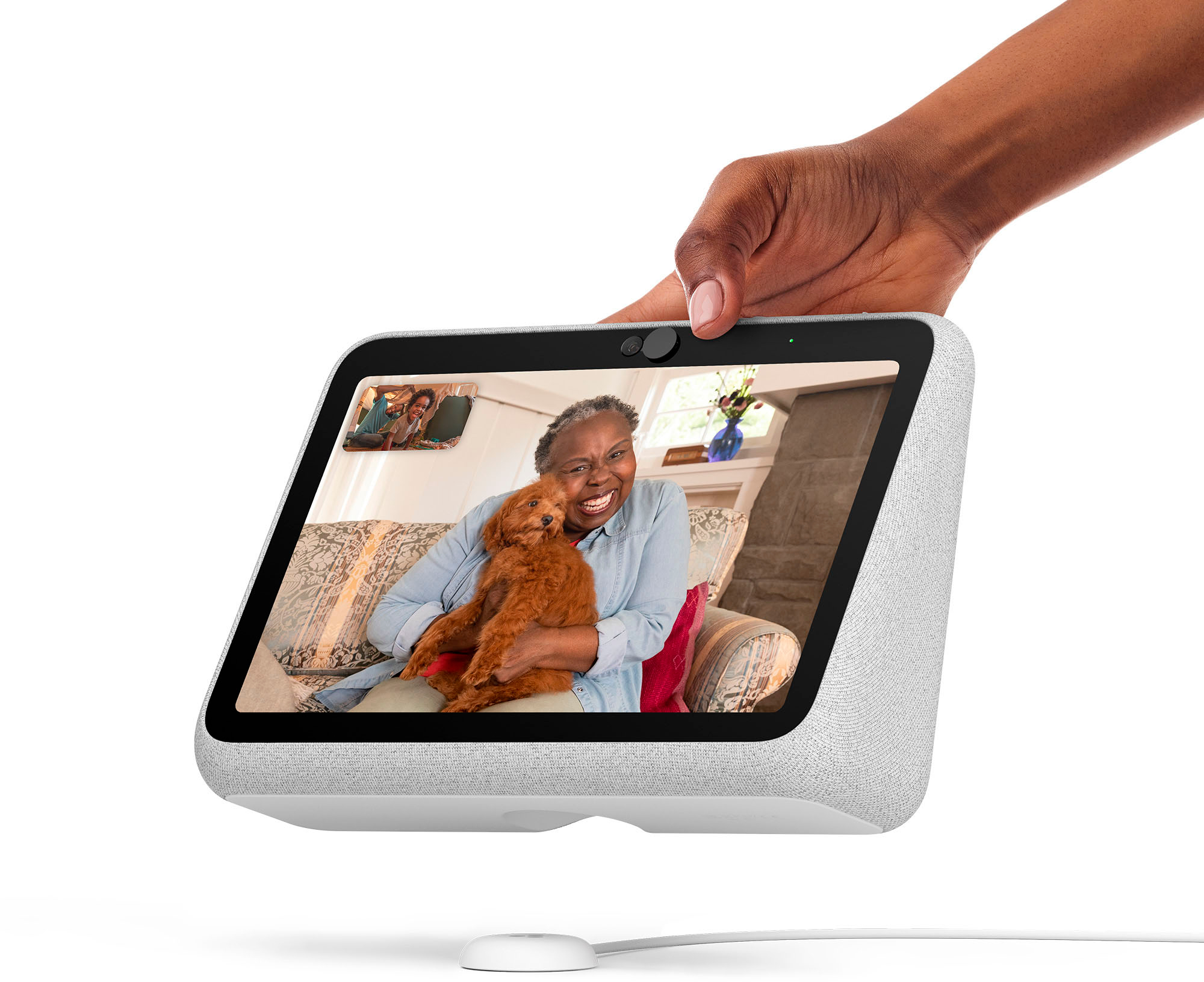
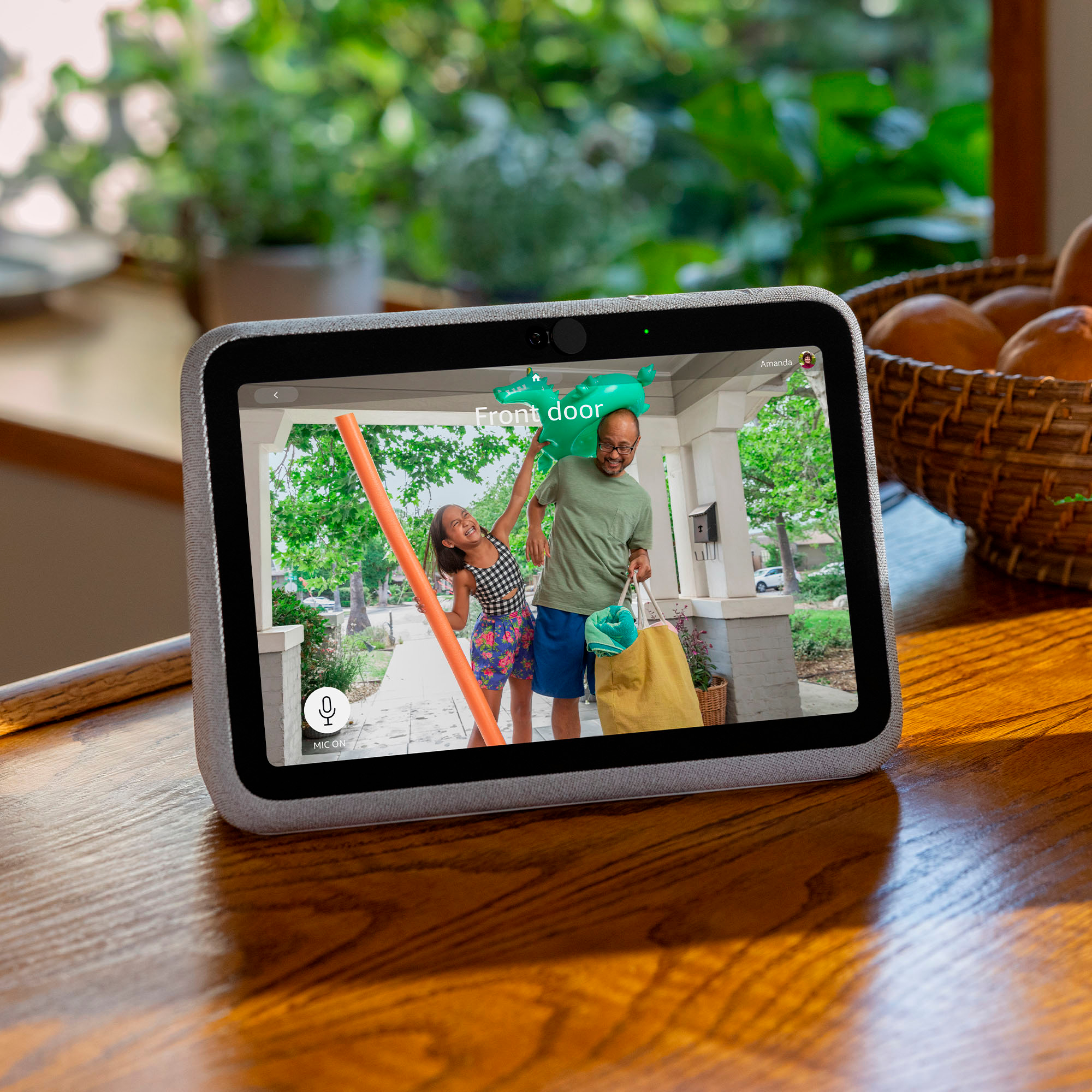
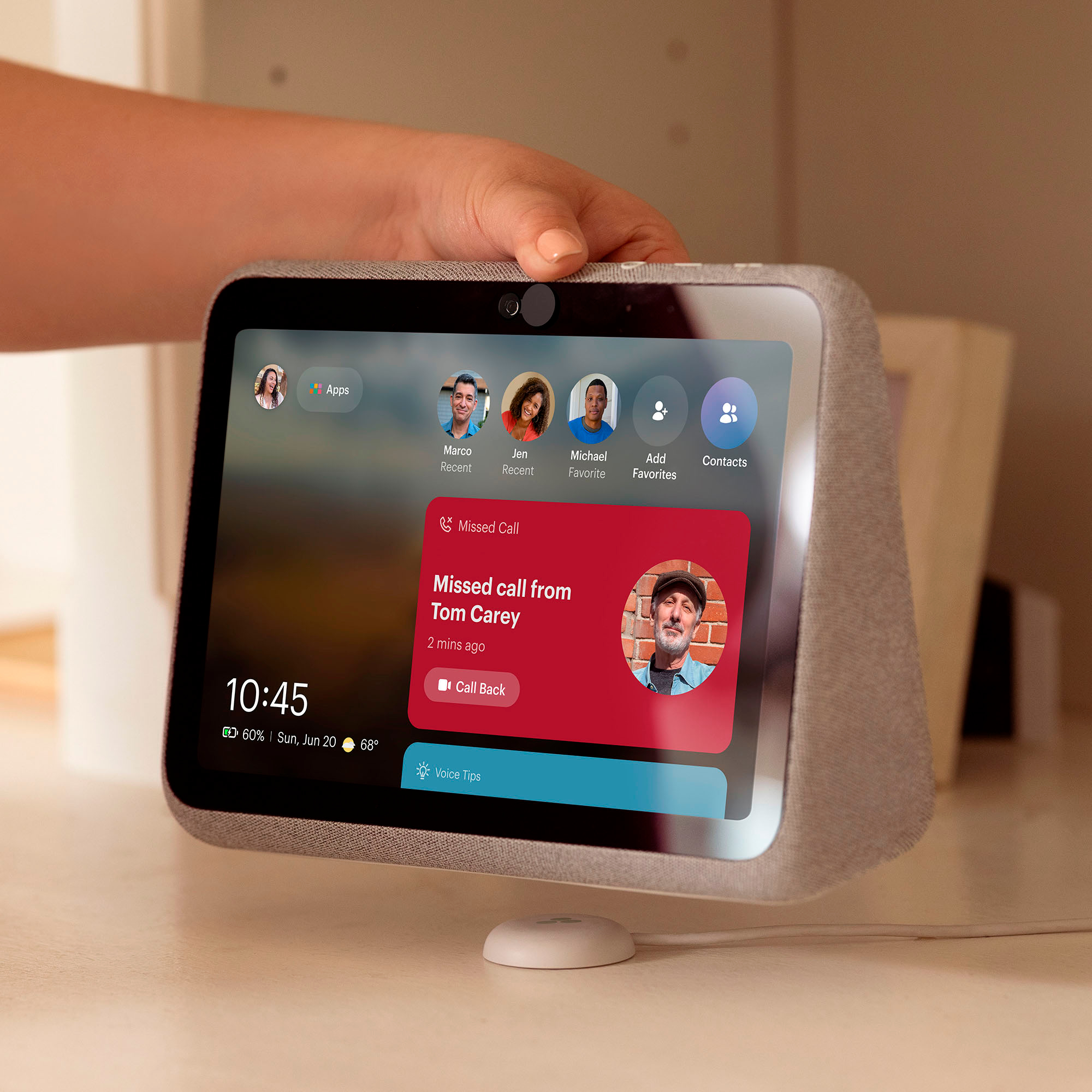
|Posted .This reviewer received promo considerations or sweepstakes entry for writing a review.Facebook’s Portal Go is an updated version of their video calling Portal. This one has a rechargeable battery which allows this Portal to be portable. This has a 10” display and weighs in at 3lbs which is a tad too heavy for me to carry around. It does have an integrated handle in the back but for me, it is somewhat difficult to grip. It comes with a charging dock with a USB-C on one end, but you can’t charge with that, you must plug that end into the electrical block. On the other end is a charging puck which the unit sits upon. You simply lay the puck on a totally flat surface and set the Portal on it to charge. I have a difficult time getting a good connection. I set the unit on the puck overnight to charge and when I went to use it, it was at 20%. I would like if it had a magnetic connector to make sure it clicks in and stays in place. Fortunately, the unit charges quickly but it doesn’t stay charged for long. The combination of the rechargeable battery and the handle make this truly portable. To use this, it must be connected to WiFi and you must have a Facebook or WhatsApp account. Once setup is complete, and that is easy to do, you can use Messenger or WhatsApp to make video calls. If the person you’re calling doesn’t have a Portal, they can still receive your Messenger call via their smart phone or laptop. To make a call you can either tap on their contact or say “Hey Portal, call ??”. The unit will automatically start a video call for you. This couldn’t be easier. For video calls, the Portal features a Smart Camera that can keep everyone in the frame seemingly magically, even as you move about the room. The camera has a very wide field of view. My calls have been of great quality for me and the person on the other end. Its 1200x800 resolution doesn’t seem like much, but for video calls it looks great. There are a lot of features to this Portal - some good and some that are trying to get there. When not using this for video calls, I use it as a digital photo frame showing photos from my Facebook and Instagram accounts. This can be quite fun as random photos pop up for everyone to see. This also can be used as a speaker to play Pandora, Spotify or YouTube, etc. For me, the speaker doesn’t have great sound. It has too much bass and no adjustment. This makes it sort of one note with no highs and lows, just lows. You can set up Alexa on the Portal with your Alexa/Amazon account and use most of the Alexa features such as controlling your lights and many other smart home skills. You can ask Alexa what the weather is, how traffic is; if you have a Ring camera, you can ask it to show that view to you. There are a multitude of things Alexa can respond to. Other than the video chat feature on this Portal, I find the ability to use its Alexa skills to be the most beneficial feature. The Portal itself has its “Hey Portal” feature which in addition to connecting video calls for you, can answer various questions about the Portal itself or the weather. I’ve found this feature to be somewhat problematic sometimes not responding at all to my requests. Sometimes though, the response was quick and accurate playing Taylor Swift on Spotify as requested, playing Pandora, etc. This Portal has some useful built in apps but I couldn’t find a way to download any more from another source. It has its own built in browser that allows me to browse the web as I want, but downloading isn’t allowed. There are way too many features to list here. Some are very good. Overall, if you’re looking for a very nice looking, unobtrusive portable device to have for video chatting with your family & friends and, as a bonus, added Alexa features: look no further than the Portal Go.
I would recommend this to a friend