Customer Ratings & Reviews
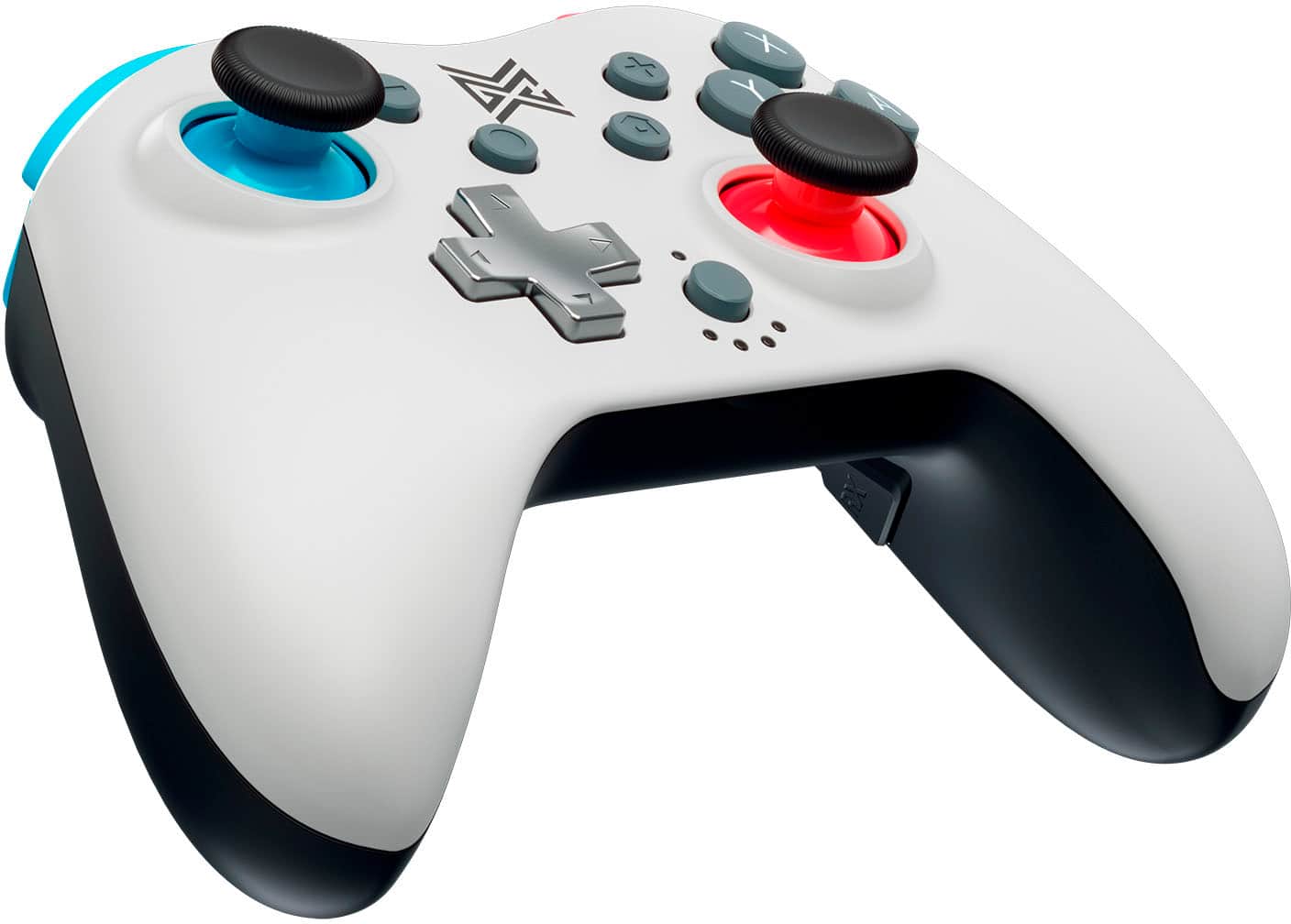
- Model:
- NDO-ACC-801A
- SKU:
- 6519821
Rating by feature
- Value
Rating 3.8 out of 5 stars
- Quality
Rating 3.6 out of 5 stars
- Ease of Use
Rating 3.8 out of 5 stars
Customers are saying
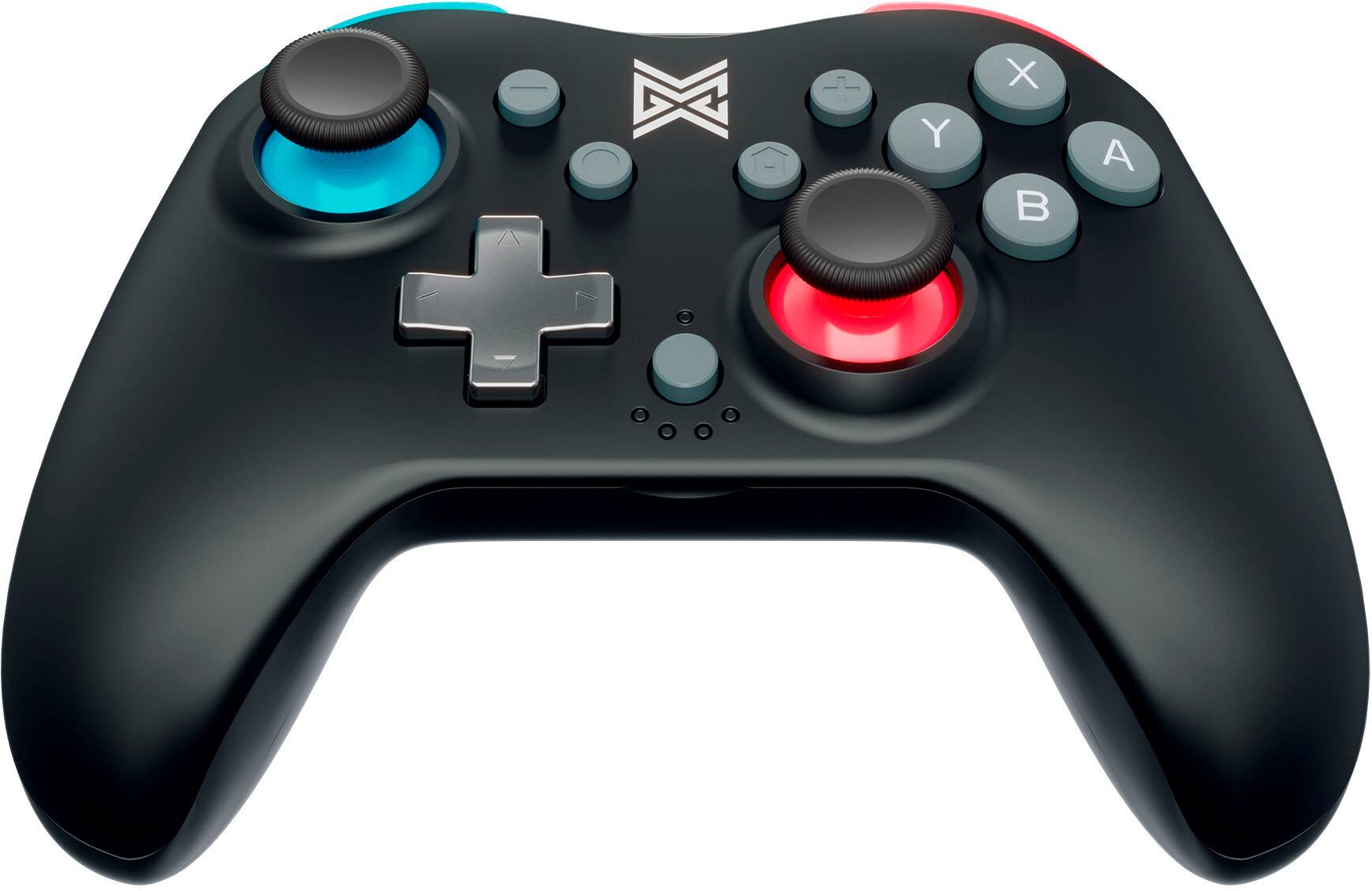
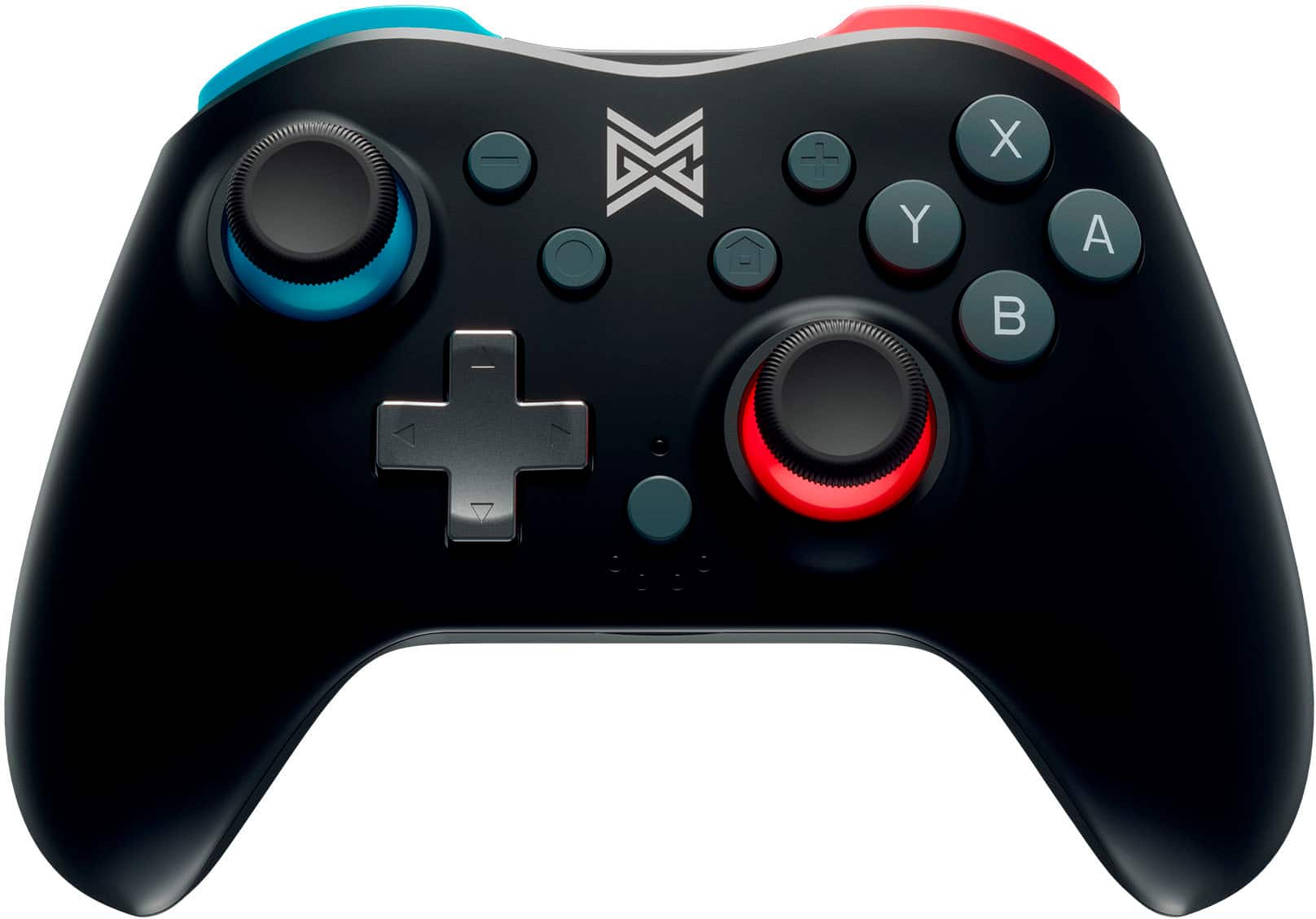
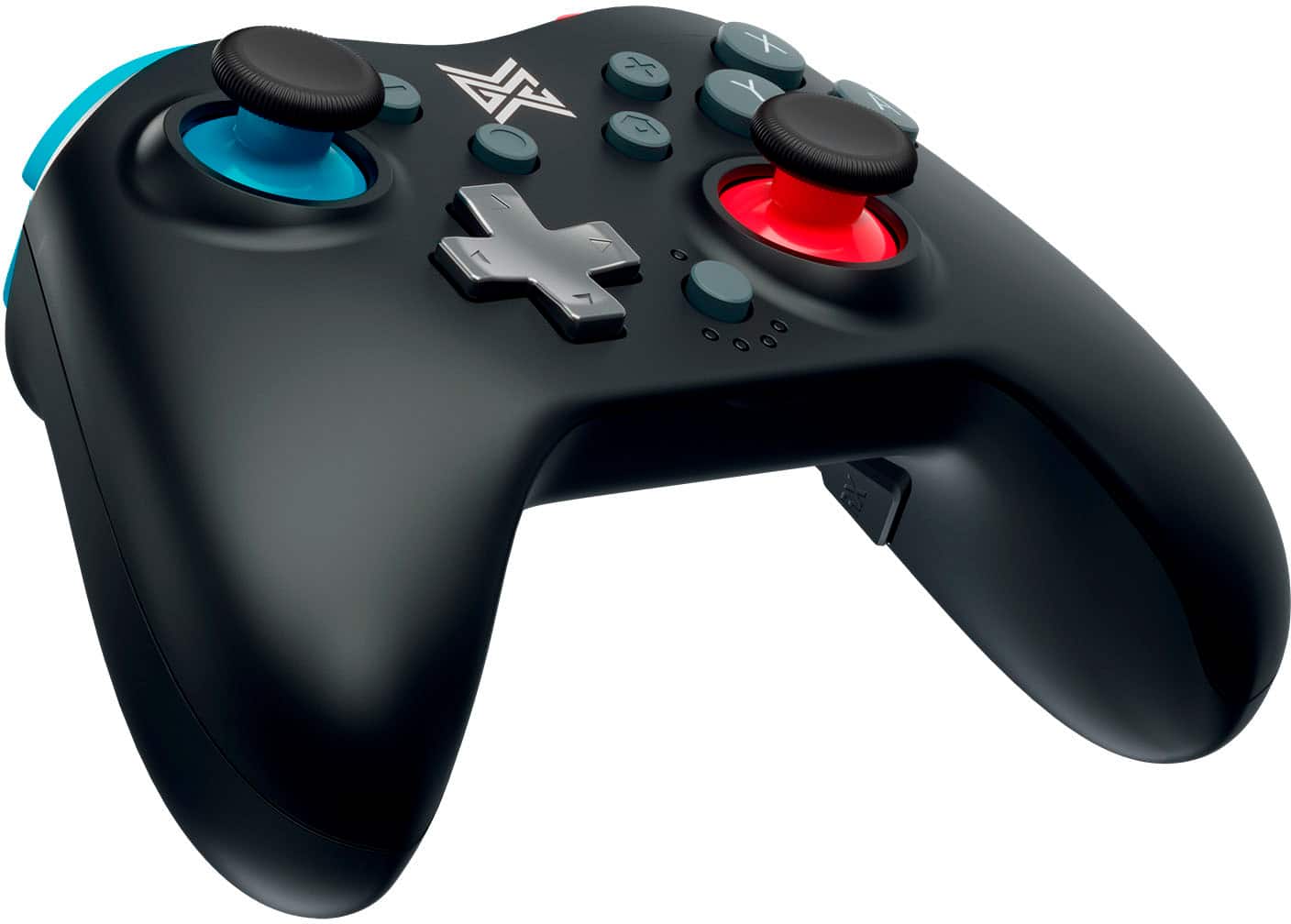
Customers have good things to say about the Switchplate Wireless Nintendo Switch Controller's affordability, ease of use, and battery life. Many appreciate its lightweight design and adjustable rumble features, enhancing the gaming experience. However, some users reported issues with the controller's size, joystick functionality, and connectivity problems. A few also experienced stick drift after limited use.
This summary was generated by AI based on customer reviews.
Faulty controller
||Posted . Owned for 3 weeks when reviewed.This reviewer received promo considerations or sweepstakes entry for writing a review.Within a few days the left thumb stick stopped working.
No, I would not recommend this to a friendMore compact
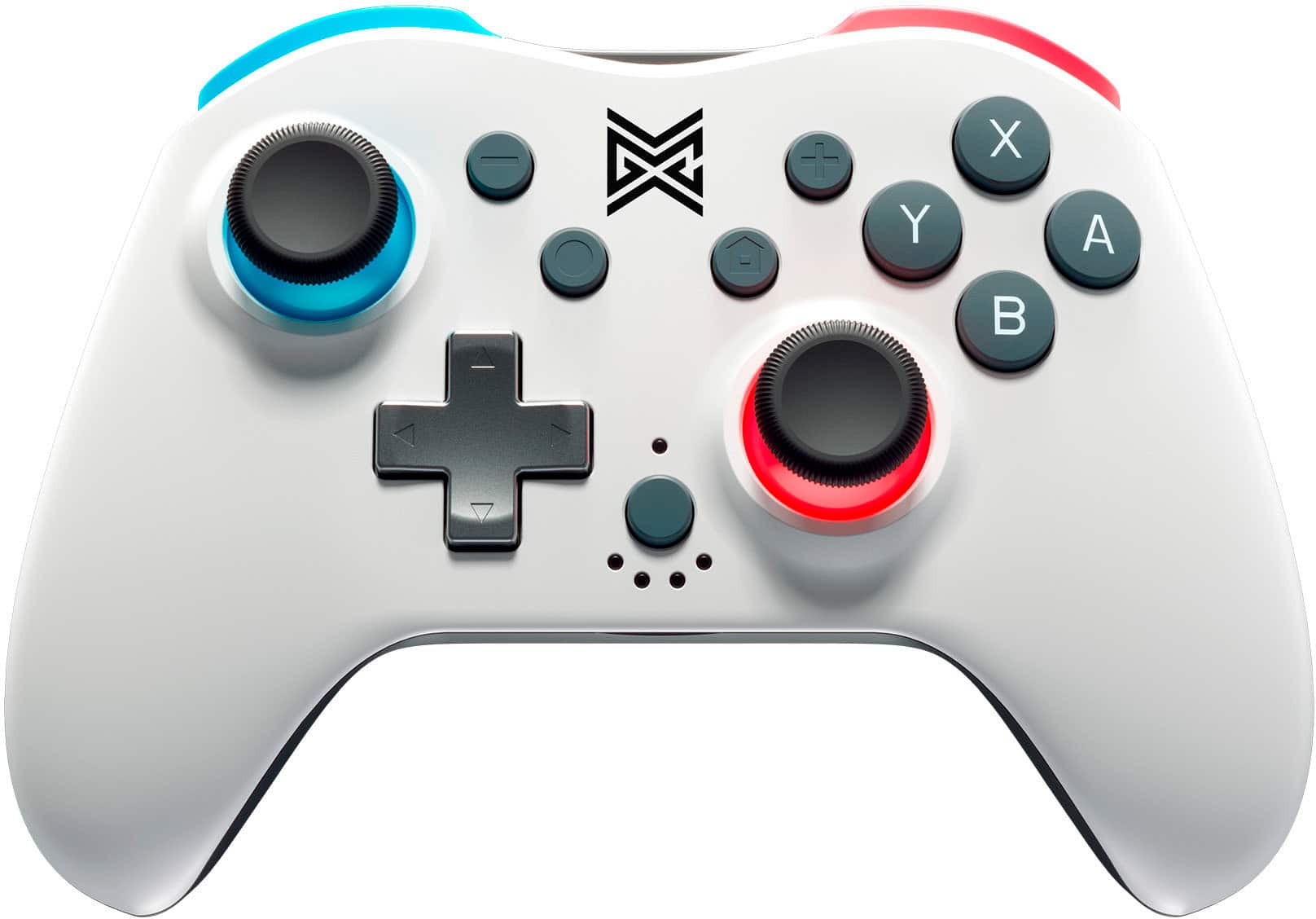
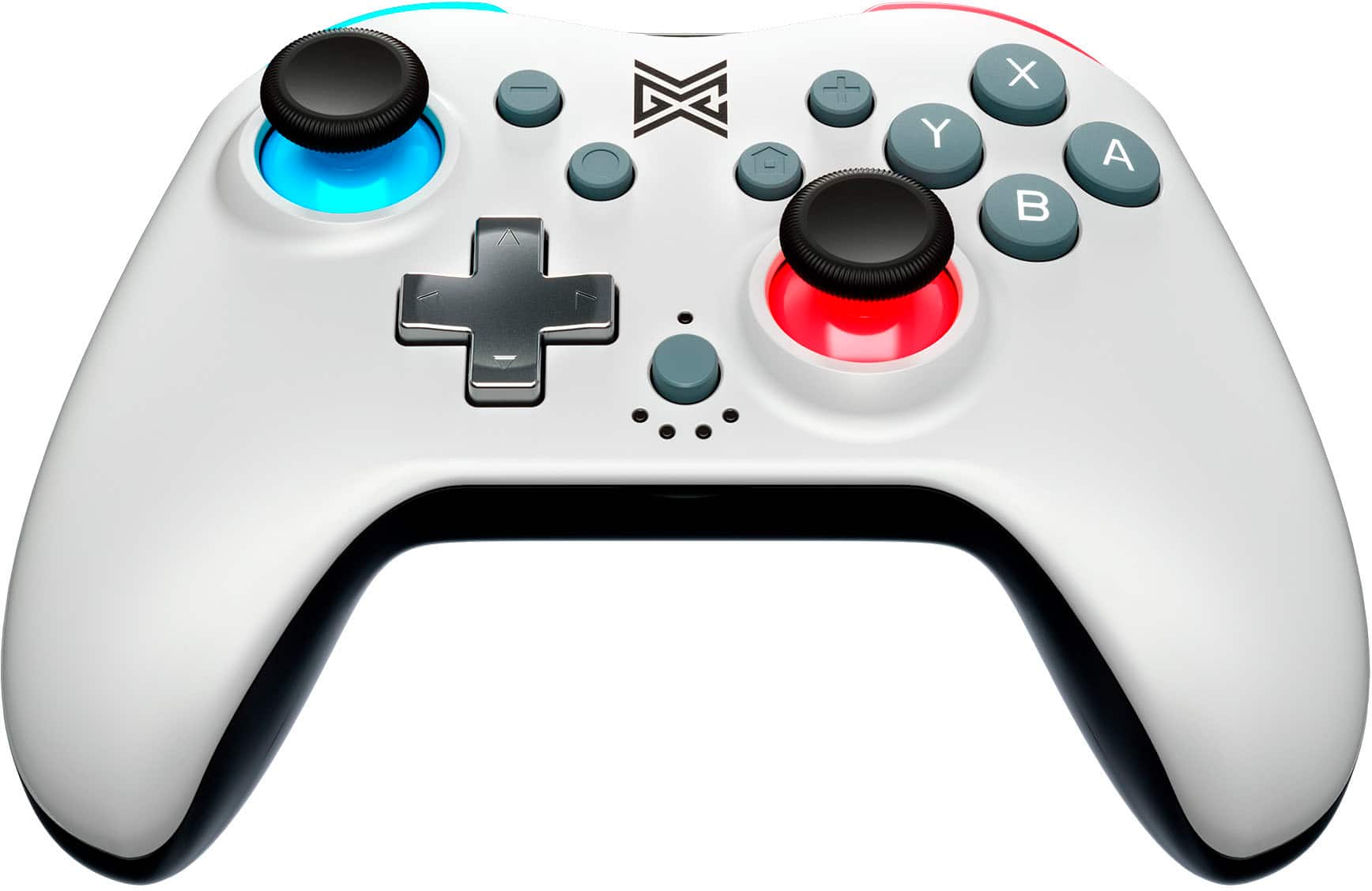
||Posted . Owned for 1 week when reviewed.This reviewer received promo considerations or sweepstakes entry for writing a review.This is similar to the Switch Pro controller but smaller so if that fits your criteria; then go with this as the buttons are also clicky.
I would recommend this to a friendSwitch controller
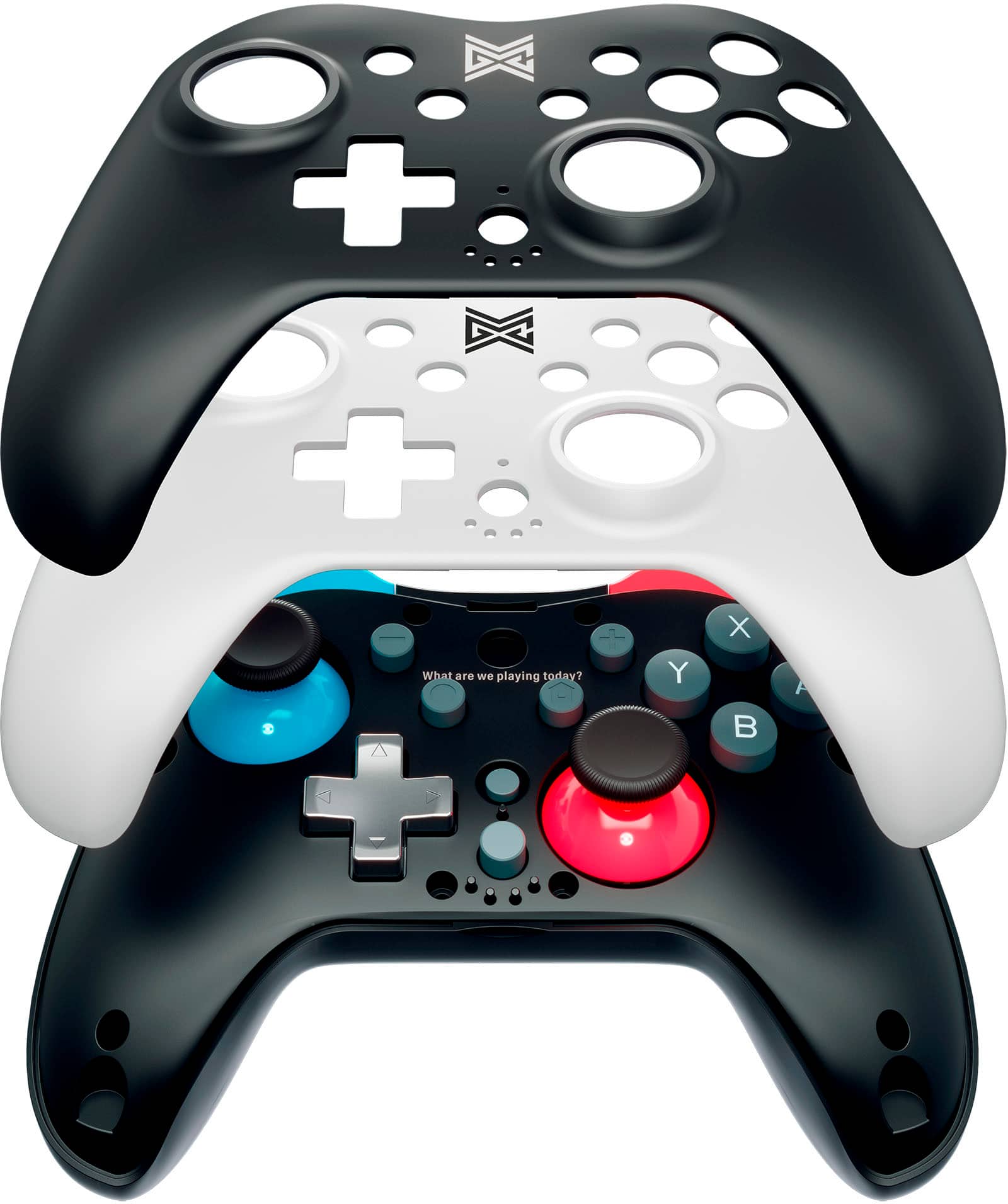
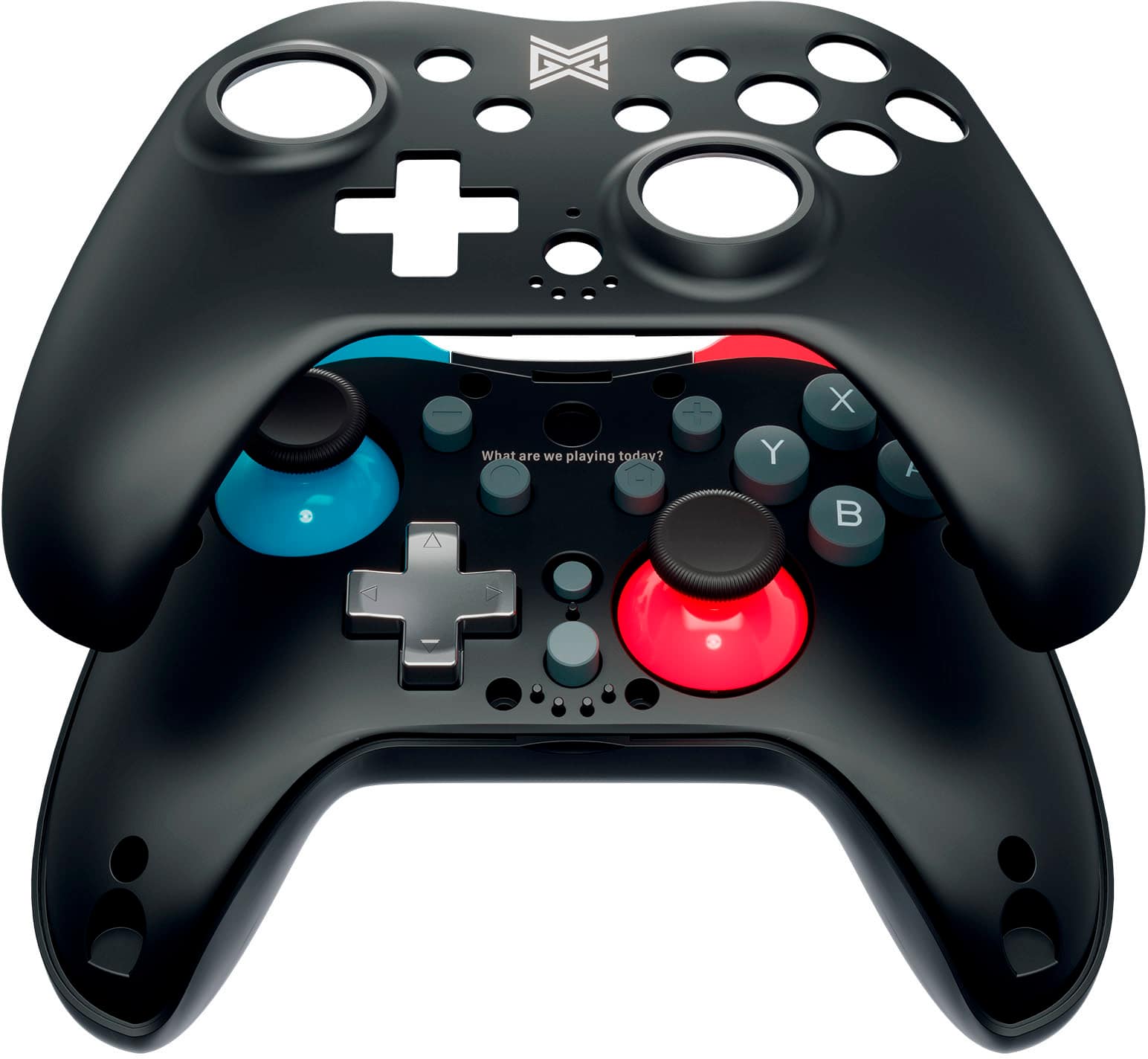
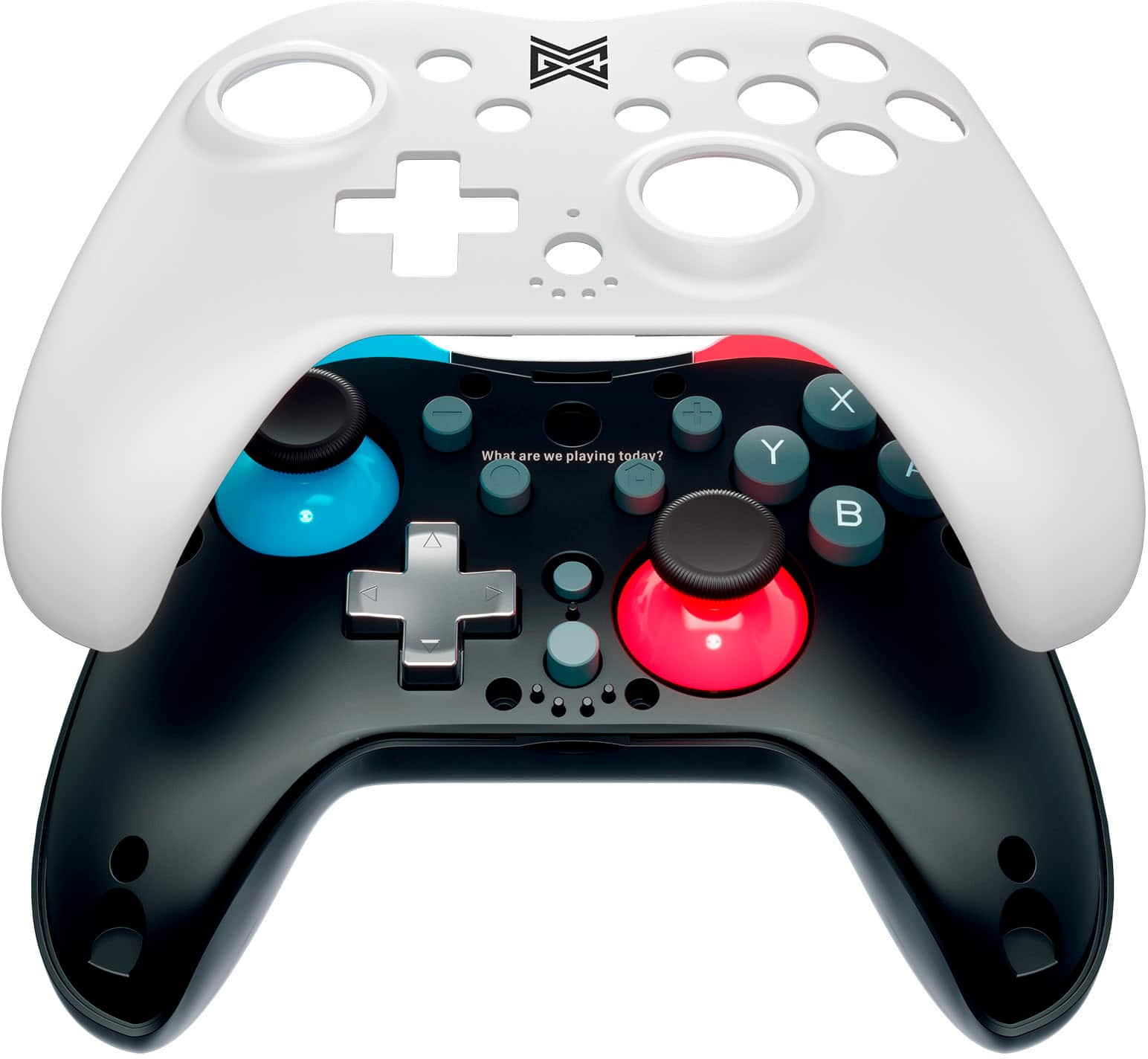
||Posted . Owned for less than 1 week when reviewed.This reviewer received promo considerations or sweepstakes entry for writing a review.Cool controller. Swappable faceplates are pretty neat.
I would recommend this to a friend- Pros mentioned:Battery life, Weight

A good controller option
|Posted .This reviewer received promo considerations or sweepstakes entry for writing a review.I picked this up as a secondary controller for my switch. Generally I am doing driving games, so a controllers like the pro controllers works well. This also works well for first person battle games also. The value on this is good, works as well as branded, but you get the fun if changing the cover. It comes with white and black, and the colors of buttons compliment standard switches. I charged this first before using it, and then to connect I followed the instructions in the book and had no issues. The layout of the buttons is a bit different on the too (home button upper right side) and a few extra buttons (a program button for PC and a turbo button setting) I have to admit, I've not tried those buttons since I use the switch. Responsiveness is there good button and stick feel, no noted lag. Grip and layout are pretty standard to what I'm used to, weight and feel good also. Vibration on par also all other controllers. Hopefully battery life is good, not had a chance to test how long that will be. In the last 3 days i've used it about 6 hours no issues. I am happy with this item and do reccomed it to others.
I would recommend this to a friend - Pros mentioned:Price, Rumble
Good alternative to Pro Controller
|Posted .This reviewer received promo considerations or sweepstakes entry for writing a review.This is in impressive controller. From experience, I know that the vast majority of 3rd party controllers in the ~$30 range are terrible. Many have fake reviews, or reviews written by people that bought it for their kids, without realizing how terrible they really were. I'm very happy to say that this isn't the case here. This is an excellent alternative to the Pro controller if you don't want to spend $70. I had been on the fence of buying it but didn't because of the high price point. Luckily, I came across this MGC controller which in my opinion is on par with the Pro controller. I immediately grabbed one to try out and have been completely satisfied with it. The price is surprisingly affordable considering the features of rumble, program buttons and extra magnetic faceplate included in the package. I got this as the secondary controller for my son. The way to connect can’t be easier. I had to go into the Switch settings when first pairing this one so the console could find the controller, but it was super simple and has been perfect ever since. The connection is good, overall quality is really good, all the features are in place and we love using gyro to play Mario Kart! The magnetic interchangeable faceplates are solid and cool. Switching the plates is easy as they have a magnetic feature. I cannot comment on the longevity of this controller just yet but so far this has exceeded my expectation. I also have an Xbox and the MGC controller's buttons layout is almost same as Xbox controller that I have been using for so many years. So it didn't feel much different. Another reason for liking it. Big difference is the size with MGC controller being little smaller than Xbox's. It feels smaller in my hands but for my 7 yo son, it's perfect. He's the one who will be using it the most, so no complains here. The joysticks feel good, similar to the joycon sticks but taller for more control, the triggers feel reasonably smooth, the buttons are acceptable, and the overall build quality of the controller is solid (but lightweight). There are only a few other things they could improve on: The gyro controls, the rumble quality, and the ability to wake from sleep. While the gyro is usable, I found that it drifts more than the joycons in games such as Super Mario Galaxy. However, the gesture controls feel responsive. At the end of the day, this is easily one of the best controllers at this price point. You aren't going to find a better value than this, and I highly recommend it as a cheaper alternative to the Pro Controller.
I would recommend this to a friend Joy stick stopped working after 1 day
||Posted . Owned for 1 month when reviewed.This reviewer received promo considerations or sweepstakes entry for writing a review.Left hot stick stopped working after a day. It’s a switch controller issue.
No, I would not recommend this to a friend- Pros mentioned:WeightCons mentioned:Size
Lightweight, good customization options
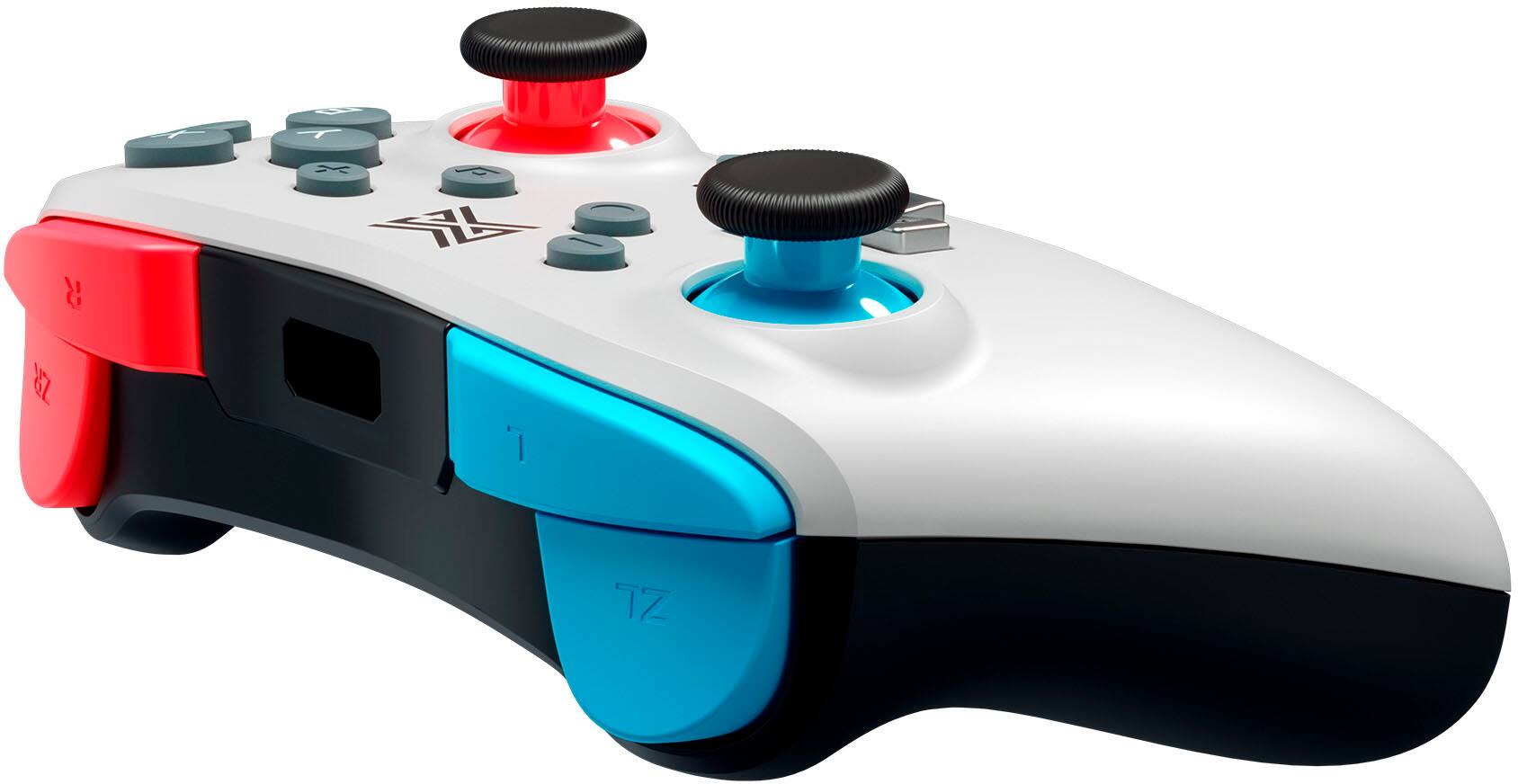
|Posted .This reviewer received promo considerations or sweepstakes entry for writing a review.The MGC Switchplate Wireless Nintendo Switch Controller meets all the necessities for game play and is a nice value in the $30 range. We like the customization of getting magnetic faceplates in black and white. It’s a nice, easy way to change the look of your controller. Connection to the Nintendo Switch was easy by simply pairing the device. We’ve had no connection issues and works as seamlessly as a Nintendo controller. The weight of the controller is nice for longer play time due to its lightweight design. Some of the members of our family have larger hands and I’d say it’s not as well suited for them. The controller size is definitely well suited for kids and adults with small to moderate hand size. The controller size does lend itself to portability though so something to consider and it’s a nice compromise for families with players of varying hand sizes. The MGC Switchplate offers multiple customization options. The back buttons on the controller are programmable, the analog sticks can be adjusted for four stages of range and the dual rumble motors can be adjusted with four stages of strength. Our family would recommend this controller due to its lightweight, customizable design and it’s a nice value for all the functionality it includes.
I would recommend this to a friend - Cons mentioned:Size
Switch Controller with Classic Feel
|Posted .This reviewer received promo considerations or sweepstakes entry for writing a review.I really like the Nintendo Switch but the small controllers are what I have struggled to acclimate to. The MGC Switchplate Wireless Nintendo Switch Controller gives you a classic feel. It comes with an alternate top plate so you can switch from black and white color. It comes with a charging cable as well so you don't have to struggle to find one or need a spare. My daughter prefers this controller when using the switch on a TV. You can still use the smaller ones if you prefer a compact game on the go and easily witch to this controller while playing on a TV. I actually prefer this controller over the smaller ones in both applications. The controller charges quickly and is easy to pair with the Nintendo Switch game console. It feels more sturdy and gives you the feel you can be more aggressive with the controller when playing a game. The controller has. vibrating features to give you feedback during game play. I would recommend this MGC controller if you are thinking of adding more controllers to your switch.
I would recommend this to a friend - Cons mentioned:Size
Small Pro-lite Controller
|Posted .This reviewer received promo considerations or sweepstakes entry for writing a review.The MGC Switchplate wireless controller for the Nintendo Switch is a lightweight pro-like controller, slightly smaller than a Nintendo Pro and Xbox controller. I think this controller would be a good option for people with smaller hands, as I feel that the feel is just a little too small for my hands. My kids' think it's great for them, far better feeling than using the joycon controllers. There's no rumble functionality with this controller which definitely helps cut down on the overall weight of this thing. The overall feel of this controller is mediocre. The buttons are far too clicky and quite loud, especially the d-pad and L and R bumpers. The analog sticks feel quite smooth and have a good snap back to them. And overall the controller felt very responsive in all of the games that I tested it on. I would definitely rate this better than any of the Power A controllers I've used for the switch, but not quite on par with a Nintendo Pro controller, but honestly this controller isn't really competing against the pro controller. As a mid-tier third party controller the MGC Switchplate does a pretty good job. I would recommend it for anyone that wants the convenience of a wireless controller but doesn't want to spend the price of a Pro controller.
I would recommend this to a friend - Pros mentioned:Battery life
A good alternative
|Posted .This reviewer received promo considerations or sweepstakes entry for writing a review.Overall, a solid controller. I am always weary of third party controllers. They do tend to be far less durable than the originals. Only time will tell if the MGC controller continues that trend. However, I have been pleased with this one. It is a bit more compact in size which you notice right away. I actually like the more compact size as does my wife. The joysticks and keys are not quite as tactile as the original keys. For some reason, all third party controllers struggle with this and just don't "feel as good" as my wife phrases it. However, they are decent enough to play games with the family. The white and black interchangeable switch plates are a nice touch. I actually do not like the red and blue on the joysticks and triggers, but just personal preference. Setup was fairly simple. I could not get it to pair wirelessly so I just plugged it in. I did not have any troubles afterwards. The battery life also seems to be very good as I have not had to charge it since its initial charge out of the box. So far, in terms of actual use, they work great and I have not had any problems so far. All in all, I think it is an affordable alternative.
I would recommend this to a friend Great little controller (maybe too "little")
|Posted .This reviewer received promo considerations or sweepstakes entry for writing a review.I bought a Nintendo Switch Lite the day this model came out. I couldn't justify the price of a full Switch given may gaming patters. I am more of a casual gamer (Mario Kart, Kirby games, very casual Indie games). I don't have a lot of time to play but really enjoy when I do. I recently bought an OLED model because I have gotten into playing a lot more than I expected, and a few of the games I knew would be MUCH better on the TV than that tiny little screen. Joycons are usable, but certainly not the best. I bought a wired controller about a year ago so that I could prop up my Switch Lite and use a more comfortable controller. The wired controller is a Nintendo-branded Pikachu edition. It is feather-light. However, it's size and feel in my hands is similar (other than the weight) to my Xbox controller that I use when playing PC games (once again, casual, or racing, which I love). The first thing I noticed with this MGC controller when I took it out of the box is it felt small. I put the Joycons in the handheld cradle and compared them, and they are the same size in width and depth, but obviously this controller is thicker. Then I put it up against the wired controller. The wired controller has longer hand grips, but otherwise looked to be the same. Something about this controller just makes it feel very small though. The Xbox controller was just bigger in every way. My hands are average for a female, although my fingers are a little long (thus why I played piano for many years!). I thought that anyone with large hands might find this controller a bit cramped. The other observation I had was that the controller sticks seemed rather high. They actually are not any different than my wired controller, although they are significantly higher than the those on the Joycons. This might take a little getting used to if you haven't used a separate controller with your Switch before. The MGC controller powered right up and it connected to my Switch without any trouble. I played several different games briefly just to get a feel for it. I was surprised that one of the games I play frequently (an Indie game) would connect to the controller, but once in the game, the MGC controller would not work at all. I couldn't navigate the menu or do anything in the game. The Home button worked to get me out of the game, but after several attempts, I could not get this controller to work with this game. Ironically, I have never played this game in anything buy handheld mode or on my Switch Lite, so I honestly cannot attest to whether this was just the game. This is where I started getting concerned. I play another game for about an hour, and in that hour, on 3 separate occasions, the controller suddenly stopped responding. I only lasted for a second or two, but had I not been playing the game I was (Tetris), this could spell disaster for a fast moving game. The controller was about 75% charged, so I know it wasn't due to a low battery problem. It had me wondering if there was a connectivity problem, or if I wasn't pressing the buttons solidly enough (I was using the D-pad, so this wasn't a joystick problem). I connected it to my Switch Lite and played a different game for a short time, and didn't have any trouble, so I'm not sure if this was the controller or the OLED Switch itself just freezing for some reason. The controller itself feels solidly built. Most of the buttons are easy to reach (except the Home button which is behind the right-hand joystick and is almost impossible to press with your right thumb without activating the right joystick. The buttons have a great feel to them, a satisfying "click" that is neither too hard nor too easy to press. A fantastic feature of this controller, along with being able to use wired or wirelessly (wired only with a Switch dock, so no go with the Switch Lite), is the programmability of the buttons. You can remap the buttons and adjust the sensitivity of the joysticks and even the rumble. I love being able to remap the ABXY buttons, especially if I want to connect this to my computer. I have a couple of games that I own on both the Switch and on Steam, and it gets confusing to switch back and forth, so remapping is a handy feature. One observation I did make was the LED's that are referenced in the very brief instruction manual. These LED are 4 little dots. Their purpose is to indicate when the controller is charging (when plugged in), attempting to sync, or in pairing mode. The decision to use the 4 dots is a little strange to me. They all flash together while the device is charging, as opposed to providing an indicator as to how charged the device is (which would be useful). Because there is a button right above them (for Turbo mode), I actually thought the controller was capable of storing connections for up to 4 devices (hence, 4 LED's), and that the button was a "channel changer". This is NOT the case, as it will only pair with one device until you force it to pair with another. This is a very weird design choice, so just know that the LED's are nothing more than an indicator light in a 4-dot pattern. The faceplate is a nice option for those who like to customize. It is held on by 5 very small, but very strong magnets. The instructions say to user your fingernail to gently lift the plate off. This is surprisingly difficult to do as you're tempted to want to be gentle so you don't crack the faceplate, but requires some force. I found it much easier to pry it up from the left side rather than the right for some reason. The two colors on the controller are meant to coordinate with the Red/Blue Joycons, although the red on this controller is more of an orange. From a distance, it's not that noticeable, but just know it doesn't match exactly. Overall, as a less expensive option to a Switch Pro controller, this is a fantastic option. After several hours of gameplay, I have not yet had to charge this controller. Now that I have a Switch OLED, this is a perfect controller to replace the Joycons and still play wirelessly. Time will tell, but chances are this will keep me from having to eventually deal with the dreaded "Joycon drift".
I would recommend this to a friend- Cons mentioned:Joystick
Works Well, need button coding, right joystick stk
|Posted .This reviewer received promo considerations or sweepstakes entry for writing a review.The Switchplate Controller works well and was easy to initially connect. I used it on both the switch and my laptop. Required button remapping. Quick recharging. Easy plate switchout. Smooth joystick movement generally, right stick a little sticky. In the box is the wireless controller magnetic faceplate cover USB C to USB A cable (no wall block) manual After initial syncing the controller worked effectively on both the switch and my pc laptop. The layout is similar to an XBox remote. However, to use the remote on my laptop I needed to remap all the buttons. The key bindings seemed to be entirely random. The magnetic front plate detaches easily for replacement or cleaning. The controller recharges quickly for reuse. The joystick movement was mostly smooth and extremely sensitive, as well as button response. However, the one joystick was occasionally sticky. If you are looking for a different style wireless controller for your switch (or other devices) this one is a good fit. It's a good controller and would be better if the buttons were premapped better (or included good preset packages) and the joystick was less sticky.
I would recommend this to a friend Good little controller after getting it setup.
|Posted .This reviewer received promo considerations or sweepstakes entry for writing a review.Summary: Great little (and I do mean smaller than regular) wireless controller for the Switch and PC, once you get it setup. The interchangeable faceplate is a nice feature to have but will probably leave it as white so it's more of a novelty than real priority feature. Another cool feature are the turbo buttons for button smashing games. I would recommend this controller for the entry to moderate gamer. In The Box: Controller White faceplate Black faceplate 6ft USB-A to USB-C cable Manuals Setup: Connecting to Switch This was the difficult part. To turn on the controller you just have press the home button to wake it up. When adding this to my switch it didn't show up in the controller page of the Switch so I had to plug the USB cable in. Once my switch recognized the controller I was able to disconnect the cable and go wireless. I had no problems after this. Connecting to PC, when setting up the bluetooth device in the window's screen, it was really easy as pairing it to any other bluetooth device. It worked well with some games but I couldn't get this to work on Cyberpunk 2077 on PC. Even with going through the Steam launcher, I'm sure it wasn't anything to do with the controller but more with Cyberpunk's configuration, so I gave up for now but will come back around to it. Switchable Faceplates: I think this was really cool idea at first, the magnets really hold the faceplate securely against the controller itself. In fact, I had to use a bit of force taking off the faceplates due the the strong magnets but overall I'm happy that they securely hold it against the controller. Conclusion: The controller feels nice in my hands. Especially helping out with a console player used to controllers rather than a keyboard and mouse. The turbo button are nice added features. I'd recommend this controller to any one.
I would recommend this to a friend- Cons mentioned:Joystick
Pretty solid and easily customizable controller
|Posted .This reviewer received promo considerations or sweepstakes entry for writing a review.TL;DR - The Switchplate controller is solid, with compatibility to the Nintendo Switch. It functions exactly how you would expect, and compared to similar (and more expensive controllers) for the Switch, it's everything you would want. For fighting games, FPS games, sports games, and puzzle games, it works well. However, the key feature of this controller - the switchable magnetic faceplates - also feel like the most fragile part about it. Unboxing and setup: It comes packed well with a plastic piece holding the controller, the second faceplate boxed up, a decent-length USB-A to USB-C charge cable, and instructions. Pairing to the Switch was simple and quick. Swapping the faceplates does take some effort, but I promise that you won't break it even though it feels like you will. Usage: The only part I like better about other controllers is a little more motion in the shoulder trigger buttons, but that's not a big deal with Switch as the trigger buttons aren't analog anyway. There is a nice addition over other Switch controllers I've used in the underpad trigger buttons. The sticks were both responsive and the buttons felt solid overall. Wireless range was also fairly impressive - I was still connected with no interference at a little over 45 feet away from my console. Negatives: Like I said, the key feature of the Switchplate - the magnetically-attached faceplates - felt a little more fragile than I was hoping for. The magnets are very strong, which does add to this problem. Closing: I hope the ecosystem around this controller grows. The Switchplate has a lot of possibility for its future.
I would recommend this to a friend - Cons mentioned:Size
This Controller makes this Xbox Guy Happy
|Posted .This reviewer received promo considerations or sweepstakes entry for writing a review.The MGC Switchplate controller for the Nintendo Switch is my savior for when I am playing against the kids on their Switch. I am personally an Xbox guy and love the Xbox controller feel, the Switch controllers are junk imo and makes it miserable for myself to play with the kids. Enter the Switchplate Wireless controller from MGC, it is now the only way I can play the Nintendo Switch with my kids. The feel of the controller in my hands is great, smaller than the Xbox but the same overall shape makes it sit well in my hands and I can adjust mentally within a minute or two of playing for the size difference but the feel is there. I can now play for hours with the kids on a rainy or snowy day and not have them win every game, now it is dads turn. The kids also love the controller, they all say it is much better and an overall more enjoyable time playing using the Switchplate controller. We all said the buttons feel great and are accurate, no random movements or over powered movements, the input feels very true to what you would expect from a full joystick controller. From Mortal Combat to Mario Kart, the controller works flawlessly with all tested games for the review and simply feels great in my hands. The white plate looks great but the black just looks better in my opinion, white just gets dirty anyways but if you buy 2, now you can know which controller is which without question. If you are looking for a full featured controller for yourself or a child, this is a perfect alternative to the Nintendo Branded controllers or the stick controllers, especially if you come from Xbox.
I would recommend this to a friend - Pros mentioned:Rumble
fully featured controller with swappable faceplate
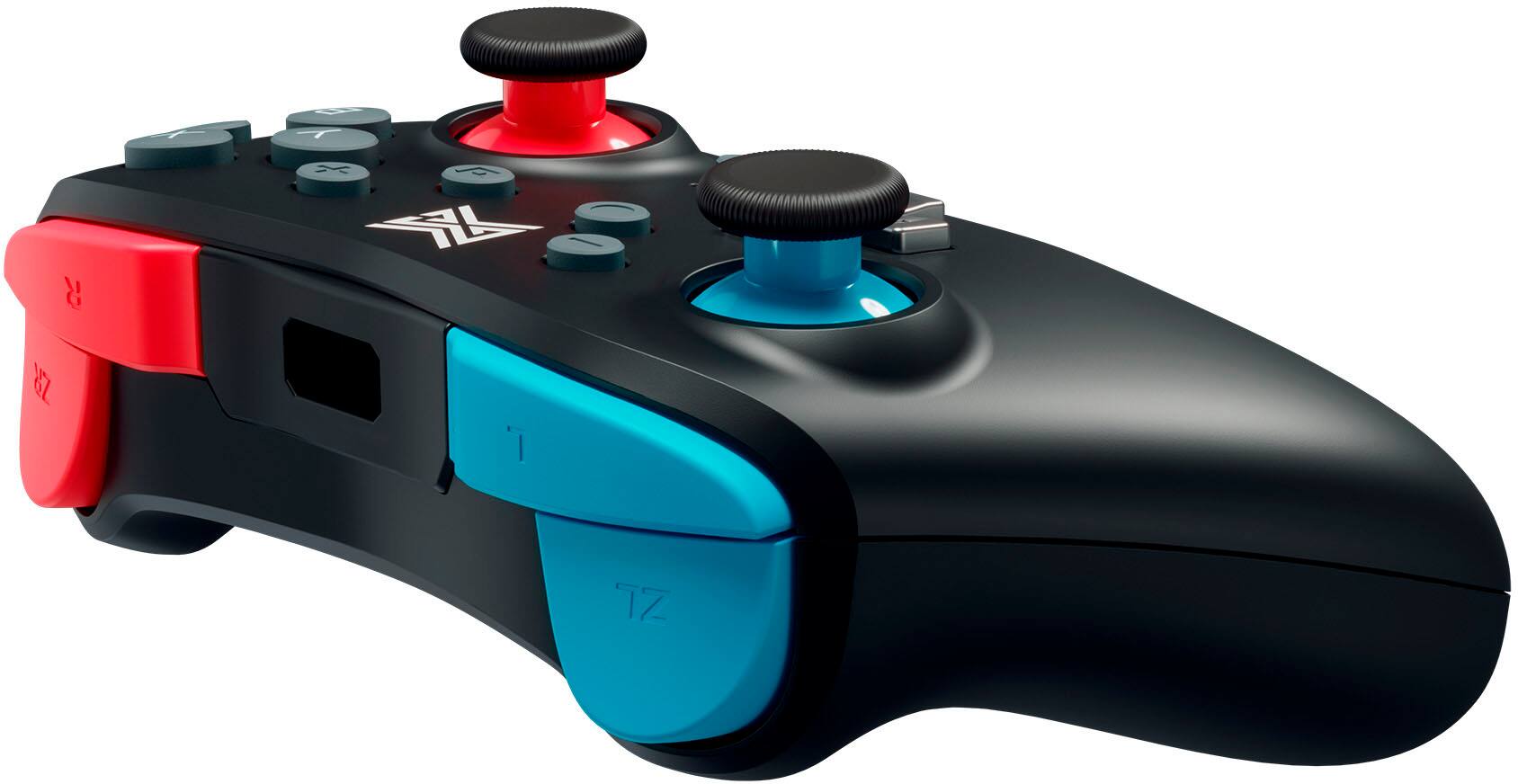
|Posted .This reviewer received promo considerations or sweepstakes entry for writing a review.The design of this controller is nice. It’s a good size. I think this controller would be a good option for people with smaller hands. It’s a good grip that offers comfort even during long play sessions. The buttons have a solid click to them which I like. The joysticks have a nice motion and are a good length for all-around play (for reference I enjoy Nintendo Switch OLED games such as Zelda: Breath of the Wild, Super Mario Odyssey, Splatoon, Mario Kart, and Super Smash Brothers). One interesting thing about this button layout is the inclusion of back grip buttons. They can be custom assigned and could be useful for games requiring quick reflexes. The biggest design feature of this controller is the swappable faceplates. This was constructed very thoughtfully. It uses strong magnets to keep it in place. The face plate is very secure when it is on the controllers. I also found the faceplate easy to remove from the bottom of the grips. It seems that the analog sticks come off when the faceplate is off, which would make for easy swapping if they were to ever break. It has adjustable rumble which is great if you like to dial in your settings. Setup was easy; it connected in the same menu you’d use to connect any switch controller. This can also connect to PC which is nice if you want to use it for multiple purposes. Overall I’d recommend this controller to anyone who is looking for a fully featured controller with swappable faceplates.
I would recommend this to a friend - Pros mentioned:Ease of use
Great 3rd Party Controller
|Posted .This reviewer received promo considerations or sweepstakes entry for writing a review.The Nintendo Switch has absolutely no shortage of different controllers and peripherals. I already own a switch pro controller, 8 joycons, 3 gamecube controllers, etc. What's so special about this controller? Not a whole lot is special about it. At $40 it's a great alternative to the switch pro controller. There are 2 buttons under each side of the controller, these are intended to have existing buttons on the controller mapped to them. Let me tell how you nice it is now be able to map the sprint button in breath of the wild to one of the buttons below. The other button I can now use to swing my sword instead of one of the face buttons. This controller is excellent quality from a brand I've never even heard of before. The different faceplates are a nice feature but really the selling point of this controller is it's ease of use and build quality. It feels great in my hands. I look forward to having this for mario kart as well, should make using items a little different. Overall great controller for the switch and is really a huge value for people wanting a more traditional controller instead of the joy cons.
I would recommend this to a friend Probably the best 3P controller for switch
|Posted .This reviewer received promo considerations or sweepstakes entry for writing a review.Overall I liked this controller. I did have to charge it before syncing but otherwise setup was easy. I like that it has both white and black face plates included in the package. I'm not sure that you would really switch plates out unless you have doritos hands while you're playing and need to clean it, but it helps solve the problem of having to make a commitent at the time of purchase or only having one color available in stock. I went with white myself and was satisfied. I have nintendo's OEM controller and overall I do find that controller to be better, but this is a much more cost effective solution and unlike most 3P controllers, you're not missing any features (hepatic and force feedback!!) by using non OEM controller. The reason I like the OEM one more is that it has a certain level of heft in my hand and is slightly bigger for my grownup hands. Tweens and younger folks will probably appreciate the slightly smaller form factor of this. Its a great way to add full-functioning controllers to your original Switch or Switch-OLED in order to gather around the TV and brawl it out rather than having to use the joycons or spending money on several ($$!) OEM controllers.
I would recommend this to a friendI missed this!
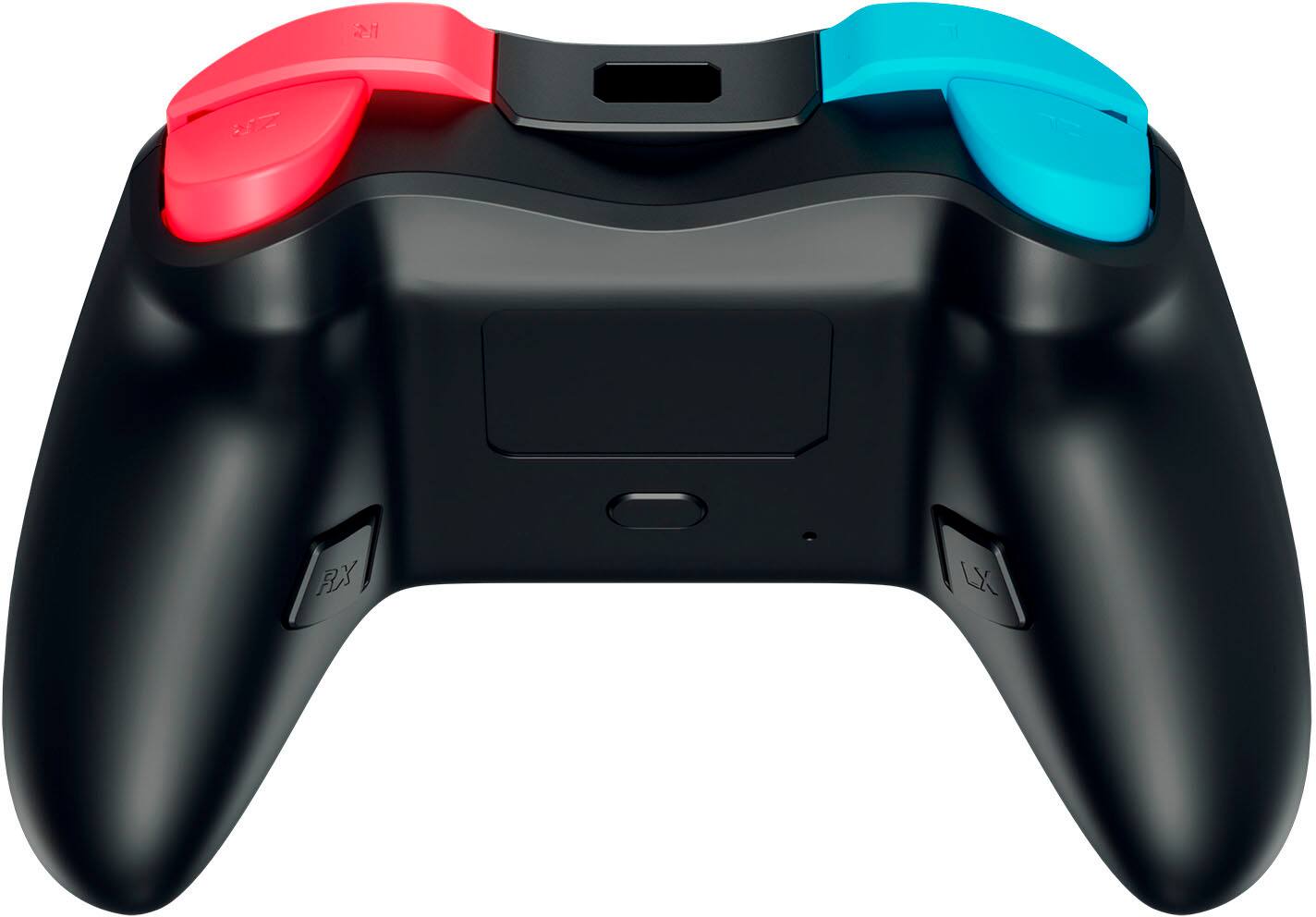
|Posted .This reviewer received promo considerations or sweepstakes entry for writing a review.The Joy-Con controllers were alright for me, but I wanted something more like a PS4 controller for my Nintendo Switch, that is what I was used to. This wireless (except for PC play) controller is absolutely perfect for someone who likes that classic controller feel. This controller is programmable/mappable with LX and RX buttons of the back, which is fantastic for the odd games where you might use them. The joysticks are fairly sensitive, and can be adjusted for sensitivity. It also has rumble strength control which can be adjusted to high, medium, low, or off strength. If the controller has low battery, it can be plugged into the system (it has to be in the dock) and played with a wired connection. The USB-C adapter is also really nice. I love the feature of the changeable faceplates. It comes with black or white, and I would love to see some other colors or patterns come out for purchase. My only complaint: it can be a little tough to get the faceplate off to change it. Once it is pried up with fingernails it is easily removed and the new plate snaps into place, but it can be tough to be gentle and forceful at the same time to get it off initially.
I would recommend this to a friend3rd party controller for your Nintendo Swithch
|Posted .This reviewer received promo considerations or sweepstakes entry for writing a review.This wireless controller by MGC (Mobile Gaming Corps) for the Nintendo Switch has really surprised me. I really didn't think that it would be this good being an option to replace my old switch controllers. This controller retails for $39.99 usd MSRP. It comes with 2 interchangeable face plates (which are magnetic) and a USB type C cord. This feels pretty good in the hands but it is a smaller controller than the Microsoft gaming controller. The buttons are a lower profile style and the sticks feel really nice. When connected, it has pretty good response. The buttons on the back are all programable with the button mapping function. I personally don't like the buttons on the back because I always accidentally hit them while playing. The analog stick sensitivity can be adjusted as well. I had no problems paring the controller. One function I found really cool was the turbo button. So far, after playing with it over 2 weeks now, I haven't run into any problems. It connects via Bluetooth. I really like this controller. Its somewhat a smaller but its definitely portable. I highly recommend it.
I would recommend this to a friend