Customer Ratings & Reviews


- Model:
- RVF-00052
- SKU:
- 1261563
Rating by feature
- Value
Rating 4.2 out of 5 stars
- Quality
Rating 4.5 out of 5 stars
- Ease of Use
Rating 4.3 out of 5 stars
Customers are saying
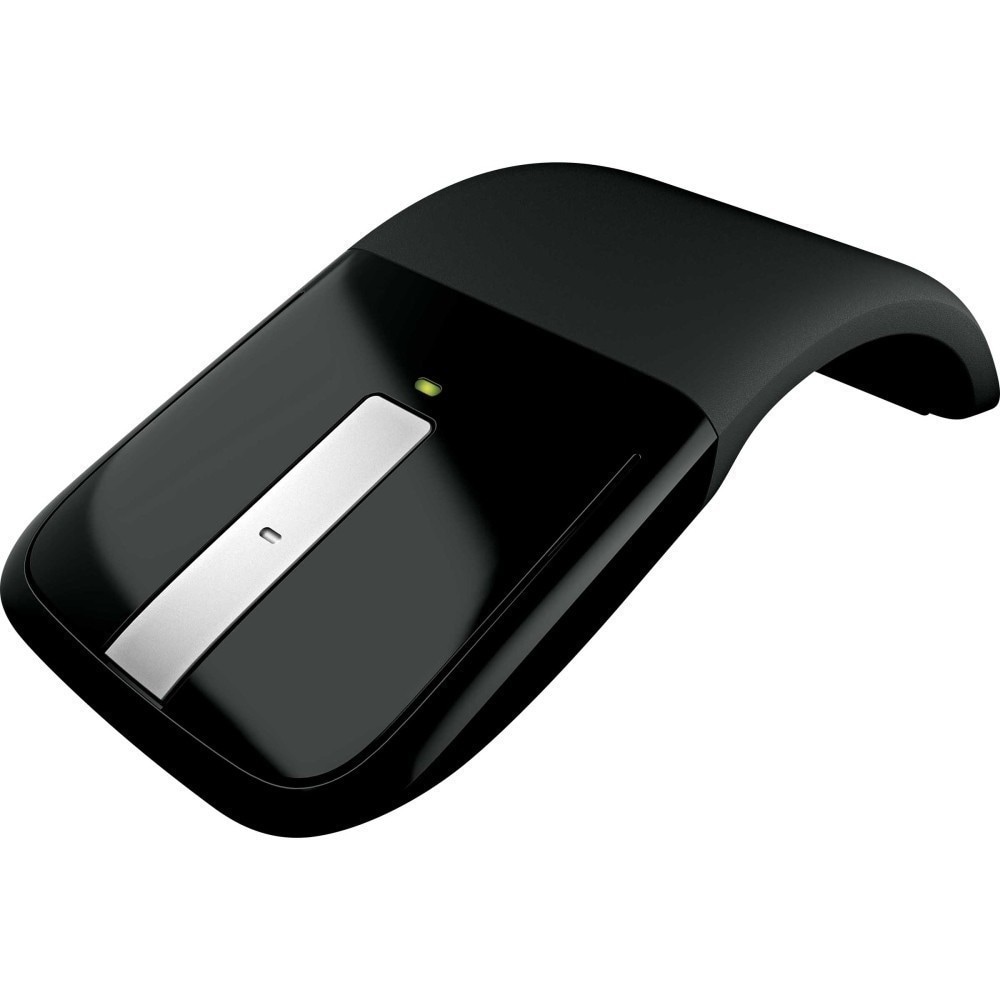
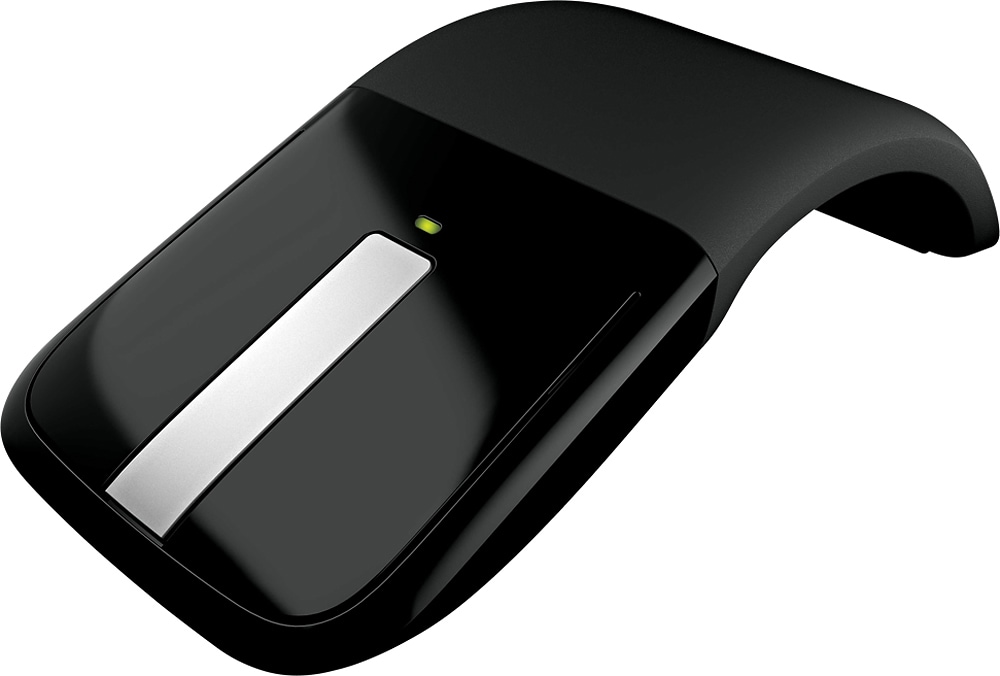
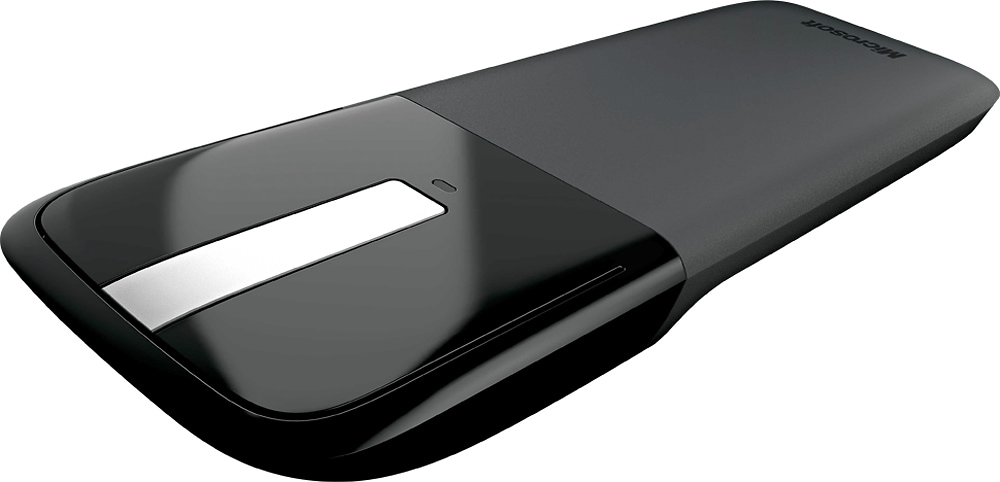
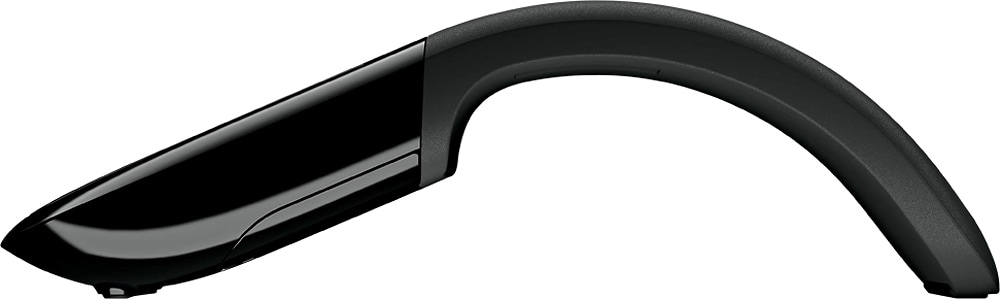
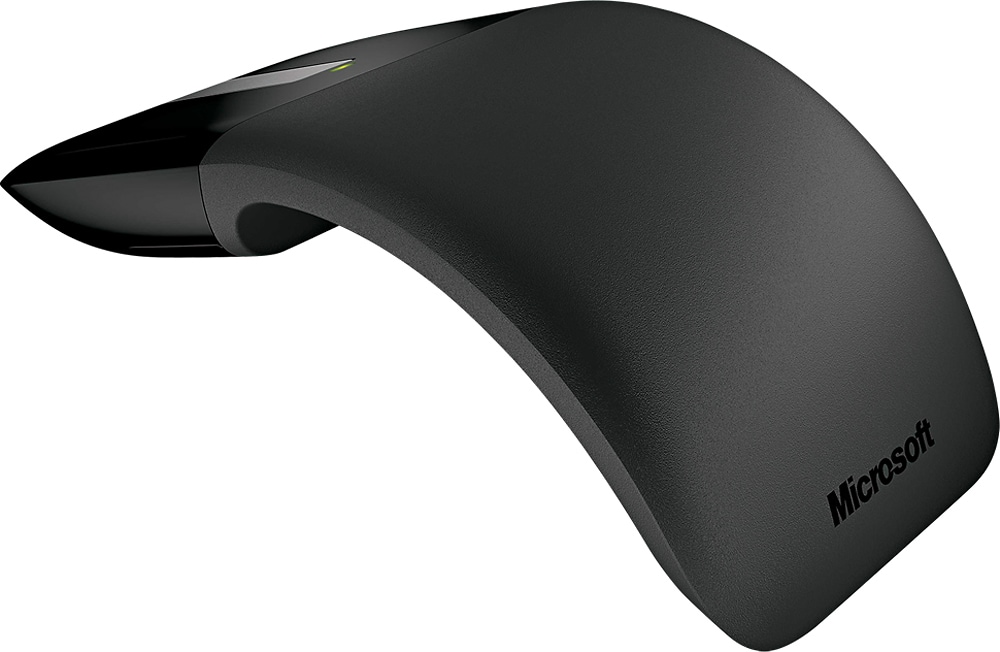
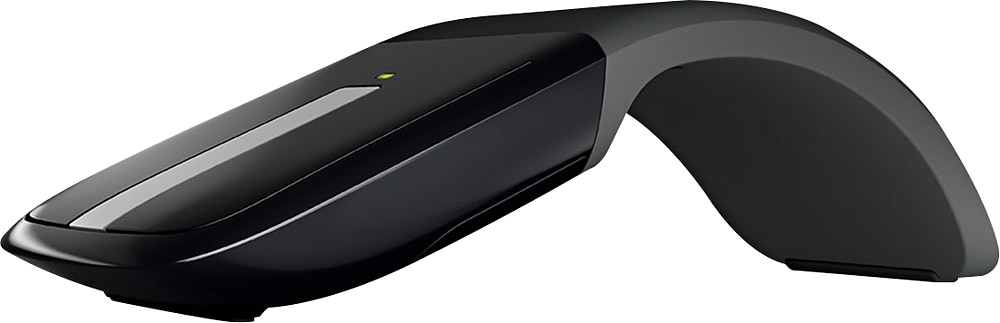
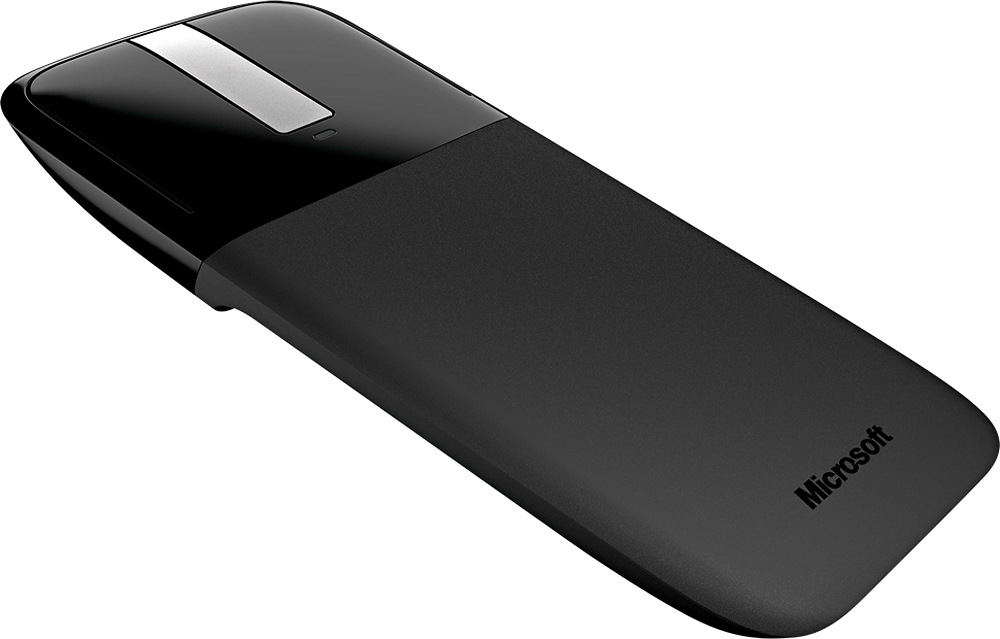
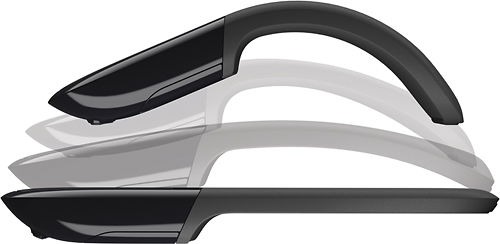
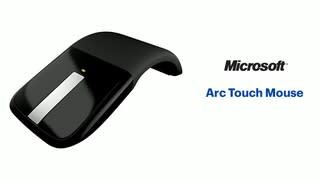
Customers commend the Arc Touch Wireless BlueTrack Ambidextrous Mouse for its ease of use, design, and compact size, finding it comfortable and convenient for portable use. Many appreciate the long battery life and its ability to work on various surfaces. However, some users express concerns regarding the touch scroll wheel's reliability and the lack of Bluetooth connectivity.
This summary was generated by AI based on customer reviews.
Quality Mouse
||Posted .This reviewer received promo considerations or sweepstakes entry for writing a review.I had a bit of difficulty getting my copy to respond 100% of the time. Might have been just this unit but as it is a unique design, it will not fit everyone's purpose. I returned the unit.
I would recommend this to a friend- Cons mentioned:Bluetooth
Too light, hard to use buttons.
||Posted .This reviewer received promo considerations or sweepstakes entry for writing a review.This mouse is all show, not practical. I do not recommend it. There are better Bluetooth mice out there for half the price.
No, I would not recommend this to a friendBrand response from MicrosoftOutreachTeam
Posted .Hi Vince,
Thanks for sharing your honest experience. We're sorry to hear you did not find the portable design of the Arc Touch Mouse to be a comfortable fit for you. If you're interested, you may like our Sculpt Comfort Wireless Optical Mouse. This is a larger design, specifically designed for ergonomic comfort. Check it out at Best Buy here: https://www.bestbuy.com/site/microsoft-sculpt-comfort-wireless-optical-mouse-black/9322046.p?skuId=9322046.
Kind regards,
Jessica
Microsoft Customer Care
- Cons mentioned:Scroll wheel
Okay
||Posted . Owned for 1 week when reviewed.This reviewer received promo considerations or sweepstakes entry for writing a review.The mouse is not easy to use. Feels stiff because it doesn’t have a wheel to scroll.
No, I would not recommend this to a friend Ok mouse
||Posted .This reviewer received promo considerations or sweepstakes entry for writing a review.The mouse is more about funk and fancy. Works decent till the point when the rubber finish starts chipping off and the clicks stop responding well. It's convenient, but lacks longevity.
No, I would not recommend this to a friendgreat mouse
||Posted .This reviewer received promo considerations or sweepstakes entry for writing a review.This is a full featured mouse and fits the hand well.
I would recommend this to a friendSuper new designe i love it
||Posted .This reviewer received promo considerations or sweepstakes entry for writing a review.Great thats great i recomended .good style i love it
No, I would not recommend this to a friend- Cons mentioned:Scroll wheel
Surprisingly loud mouse
||Posted . Owned for 9 months when reviewed.This reviewer received promo considerations or sweepstakes entry for writing a review.I purchased this to replace an earlier generation of Microsoft Arc mouse that I used for years. This version has an audible feedback when the scroll wheel function is used, making it unusable in an office setting. I do not recommend this product.
No, I would not recommend this to a friend Great for Tablet Use, Looks Awesome, its ok
||Posted .This reviewer received promo considerations or sweepstakes entry for writing a review.I bought this thinking that I could use it without clicking the arch the whole way up, it doesn't work this way. I have very small hands so "ergonomic" mice and such aren't so "ergonomic" for me. This mouse would be perfect if it was adjustable. Great for on the go or even use with tablets since you click it straight to turn it off. Definitely easy to install, however you have to install Microsoft Keyboard and Mouse Program instead of just a driver, which I think is a bit much just for a mouse. I think it's a bit on the pricey side for what it is.
I would recommend this to a friendMicrosoft - Arc Touch Mouse - Black
||Posted . Owned for 1 month when reviewed.This reviewer received promo considerations or sweepstakes entry for writing a review.The mouse does what it needs to do. The only thing that they could have improved was the scrolling wheel.
I would recommend this to a friendEasy to use, but no side scrolling
||Posted .This reviewer received promo considerations or sweepstakes entry for writing a review.I bought this to replace my mouse for the office. It works great, but I use excel everyday and needed a mouse to side scroll. Unfortunately, I had to return it for a refund.
I would recommend this to a friend- Cons mentioned:Bluetooth
Not Bluetooth
||Posted .This reviewer received promo considerations or sweepstakes entry for writing a review.Needs dangle to function. For a Surface Pro with one USB port it restricts your options for any other USB device.
No, I would not recommend this to a friendBrand response from MicrosoftOutreachTeam
Posted .Hi there,
Thanks for providing us with your honest feedback regarding the Arc Touch Mouse. It's true the wireless receiver does take up valuable USB port space with its easy to connect design. Luckily, with the Surface Pro, you have options like the Surface Dock to help you expand the number of ports you have available. Check it out at Best Buy here: https://www.bestbuy.com/site/microsoft-surface-dock-black/4561910.p?skuId=4561910.
We hope this helps!
Cheers,
Jessica
Microsoft Customer Care
Surface Pro
||Posted . Owned for 1 week when reviewed.This reviewer received promo considerations or sweepstakes entry for writing a review.Mouse works great, but wish it would pair without the receiver to my Surface Pro
I would recommend this to a friendDifficult to connect wireless
||Posted .This reviewer received promo considerations or sweepstakes entry for writing a review.This was purchased at the recommendation of an employee...we , nor the, could get it to connect wireless, so unfortunately we had to purchase an adapter
I would recommend this to a friendBrand response from MicrosoftOutreachTeam
Posted .Hi there,
The Microsoft Arc Touch Mouse needs a wireless nano transceiver to connect to your device which should come with your purchase. If you feel like you are struggling to connect via this wireless connection, please feel free to reach out to our support team to get you up and running: https://support.microsoft.com/en-us/contactus/.
Kind regards,
Jessica
Microsoft Customer Care
impulsive buy for wfh
||Posted . Owned for 2 weeks when reviewed.This reviewer received promo considerations or sweepstakes entry for writing a review.it’s okay.. it’s wireless and functions..: works as expected but i find it slow on laptops and more responsive on the surface.
I would recommend this to a friendNot working
||Posted . Owned for 1 month when reviewed.This reviewer received promo considerations or sweepstakes entry for writing a review.It didn't work on my laptop: when I move the mouse, the pointer on the screen follows the movement in spurts. I have returned it.
No, I would not recommend this to a friendFreeze very often
||Posted .This reviewer received promo considerations or sweepstakes entry for writing a review.I brought this item to easy work and due to wireless, but this item freeze the movements very often
No, I would not recommend this to a friendBrand response from MicrosoftOutreachTeam
Posted .We're sorry that you seem to be having some issues. Please check out our PC accessories help & learning page here: https://support.microsoft.com/en-us/pc-accessories
Best,
Tom
Microsoft Customer Care
Not bad but not for me
||Posted . Owned for 10 months when reviewed.This reviewer received promo considerations or sweepstakes entry for writing a review.It was okay. Lagged a bit. The ergonomics were not a hit with me. Sorry.
No, I would not recommend this to a friendIts cool
||Posted . Owned for 1 month when reviewed.This reviewer received promo considerations or sweepstakes entry for writing a review.Its a bit strange, the center scroller is super loud. Like the whole desk travels the vibrations of the ticking.
I would recommend this to a friendBrand response from MicrosoftOutreachTeam
Posted .Hi there,
We appreciate your review. You can change the haptic feedback for the scroll sensor by downloading the Mouse and Keyboard Center.
Hope that helps,
Nelson
Microsoft Customer Care
No real appeal
||Posted .This reviewer received promo considerations or sweepstakes entry for writing a review.My husband bought me the Surface Pro for Christmas, and my teenage son bought me the recommended mouse to go with it. I like the Surface, but switched back to a logitech mouse. I don't like the clicking made by the MS ArcTouch mouse, when using the center scroll surface. Also, I often end up touching the wrong part of the mouse when trying to click or scroll, thus having to reposition my hand and re-click or scroll. Slight interruption to work flow (Okay, game-flow.)
No, I would not recommend this to a friendclick and scroll issues
||Posted .This reviewer received promo considerations or sweepstakes entry for writing a review.This version has issues with the click and scroll feature. Even with downloading new softward and upating to the latest, the mouse does not scroll.
No, I would not recommend this to a friendBrand response from MicrosoftOutreachTeam
Posted .Hi there,
We're sorry to hear that you are running into these issues! Please send us an email at [email protected]; we want to look into what is going on and get your Arc Touch Mouse working properly again.
Kindly,
Victoria
Microsoft Customer Care