Customer Ratings & Reviews
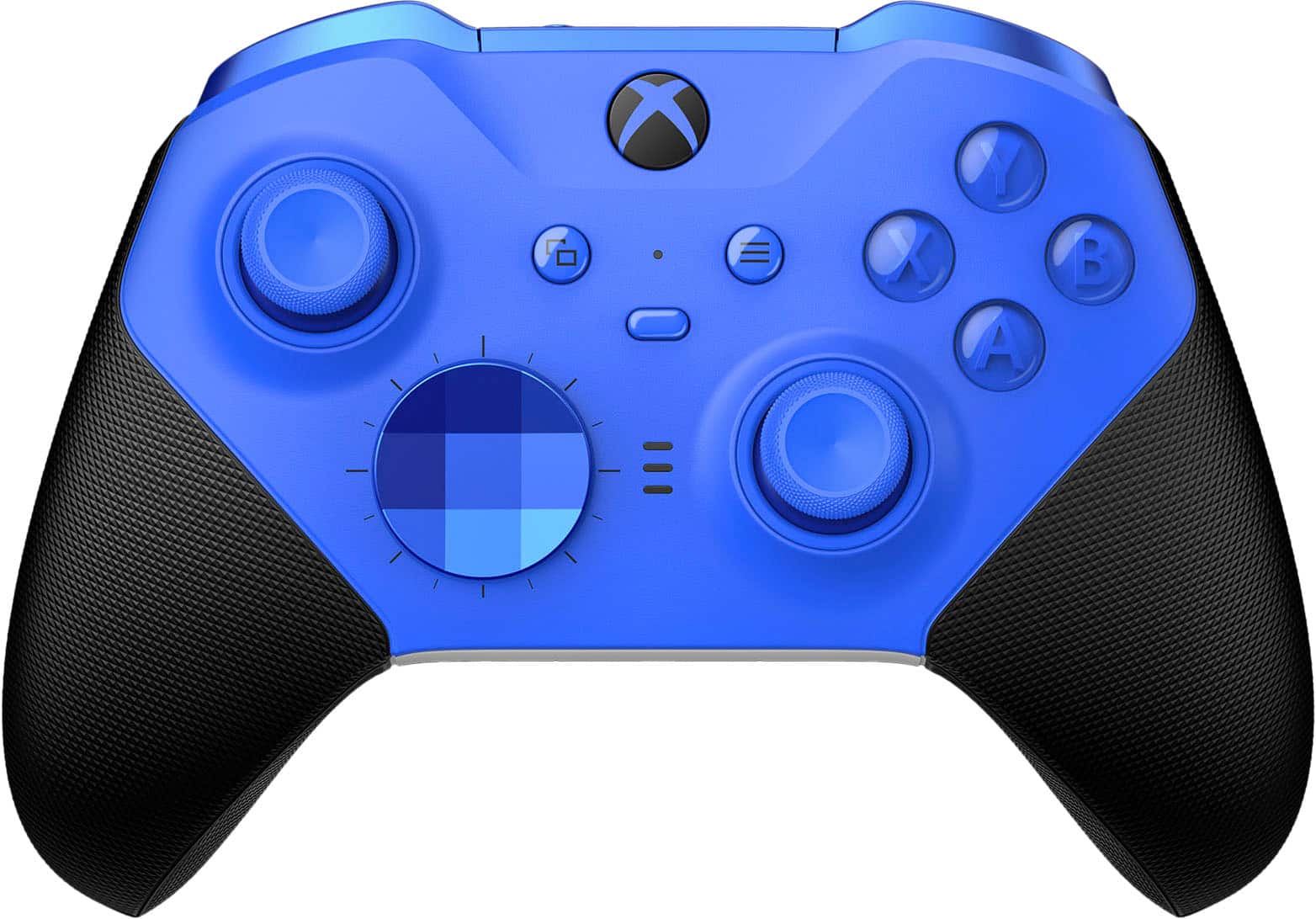
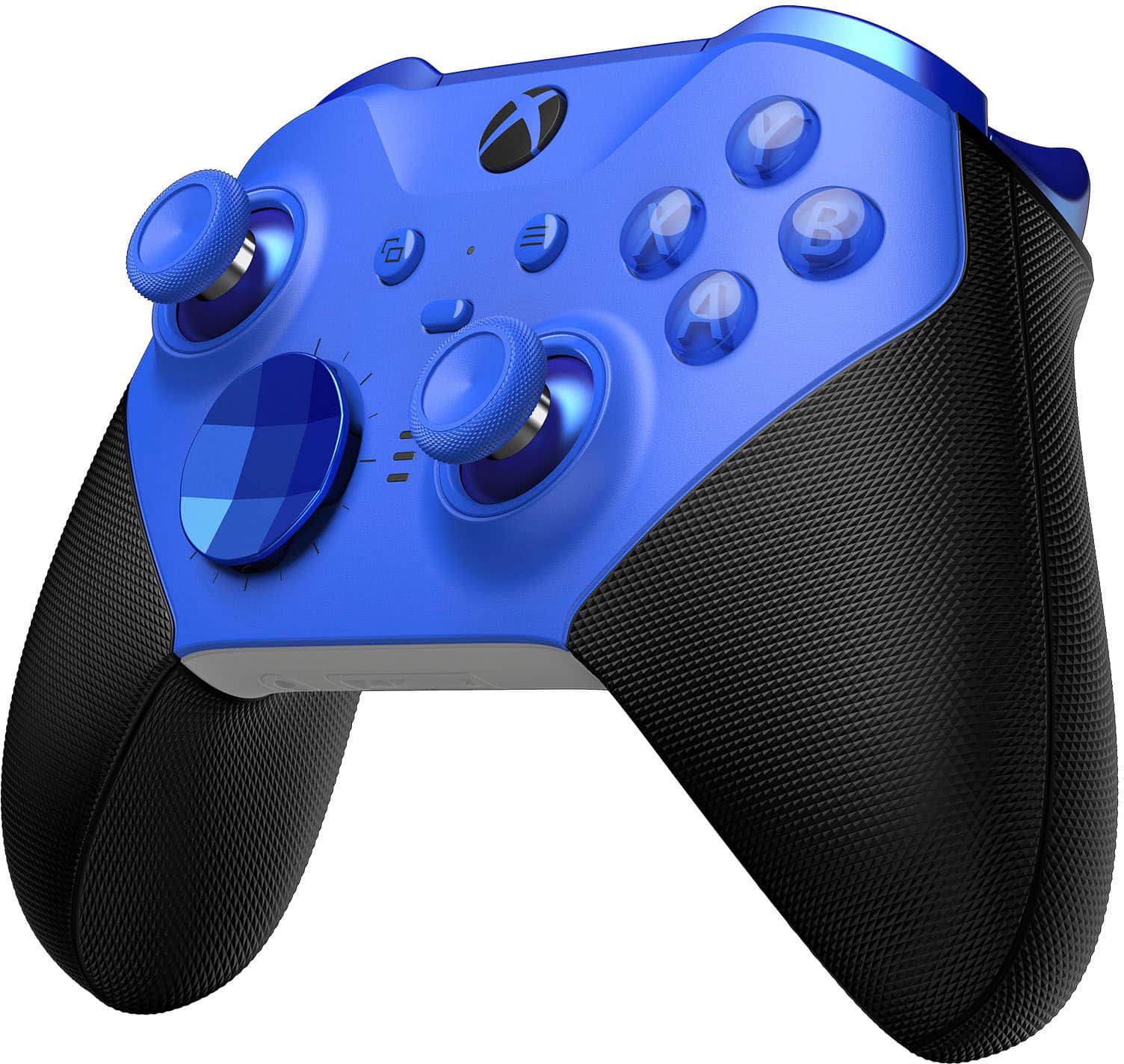
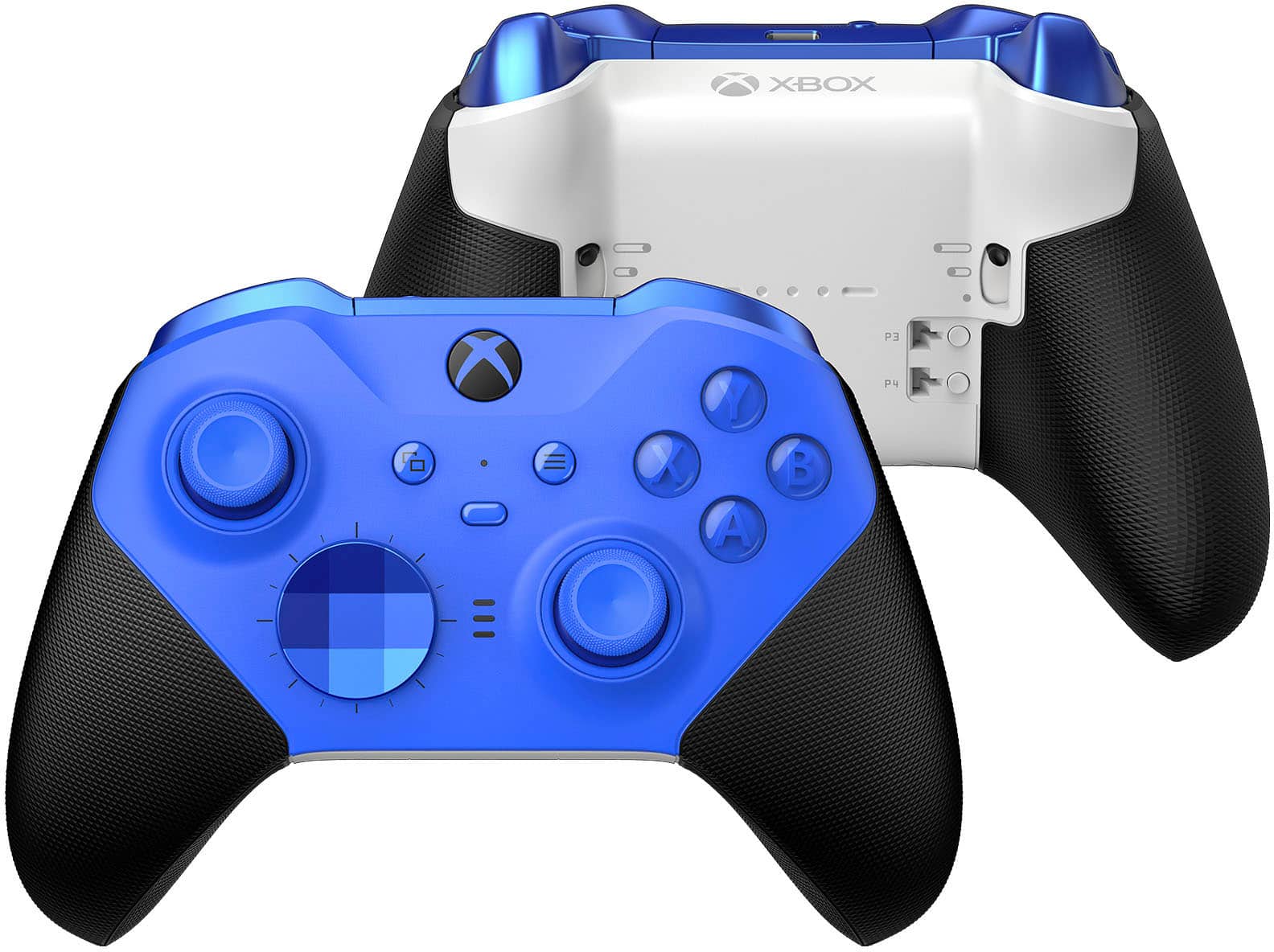
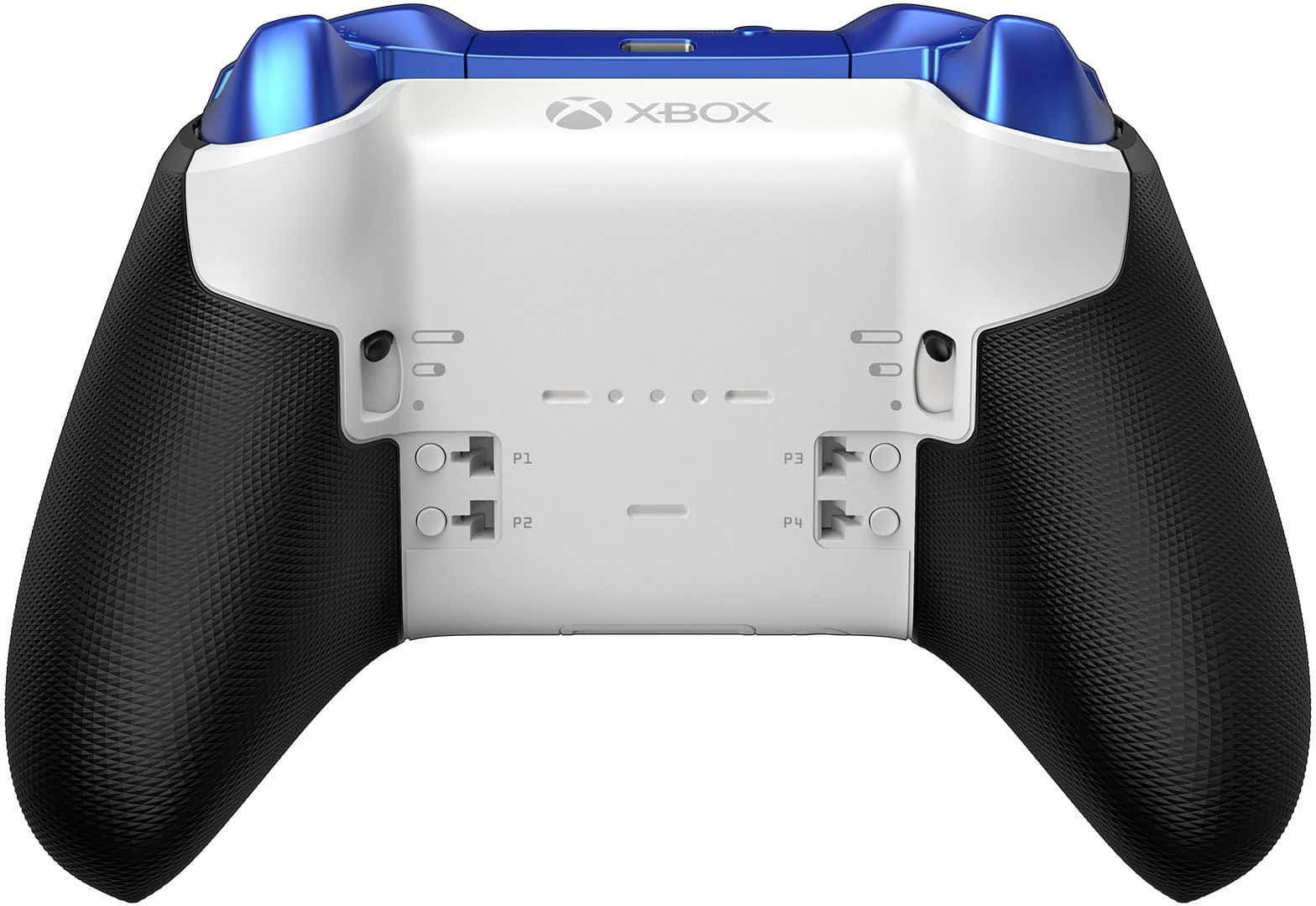
- Model:
- RFZ-00017
- SKU:
- 6537448
Rating by feature
- Value
Rating 4.2 out of 5 stars
- Quality
Rating 4.4 out of 5 stars
- Ease of Use
Rating 4.7 out of 5 stars
Customers are saying
Customers consistently note the product's great overall performance, excellent battery life, and extensive customization options. They frequently praise its comfortable feel, good weight, and comfortable grip. However, a significant concern raised by users is the issue of stick drift, which appears to develop quickly. Additionally, some customers have experienced problems with button quality and found the price to be a point of hesitation.
This summary was generated by AI based on customer reviews.
Cheaply made and will not last
Posted .This reviewer received promo considerations or sweepstakes entry for writing a review.These Controllers do not hold up to being used on a regular basis, even though you pay for the extended warranty. If you return it to Best Buy you loose 70& every time you return it in even if it is only 4 months old. So at this pace you will spend 210$ a year to use the warranty
No, I would not recommend this to a friendGreat at first, but starts failing quickly.
Posted .This reviewer received promo considerations or sweepstakes entry for writing a review.Please stay away from this controller. I assumed because it was Microsoft brand and a high price it would be durable. To be clear, when it worked I loved it. But that only lasted a couple months. Just google "elite series 2 bumper fix" and you will see how many people have issues with this controller. Light use and I had the same bumper issue. It quickly got so bad that I only use this controller if all my standard xbox controllers are dead. Very disappointing.
No, I would not recommend this to a friend- Cons mentioned:Stick drift
Hard Pass for PC gamers
Posted .This reviewer received promo considerations or sweepstakes entry for writing a review.This controller is a joke on PC. Constant issues with bluetooth paring. I have to delete and re-add the controller virtually every time I use it. Stick drift in less than a year. Save your money and look elsewhere for your PC gaming needs.
No, I would not recommend this to a friend Wireless does not work with Windows PC
Posted .This reviewer received promo considerations or sweepstakes entry for writing a review.As the title says, does not work in wireless mode with Windows PC. I've spent hours on microsoft forums and Reddit trying workarounds but just can not get this controller to function correctly in wireless mode and it seems to be a common problem with no support from microsoft. Controller works great when plugged in directly and I was really impressed with the physical build quality. Unfortunately there's no way to get it working properly over bluetooth. The closest I can get is an ALMOST functional controller where the "A" button also opens the xbox overlay (making it pretty impossible to actually use for gaming. A few friends bought the non-elite xbox one controllers on the same day, they've had no issues. Unfortunate that microsoft isn't supporting such a beautifully engineered product, but save your money and stick with a standard xbox one controller.
No, I would not recommend this to a friendDo not buy
Posted .This reviewer received promo considerations or sweepstakes entry for writing a review.I have had my controller for about 6ish months and the build quality itself is good, but right after buying I had watched a video about it and herd about the RB LB problems and at first it was fine then about a month month and a half ago the RB started going unresponsive and it just got to the point a few days ago that it completely stoped working and i play games like fortnite and COD so the RB is necessary and the fact that it doesn’t work and is a problem that is extremely common to come right out of the box is sad dont waste your money buy a SCUF there better or if you want to use one from micrsoft buy a normal controller for 50 buck PLEASE DONT MAKE THE SAME MISTAKE I MADE
No, I would not recommend this to a friendBad Product, Worse Service
Posted .This reviewer received promo considerations or sweepstakes entry for writing a review.I have had a very bad experience trying to purchase this product, and then an even worse experience trying to use it. It took three attempts to purchase this product, stretching over three weeks. From being misled by a Sales Rep, to an order being sent to the wrong store, to items taking 14 days to deliver, to finally being told there have been several in stock. Now that I am attempting to set up the product, I am unable to do so. Unfortunately, Microsoft doesn't offer any phone or live chat support in this process. I have ended up spending twice as much as I thought on this product and it doesn't even do what it had advertised.
No, I would not recommend this to a friend- Cons mentioned:Stick drift
Avoid this like the plague
Posted .This reviewer received promo considerations or sweepstakes entry for writing a review.Easily the worst item I’ve ever purchased. The first one came with stick drift and the second one has an issue where it mistakes the A button for the xbox button. Which literally makes playing a game an impossibility. Just don’t do it, thank me later.
No, I would not recommend this to a friendBrand response from MicrosoftOutreachTeam
Posted .Hello Rex,
We're sorry there are issues with your Xbox Elite Wireless Controller Series 2. The limited manufacturer's warranty for this product has been extended to one year. If you're within the warranty period, we recommend contacting our team at Xbox Support for assistance here: https://support.xbox.com/en-US/help/hardware-network/controller/wireless-controller-solution
Hope that helps,
Chuck
Xbox Customer Care
So so quality, pathetic customer service.
Posted .This reviewer received promo considerations or sweepstakes entry for writing a review.I bought an elite controller, it's bluetooth pairing stopped working after about 1.5 years. Since the warranty is one year only, Microsoft website gave me an option to order a replacement with a charge. I took that option. I received replacement in few days, but it was a refurbished controller, not a new one, which is not what I was expecting. While placing the order I was never told that it's going to be a refurbished controller. I called their customer service and told that I do no want to use a refurbished controller, and would like to return it for a refund. They kept bouncing me over phone calls for about 2.5 hrs (over 3 days) and finally said that they can't take the return. This is so low for a brand like Xbox.
No, I would not recommend this to a friendSeries 1 held up better
Posted .This reviewer received promo considerations or sweepstakes entry for writing a review.I have 2 series 1, both with the Scuf grips and thumb sticks. Had the thumb stick looseness that many also had. Thought that I’d give series 2 a go. The adjustable tension is ok, and the extra setting for the triggers was nice. Controller will not turn on after 4 months of sporadic use. Going to try sending it back to Microsoft for repair.
No, I would not recommend this to a friendBrand response from MicrosoftOutreachTeam
Posted .Hi Kris,
We're sorry that there's an issue with your new Xbox Elite Wireless Controller Series 2. If you haven't contacting Xbox Support yet, you can reach them here: https://beta.support.xbox.com/help/hardware-network/controller/wireless-controller-solution
Hope that helps,
Chuck
Xbox Customer Care
Good but poor planning
Posted .This reviewer received promo considerations or sweepstakes entry for writing a review.No wall plug..... USB- C.... Xbox 1 & Xbox Series X = No USB-C...
I would recommend this to a friendBrand response from MicrosoftOutreachTeam
Posted .Hi there,
Thanks for your feedback on your new Xbox Elite Wireless Controller Series 2. The included cable is a USB-C to USB-A cable. To charge it or use it in wired mode, connect the USB-C end to your controller and the USB-A end to your Xbox console. For more information on charging your Elite 2 controller, go here: https://support.xbox.com/en-US/help/hardware-network/controller/charge-elite-series-2
Hope that helps,
Chuck
Xbox Customer Care
Do not buy open box - any condition
Posted .This reviewer received promo considerations or sweepstakes entry for writing a review.I ordered this in an open box, Excellent condition. The controller was disgusting and had the B key sticking. I brought it back to the store and exchange it for another excellent condition. This time it was even more disgusting, I don’t believe they review them on return at all.
No, I would not recommend this to a friend- Cons mentioned:Stick drift
MASSIVE STICK DRIFT WITHIN ONE YEAR
Posted .This reviewer received promo considerations or sweepstakes entry for writing a review.I like the layout but had terrible stick drift within one year of using it. Wouldn’t recommend. Go with another company unless you get a three year warranty.
No, I would not recommend this to a friend - Cons mentioned:Button quality
Controller sucks
Posted .This reviewer received promo considerations or sweepstakes entry for writing a review.Controller sucks. After a month of using it barely works. I often find myself clicking buttons twice which is unacceptable. I wish I could get my money back
No, I would not recommend this to a friend - Cons mentioned:Stick drift
Stick drift problem.
Posted .This reviewer received promo considerations or sweepstakes entry for writing a review.Great design and look but quickly (within a month) developed stick drift rendering it practically unusable. Not an uncommon occurrence...google it. It sits on my shelf while I use my stock controller. Don't buy it. A waste of money.
No, I would not recommend this to a friendBrand response from MicrosoftOutreachTeam
Posted .Hello there,
We're sorry that there are issues with your Xbox Elite Wireless Controller Series 2. The limited manufacturer's warranty for this product has been extended to one year. If you're within the warranty period, we recommend contacting our team at Xbox Support for assistance here: https://beta.support.xbox.com/en-US/help/hardware-network/controller/wireless-controller-solution
Hope that helps,
Chuck
Xbox Customer Care
- Cons mentioned:Button quality
Horrible product
Posted .This reviewer received promo considerations or sweepstakes entry for writing a review.Y and A buttons do not register 100% of the time. For 180!! I expected this controller to have no issues. Just get the Power A controller, i’ve had it for over a year and it feels extremelt smooth
No, I would not recommend this to a friendBrand response from MicrosoftOutreachTeam
Posted .Hello Diego,
We're sorry there are issues with your Xbox Elite Wireless Controller Series 2. The limited manufacturer's warranty for this product has been extended to one year. If you're within the warranty period, we recommend contacting our team at Xbox Support for assistance here: https://support.xbox.com/en-US/help/hardware-network/controller/wireless-controller-solution
Hope that helps,
Chuck
Xbox Customer Care
my experience with this controller
Posted .This reviewer received promo considerations or sweepstakes entry for writing a review.I got this controller as a birthday present a couple of weeks ago. It worked well when I 1st got it but has progessivly gotten worse. the LB and RB buttons would sometimes stop working or would impute the action twice. they now don't function at all. The left joystick doesn't respond, and when it does it drifts very Badley. The magnets on the back have loosen and don't hold the back peddles that well. It's sad how such a promising controller was such a big disappointment.
No, I would not recommend this to a friendJust buy new
Posted .This reviewer received promo considerations or sweepstakes entry for writing a review.Not like new ordered 2 one as a best buy order and one from best buy on eBay. Left joystick on the one stuck and it was filthy out of box. Lucky it was still in warranty with Microsoft. The other one the 3.5 audio jack don’t work with any headset. It’s out of warranty with Microsoft and the return period is over by a few days. They shouldn’t be labeled like new.
No, I would not recommend this to a friendAn unresponsive, expensive paperweight..
Posted .This reviewer received promo considerations or sweepstakes entry for writing a review.I had this controller all of about 2 hours when I realized the A and Y wouldn't register 5 or 6 presses in a row quite frequently. Which is a shame because the rest of the controller performed very well. But, if you can't engineer the most basic face buttons that have been on almost any controller for the last 20 years, what does it matter if the rest is solid? I still have controllers from the 90's with better buttons. Reviews and forums are full of people with this very same error. I returned it for a refund after seeing where many, many people had returned this 4-6 times or more. Why pay 180 bucks for a controller that is in the mail half of the time? Better luck next time, Microsoft. By the way, Best Buy was very speedy to refund me, so thank you for that.
No, I would not recommend this to a friendGreat controller until RB or LB fail…and they will
Posted .This reviewer received promo considerations or sweepstakes entry for writing a review.This is a poorly manufactured controller that will likely fail with only normal usage. Its shocking how many people are stuck with failed Elite controllers. Don’t believe me? Look up fixes for LB and Rb buttons via YouTube. You’ll find this to be a far too common occurrence. I’m stuck with a worthless paperweight because I waited too long to complain. But even if your warranty is still good, you’ll be required to send it in to MS for refurbished replacement. No thanks.
No, I would not recommend this to a friend- Cons mentioned:Price
The thumb stick drifts
Posted .This reviewer received promo considerations or sweepstakes entry for writing a review.The left thumb stick drifts. I tried to fix it, which worked for a bit, but I'm having the same issue again still. It make it unusable and is completely unacceptable for a $170 controller.
No, I would not recommend this to a friendBrand response from MicrosoftOutreachTeam
Posted .Hi Ryan,
We're sorry there's an issue with the left thumbstick on your Xbox Elite Wireless Controller Series 2. The limited manufacturer's warranty for this product has been extended to one year. If you're within the warranty period, we recommend contacting our team at Xbox Support for assistance here: https://support.xbox.com/en-US/help/hardware-network/controller/wireless-controller-solution
Hope that helps,
Chuck
Xbox Customer Care