Customer Ratings & Reviews
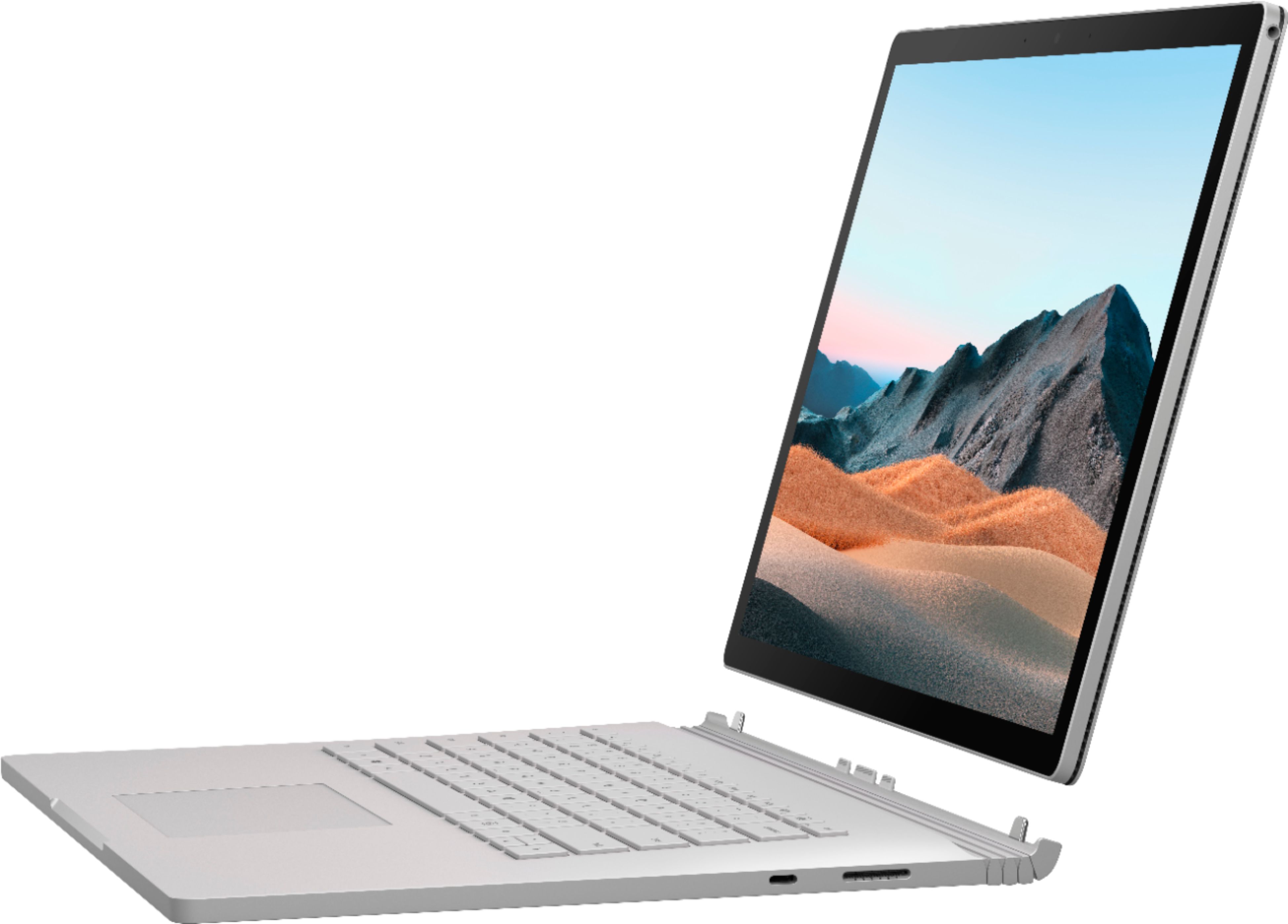
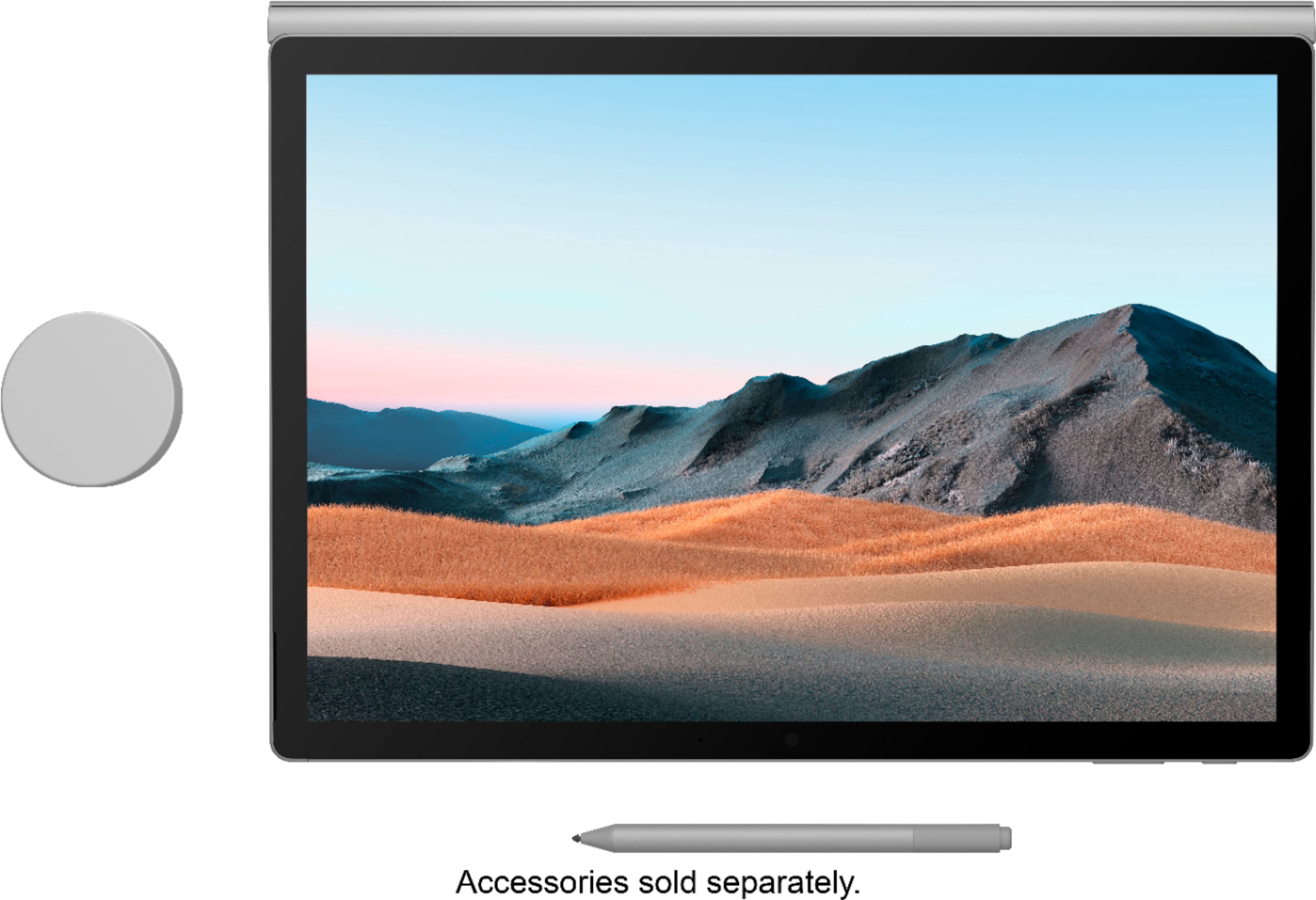
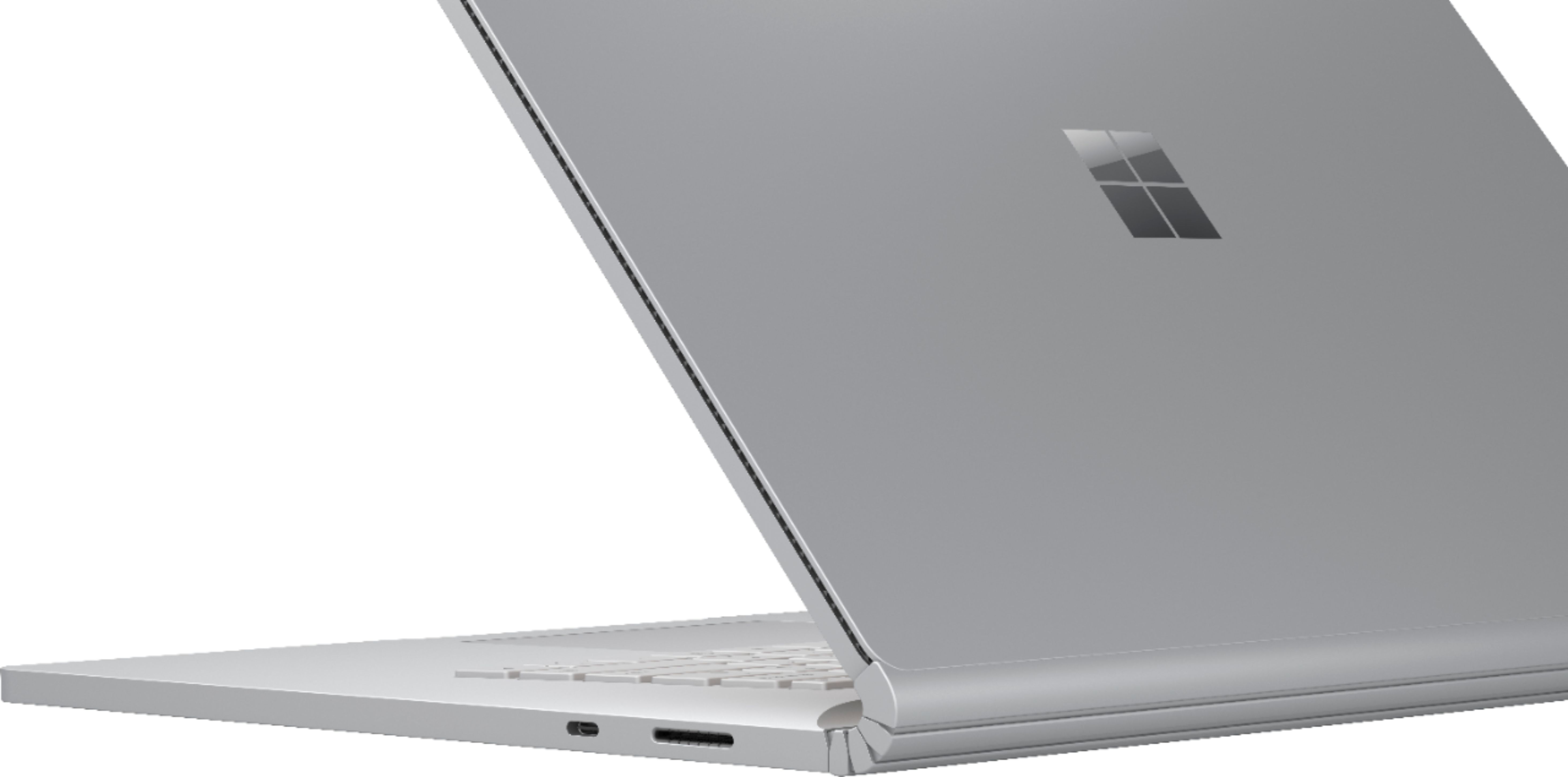

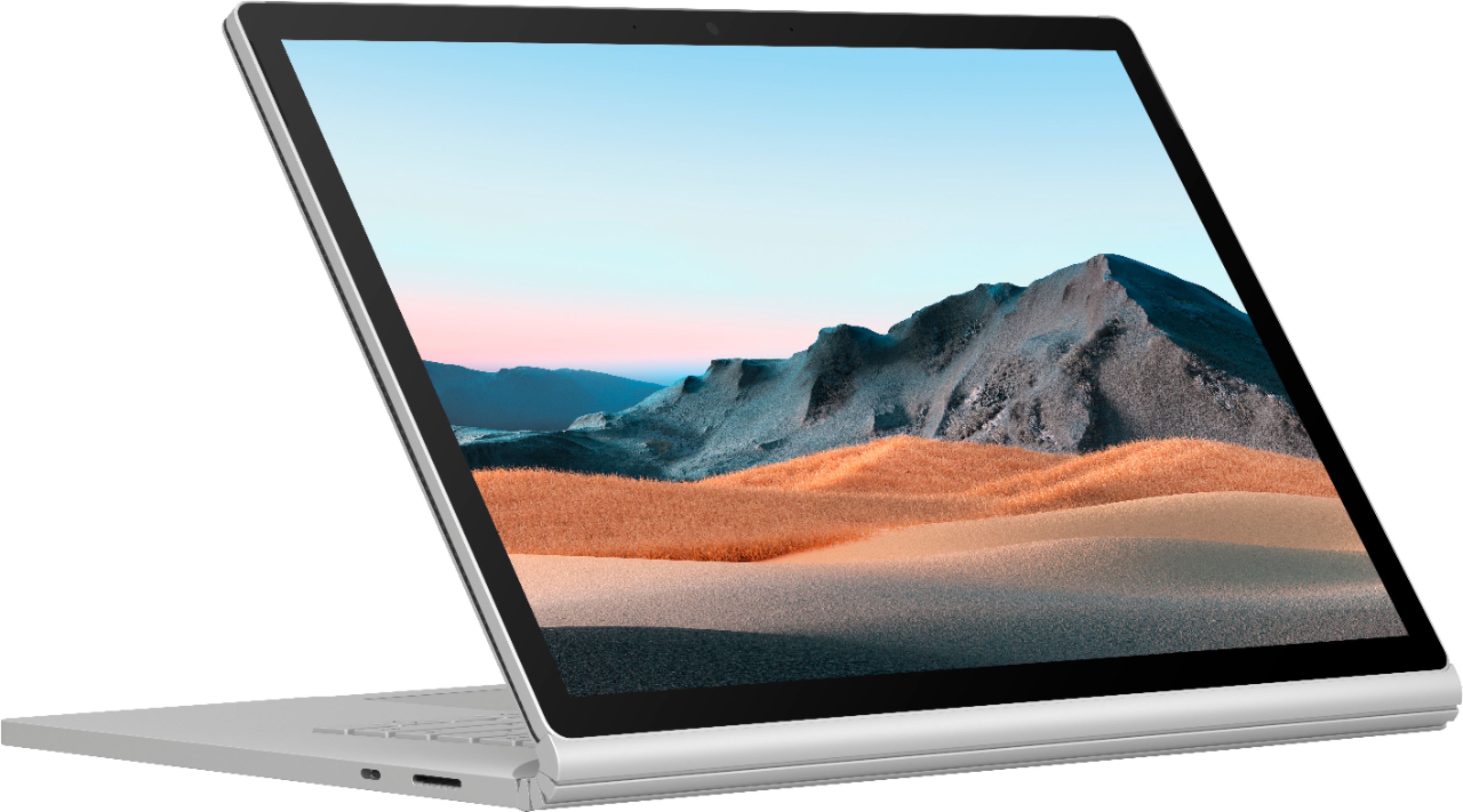



- Model:
- SMN-00001
- SKU:
- 6408385
Rating by feature
- Battery Life
Rating 4.0 out of 5 stars
- Speed
Rating 4.2 out of 5 stars
- Display
Rating 4.3 out of 5 stars
Customers are saying
Customers consistently note the excellent battery life and high-quality keyboard as major strengths of the Surface Book 3. The fast SSD and ease of use are also frequently praised, along with the versatility offered by the tablet mode. However, some customers mention the high price and relatively heavy weight as potential drawbacks. A few users also commented on the placement of the headphone jack and hinge design.
This summary was generated by AI based on customer reviews.
- Pros mentioned:Battery life, Keyboard quality
Excellent premium laptop
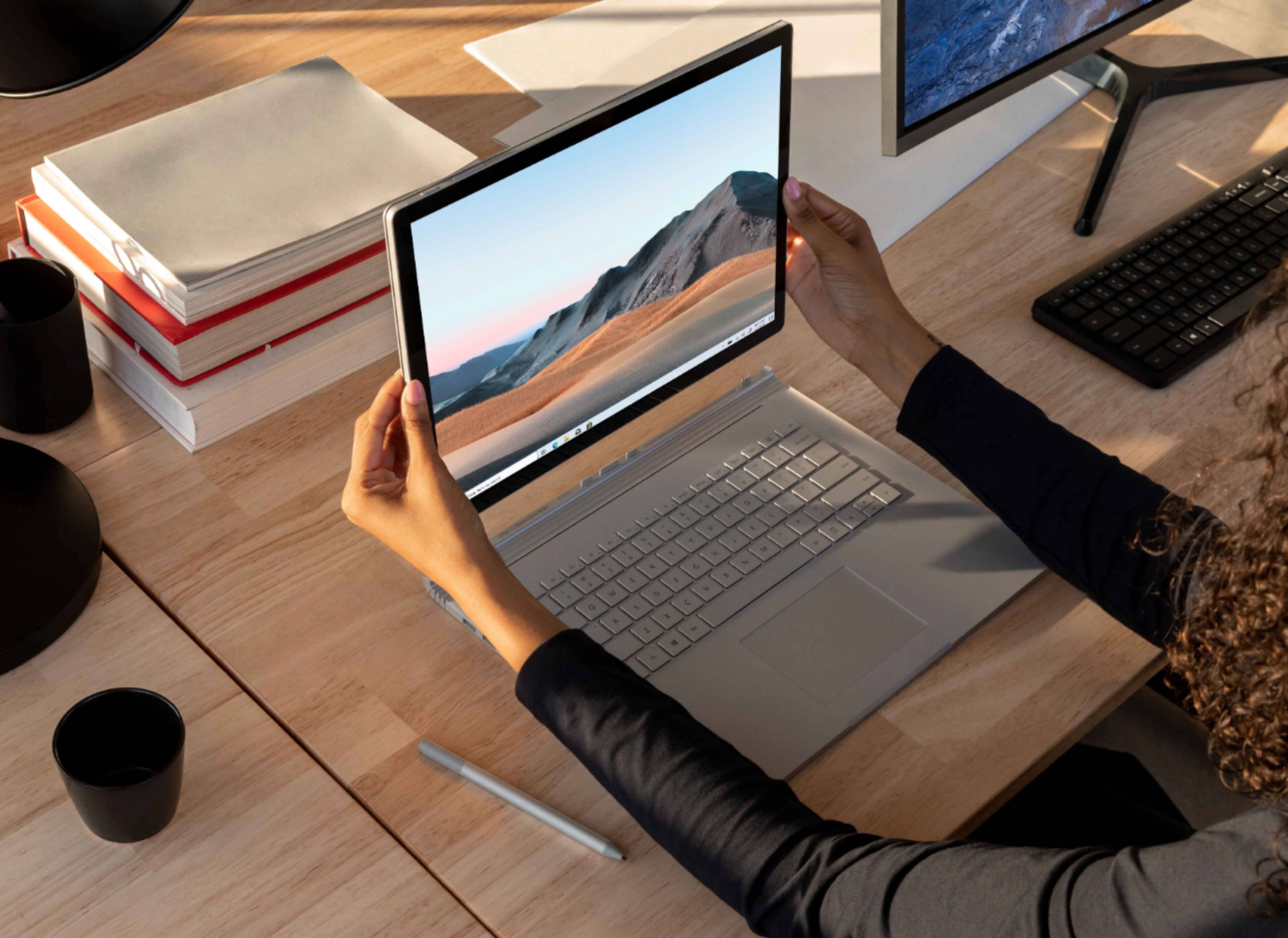
||Posted . Owned for 2 months when reviewed.This reviewer received promo considerations or sweepstakes entry for writing a review.I have found the Surface Book laptops to be excellent machines, although they come at a premium price. The design can't be beat if you want maximum flexibility. The screen has excellent resolution, the speakers sound very good for laptop speakers. It is easy to detach the screen and use it as a tablet, and to flip it and re-attached as more of a traditional paper notebook or piece of paper mode where you can control it more with the pen. I have been using the Surface Books since they first came out. I have never had any issues with them, and find the design and durability meet my expectations. It is a premium machine and it delivers on more functionality than a traditional laptop. The pen experience comes in handy. I suppose it comes down to what you plan to use it for. Battery life is good, screen is beautiful, flexibility is better than just about anything else out there.
I would recommend this to a friendBrand response from MicrosoftOutreachTeam
Posted .Hello,
It's wonderful to get your feedback on your Surface Book 3. We're glad that its power and versatility has made it a good device for you. Thank you for sharing your experience; we hope you continue to enjoy using it.
Cheers,
Chuck
Surface Customer Care
- Pros mentioned:Battery life, Ssd
Lovely AND Powerful
||Posted . Owned for less than 1 week when reviewed.This reviewer received promo considerations or sweepstakes entry for writing a review.I purchased one of these for enterprise use, with a Ghost image including all my company's software. It boots and runs ridiculously fast, thanks to the SSD, tons of RAM, and excellent processor. Where it really sets itself apart from other Surfaces is the GPU. We haven't tested it yet, but it looks like you could probably run CAD software and such on this thing. On the non-technical side, it's attractive and sleek, and the display looks great. Battery life seems decent so far, but it's still being put through its paces. I could see finally ditching my regular laptop and snagging one of these for myself!
I would recommend this to a friend - Pros mentioned:Ease of use, Keyboard quality, Processor speed
Great purchase
||Posted . Owned for 3 months when reviewed.This reviewer received promo considerations or sweepstakes entry for writing a review.Upgraded from the previous model. This laptop is very fast and easy to use. It’s not too heavy and the screen is great.
I would recommend this to a friendBrand response from MicrosoftOutreachTeam
Posted .Hello Kera – We're delighted that you love the speed and lightweight design of your Surface Book 3. We hope you continue to enjoy using it. Cheers, Erica Surface Customer Care
- Pros mentioned:Ssd
Great 2 in 1 for the right person
||Posted . Owned for 2 months when reviewed.This reviewer received promo considerations or sweepstakes entry for writing a review.I had this 2 in 1 for about 3 weeks, before I returned. It is a very well built machine. The tablet part is extremely light-weight. The fact that it is made of magnesium, help it very much with the lack of weight. The screen is outstanding. The inking experience is very cohesive with all microsoft apps. With all the positives, I still ended up returning, because of the price. Its just a lot of money for a mediocre spec, though the experience is well rounded. > 2.5 grand for a quad core i7, 512 gb ssd and gtx 1660ti was something that I couldn't wrap my head around. If this had a octacore ryzen 7 H series cpu or even a ryzen 7 u cpu, i might have overlooked the price. With such an expensive machine and the fact that AMD chips have already made Ice lake chips look very inadequate, the internal components wouldn't age well in the next 2-3 years in my opinion. At the moment, my opinion is that, this is a great machine for someone that can overlook the price against the component that they are getting.
No, I would not recommend this to a friend - Pros mentioned:Battery life, Ssd
Not perfect but pretty close
||Posted . Owned for 10 months when reviewed.This reviewer received promo considerations or sweepstakes entry for writing a review.Very happy with the purchase, love the roomy keyboard, 2nd battery and 2nd GPU. Initially had random issues with PC freezing due to some issue with hinge/disconnect but apparently MS fixed it via updates as it hasn't happened in many months. Only improvement I'd like to see is USB-C port should be added to the tablet part so can charge and add devices while in tablet mode.
I would recommend this to a friend - Cons mentioned:Price
Beautiful, versatile laptop
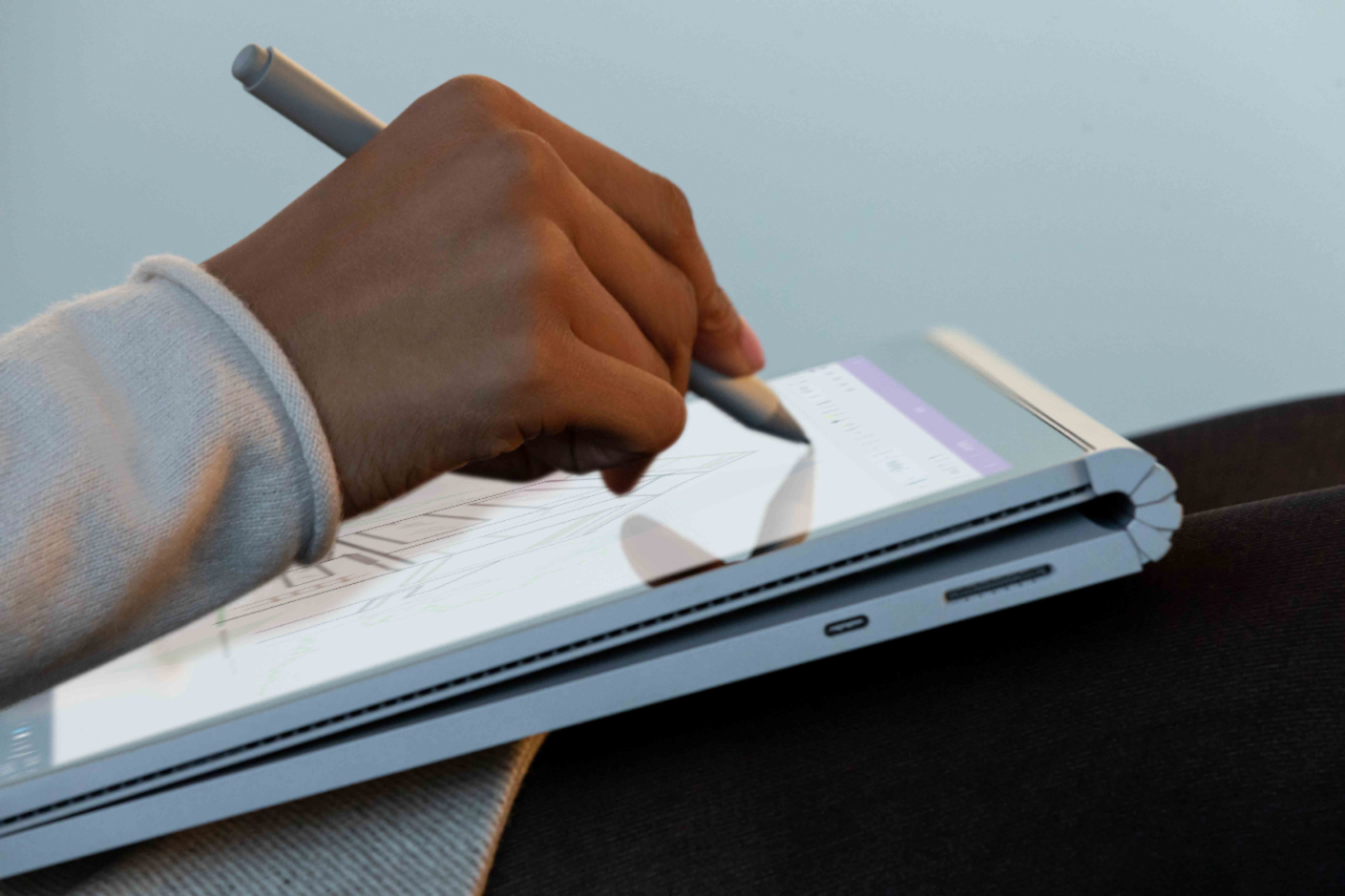
||Posted . Owned for 3 weeks when reviewed.This reviewer received promo considerations or sweepstakes entry for writing a review.The surface book 3, albeit a little expensive, is a wonderful 2-in-1 laptop that can be used as a normal laptop or as a tablet. You do have to purchase the surface pen separately, but it enables you to use the surface book to take notes or draw. This is extremely helpful for me as a college student, as I am able to carry just one laptop, rather than a macbook and an ipad if I were to choose those over this.
I would recommend this to a friendBrand response from MicrosoftOutreachTeam
Posted .Hi Nick – Thank you for sharing. It’s great to hear that Surface Book 3 is working well for you. We hope you continue to enjoy using it. Cheers, Erica Surface Customer Care
- Pros mentioned:Keyboard qualityCons mentioned:Headphone jack
Good Product
||Posted . Owned for 2 months when reviewed.This reviewer received promo considerations or sweepstakes entry for writing a review.I purchased this to use as a mobile sketching pad and for mixing audio for demos. My only complaint is that with certain audio programs the headphone jack wont work. The unit sends the audio to the system speakers. This seams to be an OS issue from what I have read. I do wish it was feasible to upgrade the ram too. Otherwise its been great, sturdy build.
I would recommend this to a friend - Pros mentioned:Processor speed, Ssd
The best laptop/tablet hands down
||Posted . Owned for 1 month when reviewed.This reviewer received promo considerations or sweepstakes entry for writing a review.Did quite a lot of pre purchase, variety of 2 in 1 tablet reviews. Ultimately, purchased the surface book 3 “loaded out” RAM 32, SSD 1 TB. The appearance, feel of the SB3, performance are top of the line!! With the 4K touch screen, processor, GMA gaming is not only possible; excellent experience. Very powerful and comparable to current high end desktop pc’s.
I would recommend this to a friend - Pros mentioned:Processor speed
Surface book 3 is the laptop i needed
||Posted . Owned for 1 month when reviewed.This reviewer received promo considerations or sweepstakes entry for writing a review.This laptop Is the one I have wanted for years. It has more than enough processor, ram, and hard drive space to run the software I use day to day. That includes multiple instances of Visual Studio, excel, and word at the same time. The tablet is great for presentations and the keyboard is the right size to use comfortably all day.
I would recommend this to a friendBrand response from MicrosoftOutreachTeam
Posted .Hello,
It's fantastic to hear that your new Surface Book 3 is serving you well. We're glad that its portable design and powerful performance make it a great choice for working on the go, too. Thank you for sharing your experience; we hope you continue to enjoy using it.
Cheers,
Chuck
Surface Customer Care
- Pros mentioned:Battery life, Processor speed
Amazing picture
||Posted . Owned for 3 weeks when reviewed.This reviewer received promo considerations or sweepstakes entry for writing a review.There are many great features, the fast processor, the detachable keyboard, the extended battery life, but the best part is the high resolution monitor. The screen size is comparable to a 9x12 piece of sheet music, which is great for using in place of printed music.
I would recommend this to a friend - Pros mentioned:Keyboard quality
Versatile
||Posted . Owned for 3 weeks when reviewed.This reviewer received promo considerations or sweepstakes entry for writing a review.At first had buyers remorse thinking I overpaid for a product with lesser specs but quickly got excited with it versatility. The tablet aspect is the key to making it worth it. The size of the 15 inch tablet makes writing and diagramming a dream. Great graphics card helps with video projects. Runs cool compared to MSI similar spec laptop which would run hot and shut down project. Also, machine has a solid build. No regrets here
I would recommend this to a friend - Cons mentioned:Price
Great Laptop
||Posted . Owned for 4 months when reviewed.This reviewer received promo considerations or sweepstakes entry for writing a review.The surface book 3 15" is an excellent choice. Picked it up to do hte bulk of my work (Photo/video editing) and it handles beautifully. The tablet mode works like a charm as well. Which is could've been a bit more price friendly though
I would recommend this to a friendBrand response from MicrosoftOutreachTeam
Posted .Hello,
We're delighted that Surface Book 3 fits your needs for video and photo editing. Thank you for sharing your experience; we hope you continue to enjoy using it.
Cheers,
Chuck
Surface Customer Care
- Pros mentioned:Keyboard quality
Impressed!
||Posted . Owned for 2 weeks when reviewed.This reviewer received promo considerations or sweepstakes entry for writing a review.I was looking at a lower grade model and the Microsoft representative in the store informed me that after going through the review and everything else that the product was out of stock. They had one that was a returned item that supposed to have a scratch that was a couple hundred dollars off which made it worthwhile. Upon looking we had to really search for the scratch and it was barely visible. I have to say the product itself is quite impressive and I'm very happy. Detachable screen makes wonderful tablet or you can flip the screen and use the keyboard as a battery Bank. Very impressed and very happy with my purchase.
I would recommend this to a friend - Pros mentioned:Processor speedCons mentioned:Price
worth the money
||Posted . Owned for 2 weeks when reviewed.This reviewer received promo considerations or sweepstakes entry for writing a review.Great laptop. Good speed, great monitor. Detachable keyboard is a great feature. Two usb b , one usb c. Very sturdy... Great all around computer..pricey but worth it if you can afford it.
I would recommend this to a friend - Pros mentioned:Battery life, Processor speed
Fast, Quiet, Cool
||Posted . Owned for 3 weeks when reviewed.This reviewer received promo considerations or sweepstakes entry for writing a review.Very fast for writing, compiling, and executing code. Battery life is excellent!. This laptop is so cool and quiet even with an i7 processor running for hours (unlike my last i7 laptop).
I would recommend this to a friendBrand response from MicrosoftOutreachTeam
Posted .Hi Gunner – We appreciate you taking the time to share your experience. We're delighted that you love the speed, battery life, and functionality of your new Surface Book 3. We hope it continues to serve you well. Best, Erica Surface Customer Care
- Pros mentioned:Processor speedCons mentioned:Price
great laptop
||Posted . Owned for 1 week when reviewed.This reviewer received promo considerations or sweepstakes entry for writing a review.really fast and I like the bigger screen. updated from the first gen of surface books and I really like this one. they are a little expensive but it can handle anything you throw at it!
I would recommend this to a friend Versatile machine for just about everything.
||Posted . Owned for 1 month when reviewed.This reviewer received promo considerations or sweepstakes entry for writing a review.The styling of the Surface Book 3 is very similar to the 2nd edition in the family line. As the old expression goes, "Why change what isn't broke". With an added boost in performance from the new 10th gen I7 processors the Surface Book 3 feels very smooth and very fluid in its functionality, even in usage heavy applications and multitasking. A very versatile computer with the power to complete everyday tasks and work, then with a press of a button enabling the screen to be removed and used in a tablet mode. Overall the Surface Book 3 is a great portable laptop/2in1 with amazing funtionality and capabilities.
I would recommend this to a friend- Pros mentioned:Battery life, Processor speed, SsdCons mentioned:Weight

Generational performance leap with great design
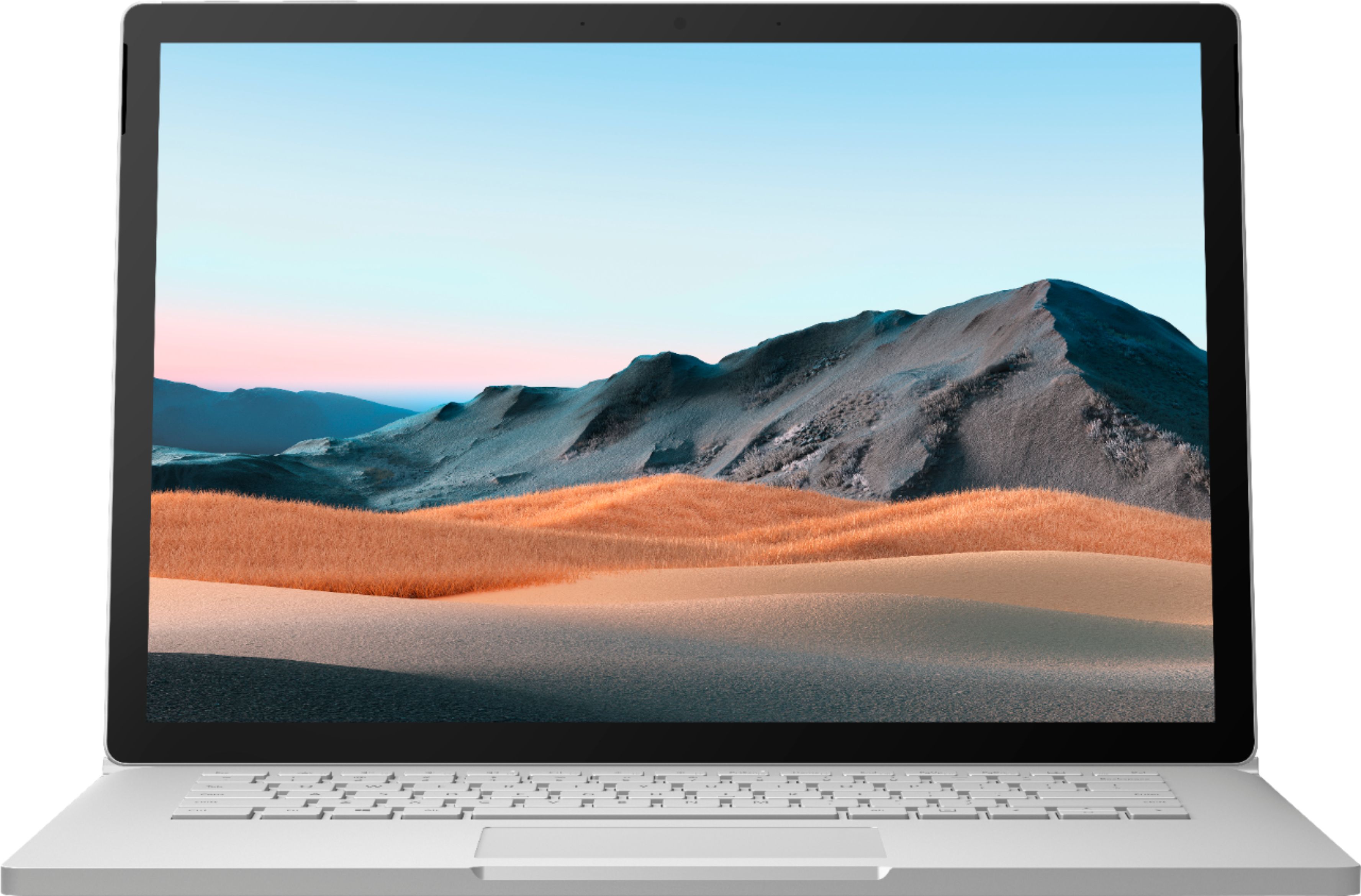
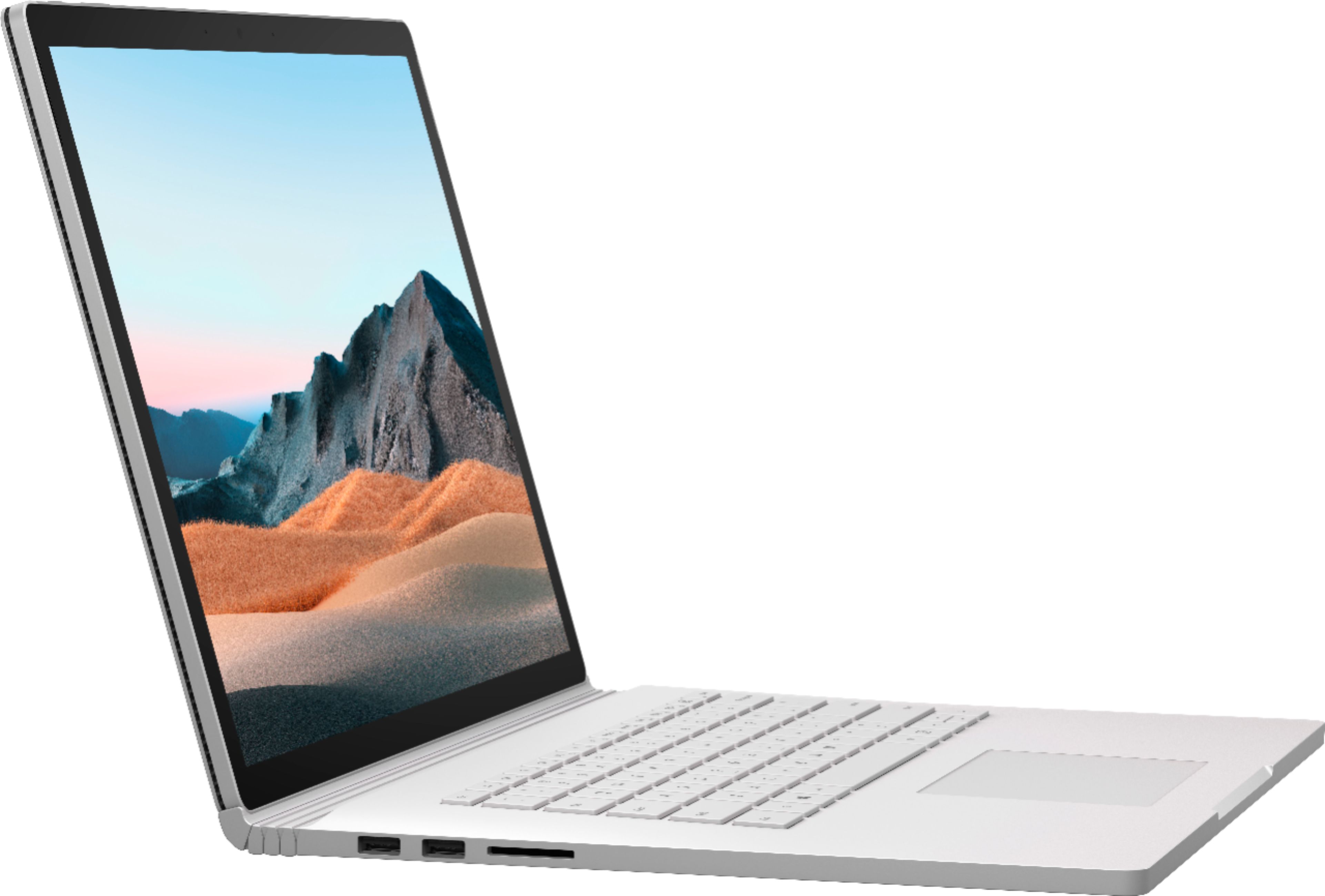
|Posted .This reviewer received promo considerations or sweepstakes entry for writing a review.I’m a member of the Tech Insider Network. Reviewers in this invitation-only program are provided products for the purpose of writing honest, unbiased reviews. I did not purchase the SB3 but I am absolutely thrilled to have been able to select one to use and review! In my review I am discussing the 15” model with Core i7-1065G7, 32GB RAM, 512GB NVME SSD, and Geforce GTX 1660ti Max-Q. TL;DR section: Pros: +incredible speed in a low power device +brilliant display (in color, detail, and 3:2 aspect ratio) +32GB RAM and 512MB storage is awesome for virtual machines +detachable tablet design allows for efficient distribution of heat and fan placement. Not very loud at all. +battery life is insane +keyboard is excellent Cons: -Heavy. Especially having so much weight in the display in laptop mode. -As of July 6, 2020 the upgrade experience to Win 10 Build 2004 is complicated -Limited I/O, only 2 USB-A ports and 1 USB-C (all USB 3.1 gen 2 though), an SD card slot, plus the surface connect on the keyboard part of the device. Only the Surface connect and a headphone jack on the tablet side. Unboxing thoughts: I got a real kick out of the fact that inside the box, the smaller boxes for accessories were shaped in such a way that they could only fit inside the box in one direction. The unboxing experience felt just as premium as it should for a device of this caliber. Minor negative: My SB3 arrived completely discharged. Performance: The Surface Book 3 ships with the latest generation Ice Lake CPUs. Ice Lake is almost 20% faster clock for clock in most applications than the previous architecture Intel CPUs. You can differentiate this by the “G” in the CPU ID – i7-1065G7 indicates this is the Ice Lake architecture with the best integrated GPU available. The “Comet Lake” CPUs are using five digit identifiers without the “G.” Along with the fast CPU you get a dedicated GPU in the GTX 1660ti Max-Q with 6GB of VRAM. This combo allows for some incredible performance in video editing and encoding as well as 3D applications. The 1660ti is the lowest end GPU with the most modern NVENC processor, allowing for full H265 encoding with B frame support. I found this to be a massive speedup when exporting video projects as well as a drop in file size by about 25% with better quality. Encoding performance was over 60FPS at 1080p vs 20-30FPS with an older laptop that only had Intel UHD 620 for encoding. Now I can export video projects 2-3x faster, with file sizes that are less than half the size of the h264 files I was using before. Having so much RAM allows me to continue working while exporting, as well, which is a further productivity gain for me. With 32GB of RAM and 512GB of NVMe storage available, I am excited about the virtual machine capabilities of the SB3. Unfortunately there’s some confusion about VMs with Windows 10 right now thanks to the new WSL2, which just released along with Windows 10 ver 2004 in May. The 2004 build apparently had some issues with some of the Surface devices so it was blocked from installing on my SB3 as of July 6. I ended up switching to a Windows Insider build on the dev channel to gain access to this feature in time to post this review. A further complication is that WSL2 uses Hyper-V which requires windows 10 pro to fully unlock, and precludes you being able to use another VM hypervisor like virtualbox on the same device (at least, it’s buggy right now). So for the time being you have to make the choice between virtualbox, which is a more traditional VM with slower performance, or WSL2 which is primarily a terminal only tool right now (but will soon allow for full GPU access). Regardless of which route you go, with 32GB of RAM you will be able to run several environments side-by-side. This comes in very handy if you want to test something in both Ubuntu and RHEL quickly, for example. Finally, gaming performance is superb. I was able to run Civ6 at native resolution, ultra quality settings at 60fps when plugged in, and 30-40fps unplugged. Overwatch at native res was ‘playable’ at Epic quality but I preferred to drop it to 1920x1080 to get a constant 60fps. Output to my 4k 60hz monitor using a USB-C to displayport cable was simple and worked perfectly. I do not have a gaming display to try out higher refresh rates. Due to the design of the SB3, the GPU and CPU are in separate portions of the device with their own fans and cooling. The fan is of course noticeable, but it is not a ‘screamer’ like in a true desktop replacement gaming laptop. One side effect of this design is there are no vents on the bottom side of the device. This is both a blessing and a curse – the SB3 doesn’t benefit much from a traditional cooling pad, but you also don’t have to worry about laying it flat on a bed or carpet. Other thoughts: There is no denying that the Surface Book 3 is a premium device when it’s in your hands or on your lap. The chassis is magnesium rather than aluminum and is very light and solid. There are no seams, every edge is a solid corner. It just oozes quality. The keyboard and touchpad are fantastic. With the extra room from the 3:2 form factor, nothing is cramped here. Keystrokes are among the best I have ever used on a laptop keyboard. The hinge design is a little strange but I was still able to fit this in the pocket of my laptop bag and have room for another small laptop. Battery life is pretty wild – this is more than an “all day” device. The included surface connect charger is now 127W – it is an incredibly dense, but not overly large brick. The SB3 will charge with a 60W USB-C PD charger as well, although it will not stay topped up when gaming in this configuration. I have always loved the 3:2 form factor. I love the display on the SB3 and find the quality to be a noticeable improvement from my old Surface Pro 4. The display is not quite as sharp as a 13.3” 4k laptop but I think you would literally have to split hairs to see a difference. Color quality and contrast are excellent. Using the Surface Book 3 in tablet mode has turned out to be much more enjoyable than I anticipated. I had thought that perhaps 15” might be way too big to use comfortably, but that is definitely not the case. I can lay on the couch and browse the web and it feels wonderful in the hand. The tablet portion itself is well balanced. Keep in mind there are no USB ports on the tablet itself. You have to dock it to the keyboard to have any I/O beyond the surface connect (or headphone jack). The only major negative I have with the Surface Book 3 is the weight, rather the distribution of it. The tablet itself is not heavy by any stretch, but once docked on the keyboard, you are putting a lot of weight on one edge of the laptop. If (like me) you are in the habit of picking up your laptop by a corner near the touchpad, you will find that the SB3 is a bit unwieldy. I certainly wasn’t expecting a 15” laptop to be as thin and light as a 13” ultraportable, but it is something to be aware of. I suggest anyone interested in the SB3 (even the smaller screen size) go pick one up and hold it in a store if you are worried this will bother you. Overall, the Surface Book 3 is a device that is trying to be a do-it-all device and succeeds in almost every aspect. It’s hard to find fault with it.
I would recommend this to a friend - Cons mentioned:Weight
Worth it for the right person
||Posted . Owned for 3 weeks when reviewed.This reviewer received promo considerations or sweepstakes entry for writing a review.Powerful little machine and I love the tablet flexibility. This is a desktop replacement due to weight. I wouldn't want to carry this around all day outside my home/office. For portability go with surface pro. The tablet part is pretty light on its own but the battery lasts only 2 hours tops so you want the charger nearby. You can charge the tablet and keyboard base separately or together when docked. I recommend getting a case which will increase the weight but protect the rather delicate body. Best Buy is a great place to purchase due to their return policies.
I would recommend this to a friend - Pros mentioned:Processor speed
Excellent machine for architects
||Posted . Owned for 1 week when reviewed.This reviewer received promo considerations or sweepstakes entry for writing a review.Im an architect and I use this machine daily. It is powerful enough for my 3D models and the pen and tablet mode allow me to redline pdf documents naturally.
I would recommend this to a friend