Customer Ratings & Reviews

- Model:
- 2WR-00001
- SKU:
- 10852731
Rating by feature
- Value
Rating 3.9 out of 5 stars
- Quality
Rating 4.7 out of 5 stars
- Ease of Use
Rating 4.2 out of 5 stars
to a friend
I'm not sure if i need it anymore
||Posted . Owned for less than 1 week when reviewed.This reviewer received promo considerations or sweepstakes entry for writing a review.I thought it would be easy to use but not as much as i expected
No, I would not recommend this to a friendBrand response from MicrosoftOutreachTeam
Posted .Hey there,
Thanks for taking the time to share your honest experience with the community about your Surface Dial. We'd like to offer some links that would help you become more familiar with Surface Dial. We suggest checking out this article on getting to know it here: https://support.microsoft.com/en-us/help/4036279/surface-meet-surface-dial. We also recommend looking at this link on the apps that work seamlessly with Surface Dial here: https://www.microsoft.com/en-us/store/collections/AppsforSurfaceDial?rtc=1.
Best,
Rebecca
Surface Customer Care
Very dissatisfied. Horrible! DOESNT WORK!
||Posted . Owned for 1 month when reviewed.This reviewer received promo considerations or sweepstakes entry for writing a review.Horrible! If i could do no stars I would. First of all they delivered it to the wrong place, even though we changed the address in their system. By the time we got it and she tried it out it was too late to return it. It doesnt do anything it says it would. My daughter bought it and was so disappointed. Now she is stuck with it.
No, I would not recommend this to a friendnot sure what is for
||Posted .This reviewer received promo considerations or sweepstakes entry for writing a review.still trying to find how to get the best of this thing
I would recommend this to a friendBrand response from MicrosoftOutreachTeam
Posted .Hi there,
Thanks for reaching out! We have a great guide on getting to know your new Surface Dial here: https://support.microsoft.com/en-us/help/4036279. After you get used to your new accessory, check out all the different apps you can use it with here: https://www.microsoft.com/en-us/store/collections/AppsforSurfaceDial?rtc=1. We hope you enjoy all that Surface Dial can bring to your favorite Surface device!
Best,
Heather
Surface Customer Care
Too big
||Posted .This reviewer received promo considerations or sweepstakes entry for writing a review.Buy it only if you are going to use it. Did not like it.
No, I would not recommend this to a friendBrand response from MicrosoftOutreachTeam
Posted .Hi there,
We're sorry to hear you haven't been able to utilize all the features of the Surface Dial. If you want to check out different ways to use your device, we have a lot of neat features and apps that you can check out here: https://support.microsoft.com/en-us/help/4023440/surface-meet-surface-dial-with-surface-studio.
We hope these handy tips will help improve your Surface experience!
Kind regards,
Jessica
Surface Customer Care
Cool Dial
||Posted .This reviewer received promo considerations or sweepstakes entry for writing a review.This is a must have for those that own a Surface!! The dial adds some great features.
I would recommend this to a friendNot so useful
||Posted . Owned for 1.5 years when reviewed.This reviewer received promo considerations or sweepstakes entry for writing a review.Please let me know where I can use it, not so many task I accomplished with conneted Surface Book2
No, I would not recommend this to a friendNot really needed and not all that helpful
||Posted . Owned for more than 2 years when reviewed.This reviewer received promo considerations or sweepstakes entry for writing a review.The idea is good but practically it is a waste of money.
No, I would not recommend this to a friendGreat for Digital Design/Art...Gadget for Others
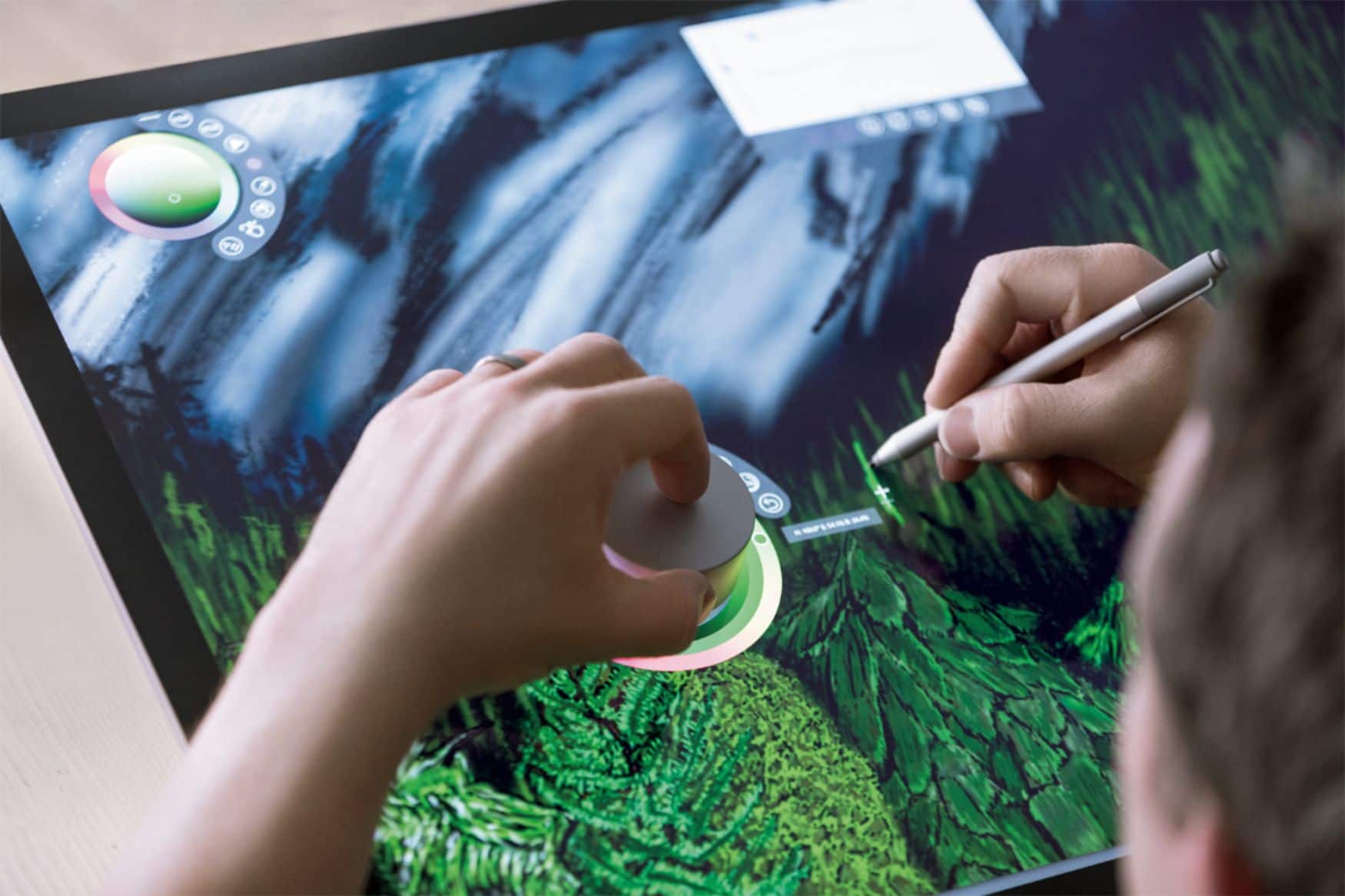
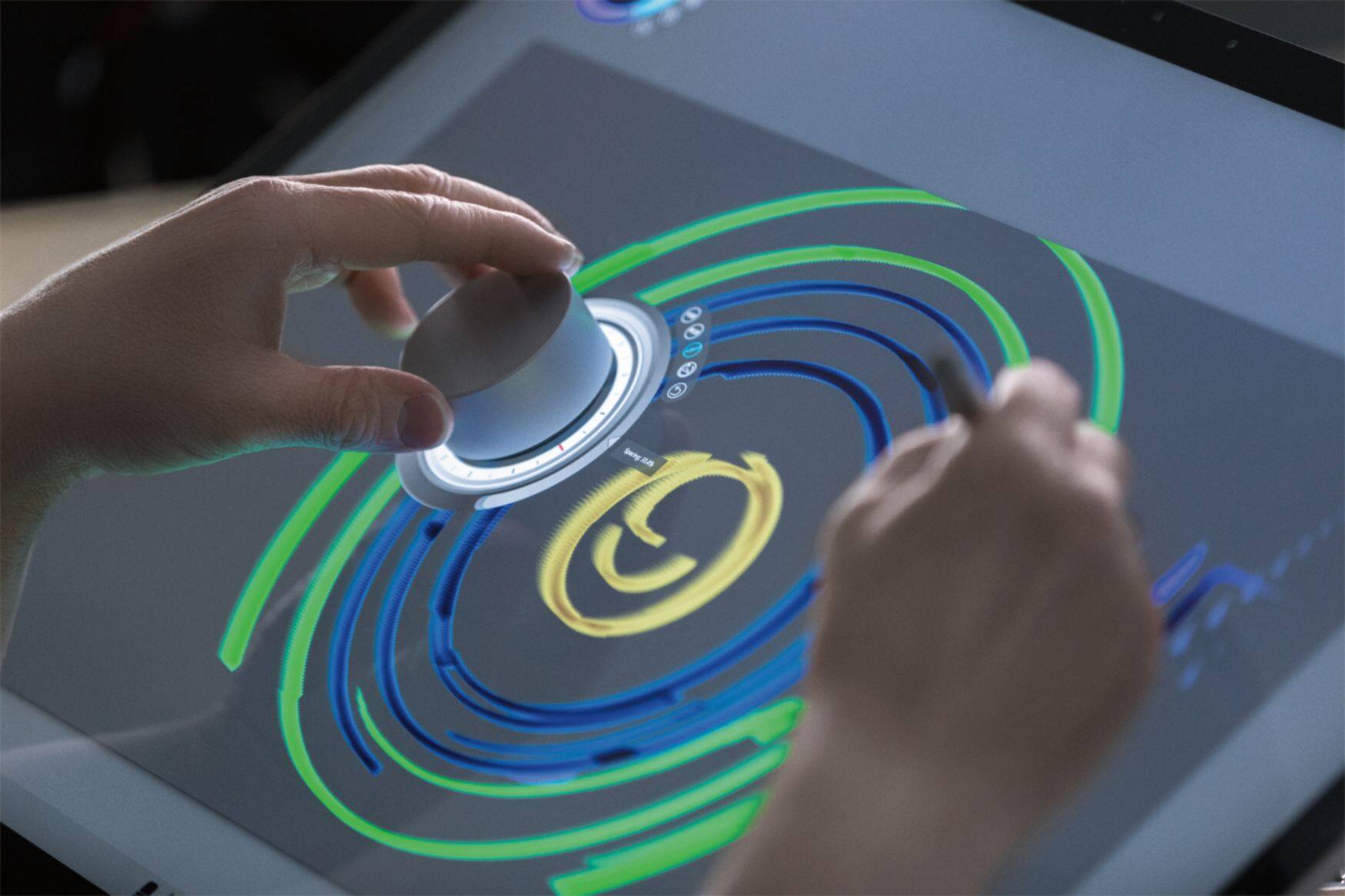
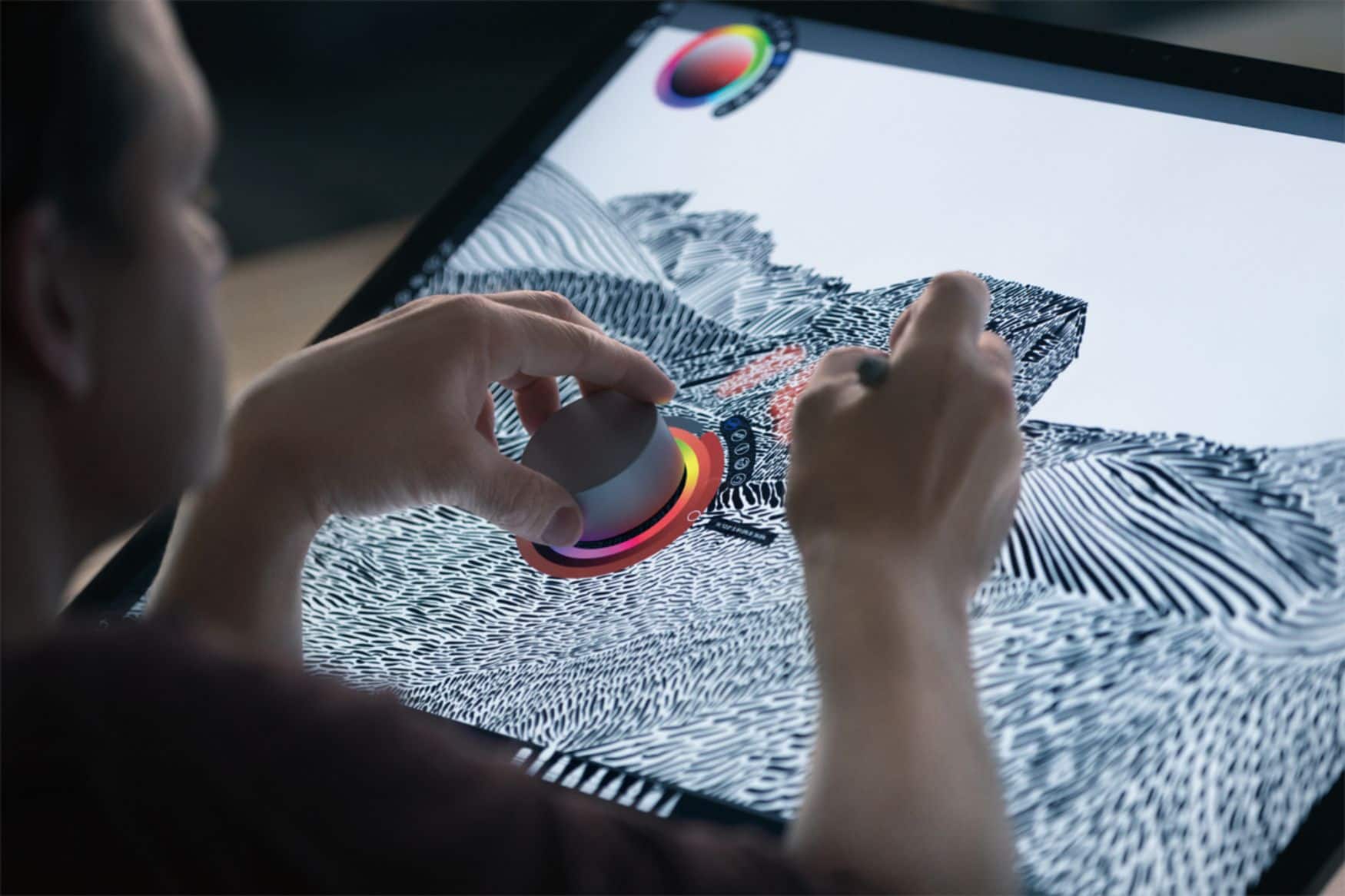
Posted .This reviewer received promo considerations or sweepstakes entry for writing a review.Purchased the Microsoft Surface Dial (MSD) just to see how it would work with my 2015 Surface Book (SB). A BB bundled deal with two (2) minor accessories reduced the $99 asking price by 25%. Sweet! At this point (at least for the SB) the MSD is more of a gadget, albeit a very nice one. It's solidly built, well weighted and stable on a desk, feels good in the hand and very fluid in operation. The major features for the SB as I see them are Volume, Zoom and Scroll (more on scrolling later). The Undo and Ink show promise and can be used inside of Microsoft PPT and Publisher. Hopefully, future updates will bring more capabilities and the option to place the MSD on the SB screen as can be done with the new Studio. About scrolling...the MSD is very accurate allowing for precise adjustment. I compared the MSD scrolling capabilities to my Logitech MX Master mouse which is very precise for scrolling as well. The MSD is better. I see the advantage the MSD may provide when used for precise adjustments in combination with the Surface Pen for spot-on positioning in the design and graphic arts realms. I'll probably keep the MSD as I'm curious as to how far it will advance for use as a tool in Windows 10 outside of design/graphic arts. Also, it gives me something to occupy my left hand. LOL.
I would recommend this to a friendNot so useful
||Posted . Owned for 1 month when reviewed.This reviewer received promo considerations or sweepstakes entry for writing a review.I understand that for a design specialist and in a certain program it is useful, but for the ordinary user it has almost no use. I expected to use it with the surface book 3, in Edge and the pen, but it gave me almost nothing useful, the same in office 365, where it does give utility but almost none.
No, I would not recommend this to a friendNot useful for photoshop
||Posted . Owned for 1 month when reviewed.This reviewer received promo considerations or sweepstakes entry for writing a review.Love the idea of the product but is not useful for photoshop doest no have to many options for tools.
No, I would not recommend this to a friendReview
||Posted .This reviewer received promo considerations or sweepstakes entry for writing a review.Good accessory for drawing, animation and photoshop
I would recommend this to a friendExtraneous junk
||Posted .This reviewer received promo considerations or sweepstakes entry for writing a review.This device works and is not a shoddy creation. It just isn’t a tool that I find myself using, well, ever. I tried it once. Then I found the instructions of what I could do with it were tedious and frustrating because I could have saved myself the money since this device does not bring anything to the table you don’t already have in some form or fashion
No, I would not recommend this to a friendBrand response from MicrosoftOutreachTeam
Posted .Hi Jimmy,
We are sorry you feel this way about the Surface Dial, and appreciate your honest feedback. We've passed this input along to our team for future consideration, and appreciate you taking the time to leave a review.
Kindly,
Victoria
Surface Customer Care
I don't use this product much.
||Posted .This reviewer received promo considerations or sweepstakes entry for writing a review.I had a problem with this sinking up from the beginning. it's an expensive paperweight.
No, I would not recommend this to a friendBrand response from MicrosoftOutreachTeam
Posted .Hi there,
Thank you for leaving your honest feedback, we're sorry that your Surface Dial is not performing the way it should. Here are some ways you can troubleshoot your device and try to correct the issue:
https://support.microsoft.com/en-us/help/4023521/surface-troubleshoot-problems-with-surface-dial.
If you try troubleshooting, and are still having issues with your device, our support team will be happy to assist you here:
https://support.microsoft.com/en-us/contactus/.
Kind regards,
Jessica
Surface Customer Care
Looked good in the store
||Posted .This reviewer received promo considerations or sweepstakes entry for writing a review.Looked good in the store. Oh well, at least It makes a good paperweight
No, I would not recommend this to a friendBrand response from MicrosoftOutreachTeam
Posted .Hello,
Thank you for taking the time to reach out. We're sorry to hear your experience with Surface Dial has been lackluster, and we'd like to know more so that we can improve on our products in the future. Please feel free to reach out to our support team here: https://aka.ms/AA4rbq6, with any additional feedback you might have.
Best,
Heather
Surface Customer Care
Surface dial
||Posted .This reviewer received promo considerations or sweepstakes entry for writing a review.Didn't really like the surface dial. Couldn't tell when it was off or on. Would come on in the backpack sometimes.
No, I would not recommend this to a friendBrand response from MicrosoftOutreachTeam
Posted .Hello,
We're sorry to hear that you weren't a fan of your Surface Dial. Of course, we would advise making sure that the Dial isn't getting bumped around while in your backpack, but if you think it may have something to do with the settings, we'd recommend checking out this link on how to manage your settings and troubleshoot your Surface Dial: https://support.microsoft.com/en-us/help/4023515/surface-change-surface-dial-settings.
Kindly,
Victoria
Surface Customer Care
Ugh
||Posted .This reviewer received promo considerations or sweepstakes entry for writing a review.Isnt user friendly for older users. It doesnt stick to the screen like shown in the store
No, I would not recommend this to a frienduseless; just use a mouse or the trackpad
||Posted .This reviewer received promo considerations or sweepstakes entry for writing a review.too expensive..It is better to use a mouse or a pad
No, I would not recommend this to a friendBrand response from MicrosoftOutreachTeam
Posted .Hi Dave,
We appreciate you leaving your honest feedback about Surface Dial. We're sorry to hear your experience with Surface Dial was lackluster, and we'll be sure to make note of your comments to help improve on our products in the future.
Kindly,
Heather
Surface Customer Care
Not ready for the Surface Book nor Surface Tablets
Posted .This reviewer received promo considerations or sweepstakes entry for writing a review.Unless you have a surface studio, this device is not optimal for other surface devices such as the Service Book nor the Surface Tablets. If you have either of those devices, I recommend you wait to buy the product until after Microsoft releases a firmware update for onscreen compatibility.
I would recommend this to a friendOverpriced Volume Control Window 11
Posted .This reviewer received promo considerations or sweepstakes entry for writing a review.I saw all of the positive reviews for the surface dial on Windows 10. I thought this would be a great addition for editing photos in Corel Paint Shop Pro 2022 on my Surface Laptop Studio. After all it is one of the programs listed as being compatible. I go to customize the wheel in the setting menu. It crashes every single time. I have put in a support request with Microsoft. No remedy yet. It is an overpriced volume control in Windows 11. If it lived up to it's hype, it would be highly recommended.
No, I would not recommend this to a friendToo early to tell
Posted .This reviewer received promo considerations or sweepstakes entry for writing a review.Right now, it doesn't do much other than scroll or control volume. It does work with Windows Ink. But I don't use that. Hopefully, it will develop for non-Studio users too. I have a Surface Book, but can't afford the Studio.
I would recommend this to a friend