Customer Ratings & Reviews

- Model:
- 2WR-00001
- SKU:
- 5678500
Rating by feature
- Value
Rating 3.9 out of 5 stars
- Quality
Rating 4.7 out of 5 stars
- Ease of Use
Rating 4.2 out of 5 stars
Customers are saying
Customers frequently mention the Surface Dial's ease of use and utility for drawing, volume control, and scrolling. Customization options are also appreciated. However, some customers have expressed concerns about its stability, price, and limited app support.
This summary was generated by AI based on customer reviews.
Must for Surface Studio-- anything else... hmm
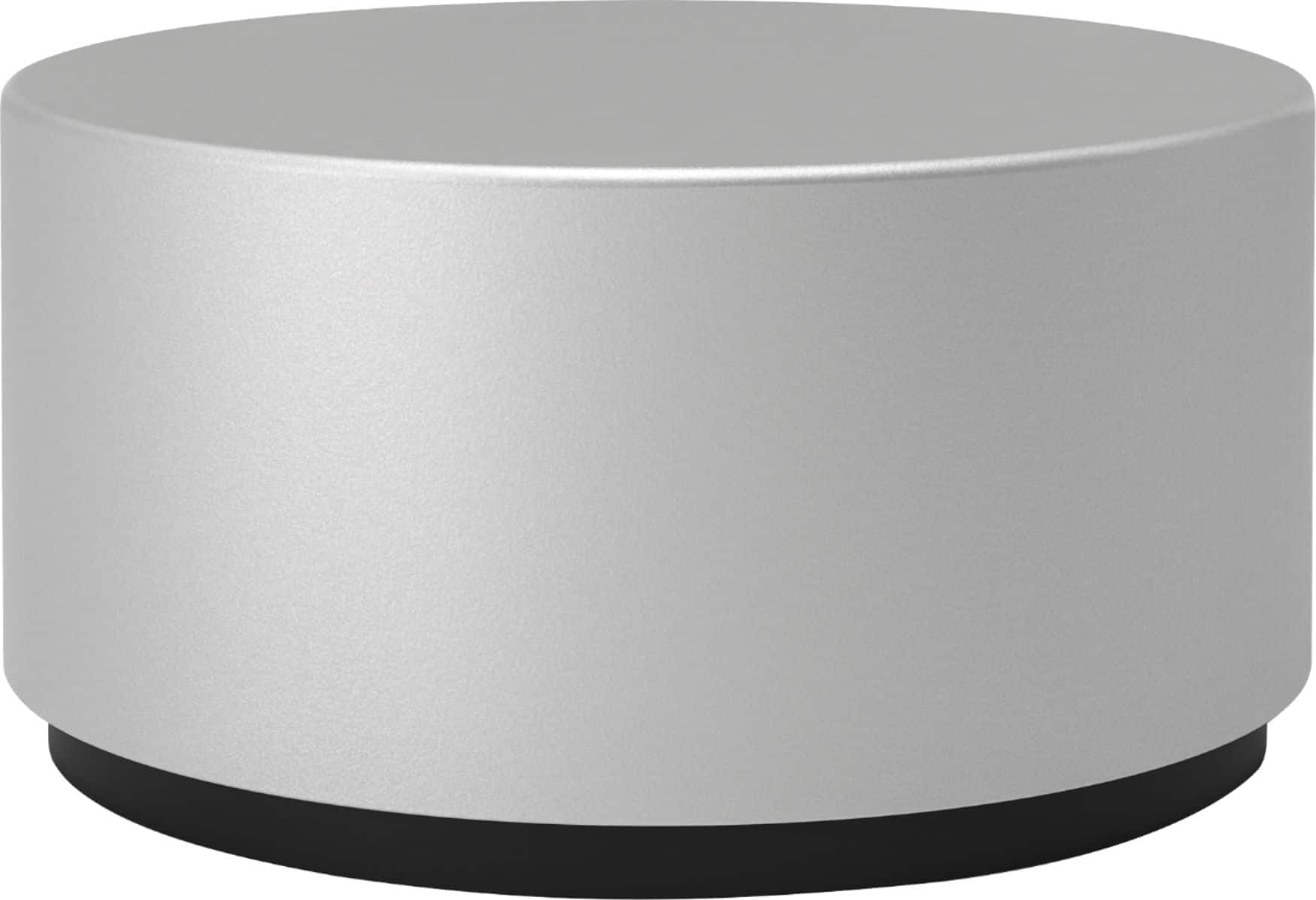
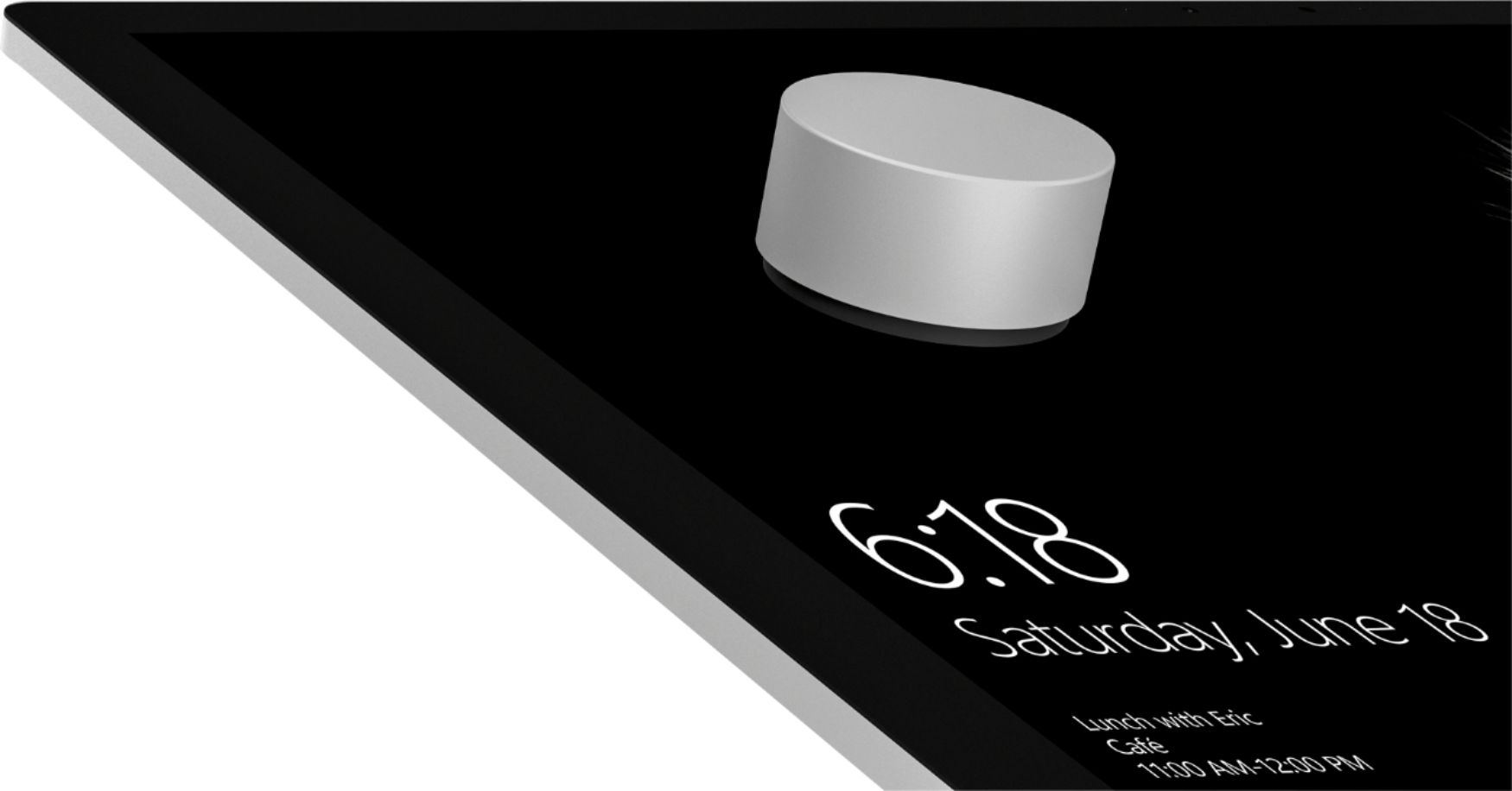
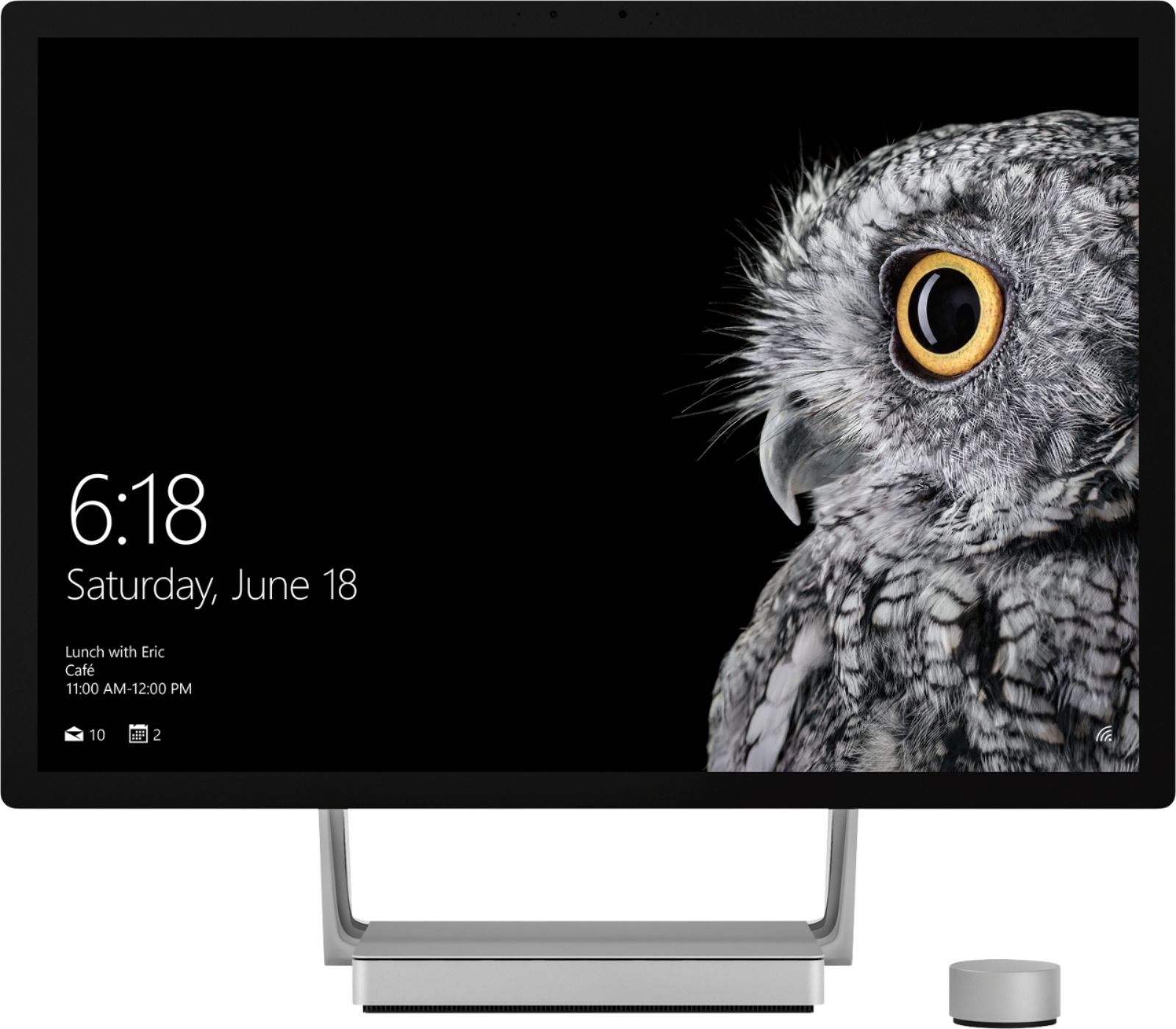
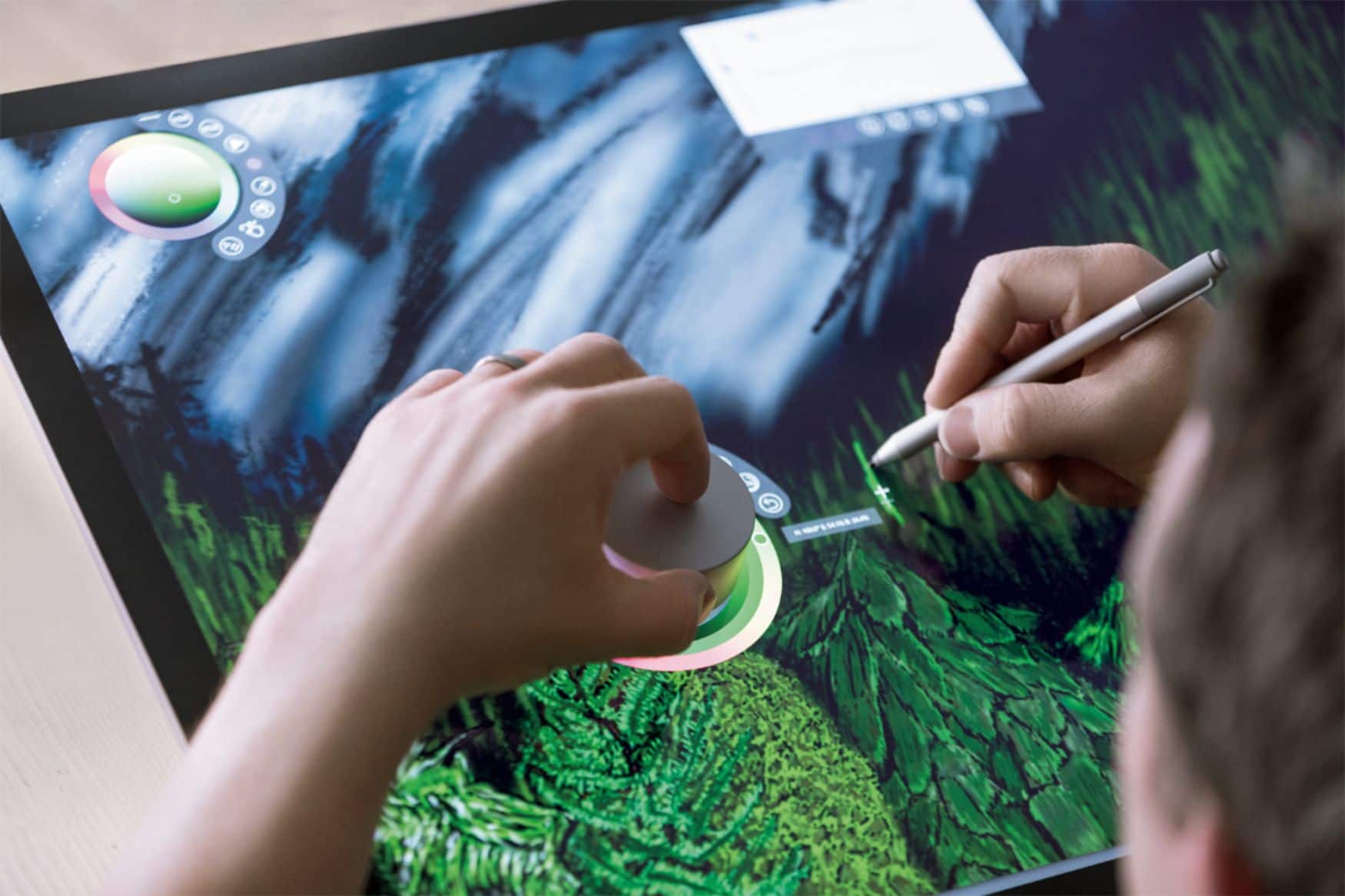
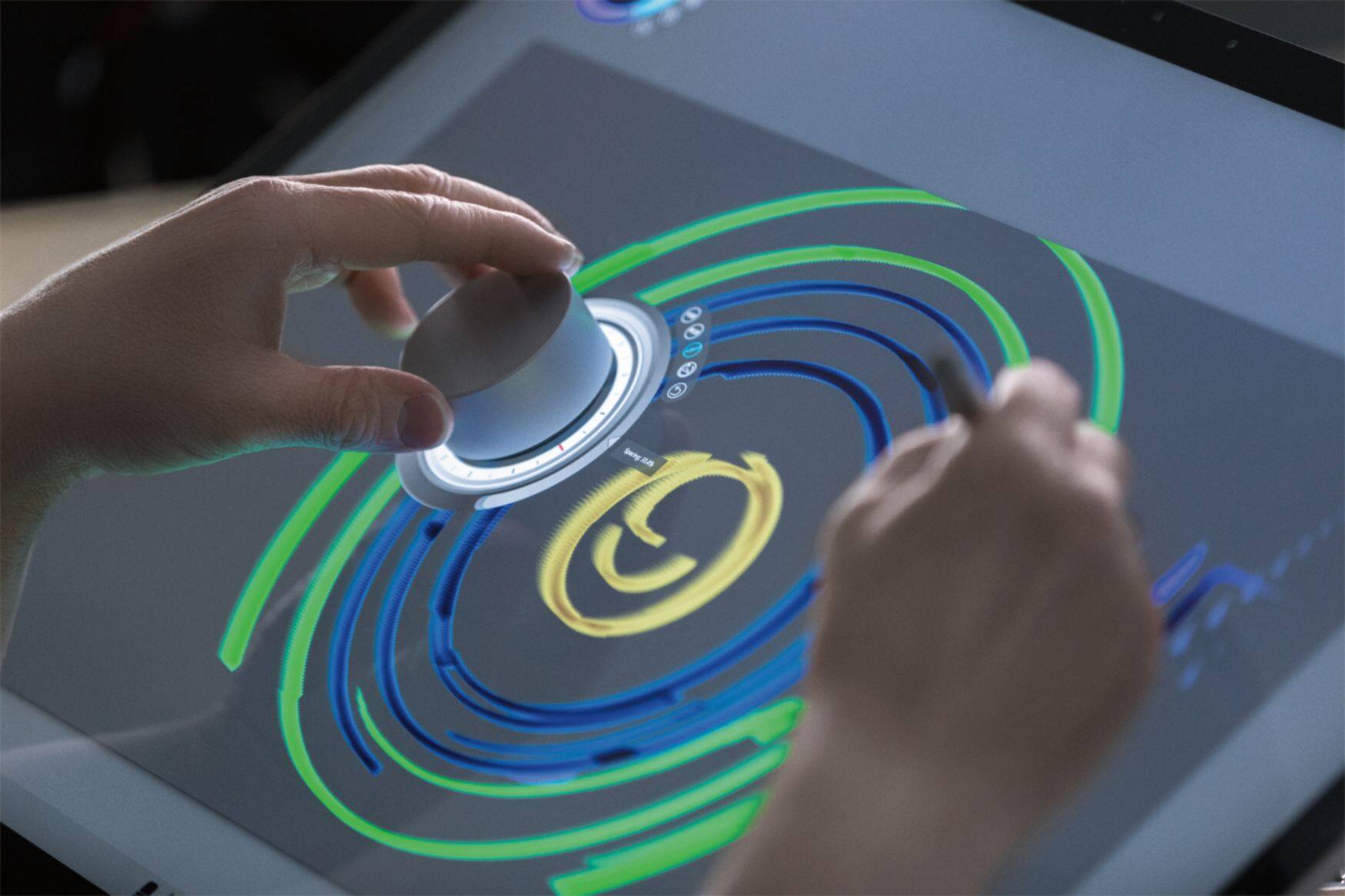
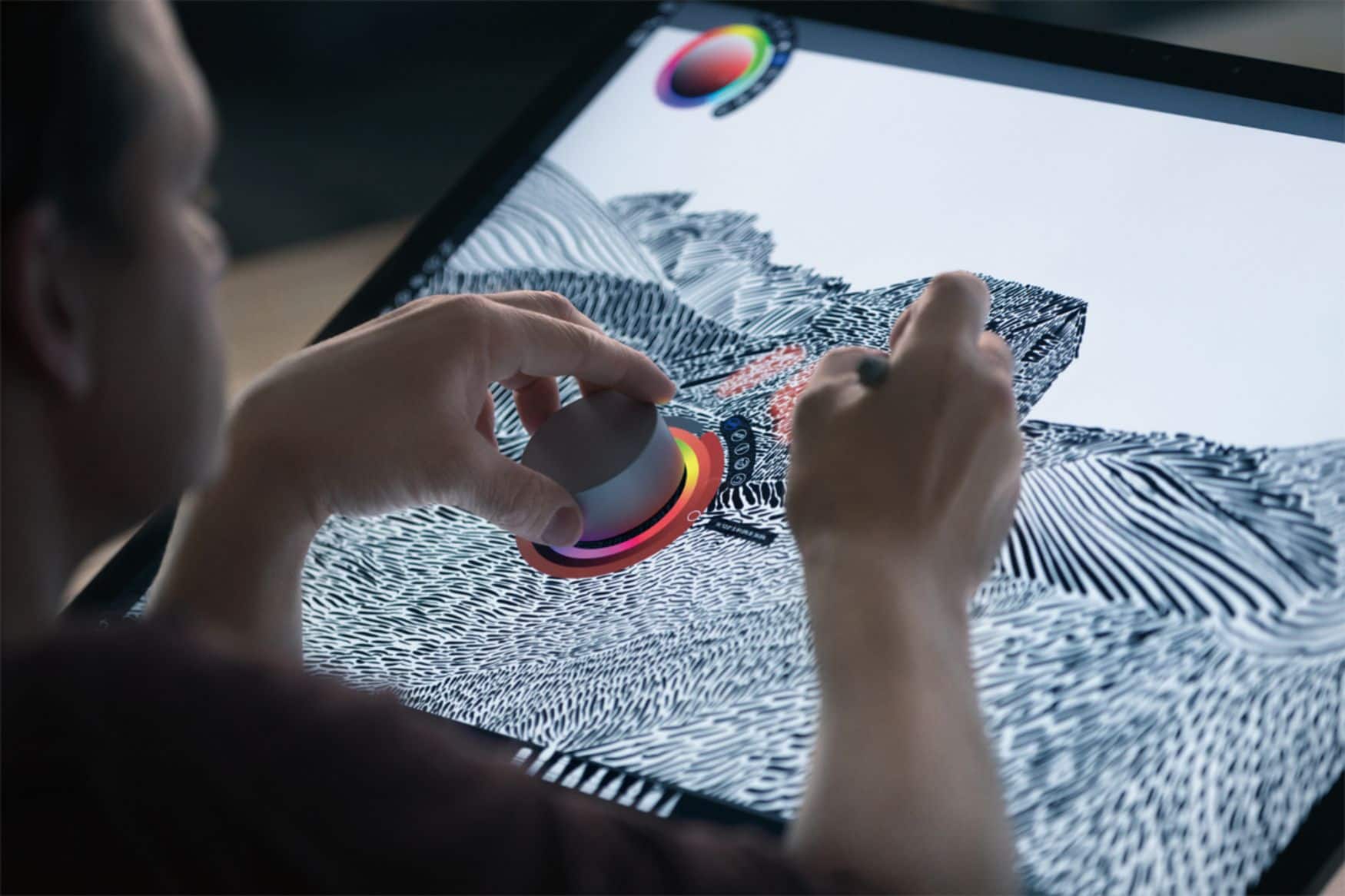
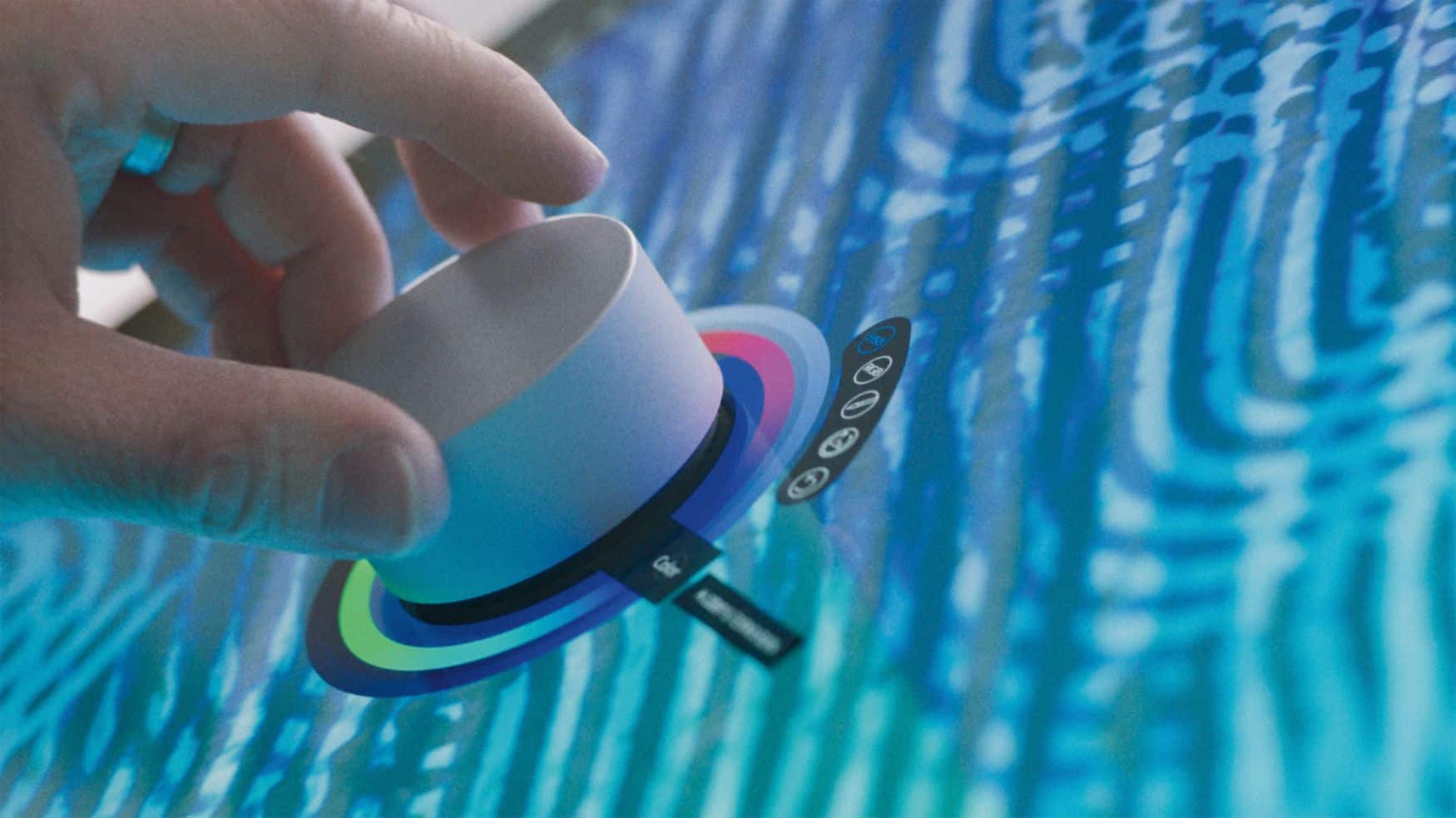
||Posted .This reviewer received promo considerations or sweepstakes entry for writing a review.So the Surface Dial is an interesting device. It essentially gives you a "speed menu" with rotary selection and press activation. With a large screen like the Surface studio, you can set it on the screen, press, and the menu appears right under it (very cool). Windows 10 gives you some basic functionality in the OS itself, but is up to applications to add contextual options for the dial (to date that seems limited-- though apps like Spotify have some. Could I live without it? Probably-- but it's really designed for the Studio and if you're going to spend that much on a computer, you might as well go all the way (like buying a Ferrari but opting out on leather to save pocket change). My only complaint about the device is sometimes it goes to sleep and you have to LONG press to wake it back up (it's bluetooth and turns off to save battery).
I would recommend this to a friendBrand response from MicrosoftOutreachTeam
Posted .Hi Jim,
Thanks for your honesty! We appreciate you leaving this review. We'll be sure to share your feedback with our team.
Take care,
Amanda
Surface Customer Care
- Cons mentioned:Price
Surface Dial
||Posted . Owned for 1 month when reviewed.This reviewer received promo considerations or sweepstakes entry for writing a review.Kind of a niche product for a surface tablet. Works great for me. Probably priced on the higher side unless you have clear usage.
I would recommend this to a friend - Cons mentioned:Stability
Slides down Surface Studio screen
||Posted .This reviewer received promo considerations or sweepstakes entry for writing a review.Brand new screen and brand new dial, if it isn't in your hand it will slide down irregardless of the angle of the screen. Also needs more software written to support it.....time will tell
I would recommend this to a friend - Pros mentioned:Scrolling
Great product. Not just for Surface
||Posted .This reviewer received promo considerations or sweepstakes entry for writing a review.To get the full benefit with on-screen display you need the Surface Studio. However all of the same features still work off-screen for the Surface Pro and Surface Book In addition the dial will work for any laptop via Bluetooth. This dial is convenient for scrolling and zooming as well as for ink replay. If any of these options are of use to you it's worth it. I am sure more options will be added.
I would recommend this to a friend - Pros mentioned:Ease of use
This is a really nice aid for drawing
||Posted . Owned for 3 weeks when reviewed.This reviewer received promo considerations or sweepstakes entry for writing a review.This is a good tool to assist with drawing simplifies a number of tasks. I wish it was integrated into more software. I have 4 star instead for 5 because it sometimes is hard to precisely control
I would recommend this to a friend - Pros mentioned:Drawing, Ease of use
Beginner
||Posted .This reviewer received promo considerations or sweepstakes entry for writing a review.This is a great tool for my surface pro 3 , it helps me to draw pretty good and can navigate quick as possible
I would recommend this to a friend Great Accessory If you Can Use It
||Posted .This reviewer received promo considerations or sweepstakes entry for writing a review.The Surface dial is a great product. I have a HP Spectre 360x and it works fine with compatible programs. It is very good with Sketchable. The dial itself is well constructed and has a good feel in the hand. With the size screen that I have (15") I don't use the dial on the screen but it works fine from my desk. Pairing via Bluetooth was a snap. If you do a lot of graphic drawing or editing I would recommend the Surface Dial.
I would recommend this to a friendBrand response from MicrosoftOutreachTeam
Posted .Hi there,
Thanks for leaving some valuable feedback for the community! We're delighted to hear you're loving your experience with the Surface Dial so far. This is definitely a perfect tool for someone like you, who wants to stay in the flow with creative tasks like graphic drawing or editing. We appreciate the kind words!
Kind regards,
Jessica
Surface Customer Care
- Pros mentioned:Ease of use
Cool input device
||Posted .This reviewer received promo considerations or sweepstakes entry for writing a review.New twist in the world of man machine interfacing! Not a lot of apps making real use of the device yet, but for the ones that do it's able to provide both new abilities that weren't there before (like changing pen color while you're drawing), as well as simply a new way to do standard things (like scrolling or changing the volume). As a developer I'm excited to add dial support to my apps, hopefully as a way to stand out from other similar apps.
I would recommend this to a friend - Pros mentioned:Customization
Good but needs more app development
||Posted .This reviewer received promo considerations or sweepstakes entry for writing a review.Works well with some apps, others it performs only very basic functions and hence the 4 stars. The ability to create custom menus/functions would be awesome, as would a wider array of popular apps that could utilize the technology. Great for artistic programs.
I would recommend this to a friendBrand response from MicrosoftOutreachTeam
Posted .Hi there,
Thank you for taking the time to leave a review on your Surface Dial experience. We're glad to hear that it's been a beneficial device for you overall.
Kindly,
Victoria
Surface Customer Care
- Pros mentioned:Ease of use
Nice if you’re a creator
||Posted . Owned for 2 weeks when reviewed.This reviewer received promo considerations or sweepstakes entry for writing a review.Really fun to use. Not entirely practical. Got it on the Totaltech discount so thought I’d try it. Basically just nice if you’re a content creator. Not worth it otherwise
I would recommend this to a friend - Cons mentioned:Size
good but not necessary..
||Posted . Owned for 1 week when reviewed.This reviewer received promo considerations or sweepstakes entry for writing a review.good quality gadget, feels like good quality and handles well. only wished it was a little smaller, also there is not a lot of use to it, you can use your mouse to do the same things..
I would recommend this to a friend - Pros mentioned:Ease of use
Not sure what to do with it.
||Posted . Owned for 1 month when reviewed.This reviewer received promo considerations or sweepstakes entry for writing a review.Not sure what I was getting into with this, but it worked very intuitively. I got it to work with sketchbook and move between brushes on the fly. I feel like it'll take some time to realize it's true potential.
I would recommend this to a friend - Cons mentioned:Battery life
Great tool!
||Posted .This reviewer received promo considerations or sweepstakes entry for writing a review.I'm using Staffpad to write music and works as expected. The only reason I don't givr five stars is because to disable the dial (if I need to take it into my bagpack) I have to remove batteries
I would recommend this to a friend - Pros mentioned:Ease of use
Great addition to my Surface
||Posted . Owned for 1 month when reviewed.This reviewer received promo considerations or sweepstakes entry for writing a review.A fun addition for a Surface Pro 9 that I didn't know I needed. Using Corel a lot I immediately found the benefit of using this with my Surface Pen Slim
I would recommend this to a friend - Pros mentioned:Ease of use
Very good
||Posted . Owned for 6 months when reviewed.This reviewer received promo considerations or sweepstakes entry for writing a review.This is a great gadget, but they could add more functionality to it such as high quality Webcam. It works great as a physical button.
I would recommend this to a friend - Pros mentioned:Volume control
Works great. Useful for a teacher.
||Posted .This reviewer received promo considerations or sweepstakes entry for writing a review.I'm a teacher and got this to use with my surface book. I don't use it on the screen but do use it quite often to carry around the room. I treat it like a slide progresser most since my laptop is plugged into to the projector. I also use it to control volume and brightness and to scroll web pages. Have not used it much yet with graphic design programs.
I would recommend this to a friend Has awesome potential
||Posted .This reviewer received promo considerations or sweepstakes entry for writing a review.I purchased the Microsoft Dial almost immediately after I saw the Microsoft Keynote and showed the Surface Studio and Dial. The dial in my opinion has a lot of potential. Now that the Surface Studio has been released I hope that other companies start to do more developing. I really like my dial, although I would tell anyone to wait a little longer and wait until there are more developers adding to the product.
I would recommend this to a friendInnovative but needs some work...
||Posted .This reviewer received promo considerations or sweepstakes entry for writing a review.The Microsoft Surface Dial is a pretty innovative product, and since its release, more programs are adopting it for at least primitive use with their applications. However, it's not perfect. I dropped it one star because when the Surface Dial is used with the Microsoft Surface Studio, arguably the product it was made for, it slides when placed at even the lowest angle for the Surface Studio. For an artist, this requires me to either continue to hold it in place (distracting me) or continue to take it off and on the Studio screen surface (still a distraction). The second issue is the bottom of the surface is made with a material to prevent it from sliding. The material isn't sticky and doesn't leave a residue, but it does pick up dust and dirt. Any dust and dirt. And if it becomes dirty, the Surface Dial will slide faster when not being held. Also, if it becomes too dirty, it may not register with the screen. This dropped it an additional star. I'm glad that Microsoft is coming up with innovative products again and giving other companies a run for their money. Overall, I would recommend this product; I hope they take the feedback they've received into consideration and iteration #2 of this product corrects some of the deficiencies!
I would recommend this to a friendVery cool device
||Posted .This reviewer received promo considerations or sweepstakes entry for writing a review.Very cool device. I plan to use it as a rotary mouse for audio, but I can see where an artist would find it really valuable for working visually.
I would recommend this to a friend- Pros mentioned:Ease of use
Great Gadget but limited usage so far
||Posted . Owned for 3 weeks when reviewed.This reviewer received promo considerations or sweepstakes entry for writing a review.This is a very well made product and I can easily scroll the screen smoothly. However I don't have chance to try it's full potential yet, such as using it for a drawing and painting software. The initial impression is great already can't wait to try other functions!
I would recommend this to a friend