Customer Ratings & Reviews

- Model:
- 2WR-00001
- SKU:
- 5678500
Rating by feature
- Value
Rating 3.9 out of 5 stars
- Quality
Rating 4.7 out of 5 stars
- Ease of Use
Rating 4.2 out of 5 stars
Customers are saying
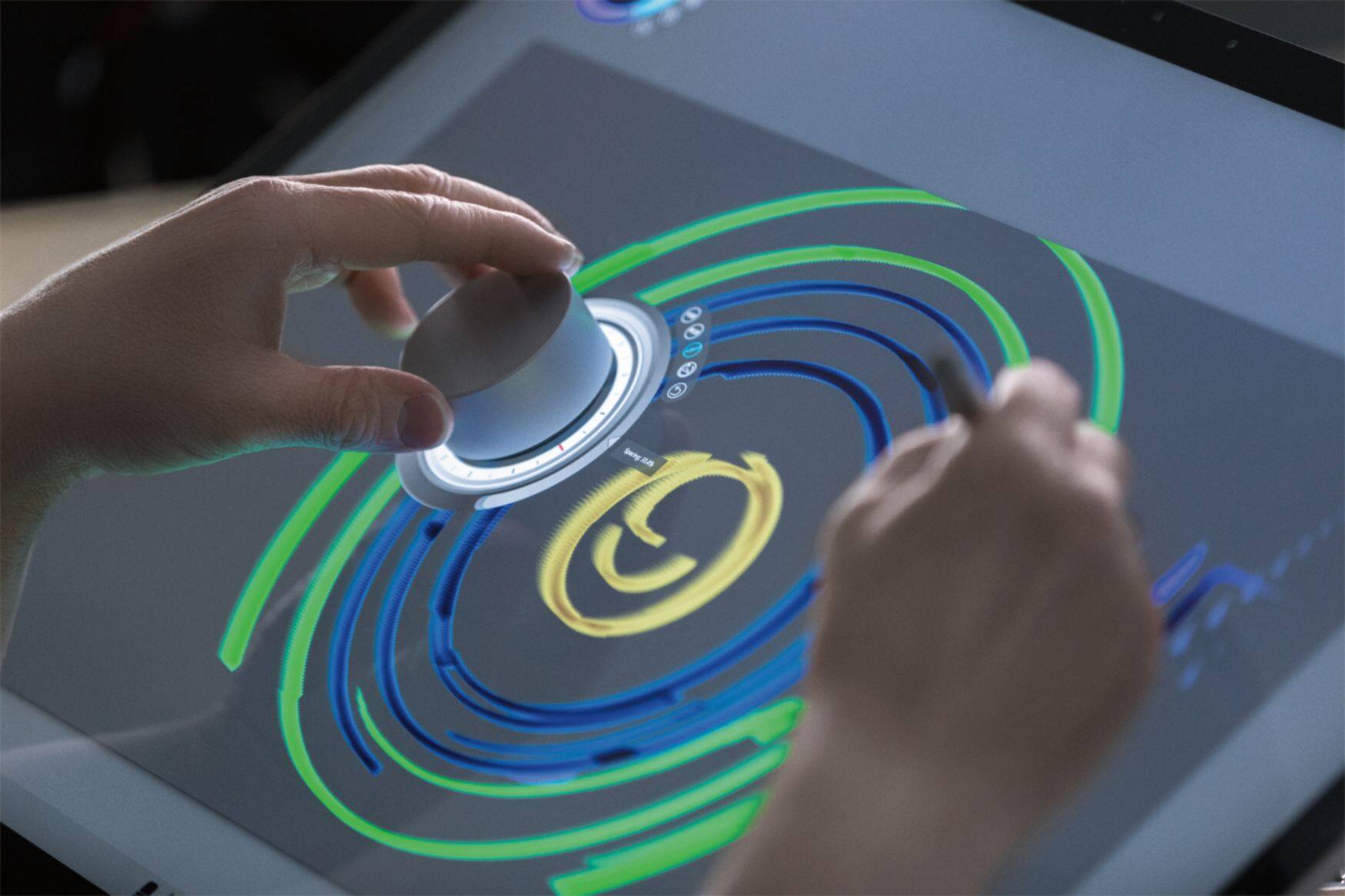
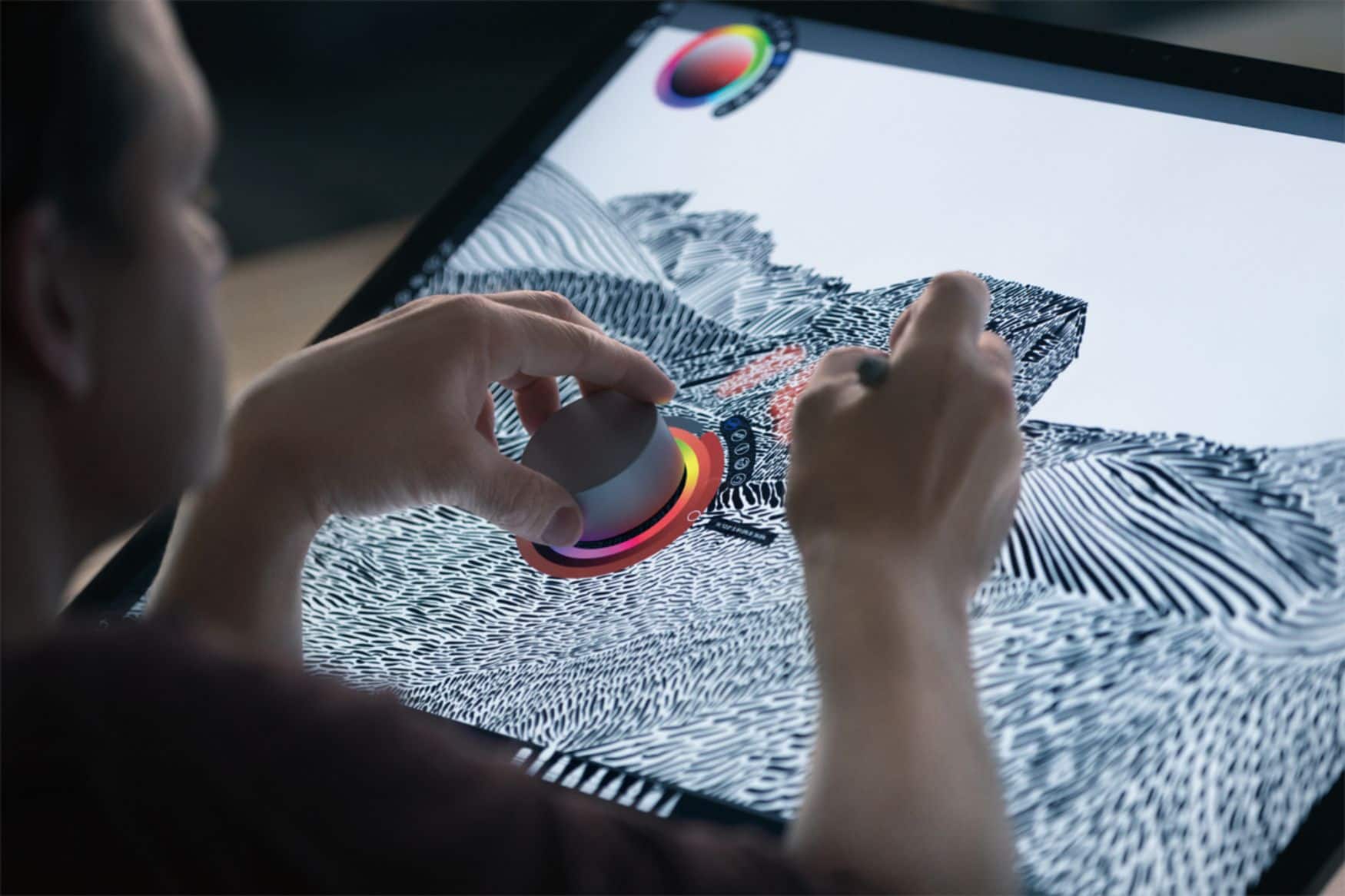
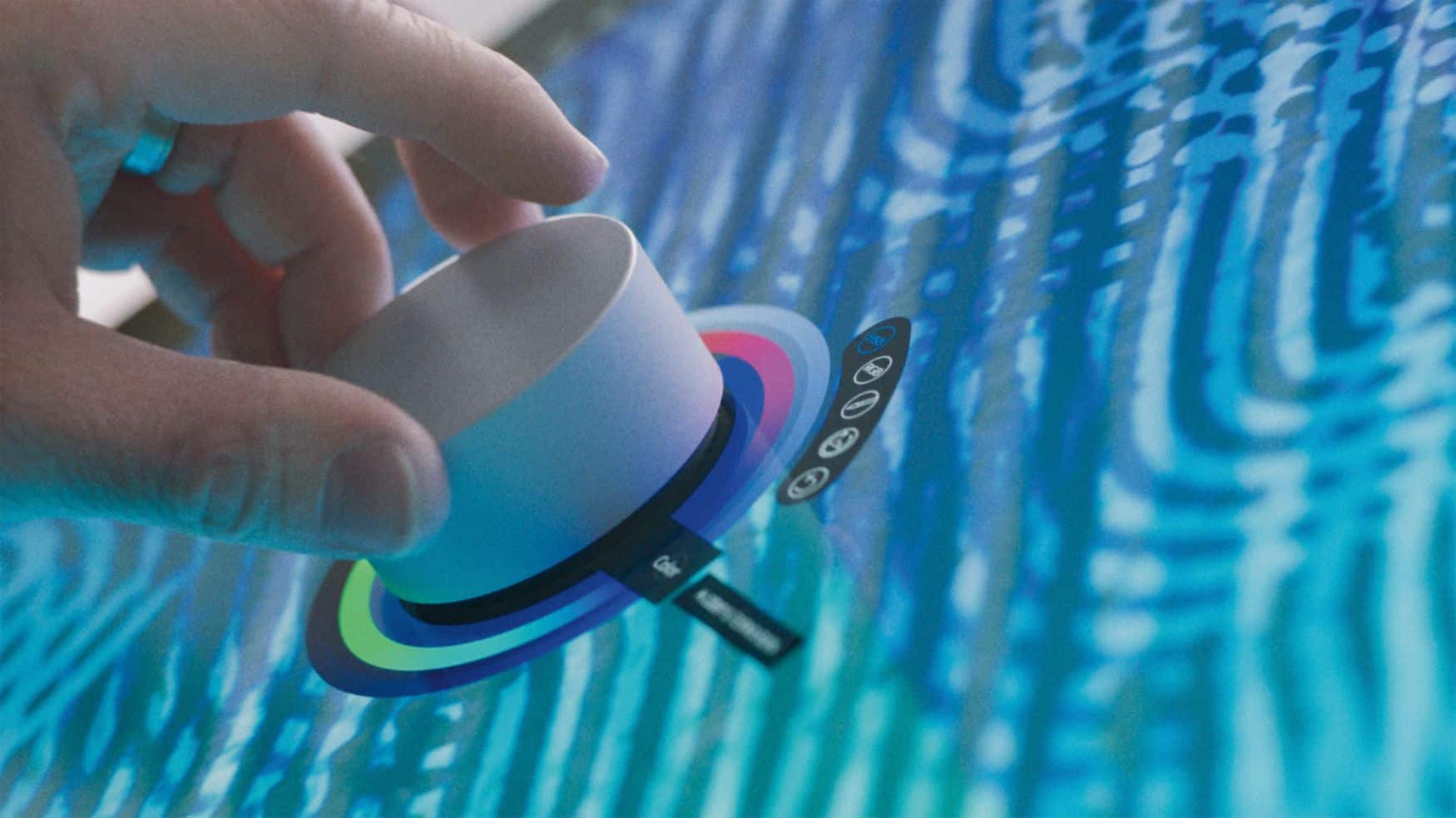
Customers frequently mention the Surface Dial's ease of use and utility for drawing, volume control, and scrolling. Customization options are also appreciated. However, some customers have expressed concerns about its stability, price, and limited app support.
This summary was generated by AI based on customer reviews.
- Pros mentioned:Ease of use
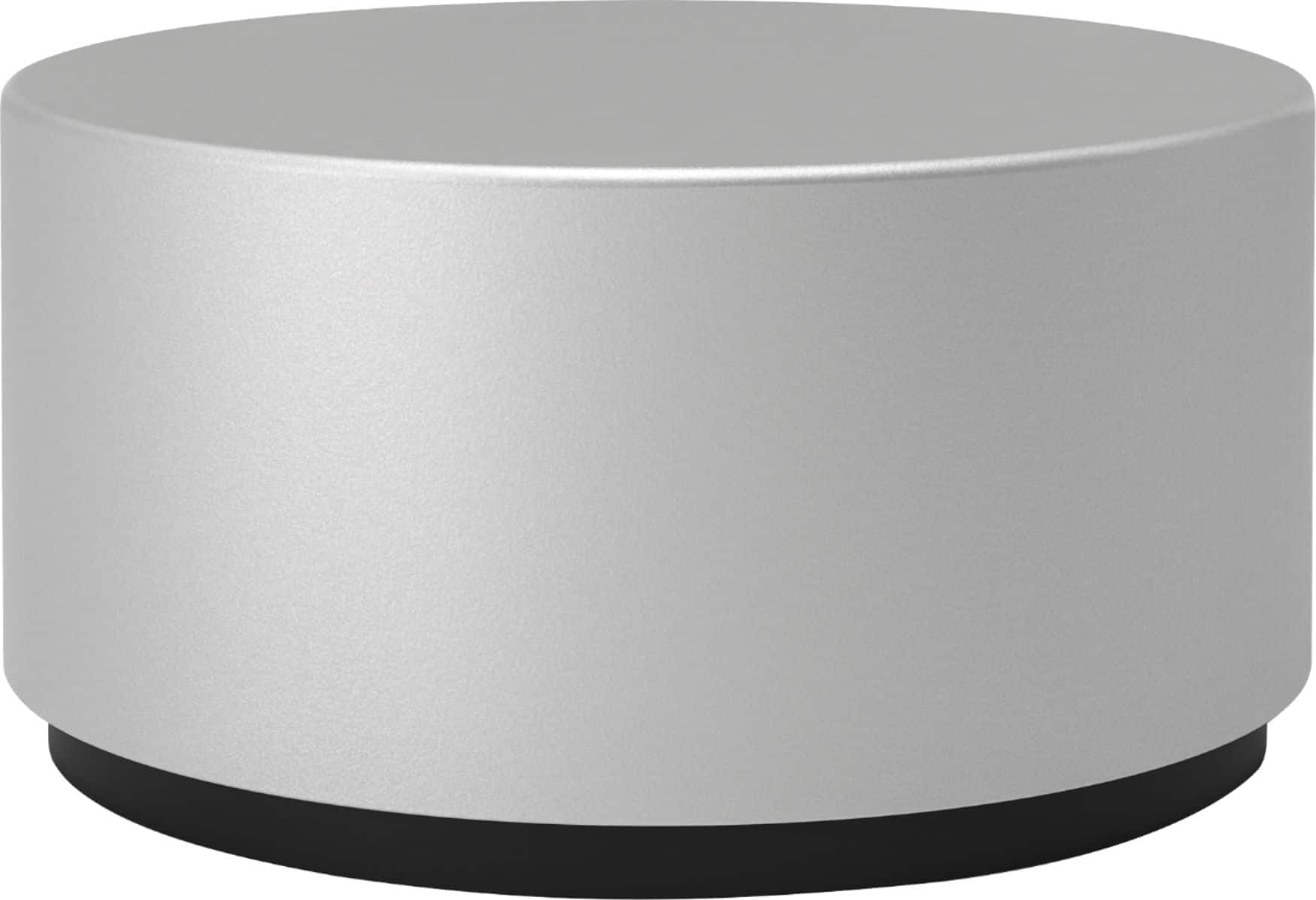
Surface Dial
||Posted .This reviewer received promo considerations or sweepstakes entry for writing a review.Surface dial is nice, it's a little pointless to be completely honest, I only really use it when I'm playing music or when my laptop is hooked to the tv and I need to scroll
I would recommend this to a friend - Cons mentioned:Price
Great for artists
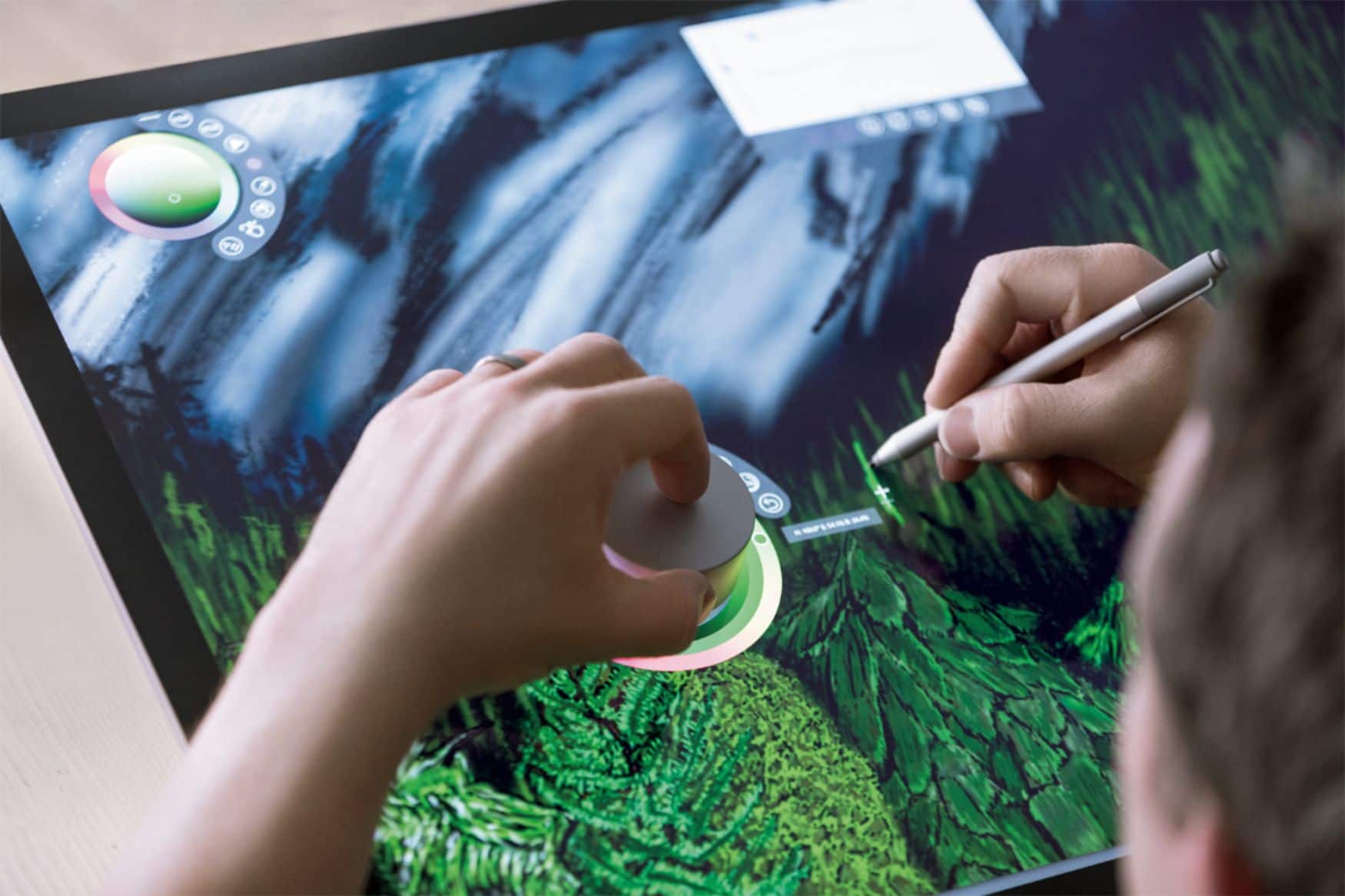
||Posted . Owned for less than 1 week when reviewed.This reviewer received promo considerations or sweepstakes entry for writing a review.It's a great accessory to drawing and design but a little pricey. I found a used one for a lot less. Also a great music and brightness control
I would recommend this to a friend - Pros mentioned:Ease of use
simple but powerful
||Posted .This reviewer received promo considerations or sweepstakes entry for writing a review.This offers a ton of flexibility with a little patience. There's some backed in functionality with the more common Adobe apps like Photoshop and Premiere Pro, but you can easily create your own shortcuts in the bluetooth device settings. I found myself amazed at how much I use this thing.
I would recommend this to a friendBrand response from MicrosoftOutreachTeam
Posted .Hi Ryan,
We're so happy to hear that you're getting the most out of your Surface Dial! Thanks for taking the time to leave a review!
Kindly,
Victoria
Surface Customer Care
- Pros mentioned:Ease of use
Great surface accessory!
||Posted .This reviewer received promo considerations or sweepstakes entry for writing a review.Works great on multiple applications! A perfect accessory to every surface user!
I would recommend this to a friend Quality product. Now to learn its value
||Posted .This reviewer received promo considerations or sweepstakes entry for writing a review.Nicely constructed. Looks to simple. I am pleased to own a surface with all the wonderful accessories that are available. Devices I never thought of. I like the fact that there are so many cool devices within the Surface family.
I would recommend this to a friend- Pros mentioned:Drawing
Great product for an artist
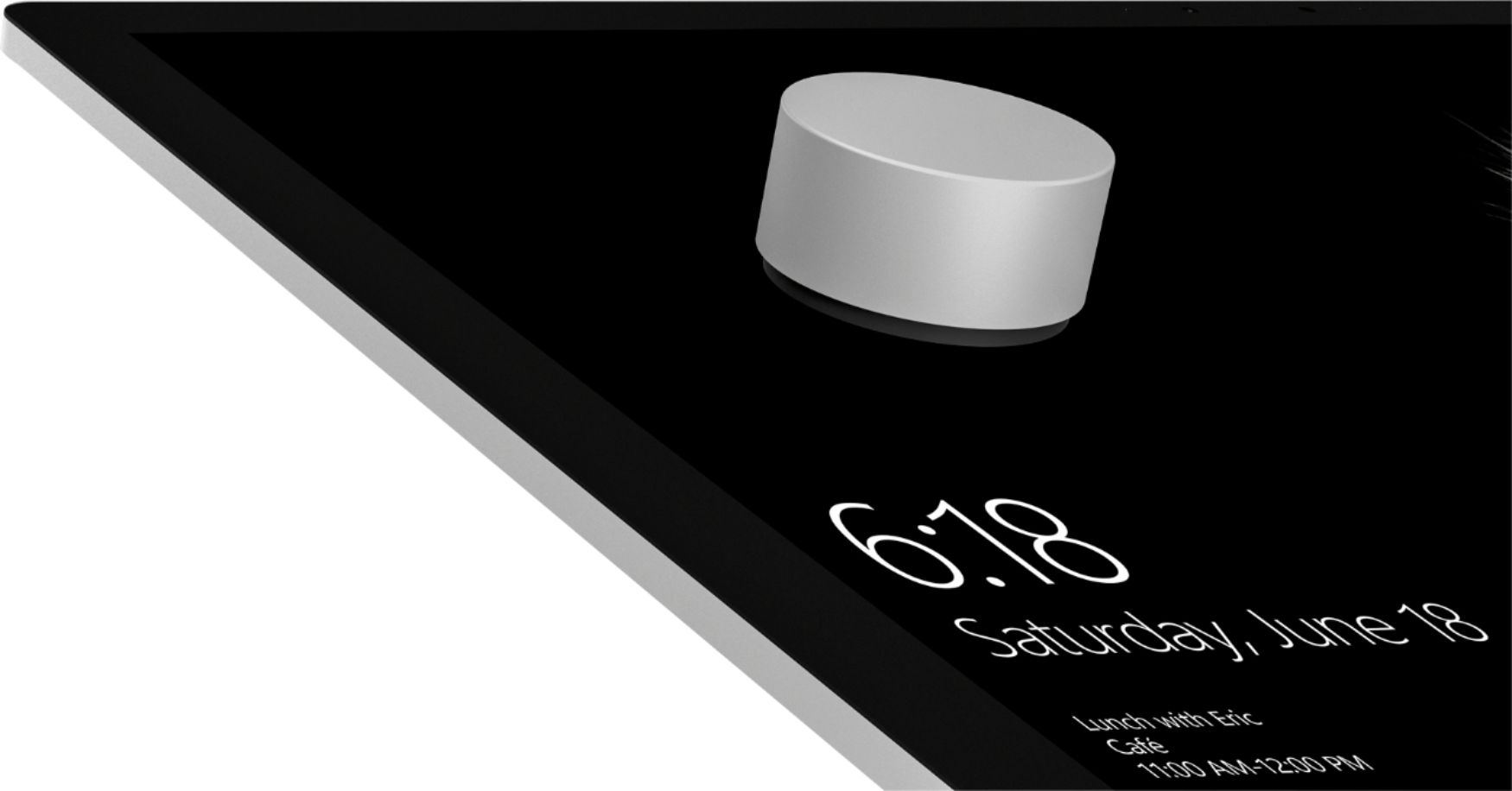
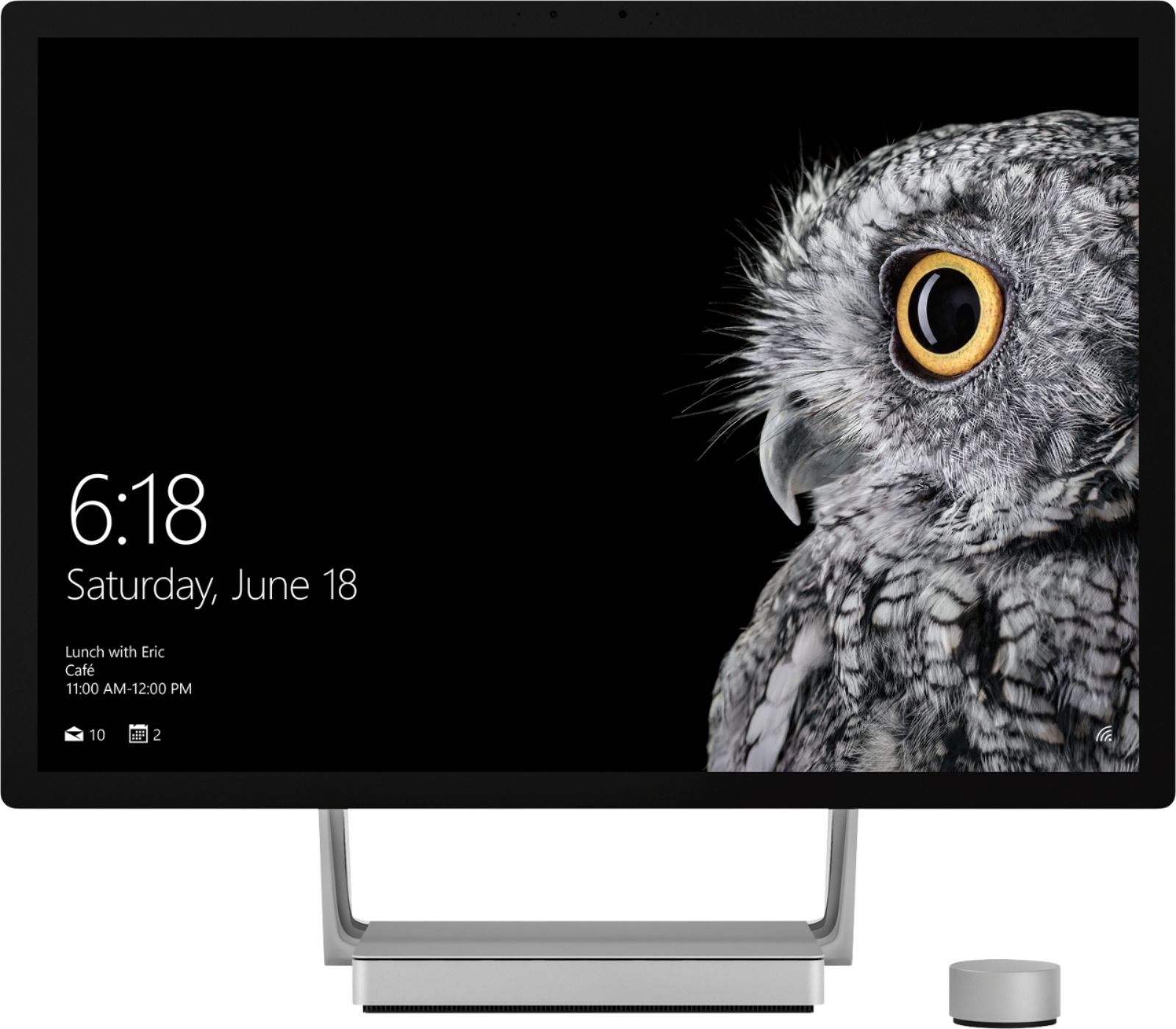
||Posted .This reviewer received promo considerations or sweepstakes entry for writing a review.My fiance loved the surface dial for drawing on the surface book. I did think that it would stick to the screen but thats only on the surface desktop.
I would recommend this to a friend Takes some time to get use to
||Posted . Owned for 1 month when reviewed.This reviewer received promo considerations or sweepstakes entry for writing a review.This item is great for scrolling through internet or music. I'm a graphic designer so i got it thinking it would help speed things up with my designs but it took some time to plug in all my hot keys and then when i did I had to remember which way to turn the wheel when i got to the hot key menu. Overall not a bad device but I have a Wacom Cintiq Pro 24 that I purchased through Best Buy and it came with the Express Key Remote so I usually use that for designing anyways.
I would recommend this to a friend- Pros mentioned:Ease of use
Nice Addition to any Microsoft Surface Device
||Posted . Owned for 2 months when reviewed.This reviewer received promo considerations or sweepstakes entry for writing a review.I always assumed that you had to stick these on the screen to use them for some reason. Not the case though. You can also get plenty of functionality from it with it laying flat on your desk.
I would recommend this to a friend - Pros mentioned:Ease of use
Microsoft finally hits it out of the park
||Posted .This reviewer received promo considerations or sweepstakes entry for writing a review.When microsoft does something right, they change the game. This dial has so many useful abilities when doing graphic design.
I would recommend this to a friend - Pros mentioned:Ease of use
Excellent accessory to my Surface Pro 4
||Posted .This reviewer received promo considerations or sweepstakes entry for writing a review.I love this thing! Even though it's not compatible with Adobe products yet, I can customize actions to use it with Adobe. It's compact enough so I can travel with it and the many other functions it has are awesome including easy scrolling and volume control.
I would recommend this to a friend - Pros mentioned:Ease of use
Great enhancement
||Posted .This reviewer received promo considerations or sweepstakes entry for writing a review.This is an awesome add on to my surface book 2. This hands on tool is easy to use once you understand how the app works.
I would recommend this to a friendBrand response from MicrosoftOutreachTeam
Posted .Hi there,
Thanks for giving the Surface Dial a try! We're thrilled that you're able to easily navigate this in combination with your Surface Book 2! This is a great tool to help you stay in-the-flow with whatever project you may be working on. We hope you continue to love it!
Cheers,
Jessica
Surface Customer Care
- Pros mentioned:Ease of use
Versatile but not worth price
||Posted .This reviewer received promo considerations or sweepstakes entry for writing a review.Versatile, can use for multiple apps. Only complaint is that it is not the easiest to use without doing some research
No, I would not recommend this to a friendBrand response from MicrosoftOutreachTeam
Posted .Hi there,
Thanks for taking the time to reach out. We're glad you're loving the versatile design of Surface Dial to help you stay in-the-flow. We're always happy to help our customers get to know their new devices. If you're interested, check out our tips and tricks to get to know Surface Dial here: https://support.microsoft.com/en-us/help/4036279/surface-meet-surface-dial.
As always, you are more than welcome to reach out to our support team should you encounter any questions: https://support.microsoft.com/en-us/contactus/.
Kindly,
Jessica
Surface Customer Care
- Cons mentioned:Size
Surface dial
||Posted . Owned for 1 month when reviewed.This reviewer received promo considerations or sweepstakes entry for writing a review.Dial is a bit bulky and the outside is very smooth. Wish the surface was more textured and easy to grip
I would recommend this to a friend - Pros mentioned:Ease of use
Microsoft Dial
||Posted .This reviewer received promo considerations or sweepstakes entry for writing a review.It takes a while to get used to using the dial because it is so different. Once you start to use it, you wonder how you got by without one.
I would recommend this to a friend - Pros mentioned:Ease of use
the dial
||Posted . Owned for 1 month when reviewed.This reviewer received promo considerations or sweepstakes entry for writing a review.its amazing eases the workflow it works on any windows based computer as well pretty nice touch
I would recommend this to a friend - Pros mentioned:Ease of use
Surface Dial not for my programs
||Posted .This reviewer received promo considerations or sweepstakes entry for writing a review.Bought my Surface Book at Best Buy! The best ever! I purchased the Surface Dial to use for certain programs. Right now it is limited. I wanted to use with Flight Simulator programs. The dial only worked for volume. I tried to customize keys. It did not work. I did return it. If you are an artist, work with floor plans business or art projects, it is a wonderful tool.
I would recommend this to a friendBrand response from MicrosoftOutreachTeam
Posted .Hello,
We're sorry to hear that you have not been able to use your Surface Dial as fully as you were hoping with your Flight Simulator program. We have provided that information to our team, to give them a heads-up, and appreciate you bringing it to our attention. Otherwise, we hope you continue to enjoy your Surface Book at the very least!
Kindly,
Victoria
Surface Customer Care
- Pros mentioned:Ease of use
Versatility at it’s finest
||Posted . Owned for 1 month when reviewed.This reviewer received promo considerations or sweepstakes entry for writing a review.Love the versatility of the surface dial. Using with a mouse makes moving and scrolling through emails and articles online a breeze! Definitely worth the money.
I would recommend this to a friend - Pros mentioned:Ease of use
Good addition
||Posted .This reviewer received promo considerations or sweepstakes entry for writing a review.I thought this will be a gimmick but it turned out a pretty handy device. I like the feature.
I would recommend this to a friendBrand response from MicrosoftOutreachTeam
Posted .Hi there,
Thanks for choosing to give the Surface Dial a try. We're glad you're loving your experience so far. If you haven't already, check out a full list of apps for Surface Dial here: https://www.microsoft.com/en-us/store/collections/AppsforSurfaceDial?rtc=1.
We hope you continue to love all the extra features this great tool provides!
Cheers,
Jessica
Surface Customer Care
- Pros mentioned:Ease of use
Dial Up
||Posted . Owned for 3 weeks when reviewed.This reviewer received promo considerations or sweepstakes entry for writing a review.Handy device! Saves a LOT of button clicks/keyboard strokes when working with art programs.
I would recommend this to a friend - Pros mentioned:Ease of use
Easy Switch
||Posted .This reviewer received promo considerations or sweepstakes entry for writing a review.The dial makes it so easy to switch between the eye dropper and my paint brush. With the dial it makes it much easier to paint gradients. The dial was also easy to learn how to use.
I would recommend this to a friendBrand response from MicrosoftOutreachTeam
Posted .Hi there,
We're happy to hear that the Surface Dial was easy for you to get the hang of, and has been such a great tool in helping you paint!
Kindly,
Victoria
Surface Customer Care