Customer Ratings & Reviews

- Model:
- 2WR-00001
- SKU:
- 5678500
Rating by feature
- Value
Rating 3.9 out of 5 stars
- Quality
Rating 4.7 out of 5 stars
- Ease of Use
Rating 4.2 out of 5 stars
Customers are saying
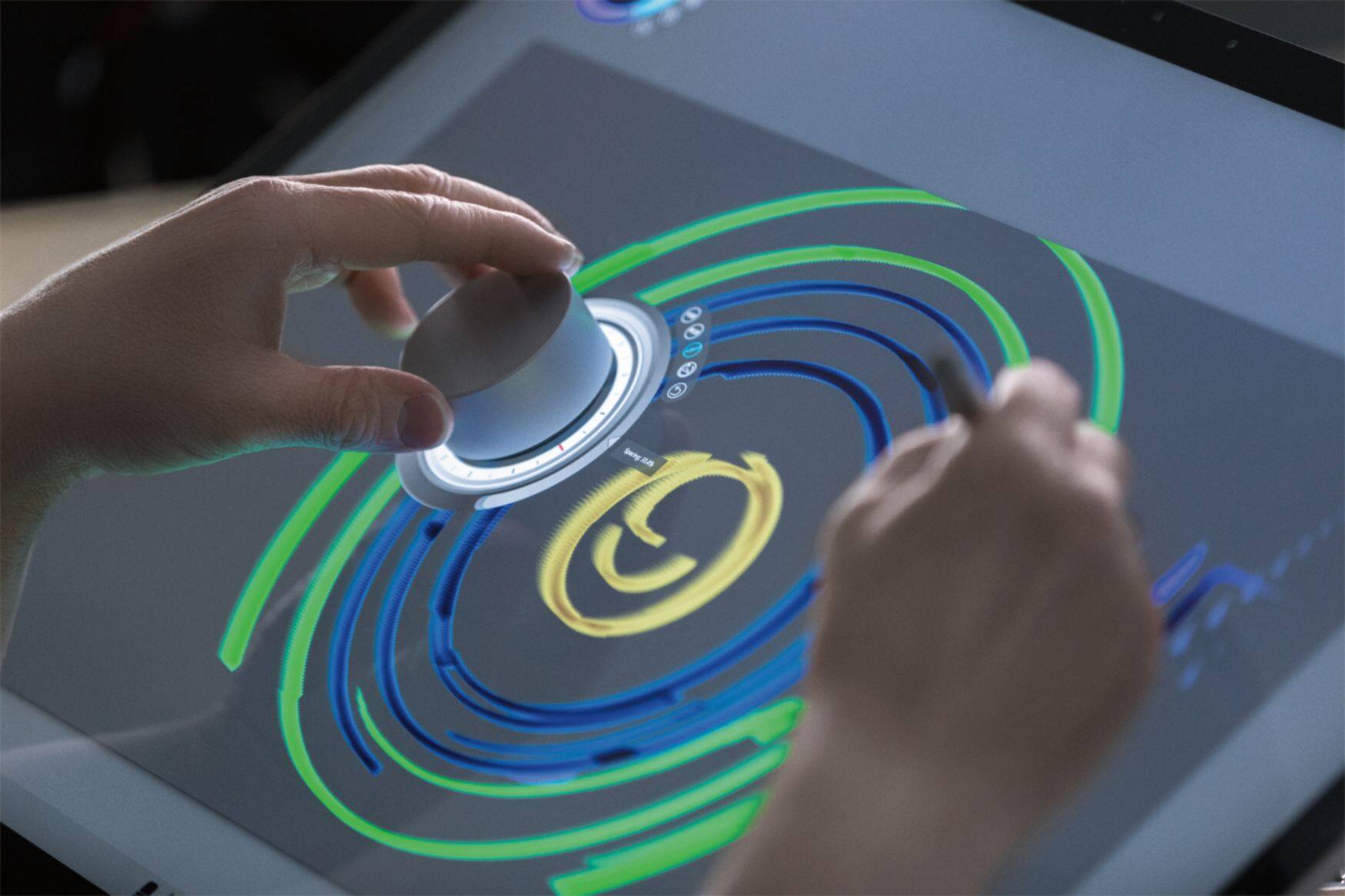
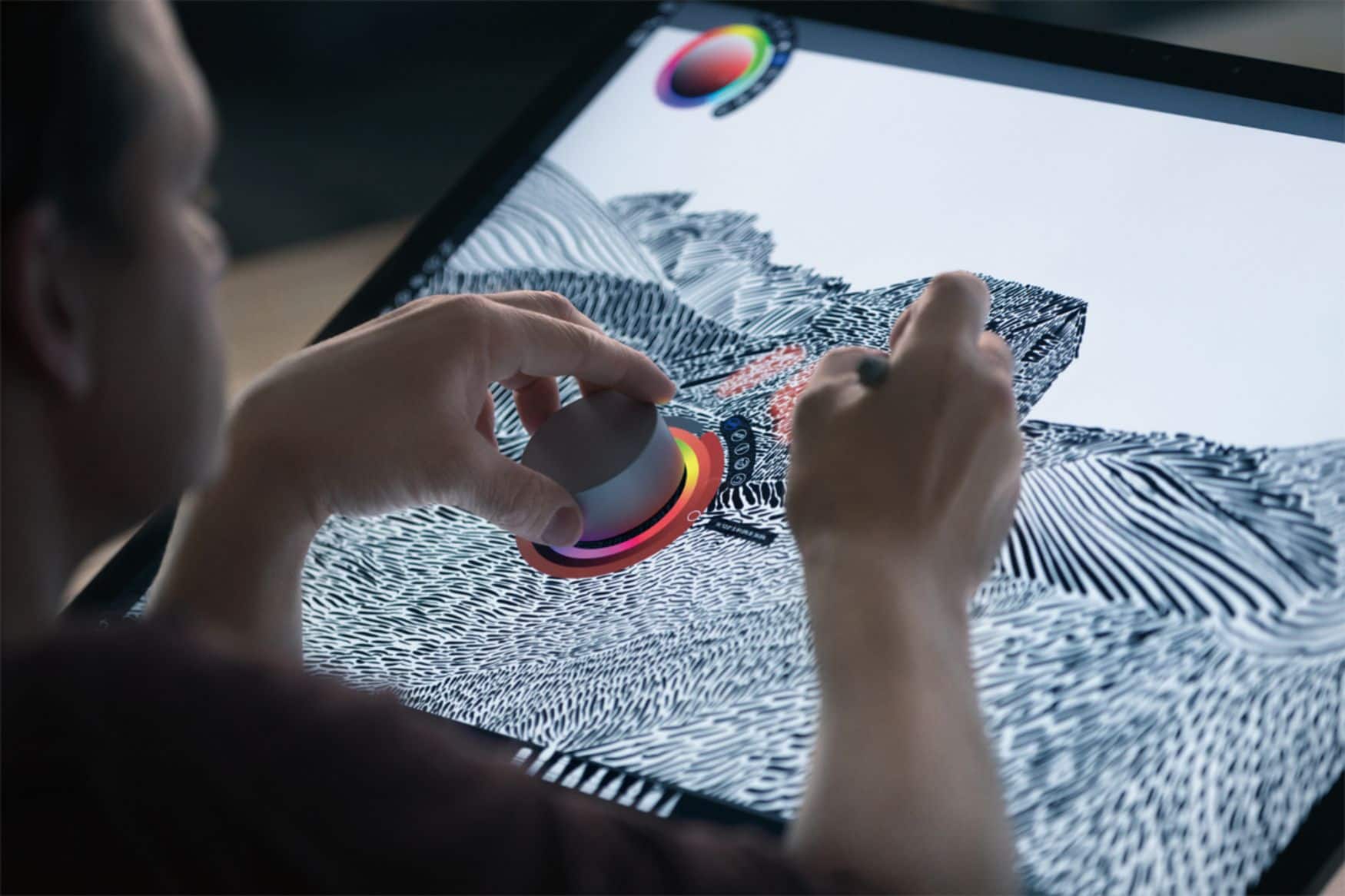
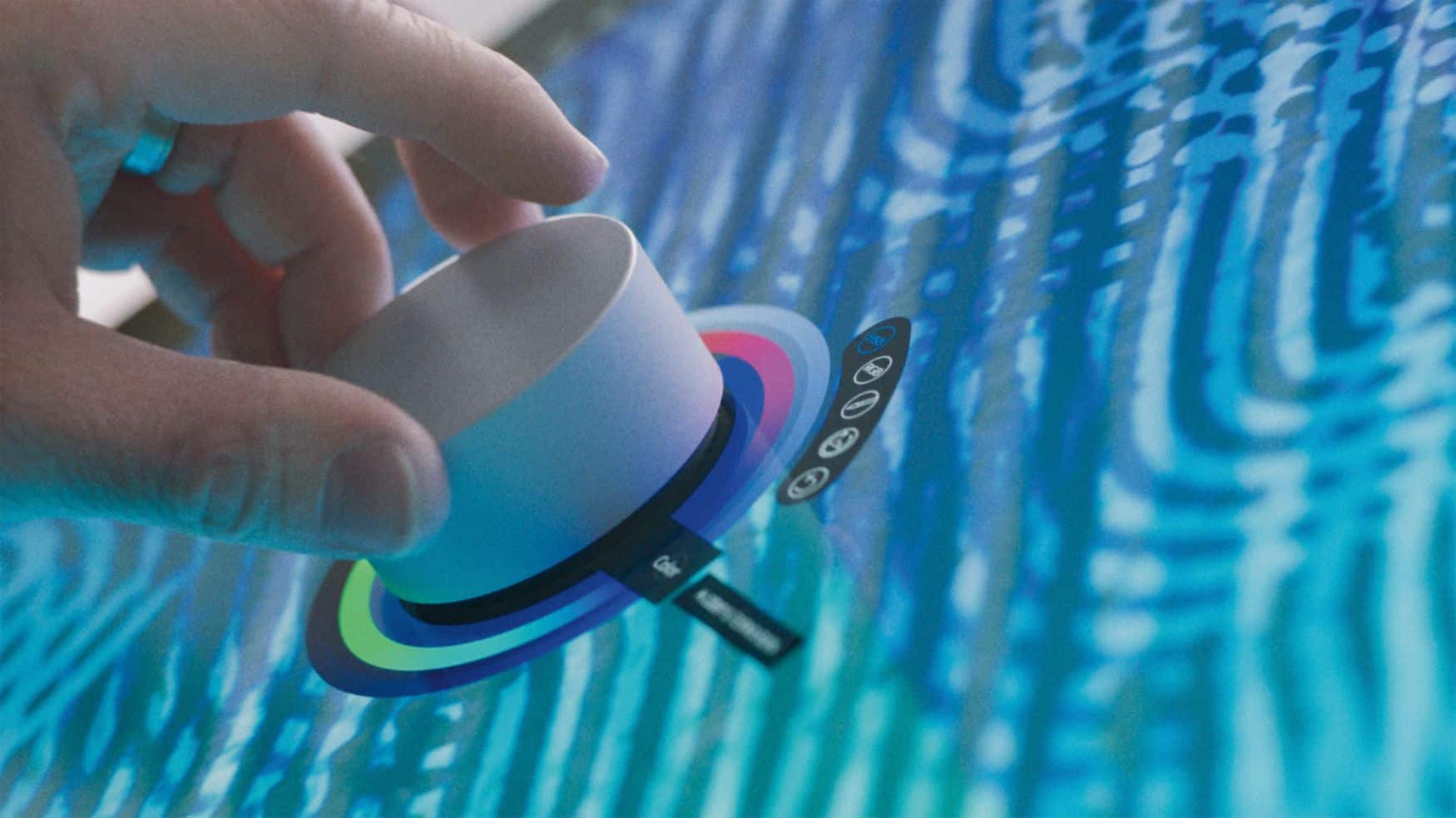
Customers frequently mention the Surface Dial's ease of use and utility for drawing, volume control, and scrolling. Customization options are also appreciated. However, some customers have expressed concerns about its stability, price, and limited app support.
This summary was generated by AI based on customer reviews.
- Pros mentioned:Customization
Great accessory
||Posted .This reviewer received promo considerations or sweepstakes entry for writing a review.The dial is very nice quality and can be used for a multitude of different programs and operations. You can also customize different presets for different preferences
I would recommend this to a friend - Cons mentioned:App support
Good concept
||Posted .This reviewer received promo considerations or sweepstakes entry for writing a review.Good in concept, unfortunately there aren't enough programs that support it.
I would recommend this to a friend - Pros mentioned:Ease of use
Great accessory
||Posted .This reviewer received promo considerations or sweepstakes entry for writing a review.The dial is a great surface accessory. It makes blueprint drawings so much easier and the dial is capable of so many different functions. Excited to use it more!
I would recommend this to a friend - Pros mentioned:Drawing
Smooth dail mouse
||Posted .This reviewer received promo considerations or sweepstakes entry for writing a review.This is good for etching and cropping video pictures or drawing.
I would recommend this to a friendBrand response from MicrosoftOutreachTeam
Posted .Hi there,
Thanks for sharing your use-case with us. We hope you continue to enjoy the device.
Best,
Amanda
Surface Customer Support
- Cons mentioned:Stability
Excited to use it
||Posted .This reviewer received promo considerations or sweepstakes entry for writing a review.When purchased I knew it was not compatible for the Surface Pro 3. But an app is suppose to be available soon that I can use it. Will have great features
I would recommend this to a friendBrand response from MicrosoftOutreachTeam
Posted .Hi there,
Thanks for giving the Surface Dial a try! The Surface Dial was designed to be compatible with any Windows 10 device. You can install Windows 10 on your Surface Pro 3 and get started using your newest accessory. Check out our FAQ page to install Windows 10 on your device here: https://support.microsoft.com/en-us/help/12435/windows-10-upgrade-faq.
We're excited for you to get started with the Surface Dial!
Kindly,
Jessica
Surface Customer Care
- Pros mentioned:Ease of use
Good product for certain apps.
||Posted . Owned for 1 month when reviewed.This reviewer received promo considerations or sweepstakes entry for writing a review.Its a good item if you need it for certain editing apps. Other than that, if you use basic apps theres really no need for it.
No, I would not recommend this to a friend The God of Computers
||Posted .This reviewer received promo considerations or sweepstakes entry for writing a review.There was so much hype and so many opinions going in both directions for the Surface Studio and all the things you can do with it. Then it finally comes and my daughter and I were nervous about opening it. The surface dial - takes some adjusting to use. She's 11 and is loving it. She won't let anyone use hers and I won't let anyone use mine. We ended up buying a second one - so we could use them at the same time . Amazing product- take time to adjust to using it. Watch YouTube or join a few groups. Learning curve even for the most advanced computer tech savvy people. Enjoy
I would recommend this to a friend- Pros mentioned:Ease of use
A Pleasure To Use
||Posted .This reviewer received promo considerations or sweepstakes entry for writing a review.Connected without issue. Allows super fast movement through web pages and photographs. Allows you to use the dial to zoom in and out. Simply love it.
I would recommend this to a friend - Pros mentioned:Ease of use
exelent
||Posted . Owned for 2 months when reviewed.This reviewer received promo considerations or sweepstakes entry for writing a review.I love this little thing. As a artist getting into digital painting it is perfect for quickly selecting brush sizes
I would recommend this to a friend Easy seamless online purchase!
||Posted . Owned for 1 month when reviewed.This reviewer received promo considerations or sweepstakes entry for writing a review.I love my Microsoft Dial. Purchasing the dial online was seamless. The dial was on sale for a lower price so I could get a new one even though I considered buying an open box Dial for less. I was able to use my Best Buy points / voucher so I basically got my Dial for free! I added a memory card (also a great price on sale) and received a $25 credit to spend online at a photography website. My dial was delivered quickly to my doorstep.
I would recommend this to a friend- Pros mentioned:Ease of use
Wonderful extra tool
||Posted .This reviewer received promo considerations or sweepstakes entry for writing a review.Nice to have another way to enjoy my Surface Studio - the dial just adds depth to what I can do. Anxious to learn what it can do with each app.
I would recommend this to a friend - Pros mentioned:Customization
Clever tool
||Posted .This reviewer received promo considerations or sweepstakes entry for writing a review.I like the way you can customize what it can do, and the quality is top notch. Turning the dial is smooth, and it has nice weight.
I would recommend this to a friendBrand response from MicrosoftOutreachTeam
Posted .Hi there,
Thanks for taking the time to share your great experience with the community. We're so glad you are loving how Surface Dial transforms the way you navigate your favorite Surface device. If you haven't already, be sure to check out all the compatible apps for Surface Dial: https://www.microsoft.com/en-us/store/collections/AppsforSurfaceDial?rtc=1.
Cheers,
Jessica
Surface Customer Care
- Pros mentioned:Volume control
excellent tool lots to learn
||Posted .This reviewer received promo considerations or sweepstakes entry for writing a review.The dial aids in moving, colorizing, volume, resizing it not only works with studio but across the board with surface and external plugins
I would recommend this to a friend - Pros mentioned:Ease of use
awesome
||Posted . Owned for 2 weeks when reviewed.This reviewer received promo considerations or sweepstakes entry for writing a review.this little gizmo is awesome love how well is compliments the surface and adds functionality
I would recommend this to a friend - Pros mentioned:Ease of use
So far works well
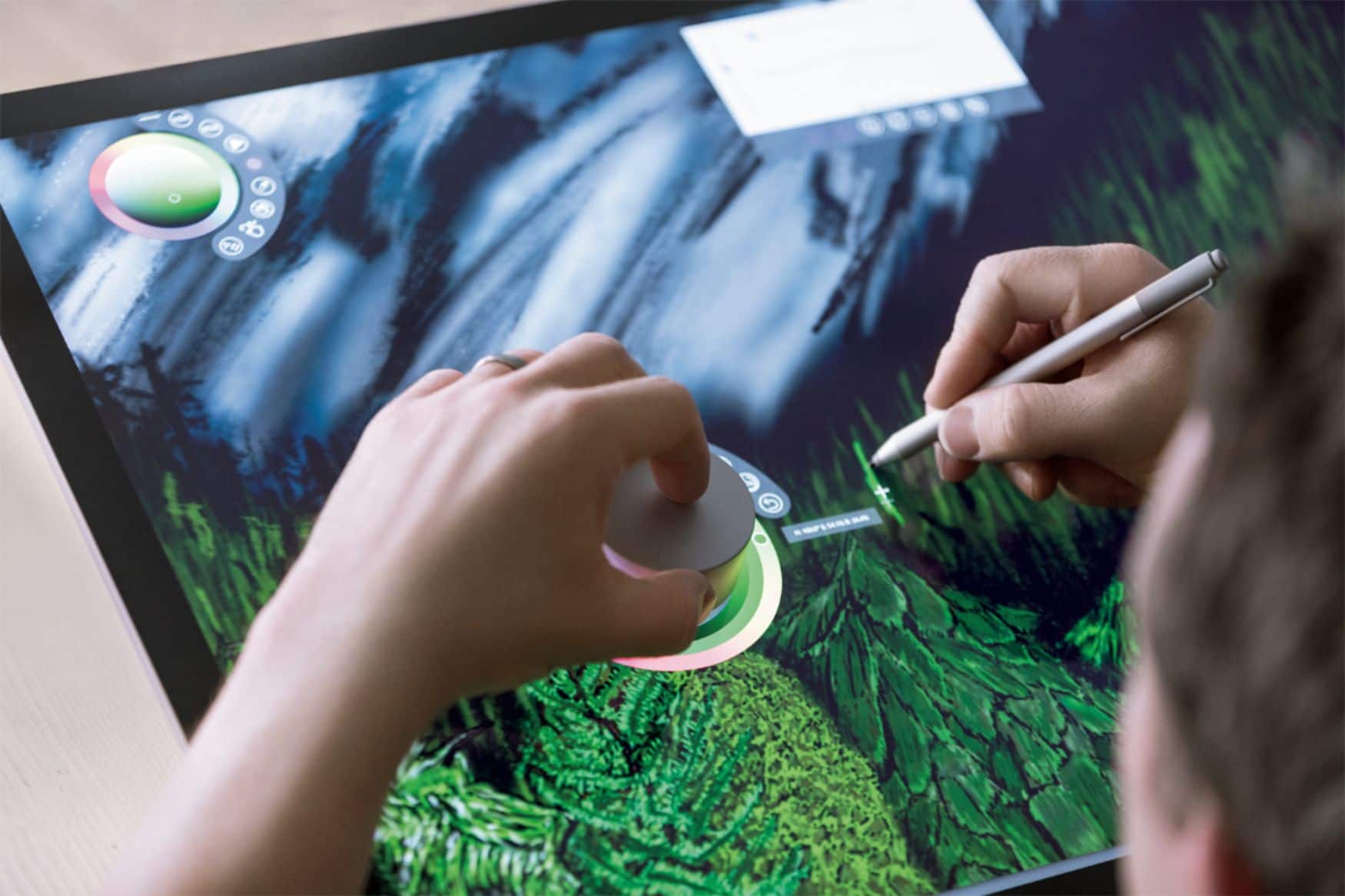
||Posted .This reviewer received promo considerations or sweepstakes entry for writing a review.I order this so I would have to keep going back to took bar to change colors when I draw.Just a turn of the dial i can change colors
I would recommend this to a friendBrand response from MicrosoftOutreachTeam
Posted .Hi Angela,
The Surface Dial is perfect for artists! This handy tool encourages artists to stay in the creative flow. We're absolutely delighted that you're loving the Surface Dial!
We love seeing our customers get creative with their Surface devices. Be sure to tag @Surface the next time you post on social media so we can see your awesome work!
We hope to hear from you soon!
Cheers,
Jessica
Surface Customer Care
- Pros mentioned:Ease of use
great for editing
||Posted . Owned for 1 month when reviewed.This reviewer received promo considerations or sweepstakes entry for writing a review.great with editing on photoshop easy to use once you get the hang of it
I would recommend this to a friend Must Have
||Posted .This reviewer received promo considerations or sweepstakes entry for writing a review.Excellent addition to my surface pro 4! Great features
I would recommend this to a friend- Pros mentioned:Ease of use
Really cool device
||Posted .This reviewer received promo considerations or sweepstakes entry for writing a review.I have never used anything like this. I really like the way it handles.
I would recommend this to a friend - Pros mentioned:Ease of use
Great Tool
||Posted . Owned for 1 month when reviewed.This reviewer received promo considerations or sweepstakes entry for writing a review.Had to buy one for Home use. I use this at work & it's a great tool with the right programs.
I would recommend this to a friend - Pros mentioned:Ease of use
great tool
||Posted .This reviewer received promo considerations or sweepstakes entry for writing a review.When working on art projects it is a great tool, speeds up the switching on colors and position on art piece zooming in and out.
I would recommend this to a friend