Customer Ratings & Reviews

- Model:
- 2WR-00001
- SKU:
- 5678500
Rating by feature
- Value
Rating 3.9 out of 5 stars
- Quality
Rating 4.7 out of 5 stars
- Ease of Use
Rating 4.2 out of 5 stars
Customers are saying
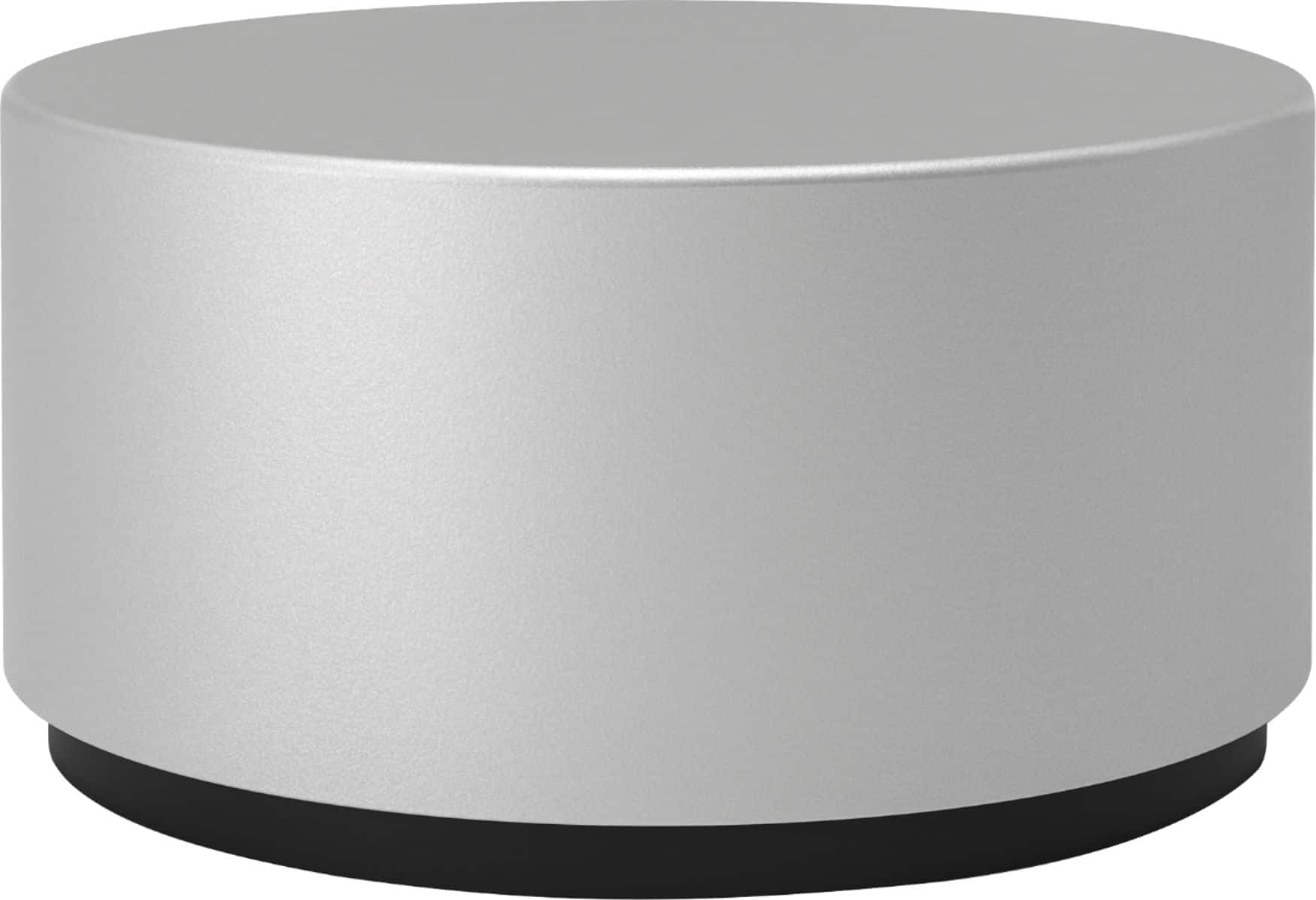
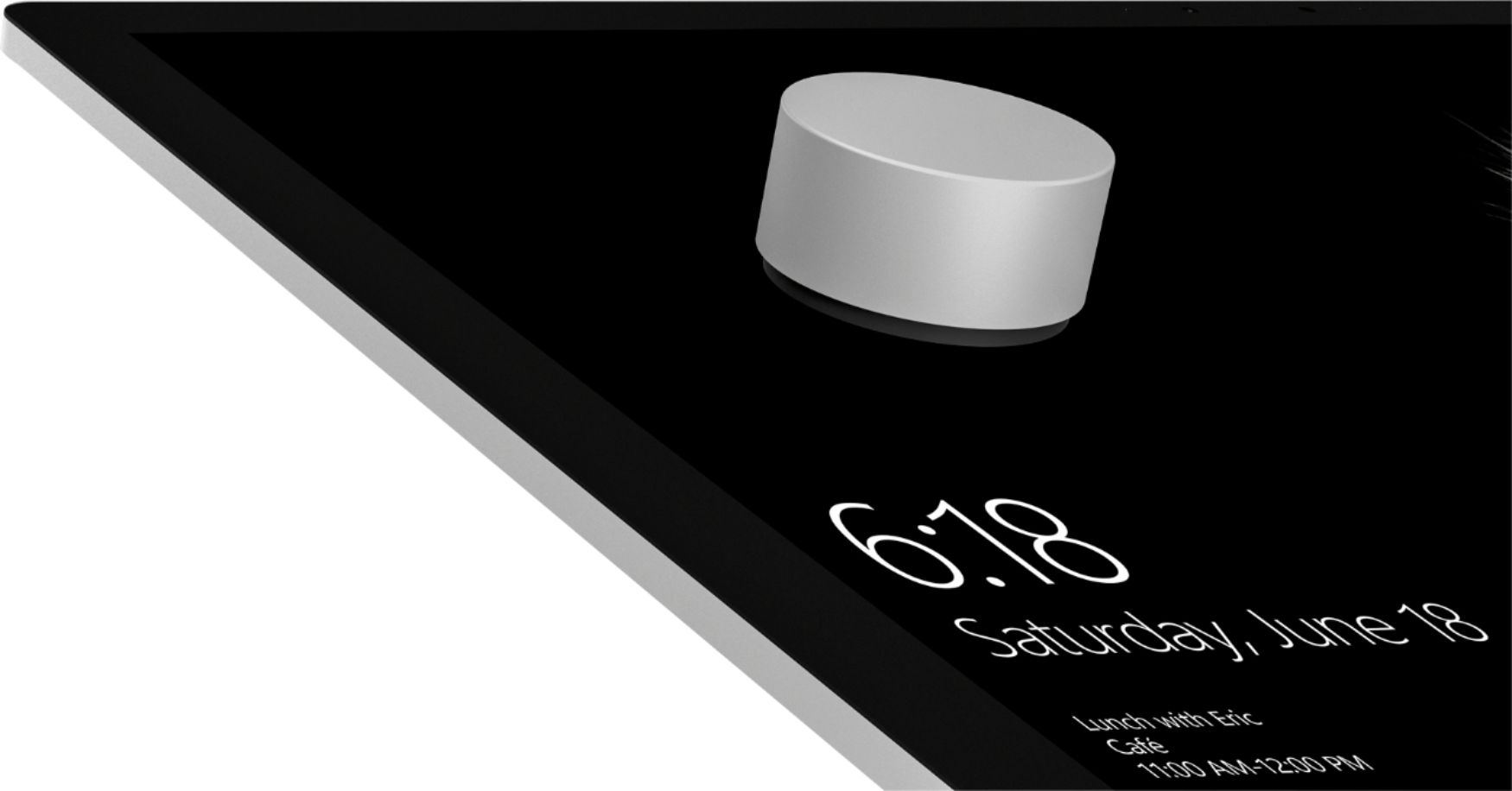
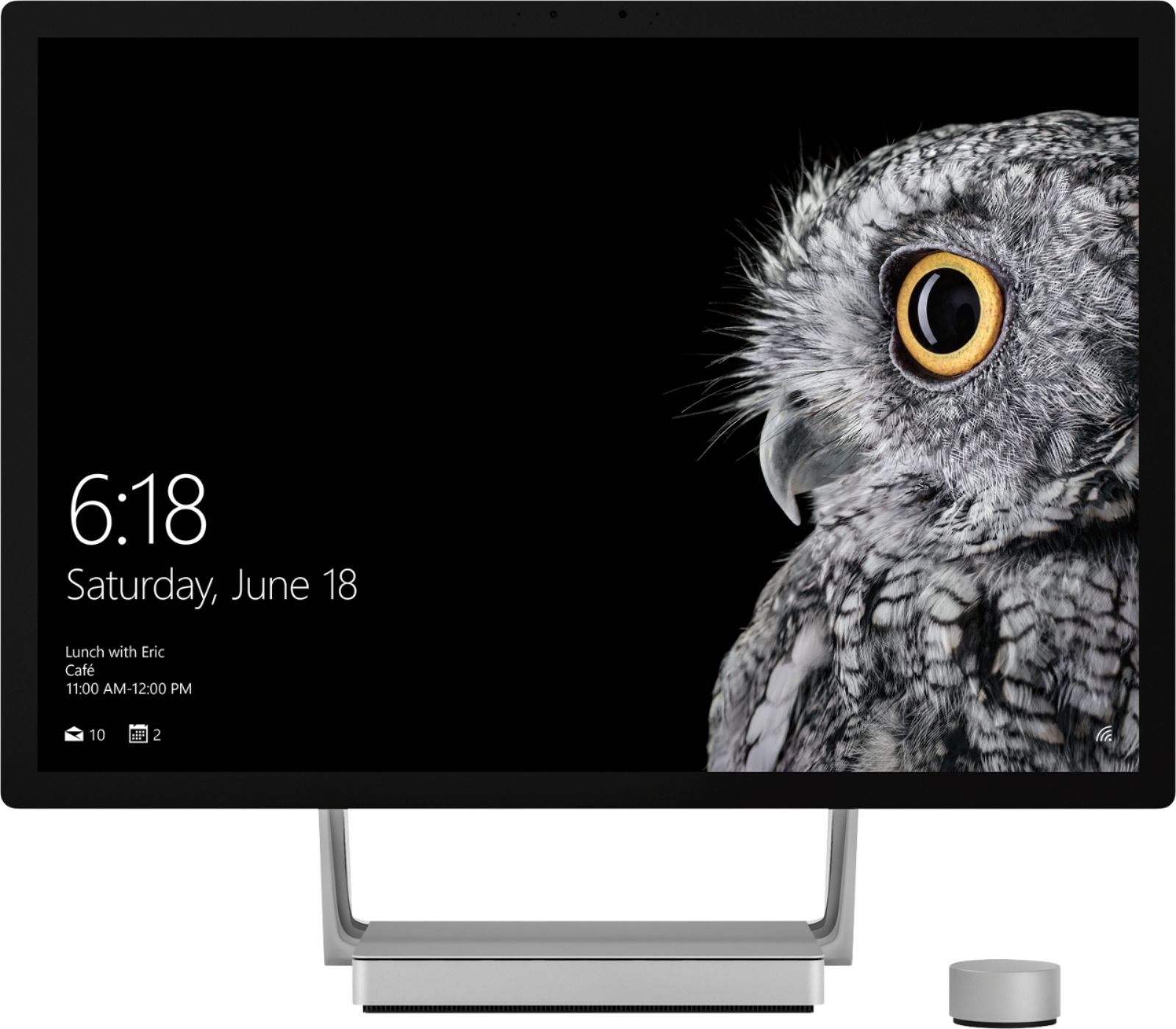
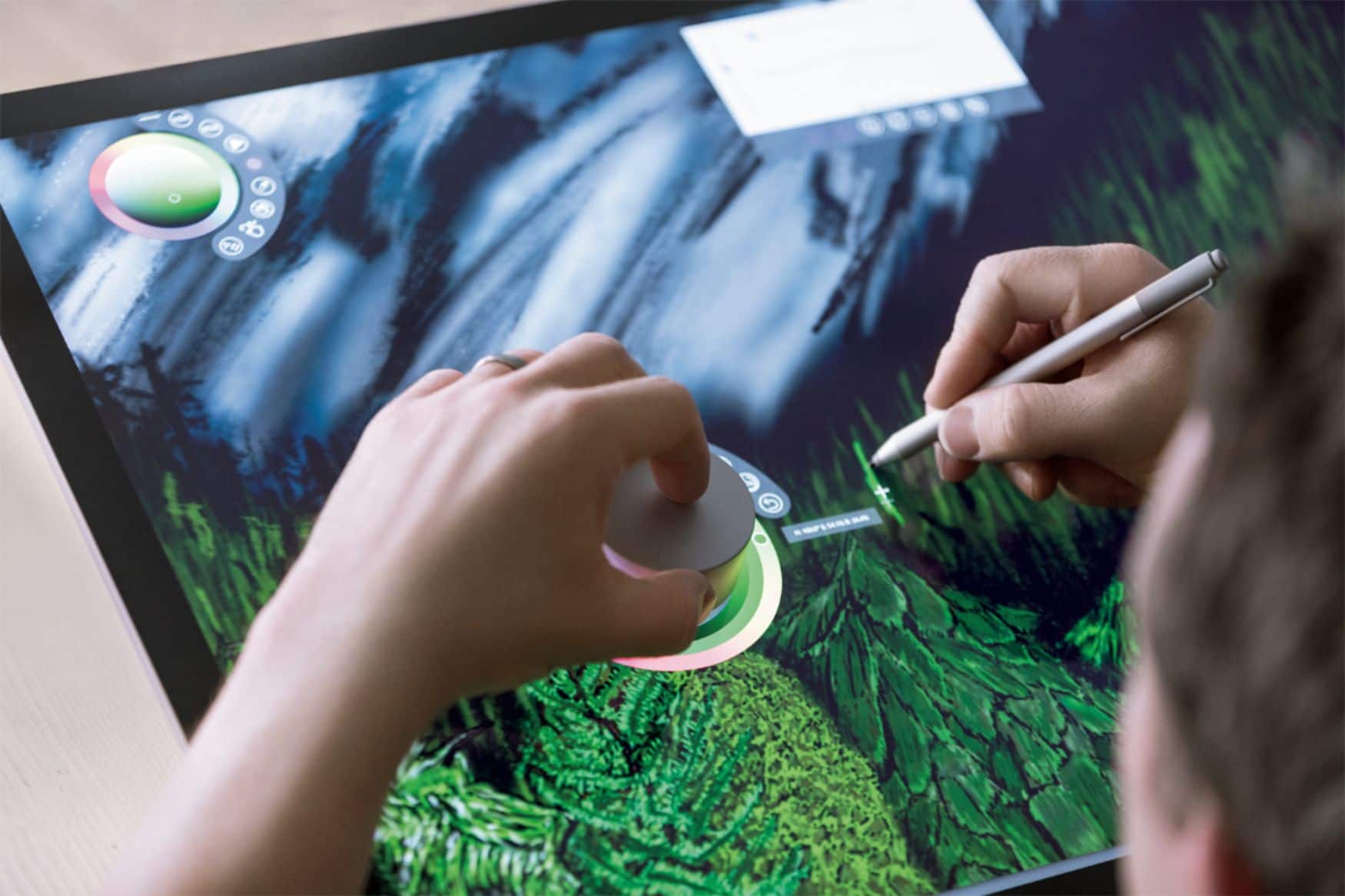
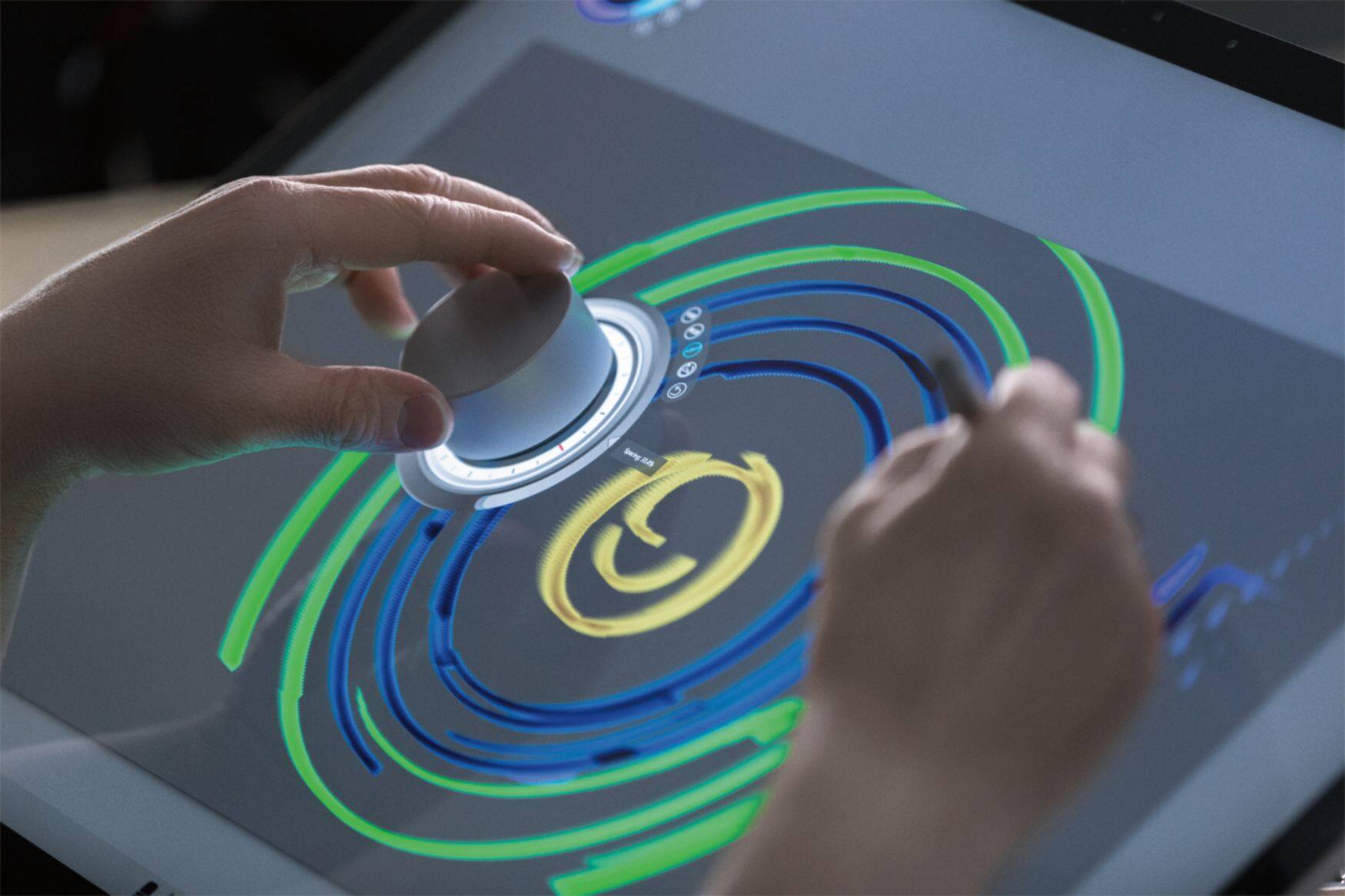
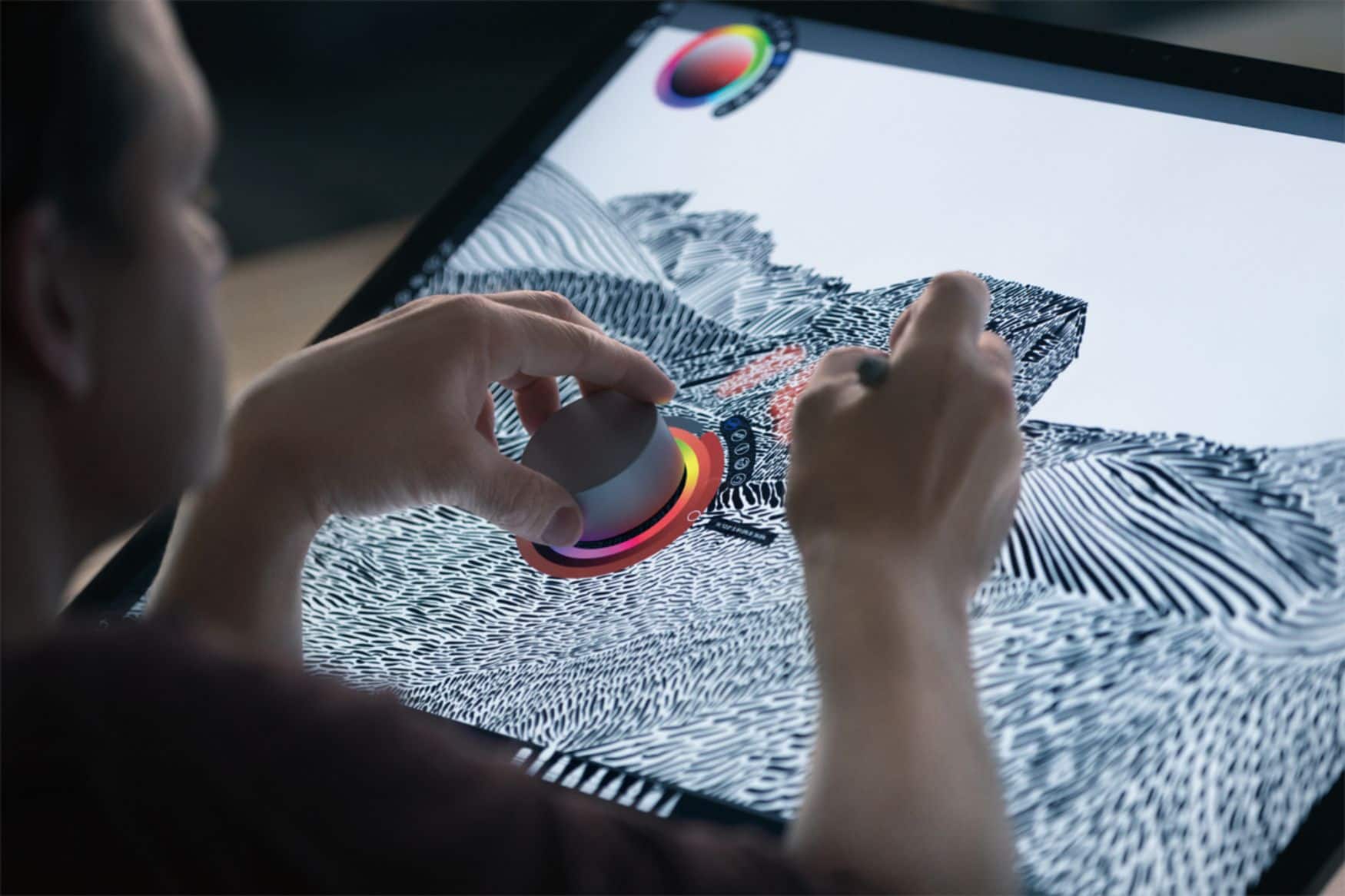
Customers frequently mention the Surface Dial's ease of use and utility for drawing, volume control, and scrolling. Customization options are also appreciated. However, some customers have expressed concerns about its stability, price, and limited app support.
This summary was generated by AI based on customer reviews.
Very helpful addition!
||Posted . Owned for 3 weeks when reviewed.This reviewer received promo considerations or sweepstakes entry for writing a review.Bought this for my son who does digital art. He loves it, he called it a real game changer! He uses it to scroll through and choose different art tools and to "undo" when he makes a mistake, and to zoom in on different parts of the screen.
I would recommend this to a friendBrand response from MicrosoftOutreachTeam
Posted .Hey there,
Thanks for the great shout out. We're thrilled to hear your son is enjoying his Surface Dial for his digital art! Since you mentioned how much your son is liking his Surface Dial we'd like to recommend these two links that will help him get the most out of it. We have this great link that shows you all that apps that work seamless with Surface Dial here: https://www.microsoft.com/en-us/store/collections/AppsforSurfaceDial. If you son is interested in customizing Surface Dial, this link shows you how to: https://support.microsoft.com/en-us/help/4023515/surface-change-surface-dial-settings.
Cheers,
Rebecca
Surface Customer Care
- Pros mentioned:Ease of use
Love the sharpness
||Posted .This reviewer received promo considerations or sweepstakes entry for writing a review.This buy is great for a young artist and is easy to use.
I would recommend this to a friend Good thought, expected more though
||Posted . Owned for 1.5 years when reviewed.This reviewer received promo considerations or sweepstakes entry for writing a review.Quality build, low features. I really thought that I would be able to do more with this however it is pretty limited in what you can do with this.
No, I would not recommend this to a friend- Pros mentioned:Ease of use
Great product.
||Posted .This reviewer received promo considerations or sweepstakes entry for writing a review.Easy to use. It makes the desktop unique and versatile.
I would recommend this to a friend - Pros mentioned:Ease of use
Great tool to use!
||Posted .This reviewer received promo considerations or sweepstakes entry for writing a review.Great product and easy to use. Makes doing "work" fun!
I would recommend this to a friend Not Great So Far
||Posted .This reviewer received promo considerations or sweepstakes entry for writing a review.I bought this to use with my surface book 2 for photoshop and indesign. It seems like a glorified mouse with limited capabilities. I’ve looked all over online to see if I can find better ways to use it in these programs and so far, no luck. O also saw that it works in sketchup, but it doesnt seems to do anything but zoom in/out. If I find out it’s user error I will update this review. I gave it 3 stars since I think it might be good for people who use it for illustration.
No, I would not recommend this to a friend- Pros mentioned:Ease of use
Works, but not terribly useful
||Posted .This reviewer received promo considerations or sweepstakes entry for writing a review.It's great for applications that have specific functions for it. Otherwise, it's just another mouse button for your other hand.
No, I would not recommend this to a friend Surface dial
||Posted . Owned for 1 year when reviewed.This reviewer received promo considerations or sweepstakes entry for writing a review.Works great just not as useful on the surface as it would be on the studio.
I would recommend this to a friend- Cons mentioned:Battery life, Price
Disconnects CONSTANTLY
||Posted . Owned for 2 months when reviewed.This reviewer received promo considerations or sweepstakes entry for writing a review.I have to either keep taking the batteries out and put it back in or, pair it via blue tooth despite it already being connected, I have total tech and I just missed the opportunity to turn it in for a free refund. So I’ve had it a little over 60 days. I’m an animator and I use Krita on a surface studio 2 plus, and man this thing is so faulty. Can’t believe I spent $100 on this. Maybe it’s just mine, but absolutely not worth the money even if it did work. Really disrupts my work flow/rhythm
No, I would not recommend this to a friend Surface Dial
||Posted .This reviewer received promo considerations or sweepstakes entry for writing a review.Bought it for my wife. She did liked it but did not work well with her surface pro. Returned it.
I would recommend this to a friendGreat Surface Product
||Posted .This reviewer received promo considerations or sweepstakes entry for writing a review.We purchased this to make editing easier for our projects. It has done it's job and is all we can ask of it
I would recommend this to a friendAwesome Accessory
||Posted .This reviewer received promo considerations or sweepstakes entry for writing a review.The Microsoft Surface Dial is one of the coolest accessories that you can get with a Microsoft Surface or to simply use with a computer equipped with Windows 10. Would definitely recommend to everyone.
I would recommend this to a friendGreat product to work with.
||Posted . Owned for 3 weeks when reviewed.This reviewer received promo considerations or sweepstakes entry for writing a review.I never used before. It is easy and quick to work with. You can use both hand to go faster in your needs.
I would recommend this to a friend- Cons mentioned:Size
Good purchase for a 28-inch screen
||Posted .This reviewer received promo considerations or sweepstakes entry for writing a review.It's a great tool, but on a 15-inch screen it does not work for me. Look for everything to use it, but I could not adapt. When I have my Surface Studio, it will be a purchase. Right now, with the pencil is enough. Many accessories overwhelm me. Mouse, pencil, Dial, touch screen, trackpad mm, it's too much. For me it was not useful.
No, I would not recommend this to a friendBrand response from MicrosoftOutreachTeam
Posted .Hello,
We're sorry to hear you are not enjoying the interface on your device in combination with your Surface Dial. If you would like, we have some great tips for how to use the Surface Dial. Check them out here: https://support.microsoft.com/en-us/help/4036279/surface-meet-surface-dial.
We hope you're able to find some features you love with the Surface Dial!
Kind regards,
Jessica
Surface Customer Care
Magnesium Dial
||Posted . Owned for 3 weeks when reviewed.This reviewer received promo considerations or sweepstakes entry for writing a review.Purchased for my wife to use with Adobe products. I know it can be used with other software. So far so good.
I would recommend this to a friendA neat tool in the right apps.
||Posted . Owned for 1 year when reviewed.This reviewer received promo considerations or sweepstakes entry for writing a review.This dial does well in Lightroom and photoshop but doesn’t have much ingenuity anywhere else.
I would recommend this to a friendI like it! Just another toy for my surface
||Posted .This reviewer received promo considerations or sweepstakes entry for writing a review.I'm waiting it has fresco support. It's just a toy, a really expensive one...
I would recommend this to a friendBe creative with surface dial
||Posted .This reviewer received promo considerations or sweepstakes entry for writing a review.Still trying it out. Lots to learn. I haven’t had enough time to experiment with the dial. So far I’m having fun.
I would recommend this to a friendBrand response from MicrosoftOutreachTeam
Posted .Hi there,
Thanks for taking the time to let us know about your experience so far. Great to hear you are having fun getting creative with your Surface Dial! When you have some time, check out this guide to quickly master the Surface Dial basics: https://support.microsoft.com/en-us/help/4036279.
Take care,
Amanda
Surface Customer Care
No Idea!!!!!!!
||Posted . Owned for 3 weeks when reviewed.This reviewer received promo considerations or sweepstakes entry for writing a review.My Wife had to have this for her surface! I have no earthly idea what this thing does, but she just NEEDED it. I think it still might be in the box. Its a cool metal round thing.
I would recommend this to a friendThee Dial
||Posted .This reviewer received promo considerations or sweepstakes entry for writing a review.I brought the Microsoft Dial for my husband for Christmas. He loves it, it make an awesome tool for drawing on his surface. He can now zoom me to view every detail of his drawings. If you are an artist this is a must have.
I would recommend this to a friendBrand response from MicrosoftOutreachTeam
Posted .Hi there,
We are so happy to hear that your husband has been loving his Surface Dial! We agree that it's a great tool for an artist to have with their Surface device, and hope he continues to enjoy his Surface experience!
Kindly,
Victoria
Surface Customer Care