Customer Ratings & Reviews
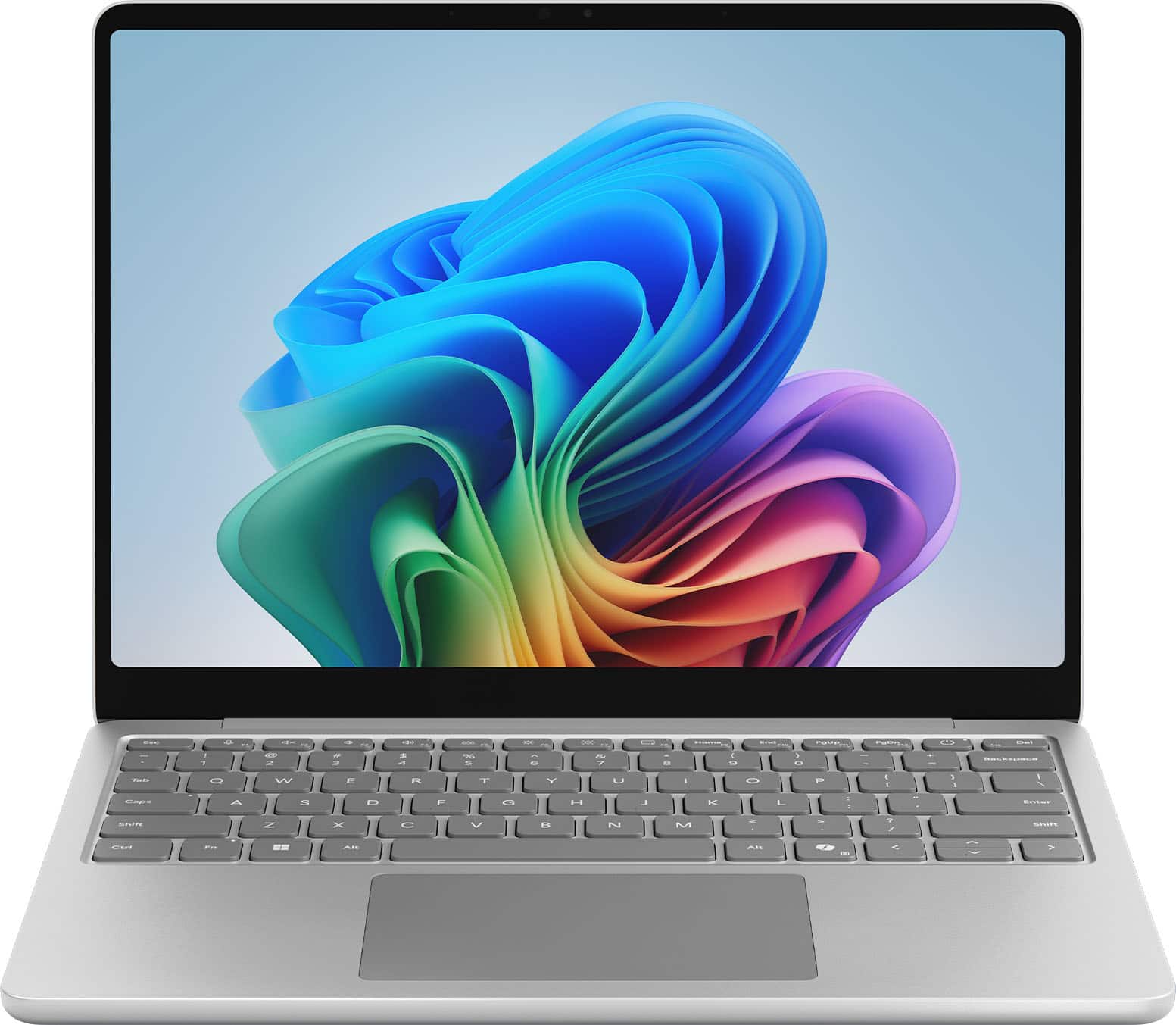
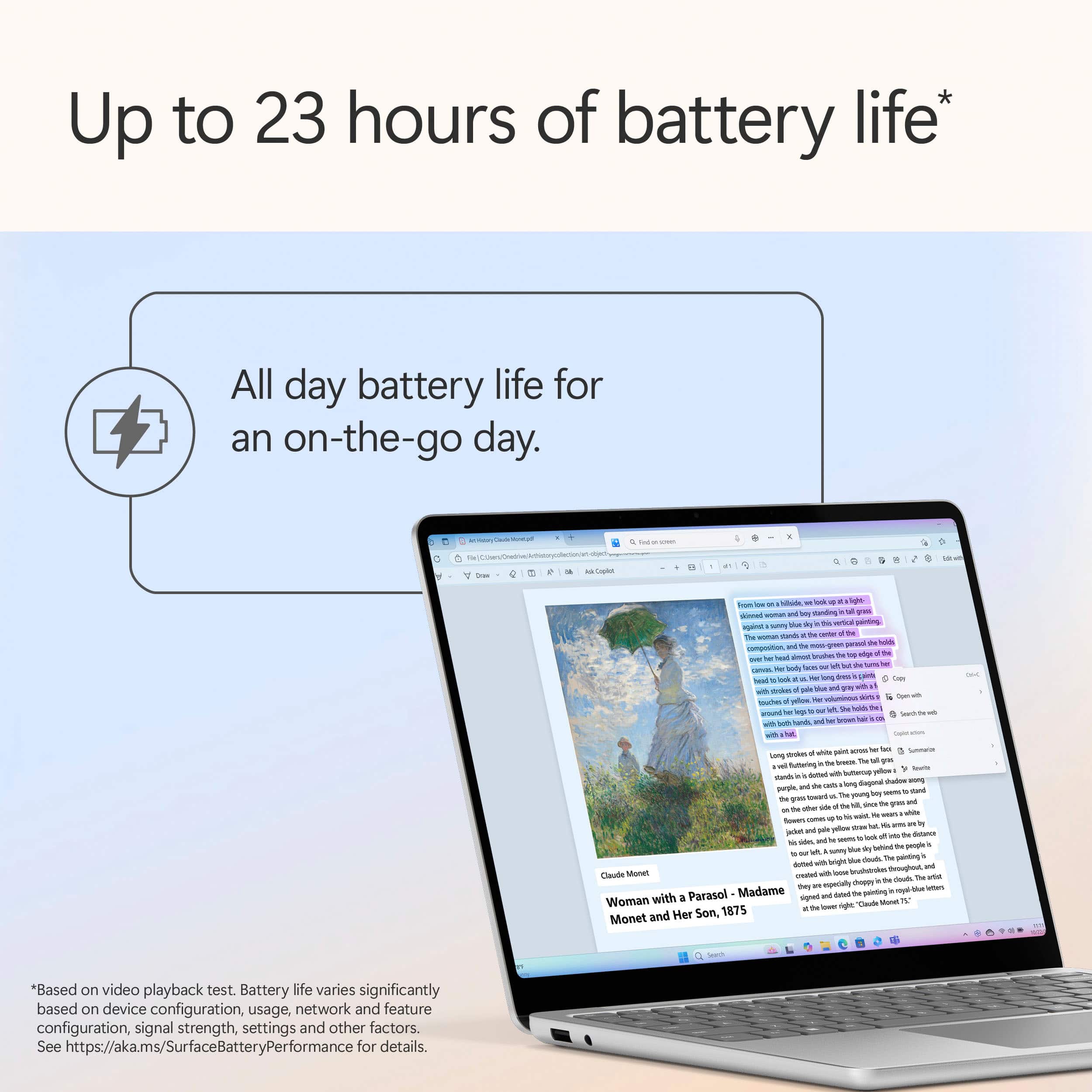
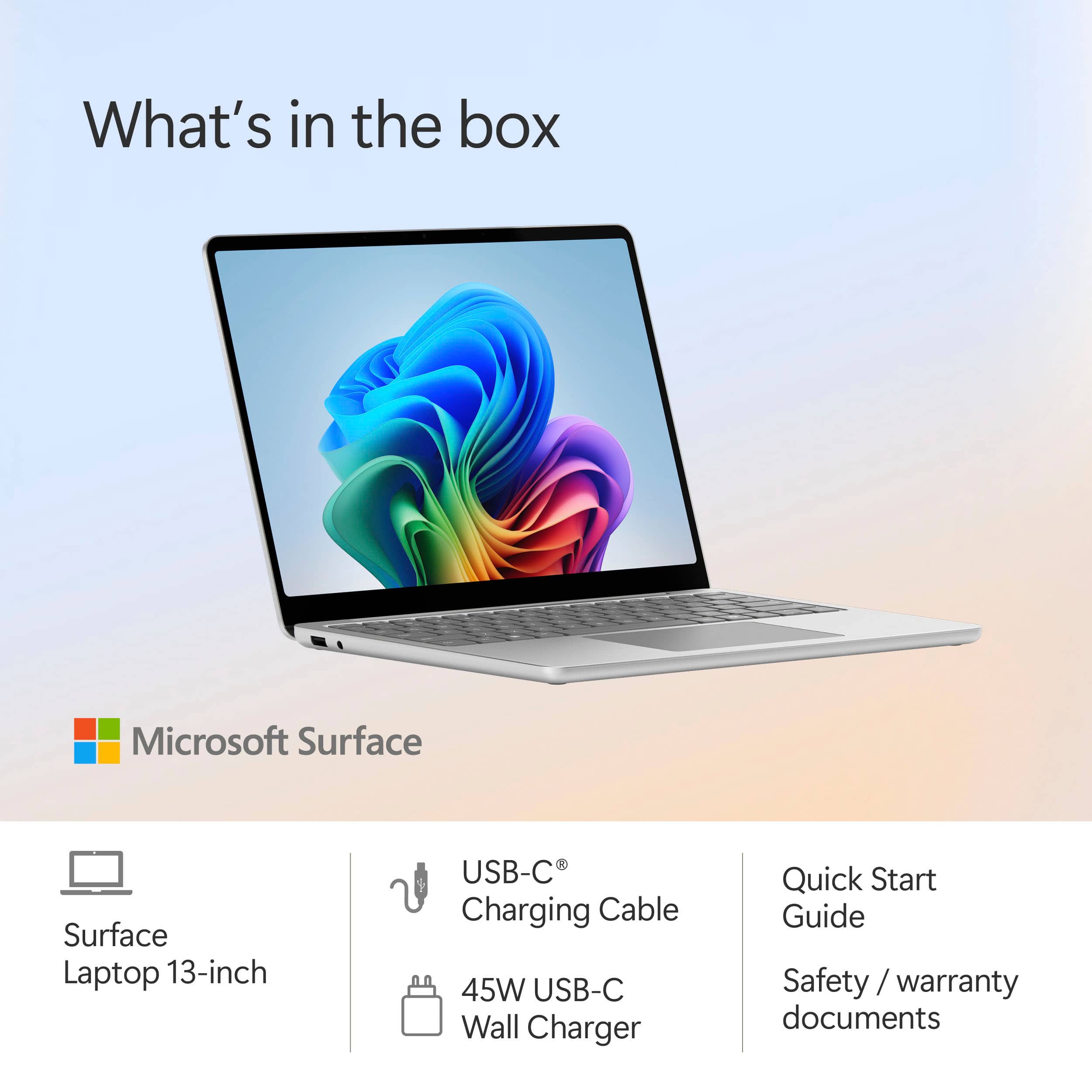
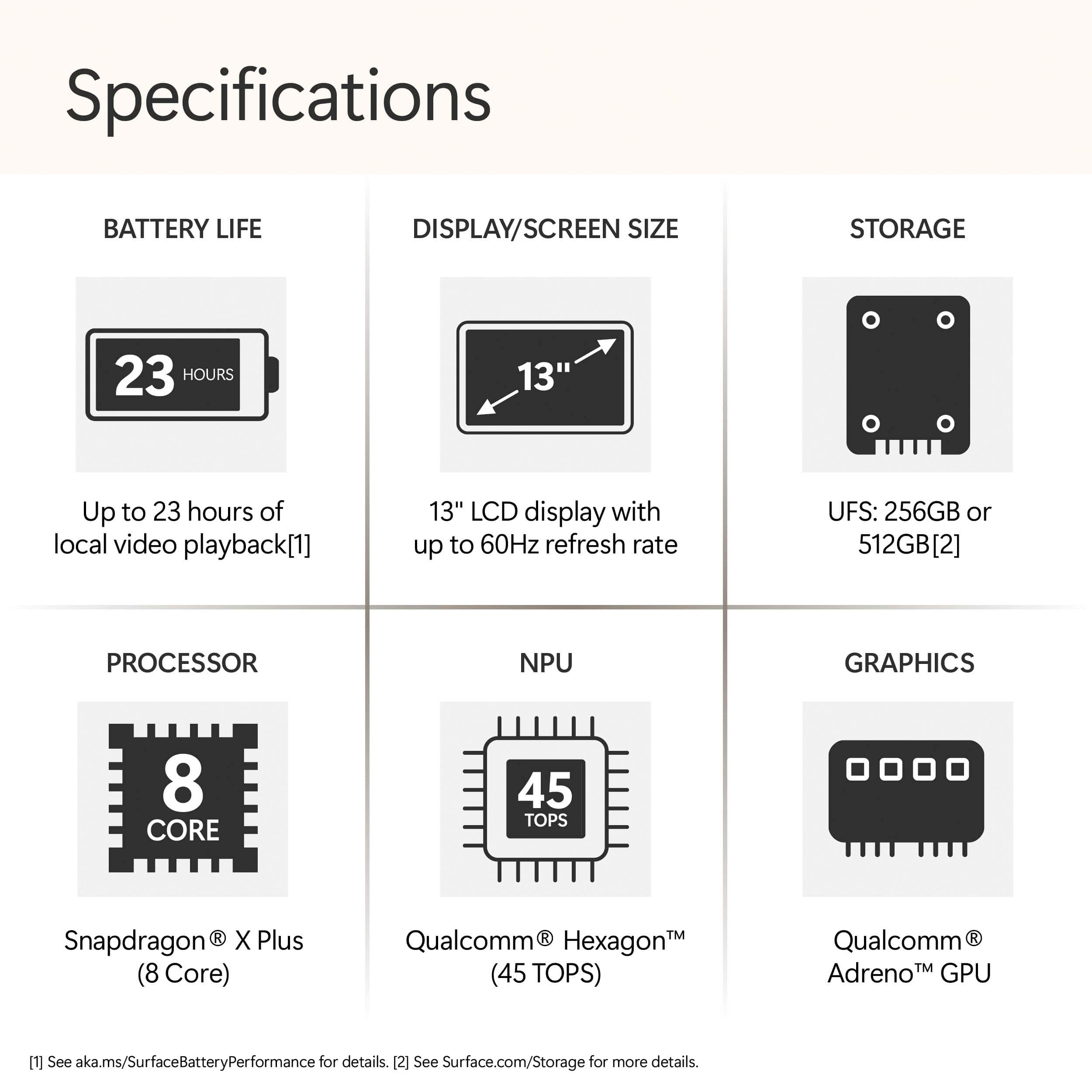
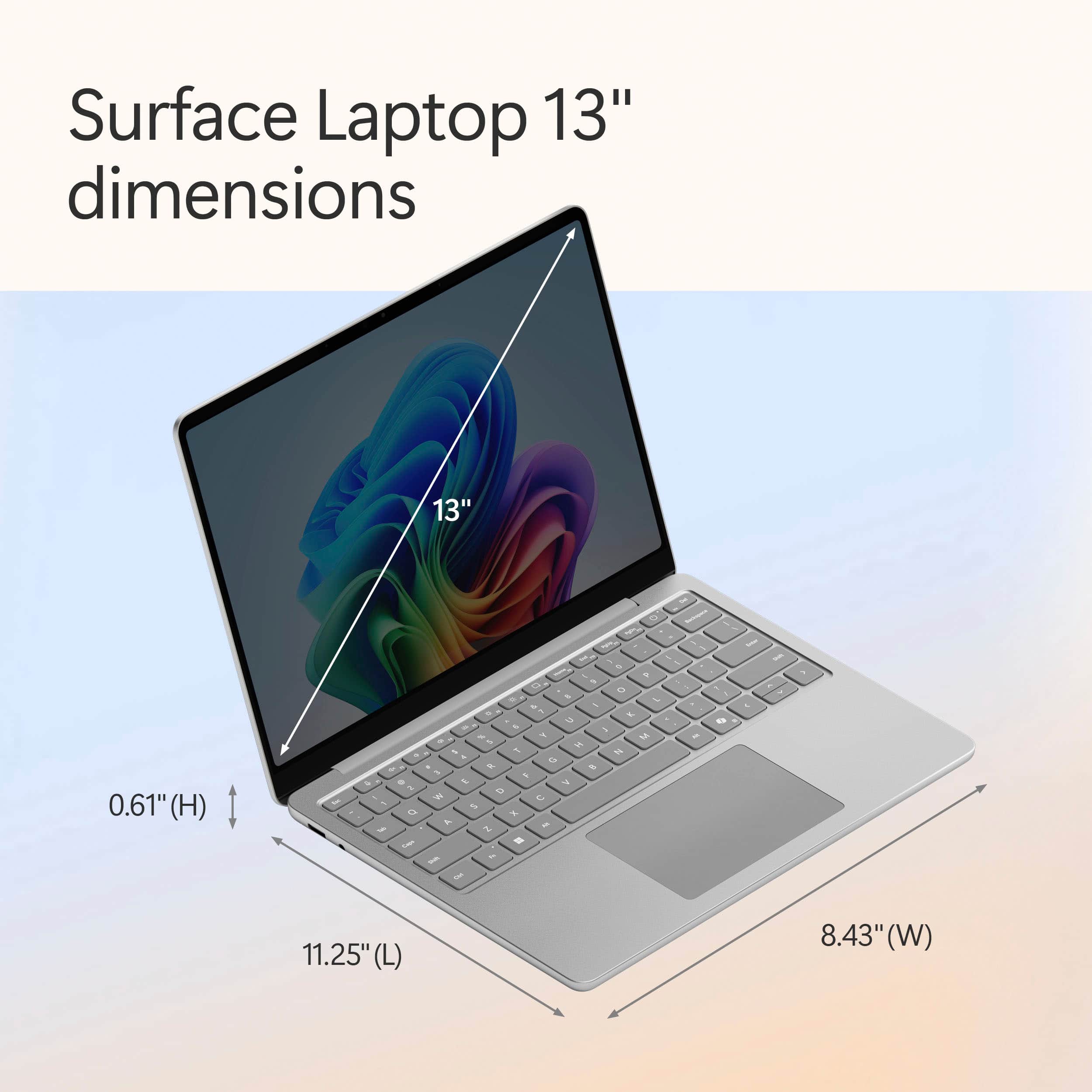
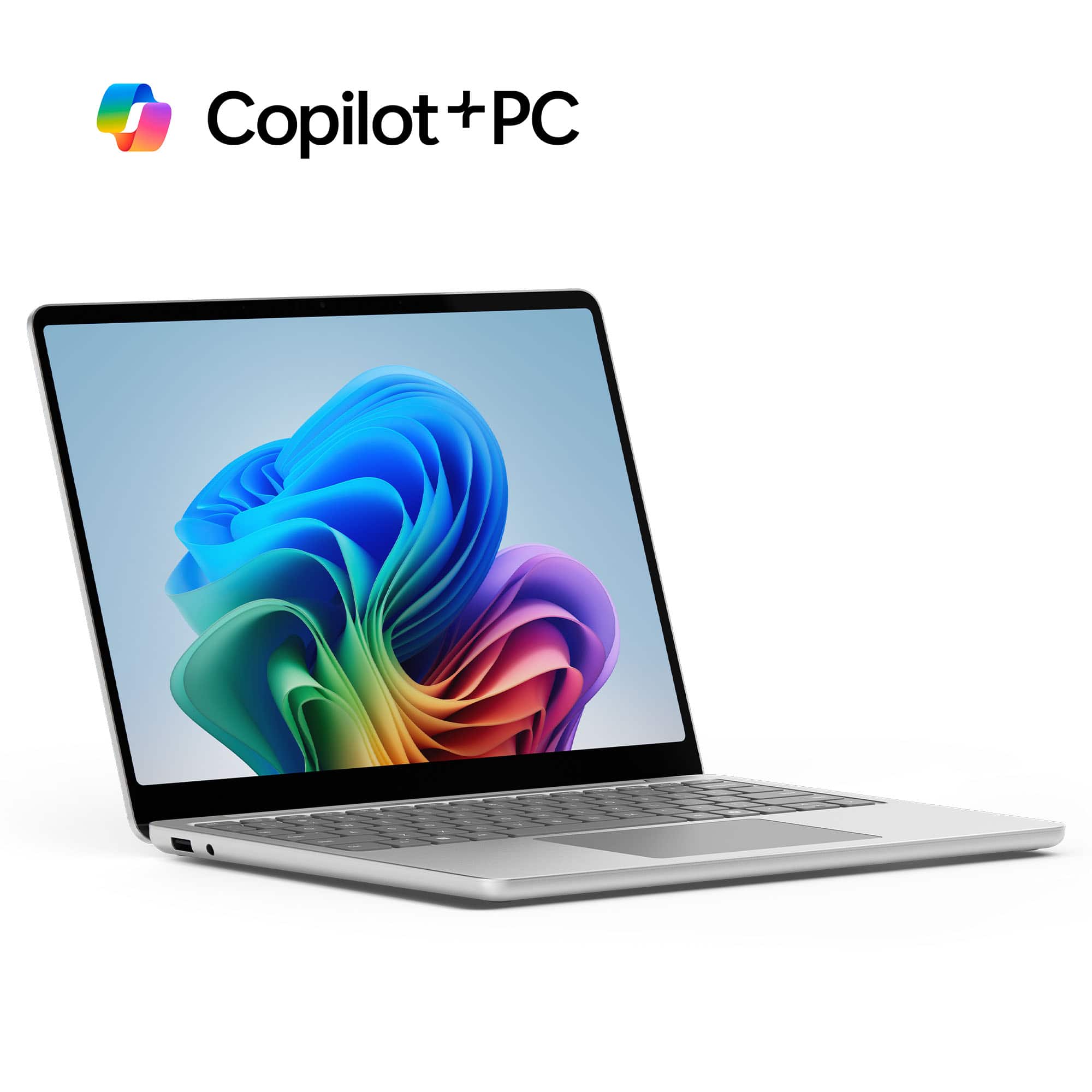
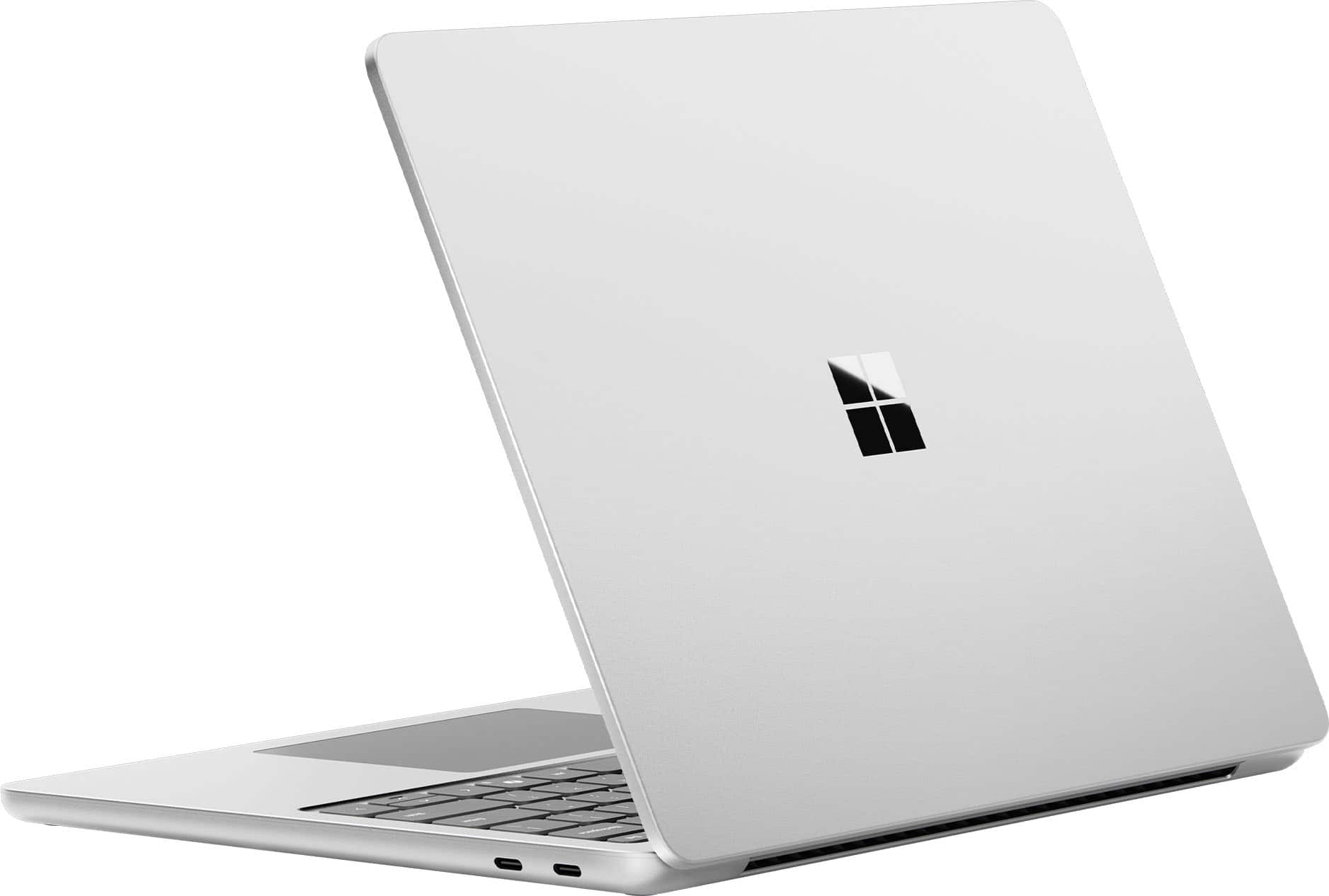
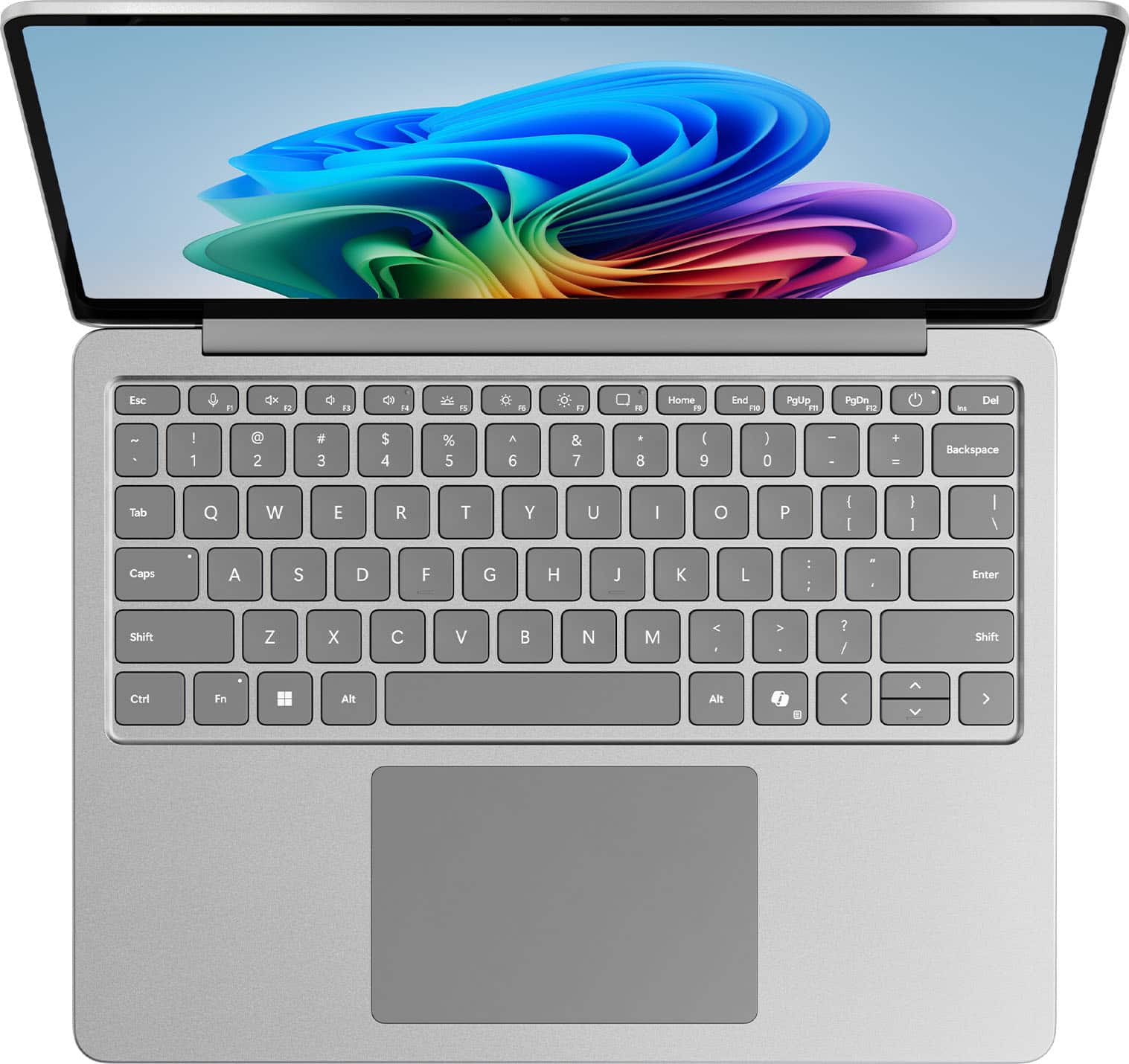
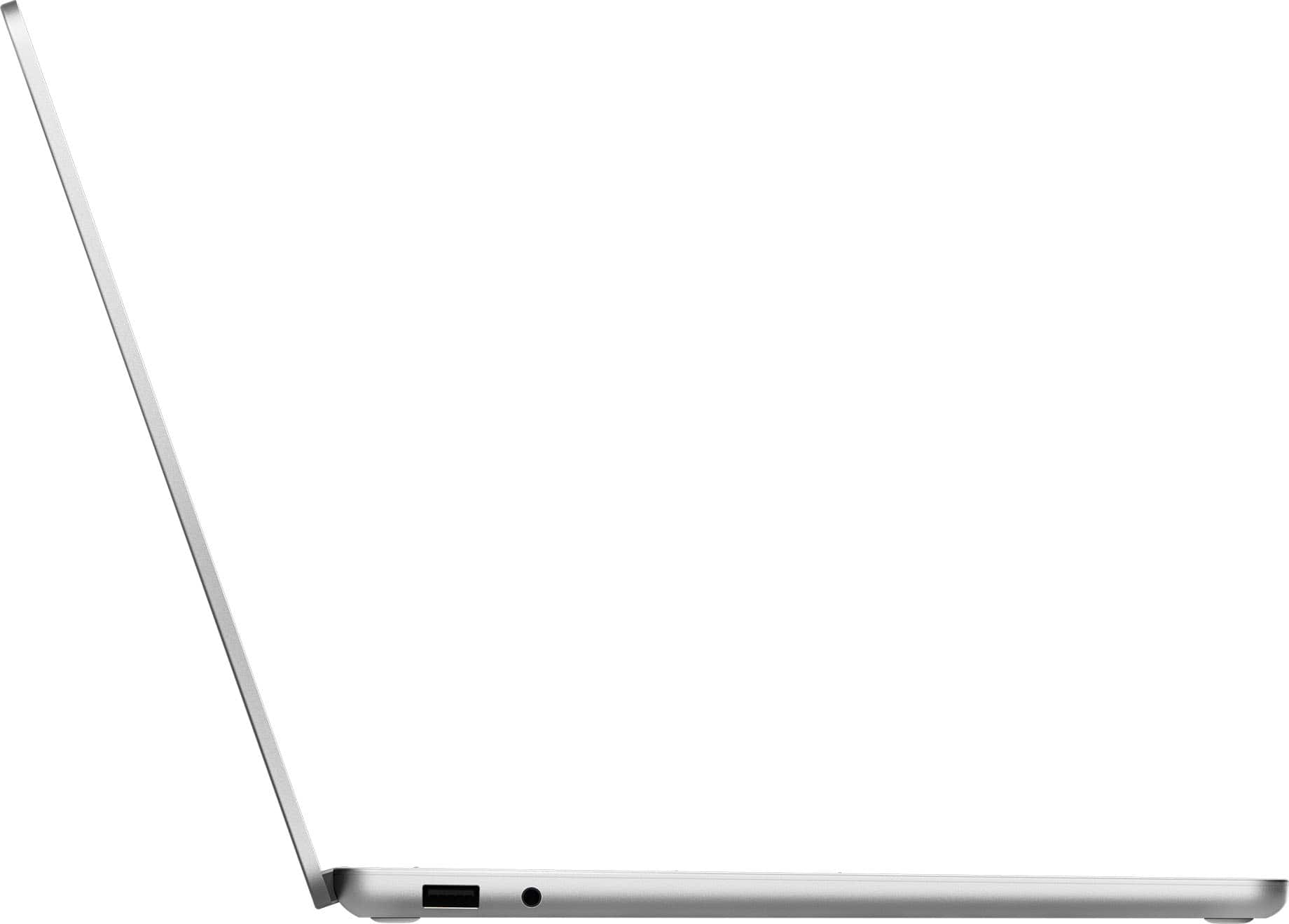









- Model:
- EP2-33462
- SKU:
- 10316807
Rating by feature
- Battery Life
Rating 4.8 out of 5 stars
- Speed
Rating 4.8 out of 5 stars
- Display
Rating 4.9 out of 5 stars
Customers are saying
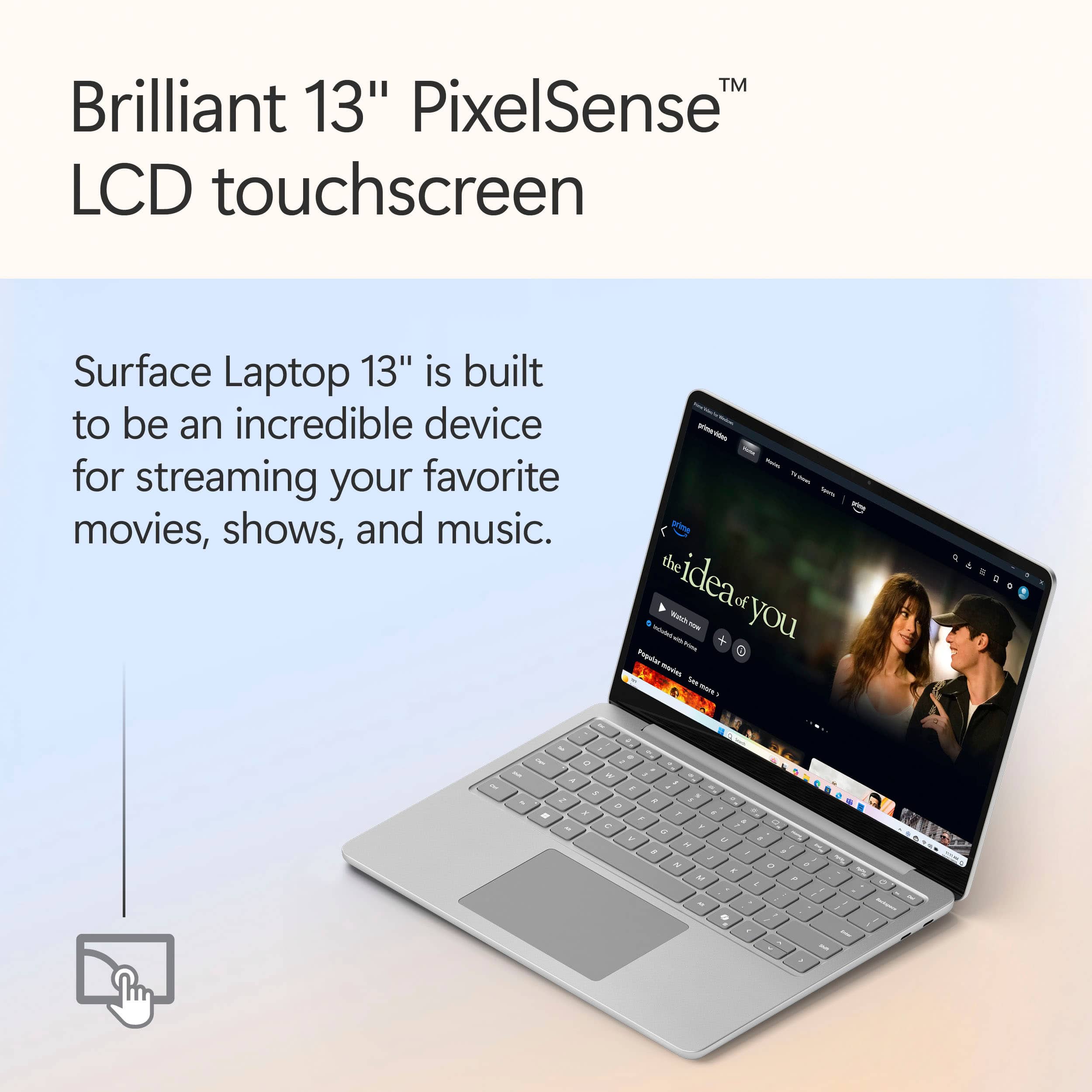
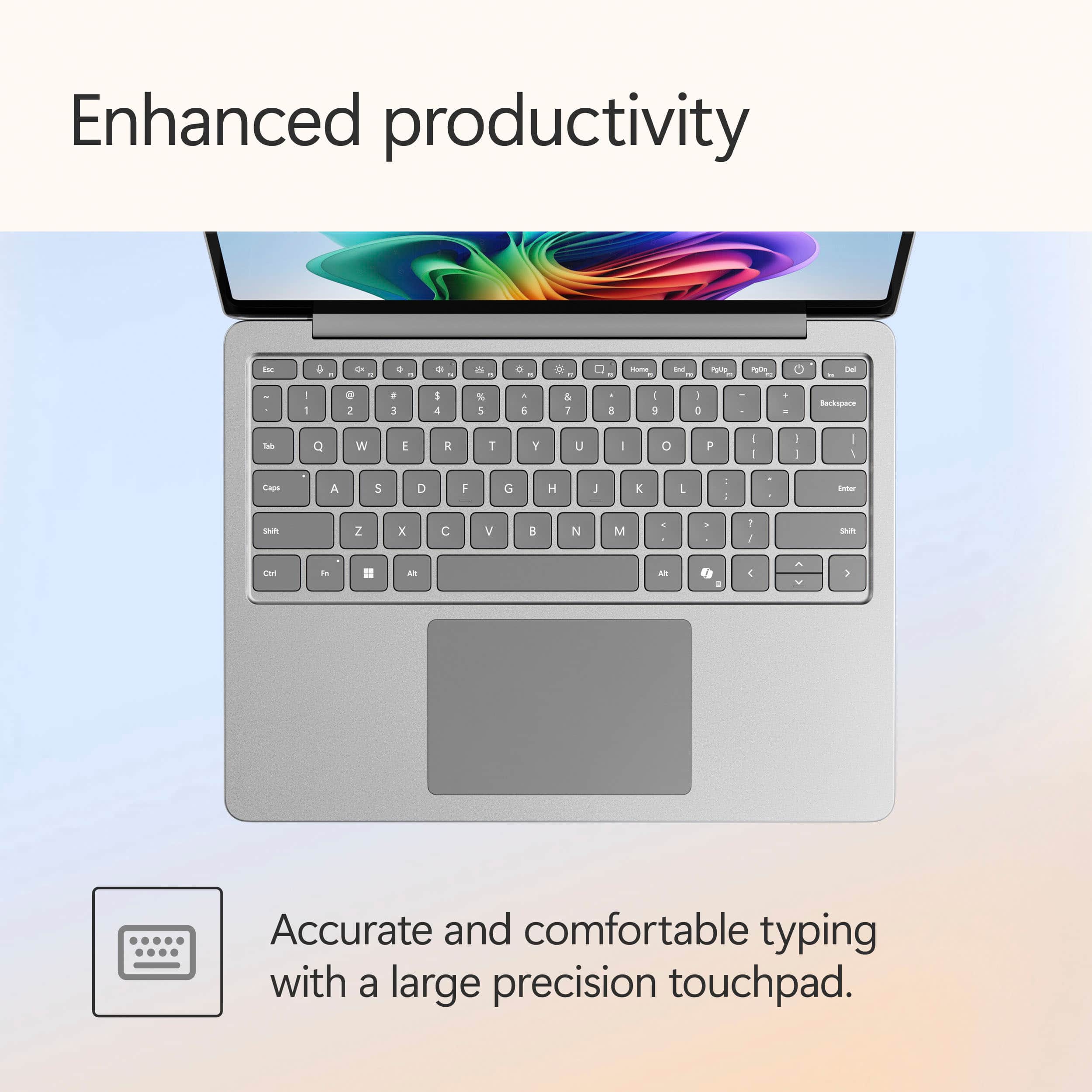
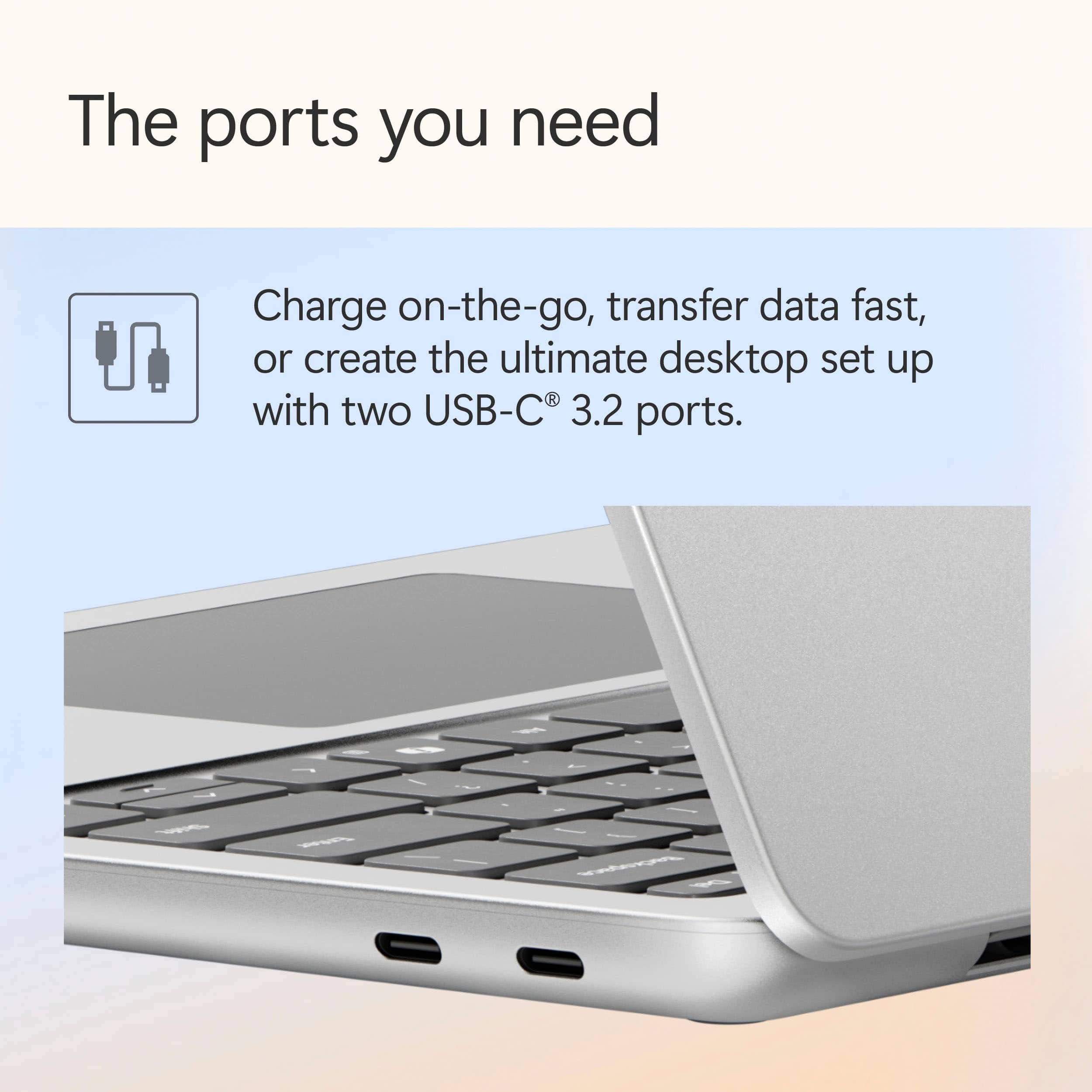
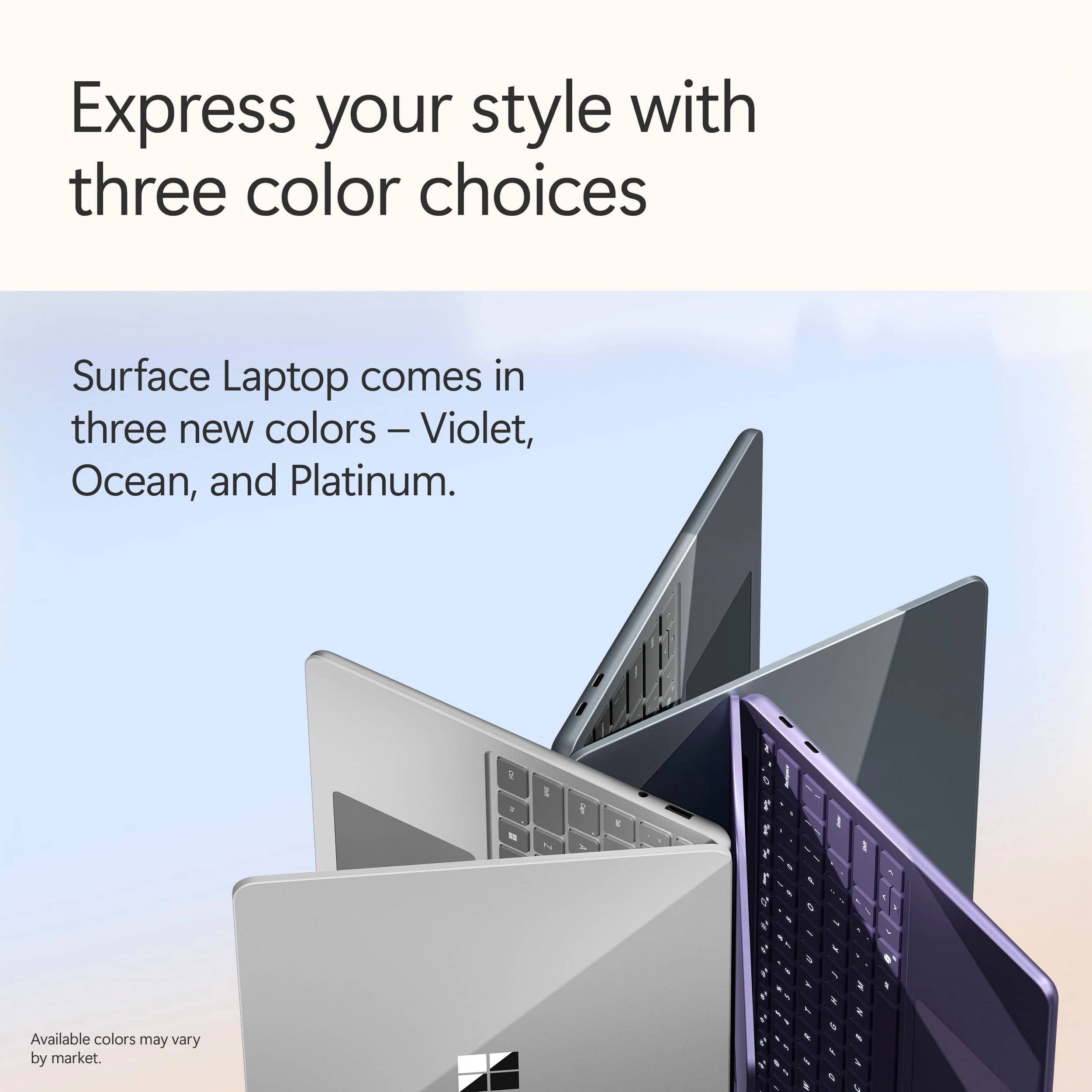
Customers value the laptop's excellent overall performance, impressive battery life, and portability, finding it smooth and easy to use. They also appreciate its fast processor, modern design, and vibrant color, along with the incredible touchscreen and good size. However, some customers noted a limitation regarding the port selection.
This summary was generated by AI based on customer reviews.
Purple laptop
||Posted . Owned for 1 month when reviewed.This reviewer received promo considerations or sweepstakes entry for writing a review.I would the product is well worth the money. I would recommend it to my friends and family.
I would recommend this to a friendAMAZING STAFF
||Posted . Owned for 3 months when reviewed.This reviewer received promo considerations or sweepstakes entry for writing a review.Went looking for a certain laptop, got help immediately…Amazing staff very helpful!
I would recommend this to a friendSuper and easy
||Posted .This reviewer received promo considerations or sweepstakes entry for writing a review.I just needed an upgrade from my last one. It’s a tiny bigger than my last one but very clear and buttons are better. Since I already had an account, it was super easy to set up. Love the color.
I would recommend this to a friendGreat item
||Posted . Owned for 3 weeks when reviewed.This reviewer received promo considerations or sweepstakes entry for writing a review.I bought this laptop for my son. He going to go a the Boston college. The laptop is perfect for all his clases.
I would recommend this to a friendOutstanding
||Posted . Owned for 3 weeks when reviewed.This reviewer received promo considerations or sweepstakes entry for writing a review.Help me navigate with my technical shortcomings being a senior citizen.
I would recommend this to a friend- Pros mentioned:Battery life, Design, Overall performance

Grab one you will not be disappointed
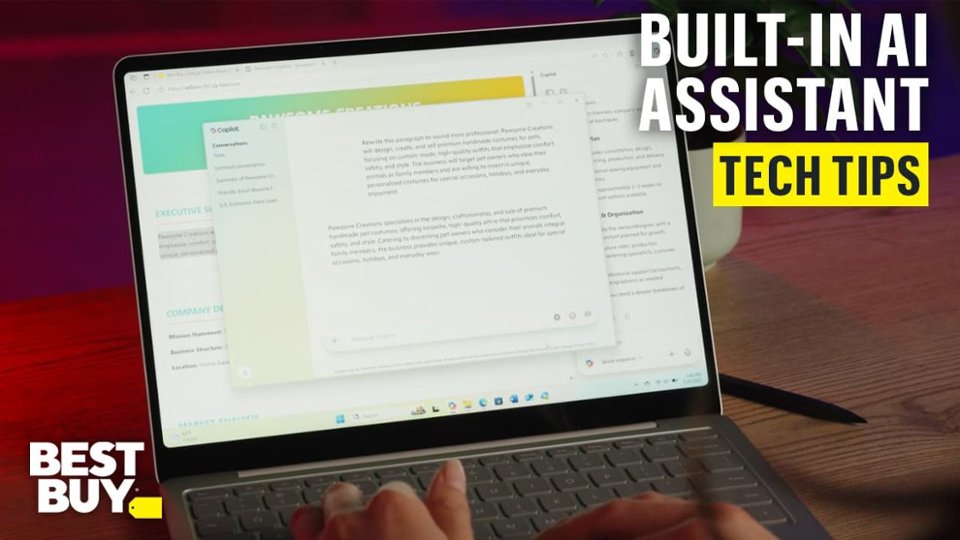
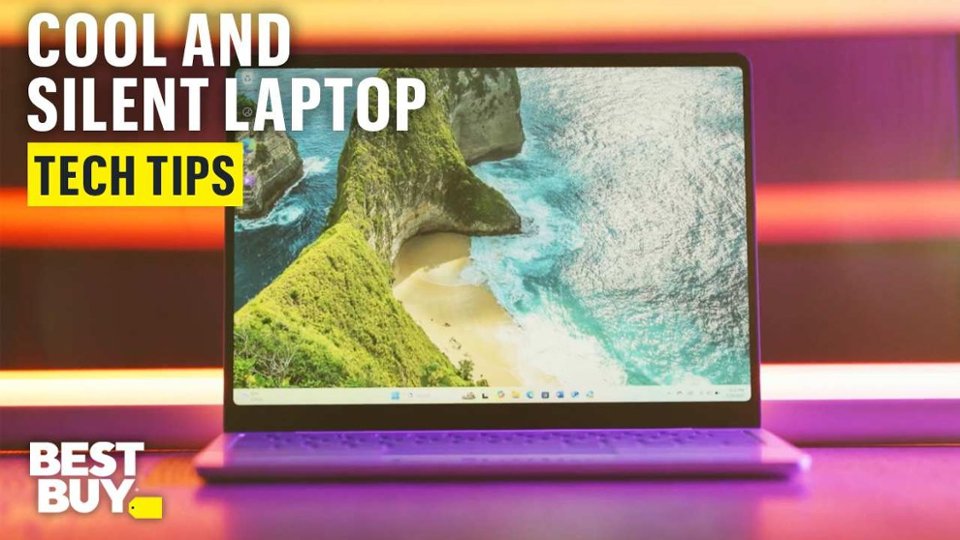
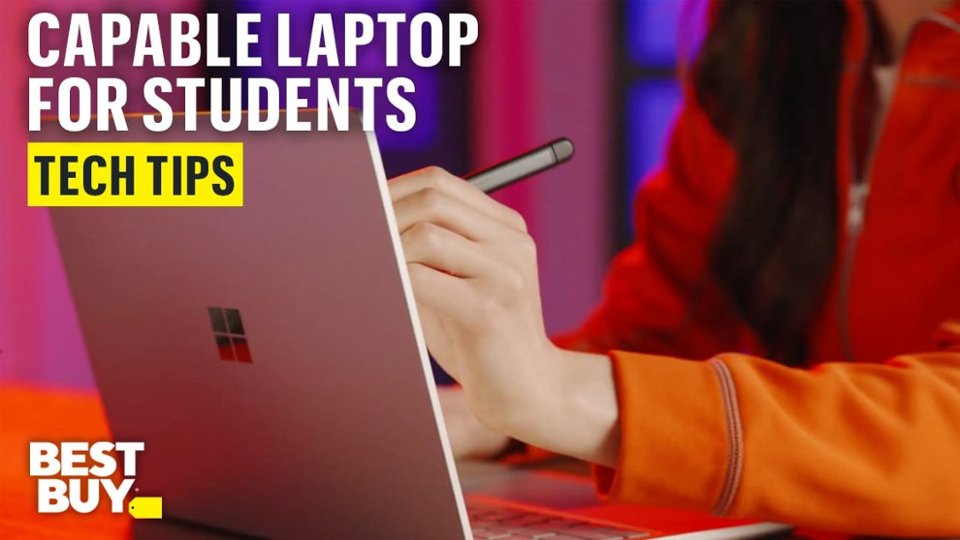
|Posted .This reviewer received promo considerations or sweepstakes entry for writing a review.The Microsoft Surface 13" Copilot Laptop is a small but incredibly powerful machine that I've come to truly adore. As soon as I took it out of the box, I knew this was going to be a phenomenal device — and for the most part, it has lived up to that first impression. If you're a college student like me, a regular traveler, or just in the market for a small, affordable everyday laptop, this one is definitely worth checking out. First, unboxing was easy and professional. Microsoft obviously considered the packaging — the case itself was solid, attractive, and the contents were well-packed. There is something about unpacking a product that feels premium before you even switch it on. No dents, no suspicious seals, just neat, tidy presentation. It's a detail that doesn't matter, but it makes you feel like you're receiving something premium. As soon as I took it out of the box, the first thing I noticed was the weight and size. This laptop is actually very small and light. I mean, it's ridiculously portable — like, put-it-in-your-bag-and-go levels of portable. I've used other 13-inch laptops before, but this one feels particularly streamlined. It's thin, the bezels are narrow, and the aluminum body makes it look really clean and minimalist. Whether I'm working at home, working at a coffee shop, or sitting in a college lecture hall, this laptop doesn't feel like it's taking up too much room or weighing me down. As a student, portability is everything — and that Surface completely understands that. It easily fits into the majority of backpacks without weighing them down, and I can carry it around all day long without issues. That's a huge bonus when you have classes all over the campus or you're constantly on the move. It's like they made it for the student or business-on-the-go lifestyle. The Copilot integration is certainly the biggest selling point of this computer. Microsoft's Copilot features are natively integrated into Windows 11, and having them so readily accessible makes this laptop just that little bit smarter than a standard machine. From summarizing a read to getting my own notes in line, helping with scheduling, or even creating rapid-fire emails, it's nice to have an AI-enabled assistant that does feel native and not tacked on to the computer. Performance-wise, it's snappy and responsive — usually. For normal tasks like web browsing, Google Docs usage, Microsoft Office usage, watching videos, and jumping on Zoom meetings, it's great. The screen is clear and vibrant, and the keyboard is just comfortable enough for long typing sessions. I've written full essays, edited a few photos for school projects, and had a few tabs open without really noticing any lag. That's what I expect out of a student laptop: something that just works when I need it to. But I will say one area where the Surface Copilot laptop falls short — and that is in app installation and app updating. It's not terrible, but what I've discovered is that installing larger apps or system updates takes longer than it should. I attempted to install some school software such as MATLAB and Visual Studio, and the install was slower than it should have been. Even installing some apps from the Microsoft Store was slower than other laptops I've used. It is not the kind of problem that makes a laptop unusable, but it is annoying when you are in a hurry. If you're somebody who is always in the habit of installing and uninstalling programs or need to keep your system updated on a regular basis, this delay in installation speed might be annoying. I would describe it as a patience problem — it does get the job done eventually, but do not expect lightning-fast updates. Battery life is excellent. I'm able to get almost a full day of school work without needing to be plugged in, which is a major plus. Depending on what I'm doing, I'm getting 8 to 10 hours. That's on medium brightness and a whole bunch of school work like Word documents, slide shows, web browsing, and some light streaming of video. I would not use this as a gaming computer or a video editing machine — it's not meant for that — but for anything else, it's fine. Another feature that I like is how it stays cool and silent. Most laptops, even the slim ones, heat up and start blowing fans at the intensity of jet engines if you so dare push them a little — but not this one. It stays fairly cool and silent even when you've got several programs running and a half-dozen or so browser windows open. That's something that I didn't know that I needed until I had to sit quietly in an otherwise quiet study room with a racketing laptop in the past — this one spares you that humiliation. The screen is perfect for the size. The 13-inch screen is the perfect compromise between portability and usability. The touchscreen is also responsive and the colors are vibrant without being overpowering. The resolution is perfect for watching media, and I've been able to watch YouTube, Netflix, and even make video calls with crystal clear definition. I also like how the screen has perfect viewing angles, which makes it simple to share content with a friend or classmate. In build quality, Microsoft hit a home run. The metal body of the laptop is solid and sturdy — not flimsy or plastic-feeling like some of the other laptops in this category. It looks like it would take a few bumps in a backpack without complaint. The hinge is also solid. It's not loose or flappy when I open or close the lid. The keyboard is great to type on, and the trackpad is responsive and smooth. You don't need to mash keys or second-guess gestures — it's just precise. All in all, the Microsoft Surface 13" Copilot Laptop has made school easier. It's compact, clean-looking, and designed to get things done. The Copilot AI features are the icing on the cake that I didn't know I'd be utilizing as much as I do. It boots fast, gets things done, and does so while looking good while doing it. It's not flawless — again, those slow app downloads and updates can be annoying — but for everyday use, it gets the job done where it needs to. If you're a student, remote employee, or simply someone who wants an excellent, portable laptop with a bit of future-proof AI, this is an excellent option. It doesn't attempt to do more than it can do — it simply attempts to be portable, long-lasting, and convenient, and it succeeds at these things stunningly well. I'd unreservedly recommend it to anyone who requires a light Windows laptop that still feels quality but isn't too complicated.
I would recommend this to a friend Great purchase!
||Posted . Owned for 2 weeks when reviewed.This reviewer received promo considerations or sweepstakes entry for writing a review.This is amazing! I live this laptop! Great for my daughter!
I would recommend this to a friend- Pros mentioned:Battery life, Overall performance, Portability
Smooth, Sleek, and Powerful
|Posted .This reviewer received promo considerations or sweepstakes entry for writing a review.A great options for most PC users. This is a good sized notebook/laptop. Perfect for the personal that is mobile or has limited workspace. A bright and sleek, edge to edge touch screen. Vibrant color and quick response. The 13" size, is smaller then most laptops, but bigger then most tablets. The touch screen is a nice option, that is not that common anymore. Makes this a good options for presentations, or as a powerful tablet that runs full PC software. The OS is Windows 11, the recent version. Check dedicated Windows 11 reviews for details. This laptop does support all the features of Windows 11. The laptop has some weight to it for its size, which is nice. doesn't slide off your lap easily, stays on the desk and doesn't move around much. No full size keyboard (no number pad), which is okay for most users. What I LOVE though, is that is USB-C powered. Small adapter, and with the USB-C you can EASILY get a 2nd adapter, so many options. No dedicated HDMI outputs, or older USB ports. So if you want to hook up a monitor and wired keyboard, you will need an inexpensive dongle. Super fast WiFi connection, at the lastest WIFI 6 levels, giving you wired connective speed at wireless. I haven't yet been able to drain the battery, and been able to use the laptop for hours for a charge. Overall, a very good option at a good price point. Not a gaming power horse, but great for internet, video playback, work, travel, school.
I would recommend this to a friend - Pros mentioned:Overall performance, Portability, Processor speed
Small But Mighty!
|Posted .This reviewer received promo considerations or sweepstakes entry for writing a review.The Microsoft Surface line is my favorite productivity platform. This unit is small and compact yet it packs a lot of features and most of all has the power to plow through large spreadsheets and other power hogs like video and graphic editors. This is the 3rd Surface device I have had and it completely lives up to it's promise. Out of the box this is a sleek ultra thin solid feeling device. The metal case makes for zero flex when closed or open. The other thing I noticed is that previous models have had a proprietary charging cable. Here we have USB C which makes for less bulk if traveling or just in your drawer. The display is sharp, crisp and bright and a joy to watch streaming content. I am planning on a trip soon and you can bet that this will be in my carryon so I can while away the hours working or playing! Some might be put off by the small display but this has you covered. When you connect two external monitors to the Laptop via its two USB-C ports, the built-in laptop display continues to function independently. That gives you a total of three active displays: 1 internal display (13" PixelSense touchscreen) 2 external displays (up to 4K @ 60 Hz each via USB-C with DisplayPort 1.4a) This setup works without needing a dock, as long as your monitors support USB-C input or you use appropriate USB-C to DisplayPort/HDMI adapters. This gives you lots of options right out of the box or with some select peripherals. Just one more thing about the display, it is a touch screen too. This works very well is so nice to use when you don't have a mouse connected such as when traveling. The only con is at this size, it would be so nice to have a fold back display so you could use it as a tablet. But this is a small price to pay for all the other features!
I would recommend this to a friend - Pros mentioned:Battery life, Design, Processor speed
the Best 13" Windows Laptop - Wow! Amazing!
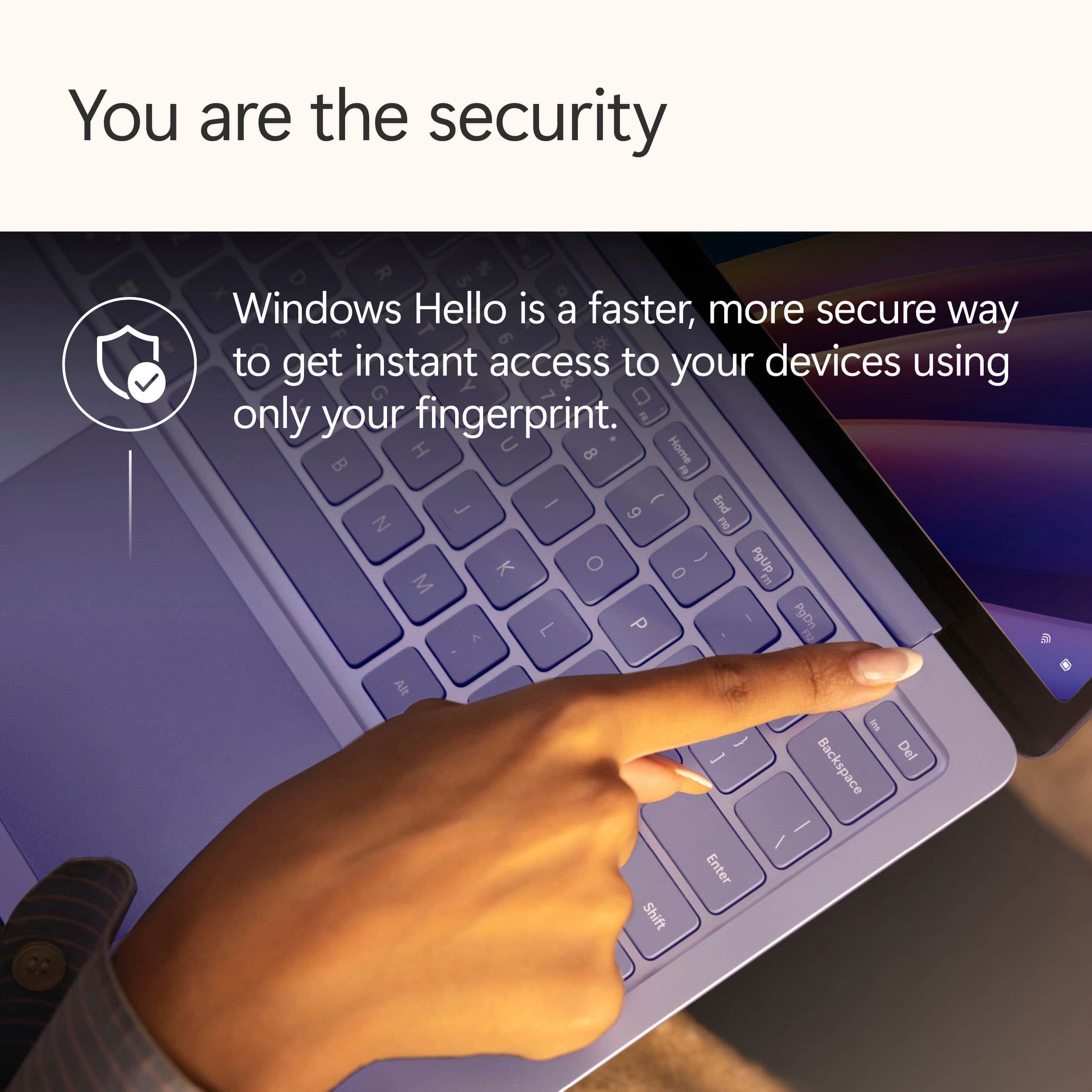
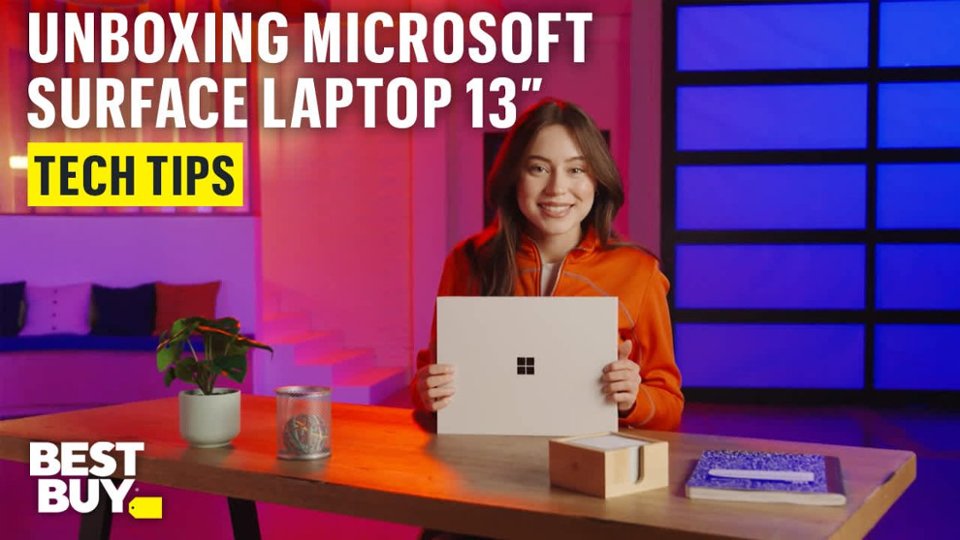
|Posted .This reviewer received promo considerations or sweepstakes entry for writing a review.I have been using the Microsoft Surface Laptop for a week now and have to say it's the best Windows laptop I have used. Ever. I was very skeptical that Microsoft could ever make a laptop that I would truly love but they have and everything about it feels premium and is a lesson to everyone else. The only reason I gave it 4/5 and not 5/5 is it's missing a webcam privacy shield; and no face sign in (fingerprint only) Out of the box, the experience is premium. The box itself is more like that fruit company than any other PC, I was pleasantly surprised the carboard outer box gave way to a premium blue box. Inside was the 13" Surface Laptop, a USB C cable, and a power brick (45W). Setup was seamless, no 3rd party bloat, just login with your Microsoft account, install updates and you're away. I love that the there is fingerprint login, the fingerprint reader is built into the power button but surprised there's no Windows Hello face sign in. Otherwise, design is beautiful - light, quiet keyboard, but incredibly premium feel. The ports are basic, 2 x USB C (right) and 1x USB A (left). I think this is an odd decision to have both USB C ports on one side, it means, as a right handed person, I always have to contend with a power cord sticking on where I also want to be using an external mouse. That said, I prefer an external mouse - but the touchpad is responsive, a great size, and easy to use. Don't like the touchpad? The touchscreen is incredible too - making this a better laptop than ones from that fruit company. haha! In terms of performance, the Snapdragon X Plus processor is a fireball! So fast, but being ARM, no fans, no heat vents and no heat - so a true "lap" top that you can work on for hours. I have been using the Surface every day to and from work, and haven't really thought on worried about battery life once. And that's solid real world use (word, powerpoint, more than a few zoom calls). With CoPilot built in, including a dedicated CoPilot key, I was keen to try Windows Recall. This feature hasn't been without some controversy (let's be honest) but it's better and more useful than anticipated. Let's deal with the privacy side first up, you can see when Recall snapshots, you can exclude apps (your password manager) and filter out specific websites (internet banking). The more I use it, the more I actually used Recall, the more I get the value and promise. It's like web browsing history for everything you do on your PC on any application, great for "when did I get that email, work on that document, there was that photo I was going to edit on Monday". It's just wow useful, I think Windows Recall would shine 100x more in a work environment, where there's more emails, presentations, and files you can ever remember - and I am planning to negotiate with work to BYOD so I can use the Surface given all the other positives (size, battery life, speed). Overall, don't hesitate. If you want the perfect Windows laptop for everyday use and work, this is the one. No doubt and no question about it. It's the perfect blend of 13" size, weight, speed, and battery life. I wish Microsoft had done this years ago!
I would recommend this to a friend - Pros mentioned:Battery life, Portability, Processor speed
Travel light without losing performance
|Posted .This reviewer received promo considerations or sweepstakes entry for writing a review.The Surface is one of the slimmest and lightest laptops Ive ever owned. It has a very solid build, with excellent build quality, but super light and easy to carry and store at the same time. The initial set up was again super easy with Windows 11. Getting all set up was a breeze. The screen is called the PixelSense Flow touchscreen and it looks excellent. Nice and bright with great sharp graphics and text. The touchscreen is very responsive and accurate despite only being at 60Hz. Battery life really shines here. Its rated at up to 23 hours and Im sure it could get that with light use, but getting a day easily here before having to charge up is plenty for my use needs. It has Qualcomm Snapdragon X Plus 8 Core processors, 16gb of RAM, and a 512GB SSD which really make the performance here snappy. No issues at all with running several programs and / or multiple tabs. Not to mention the super fast boot ups. It only has 2 USB C 3.2, and 1 USB A 3.1 ports which I get when you have such a portable laptop. But this is no big deal. Just add a multi-port adapter and that solves that. Some other great features are a back-lit keyboard, and of course Co-pilot + PC. In summary I am very happy with this little guy. Its the perfect on the go laptop when you just want to travel light, but not have to sacrifice performance. Love it!
I would recommend this to a friend - Pros mentioned:Overall performance, Portability, Processor speed
Great combination of power in a compact footprint
|Posted .This reviewer received promo considerations or sweepstakes entry for writing a review.When shopping for laptops, there are so many considerations. Value is determined by whether or not the product meets a person's needs. The Surface Laptop is a very nice combination of a smaller footprint without sacrificing important functionality. My first observation was how nice and compact the laptop appeared. I travel from time to time, and this is light and folds up nicely. It fits easily into a backpack and it's easy to haul around. This is my first Snapdragon laptop in several years, so I was slightly concerned about compatibility with my main productivity applications. I loaded Microsoft Office, and everything runs smoothly without a hitch. It looks like his processor is a true contender. The laptop itself feels like it's made of high-quality components. The keyboard has a very good feel with the keys, and the touchpad is very responsive. The display is clear and sharp and handles anything that a typical user would want to use it for. While this PC isn't designed for external displays, I did add a USB C adapter, and it easily expanded to two additional wide 4K monitors. This is a great solution for anyone who needs a powerful little laptop that's easy to travel with.
I would recommend this to a friend - Pros mentioned:Battery life, Portability
Overall great complimentary machine for a Mac user
|Posted .This reviewer received promo considerations or sweepstakes entry for writing a review.First off, the form factor of the machine is amazing. It's small, lightweight, and very sleek. I was initially very reluctant about the bluish color (I would have preferred the ubiquitous silver), but it was what was available. I'm relieved that the tint is very subtle and is, in fact, quite nice. Surprise for me. The keyboard is very responsive; tactile keys that remain quiet and comfortable. I also like that I can choose the brightness of the keyboard backlighting or turn it off altogether. I haven't had it very long yet but the battery life seems quite surprising. I tend to keep the screen at about 50-60% brightness, so I'm sure that helps. But, for my purposes, it seems to outlast my Macbook battery. And when it needs charged up, it does so reasonably quickly, even with a power brick. The "Recall" feature is quizzical to me. It works as advertised, allowing quick recall of where you left off in a previous session. But I find no practical use for it and, since it keeps a literal history of where you've been and what you've been doing, I find it a bit creepy and have disabled it. But, if you use the computer for work and school and hobbies, maybe it would be helpful to "go back in time" to where you left off in one of those uses and pick back up. The touchscreen is a nice touch, unlike my Macbook. I find it pretty intuitive to be able to switch between keyboard/touchpad and using the touch screen. It speeds up workflows quite a bit - especially when you just want to move a window or image from one place to another (just use your finger). What I don't like (and it's REALLY annoying): I want to use my own picture portfolio as the background, in a slideshow. It took me several hours to figure out how to keep it from reverting back to the default "out of the box" settings for the background image. In the process, there were several other settings and privacy features that were not intuitive. Maybe it's because I'm a Mac guy primarily (photography tools) and I'm just not familiar with the Windows platform changes. But since I need a Windows machine for some uses that Mac just doesn't want to support (i.e., I have some programmable power distribution gear on my motorcycle and Mac doesn't support it), I chose this machine due to many of the positives listed above. All in, I'm very satisfied. I just with the user interface were a bit more intuitive for configuring personalization settings. It loses one star for me as a result.
I would recommend this to a friend - Pros mentioned:Battery life, Portability
Great little machine!
|Posted .This reviewer received promo considerations or sweepstakes entry for writing a review.The laptop is sleek and compact to be carried easily in a tote bag or a backpack. It is very convenient to be used while travelling and lightweight. The touchscreen works smoothly and the keyboard buttons are soft for easy typing. All the buttons are soft to the touch and work without any defects. The trackpad is pretty smooth too and just requires a gentle touch. All this finesse is also contrasted with the heft and the solid build. Its not "heavy" but for its size its definitely heavier than it looks. Not bad, in fact it makes it feel premium and gives confidence that it is well built. The battery life so far seems to be great, I have used it for an hour or so everyday for about 3-4 days without charging and it is still running on 40% battery, so it could last up to 10 hrs of light use. Setting up the laptop and transferring the contents from my previous was pretty easy. It was the standard new Windows launch/setup process, with most of the time in Windows checking for updates and applying them before letting you use your device. Something I did not realize I would miss from my old laptop was the fully foldable design. Strange, that I did not think it would be a big deal, but you do miss it when its not there. This laptop's hinge will only I am guessing till about maybe 135 degrees. Opening the laptop could have been easier too, as it is fairly thick, and the edges stick too close to each other with no sharp end specifically given to assist with the opening. Also the laptop does get a bit warm while charging. The speakers and the camera are pretty great, again for a laptop camera this is one of the best I have used so far - making it a great machine for office video calls.
I would recommend this to a friend - Pros mentioned:Battery life, Overall performance, Portability
Expected Experience
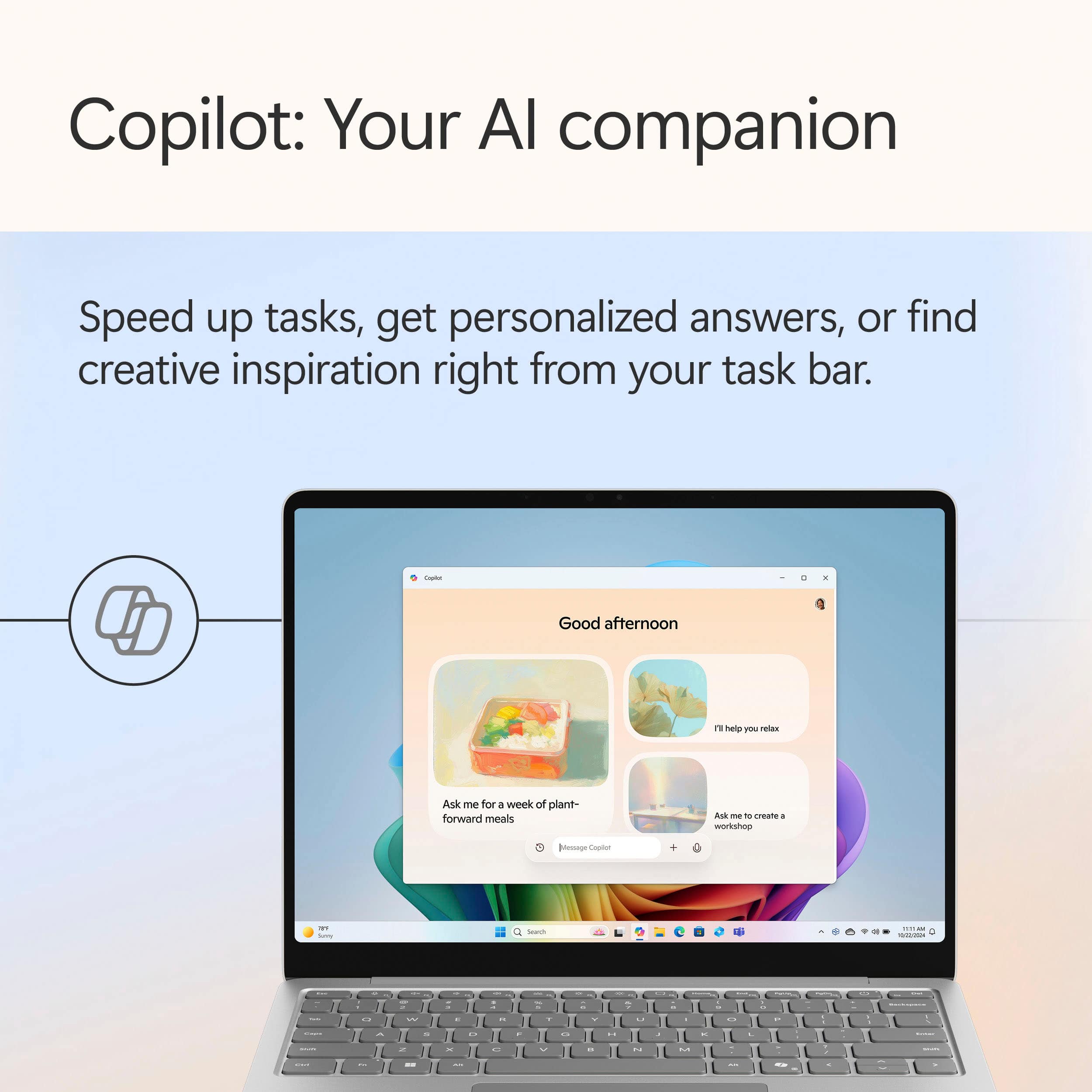
|Posted .This reviewer received promo considerations or sweepstakes entry for writing a review.If you've used any of the previous iterations of Surface Microsoft Laptops you'll no what to expect here from a user experience. Smooth, clean software, great build quality and a general ease of use. I'll be honest that I haven't used a Microsoft Laptop since the 2022 version and before that the original Surface Laptop Studio, but not much has changed whether that be good or bad is up to the user and their needs. In use everything runs smooth and without much hassle. This version has 16gb RAM and a 512GB SSD, which should be the norm for any laptop/computer over $500. CoPilot is a big proponent of the Windows landscape and this Surface is no different as there's even a dedicated button to access it. I've used it a bit and it useful in finding the answers to research, finding files in the storage, assisting in writing, but that's about it as far as I needed it for as I'm more invested in Google's Gemini and it is on my phone so it's there at any opportunity and not on a laptop that requires me to be connected to WiFi. The Snapdron X processor is new to me, but from research, it seems it will help with battery life and in actual use, it seems to get an hour or two more of use in normal use which is big if you're out and about, but its success depends on developers of applications supporting the chipset. Additionally, I'm not a fan of the move away from the Surface connect port as you lose a USB-C port as it's used for charging. So you'll have one free USB-C, one USB-A port and the headphone jack for periphials. Overall the new Surface Laptop with the Snapdragon X chip is a good computer for Surface loyalist, and those new to the line. But I don't think it will make me give up my MacBook any time soon and will be relegated to back up duty/Windows specific needs.
I would recommend this to a friend - Pros mentioned:Design, Portability, Processor speed
A lot of work in a tiny factor
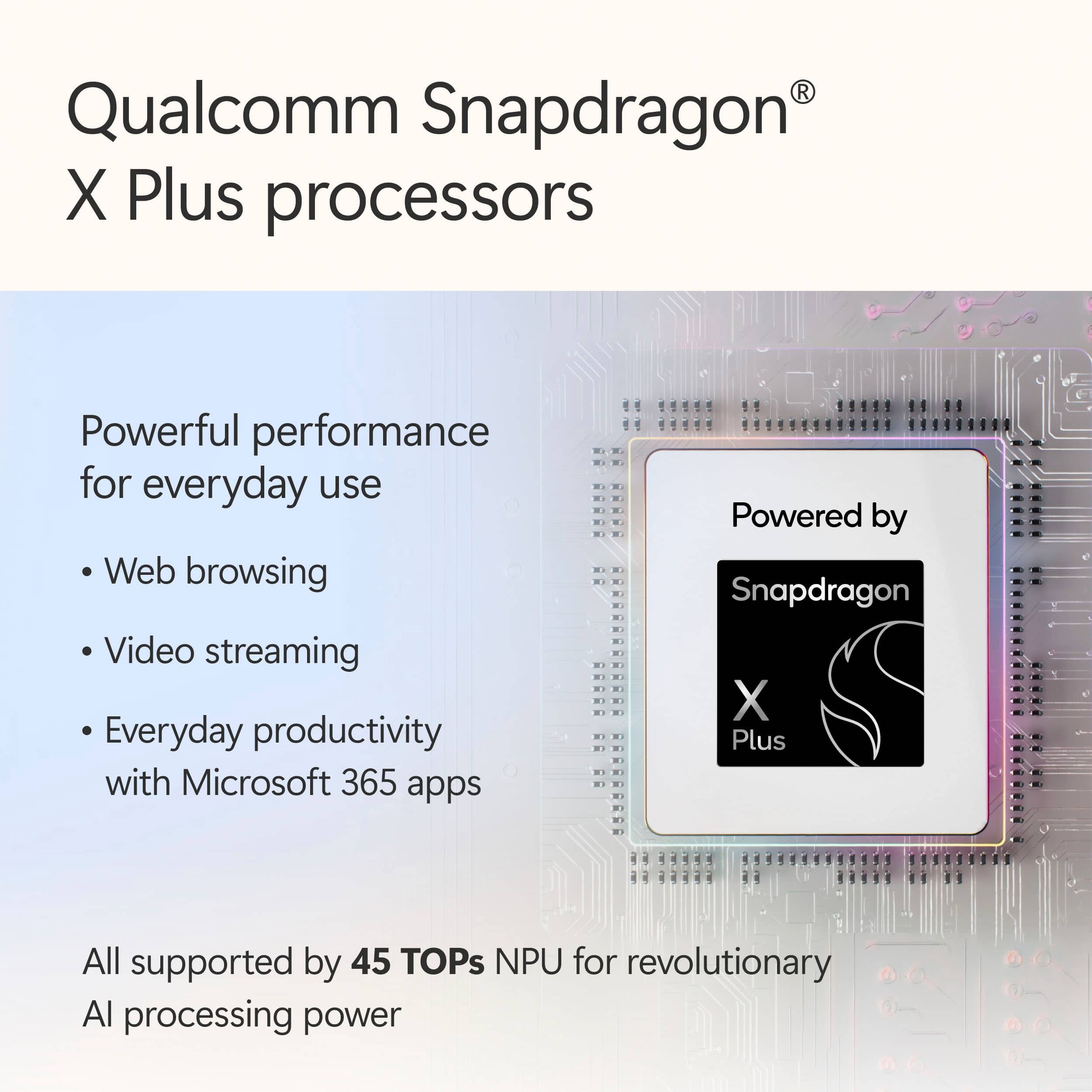
|Posted .This reviewer received promo considerations or sweepstakes entry for writing a review.Microsoft delivered with this laptop. The size of it, design, functionality is very sleek and will remind you of a certain competitor. The small size factor and the weight is definitely a big plus. First of all, the chassis of this is beautiful. It has a blueish tint on mine and it just looks great and very aesthetically pleasing. The relative build quality is also very good, but I do notice that around the edges, you can kind of feel a disconnect between the bottom cover and the cover that covers the keyboard. It's not a big deal but I felt like I just needed to point that out. The keyboard is a chiclet style key and it's good enough for professional work and some light editing but the action could be a bit better at this price point since it feels a bit like it's lacking a feedback. The keyboard light is just a simple light that you can control using the fn keys. The speaker on this is actually not too bad. It's relatively loud while listening to music but it does lack that bass kick which I highly anticipated. The screen, even if just 60hz and FHD, is very vibrant and the colors are truly alive. You can edit photos and videos on this without any worries. The Snapdragon CPU is surprisingly capable of handling light edits so you should be able to use this for professional work and some light editing without any worries. The Qualcomm GPU is as good as any built in GPUs. Overall, this is a fantastic laptop.
I would recommend this to a friend Surface laptop with Snapdragon
||Posted . Owned for 1 month when reviewed.This reviewer received promo considerations or sweepstakes entry for writing a review.Nice laptop BUT there is no driver available for my Canon printer and there may not be a driver for most printers! The issue is the Snapdragon processor. Hard to believe but true. Ask before buying! I returned the laptop because I need to be able to print.
No, I would not recommend this to a friendBrand response from Snapdragon team
Posted .Hi Jenny, thank you for your feedback. We’re continuously working to expand support for printers. Currently, over 8,500 modern wireless printers from top vendors are compatible with Snapdragon X Series powered windows PCs To ensure compatibility and for the most up-to-date list of supported printers, please check https://www.qualcomm.com/snapdragon/laptops-and-tablets/printers.

Poor Customer Setvice
||Posted . Owned for 1 month when reviewed.This reviewer received promo considerations or sweepstakes entry for writing a review.We had terrible customer service. After our purchase we got complete run around.
No, I would not recommend this to a friend- Pros mentioned:Overall performance, Processor speed
Great Laptop
|Posted .This reviewer received promo considerations or sweepstakes entry for writing a review.The Microsoft Surface Laptop is a great little laptop. It features a 13 inch 1920x1280 display, 512GB storage, 16GB RAM, and a Snapdragon X Plus processor. While it won't work for gaming, it is great for everyday tasks. It also features a aluminum case, so it feels very high quality from the moment you pick it up. The aspect ratio of the screen isn't what I'm used to on most computers, so that took a little getting used to. It is closer to the old 4:3 ratio than modern 16:9. The keyboard felt nice and responsive. I personally prefer mechanical keyboards, but as far as laptop keyboards, this one felt really nice and I was able to type on it comfortably and accurately. The screen is a touchscreen, which is nice to have, however, I personally don't see the use of it. Maybe if the laptop could be folded all the way back and used in a tablet mode or something it would be more useful. But the way it is, I just don't see the need for the touchscreen. That being said, it is very responsive and works well for what it is. The performance of the computer was very nice. It can handle most everyday tasks with ease. Everything opens and runs without much fuss. You won't be sitting around watching loading screens much with this laptop. That being said, it does not feature enough processing power for any kind of real gaming. Not that anyone looking for a gaming computer would be surprised, but just thought I'd point it out. Overall this is a really nice laptop for everyday tasks. It has great performance and build quality. I would definitely recommend to anyone looking for a good laptop.
I would recommend this to a friend - Pros mentioned:Battery life, Overall performance
microsoft windows laptop
Posted .This reviewer received promo considerations or sweepstakes entry for writing a review.very good laptop to buy if you’re looking for a reliable semi cheap laptop for college. this works great and it’s very easy to navigate. very long battery life lasts me up to a week with decent daily use
I would recommend this to a friend