Customer Ratings & Reviews
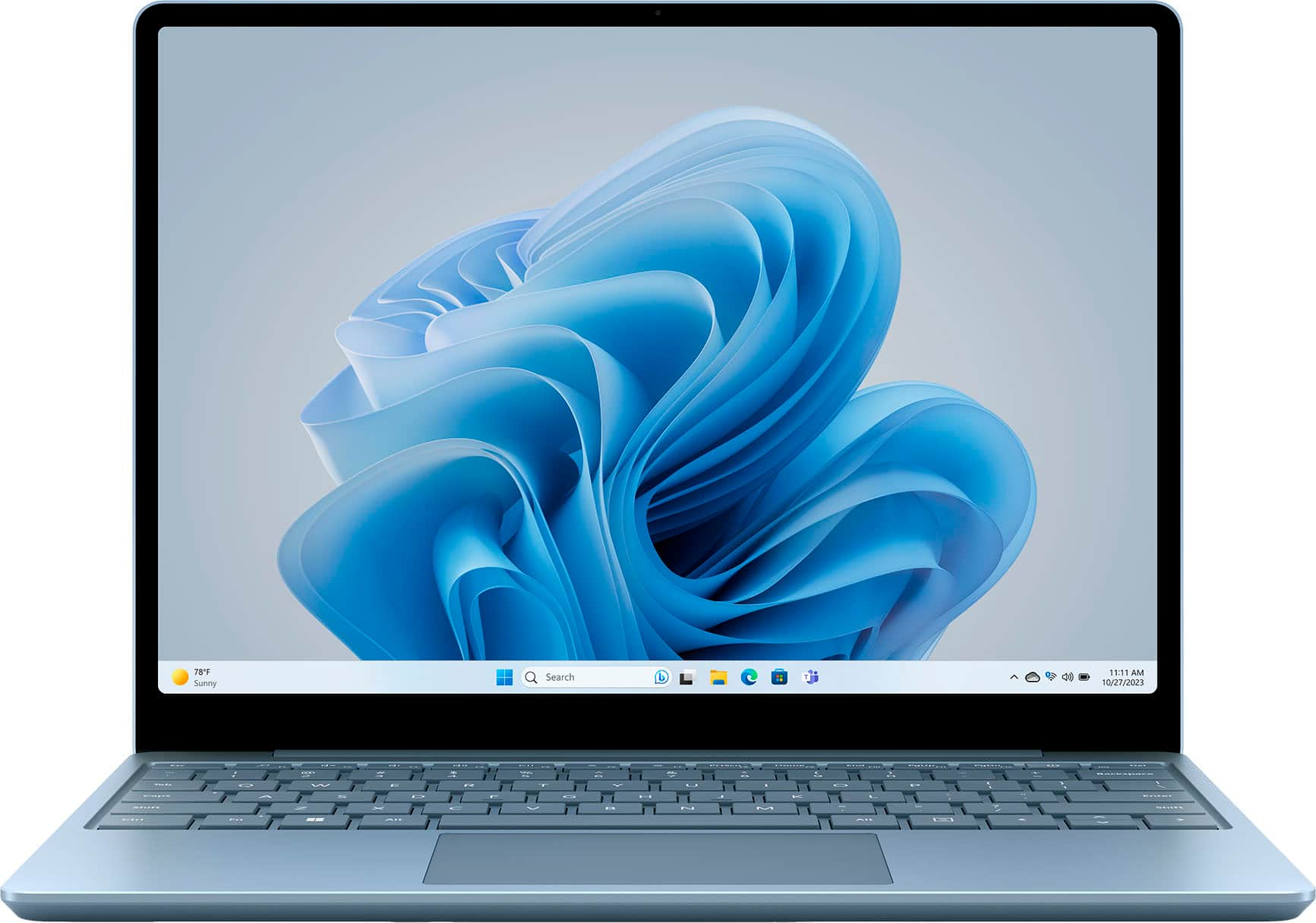
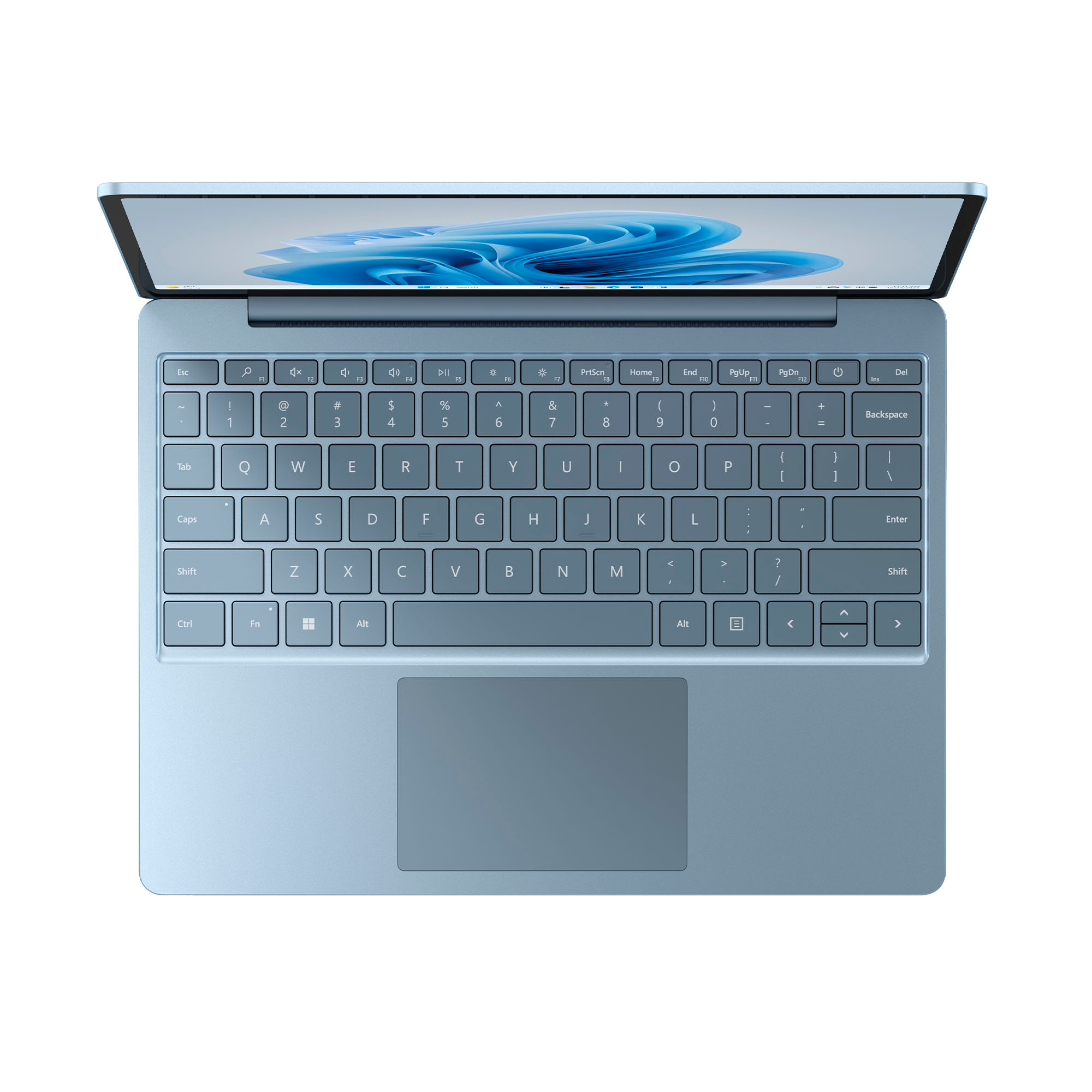

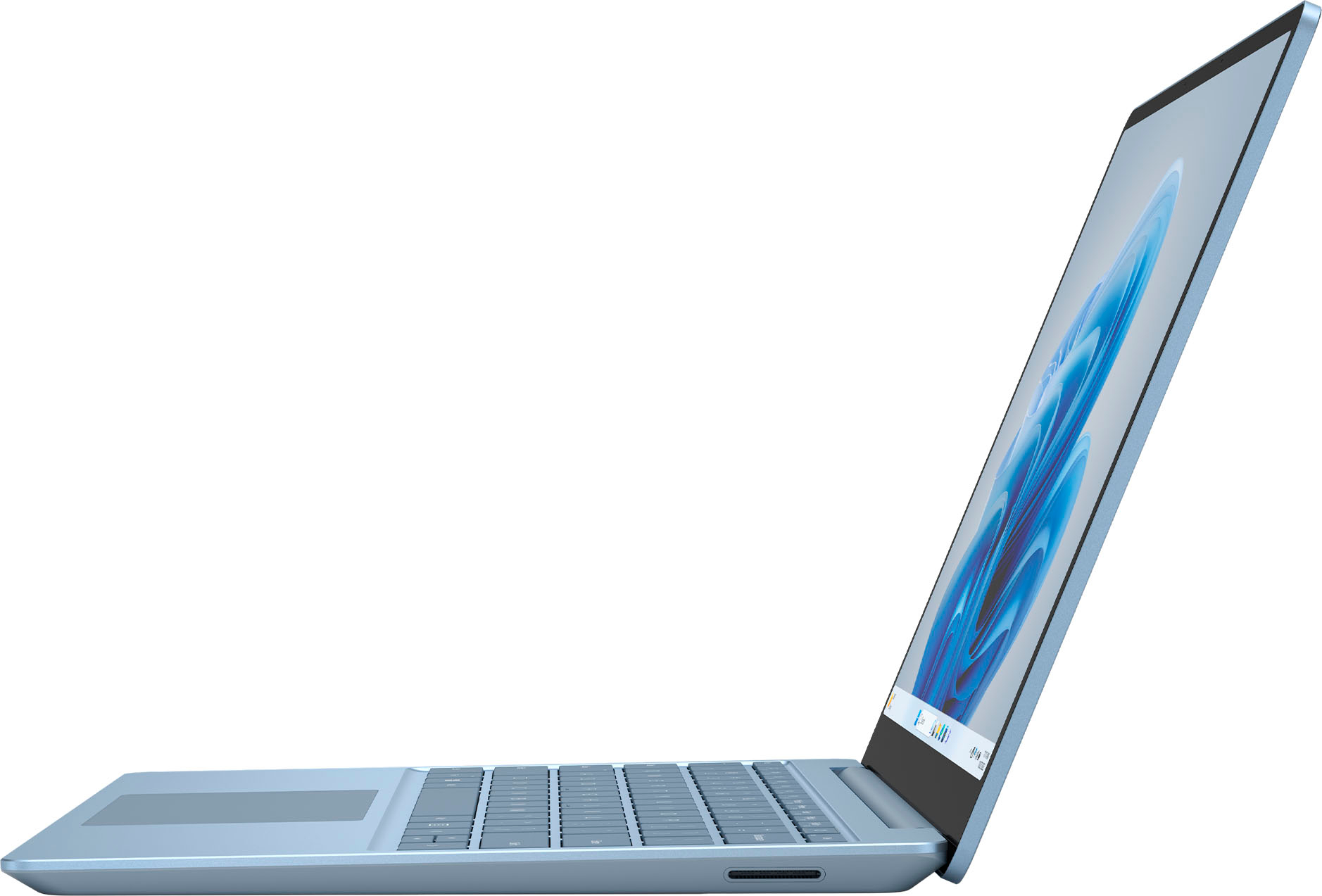
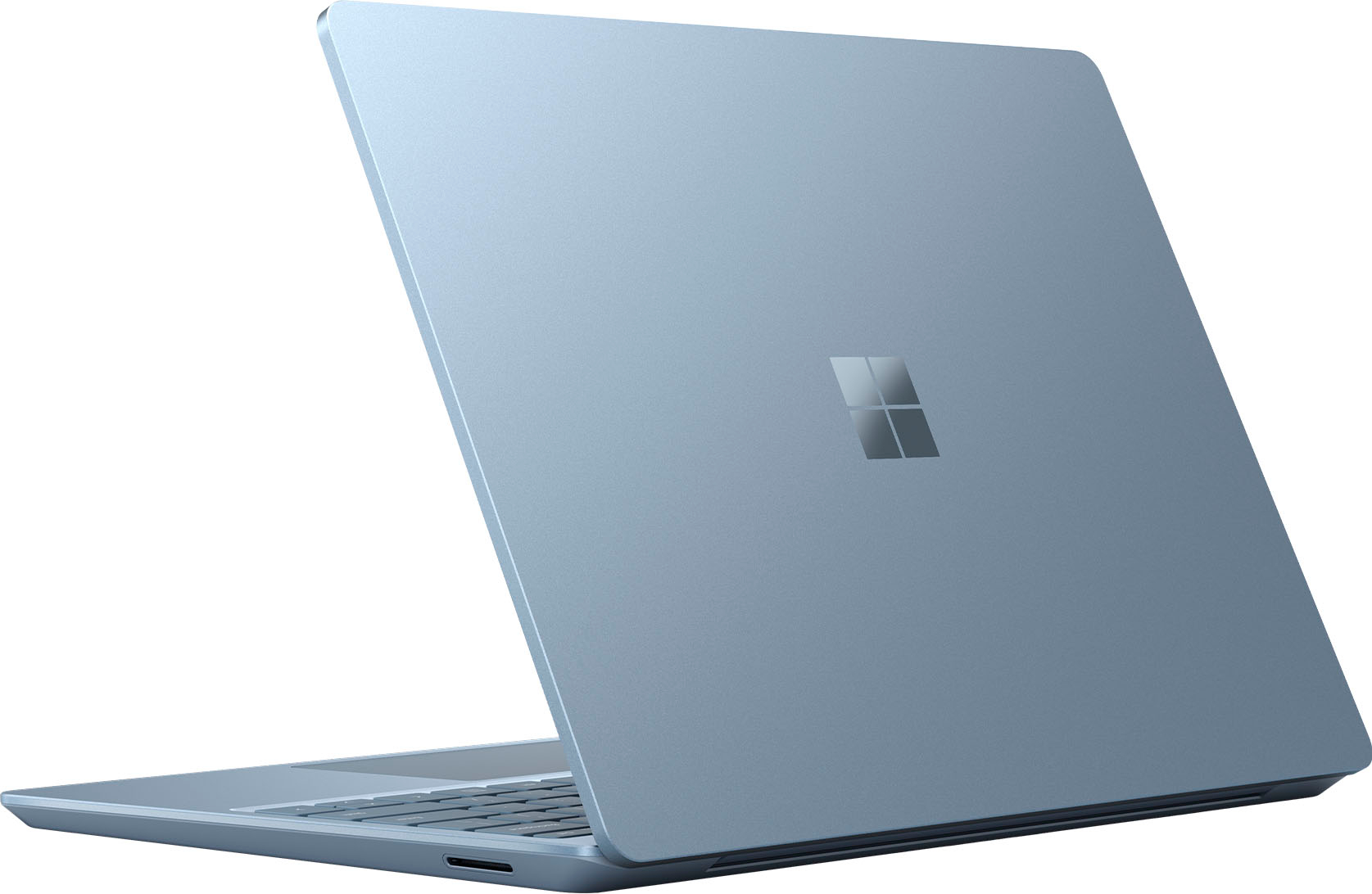


- Model:
- XK1-00059
- SKU:
- 10970148
Rating by feature
- Battery Life
Rating 4.5 out of 5 stars
- Speed
Rating 4.7 out of 5 stars
- Display
Rating 4.7 out of 5 stars
Great for school
||Posted . Owned for 1 week when reviewed.This reviewer received promo considerations or sweepstakes entry for writing a review.Good but a little slow - great for school but not work
No, I would not recommend this to a friendGood
||Posted . Owned for less than 1 week when reviewed.This reviewer received promo considerations or sweepstakes entry for writing a review.Gooooooooooooooooooooooooooooooooooooooooooooooood
I would recommend this to a friend- Pros mentioned:Overall performance, PortabilityCons mentioned:Storage capacity

Great laptop! Built like a tank but one major flaw
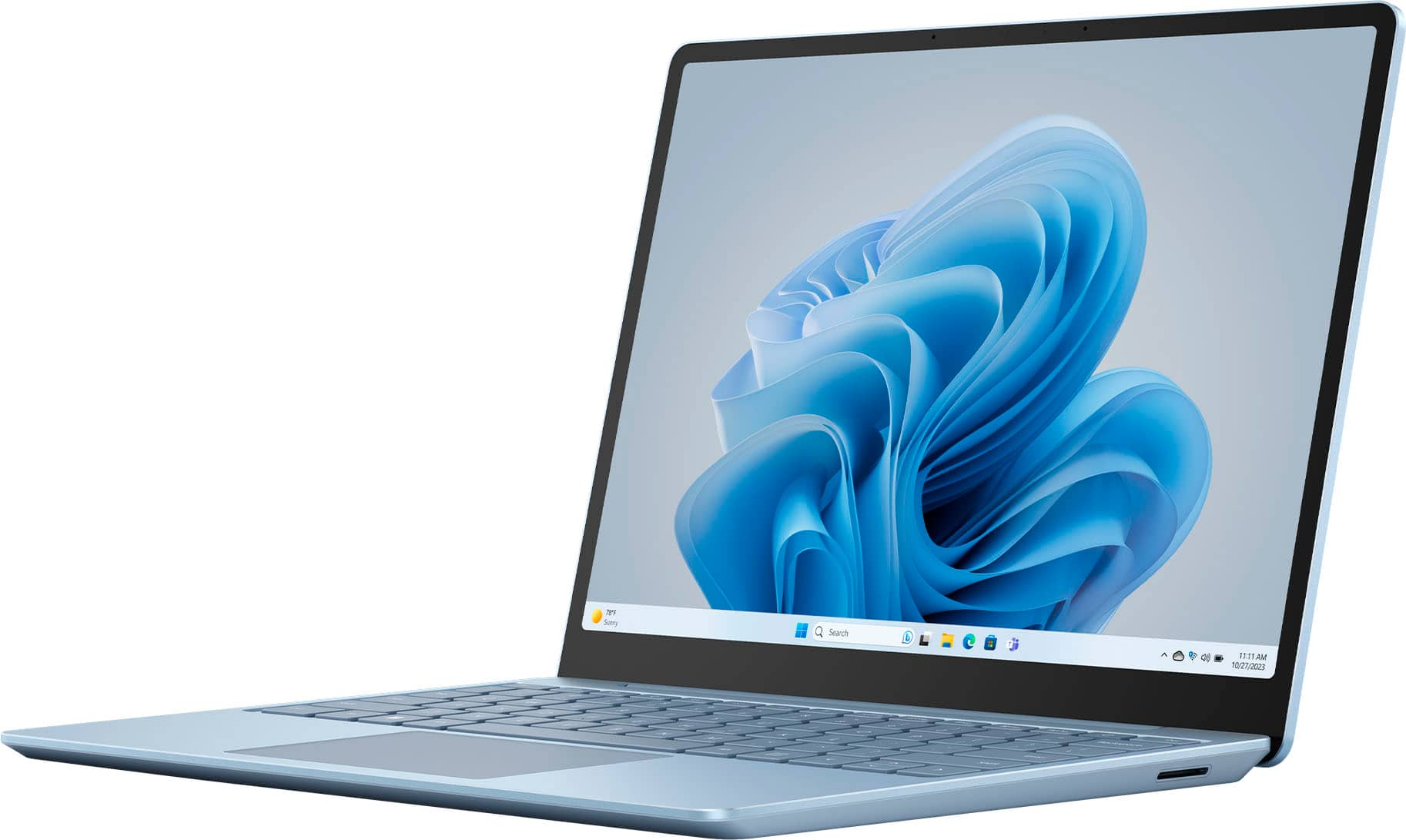
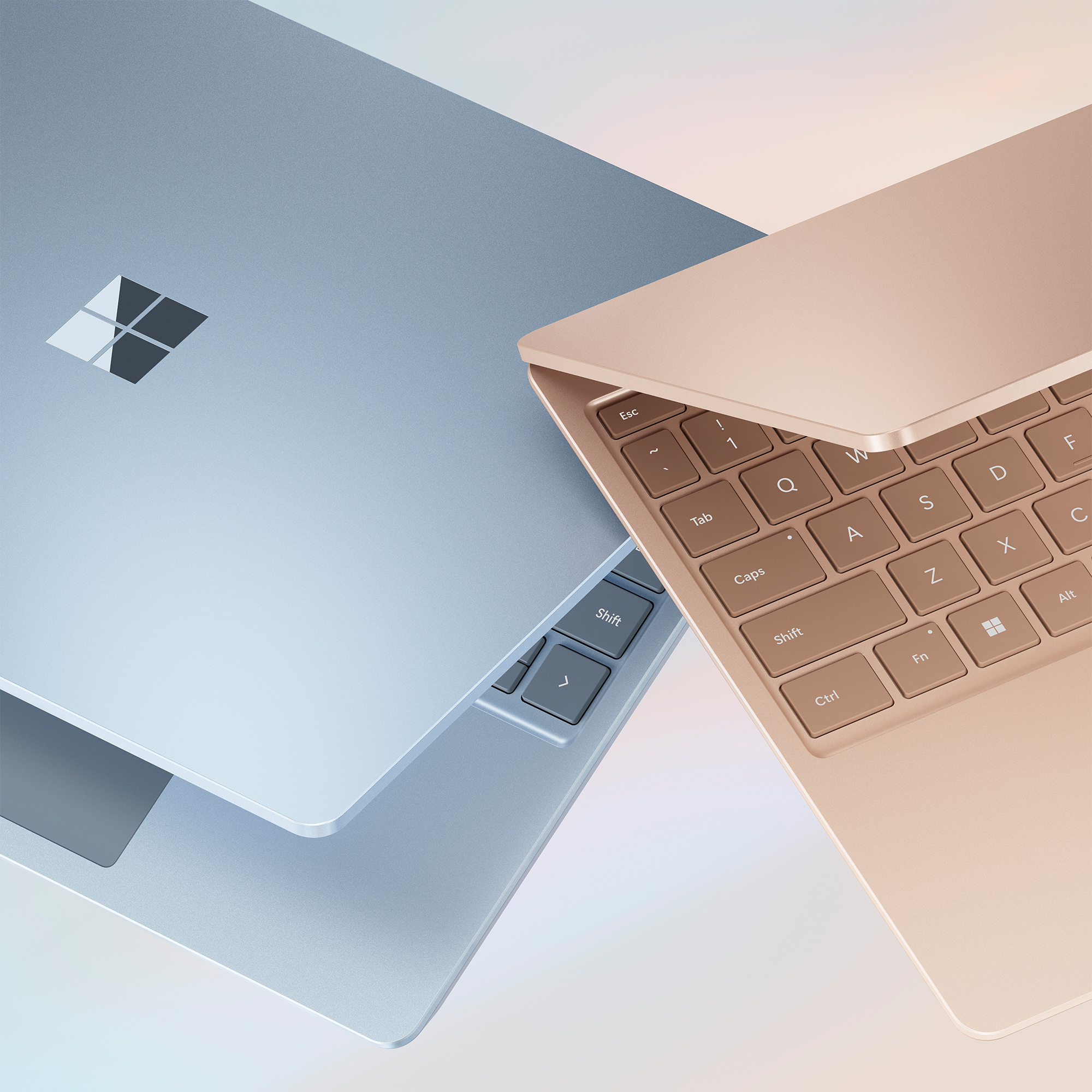
|Posted .This reviewer received promo considerations or sweepstakes entry for writing a review.I've got a gaming laptop, but needed another laptop that was on the small side, in which I could use for basic tasks, such as Office (Excel, Word, etc) and some small projects I have, as well as writing this review! For this Microsoft Surface Laptop Go 3, it hits all of the marks for portability and I really only have one issue, which was totally unexpected before I received it. Would this have changed my decision if I'd not know prior to receiving it? Perhaps. The unboxing experience is pretty great. The box is super sturdy and heavy duty and upon picking it up, you really get that sense of "wow, I think I got my money's worth", lol. This thing is HEAVY for such a small device and this makes me extremely happy - the heft is in zero way a bad thing at all. I wish more products these days were made like this. It's built like a tank and solid metal! The construction is superb and cleans super easy. I have no worries at all with it's portability and moving from place to place. And I'm normally the type of person that slaps a case and screen protector on all of my portable devices. So, major thumbs up to Microsoft for the build quality. I love the Sage Green color of this laptop. It's very metallic and almost has a "shimmer" type of color to it. It's very different from most other devices and for sure stands out from everything else. I feel the color also goes hand-in-hand with the build quality and solid metal construction. They keyboard feels great and is a pleasure to type on and the track pad is super nice - it literally feels like your sending your fingers across glass. It's super smooth and I never had my finger skid or skip when gliding across it. BONUS: I also purchased the matching Microsoft mouse to go with this laptop and it is also of similar construction and build quality, as well as super easy to connect for the first time and general use is phenomenal! As for performance and use, it's great! I am now absolutely SPOILED by the touch screen on this laptop. So much so, that I've caught myself accidentally swiping the screen on my gaming laptop and wondering why it's not working...whoops? I really feel more laptops, including gaming ones, really need to implement a touch-screen display...but I guess for gaming, that would be a lot more difficult to do... what with the high refresh-rate screens and such. Windows 11 performance is spot on. As soon as I set it up, I immediately done all of the upgrades and I've not had a single hiccup or stutter, whatsoever. I even tested a bit of "cloud gaming" (streaming) and it worked good, for the most part (nothing in regards to the laptop being the issue...cloud gaming is still hit or miss as far as latency goes). This thing runs as smooth as butter, which is really surprising for me, given it's only an i5 and 8GB of RAM! So now...this review is pretty glowing, right? Right! So, what's the one issue I had that I mentioned earlier? It's the lack of additional storage options. Now sure, if this laptop was staying in one place all the time, I'd just slap an external SSD to is or just keep a USB Thumb Drive inserted at all times. BUT...given this is a "GO" laptop and is geared more towards portability, it's a HUGE miss given that there's no internal SD card slot for additional storage. This laptop only has a 256GB SSD drive built in and some of that is allocated to Windows and System files. So, I have to be extra mindful on what exactly gets installed and used on this laptop. This surprised me to the point that it made an otherwise 5/5 system lose a star... So, overall, I give this a 4/5 review. It hits all of the notes and does everything well that it's intended to do. The build quality, color, touch screen and Win 11 performance are all as solid as this thing is built! However, the oversight of not including a slot to install a Micro SD or some other type of SD card into is a huge missed opportunity. So, yes, I highly recommend this laptop but if you buy it and there's an option for a larger amount of internal storage, definitely get a larger option.
I would recommend this to a friend Meh
||Posted . Owned for 3 weeks when reviewed.This reviewer received promo considerations or sweepstakes entry for writing a review.Just mediocre... Wasn't a horrible computer but it was extremely slow and the touch screen and the mouse pad both lagged significantly. Love the size but but for the size processor and the specifications it should have worked much better
No, I would not recommend this to a friendNot worth the money for the size
||Posted . Owned for 1 month when reviewed.This reviewer received promo considerations or sweepstakes entry for writing a review.Functionally it does what it was designed to do but the size makes it less than ideal. Definitely not worth the $700 we paid for it in my opinion.
No, I would not recommend this to a friend- Cons mentioned:Port selection
Could be better
||Posted . Owned for 3 weeks when reviewed.This reviewer received promo considerations or sweepstakes entry for writing a review.Fairly slow and not great. There are better options for the price. Also, please not that it doesn't have many side inputs like USB.
No, I would not recommend this to a friend - Cons mentioned:Keyboard backlighting
Very disappointed in Microsoft
||Posted . Owned for 1 week when reviewed.This reviewer received promo considerations or sweepstakes entry for writing a review.Not worth the money. Slow. No lighting on the totally blackout keyboard. Tinny feel to the casing. I gave it back to them.
No, I would not recommend this to a friend - Cons mentioned:Heat dissipation
Good but get heated
||Posted . Owned for 3 months when reviewed.This reviewer received promo considerations or sweepstakes entry for writing a review.It's a great laptop, however it gets heated quickly.
I would recommend this to a friend Works for basic needs
||Posted . Owned for 2 months when reviewed.This reviewer received promo considerations or sweepstakes entry for writing a review.Has all the basics to do most activities. Short battery life and slow charge.
I would recommend this to a friendCool but it has its cons
||Posted .This reviewer received promo considerations or sweepstakes entry for writing a review.My camera stopped working , same for my sister . I’m not sure why
I would recommend this to a friendTravel Laptop
||Posted . Owned for 1 month when reviewed.This reviewer received promo considerations or sweepstakes entry for writing a review.Nice little machine for traveling but no built in Bluetooth.
I would recommend this to a friendGreat
||Posted . Owned for 1 week when reviewed.This reviewer received promo considerations or sweepstakes entry for writing a review.I really like this computer however the battery life is not great.
I would recommend this to a friendDisappointed- surface pen not compatible
||Posted . Owned for 1 month when reviewed.This reviewer received promo considerations or sweepstakes entry for writing a review.I know this is supposed to be the budget option for surface, but man oh man disappointed. They seem to hide, bruh the fact the surface pen does not work. After hours of trying to figure it out found on an online forum this seems to be the case. The pen will connnect, sync but not respond. Rather irritated and feel duped.
No, I would not recommend this to a friendWouldn't Recommend
||Posted . Owned for 3 months when reviewed.This reviewer received promo considerations or sweepstakes entry for writing a review.Very small. Returned it instantly, didnt try it out, it is the exact size of a cheez it box. Would be great if you were looking for a small laptop for a child, wouldn't recommend for schooling.
No, I would not recommend this to a friendSanta is coming to town.
||Posted . Owned for 1 week when reviewed.This reviewer received promo considerations or sweepstakes entry for writing a review.It’s a Xmas gift so I won’t have a clue until after next year.
I would recommend this to a friendScreen Cracked Right After Purchase-Disappointed
||Posted . Owned for 1.5 years when reviewed.This reviewer received promo considerations or sweepstakes entry for writing a review.I was really disappointed my Surface screen cracked almost immediately after I bought it, with barely any use or pressure. For the price, I expected better durability. I take care of my devices, so this was frustrating and unacceptable. Definitely not what I expected from Microsoft.
No, I would not recommend this to a friendCo
||Posted . Owned for 1 week when reviewed.This reviewer received promo considerations or sweepstakes entry for writing a review.Super slow computer not functioning well at All. Nice color.
No, I would not recommend this to a friendI’m pretty sure I won’t win $400 feedback prize
||Posted . Owned for 3 months when reviewed.This reviewer received promo considerations or sweepstakes entry for writing a review.I purchased this computer. It is awesome. But after having to have it replaced four times, I asked if they would upgrade the next one to the Surface Studio 2. They said “NO.” They sent me the next one and when I went to download my software that I use, the computer couldn’t find the operating system. I called the Geek Squad desk and told them I have lost all confidence. I have every Microsoft Laptop they make. I didn’t want my money back. I just wanted a computer that worked. They ended up refunding my money. I bought a Lenovo ThinkPad. It was almost 3 times less expensive. What a bummer for me. I have every accessory for Microsoft computers.
No, I would not recommend this to a friend- Pros mentioned:Overall performanceCons mentioned:Keyboard backlighting, Port selection
Not too shabby - lots to like
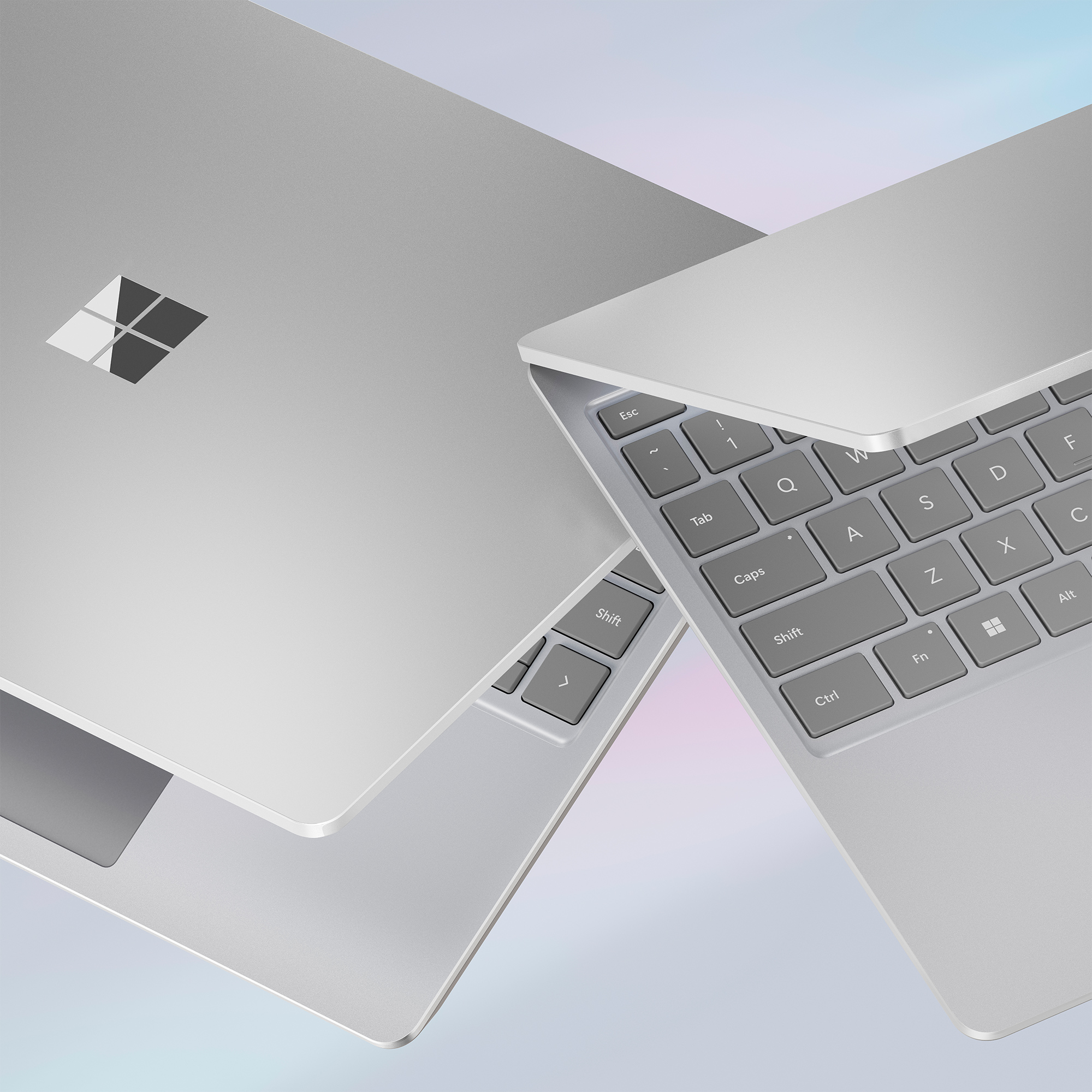
|Posted .This reviewer received promo considerations or sweepstakes entry for writing a review.I'm a daily user of Apple's M2 Macbook Air and have been a Macbook fan for some time now. Still, I fondly remember my Surface Pro days and am always keeping one eye open on what Microsoft is doing in that space. I think a well-built entry-level Windows PC like the Surface Laptop Go 3 is a really compelling product. This particular model comes with a 12th-gen Intel i5 processor and 8GB of RAM. For every day tasks, the performance provided by the CPU and RAM are totally sufficient. There is a very slight lag between (for instance) clicking on a Youtube video and the page loading, but it's easy enough to overlook if you're not in a hurry. Still, the lag is there, so if you're looking for super-snappy performance, this isn't the device for you. And that probably sounds like an overall negative statement–but honestly, it's one of the only things about this laptop that I dislike. I remember my first "real" laptop, a 13" Dell Latitude from the early 2010's. It only had a 1366x768 screen but at the time, it was an awesome device and the perfect size for mobility (again, for the time). To this day I maintain that 13" laptops provide the ideal balance between mobility and productivity, especially with the availability of higher resolutions. The Surface Laptop Go 3 has a max resolution of 1536 x 1024, and the 3:2 aspect ratio is a lot more enjoyable than I thought it would be. Just looking at the numbers, that resolution is a little underwhelming–but the aspect ratio is what makes it usable, as the laptop provides more relative 'height' in your work experience than other traditional 4:3 or 16:9 screens. The display itself is a 12.4" touchscreen, under the aforementioned "ideal" laptop screen size, but close enough that it works. Personally, I don't particularly care for touchscreens on laptops, but understand why people are drawn to them. This panel is plenty responsive, but I'd like to see some more optimization of the software when engaging text fields on the touch screen to prevent the onscreen keyboard from popping up automatically (I'm sure there's a setting somewhere in the Windows UI that could prevent this, but I'm not a huge fan of the redesigned settings app on Windows 11). The keyboard and touchpad experience are really good. The keys have plenty of travel but still feel great while typing. The touchpad could be a bit larger, but space is limited due to the size of the chassis. Similarly, the keyboard, while a good typing experience, feels a little bit cramped; Microsoft defines this as a "Full-size keyboard with large, precision touchpad" but I'm not sure I agree. Still, it's relatively easy to adjust to (even for me, who has pretty big, meaty hands). I/O is limited to a single USB-A, single USB-C (which can also used for power), and a headphone jack; this should be fine for a lot of people, especially for lighter tasks like web browsing, email and the occasional video call. Microsoft also includes a power adapter with their proprietary connector in the box. Microsoft claims 15 hours of battery life, although my experience makes me think that number is over-estimated (your mileage may vary, as with all battery life claims). Overall build quality is good–mostly (if not all) plastic on the outside, but this helps keep the weight down; depsite its construction, it feels extremely rigid. The most compelling piece here is the price. The screen might be a little small for some users, but as an entry-level laptop for $800, you could do worse. I don't love the Windows 11 operating system generally speaking, but like anything else, once you get used to it–and configured how you like it–the experience is good enough.
I would recommend this to a friend - Pros mentioned:Battery life, PortabilityCons mentioned:Keyboard backlighting
Excellent Secondary/Travel work machine
|Posted .This reviewer received promo considerations or sweepstakes entry for writing a review.I'm a pretty big fan of Microsoft products - I loved my Surface Pro 2, and then the Surface Pro 4, and now my main machine is the Surface Laptop Studio, which so far is the best Surface product I've owned. However, do I really want to travel with such an expensive laptop? Do I want to risk damaging it in taking it outside of my home? The answer to that - NO! It's way too valuable to risk damaging or getting stolen on trips. So what to do? You get sometime smaller, lighter, that would be relatively "okay" if I lost it. Enter the Surface Laptop Go 3, it's nowhere near as expensive as the Laptop Studio, but that also means it is nowhere near the quality. I love the weight, the feel is very nice, has a touch screen, but no pen support (because really, if you can't fold it down to a tablet, then there is no point to using a pen at an awkward angle). The keyboard feels pretty good, but it's not backlit like the Studio, so it's harder to type at night to see keys. The trackpad placement and size is good, but oddly, not as smooth as the Studio - it's not terrible - it just requires a slightly lighter touch, which is not bad, but noticeable when switching between the two laptops. With a "budget" PC like this, you're not going to get great internal specs either. Will it handle web browsing, movie watching, working w/Office or CRMs - of course! It's fine for all of that! Will it handle gaming? Not graphic intense games, I installed Fortnite on it, so I could join in on a game or two while on vacation, but as soon as I started an actual game - it struggled incredibly and was quick to really heat up, regardless of the low video settings I had set. That's a bit of a bummer, I was hoping it would behave at least as good as a Switch (which struggles as well). And again, with the price comparison, I get it, it's not meant to be as great. It's not going to get you intense gaming, but it is a good lightweight work computer. I will definitely use this for work/casual browsing on trips and leave my Surface Studio safely at home. Pros: Not incredibly expensive Very lightweight Great battery life (on casual work/browsing) Touchscreen Cons: i5 chip 8GB base RAM non-backlit keyboard no gaming Trackpad requires lighter touch If this is a secondary machine, this is great. If you want to make this just your work machine, that will also work (unless using apps that require an i7, then this is under powered). If this is going to be your work AND personal (w/gaming) machine - then this is not the PC for you. You'll want something a bit more powerful.
I would recommend this to a friend