Customer Ratings & Reviews











- Model:
- A1Y-00001
- SKU:
- 6478302
Rating by feature
- Battery Life
Rating 4.3 out of 5 stars
- Speed
Rating 4.7 out of 5 stars
- Display
Rating 4.8 out of 5 stars
Customers are saying
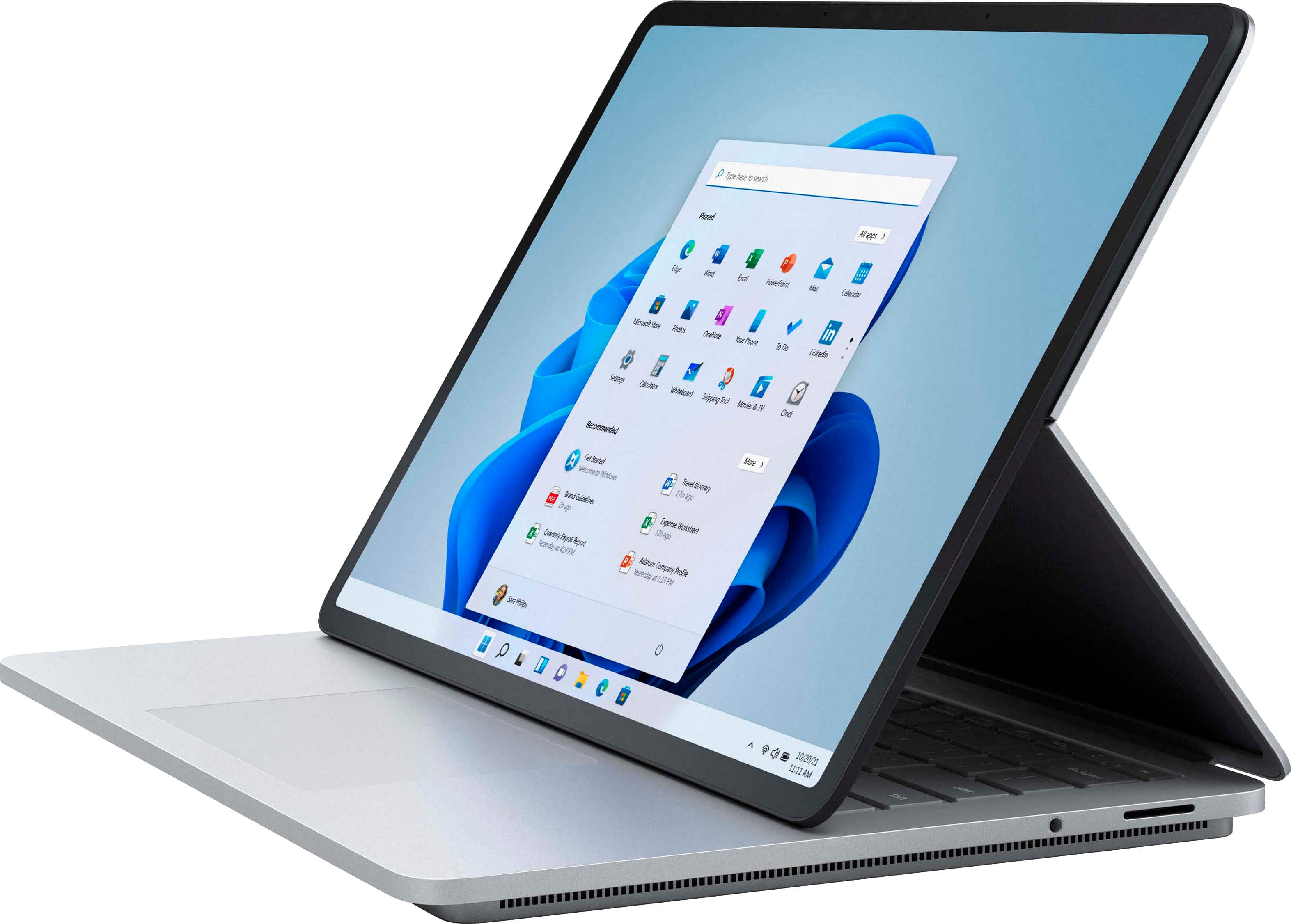
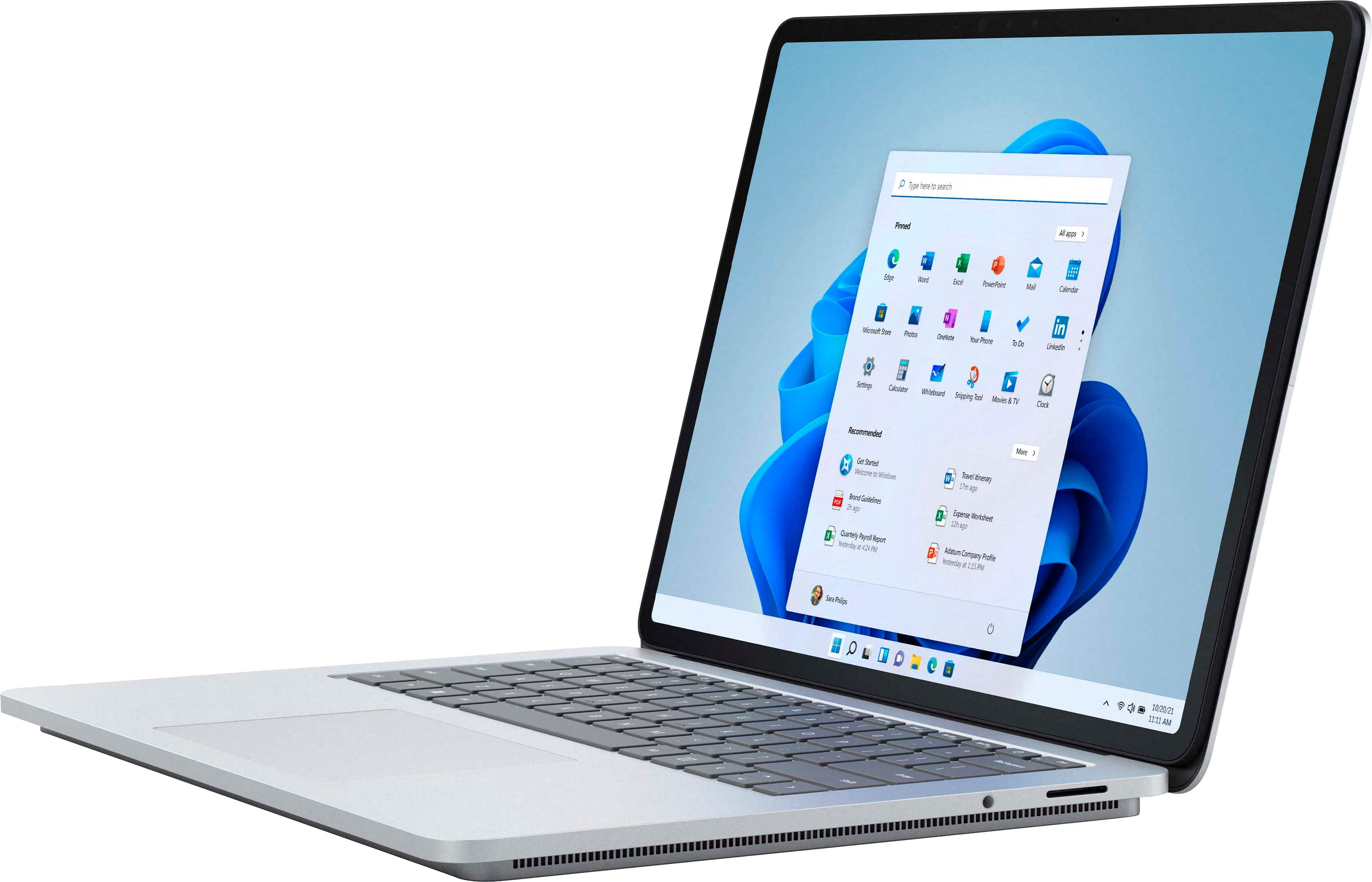
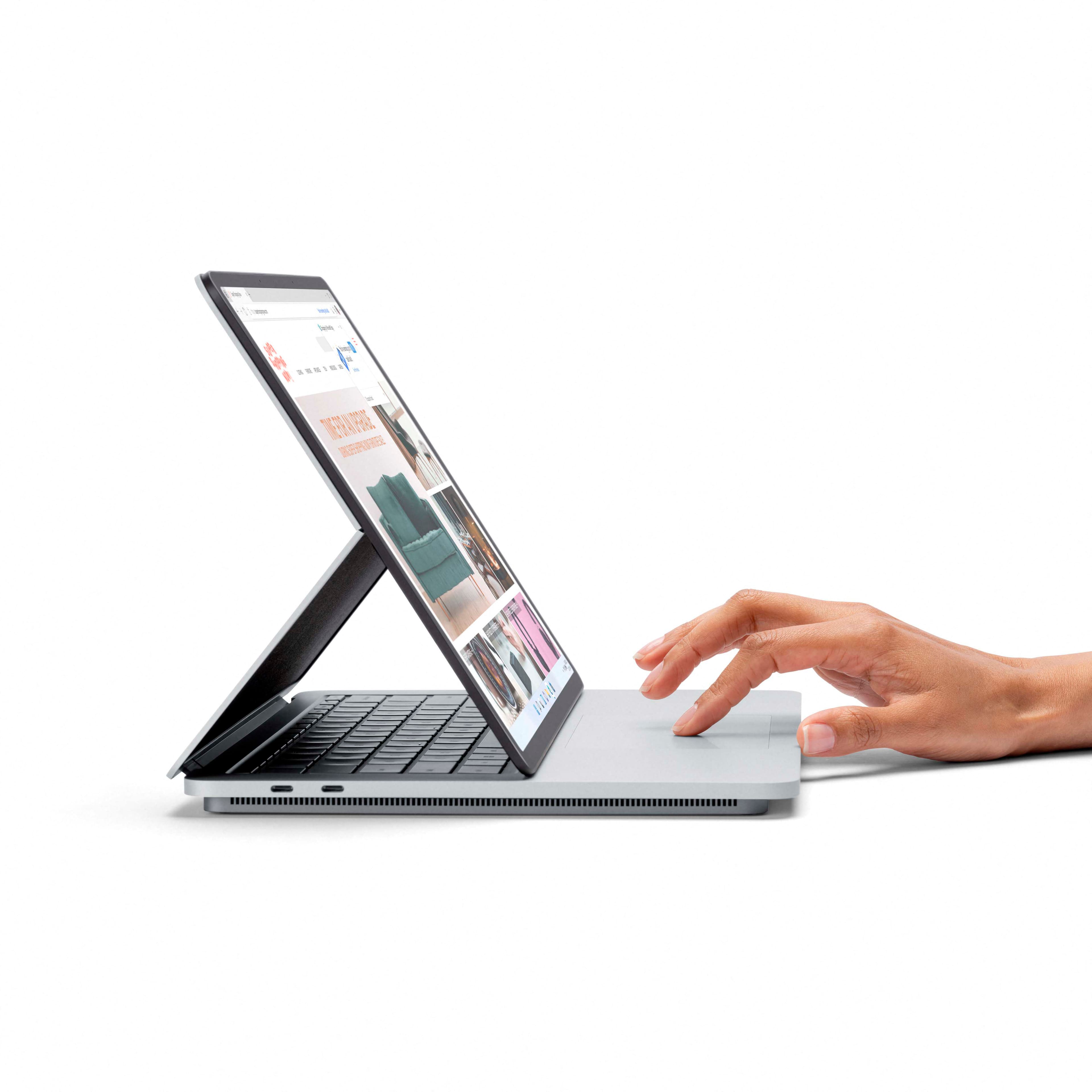
Customers regard the Surface Laptop Studio as a versatile device with a fantastic keyboard, fast performance, and a beautiful display. They appreciate its ability to function as both a laptop and a tablet, making it suitable for various tasks. However, some users have concerns about its battery life, weight, limited ports, and premium pricing.
This summary was generated by AI based on customer reviews.
Great Computer, Some Hiccups
||Posted . Owned for 1 year when reviewed.This reviewer received promo considerations or sweepstakes entry for writing a review.All around I've really enjoyed this laptop. My unfortunate struggle with it is battery charging. Unfortunately, I've had some major issues getting the battery to consistently take a charge. Even with stock cable, it will sometimes be plugged in with lights on and then not be charging. Have figured out a solution, but its frustrating for this to happen on a high end machine. Overall, I'd buy again...
I would recommend this to a friend- Pros mentioned:Design
Beautiful Design
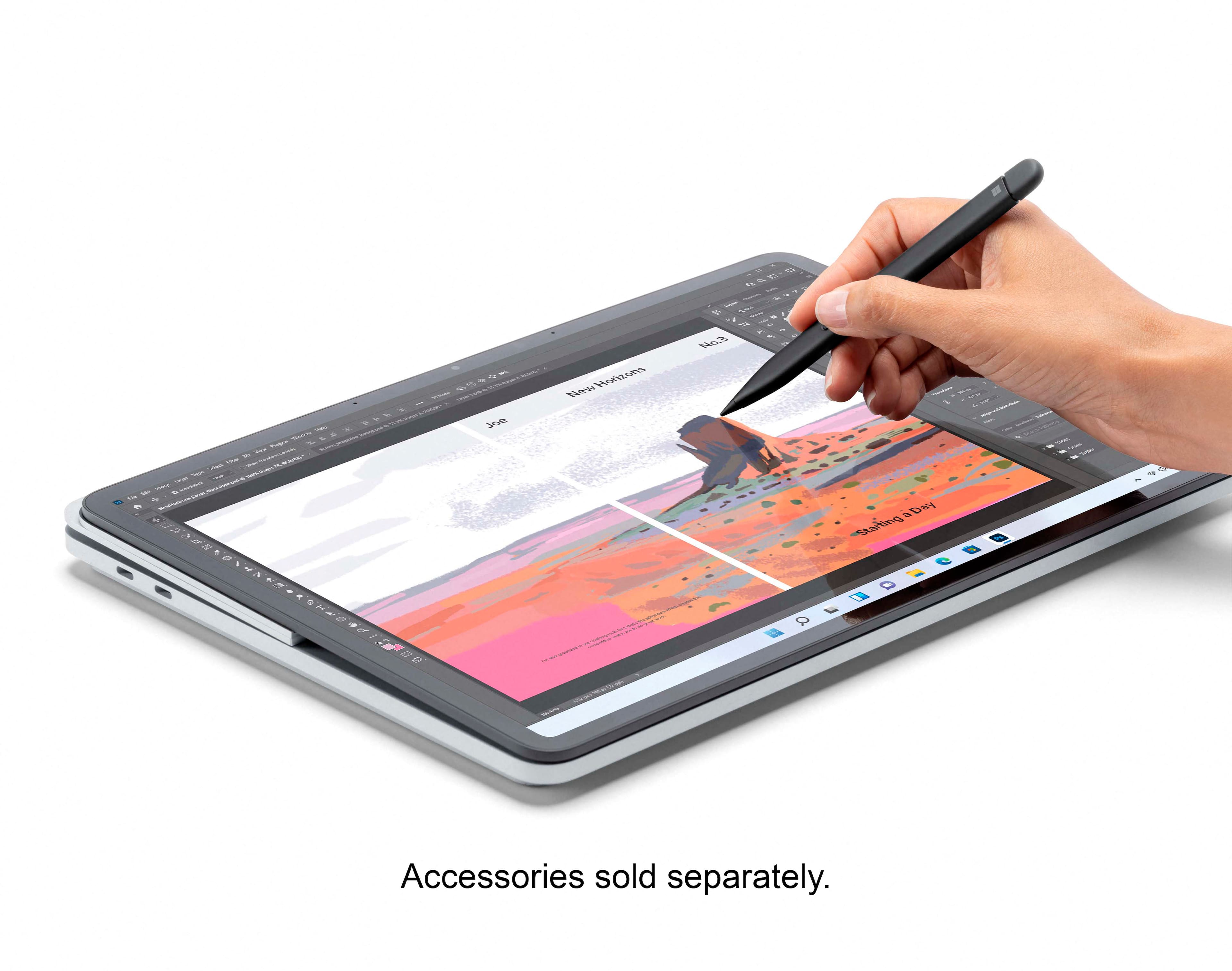
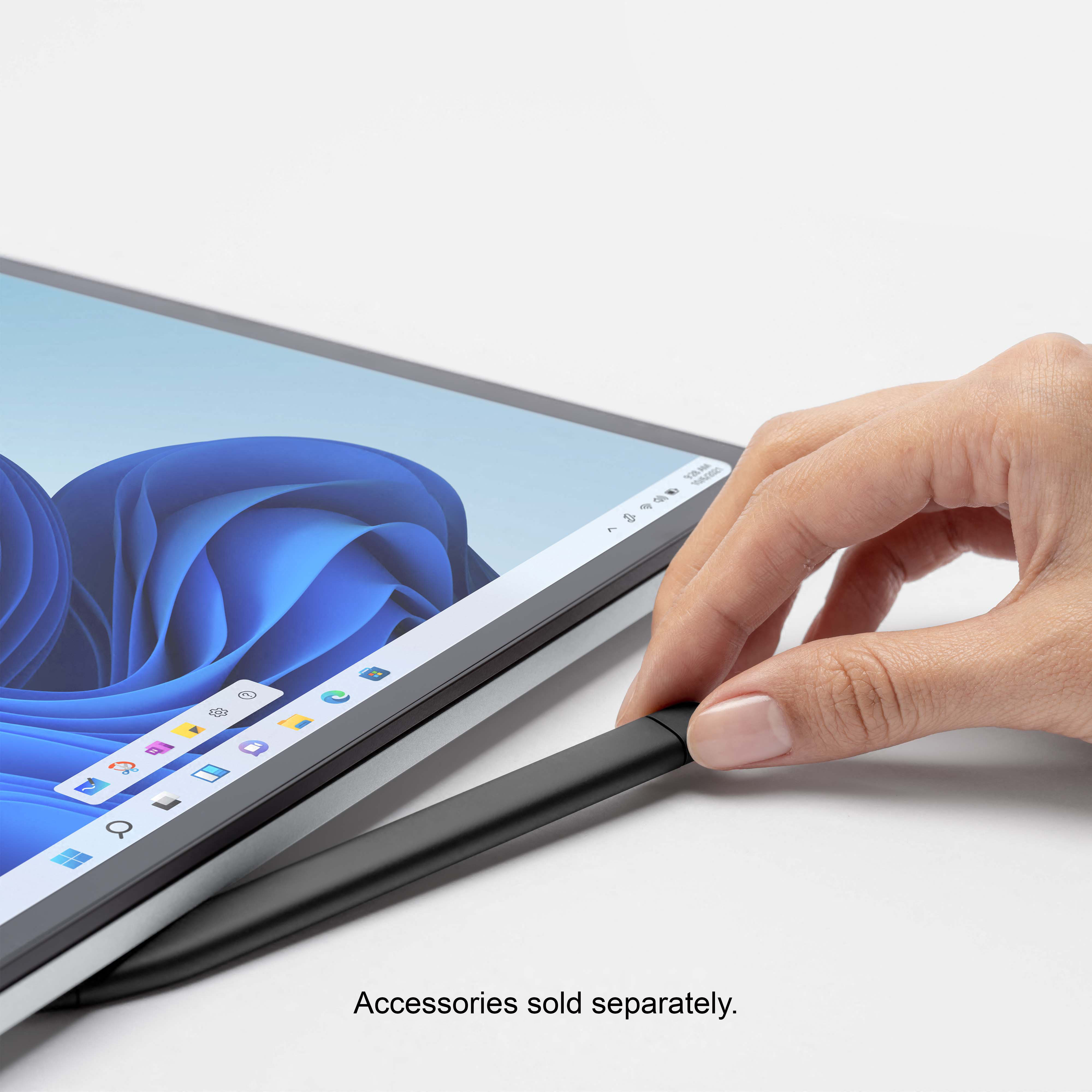
||Posted . Owned for 3 weeks when reviewed.This reviewer received promo considerations or sweepstakes entry for writing a review.I'm not the type to get super invested in my electronics - it's fun to have the shiny new toy, but the shininess usually fades away pretty quickly and then it's just a tool you use to do things. That said, I adore this laptop. It is exactly what I was looking for - beautiful design that easily flexes between "tablet" mode and laptop mode and everything in between, touch screen is as sensitive as I want, everything happens seamlessly and quickly, etc. etc. I have yet to get too intense with creating visual art on it, so we'll see how it holds up to more intense "studio" needs. Two things I will note. (1) The old Surface pen doesn't stick on too securely, so may be worth splurging for the new one that's designed to fit and charge on it (I'm still deciding if I will). (2) Not sure if this is really on the laptop, but I have noticed Android Studio feels a little slow & the virtual device is not working correctly. Could totally be on Android Studio, but in case this is a sign of its ability to handle more resource intensive tasks, just a note!
I would recommend this to a friend - Pros mentioned:Processor speed
Nice
||Posted . Owned for 3 weeks when reviewed.This reviewer received promo considerations or sweepstakes entry for writing a review.I like the convertibility. Runs quickly and is a Nice size.
I would recommend this to a friend - Pros mentioned:Processor speed
Wonderful Laptop and Form Factor
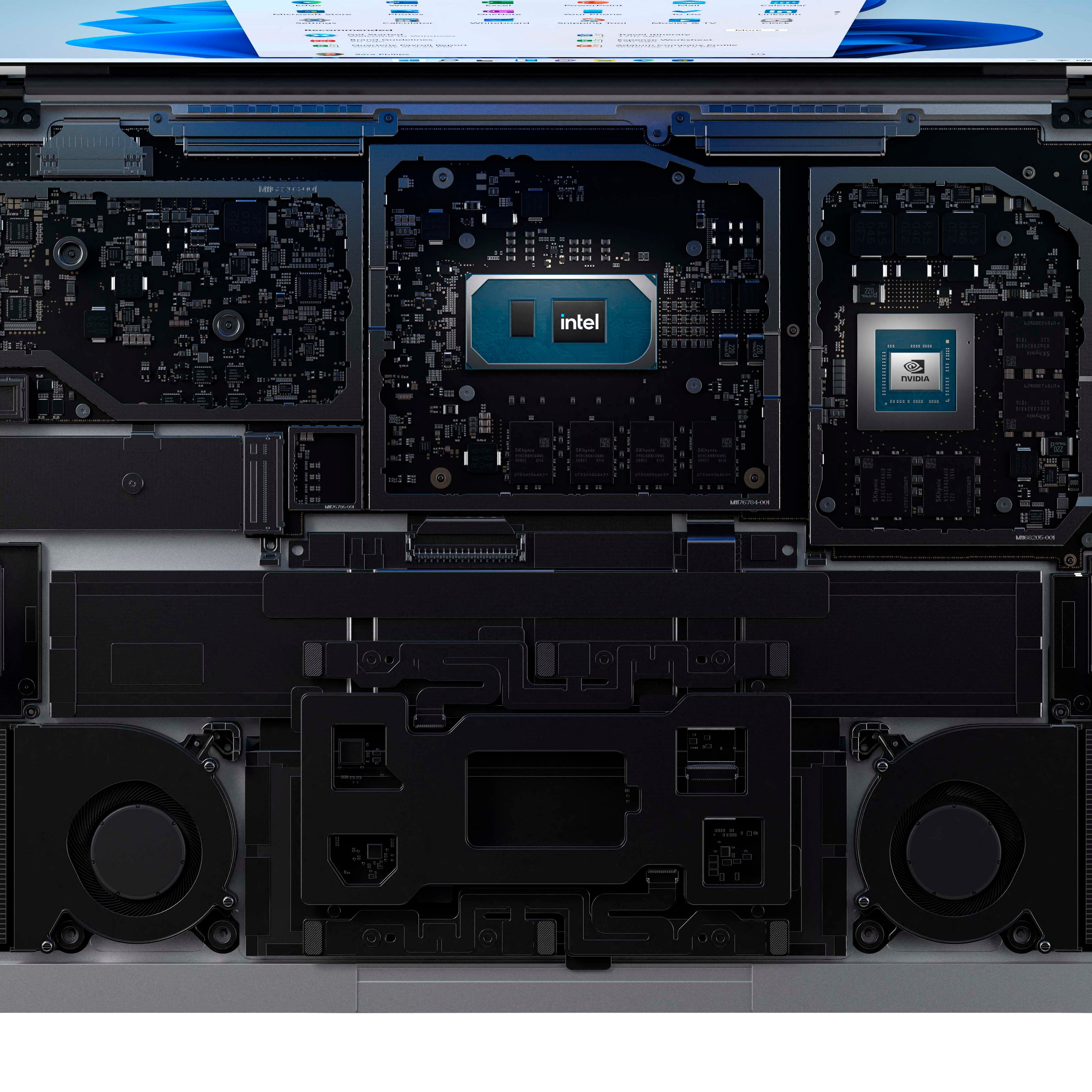
||Posted . Owned for 1 month when reviewed.This reviewer received promo considerations or sweepstakes entry for writing a review.I have always been a fan of the Surface line of products, but felt like it did not have a computer that fit my needs. The Surface Pro is a great form factor but lacks power. The Surface Book had great internals but had a funky form factor, especially while changing it's orientation. The Surface Laptop Studio house the internals that I need, with a form factor that allows me to easily change from a laptop to a (somewhat heavy) tablet. The 35w processor is an upgrade from the Surface Pro (and Book) line and includes a graphics card to allow for heavier application use. I was not immediately in love with the design of the device, but I found it growing on me the longer I used the device. While on my desk, the base disappears and makes the device look slick and modern. While in tablet form a profile of the side looks awkward, but is a much better solution then the one provided by the Surface Book. Although the laptop market has been mixed up with the new Macbook devices, I find that this is my favorite and most used Windows laptop.
I would recommend this to a friend - Pros mentioned:Keyboard qualityCons mentioned:Battery life, Weight
Hopeful for 2nd generation
||Posted . Owned for 1 week when reviewed.This reviewer received promo considerations or sweepstakes entry for writing a review.Very well made, being able to position the screen any way you want is very convenient. I would have preferred a 13 or 13.5" size as this is a little big and heavy for my uses. Battery life is not great, I don't reach 10hrs even when just browsing the web not streaming video at all.
No, I would not recommend this to a friend - Pros mentioned:Keyboard quality
All I can say is WOW
||Posted . Owned for 1 month when reviewed.This reviewer received promo considerations or sweepstakes entry for writing a review.I was really impressed when I saw the Surface Laptop Studio at the Microsoft Surface reveal in September, but I really didn't know if this was as good as advertised. I took a chance and ordered it as soon as it was available. It has exceeded my expectations. It's pricey for sure but you get what you pay for. The quality and build are just terrific. The form factor is great, from laptop to tent to tablet mode. The new Slim Pen 2 works so well and that haptic feedback is amazing. Love how the pen stores magnetically under the base of the laptop which also serves to charge the pen. I bought the i7 version as it came with a dedicated GPU which made a big difference with Photoshop, and I was even able to play some decent games on it as well. Battery life is decent, more than other reviewers have pointed out but certainly better than other older Surface products. And as an overall laptop it screams. I suppose some may find it a bit pricey, but again you do get a premium laptop with great functionality. Highly recommended.
I would recommend this to a friend My Microsoft Surface Laptop Studio
||Posted . Owned for 1.5 years when reviewed.This reviewer received promo considerations or sweepstakes entry for writing a review.The Microsoft Surface Laptop Studio is a versatile, high-performance device ideal for both personal and professional use. It can enhance your business's efficiency. And I love it.
I would recommend this to a friendTablet
||Posted . Owned for 1 year when reviewed.This reviewer received promo considerations or sweepstakes entry for writing a review.Really great product. I love the battery life and the portability of the product. Will be purchasing the product again.
I would recommend this to a friendA whole new world for an artist!
||Posted . Owned for 1 week when reviewed.This reviewer received promo considerations or sweepstakes entry for writing a review.The SURFACE Studio edition has lived up to its early reviews as a unique experience for the mobile artist. I bought this for my son who has been drawing and painting all his life but never on an electronic device. He was amazed at the tactile experience which he did not expect. This thing is perfect regardless of your experience level.
I would recommend this to a friendGreat laptop
||Posted . Owned for 1 month when reviewed.This reviewer received promo considerations or sweepstakes entry for writing a review.I love this computer. I originally had the surface 15" but it felt big and fragile. This feels sturdy, solid, but luxurious, even moving between its different configurations. Processor feels a touch slow sometimes when I have a bunch of tabs and applications open.
I would recommend this to a friendSlim and powerful
||Posted . Owned for 1 year when reviewed.This reviewer received promo considerations or sweepstakes entry for writing a review.I really love this computer. It runs both photoshop beta and Luminar at once without issue. Just a fabulous buy!
I would recommend this to a friend- Pros mentioned:Pen, Processor speed
Best laptop out there.
||Posted . Owned for 1 week when reviewed.This reviewer received promo considerations or sweepstakes entry for writing a review.This laptop is awesome, it meets my expectation. Fast to edit my photos. Fast enough to play online. The speakers too are super fantastic. Plus there's a very useful pen. The only thing that I wish they have is SD slot. Buy it now you won't regret it.
I would recommend this to a friend Access to everything for me…..Perfect!
||Posted . Owned for more than 2 years when reviewed.This reviewer received promo considerations or sweepstakes entry for writing a review.The touch screen is one of my favorite things about this laptop and the accessibility to get to all of my needed academic and work applications is the best.
I would recommend this to a friend- Pros mentioned:Processor speed
Portable studio - powerful 2-in-1
||Posted .This reviewer received promo considerations or sweepstakes entry for writing a review.14.4" screen, 3 step conversion from laptop to tablet, Intel core i7 processor powered with NVIDIA GeForce graphics card, 16 GB RAM, 512 GB disk space - provides a powerful blend of power and technology. Preloaded with Windows 11 provides next level of computing. Lift the lid and facial recognition based login takes the user experience to the next level. Step design to better dissipate the heat is quite innovative and so far has never felt the device heat up even after 7-8 hours of continuous use. The magnetic holder+charger capapability to hold the slim pen keeps the system ever ready if you want to use the pen to annotate or take quick notes. Sound quality is excellant. Certainly Microsoft has named this as Laptop Studio - power packed and loaded with advanced technology and features
I would recommend this to a friend Surface Laptop Studio 9.5/10
||Posted . Owned for 9 months when reviewed.This reviewer received promo considerations or sweepstakes entry for writing a review.Great for productivity in general. Easy to carry around because of its slim form factor and low weight. Not the most powerful OTM (which is my only complaint), but is one of the nicest/convenient.
I would recommend this to a friend
fantastic laptop but…
|Posted . Owned for 2 weeks when reviewed.This reviewer received promo considerations or sweepstakes entry for writing a review.Overall, The surface studio is fantastic and in its use i love it. Although I never used it for its intended purpose of graphical design, I used it for school work, multitasking as well as gaming and it handled it extremely well without the look of a gaming laptop.
I would recommend this to a friend- Cons mentioned:Price
Good product, overpriced.
||Posted . Owned for 6 months when reviewed.This reviewer received promo considerations or sweepstakes entry for writing a review.Solid two-in-one. Good for schoolwork, and creative work as well. It runs a bit poorly for the price, though. I wouldn't recommend it if you're on a budget.
No, I would not recommend this to a friend - Pros mentioned:Keyboard quality, Processor speed
amazon laptop
||Posted . Owned for 1 month when reviewed.This reviewer received promo considerations or sweepstakes entry for writing a review.This laptop is definitely an upgrade from the surface pro tablets. The keyboard is very comfortable, the quality of the display and graphics is amazing and the speed of the processor is a notable upgrade.
I would recommend this to a friend - Pros mentioned:Keyboard quality, Processor speed
Great flexibility in a well built package
||Posted . Owned for 1 week when reviewed.This reviewer received promo considerations or sweepstakes entry for writing a review.We use these at work and they really are nice computers. It is build solid, feels like quality and the option to find the screen gives it a lot of versatility while still running at high speeds.
I would recommend this to a friend Love my Surface Laptop Studio!!!
||Posted . Owned for 3 weeks when reviewed.This reviewer received promo considerations or sweepstakes entry for writing a review.Love my new Surface Laptop Studio!! I had the Surface Pro for many years, which finally was not able to keep up with my workload. Everything synced over with the Cloud, and I couldn't be happier my decision!!
I would recommend this to a friend