Customer Ratings & Reviews
- Model:
- 9UR-00001
- |
- SKU:
- 7952262
Customer reviews
Rating 4.5 out of 5 stars with 1360 reviews
(1,360 customer reviews)Rating by feature
- Ease of Use4.5
Rating 4.5 out of 5 stars
Customers are saying
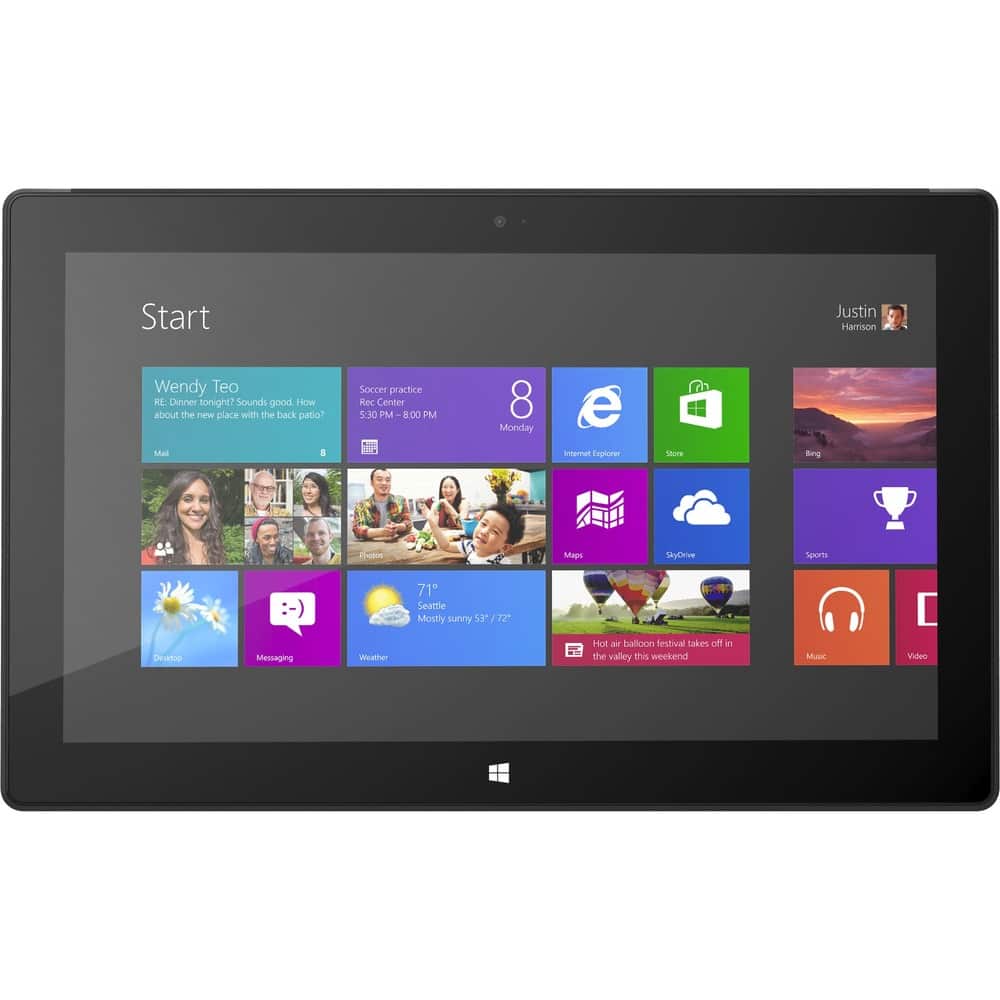
Customers regard the Surface Pro 10.6" favorably for its portability, screen quality, and USB port, with many praising its size and the included stylus. However, significant concerns exist regarding battery life and the device's weight. Some users also mentioned issues with heat generation and the initial price point. The operating system also received mixed reviews.
This summary was generated by AI based on customer reviews.
- Pros mentioned:Portability
Rated 5 out of 5 stars
Great Mini Computer
||Posted .This reviewer received promo considerations or sweepstakes entry for writing a review.This was on sale and had to get it as it was a great value . SOOO glad I did . Can use it as a tablet or a laptop computer , if the keyboard is purchased . Can't say enough !!
I would recommend this to a friend Rated 4 out of 5 stars
Great as a non-Apple option for a tablet
||Posted .This reviewer received promo considerations or sweepstakes entry for writing a review.I've had my Surface Pro for about a month and there isn't anything that I used to do on my laptop that I can't do on my Surface. I'm loving that...all the power and ability of a laptop with the convenience of a tablet. What I don't like is the weak antennae. I get limited or slow connectivity when I use my Surface in my bedroom...and I used to get full connectivity with my laptop. I don't like that to make the best use of the Surface, I need to be in the same room as my wireless modem/router. However, that isn't enough of a problem for me to want to give up the Surface.
I would recommend this to a friendRated 4 out of 5 stars
Solid tablet; good value
||Posted .This reviewer received promo considerations or sweepstakes entry for writing a review.The Surface Pro has met my expectations. Would recommend without hesitation.
I would recommend this to a friendRated 4 out of 5 stars
Good
||Posted .This reviewer received promo considerations or sweepstakes entry for writing a review.Had to purchase extra media features that seems like it should be included/
I would recommend this to a friendRated 5 out of 5 stars
Read alternative to Ipad
||Posted .This reviewer received promo considerations or sweepstakes entry for writing a review.Thought it was just another Microsoft wrong turn. Actually turns out its a full fledge fully functional PC in true tablet form. Keyboard actually connects as easily as commercial. I5 processor, SSD and 1080p screen. This would be my spec for a laptop. Expand the SSD and I'll skip the laptop/desktop altogether.
I would recommend this to a friend- Pros mentioned:Portability
Rated 5 out of 5 stars
Great piece of technology for new teachers!
||Posted .This reviewer received promo considerations or sweepstakes entry for writing a review.The tablet is great for being a new year teacher. I was able to install the programs I use at school and now can lesson plan from home.
I would recommend this to a friend - Cons mentioned:Battery life
Rated 4 out of 5 stars
pretty good
||Posted .This reviewer received promo considerations or sweepstakes entry for writing a review.i like this device for easy to use. the battery life is about 4 hours. but i found some fine light stripes on the screen sometimes. i will return it for this reason. the other issue is while i am playing games, it may jump to STARTautomatically.
I would recommend this to a friend - Cons mentioned:Battery life, Heat
Rated 5 out of 5 stars
In my humble opinion
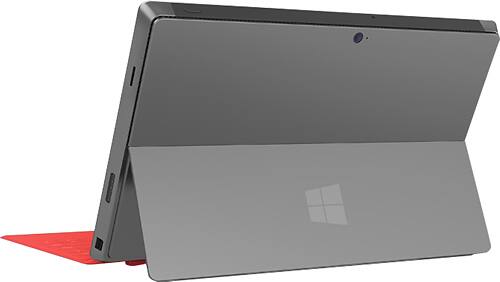
Posted .This reviewer received promo considerations or sweepstakes entry for writing a review.Good morning! I would like to offer up a quick review of this product so far. I am not a tech blogger. I am pretty sure my grammar and spelling are often suspect. So, if you would like to filet me over those points, I won't be offended. It happens all the time. However, if you would like to read about my experiences so far, I would be happy to share. A couple of points before I get started. I am fairly certain that I am not really an expert in anything, but I am an early adopter and I can tell you I have used a number of different products. I will probably jump back and forth between tablets and laptops for comparison since this really a hybrid of both and there is no direct comparison. As such, I'll give you a quick run down of my other experiences. We have 3 different iPads each from a different generation except the 4th. I have an ASUS Transformer Prime which replaced my Samsung Galaxy Tab (first gen 10 inch). We still have a 7 inch Galaxy tab which I can't seem to give away because I have a certain nostalgia towards it. I also have a Lenovo X220 as my main mobile laptop, a Lenovo W520 as my workstation laptop. We have an older Lenovo X300, and a 15 in Mac Pro. I used to have desktops too, but they were just too cumbersome. And of course, the various iPods, Walkmans even (yes, I had one and so did my wife) and the Palm pilot, etc. etc. Oh yes, and one more thing. I do not work for any particular manufacturer and so I have no vested interest in boosting someone's stock with my review. I am just an early adopter who likes to use a little tech here and there. Okay so now on with the show. I will try and address a few common concerns: 1. Battery Life - you know it's hard to say about this one. I can't I know anyone that would not love to have more battery life in any of their tech products. I have bought countless extra and extended batteries for my laptops so that I could travel longer and work longer while unplugged. However, I have learned to adjust if I needed to. Over the last few days, I have been setting this computer up the way I like it. I have installed Visual Studio 2012, Office 2012, One Note 2013, Visio 2013, Eclipse, DropBox, Steam, Camtasia and various apps as well. I kept the machine off the power cord to see how it worked. I started around 7:00 am yesterday and after my daughter streamed a movie over Netflix for about 45 mins, I installed, rebooted, updated, etc. while taking a couple hours off to give my lectures in the morning. When all was said and done I made it to about 1:00 with still 20% remaining. I think it's fairly comparable to my X220 in time. I am certain that if a battery extender becomes available I will want one, but until then, I will work with this the best that I can. 2. Kick stand at a single angle: I read a number of tech reviews and other experiences where they said that working with the Surface Pro on their lap was nightmarish. This honestly concerned me. I like sitting on the couch and writing code, sending an email or writing a paper. But, because of my strong pull to try something new, I bought the machine and thought I would give it a try. I was able to not only put it on my lap without some gymnastics to keep it there, it worked just fine as I plunked along on the keyboard. So, for me, it was a good experience. I also tried it on our bed and it seemed to work fine there too. I don't know maybe I just got lucky. 3. Lack of Apps - well I can certainly see how in our app-centric world this could be a concern, but since I can run a regular desktop, this hasn't been too much of a concern for me. I liked that I can run an app, say like iHeartRadio and continue working. I like that they had Jet Pack Joyride so that my son and I can continue playing, but I guess I am just not that concerned. However, I have to say from a developer's point of view, designing, writing and deploying an app for the Windows store was a really good experience. Nice user feedback and timely response on acceptance. I have only deployed one to this platform, but compared to Android, which was quite fast, and Apple, which was a little longer, this deployment seemed to work well. Okay, that was just a side bar for any developers reading this. 4. Network capability - So, I have read that some people were having trouble connecting to networks and wish that there wireless radios installed. I wish they had wireless radios too, but I guess, I am okay with Wi-Fi only because my laptop functioned that way for the most part too. If I needed wireless, I usually found a free wi-fi spot or connected it to my phone if I just had to. 5. Games - okay so I love games. I like all kinds of games, however, I am not a hard core games. I like Skyrim, however, I have been lost for quite some time now in the mountains (again another side bar), but I have installed Legends of Grimrock, Magicka, and Fable III on it and it all went swimmingly. I think if you are really into games, I would highly recommend a nice desktop that you can build yourself to ensure that you get the components you need especially the discrete graphics card. But for me, this seem to work well too. 6. The heat - I was a little worried about the heat and the fan noise too. However, I think it's pretty comparable to my laptop as far as heat goes. It gets warm as I start working on it and the fans do certainly turn on, but it doesn't seem unbearable to me. I think for the most part, it fairly standard that most computers are going to have some fan noise. I know we have all heard laptops where their fans sound like an airline taking off, but these are fairly subtle. 7. The pen - Well I can tell you this. I haven't had a lot of experience with the pen, but from my daughter's point of view, she was able to start up One Note, yesterday and it worked beautifully for her taking notes in her math class. She was able to take notes, as well as fill out her assignment last night and print it on the printer. For her, the pen has been a dream. She has drawn with it some (she is far more creative than I) and she the response was really good. I apologize, we haven't installed the Creative Suite on it so we don't know about the issues others have had with that particular program. 8. Storage - okay this go a lot of press and I can see why. People aren't used to reading that a good chunk of their storage is taken up by the underlying operating system. Microsoft has been notorious for making their operating systems a little too big. However, after backing up the recovery partition, which consequently sounds a lot more ominous than it really is. It's really about 3 steps I believe. You need an 8 GB flash drive ($5.98) and about 10 minutes and then it's backed up. Then, you can delete the recovery (it asks if you want to delete it) and then you are good to go. After I did this, I had 118 GB out of 128 GB on my machine. Not bad if you ask me. 9. Performance - It's pretty fast. I haven't really put it through the paces (i.e. have VS open with SQL Server running, while listening to music, etc.) but so far, I haven't had any performance issues. I am not looking for a 8 core tablet/computer hybrid either... well I wouldn't mind one, but that isn't what I was expecting here. However, there hasn't been any lag in opening programs and things seems to be performing well. However, it's due to the SSD as much as the processor. I was a little worried about the RAM and of course wish I could have gotten one with 8 GB or more, but 4 GB hasn't been bad so far. 10. The weight - I just have a quick note on this one. It's not heavy. It doesn't matter what people say, I haven't not found it to be heavy. I was thinking more along the lines of Okay so maybe I better wrap this up. You are probably getting tired of this rambling. But I thought I would throw my two cents. I am writing this from my Surface and although it's not a perfect machine, I am happy with it so far. I wish it had a longer battery life, I wish I could have customized it with more RAM, bigger hard drive, etc. But that's how I will probably always be. I like using new tech and I will continue buying new tech because that's how I am, but I cannot say this will be for everyone. I hope this review is marginally helpful and if you like new tech, I don't think you will be disappointed. I am sure I will find something to squabble about later, but first impressions over the first couple of days has been positive.
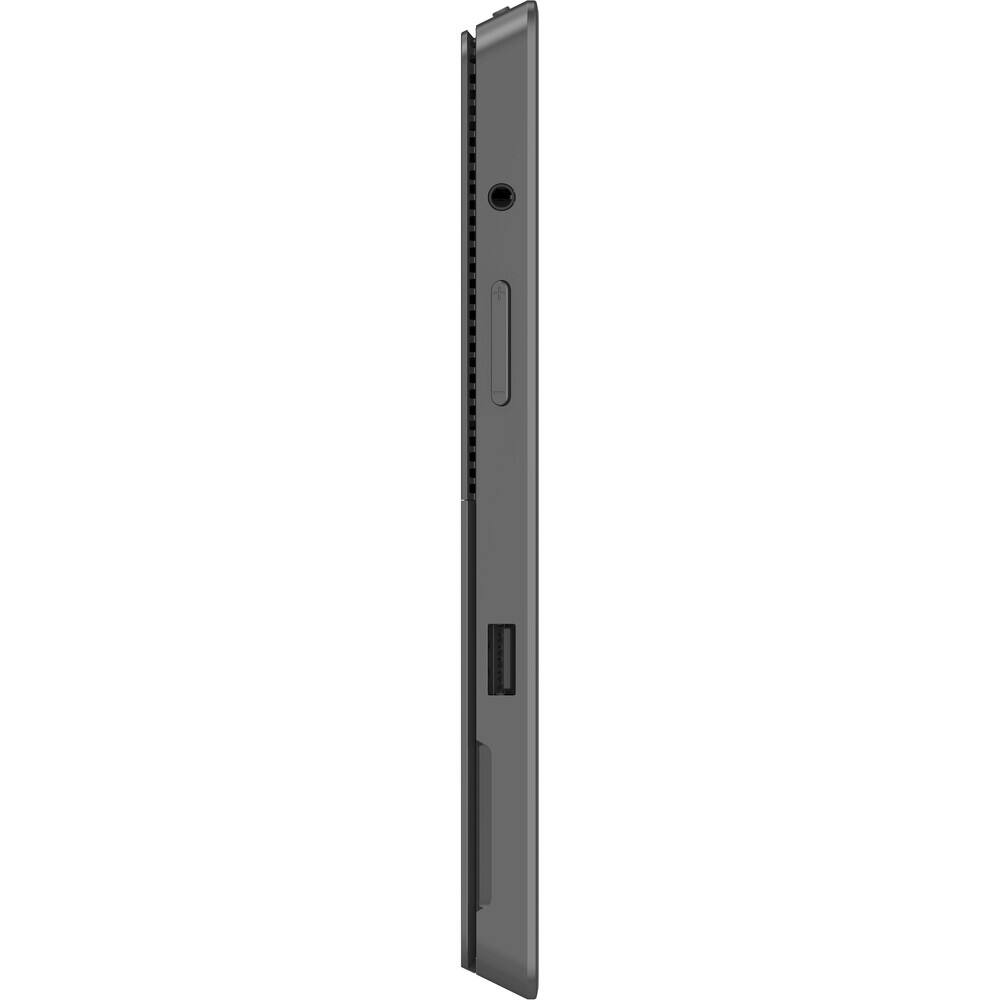
I would recommend this to a friend - Pros mentioned:Usb port
Rated 5 out of 5 stars
got it for a 4th grader his school required a win8
||Posted .This reviewer received promo considerations or sweepstakes entry for writing a review.got it for a 4th grader his school required a win8 tablet this is so much more than a tablet it's a real computer with USB3 ports.
I would recommend this to a friend Rated 5 out of 5 stars
I Love It. Great for business and personal use.
||Posted .This reviewer received promo considerations or sweepstakes entry for writing a review.I love this thing. I owned a netbook previously and once it became outdated I had my mind set on a tablet. However, I needed something that had a full operating system and this was my answer. I use it on stage for my lyrics when I play. No more printer cartridges and hundreds of sheets of paper in a giant binder!!!! I do all of my personal finances on it without worry because I can run Norton 360 with the full Windows 8. As far as I know, this is the only tablet capable of doing this. Again, I love my Surface Pro!!!
I would recommend this to a friendRated 5 out of 5 stars
windows easy to use touch and slide is great
||Posted .This reviewer received promo considerations or sweepstakes entry for writing a review.I love my tablet / laptop. I would like a little more speed and a slightly larger screen. To take it to the next level a built in printer would be nice :) and projection on a wall and/or screen :) Bottom line I am still learning my tablet and I am happy so far. I love adding APPS to try out prior to purchasing. This is an expensive device but did more of what I needed then the rest of the tablets. I can do personal and business scheduling. I take family meeting notes and business notes. I take family pictures and videos. My spouse takes if from me and does slide shows and is a gamer and plays and adds games to it.
I would recommend this to a friend- Cons mentioned:Windows 8
Rated 4 out of 5 stars
Great tablet for home or on the go
||Posted .This reviewer received promo considerations or sweepstakes entry for writing a review.This is a very versatile tablet. Good for business or personal use. Windows 8 that ships with it is terrible. The tablet experience becomes a lot better once you upgrade to Windows 8.1.
I would recommend this to a friend - Pros mentioned:Screen quality
Rated 5 out of 5 stars
Great Easy Acees settings for poorvvision.
||Posted .This reviewer received promo considerations or sweepstakes entry for writing a review.I like having Window 8 on the tablet, because it saves space and is more mobile for me, because I live in a RV. It is good to be able to get close to the screen to see war I am typing. Thanks for thinking about the disabled.
I would recommend this to a friend Rated 5 out of 5 stars
Can leave my laptop home
||Posted .This reviewer received promo considerations or sweepstakes entry for writing a review.I have traveled my whole life and have been waiting for a tablet that does everything a laptop does. This is it. Also I have used both the touch and type keyboards, both have merits but if you are doing some serious typing, I find the type keyboard is more suited for that. I can type just as fast. One down side is the speakers. They just don't have much volume. My cellphone is louder.
I would recommend this to a friend- Pros mentioned:Processor speed
Rated 5 out of 5 stars
Great laptop combined with benefits of a tablet
||Posted .This reviewer received promo considerations or sweepstakes entry for writing a review.Convenience of laptop and tablet, lightweight, fast speed convenient for travel.
I would recommend this to a friend Rated 5 out of 5 stars
Best Tablet that I have ever purchased
||Posted .This reviewer received promo considerations or sweepstakes entry for writing a review.This is the 3rd Surface Pro that I have purchased for my small office. A simple PC would have cost me $600 a piece and then I would have needed to get something for the mobility end of it for another $700 or so. So I saved $$$ by getting such a versatile unit. When it comes to tablets, it works great! In the office, we used the existing monitors to use them as standard PC's. Only needed to add Bluetooth keyboard and mouse(could have used USB). Looking at buying one of these for my son starting in H.S.
I would recommend this to a friend- Cons mentioned:Battery life
Rated 4 out of 5 stars
Not a tablet - more like a laptop
||Posted .This reviewer received promo considerations or sweepstakes entry for writing a review.I would have loved to use this for business but with the battery dying so quickly, I'm embarrassed to take it to work. Before coming out, there should have been a car charger and a carrying case for it. I don't use it as often as my iPhone.
No, I would not recommend this to a friend Rated 4 out of 5 stars
fabulous light weight option
||Posted .This reviewer received promo considerations or sweepstakes entry for writing a review.The learning curve for Windows 8 was steep for me. Unfortunately, I bought the computer to take on a business trip and didn't give myself a chance to learn how to navigate Windows 8 before I needed to use it for something. My fault for realizing how often I had used my laptop on my actual lap. There is no way to configure the computer to stay still and work on it (I'm disabled and need to lay down often). Perhaps a rubber case so it's not so slippery? For most people, this will be a great light weight computer to meet their on the go needs.
I would recommend this to a friend- Pros mentioned:Usb port
Rated 5 out of 5 stars
Great way to use Windows 8
||Posted .This reviewer received promo considerations or sweepstakes entry for writing a review.Great tablet, light weight, great for use in school setting. The size and weight of the surface make it easy to carry in a backpack or book bag. The USB port makes it possible to attach a external CD/DVD drive.
I would recommend this to a friend Rated 4 out of 5 stars
Great Tablet & Computer Combined!
||Posted .This reviewer received promo considerations or sweepstakes entry for writing a review.We are overall pretty satisfied with our Suface purchase. We have several friends that have iPads and others that have Surfaces and we did our research and found that the Surface best met our needs and have not been disappointed,.
I would recommend this to a friend