Customer Ratings & Reviews


- Model:
- T8H-00001
- |
- SKU:
- 6537888
Customer reviews
Rating 4.5 out of 5 stars with 131 reviews
(131 customer reviews)Rating by feature
- Value4.1
Rating 4.1 out of 5 stars
- Quality4.7
Rating 4.7 out of 5 stars
- Ease of Use4.6
Rating 4.6 out of 5 stars
to a friend
Customers are saying
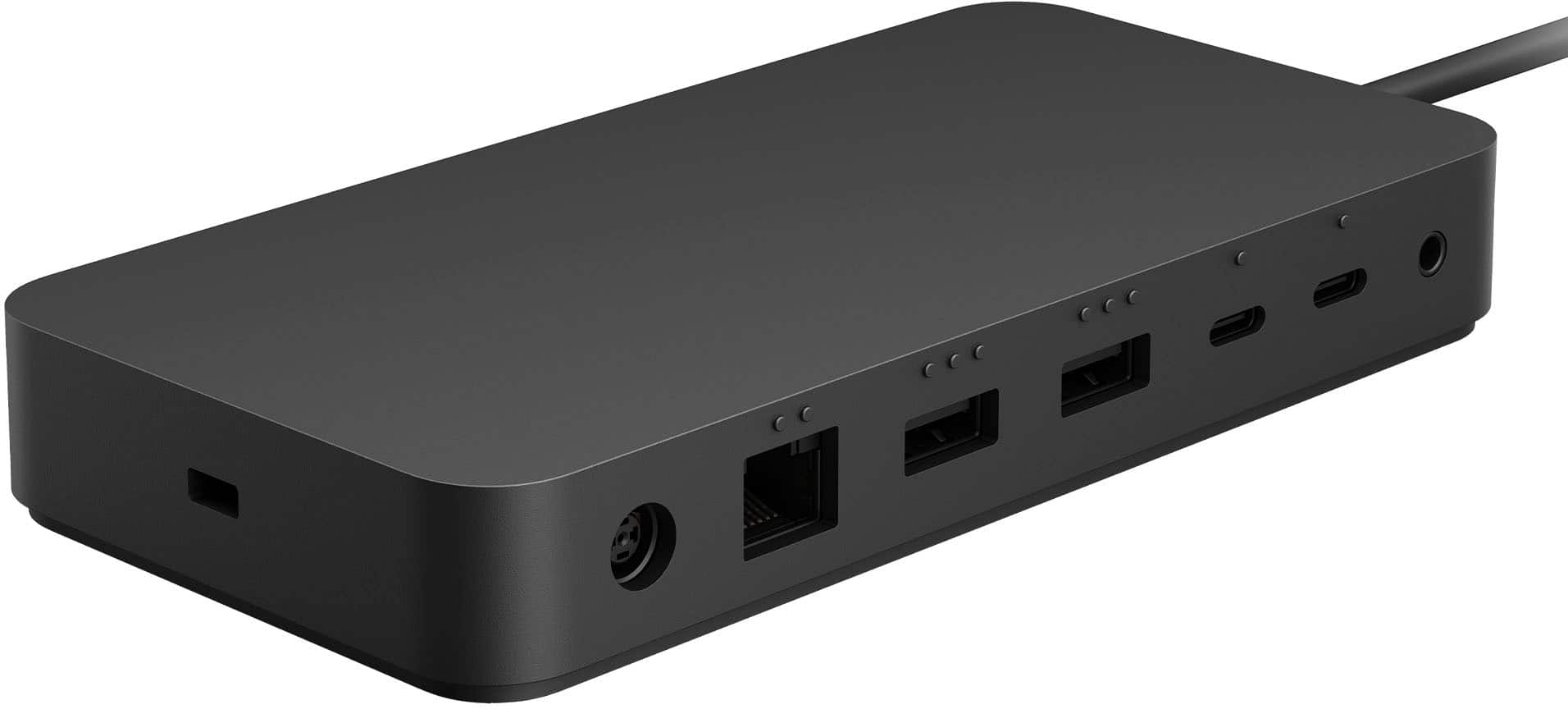
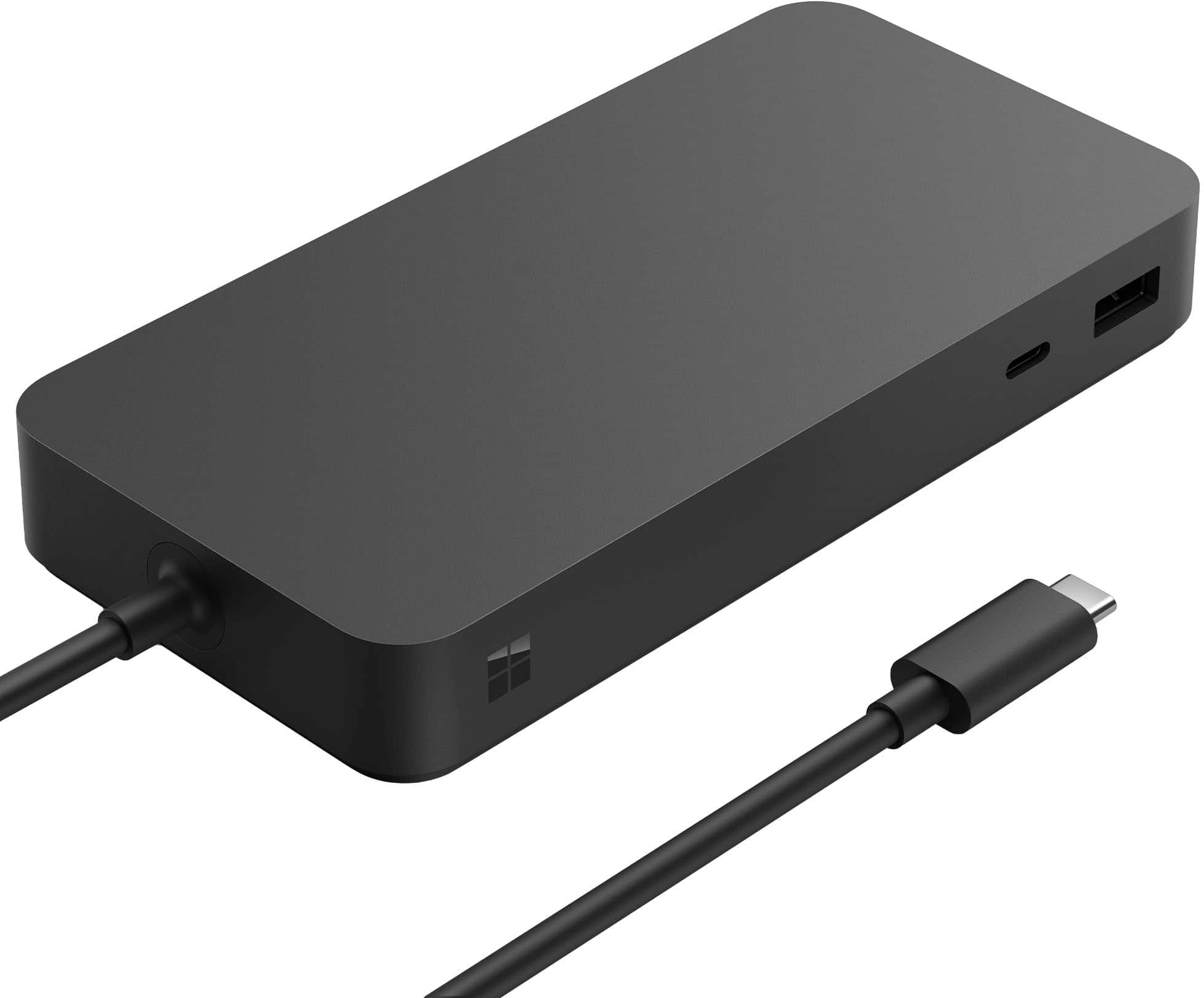
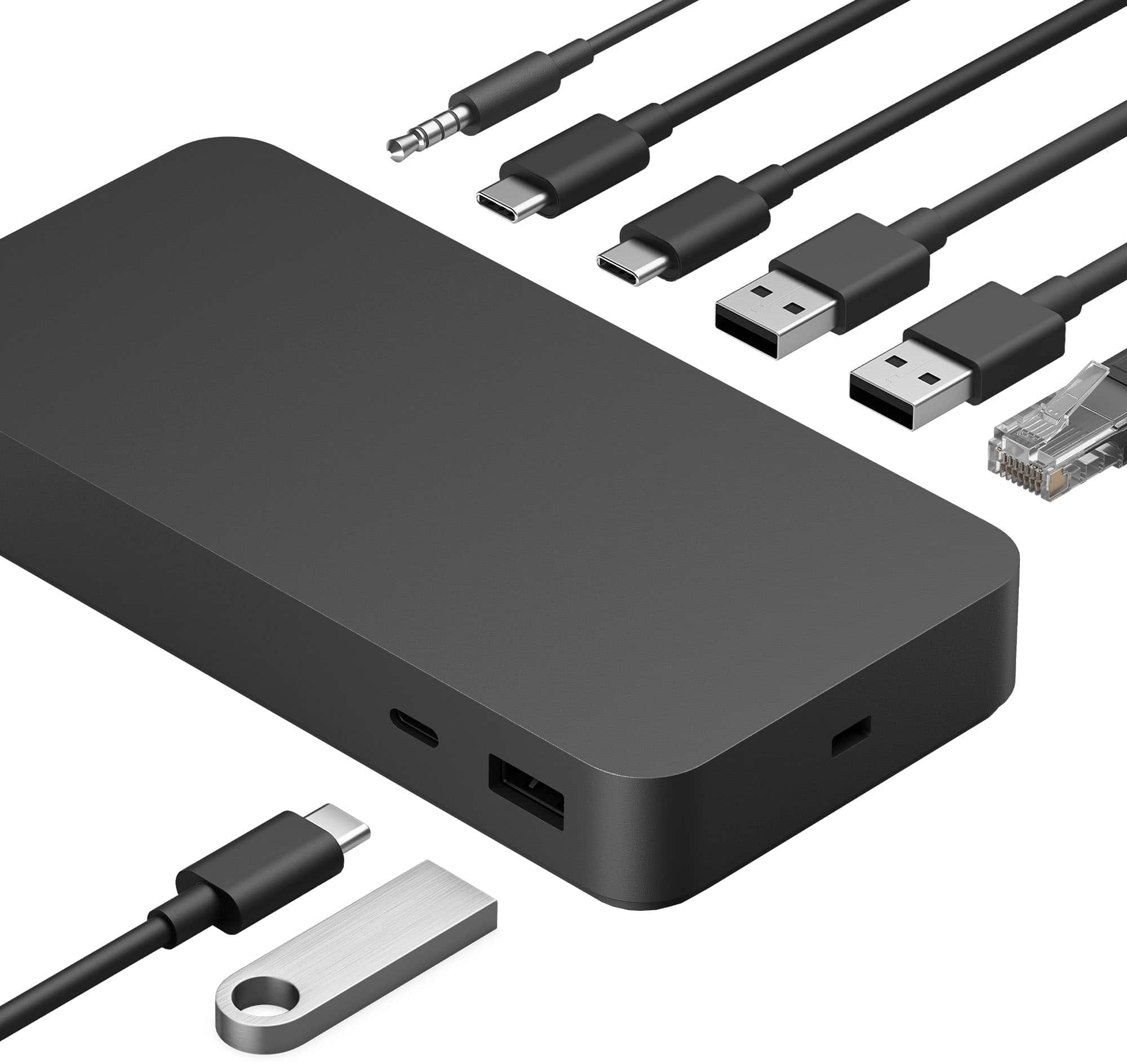
Customers commend the Surface Thunderbolt 4 Dock for its overall performance, seamless connectivity, and broad compatibility, including with Surface laptops. Users appreciate its fast Thunderbolt USB-C and ease of setup. Some customers suggest that the dock could benefit from additional ports. The dock's monitor support and power capabilities are also appreciated.
This summary was generated by AI based on customer reviews.
Rated 1 out of 5 stars
Dock not
||Posted . Owned for 3 weeks when reviewed.This reviewer received promo considerations or sweepstakes entry for writing a review.There are two problems with this dock. First, it attaches to the computer via the usb-c port which isn't nearly as convenient as the prior docks that connect via the power port interface. This is especially important to easily allow the computer battery to discharge. Second, neither the surface pro or surface laptop recognize the dock after sleeping or powering off - so it must be disconnected and powered down between each use.
No, I would not recommend this to a friendRated 2 out of 5 stars
Dud for HP Spectre # 6568349
||Posted . Owned for 2 weeks when reviewed.This reviewer received promo considerations or sweepstakes entry for writing a review.I tried to use it with HP Spectre that I purchased from BestBuy. The dock won't maintain the highspeed connection. It drops the hardwired Logitech keyboard. It wakes up and the secondary HP Omen monitor is maxed out to a million percent. Terrible product for NON-Surface products. Avoid at all costs. Terrible.
No, I would not recommend this to a friendRated 3 out of 5 stars
Ok
||Posted . Owned for 1 week when reviewed.This reviewer received promo considerations or sweepstakes entry for writing a review.Exspensive but works. Cheaper options exist. It could be better for price.
No, I would not recommend this to a friendRated 1 out of 5 stars
Bad Choice
||Posted . Owned for 1 month when reviewed.This reviewer received promo considerations or sweepstakes entry for writing a review.The ports did not match up with my monitor, then i went back and bought a 2 port, and only 1 fits my monitor and the other does not.
No, I would not recommend this to a friendRated 1 out of 5 stars
Don't Use with Surface Laptop Studio
||Posted . Owned for 6 months when reviewed.This reviewer received promo considerations or sweepstakes entry for writing a review.The Surface Thunderbolt 4 Dock isn't fully compatible with the Surface Laptop Studio. The dock will neither maintain a consistent connection between my laptop and peripherals nor charge my laptop if its battery level is below 100%. The dock will connect to other devices and keep my laptop powered only if the battery level is at 100%. It works fine with my Apple MacBook Pro with M1 Pro chip, but I bought the Surface Thunderbolt 4 Dock only because of my work-assigned Surface Laptop Studio. If my laptop isn't fully charged, the dock is an essentially overpriced hub that I use in tandem with a Surface charger.
No, I would not recommend this to a friendRated 1 out of 5 stars
Failed in 4 months
||Posted . Owned for 4 months when reviewed.This reviewer received promo considerations or sweepstakes entry for writing a review.Worked for 4 months then failed, with no warning, and can't be repaired.
No, I would not recommend this to a friendRated 5 out of 5 stars
Great way to put it all together
Posted .This reviewer received promo considerations or sweepstakes entry for writing a review.Its tbe best way to know to combine the things you love tbe most for more power more speed and multitasking without spending all the bigbucks
I would recommend this to a friendRated 4 out of 5 stars
Surface Thunderbolt 4 Dock
Posted .This reviewer received promo considerations or sweepstakes entry for writing a review.This device is the only way to run a dual-monitor setup, as far as my knowledge goes. The one I received makes a high pitch noise when I plug it in. Aside from that, it randomly disconnects my two monitors. Overall, I'd say purchase the item but be wary about its downsides.
I would recommend this to a friendRated 5 out of 5 stars
Surface accessories.
Posted .This reviewer received promo considerations or sweepstakes entry for writing a review.The Thunderbolt 4 dock provides both power and additional USB connectivity and a much-needed standard ethernet port. I got it as an open-box item and saved a few bucks.
I would recommend this to a friendRated 5 out of 5 stars
Docking station
Posted .This reviewer received promo considerations or sweepstakes entry for writing a review.I'm pleased with the product. The price was right, and it was easy to purchase online and pickup.
I would recommend this to a friendRated 2 out of 5 stars
Junk
Posted .This reviewer received promo considerations or sweepstakes entry for writing a review.Very expensive for something I so finicky. I constantly have to unplug my Bluetooth mouse and keyboard and plug it back in. It randomly lags all the time. The docking stations are the big draw back on these Surfaces.
No, I would not recommend this to a friend