Customer Ratings & Reviews

- Model:
- FST-00001
- SKU:
- 10315550
Rating by feature
- Value
Rating 4.2 out of 5 stars
- Quality
Rating 4.4 out of 5 stars
- Ease of Use
Rating 4.7 out of 5 stars
Customers are saying
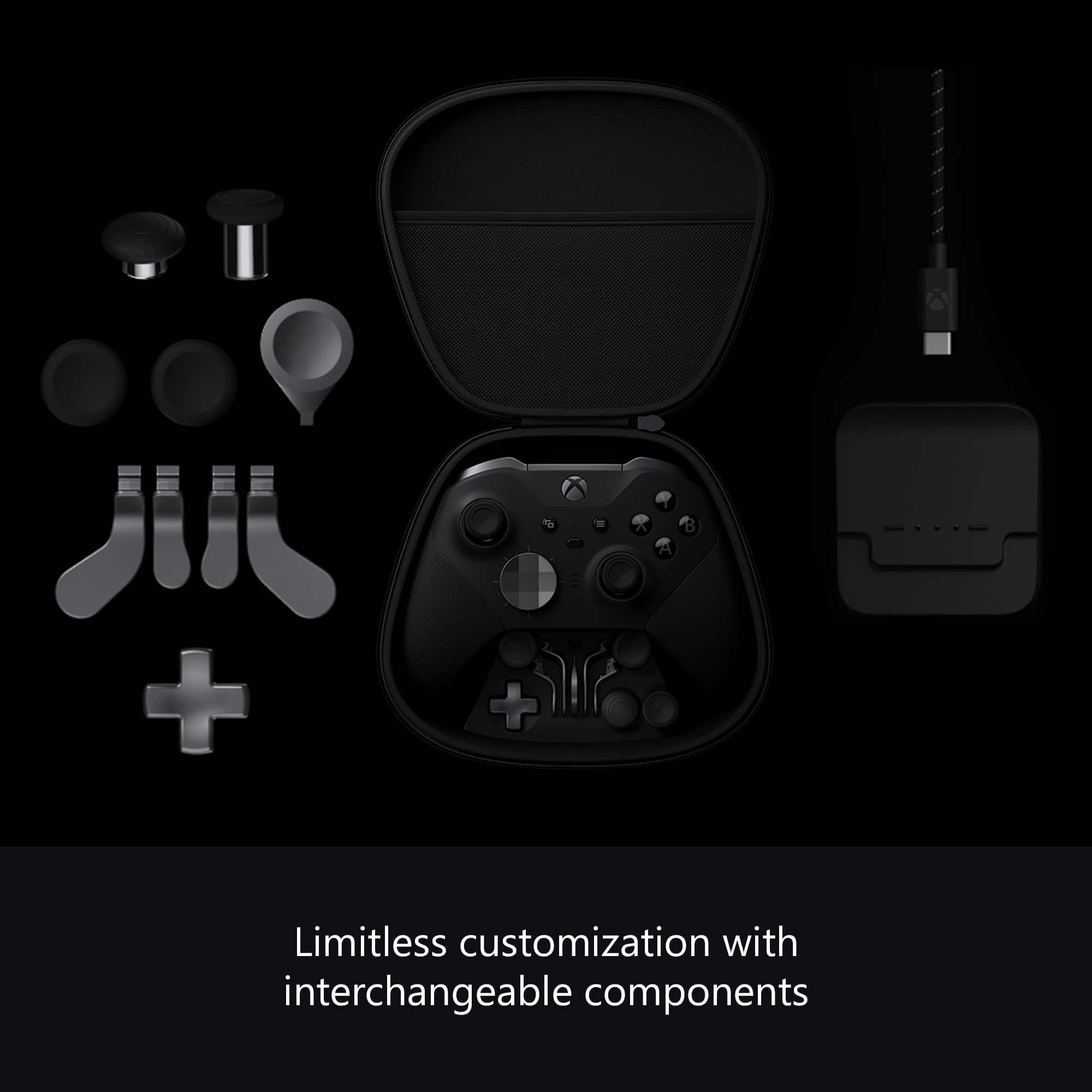
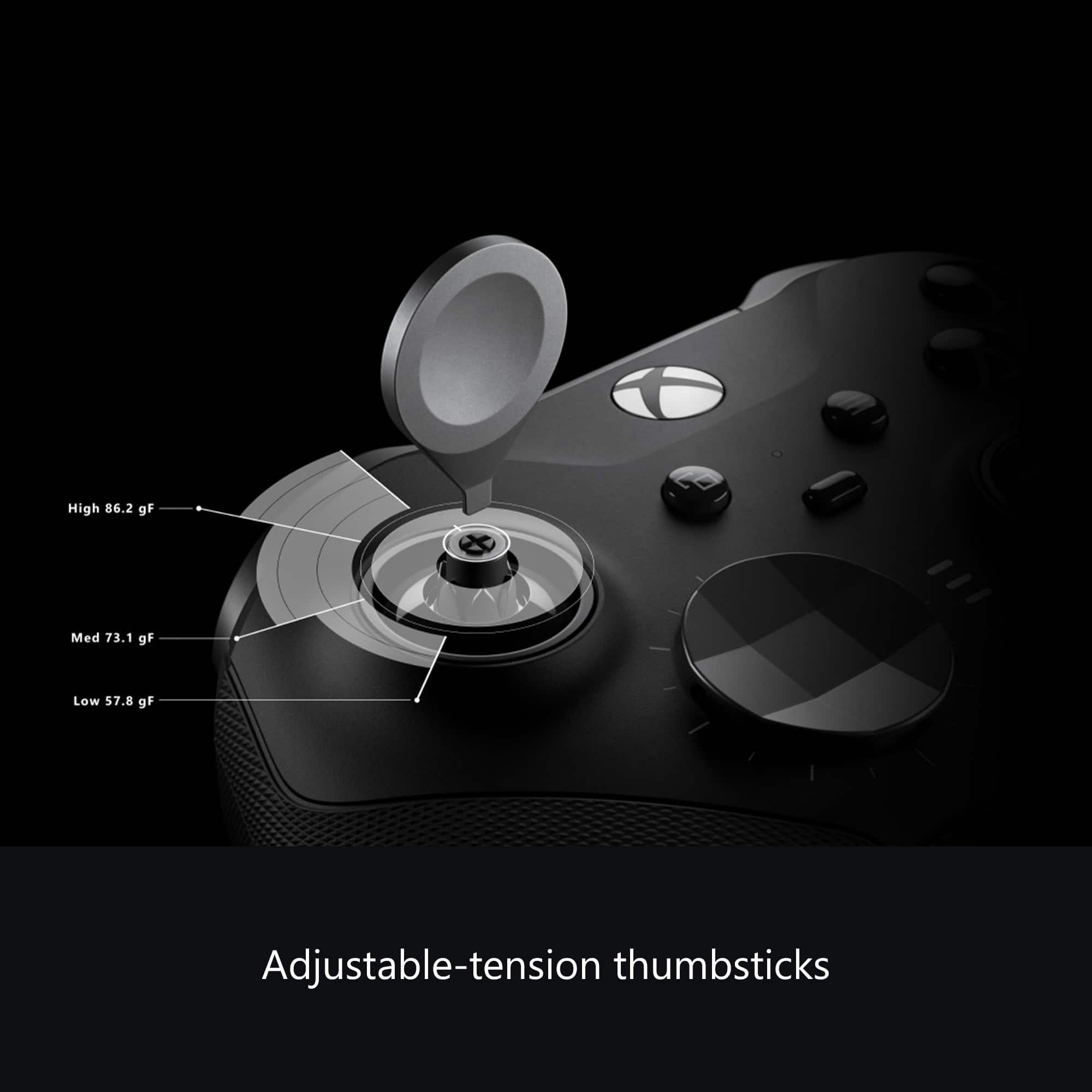
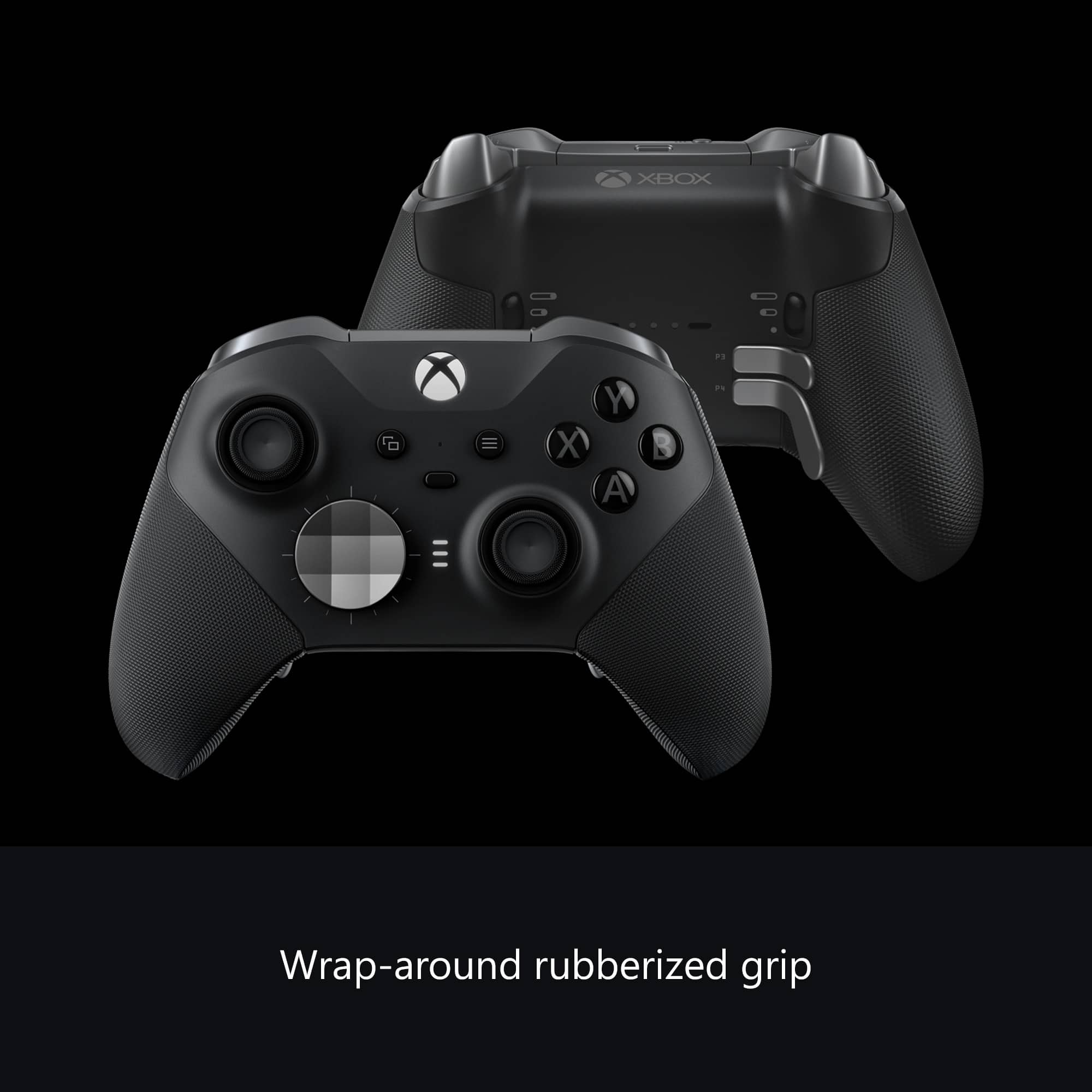
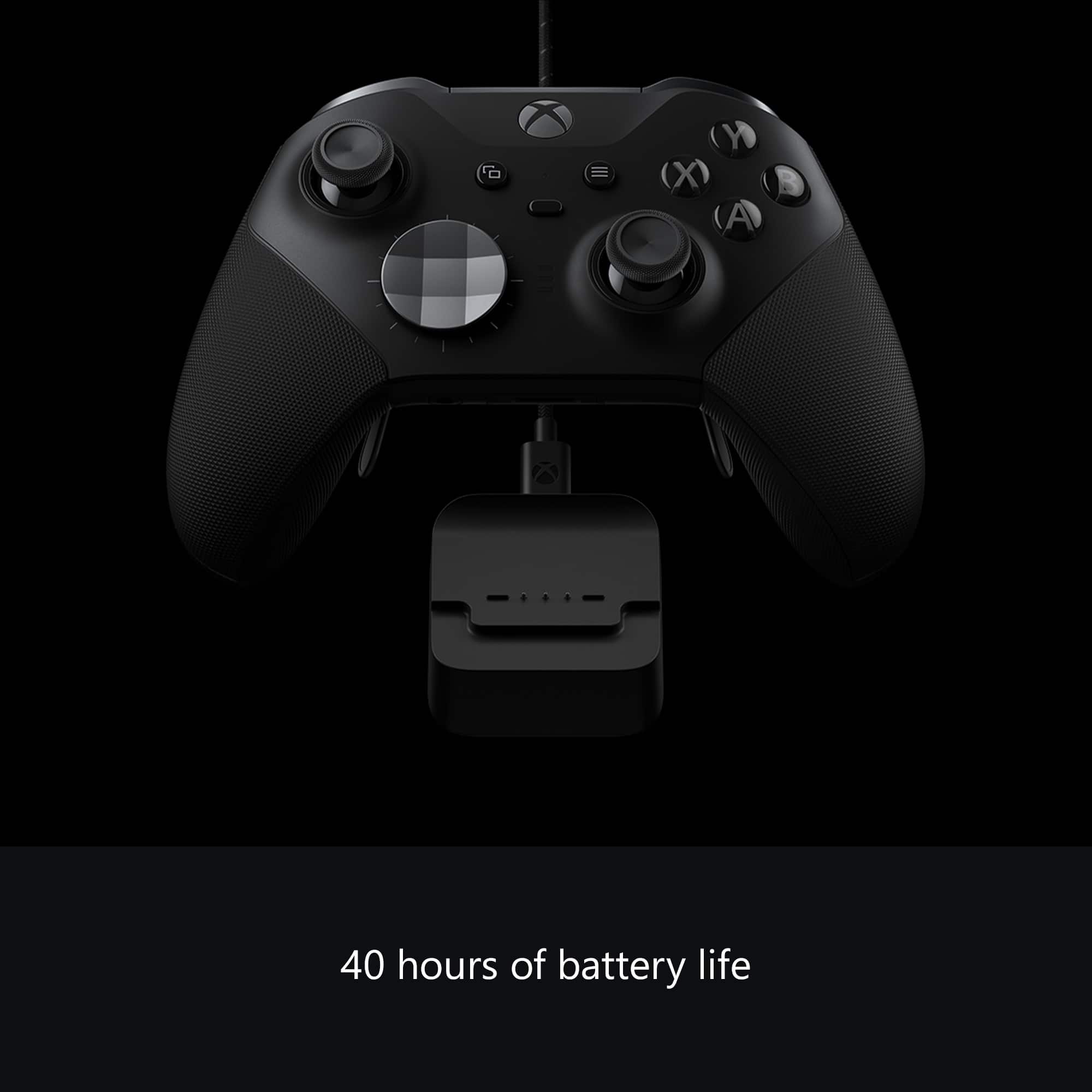
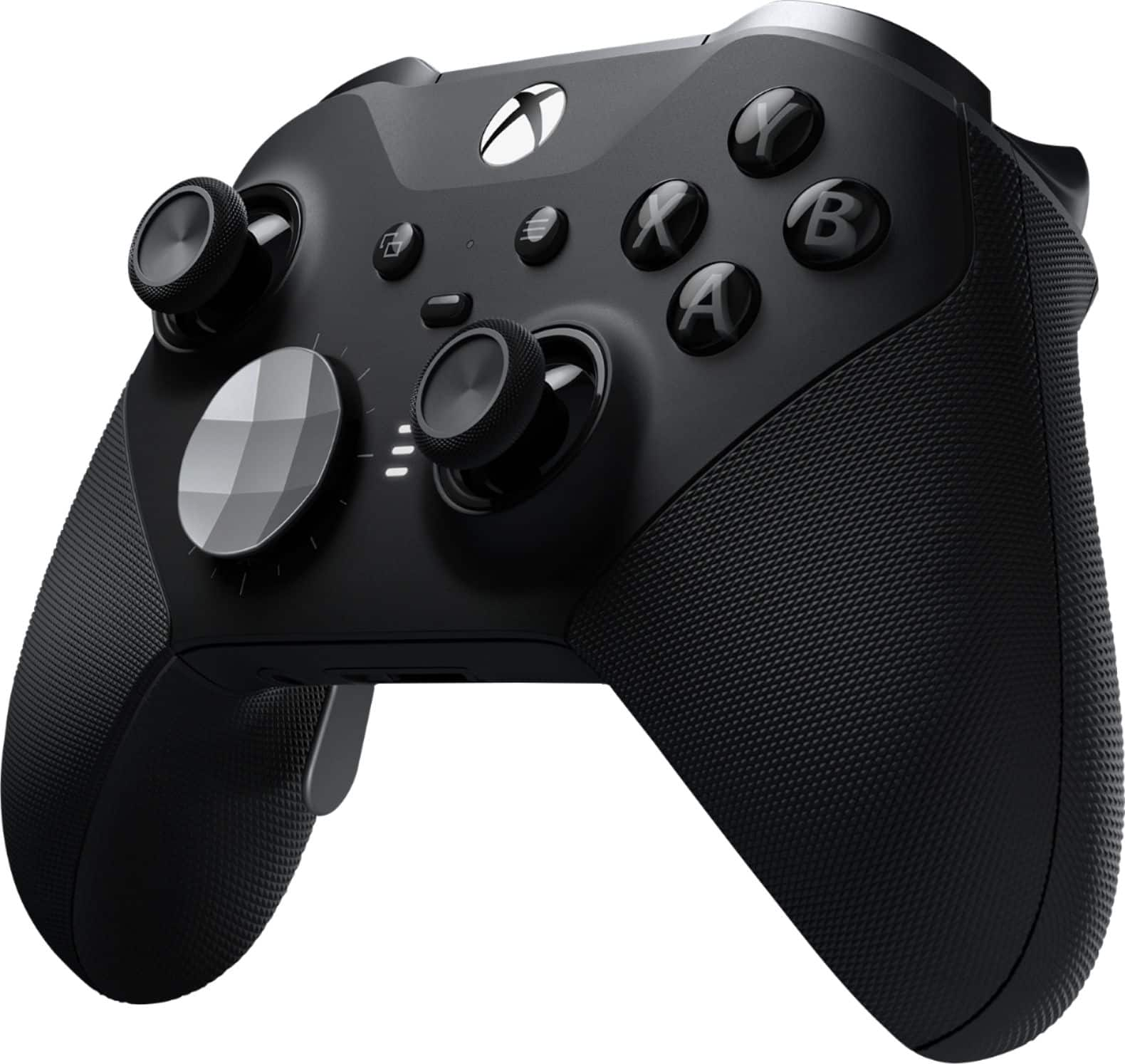
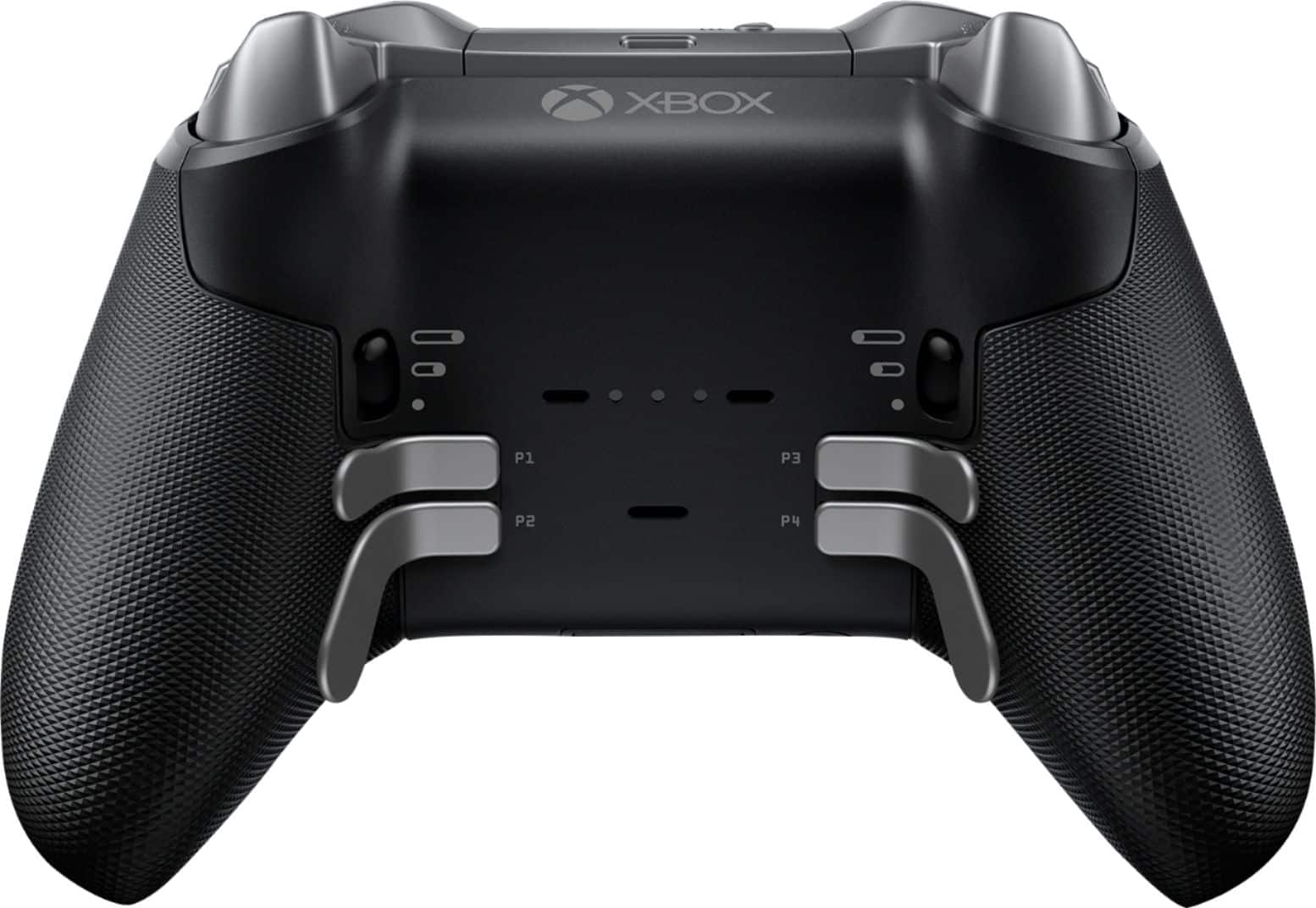
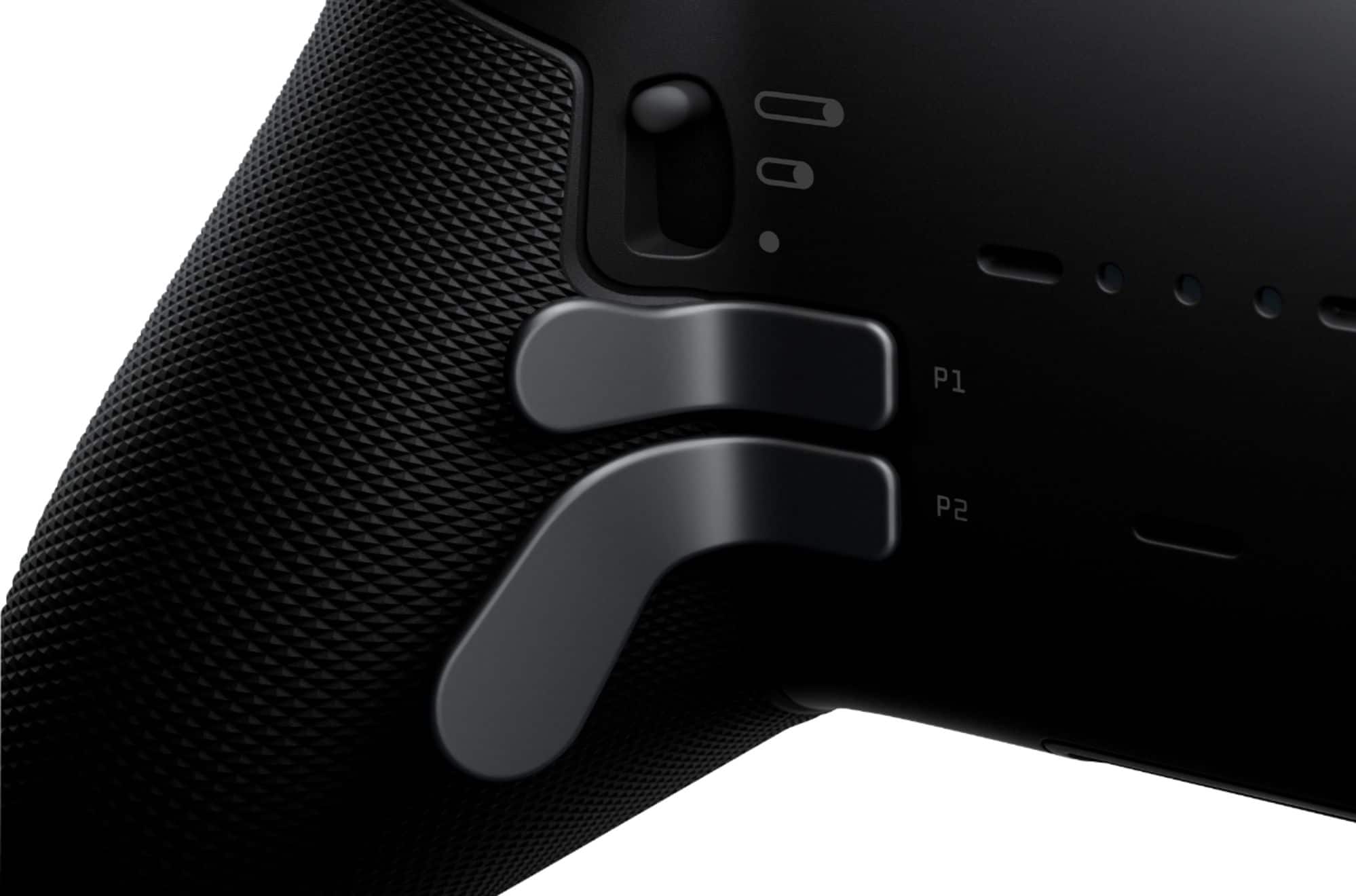
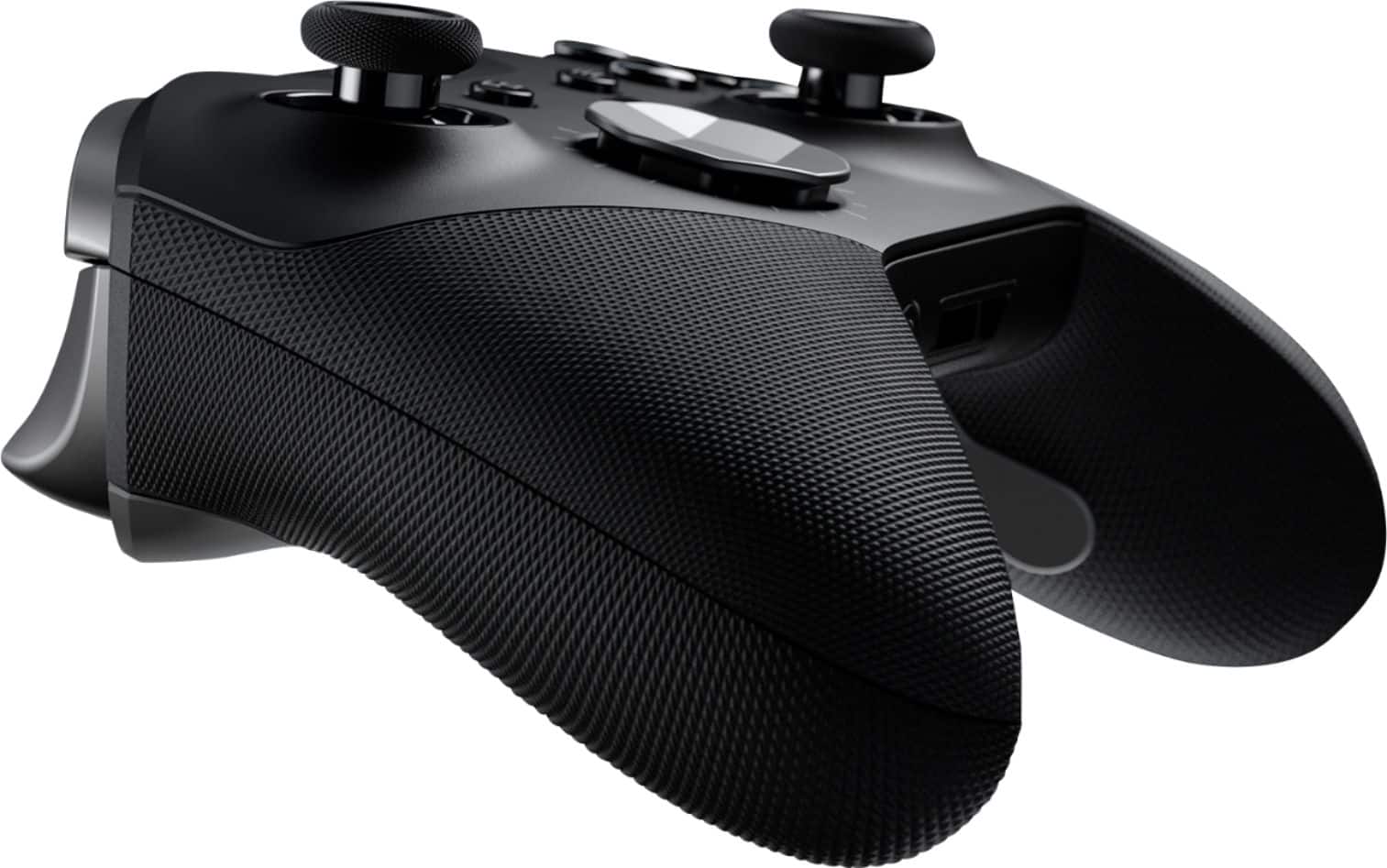
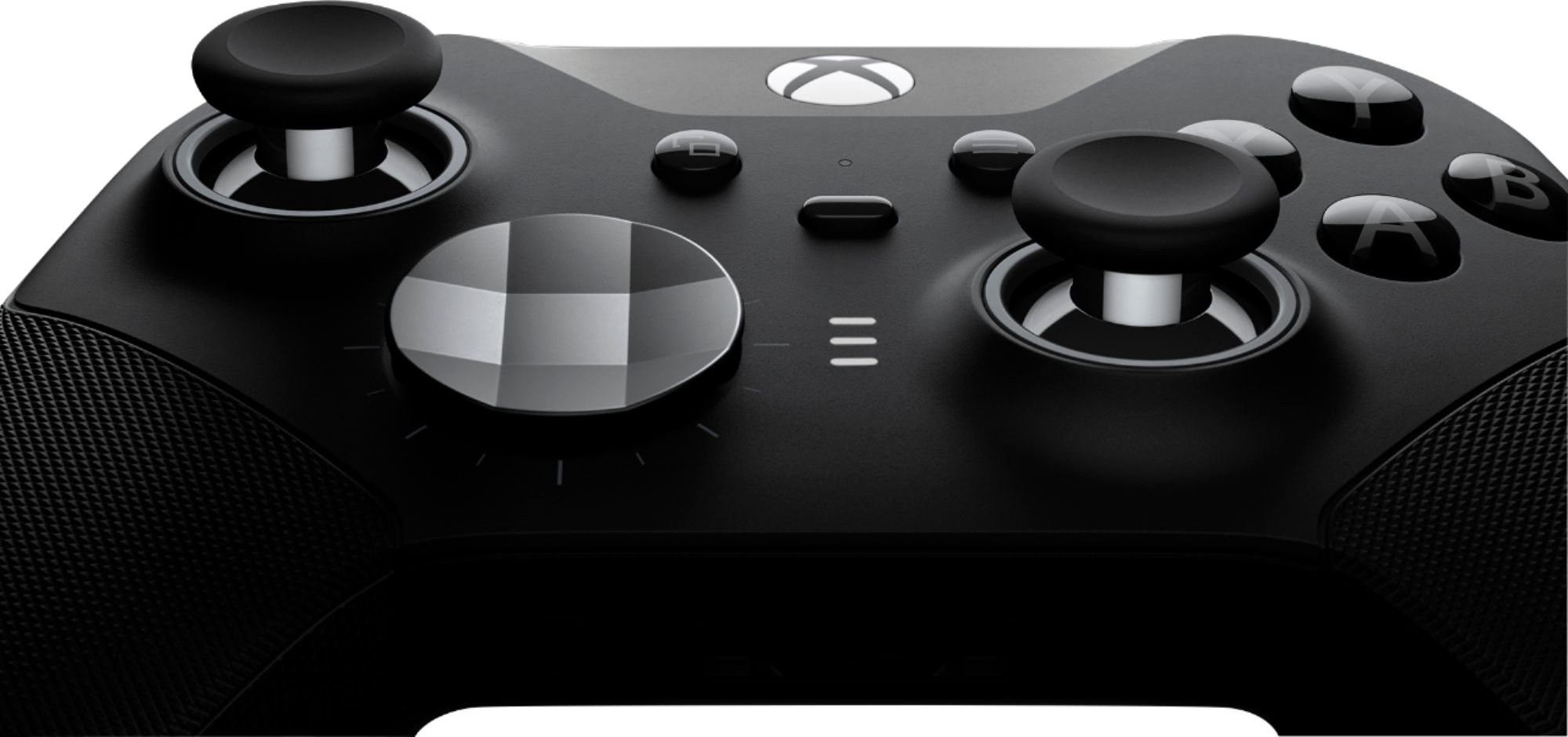
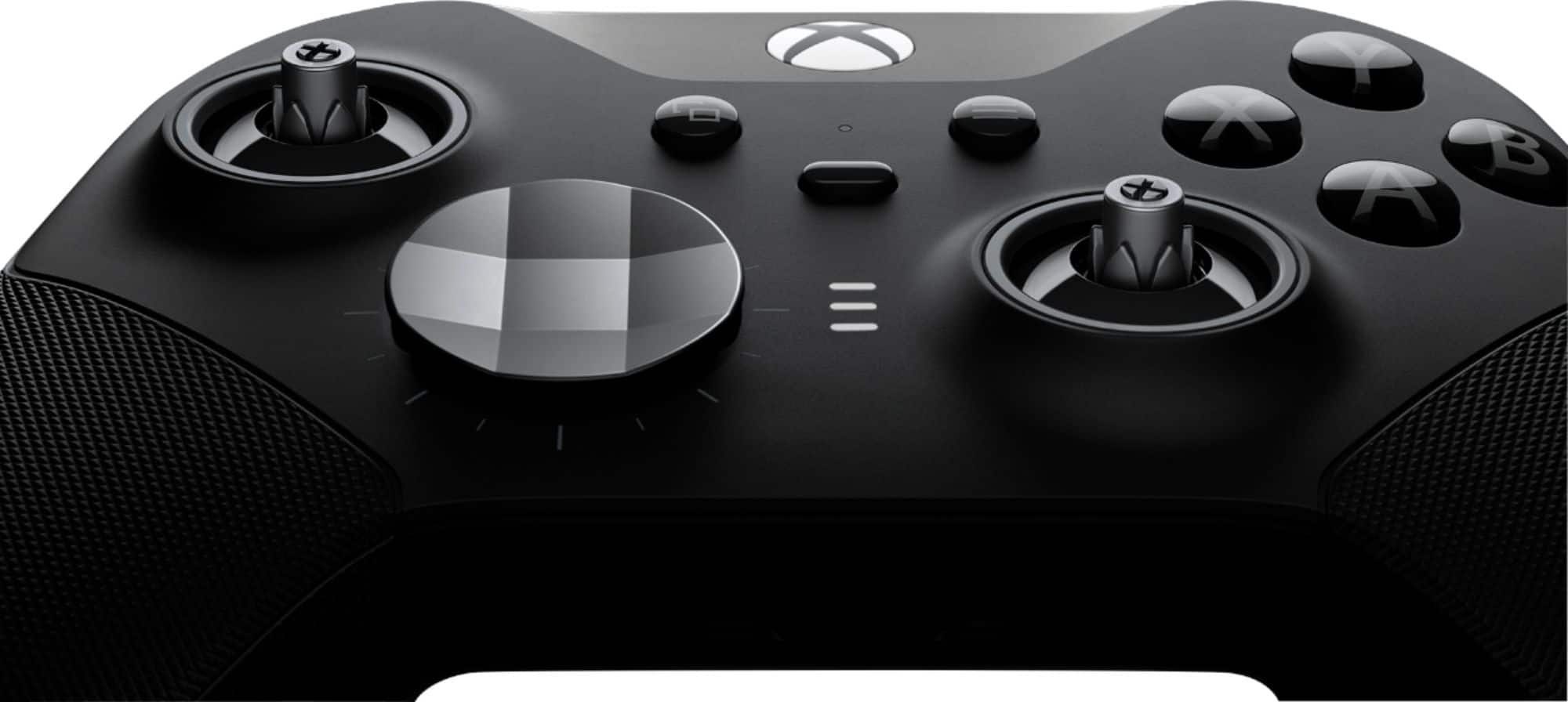
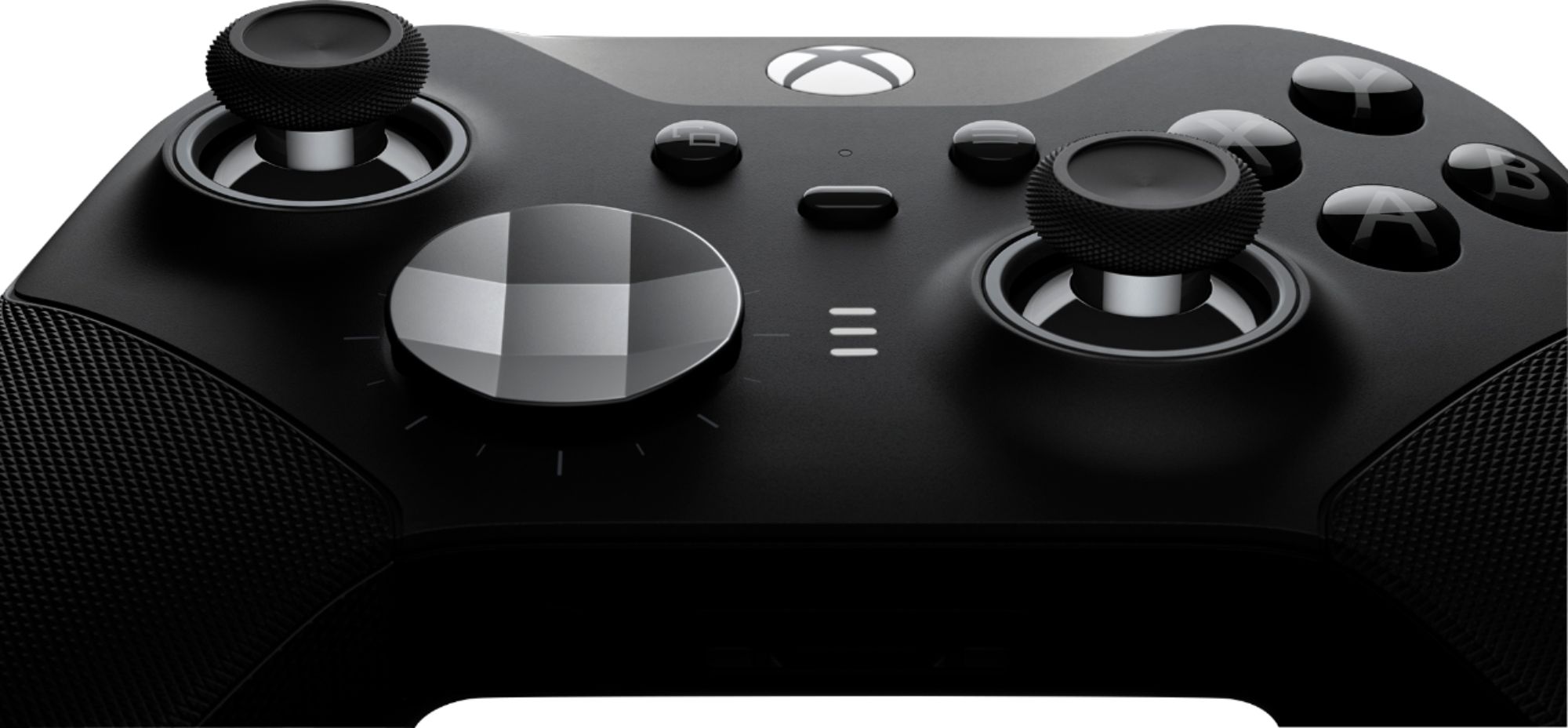
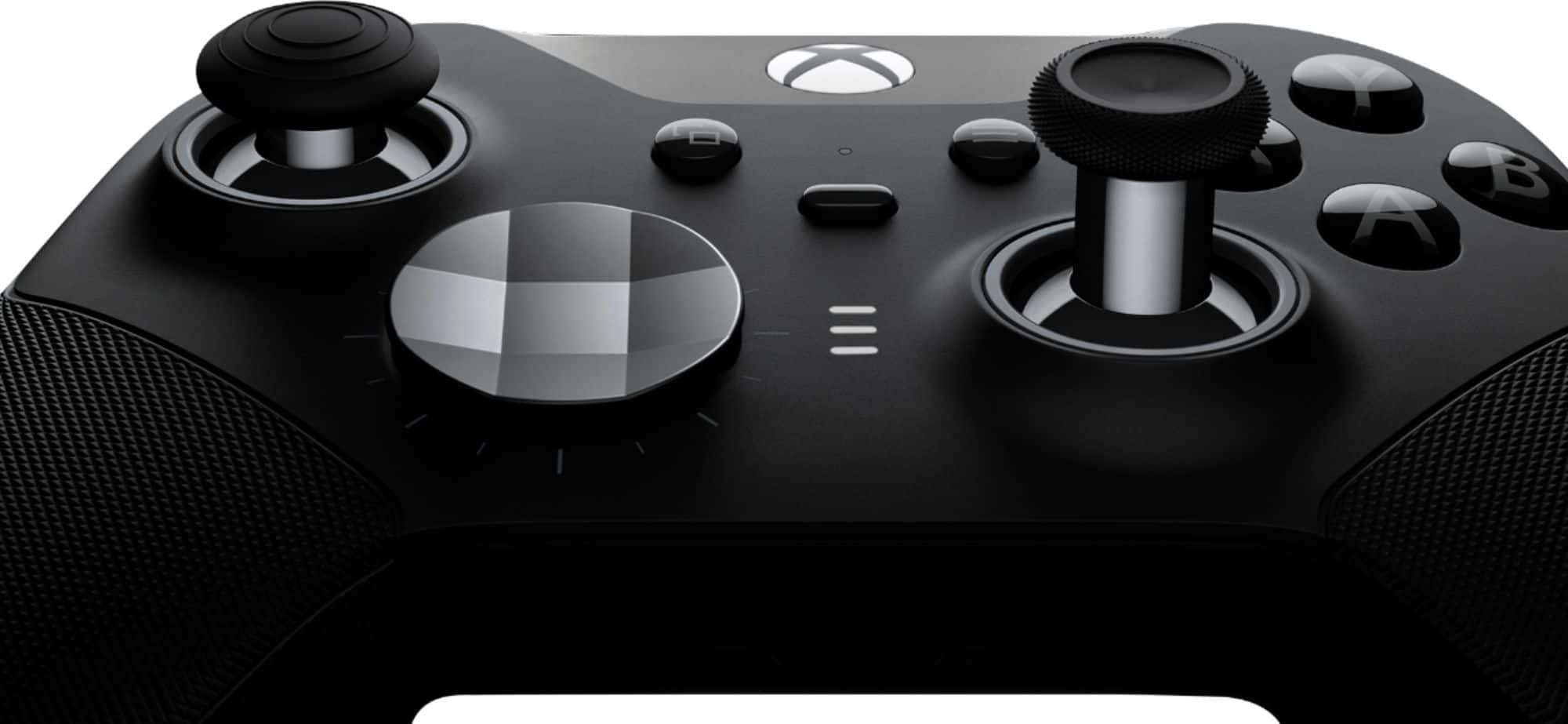
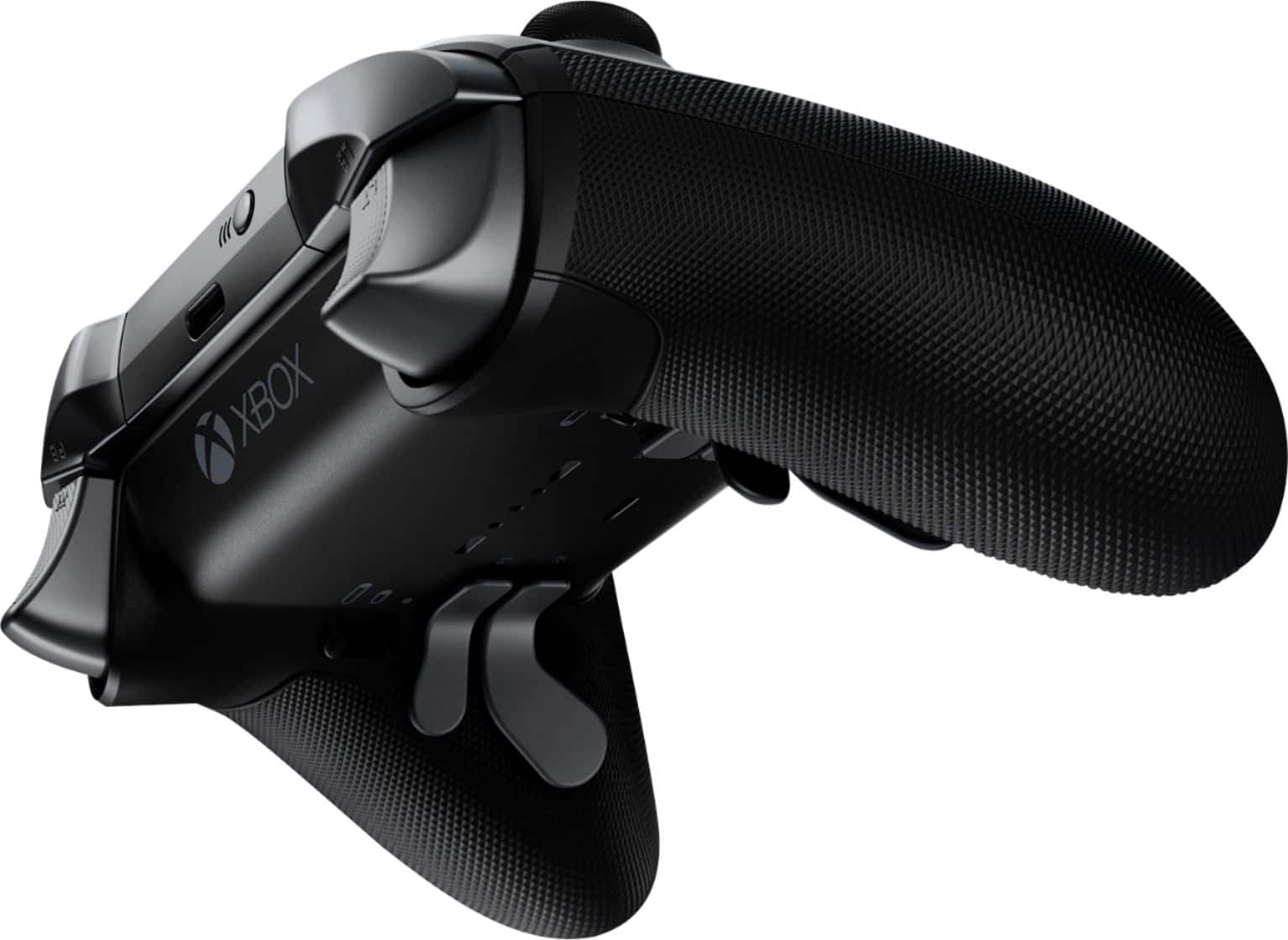
Customers frequently mention the product's great overall performance, impressive battery life, and extensive customization options. Users also appreciate its comfortable feel, good weight, and useful paddles, along with comfortable grips. However, concerns are often raised regarding stick drift and the durability of the buttons, with some customers also finding the price a point of hesitation.
This summary was generated by AI based on customer reviews.
2 broken units from unboxing
Posted .This reviewer received promo considerations or sweepstakes entry for writing a review.On my third BRAND NEW unit. First 2 the “A” button just straight up does not work.
No, I would not recommend this to a friendDo not last for more than 1 year
Posted .This reviewer received promo considerations or sweepstakes entry for writing a review.I'm not joking when I say I have gone through 3 of these controllers, and I don't even game that much. It is always the same two failure points: 1. The RB button stops working and loses all tactile feeling. 2. The left analog stick develops a dead zone in it's 12 o'clock position. Pressing the stick forward registers no movement in game and you must bias it off angle for it to recognize any input. All 3 I have owned have all been plagued with these same two issues. These have been out for many years and Microsoft has done nothing to remedy the consistent failure points. It is extremely disappointing, considering these controllers are the best on the market in terms of function, but what's the point if they break?
No, I would not recommend this to a friendNot worth $180 more like $100
Posted .This reviewer received promo considerations or sweepstakes entry for writing a review.Lb & Rb went bad within three months terrible quality control for $180
No, I would not recommend this to a friendBrand response from MicrosoftOutreachTeam
Posted .Hello,
We're sorry that there are issues with your Xbox Elite Wireless Controller Series 2. The limited manufacturer's warranty for this product has been extended to one year. If you're within the warranty period, we recommend contacting our team at Xbox Support for assistance here: https://support.xbox.com/en-US/help/hardware-network/controller/wireless-controller-solution
Hope that helps,
Chuck
Xbox Customer Care
Not worth
Posted .This reviewer received promo considerations or sweepstakes entry for writing a review.both right and left bumper developed double-clicking after minimal use.
No, I would not recommend this to a friendBrand response from MicrosoftOutreachTeam
Posted .Hi there,
We're sorry that there's an issue with the bumpers on your Xbox Elite Wireless Controller Series 2. The limited manufacturer's warranty for this product has been extended to one year. If your Elite 2 is within the warranty period, we recommend contacting Xbox Support for assistance here: https://beta.support.xbox.com/en-US/help/hardware-network/controller/wireless-controller-solution
Hope that helps,
Chuck
Xbox Customer Care