Customer Ratings & Reviews
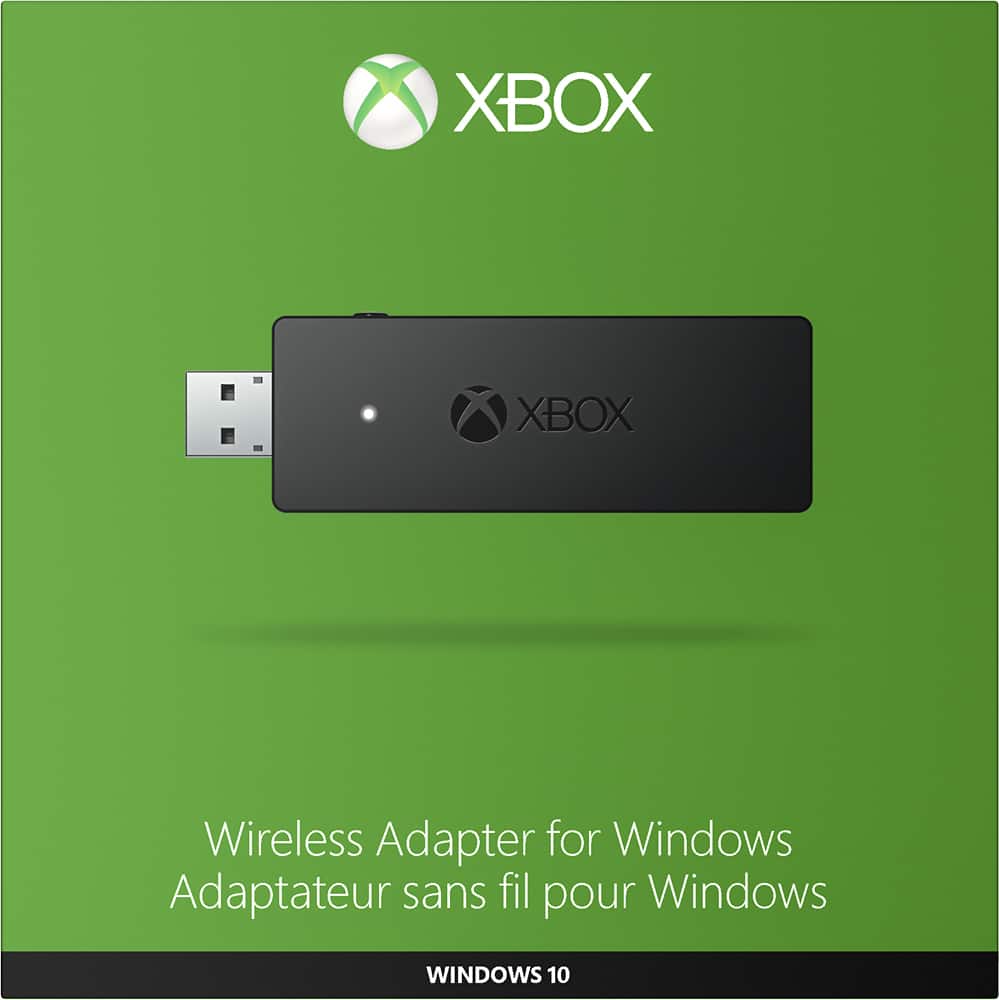
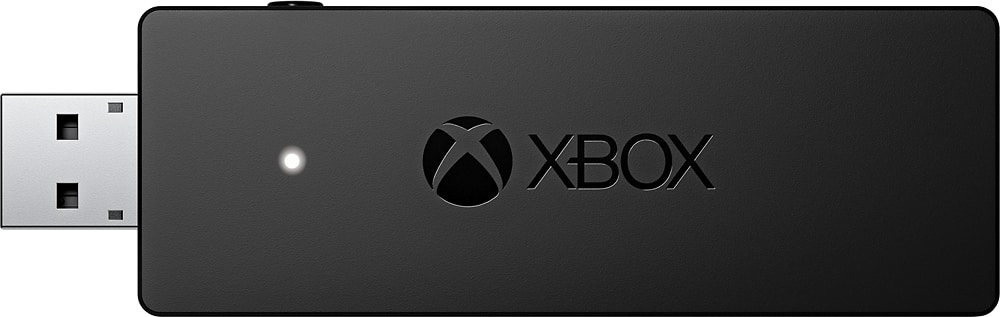
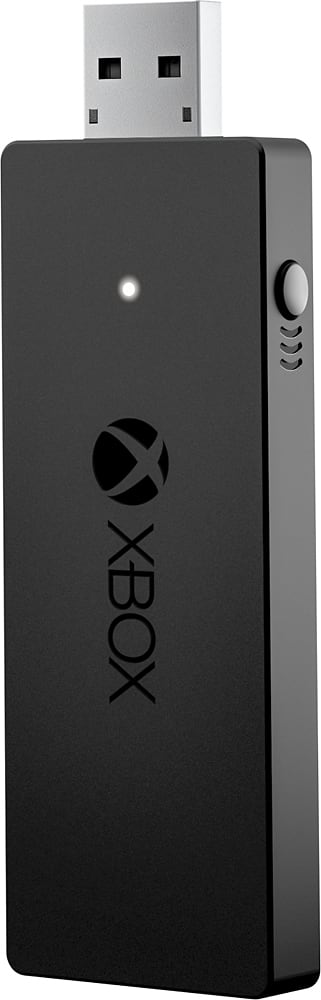
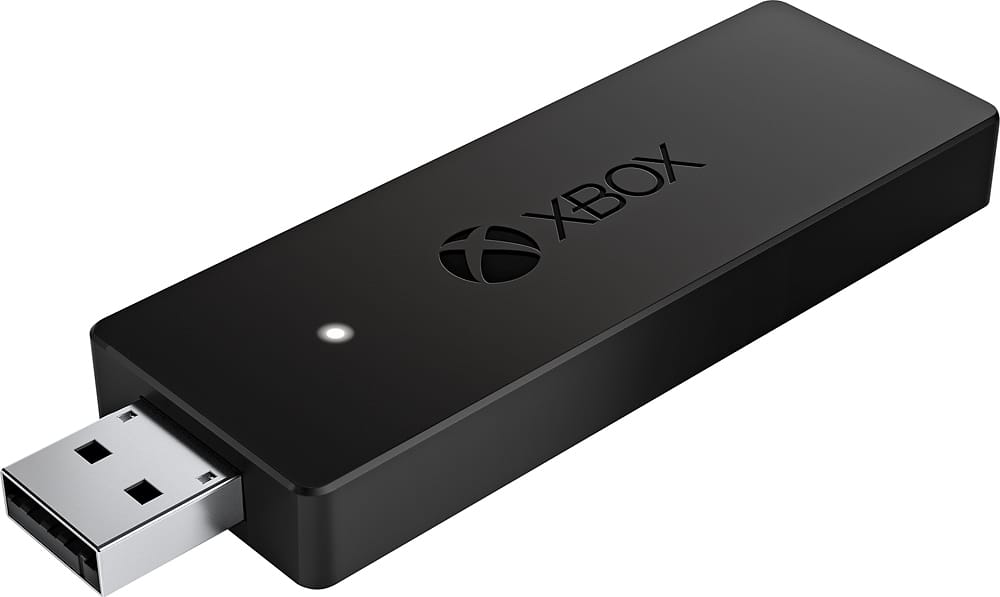
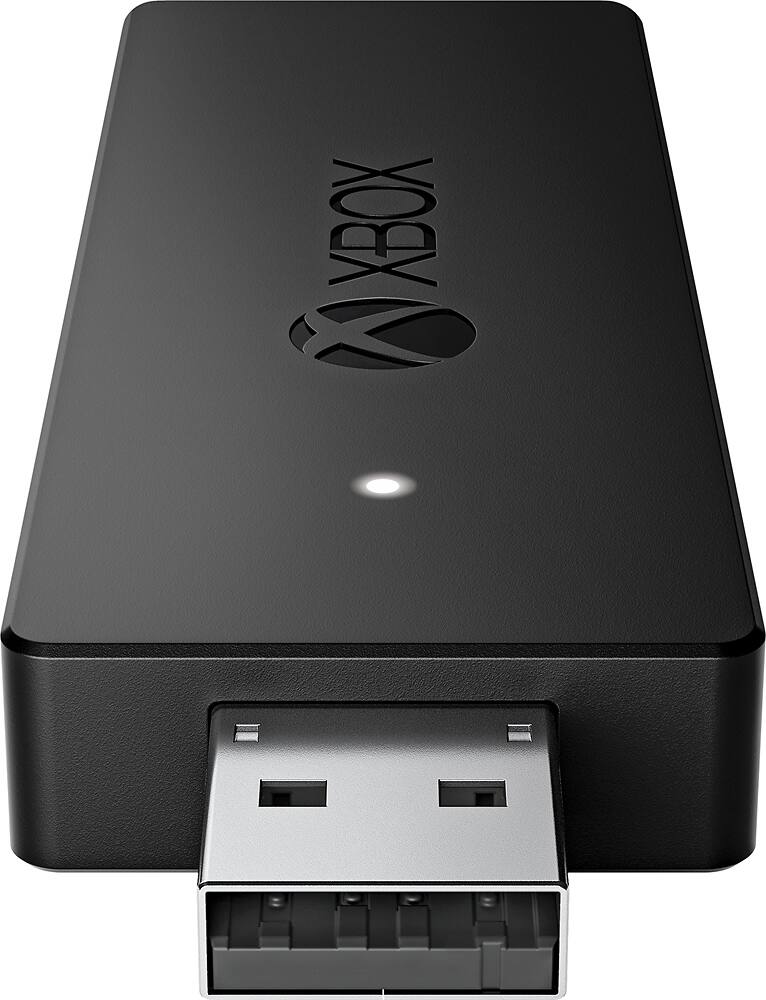
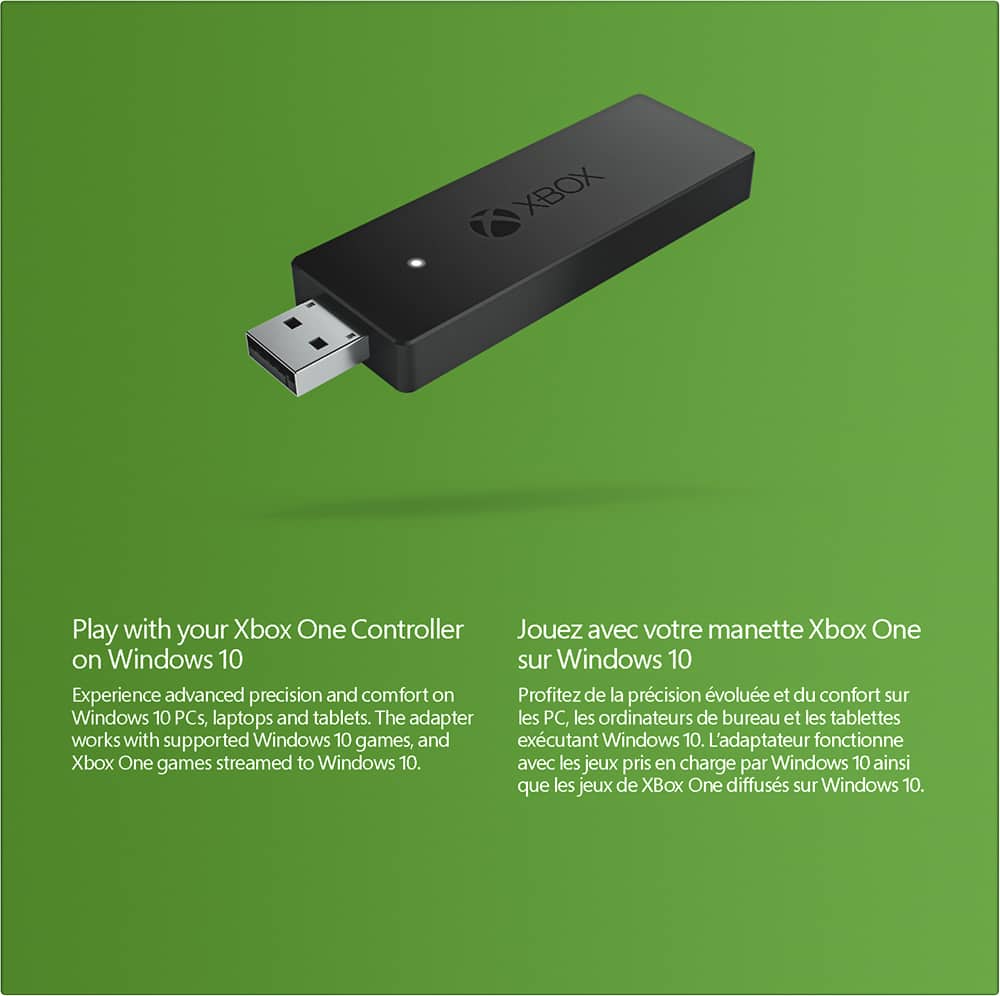
- Model:
- HK9-00001
- |
- SKU:
- 4630500
Customer reviews
Rating 4.7 out of 5 stars with 1223 reviews
(1,223 customer reviews)Rating by feature
- Value4.8
Rating 4.8 out of 5 stars
- Quality5.0
Rating 5.0 out of 5 stars
- Ease of Use5.0
Rating 5.0 out of 5 stars
Customers are saying
Customers appreciate the Xbox Wireless Adapter for Windows for its wireless connectivity, easy setup, and plug-and-play functionality. It is compatible with Windows 10 and offers a lag-free gaming experience. Some customers find the size of the adapter to be a bit bulky and the price to be on the higher side.
This summary was generated by AI based on customer reviews.
- Pros mentioned:Wireless
Rated 4 out of 5 stars
Great device
||Posted .This reviewer received promo considerations or sweepstakes entry for writing a review.This connects to the controller very quickly without lag
I would recommend this to a friend - Pros mentioned:Ease of use
Rated 4 out of 5 stars
Great
||Posted .This reviewer received promo considerations or sweepstakes entry for writing a review.Easy to use linked flawlessly worked perfectly on GTA 5
I would recommend this to a friend Rated 3 out of 5 stars
Plug and Play Controller Support
||Posted .This reviewer received promo considerations or sweepstakes entry for writing a review.The best thing I can say is “it works”. But this is the older receiver. The newer model is much slimmer and accomplishes the same thing. Also, if your computer has Bluetooth, the newer Xbox controllers can connect to the PC wirelessly without one of these adapters. On Windows 10, you can plug the adapter into a USB port and the computer should install the drivers and configure the adapater automatically. There’s a sync button on the adapater. Press that and then press the sync button on the Xbox One controller to sync the controller and be set for games. Just like on the Xbox one, you can plug your chat headset into the Xbox controller for game audio and chat. Unfortunately, windows won’t give you battery indicator for the controller. That leads to way too many disconnects as the controller’s battery dies.
I would recommend this to a friendRated 4 out of 5 stars
using it for my PC for gamestream
||Posted .This reviewer received promo considerations or sweepstakes entry for writing a review.I am using this purely for nvidia gamestream, I don't like the nvidia controller, so I just have my PC close enough that the wireless adapter still works connected to my actual PC, and the controls still work via gamestream on the couch or bedroom wherever I want. Sometimes it cuts in and out, and $25 probably would be better at $20.
I would recommend this to a friendRated 4 out of 5 stars
Works as advertised...
||Posted .This reviewer received promo considerations or sweepstakes entry for writing a review.No issues with the device. It would have been nice if MS allowed for the prior 360 adapter to work with Xbone controllers, but maybe a tech issue preventing that, or you know, opportunity to milk some more money. I don't believe there is another device on the market that does this, so just got to suck it up and deal with the price.
I would recommend this to a friend- Pros mentioned:Ease of use
Rated 4 out of 5 stars
Great
||Posted .This reviewer received promo considerations or sweepstakes entry for writing a review.Works very great. Hooked up to pc very easy and fast.
I would recommend this to a friend - Pros mentioned:Wireless
Rated 4 out of 5 stars
As advertised
||Posted .This reviewer received promo considerations or sweepstakes entry for writing a review.Allows me to play wirelessly. Good product so far.
I would recommend this to a friend - Pros mentioned:Compatibility
Rated 4 out of 5 stars
Great
||Posted .This reviewer received promo considerations or sweepstakes entry for writing a review.perfect for anyone wanting to use Xbox one controller
I would recommend this to a friend Rated 4 out of 5 stars
Some Driver Issues Remain (Win7/8.1/10)
||Posted .This reviewer received promo considerations or sweepstakes entry for writing a review.Now drivers works in Win7/8.1/10, but Xbox One controllers via wireless are detected as "XINPUT compatible HID device" which uses two different axis for the LT and RT buttons, meaning some games may not work correctly. If this is a problem, you may need to just play with USB attached to the Xbox One controller instead.
I would recommend this to a friendRated 5 out of 5 stars
Does what it says
||Posted .This reviewer received promo considerations or sweepstakes entry for writing a review.This device is great if you love the fell of the Xbox one controller, but not the limitations of the Xbox one console. I could even connect with my friends to use two controllers on games that support local multiplayer.
I would recommend this to a friend- Cons mentioned:Size
Rated 4 out of 5 stars
Works
||Posted .This reviewer received promo considerations or sweepstakes entry for writing a review.Works as intended, could be a little less bulky !!
I would recommend this to a friend Rated 5 out of 5 stars
Needed it
||Posted .This reviewer received promo considerations or sweepstakes entry for writing a review.Bought it because my Bluetooth adapter kept dropping the signal and I had a friend coming over who'd need to connect his. Has worked perfectly since I got it and haven't had any more random disconnects.
I would recommend this to a friend- Pros mentioned:Ease of use
Rated 4 out of 5 stars
Perfect solution for couch gaming
||Posted .This reviewer received promo considerations or sweepstakes entry for writing a review.Easy to use worked great synced right up to my pc.
I would recommend this to a friend Rated 3 out of 5 stars
Works as advertised, slightly expensive
||Posted .This reviewer received promo considerations or sweepstakes entry for writing a review.I would have felt better about this purchase if it wasn't so excessively marked up.
No, I would not recommend this to a friendRated 5 out of 5 stars
I love using my Xbox One controller with the PC.
||Posted .This reviewer received promo considerations or sweepstakes entry for writing a review.I have a couple logitech game controllers. Logitech controller are ok. The Xbox One controllers I like way more. It's so nice to be able to play PC games using a Xbox One controller. I wish I would have gotten this sooner.
I would recommend this to a friendRated 5 out of 5 stars
Awsome upgrade.
||Posted .This reviewer received promo considerations or sweepstakes entry for writing a review.With the new Xbox wireless adapter, I can enjoy the new upgraded ergonomic experience provided by advanced precision and comfort of Xbox one controller. This item is a must if you love and play PC games.
I would recommend this to a friendRated 5 out of 5 stars
Works as intended
||Posted .This reviewer received promo considerations or sweepstakes entry for writing a review.What can I say? The wireless adapter plugs in easily and the controller connects seamlessly. I suppose it would be nice if it were slightly cheaper, but overall it does exactly what it's supposed to do.
I would recommend this to a friendRated 5 out of 5 stars
Eliminates wires
||Posted .This reviewer received promo considerations or sweepstakes entry for writing a review.Made this purchase for my daughter, she was complaining about having to connect the wires when wanting to use the controller this allows her to connect to the controller without the wires. Happy Happy Teenager.
I would recommend this to a friend- Cons mentioned:Driver installation
Rated 3 out of 5 stars
Required to connect Xbox One Controller to PC
||Posted .This reviewer received promo considerations or sweepstakes entry for writing a review.Can connect multiple Xbox One controller together with a single dongle - installation on PC cumbersome as it requires download from Microsoft to get it working - will not download drivers and install automatically on Windows 10 Pro.
I would recommend this to a friend Rated 5 out of 5 stars
Works as expected
||Posted .This reviewer received promo considerations or sweepstakes entry for writing a review.Adapter allows you to use a Xbox One controller on PC, plain and simple, no complaints. Included USB extension is a nice option for desktop users to route device from rear USB port to sit flat on desk
I would recommend this to a friend