Customer Ratings & Reviews
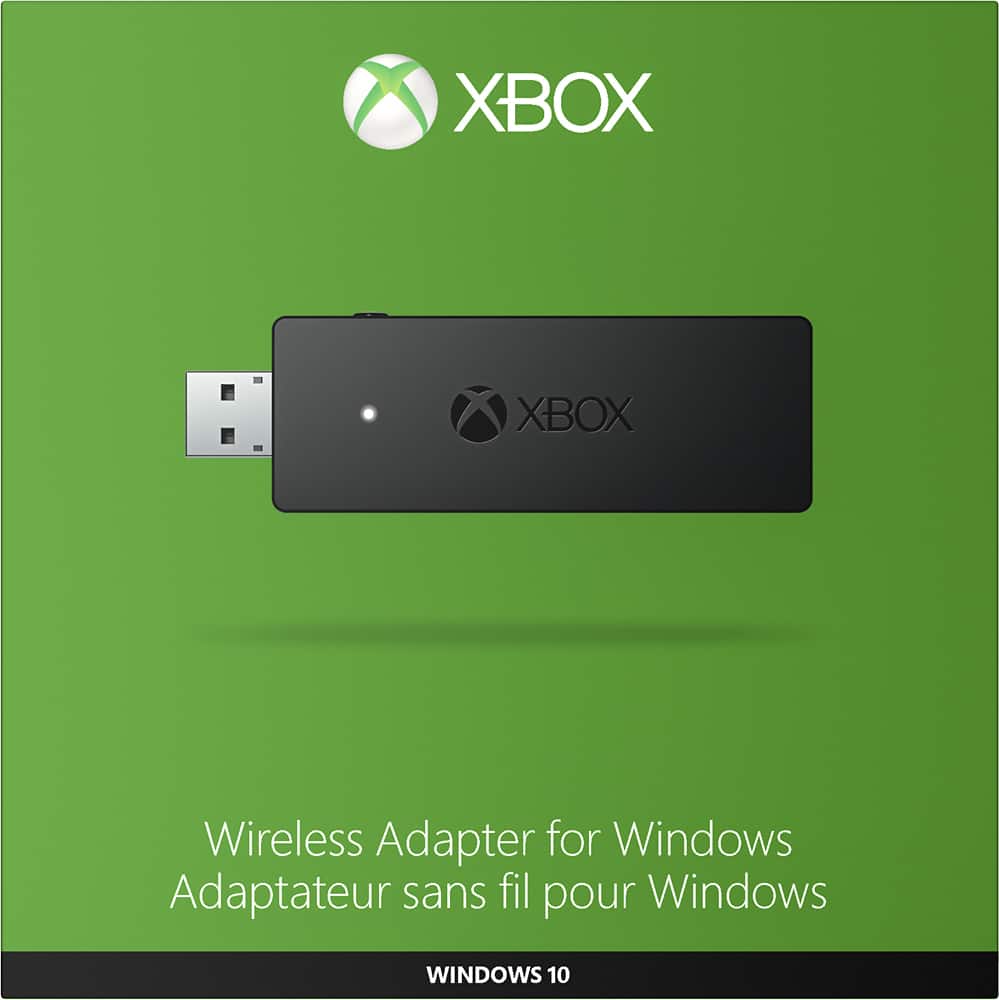
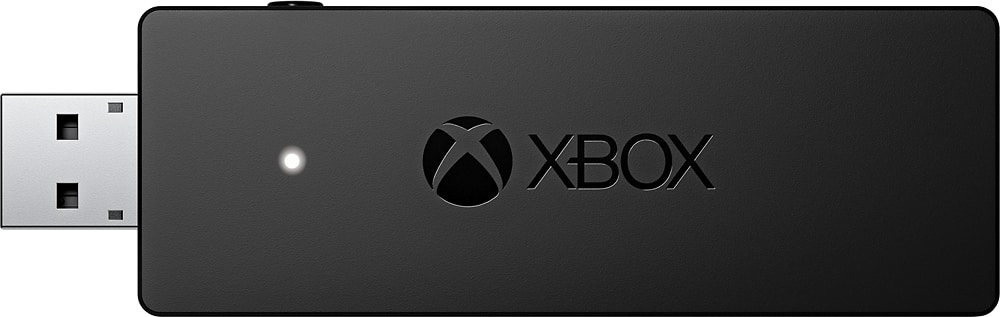
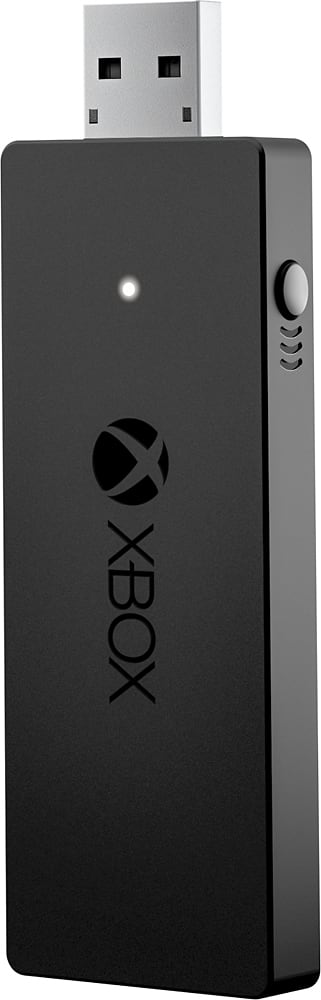
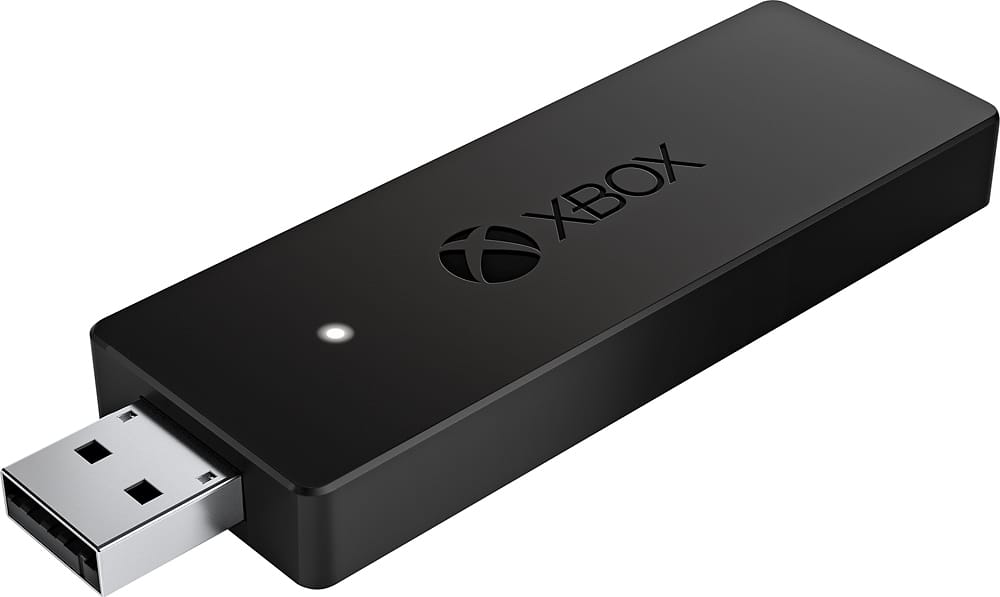
- Model:
- HK9-00001
- |
- SKU:
- 4630500
Customer reviews
Rating 4.7 out of 5 stars with 1223 reviews
(1,223 customer reviews)Rating by feature
- Value4.8
Rating 4.8 out of 5 stars
- Quality5.0
Rating 5.0 out of 5 stars
- Ease of Use5.0
Rating 5.0 out of 5 stars
Customers are saying
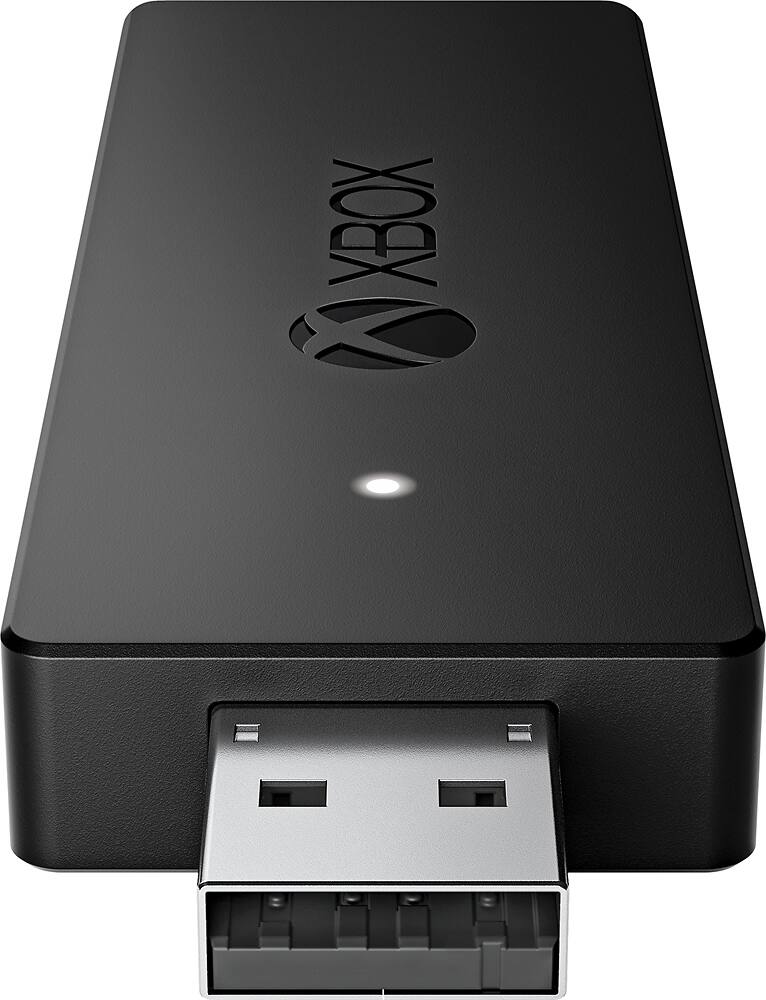
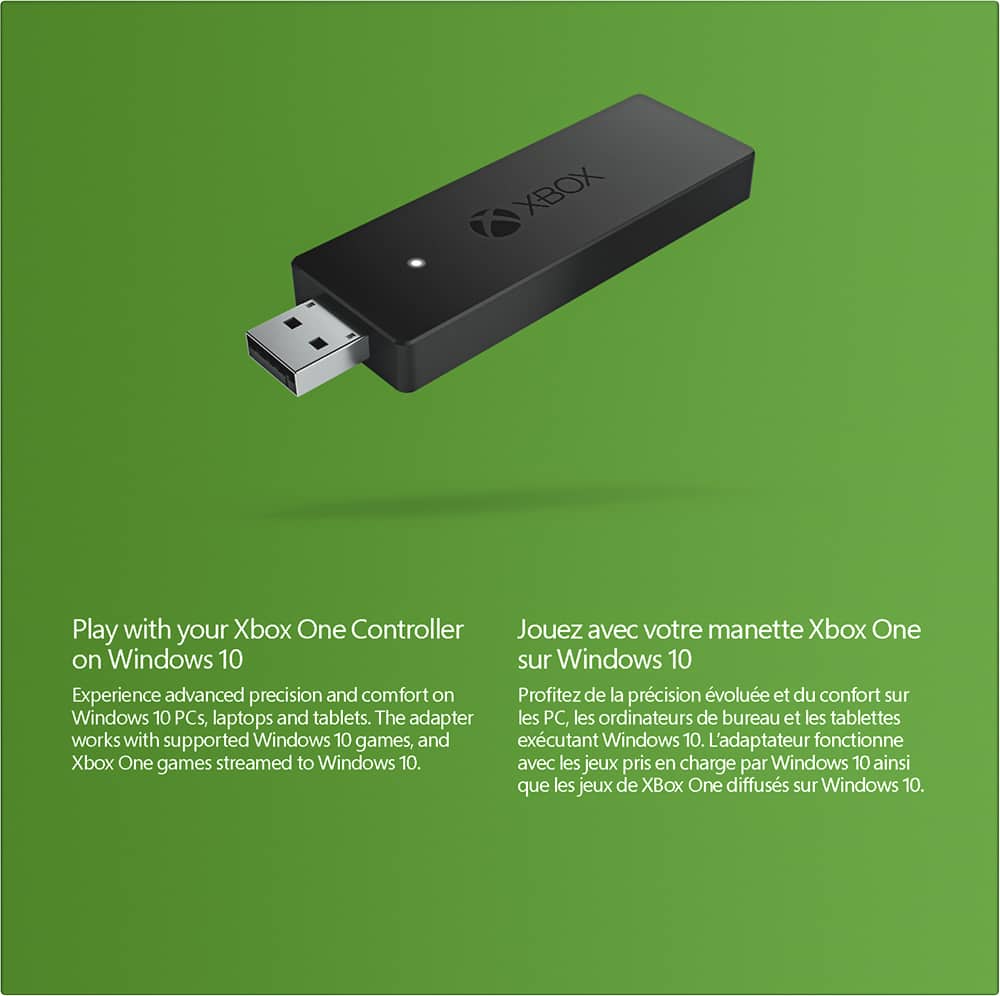
Customers appreciate the Xbox Wireless Adapter for Windows for its wireless connectivity, easy setup, and plug-and-play functionality. It is compatible with Windows 10 and offers a lag-free gaming experience. Some customers find the size of the adapter to be a bit bulky and the price to be on the higher side.
This summary was generated by AI based on customer reviews.
Rated 4 out of 5 stars
Works like it should
||Posted .This reviewer received promo considerations or sweepstakes entry for writing a review.Not Super tech savvy, so I need help to get 2 controllers to work.
I would recommend this to a friendRated 4 out of 5 stars
Great card!!
||Posted .This reviewer received promo considerations or sweepstakes entry for writing a review.Very high quality card haven't had a single issue in two months.
I would recommend this to a friendRated 3 out of 5 stars
Useful but overpriced
||Posted .This reviewer received promo considerations or sweepstakes entry for writing a review.This thing works as advertised, is a littttttle bulky and tacky looking and should be closer to 15 bucks given the tech involved and the use case. You don't even NEED this thing if you have a computer with bluetooth. Achieved what I needed, and works well but $25???
No, I would not recommend this to a friendRated 4 out of 5 stars
works great
||Posted .This reviewer received promo considerations or sweepstakes entry for writing a review.works great with PC, doesn't work with chrounus max plus yet
I would recommend this to a friendRated 4 out of 5 stars
You Can Use Your Xbox Controller on Your PC
||Posted .This reviewer received promo considerations or sweepstakes entry for writing a review.This device allows you to Use Your Xbox Controller on Your PC
I would recommend this to a friendRated 4 out of 5 stars
Good
||Posted .This reviewer received promo considerations or sweepstakes entry for writing a review.A much needed adapter for my computer, Awesome product!
I would recommend this to a friendRated 4 out of 5 stars
Compatable with what I use it for
||Posted .This reviewer received promo considerations or sweepstakes entry for writing a review.Very good product, works for what I bought it for.
I would recommend this to a friendRated 4 out of 5 stars
works great!
||Posted .This reviewer received promo considerations or sweepstakes entry for writing a review.Works great and it performs as I had expected it to.
I would recommend this to a friendRated 4 out of 5 stars
Good
||Posted .This reviewer received promo considerations or sweepstakes entry for writing a review.Would recommend to others it is very useful.. good
I would recommend this to a friendRated 3 out of 5 stars
It Works
||Posted .This reviewer received promo considerations or sweepstakes entry for writing a review.Originally, I bought this to use my One controller to play a Steam game. Game ended up without controller support. Can confirm it at least works though. Took a little time to set up (had to manually install the driver, did not plug and play with Windows 10).
I would recommend this to a friendRated 3 out of 5 stars
Not Smooth Integration
||Posted .This reviewer received promo considerations or sweepstakes entry for writing a review.It works as advertised. But I have an XBox One and a PC, and there is no easy way to switch which device my controller is pared to. Also, unlike on the XBox, there is no indicator on the PC to indicate that my controller is low on battery.
I would recommend this to a friendRated 3 out of 5 stars
Good when it works
||Posted .This reviewer received promo considerations or sweepstakes entry for writing a review.It usually takes me several tries - up to 5 to 10 minutes - to get it to connect with my xbox controller. Once it connects, it works well, and it doesn't seem to drop the connection. But getting it to start is a chore every time.
No, I would not recommend this to a friendRated 3 out of 5 stars
God product
||Posted .This reviewer received promo considerations or sweepstakes entry for writing a review.This is a good product, but I feel that it could of been designed better. I use this with my PC and it works good but like I said I do not like having a USB jolting out the side.
I would recommend this to a friendRated 3 out of 5 stars
Works...but laggy
||Posted .This reviewer received promo considerations or sweepstakes entry for writing a review.The adaptor works but there is a slight lag in the controls. I would recommend staying with wired controllers for games on your PC - especially games that suck the marrow out of the OS.
No, I would not recommend this to a friend- Pros mentioned:Ease of use
Rated 4 out of 5 stars
A minor hassle to set up but works great
Posted .This reviewer received promo considerations or sweepstakes entry for writing a review.I purchased this adapter along with the Xbox One Limited Edition Halo 5: Guardians Wireless Controller to use on my gaming mini PC. Straight away, this adapter loses a few points for only supporting Windows 10. I guess this is yet another way Microsoft is trying to encourage people to adopt that operating system. That being said, once you do a bit of work shutting down its privacy-invading "features," Windows 10 isn't terrible. In fact, from an overall functionality perspective, I think I actually prefer it to Windows 8.1, however I won't be rushing to install it on other machines in my household. Back to the controller adapter. Getting it set up on my PC wasn't the plug-and-play experience I was expecting. At first, I thought it was dead right out of the box. The little light on the side wasn't illuminated, and my controller wouldn't pair with it. It turns out that my Windows 10 installation did not have the proper drivers for this device. It was recognized as being connected to the computer, but Windows device manager reported it as "XBOX ACC" with the dreaded yellow exclamation mark next to it. Because Microsoft claims this device should be plug and play in Windows 10, they don't have a place on the Xbox portion of their website to download a driver. That doesn't mean a driver doesn't exist for you to download; it simply requires you to take a few extra steps, so if your Xbox One wireless adapter is not working on your Windows 10 PC, try the following: 1) Use Internet Explorer or the Microsoft Edge browser and visit catalog_dot_update_dot_microsoft_dot_com (remove the underscores and replace "dot" with periods). You must use IE or Edge - other browsers will not work. 2) Search for "xbox wireless" using the box at the top of the page. It will bring up a list of about 17 items. You will want to select "Microsoft - Other hardware - Xbox Wireless Adapter for Windows" version 21.50.58.120, dated 11/3/2015. Add the file to your download basket and save it to your desktop. 3) The download comes in the form of a Microsoft catalog file with a .cat extension. I used a freeware program called 7Zip to extract the driver. After doing this, go into device manager, select the unknown XBOX ACC entry, then update driver. Choose the option to manually install the driver and use the wizard to browse to where you extracted the .cat file. The driver should install, and then you can pair your controller per the setup guide. The controller now works perfectly. It was a little bit of a hassle to get past the initial setup, but it was definitely worth it. Now I can play games from my couch without having a lengthy USB cable running across the floor.
I would recommend this to a friend Rated 2 out of 5 stars
Could not get it to work with my laptop/Windows 7
||Posted .This reviewer received promo considerations or sweepstakes entry for writing a review.I asked two employees while purchasing this product when in with my son if this was compatible with Windows 7. It boldly shows WINDOWS 10 on the outside of the box, so they looked it up for us on the store computer and couldn't find an answer. They told us if it didn't work we could, of course, bring it back for a full refund. I called Microsoft and they said it is compatible and it should work and we need to load some drivers. I'll need to call them back for help.
No, I would not recommend this to a friendRated 1 out of 5 stars
Just plain doesn’t work
||Posted .This reviewer received promo considerations or sweepstakes entry for writing a review.Constantly disconnects, have tried multiple controllers and multiple laptops. Better off just using a long USB cord than wasting money on this.
No, I would not recommend this to a friend- Cons mentioned:Pairing
Rated 1 out of 5 stars
Returned item
||Posted .This reviewer received promo considerations or sweepstakes entry for writing a review.I previously have owned a similar adapter for wireless Xbox 360 controllers on PC and never had an issue. I had nothing but headaches with this adapter and an Xbox One Elite controller. Controller would not stay paired with the adapter, and getting pairing to work was never easy. Returned the product and am just using a USB connection to my PC for the controller.
No, I would not recommend this to a friend Rated 1 out of 5 stars
it gave out after 3mo, no warrenty
||Posted .This reviewer received promo considerations or sweepstakes entry for writing a review.worked great for 3mo then started to crackle and not transmit. no one would warranty it so i trashed and replaced it with a keypad.
No, I would not recommend this to a friendRated 3 out of 5 stars
Bought it for my nephew
||Posted .This reviewer received promo considerations or sweepstakes entry for writing a review.I know nothing about gaming but my nephew was very happy to get this and said I did a good job. :)
I would recommend this to a friend