Customer Ratings & Reviews
- Model:
- HK9-00001
- SKU:
- 4630500
Rating by feature
- Value
Rating 4.8 out of 5 stars
- Quality
Rating 5.0 out of 5 stars
- Ease of Use
Rating 5.0 out of 5 stars
Customers are saying
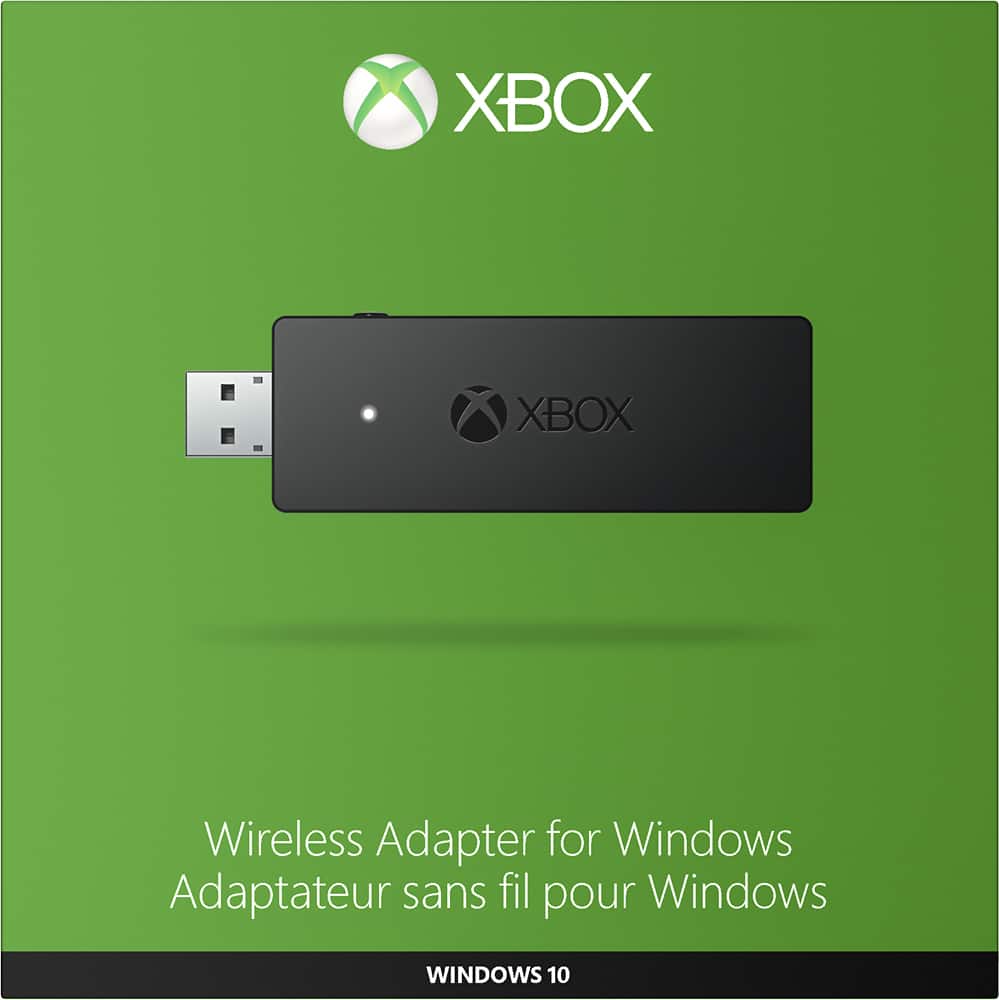
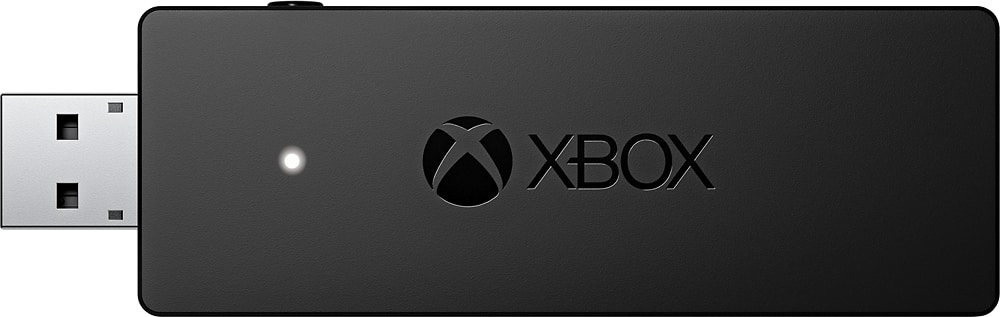
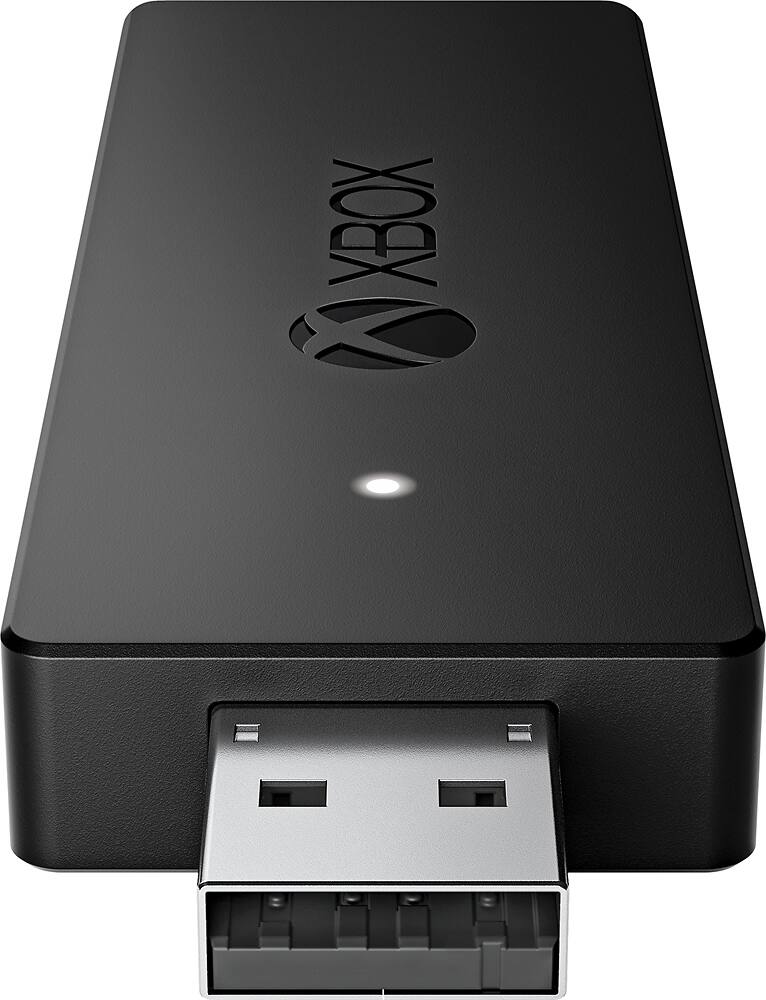
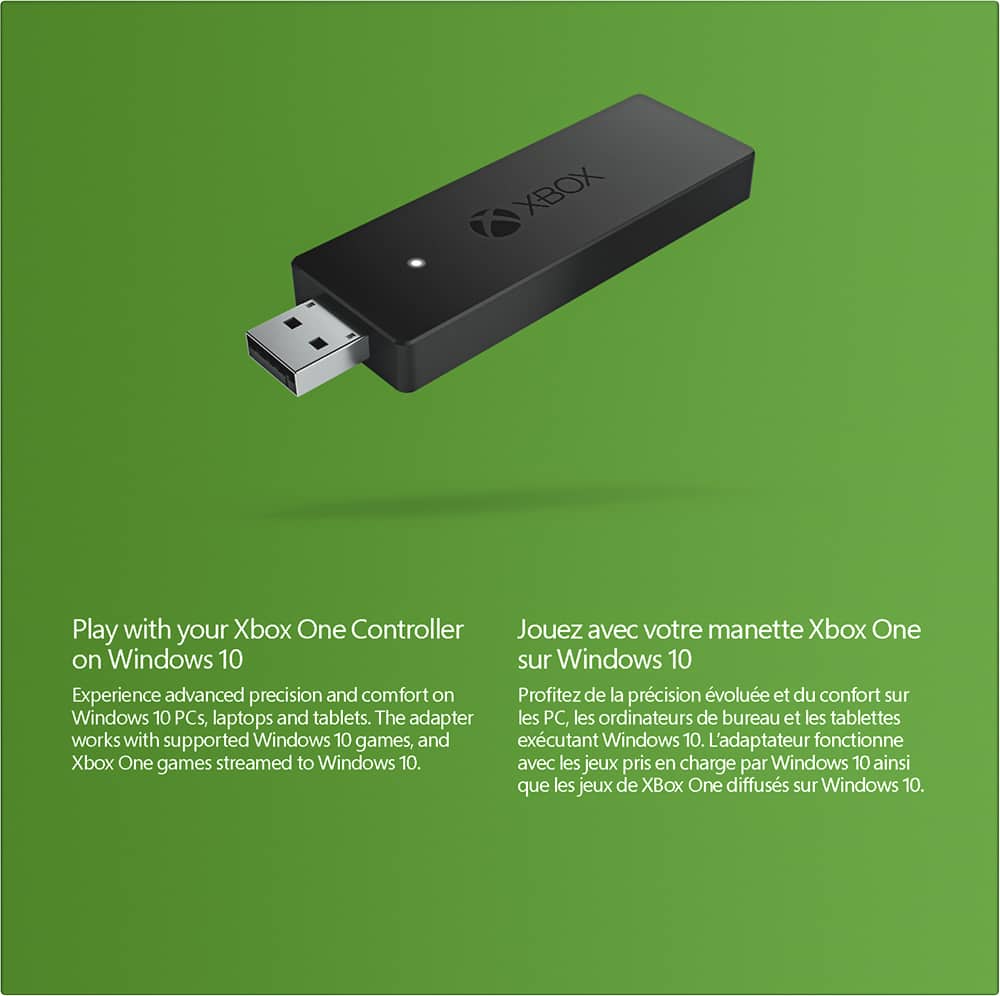
Customers appreciate the Xbox Wireless Adapter for Windows for its wireless connectivity, easy setup, and plug-and-play functionality. It is compatible with Windows 10 and offers a lag-free gaming experience. Some customers find the size of the adapter to be a bit bulky and the price to be on the higher side.
This summary was generated by AI based on customer reviews.
Drops connection with headset
||Posted .This reviewer received promo considerations or sweepstakes entry for writing a review.If you plan on using this with a headset plugged into the controller expect dropped connections frequently. The new Bluetooth controller do not support headsets making this the only option but it looses connection entirely to often.
No, I would not recommend this to a friendDid not work at all
||Posted .This reviewer received promo considerations or sweepstakes entry for writing a review.Bought this to play wirelessly on Pc and it did not work. Went to Microsoft web site and it said it needed an update so downloaded the update and all of the sudden it wouldnt even read the device. Really disappointed.
No, I would not recommend this to a friend- Pros mentioned:Ease of useCons mentioned:Lag
Works Great, Easy to Use!
Posted .This reviewer received promo considerations or sweepstakes entry for writing a review.The dongle was super easy to set up, just plug in and sync with your controller. It works perfectly with no lag. It makes me wish Windows had full controller support for 10. It comes with a usb extender, which I used to put the adapter next to my monitor instead of out the back of my tower.
I would recommend this to a friend No sync memory
||Posted .This reviewer received promo considerations or sweepstakes entry for writing a review.This needs to be synced every time it loses power. Kind of inconvenient if my computer needs a restart and is in the other room. It also drops communication with the controller randomly.
No, I would not recommend this to a friendDon't Bother
||Posted .This reviewer received promo considerations or sweepstakes entry for writing a review.Recommend by the clerk at Best Buy. I didn't work at all, nor did the setup directions/descriptions reflect the actual product. Don't bother wasting your money.
No, I would not recommend this to a friendNot reliable
||Posted .This reviewer received promo considerations or sweepstakes entry for writing a review.The adapter would work for a little while and then stop working. We had to keep syncing/reconnecting the controller. Ended up returning the device.
No, I would not recommend this to a friendWorks Great
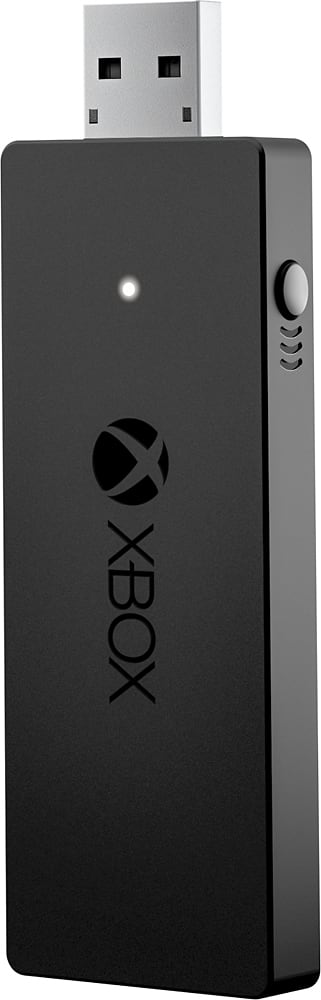
Posted .This reviewer received promo considerations or sweepstakes entry for writing a review.The instructions in the box are a vague for someone not familiar with Xbox pairing. After installing the batteries into the controller make sure to turn it ON by pressing the Xbox button. From the Xbox website: Follow these steps to bind your controller to the Xbox Wireless Adapter for Windows: 1. Connect the Xbox Wireless Adapter to your Windows 10 device (so it has power), and then push the button on the Xbox Wireless Adapter. 2. Make sure the controller is powered on, and then press the controller bind button. The controller LED will blink while it's connecting. Once it connects, the LED on the adapter and controller both go solid. This thing works great.
I would recommend this to a friendthe xbox will not work on my pc
||Posted .This reviewer received promo considerations or sweepstakes entry for writing a review.eventhou the coment from best buy( witch prompter me to buy....)will not work in pc10, looks like wasted my purchase.....
No, I would not recommend this to a friendBrand response from MicrosoftOutreachTeam
Posted .Hello Robert, The Microsoft - Xbox Wireless Adapter for Windows does work on Windows 10. Please contact our Customer Support through the Support Web Portal: www.support.microsoft.com . We apologize for any frustration this has caused and hope this was helpful to you.

Disappointing
||Posted .This reviewer received promo considerations or sweepstakes entry for writing a review.Had such high hopes. Couldn't get it to work. Wouldn't install. Wouldn't light up. Don't think these work.
No, I would not recommend this to a friend- Pros mentioned:Compatibility, Ease of use
Can't live without
Posted .This reviewer received promo considerations or sweepstakes entry for writing a review.This is a nicely new addition to my xbox one and my 2 and 1 laptop. The controllers sync very easily and I love how I can now play my xbox one on my laptop.
I would recommend this to a friend Did not work well for me
||Posted .This reviewer received promo considerations or sweepstakes entry for writing a review.The connection for the controller kept getting lost. I gave up and returned this.
No, I would not recommend this to a friendMicrosoft
||Posted .This reviewer received promo considerations or sweepstakes entry for writing a review.After trying this wireless adapter for my gaming computer the item didn't work.
No, I would not recommend this to a friend- Pros mentioned:Compatibility
Works Perfectly!
Posted .This reviewer received promo considerations or sweepstakes entry for writing a review.Great product for a great PC gaming experience. The only negative here is that if you are using it with a laptop, then it makes the laptop a bit awkward on the lap. However, the product works flawlessly and across many programs from steam apps, to legacy PC games (that accept controller input), to emulators from the Windows Store or the web.
I would recommend this to a friend - Pros mentioned:Ease of use
Easy to setup and works great!
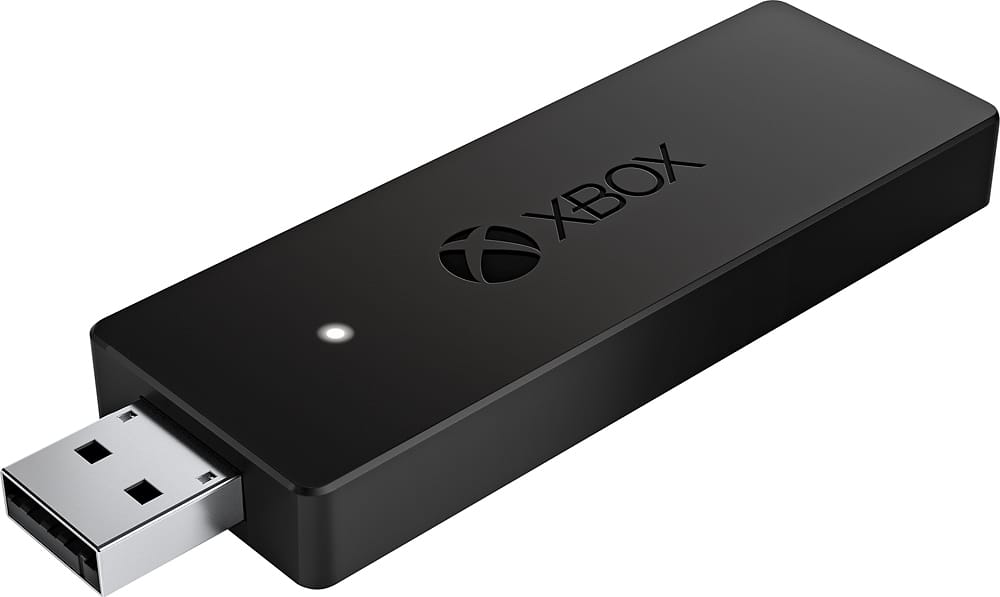
Posted .This reviewer received promo considerations or sweepstakes entry for writing a review.As a PC gamers it's always great to have options for controller input for those games built for it. The adapter is about the size of a flash drive and hides easily on the back of my computer. Makes great for 'LAN' parties with local multiplayer games as all of my console gaming buddies can bring their own controllers and hook up effortlessly.
I would recommend this to a friend - Cons mentioned:Size
Works as expected
Posted .This reviewer received promo considerations or sweepstakes entry for writing a review.Not much to say about this little device. It works as expected and lets me use my Xbox One controller with with PC. It's a little but larger than I'd like and it almost covers the USB port below it, that's my only complaint, but it can be easily resolved with an USB extender, so it's not that big of an issue.
I would recommend this to a friend - Pros mentioned:Ease of use
Wireless freedom
Posted .This reviewer received promo considerations or sweepstakes entry for writing a review.This little adapter does exactly what it says it will do. I've cut the cord and can now freely use my Xbox One controller on my new laptop. Works like a charm when streaming games from my X1. Just be sure that you are running Windows 10 as it's the only OS that can support this adapter.
I would recommend this to a friend - Pros mentioned:Wireless
Works great
Posted .This reviewer received promo considerations or sweepstakes entry for writing a review.My gaming computer doesn't have Bluetooth built in, so I needed this little guy to use my spare Xbox One controller without a cord. Simply plug it in, let Windows install the drivers, and your good to use any Xbox One controller on your PC wirelessly.
I would recommend this to a friend - Pros mentioned:Ease of use
pc adapter for controller - good choice
Posted .This reviewer received promo considerations or sweepstakes entry for writing a review.for computers that do not have bluetooth or controllers that don't support bluetooth, this device works well and easy to use.
I would recommend this to a friend - Pros mentioned:Compatibility
Now support for win7 win8.1
Posted .This reviewer received promo considerations or sweepstakes entry for writing a review.http://www.maximumpc.com/microsofts-xbox-wireless-adapter-for-windows-10-now-supports-win-7-and-81/?utm_content=buffer7e392&utm_medium=social&utm_source=facebook.com&utm_campaign=buffer-maxpc Drivers have been updated to allow for use in win7 & win8
I would recommend this to a friend - Pros mentioned:Connection, Ease of use
Great product easy to use
Posted .This reviewer received promo considerations or sweepstakes entry for writing a review.Bought this to replace my wireless adapter for Xbox 360 controllers so I could use my new Xbox One controllers. This was very easy plug and play. There's a little sync button that works the same as the one on the consoles and once synced you don't have to worry again. The connection is seamless and works great for all games.
I would recommend this to a friend