Customer Ratings & Reviews
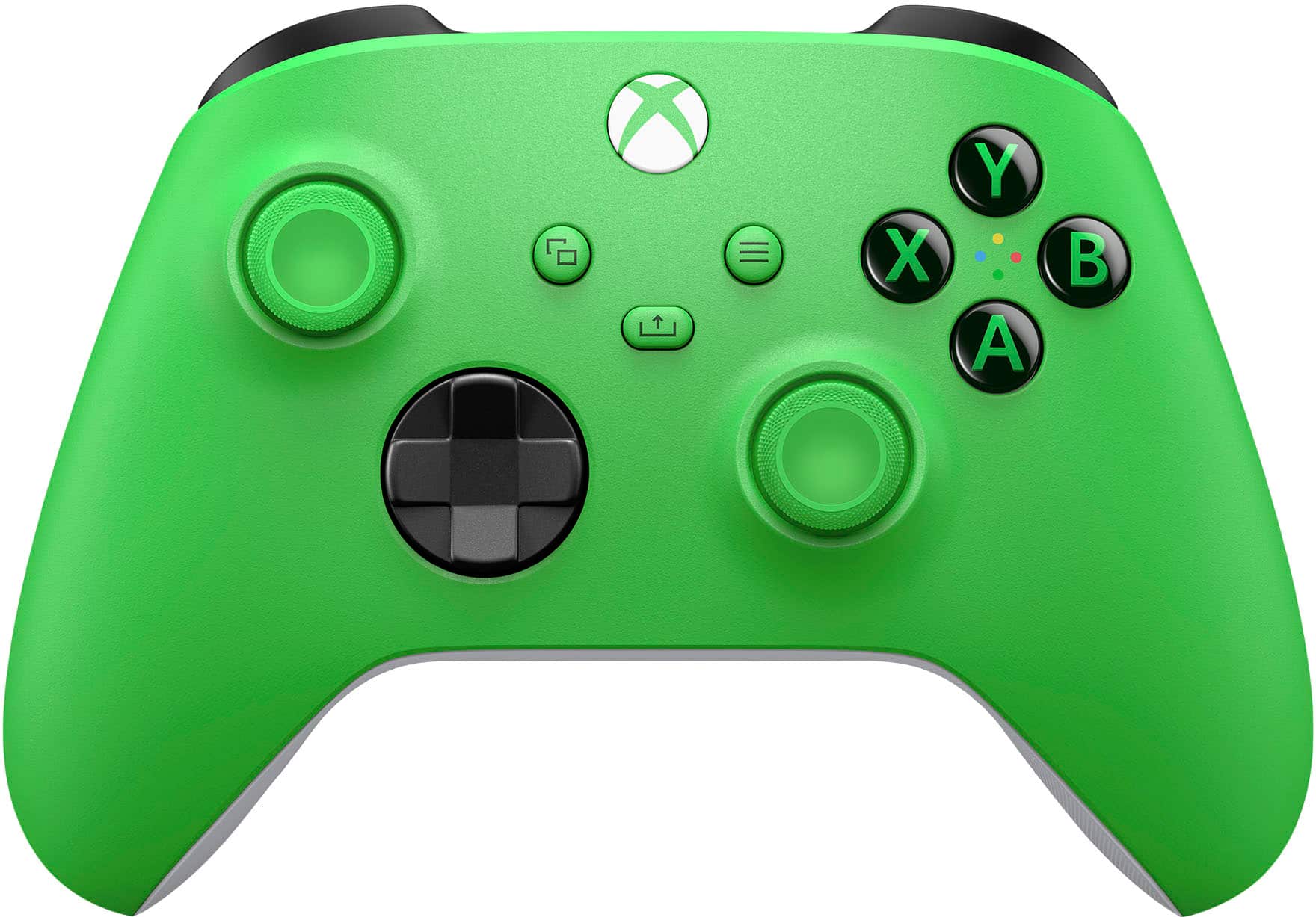

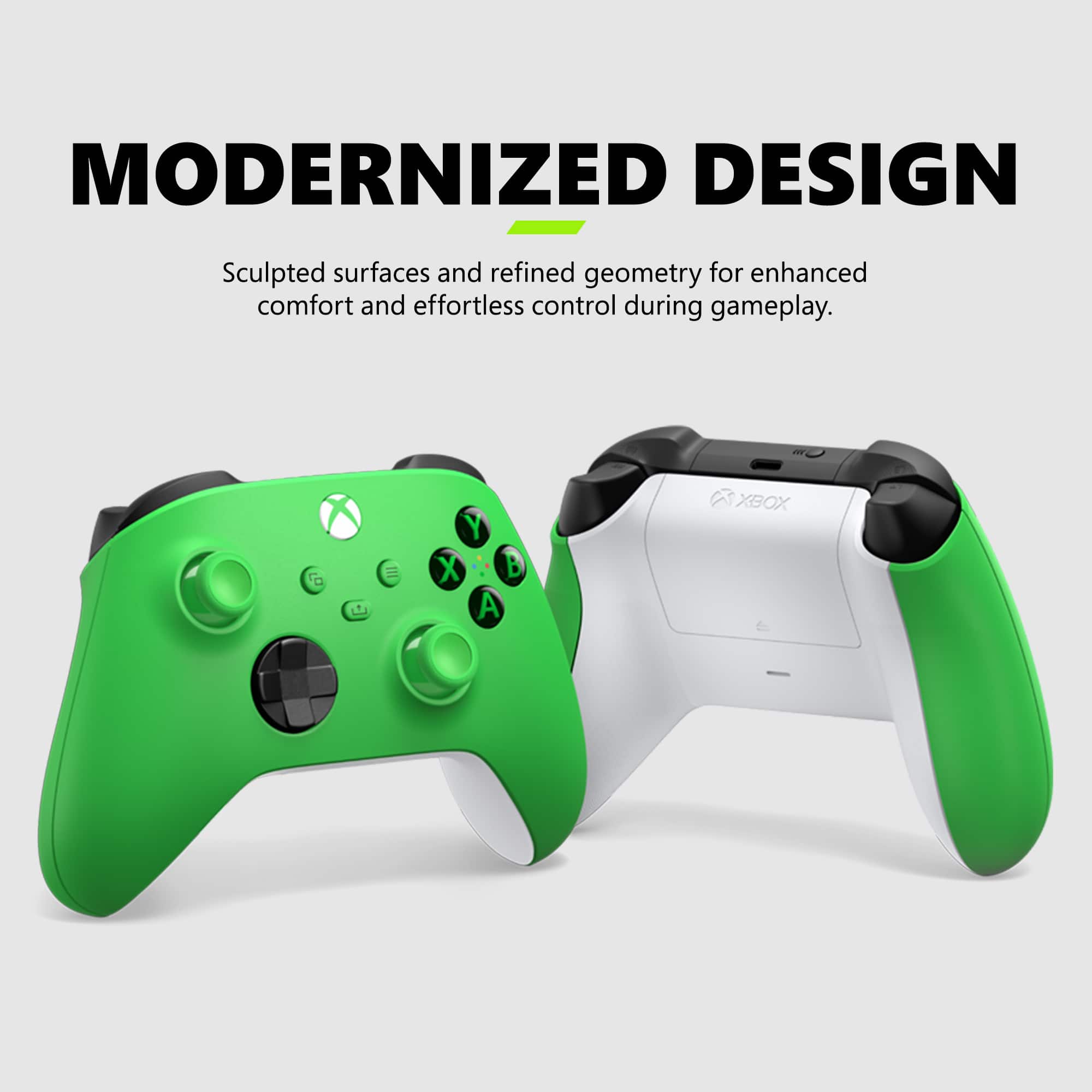
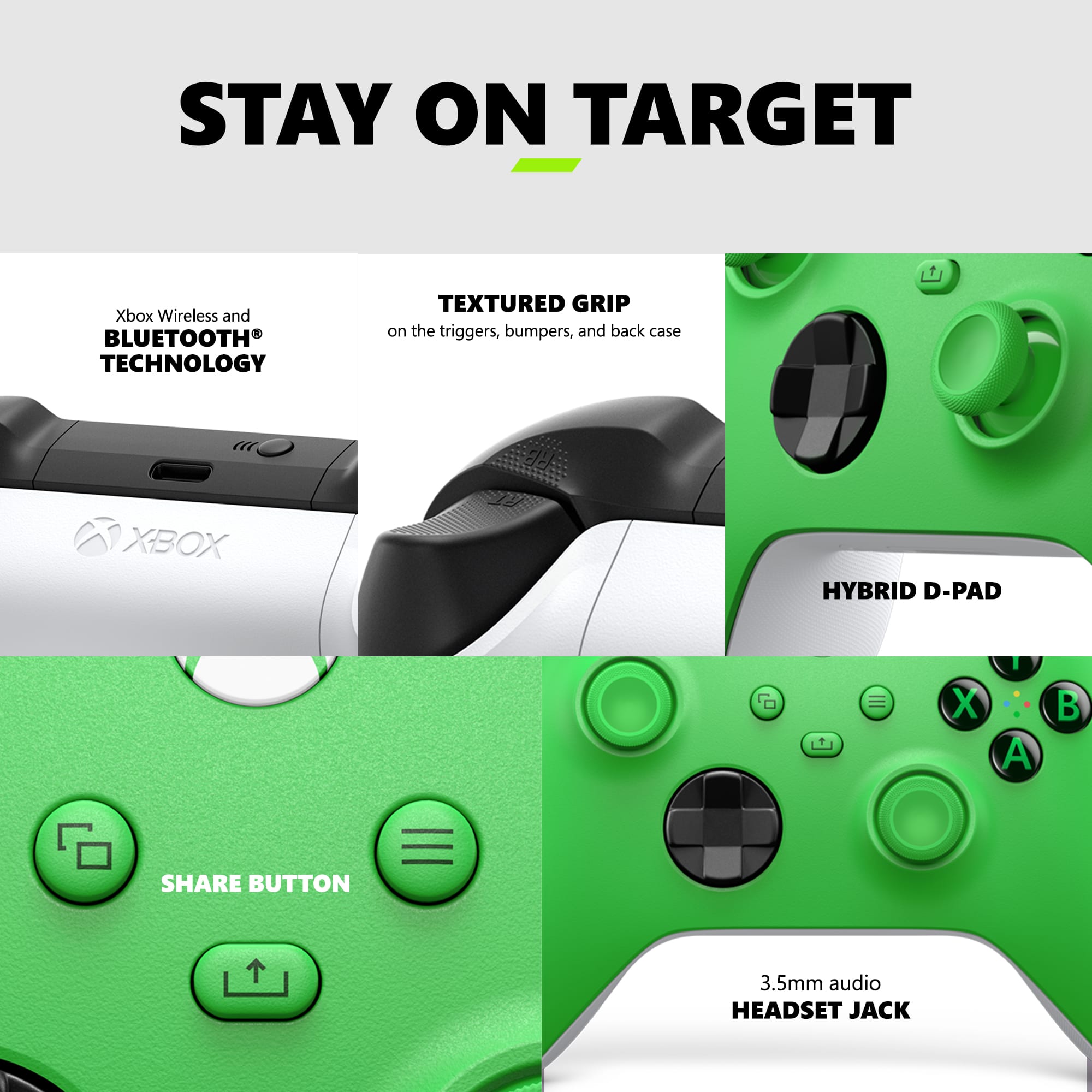

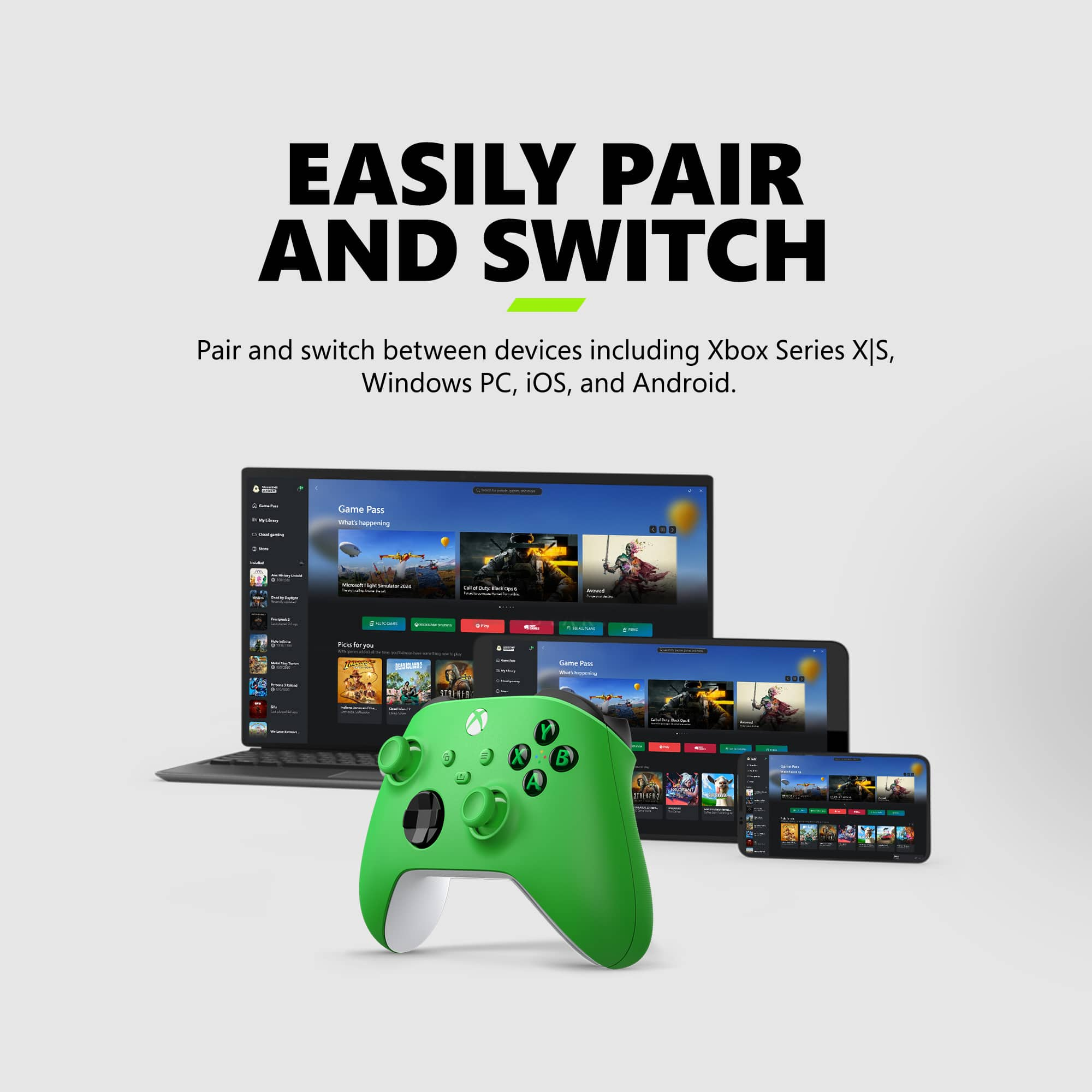
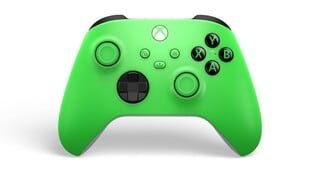
- Model:
- EP2-29915/QAU-00090
- |
- SKU:
- 10287360
Customer reviews
Rating 4.7 out of 5 stars with 34259 reviews
(34,259 customer reviews)Rating by feature
- Value4.6
Rating 4.6 out of 5 stars
- Quality4.7
Rating 4.7 out of 5 stars
- Ease of Use4.8
Rating 4.8 out of 5 stars
to a friend
Rated 4 out of 5 stars
Pretty good with room for improvement
||Posted . Owned for 3 weeks when reviewed.This reviewer received promo considerations or sweepstakes entry for writing a review.Overall I'm happy with the Xbox series x controller. I think the trigger buttons are really smooth and almost velvety feeling when you click them. Some of the regular buttons are a little too stiff cheap and clicky for my tastes though and I kind of wonder if the more expensive controller has smoother buttons and Microsoft didn't make this one a little cheaper just to incline you to spend over $100 on the new controller. It works, I'm happy with it but I think that a few of the buttons could have been a little better designed.
This review is from Microsoft - Xbox Wireless Controller for Xbox Series X, Xbox Series S, Xbox One, PCs, and Cloud-Enabled Devices - Carbon Black
I would recommend this to a friendRated 5 out of 5 stars
Xbox series x controller
||Posted . Owned for 3 weeks when reviewed.This reviewer received promo considerations or sweepstakes entry for writing a review.Very nice controller. Love the looks and feel. Easy too use.
This review is from Microsoft - Xbox Wireless Controller for Xbox Series X, Xbox Series S, Xbox One, PCs, and Cloud-Enabled Devices - Stellar Shift Special Edition
I would recommend this to a friendRated 5 out of 5 stars
Awesome Controller
||Posted .This reviewer received promo considerations or sweepstakes entry for writing a review.Feels and works super well. Love the textured grips
This review is from Microsoft - Xbox Wireless Controller for Xbox Series X, Xbox Series S, Xbox One, PCs, and Cloud-Enabled Devices - Shock Blue
I would recommend this to a friendRated 4 out of 5 stars
XBox Brand Lasts Much Longer
||Posted . Owned for more than 2 years when reviewed.This reviewer received promo considerations or sweepstakes entry for writing a review.Fun color options, option control for small and adult fingers, have had over a year and it is still working perfectly even though used daily. Highly recommend!
This review is from Microsoft - Xbox Wireless Controller for Xbox Series X, Xbox Series S, Xbox One, PCs, and Cloud-Enabled Devices - Pulse Red
I would recommend this to a friendRated 5 out of 5 stars
10/10
||Posted . Owned for 3 weeks when reviewed.This reviewer received promo considerations or sweepstakes entry for writing a review.Excellent product, works great, no stick drift and it got here in 2 days
This review is from Microsoft - Xbox Wireless Controller for Xbox Series X, Xbox Series S, Xbox One, PCs, and Cloud-Enabled Devices - Carbon Black
I would recommend this to a friendRated 5 out of 5 stars
Great controller
||Posted . Owned for 1 month when reviewed.This reviewer received promo considerations or sweepstakes entry for writing a review.The controller works perfectly and is easy to control/hold.
This review is from Microsoft - Xbox Wireless Controller for Xbox Series X, Xbox Series S, Xbox One, PCs, and Cloud-Enabled Devices - Deep Pink
I would recommend this to a friendRated 5 out of 5 stars
Xbox Controller
||Posted . Owned for 3 weeks when reviewed.This reviewer received promo considerations or sweepstakes entry for writing a review.Controller works as intended. Its a controller, not a whole lot to review.
This review is from Microsoft - Xbox Wireless Controller for Xbox Series X, Xbox Series S, Xbox One, PCs, and Cloud-Enabled Devices - Astral Purple
I would recommend this to a friendRated 5 out of 5 stars
Got it for a good deal on Black Friday Black Frida
||Posted . Owned for 1 week when reviewed.This reviewer received promo considerations or sweepstakes entry for writing a review.I really enjoy my new Xbox controller it is the first one that I have had in about 8 years. I love the texture also to lime green is my favorite color. Got it for a good deal on Black Friday
This review is from Microsoft - Xbox Wireless Controller for Xbox Series X, Xbox Series S, Xbox One, PCs, and Cloud-Enabled Devices - Velocity Green
I would recommend this to a friendRated 5 out of 5 stars
Great controller!
||Posted . Owned for 1.5 years when reviewed.This reviewer received promo considerations or sweepstakes entry for writing a review.I love this color! I have a few of these paired with an adapter on my PC. Works great!
This review is from Microsoft - Xbox Wireless Controller for Xbox Series X, Xbox Series S, Xbox One, PCs, and Cloud-Enabled Devices - Electric Volt
I would recommend this to a friendRated 5 out of 5 stars
Heartbreaker controller
||Posted .This reviewer received promo considerations or sweepstakes entry for writing a review.Love the way it looks and the buttons and triggers are satisfying.
This review is from Microsoft - Xbox Wireless Controller for Xbox Series X, Xbox Series S, Xbox One, PCs, and Cloud-Enabled Devices - Heart Breaker Special Edition
I would recommend this to a friendRated 5 out of 5 stars
Xbox controller
||Posted . Owned for 1 month when reviewed.This reviewer received promo considerations or sweepstakes entry for writing a review.Good coller and like the way it plays definitely would purchase again
This review is from Microsoft - Xbox Wireless Controller for Xbox Series X, Xbox Series S, Xbox One, PCs, and Cloud-Enabled Devices - Sky Cipher Special Edition
I would recommend this to a friendRated 5 out of 5 stars
Xbox wireless gaming controller.
||Posted . Owned for 4 months when reviewed.This reviewer received promo considerations or sweepstakes entry for writing a review.Great quality easy to use and set up. Great performance. Use with android Google play and windows.
This review is from Microsoft - Xbox Wireless Controller for Xbox Series X, Xbox Series S, Xbox One, PCs, and Cloud-Enabled Devices - Carbon Black
I would recommend this to a friendRated 5 out of 5 stars
Perfect
||Posted .This reviewer received promo considerations or sweepstakes entry for writing a review.The controller works great, much smoother than other brands
This review is from Microsoft - Xbox Wireless Controller for Xbox Series X, Xbox Series S, Xbox One, PCs, and Cloud-Enabled Devices - Sky Cipher Special Edition
I would recommend this to a friendRated 5 out of 5 stars
simple
||Posted . Owned for 3 months when reviewed.This reviewer received promo considerations or sweepstakes entry for writing a review.simple controller. great color, looks good. easy to use.
This review is from Microsoft - Xbox Wireless Controller for Xbox Series X, Xbox Series S, Xbox One, PCs, and Cloud-Enabled Devices - Stellar Shift Special Edition
I would recommend this to a friendRated 5 out of 5 stars
Good Controller
||Posted . Owned for 2 weeks when reviewed.This reviewer received promo considerations or sweepstakes entry for writing a review.Solid, cool color. Works great. Seems to be very durable and easy to connect to device.
This review is from Microsoft - Xbox Wireless Controller for Xbox Series X, Xbox Series S, Xbox One, PCs, and Cloud-Enabled Devices - Velocity Green
I would recommend this to a friendRated 5 out of 5 stars
PINK CONTROLLER
||Posted .This reviewer received promo considerations or sweepstakes entry for writing a review.My wife love's her new controller it's a girley controller.
This review is from Microsoft - Xbox Wireless Controller for Xbox Series X, Xbox Series S, Xbox One, PCs, and Cloud-Enabled Devices - Deep Pink
I would recommend this to a friendRated 5 out of 5 stars
Killer gamepad
||Posted . Owned for 1.5 years when reviewed.This reviewer received promo considerations or sweepstakes entry for writing a review.Does exactly what it should and looks cool too. What could be better?
This review is from Microsoft - Xbox Wireless Controller for Xbox Series X, Xbox Series S, Xbox One, Windows Devices - Aqua Shift Special Edition
I would recommend this to a friendRated 5 out of 5 stars
As expected
||Posted . Owned for 2 months when reviewed.This reviewer received promo considerations or sweepstakes entry for writing a review.Works great with the Xbox, as they should. No complaints.
This review is from Microsoft - Xbox Wireless Controller for Xbox Series X, Xbox Series S, Xbox One, PCs, and Cloud-Enabled Devices - Robot White
I would recommend this to a friendRated 5 out of 5 stars
Hard to go wrong for pc
||Posted . Owned for 1 month when reviewed.This reviewer received promo considerations or sweepstakes entry for writing a review.grip on back feels amazing and color is really cool. My son loves it
This review is from Microsoft - Xbox Wireless Controller for Xbox Series X, Xbox Series S, Xbox One, PCs, and Cloud-Enabled Devices - Stellar Shift Special Edition
I would recommend this to a friendRated 4 out of 5 stars
Great Controller for PC. installation Instruction
||Posted . Owned for 2 months when reviewed.This reviewer received promo considerations or sweepstakes entry for writing a review.Controller works great. However if your going to use it on a PC don't follow the installation instructions to set up blue tooth on a PC. Do this instead: Follow the instructions to update the controller to the latest firmware. Download the "Xbox Accessories APP" from the Microsoft Store (you'll use it later to test your controller. Go to the Control Panel. Click on Devices and Printers.. If the Xbox game controller is listed, then remove it. Click on Add a device. Turn on your controller and press the paring button until the on button starts flashing quickly. When your controller is recognized, then select it. Software and drivers will be automatically installed. I've attached a photo of what the controller Icon will look like in Devices and Printers when installed. (Installation note: I had to remove my blue tooth headphones from the blue tooth settings and then reinstall them to get them to work with the controller at the same time.) Hope you find this useful.
This review is from Microsoft - Xbox Wireless Controller for Xbox Series X, Xbox Series S, Xbox One, PCs, and Cloud-Enabled Devices - Pulse Red
I would recommend this to a friend