Customer Ratings & Reviews
- Model:
- AS017
- SKU:
- 6670128
to a friend
Customers are saying
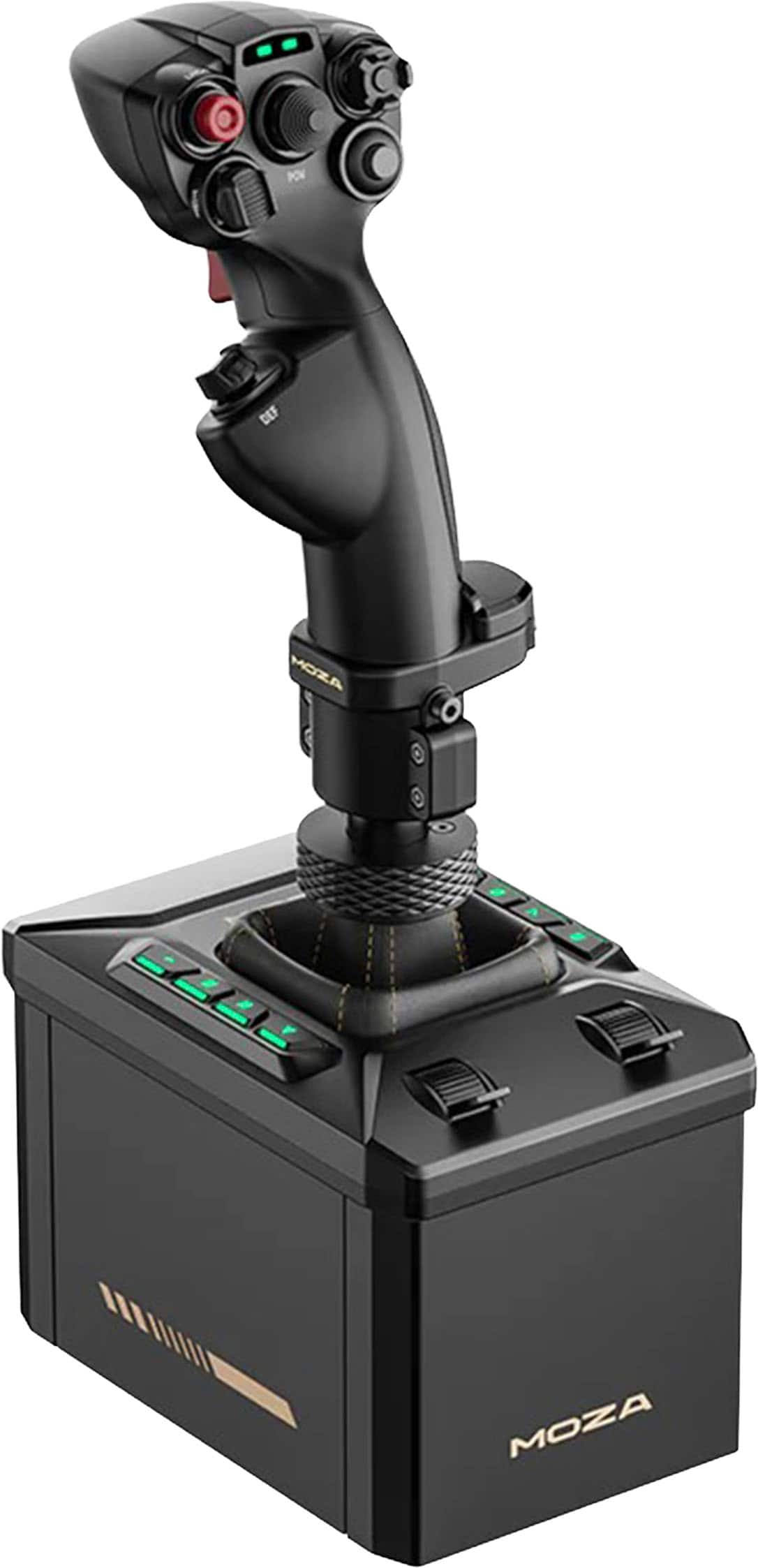
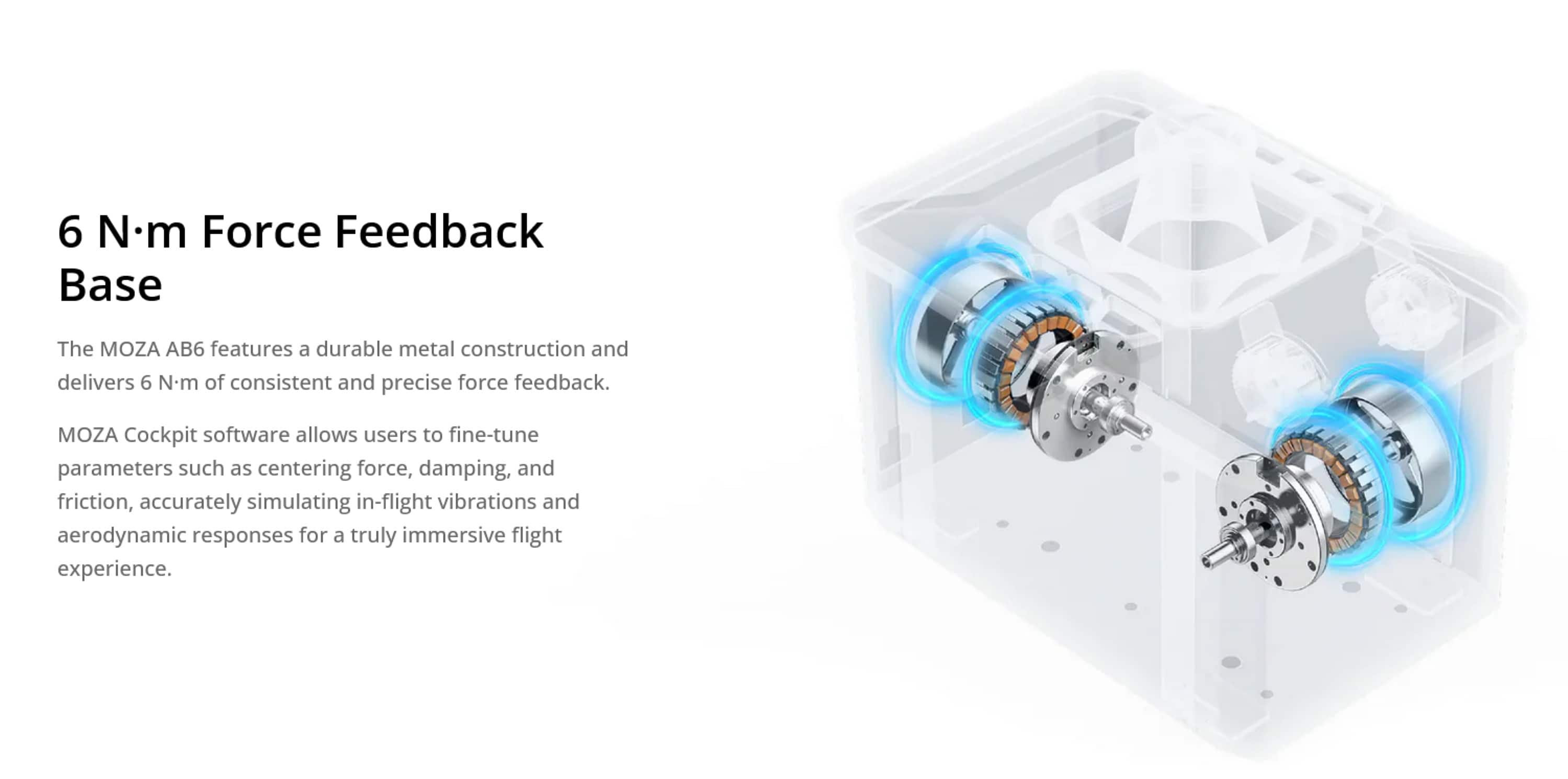
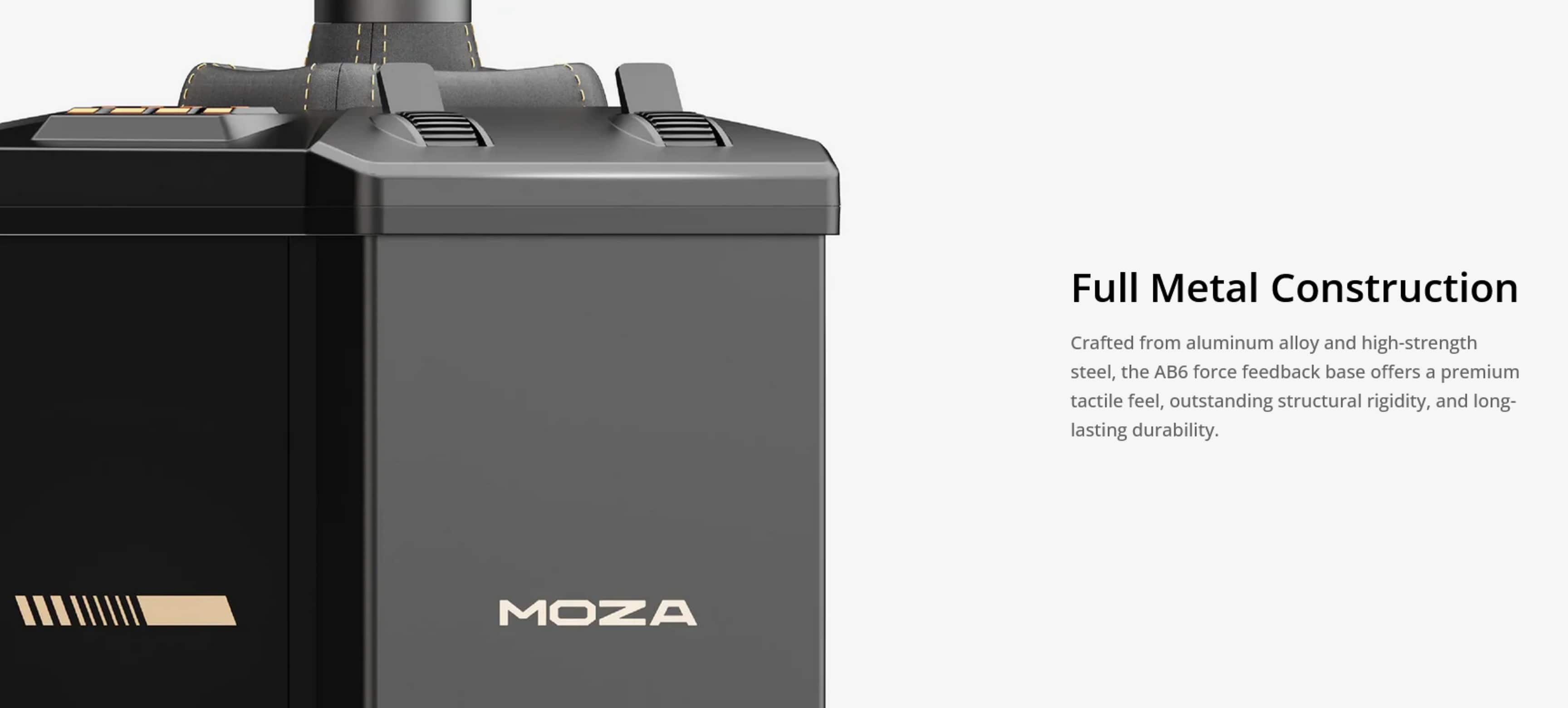
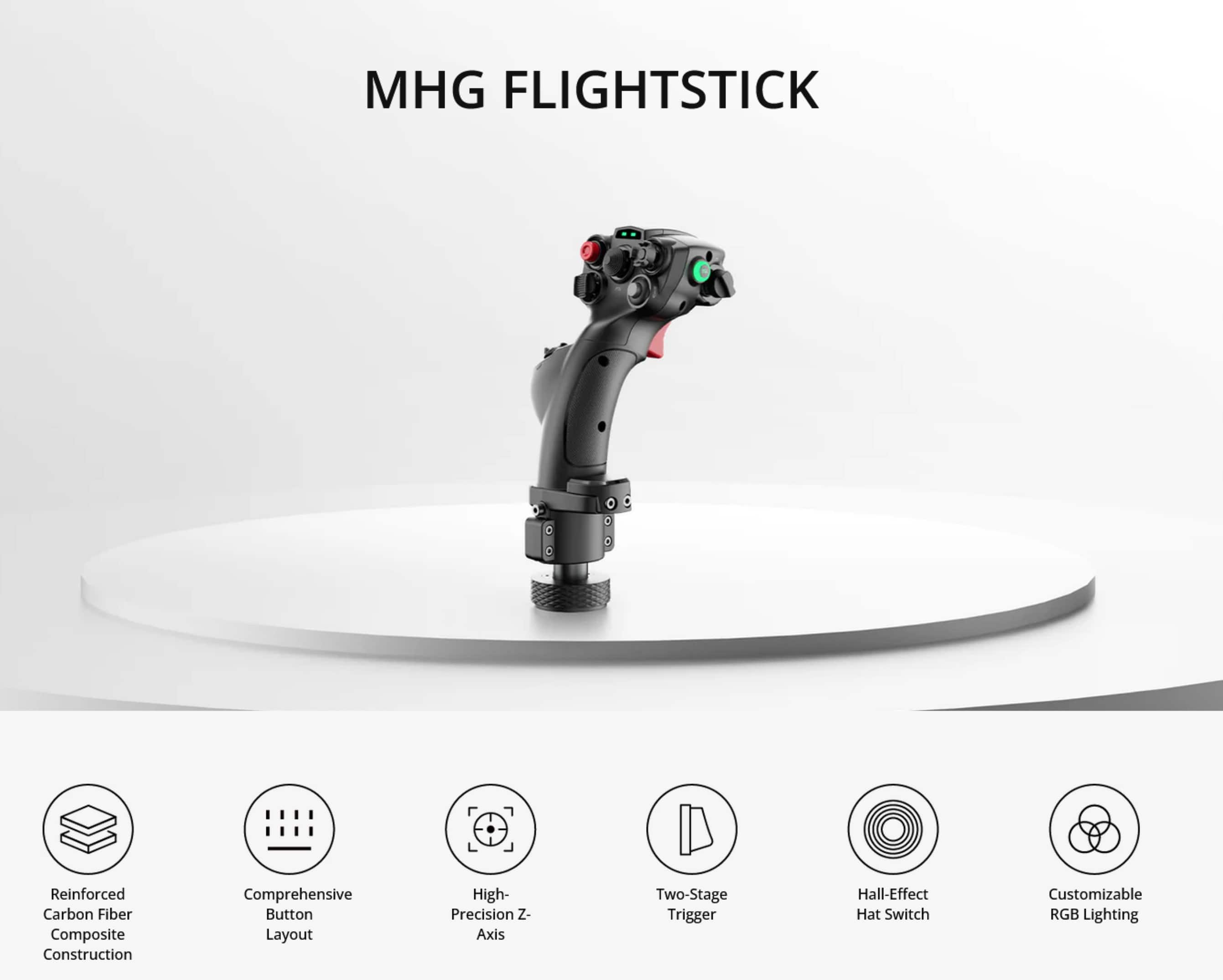
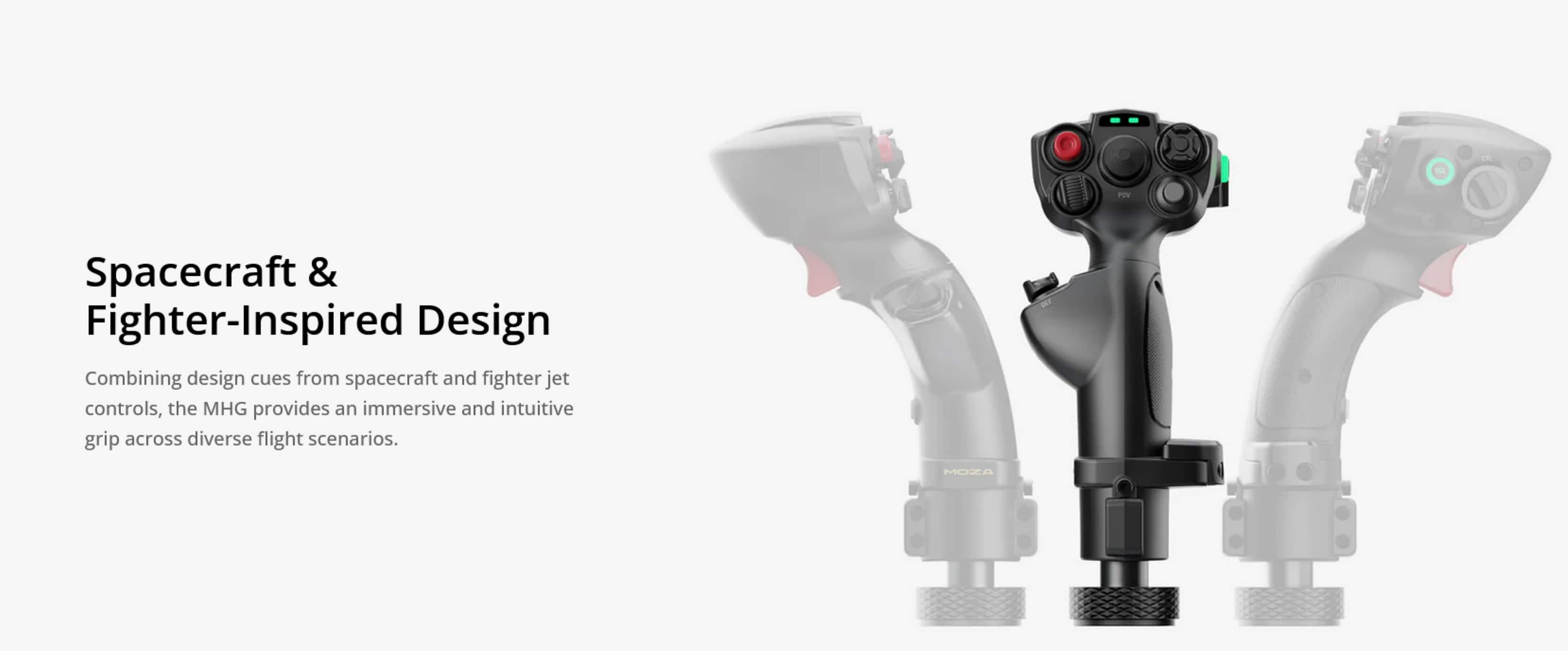
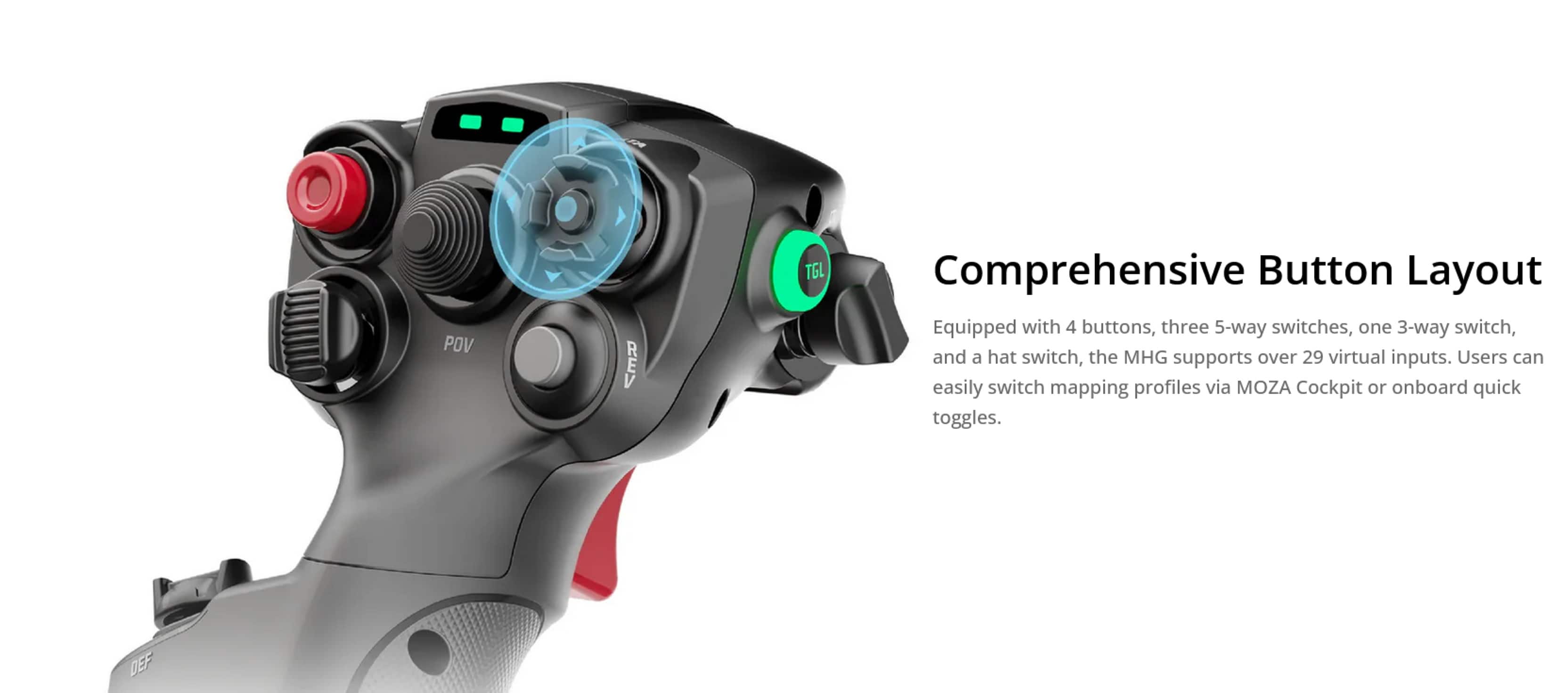
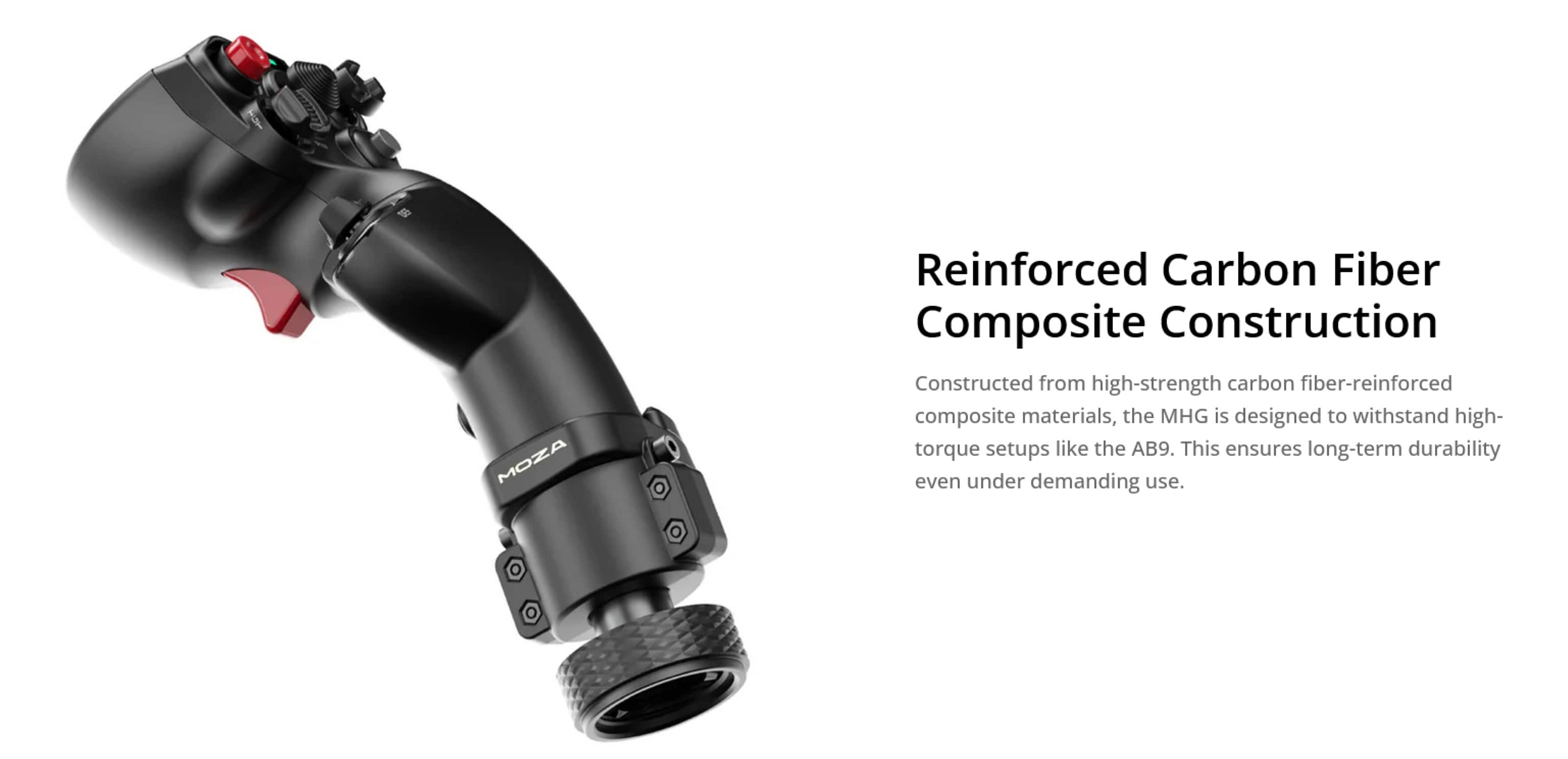
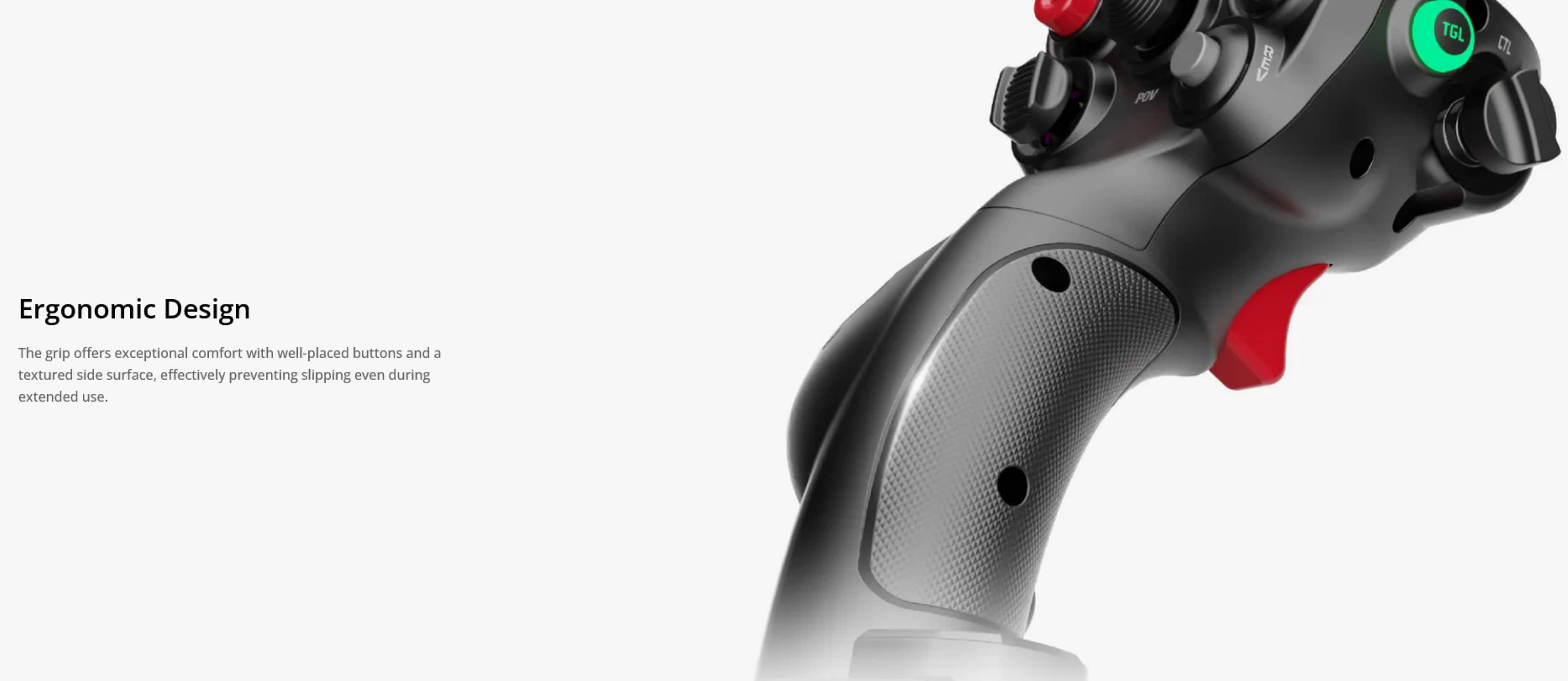
Customers enjoy the product's sturdy build quality and effective force feedback. They also appreciate the well-designed button layout and the comfortable, fighter-inspired grip of the joystick.
This summary was generated by AI based on customer reviews.

Fun...after setup
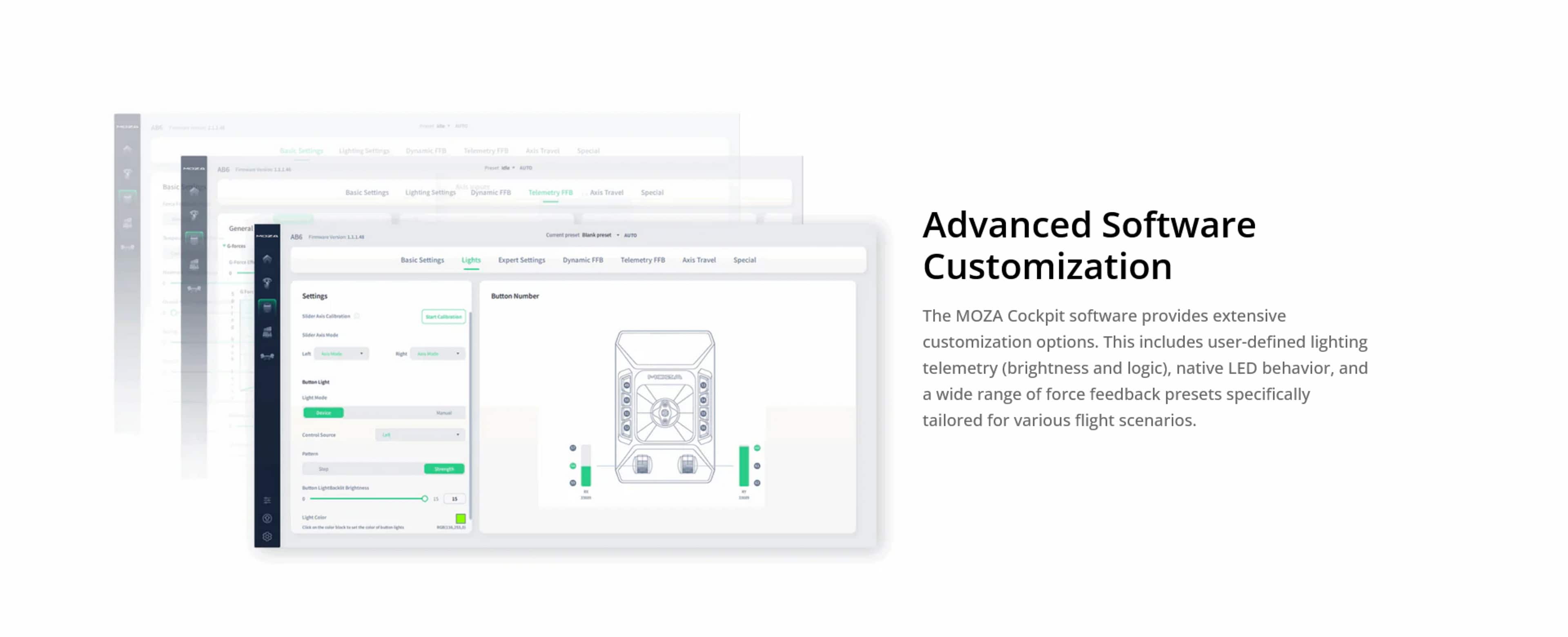
|Posted .This reviewer received promo considerations or sweepstakes entry for writing a review.To be clear, I'm a newcomer to flight simulators, the games, and the sticks/bases. I was interested to see what the experience was like while also ditching the controller. After figuring out the setup for the AB6 in my flight sim game of choice, I had a great time... but again, that was after setup. Putting together the flight sim combo was rather easy. Pull the cord out of the bottom of the stick, connect it to the base, then screw the base on. Easy. Connect the USB cord to the base as well as the power, and you're ready to go, or so you think. After powering on, the stick calibrated itself, and then... nothing. So, installing the Moza Cockpit app...easy. Getting the flight stick to work with a game? Not so much. I tried loading up my "popular flight sim 2024" several times and using the stick to no avail. I checked the cockpit app for "presets," but there seemed to be none already available for the "Popular Flight Sim 2024" game. I "configured" the game per the app; however, I had no presets to select to utilize the stick in-game. After multiple days of trying to figure out how to set this up automatically, I gave in and began button-mapping myself. Once I got most things mapped, I had a solid experience, but this should be far easier. Perhaps I'm not the audience for this experience. The manual explained nothing about setting up the buttons actually to play a game. You'd assume it's plug-and-play, but while "popular flight sim game 2024" recognized the Moza Ab6, it had all buttons unassigned by default. Once I manually mapped out the controls I deemed important, I had a great time...but this really shouldn't be this hard. Most of my experience was in configuration. While I'm sure this is a great stick for those familiar with the flight-sim space, for newcomers like myself, I'd suggest sticking to a controller or getting someone you know to configure it for you.
No, I would not recommend this to a friend