Customer Ratings & Reviews




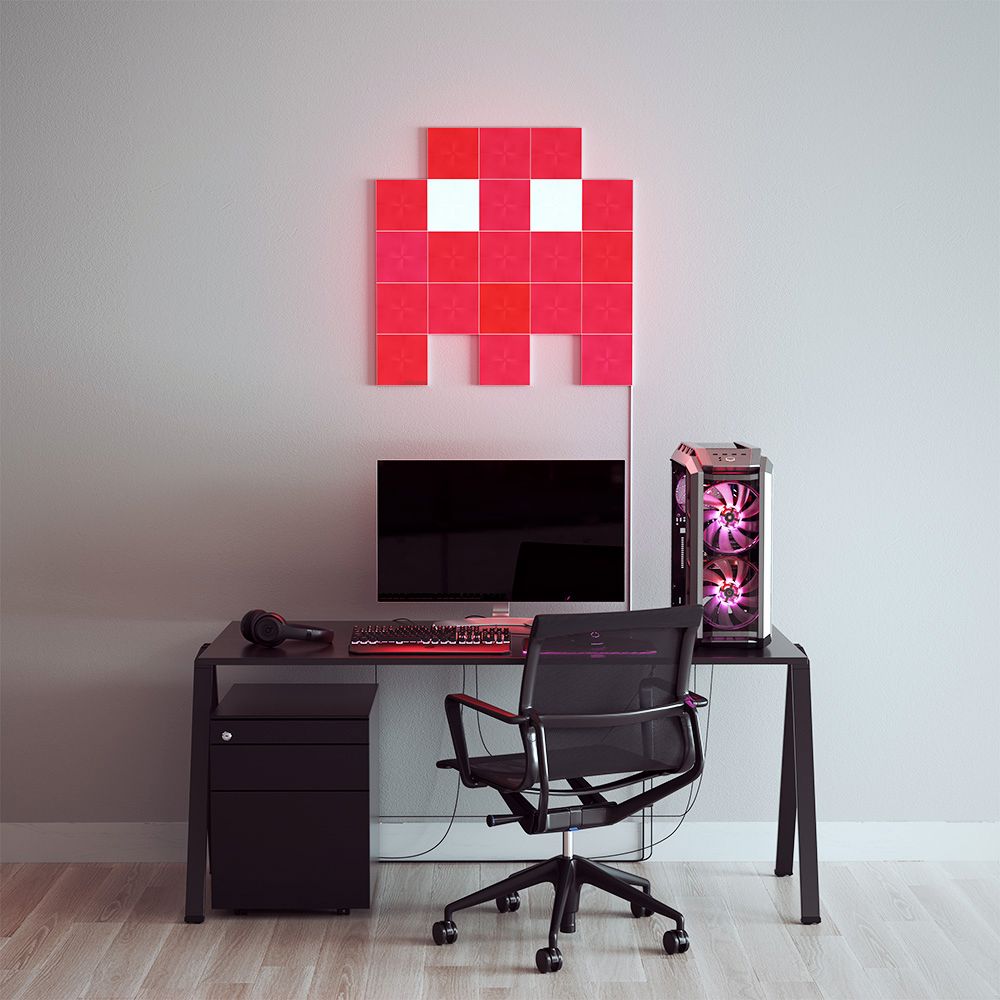
- Model:
- NL29-0003SW-9PK
- SKU:
- 6340407
Rating by feature
- Value
Rating 4.2 out of 5 stars
- Quality
Rating 4.7 out of 5 stars
- Ease of Use
Rating 4.4 out of 5 stars
Customers are saying
Customers appreciate the brightness and ease of use of the Canvas Smarter Kit - 9 Light Squares, frequently praising its simple setup and vibrant colors. However, some customers find the price to be high and have reported occasional connectivity issues with the app and the panels themselves. The limited number of connection ports and the small size of the starter kit were also mentioned as drawbacks.
This summary was generated by AI based on customer reviews.
Def recommend.
||Posted . Owned for 2 months when reviewed.This reviewer received promo considerations or sweepstakes entry for writing a review.Great addition to my smart home portfolio. Will buy more soon.
I would recommend this to a friendcanvas
||Posted . Owned for 2 months when reviewed.This reviewer received promo considerations or sweepstakes entry for writing a review.like this product would buy it again would recommend it to a friend
No, I would not recommend this to a friendGame Changer
||Posted .This reviewer received promo considerations or sweepstakes entry for writing a review.Love it, completely changes the ambiance of my room.
I would recommend this to a friendgood
||Posted . Owned for 1 month when reviewed.This reviewer received promo considerations or sweepstakes entry for writing a review.i think it was a good product and everything was great
I would recommend this to a friendGreat lights
||Posted . Owned for 1 month when reviewed.This reviewer received promo considerations or sweepstakes entry for writing a review.This is a great product especially for a music lover
I would recommend this to a friendGreat for streaming
||Posted . Owned for 2 months when reviewed.This reviewer received promo considerations or sweepstakes entry for writing a review.My bf loves these! He streams so they look so cool
I would recommend this to a friendAwesome Lights
||Posted . Owned for 1 month when reviewed.This reviewer received promo considerations or sweepstakes entry for writing a review.These lights are awesome app has a lot of options.
I would recommend this to a friendGreat smart light
||Posted . Owned for 3 weeks when reviewed.This reviewer received promo considerations or sweepstakes entry for writing a review.Not bright as I expect, need add more panels, good buy if it is below $200
I would recommend this to a friendNice patterns
||Posted .This reviewer received promo considerations or sweepstakes entry for writing a review.The app for the lights is not easy to navigate at first.
I would recommend this to a friendGood
||Posted . Owned for 1 month when reviewed.This reviewer received promo considerations or sweepstakes entry for writing a review.Will be helpful in cold Minnesaota. Hope more products are available
I would recommend this to a friend- Pros mentioned:BrightnessCons mentioned:Design

Awesome Interactive Light Tiles
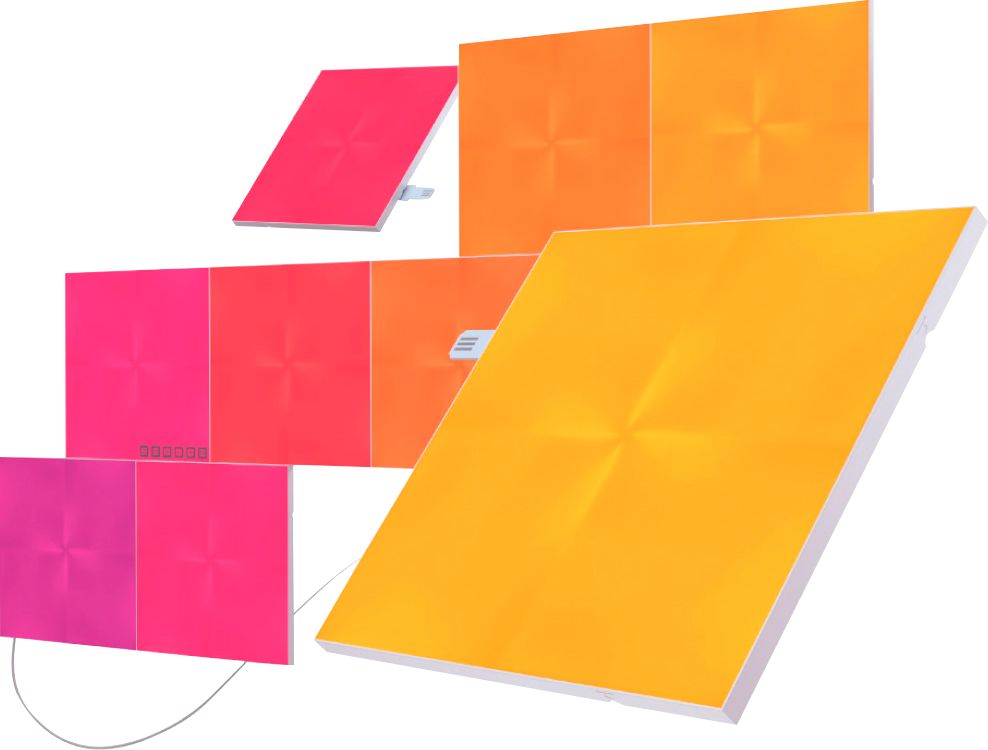
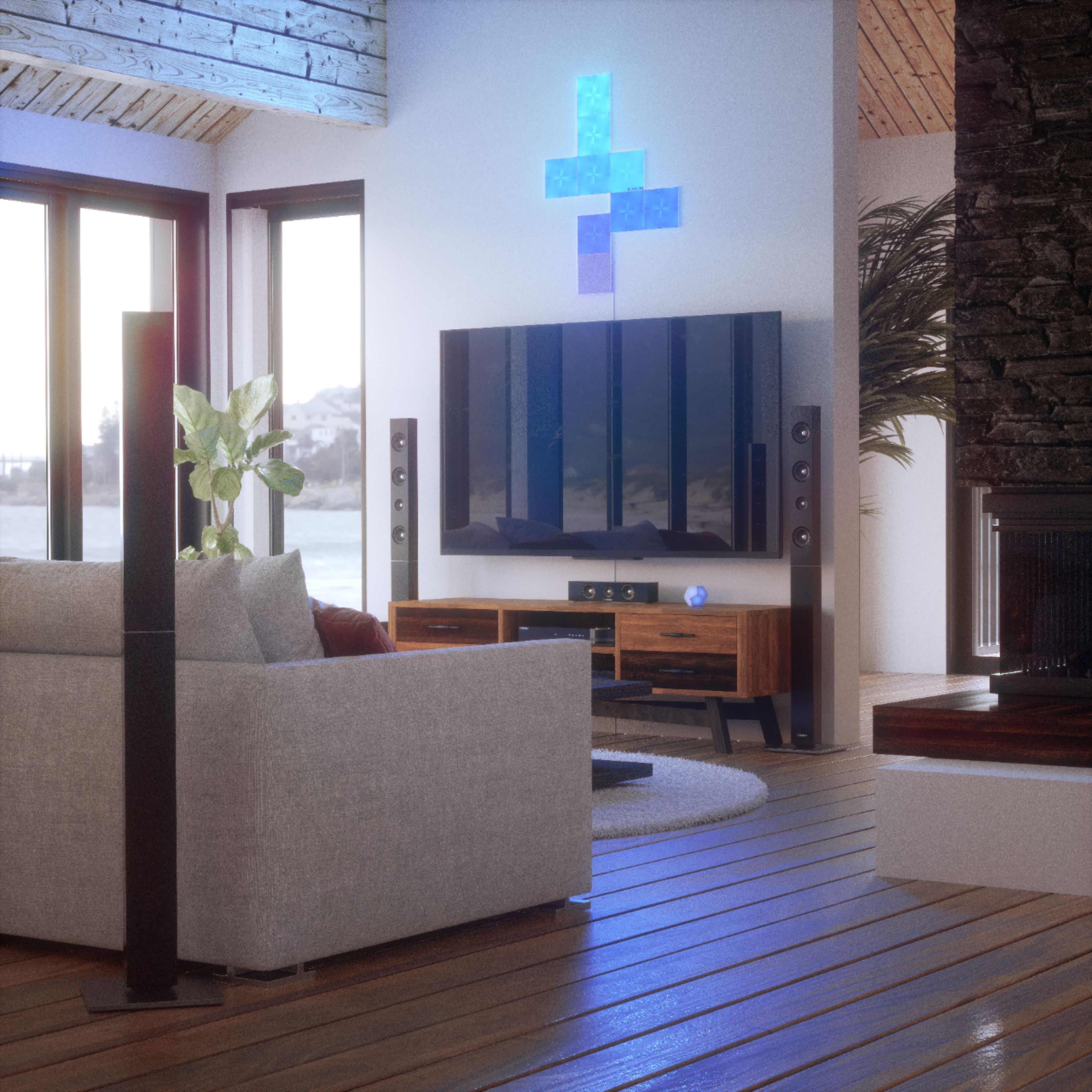
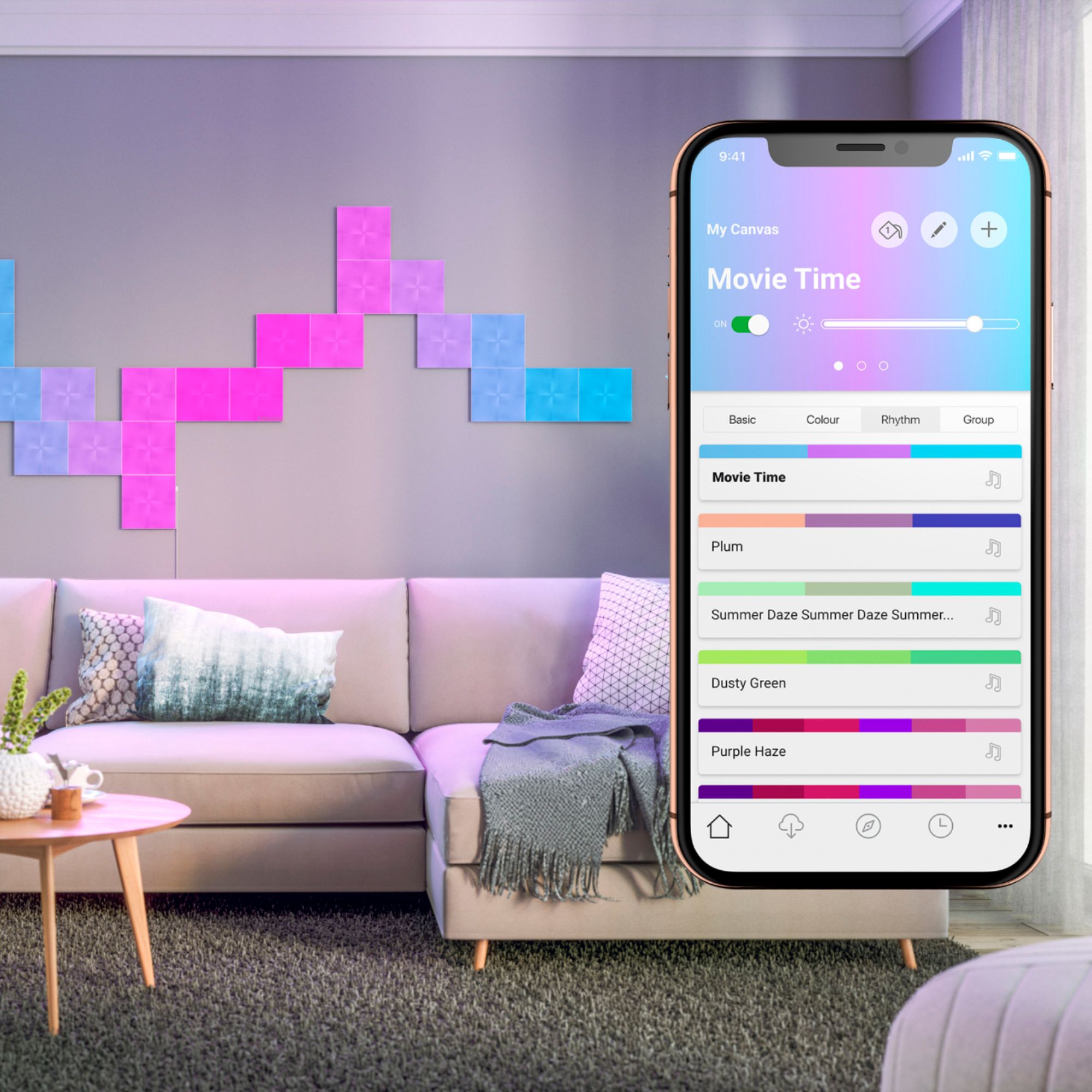
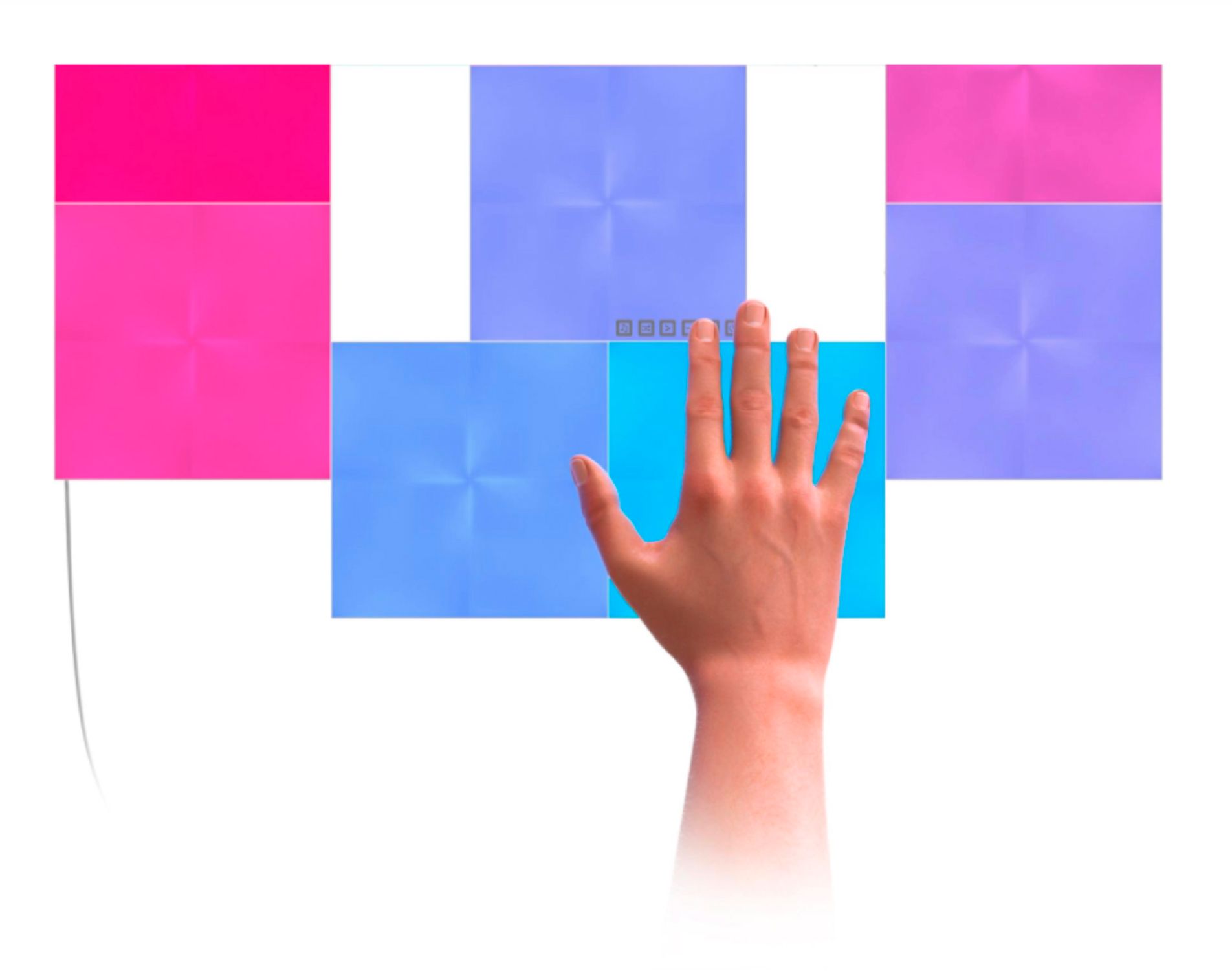
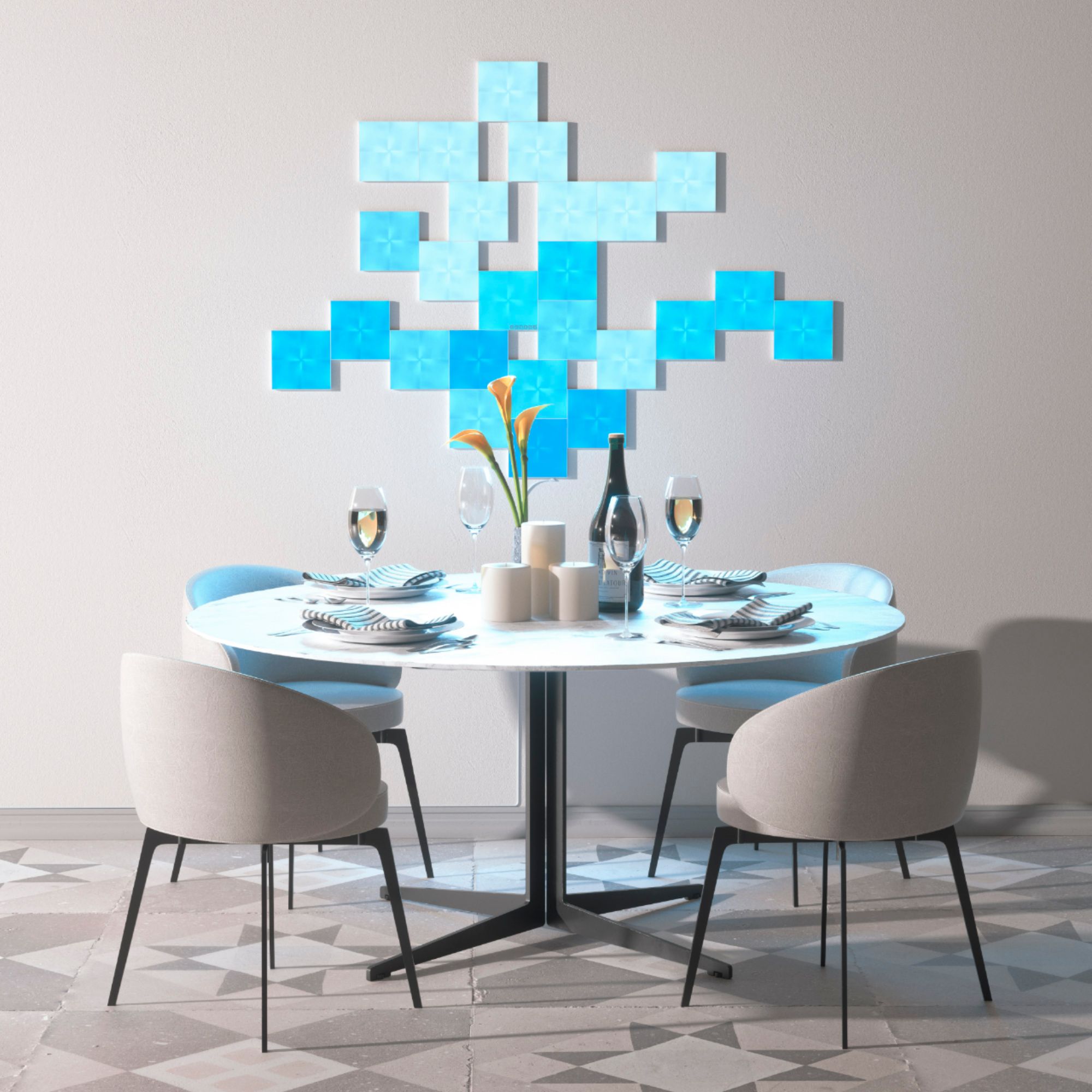
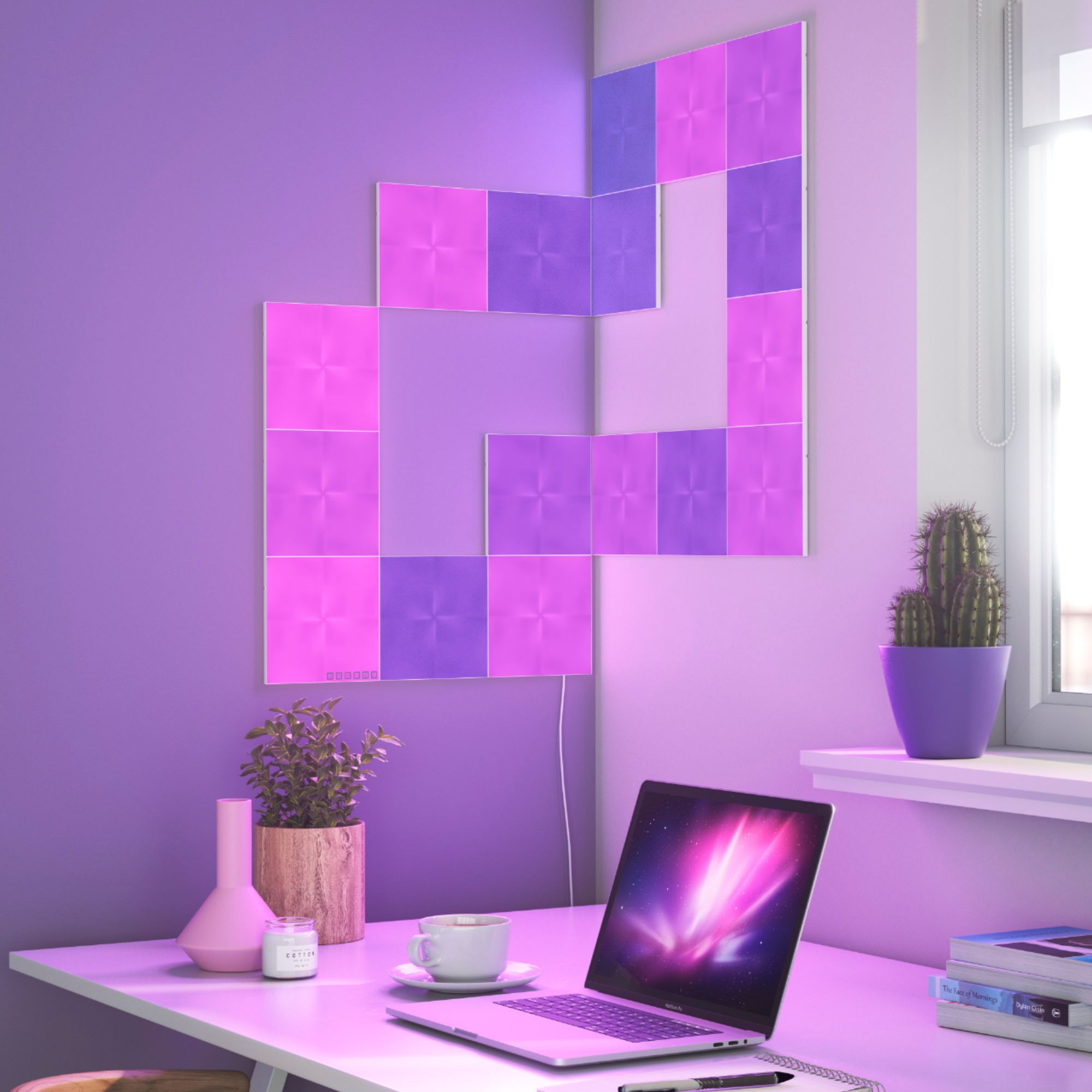
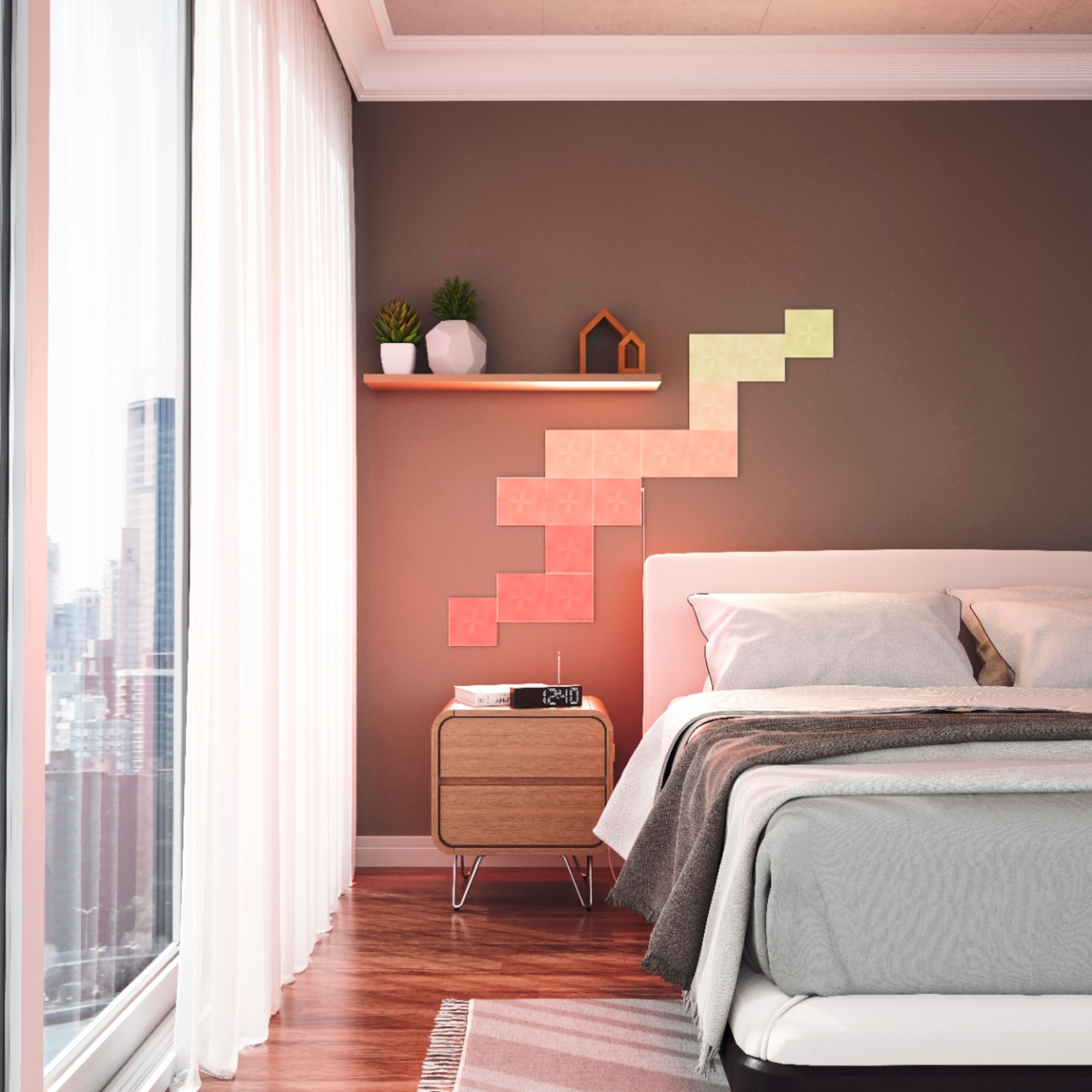
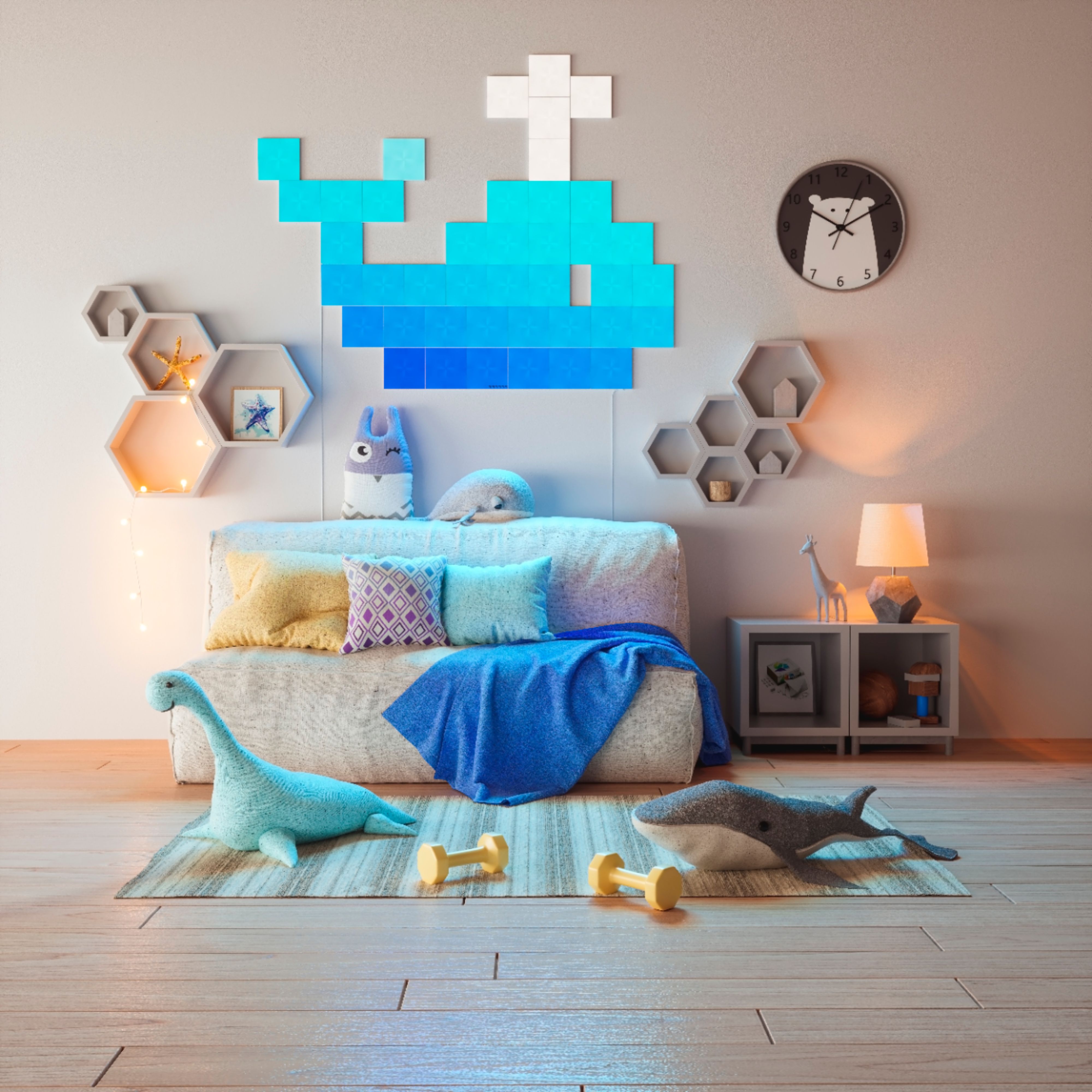
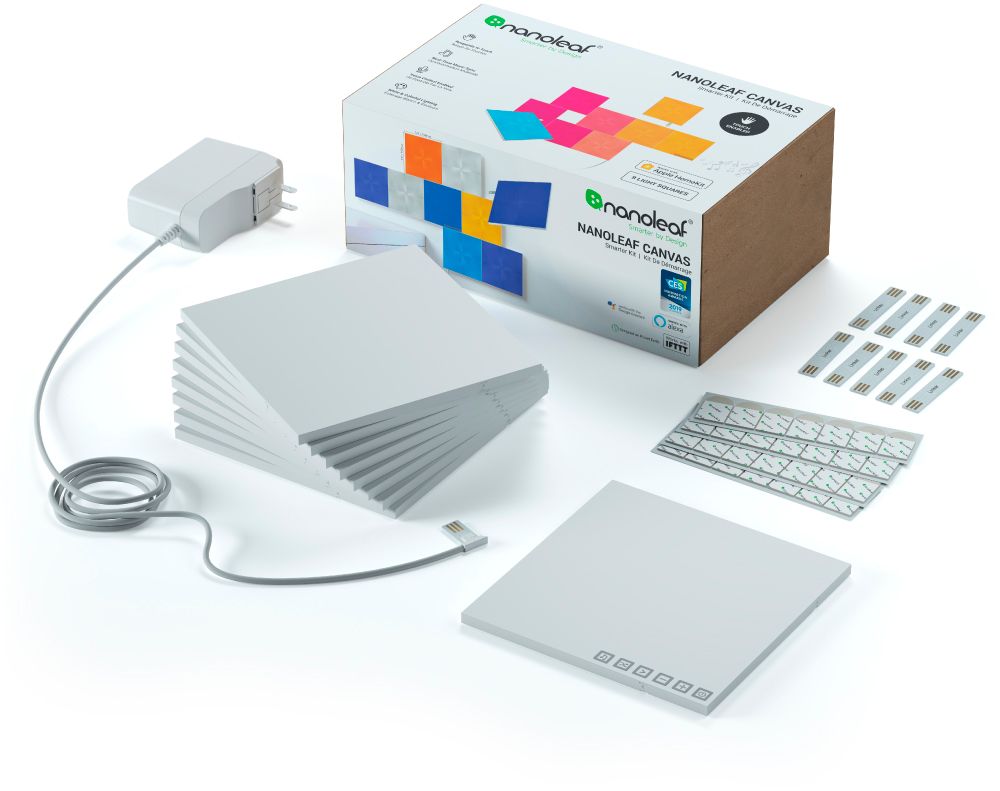
|Posted .This reviewer received promo considerations or sweepstakes entry for writing a review.The Nanoleaf Canvas are a modular set of touch sensitive multi-color light panels that are smartphone and smart-assistant controllable. My first though upon learning about the Canvas was "massive tetris wall". As this is a kit with just 9 light squares, I needed to tone that dream down a little. Still, it would be cool to add a pop of color and awe to a room and perhaps a way to communicate a message as the kids get older, like flashing the wall in a particular pattern to say "time to come up for dinner"! Opening up the box, you see 9 panels. 8 are regular squares and one is the control/power square. This one supplies power to the remaining squares, has the mobile connection, and logic to control all the squares. As the Canvas seems to be sold in kits where there's always a control square, I was a bit worried about expanding beyond the initial 9 but as it turns out, you can configure control squares to be passive. The control square has a wire guide of sorts that allows the power cable to be routed unobtrusively. That said, one will typically want to layout a design such that the control square is at the extremeties or lowest level of your design. And maybe even ideally in a location such that the power cord goes straight down. Choosing a design is a bit tough, especially with just 9 squares. I will admit to using their instagram channel to get ideas. Unforunately, most of what's there is mostly the non-square versions of Nanoleaf tiles. Still, there was enough inspiration to move forward. The next step is laying out the actual tiles to match your design. This turned out to not be as straightforward as I'd like on first look as I justed wanted to grab and place tiles. However, the tiles interconnect with linkers which connect at specific corners of each square. Unfortunately, it's not completely symmetric, so depending on orientation, you would not be able to connect two side by side squares, even if completly aligned. The benefit of the offset connector locations is that you don't need things to be fully squared off. Tiles can interconnect with one halfway down another. So really, to best lay things out, you'd want to flip the tiles upside down. Once the tiles are arranged (I suggest laying them flat on a table or the floor in front of the wall face down), you can then apply the mounting tape and place them on the wall. You may want to use a square or bubble level to ensure the first one is aligned properly. After that, going freehand likely is ok. It was only after going through this process and actually pairing the Canvas to my wifi and the app that I realized the app has a mode where you can perform trial arrangements. Still, it was fun shuffling things around on the table. Pairing the Canvas was very straightforward. Download the app, get to the main screen, go to my devices, hit add, then tap the control tile with my phone to use NFC to configure. There's also a QR code on the setup instructions that you can use to pair your Canvas. By themselves, without the app, the canvas tiles will respond to touch and sound. So you can tap or talk and have it ripple through different colors/responses. The control square has a few buttons. A power, brightness controls (up, down), and then three which don't mean much beyond the defaults without doing some set up on the app - cycle through color scenes, shuffle, and cycle through rhythm scenes. On the app, after you've added your device, you can then create a scene. The cool thing you'd first notice when adding a scene is that the app knows how your tiles are arranged. You get a virtual view of your tiles which you can actually rotate around to better match how they're actually oriented on the wall. From there, you can select an initial color for each tile. At that point you can stop, you've created a basic scene. The more advanced step is adding dynamic behavior, either automatically based on time. There's a dynamic tab where you select the kind of transition you want from a preset list, time delay between transitions, and some options on how the next color will be selected. Another tab for rhythm lets you do something similar - choose from some presets on how it will respond to your voice (well, whatever voice or sound it picks up - like a song). From that tab, you can actually experiment with how it will behave by play the music or talking and watching the response. Once you've settled on these decisions, you can save with this pushed to your Canvas. So, one of the cool things I learned about once I started to explore the app is interactive motions. Before I jump into that, the app is quite amazing. I don't know how long they've spent working on this, but the app is almost as much their product as the tiles are. Well designed, easy to use, and easy to discover and explore a lot about the Nanoleaf. There were times when it was exciting enough to be overwhelming. I suggest deciding ahead of time which things to try out first, then doing just that. Anyway, interactive motions I found from the discover tab where you can see a normal color scenes, rhythm scenes, and interactive ones. The color and rhythm seem to be a mix of Nanoleaf generated and user contributed. The interactive seem to be just Nanoleaf created. There's a Simon game, whack a mole, Pacman!! and a couple others. As you can probably guess, this revived my thoughts about tetris. Right now the interactions are relatively basic and due to the relative size of things, slow. I looked online to see if they had an api for someone to generate their own interactive games. Sadly, not yet. Though in the process, I found they had some to connect to your PC so it can react to you gaming or provide ambiance for your screen. Speaking of ambiance, I noticed with my setup (in the basement) that the nanoleaf can provide a decent amount of light at full brightness. In some ways, I made me start wondering about whether a ceiling mounted setup might be cool. The lighting in the basement isn't quite optimized for how I have things currently laid out and it's cool to think about having these do double duty. The sticky tabss that come with it looks suspiciously like 3M sticky tabs which have a little piece that you pull to later disengage and remove from your wall (or whatever you've mounted to). I'll need to consider routing for the power cable (perhaps make an extension or convert a nearby light to a power socket. This would also require a different shape/style power brick (or hacking the cable to one that better slots in to my recessed light) for a clean fit. The downside of a ceiling install is you lose the touch aspect of things, but that may be ok - I kind of waffle between whether or not I want to do things that encourage little hands on the wall anyway. Connecting to google home was simple - I expect the same for Alexa or Siri. Currently, my main smart assistant use is to call out a scene that peforms a notification ("come upstairs for food" and "count down to a nap"). I'm still thinking about more things I could do though I'm a bit limited by the amount the kiddos currently understand. Perhaps a couple more kits will be used to set up walls that are more geared for messaging between adults. I suspect I will be spending a lot more time investigating the Nanoleaf and hopefully they'll release a developer mode so one can work on more advance actions from a programmatic point of view. Still, with just the functioanlity available out of the box, this is a lot of fun and I still have a lot to explore.
I would recommend this to a friend Average
||Posted . Owned for 6 months when reviewed.This reviewer received promo considerations or sweepstakes entry for writing a review.Product is ok. After about a month up on the wall, they fell off peeling paint and drywall. Customer service helped a little with some replacements, but I wouldnt buy again
No, I would not recommend this to a friendTERRIBLE FOR MESH WIFI SYSTEMSDoes not supportz5gh
||Posted . Owned for 1 week when reviewed.This reviewer received promo considerations or sweepstakes entry for writing a review.Terrible for mesh WiFi systems such as eero, google best WiFi, and amazons mesh WiFi. Since this is only 2.4 ghz WiFi, you will only connect half of the time.
No, I would not recommend this to a friendNanoleaf
||Posted . Owned for 2 months when reviewed.This reviewer received promo considerations or sweepstakes entry for writing a review.My son talked me in to the nano leaf. I was very disappointed that the instruction were not very good and had to look it up online.
No, I would not recommend this to a friend- Pros mentioned:BrightnessCons mentioned:Connection
Fun lighting, not fun to get working
|Posted .This reviewer received promo considerations or sweepstakes entry for writing a review.This lighting kit is really interesting and fun to use, but it seriously lacks in its ease of set up from a technological standpoint. The good: This kit comes with 9 square panels and everything you need to hook them up and mount them to the wall. The mobile app is easy to use and is really helpful. In fact you can come up with ways to mount the lights very easily using the helpful layout generator in the app. The colors are very vivid and programming your own color patterns is a lot of fun to do. These panels can get very bright, which I did not expect at all. They can get bright enough to add some fun useable light in a room, much more than the novelty I had expected. The touch sensitivity of each panel is interesting but I haven’t figured out how to make anything useful of it just yet. The bad: Set up was an abject pain. If you haven’t used HomeKit for iOS yet, you have to jump through all of the hoops to get that working, which in my case was ten times more difficult than I had expected it to be. (It’s an Apple thing, how hard could it be? Famous last words.) In my particular instance HomeKit couldn’t be turned on without disabling and setting up iCloud on my iPhone again. (Apparently this is a thing certain users experience, gathering from the hundreds of folks asking this same question online.) Once I got that figured out, I was already nearly 1.5hrs in and a little annoyed. Then I had to get this running with my network which these panels will ONLY work on a 2.4ghz connection. So I had to change some settings on my router and Force a 2.4ghz connection on a 5ghz router. I was now about 2+hrs into this and a little more annoyed. Now to proceed setting up the panels in the app; and they just wouldn’t work. It kept just rejecting the set up repeatedly. So I started digging around on Nanoleaf’s site for help and FINALLY after 15mins of searching for something more than the promos for the kit, I find the help page and it was not very helpful. Just from dealing with technology over the years I figured it was time to reset the panels to factory default and hope for the best. I tried holding the power for several seconds, I tried button combos, mixing and matching like a freaking button alchemist trying to find the golden combo, but nothing worked. I had to dig around for info for on their site again and came across how to reset the older kits, but this new kit’s info was buried deep in their site. I had found the mines of Moria and the Balrog had surfaced. You have to hold power and dim together, the one combo I didn’t try. Once the reset was finished I was finally able to get these panels to work. I am at like 3hrs in at this point and the fun of seeing the panels glow in colors that would make a unicorn dance was just not satisfying enough for all of the painstaking effort it required. This is coming from someone who creates software for a living. I am a tech enthusiast at home with audio, gaming, video, and networking as hobbies. I write firmware for my keyboards for fun. If this was such a pain for someone like me, well let’s just say that I hope my experiences are not the standard. These are fun panels once you get them up on the wall and working, but the mountain I had to climb to get some lights to turn on was not quite balanced with the reward.
No, I would not recommend this to a friend - Pros mentioned:Brightness, Installation
Cool but, feels like a toy
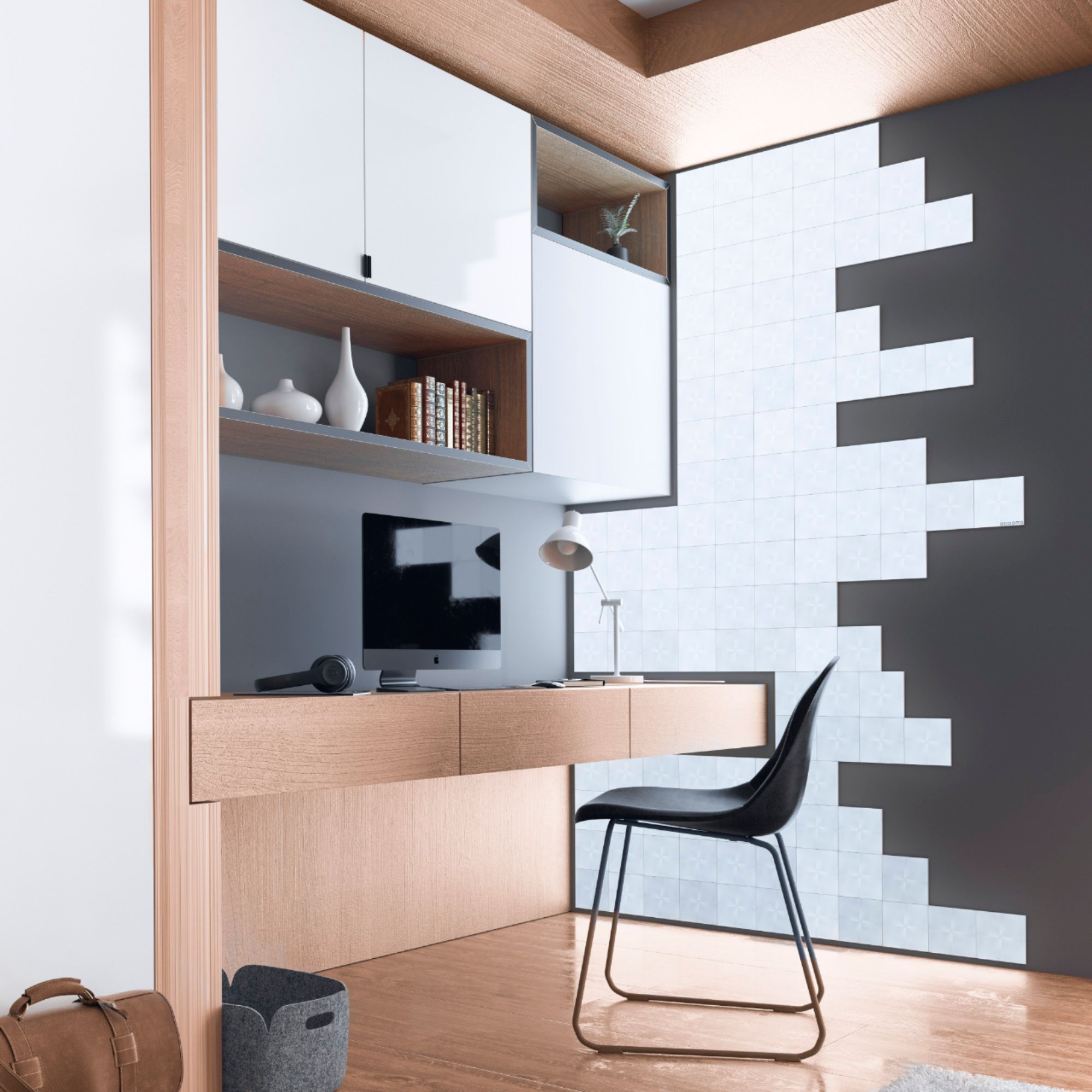
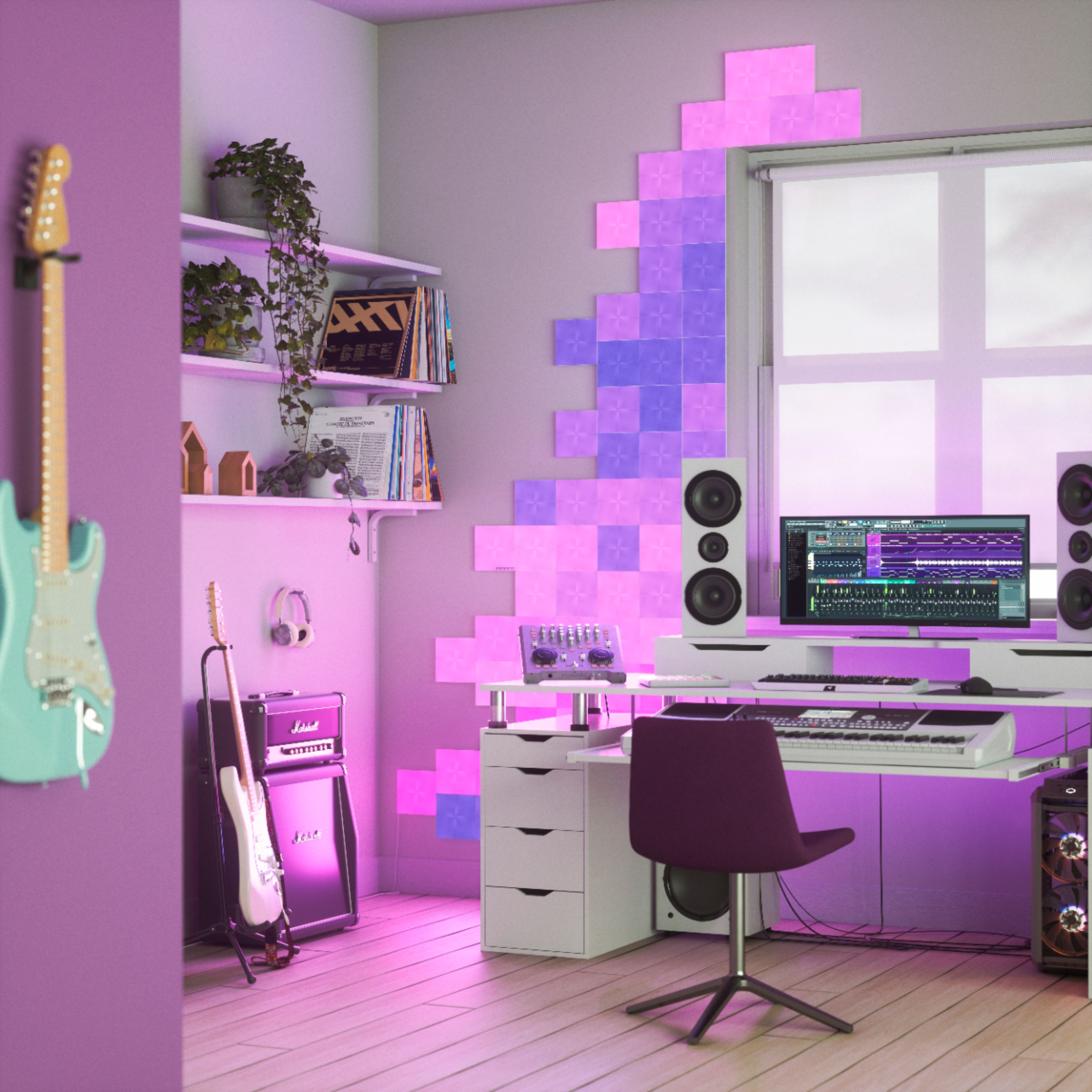
|Posted .This reviewer received promo considerations or sweepstakes entry for writing a review.I've never had a light fixture quite like the nanoleaf and honestly I'm not even really sure a light fixture is the right word to describe what this is. The Nanoleaf is a very cool way to display cool colors and music bad light shows. The colors look good and the music based effects work really well. I'm the box you get 8 panels, a master panel, connectors to link them all up, and adhesive to stick them to the wall. Setup is really easy. The connectors just snap in and you sick the panels to the wall in any pattern. Ravi square has a slot on each side, giving you a lot of options how you can set these up. The whole process is pretty easy and once you plug everything in you're good to go. You can control the lights from buttons on the matter panel or a companion app. The buttons are way too use but, the app gives you a lot more options to set the colors of the panels to any color you can think of. Once you get them at up the colors look really nice but, other than a teenagers gaming station, I really can't think of another place where these would look good. The package shows off entire walks filled with the things and accent pieces in homes but, in reality the light tiles look to much like yours for me to ever imagine using the as true light fixtures in a home. They are way more plasticy than most light fixtures you'd get from a hardware store. Not to mention that is you wanted to fill an entire wall with these things, you're looking at spending thousands of dollars. I'd imagine there would be an industrial product that could accomplish the same goal for the same price and look a bit more refined. This all could just be my style preferences though. They also don't put off a ton of light. So if you're expecting to replace ceiling lights, you're going to be disappointed because, that's not what these were intended to do. Overall, they really are a cool product if you have a space where they would fit. I could definitely see a kids room or gamer station making great use of these. It seems like a step closer to a scifi type style than anything I've seen and for you that may be exactly what you're looking for.
I would recommend this to a friend - Pros mentioned:Brightness, Ease of use
Coolest, Versitile Smart Light I've used
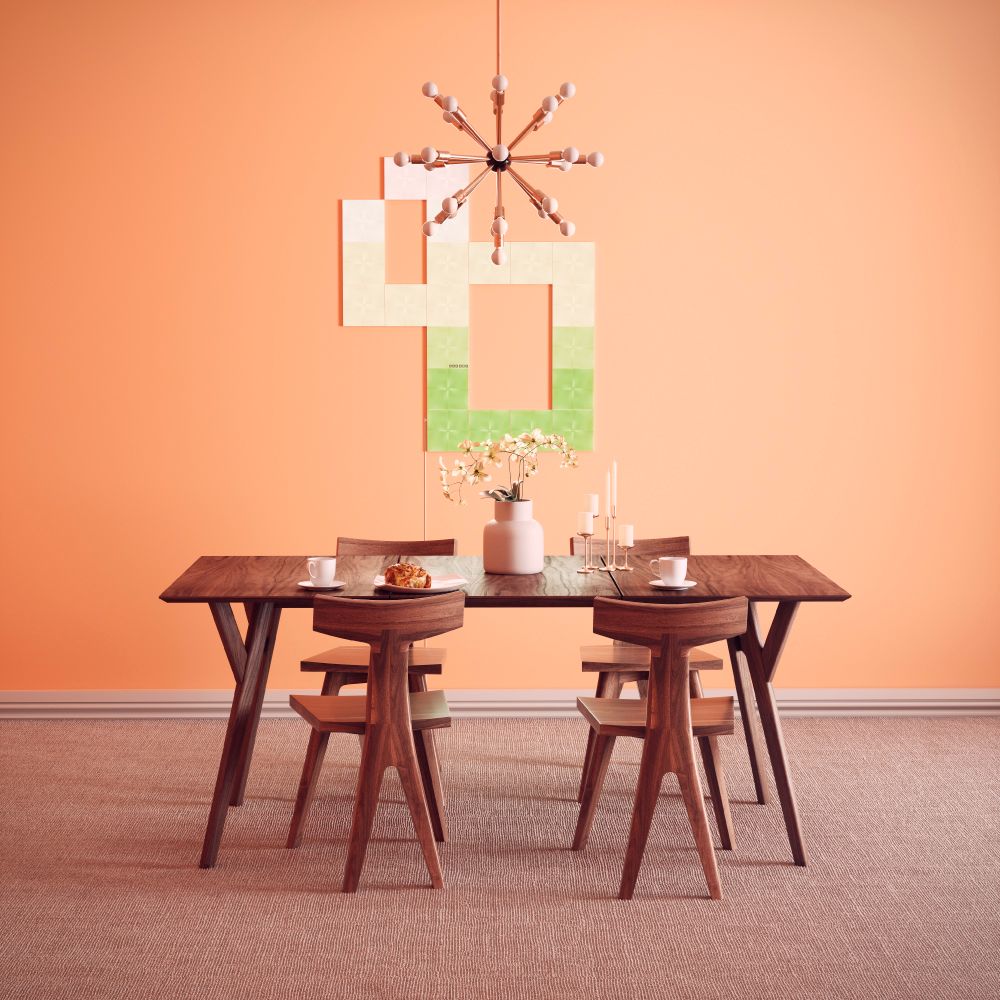
|Posted .This reviewer received promo considerations or sweepstakes entry for writing a review.I'm stunned by how much I like these light panels! I have other smart lights around the house but most are used just to turn on/turn off via google or alexa - when did we become so lazy we can't walk to a light switch, lol. The Nanoleaf just takes what those lights do and kicks it up a notch. Instead of installing into a light fixture, these go directly on you wall. It comes with command strips, but I feel they'd be a little tough to remove since the tabs are hidden behind the panel. Careful placement and tweezers might help, but I decided to grab a few packs of the plastic snap together command strips - I had actually suggest we use them at work for sign installation a few years back - and I think these will help better with accidentally ripping the paint off you wall. Basically stick and go and you're ready to use it or you can download the app to tweak light settings, schedule scenes like sunrise/sunset etc. Everything about these Nanoleaf Canvas lights are just wonderful! They get bright enough for me to light up a 400 sq ft room to comfortable levels ( I don't like tons of light; I'm the guy who barely has his phone at 30% indoors). Originally this going to be "active" ambient lighting for the TV in the bedroom but my daughter (a colored light fanatic) talked me into placing them in her room. Two days of planning the pattern she wanted and she ended up with a simple 5 top, 4 bottom pattern... two days to think of this??? Her favorite mode is audio mode. It's like a party is going on in her room! Lights just flashing and changing to the beat. You can use either the app or touch the panel to change modes. You can probably go without ever using the app, but if you want customization you'll need it. And now she wants more panels. I don't think there are any other lights that can match the functionality that the Nanoleafs (Nanoleaves??) can so I'm gonna have to eventually spring for another set. These lights are pretty amazing and I'm so tempted to get that set for the ambient TV light still. The Nanoleafs are more that just lights, they're actual works of art!
I would recommend this to a friend - Cons mentioned:Connection
Terrible software
||Posted . Owned for 1 month when reviewed.This reviewer received promo considerations or sweepstakes entry for writing a review.Connection issues daily even after disabling 5g all together. Tape that comes with them is a joke fell off the clean wall days after installing. Have to unplug them daily to get then connected again. Customer service is a joke. Google connection if you are considering purchasing.
No, I would not recommend this to a friend Just ok
||Posted . Owned for 1 month when reviewed.This reviewer received promo considerations or sweepstakes entry for writing a review.I really didn’t work for what I wanted it for. But it was ok.
No, I would not recommend this to a friendBrand response from Nanoleaf Product Expert
Posted .Hello! Our apologies for the inconvenience. Please contact our product support team and they will be more than happy in helping you out.
- Pros mentioned:Ease of useCons mentioned:Design
Vivid colors but lack fully custom color scenes.
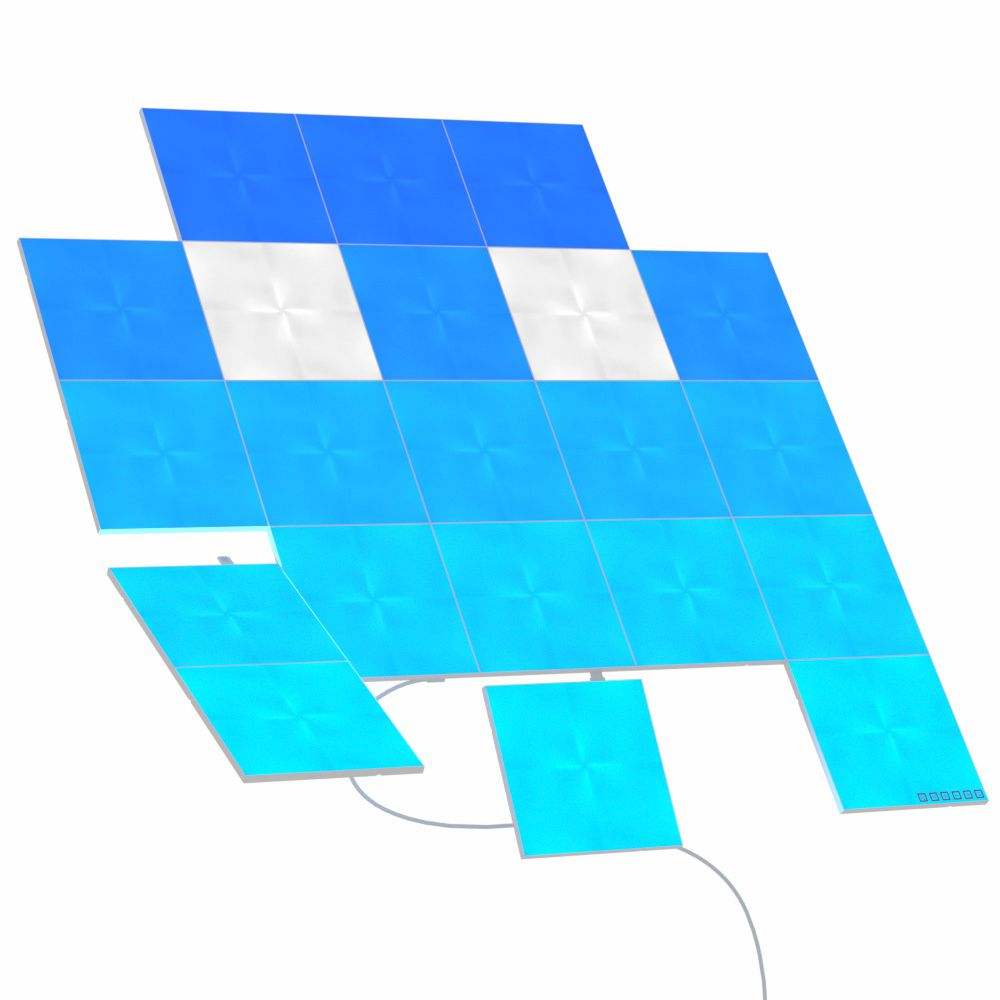
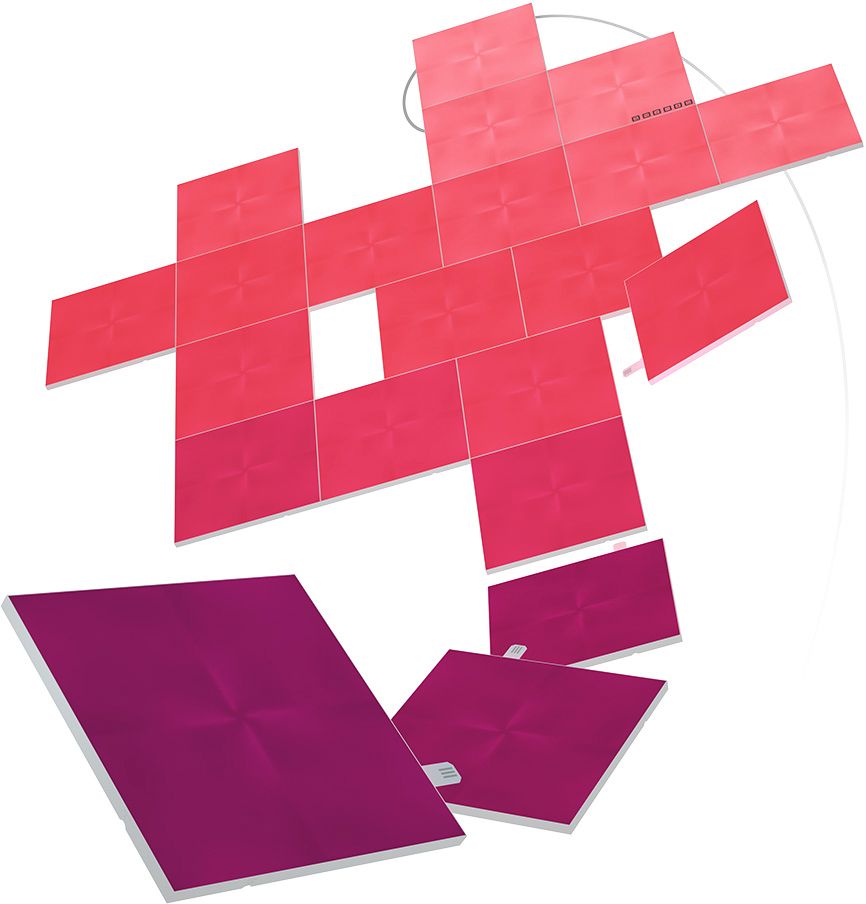
|Posted .This reviewer received promo considerations or sweepstakes entry for writing a review.Pro: -simple setup -vivid colors -Alexa integration Con: -limited configuration -lack full customization for lighting schemes -power brick is big and needs a lot of space from the outlet The Nanoleaf Canvas is simple and produce vivid lighting effects. It really adds a conversation piece to my living room. The setup is easy, done by connecting each square with a small linking tab near each of the corners. I used mounting putty rather than the included 3M mounting tape so that I can move them around. The main drawback is that because of where the links are located, your design is somewhat limited. Sometimes the tabs doesn’t line up where you want them to and you can’t have any space between each square. You can just use the controls on the main square to cycle through color schemes, but all the advanced settings are in the app, which will require you to make an account. With the app you can create dynamic moving colors, rhythm based, or interactive scenes. However the options are somewhat basic. I was hoping to be able to create a fully customizable color scheme, layering color and movement square by square, much like a full RGB gaming keyboard. Feels like a missed opportunity. You can also download what other people have created. The Alexa and Google integration is really nice to have. With the Alexa app, you’re limited to changing the basic color under devices option, but you can create a scene in the Nanoleaf app and command Alexa to switch scenes. I’ve set up routines to switch scenes when I turn on Netflix or my gaming consoles. If you want a hi-tech flashy statement on your wall, then this is a good choice. I prefer the squares over the triangles as you can make a wider configuration with fewer pieces. I hope they add more customization options later on.
I would recommend this to a friend