Customer Ratings & Reviews



- Model:
- BH1253-US
- SKU:
- 6254119
to a friend
Customers are saying
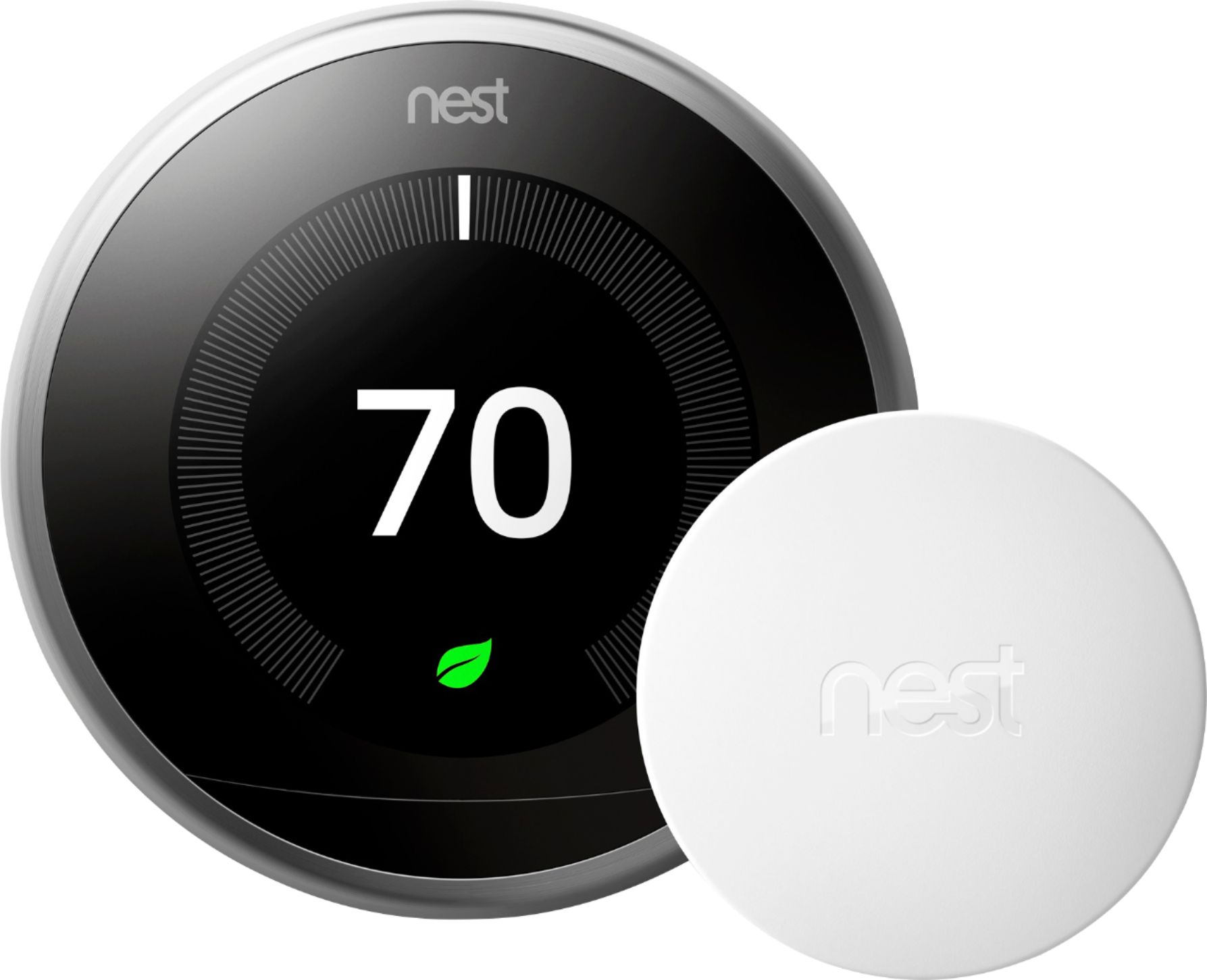
Customers find value in the 3rd Generation Learning Programmable Wi-Fi Thermostat's ease of use and intuitive operation, praising its convenient smart app control and simple installation. Many appreciate the included temperature sensor and its ability to learn temperature preferences, contributing to energy savings and overall home comfort. The thermostat's Wi-Fi capabilities allow for remote control, adding to its convenience.
This summary was generated by AI based on customer reviews.
Do not buy this or any nest thermostats
||Posted .This reviewer received promo considerations or sweepstakes entry for writing a review.How do you have to use google to sign in but it gives me an “access denied” error code. I have all permissions allowed for nest and google and I have been unable to sign in. If I wasn’t past my return date this would be going back to Best Buy. Cant even use the features I bought this for because I can’t sign in. Absolute trash and would not recommend to anyone this product or any nest products if they don’t fix not letting people sign in.
No, I would not recommend this to a friendNest
||Posted . Owned for 2 weeks when reviewed.This reviewer received promo considerations or sweepstakes entry for writing a review.had issues with the device changing temperature on its own. It stopped charging after a while.
No, I would not recommend this to a friendDid not Work
||Posted .This reviewer received promo considerations or sweepstakes entry for writing a review.After 2 days of trying to get the entry key to get the app to work I am giving up and returning. Disappointed as I was looking forward to using but without getting the app to work it defeats the purpose of a smart thermostat.
No, I would not recommend this to a friendBrand response from Nest Support
Posted .We're sorry to hear about these issues you've experienced when attempting to set up the Nest Learning Thermostat on your Nest account. We've just pushed an update last night to help resolve these issues when attempting to gather an entry key so you should be able to proceed with the rest of the set up at this time.
If you're still having issues, feel free to reach out to our live support for assistance. Nest.com/help
Over rated expensive equipment
Posted .This reviewer received promo considerations or sweepstakes entry for writing a review.I have had my nest thermostat for almost a year now, it has never worked right at all. I never sets to away ECO mode when I leave the house 90% of the time and sometimes sets to away even when I am at home. I constantly have to reset the auto learn because it puts weird temperature settings in. I have read every which way to try and figure out whats wrong and have come to find out that I am not the only one having these issues. Nest is apparently aware of the issue but has done nothing to address the issue. I would not recommend this product at all. If I could return this product and get my money back I would!
No, I would not recommend this to a friendBrand response from Nest Support
Posted .We're sorry to hear about the issues you've experienced with your Nest.
If you're only using your Nest to determine when you're home and away, and not your phone location, the Nest will typically wait for up to an hour after you've left to make sure there's no more motion detected. If there's any type of movement by the Nest, this will prevent it from switching the account.
To help, you could enable phone location, and then disable the Nest sensor from determining when you're home or away.
As for the learning schedule feature, if this feature doesn't work for your needs, you can fully disable this by going into Settings > Nest Sense > Auto Schedule > Disable.