Customer Ratings & Reviews

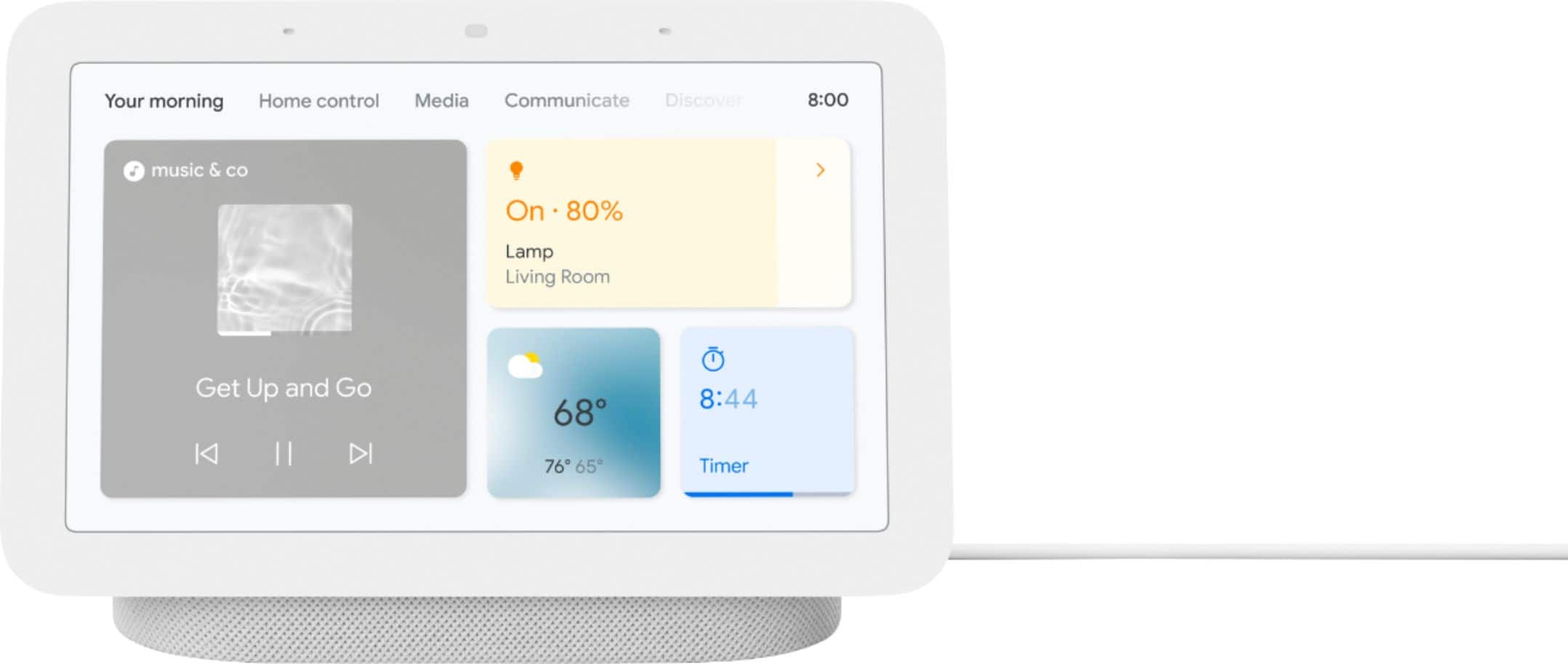







- Model:
- GA01331-US
- SKU:
- 6450820
Rating by feature
- Value
Rating 4.7 out of 5 stars
- Quality
Rating 4.7 out of 5 stars
- Ease of Use
Rating 4.6 out of 5 stars
Customers are saying
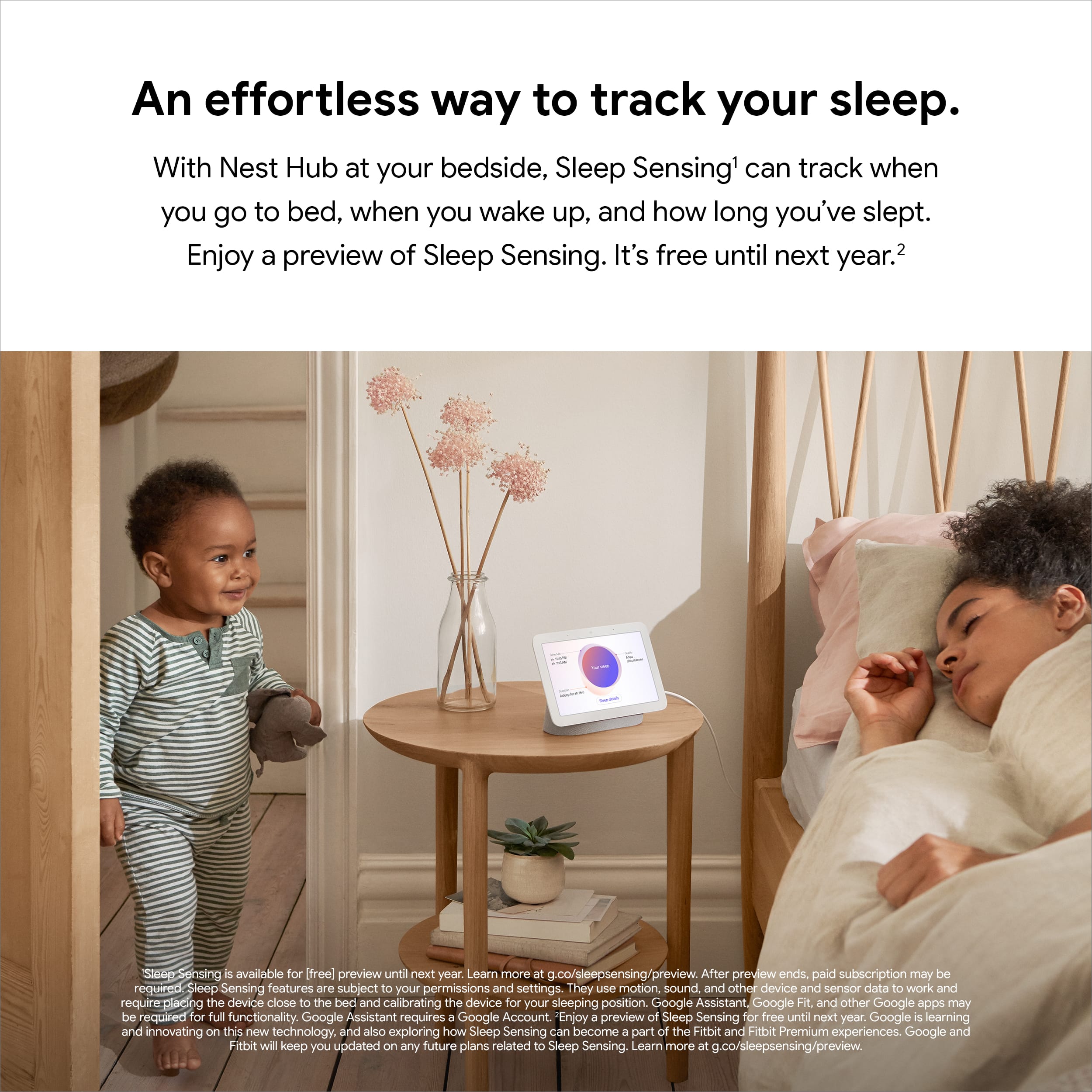
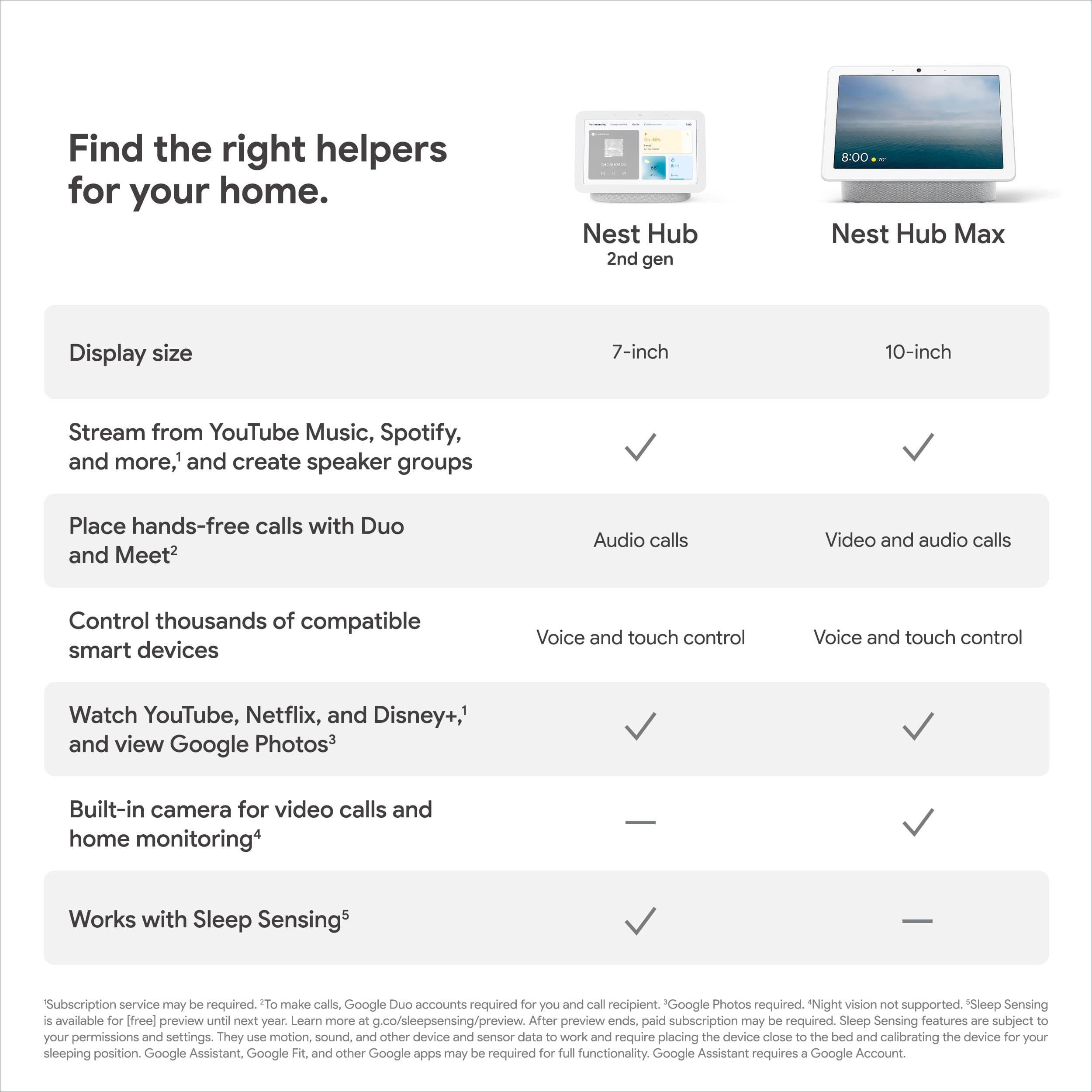
Customers appreciate the Nest Hub 2nd Gen for its ease of use, sound quality, and ideal screen size, especially for bedside use. The Google Assistant integration, reasonable price, and sleep tracking capabilities are also well-received. However, some customers have noted the absence of a camera and occasional sluggishness in responsiveness. Additionally, a few users mentioned compatibility issues with certain devices.
This summary was generated by AI based on customer reviews.
- Pros mentioned:Sound quality
Sounds good
||Posted . Owned for 1 month when reviewed.This reviewer received promo considerations or sweepstakes entry for writing a review.Neat little device has a good sounding speaker touch has a little lag
I would recommend this to a friendBrand response from Nest Support
Posted .Hi Freed, thanks for sharing your feedback. We’re sorry to hear that you’re experiencing some lag on Nest Hub (2nd gen).
We could be looking at a possible connectivity issue that affects the overall performance of your Nest Hub, and it’s important to make sure that this is not caused by a spotty or weak Wi-Fi signal. We suggest checking your Wi-Fi network for a strong and reliable connection. If you have too many devices connected on the same bandwidth or if your network package is not enough to handle the data traffic on the network, removing other connected devices to your Wi-Fi may relieve network congestion. You can also try doing a factory reset to improve its performance.
Your feedback is important to us, and your satisfaction is what drives us in improving our products and services. If you need assistance, you can always reach out to our support team We’d be happy to help here: https://support.google.com/googlenest/gethelp
- Pros mentioned:Price
Love it
||Posted . Owned for less than 1 week when reviewed.This reviewer received promo considerations or sweepstakes entry for writing a review.Love this addition to our kitchen, got it for a great price
I would recommend this to a friend - Pros mentioned:Ease of use
Great product
||Posted .This reviewer received promo considerations or sweepstakes entry for writing a review.Great product. Easy to use. Attractive design. Recommended.
I would recommend this to a friend Great toy !!
||Posted . Owned for 2 weeks when reviewed.This reviewer received promo considerations or sweepstakes entry for writing a review.A lot of fun and enjoyable piece of equipment!! So easy to set up and use
I would recommend this to a friend- Pros mentioned:Ease of use
Nice google home unit
||Posted . Owned for 3 weeks when reviewed.This reviewer received promo considerations or sweepstakes entry for writing a review.Excellent little unit that integrates with google home nicely.. Easy to setup and use..
I would recommend this to a friend Great with an *
||Posted . Owned for less than 1 week when reviewed.This reviewer received promo considerations or sweepstakes entry for writing a review.I cannot give this 5 starts because of an issue activating it. If you have a Pixel phone, you will need to use a different phone or tablet to activate it. It took a while to figure out the issue as normally Google products are easy to setup in the Home app. That all being said, once activated it's great. I wish the pictures from Google Photos would display better (horizontal vs. verticle) but that's on me since I take them with my phone. Only beef is with activating.
I would recommend this to a friendBrand response from Nest Support
Posted .Hi dchap24, thanks for sharing your review here. We're sorry to hear that you're experiencing some difficulties with setting up your Nest Hub(2nd gen). We appreciate your feedback on setting up with a Pixel phone and rest assured that we'll relay this to the right team for future improvements. If you have additional questions or need further assistance with your Nest Hub please don't hesitate to reach out to our support team so we can help find a better resolution for your photos. You can contact us on our Google Help page here: https://support.google.com/googlenest/gethelp
- Pros mentioned:Ease of use
Get one
||Posted . Owned for 8 months when reviewed.This reviewer received promo considerations or sweepstakes entry for writing a review.Great device for the kitchen that has alot of functionality
I would recommend this to a friend - Pros mentioned:Ease of use
100% recommended
||Posted . Owned for less than 1 week when reviewed.This reviewer received promo considerations or sweepstakes entry for writing a review.Si easy to use an complement perfectly with my google devices, recommended!
I would recommend this to a friend - Pros mentioned:Sound quality
Voice assistant with display is a plus.
||Posted . Owned for 2 months when reviewed.This reviewer received promo considerations or sweepstakes entry for writing a review.Voice assistant with a display. It's useful for the kitchen area to look for recipe, weather and listening to music.
I would recommend this to a friend - Pros mentioned:Sound quality
Nest at your desk
||Posted . Owned for 1 month when reviewed.This reviewer received promo considerations or sweepstakes entry for writing a review.It brings Google at your desk with super quality and all the fuctions.
I would recommend this to a friend - Pros mentioned:Google assistant
Value for money
||Posted . Owned for 2 weeks when reviewed.This reviewer received promo considerations or sweepstakes entry for writing a review.Got what I expected!! Play videos and good assistant!!
I would recommend this to a friend - Pros mentioned:Ease of use
Awesome little hub
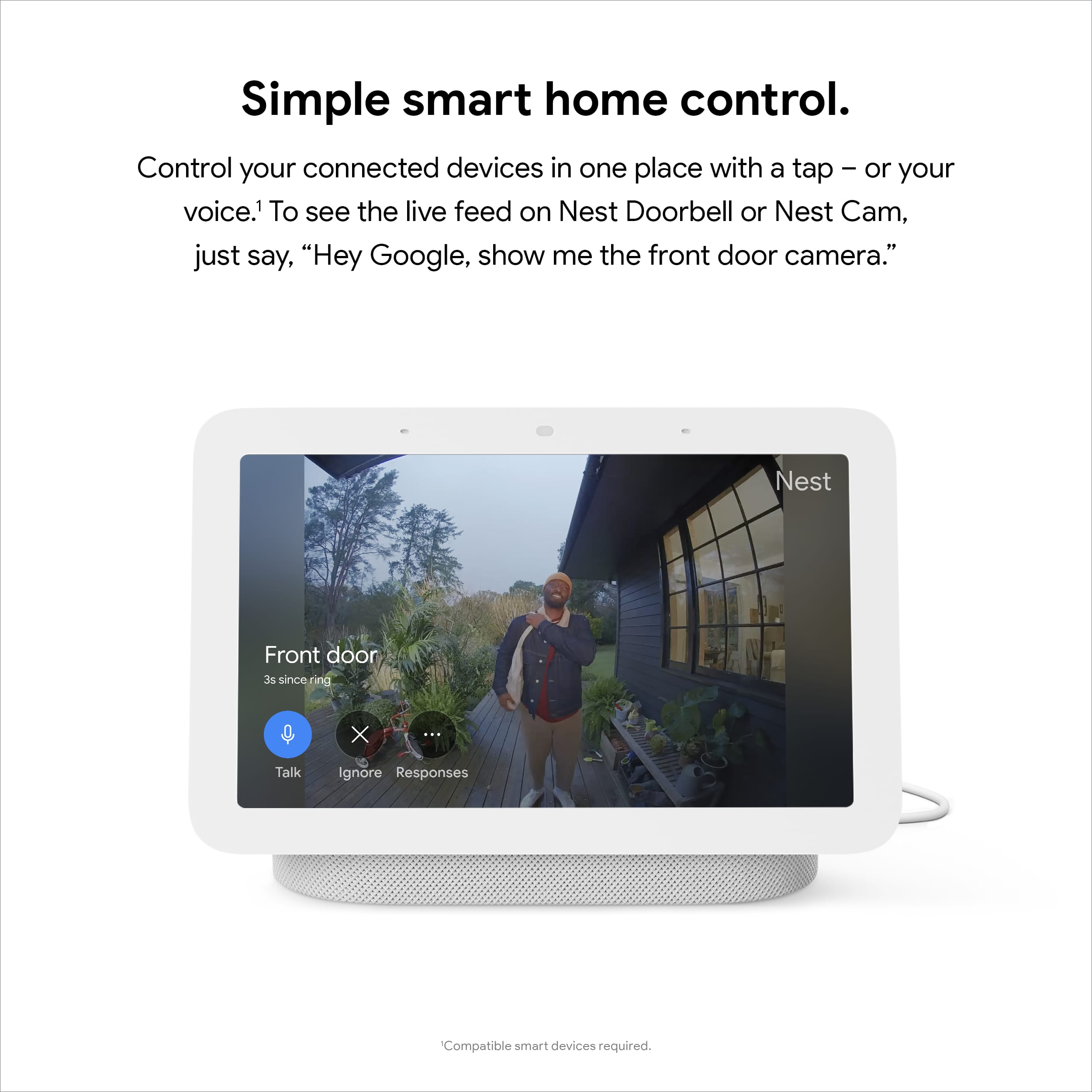
||Posted . Owned for 1 month when reviewed.This reviewer received promo considerations or sweepstakes entry for writing a review.Works well as expected. Connect to all my smart devices easily. However, sometimes it didn't display my yard camera properly.
I would recommend this to a friendBrand response from Nest Support
Posted .Hi Kabayan, thanks for your feedback. We´re glad to hear that Nest Hub (2nd Gen) works well for you. We'd like to work with you and learn more about your experience. This will help us to understand what may be causing the issue and work on providing you a better experience. You may reach out to our support team here: https://support.google.com/googlenest/gethelp
Another great google product
||Posted . Owned for 1 week when reviewed.This reviewer received promo considerations or sweepstakes entry for writing a review.Nice product - but for a second gen it is not as revolutionary - may be better off to pick the first gen if you dont care for the sleep tracking.
I would recommend this to a friend- Pros mentioned:Screen size
Great Nest Display
||Posted . Owned for 4 months when reviewed.This reviewer received promo considerations or sweepstakes entry for writing a review.Love, love, love the Nest Hub Display, great size to see who is at the door.
I would recommend this to a friend - Pros mentioned:Ease of use
Simple but effective.
||Posted . Owned for 2 months when reviewed.This reviewer received promo considerations or sweepstakes entry for writing a review.Love getting access to my photos in addition to the ease of ok google.
I would recommend this to a friend - Pros mentioned:Sound quality
Love It!!!
||Posted . Owned for 1 week when reviewed.This reviewer received promo considerations or sweepstakes entry for writing a review.Love it. Can listen to a lot of different songs with YouTube program.
I would recommend this to a friend - Pros mentioned:Sound quality
Google nest hub
||Posted . Owned for less than 1 week when reviewed.This reviewer received promo considerations or sweepstakes entry for writing a review.Nice to have a new tech alarm clock, also to be able to play music or ask questions
I would recommend this to a friend Very happy
||Posted . Owned for 2 weeks when reviewed.This reviewer received promo considerations or sweepstakes entry for writing a review.Switched over from amazon products to google and couldnt be happier. Google seems to be more responsive and doesnt suggest useless information. Audio quality is good and screen resolution is fine. It fits my smart home needs. Planning to buy more.
I would recommend this to a friend- Pros mentioned:Sound quality
Smart Home
||Posted . Owned for 1 month when reviewed.This reviewer received promo considerations or sweepstakes entry for writing a review.It works great as a speaker as well as picture frame.
I would recommend this to a friend - Pros mentioned:Price
Google Hub
||Posted . Owned for 3 weeks when reviewed.This reviewer received promo considerations or sweepstakes entry for writing a review.it is a good item for a good price. you can use it to display family photos from google photos
I would recommend this to a friend