Customer Ratings & Reviews






- Model:
- GA01331-US
- SKU:
- 6450820
Rating by feature
- Value
Rating 4.7 out of 5 stars
- Quality
Rating 4.7 out of 5 stars
- Ease of Use
Rating 4.6 out of 5 stars
Customers are saying
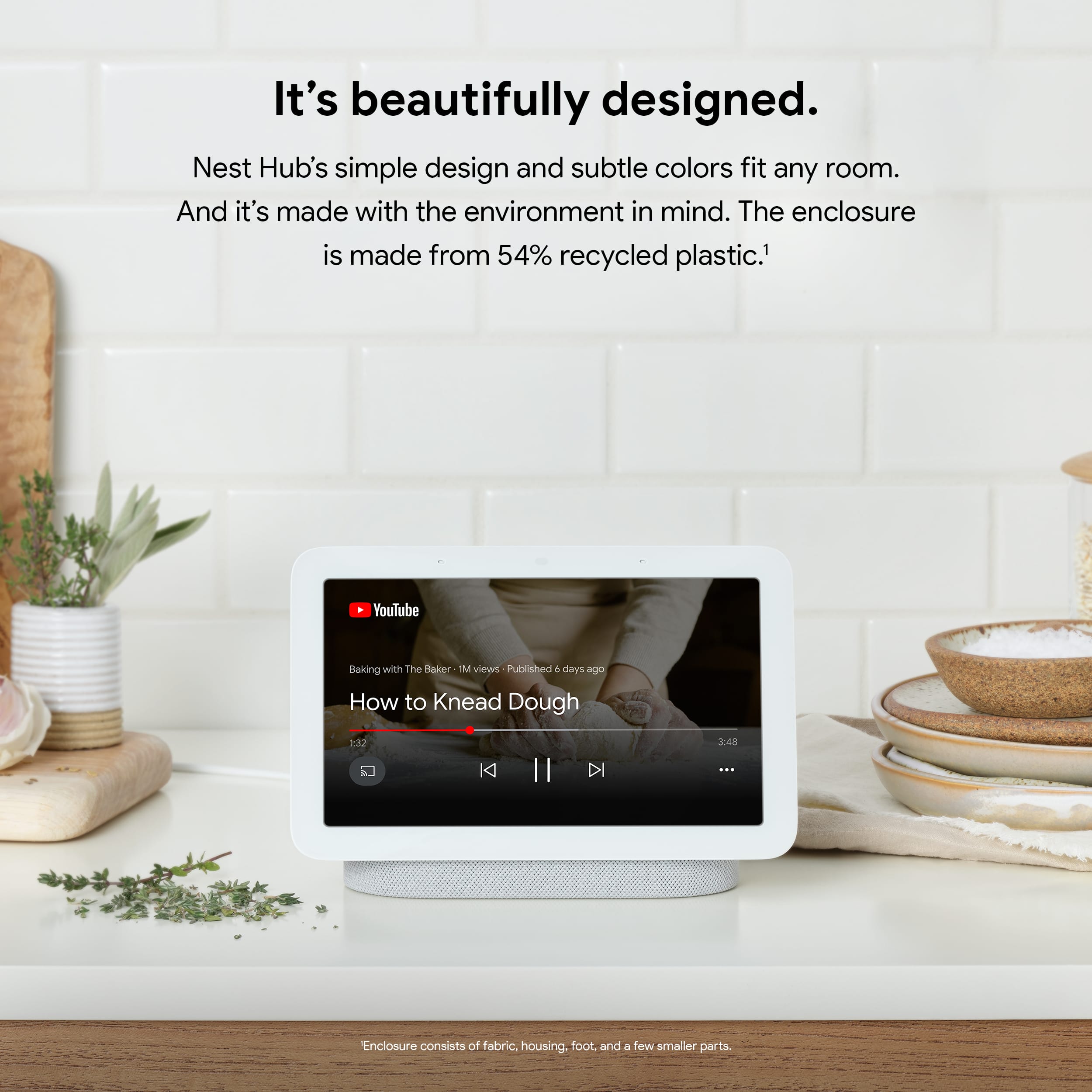
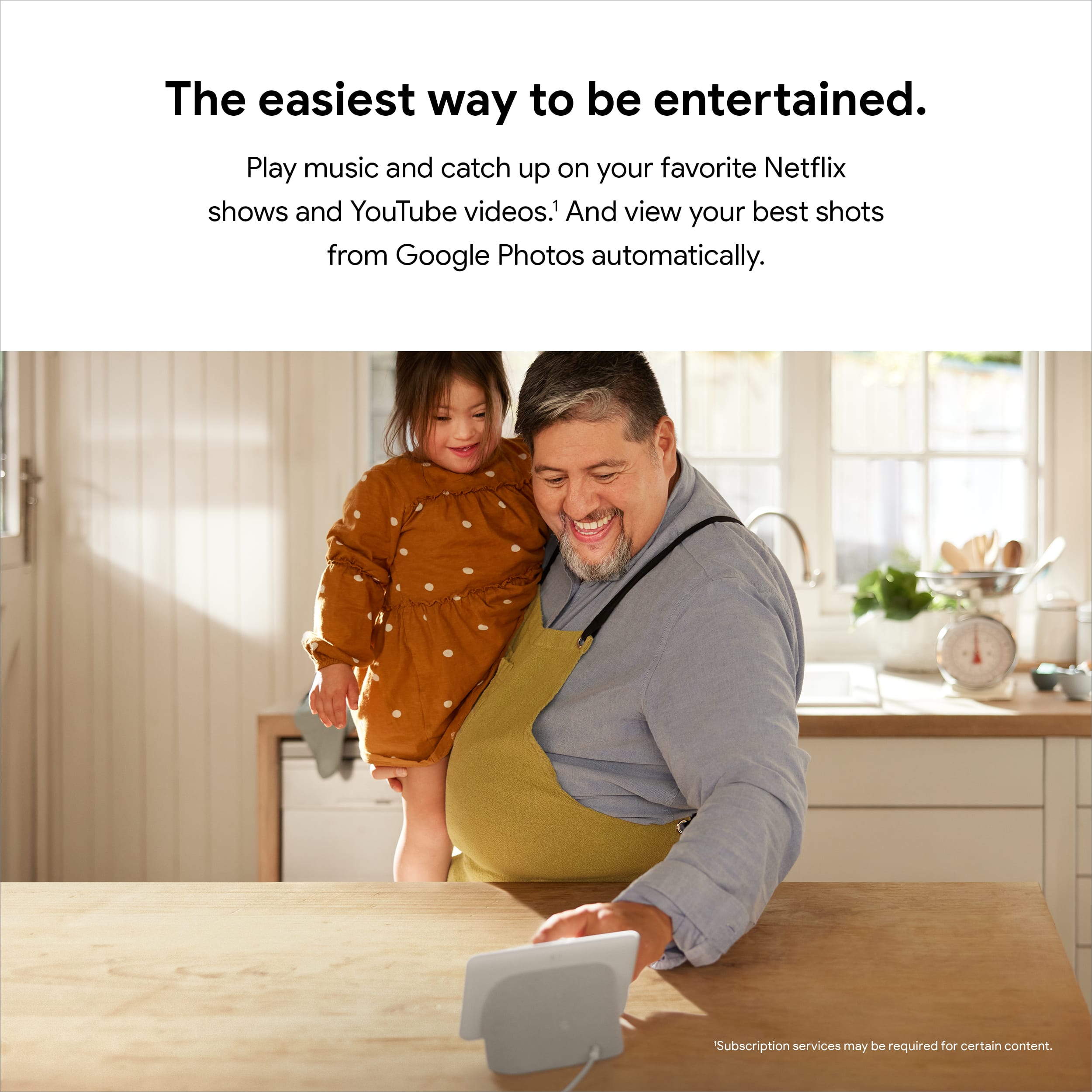
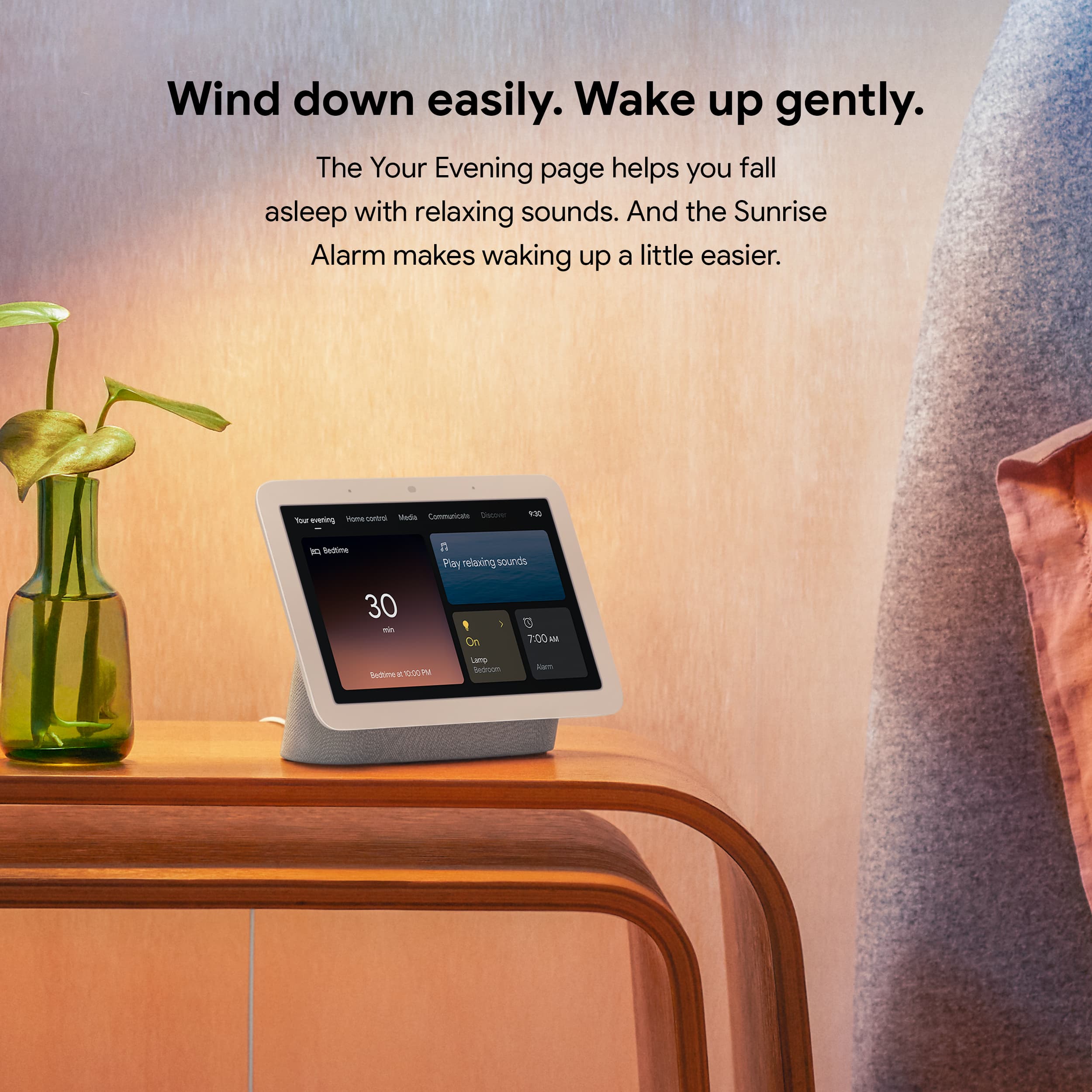
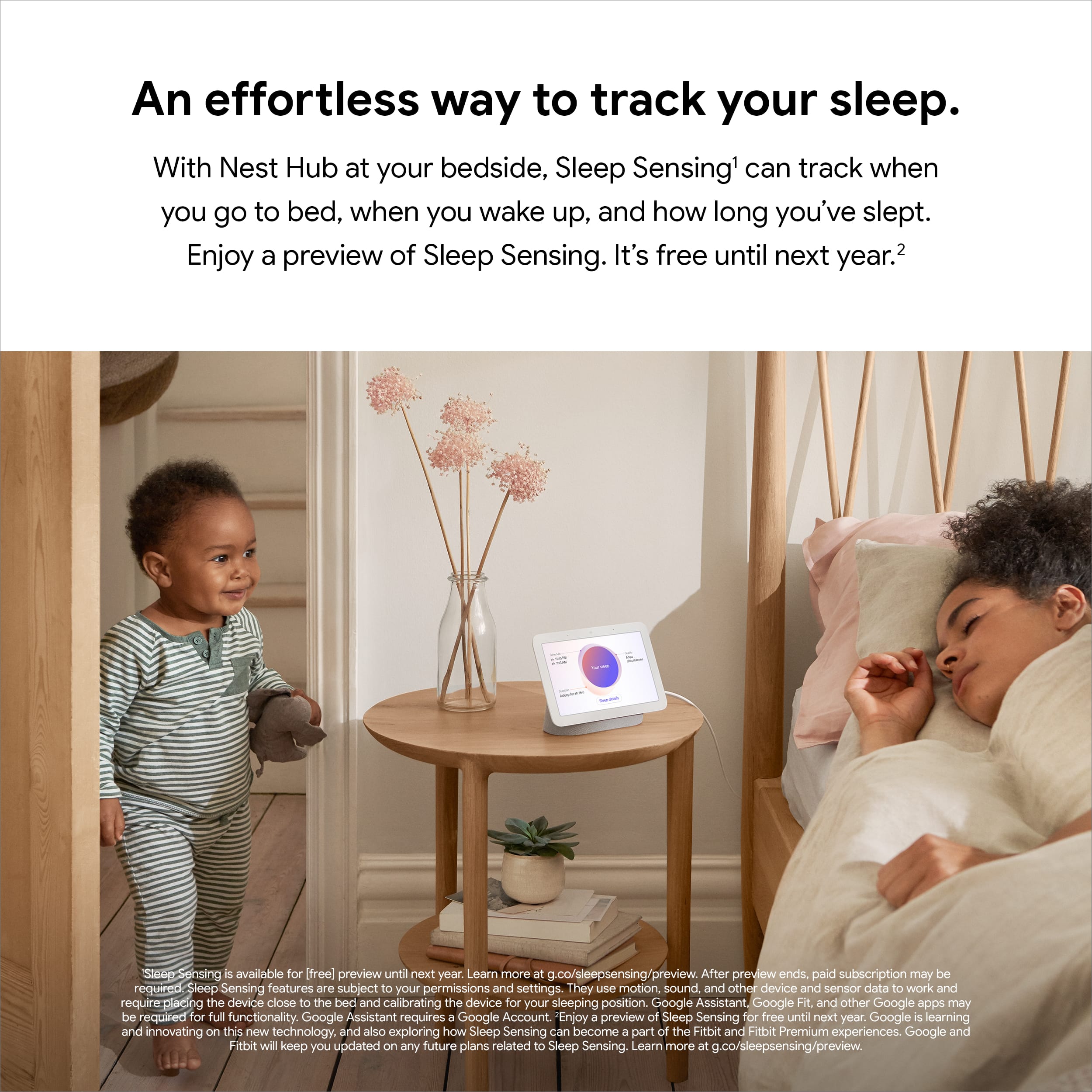
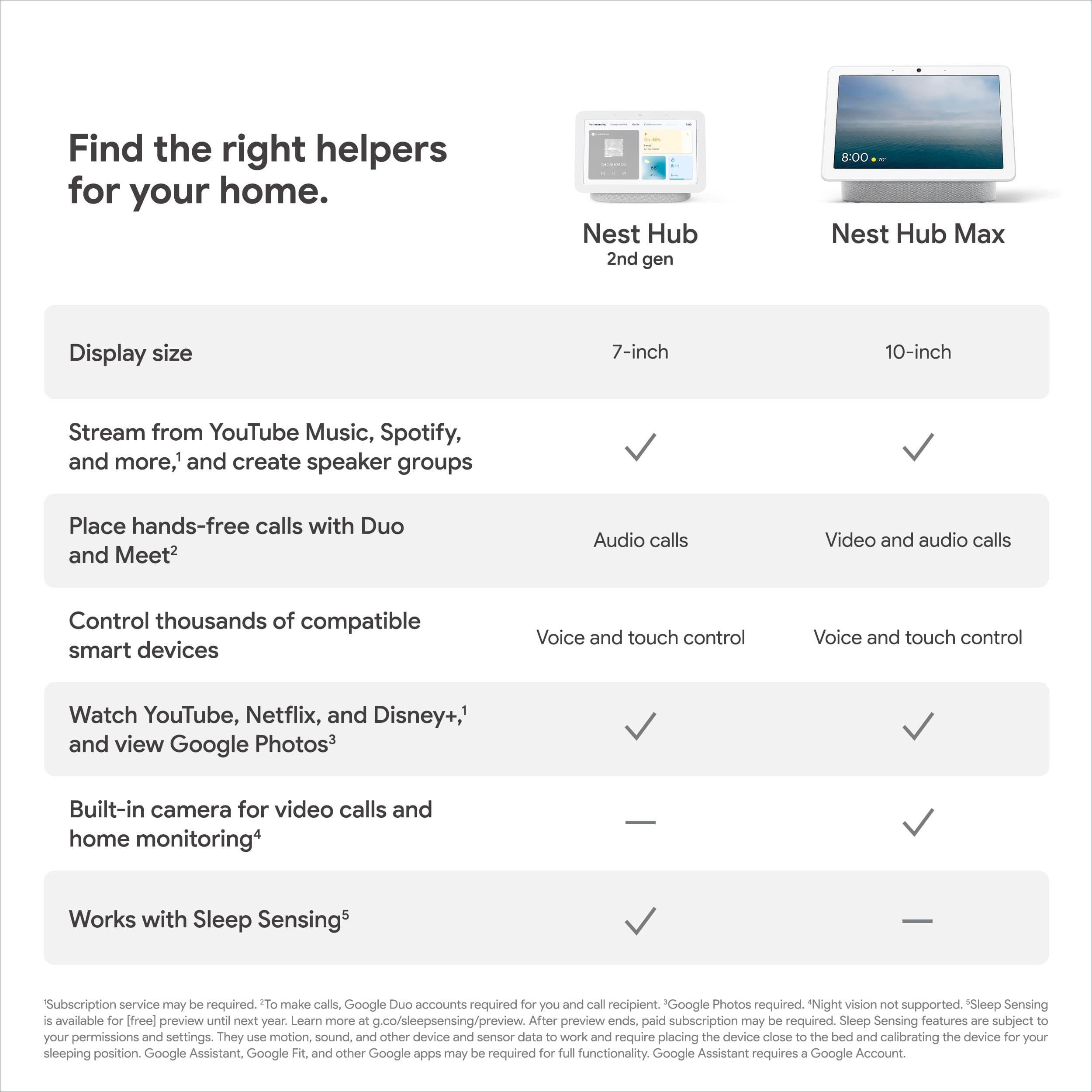
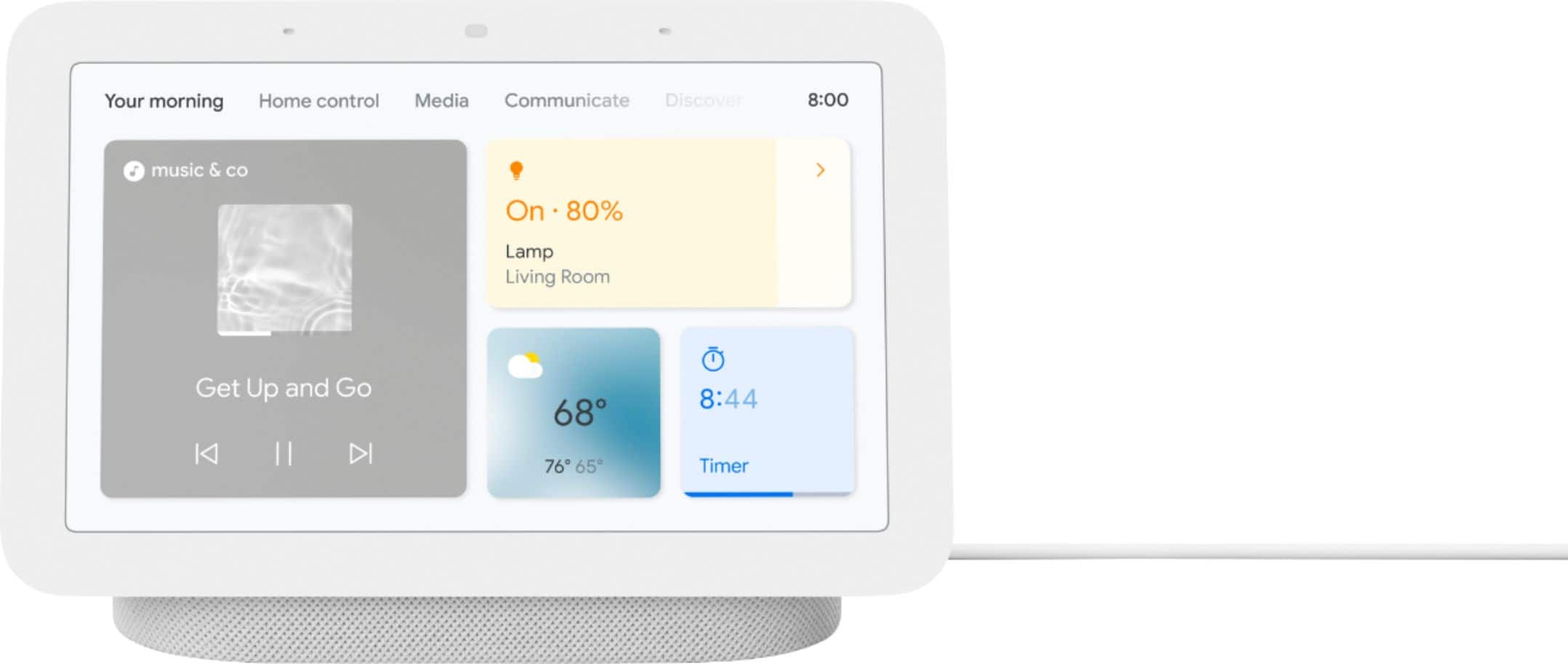
Customers appreciate the Nest Hub 2nd Gen for its ease of use, sound quality, and ideal screen size, especially for bedside use. The Google Assistant integration, reasonable price, and sleep tracking capabilities are also well-received. However, some customers have noted the absence of a camera and occasional sluggishness in responsiveness. Additionally, a few users mentioned compatibility issues with certain devices.
This summary was generated by AI based on customer reviews.
Google
||Posted . Owned for 3 weeks when reviewed.This reviewer received promo considerations or sweepstakes entry for writing a review.This is a very useful for those that are really into technology and smart lighting.
I would recommend this to a friendWorth it
||Posted . Owned for 5 months when reviewed.This reviewer received promo considerations or sweepstakes entry for writing a review.I haven't had any issues. Sound quality isn't great for music but that's to be expected.
I would recommend this to a friendBrand response from Nest Support
Posted .Hi there, thanks for taking the time to share your feedback on Nest Hub (2nd Gen). We´re sorry to hear that the sound quality didn't quite meet your expectations.
We understand that each person will have their own preference when it comes to sound quality. To improve your audio experience, we recommend adjusting the treble and bass settings by following the steps below:
- Make sure your mobile device or tablet is connected to the same Wi-Fi or linked to the same account as your Nest Hub.
- Open the Google Home app.
- Tap the device you want to adjust > and then Settings > and then Audio and then Equalizer.
- Adjust Bass and Treble level.
If you have questions or support needs with Nest Hub (2nd Gen), you're always welcome to contact our support team, whenever you visit the Google Nest Help page here: https://support.google.com/googlenest/gethelp
- Pros mentioned:Screen size
Screen stops working after 1.5 year
||Posted . Owned for 1 year when reviewed.This reviewer received promo considerations or sweepstakes entry for writing a review.This is so disappointing, the screen failed after 1 year and 5 months. We place this hub in the living room and set up our Google photos as a photo frame, and use it occasionally for voice assistant. Even with this light use, the screen still fail after such a short time. The issue is, the screen shifted all the way to the right and i can only see less than one inch of the frame, the rest of the screen is now black and distorted. Look up the warranty, sure enough manucacturer warranty is only one year, so no repair or replacement. Basically a junk now, i DO NOT RECOMMEND THIS PRODUCT
No, I would not recommend this to a friendBrand response from Nest Support
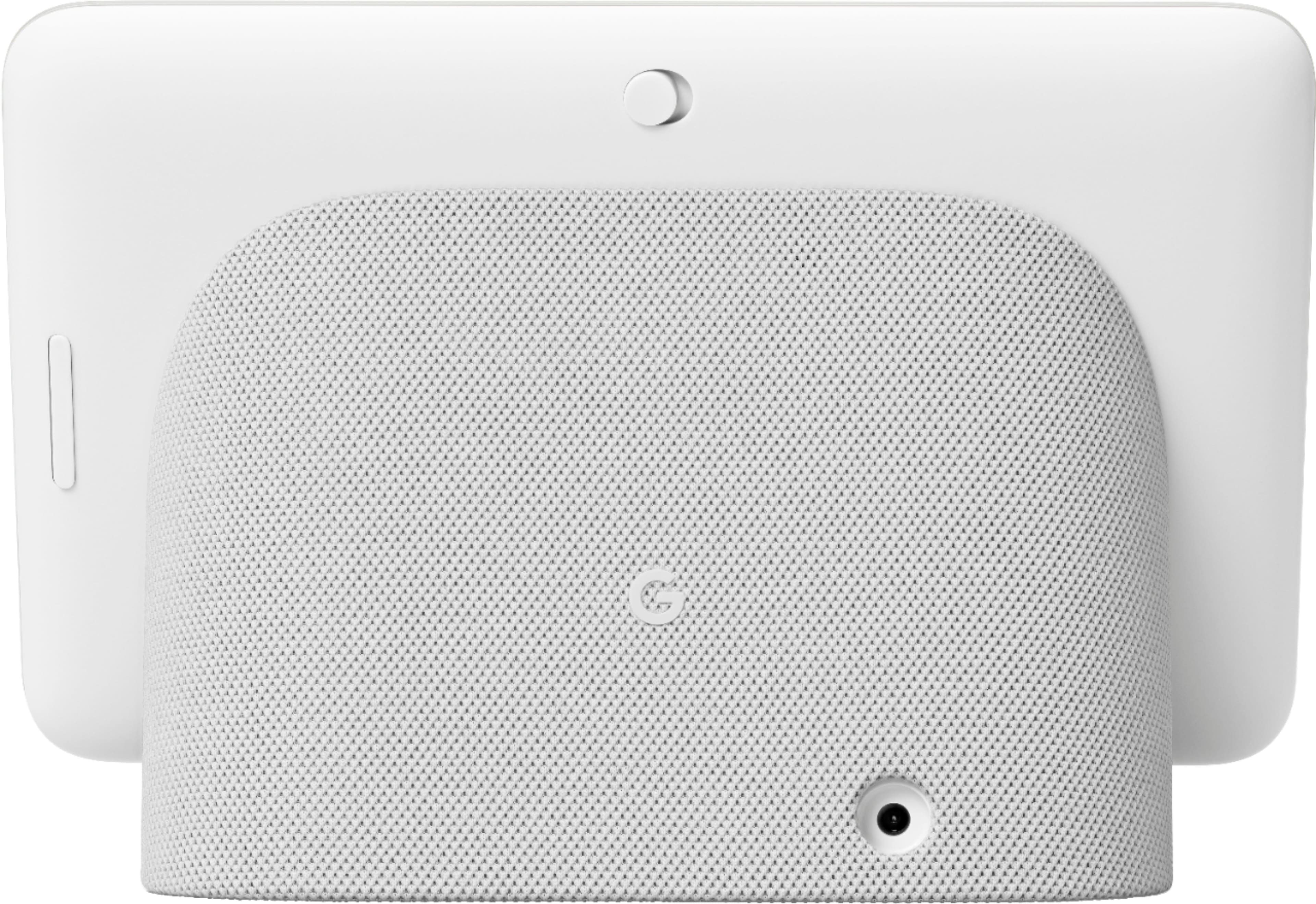
Posted .Hello there, BinL. Thanks for sharing your feedback about the Nest Hub (2nd gen). We’re sorry to hear you ran into this issue with the screen. We suggest resetting the Nest display that may help. On the back of Nest Hub, press and hold both volume buttons together for about 10 seconds. Your Nest Hub will let you know that it's resetting. If the screen issue persists, please contact us anytime here for further investigation and assistance: https://support.google.com/googlenest/gethelp
Mostly great!
||Posted . Owned for 1 month when reviewed.This reviewer received promo considerations or sweepstakes entry for writing a review.Mostly great! Some of the games totally glitch out and reboot the device. This has happened on multiple devices of mine, so I know it’s the device and not my environment
I would recommend this to a friendBrand response from Nest Support
Posted .Hi loudmog, it's amazing to hear that Nest Hub (2nd Gen) works great for you. We do apologize for the glitchy issue you are experiencing with it.
Rebooting was a great idea to try and fix the issue. However, if the issue is persistent, we recommend performing a factory data reset on Nest Hub. A factory reset will reset your Google Nest or Home speaker or display to its default factory settings. To reset, check on the back of Nest Hub, press and hold both volume buttons together for about 10 seconds. Your Nest Hub will let you know that it's resetting.
If you still encounter the same issue even after resetting Nest Hub, we recommend reaching out to our support team for further troubleshooting and isolation. You may contact us here: https://support.google.com/googlenest/gethelp
Happy Shopper
||Posted . Owned for 3 weeks when reviewed.This reviewer received promo considerations or sweepstakes entry for writing a review.Great product & great online service! Amazing App! So easy! Great price as well!! Thank you Best Buy!
I would recommend this to a friendSmart Display
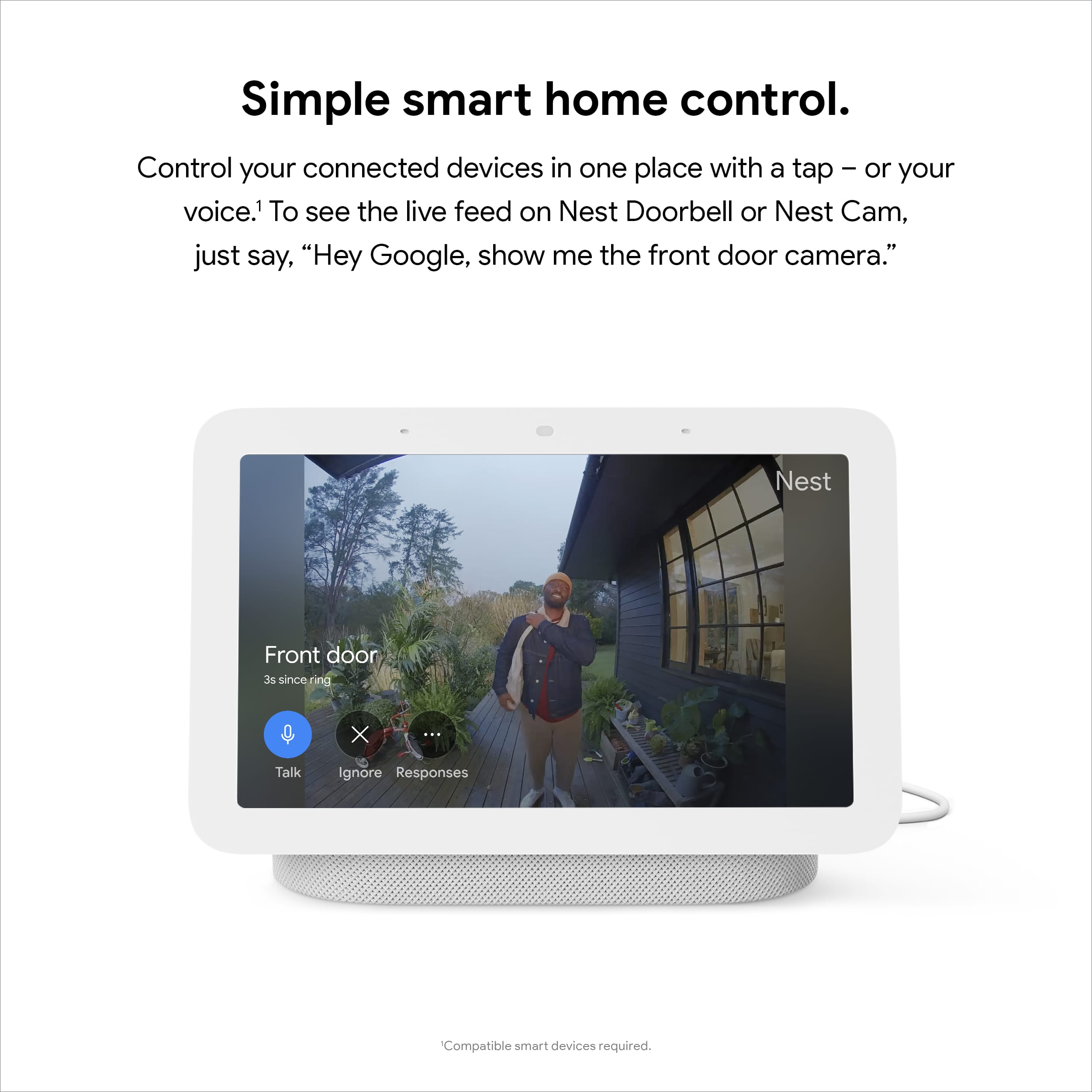
||Posted . Owned for 3 weeks when reviewed.This reviewer received promo considerations or sweepstakes entry for writing a review.I bought this display so I could stream my Nest doorbell. It works well.
I would recommend this to a friendGood value Google display
||Posted . Owned for 1 month when reviewed.This reviewer received promo considerations or sweepstakes entry for writing a review.Great value for a useful kitchen display. Works really well day to day.
I would recommend this to a friendExcellent Smart Display
||Posted . Owned for 1 month when reviewed.This reviewer received promo considerations or sweepstakes entry for writing a review.Helpful Smart display tells time sets alarms and access doorbell camera
I would recommend this to a friendGoogle smart hub screen
||Posted . Owned for 2 weeks when reviewed.This reviewer received promo considerations or sweepstakes entry for writing a review.Best smart hub on tue market by Google! Hopefully they will offer a larger screen.
I would recommend this to a friendGoogle nest
||Posted . Owned for 2 weeks when reviewed.This reviewer received promo considerations or sweepstakes entry for writing a review.Nice item. Replacement for a broken one. Would recommend.
I would recommend this to a friendGoogle hub
||Posted . Owned for 1 month when reviewed.This reviewer received promo considerations or sweepstakes entry for writing a review.I have 3 of these google hubs around the house and they are a great step up from the basic google mini.
I would recommend this to a friendChristmas gift
||Posted . Owned for 1 month when reviewed.This reviewer received promo considerations or sweepstakes entry for writing a review.Great buy great value very interactive I plan to purchase another one
I would recommend this to a friendHey Google is my friend
||Posted . Owned for 1 month when reviewed.This reviewer received promo considerations or sweepstakes entry for writing a review.Very easy to assemble. The screen comes in clear.It is a great product.
I would recommend this to a friendGoogle
||Posted . Owned for more than 2 years when reviewed.This reviewer received promo considerations or sweepstakes entry for writing a review.It worked great now is complete dead. Not even able to on iy
No, I would not recommend this to a friendBrand response from Nest Support
Posted .Hello, thanks for sharing your feedback about your Nest Hub — We're happy to help you get your device back on track. If you still need assistance, contact us: https://support.google.com/googlenest/gethelp?hl=en
bedroom
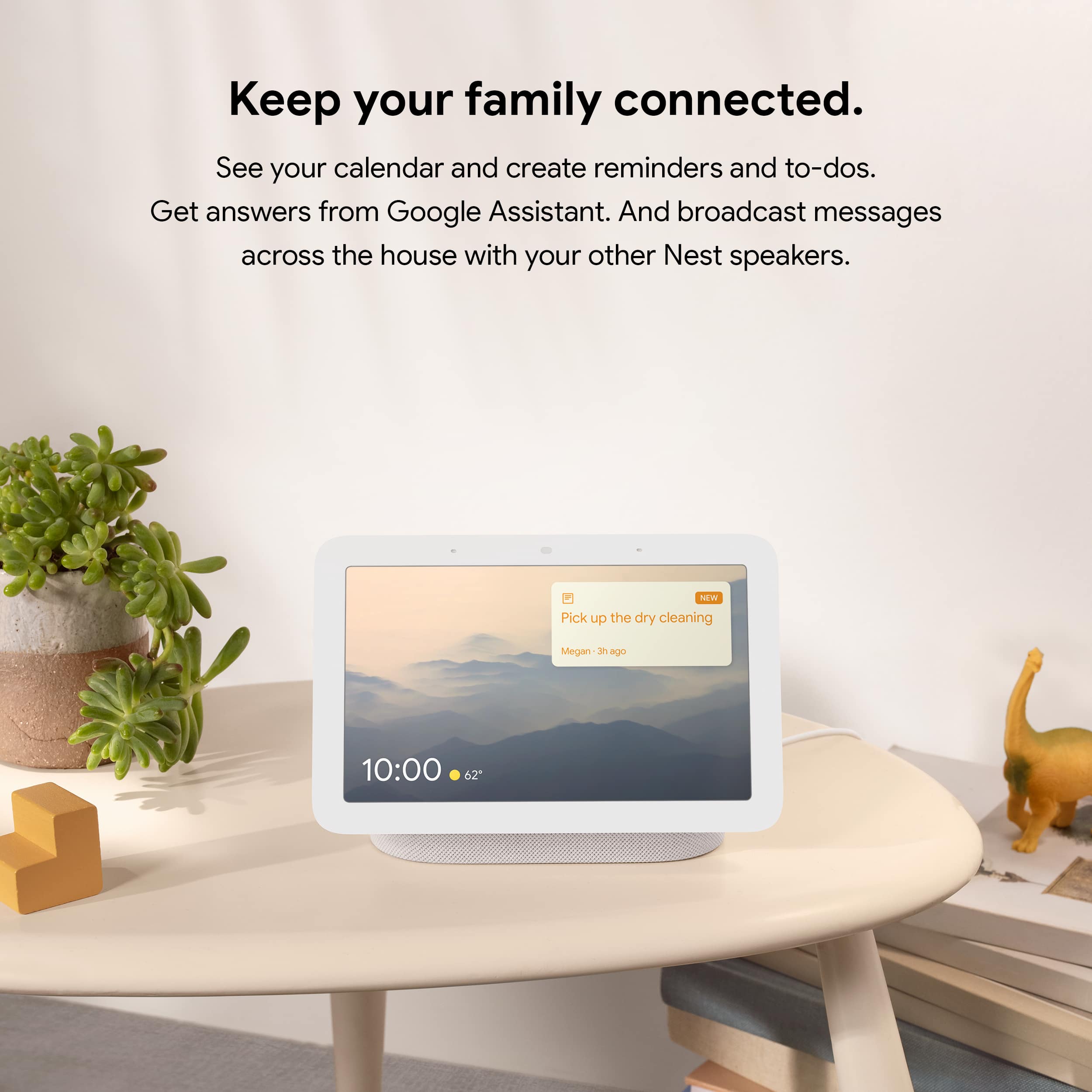
||Posted . Owned for 3 weeks when reviewed.This reviewer received promo considerations or sweepstakes entry for writing a review.I purchased two for my bedroom and i can watch my son on my display and show my pictures and control lights.
I would recommend this to a friendDa best
||Posted . Owned for 3 weeks when reviewed.This reviewer received promo considerations or sweepstakes entry for writing a review.Other amazing addition to the master bedroom. Works terrific as an assistant or alarm clock
I would recommend this to a friendToo many issues with voice control
||Posted . Owned for 1 week when reviewed.This reviewer received promo considerations or sweepstakes entry for writing a review.I bought this specifically to control my home lighting and audio. I am an Android user since Doughnut and have used almost 2 dozen different Android devices including phones, tablets, STBs and speakers. This is the first device i have used in over a decade that has had issues recognizing and responding to voice commands. I have it fully updated and it sits within 10 feet of my router, but constantly gives an error "something went wrong, please try again in a few seconds" when asking it to do basic tasks like turn on lights. I even disabled voice recognition on my other devices to ensure it wasn't getting confused by multiple devices trying to respond, but the issues persist. Definitely returning it.
No, I would not recommend this to a friendBrand response from Nest Support
Posted .Hi there, BigPoppa. Thank you for sharing your review on Nest Hub (2nd gen). We're sorry to hear that you're experiencing some challenges with using voice commands on the device. We suggest that you retrain your device to better recognize your voice as this may help with voice control. We also suggest adjusting the Hotword sensitivity as it may also be helpful with the issue. You may follow the steps below to help improve your experience:
Retrain Voice Match:
- On your phone or tablet, open the Google Home app.
- At the top right, tap your Profile picture or initial and then Assistant settings and then Voice Match.
- Tap Teach your Assistant your voice again and then Retrain.
Change Nest Hub's Hotword sensitivity:
- Open your Google Home app.
- Select your Nest Hub.
- At the top right, tap the Settings (Gear) icon. - Then tap Audio.
- Then tap "Hey Google" sensitivity and adjust the slider to make your Nest Hub more responsive to the Hotword.
If the issue still persists or if you've tried these steps before, we recommend that you reach out to our support specialists and let us help find a better resolution for you. Please contact us on our Google Help page here: https://support.google.com/googlenest/gethelp
Home hubq
||Posted . Owned for 1 month when reviewed.This reviewer received promo considerations or sweepstakes entry for writing a review.Works great. Use it with multiple google nest products.
I would recommend this to a friendLove it!!!
||Posted . Owned for 2 weeks when reviewed.This reviewer received promo considerations or sweepstakes entry for writing a review.I love it… this is my second one. Good to check on my Nest Cameras and listening to my radio…
I would recommend this to a friendnice as a gift
||Posted . Owned for 1 month when reviewed.This reviewer received promo considerations or sweepstakes entry for writing a review.highly recommended for people living in different country and dont have phone ,
I would recommend this to a friend