Customer Ratings & Reviews







- Model:
- GA01331-US
- SKU:
- 6450820
Rating by feature
- Value
Rating 4.7 out of 5 stars
- Quality
Rating 4.7 out of 5 stars
- Ease of Use
Rating 4.6 out of 5 stars
Customers are saying
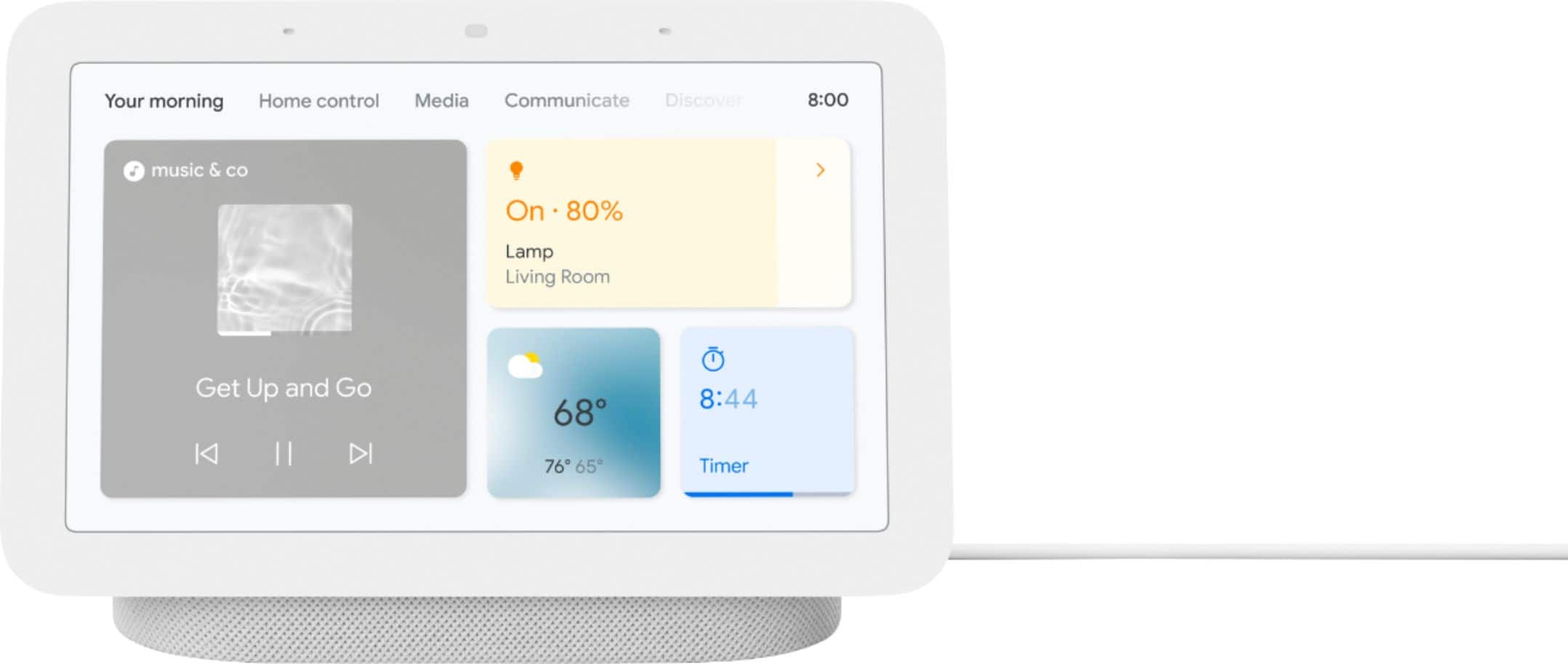
Customers appreciate the Nest Hub 2nd Gen for its ease of use, sound quality, and ideal screen size, especially for bedside use. The Google Assistant integration, reasonable price, and sleep tracking capabilities are also well-received. However, some customers have noted the absence of a camera and occasional sluggishness in responsiveness. Additionally, a few users mentioned compatibility issues with certain devices.
This summary was generated by AI based on customer reviews.
The best
||Posted . Owned for 1 week when reviewed.This reviewer received promo considerations or sweepstakes entry for writing a review.Excellent product, it has many features you can enjoy
I would recommend this to a friendHelpful
||Posted . Owned for 3 weeks when reviewed.This reviewer received promo considerations or sweepstakes entry for writing a review.Give an extra touch and help to your favorite place
I would recommend this to a friend- Pros mentioned:Ease of use
A must for this Christmas!
||Posted . Owned for 3 weeks when reviewed.This reviewer received promo considerations or sweepstakes entry for writing a review.Got this for my daughter for Christmas. She loved it, cool, intuitive and super clever. Manny many things to do or automate around the house. A must for this Christmas!
I would recommend this to a friend Goggle Gift
||Posted . Owned for 3 weeks when reviewed.This reviewer received promo considerations or sweepstakes entry for writing a review.Great Gift Purchase and definitely an awesome price!
I would recommend this to a friendGreat product
||Posted .This reviewer received promo considerations or sweepstakes entry for writing a review.Goggle is like having the smart sciences book with me
I would recommend this to a friendSo far so good
||Posted . Owned for 1 month when reviewed.This reviewer received promo considerations or sweepstakes entry for writing a review.So far so good, works as instructed, no complaints.
I would recommend this to a friendCan't recommend at full price
||Posted . Owned for 1 week when reviewed.This reviewer received promo considerations or sweepstakes entry for writing a review.Got it on sale so can't complain about the value for money. However, at full price, I can't recommend this product, because the apps like youtube are almost non-functional due to its inability to search for content. Its an upgrade from the nest mini I had in my bedroom though, so I am happy about this purchase on sale
No, I would not recommend this to a friendBrand response from Nest Support
Posted .Hi Jay9, thanks for the feedback you shared about the Nest Hub (2nd gen). It’s good to hear you had a great deal, but we’re sorry to learn that you find the apps almost non functional.
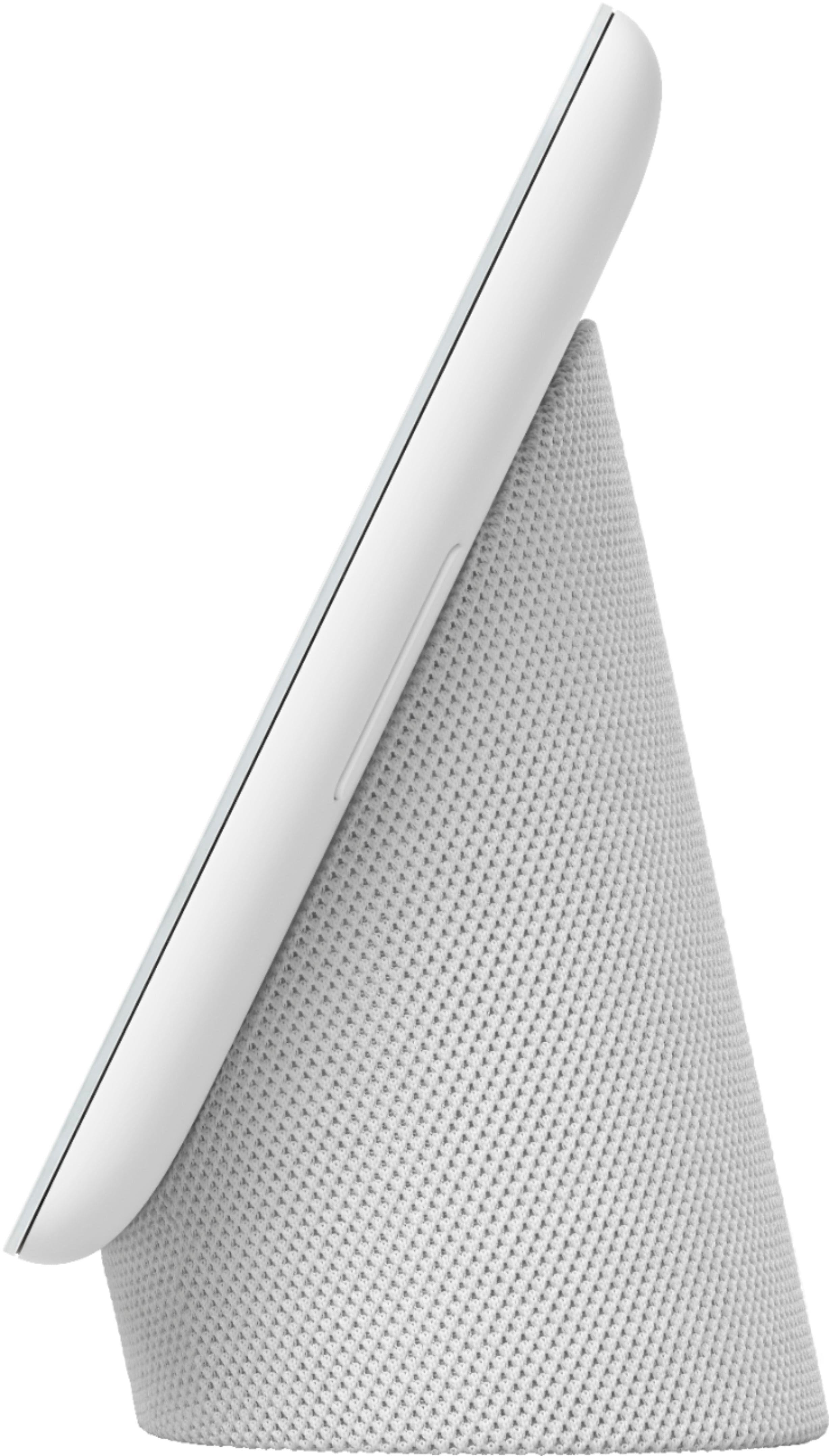
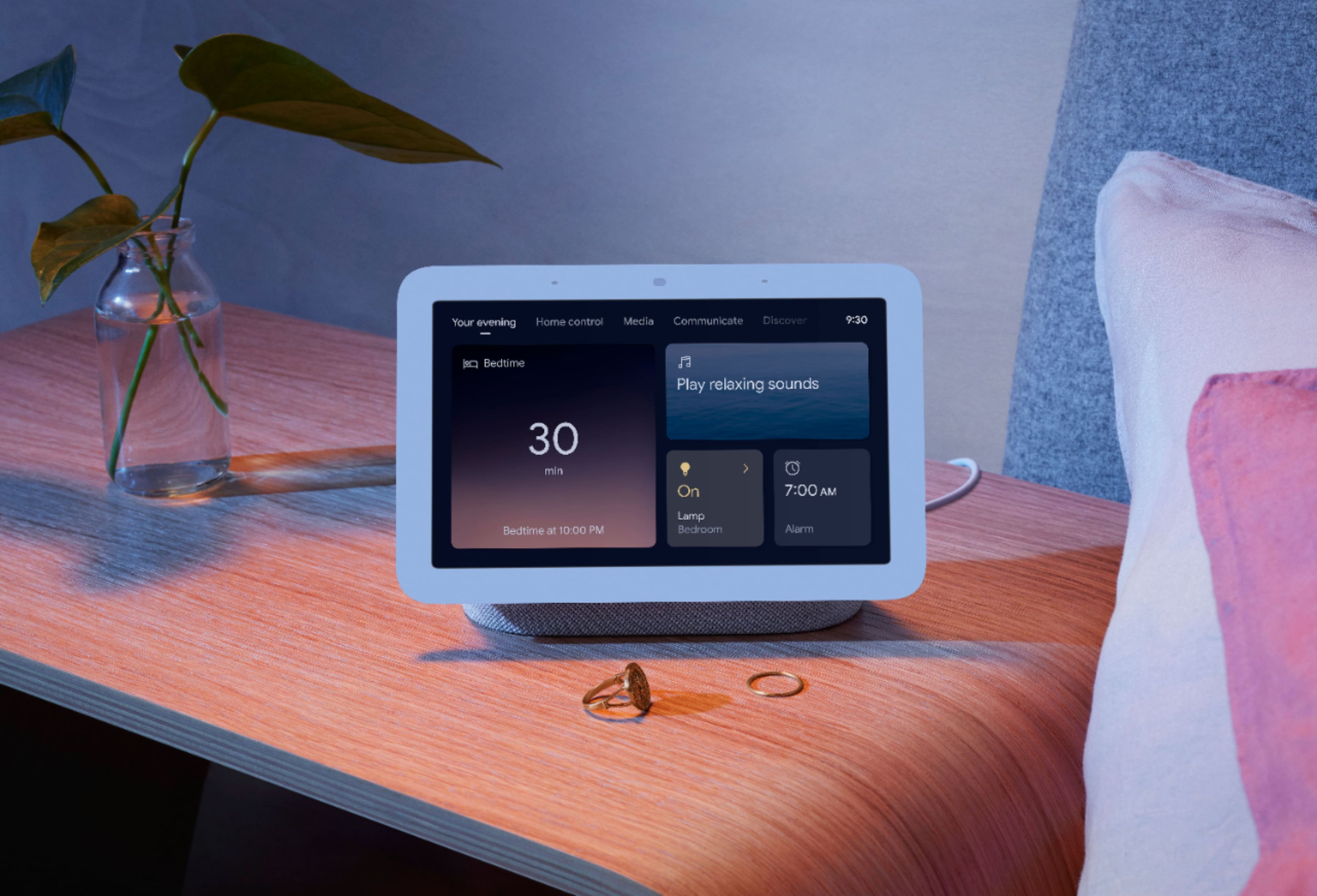
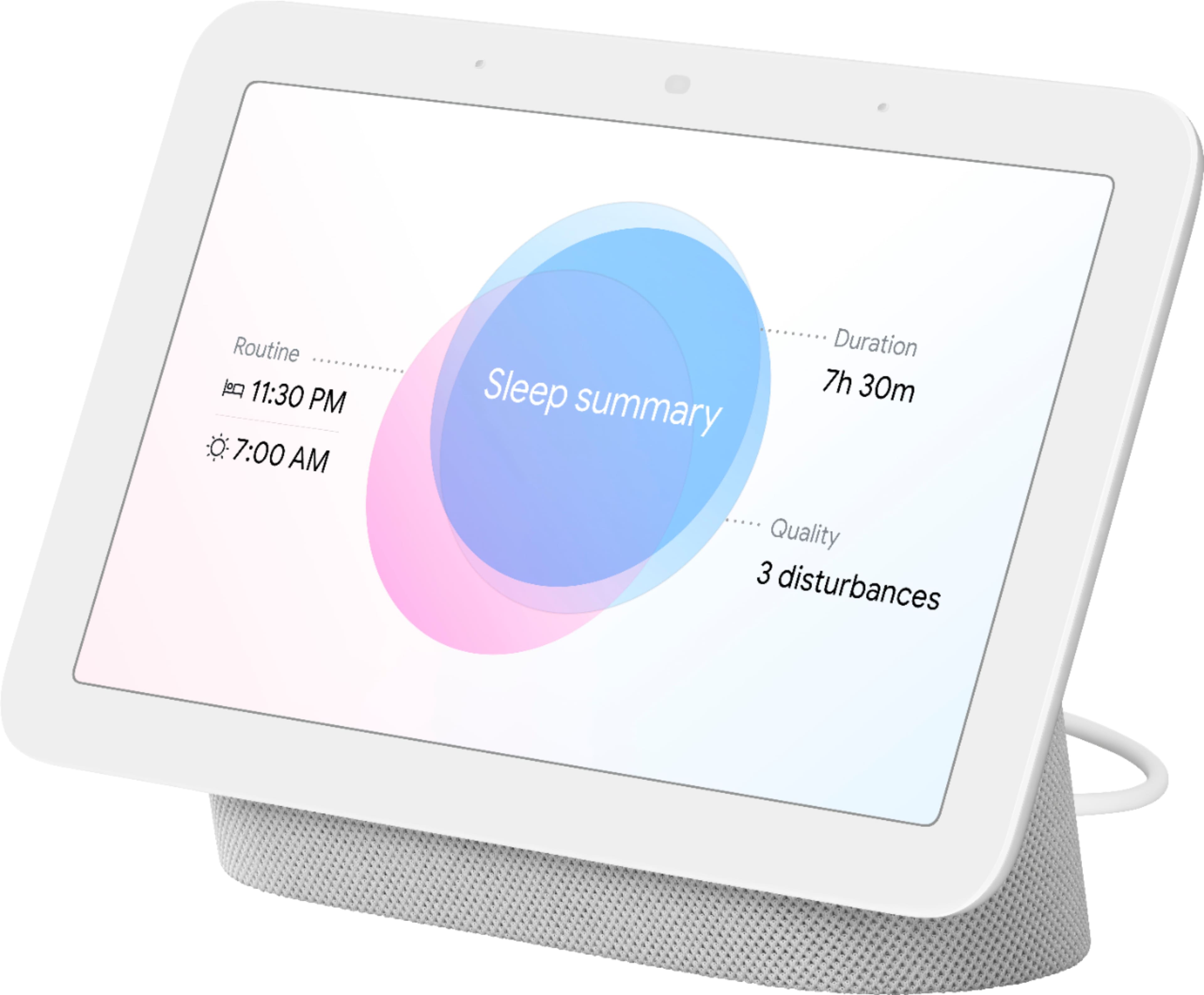
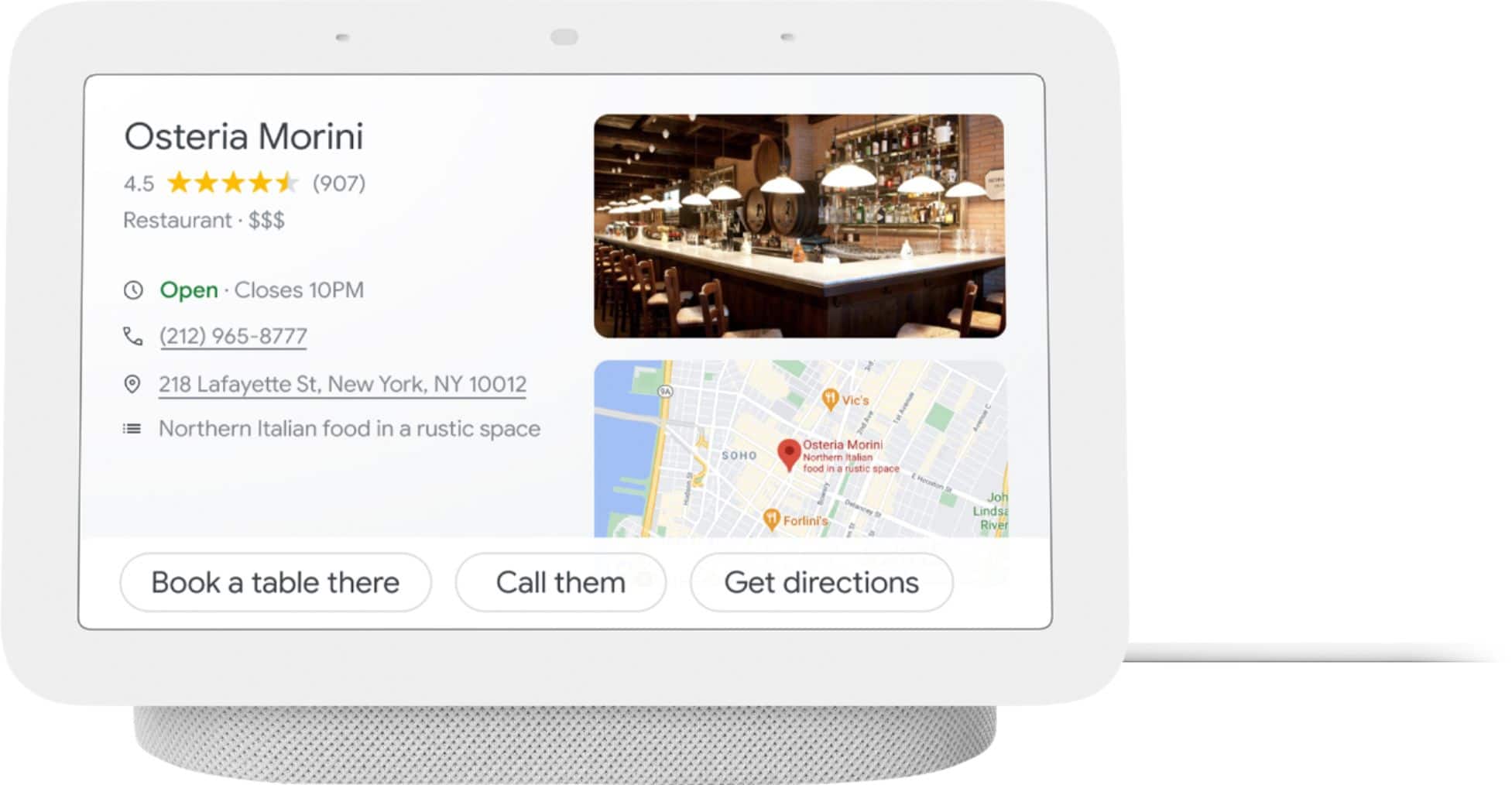
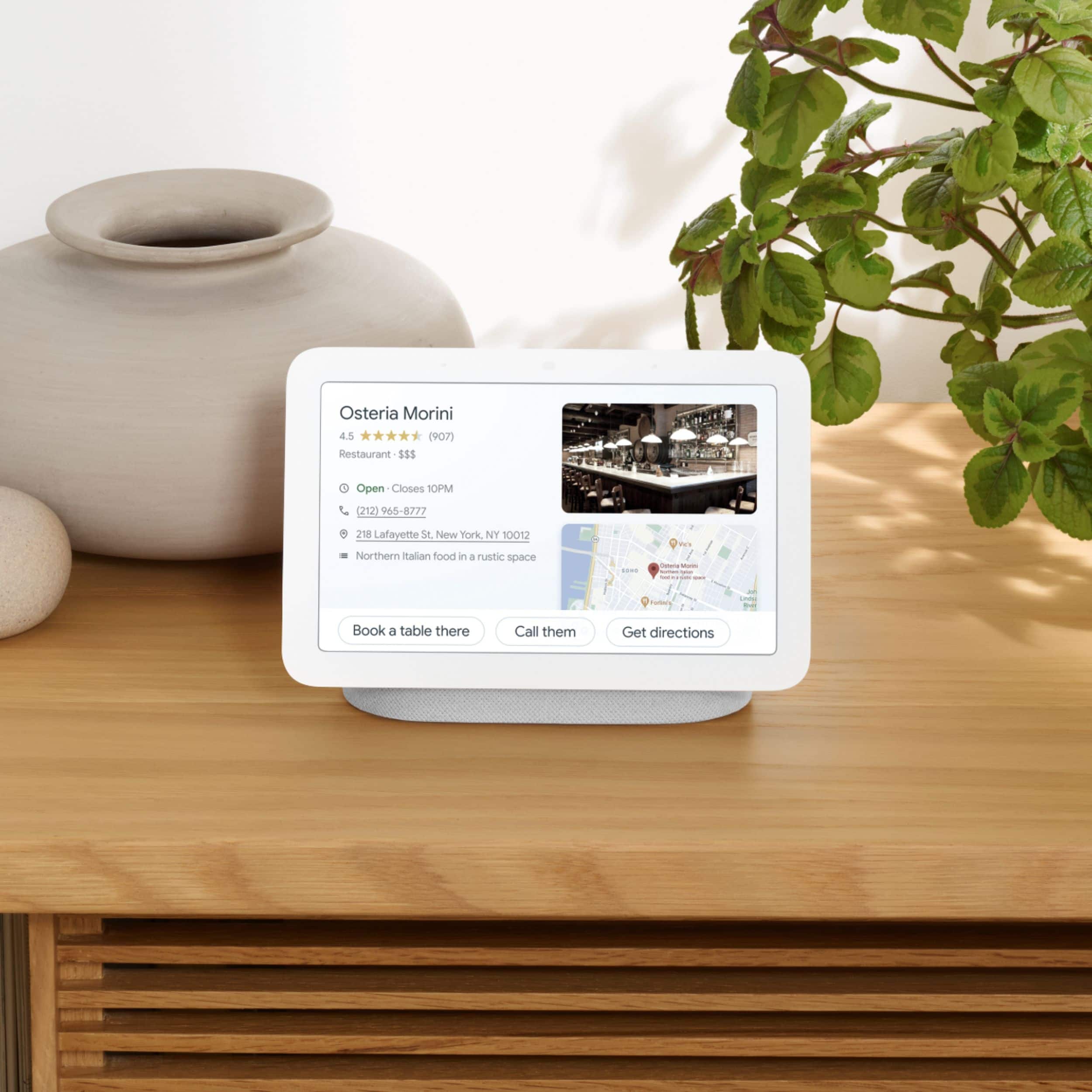
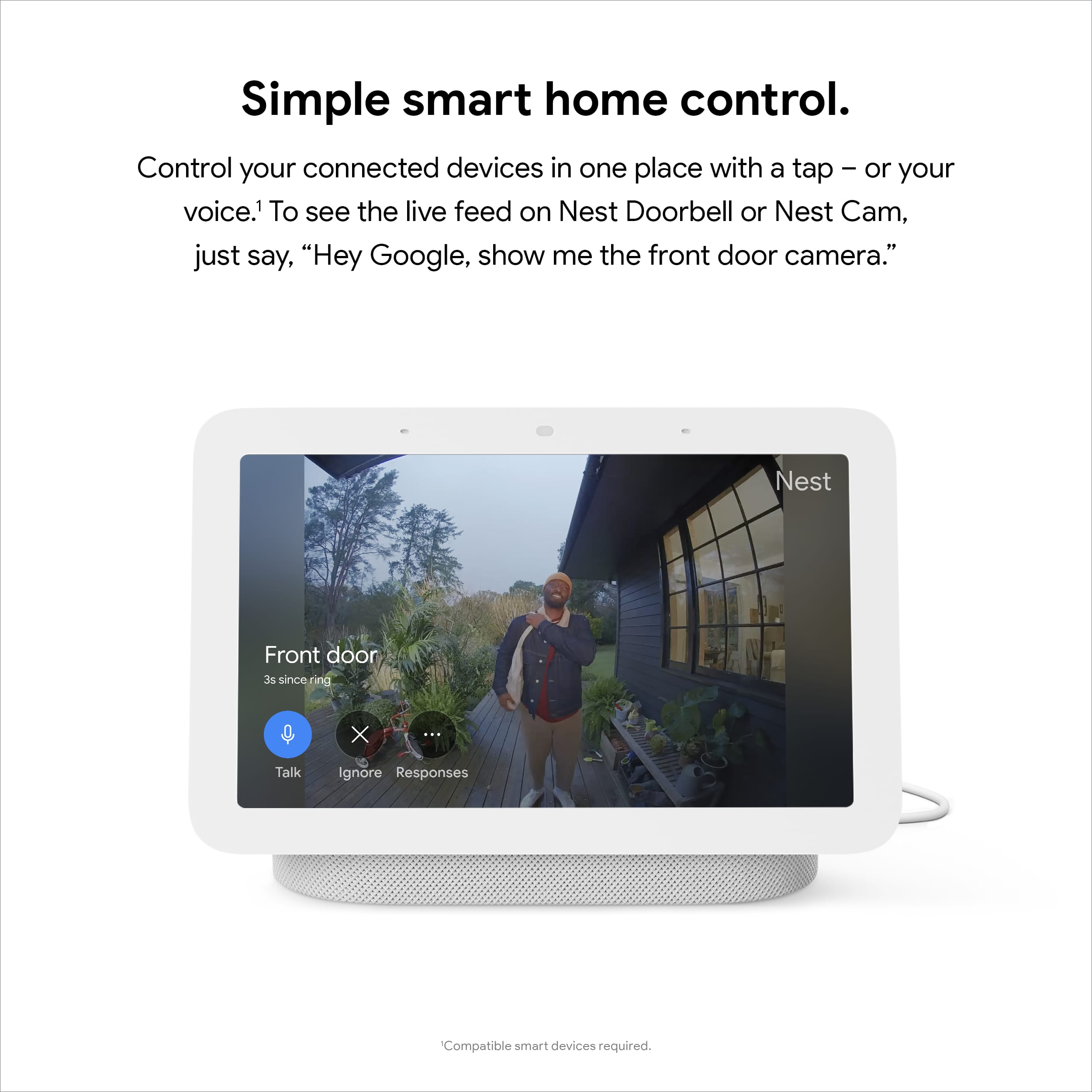
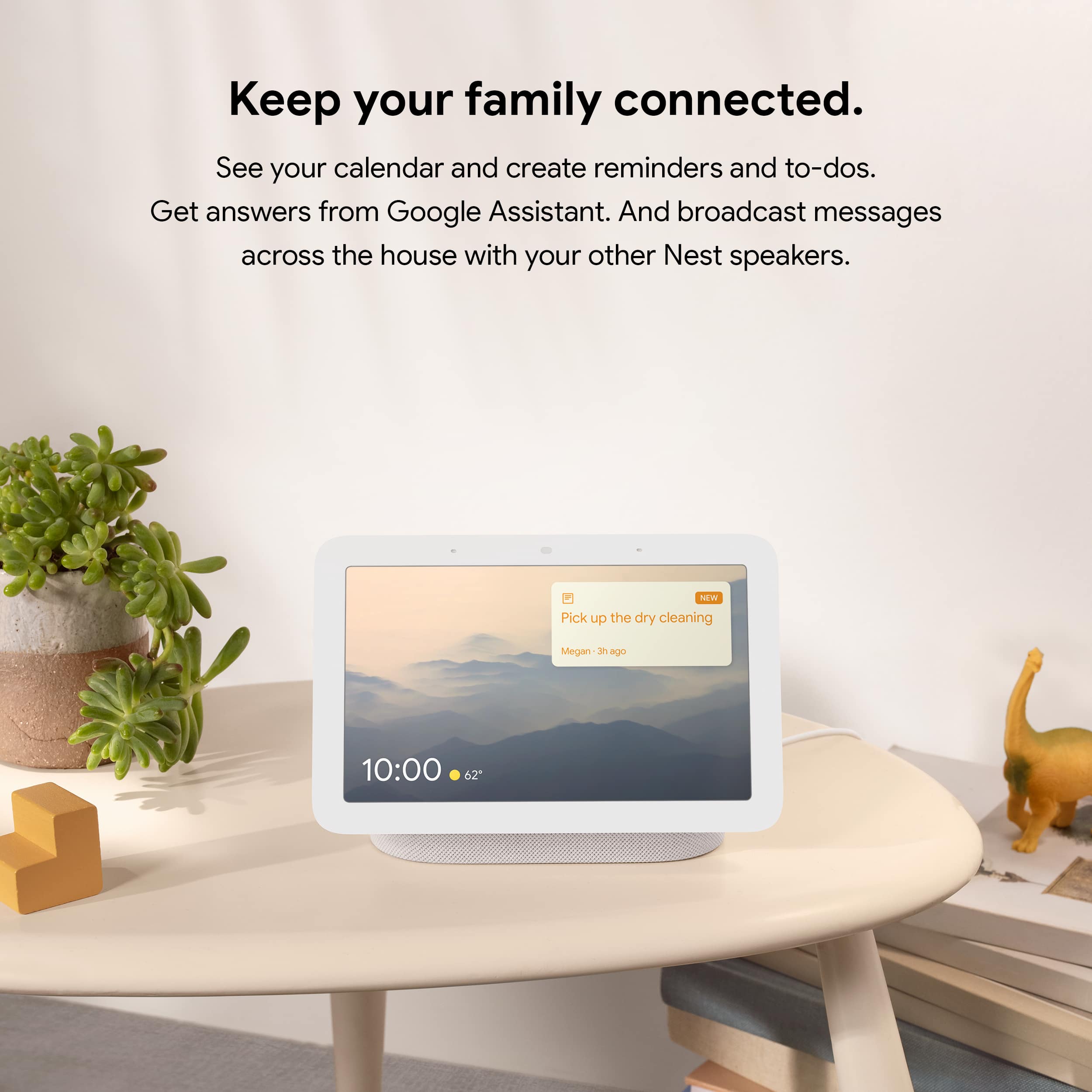
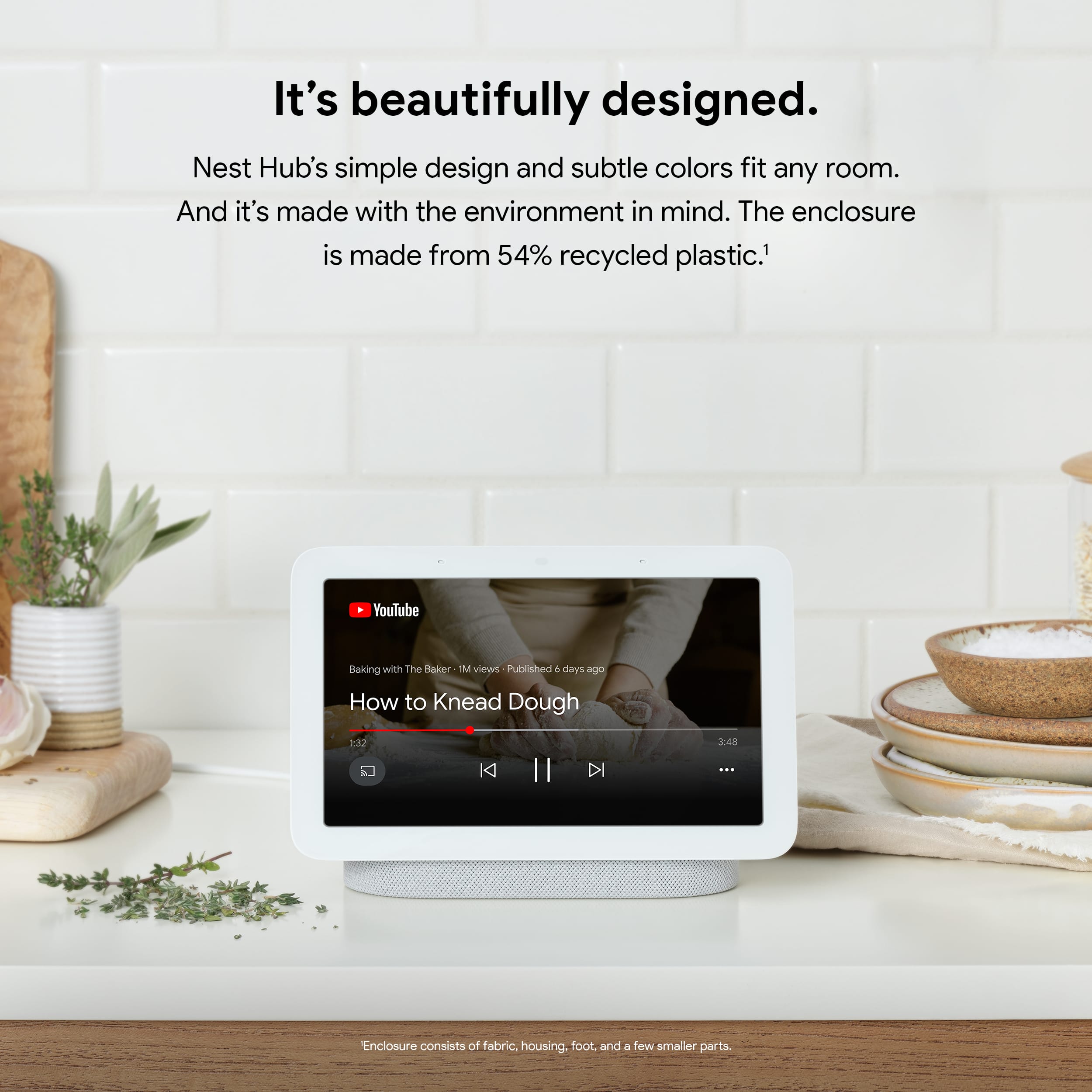
Google Nest Hub brings you visual help for any moment at home. With the Google Assistant built-in, you can simply use your voice to view your latest events and reminders, and control compatible smart devices from a single dashboard. Ask questions, and get visual, immersive answers from Google, and helpful videos from YouTube. Plus, play your favorite songs on a crystal-clear speaker, and relive your memories with Google Photos. Get help with the little moments, so you can enjoy the big moments.
We have help articles available at Google Nest Help page in case you need them. Besides having online support, we also have our dedicated team always available to help you here: https://support.google.com/googlenest/gethelp
Great
||Posted . Owned for 1 week when reviewed.This reviewer received promo considerations or sweepstakes entry for writing a review.I love this item. It does everything I can ever want and ask for
I would recommend this to a friendCarter5
||Posted . Owned for 1 month when reviewed.This reviewer received promo considerations or sweepstakes entry for writing a review.Great product will recommend to friends and family
I would recommend this to a friendBeautiful Garbage
||Posted . Owned for 3 weeks when reviewed.This reviewer received promo considerations or sweepstakes entry for writing a review.I got this to replace Alexa which I had been using for years because Alexa does not have a good list app that you can use with an iphone. you have to use the Alexa app itself which is frustrating to use. Google tasks IOS app is quite pleasant to use and so I got this device to sync to that app. You have to use voice recognition so my wife can't use it until she sets it up which is distopian in the first place whereas alexa doesn't discriminate who it spies on (jk). It is frustrating though to have voice recognition though as I was sick last week and I couldn't get it to listen to me to save my life. Even after getting better when you go to turn off an alarm when you are groggy in the morning it doesn't recognize your voice until you say to turn it off like a fully alert and awake person the way you code your voice, which is done with three total sentences by the way. I would return this device if I still could, unfortunately that is not an option. If Big Brother is going to be watching me I want it to pay attention because I need to get some stuff done. Instead it feels like it only wants to record what it recognizes as you so that it can directly identify your words with your identity. I am being overly paranoid I know, but if you really consider just how much Google Relies on data for its business model, its not wrong to be concerned. Even in the data economy they are as far as I am aware by far the worst offender possibly on planet earth but certainly in the United States from what I have read. The ways in which it has been caught utilizing that data to manipulate people in elections for instance (I have no interest in party politics so I won't mention what influence they intended to have, but there is pretty good evidence of this if you look into the organization that figured out how to track the way google is using ephemeral data). Anyways, its not worth the rub. I may just throw this thing in the trash and go back to using my four alexas and let them be my overlords because at least the lady listens and responds accordingly.
No, I would not recommend this to a friendBrand response from Nest Support
Posted .Hello there, JustinS. Weŕe sorry to hear that your experience with the Nest Hub (2nd gen) has been less than ideal. Since your Nest display is shared with your wife (or other household members), we suggest using Voice Match so all of you can enjoy a more customized media experience. You can also turn on personal results to allow the Google Assistant to read or show results specific to you. Learn more using this link: https://support.google.com/assistant/answer/7684543
If more help with the performance or features of the Nest display is needed, let us know by visiting us here: https://support.google.com/googlenest/gethelp
Great for use with Google Nest Doorbell
||Posted .This reviewer received promo considerations or sweepstakes entry for writing a review.Love Google products! Always good quality and user friendly.
I would recommend this to a friend- Pros mentioned:Sound quality
My Nest is my home
||Posted . Owned for 1 month when reviewed.This reviewer received promo considerations or sweepstakes entry for writing a review.Why did it take me so long. Was basically using the old analog clock on my nightstand. Why? Now my nest hub is my one stop shop for all start of the day activities.
I would recommend this to a friend Buy it, you'll love it!
||Posted . Owned for 1 month when reviewed.This reviewer received promo considerations or sweepstakes entry for writing a review.I leave it in the kitchen and use it for everything
I would recommend this to a friendBest upgrade from mini with no screen in budget
||Posted . Owned for 1 month when reviewed.This reviewer received promo considerations or sweepstakes entry for writing a review.Works better than my google mini with no screen. Got in best deal and nice upgrade with screen.
I would recommend this to a friendNest hub
||Posted .This reviewer received promo considerations or sweepstakes entry for writing a review.Great product for bedroom clock and smart features
I would recommend this to a friendHighly recommend
||Posted . Owned for 3 weeks when reviewed.This reviewer received promo considerations or sweepstakes entry for writing a review.A Great device definitely recommend for any family
I would recommend this to a friendGood
||Posted .This reviewer received promo considerations or sweepstakes entry for writing a review.So far so good Google makes really good stuff!!!;;
I would recommend this to a friendNearly useless, had to return.
||Posted . Owned for 1 week when reviewed.This reviewer received promo considerations or sweepstakes entry for writing a review.Not as useful as I hoped. It’s interface is difficult to maneuver. I didn’t want to use my voice to make it function but it always wants you to. There are no directions for it and googling how to get to certain settings or setting it up to be more personalized just made it a headache!I wanted more detailed information from the nest part of this thing because if I’m not home and someone else is they should be able to see everything I own through nest — a google product— but it doesn’t function that way. To make phone calls- google is far too invasive. If internet connection is lost for even a split second it switches to a setup internet screen and stays there permanently until unplugged from the power and restarted. Will be returning.
No, I would not recommend this to a friendBrand response from Nest Support
Posted .Hi Drew, thanks for sharing your insights with us on Nest Hub (2nd Gen). We´re sorry to hear that you didn't find it as useful as you had hoped for. This is not the kind of experience we had hoped to provide you with. If you´re willing to try, we'd like to take a look at the issue and see how we can provide you with a better experience. We have a dedicated team of support specialists, ready to help you with your concern. You may reach out to us using this link: https://support.google.com/googlenest/gethelp
- Pros mentioned:Screen size
Great for bedroom
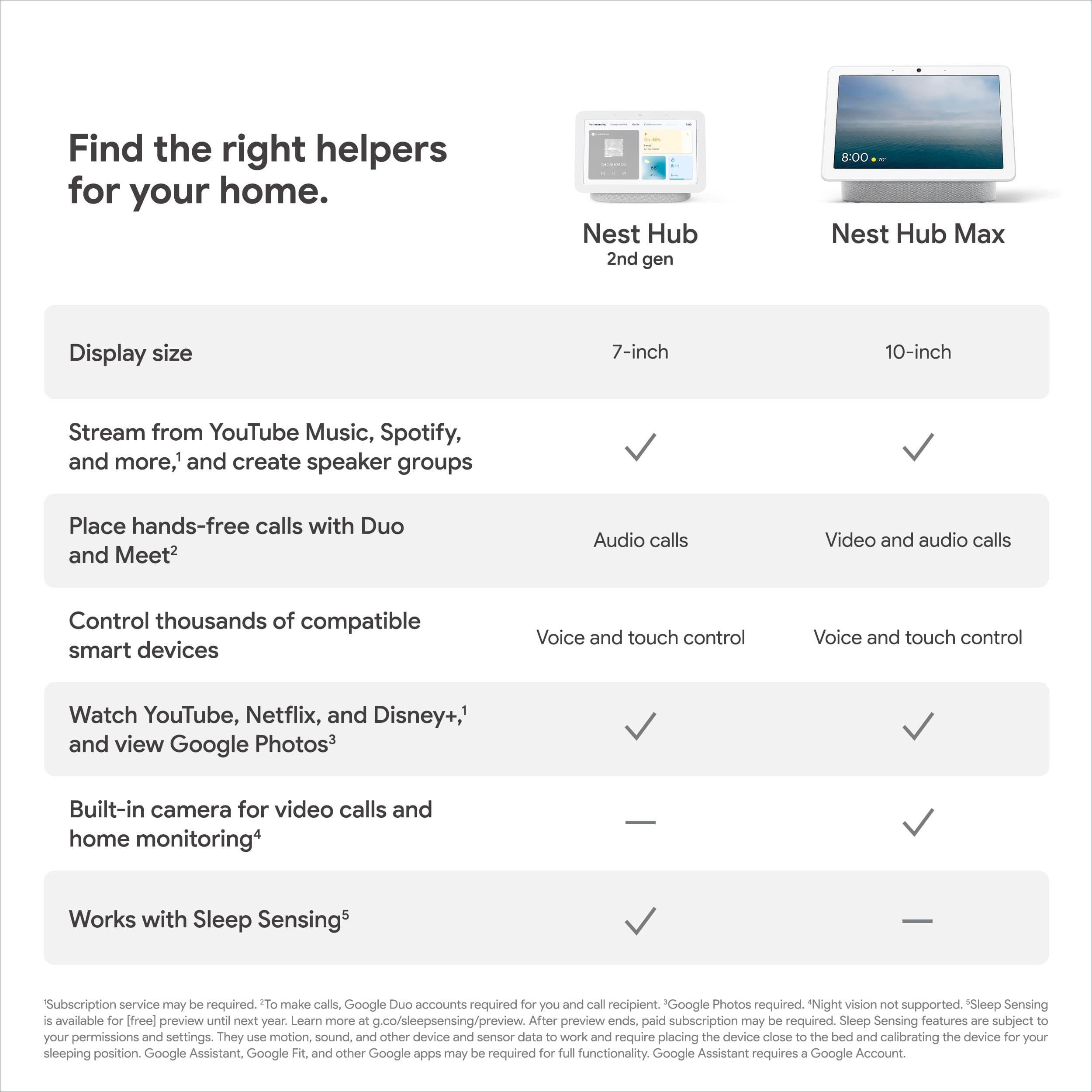
||Posted . Owned for 1 week when reviewed.This reviewer received promo considerations or sweepstakes entry for writing a review.I got this 7in Home for bedroom. I have the Hub Max in my kitchen and absolutely love it. This unit is really great for a bedroom alarm clock and smart hub features.
I would recommend this to a friend f
||Posted . Owned for 1 month when reviewed.This reviewer received promo considerations or sweepstakes entry for writing a review.very smooth i would recomend this item very niceee
I would recommend this to a friend