Customer Ratings & Reviews








- Model:
- GA01331-US
- SKU:
- 6450820
Rating by feature
- Value
Rating 4.7 out of 5 stars
- Quality
Rating 4.7 out of 5 stars
- Ease of Use
Rating 4.6 out of 5 stars
Customers are saying
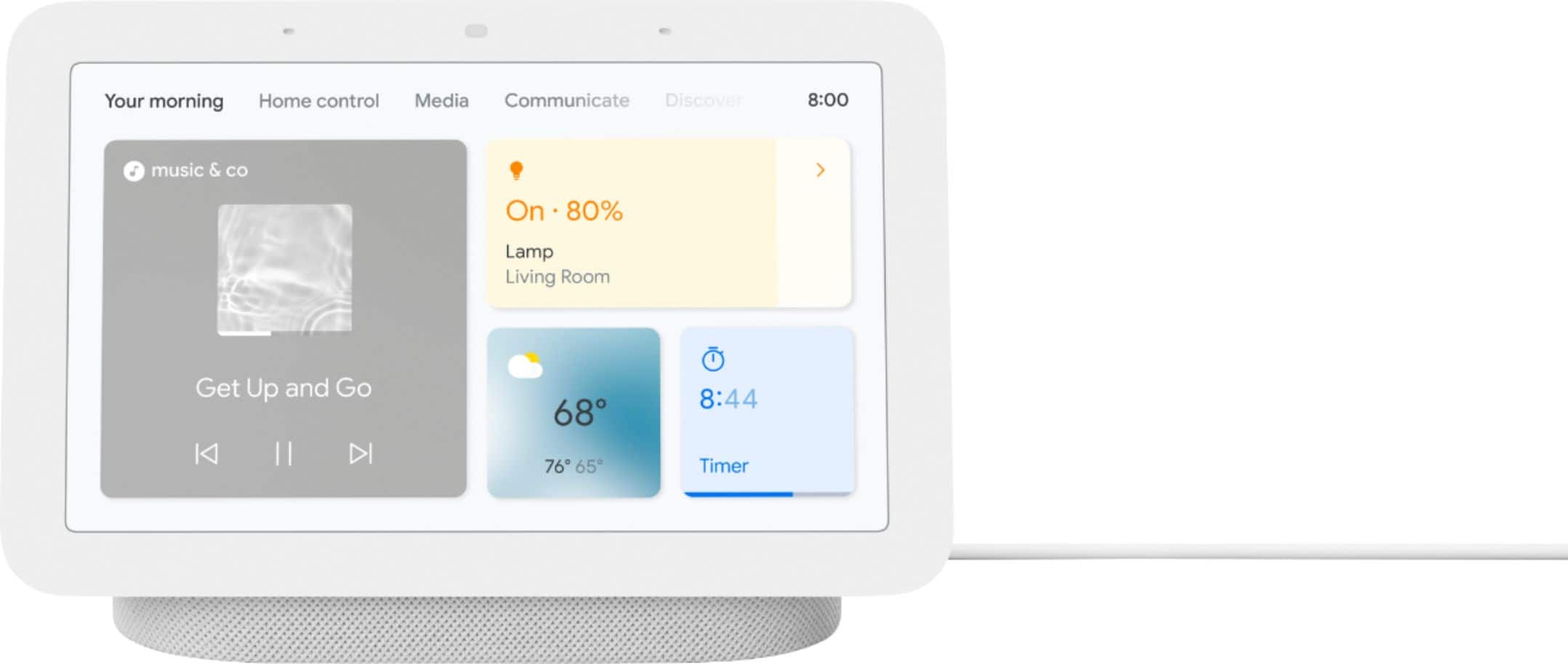
Customers appreciate the Nest Hub 2nd Gen for its ease of use, sound quality, and ideal screen size, especially for bedside use. The Google Assistant integration, reasonable price, and sleep tracking capabilities are also well-received. However, some customers have noted the absence of a camera and occasional sluggishness in responsiveness. Additionally, a few users mentioned compatibility issues with certain devices.
This summary was generated by AI based on customer reviews.
- Pros mentioned:Ease of use
Love Google Nest Hub 2nd Gen
||Posted . Owned for 3 weeks when reviewed.This reviewer received promo considerations or sweepstakes entry for writing a review.A very fun and useful device. Extremely easy to setup and use. Had 1st generation and decided to upgrade - good choice.
I would recommend this to a friend - Pros mentioned:Ease of use
Great!
||Posted . Owned for 1 week when reviewed.This reviewer received promo considerations or sweepstakes entry for writing a review.Listens well and everything you can do with it makes it a nice Christmas gift
I would recommend this to a friend - Pros mentioned:Price
Very good device for the price
||Posted . Owned for 1 week when reviewed.This reviewer received promo considerations or sweepstakes entry for writing a review.I have a few Google devices, bought this one for half the price during black Friday, you can't go wrong with it even at regular price.
I would recommend this to a friend - Pros mentioned:Google assistant
Cool gadget
||Posted . Owned for 1 month when reviewed.This reviewer received promo considerations or sweepstakes entry for writing a review.Have a few of these and use them throughout the house to turn stuff on or off
I would recommend this to a friend - Pros mentioned:Sound quality
Getting there
||Posted . Owned for 8 months when reviewed.This reviewer received promo considerations or sweepstakes entry for writing a review.This is a great Google hub the screen seems great but overtime Google doesn’t pay attention
I would recommend this to a friendBrand response from Nest Support
Posted .Hi GregK, thanks for choosing Nest Hub (2nd Gen). We're sorry to hear about your views with our support services. We value your feedback and experience with both our products and services, and it will help us a lot if you will contact our support team once more. We'd be happy to learn more about any questions or issues you may be having, and see how we can help you the best way we can. Our support would love to assist you if you can reach out to us here: https://support.google.com/googlenest/gethelp

Not my favorite gadget by far
||Posted . Owned for 6 months when reviewed.This reviewer received promo considerations or sweepstakes entry for writing a review.It's not very easy to navigate. It will just show you website instead of telling you the answer. I have disappointed and frustrated more than anything
No, I would not recommend this to a friendMr.
||Posted . Owned for 3 weeks when reviewed.This reviewer received promo considerations or sweepstakes entry for writing a review.Ez to read LED and ez set-up. Couldn't be more satisfied with this product.
I would recommend this to a friend- Pros mentioned:Google assistant
My favourite assistant
||Posted . Owned for 3 weeks when reviewed.This reviewer received promo considerations or sweepstakes entry for writing a review.Awesome product. Love the Google photos slideshow and assistance is always there to help.
I would recommend this to a friend - Pros mentioned:Ease of use
Great hub
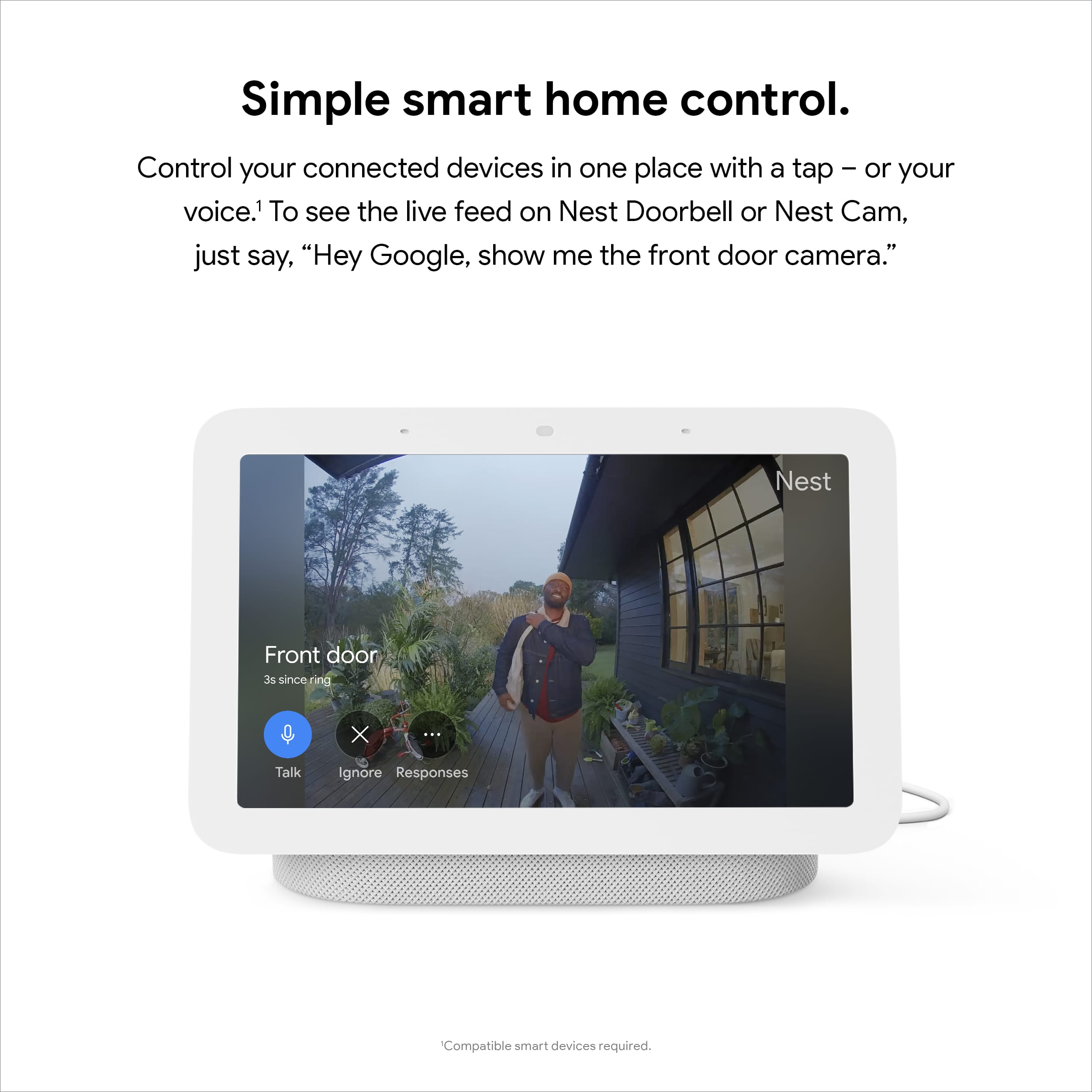
||Posted . Owned for 1 month when reviewed.This reviewer received promo considerations or sweepstakes entry for writing a review.Wonderful Hub. Its very easy to controll all the smart devices in you house
I would recommend this to a friend Daily driver
||Posted . Owned for 1 week when reviewed.This reviewer received promo considerations or sweepstakes entry for writing a review.Good device will recommend it for your smart home, i use it almost daily
I would recommend this to a friend- Pros mentioned:Google assistant
Google Hub
||Posted . Owned for 1 month when reviewed.This reviewer received promo considerations or sweepstakes entry for writing a review.I love the features. Lights, music, broastcast. I have o e in every room
I would recommend this to a friend - Pros mentioned:Ease of use
Not complicated
||Posted . Owned for 3 weeks when reviewed.This reviewer received promo considerations or sweepstakes entry for writing a review.Very good alternative to Alexa. Not complicated to use very useful with various products
I would recommend this to a friend - Cons mentioned:Responsiveness
Terrible
||Posted . Owned for 1.5 years when reviewed.This reviewer received promo considerations or sweepstakes entry for writing a review.Junk. The speakers blew within a month. Wasn't very responsive.
No, I would not recommend this to a friendBrand response from Nest Support
Posted .Hi there, Kolt. Thanks for sharing your feedback to let us know of your experience with the Nest Hub (2nd gen). We’d like to know more about what happened so we can look for all possible options to help you best. Please contact us anytime here: https://support.google.com/googlenest/gethelp
- Pros mentioned:Price
Love the Nest!
||Posted . Owned for 1 month when reviewed.This reviewer received promo considerations or sweepstakes entry for writing a review.Excellent product, at a great price. This is better than the 1st Gen hub.
I would recommend this to a friend - Pros mentioned:Price
Great value
||Posted . Owned for 2 weeks when reviewed.This reviewer received promo considerations or sweepstakes entry for writing a review.Good price for the features. We have one in every bedroom of the house.
I would recommend this to a friend fun to use
||Posted . Owned for 1 week when reviewed.This reviewer received promo considerations or sweepstakes entry for writing a review.the voice commands and searches, makes things in the kitchen way easier. the display should be more responsive to the touch. A little slow.
I would recommend this to a friendBrand response from Nest Support
Posted .Hi there, 1234. We're delighted to hear that Nest Hub (2nd Gen) has made your life in the kitchen easier. We also appreciate your feedback on the touch responsiveness of the display. We've taken this information into consideration and if you have any other concerns you would like us to assist you with, you're more than welcome to reach out to our support team here: https://support.google.com/googlenest/gethelp
- Pros mentioned:Ease of use
Great purchase
||Posted . Owned for 1 month when reviewed.This reviewer received promo considerations or sweepstakes entry for writing a review.Great purchase. Easy set up and ready to go. Using more than anticipated.
I would recommend this to a friend - Pros mentioned:Sound quality
Google nest hub
||Posted . Owned for 1 week when reviewed.This reviewer received promo considerations or sweepstakes entry for writing a review.Good to scream music in home gym and check the weather before going out
I would recommend this to a friend - Pros mentioned:Sound quality
Great for my master bedroom
||Posted . Owned for 3 weeks when reviewed.This reviewer received promo considerations or sweepstakes entry for writing a review.Use in master bedroom for music in the morning and to Check the weather
I would recommend this to a friend - Pros mentioned:Ease of use
Nice gift
||Posted . Owned for 3 weeks when reviewed.This reviewer received promo considerations or sweepstakes entry for writing a review.Really nice gift for my father, who is 90. He enjoys asking questions
I would recommend this to a friend