Customer Ratings & Reviews







- Model:
- GA01331-US
- SKU:
- 6450820
Rating by feature
- Value
Rating 4.7 out of 5 stars
- Quality
Rating 4.7 out of 5 stars
- Ease of Use
Rating 4.6 out of 5 stars
Customers are saying
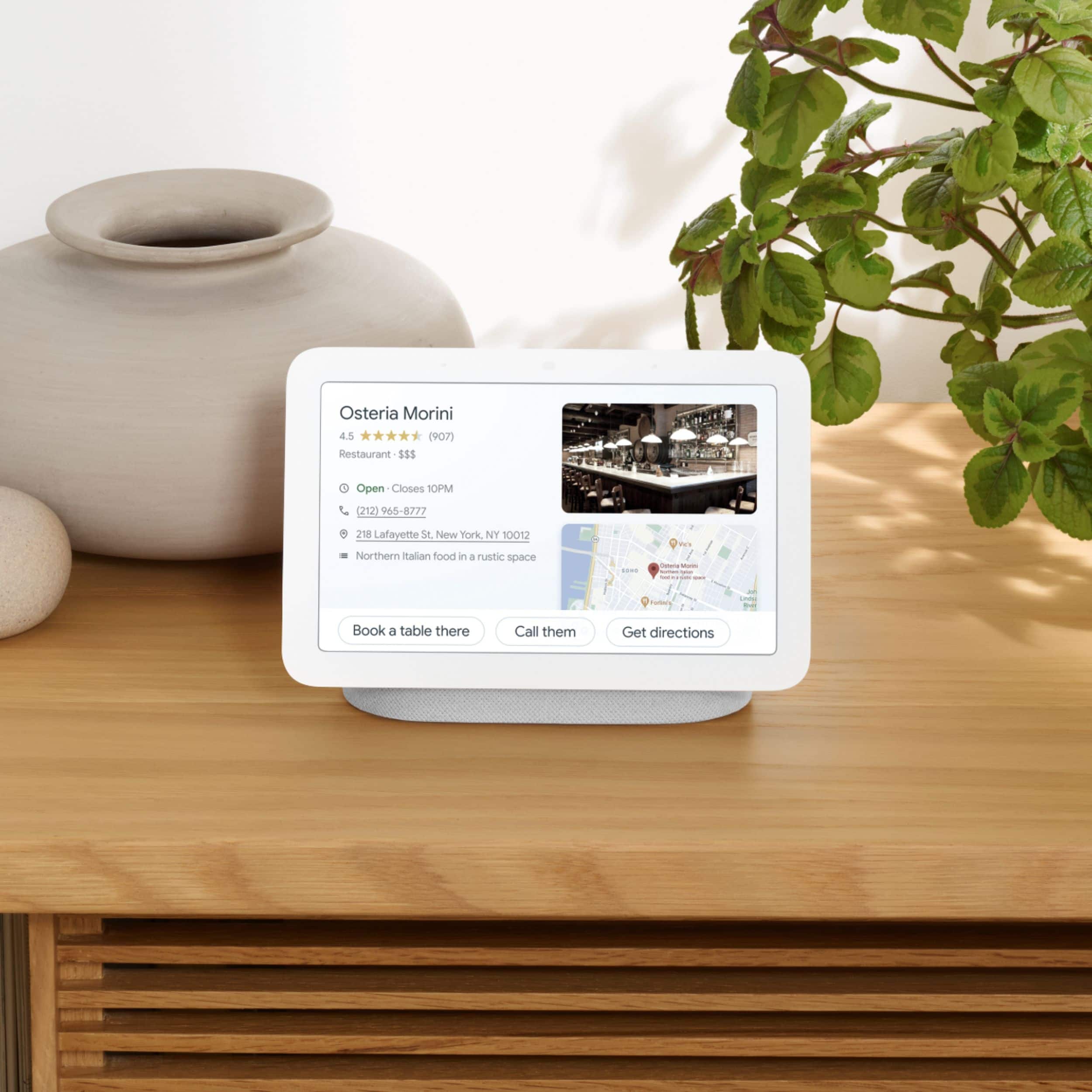
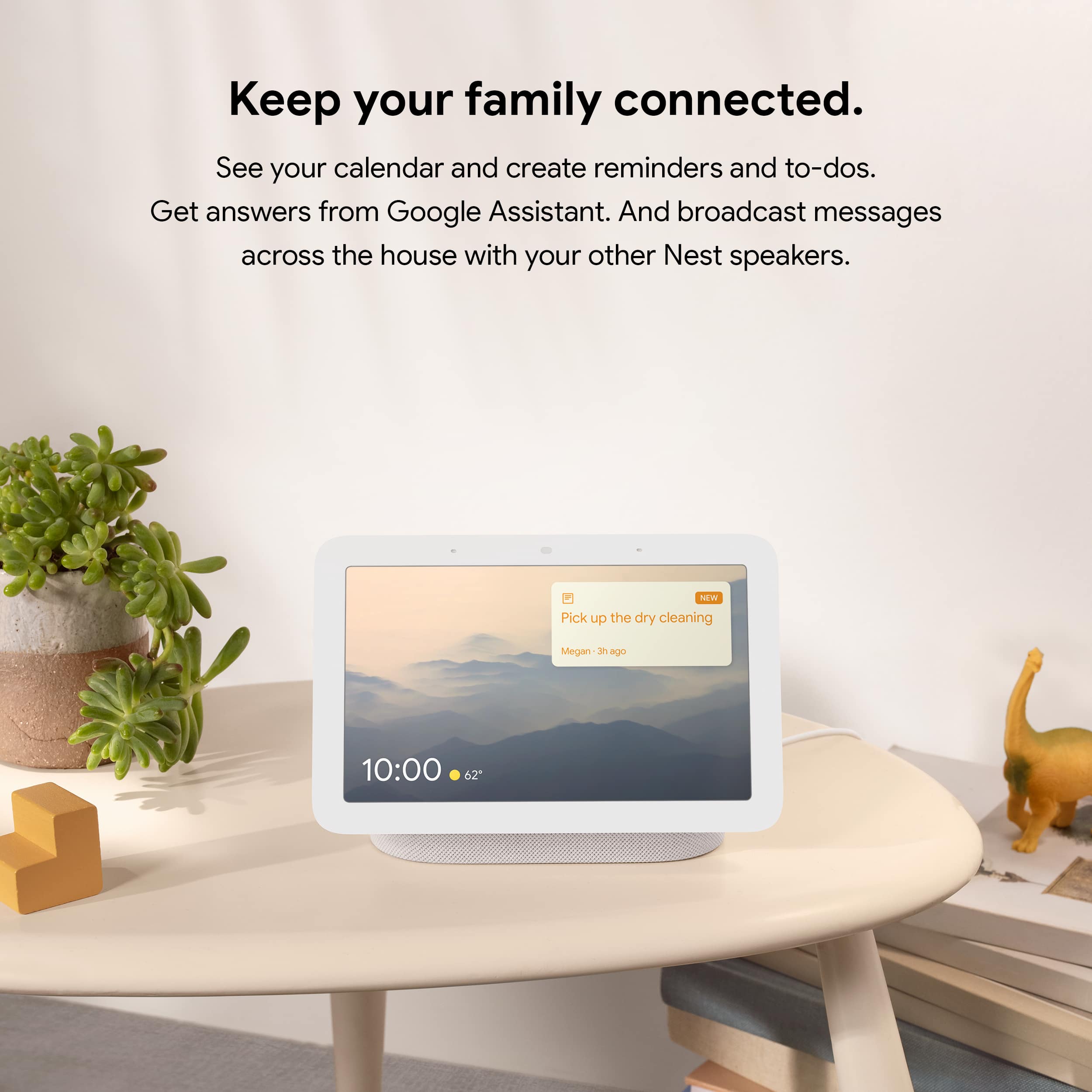
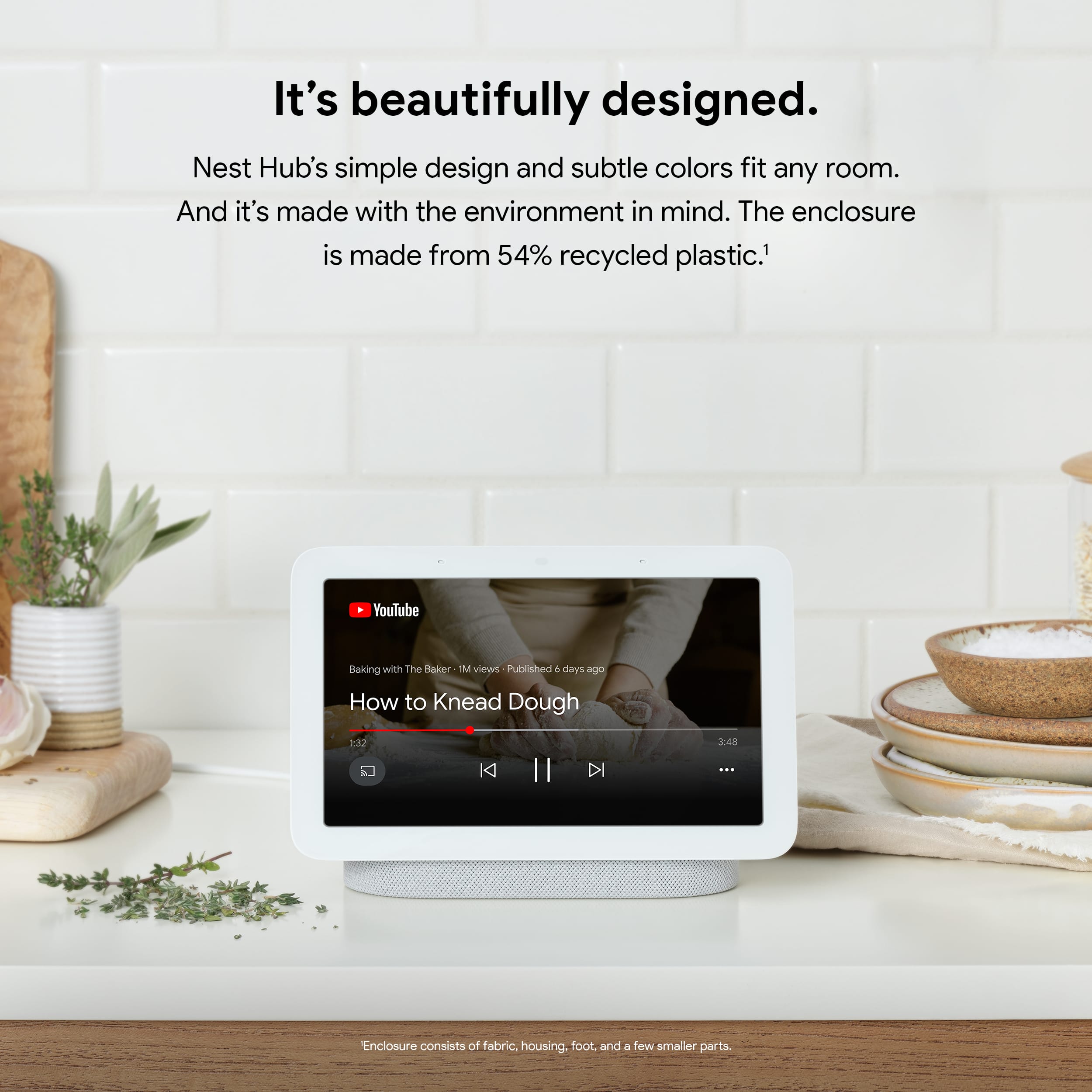
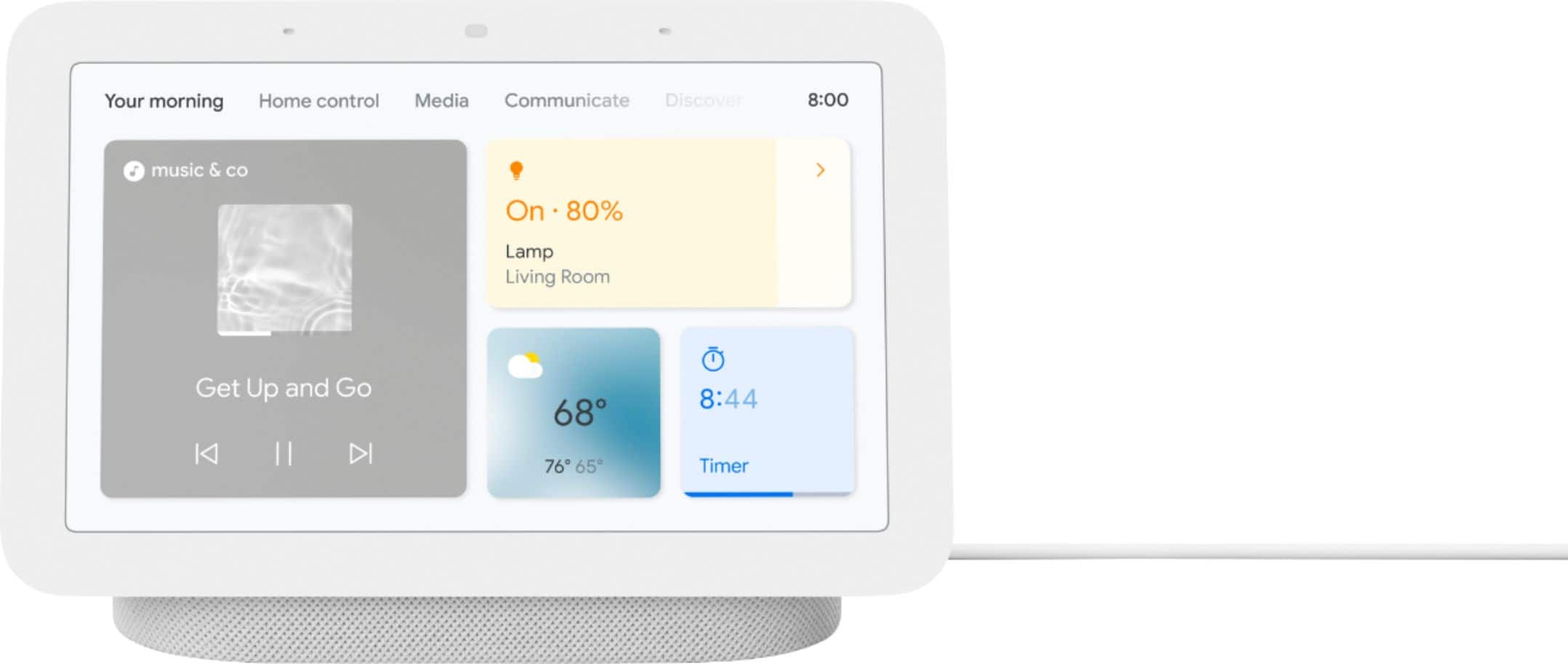
Customers appreciate the Nest Hub 2nd Gen for its ease of use, sound quality, and ideal screen size, especially for bedside use. The Google Assistant integration, reasonable price, and sleep tracking capabilities are also well-received. However, some customers have noted the absence of a camera and occasional sluggishness in responsiveness. Additionally, a few users mentioned compatibility issues with certain devices.
This summary was generated by AI based on customer reviews.
- Pros mentioned:Ease of use
Mommy
||Posted . Owned for 3 weeks when reviewed.This reviewer received promo considerations or sweepstakes entry for writing a review.Good display it is easy to use at home for everyone.
I would recommend this to a friend Slow cpu,
||Posted . Owned for 1 month when reviewed.This reviewer received promo considerations or sweepstakes entry for writing a review.Has good potential, but missing some ease of use features and slow to run apps.
No, I would not recommend this to a friendBrand response from Nest Support
Posted .Hi there, redsrtturbo. Thank you for posting your feedback on Nest Hub(2nd gen). We're sorry to hear that your experience with the device has been less than ideal. We want to know more details about your concerns with the device so we may help you explore what else the Nest Hub(2nd gen) can do for you. Please reach us on our Google 'Contact us' page here: https://support.google.com/googlenest/gethelp

- Cons mentioned:Compatibility
Great for google smart homes
||Posted . Owned for 1 week when reviewed.This reviewer received promo considerations or sweepstakes entry for writing a review.Great device just not very compatible outside of android or google devices .
I would recommend this to a friend Decent Hub
||Posted . Owned for 1 month when reviewed.This reviewer received promo considerations or sweepstakes entry for writing a review.Works pretty well though I have issues keeping Bluetooth connected. I need to reconnect Bluetooth every couple of days, which becomes annoying.
I would recommend this to a friendBrand response from Nest Support
Posted .Hi BigDoug, we truly appreciate your feedback on Nest Hub (2nd gen), and we’re sorry to hear about your issues with keeping Bluetooth connected. We understand it can be annoying that you need to connect bluetooth every couple of days. We’d like to know more about your concern and see how we can help improve your experience. We suggest contacting us anytime here: https://support.google.com/googlenest/gethelp
Great display
||Posted . Owned for 1 week when reviewed.This reviewer received promo considerations or sweepstakes entry for writing a review.I have relied on Amazon Echos for so long but they tend to lose wifi connections and it’s annoying to reconnect them. Since purchasing th Google Nest Hub, i have had no issues with connectiosn. Also more smarr items work better with Google Assistant. Love this ourchase.
I would recommend this to a friend- Pros mentioned:Ease of use
Great Google Product
||Posted . Owned for 1 month when reviewed.This reviewer received promo considerations or sweepstakes entry for writing a review.Great product, easy to use. High quality build, very satisfied
I would recommend this to a friend - Cons mentioned:Camera
Connectivity issues.
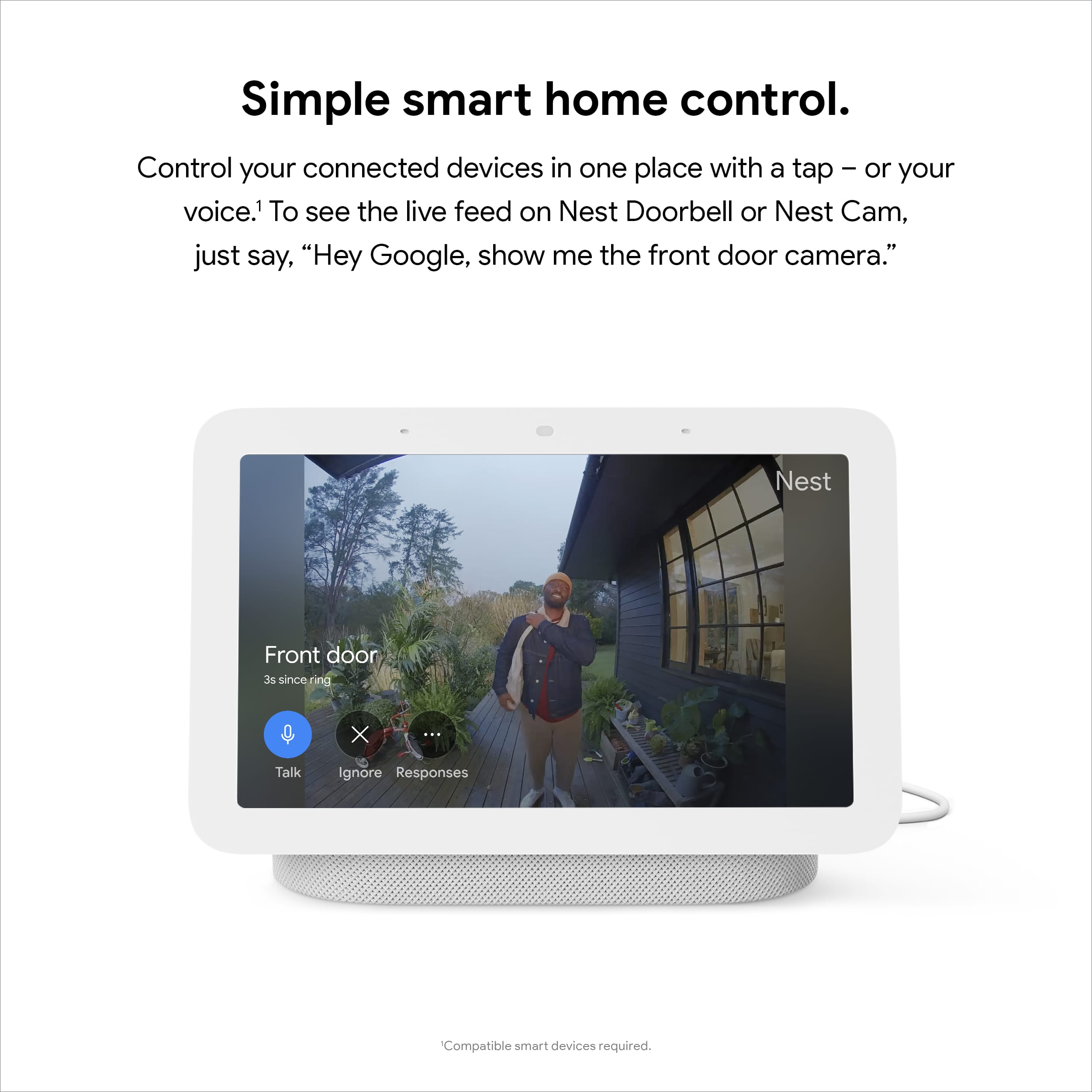
||Posted . Owned for 11 months when reviewed.This reviewer received promo considerations or sweepstakes entry for writing a review.Over a short period of time connectivity to be able to see the camera stoped working. It’s a real shame since I use all Google products as baby camera for my kids rooms. All my Google displays end up having the same issue. SHAME.
No, I would not recommend this to a friendBrand response from Nest Support
Posted .Hi there, KevinC. We're sorry to hear that you had a frustrating experience with your Nest Hub (2nd gen). It's important to us that we provide you with the best help possible and identify the cause of the issues you’re having with your device. Please reach out to our dedicated team of specialists on our Google Help page for immediate support here: https://support.google.com/googlenest/gethelp
Google hub mini
||Posted . Owned for 3 weeks when reviewed.This reviewer received promo considerations or sweepstakes entry for writing a review.Works well . Outdated OS runs pretty slow but other than that I like it
I would recommend this to a friendBrand response from Nest Support
Posted .Hi Toto, Thank you for your feedback on the Google Nest Hub 2nd Gen. We appreciate your positive comments about the overall performance of the device.
We understand that you're concerned about the outdated OS running a bit slow on the device. Here are a few things you can do to help improve the performance of your device.
- Ensure your device is connected to Wi-Fi.
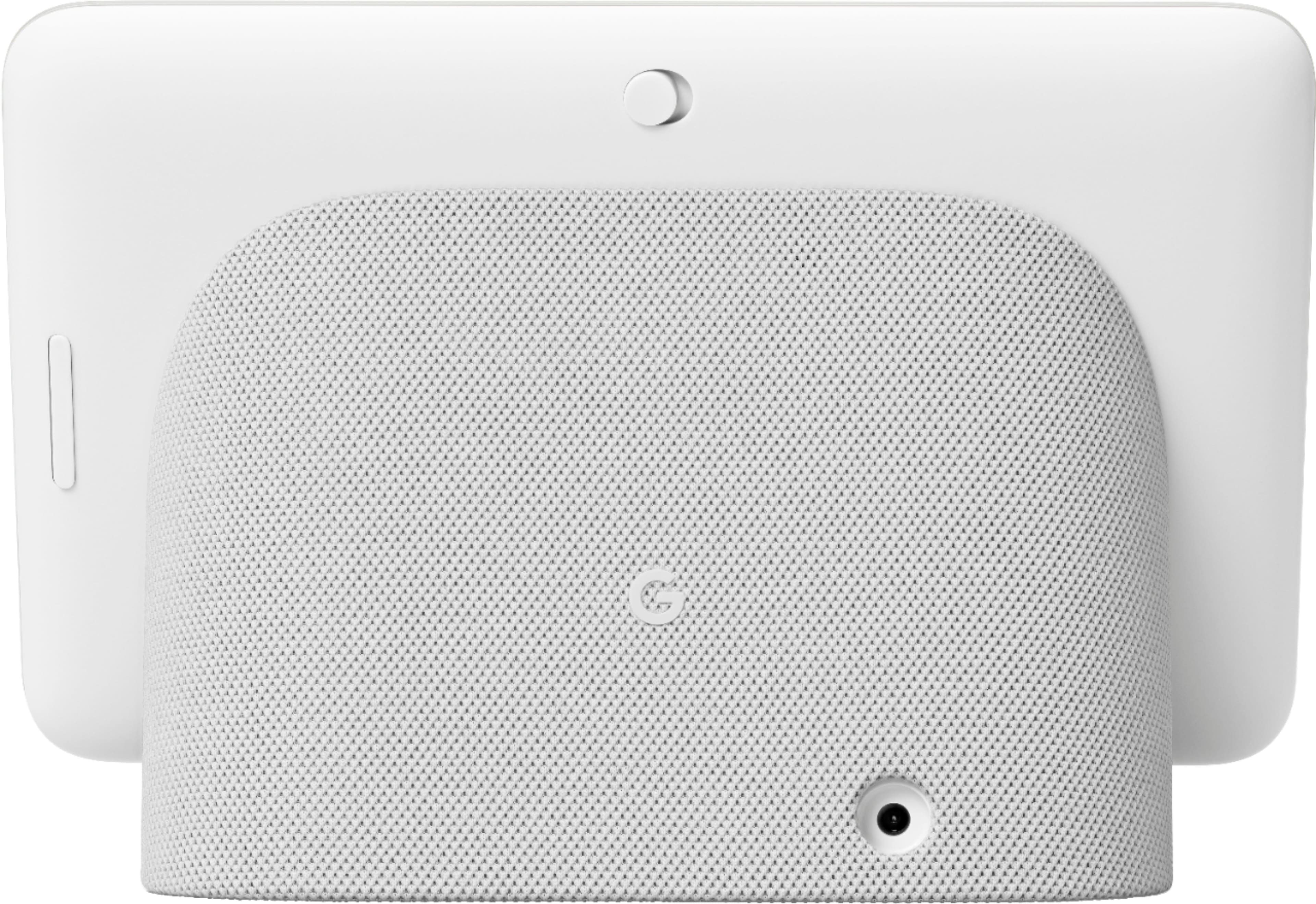
- Factory reset the display by pressing and holding both volume buttons together for about 10 seconds. Your Nest Hub will let you know that it's resetting.
- Set up the device
- Check the firmware version again.
If the device is still on an older firmware version, you can reach out to our dedicated team of specialists on our Google Help page for immediate support here: https://support.google.com/googlenest/gethelp
Good for a Google Device
||Posted . Owned for 1 week when reviewed.This reviewer received promo considerations or sweepstakes entry for writing a review.I bought it to try out Google’s side of things to see if I could replace Alexa. I couldn’t. It has a great screen and sound but I just couldn’t get used to it
No, I would not recommend this to a friendBrand response from Nest Support
Posted .Hi KcChief, thanks for sharing your feedback. We’re sorry your Nest Hub experience didn’t meet your expectations. You can check out this help article on how to explore the features of your Nest Hub: https://support.google.com/googlenest/topic/7195269
For any other question or if you need further assistance, feel free to reach out to our support team here: https://support.google.com/googlenest/gethelp
Basic screen
||Posted . Owned for 1 week when reviewed.This reviewer received promo considerations or sweepstakes entry for writing a review.No ability to customize home screen, all you can see is time or photos, would be nice to see weather and temp
No, I would not recommend this to a friendBrand response from Nest Support
Posted .Hi Mpatel, thanks for sending in your review for your Nest Hub(2nd gen). We're sorry to hear that your experience was less than ideal when it comes to customization for the home screen.There is an available page in your home screen for weather and temperature which may be helpful for you. Please check the link here for more details about controlling your display: https://support.google.com/googlenest/answer/9137285
If you have additional questions or need further assistance, please don't hesitate to contact us on our Google Help page here: https://support.google.com/googlenest/gethelp
Best tracking device
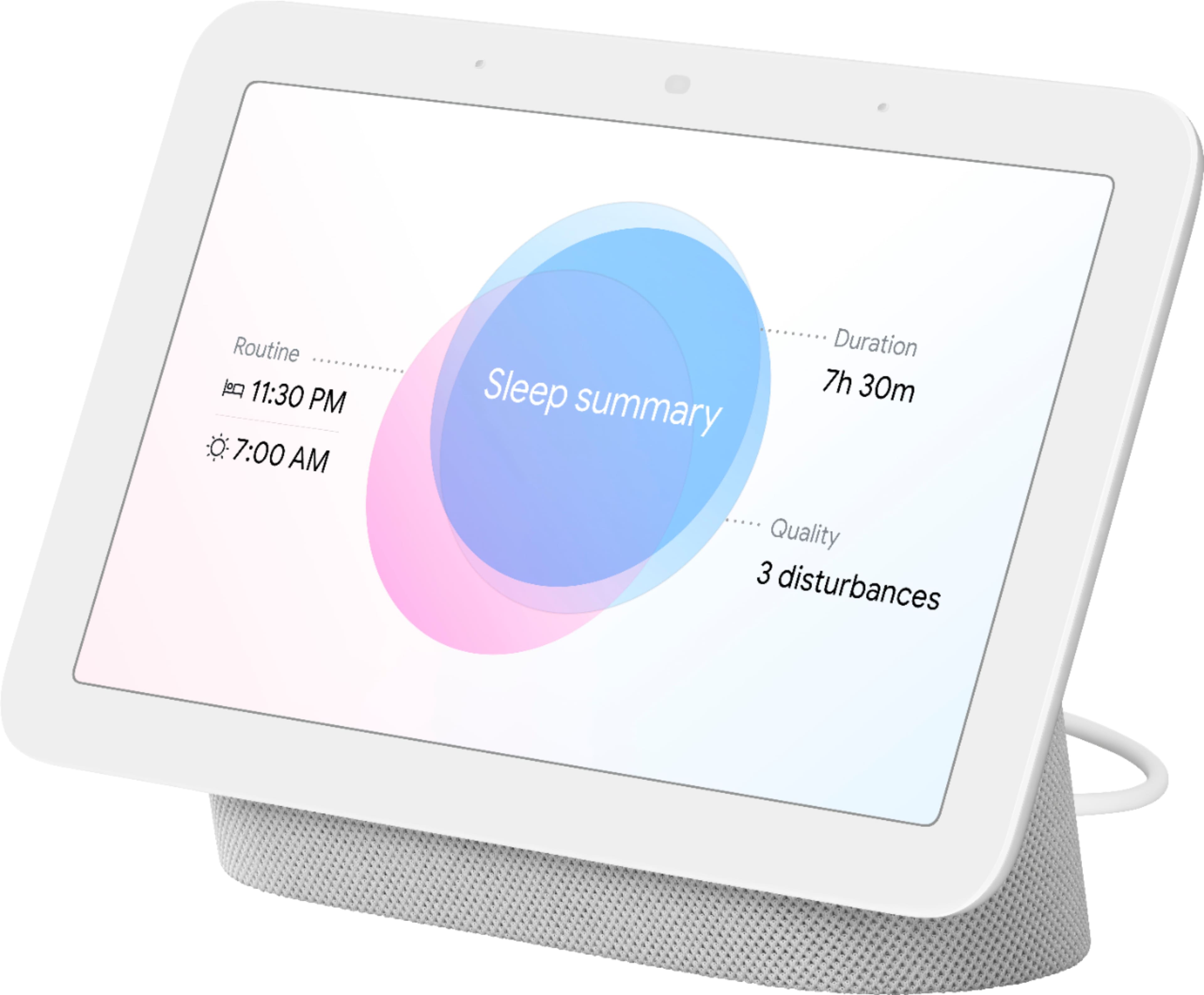
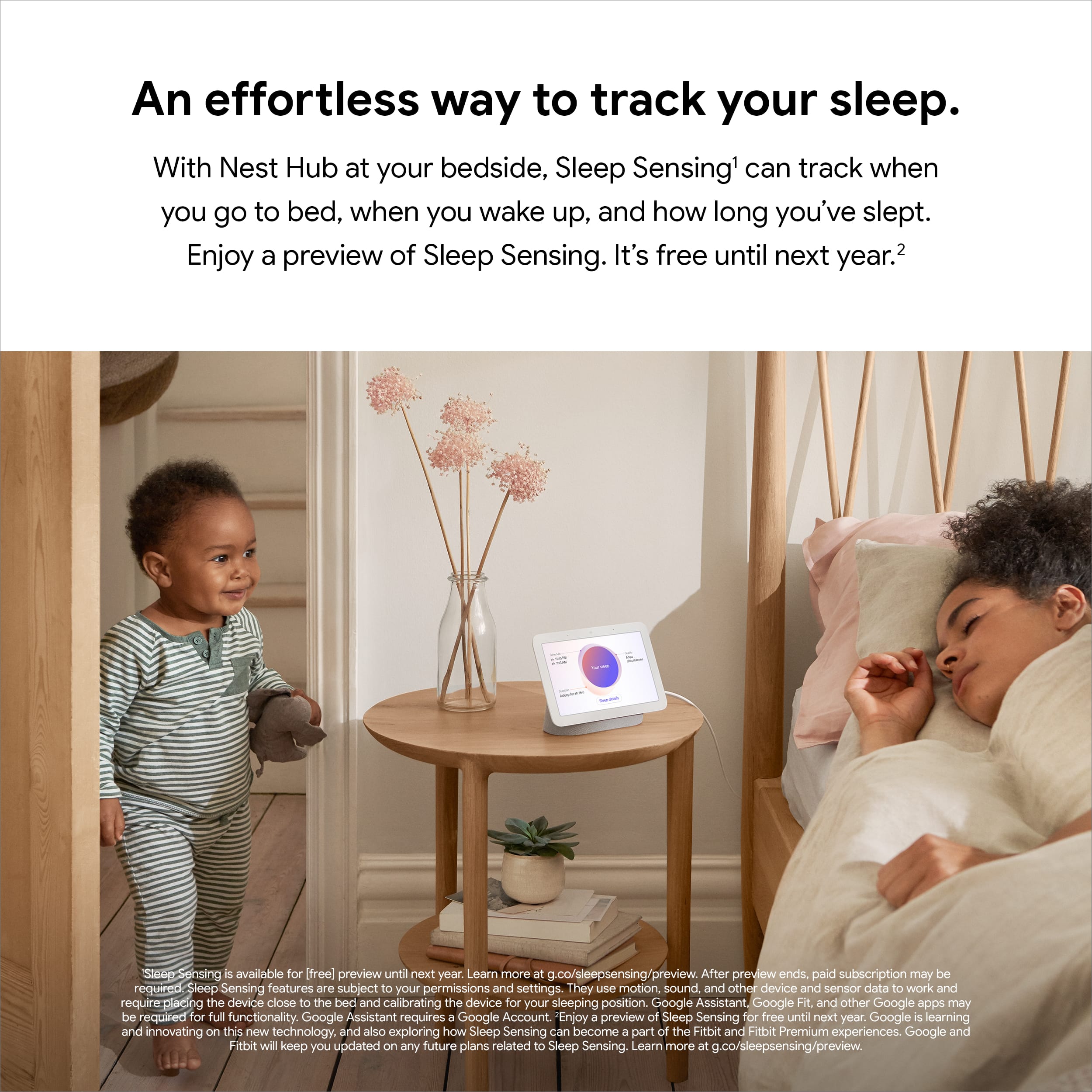
||Posted . Owned for 3 weeks when reviewed.This reviewer received promo considerations or sweepstakes entry for writing a review.Great product excellent to keep track of ur sleep.
I would recommend this to a friend- Pros mentioned:Screen size
Perfect
||Posted . Owned for 1 week when reviewed.This reviewer received promo considerations or sweepstakes entry for writing a review.I like the new size. And the stand. Look great on my nights stand tablet
I would recommend this to a friend Good for the buck
||Posted . Owned for 1 month when reviewed.This reviewer received promo considerations or sweepstakes entry for writing a review.If your gonna get it you’ll love it but buy the Geek Squad plan. I purchased 2 and one has sound issues!
I would recommend this to a friendBrand response from Google Team
Posted .Hi there, thanks for your feedback and recommendation. However, we are sorry to hear that one of your Nest Hub is having a sound issue.
Resetting your Nest Hub may be helpful with the sound issue. Keep in mind that this will erase all data and that you may need to set it up again. To reset your Nest Hub, check on the back of Nest Hub, press and hold both volume buttons together for about 10 seconds. Your Nest Hub will let you know that it's resetting.
We'd love to help you out if resetting doesn't fix the issue. Our support team is ready to help you with your support needs here: https://support.google.com/googlenest/gethelp
Bad touchscreen.
||Posted . Owned for 3 weeks when reviewed.This reviewer received promo considerations or sweepstakes entry for writing a review.Touch controls not good. But voice controls dwcent
No, I would not recommend this to a friendBrand response from Nest Support
Posted .Hi there, TaylorT. Thank you for sharing your review on Nest Hub (2nd gen). we appreciate your feedback on the touch controls of your device and have taken note of it. If you run into any questions, please don't hesitate to contact us on our Google Nest Help page here: https://support.google.com/googlenest/gethelp
Nice gift
||Posted . Owned for less than 1 week when reviewed.This reviewer received promo considerations or sweepstakes entry for writing a review.I like my nest hub. I got several of them for Christmas gift
I would recommend this to a friendBrand response from Nest Support
Posted .Hello there, LoisE. Thank you for sharing your positive experience with the Google Nest Hub (2nd Gen). It's great to hear that you received them as Christmas gifts and are enjoying them. If you have any questions or need help setting up your Nest Hubs, please don't hesitate to contact our customer support team on the Google Help Center here: https://support.google.com/googlenest/gethelp
- Cons mentioned:Compatibility
Not good.
||Posted . Owned for 2 months when reviewed.This reviewer received promo considerations or sweepstakes entry for writing a review.Could not get it working with Arlo, Ring & Ecobee.
No, I would not recommend this to a friendBrand response from Nest Support
Posted .Hello there, Caro. We appreciate you sharing your concern with us about your Nest Hub(2nd gen). It's important to us that we identify the cause of connectivity and pairing issues you’re experiencing with your device. Please reach out to our dedicated team of specialists on our Google Help page for immediate support here: https://support.google.com/googlenest/gethelp
- Cons mentioned:Response time
Happy purchase
||Posted . Owned for 1 month when reviewed.This reviewer received promo considerations or sweepstakes entry for writing a review.Have had great experiences with it. Wish it responded a little faster.
I would recommend this to a friend Nice device hampered by Google assistant
||Posted . Owned for 6 months when reviewed.This reviewer received promo considerations or sweepstakes entry for writing a review.Device looks nice and sleek but Google assistant performance has regressed in past couple of years.
I would recommend this to a friendBrand response from Nest Support
Posted .Hi WW10, thanks for your insights. We appreciate that you liked the nice and sleek design of Nest Hub (2nd Gen). However, we're sorry to hear that you've been experiencing some performance issues with the Google Assistant. If you're willing to try, resetting Nest Hub (2nd Gen) can help fix some hiccups and improve your experience. To reset Nest Hub, check on the back of Nest Hub, press and hold both volume buttons together for about 10 seconds. Your Nest Hub will let you know that it's resetting. You may also need to set up your other devices with Nest Hub (2nd Gen) after resetting.
We'd be happy to work with you and improve your experience with Nest Hub. Please do not hesitate to contact us if you still encounter any issue by contacting us using this link: https://support.google.com/googlenest/gethelp
Google home hub
||Posted . Owned for 9 months when reviewed.This reviewer received promo considerations or sweepstakes entry for writing a review.Itbwas ok. Nothing to praise about. I would rather just use my phone.
I would recommend this to a friendBrand response from Nest Support
Posted .Hi there, DamonR. We appreciate your feedback, and we're sorry to hear that your experience with the Nest Hub (2nd gen) has not exceeded your expectations. There are different ways to enjoy the display like viewing photos, streaming your compatible security camera, playing TV shows and movies, and more. You can visit this link to learn other things you can do with the Nest Hub: https://support.google.com/googlenest/answer/7130274
You’re always welcome to visit us if you have any questions or concerns, here: https://support.google.com/googlenest/gethelp
Google hub display
||Posted . Owned for 1 month when reviewed.This reviewer received promo considerations or sweepstakes entry for writing a review.So far so good. Connects with my Deco mesh router. Communication is good and working on other applications as well
I would recommend this to a friendBrand response from Nest Support
Posted .Hi SeanG, thanks for contacting our support team. We appreciate your feedback and we're glad to hear that your Nest Hub (2nd Gen) has been working well with your Wifi mesh network. Though we understand that you are enjoying the features for your Nest Hub, we'd like to learn more if you will need any form of assistance. You can always count on our support team to help you with your support concerns here: https://support.google.com/googlenest/gethelp