Customer Ratings & Reviews
- Model:
- GA01331-US
- |
- SKU:
- 6450820
Customer reviews
Rating 4.7 out of 5 stars with 5002 reviews
(5,002 customer reviews)Rating by feature
- Value4.7
Rating 4.7 out of 5 stars
- Quality4.7
Rating 4.7 out of 5 stars
- Ease of Use4.6
Rating 4.6 out of 5 stars
Customers are saying
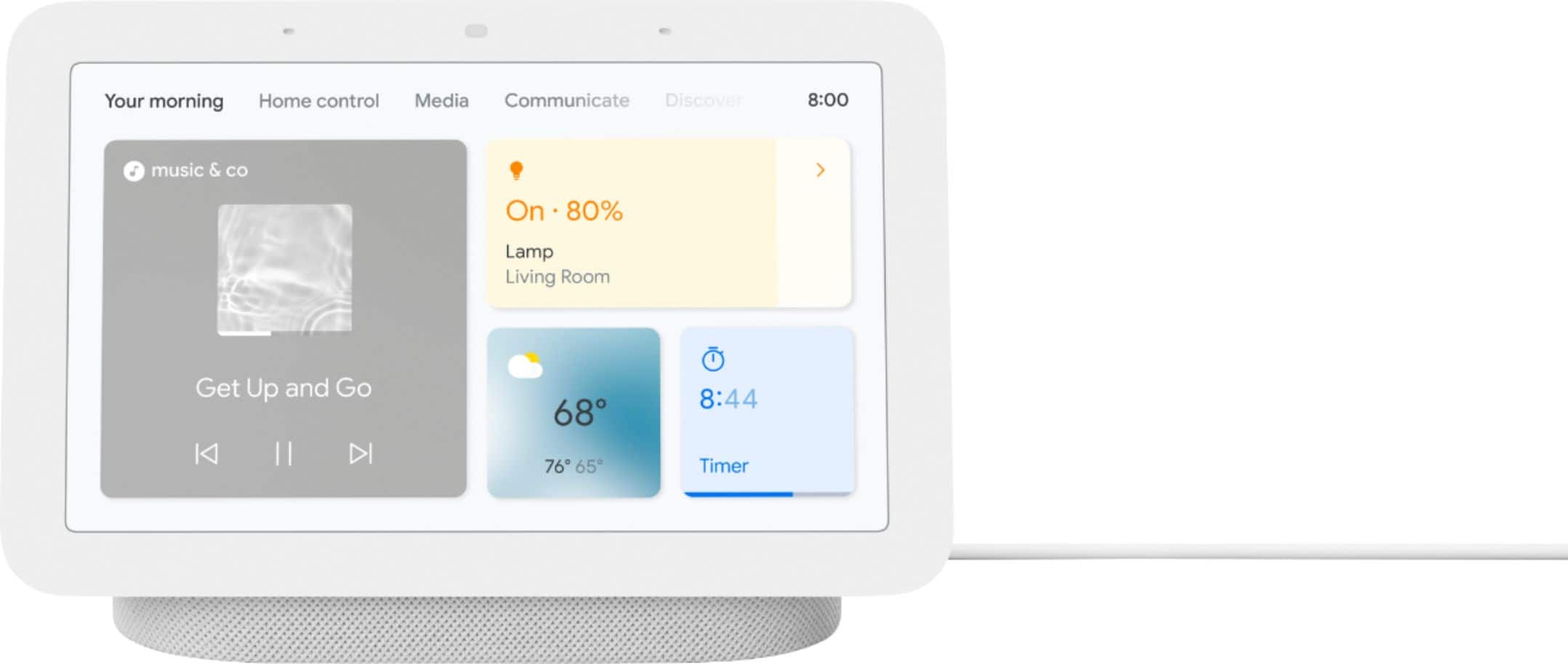
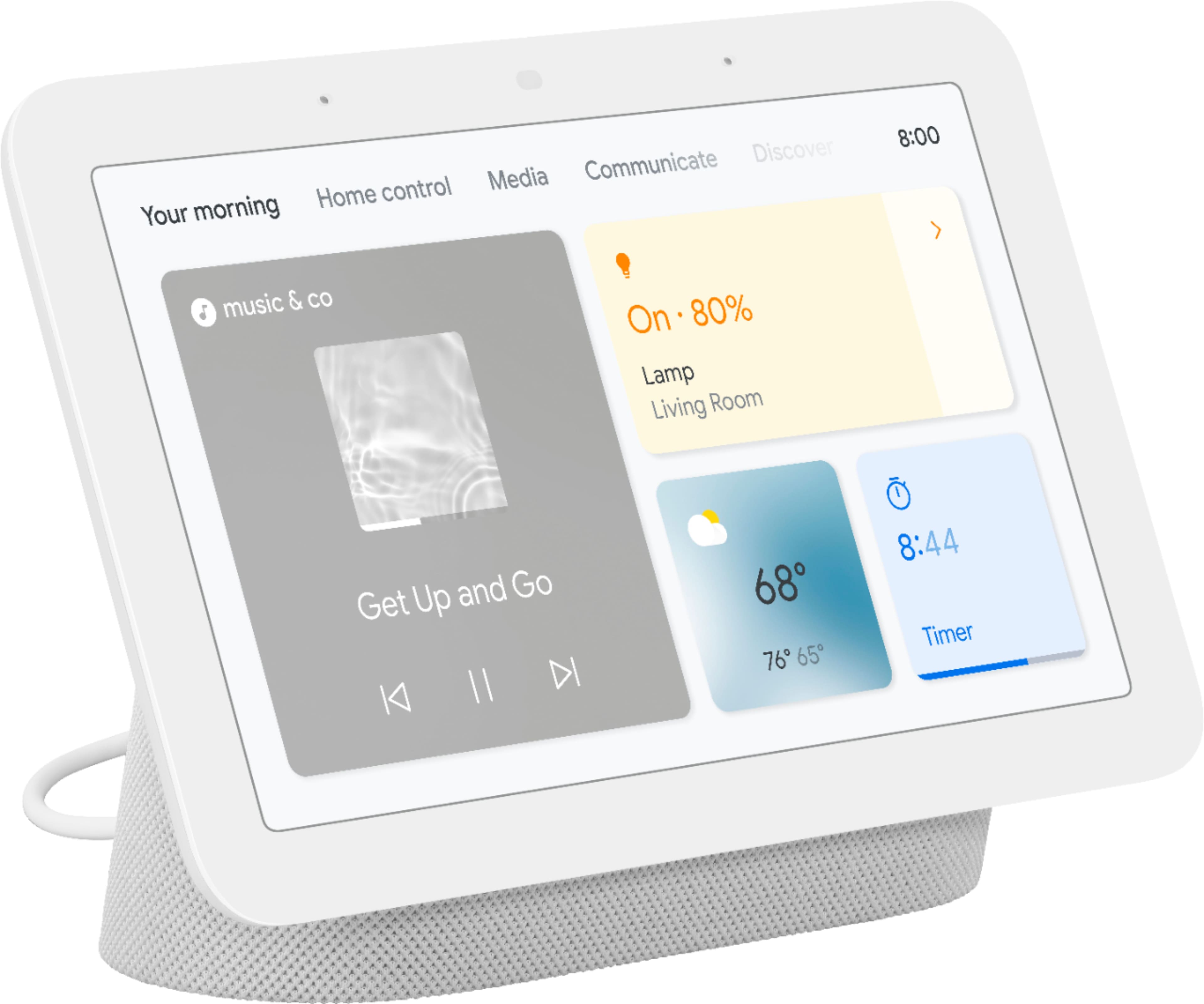
Customers commend the Nest Hub 7” Smart Touchscreen Display for its sound quality, ease of use, and convenient screen size, frequently praising its seamless setup and helpful Google Assistant integration. While some users noted occasional slow response times, the positive feedback on features like sleep tracking and smart home integration outweighs these concerns. Many appreciate the device's value for its price point.
This summary was generated by AI based on customer reviews.
Rated 1 out of 5 stars
I would not recommend
||Posted . Owned for 1 month when reviewed.This reviewer received promo considerations or sweepstakes entry for writing a review.I problems with the control of units connected to this unit.
This review is from Nest Hub 7” Smart Touchscreen Display with Google Assistant (2nd Gen) - Charcoal
No, I would not recommend this to a friendBrand response from Nest Support
Posted .Hi there, Kar007. We're sorry to hear that you're having difficulties controlling other devices connected to your Google Nest Hub (2nd gen). Rest assured that your feedback is valued and that we've taken note of it. Controlling smart home devices with your Google Nest Hub (2nd gen) should work as long as the requirements on this Google Help article are met: https://support.google.com/googlenest/answer/7073578
If you've tried these steps already or if the issue still persists, please don't hesitate to reach out to our dedicated team of specialists on our Google Help page here: https://support.google.com/googlenest/gethelp
- Pros mentioned:Sound quality
Rated 4 out of 5 stars
More Health Info Than I ever Expected
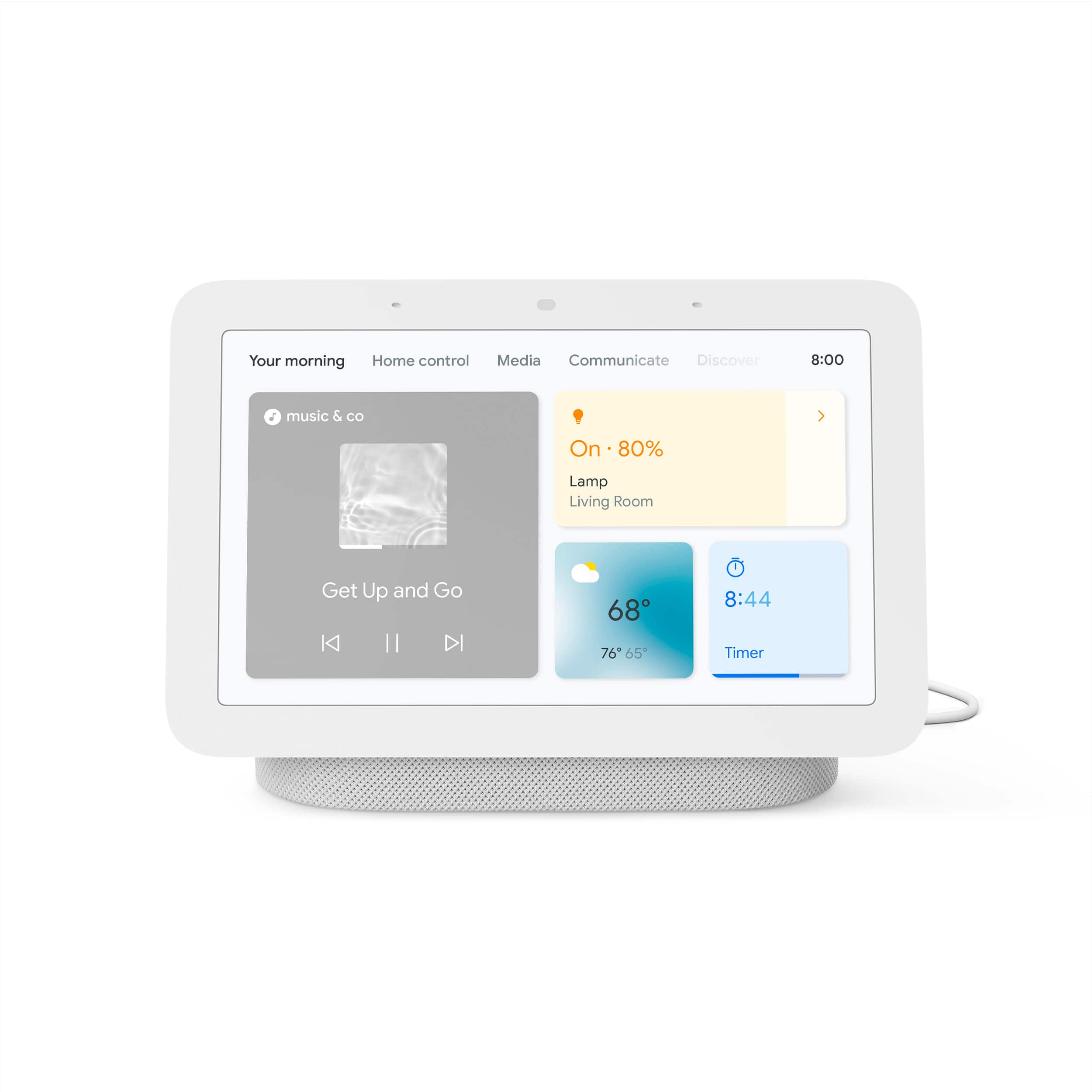
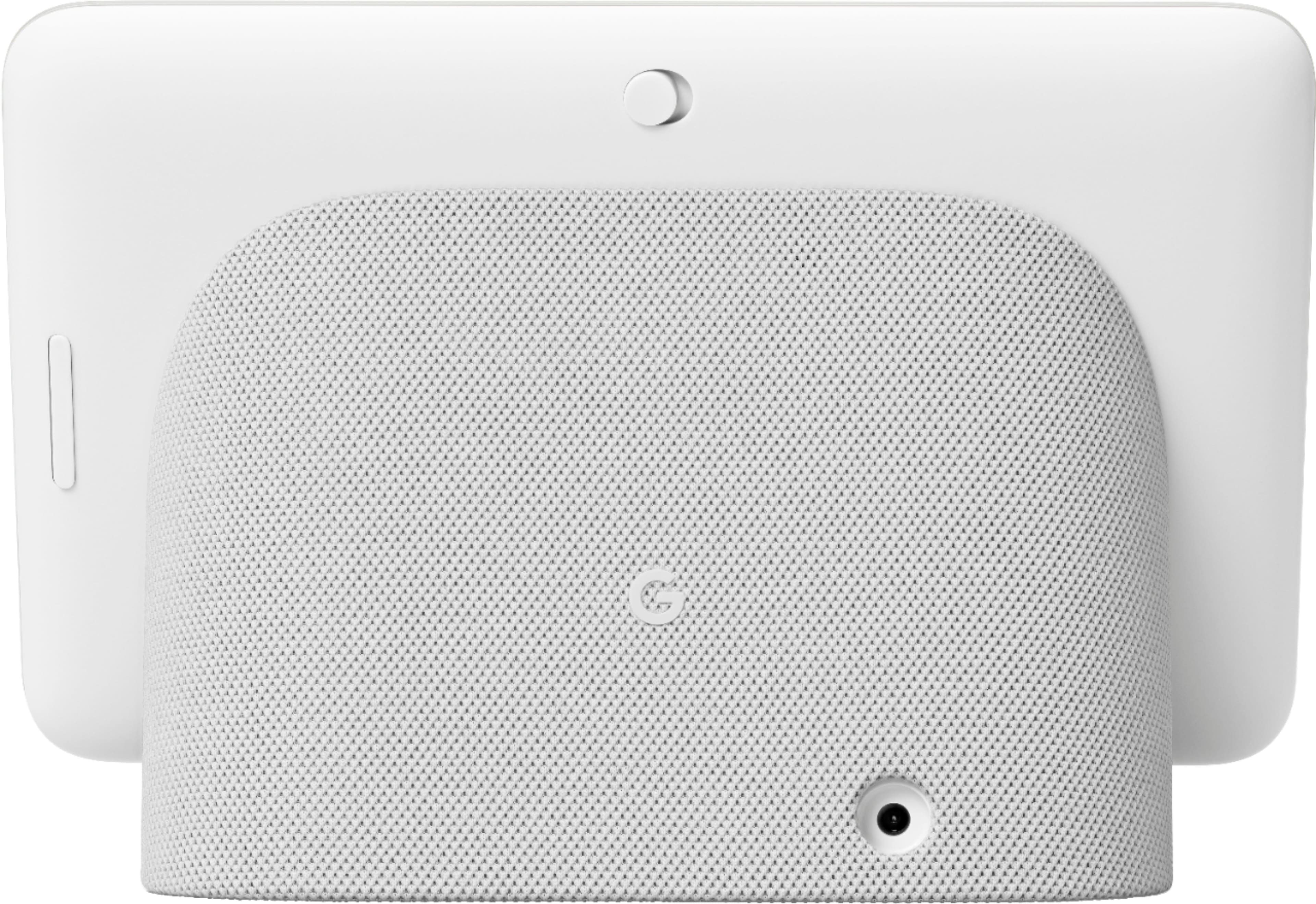
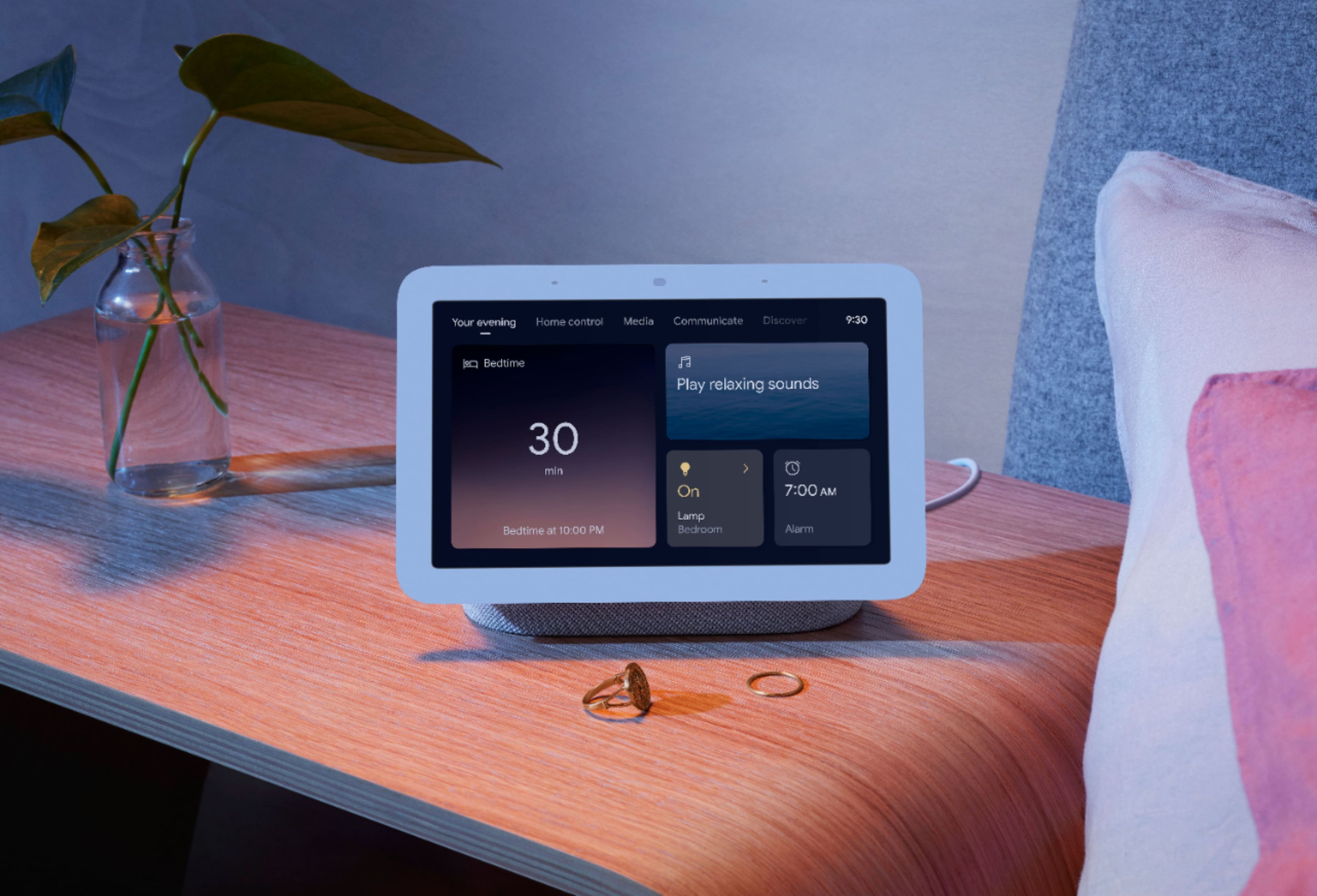
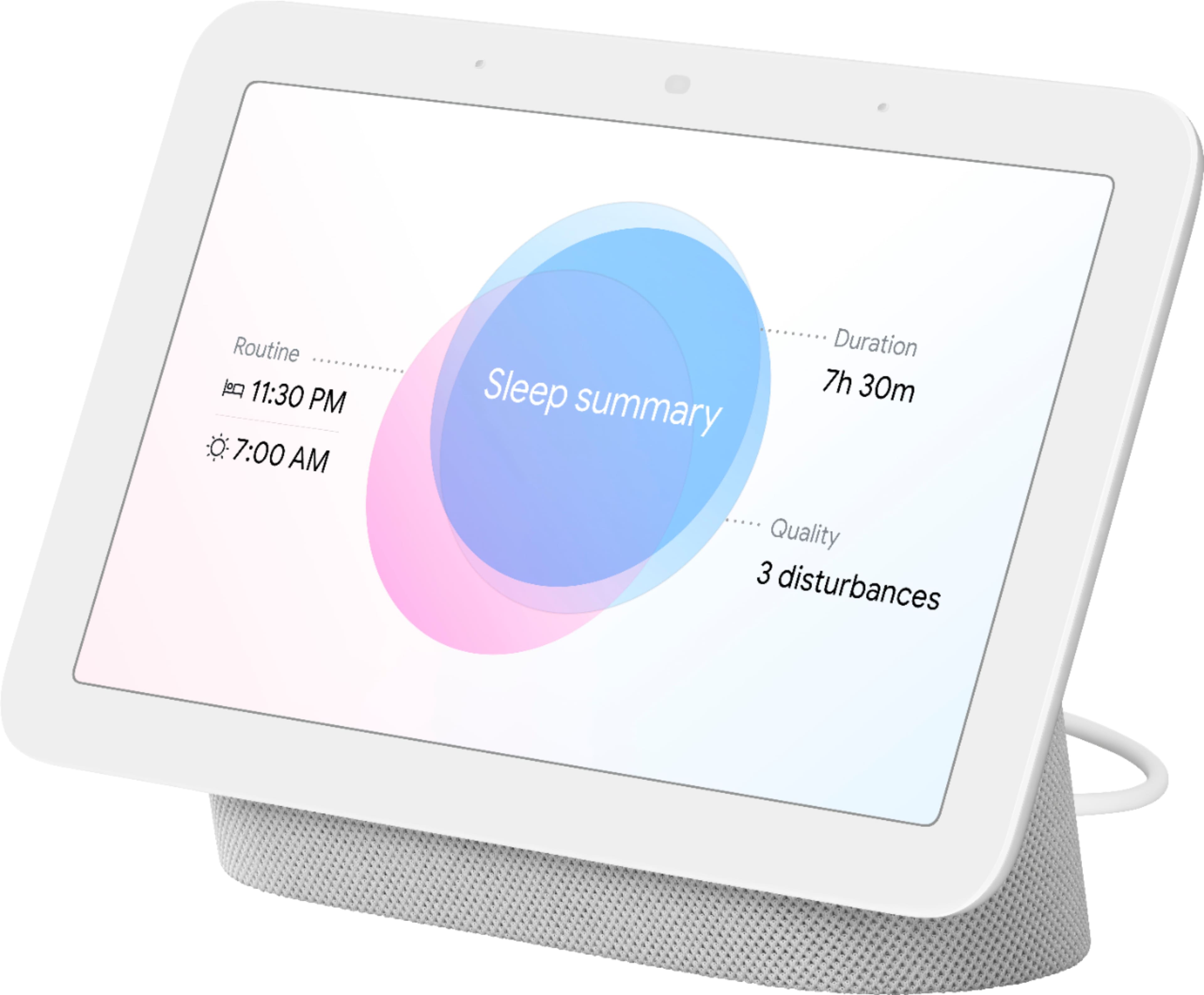
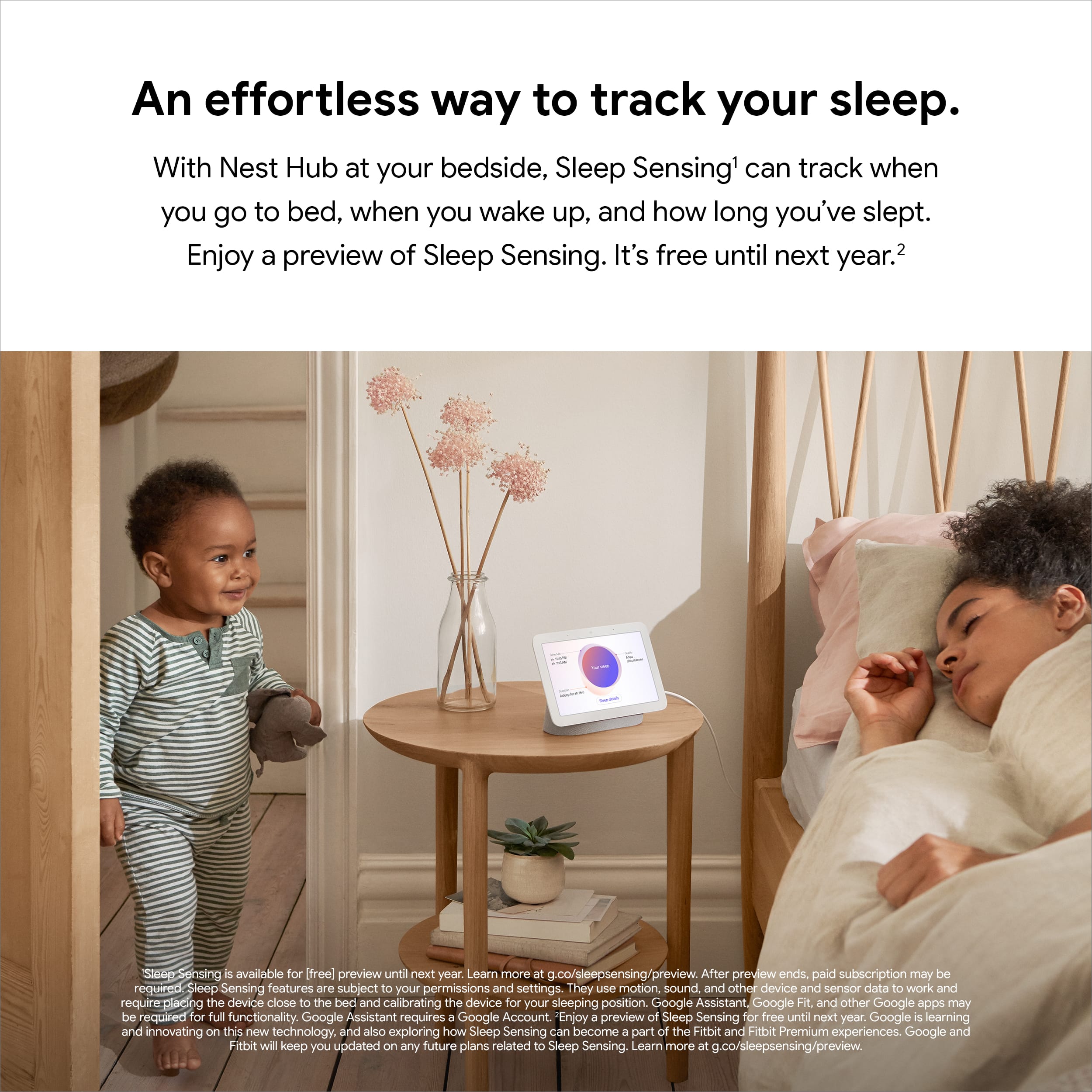
|Posted .This reviewer received promo considerations or sweepstakes entry for writing a review.I've seen a lot of health gadgets that have to be worn when you sleep to get information about your sleeping habits. The problem I have with them is that I toss and turn all night and I know that if I were to wear my Apple watch when I went to bed, I would wake up with scratches across my face. I have the 1st generation Google Hub and I use it next to my bed as an alarm clock and for turning my bedroom lights on and off. I've been using it now for about a year and I love it. When I heard that the 2nd generation Google-Nest Hub had sleep tracking built-in and didn't require wearing any kind of device, I was a little skeptical. How could it see my bodily motions in the dark as well as my breathing and other bodily functions such as restlessness, snoring, coughing without a camera? Who would want a camera watching over them when they sleep? The good thing is this device doesn't have a camera. To make it even more secure, there is a switch on the back to turn off the microphone when privacy is desired. I could always turn off the sleep sensing using the screen or using the Google Home app. When I woke up, the other day, the first thing I did was check the Google Fit app on my iPhone to see how I slept. I was amazed that it knew not only what time I went to bed but when I fell asleep, the efficiency of my sleep, and my restless periods. It even showed me when I got up to go to the bathroom and when I got up with a leg cramp and hopped around the room until the cramp went away. I was surprised to find out that I snored since I've never slept next to anyone who told me I snored. The sensors on this device are remarkable since there are no probes or anything that has to be set up. The instructions inform you to place the device on a dresser or nightstand level with your mattress and to lie down on the mattress and stay still for a few seconds to get a base point. That's all there is to set it up. Besides the sleep sensing capability, the sound of the speaker is much better than the 1st generation as it sounds richer and fuller than before. My only complaint and I've had it on the 1st gen model and now again is that the ambient light sensor that controls the display can't be turned off even though it says it's off. When the room is dark and I look up at the clock, the digits are so dim, I can barely see them. I want to be able to adjust the brightness of the clock and not have it decide for me. Outside of that, I love being able to watch YouTube videos or play music from Pandora or other music sites, play games, view my outdoor cameras, make phone calls or even call other rooms. It's a great inexpensive device for all the functionality it provides.
I would recommend this to a friend Rated 1 out of 5 stars
Had a bad one
||Posted . Owned for 1 year when reviewed.This reviewer received promo considerations or sweepstakes entry for writing a review.Never worked, still don’t know what to do with it.
This review is from Nest Hub 2nd Gen - 7" Smart Home Display with Google Assistant - Sand
No, I would not recommend this to a friendRated 1 out of 5 stars
Very poor customer service
||Posted . Owned for 1 month when reviewed.This reviewer received promo considerations or sweepstakes entry for writing a review.Got broken device, and return it. No money returned
This review is from Nest Hub 7” Smart Touchscreen Display with Google Assistant (2nd Gen) - Mist
No, I would not recommend this to a friendBrand response from Nest Support
Posted .Hey there, VivekP. It's unfortunate to hear that the Nest Hub(2nd gen) you received was broken and that you had to return it. This is not the initial experience we want you to have with the device. We recommend reaching out to BestBuy so they can address your concern about the refund. If you’re ever considering Google products in the future and need any technical assistance, please don't hesitate to contact our team of specialists to lend you a hand. You can reach us on our Google Help page here: https://support.google.com/googlenest/gethelp
Rated 1 out of 5 stars
dead less than a year
||Posted . Owned for 4 months when reviewed.This reviewer received promo considerations or sweepstakes entry for writing a review.It died after one year, factory reset didn't help because the screen is dead, just blank with some stripes.
No, I would not recommend this to a friendBrand response from Nest Support
Posted .Hi moritz, we appreciate you for bringing this concern to our attention. We’re sorry to hear that your Nest Hub (2nd gen) died after a year only, and thanks for trying everything you could to fix it. Since it didn’t make a difference after the factory reset, it would be best to get in touch with our specialists for additional services and assistance here: https://support.google.com/googlenest/gethelp
Rated 1 out of 5 stars
Very Useful and Fun
||Posted . Owned for less than 1 week when reviewed.This reviewer received promo considerations or sweepstakes entry for writing a review.Fantastic. Does everything I want it to do: alarm clock, weather and other information at the tip of my finger.
I would recommend this to a friendBrand response from Nest Support
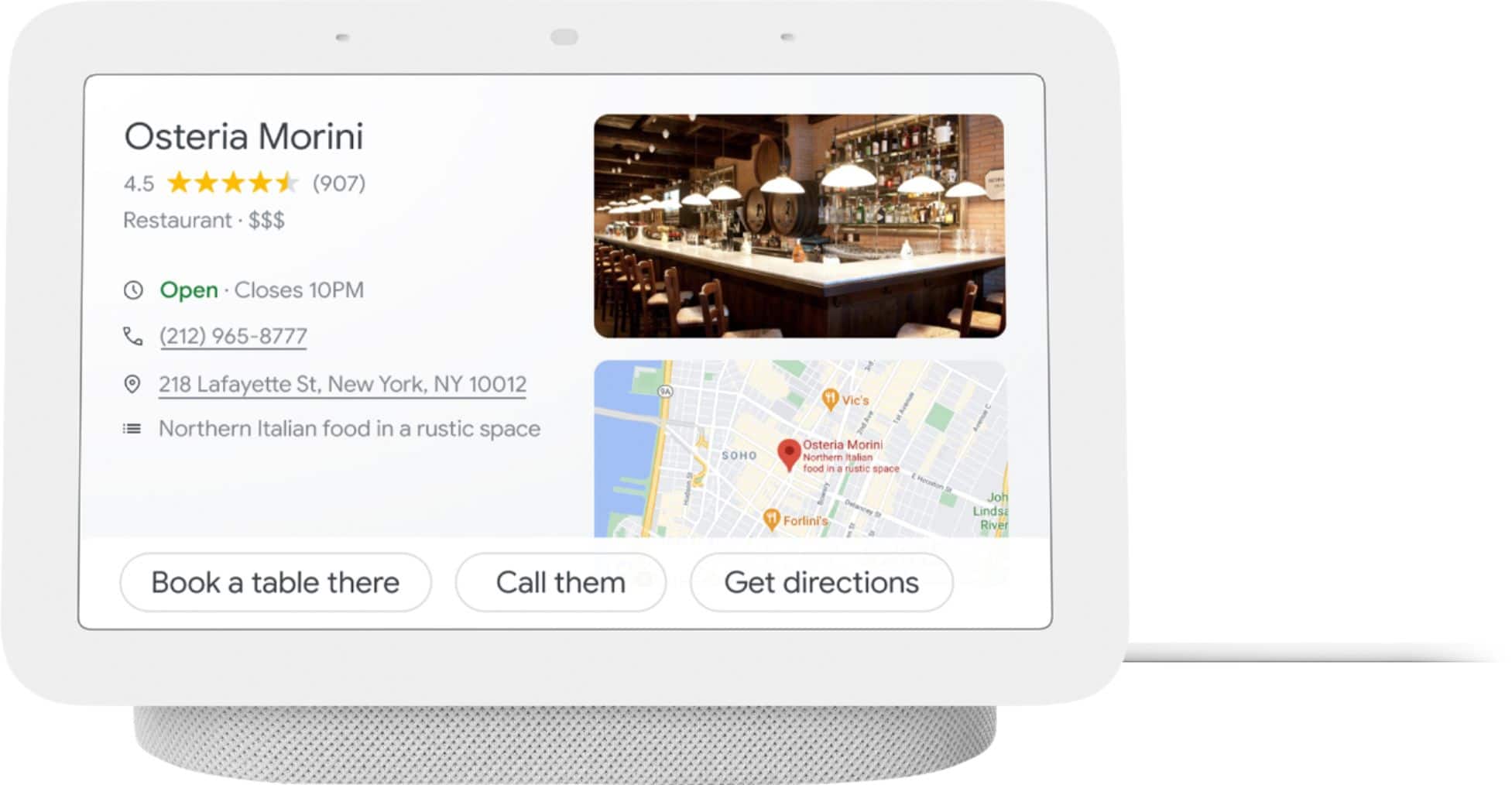
Posted .Hi there, it’s great to have your feedback on Nest Hub (2nd gen) and we’re glad that it does everything you want it to do. There are several other ways to enjoy the Nest Hub. You can get an all-day help on your Nest display. With voice match, you can get your personalized events, commute info, reminders, and more. You can get rich and visual answers about recipes, local businesses, sports, and more. With home view, see and control compatible devices in one view or voice-control thousands of compatible devices, from lights and cameras to TVs and more, all from a single dashboard. You can visit this link to learn more about other things you can do with the Nest Hub: https://support.google.com/googlenest/topic/7195269
We hope you’re enjoying the experience of the Nest display. If you come across any concerns around its performance or features, let us know anytime here and we’d be more than happy to help: https://support.google.com/googlenest/gethelp
Rated 1 out of 5 stars
Ok
||Posted .This reviewer received promo considerations or sweepstakes entry for writing a review.Google comes on when not prompted and sometimes she does things that we don't want it to-do.
This review is from Nest Hub 7” Smart Touchscreen Display with Google Assistant (2nd Gen) - Charcoal
No, I would not recommend this to a friendBrand response from Nest Support
Posted .Hi Kj82, thanks for giving us time to share your feedback on Nest Hub (2nd gen), and we’re sorry to learn of your poor experience with the performance of its Google Assistant.
Google Assistant might not activate when you say “Hey Google” or “Ok Google,” particularly in a noisy environment. It might also activate even if you don't say “Hey Google” or “Ok Google” when it detects something that sounds similar. Retraining your Nest displays, to better recognize your voice, and adjusting the Hotword sensitivity may be helpful with the issue. You may follow the steps on these help articles:
- Check which devices are using Voice Match: https://support.google.com/googlenest/answer/7588195
- Adjust how sensitive Google Assistant is to “Hey Google: https://support.google.com/assistant/answer/9712065
If the steps above didn’t help, feel free to let us know at the following link for further guidance and assistance: https://support.google.com/googlenest/gethelp
Rated 3 out of 5 stars
Not the best
||Posted . Owned for 11 months when reviewed.This reviewer received promo considerations or sweepstakes entry for writing a review.This thing barley listens and Spotify buffs so much I could die
This review is from Nest Hub 7” Smart Touchscreen Display with Google Assistant (2nd Gen) - Charcoal
No, I would not recommend this to a friendBrand response from Nest Support
Posted .Hi ZoeB, we appreciate your feedback on Nest Hub (2nd gen), and it’s unfortunate to learn of your poor experience with its performance.
Your Nest display could be having trouble connecting to Google, and these simple steps may clear these issues out:
- Check your Wi-Fi network for possible congestion. Relieving some of your connected devices may help free up some bandwidth space.
- Check the distance between the Nest display and your router. Ensure that it is within a line of sight from your router.
- Check for wireless interference with other Wi-Fi hotspots or appliances and devices nearby.
- Restart Nest Hub and router to refresh the connection.
- Reset your Nest Hub. On the back of Nest Hub, press and hold both volume buttons together for about 10 seconds. Your Nest speaker will let you know that it's resetting.
Meanwhile, we also recommend adjusting how sensitive Google Assistant responds to the hotword “Hey Google”:
- Open the Google Home app.
- At the bottom, tap Home.
- Select your Nest Mini or the device you want to adjust.
- At the top right, tap Device settings > “Hey Google” sensitivity.
- If you don’t find “Hey Google sensitivity,” first tap Audio.
- Choose how sensitive you want Google Assistant to be when it responds to you.
- To change this setting on another device, tap Adjust more devices.
Lastly, it may also be helpful to retrain your Google Assistant to better recognize your voice. See the steps below on how to do this:
- On your phone or tablet, open the Google Home app
- At the top right, tap your Profile picture or initial and then Assistant settings and then Voice Match.
- Tap Teach your Assistant your voice again and then Retrain.
And if you’d like to reach out to us for additional assistance, you’ll find our contact details using this link: https://support.google.com/googlenest/gethelp
Rated 3 out of 5 stars
Alright device
||Posted . Owned for 3 weeks when reviewed.This reviewer received promo considerations or sweepstakes entry for writing a review.Device was slow and froze up a lot especially on the web.
No, I would not recommend this to a friendBrand response from Nest Support
Posted .Hello MarkF, thanks for leaving us feedback on Nest Hub (2nd gen), and we’re sorry to learn of your poor experience with its performance. A range issue or wireless interference can cause your Nest display to behave differently. Sometimes it may pass the connection test during setup, but will struggle to stay connected if it’s just a bit too far away. You may also check for objects such as mirrors and refrigerators between the display and your router as these items could block the connection. For more help, read Troubleshooting Wireless Interference here: https://support.google.com/googlenest/answer/9276282
Or if you’d like, visit us anytime at the Google Nest Help page so we can provide you with real time services and assistance:  https://support.google.com/googlenest/gethelp
Rated 2 out of 5 stars
Needs work to compare to other smart devices
||Posted . Owned for 1 week when reviewed.This reviewer received promo considerations or sweepstakes entry for writing a review.It’s okay. Pretty device but the features are lacking and it does nit hold a candle to the echo 10. However I got this on sale so for the price guess I can’t complain. The more expensive one likely has more features. I’m not crazy about the navigation either. Not easy to switch from screen to screen.
This review is from Nest Hub 2nd Gen - 7" Smart Home Display with Google Assistant - Sand
No, I would not recommend this to a friendBrand response from Nest Support
Posted .Hi Lpisme, thanks for posting your review. We're sorry to learn that your experience with your Nest Hub (2nd gen) didn't meet your expectations when compared to a different brand that you use. If you have additional questions or need further assistance with the features and navigation, please don't hesitate to contact us on our Google Help page here: https://support.google.com/googlenest/gethelp
Rated 1 out of 5 stars
What happen to directions???
||Posted . Owned for 3 weeks when reviewed.This reviewer received promo considerations or sweepstakes entry for writing a review.So much for plug-in and working. Geek squad to the rescue.
No, I would not recommend this to a friendBrand response from Nest Support
Posted .Hi pj42nato, thanks for the feedback you shared about the Nest Hub (2nd gen). We’re sorry to hear you had issues with the setup, and we’re glad that you’re able to find help from the Geek Squad. If any assistance is still needed, feel free to let us know simply by visiting us here: https://support.google.com/googlenest/gethelp
Rated 1 out of 5 stars
Don't buy to connect other devices won't work
||Posted . Owned for 3 weeks when reviewed.This reviewer received promo considerations or sweepstakes entry for writing a review.Tell you you can connect other devices by Google but you can't.
No, I would not recommend this to a friendBrand response from Nest Support
Posted .Hi, thanks for letting us know about the issue. We´re sorry to hear about your disappointment with the connectivity feature of Nest Hub (2nd Gen).
We'll certainly look into your feedback and go back to the drawing board to see what new features and product integration we can cook up for you, since we're always on the lookout for ways to keep improving our products and services. In the meantime, we recommend checking our Google Assistant site for a complete list of devices that work with Nest Hub (2nd Gen): https://assistant.google.com/explore
And, if you have any further need of assistance with your Nest Hub (2nd Gen), our support team is just a click away using this link:  https://support.google.com/googlenest/gethelp
Rated 1 out of 5 stars
Don’t do it
||Posted . Owned for 3 months when reviewed.This reviewer received promo considerations or sweepstakes entry for writing a review.To complicate your life get this invasive gadget. Not worth 20 cents
This review is from Nest Hub 7” Smart Touchscreen Display with Google Assistant (2nd Gen) - Charcoal
No, I would not recommend this to a friendBrand response from Nest Support
Posted .Hi Dude, we appreciate your feedback about the Nest Hub (2nd gen). It’s unfortunate to learn of your poor experience with the Nest display and we’re sorry for any inconvenience it could have caused you. We'd like to learn more about what’s going on to better understand the issue. We'd be happy to help you improve your experience and you can reach out to us anytime here: https://support.google.com/googlenest/gethelp
Rated 1 out of 5 stars
Quality
||Posted . Owned for 1 month when reviewed.This reviewer received promo considerations or sweepstakes entry for writing a review.It’s not worth 60 dollars it's more than a cheap quality
This review is from Nest Hub 7” Smart Touchscreen Display with Google Assistant (2nd Gen) - Charcoal
No, I would not recommend this to a friendBrand response from Nest Support
Posted .Hi there, thanks for posting your experience. We’re sorry to learn that Nest Hub (2nd Gen) didn’t meet your expectations. Your patronage and satisfaction are what drives us in improving our products and services. We’d like to know more about what happened so we can help you the best way possible. If you’re willing, please feel free to reach out to our support team. We’d be more than happy to assist you here: https://support.google.com/googlenest/gethelp
Rated 1 out of 5 stars
not adding anything to my home
||Posted . Owned for 2 months when reviewed.This reviewer received promo considerations or sweepstakes entry for writing a review.no use for it. if you have google home no need for the hub
No, I would not recommend this to a friendBrand response from Nest Support
Posted .Hi Rami, thanks for sharing your feedback. We regret to hear that Nest Hub (2nd Gen) didn’t meet your expectations.
With Google Nest Hub, it brings you visual help for any moment at home. You can use your voice to view your latest events and reminders, and control compatible smart devices such as compatible lights, cameras, thermostats, TVs, and other devices from a single dashboard. You can ask questions, and get visual, immersive answers from Google, and helpful videos from YouTube. Plus, play your favorite songs on a crystal-clear speaker, and relive your memories with Google Photos.
If you need assistance, our support team is always here to help. Feel free to contact us anytime using this link: https://support.google.com/googlenest/gethelp
Rated 2 out of 5 stars
Super slow and buggy
||Posted . Owned for 2 weeks when reviewed.This reviewer received promo considerations or sweepstakes entry for writing a review.I really don't like how slowly the interfaces when trying to switch from different apps and settings. It makes it super difficult to work with and I ended up returning it.
This review is from Nest Hub 2nd Gen - 7" Smart Home Display with Google Assistant - Sand
No, I would not recommend this to a friendBrand response from Nest Support
Posted .Hi bcpp, thanks for sharing your feedback with us about your experience with using the Nest Hub (2nd gen). We’re sorry to learn it wasn’t ideal for your needs, and we understand your decision to return it. If you find yourself wanting to try any of the Nest display in the future, please know that our dedicated team of specialists is always available for your support needs here: https://support.google.com/googlenest/gethelp
Rated 2 out of 5 stars
Google for the win
||Posted . Owned for 1 week when reviewed.This reviewer received promo considerations or sweepstakes entry for writing a review.Got thia for a great price. My daughter is facinated by the pictures. It's a solid item.
I would recommend this to a friendBrand response from Nest Support
Posted .Hi there Brian, thanks for choosing Nest Hub (2nd Gen). It's great to hear that your daughter is fascinated by the features, and that you find it as a solid item. We recommend checking out our help page for more information, including a detailed step by step guide on the features of your Nest Hub here: https://support.google.com/googlenest/topic/7195269
Alternatively, if you need further guidance, or would like us to answer some of your questions in mind, you're more than welcome to contact us here: https://support.google.com/googlenest/gethelp
- Pros mentioned:Sound quality
Rated 5 out of 5 stars
A smart display with even more usefulness
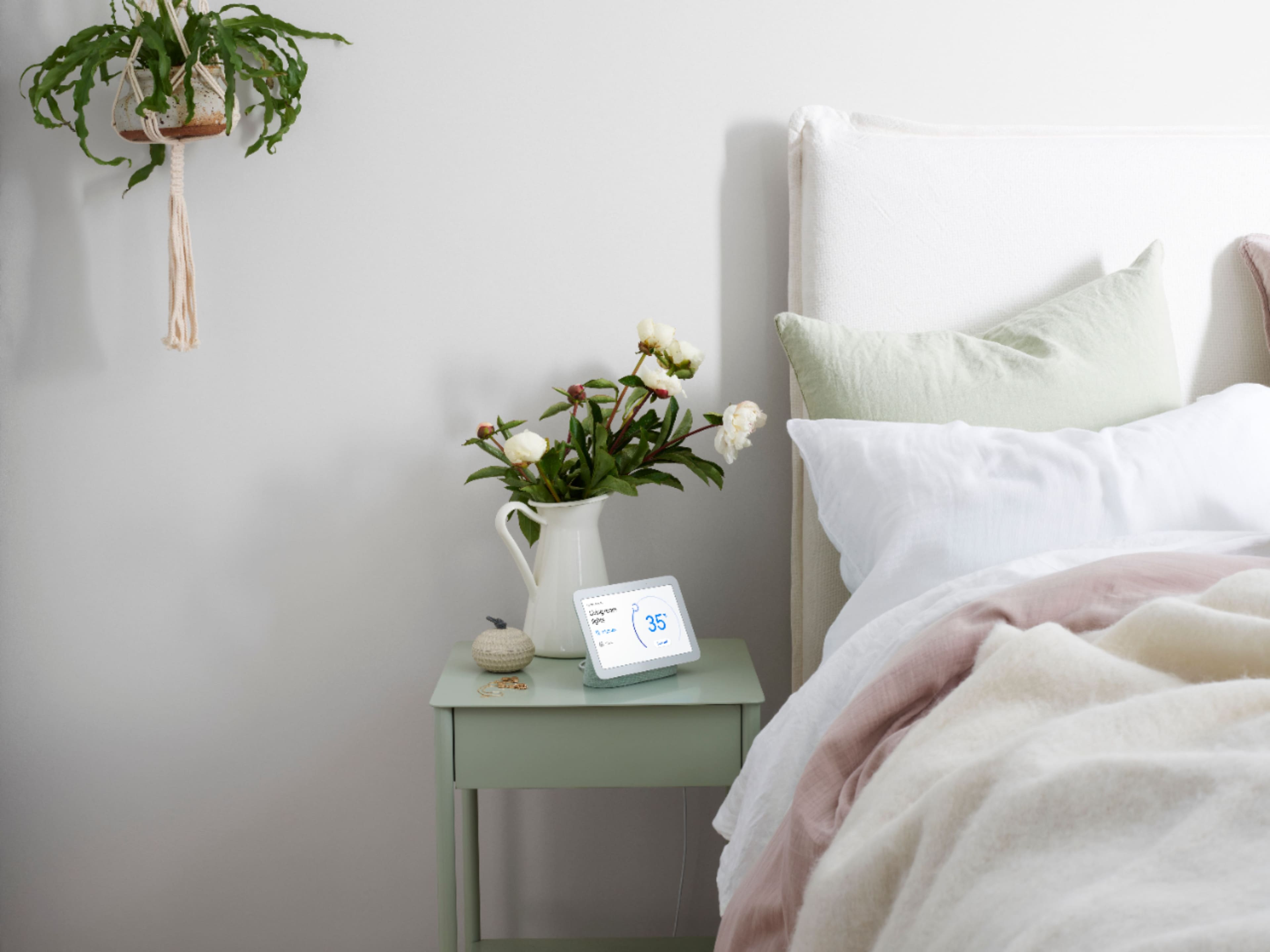
|Posted .This reviewer received promo considerations or sweepstakes entry for writing a review.I have a few google assistant devices but nothing with a display until now. I like being able to visually see the time, date, and outdoor temp at a glance. In my personal opinion google assistant is the best virtual assistant out there and at this price point this is a great deal. I found it makes a nice little control center for all of your connected devices. Speakers, robot vacuums, thermostat, smart lights, and so on. The sound quality is OK for its size but nothing to brag about. Although it does sound better than my google home minis. Its nice to be able to see album/artist info as its playing. And you can use motion to pause, skip, go back, etc which is a nice added feature. You can also use it to route music to other connected speakers in the house or play on (speaker groups) multiple connected speakers at once. If you use this at your bed side at night you can turn on the new sleep sensing mode. It uses sensors including radar to monitor your sleeping. I've been testing it out and I was surprised to see that it actually includes quite a bit of info too, and does this without using any cameras. You get daily summaries of all your sleeping stats and can review them on the device or google fit app. Be interesting to see how this progresses and how people use this data. Overall its a very universal device. Could be used in practically any room in the house for many different reasons. Bedroom as a alarm clock, living room as a digital photo frame, command center for smart devices, office for video calls, or maybe in the kitchen for cooking purposes. For me I think I'll eventually move it from the bedroom to the kitchen which is where it will get most use in my house.
I would recommend this to a friend Rated 1 out of 5 stars
Worst Junk Ever Made
||Posted . Owned for 1 week when reviewed.This reviewer received promo considerations or sweepstakes entry for writing a review.Total junk. Does not even work at all. Plugged it in and it has a nice bright screen and then it started updating and the screen went black.... Completely useless not heavy enough to make a boat anchor out of it need full refund. Don't Buy!!!!!
This review is from Nest Hub 7” Smart Touchscreen Display with Google Assistant (2nd Gen) - Mist
No, I would not recommend this to a friendBrand response from Nest Support
Posted .Hi there WilliamW, thanks for your insights on Nest Hub (2nd Gen). We're glad to hear that you liked the display quality. However, we're sorry to hear that it stopped working. Your Nest Hub comes with a limited one-year warranty from the original purchase date. If you're willing to try, we recommend contacting our support team for help with your concern. Our support team would be happy to work with you and see how we can provide you with a better experience. You may reach out to us using this link: https://support.google.com/googlenest/gethelp
- Pros mentioned:Sound quality
Rated 4 out of 5 stars
Great smart display but not so great speaker
|Posted .This reviewer received promo considerations or sweepstakes entry for writing a review.The new Google Nest Hub works well as a smart display and control center. It understands my commands better than my other smart display. The touch screen works well and the display has excellent image quality and colors. The new sleep tracking feature is easy to set up and works but has some issues. It tracks my sleep automatically but makes some mistakes with timing of when I went to sleep and woke up. It sees me sit on the bed sometimes and decides that I am going to sleep by mistake. The sound is okay on the high side but the bass is poor even for a 7” smart speaker.
I would recommend this to a friend