Customer Ratings & Reviews
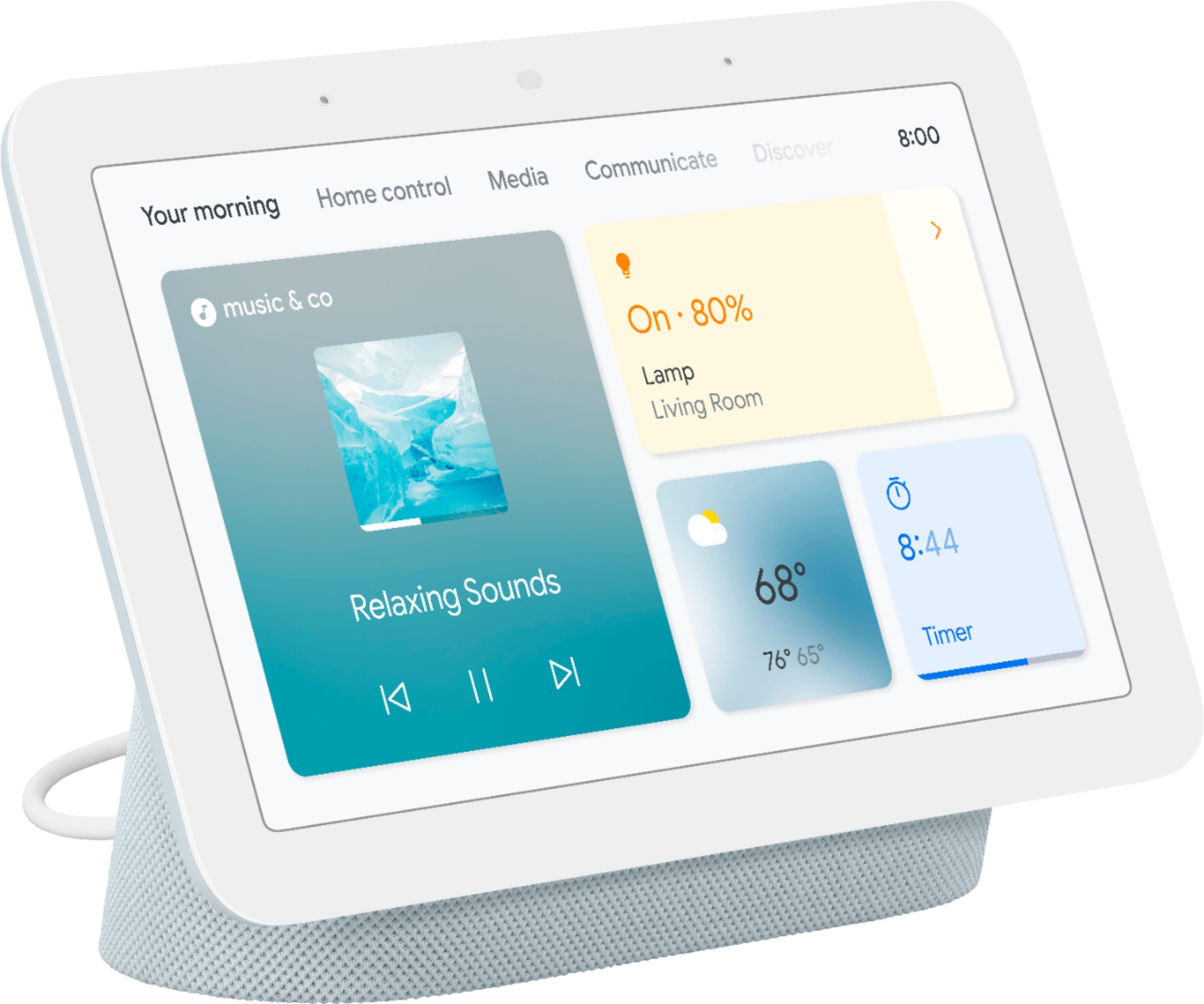
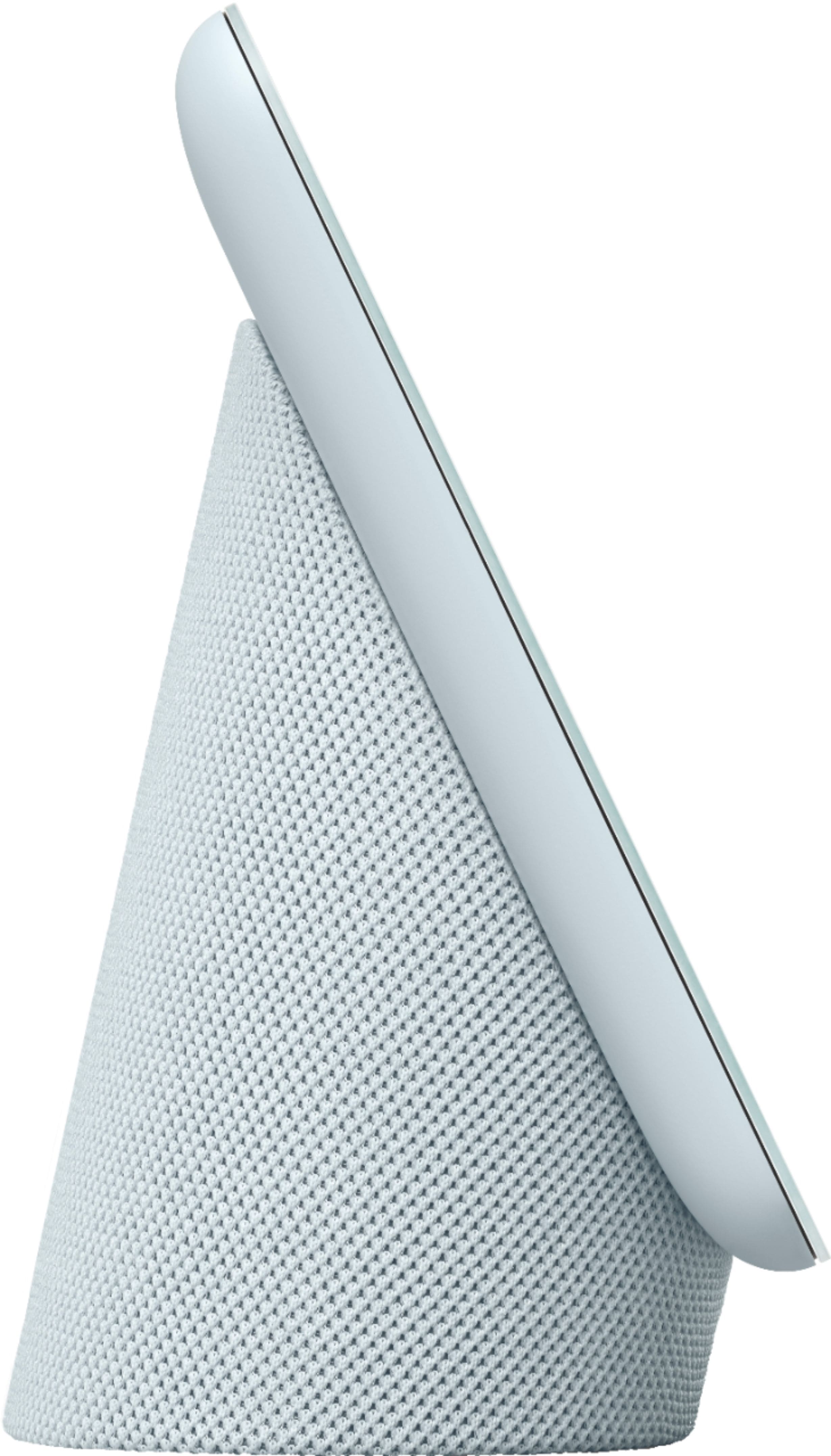
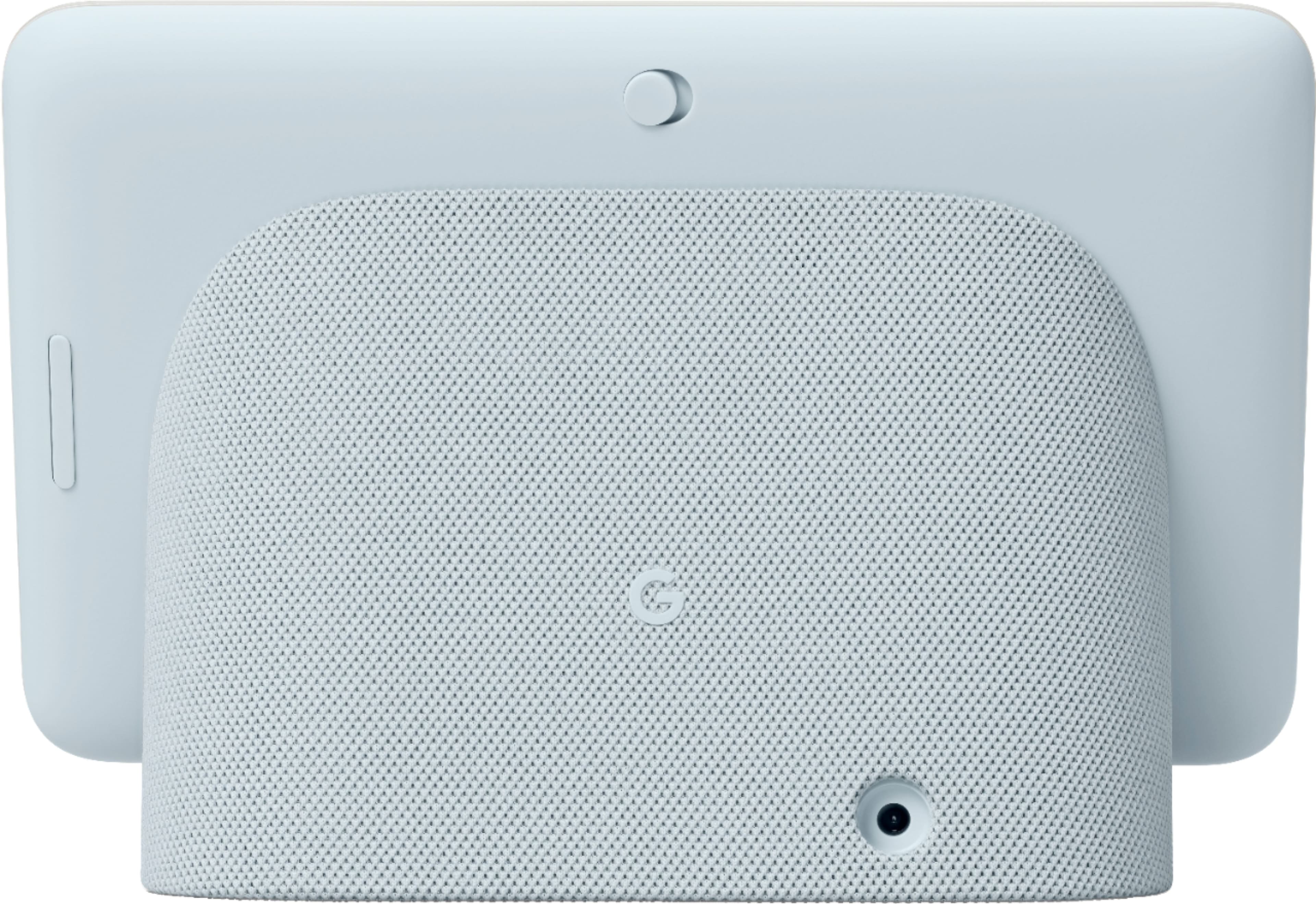
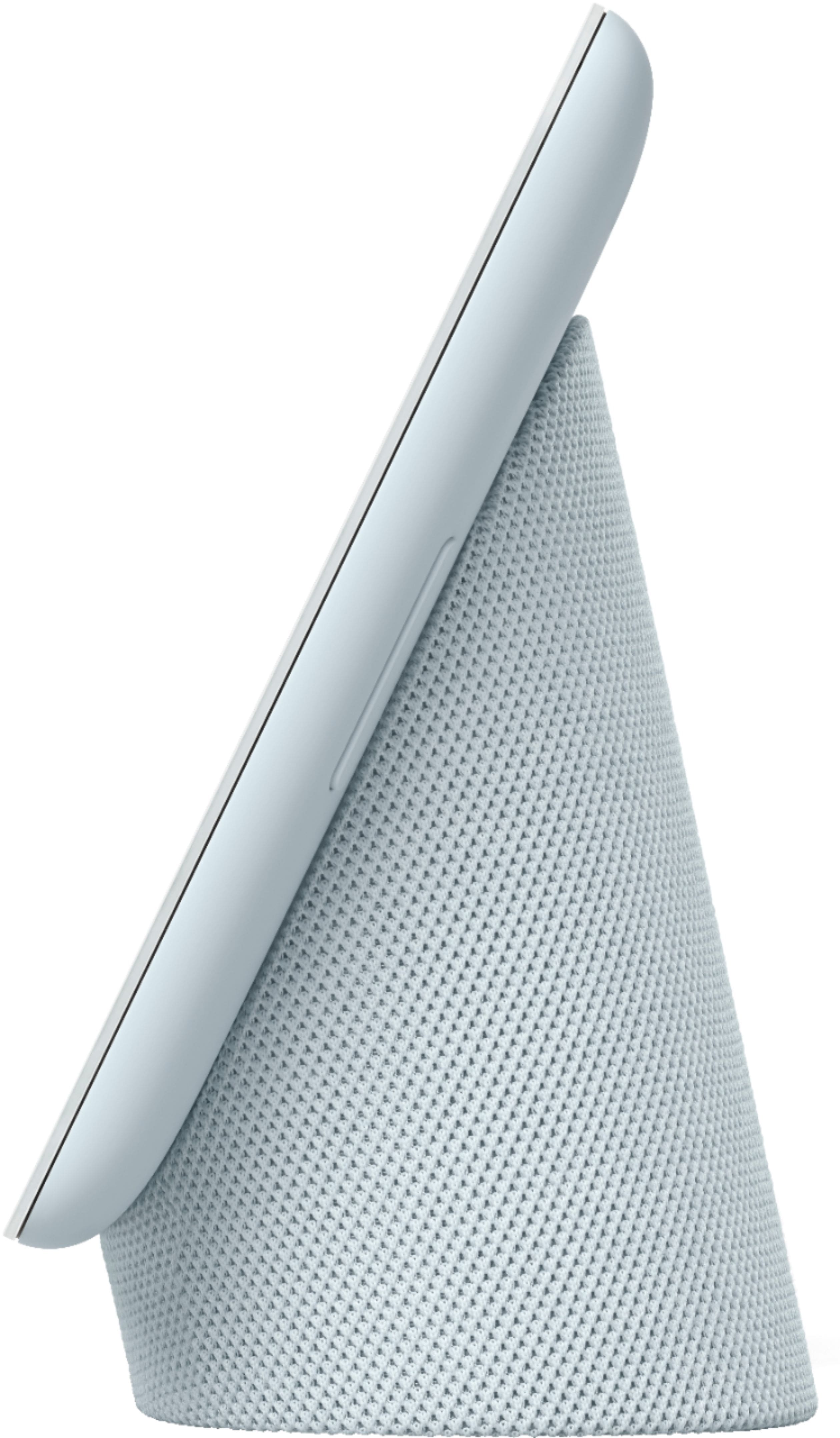







- Model:
- GA02308-US
- SKU:
- 6450822
Rating by feature
- Value
Rating 4.7 out of 5 stars
- Quality
Rating 4.7 out of 5 stars
- Ease of Use
Rating 4.6 out of 5 stars
Customers are saying
Customers are pleased with the product's ease of use, sound quality, and screen size. Many also appreciate the effective Google Assistant, easy setup, smart home integration, and beneficial sleep tracking, considering it good value for its price. However, some users note the absence of a camera. A few customers have also experienced sluggish responsiveness and slow response times, and some mention limited compatibility with certain systems.
This summary was generated by AI based on customer reviews.
Google hub original bricked
||Posted . Owned for 1 month when reviewed.This reviewer received promo considerations or sweepstakes entry for writing a review.Google hub the original bricked with the latest update. Google would not replace or fix the update so the google hub I bought 2 years ago is trash. I have nest cam, google minis in all rooms so I had to keep the theme and replace the google hub. Sadly this isn’t a upgrade from the original nothing changed except the bezel is slightly sleeker. Let’s hope they don’t brick this one but I am expecting it now.
I would recommend this to a friendBrand response from Nest Support
Posted .Hi Scarr450, thanks for taking the time to share your feedback with us about the Nest Hub and Nest Hub (2nd gen). We’re sorry to learn that the hub you bought 2 years ago had issues.
Our dedicated team is always here for your support needs. We’re always committed to bring users the same support you always have with Nest Hub and there should be no difference with the service. That said, we’re hoping to learn more about what happened with your original hub and help improve your experience. Please feel free to contact us anytime here: https://support.google.com/googlenest/gethelp
Love it
||Posted . Owned for 3 months when reviewed.This reviewer received promo considerations or sweepstakes entry for writing a review.I ordered this through best store pickup . I ordered online and picked it up same day within hours . Everything went smoothly this time . Product is great
I would recommend this to a friendStop emailing me to post a review every 2 days
||Posted . Owned for 1 month when reviewed.This reviewer received promo considerations or sweepstakes entry for writing a review.Great item. Only posting because I am sick of the emails constantly reminding me to review. Also, minimum # of characters I have to post in order to stop the emails? Really BB?
I would recommend this to a friendGoogle home is better
||Posted . Owned for 1.5 years when reviewed.This reviewer received promo considerations or sweepstakes entry for writing a review.Awesome Google item. Still use it to this day even with newer items
I would recommend this to a friend- Pros mentioned:Ease of use, Sound quality
Smart home
||Posted . Owned for 1 week when reviewed.This reviewer received promo considerations or sweepstakes entry for writing a review.So convenient to use. Have it in the kitchen so we can play music, watch YouTube videos for recipes, control the thermostat and so much more!
I would recommend this to a friend Love it as a nest doorbell display
||Posted . Owned for 1 week when reviewed.This reviewer received promo considerations or sweepstakes entry for writing a review.I have a Nest Hello doorbell and have one of these on each floor of my house. I love to use them as a secondary doorbell chime as well as showing the video stream when the doorbell is pressed. Also love how it shows my Google photos albums as a digital photo album.
I would recommend this to a friendMultiple use
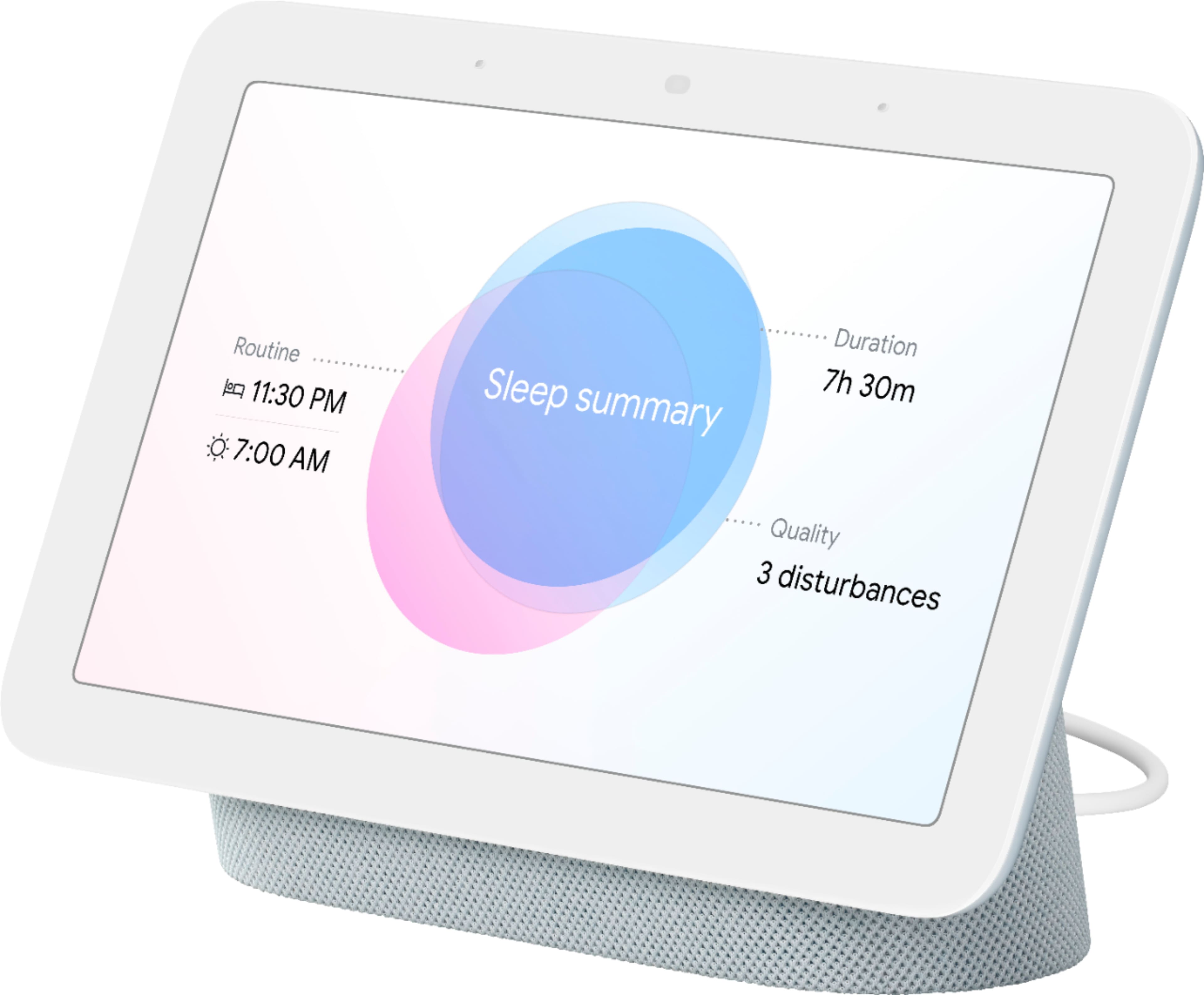
||Posted . Owned for 1 month when reviewed.This reviewer received promo considerations or sweepstakes entry for writing a review.I love this device. Th picture gallery is perfect, only show the picture I like to see. The other feature I really like is the sleep monitoring. For someone who has trouble sleeping, this is a very useful way to understand my sleep pattern, and ultimately improve the rest I need.
I would recommend this to a friendGoogle Nest isn't great since Google took over.
||Posted . Owned for 1 month when reviewed.This reviewer received promo considerations or sweepstakes entry for writing a review.Trouble is, I have too much that is Nest but if I didn't I would absolutely ditch the google nest products in favor of something else. Longevity/reliability is an issue and the app is very clunky. Google really ruined Nest unfortunately.
No, I would not recommend this to a friendBrand response from Google Team
Posted .Hey there, PeterS. We’re sorry your experience with the Nest Hub (2nd Gen) hasn’t been the best. A quick reboot will normally resolve several issues and keep your device feeling fresh — here’s how to do that:
1. Make sure your mobile device or tablet is linked to the same account as your speaker.
2. Open the Google Home app.
3. Tap and hold your device's tile.
4. At the top right, tap Settings, then More, and then Reboot.
If you need any additional support, reach out to us here: https://support.google.com/googlenest/gethelp?

Great to control my lights!
|Posted . Owned for 2 weeks when reviewed.This reviewer received promo considerations or sweepstakes entry for writing a review.[Employee of bestbuy] Sure, being able to say 'Hey Google, whats the capital of New Hampshire?' is awesome. But whats better is setting it up with smart lights and saying 'Hey Google, turn out the lights' while all cozy in bed.
I would recommend this to a friendAwesome Device
||Posted . Owned for 8 months when reviewed.This reviewer received promo considerations or sweepstakes entry for writing a review.Grandson loves this at his desk. He searches random things and is able to watch u-tube videos. I mainly stream Disney+ for the little ones while I cook. Very helpful when you need a quick recipe. Awesome Device!
I would recommend this to a friend- Pros mentioned:Ease of use
Great addition
||Posted . Owned for 2 months when reviewed.This reviewer received promo considerations or sweepstakes entry for writing a review.Great product. Easy to use. Great addition to our current Google line up at home
I would recommend this to a friend Smart home
||Posted . Owned for 1 year when reviewed.This reviewer received promo considerations or sweepstakes entry for writing a review.I use it to turn on lights, to figure out the traffic for work, and the weather. I love the fact that it has a screen.
I would recommend this to a friendLove it!
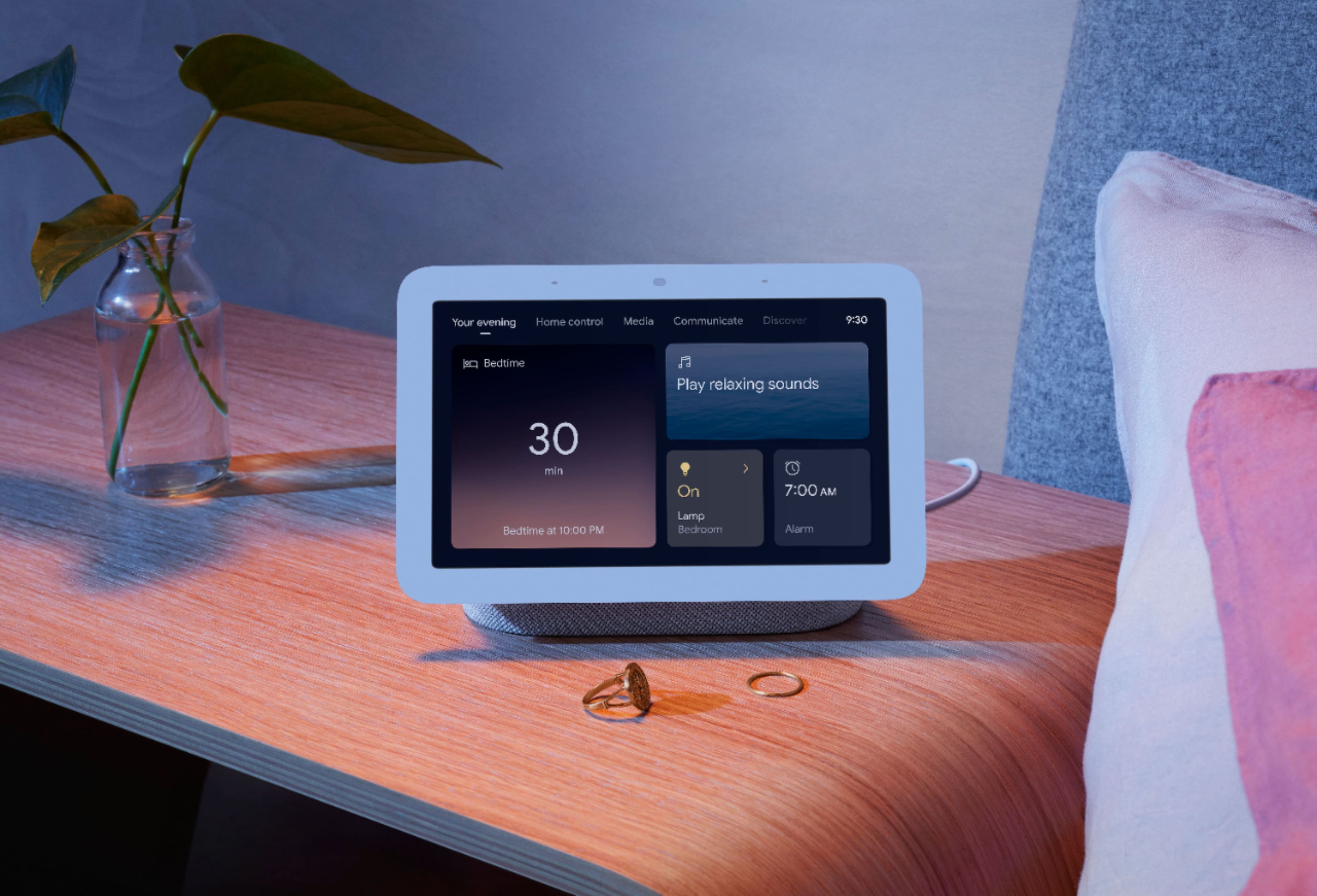
||Posted . Owned for 5 months when reviewed.This reviewer received promo considerations or sweepstakes entry for writing a review.Really enjoy the sunrise waking feature and the ability to connect with other home devices.
I would recommend this to a friend- Pros mentioned:Ease of use
Hope it keeps working
||Posted . Owned for 1 month when reviewed.This reviewer received promo considerations or sweepstakes entry for writing a review.So far the item is working like the makers intended.
I would recommend this to a friend - Pros mentioned:Sound quality
Useful little device
||Posted . Owned for less than 1 week when reviewed.This reviewer received promo considerations or sweepstakes entry for writing a review.I purchased the device to compare it to some of the Alexa devices that I already own. A little disappointing opening the box to find minimal directions telling you to download the app on your phone. Once the device is setup (see Youtube videos) over about 10 minutes it connected well to my network. The screen provides a clean image and clear vocal response. The speaker for music is lower quality than one might expect. The unit does allow access to the google database of information as well as allowing you to control some of the home apps including cameras. You can not 'add' apps to the device in the same manner as you may with your phone. Having a nest hub can be useful depending upon what one wishes to purchase in the future.
I would recommend this to a friendBrand response from Nest Support
Posted .Hello Bobb, thanks for trying out the Nest Hub (2nd gen) and for sharing your experience with us. And we’re sorry to hear it's a disappointment for you. We hear your concerns about the minimal directions, and about adding apps to the device, and we’d be happy to share this information with the right team for future improvements with our products and services.
Meanwhile, it may be helpful for you to change the audio settings of your Nest speaker in the Google Home app. Here’s how to adjust bass and treble level:
- Make sure your mobile device or tablet is connected to the same Wi-Fi or linked to the same account as your Nest Mini.
- Open the Google Home app.
- Tap the device you want to adjust, select Settings, select Audio, then select Equalizer.
- Adjust Bass and Treble level.
You can try adjusting the volume of your Nest Hub that may improve your experience, either by voice or by touch. You can also change the audio settings of your in the Google Home app following the steps below:
- Make sure your mobile device or tablet is connected to the same Wi-Fi or linked to the same account as your Nest speaker.
- Open the Google Home app.
- Tap the device you want to adjust, select Settings, select Audio, then select Equalizer.
- Adjust Bass and Treble level.
We care about your experience. Feel free to let us know if you need additional help, here: https://support.google.com/googlenest/gethelp
Works well enough, not spectacular
||Posted . Owned for 1 month when reviewed.This reviewer received promo considerations or sweepstakes entry for writing a review.It's ok. A little sluggish, sometimes it says it doesn't recognize my voice so it refuses to do simple things like play from my favorites playlist. The cooking integration is really niche and doesn't include enough recipe integrations, ideally it could just ingest recipes from most websites for it to actually be useful.
No, I would not recommend this to a friendBrand response from Nest Support
Posted .Hello RayM, we appreciate you for sharing your feedback on Nest Hub(2nd gen). We're sorry to learn that you're having some difficulties with the device recognizing your voice. We suggest that you retrain your Nest Hub to better recognize your voice as this may help with voice control. We also suggest adjusting the Hotword sensitivity as it may also be helpful with the issue. You may follow the steps below to help improve your experience:
Retrain Voice Match:
- On your phone or tablet, open the Google Home app.
- At the top right, tap your Profile picture or initial and then Assistant settings and then Voice Match.
- Tap Teach your Assistant your voice again and then Retrain.
Change Nest Hub's Hotword sensitivity:
- Open your Google Home app.
- Select your Nest Hub.
- At the top right, tap the Settings (Gear) icon.
- Then tap Audio.
- Then tap "Hey Google" sensitivity and adjust the slider to make your Nest Hub more responsive to the Hotword.
If the issue still persists or if you've done the steps before, please don't hesitate to contact us on our Google Help site and let us help you in finding a better resolution. You can reach our help page here: https://support.google.com/googlenest/gethelp
You can pass not a need but it can be convenient
||Posted . Owned for 10 months when reviewed.This reviewer received promo considerations or sweepstakes entry for writing a review.It’s okay, it works but my problem is that it always disconnects and you have to reset it completely if the internet goes off or if you change the password to the Wi-Fi. It’s a hassle but great for alarms that’s mostly what I use it for.
I would recommend this to a friendBrand response from Nest Support
Posted .Hey there, KellyR. Thank you for sharing your review of your Nest Hub(2nd gen). We're sorry to hear that you're having some connectivity issues with your device. It's important to us that we provide you with the best help possible and identify the cause of issue you’re experiencing with your device. Please don't hesitate to contact us on our Google Help page here: https://support.google.com/googlenest/gethelp
Nice
||Posted . Owned for 3 weeks when reviewed.This reviewer received promo considerations or sweepstakes entry for writing a review.Pretty good, did everything I expected. Sleep sensing is interesting aswell!
I would recommend this to a friend- Pros mentioned:Ease of use
Nest hub relaxed me always
||Posted . Owned for 3 weeks when reviewed.This reviewer received promo considerations or sweepstakes entry for writing a review.Nest hub now is my good friend . It's easy to get anything .. Anytime . I ❤️it
I would recommend this to a friend - Pros mentioned:Google assistant
Good!
||Posted . Owned for 1 month when reviewed.This reviewer received promo considerations or sweepstakes entry for writing a review.Works well! But one google hub will respond to the other.
I would recommend this to a friend