Customer Ratings & Reviews
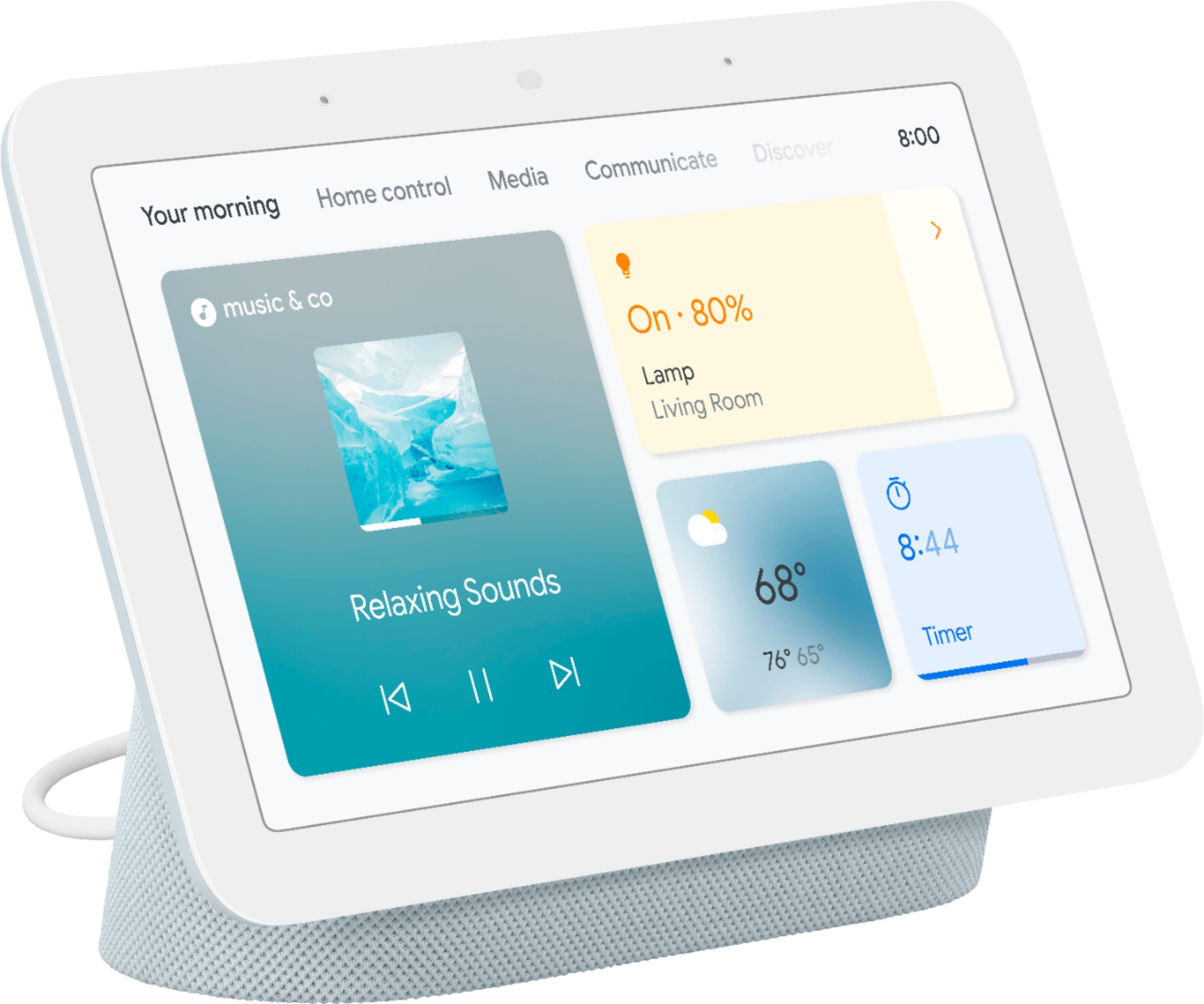
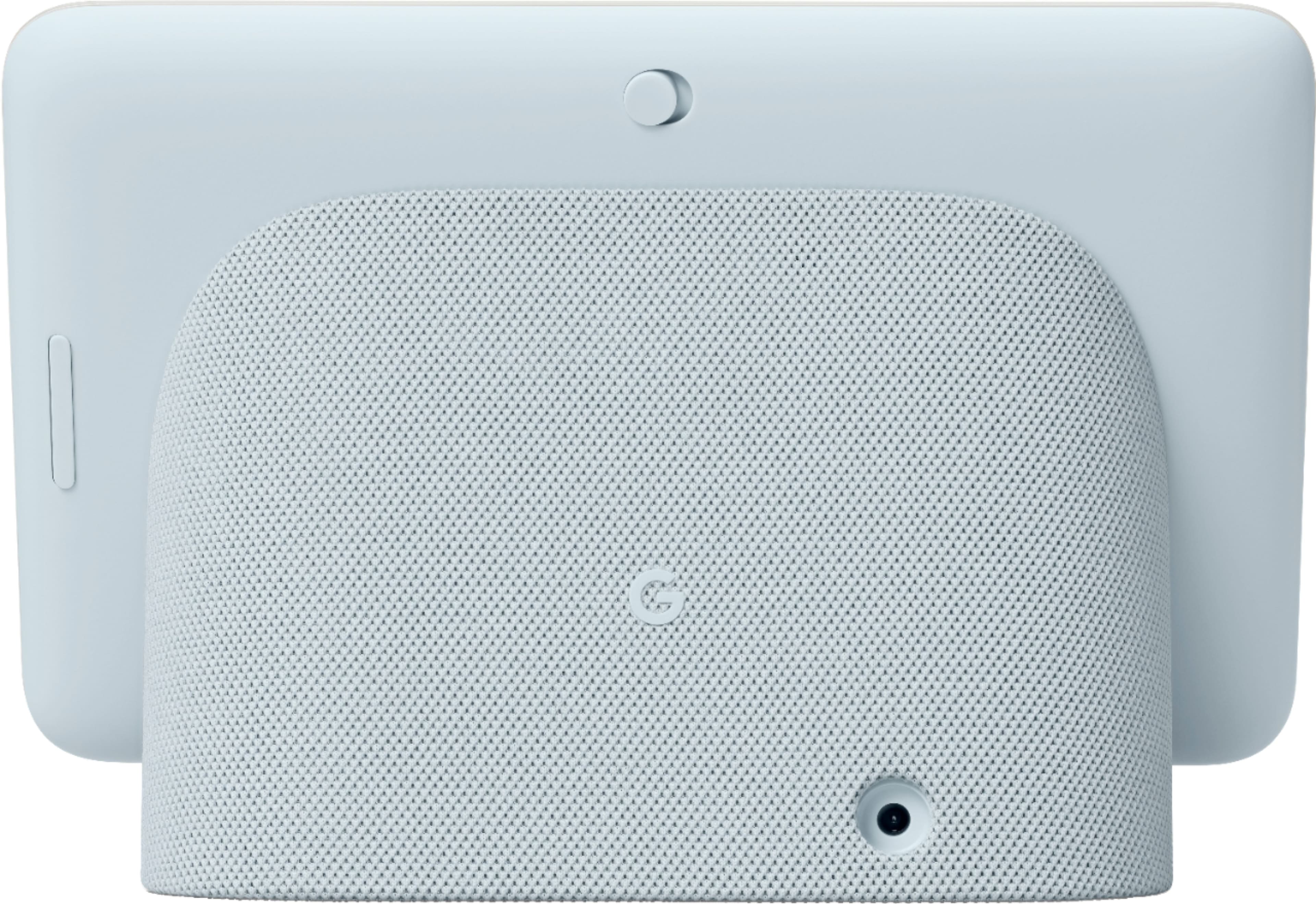







- Model:
- GA02308-US
- SKU:
- 6450822
Rating by feature
- Value
Rating 4.7 out of 5 stars
- Quality
Rating 4.7 out of 5 stars
- Ease of Use
Rating 4.6 out of 5 stars
Customers are saying
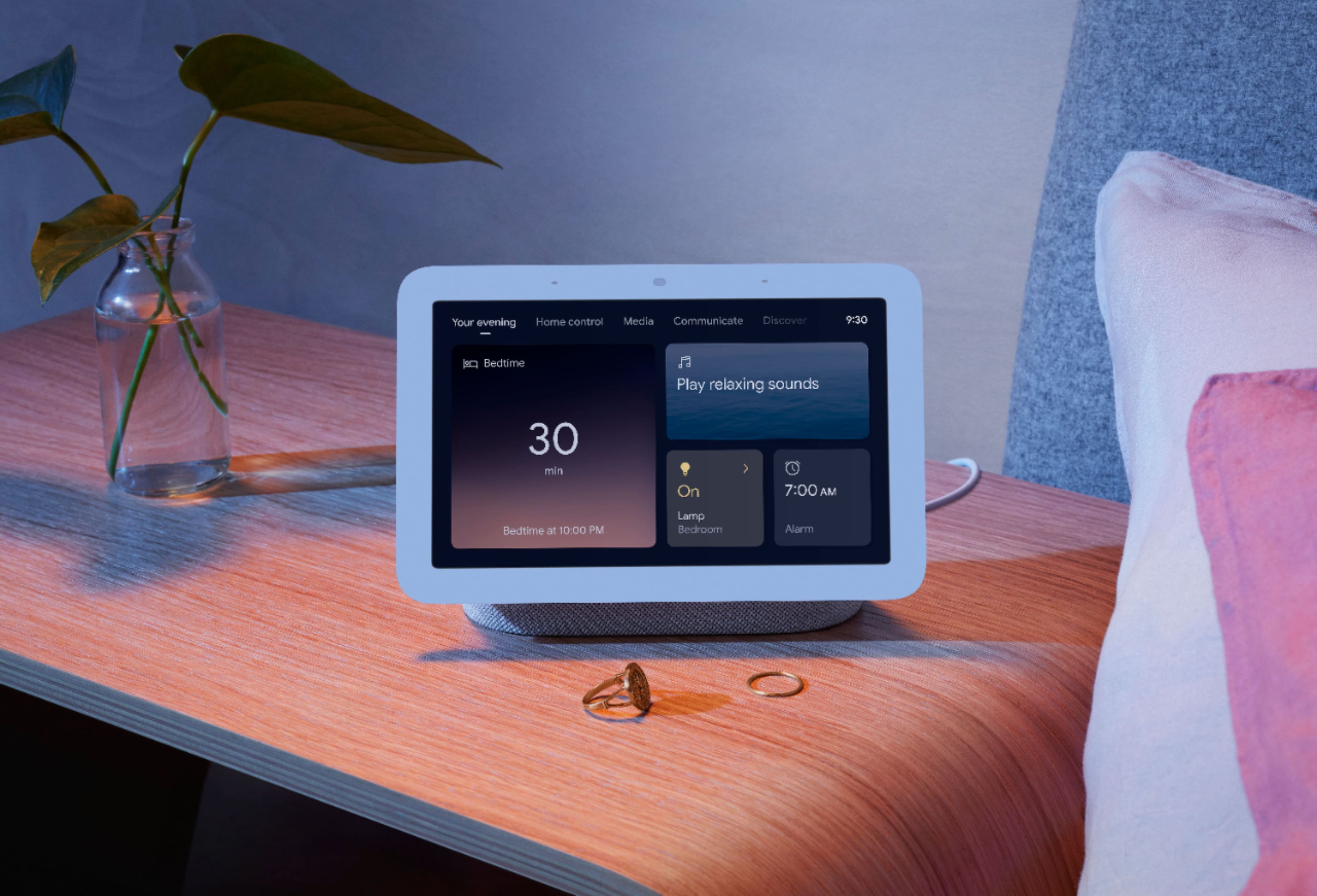
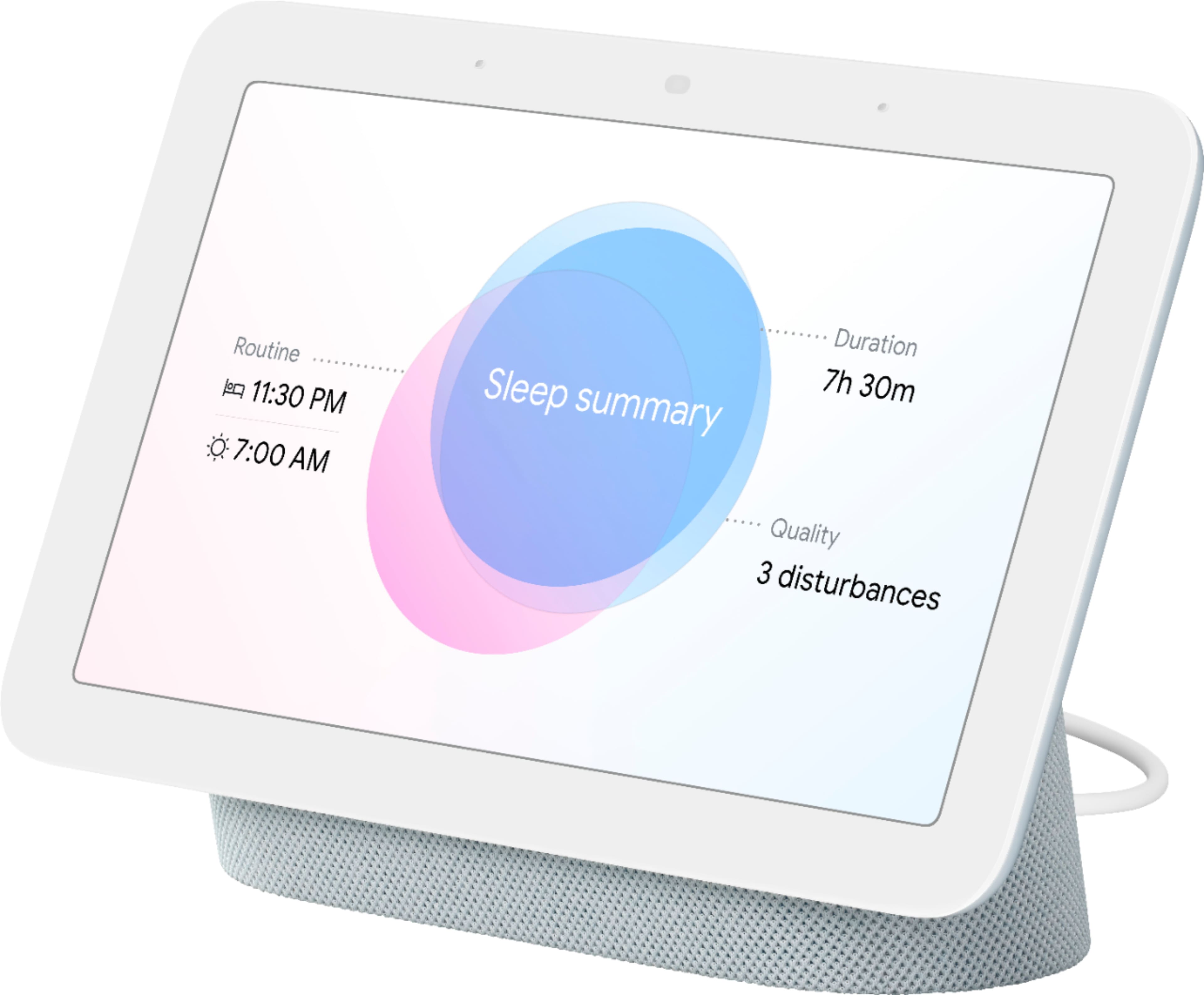
Customers often highlight the product's ease of use, good sound quality, and convenient screen size. Many also appreciate the effective Google Assistant, its reasonable price, and useful sleep tracking, along with its excellent smart home integration. However, some customers note the absence of a camera. Additionally, concerns are raised about the interface being sluggish and the overall response time being slow.
This summary was generated by AI based on customer reviews.
Excellent
||Posted . Owned for 3 months when reviewed.This reviewer received promo considerations or sweepstakes entry for writing a review.Excellent product. Affordable price friendly customer service
I would recommend this to a friendGreat
||Posted . Owned for 2 weeks when reviewed.This reviewer received promo considerations or sweepstakes entry for writing a review.This is my second due to liking the first so much. Google assistant could be a little better though
I would recommend this to a friendBrand response from Nest Support
Posted .Hi Erikgt58, thanks for your review. We're glad to know that you like and enjoy your Nest Hub. We suggest retraining your Nest Hub, to better recognize your voice, and adjusting the Hotword sensitivity may be helpful to improve Google Assistant.
Retrain Voice Match:
- On your phone or tablet, open the Google Home app.
- At the top right, tap your Profile picture or initial and then Assistant settings and then Voice Match.
- Tap Teach your Assistant your voice again and then Retrain.
Change Nest Hub's hotword sensitivity:
- Open your Google Home app.
- Select your Nest Hub.
- At the top right, tap the Settings (Gear) icon.
- Then tap Audio.
- Then tap "Hey Google" sensitivity and adjust the slider to make your Nest Hub more responsive to the hotword.
For questions or concerns, you’ll find our support team ready to help you here: https://support.google.com/googlenest/gethelp
Eureka!
||Posted . Owned for 2 months when reviewed.This reviewer received promo considerations or sweepstakes entry for writing a review.Thought that the touchscreen variety would help and it did
I would recommend this to a friendGoogle
||Posted . Owned for 3 weeks when reviewed.This reviewer received promo considerations or sweepstakes entry for writing a review.Bought a an upgrade and we are very pleased with this
I would recommend this to a friendGoogle Hub
||Posted .This reviewer received promo considerations or sweepstakes entry for writing a review.Gave this as a gift and was a good addition to other google hubs
I would recommend this to a friendNot dropping Wi-Fi connection
||Posted . Owned for 3 weeks when reviewed.This reviewer received promo considerations or sweepstakes entry for writing a review.The Gen 1 kept dropping the Wi-Fi connection, this one doesn't
I would recommend this to a friendGoogle hub
||Posted . Owned for 1 month when reviewed.This reviewer received promo considerations or sweepstakes entry for writing a review.Really nice assistant for the money. If you're already in the google ecosystem... this is a nice addition
I would recommend this to a friendNest hub
||Posted . Owned for 1 month when reviewed.This reviewer received promo considerations or sweepstakes entry for writing a review.I have one, so I bought this as a gift. I use mine all the time.
I would recommend this to a friend- Cons mentioned:Camera
great sale
||Posted . Owned for 1 month when reviewed.This reviewer received promo considerations or sweepstakes entry for writing a review.it seems to help but no camera,i am not great at setting up
I would recommend this to a friendBrand response from Nest Support
Posted ."Hi there yolyole, thanks for sharing your experience with us. We're sorry to hear that you're disappointed with the lack of a camera for the Nest Hub (2nd Gen). We value your feedback and we'll certainly look into the features you would like to have in our Google Nest products. If you're still having some issue setting it up, we'd be happy to help walk you through it. Our dedicated team of support specialists would be happy to assist you. Please do not hesitate to contact us here: https://support.google.com/googlenest/gethelp
Decet
||Posted . Owned for 2 months when reviewed.This reviewer received promo considerations or sweepstakes entry for writing a review.It isnt bad just sometimes load a bit slow to do smart home things.
I would recommend this to a friendGreat
||Posted . Owned for 1 month when reviewed.This reviewer received promo considerations or sweepstakes entry for writing a review.Nest Hubs are the best Google has everyone beat for in home devices..
I would recommend this to a friend- Pros mentioned:Screen size
Great
||Posted . Owned for 3 weeks when reviewed.This reviewer received promo considerations or sweepstakes entry for writing a review.Worth 50 bucks. Great place to use it is in the kitchen , if you are worried you would regret not grtting the bigger one it is okay. With this i feel no regret, just a good place to be at.
I would recommend this to a friend I like it
||Posted . Owned for 1.5 years when reviewed.This reviewer received promo considerations or sweepstakes entry for writing a review.I actually like that I can control my google devices from this.
I would recommend this to a friend- Cons mentioned:Responsiveness
It is OK.
||Posted .This reviewer received promo considerations or sweepstakes entry for writing a review.Not fast responsive. I would like it to be fast in responding
I would recommend this to a friendBrand response from Nest Support
Posted .Hi Evvl, thanks for the feedback you shared, and we’re sorry to hear that your Nest Hub (2nd gen) is not fast responsive.
Your Nest display could be having trouble connecting to Google, and you can try these simple steps below that might help:
- Check your Wi-Fi network for possible congestion. Relieving some of your connected devices may help free up some bandwidth space.
- Check the distance between the Nest display and your router. Ensure that it is within a line of sight from your router.
- Check for wireless interference with other Wi-Fi hotspots or appliances and devices nearby.
- Restart Nest display and router to refresh the connection.
- Reset your Nest display. On the back of Nest Hub, press and hold both volume buttons together for about 10 seconds. Your Nest Hub will let you know that it's resetting.
Also, retraining your Nest Mini, to better recognize your voice, and adjusting the Hotword sensitivity may be helpful with the issue. You may follow the steps on these help articles:
- Check which devices are using Voice Match: https://support.google.com/googlenest/answer/7588195
- Adjust how sensitive Google Assistant is to “Hey Google: https://support.google.com/assistant/answer/9712065
If the issue remains, please consider reaching to our dedicated team at the following link for additional services and assistance: https://support.google.com/googlenest/gethelp
Google
||Posted .This reviewer received promo considerations or sweepstakes entry for writing a review.Goooooood product !!!!!!!!!!!!!!!!!!!!!!!!!!!!!!!!!!
I would recommend this to a friendSuper useful
||Posted . Owned for 1 month when reviewed.This reviewer received promo considerations or sweepstakes entry for writing a review.Great device! It's been helping us to control the TV, timer, photos, etc.
I would recommend this to a friendNest hub
||Posted . Owned for less than 1 week when reviewed.This reviewer received promo considerations or sweepstakes entry for writing a review.Great for photo slideshow, calls, controlling all things smart.
I would recommend this to a friendAwesome product
||Posted . Owned for 1 month when reviewed.This reviewer received promo considerations or sweepstakes entry for writing a review.If you want to have the optimal google home get these they’re great!
I would recommend this to a friend- Pros mentioned:Ease of use
Google nest hub easy to use
||Posted .This reviewer received promo considerations or sweepstakes entry for writing a review.Google nest hub easy to use, but less major apps to support this device
I would recommend this to a friendBrand response from Nest Support
Posted .Hi game, thanks for sending in your feedback. We're sorry to learn that your experience with your Nest Hub (2nd gen) has been less than ideal. We understand your concern with the apps your device supports and know that your feedback on it will be relayed to the right team for future improvements. If you have additional questions please don't hesitate to contact us on our Google Help page here: https://support.google.com/googlenest/gethelp
- Pros mentioned:Ease of use
smart hub for a smart home
||Posted . Owned for 2 weeks when reviewed.This reviewer received promo considerations or sweepstakes entry for writing a review.I love the hub over the alexa show. Ironically, I think google knows just a bit more than alexa. The display was easy to setup right from the box and integrated well with my other smart devices.
I would recommend this to a friend