Customer Ratings & Reviews







- Model:
- GA02308-US
- SKU:
- 6450822
Rating by feature
- Value
Rating 4.7 out of 5 stars
- Quality
Rating 4.7 out of 5 stars
- Ease of Use
Rating 4.6 out of 5 stars
Customers are saying
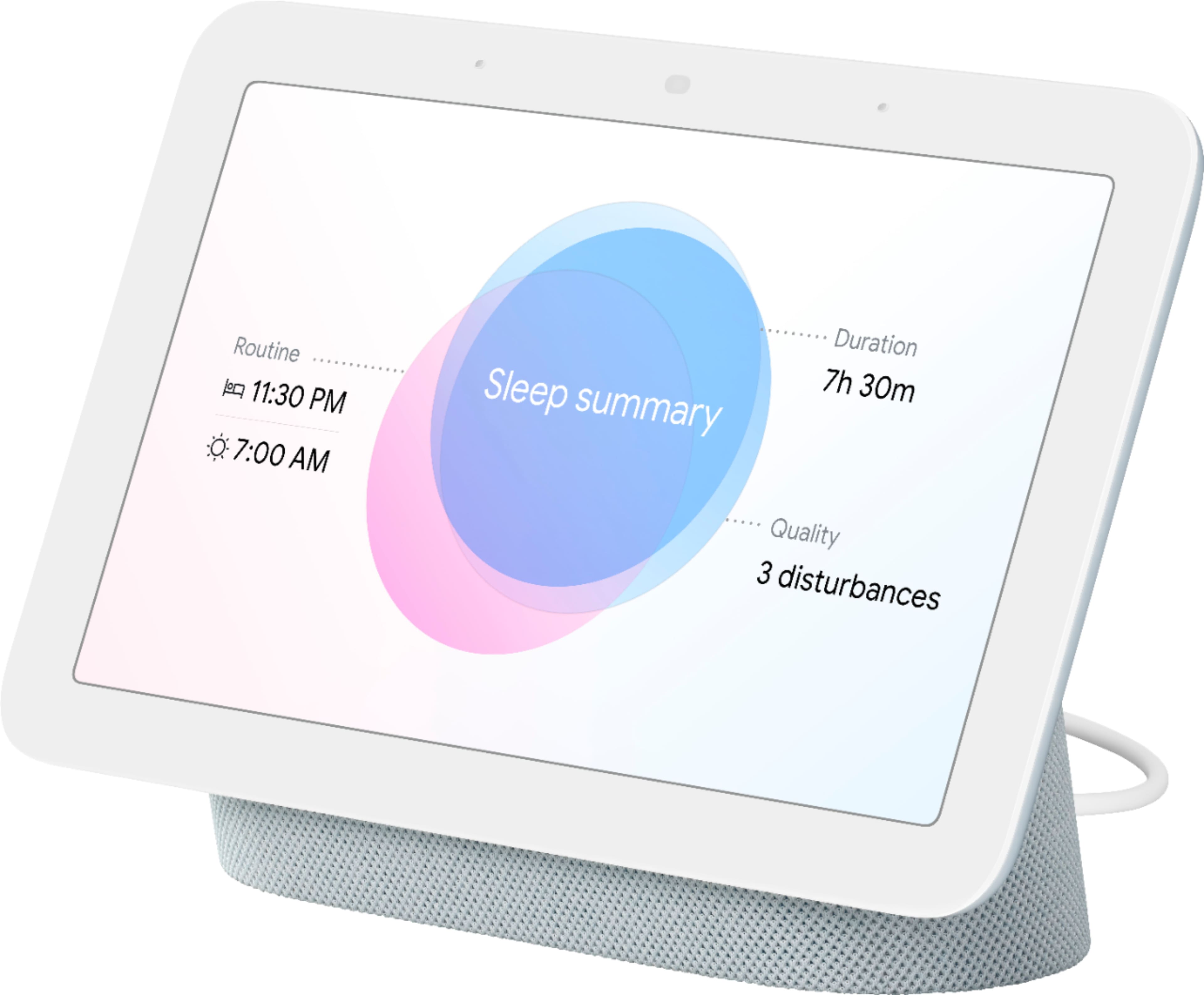
Customers often highlight the product's ease of use, good sound quality, and convenient screen size. Many also appreciate the effective Google Assistant, its reasonable price, and useful sleep tracking, along with its excellent smart home integration. However, some customers note the absence of a camera. Additionally, concerns are raised about the interface being sluggish and the overall response time being slow.
This summary was generated by AI based on customer reviews.
Best display ever
Posted .This reviewer received promo considerations or sweepstakes entry for writing a review.love it so much that I would not want to live without
I would recommend this to a friendgood
Posted .This reviewer received promo considerations or sweepstakes entry for writing a review.good product, works as advertised. the commands that it recognizes arent the greatest, but it works
I would recommend this to a friendMy best friend in the kitchen
Posted .This reviewer received promo considerations or sweepstakes entry for writing a review.Needed something small to entertain myself in the kitchen. I loved it so much
I would recommend this to a friendUse it all the time
Posted .This reviewer received promo considerations or sweepstakes entry for writing a review.We use our nest hub daily and have multiple around the house now. Voice recognition is pretty good even with kids
I would recommend this to a friendLights
Posted .This reviewer received promo considerations or sweepstakes entry for writing a review.Can I control lights remotely from my cell phone. What smart bulbs would I need?
I would recommend this to a friendBrand response from Nest Support
Posted .Hi there, DEOO. We appreciate your inquiry on Nest Hub (2nd gen) along with the Home app. You can control compatible smart home devices like TVs, lights, appliances, plugs, thermostats, sensors, and more when you add them to the Google Home app. If you set up a speaker or display in the Google Home app, you can use voice commands to control your linked smart device. Explore other Google Assistant actions you can use to control things around your home with just your voice using this link: https://support.google.com/googlenest/topic/7195269
For questions or concerns, you’ll find our dedicated team always available here: https://support.google.com/googlenest/gethelp
Can it be used as...
Posted .This reviewer received promo considerations or sweepstakes entry for writing a review.I am thinking about purchasing a few more of these new versions. Can these devices be used as intercoms from room to room??? Can it display photos from google photo gallery???
I would recommend this to a friendBrand response from Nest Support
Posted .Hi NoaBBTechStuff, thanks for giving us a review about the Nest Hub (2nd gen), and we appreciate that you’re thinking of getting a few more of the new versions.
You can send a message to everyone in your home by broadcasting messages on all of your Google Nest or Home devices. You can broadcast a message to your entire home (all Google Nest or Home devices), or to a specific room or device. You can also reply to a broadcast after it plays. Your reply will only be sent to the original broadcasting device. Other speakers or displays, and mobile devices will not get your reply. Check out this link for more details: https://support.google.com/googlenest/answer/7531913
Also, you can use the Nest display as your digital photo frame and create photo albums in Google Photos and display them on Nest Hub. With Google Photos, you can enjoy the photos that mean the most to you on your Nest display. In order to enjoy your personal photos, you need to have a Google Photos account. When your Google Nest Hub is not being used, it can quietly keep you entertained. You can add your favorite photos to Google Photos and display them in your Google Nest photo frame. Check out this link for more details: https://support.google.com/googlenest/answer/9136992
We’re always here for your support needs. Please don’t hesitate to let us know if there’s anything we can help you with: https://support.google.com/googlenest/gethelp
Google Home
Posted .This reviewer received promo considerations or sweepstakes entry for writing a review.I received this in just a few days at a wonderful price! It was so easy to set up & I enjoy it everyday!
I would recommend this to a friendNo complaints
Posted .This reviewer received promo considerations or sweepstakes entry for writing a review.Works well, integrated well with the other Google devices
I would recommend this to a friendthanks Best Buy
Posted .This reviewer received promo considerations or sweepstakes entry for writing a review.great products ...helps to keep you engage when you are alone, bestbuy is best to buy....thanks Best Buy
I would recommend this to a friendGood Google Hub
Posted .This reviewer received promo considerations or sweepstakes entry for writing a review.I like it but screen, does not seem bright enough. Other than that very good. Answers all my questions.
I would recommend this to a friend- Pros mentioned:Ease of use
Makes life easier.
Posted .This reviewer received promo considerations or sweepstakes entry for writing a review.It definitely makes life easier in the kitchen. Now when I'm cooking, i don't have to touch any devices to answer whatever question I may have, or if i want music in the background. All i say is 'hey Google...' and I'm all set. I definitely underestimated how much I would love this.
I would recommend this to a friend Ambers review
Posted .This reviewer received promo considerations or sweepstakes entry for writing a review.I love it! Everything about it. Its has good volume
I would recommend this to a friendLuv the Google!
Posted .This reviewer received promo considerations or sweepstakes entry for writing a review.Awesome!!! And BB really does have lightning fast shipping,
I would recommend this to a friendnice
Posted .This reviewer received promo considerations or sweepstakes entry for writing a review.can be a bit glitchy sometimes but is better then amazon alexas
I would recommend this to a friendBrand response from Nest Support
Posted .Hi there, thank you for choosing Nest Hub (2nd gen). We're sorry to hear that you're experiencing some glitches with the device. We'd like to know more details about the issue so we can help identify the cause and provide you with troubleshooting steps that may improve the performance of the device. Please reach out to our team of dedicated specialists on our Google Nest Help page for immediate support here: https://support.google.com/googlenest/gethelp
Hub
Posted .This reviewer received promo considerations or sweepstakes entry for writing a review.I wish the screen was bigger. Other than that I am satisfied
I would recommend this to a friendBrand response from Nest Support
Posted .Hi Statham, thanks for posting your feedback on your Nest Hub(2nd gen) and we're sorry to hear that your experience didn't meet your expectations when it comes to the size of the screen. Rest assured that we'll relay this to the right team for improvements that we may have in the future. If you need further assistance or have additional questions regarding your Nest Hub, please don't hesitate to contact us on our Google Help page here: https://support.google.com/googlenest/gethelp
Best Google Assistant
Posted .This reviewer received promo considerations or sweepstakes entry for writing a review.Much better than my Google Assistant mini with screen display.
I would recommend this to a friendGood present
Posted .This reviewer received promo considerations or sweepstakes entry for writing a review.I bought this item for my dad for Christmas and he loves it!
I would recommend this to a friendNest hub
Posted .This reviewer received promo considerations or sweepstakes entry for writing a review.It does the job. It is a little lag but overall my son loves it.
I would recommend this to a friendRecommended buy!
Posted .This reviewer received promo considerations or sweepstakes entry for writing a review.Amazing product definitely enhances my quality of life!
I would recommend this to a friendnest
Posted .This reviewer received promo considerations or sweepstakes entry for writing a review.For someone that is not very computer savy, it is complicated. I had it all Set up with all my household items that I can turn on and off. By talking to the Google, it has deleted many things and now it has become difficult to reinstall.
No, I would not recommend this to a friendBrand response from Nest Support
Posted .Thanks for posting a review, JuneH. We're sorry to hear about the issues you have with using the Nest Hub (2nd gen). We’d like to investigate and help improve your experience. We encourage you to contact us anytime at the following link so you can tell us more about your concerns, here: https://support.google.com/googlenest/gethelp